
Latest News and the Most Popular Blogs from Hoocs.ai
Explore our diverse collection of blogs focused on transcription. Discover valuable articles covering tips, industry trends,
and best practices to enhance your transcription projects.
 September 18, 2026Maria
 What Does Transcribe Mean? Clear Definition & Examples
You may have a meeting recording, a podcast, or a video full of useful details, but finding one quote can mean replaying the entire file. That is the problem transcribing solves. What does transcribe mean? It converts spoken audio into written text you can search, edit, share, and reuse. This guide explains where transcription helps, which transcript type fits your needs, how it differs from translation, summaries, and captions, and how human and AI transcription work.
Read More- How to Write a TikTok Script: Practical Tips & TemplatesMaria
 September 20, 2026147 Views7 min read
A good TikTok idea can lose impact if the opening drags, the message wanders, or the ending arrives without a clear point. Learning how to write a TikTok script gives your video a focused structure before filming begins while leaving room for natural delivery. This guide covers choosing one idea, building a hook, shaping the body and CTA, matching the script to your format and time limit, and turning the draft into a practical filming plan with reusable templates and examples.
Read More  September 16, 2026MariaTikTok Hooks: 50 Examples, Formulas, and Writing Tips
Most TikTok hooks lists give you dozens of lines to copy, but that does not make it easier to know which one fits your video. A hook that works for a tutorial may feel forced in a personal story, product demo, or opinion clip. The harder part is turning a generic formula into an opening that matches your topic, audience, and delivery. This blog brings examples, writing guidance, real video analysis, and testing into one place so the ideas are easier to use.
Read More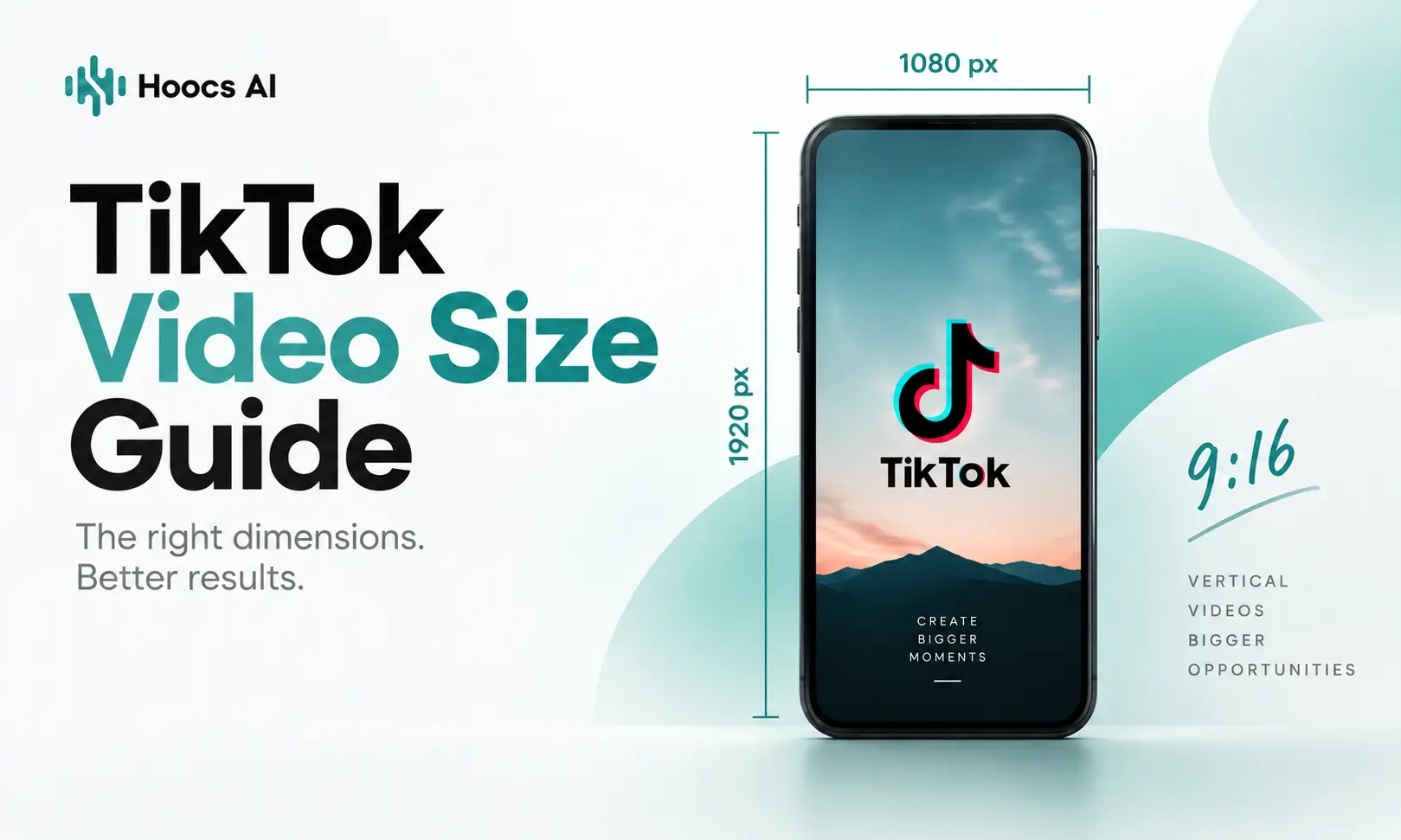 September 15, 2026MariaTikTok Video Size Guide: Resolution, Ratio, and Limits
A TikTok video can look perfectly fine in your editor and still end up cropped, boxed in, or covered by on-screen controls after upload. That is why TikTok video size matters beyond a single resolution number. The right setup affects how well your footage fills the screen, how much of the frame stays visible, and whether the final file fits TikTok’s upload requirements. This guide covers the key sizing choices and the practical issues that often appear after editing.
Read More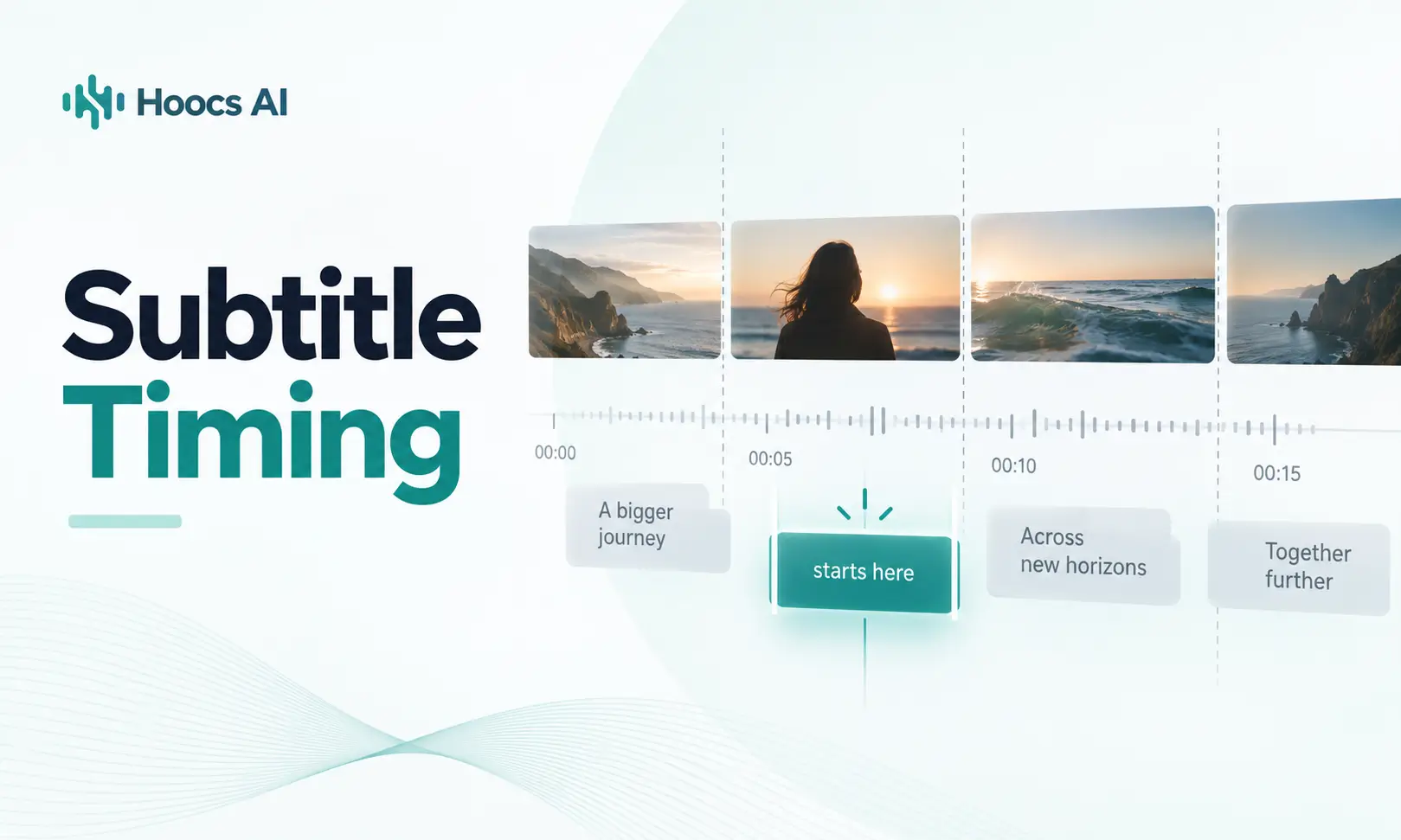 September 14, 2026MariaSubtitle Timing Guide: How to Fix Common Timing Problems
You may notice subtitles appearing before a speaker starts, lagging behind the dialogue, or slowly falling further out of sync as a video plays. In other cases, the timestamps look close, but the captions still disappear too quickly or change at awkward moments. These subtitle timing problems do not always come from the same cause, so the same fix will not work every time. This guide helps you understand what is going wrong and choose a better way to fix it.
Read More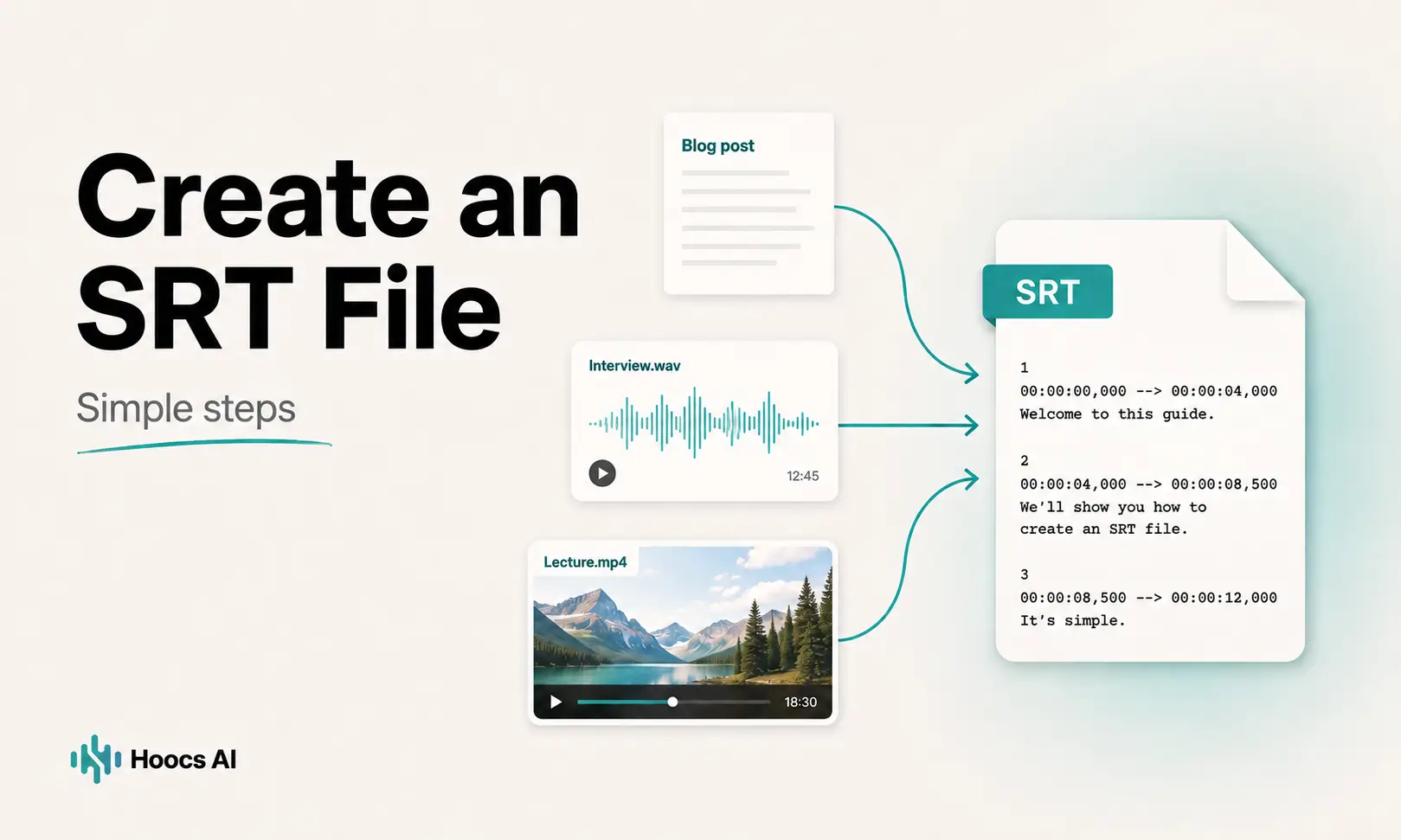 September 11, 2026MariaHow to Create an SRT File: Simple Steps for Any Source
Creating subtitles often gets confusing at the point where you need an actual SRT file. You may already have a finished video, an audio recording, or a transcript, but still be unsure how the timing, formatting, and file creation fit together. This guide explains how to create an SRT file from different types of source material, while helping you avoid unnecessary work and end up with a file that is ready to review, test, and use.
Read More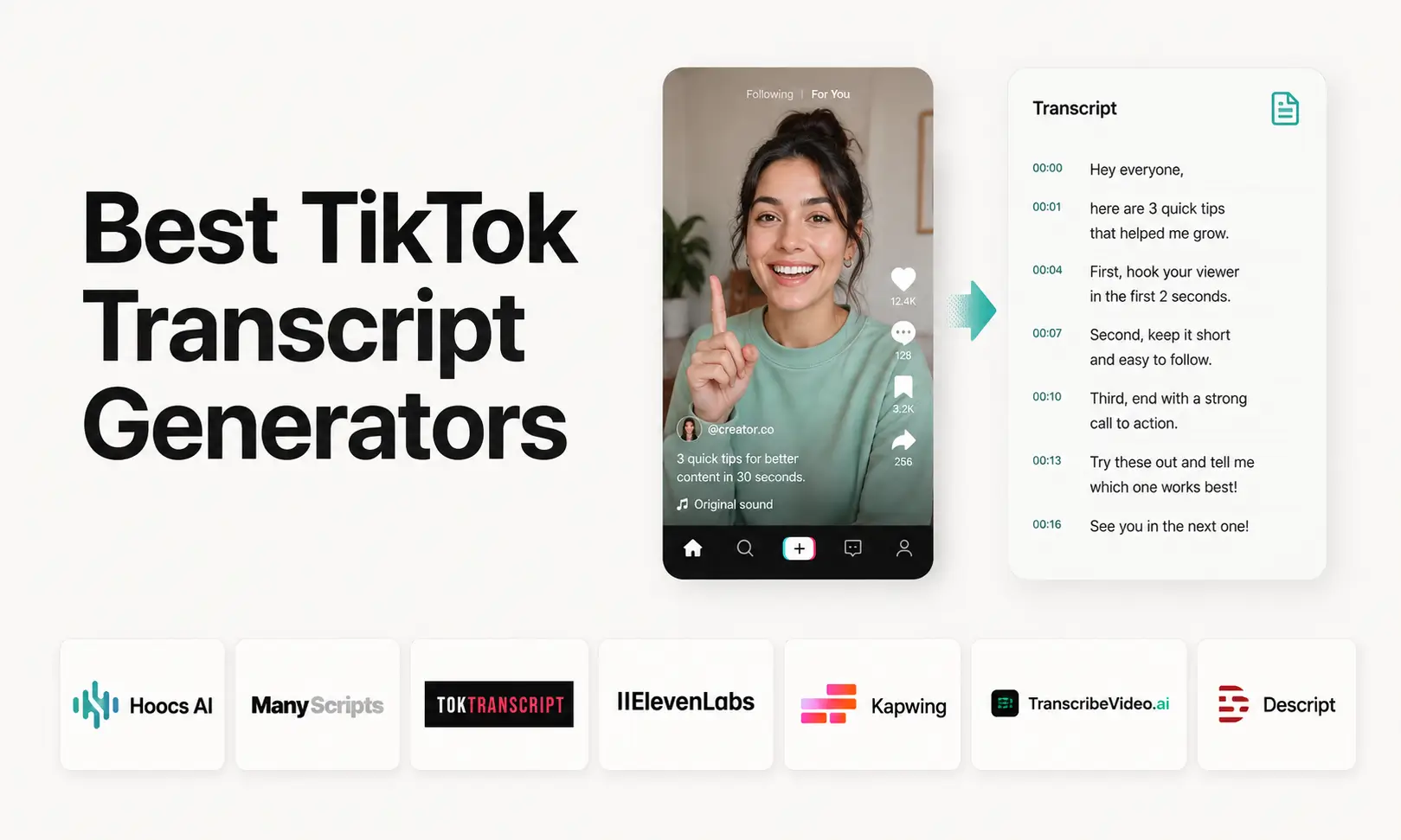 September 10, 2026MariaBest TikTok Transcript Generator Tools for Fast Results
Finding a TikTok transcript generator is not difficult; choosing one that fits what you plan to do with the transcript is. A quick transcript may be enough for reading or copying, while research, subtitles, translation, and content reuse place more demands on the tool. Free limits, TikTok link support, export options, and transcript quality can also vary more than product pages first suggest. This guide compares 7 options around those practical differences, so the tradeoffs are easier to see.
Read More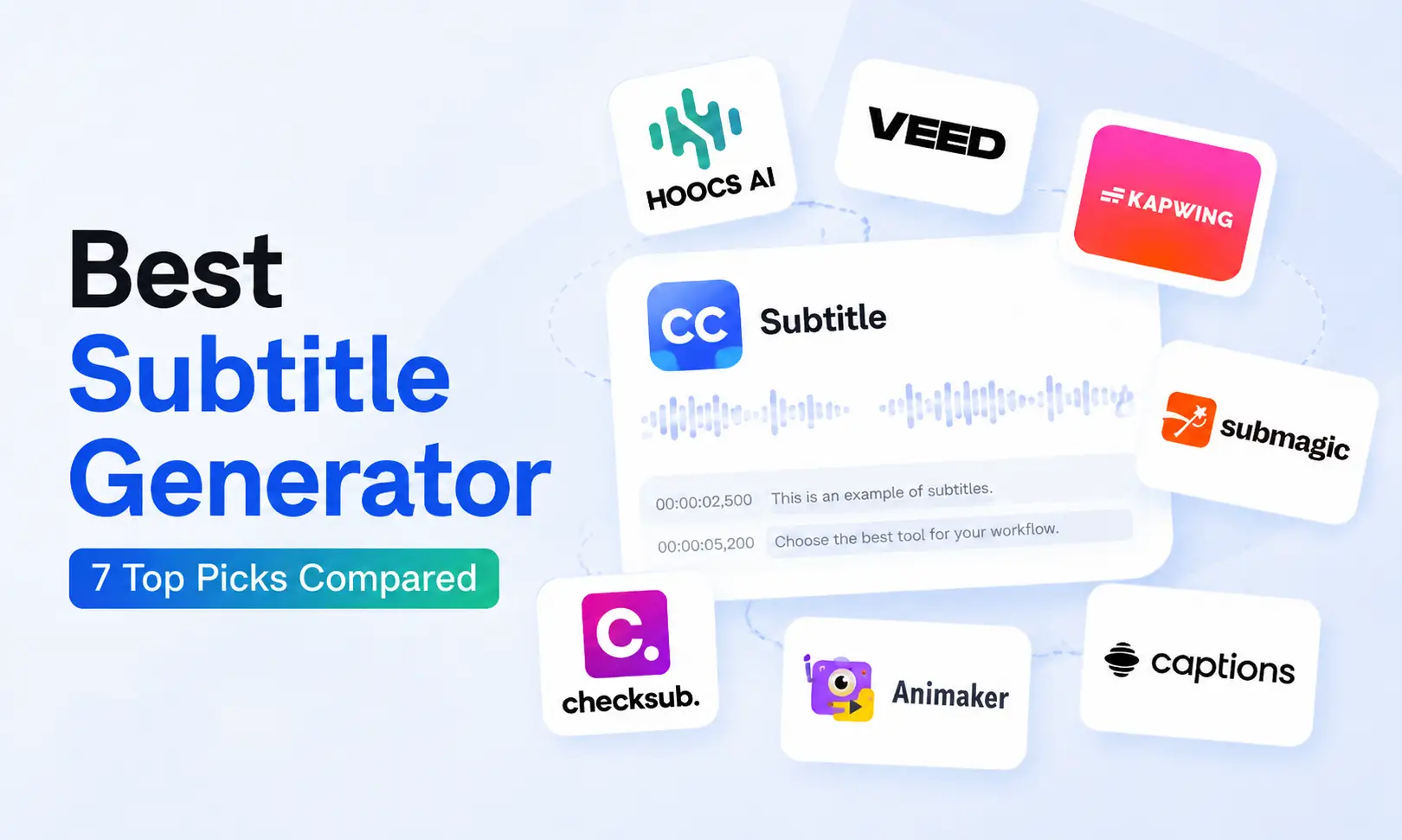 September 9, 2026MariaBest Subtitle Generator Tools: Compare 7 Top Picks
Finding the best subtitle generator is less about choosing the tool with the longest feature list and more about getting the result you actually need. You may want a clean SRT file for YouTube or an editor, styled captions for social video, or translated subtitles for different markets. Pricing, export limits, editing options, and correction time can also change which tool makes sense. This blog compares 7 options across those real workflows, so it's easier to judge the differences.
Read More

Transform recordings into instant insights.
Go from raw conversations to ready-to-share insights. Fast, accurate, and powered by Hoocs.ai