

1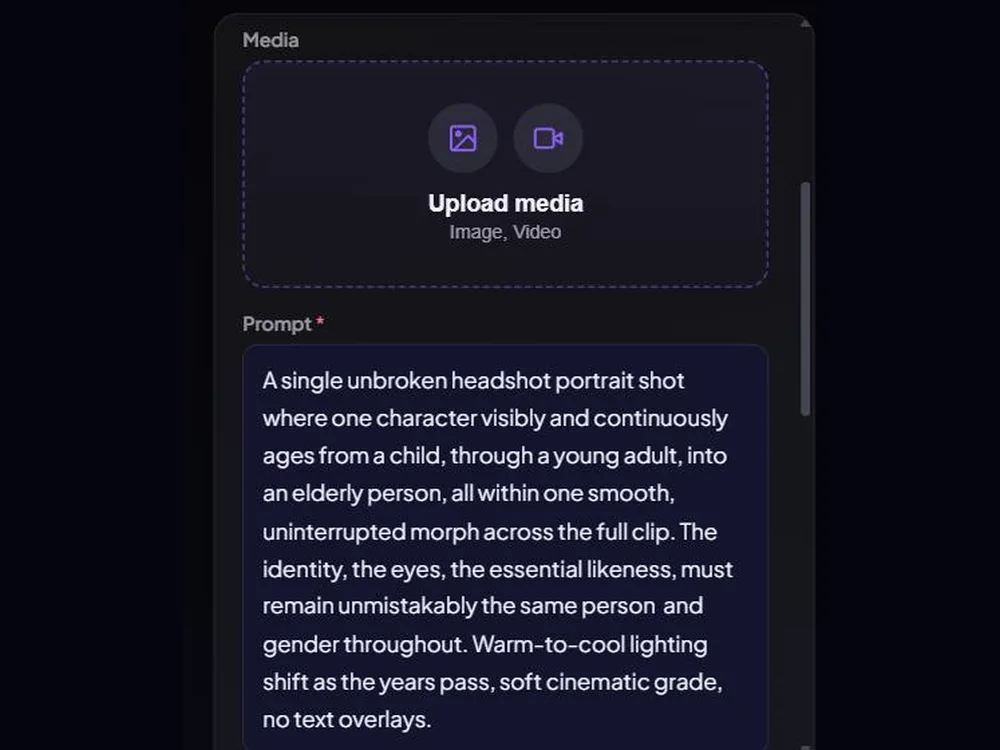
Write or paste your prompt
Describe the shot in your own words, or paste it from your script. Add a reference image or clip if you have one.
Turn a prompt into a finished shot, then actually direct it. SparkStation pairs an AI Prompt Assistant with a real Camera Rig and camera movement library, so you control lighting, lens and motion without writing a single line of camera jargon. Generate across multiple leading AI video models from one workflow.
Most AI video tools hand you an empty text box and hope you know the right words for a dolly-in or a 35mm lens. Get the wording wrong and you get a flat, static clip, even on a great model. SparkStation moves camera direction out of the prompt and into the interface: a Prompt Assistant that flags what's missing, a Camera Rig you scroll instead of type, and a movement library you preview before you commit.
Get an instant readout of what your prompt is missing, camera direction, lighting, pacing, with a rewritten version you can accept, edit or reject.
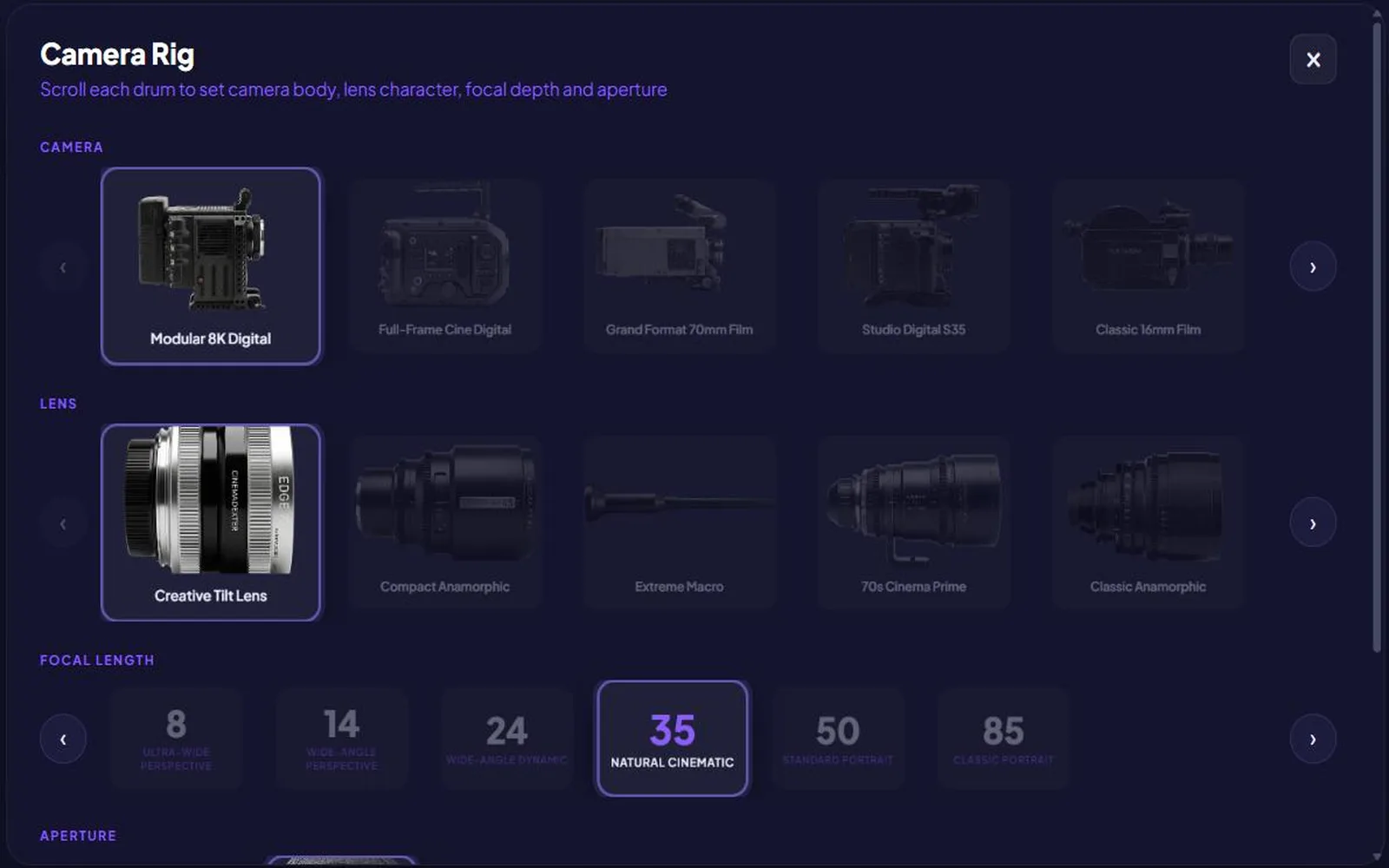
Choose a camera body, lens character, focal length and aperture the way a DP would, no camera terminology required, it's translated into your prompt for you.
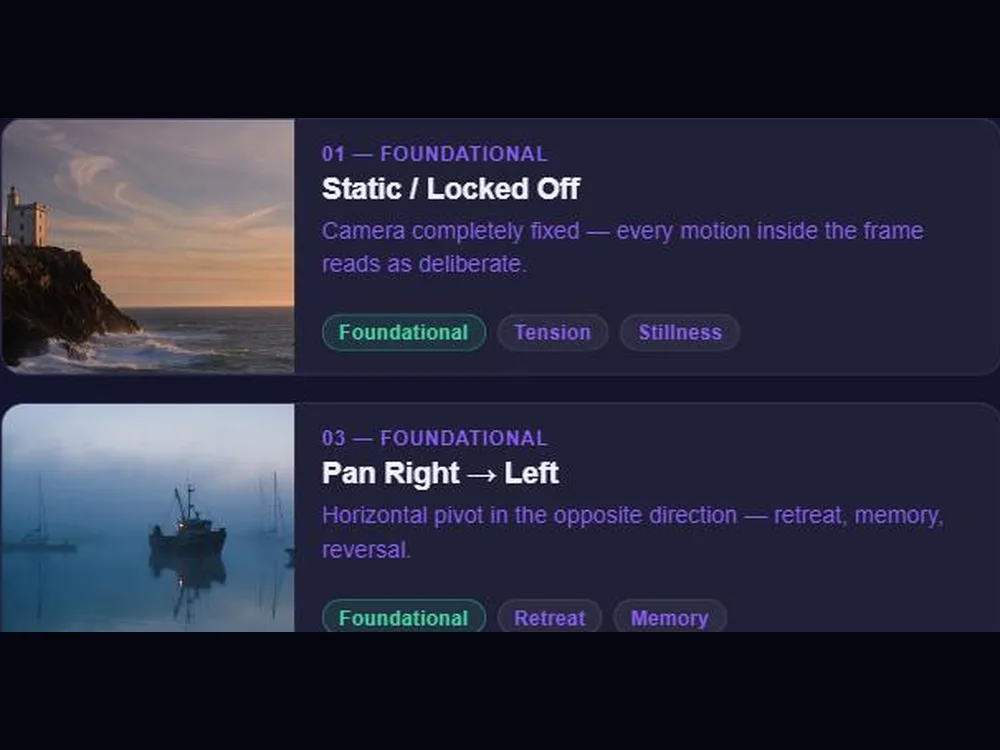
Preview cinematic moves before you use them, pans, tilts, dollies and specialty moves, then tap to add motion without describing it in words.
Generate the same prompt across multiple leading AI video models and pick the take that works, no separate subscriptions, no switching tools.
Apply a consistent visual style in one click, from cinematic realism to anime to region-specific looks.
Every aspect ratio your platform needs, resolution up to 4K, and optional AI-generated audio baked right into the clip.
Describe the shot in your own words, or paste it from your script. Add a reference image or clip if you have one.
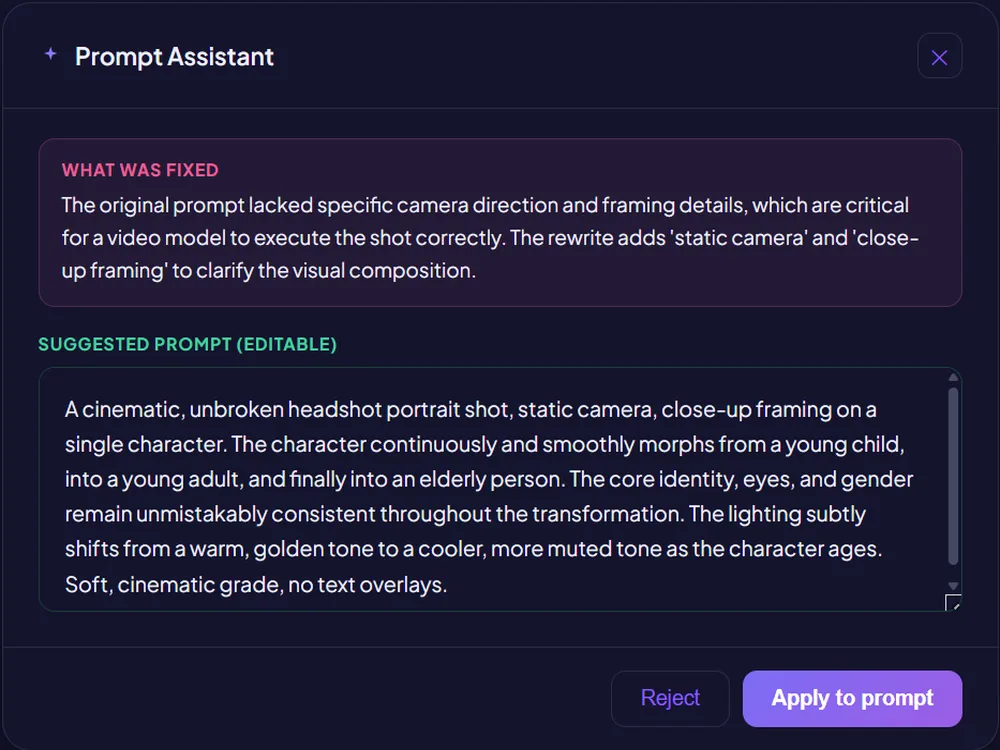
SparkStation flags what's missing, camera direction, lighting, pacing, and offers an editable rewrite you can accept, edit or reject.
Pick a camera body, lens, focal length and aperture, then tap a camera movement to add motion, plus choose a visual style.
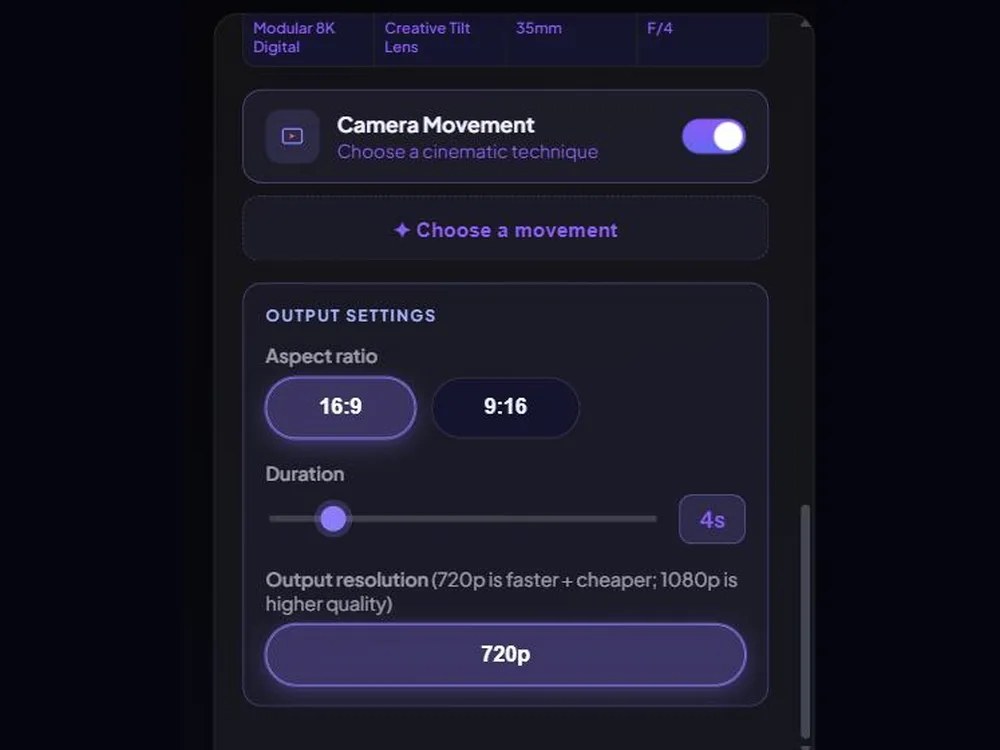
Choose the AI model, aspect ratio, duration, resolution, and whether to generate audio, then generate.
From a first-draft prompt to a fully directed clip, Prompt Assistant, Camera Rig and Camera Movement, in one pass.
Twelve single-take generations, no compositing, no after-effects, six genre pieces proving dramatic and VFX range, plus six format pieces proving technical range.
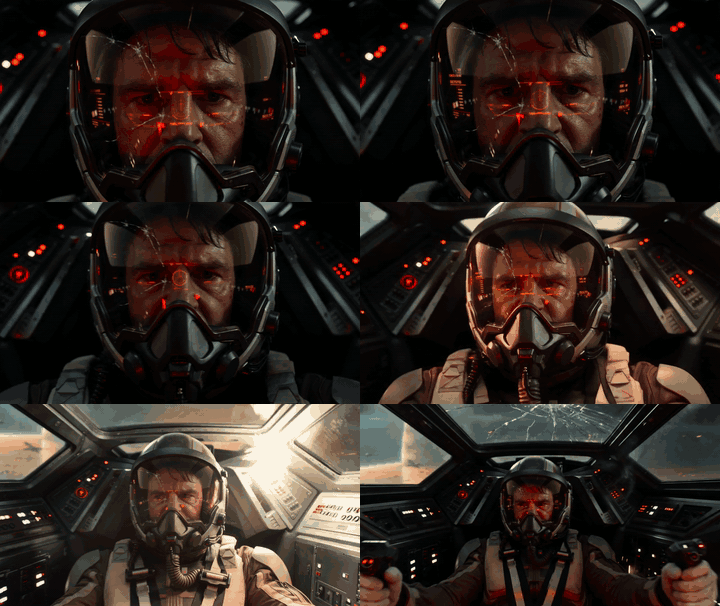
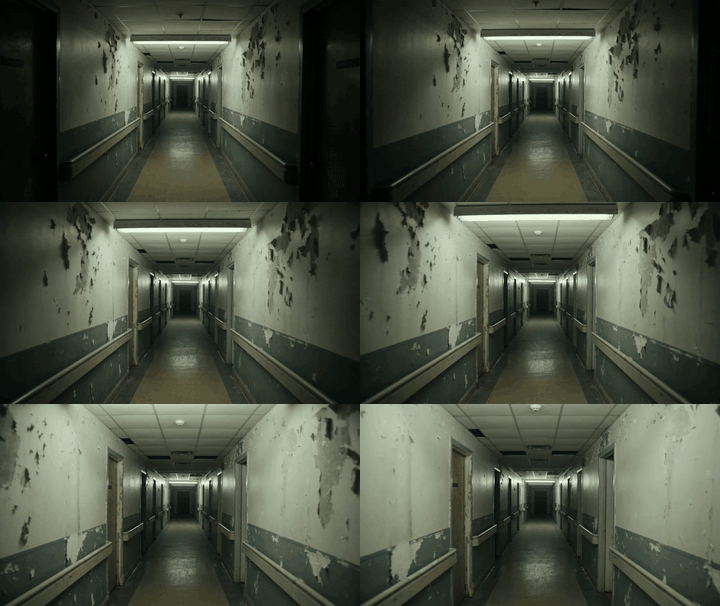
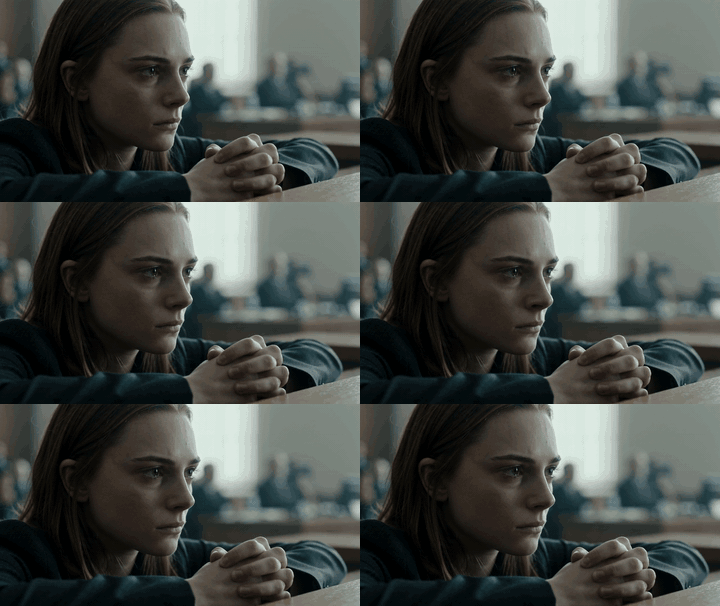
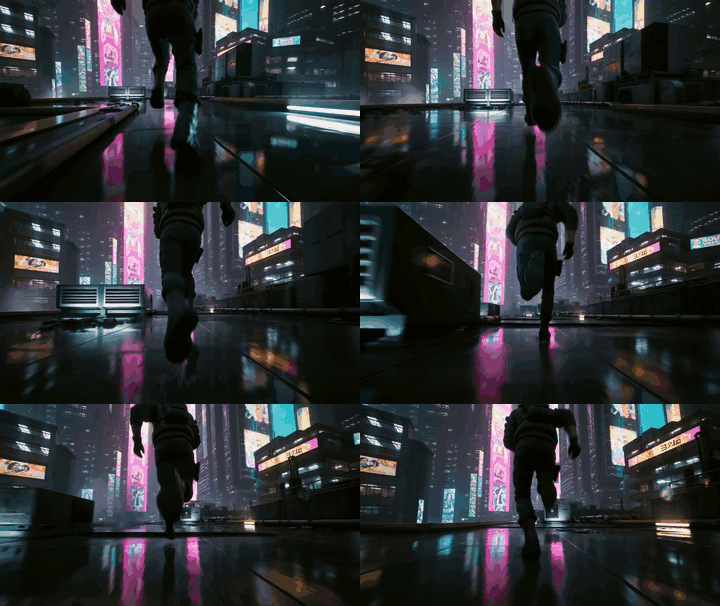


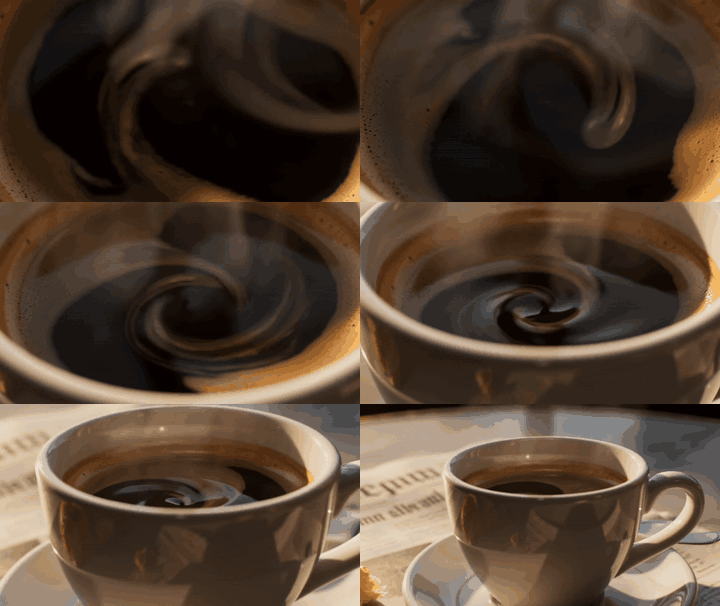
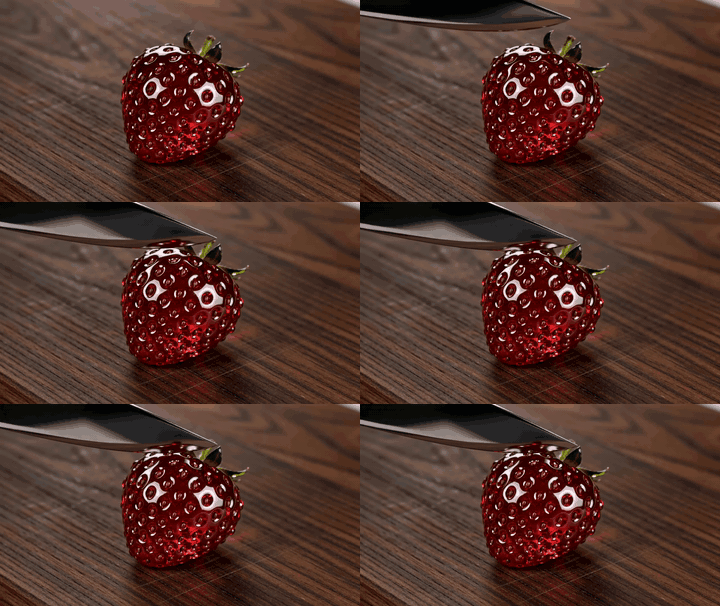
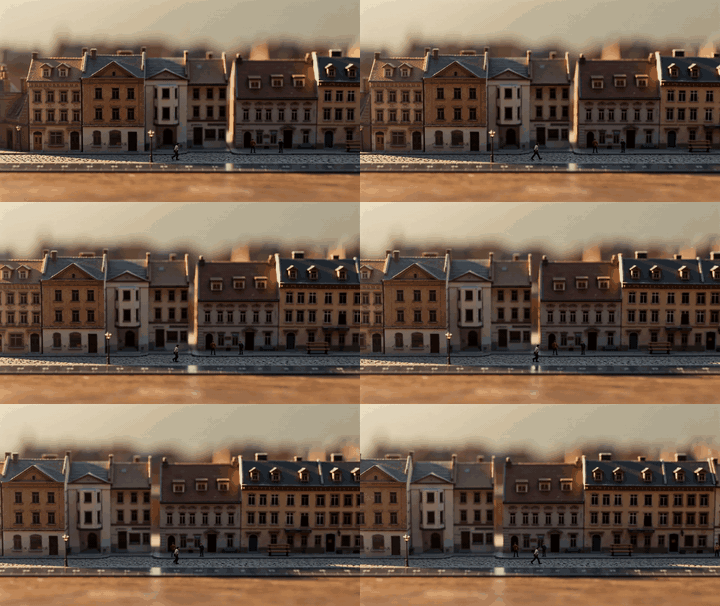
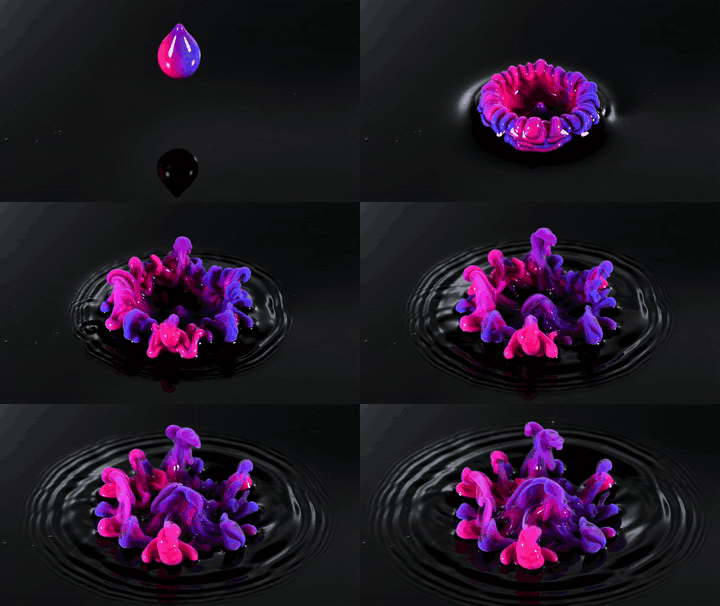
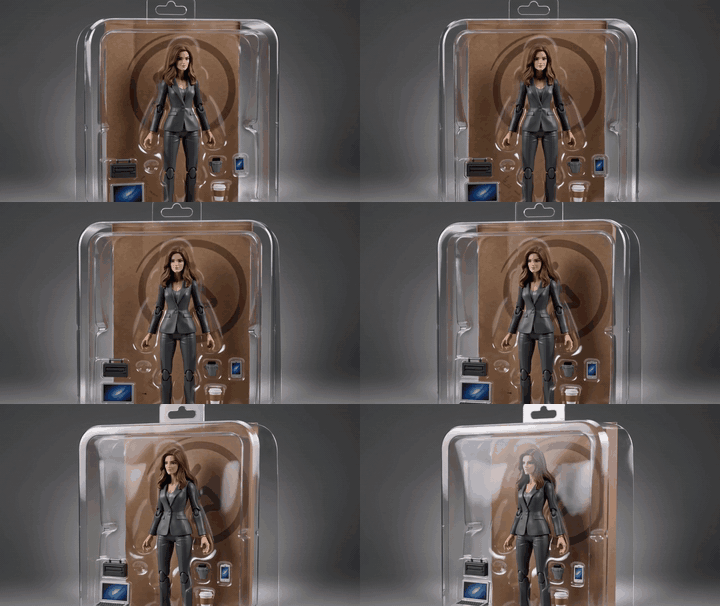
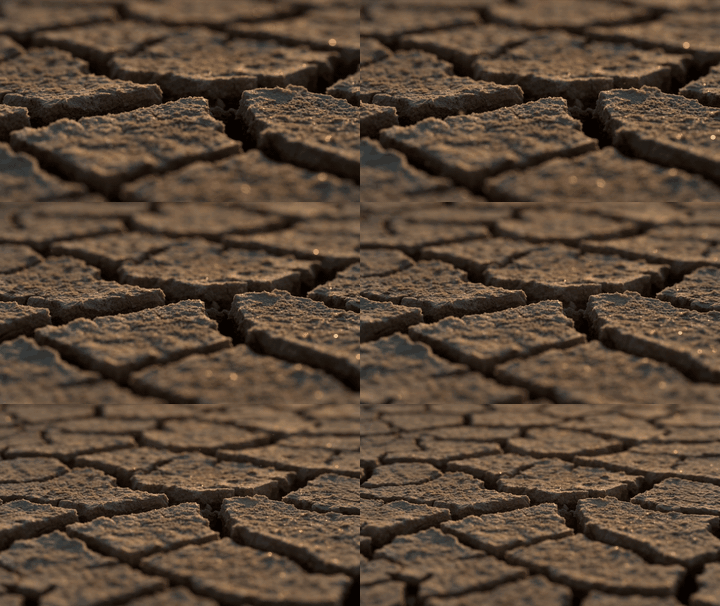
Previsualize and generate real footage-quality shots, direct camera movement scene by scene, and carry a locked cast through the whole sequence.
Produce on-brief video ads across every platform's aspect ratio, in the visual style your campaign needs, without booking a shoot.
Turn a script into vertical, ready-to-post clips with native audio and a consistent look, without touching a camera.
Most AI video tools are a text box and a single model. SparkStation adds an AI Prompt Assistant that catches weak prompts before you spend a generation, a Camera Rig and camera movement library that let you direct lighting, lens and motion without writing camera terminology, and access to multiple leading AI video models from one workflow.
No. You choose from named camera bodies, lenses, focal lengths and apertures shown in plain language, like a 35mm lens labelled "Natural Cinematic", and SparkStation translates your choice into the prompt automatically.
Yes. Browse the camera movement library, preview each move before you commit, and tap one to inject it into your shot, no need to describe motion in words.
You can switch between multiple leading AI video models, including Google Veo, ByteDance Seedance, Gemini Omni Flash and OpenAI Sora, from the same prompt, picking the right balance of speed, quality and cost per shot. New models are added as they become available.
Six aspect ratios (16:9, 9:16, 21:9, 4:3, 1:1 and 3:4), clips up to 15 seconds, resolution up to 4K, and optional AI-generated audio baked into the clip.
Yes. A locked character identity from SparkStation's Character Continuity Lock carries into video generation, so the same face and likeness hold across every shot.
Write a prompt, let the Prompt Assistant sharpen it, and generate your first clip free.