1<!DOCTYPE html><html lang="en"><head><meta charSet="utf-8"/><meta name="viewport" content="width=device-width, initial-scale=1"/><link rel="preload" as="image" href="/constructable-logo-dark.svg"/><link rel="preload" as="image" href="/constructable-logo-white.svg"/>
vendor: 66 bytes, line 1
1<script async="" src="https://www.googletagmanager.com/gtag/js?id=
1AW-17684342219
vendor: 11 bytes, line 1
1"></script>
1<script id="vtag-ai-js" async="" src="https://r2.leadsy.ai/tag.js" data-pid="oEZ8IVdm0WHBzhiJ" data-version="062024"></script>
1<title>Blog - Constructable</title><meta name="description" content="Read the latest insights, tips, and updates from Constructable."/><meta property="og:image" content="/constructable-meta-share-image-1200x628px.jpg"/><meta property="og:type" content="website"/><link rel="canonical" href="https://constructable.ai/blog"/><meta property="og:url" content="https://constructable.ai/blog"/><meta name="twitter:url" content="https://constructable.ai/blog"/><meta property="og:title" content="Blog - Constructable"/><meta property="og:description" content="Read the latest insights, tips, and updates from Constructable."/><link rel="preconnect" href="https://fonts.googleapis.com"/><link rel="preconnect" href="https://fonts.gstatic.com" crossorigin="anonymous"/><link rel="modulepreload" href="/assets/entry.client-DU44SjX1.js"/><link rel="modulepreload" href="/assets/components-SEbrD5up.js"/><link rel="modulepreload" href="/assets/react-dom-Bx-oDGYU.js"/><link rel="modulepreload" href="/assets/errorBoundaries-QBzbRQVa.js"/><link rel="modulepreload" href="/assets/jsx-runtime-C55ckCrR.js"/><link rel="modulepreload" href="/assets/root-CzfoMkgY.js"/><link rel="modulepreload" href="/assets/lib-DgbTSxF_.js"/><link rel="modulepreload" href="/assets/blog-D2RDb3fo.js"/><link rel="modulepreload" href="/assets/navbar-Hegkb4Yl.js"/><link rel="modulepreload" href="/assets/url-meta-CuCusOU4.js"/><link rel="modulepreload" href="/assets/blog-date-BdChu6uk.js"/><link rel="stylesheet" href="/assets/root-CmTcPbRR.css"/><link rel="stylesheet" href="https://fonts.googleapis.com/css2?family=Inter:ital,opsz,wght@0,14..32,100..900;1,14..32,100..900&display=swap"/>
1<script>
2              !function(w,d,s,u){if(w.oaiq)return;var q=function(){q.q.push(arguments)};q.q=[];w.oaiq=q;var j=d.createElement(s);j.async=1;j.src=u;var f=d.getElementsByTagName(s)[0];f.parentNode.insertBefore(j,f)}(window,document,"script","https://bzrcdn.openai.com/sdk/oaiq.min.js");
3              oaiq("init",{pixelId:"2hAPUnV23s79vzJ7gXCV5U",debug:true});
4            </script>
4<script>
5
vendor: 169 bytes, lines 5-8
5window.dataLayer = window.dataLayer || [];
6              function gtag(){dataLayer.push(arguments);}
7              gtag('js', new Date());
8              gtag('config', '
8AW-17684342219
vendor: 18 bytes, lines 8-9
8');
9
9gtag('config', 'G-BBH69MCNWB');
10            </script>
10<script>
11              function gtag_report_conversion(url) {
12                var callback = function () {
13                  if (typeof(url) != 'undefined') {
14                    window.location = url;
15                  }
16                };
17                console.log('Registering conversion');
18                gtag('event', 'conversion', {
19                    'send_to': 'AW-17684342219/lkbACJX6_bkbEMvLxvBB',
20                    'value': 1.0,
21                    'currency': 'USD',
22                    'event_callback': callback
23                });
24                return false;
25              }</script>
25<script type="application/ld+json">{"@context":"https://schema.org","@type":"Organization","name":"Constructable","url":"https://constructable.ai","logo":"https://constructable.ai/constructable-logo-icon-dark.svg","image":"https://constructable.ai/constructable-meta-share-image-1200x628px.jpg","description":"All-in-one construction management software with simplified workflowsâand predictable, monthly pricing","sameAs":["https://www.linkedin.com/company/constructableapp/"],"creator":{"@type":"Organization","name":"Constructable","url":"https://constructable.ai","foundingDate":"2023-06-09"}}</script>
25<script>
26              (function(){var e=window;var t=document;var n=function(){n.e(arguments)};n.q=[];n.e=function(e){n.q.push(e)};e.Pylon=n;var r=function(){var e=t.createElement("script");e.setAttribute("type","text/javascript");e.setAttribute("async","true");e.setAttribute("src","https://widget.usepylon.com/widget/de56b8da-bd30-4b15-8e0d-ff79795a9a7f");var n=t.getElementsByTagName("script")[0];n.parentNode.insertBefore(e,n)};if(t.readyState==="complete"){r()}else if(e.addEventListener){e.addEventListener("load",r,false)}})();
27            </script>
27<style>
28              .PylonChat-bubbleFrameContainer {
29                left: 16px !important;
30              }
31              .PylonChat-chatWindowFrameContainer {
32                left: 16px !important;
33              }
34            </style>
34<script>
35              (function (m,e,s,h,a,i,c) {
36                  m[a] = m[a] || function () {
37                      (m[a].q = m[a].q || []).push(arguments);
38                  };
39                  var o = document.createElement(s);
40                  o.type = 'text/javascript';
41                  o.id = 'mesh-analytics-sdk';
42                  o.async = true;
43                  o.src = h;
44                  o.setAttribute("data-mesh-sdk", i);
45                  o.setAttribute("data-mesh-sdk-attributes", JSON.stringify(c));
46                  var x = document.getElementsByTagName(s)[0];
47                  x.parentNode.insertBefore(o, x);
48              })(window,document,'script',
49                  'https://cdn.jsdelivr.net/npm/@mesh-interactive/mesh-sdk@latest/dist/umd/index.js','mesh',
50                  '09940f742e1f792559929ea1f9cba7dc',
51                  {useFingerprint: false, track:{session: true, forms: true}});
52            </script>
52</head><body>
52<script type="application/ld+json">{"@context":"https://schema.org","@type":"Blog","@id":"https://constructable.ai/blog","name":"Constructable Blog","description":"Insights and updates from the Constructable team on construction management software, AI in construction, and industry best practices.","url":"https://constructable.ai/blog","publisher":{"@type":"Organization","@id":"https://constructable.ai/#organization","name":"Constructable","logo":{"@type":"ImageObject","url":"https://constructable.ai/constructable-logo-dark.svg"}},"blogPost":[{"@type":"BlogPosting","headline":"Best Construction Project Management Software: Mid-Size GCs (2026)","description":"Our July 2026 review of the 7 best construction project management software tools helps mid-size GCs find the right fit for field teams and office workflows.","url":"https://constructable.ai/blog/best-construction-project-management-software-gcs","datePublished":"2026-09-25T00:31:37.842Z","author":{"@type":"Organization","@id":"https://constructable.ai/#organization","name":"Molly Abbott"}},{"@type":"BlogPosting","headline":"How to Build a Construction Gantt Chart (September 2026)","description":"Construction Gantt chart guide for September 2026. Learn setup steps, dependency types, and how to track baseline vs. actual progress to manage delays.","url":"https://constructable.ai/blog/construction-gantt-chart-scheduling","datePublished":"2026-09-24T23:47:59.973Z","author":{"@type":"Organization","@id":"https://constructable.ai/#organization","name":"Molly Abbott"}},{"@type":"BlogPosting","headline":"Autodesk Forma Build Review: What Construction Managers Need to Know (September 2026)","description":"Autodesk Forma Build review for construction managers covering pricing, features, mobile access, and what GCs need to know before buying in September 2026.","url":"https://constructable.ai/blog/autodesk-build-review","datePublished":"2026-09-10T23:54:09.451Z","author":{"@type":"Organization","@id":"https://constructable.ai/#organization","name":"Molly Abbott"}},{"@type":"BlogPosting","headline":"Filing and Defending Construction Delay Claims September 2026","description":"Build a defensible construction delay claim with the right records and notice habits. A contractor's guide for September 2026.","url":"https://constructable.ai/blog/delay-claims-construction","datePublished":"2026-09-10T23:23:26.226Z","author":{"@type":"Organization","@id":"https://constructable.ai/#organization","name":"Molly Abbott"}},{"@type":"BlogPosting","headline":"Delay Types in Construction: A Field Guide | September 2026","description":"This September 2026 guide covers construction delay types, from excusable to concurrent, and how each affects time extensions, damages, and claims.","url":"https://constructable.ai/blog/construction-delay-types","datePublished":"2026-09-09T18:37:13.007Z","author":{"@type":"Organization","@id":"https://constructable.ai/#organization","name":"Molly Abbott"}},{"@type":"BlogPosting","headline":"Look-Ahead Schedule in Construction: Build One (September 2026)","description":"Learn the 7 steps to build a 3-week construction look-ahead schedule. Keep constraints cleared and crews on track every week. September 2026.","url":"https://constructable.ai/blog/look-ahead-schedule-how-to-build","datePublished":"2026-09-09T18:07:43.154Z","author":{"@type":"Organization","@id":"https://constructable.ai/#organization","name":"Molly Abbott"}},{"@type":"BlogPosting","headline":"Submittal Schedule Guide: Stay on Track in September 2026","description":"Build your submittal schedule right in September 2026. Set review windows in writing, rank long-lead items, and avoid the mistakes that cause projects to slip.","url":"https://constructable.ai/blog/submittal-schedule-tracking","datePublished":"2026-09-04T20:09:51.715Z","author":{"@type":"Organization","@id":"https://constructable.ai/#organization","name":"Molly Abbott"}},{"@type":"BlogPosting","headline":"Construction Project Closeout: Step-by-Step Process (September 2026)","description":"Speed up construction project closeout in September 2026 by tying document submissions to milestones and collecting lien waivers with every pay application.","url":"https://constructable.ai/blog/construction-project-closeout-guide","datePublished":"2026-09-04T18:38:44.460Z","author":{"@type":"Organization","@id":"https://constructable.ai/#organization","name":"Molly Abbott"}},{"@type":"BlogPosting","headline":"Punch List Guide: How to Close Out Projects Right (August 2026)","description":"Learn how to close out construction projects right with a punch list. Get best practices, templates, and digital tools to finish faster. August 2026 guide.","url":"https://constructable.ai/blog/punch-list-guide-close-projects","datePublished":"2026-08-29T01:58:24.854Z","author":{"@type":"Organization","@id":"https://constructable.ai/#organization","name":"Molly Abbott"}},{"@type":"BlogPosting","headline":"Substantial Completion Certificate: What It Means and Why It Matters August 2026","description":"Substantial completion in construction sets key legal and financial clocks. Learn what triggers it, what the AIA G704 covers, and how to document it. Aug 2026.","url":"https://constructable.ai/blog/substantial-completion-meaning-construction","datePublished":"2026-08-29T01:47:05.482Z","author":{"@type":"Organization","@id":"https://constructable.ai/#organization","name":"Molly Abbott"}}]}</script>
52<script type="application/ld+json">{"@context":"https://schema.org","@type":"BreadcrumbList","itemListElement":[{"@type":"ListItem","position":1,"name":"Home","item":"https://constructable.ai"},{"@type":"ListItem","position":2,"name":"Blog","item":"https://constructable.ai/blog"}]}</script>
52<div class="flex flex-col gap-8 md:gap-24"><nav class="sticky top-0 z-50 w-full bg-background"><div class="container px-4 md:px-8 xl:px-16 sm:mx-auto"><div class="flex h-16 items-center justify-between"><div class="flex items-center"><a class="flex items-center space-x-2" href="/" data-discover="true"><img class="h-8 mr-12" src="/constructable-logo-dark.svg" alt="Constructable Logo"/></a><div class="hidden lg:flex items-center"><nav aria-label="Main" data-orientation="horizontal" dir="ltr" data-slot="navigation-menu" data-viewport="true" class="group/navigation-menu relative flex max-w-max flex-1 items-center justify-center"><div style="position:relative"><ul data-orientation="horizontal" data-slot="navigation-menu-list" class="group flex flex-1 list-none items-center justify-center gap-1" dir="ltr"><li data-slot="navigation-menu-item" class="relative"><button id="radix-_R_9ar5_-trigger-radix-_R_5par5_" data-state="closed" aria-expanded="false" data-slot="navigation-menu-trigger" class="group inline-flex h-9 items-center justify-center rounded-md bg-background px-4 py-2 hover:bg-accent hover:text-accent-foreground focus:bg-accent focus:text-accent-foreground disabled:pointer-events-none disabled:opacity-50 data-[state=open]:hover:bg-accent data-[state=open]:text-accent-foreground data-[state=open]:focus:bg-accent data-[state=open]:bg-accent/50 focus-visible:ring-ring/50 outline-none transition-[color,box-shadow] focus-visible:ring-[3px] focus-visible:outline-1 w-full group text-sm font-medium pr-3" data-radix-collection-item="">Features<!-- --> <svg xmlns="http://www.w3.org/2000/svg" width="24" height="24" viewBox="0 0 24 24" fill="none" stroke="currentColor" stroke-width="2" stroke-linecap="round" stroke-linejoin="round" class="lucide lucide-chevron-down relative top-[1px] ml-1 size-3 transition duration-300 group-data-[state=open]:rotate-180" aria-hidden="true"><path d="m6 9 6 6 6-6"></path></svg></button></li><li data-slot="navigation-menu-item" class="relative"><button id="radix-_R_9ar5_-trigger-radix-_R_9par5_" data-state="closed" aria-expanded="false" data-slot="navigation-menu-trigger" class="group inline-flex h-9 items-center justify-center rounded-md bg-background hover:bg-accent hover:text-accent-foreground focus:bg-accent focus:text-accent-foreground disabled:pointer-events-none disabled:opacity-50 data-[state=open]:hover:bg-accent data-[state=open]:text-accent-foreground data-[state=open]:focus:bg-accent data-[state=open]:bg-accent/50 focus-visible:ring-ring/50 outline-none transition-[color,box-shadow] focus-visible:ring-[3px] focus-visible:outline-1 w-full group px-4 py-2 text-sm font-medium pr-3" data-radix-collection-item="">Resources<!-- --> <svg xmlns="http://www.w3.org/2000/svg" width="24" height="24" viewBox="0 0 24 24" fill="none" stroke="currentColor" stroke-width="2" stroke-linecap="round" stroke-linejoin="round" class="lucide lucide-chevron-down relative top-[1px] ml-1 size-3 transition duration-300 group-data-[state=open]:rotate-180" aria-hidden="true"><path d="m6 9 6 6 6-6"></path></svg></button></li><li data-slot="navigation-menu-item" class="relative"><a class="h-auto px-4 py-2 text-sm font-medium text-foreground rounded-md hover:bg-accent transition-colors flex items-center whitespace-nowrap" href="/whats-new" data-discover="true">What's New</a></li><li data-slot="navigation-menu-item" class="relative"><a class="h-auto px-4 py-2 text-sm font-medium text-foreground rounded-md hover:bg-accent transition-colors flex items-center" href="/contact" data-discover="true">Contact</a></li><li data-slot="navigation-menu-item" class="relative"><a class="h-auto px-4 py-2 text-sm font-medium text-foreground rounded-md hover:bg-accent transition-colors flex items-center" href="/pricing" data-discover="true">Pricing</a></li></ul></div><div class="absolute top-full left-0 isolate z-50 flex justify-center"></div></nav></div></div><div class="hidden lg:flex items-center space-x-3"><a href="https://app.constructable.ai/" target="_self" data-slot="button" class="inline-flex cursor-pointer items-center justify-center gap-2 whitespace-nowrap rounded-md text-sm font-medium transition-all disabled:pointer-events-none disabled:opacity-50 [&_svg]:pointer-events-none [&_svg:not([class*='
52size-'])]:size-4 shrink-0 [&_svg]:shrink-0 outline-none focus-visible:border-ring focus-visible:ring-ring/50 focus-visible:ring-[3px] aria-invalid:ring-destructive/20 dark:aria-invalid:ring-destructive/40 aria-invalid:border-destructive border bg-background hover:bg-accent hover:text-accent-foreground dark:bg-input/30 dark:border-input dark:hover:bg-input/50 h-9 px-4 py-2 has-[>svg]:px-3 shadow-none">Log In</a><a data-slot="button" class="inline-flex cursor-pointer items-center justify-center gap-2 whitespace-nowrap rounded-md text-sm font-medium transition-all disabled:pointer-events-none disabled:opacity-50 [&_svg]:pointer-events-none [&_svg:not([class*='size-'])]:size-4 shrink-0 [&_svg]:shrink-0 outline-none focus-visible:border-ring focus-visible:ring-ring/50 focus-visible:ring-[3px] aria-invalid:ring-destructive/20 dark:aria-invalid:ring-destructive/40 aria-invalid:border-destructive text-primary-foreground shadow-xs h-9 px-4 py-2 has-[>svg]:px-3 bg-primary hover:bg-primary/90" href="/sales" data-discover="true">Book a demo</a></div><button data-slot="button" class="inline-flex cursor-pointer items-center justify-center gap-2 whitespace-nowrap rounded-md text-sm font-medium transition-all disabled:pointer-events-none disabled:opacity-50 [&_svg]:pointer-events-none [&_svg:not([class*='size-'])]:size-4 shrink-0 [&_svg]:shrink-0 outline-none focus-visible:border-ring focus-visible:ring-ring/50 focus-visible:ring-[3px] aria-invalid:ring-destructive/20 dark:aria-invalid:ring-destructive/40 aria-invalid:border-destructive border bg-background shadow-xs hover:bg-accent hover:text-accent-foreground dark:bg-input/30 dark:border-input dark:hover:bg-input/50 size-9 lg:hidden"><svg xmlns="http://www.w3.org/2000/svg" width="24" height="24" viewBox="0 0 24 24" fill="none" stroke="currentColor" stroke-width="2" stroke-linecap="round" stroke-linejoin="round" class="lucide lucide-menu" aria-hidden="true"><path d="M4 5h16"></path><path d="M4 12h16"></path><path d="M4 19h16"></path></svg></button></div></div></nav><div class="container px-4 md:px-8 xl:px-16 sm:mx-auto flex flex-col gap-12 pt-4 pb-24 min-h-[75vh]"><div class="flex flex-col gap-4"><h1 class="text-4xl md:text-5xl font-semibold">Blog</h1><p class="text-xl text-muted-foreground">Insights, tips, and product updates from the Constructable team</p></div><div class="grid grid-cols-1 md:grid-cols-2 2xl:grid-cols-3 gap-8">
52<a class="group flex flex-col gap-4 rounded-lg border p-6 shadow" href="/blog/best-construction-project-management-software-gcs" data-discover="true"><div class="flex flex-col gap-2"><h2 class="text-2xl font-semibold group-hover:text-primary">Best Construction Project Management Software: Mid-Size GCs (2026)</h2><p class="text-sm text-muted-foreground"><time dateTime="2026-09-25T00:31:37.842Z">September 25, 2026</time></p></div><p class="text-muted-foreground line-clamp-5">Our July 2026 review of the 7 best construction project management software tools helps mid-size GCs find the right fit for field teams and office workflows.</p><div class="mt-auto pt-2"><span class="text-primary group-hover:underline">Read more â</span></div></a><a class="group flex flex-col gap-4 rounded-lg border p-6 shadow" href="/blog/construction-gantt-chart-scheduling" data-discover="true"><div class="flex flex-col gap-2"><h2 class="text-2xl font-semibold group-hover:text-primary">How to Build a Construction Gantt Chart (September 2026)</h2><p class="text-sm text-muted-foreground"><time dateTime="2026-09-24T23:47:59.973Z">September 24, 2026</time></p></div><p class="text-muted-foreground line-clamp-5">Construction Gantt chart guide for September 2026. Learn setup steps, dependency types, and how to track baseline vs. actual progress to manage delays.</p><div class="mt-auto pt-2"><span class="text-primary group-hover:underline">Read more â</span></div></a>
52<a class="group flex flex-col gap-4 rounded-lg border p-6 shadow" href="/blog/autodesk-build-review" data-discover="true"><div class="flex flex-col gap-2"><h2 class="text-2xl font-semibold group-hover:text-primary">Autodesk Forma Build Review: What Construction Managers Need to Know (September 2026)</h2><p class="text-sm text-muted-foreground"><time dateTime="2026-09-10T23:54:09.451Z">September 10, 2026</time></p></div><p class="text-muted-foreground line-clamp-5">Autodesk Forma Build review for construction managers covering pricing, features, mobile access, and what GCs need to know before buying in September 2026.</p><div class="mt-auto pt-2"><span class="text-primary group-hover:underline">Read more â</span></div></a><a class="group flex flex-col gap-4 rounded-lg border p-6 shadow" href="/blog/delay-claims-construction" data-discover="true"><div class="flex flex-col gap-2"><h2 class="text-2xl font-semibold group-hover:text-primary">Filing and Defending Construction Delay Claims September 2026</h2><p class="text-sm text-muted-foreground"><time dateTime="2026-09-10T23:23:26.226Z">September 10, 2026</time></p></div><p class="text-muted-foreground line-clamp-5">Build a defensible construction delay claim with the right records and notice habits. A contractor's guide for September 2026.</p><div class="mt-auto pt-2"><span class="text-primary group-hover:underline">Read more â</span></div></a>
52<a class="group flex flex-col gap-4 rounded-lg border p-6 shadow" href="/blog/construction-delay-types" data-discover="true"><div class="flex flex-col gap-2"><h2 class="text-2xl font-semibold group-hover:text-primary">Delay Types in Construction: A Field Guide | September 2026</h2><p class="text-sm text-muted-foreground"><time dateTime="2026-09-09T18:37:13.007Z">September 9, 2026</time></p></div><p class="text-muted-foreground line-clamp-5">This September 2026 guide covers construction delay types, from excusable to concurrent, and how each affects time extensions, damages, and claims.</p><div class="mt-auto pt-2"><span class="text-primary group-hover:underline">Read more â</span></div></a><a class="group flex flex-col gap-4 rounded-lg border p-6 shadow" href="/blog/look-ahead-schedule-how-to-build" data-discover="true"><div class="flex flex-col gap-2"><h2 class="text-2xl font-semibold group-hover:text-primary">Look-Ahead Schedule in Construction: Build One (September 2026)</h2><p class="text-sm text-muted-foreground"><time dateTime="2026-09-09T18:07:43.154Z">September 9, 2026</time></p></div><p class="text-muted-foreground line-clamp-5">Learn the 7 steps to build a 3-week construction look-ahead schedule. Keep constraints cleared and crews on track every week. September 2026.</p><div class="mt-auto pt-2"><span class="text-primary group-hover:underline">Read more â</span></div></a>
52<a class="group flex flex-col gap-4 rounded-lg border p-6 shadow" href="/blog/submittal-schedule-tracking" data-discover="true"><div class="flex flex-col gap-2"><h2 class="text-2xl font-semibold group-hover:text-primary">Submittal Schedule Guide: Stay on Track in September 2026</h2><p class="text-sm text-muted-foreground"><time dateTime="2026-09-04T20:09:51.715Z">September 4, 2026</time></p></div><p class="text-muted-foreground line-clamp-5">Build your submittal schedule right in September 2026. Set review windows in writing, rank long-lead items, and avoid the mistakes that cause projects to slip.</p><div class="mt-auto pt-2"><span class="text-primary group-hover:underline">Read more â</span></div></a><a class="group flex flex-col gap-4 rounded-lg border p-6 shadow" href="/blog/construction-project-closeout-guide" data-discover="true"><div class="flex flex-col gap-2"><h2 class="text-2xl font-semibold group-hover:text-primary">Construction Project Closeout: Step-by-Step Process (September 2026)</h2><p class="text-sm text-muted-foreground"><time dateTime="2026-09-04T18:38:44.460Z">September 4, 2026</time></p></div><p class="text-muted-foreground line-clamp-5">Speed up construction project closeout in September 2026 by tying document submissions to milestones and collecting lien waivers with every pay application.</p><div class="mt-auto pt-2"><span class="text-primary group-hover:underline">Read more â</span></div></a>
52<a class="group flex flex-col gap-4 rounded-lg border p-6 shadow" href="/blog/punch-list-guide-close-projects" data-discover="true"><div class="flex flex-col gap-2"><h2 class="text-2xl font-semibold group-hover:text-primary">Punch List Guide: How to Close Out Projects Right (August 2026)</h2><p class="text-sm text-muted-foreground"><time dateTime="2026-08-29T01:58:24.854Z">August 29, 2026</time></p></div><p class="text-muted-foreground line-clamp-5">Learn how to close out construction projects right with a punch list. Get best practices, templates, and digital tools to finish faster. August 2026 guide.</p><div class="mt-auto pt-2"><span class="text-primary group-hover:underline">Read more â</span></div></a><a class="group flex flex-col gap-4 rounded-lg border p-6 shadow" href="/blog/substantial-completion-meaning-construction" data-discover="true"><div class="flex flex-col gap-2"><h2 class="text-2xl font-semibold group-hover:text-primary">Substantial Completion Certificate: What It Means and Why It Matters August 2026</h2><p class="text-sm text-muted-foreground"><time dateTime="2026-08-29T01:47:05.482Z">August 29, 2026</time></p></div><p class="text-muted-foreground line-clamp-5">Substantial completion in construction sets key legal and financial clocks. Learn what triggers it, what the AIA G704 covers, and how to document it. Aug 2026.</p><div class="mt-auto pt-2"><span class="text-primary group-hover:underline">Read more â</span></div></a>
52<a class="group flex flex-col gap-4 rounded-lg border p-6 shadow" href="/blog/time-and-materials-agreement-guide" data-discover="true"><div class="flex flex-col gap-2"><h2 class="text-2xl font-semibold group-hover:text-primary">Time and Materials Agreement: Complete Guide for August 2026</h2><p class="text-sm text-muted-foreground"><time dateTime="2026-08-18T18:00:29.985Z">August 18, 2026</time></p></div><p class="text-muted-foreground line-clamp-5">Time and materials agreement guide for August 2026: Learn T&M contract rates, not-to-exceed clauses, and documentation that prevents billing disputes</p><div class="mt-auto pt-2"><span class="text-primary group-hover:underline">Read more â</span></div></a><a class="group flex flex-col gap-4 rounded-lg border p-6 shadow" href="/blog/mcp-server-ai-construction-projects" data-discover="true"><div class="flex flex-col gap-2"><h2 class="text-2xl font-semibold group-hover:text-primary">Constructable MCP Server: What It Means for Your Projects (August 2026)</h2><p class="text-sm text-muted-foreground"><time dateTime="2026-08-06T18:06:53.124Z">August 6, 2026</time></p></div><p class="text-muted-foreground line-clamp-5">As of August 2026, Constructable has an MCP server connecting drawings, RFIs, submittals, and logs to AI clients like Claude and ChatGPT. Here's what that means</p><div class="mt-auto pt-2"><span class="text-primary group-hover:underline">Read more â</span></div></a>
52<a class="group flex flex-col gap-4 rounded-lg border p-6 shadow" href="/blog/construction-internet-speed-test" data-discover="true"><div class="flex flex-col gap-2"><h2 class="text-2xl font-semibold group-hover:text-primary">Construction Internet Speed Test: Is Your Connection Fast Enough? (August 2026)</h2><p class="text-sm text-muted-foreground"><time dateTime="2026-08-03T20:40:47.529Z">August 3, 2026</time></p></div><p class="text-muted-foreground line-clamp-5">Run a construction internet speed test to see if your connection handles project management software, file uploads, and video calls. August 2026 guide.</p><div class="mt-auto pt-2"><span class="text-primary group-hover:underline">Read more â</span></div></a><a class="group flex flex-col gap-4 rounded-lg border p-6 shadow" href="/blog/rfi-tracking-ball-in-court-accountability" data-discover="true"><div class="flex flex-col gap-2"><h2 class="text-2xl font-semibold group-hover:text-primary">RFI Tracking: Stop Losing Requests in Email and Spreadsheets (August 2026)</h2><p class="text-sm text-muted-foreground"><time dateTime="2026-08-01T00:02:30.723Z">August 1, 2026</time></p></div><p class="text-muted-foreground line-clamp-5">Fix the gaps that let RFIs vanish across email and disconnected tools. A practical RFI tracking guide updated for August 2026.</p><div class="mt-auto pt-2"><span class="text-primary group-hover:underline">Read more â</span></div></a>
52<a class="group flex flex-col gap-4 rounded-lg border p-6 shadow" href="/blog/best-construction-management-software" data-discover="true"><div class="flex flex-col gap-2"><h2 class="text-2xl font-semibold group-hover:text-primary">Defining the Best Construction Management Software (July 2026)</h2><p class="text-sm text-muted-foreground"><time dateTime="2026-07-29T21:29:32.636Z">July 29, 2026</time></p></div><p class="text-muted-foreground line-clamp-5">This July 2026 guide helps GCs cut through the noise and find what actually defines the best construction management software on the market.</p><div class="mt-auto pt-2"><span class="text-primary group-hover:underline">Read more â</span></div></a><a class="group flex flex-col gap-4 rounded-lg border p-6 shadow" href="/blog/foremen-construction-daily-log-best-practices" data-discover="true"><div class="flex flex-col gap-2"><h2 class="text-2xl font-semibold group-hover:text-primary">Construction Daily Log Best Practices | July 2026</h2><p class="text-sm text-muted-foreground"><time dateTime="2026-07-29T20:52:55.777Z">July 29, 2026</time></p></div><p class="text-muted-foreground line-clamp-5">Daily log best practices for foremen: capture weather, delays, and site activity automatically in the field (July 2026).</p><div class="mt-auto pt-2"><span class="text-primary group-hover:underline">Read more â</span></div></a>
52<a class="group flex flex-col gap-4 rounded-lg border p-6 shadow" href="/blog/construction-company-software-guide" data-discover="true"><div class="flex flex-col gap-2"><h2 class="text-2xl font-semibold group-hover:text-primary">Best Software for Construction Companies in July 2026</h2><p class="text-sm text-muted-foreground"><time dateTime="2026-07-17T22:42:35.466Z">July 17, 2026</time></p></div><p class="text-muted-foreground line-clamp-5">We break down the 9 best construction company software tools in July 2026, covering who each one is built for and how they handle field, office, and financials.</p><div class="mt-auto pt-2"><span class="text-primary group-hover:underline">Read more â</span></div></a><a class="group flex flex-col gap-4 rounded-lg border p-6 shadow" href="/blog/construction-takeoff-guide" data-discover="true"><div class="flex flex-col gap-2"><h2 class="text-2xl font-semibold group-hover:text-primary">Construction Takeoff: What It Is and How to Do One Accurately (July 2026)</h2><p class="text-sm text-muted-foreground"><time dateTime="2026-07-10T22:49:10.100Z">July 10, 2026</time></p></div><p class="text-muted-foreground line-clamp-5">Learn what a construction takeoff is and how to do one accurately. Complete guide to materials, methods, and software for takeoffs in July 2026.</p><div class="mt-auto pt-2"><span class="text-primary group-hover:underline">Read more â</span></div></a>
52<a class="group flex flex-col gap-4 rounded-lg border p-6 shadow" href="/blog/chatgpt-manage-construction-projects" data-discover="true"><div class="flex flex-col gap-2"><h2 class="text-2xl font-semibold group-hover:text-primary">Run Construction Projects in ChatGPT â Here's How (July 2026)</h2><p class="text-sm text-muted-foreground"><time dateTime="2026-07-10T22:46:19.984Z">July 10, 2026</time></p></div><p class="text-muted-foreground line-clamp-5">July 2026 guide to managing construction projects in ChatGPT, covering project setup, file uploads, MCP live data connections, and prompts that actually work on the job.</p><div class="mt-auto pt-2"><span class="text-primary group-hover:underline">Read more â</span></div></a><a class="group flex flex-col gap-4 rounded-lg border p-6 shadow" href="/blog/procore-reviews-pricing-alternatives" data-discover="true"><div class="flex flex-col gap-2"><h2 class="text-2xl font-semibold group-hover:text-primary">Procore Reviews, Pricing, and Alternatives (July 2026)</h2><p class="text-sm text-muted-foreground"><span>Published <time dateTime="2026-07-09T23:35:03.460Z">July 9, 2026</time> · <!-- -->Updated <time dateTime="2026-09-18">September 18, 2026</time></span></p></div><p class="text-muted-foreground line-clamp-5">Procore pricing ranges $25K-$200K+ annually. See detailed reviews, cost breakdowns, and better alternatives for mid-size GCs in July 2026.</p><div class="mt-auto pt-2"><span class="text-primary group-hover:underline">Read more â</span></div></a>
52<a class="group flex flex-col gap-4 rounded-lg border p-6 shadow" href="/blog/construction-mcp-server-integration" data-discover="true"><div class="flex flex-col gap-2"><h2 class="text-2xl font-semibold group-hover:text-primary">MCP Servers & Construction Software Integration Explained (June 2026)</h2><p class="text-sm text-muted-foreground"><time dateTime="2026-07-06T19:24:57.197Z">July 6, 2026</time></p></div><p class="text-muted-foreground line-clamp-5">In June 2026, MCP servers are changing how construction teams query project data. See how Constructable exposes RFIs, drawings, submittals, and logs to any AI client.</p><div class="mt-auto pt-2"><span class="text-primary group-hover:underline">Read more â</span></div></a><a class="group flex flex-col gap-4 rounded-lg border p-6 shadow" href="/blog/types-of-construction-contracts-guide-for-gcs" data-discover="true"><div class="flex flex-col gap-2"><h2 class="text-2xl font-semibold group-hover:text-primary">Types of Construction Contracts: A Plain-English Guide for General Contractors (July 2026)</h2><p class="text-sm text-muted-foreground"><time dateTime="2026-07-06T18:12:32.098Z">July 6, 2026</time></p></div><p class="text-muted-foreground line-clamp-5">Learn the main types of construction contracts for GCs in July 2026: lump sum, cost-plus, GMP, T&M, and unit price. Match the right structure to your project scope.</p><div class="mt-auto pt-2"><span class="text-primary group-hover:underline">Read more â</span></div></a>
52<a class="group flex flex-col gap-4 rounded-lg border p-6 shadow" href="/blog/redteam-reviews-pricing-alternatives" data-discover="true"><div class="flex flex-col gap-2"><h2 class="text-2xl font-semibold group-hover:text-primary">RedTeam Reviews, Pricing, and Alternatives (June 2026)</h2><p class="text-sm text-muted-foreground"><time dateTime="2026-06-26T19:53:14.392Z">June 26, 2026</time></p></div><p class="text-muted-foreground line-clamp-5">RedTeam reviews, pricing, and alternatives for June 2026. Compare features, performance issues, and better options for commercial contractors.</p><div class="mt-auto pt-2"><span class="text-primary group-hover:underline">Read more â</span></div></a><a class="group flex flex-col gap-4 rounded-lg border p-6 shadow" href="/blog/best-construction-markup-software" data-discover="true"><div class="flex flex-col gap-2"><h2 class="text-2xl font-semibold group-hover:text-primary">The 2 Best Construction Markup Software Tools (June 2026)</h2><p class="text-sm text-muted-foreground"><time dateTime="2026-06-26T19:11:36.922Z">June 26, 2026</time></p></div><p class="text-muted-foreground line-clamp-5">Compare the 2 best construction markup software tools in June 2026. Find tools with offline access, RFI integration, and features your team will use daily.</p><div class="mt-auto pt-2"><span class="text-primary group-hover:underline">Read more â</span></div></a>
52<a class="group flex flex-col gap-4 rounded-lg border p-6 shadow" href="/blog/constructable-vs-ingenious-build" data-discover="true"><div class="flex flex-col gap-2"><h2 class="text-2xl font-semibold group-hover:text-primary">Constructable vs INGENIOUS.BUILD: Which is Better in June 2026?</h2><p class="text-sm text-muted-foreground"><time dateTime="2026-06-26T19:11:36.922Z">June 26, 2026</time></p></div><p class="text-muted-foreground line-clamp-5">Compare Constructable vs INGENIOUS.BUILD for GCs in June 2026. See which construction software fits your workflow, pricing, and field team needs better.</p><div class="mt-auto pt-2"><span class="text-primary group-hover:underline">Read more â</span></div></a><a class="group flex flex-col gap-4 rounded-lg border p-6 shadow" href="/blog/general-contracting-101-what-gc-does" data-discover="true"><div class="flex flex-col gap-2"><h2 class="text-2xl font-semibold group-hover:text-primary">General Contracting 101: What a GC Actually Does (June 2026)</h2><p class="text-sm text-muted-foreground"><time dateTime="2026-06-26T18:38:52.567Z">June 26, 2026</time></p></div><p class="text-muted-foreground line-clamp-5">Learn what a general contractor actually does on commercial projects, from managing subs to handling RFIs and budgets. Complete GC guide for June 2026.</p><div class="mt-auto pt-2"><span class="text-primary group-hover:underline">Read more â</span></div></a>
52<a class="group flex flex-col gap-4 rounded-lg border p-6 shadow" href="/blog/what-is-change-order" data-discover="true"><div class="flex flex-col gap-2"><h2 class="text-2xl font-semibold group-hover:text-primary">What Is a Change Order? A Complete Guide for June 2026</h2><p class="text-sm text-muted-foreground"><time dateTime="2026-06-17T23:37:31.221Z">June 17, 2026</time></p></div><p class="text-muted-foreground line-clamp-5">Learn what a change order is in construction, banking, and project management. Complete guide for June 2026 with examples and best practices.</p><div class="mt-auto pt-2"><span class="text-primary group-hover:underline">Read more â</span></div></a><a class="group flex flex-col gap-4 rounded-lg border p-6 shadow" href="/blog/what-is-subcontractor" data-discover="true"><div class="flex flex-col gap-2"><h2 class="text-2xl font-semibold group-hover:text-primary">What Is a Subcontractor? Role, Responsibilities, and How GCs Work With Them (June 2026)</h2><p class="text-sm text-muted-foreground"><time dateTime="2026-06-17T22:04:31.454Z">June 17, 2026</time></p></div><p class="text-muted-foreground line-clamp-5">Learn what a subcontractor is, their role in construction, and how GCs manage sub relationships. Covers classification, agreements, and more. June 2026.</p><div class="mt-auto pt-2"><span class="text-primary group-hover:underline">Read more â</span></div></a>
52<a class="group flex flex-col gap-4 rounded-lg border p-6 shadow" href="/blog/oac-meeting-best-practices" data-discover="true"><div class="flex flex-col gap-2"><h2 class="text-2xl font-semibold group-hover:text-primary">OAC Meeting Best Practices: Your Complete Guide for June 2026</h2><p class="text-sm text-muted-foreground"><time dateTime="2026-06-12T22:27:23.822Z">June 12, 2026</time></p></div><p class="text-muted-foreground line-clamp-5">Learn OAC meeting best practices for construction projects in June 2026. Get agendas, action items, and documentation tips to keep projects on track.</p><div class="mt-auto pt-2"><span class="text-primary group-hover:underline">Read more â</span></div></a><a class="group flex flex-col gap-4 rounded-lg border p-6 shadow" href="/blog/what-do-construction-project-managers-do" data-discover="true"><div class="flex flex-col gap-2"><h2 class="text-2xl font-semibold group-hover:text-primary">What Do Construction Project Managers Do? A Complete Guide for June 2026</h2><p class="text-sm text-muted-foreground"><time dateTime="2026-06-12T22:27:23.822Z">June 12, 2026</time></p></div><p class="text-muted-foreground line-clamp-5">Learn what construction project managers do daily, from budget tracking to subcontractor coordination. Salary data, career paths and skills for June 2026.</p><div class="mt-auto pt-2"><span class="text-primary group-hover:underline">Read more â</span></div></a>
52<a class="group flex flex-col gap-4 rounded-lg border p-6 shadow" href="/blog/ingenious-build-reviews-pricing-alternatives" data-discover="true"><div class="flex flex-col gap-2"><h2 class="text-2xl font-semibold group-hover:text-primary">INGENIOUS.BUILD Reviews, Pricing, and Alternatives (June 2026)</h2><p class="text-sm text-muted-foreground"><time dateTime="2026-06-11T19:00:58.779Z">June 11, 2026</time></p></div><p class="text-muted-foreground line-clamp-5">INGENIOUS.BUILD reviews, pricing, and top alternatives for June 2026. Compare features, costs, and find better construction management options for GCs.</p><div class="mt-auto pt-2"><span class="text-primary group-hover:underline">Read more â</span></div></a><a class="group flex flex-col gap-4 rounded-lg border p-6 shadow" href="/blog/lien-waivers-construction" data-discover="true"><div class="flex flex-col gap-2"><h2 class="text-2xl font-semibold group-hover:text-primary">Lien Waivers in Construction: What They Are and When to Sign Them (June 2026)</h2><p class="text-sm text-muted-foreground"><time dateTime="2026-06-11T18:35:41.840Z">June 11, 2026</time></p></div><p class="text-muted-foreground line-clamp-5">Learn what lien waivers are in construction, the four types, and when to sign each one. Complete guide for contractors updated June 2026.</p><div class="mt-auto pt-2"><span class="text-primary group-hover:underline">Read more â</span></div></a>
52<a class="group flex flex-col gap-4 rounded-lg border p-6 shadow" href="/blog/construction-change-directive-guide" data-discover="true"><div class="flex flex-col gap-2"><h2 class="text-2xl font-semibold group-hover:text-primary">Construction Change Directive: Complete Guide for June 2026</h2><p class="text-sm text-muted-foreground"><time dateTime="2026-06-09T19:57:16.175Z">June 9, 2026</time></p></div><p class="text-muted-foreground line-clamp-5">Learn construction change directives in June 2026: how CCDs differ from change orders, when to use them, cost tracking methods, and dispute prevention.</p><div class="mt-auto pt-2"><span class="text-primary group-hover:underline">Read more â</span></div></a><a class="group flex flex-col gap-4 rounded-lg border p-6 shadow" href="/blog/constructable-vs-autodesk-forma" data-discover="true"><div class="flex flex-col gap-2"><h2 class="text-2xl font-semibold group-hover:text-primary">Constructable vs Autodesk Forma: Which is Better in June 2026?</h2><p class="text-sm text-muted-foreground"><time dateTime="2026-06-09T19:55:23.452Z">June 9, 2026</time></p></div><p class="text-muted-foreground line-clamp-5">Compare Constructable vs Autodesk Forma in June 2026. Pricing, onboarding, features, and which system works better for mid-size contractors.</p><div class="mt-auto pt-2"><span class="text-primary group-hover:underline">Read more â</span></div></a>
52<a class="group flex flex-col gap-4 rounded-lg border p-6 shadow" href="/blog/drawing-management-software-tools-that-work" data-discover="true"><div class="flex flex-col gap-2"><h2 class="text-2xl font-semibold group-hover:text-primary">Drawing Management Software: 10 Tools That Actually Work (May 2026)</h2><p class="text-sm text-muted-foreground"><time dateTime="2026-05-22T16:56:20.451Z">May 22, 2026</time></p></div><p class="text-muted-foreground line-clamp-5">Compare 10 drawing management software tools in May 2026. See which platforms handle version control, mobile access, and RFI integration for construction teams.</p><div class="mt-auto pt-2"><span class="text-primary group-hover:underline">Read more â</span></div></a><a class="group flex flex-col gap-4 rounded-lg border p-6 shadow" href="/blog/constructable-vs-plangrid" data-discover="true"><div class="flex flex-col gap-2"><h2 class="text-2xl font-semibold group-hover:text-primary">Constructable vs PlanGrid: Which is Better in May 2026?</h2><p class="text-sm text-muted-foreground"><time dateTime="2026-05-22T16:40:58.581Z">May 22, 2026</time></p></div><p class="text-muted-foreground line-clamp-5">Compare Constructable vs PlanGrid in May 2026. See pricing, features, and drawing management differences to choose the right construction software.</p><div class="mt-auto pt-2"><span class="text-primary group-hover:underline">Read more â</span></div></a>
52<a class="group flex flex-col gap-4 rounded-lg border p-6 shadow" href="/blog/construction-submittals-definition-types-best-practices" data-discover="true"><div class="flex flex-col gap-2"><h2 class="text-2xl font-semibold group-hover:text-primary">What Are Construction Submittals? Definition, Types & Best Practices (May 2026)</h2><p class="text-sm text-muted-foreground"><time dateTime="2026-05-13T19:18:22.212Z">May 13, 2026</time></p></div><p class="text-muted-foreground line-clamp-5">Learn what construction submittals are, the main types, and how to manage them without delays. Complete guide with best practices for May 2026.</p><div class="mt-auto pt-2"><span class="text-primary group-hover:underline">Read more â</span></div></a><a class="group flex flex-col gap-4 rounded-lg border p-6 shadow" href="/blog/rfi-management-construction-what-works" data-discover="true"><div class="flex flex-col gap-2"><h2 class="text-2xl font-semibold group-hover:text-primary">RFI Management in Construction: What Works in May 2026</h2><p class="text-sm text-muted-foreground"><time dateTime="2026-05-13T18:57:50.345Z">May 13, 2026</time></p></div><p class="text-muted-foreground line-clamp-5">Learn what works in RFI management for construction projects in May 2026. Cut delays, improve response times, and keep your project documentation organized.</p><div class="mt-auto pt-2"><span class="text-primary group-hover:underline">Read more â</span></div></a>
52<a class="group flex flex-col gap-4 rounded-lg border p-6 shadow" href="/blog/why-external-teams-prefer-constructable" data-discover="true"><div class="flex flex-col gap-2"><h2 class="text-2xl font-semibold group-hover:text-primary">Why External Teams Prefer Using Constructable (May 2026)</h2><p class="text-sm text-muted-foreground"><time dateTime="2026-05-05T18:09:17.130Z">May 5, 2026</time></p></div><p class="text-muted-foreground line-clamp-5">Why external teams prefer Constructable in May 2026. Real feedback from trade partners, consultants, and project stakeholders who actually use it.</p><div class="mt-auto pt-2"><span class="text-primary group-hover:underline">Read more â</span></div></a><a class="group flex flex-col gap-4 rounded-lg border p-6 shadow" href="/blog/top-rfi-management-software-general-contractors" data-discover="true"><div class="flex flex-col gap-2"><h2 class="text-2xl font-semibold group-hover:text-primary">Top RFI Software for GCs - May 2026</h2><p class="text-sm text-muted-foreground"><time dateTime="2026-05-05T17:56:01.865Z">May 5, 2026</time></p></div><p class="text-muted-foreground line-clamp-5">Compare the top RFI management software for general contractors in May 2026. See which tools offer ball-in-court tracking, drawing integration, and unlimited users.</p><div class="mt-auto pt-2"><span class="text-primary group-hover:underline">Read more â</span></div></a>
52<a class="group flex flex-col gap-4 rounded-lg border p-6 shadow" href="/blog/best-all-in-one-construction-platforms" data-discover="true"><div class="flex flex-col gap-2"><h2 class="text-2xl font-semibold group-hover:text-primary">What Are the Best All-in-One Construction Platforms in May 2026?</h2><p class="text-sm text-muted-foreground"><time dateTime="2026-05-01T21:53:48.460Z">May 1, 2026</time></p></div><p class="text-muted-foreground line-clamp-5">Compare the best all-in-one construction platforms in May 2026. Review features, pricing, and integrations for Constructable, Procore, Autodesk, and more.</p><div class="mt-auto pt-2"><span class="text-primary group-hover:underline">Read more â</span></div></a><a class="group flex flex-col gap-4 rounded-lg border p-6 shadow" href="/blog/plangrid-reviews-pricing-alternatives" data-discover="true"><div class="flex flex-col gap-2"><h2 class="text-2xl font-semibold group-hover:text-primary">PlanGrid Alternatives & Reviews (August 2026)</h2><p class="text-sm text-muted-foreground"><span>Published <time dateTime="2026-05-01T21:47:32.465Z">May 1, 2026</time> · <!-- -->Updated <time dateTime="2026-08-07T17:54:37.000Z">August 7, 2026</time></span></p></div><p class="text-muted-foreground line-clamp-5">PlanGrid reviews, pricing breakdown, and top alternatives in August 2026. Compare features, costs, and why contractors are switching to better solutions.</p><div class="mt-auto pt-2"><span class="text-primary group-hover:underline">Read more â</span></div></a>
52<a class="group flex flex-col gap-4 rounded-lg border p-6 shadow" href="/blog/autodesk-construction-cloud-reviews-pricing-alternatives" data-discover="true"><div class="flex flex-col gap-2"><h2 class="text-2xl font-semibold group-hover:text-primary">Autodesk Construction Cloud Reviews, Pricing, and Alternatives (April 2026)</h2><p class="text-sm text-muted-foreground"><time dateTime="2026-04-20T18:06:34.929Z">April 20, 2026</time></p></div><p class="text-muted-foreground line-clamp-5">Read real Autodesk Construction Cloud reviews, pricing details, and top alternatives for mid-size GCs. Compare ACC with better options in April 2026.</p><div class="mt-auto pt-2"><span class="text-primary group-hover:underline">Read more â</span></div></a><a class="group flex flex-col gap-4 rounded-lg border p-6 shadow" href="/blog/construction-inspection-process-pass-without-delays" data-discover="true"><div class="flex flex-col gap-2"><h2 class="text-2xl font-semibold group-hover:text-primary">Construction Inspection Readiness August 2026 | Constructable</h2><p class="text-sm text-muted-foreground"><span>Published <time dateTime="2026-04-20T17:07:06.854Z">April 20, 2026</time> · <!-- -->Updated <time dateTime="2026-08-25T18:25:03.000Z">August 25, 2026</time></span></p></div><p class="text-muted-foreground line-clamp-5">Learn what causes construction inspection failures and how contractors prevent delays in August 2026 with better documentation, coordination, and field reviews.</p><div class="mt-auto pt-2"><span class="text-primary group-hover:underline">Read more â</span></div></a>
52<a class="group flex flex-col gap-4 rounded-lg border p-6 shadow" href="/blog/what-is-general-contractor" data-discover="true"><div class="flex flex-col gap-2"><h2 class="text-2xl font-semibold group-hover:text-primary">What Is A General Contractor? Complete Guide For April 2026</h2><p class="text-sm text-muted-foreground"><time dateTime="2026-04-03T21:43:19.262Z">April 3, 2026</time></p></div><p class="text-muted-foreground line-clamp-5">Learn what general contractors do, salary ranges, licensing requirements, and how to hire one. Complete guide with FAQ updated for April 2026.</p><div class="mt-auto pt-2"><span class="text-primary group-hover:underline">Read more â</span></div></a><a class="group flex flex-col gap-4 rounded-lg border p-6 shadow" href="/blog/foreman-responsibilities-communication-breakdown" data-discover="true"><div class="flex flex-col gap-2"><h2 class="text-2xl font-semibold group-hover:text-primary">Foreman Responsibilities & Communication Gaps 2026</h2><p class="text-sm text-muted-foreground"><time dateTime="2026-04-03T16:29:11.443Z">April 3, 2026</time></p></div><p class="text-muted-foreground line-clamp-5">Learn why jobsite communication breaks down for construction foremen in April 2026. Poor communication causes 48% of rework costing $31 billion annually.</p><div class="mt-auto pt-2"><span class="text-primary group-hover:underline">Read more â</span></div></a>
52<a class="group flex flex-col gap-4 rounded-lg border p-6 shadow" href="/blog/fieldwire-reviews-pricing-alternatives" data-discover="true"><div class="flex flex-col gap-2"><h2 class="text-2xl font-semibold group-hover:text-primary">Fieldwire Reviews & Alternatives April 2026</h2><p class="text-sm text-muted-foreground"><time dateTime="2026-04-02T18:25:09.925Z">April 2, 2026</time></p></div><p class="text-muted-foreground line-clamp-5">Fieldwire reviews, pricing ($39-$89/user/month), and top alternatives for April 2026. Compare features, costs, and better options for construction teams.</p><div class="mt-auto pt-2"><span class="text-primary group-hover:underline">Read more â</span></div></a><a class="group flex flex-col gap-4 rounded-lg border p-6 shadow" href="/blog/best-punch-list-software-general-contractors" data-discover="true"><div class="flex flex-col gap-2"><h2 class="text-2xl font-semibold group-hover:text-primary">Best Punch List Software for GCs April 2026</h2><p class="text-sm text-muted-foreground"><time dateTime="2026-04-02T18:04:03.157Z">April 2, 2026</time></p></div><p class="text-muted-foreground line-clamp-5">Compare the best punch list software for general contractors in April 2026. Features, pricing, and real field adoption ratings for GCs managing closeout.</p><div class="mt-auto pt-2"><span class="text-primary group-hover:underline">Read more â</span></div></a>
52<a class="group flex flex-col gap-4 rounded-lg border p-6 shadow" href="/blog/ai-makes-saas-better-not-obsolete" data-discover="true"><div class="flex flex-col gap-2"><h2 class="text-2xl font-semibold group-hover:text-primary">How AI Makes SaaS Better, Not Obsolete (2026)</h2><p class="text-sm text-muted-foreground"><time dateTime="2026-03-24T23:48:04.986Z">March 24, 2026</time></p></div><p class="text-muted-foreground line-clamp-5">How AI makes SaaS better for construction teams in March 2026. Real talk on why AI improves software without replacing what works for GCs and builders.</p><div class="mt-auto pt-2"><span class="text-primary group-hover:underline">Read more â</span></div></a><a class="group flex flex-col gap-4 rounded-lg border p-6 shadow" href="/blog/change-orders-construction-guide" data-discover="true"><div class="flex flex-col gap-2"><h2 class="text-2xl font-semibold group-hover:text-primary">Change Orders in Construction: What They Are and How to Manage Them in March 2026</h2><p class="text-sm text-muted-foreground"><time dateTime="2026-03-24T23:36:55.926Z">March 24, 2026</time></p></div><p class="text-muted-foreground line-clamp-5">Learn what change orders are in construction and how to manage them in March 2026. Get strategies for tracking, pricing, and approving changes faster.</p><div class="mt-auto pt-2"><span class="text-primary group-hover:underline">Read more â</span></div></a>
52<a class="group flex flex-col gap-4 rounded-lg border p-6 shadow" href="/blog/best-ai-powered-construction-management-software" data-discover="true"><div class="flex flex-col gap-2"><h2 class="text-2xl font-semibold group-hover:text-primary">Best AI-Powered Construction Management Software (March 2026)</h2><p class="text-sm text-muted-foreground"><time dateTime="2026-03-19T17:39:55.482Z">March 19, 2026</time></p></div><p class="text-muted-foreground line-clamp-5">Find the best AI-powered construction software for March 2026. See which tools work where you already are and make your team faster, not busier.</p><div class="mt-auto pt-2"><span class="text-primary group-hover:underline">Read more â</span></div></a><a class="group flex flex-col gap-4 rounded-lg border p-6 shadow" href="/blog/straight-shooters-guide-drawing-management-software" data-discover="true"><div class="flex flex-col gap-2"><h2 class="text-2xl font-semibold group-hover:text-primary">The Straight Shooter's Guide to Drawing Management Software (March 2026)</h2><p class="text-sm text-muted-foreground"><time dateTime="2026-03-13T22:05:48.429Z">March 13, 2026</time></p></div><p class="text-muted-foreground line-clamp-5">Learn how drawing management software tracks revisions, prevents rework, and keeps field teams on current plans. Updated for March 2026 with real solutions.</p><div class="mt-auto pt-2"><span class="text-primary group-hover:underline">Read more â</span></div></a>
52<a class="group flex flex-col gap-4 rounded-lg border p-6 shadow" href="/blog/construction-punch-lists-avoid-delays" data-discover="true"><div class="flex flex-col gap-2"><h2 class="text-2xl font-semibold group-hover:text-primary">Punch Lists in Construction: Close Out Projects Without the Usual Delays (March 2026)</h2><p class="text-sm text-muted-foreground"><time dateTime="2026-03-13T21:34:11.192Z">March 13, 2026</time></p></div><p class="text-muted-foreground line-clamp-5">Learn construction punch list management in March 2026. Close projects faster with digital tracking, rolling lists, and better documentation practices.</p><div class="mt-auto pt-2"><span class="text-primary group-hover:underline">Read more â</span></div></a><a class="group flex flex-col gap-4 rounded-lg border p-6 shadow" href="/blog/constructable-vs-redteam" data-discover="true"><div class="flex flex-col gap-2"><h2 class="text-2xl font-semibold group-hover:text-primary">Constructable vs RedTeam: Which is Better in March 2026?</h2><p class="text-sm text-muted-foreground"><time dateTime="2026-03-05T01:23:50.891Z">March 5, 2026</time></p></div><p class="text-muted-foreground line-clamp-5">Compare Constructable vs RedTeam in March 2026. See pricing, drawing tools, mobile features, and RFI workflows to choose the right construction software.</p><div class="mt-auto pt-2"><span class="text-primary group-hover:underline">Read more â</span></div></a>
52<a class="group flex flex-col gap-4 rounded-lg border p-6 shadow" href="/blog/construction-rfi-management-breakdown" data-discover="true"><div class="flex flex-col gap-2"><h2 class="text-2xl font-semibold group-hover:text-primary">Why RFI Management in Construction Breaks Down (And How to Fix It in 2026)</h2><p class="text-sm text-muted-foreground"><time dateTime="2026-03-04T20:57:33.693Z">March 4, 2026</time></p></div><p class="text-muted-foreground line-clamp-5">Find out why RFI management breaks down in construction, the hidden costs of poor tracking, and how to fix it for better project control in March 2026.</p><div class="mt-auto pt-2"><span class="text-primary group-hover:underline">Read more â</span></div></a><a class="group flex flex-col gap-4 rounded-lg border p-6 shadow" href="/blog/daily-log-field-reporting-software" data-discover="true"><div class="flex flex-col gap-2"><h2 class="text-2xl font-semibold group-hover:text-primary">Top Daily Log and Field Reporting Software in February 2026</h2><p class="text-sm text-muted-foreground"><time dateTime="2026-02-27T19:17:17.995Z">February 27, 2026</time></p></div><p class="text-muted-foreground line-clamp-5">Compare the top daily log and field reporting software in February 2026. Reviews of Constructable, Procore, Autodesk, Fieldwire, and RedTeam for construction teams.</p><div class="mt-auto pt-2"><span class="text-primary group-hover:underline">Read more â</span></div></a>
52<a class="group flex flex-col gap-4 rounded-lg border p-6 shadow" href="/blog/best-submittal-management-platforms" data-discover="true"><div class="flex flex-col gap-2"><h2 class="text-2xl font-semibold group-hover:text-primary">What Are the Best Submittal Management Platforms? (August 2026 Update)</h2><p class="text-sm text-muted-foreground"><span>Published <time dateTime="2026-02-24T17:16:55.680Z">February 24, 2026</time> · <!-- -->Updated <time dateTime="2026-08-25T17:22:50.000Z">August 25, 2026</time></span></p></div><p class="text-muted-foreground line-clamp-5">Compare the best submittal management platforms in August 2026. See which tools connect workflows, handle approvals, and work for mid-size contractors.</p><div class="mt-auto pt-2"><span class="text-primary group-hover:underline">Read more â</span></div></a><a class="group flex flex-col gap-4 rounded-lg border p-6 shadow" href="/blog/construction-drawing-management-software" data-discover="true"><div class="flex flex-col gap-2"><h2 class="text-2xl font-semibold group-hover:text-primary">Top Construction Drawing Management Software (2026 Guide for GCs)</h2><p class="text-sm text-muted-foreground"><time dateTime="2026-02-20T18:47:17Z">February 20, 2026</time></p></div><p class="text-muted-foreground line-clamp-5">Compare the top construction drawing management software in February 2026. Version control, mobile markups, and pricing for commercial GCs.</p><div class="mt-auto pt-2"><span class="text-primary group-hover:underline">Read more â</span></div></a>
52<a class="group flex flex-col gap-4 rounded-lg border p-6 shadow" href="/blog/construction-communication-collaboration-tools" data-discover="true"><div class="flex flex-col gap-2"><h2 class="text-2xl font-semibold group-hover:text-primary">Best Construction Communication and Collaboration Tools in February 2026</h2><p class="text-sm text-muted-foreground"><time dateTime="2026-02-11T18:02:54.880Z">February 11, 2026</time></p></div><p class="text-muted-foreground line-clamp-5">Compare the best construction communication and collaboration tools in February 2026. Find software that keeps field teams connected and project data organized.</p><div class="mt-auto pt-2"><span class="text-primary group-hover:underline">Read more â</span></div></a><a class="group flex flex-col gap-4 rounded-lg border p-6 shadow" href="/blog/best-software-mid-size-contractors" data-discover="true"><div class="flex flex-col gap-2"><h2 class="text-2xl font-semibold group-hover:text-primary">Best Construction Project Management Software for Mid-Size Contractors in February 2026</h2><p class="text-sm text-muted-foreground"><time dateTime="2026-02-02T20:35:15.411Z">February 2, 2026</time></p></div><p class="text-muted-foreground line-clamp-5">Find the best construction project management software for mid-size contractors in February 2026. Compare features, pricing, and ease of use for GCs running $20M-$150M.</p><div class="mt-auto pt-2"><span class="text-primary group-hover:underline">Read more â</span></div></a>
52<a class="group flex flex-col gap-4 rounded-lg border p-6 shadow" href="/blog/procore-alternatives-mid-market-contractors" data-discover="true"><div class="flex flex-col gap-2"><h2 class="text-2xl font-semibold group-hover:text-primary">Procore Alternatives Mid-Market (January 2026)</h2><p class="text-sm text-muted-foreground"><span>Published <time dateTime="2026-01-28T02:02:43.575Z">January 28, 2026</time> · <!-- -->Updated <time dateTime="2026-09-18">September 18, 2026</time></span></p></div><p class="text-muted-foreground line-clamp-5">Compare the best Procore alternatives for mid-market contractors in January 2026. Find software that fits your budget and team size without enterprise complexity.</p><div class="mt-auto pt-2"><span class="text-primary group-hover:underline">Read more â</span></div></a><a class="group flex flex-col gap-4 rounded-lg border p-6 shadow" href="/blog/constructable-vs-procore-which-is-better" data-discover="true"><div class="flex flex-col gap-2"><h2 class="text-2xl font-semibold group-hover:text-primary">Constructable vs Procore: Which is Better in January 2026?</h2><p class="text-sm text-muted-foreground"><span>Published <time dateTime="2026-01-27T00:47:20.225Z">January 27, 2026</time> · <!-- -->Updated <time dateTime="2026-09-18">September 18, 2026</time></span></p></div><p class="text-muted-foreground line-clamp-5">Compare Constructable vs Procore in January 2026. See pricing, ease of use, and which construction management software is better for mid-market general contractors.</p><div class="mt-auto pt-2"><span class="text-primary group-hover:underline">Read more â</span></div></a>
52<a class="group flex flex-col gap-4 rounded-lg border p-6 shadow" href="/blog/constructable-2025-year-in-review" data-discover="true"><div class="flex flex-col gap-2"><h2 class="text-2xl font-semibold group-hover:text-primary">New Year, Same UsâJust Better</h2><p class="text-sm text-muted-foreground"><time dateTime="2026-01-14">January 14, 2026</time></p></div><p class="text-muted-foreground line-clamp-5">A look back at Constructable's 2025 progress, including mobile app improvements, inspection workflows, daily logs enhancements, and customer-driven features that help builders work more efficiently.</p><div class="mt-auto pt-2"><span class="text-primary group-hover:underline">Read more â</span></div></a><a class="group flex flex-col gap-4 rounded-lg border p-6 shadow" href="/blog/construction-management-software" data-discover="true"><div class="flex flex-col gap-2"><h2 class="text-2xl font-semibold group-hover:text-primary">What defines the best construction management software?</h2><p class="text-sm text-muted-foreground"><time dateTime="2025-12-01 09:00 AM">December 1, 2025</time></p></div><p class="text-muted-foreground line-clamp-5">A practical guide for general contractors evaluating softwareâwhatâs table stakes, and what actually sets the best platforms apart.</p><div class="mt-auto pt-2"><span class="text-primary group-hover:underline">Read more â</span></div></a>
52<a class="group flex flex-col gap-4 rounded-lg border p-6 shadow" href="/blog/real-time-project-cost-and-commitment-visibility" data-discover="true"><div class="flex flex-col gap-2"><h2 class="text-2xl font-semibold group-hover:text-primary">Realâtime project cost and commitment visibility in Constructable</h2><p class="text-sm text-muted-foreground"><time dateTime="2025-12-01 09:00 AM">December 1, 2025</time></p></div><p class="text-muted-foreground line-clamp-5">How to keep your team aligned on evolving project costsâfrom change events and change orders to the full budget report that stays in sync.</p><div class="mt-auto pt-2"><span class="text-primary group-hover:underline">Read more â</span></div></a><a class="group flex flex-col gap-4 rounded-lg border p-6 shadow" href="/blog/ai-powered-construction-document-search-and-data-extraction" data-discover="true"><div class="flex flex-col gap-2"><h2 class="text-2xl font-semibold group-hover:text-primary">Construction is a Scavenger Hunt</h2><p class="text-sm text-muted-foreground"><time dateTime="2025-11-20 09:00 AM">November 20, 2025</time></p></div><p class="text-muted-foreground line-clamp-5">Learn about Constructable's proprietary AI-powered construction document search, and how it extracts data from your projects to give you answers quickly.</p><div class="mt-auto pt-2"><span class="text-primary group-hover:underline">Read more â</span></div></a>
52<a class="group flex flex-col gap-4 rounded-lg border p-6 shadow" href="/blog/desktop-is-the-new-cloud" data-discover="true"><div class="flex flex-col gap-2"><h2 class="text-2xl font-semibold group-hover:text-primary">Desktop is the new cloud</h2><p class="text-sm text-muted-foreground"><time dateTime="2025-11-20 09:00 AM">November 20, 2025</time></p></div><p class="text-muted-foreground line-clamp-5">Read about the "offline-first" approach Constructable is taking to keep your team productive even with a spotty connection.</p><div class="mt-auto pt-2"><span class="text-primary group-hover:underline">Read more â</span></div></a><a class="group flex flex-col gap-4 rounded-lg border p-6 shadow" href="/blog/digital-bidder-engagement-and-tracking" data-discover="true"><div class="flex flex-col gap-2"><h2 class="text-2xl font-semibold group-hover:text-primary">How Constructable helps general contractors engage with bidders and track their responses</h2><p class="text-sm text-muted-foreground"><time dateTime="2025-11-20 09:00 AM">November 20, 2025</time></p></div><p class="text-muted-foreground line-clamp-5">Learn more about how Constructable keeps your team organized with a simpler, easier-to-use Bid Management workflow.</p><div class="mt-auto pt-2"><span class="text-primary group-hover:underline">Read more â</span></div></a>
52<a class="group flex flex-col gap-4 rounded-lg border p-6 shadow" href="/blog/drawing-centric-collaboration-workflows" data-discover="true"><div class="flex flex-col gap-2"><h2 class="text-2xl font-semibold group-hover:text-primary">Everything there is to know about drawing-centric collaboration workflows in Constructable</h2><p class="text-sm text-muted-foreground"><time dateTime="2025-11-20 09:00 AM">November 20, 2025</time></p></div><p class="text-muted-foreground line-clamp-5">A deep dive into how Constructable turns a project's drawings into a live, collaborative workspace with Topics, markups, and AIâsearchable context.</p><div class="mt-auto pt-2"><span class="text-primary group-hover:underline">Read more â</span></div></a><a class="group flex flex-col gap-4 rounded-lg border p-6 shadow" href="/blog/field-to-office-photo-and-video-documentation" data-discover="true"><div class="flex flex-col gap-2"><h2 class="text-2xl font-semibold group-hover:text-primary">How Constructable Keeps Your Office in Sync with Jobsite Reality</h2><p class="text-sm text-muted-foreground"><time dateTime="2025-11-20 09:00 AM">November 20, 2025</time></p></div><p class="text-muted-foreground line-clamp-5">Capture field photos and video everywhere you work, and let Constructable organize your media so everyone's always up-to-date on progress.</p><div class="mt-auto pt-2"><span class="text-primary group-hover:underline">Read more â</span></div></a>
52<a class="group flex flex-col gap-4 rounded-lg border p-6 shadow" href="/blog/making-data-smoothies" data-discover="true"><div class="flex flex-col gap-2"><h2 class="text-2xl font-semibold group-hover:text-primary">Making data smoothies</h2><p class="text-sm text-muted-foreground"><time dateTime="2025-11-20 09:00 AM">November 20, 2025</time></p></div><p class="text-muted-foreground line-clamp-5">Learn about how Constructable extracts, prepares, and maintains data for fast, effective context-aware search.</p><div class="mt-auto pt-2"><span class="text-primary group-hover:underline">Read more â</span></div></a><a class="group flex flex-col gap-4 rounded-lg border p-6 shadow" href="/blog/plan-linked-punch-lists-and-issue-management" data-discover="true"><div class="flex flex-col gap-2"><h2 class="text-2xl font-semibold group-hover:text-primary">PlanâLinked Punch Lists and Issue Management in Constructable</h2><p class="text-sm text-muted-foreground"><time dateTime="2025-11-20 09:00 AM">November 20, 2025</time></p></div><p class="text-muted-foreground line-clamp-5">Learn how Constructable ties every punch item directly to the drawings and combines inâfield AIâassisted capture with powerful management.</p><div class="mt-auto pt-2"><span class="text-primary group-hover:underline">Read more â</span></div></a>
52<a class="group flex flex-col gap-4 rounded-lg border p-6 shadow" href="/blog/welcome" data-discover="true"><div class="flex flex-col gap-2"><h2 class="text-2xl font-semibold group-hover:text-primary">Welcome to the Constructable Blog</h2><p class="text-sm text-muted-foreground"><time dateTime="2025-11-20 09:00 AM">November 20, 2025</time></p></div><p class="text-muted-foreground line-clamp-5">Learn about our mission to revolutionize construction management software and help builders get back to what they do best.</p><div class="mt-auto pt-2"><span class="text-primary group-hover:underline">Read more â</span></div></a></div></div></div><footer class="bg-foreground text-white pt-12 pb-16 lg:pb-32 container-full"><div class="container px-4 md:px-8 xl:px-16 sm:mx-auto"><div class="flex flex-col lg:flex-row gap-8 lg:gap-16 xl:gap-24"><div class="flex flex-col justify-between gap-6 order-last lg:order-first lg:w-1/3 xl:w-3/8"><div class="flex flex-col gap-2"><a class="flex items-center mt-4 lg:mt-0 mb-4" href="/" data-discover="true"><img src="/constructable-logo-white.svg" alt="Constructable Logo"/></a><div class="flex flex-col gap-2">
52<script src="https://f.convertkit.com/ckjs/ck.5.js"></script>
52<p class="text-sm font-semibold text-white">Stay up-to-date on the latest</p><form class="seva-form formkit-for max-w-sm" data-sv-form="9099725" data-uid="d1babbc9d0" data-format="inline" data-version="5" data-options="{"settings":{"after_subscribe":{"action":"message","success_message":"Success! You're now subscribed to the Constructable mailing list.","redirect_url":""},"analytics":{"google":null,"fathom":null,"facebook":null,"segment":null,"pinterest":null,"sparkloop":null,"googletagmanager":null},"modal":{"trigger":"timer","scroll_percentage":null,"timer":5,"devices":"all","show_once_every":15},"powered_by":{"show":true,"url":"https://kit.com/features/forms?utm_campaign=poweredby&utm_content=form&utm_medium=referral&utm_source=dynamic"},"recaptcha":{"enabled":false},"return_visitor":{"action":"show","custom_content":""},"slide_in":{"display_in":"bottom_right","trigger":"timer","scroll_percentage":null,"timer":5,"devices":"all","show_once_every":15},"sticky_bar":{"display_in":"top","trigger":"timer","scroll_percentage":null,"timer":5,"devices":"all","show_once_every":15}},"version":"5"}" rel="noopener" action="https://app.kit.com/forms/9099725/subscriptions" method="post" target="_blank"><div data-style="clean"><ul class="formkit-alert formkit-alert-error" data-element="errors" data-group="alert"></ul><div data-element="fields" data-stacked="false" class="seva-fields formkit-fields flex flex-row gap-2"><div class="formkit-field flex-1"><input class="formkit-input w-full rounded px-4 py-3 text-sm text-gray-900 placeholder-gray-400 bg-white border border-gray-200 focus:outline-none focus:ring-2 focus:ring-blue-500" aria-label="Email Address" placeholder="Enter email address..." required="" type="email" name="email_address"/></div><button data-element="submit" class="formkit-submit rounded bg-blue-600 px-3 py-2 text-white font-medium text-sm hover:bg-blue-700 transition-colors whitespace-nowrap" type="submit"><span>Subscribe</span></button></div></div><style>.formkit-form[data-uid="d1babbc9d0"] .formkit-powered-by-convertkit{display:none !important;}</style></form></div></div><div class="flex flex-row gap-4 items-baseline"><p class="text-sm font-semibold text-gray-400">©<!-- -->2026<!-- --> Constructable</p><a class="text-gray-400 hover:text-gray-300 underline text-xs font-semibold" href="/privacy-policy" data-discover="true">Privacy</a><a class="text-gray-400 hover:text-gray-300 underline text-xs font-semibold" href="/terms-of-service" data-discover="true">Terms</a></div></div><div class="grid grid-cols-1 lg:grid-cols-3 gap-8 lg:w-2/3 xl:w-5/8"><div><h3 class="text-sm font-semibold mb-4 text-gray-400">Features</h3><ul class="space-y-3"><li><a class="text-white hover:text-gray-300 hover:underline" href="/features/ai-workflows" data-discover="true">AI Workflows and Tools</a></li><li><a class="text-white hover:text-gray-300 hover:underline" href="/features/preconstruction" data-discover="true">Preconstruction</a></li><li><a class="text-white hover:text-gray-300 hover:underline" href="/features/project-management" data-discover="true">Project Management</a></li><li><a class="text-white hover:text-gray-300 hover:underline" href="/features/field-management" data-discover="true">Field Management</a></li><li><a class="text-white hover:text-gray-300 hover:underline" href="/features/financial-management" data-discover="true">Financial Management</a></li></ul></div><div><h3 class="text-sm font-semibold mb-4 text-gray-400">Resources</h3><ul class="space-y-3"><li><a class="text-white hover:text-gray-300 hover:underline" href="/pricing" data-discover="true">Pricing</a></li><li><a class="text-white hover:text-gray-300 hover:underline" href="/procore-alternative" data-discover="true">Procore Alternative</a></li><li><a class="text-white hover:text-gray-300 hover:underline" href="/customer-stories" data-discover="true">Customer Stories</a></li><li><a class="text-white hover:text-gray-300 hover:underline" href="/help" data-discover="true">Help Center</a></li><li><a class="text-white hover:text-gray-300 hover:underline" href="/api-docs" data-discover="true">API Docs</a></li><li><a href="/blog" class="text-white hover:text-gray-300 hover:underline">Blog</a></li><li><a class="text-white hover:text-gray-300 hover:underline" href="/whats-new" data-discover="true">What's New</a></li><li><a class="text-white hover:text-gray-300 hover:underline" href="/download" data-discover="true">Get the App</a></li></ul></div><div><h3 class="text-sm font-semibold mb-4 text-gray-400">Company</h3><ul class="space-y-3"><li><a class="text-white hover:text-gray-300 hover:underline" href="/about" data-discover="true">About Us</a></li><li><a class="text-white hover:text-gray-300 hover:underline" href="/contact" data-discover="true">Contact</a></li><li><a class="text-white hover:text-gray-300 hover:underline" href="/news" data-discover="true">News</a></li><li><a href="https://www.ycombinator.com/companies/constructable/jobs" class="text-white hover:text-gray-300 hover:underline" target="_blank">Careers</a></li><li><a href="https://www.linkedin.com/company/constructableapp" class="text-white hover:text-gray-300 hover:underline" target="_blank">LinkedIn</a></li><li><a class="text-white hover:text-gray-300 hover:underline" href="https://constructable.onlineornot.com/">App Status</a></li></ul></div></div></div></div></footer>
52<script>((storageKey2, restoreKey) => {
53    if (!window.history.state || !window.history.state.key) {
54      let key = Math.random().toString(32).slice(2);
55      window.history.replaceState({ key }, "");
56    }
57    try {
58      let storedY = JSON.parse(sessionStorage.getItem(storageKey2) || "{}")[restoreKey || window.history.state.key];
59      if (typeof storedY === "number") window.scrollTo(0, storedY);
60    } catch (error62) {
61      console.error(error62);
62      sessionStorage.removeItem(storageKey2);
63    }
64  })("react-router-scroll-positions", null)</script>
64<script>window.__reactRouterContext = {"basename":"/","future":{"unstable_enableNodeReadableStream":false,"unstable_optimizeDeps":false},"routeDiscovery":{"mode":"lazy","manifestPath":"/__manifest"},"ssr":true,"isSpaMode":false};window.__reactRouterContext.stream = new ReadableStream({start(controller){window.__reactRouterContext.streamController = controller;}}).pipeThrough(new TextEncoderStream());</script>
64<script type="module" async="">;
65import * as route0 from "/assets/root-CzfoMkgY.js";
66import * as route1 from "/assets/blog-D2RDb3fo.js";
67  window.__reactRouterManifest = {
68  "entry": {
69    "module": "/assets/entry.client-DU44SjX1.js",
70    "imports": [
71      "/assets/components-SEbrD5up.js",
72      "/assets/react-dom-Bx-oDGYU.js",
73      "/assets/errorBoundaries-QBzbRQVa.js",
74      "/assets/jsx-runtime-C55ckCrR.js"
75    ],
76    "css": []
77  },
78  "routes": {
79    "root": {
80      "id": "root",
81      "path": "",
82      "hasAction": false,
83      "hasLoader": false,
84      "hasClientAction": false,
85      "hasClientLoader": false,
86      "hasClientMiddleware": false,
87      "hasDefaultExport": true,
88      "hasErrorBoundary": true,
89      "module": "/assets/root-CzfoMkgY.js",
90      "imports": [
91        "/assets/components-SEbrD5up.js",
92        "/assets/react-dom-Bx-oDGYU.js",
93        "/assets/errorBoundaries-QBzbRQVa.js",
94        "/assets/jsx-runtime-C55ckCrR.js",
95        "/assets/lib-DgbTSxF_.js"
96      ],
97      "css": [
98        "/assets/root-CmTcPbRR.css"
99      ]
100    },
101    "routes/blog": {
102      "id": "routes/blog",
103      "parentId": "root",
104      "path": "blog",
105      "hasAction": false,
106      "hasLoader": true,
107      "hasClientAction": false,
108      "hasClientLoader": false,
109      "hasClientMiddleware": false,
110      "hasDefaultExport": true,
111      "hasErrorBoundary": false,
112      "module": "/assets/blog-D2RDb3fo.js",
113      "imports": [
114        "/assets/components-SEbrD5up.js",
115        "/assets/lib-DgbTSxF_.js",
116        "/assets/jsx-runtime-C55ckCrR.js",
117        "/assets/navbar-Hegkb4Yl.js",
118        "/assets/url-meta-CuCusOU4.js",
119        "/assets/blog-date-BdChu6uk.js",
120        "/assets/errorBoundaries-QBzbRQVa.js",
121        "/assets/react-dom-Bx-oDGYU.js"
122      ],
123      "css": []
124    },
125    "routes/home": {
126      "id": "routes/home",
127      "parentId": "root",
128      "index": true,
129      "hasAction": false,
130      "hasLoader": false,
131      "hasClientAction": false,
132      "hasClientLoader": false,
133      "hasClientMiddleware": false,
134      "hasDefaultExport": true,
135      "hasErrorBoundary": false,
136      "module": "/assets/home-0d8BiFIH.js",
137      "imports": [
138        "/assets/components-SEbrD5up.js",
139        "/assets/lib-DgbTSxF_.js",
140        "/assets/jsx-runtime-C55ckCrR.js",
141        "/assets/navbar-Hegkb4Yl.js",
142        "/assets/arrow-right-CJ3RTXuC.js",
143        "/assets/chevron-right-Xl6xGEsX.js",
144        "/assets/two-column-feature-DHAlk9zJ.js",
145        "/assets/package-check-D7je4S1V.js",
146        "/assets/procore-switch-section-DMN0nLrg.js",
147        "/assets/customer-video-DtwN2xFP.js",
148        "/assets/demo-form-Db362mqI.js",
149        "/assets/faq-section-u-OCLgY8.js",
150        "/assets/url-meta-CuCusOU4.js",
151        "/assets/errorBoundaries-QBzbRQVa.js",
152        "/assets/react-dom-Bx-oDGYU.js",
153        "/assets/badge-BXO4B-5J.js",
154        "/assets/header-CvlHFIKA.js",
155        "/assets/card-QfjKGv1z.js"
156      ],
157      "css": []
158    }
159  },
160  "url": "/assets/manifest-9f9fb8a2.js",
161  "version": "9f9fb8a2"
162};
163  window.__reactRouterRouteModules = {"root":route0,"routes/blog":route1};
164
165import("/assets/entry.client-DU44SjX1.js");</script>
165<!--$-->
165<script>window.__reactRouterContext.streamController.enqueue("[{\"_1\":2,\"_3\":-5,\"_4\":-5},\"loaderData\",{\"_5\":6},\"actionData\",\"errors\",\"routes/blog\",{\"_7\":8,\"_9\":10,\"_11\":12},\"posts\",[112,113,114,115,116,117,118,119,120,121,122,123,124,125,126,127,128,129,130,131,132,133,134,135,136,137,138,139,140,141,142,143,144,145,146,147,148,149,150,151,152,153,154,155,156,157,158,159,160,161,162,163,164,165,166,167,168,169,170,171,172,173,174,175,176,177,178,179,180,181,182,183,184],\"blogIndexSchema\",{\"_13\":14,\"_15\":25,\"_31\":27,\"_24\":32,\"_33\":34,\"_35\":27,\"_36\":37,\"_38\":39},\"breadcrumbSchema\",{\"_13\":14,\"_15\":16,\"_17\":18},\"@context\",\"https://schema.org\",\"@type\",\"BreadcrumbList\",\"itemListElement\",[19,20],{\"_15\":21,\"_22\":28,\"_24\":29,\"_26\":30},{\"_15\":21,\"_22\":23,\"_24\":25,\"_26\":27},\"ListItem\",\"position\",2,\"name\",\"Blog\",\"item\",\"https://constructable.ai/blog\",1,\"Home\",\"https://constructable.ai\",\"@id\",\"Constructable Blog\",\"description\",\"Insights and updates from the Constructable team on construction management software, AI in construction, and industry best practices.\",\"url\",\"publisher\",{\"_15\":59,\"_31\":60,\"_24\":107,\"_108\":109},\"blogPost\",[40,41,42,43,44,45,46,47,48,49],{\"_15\":50,\"_51\":102,\"_33\":103,\"_35\":104,\"_55\":105,\"_57\":106},{\"_15\":50,\"_51\":97,\"_33\":98,\"_35\":99,\"_55\":100,\"_57\":101},{\"_15\":50,\"_51\":92,\"_33\":93,\"_35\":94,\"_55\":95,\"_57\":96},{\"_15\":50,\"_51\":87,\"_33\":88,\"_35\":89,\"_55\":90,\"_57\":91},{\"_15\":50,\"_51\":82,\"_33\":83,\"_35\":84,\"_55\":85,\"_57\":86},{\"_15\":50,\"_51\":77,\"_33\":78,\"_35\":79,\"_55\":80,\"_57\":81},{\"_15\":50,\"_51\":72,\"_33\":73,\"_35\":74,\"_55\":75,\"_57\":76},{\"_15\":50,\"_51\":67,\"_33\":68,\"_35\":69,\"_55\":70,\"_57\":71},{\"_15\":50,\"_51\":62,\"_33\":63,\"_35\":64,\"_55\":65,\"_57\":66},{\"_15\":50,\"_51\":52,\"_33\":53,\"_35\":54,\"_55\":56,\"_57\":58},\"BlogPosting\",\"headline\",\"Substantial Completion Certificate: What It Means and Why It Matters August 2026\",\"Substantial completion in construction sets key legal and financial clocks. Learn what triggers it, what the AIA G704 covers, and how to document it. Aug 2026.\",\"https://constructable.ai/blog/substantial-completion-meaning-construction\",\"datePublished\",\"2026-08-29T01:47:05.482Z\",\"author\",{\"_15\":59,\"_31\":60,\"_24\":61},\"Organization\",\"https://constructable.ai/#organization\",\"Molly Abbott\",\"Punch List Guide: How to Close Out Projects Right (August 2026)\",\"Learn how to close out construction projects right with a punch list. Get best practices, templates, and digital tools to finish faster. August 2026 guide.\",\"https://constructable.ai/blog/punch-list-guide-close-projects\",\"2026-08-29T01:58:24.854Z\",{\"_15\":59,\"_31\":60,\"_24\":61},\"Construction Project Closeout: Step-by-Step Process (September 2026)\",\"Speed up construction project closeout in September 2026 by tying document submissions to milestones and collecting lien waivers with every pay application.\",\"https://constructable.ai/blog/construction-project-closeout-guide\",\"2026-09-04T18:38:44.460Z\",{\"_15\":59,\"_31\":60,\"_24\":61},\"Submittal Schedule Guide: Stay on Track in September 2026\",\"Build your submittal schedule right in September 2026. Set review windows in writing, rank long-lead items, and avoid the mistakes that cause projects to slip.\",\"https://constructable.ai/blog/submittal-schedule-tracking\",\"2026-09-04T20:09:51.715Z\",{\"_15\":59,\"_31\":60,\"_24\":61},\"Look-Ahead Schedule in Construction: Build One (September 2026)\",\"Learn the 7 steps to build a 3-week construction look-ahead schedule. Keep constraints cleared and crews on track every week. September 2026.\",\"https://constructable.ai/blog/look-ahead-schedule-how-to-build\",\"2026-09-09T18:07:43.154Z\",{\"_15\":59,\"_31\":60,\"_24\":61},\"Delay Types in Construction: A Field Guide | September 2026\",\"This September 2026 guide covers construction delay types, from excusable to concurrent, and how each affects time extensions, damages, and claims.\",\"https://constructable.ai/blog/construction-delay-types\",\"2026-09-09T18:37:13.007Z\",{\"_15\":59,\"_31\":60,\"_24\":61},\"Filing and Defending Construction Delay Claims September 2026\",\"Build a defensible construction delay claim with the right records and notice habits. A contractor's guide for September 2026.\",\"https://constructable.ai/blog/delay-claims-construction\",\"2026-09-10T23:23:26.226Z\",{\"_15\":59,\"_31\":60,\"_24\":61},\"Autodesk Forma Build Review: What Construction Managers Need to Know (September 2026)\",\"Autodesk Forma Build review for construction managers covering pricing, features, mobile access, and what GCs need to know before buying in September 2026.\",\"https://constructable.ai/blog/autodesk-build-review\",\"2026-09-10T23:54:09.451Z\",{\"_15\":59,\"_31\":60,\"_24\":61},\"How to Build a Construction Gantt Chart (September 2026)\",\"Construction Gantt chart guide for September 2026. Learn setup steps, dependency types, and how to track baseline vs. actual progress to manage delays.\",\"https://constructable.ai/blog/construction-gantt-chart-scheduling\",\"2026-09-24T23:47:59.973Z\",{\"_15\":59,\"_31\":60,\"_24\":61},\"Best Construction Project Management Software: Mid-Size GCs (2026)\",\"Our July 2026 review of the 7 best construction project management software tools helps mid-size GCs find the right fit for field teams and office workflows.\",\"https://constructable.ai/blog/best-construction-project-management-software-gcs\",\"2026-09-25T00:31:37.842Z\",{\"_15\":59,\"_31\":60,\"_24\":61},\"Constructable\",\"logo\",{\"_15\":110,\"_35\":111},\"ImageObject\",\"https://constructable.ai/constructable-logo-dark.svg\",{\"_185\":1159,\"_187\":102,\"_33\":103,\"_190\":105,\"_192\":-7,\"_193\":-7,\"_57\":61,\"_195\":1160,\"_197\":1161,\"_199\"
165:1162,\"_201\":1163,\"_202\":1164},{\"_185\":1148,\"_187\":97,\"_33\":98,\"_190\":100,\"_192\":-7,\"_193\":-7,\"_57\":61,\"_195\":1149,\"_197\":1150,\"_199\":1151,\"_201\":1152,\"_202\":1153},{\"_185\":1137,\"_187\":92,\"_33\":93,\"_190\":95,\"_192\":-7,\"_193\":-7,\"_57\":61,\"_195\":1138,\"_197\":1139,\"_199\":1140,\"_201\":1141,\"_202\":1142},{\"_185\":1124,\"_187\":87,\"_33\":88,\"_190\":90,\"_192\":-7,\"_193\":-7,\"_57\":61,\"_195\":1125,\"_197\":1126,\"_199\":1127,\"_201\":1128,\"_202\":1129},{\"_185\":1112,\"_187\":82,\"_33\":83,\"_190\":85,\"_192\":-7,\"_193\":-7,\"_57\":61,\"_195\":1113,\"_197\":1114,\"_199\":1115,\"_201\":1116,\"_202\":1117},{\"_185\":1100,\"_187\":77,\"_33\":78,\"_190\":80,\"_192\":-7,\"_193\":-7,\"_57\":61,\"_195\":1101,\"_197\":1102,\"_199\":1103,\"_201\":1104,\"_202\":1105},{\"_185\":1089,\"_187\":72,\"_33\":73,\"_190\":75,\"_192\":-7,\"_193\":-7,\"_57\":61,\"_195\":1090,\"_197\":1091,\"_199\":1092,\"_201\":1093,\"_202\":1094},{\"_185\":1077,\"_187\":67,\"_33\":68,\"_190\":70,\"_192\":-7,\"_193\":-7,\"_57\":61,\"_195\":1078,\"_197\":1079,\"_199\":1080,\"_201\":1081,\"_202\":1082},{\"_185\":1065,\"_187\":62,\"_33\":63,\"_190\":65,\"_192\":-7,\"_193\":-7,\"_57\":61,\"_195\":1066,\"_197\":1067,\"_199\":1068,\"_201\":1069,\"_202\":1070},{\"_185\":1054,\"_187\":52,\"_33\":53,\"_190\":56,\"_192\":-7,\"_193\":-7,\"_57\":61,\"_195\":1055,\"_197\":1056,\"_199\":1057,\"_201\":1058,\"_202\":1059},{\"_185\":1040,\"_187\":1041,\"_33\":1042,\"_190\":1043,\"_192\":-7,\"_193\":-7,\"_57\":61,\"_195\":1044,\"_197\":1045,\"_199\":1046,\"_201\":1047,\"_202\":1048},{\"_185\":1026,\"_187\":1027,\"_33\":1028,\"_190\":1029,\"_192\":-7,\"_193\":-7,\"_57\":61,\"_195\":1030,\"_197\":1031,\"_199\":1032,\"_201\":1033,\"_202\":1034},{\"_185\":1012,\"_187\":1013,\"_33\":1014,\"_190\":1015,\"_192\":-7,\"_193\":-7,\"_57\":61,\"_195\":1016,\"_197\":1017,\"_199\":1018,\"_201\":1019,\"_202\":1020},{\"_185\":996,\"_187\":997,\"_33\":998,\"_190\":999,\"_192\":-7,\"_193\":-7,\"_57\":61,\"_195\":1000,\"_197\":1001,\"_199\":1002,\"_201\":1003,\"_202\":1004},{\"_185\":986,\"_187\":987,\"_33\":988,\"_190\":989,\"_192\":-7,\"_193\":-7,\"_57\":61,\"_195\":990,\"_197\":991,\"_199\":992,\"_201\":993,\"_202\":994},{\"_185\":971,\"_187\":972,\"_33\":973,\"_190\":974,\"_192\":-7,\"_193\":-7,\"_57\":61,\"_195\":975,\"_197\":976,\"_199\":977,\"_201\":978,\"_202\":979},{\"_185\":958,\"_187\":959,\"_33\":960,\"_190\":961,\"_192\":-7,\"_193\":-7,\"_57\":61,\"_195\":962,\"_197\":963,\"_199\":964,\"_201\":965,\"_202\":966},{\"_185\":944,\"_187\":945,\"_33\":946,\"_190\":947,\"_192\":-7,\"_193\":-7,\"_57\":61,\"_195\":948,\"_197\":949,\"_199\":950,\"_201\":951,\"_202\":952},{\"_185\":929,\"_187\":930,\"_33\":931,\"_190\":932,\"_192\":-7,\"_193\":-7,\"_57\":61,\"_195\":933,\"_197\":934,\"_199\":935,\"_201\":936,\"_202\":937},{\"_185\":916,\"_187\":917,\"_33\":918,\"_190\":919,\"_192\":341,\"_193\":-7,\"_57\":61,\"_195\":920,\"_197\":921,\"_199\":922,\"_201\":923,\"_202\":924},{\"_185\":900,\"_187\":901,\"_33\":902,\"_190\":903,\"_192\":-7,\"_193\":-7,\"_57\":61,\"_195\":904,\"_197\":905,\"_199\"
165:906,\"_201\":907,\"_202\":908},{\"_185\":885,\"_187\":886,\"_33\":887,\"_190\":888,\"_192\":-7,\"_193\":-7,\"_57\":61,\"_195\":889,\"_197\":890,\"_199\":891,\"_201\":892,\"_202\":893},{\"_185\":871,\"_187\":872,\"_33\":873,\"_190\":874,\"_192\":-7,\"_193\":-7,\"_57\":61,\"_195\":875,\"_197\":876,\"_199\":877,\"_201\":878,\"_202\":879},{\"_185\":858,\"_187\":859,\"_33\":860,\"_190\":849,\"_192\":-7,\"_193\":-7,\"_57\":61,\"_195\":861,\"_197\":862,\"_199\":863,\"_201\":864,\"_202\":865},{\"_185\":846,\"_187\":847,\"_33\":848,\"_190\":849,\"_192\":-7,\"_193\":-7,\"_57\":61,\"_195\":850,\"_197\":851,\"_199\":852,\"_201\":853,\"_202\":854},{\"_185\":833,\"_187\":834,\"_33\":835,\"_190\":836,\"_192\":-7,\"_193\":-7,\"_57\":61,\"_195\":837,\"_197\":838,\"_199\":839,\"_201\":840,\"_202\":841},{\"_185\":819,\"_187\":820,\"_33\":821,\"_190\":822,\"_192\":-7,\"_193\":-7,\"_57\":61,\"_195\":823,\"_197\":824,\"_199\":825,\"_201\":826,\"_202\":827},{\"_185\":804,\"_187\":805,\"_33\":806,\"_190\":807,\"_192\":-7,\"_193\":-7,\"_57\":61,\"_195\":808,\"_197\":809,\"_199\":810,\"_201\":811,\"_202\":812},{\"_185\":790,\"_187\":791,\"_33\":792,\"_190\":779,\"_192\":-7,\"_193\":-7,\"_57\":61,\"_195\":793,\"_197\":794,\"_199\":795,\"_201\":796,\"_202\":797},{\"_185\":776,\"_187\":777,\"_33\":778,\"_190\":779,\"_192\":-7,\"_193\":-7,\"_57\":61,\"_195\":780,\"_197\":781,\"_199\"
165:782,\"_201\":783,\"_202\":784},{\"_185\":764,\"_187\":765,\"_33\":766,\"_190\":767,\"_192\":-7,\"_193\":-7,\"_57\":61,\"_195\":768,\"_197\":769,\"_199\":770,\"_201\":771,\"_202\":772},{\"_185\":750,\"_187\":751,\"_33\":752,\"_190\":753,\"_192\":-7,\"_193\":-7,\"_57\":61,\"_195\":754,\"_197\":755,\"_199\":756,\"_201\":757,\"_202\":758},{\"_185\":736,\"_187\":737,\"_33\":738,\"_190\":739,\"_192\":-7,\"_193\":-7,\"_57\":61,\"_195\":740,\"_197\":741,\"_199\":742,\"_201\":743,\"_202\":744},{\"_185\":724,\"_187\":725,\"_33\":726,\"_190\":727,\"_192\":-7,\"_193\":-7,\"_57\":61,\"_195\":728,\"_197\":729,\"_199\":730,\"_201\":731,\"_202\":732},{\"_185\":710,\"_187\":711,\"_33\":712,\"_190\":713,\"_192\":-7,\"_193\":-7,\"_57\":61,\"_195\":714,\"_197\":715,\"_199\":716,\"_201\":717,\"_202\":718},{\"_185\":697,\"_187\":698,\"_33\":699,\"_190\":700,\"_192\":-7,\"_193\":-7,\"_57\":61,\"_195\":701,\"_197\":702,\"_199\":703,\"_201\":704,\"_202\":705},{\"_185\":683,\"_187\":684,\"_33\":685,\"_190\":686,\"_192\":-7,\"_193\":-7,\"_57\":61,\"_195\":687,\"_197\":688,\"_199\":689,\"_201\":690,\"_202\":691},{\"_185\":668,\"_187\":669,\"_33\":670,\"_190\":671,\"_192\":-7,\"_193\":-7,\"_57\":61,\"_195\":672,\"_197\":673,\"_199\":674,\"_201\":675,\"_202\":676},{\"_185\":653,\"_187\":654,\"_33\":655,\"_190\":656,\"_192\":-7,\"_193\":-7,\"_57\":61,\"_195\":657,\"_197\":658,\"_199\":659,\"_201\":660,\"_202\":661},{\"_185\":641,\"_187\":642,\"_33\":643,\"_190\":644,\"_192\":-7,\"_193\":-7,\"_57\":61,\"_195\":645,\"_197\":646,\"_199\":647,\"_201\":648,\"_202\":649},{\"_185\":629,\"_187\":630,\"_33\":631,\"_190\":632,\"_192\":-7,\"_193\":-7,\"_57\":61,\"_195\":633,\"_197\":634,\"_199\":635,\"_201\":636,\"_202\":637},{\"_185\":614,\"_187\":615,\"_33\":616,\"_190\":617,\"_192\":618,\"_193\":-7,\"_57\":61,\"_195\":619,\"_197\":620,\"_199\":621,\"_201\":622,\"_202\":623},{\"_185\":601,\"_187\":602,\"_33\":603,\"_190\":604,\"_192\":-7,\"_193\":-7,\"_57\":61,\"_195\":605,\"_197\":606,\"_199\":607,\"_201\":608,\"_202\":609},{\"_185\":585,\"_187\":586,\"_33\":587,\"_190\":588,\"_192\":589,\"_193\":-7,\"_57\":61,\"_195\":590,\"_197\":591,\"_199\":592,\"_201\":593,\"_202\":594},{\"_185\":571,\"_187\":572,\"_33\":573,\"_190\":574,\"_192\":-7,\"_193\":-7,\"_57\":61,\"_195\":575,\"_197\":576,\"_199\":577,\"_201\":578,\"_202\":579},{\"_185\":557,\"_187\":558,\"_33\":559,\"_190\":560,\"_192\":-7,\"_193\":-7,\"_57\":61,\"_195\":561,\"_197\":562,\"_199\":563,\"_201\":564,\"_202\":565},{\"_185\":541,\"_187\":542,\"_33\":543,\"_190\":544,\"_192\":-7,\"_193\":-7,\"_57\":61,\"_195\":545,\"_197\":546,\"_199\":547,\"_201\":548,\"_202\":549},{\"_185\":529,\"_187\":530,\"_33\":531,\"_190\":532,\"_192\":-7,\"_193\":-7,\"_57\":61,\"_195\":533,\"_197\":534,\"_199\":535,\"_201\":536,\"_202\":537},{\"_185\":514,\"_187\":515,\"_33\":516,\"_190\":517,\"_192\":-7,\"_193\":-7,\"_57\":61,\"_195\":518,\"_197\":519,\"_199\":520,\"_201\":521,\"_202\":522},{\"_185\":500,\"_187\":501,\"_33\":502,\"_190\":503,\"_192\":-7,\"_193\":-7,\"_57\":61,\"_195\":504,\"_197\":505,\"_199\":506,\"_201\":507,\"_202\":508},{\"_185\":485,\"_187\":486,\"_33\":487,\"_190\":488,\"_192\":-7,\"_193\":-7,\"_57\":61,\"_195\":489,\"_197\":490,\"_199\":491,\"_201\":492,\"_202\":493},{\"_185\":471,\"_187\":472,\"_33\":473,\"_190\":474,\"_192\":-7,\"_193\":-7,\"_57\":61,\"_195\":475,\"_197\":476,\"_199\":477,\"_201\":478,\"_202\":479},{\"_185\":457,\"_187\":458,\"_33\":459,\"_190\":460,\"_192\":-7,\"_193\":-7,\"_57\":61,\"_195\":461,\"_197\":462,\"_199\":463,\"_201\":464,\"_202\":465},{\"_185\":444,\"_187\":445,\"_33\":446,\"_190\":447,\"_192\":-7,\"_193\":-7,\"_57\":61,\"_195\":448,\"_197\":449,\"_199\":450,\"_201\":451,\"_202\":452},{\"_185\":429,\"_187\":430,\"_33\":431,\"_190\":432,\"_192\":-7,\"_193\":-7,\"_57\":61,\"_195\":433,\"_197\":434,\"_199\":435,\"_201\":436,\"_202\":437},{\"_185\":417,\"_187\":418,\"_33\":419,\"_190\":420,\"_192\":-7,\"_193\":-7,\"_57\":61,\"_195\":421,\"_197\":422,\"_199\":423,\"_201\":424,\"_202\":425},{\"_185\":403,\"_187\":404,\"_33\":405,\"_190\":406,\"_192\":407,\"_193\":-7,\"_57\":61,\"_195\":408,\"_197\":409,\"_199\"
165:410,\"_201\":411,\"_202\":412},{\"_185\":390,\"_187\":391,\"_33\":392,\"_190\":393,\"_192\":-7,\"_193\":-7,\"_57\":61,\"_195\":394,\"_197\":395,\"_199\":396,\"_201\":397,\"_202\":398},{\"_185\":378,\"_187\":379,\"_33\":380,\"_190\":381,\"_192\":-7,\"_193\":-7,\"_57\":61,\"_195\":382,\"_197\":383,\"_199\":384,\"_201\":385,\"_202\":386},{\"_185\":365,\"_187\":366,\"_33\":367,\"_190\":368,\"_192\":-7,\"_193\":-7,\"_57\":61,\"_195\":369,\"_197\":370,\"_199\":371,\"_201\":372,\"_202\":373},{\"_185\":352,\"_187\":353,\"_33\":354,\"_190\":355,\"_192\":341,\"_193\":-7,\"_57\":61,\"_195\":356,\"_197\":357,\"_199\":358,\"_201\":359,\"_202\":360},{\"_185\":337,\"_187\":338,\"_33\":339,\"_190\":340,\"_192\":341,\"_193\":-7,\"_57\":61,\"_195\":342,\"_197\":343,\"_199\":344,\"_201\":345,\"_202\":346},{\"_185\":324,\"_187\":325,\"_33\":326,\"_190\":327,\"_192\":-7,\"_193\":-7,\"_57\":194,\"_195\":328,\"_197\":329,\"_199\":330,\"_201\":-7,\"_202\":-7},{\"_185\":311,\"_187\":312,\"_33\":313,\"_190\":298,\"_192\":-7,\"_193\":-7,\"_57\":194,\"_195\":314,\"_197\":315,\"_199\"
165:316,\"_201\":-7,\"_202\":-7},{\"_185\":295,\"_187\":296,\"_33\":297,\"_190\":298,\"_192\":-7,\"_193\":-7,\"_57\":194,\"_195\":299,\"_197\":300,\"_199\":301,\"_201\":-7,\"_202\":-7},{\"_185\":284,\"_187\":285,\"_33\":286,\"_190\":191,\"_192\":-7,\"_193\":-7,\"_57\":224,\"_195\":287,\"_197\":288,\"_199\":289,\"_201\":-7,\"_202\":-7},{\"_185\":269,\"_187\":270,\"_33\":271,\"_190\":191,\"_192\":-7,\"_193\":-7,\"_57\":224,\"_195\":272,\"_197\":273,\"_199\":274,\"_201\":-7,\"_202\":-7},{\"_185\":257,\"_187\":258,\"_33\":259,\"_190\":191,\"_192\":-7,\"_193\":-7,\"_57\":194,\"_195\":260,\"_197\":261,\"_199\":262,\"_201\":-7,\"_202\":-7},{\"_185\":245,\"_187\":246,\"_33\":247,\"_190\":191,\"_192\":-7,\"_193\":-7,\"_57\":194,\"_195\":248,\"_197\":249,\"_199\":250,\"_201\":-7,\"_202\":-7},{\"_185\":233,\"_187\":234,\"_33\":235,\"_190\":191,\"_192\":-7,\"_193\":-7,\"_57\":194,\"_195\":236,\"_197\":237,\"_199\":238,\"_201\":-7,\"_202\":-7},{\"_185\":221,\"_187\":222,\"_33\":223,\"_190\":191,\"_192\":-7,\"_193\":-7,\"_57\":224,\"_195\":225,\"_197\":226,\"_199\"
165:227,\"_201\":-7,\"_202\":-7},{\"_185\":209,\"_187\":210,\"_33\":211,\"_190\":191,\"_192\":-7,\"_193\":-7,\"_57\":194,\"_195\":212,\"_197\":213,\"_199\":214,\"_201\":-7,\"_202\":-7},{\"_185\":186,\"_187\":188,\"_33\":189,\"_190\":191,\"_192\":-7,\"_193\":-7,\"_57\":194,\"_195\":196,\"_197\":198,\"_199\":200,\"_201\":-7,\"_202\":-7},\"slug\",\"welcome\",\"title\",\"Welcome to the Constructable Blog\",\"Learn about our mission to revolutionize construction management software and help builders get back to what they do best.\",\"date\",\"2025-11-20 09:00 AM\",\"lastmod\",\"updated\",\"Constructable Team\",\"content\",\"Welcome to the Constructable blog! We're excited to share insights, tips, and updates about construction management, technology, and how we're building software that actually works for builders.\\n\\n## Our Mission\\n\\nAt Constructable, we believe construction software should get out of the way and let builders build.\\n\\n## What You'll Find Here\\n\\nIn this blog, you'll discover:\\n\\n- **Industry insights** from construction professionals\\n- **Product updates** and new features\\n- **Best practices** for construction management\\n- **Customer stories**\\n- **Tips and tricks** to make your projects run smoother\\n\\nBe sure to check out our feature pages to learn more about what we offer:\\n\\n- [Preconstruction](https://constructable.ai/features/preconstruction)\\n- [Project Management](https://constructable.ai/features/project-management)\\n- [Field Management](https://constructable.ai/features/field-management)\\n- [Financial Management](https://constructable.ai/features/financial-management)\\n\\n## Stay Connected\\n\\nCheck back regularly for new posts. We're committed to sharing valuable content that helps construction professionals succeed. You can also visit our [LinkedIn page](https://www.linkedin.com/company/constructableapp).\\n\\n\\n\\nThanks for reading, and we look forward to sharing more with you soon!\\n\",\"images\",[208],\"keywords\",[203,204,205,206,207],\"faq\",\"jsonLd\",\"mission\",\"youll find here\",\"stay connected\",\"learn\",\"about\",\"https://constructable.ai/blog-images/constructable-team-photo.jpeg\",\"plan-linked-punch-lists-and-issue-management\",\"PlanâLinked Punch Lists and Issue Management in Constructable\",\"Learn how Constructable ties every punch item directly to the drawings and combines inâfield AIâassisted capture with powerful management.\",\"_Constructable is for teams who want punch lists that actually live on the plansânot in a spreadsheet._\\n\\n## Why planâlinked punch lists matter\\n\\nPunch lists are supposed to be the final quality control pass before turnover. In practice, they often turn into a disconnected set of tasks:\\n\\n- A PDF markup someone emailed weeks ago\\n- A spreadsheet that âsort ofâ matches whatâs on the plans\\n- Loose photos and notes that never quite make it back to the right item\\n- Someone walking around with a scrap of paper and a sharpie\\n\\nWhen punch items arenât clearly tied to the drawings, you lose the answer to the most basic question: **âWhere, exactly, is this?â** That slows down subs in the field, makes your team look bad to owners on walkthroughs, and makes it harder to close out cleanly.\\n\\nConstructable approaches punch lists differently. Punch items are **firstâclass, planâlinked issues** that live inside the same drawingâcentric workflow described in our article on [drawingâcentric collaboration workflows](/blog/drawing-centric-collaboration-workflows). Under the hood, every punch item is anchored to Topics and markups on the drawings. And then, on top of that, we layer AIâassisted creation, rich field capture, and powerful table views for project managers.\\n\\n## Punch lists built on Topics and the drawing viewer\\n\\nIn Constructable, each punch list is powered by a **Topic** behind the scenes:\\n\\n- Every _PunchListItem_ belongs to a _PunchList_\\n- Each _PunchList_ is t
165ied to a **Topic**, which acts like [a collaboration âlayerâ on the drawings](/blog/drawing-centric-collaboration-workflows)\\n- Markup shapes in the drawing viewer reference both the Topic **and** the specific _PunchListItem_ they belong to\\n\\nThat means:\\n\\n- When youâre in **Punch List mode** in the drawing viewer, youâre not looking at a separate toolâyouâre basically viewing a Topic layer that's been specialized for punch items.\\n- Each punch item âknowsâ which sheets and markup shapes itâs associated with.\\n- The system can show **pins and punchâspecific markup** exactly where they were created on the plans.\\n\\nBecause everything sits on top of the same Topics infrastructure, punch items benefit from the same drawingâcentric navigation, notifications, and search as other items in Constructable.\\n\\n## Creating punch items quickly in the field\\n\\nPunch lists only work if theyâre painless to create in the field. Constructableâs punch creation workflow is designed for **supers and inspectors walking the job with a tablet or phone**.\\n\\n### Tap on the plan, create items fast\\n\\nIn the drawing viewer:\\n\\n1. Switch to **Punch List** mode.\\n2. Tap on the drawing where the issue is.\\n3. Drop a pin or markup that represents the problem.\\n4. The **New Punch List Item** dialog slides up, already linked to:\\n - The correct project and punch list\\n - A Topic representing this punch âlayer.â\\n - Any markup you add on the sheet\\n\\nYouâre never hunting through unrelated lists; youâre always working in context.\\n\\n### Dictate once, let AI help fill in the rest\\n\\nAt the heart of the punch item form is the **Full Description**. This is where you can:\\n\\n- Type a detailed description of the issue, or\\n- **Dictate** it into the device using builtâin voice input (often much faster when walking a site).\\n\\nOnce youâve captured that description, Constructable gives you an **Autofill from Full Description** button powered by AI:\\n\\n- The system sends your description, along with:\\n - Known project **Locations** (with their full path names / tiers),\\n - Organization **Trades**, and\\n - A shuffled list of potential **assignee companies** and users,\\n- To an AI prompt specifically tuned for punch items.\\n- Then the AI automatically fills:\\n - A **concise title** for the item,\\n - The **most likely location** (by path name),\\n - The **most relevant trade**, and\\n - A **reasonable assignee** (often a subcontractor who has handled similar items before).\\n\\nOf course, you're always in control. Just tweak or override anything as neededâbut you no longer have to manually type the same information over and over. Dictate the full story once; let AI do the grunt work of filling in the structured data fields.\\n\\n### Attach photos and video on the spot\\n\\nFrom the same punch item dialog, you can:\\n\\n- **Take new photos** of the issue using your device camera.\\n- **Choose from camera roll** for images or clips you just captured.\\n- See all media in a preview grid, tied directly to the punch itemâs discussion.\\n\\nThese photos and videos:\\n\\n- Travel with the item wherever it's viewed (drawing viewer, punch list page, PDFs).\\n- Make it much easier for subs and managers to understand the problem without walking back to the exact spot.\\n\\nCombined with the planâlinked pin, this gives you a quick, complete, fieldâfriendly capture flow: **tap, dictate, autofill, snap photos, save**.\\n\\n## Managing punches with a powerful table view\\n\\nWhile field users live in the viewer and item sheets, managers often need a **bigâpicture view**: How many items are open? Where are they? Who owns what? Whatâs at risk of going past due?\\n\\nConstructable helps managers answer these questions with a **dataâgridâstyle punch list index view**.\\n\\n### Slice and dice tasks by status, assignee, trade, location tiers, and due dates\\n\\nThe punch list management view is shown in a powerful, sophisticated datagrid table. For each item, managers can see:\\n\\n- **Title** (clickable to drill into the full punch item details),\\n- **Status** (Open, In Review, Completed, Rejected),\\n- **Trade**,\\n- **Location tier (tier 1, 2, 3, etc.)**:\\n- **Due Date**,\\n- **Assignee**\\n- **Description**\\n- **Activity / notifications** (recent changes, unseen updates).\\n\\nOn top of that, managers can group and filter by:\\n\\n- **Trade** (e.g. all electrical vs. all framing),\\n- **Due Date** (grouped by date buckets),\\n- **Assignee** (by person or company),\\n- **Status** (at a glance view of open vs. completed),\\n- **Location hierarchy**:\\n - Tier 1: Building / Area\\n - Tier 1 \u003e 2: Building â Level\\n - Tier 1 \u003e 2 \u003e 3 (and so on).\\n\\nGrouping by status even shows **completion percentages** in group headers (using circular progress indicators), which makes it easy to answer questions like âHow close is the fourth floor to punchâcomplete?â in seconds.\\n\\n### Inline status control with permitted transitions\\n\\nEach row shows the itemâs current status using a **Status badge**. When permitted by your role:\\n\\n- Clicking the badge opens a set of **allowed transitions** (e.g. Open â In Review, In Review â Completed).\\n- These transitions are constrained to what makes sense (no jumping directly from Deleted back to Open), so the workflow stays clean.\\n- A single click updates the status, records an event, and refreshes notification badges.\\n\\nThis makes punch review meetings much fasterâyou can walk through the list on a big screen and update statuses as the group agrees, without jumping in and out of individual item dialogs.\\n\\n### Bulk actions to keep everything moving\\n\\nSometimes you just need to make changes **for many items at once**âfor example:\\n\\n- Extending due dates after a weather delay,\\n- Reassigning a large group of items to a different sub,\\n- Updating approvers or trades after reâscoping work.\\n\\nFrom the desktop punch list view, once youâve filtered and/or selected items, you can:\\n\\n- Open bulk dialogs to edit:\\n - **Due dates**,\\n - **Assignees**,\\n - **Approvers**,\\n - **Statuses**,\\n - **Trades**,\\n- Choose whether to apply changes to:\\n - **All items** in the current filter, or\\n - Only the **selected** set.\\n\\nBulk editing makes it realistic to keep punch data **accurate and up to date**, even on large projects with hundreds or thousands of items.\\n\\n## Punchâspecific markup on the plans\\n\\nBecause punch lists are part of the drawing viewerâs **markup modes**, Constructable supports **punchâspecific markup tools**:\\n\\n- When youâre in Punch List mode, you can use pins, clouds, and shapes that are explicitly tied to punch items.\\n- Each markup shape carries a _punchListItemId_, so the system knows:\\n - Which punch the markup belongs to,\\n - Which sheet and revision it sits on,\\n - How to navigate back to that exact view later.\\n- The **Sheet Pins** panel in the punch itemâs detail view shows each sheet where that item has markup, with quick navigation links to jump to other drawing sheets.\\n\\nThis gives you a clear visual story:\\n\\n- On the **punch list index**, you see the structured data.\\n- On the **item detail** view, you see photos, comments, location, and related items.\\n- In the **drawing viewer**, you see the actual pins and markups exactly where the issue exists.\\n\\nAll three views stay in sync, because theyâre just different lenses on the same underlying Topic and markup data.\\n\\n## Comments, dependencies, and media per punch item\\n\\nEvery punch item in Constructable can carry:\\n\\n- **A rich description**, potentially AIâassisted from your full text or dictation,\\n- **Photos and video** (including from the field photo upload pipeline),\\n- **Comment threads** for backâandâforth with subs and internal team members,\\n- **Dependencies**:\\n - Parent/child relationships (e.g. small followâup items dependent on a main issue),\\n - A clear âDependent Onâ field in the Overview and a **Dependents** block listing child items.\\n\\nBecause punch items use the same _Discussion_ and _CommentThread_ models as other parts of the app, they also benefit from:\\n\\n- Mentioning teammates in comments,\\n- Perâitem notification settings,\\n- Event history that tracks status changes and edits.\\n\\nIn other words, each punch item is a **proper issue record**, not just a row in a spreadsheet.\\n\\n## Planâlinked issues that work for both field and office\\n\\nPutting it all together, Constructableâs planâlinked punch lists tool gives you:\\n\\
165n- For **field teams**:\\n - Tapâtoâcreate punch items directly on the drawings.\\n - Dictate a full description once, then use **AI autofill** to populate title, location, trade, and assignee.\\n - Attach photos and video in the moment, without leaving the viewer.\\n- For **managers and coordinators**:\\n - A powerful, filterable **table view** with grouping by trade, location tiers, due dates, assignees, and status.\\n - Inline status updates with permitted transitions.\\n - **Bulk actions** for due dates, assignees, approvers, trades, and statuses.\\n - Clean exports and reports that carry punch item data and media forward.\\n\\nAnd under the hood, everything stays anchored to the drawings through Topicsâso any time you need to understand âwhatâ and âwhere,â you can jump right back to the plan and see the punch item in its exact context.\\n\\nIf youâd like to see how planâlinked punch lists feel in practice, [reach out for a demo](https://constructable.ai/sales)âweâd be happy to walk through your current punch process and show how Constructable can help you close out projects more confidently.\\n\",[],[215,216,217,218,219,206,220],\"planlinked punch lists matter\",\"punch lists built topics drawing viewer\",\"creating punch items quickly field\",\"tap plan create items fast\",\"dictate once let help fill rest\",\"constructable\",\"making-data-smoothies\",\"Making data smoothies\",\"Learn about how Constructable extracts, prepares, and maintains data for fast, effective context-aware search.\",\"John Yoder, CTO and Co-Founder of Constructable\",\"_This article is written for the technically inclined General Contractor interested in how AI is leveraged in modern cloud software, and specifically for construction projects._\\n\\nIn a [previous article](/blog/ai-powered-construction-document-search-and-data-extraction), I talked about how Constructable uses semantic search to find the needle in the haystack of construction data. In this article, Iâll talk in more depth about how we prepare and maintain data for effective search.\\n\\n## Embeddings are like smoothies\\n\\nAs a quick review, semantic search is a method of searching data by meaning rather than keyword. At the heart of semantic search is the concept of the embedding, a numeric representation of a chunk of data. In [Constructable](https://constructable.ai), we convert all of our customer data, whether itâs in a PDF or structured data in a database like daily logs, into embeddings that can be searched by meaning and then fed to an LLM to answer questions, summarize content, or take actions.\\n\\nMaking an embedding is kind of like making a data smoothie. When you make a smoothie, you take a bunch of ingredients (pieces of data), you throw them in the blender (large language model), and what comes out is a delicious uniform liquid that has the flavor of all of the original ingredients, but in a completely different form (a tasty embedding). If you taste the smoothie (compare the distance between embeddings), you can tell that, for example, a banana was one of the ingredients even though the banana no longer exists in its true banana form. A semantic search in a database is like tasting a bunch of smoothies and finding the ones that taste the most like a banana (assuming you happened to be searching for a banana).\\n\\n\\n\\n## Mixing in more ingredients\\n\\nSearch is only as good as the data that is put into the blender. At Constructable, we found that the accuracy of AI search can be improved by enriching embeddings with contextual information, similar to putting more related ingredients into one smoothie. For example, a paragraph of text in a PDF is useful for search, but itâs even more useful if we combine it with the title of the document, the name of the person who uploaded the PDF, the title of the section from which the chunk is taken, and a whole host of other information. This way, if you search for information about the compressive strength of the concrete provided by Tom at Concrete Pros, our search will automatically boost the relevance of paragraphs in PDFs that not only talk about concrete strength, but also paragraphs that were found in documents from our contact Tom at the Concrete Pros subcontractor. Itâs like putting jalapeños in a banana smoothie. You are more likely to choose this smoothie if you are searching for a spicy tropical smoothie.\\n\\nThis works great for unstructured data, but it also works wonders for structured data too, and itâs even easier to provide context in embeddings for structured data because the relationships between different pieces of data are known to a much more specific degree. Take daily logs for example. In our database, daily logs can have notes, weather notes, attached photos, comments from other people in the system, connections to markup on the drawings, and connections to topics of conversation between people collaborating on the project. All of this information represents context that can be used to enrich the basic notes that were entered for a project on a particular day. If we throw all of this information into the blender along with the notes for any given daily log, suddenly our search can handle a much broader range of queries.\\n\\n## Keeping your smoothies from going bad\\n\\nWhile this is a pretty easy and effective way to boost your search accuracy and effectiveness, there is one main challenge. The data in a system is not staticâit changes every day. For example, someone might edit a comment associated with a daily log that we previously generated an embedding for. Or maybe they attach new photos to the daily log, or delete weather information. Now our smoothie for this daily log has spoiled. In other words, we will prioritize the wrong things in a search based on stale information. So we need a way to ensure that we re-blend our smoothies anytime there is an update to one of the ingredients. This requires that we track all of the dependencies for each embedding, and regenerate embeddings dynamically.\\n\\nFortunately, we were able to come up with a way to automatically track these dependencies (and keep them up to date as we build new features!) Anytime we create an embedding, we tell our system to go out and find all of the related pieces of information that we want to include. We use unique identifiers (UUIDs) for absolutely everything in our system, so we simply note the id of every piece of information that contributed to the context of an embedding in our database. Then, any time something in our system changes, we perform an efficie
165nt search of this list for the id. Anywhere it appears, we know that we have a new smoothie to blend, so we can blend and serve these new smoothies up in a timely fashion so our search system stays healthy and accurate.\\n\\n## Get in touch\\n\\nAt [Constructable](https://constructable.ai) we are passionate about freeing customer data from the confines of PDFs and databases so it can be used to accomplish amazing things using AI. If youâd like a demo, please fill out our contact form or email me directly at [email protected]. Iâd love to meet you, and if you are local to the California central coast, maybe we could go grab a smoothie sometime :)\\n\",[232],[228,229,230,231,206,207,220],\"embeddings like smoothies\",\"mixing ingredients\",\"keeping smoothies going bad\",\"get touch\",\"https://constructable.ai/blog-images/smoothies.png\",\"field-to-office-photo-and-video-documentation\",\"How Constructable Keeps Your Office in Sync with Jobsite Reality\",\"Capture field photos and video everywhere you work, and let Constructable organize your media so everyone's always up-to-date on progress.\",\"_Constructable is built for teams who need the office to see what the field is seeingâwithout waiting for the next meeting or email recap._\\n\\n## Why photo and video documentation matters so much\\n\\nA lot can happen on a jobsite between one project meeting and the next. Concrete gets placed, penetrations get cut, rebar gets moved, sleeves get added âjust for now.â By the time someone in the office hears about it, the only evidence might be a blurry photo texted to your phone or a story that starts with âI thought we talked aboutâ¦â\\n\\nPhotos and videos are the closest thing we have to time travel on a project. They:\\n\\n- Capture what work looked like at specific points in time.\\n- Provide context when RFIs, change orders, and disputes come up months later.\\n- Help PMs and executives understand progress without posting up in the trailer.\\n\\nThe problem is that in most systems, media ends up scattered across phones, emails, and shared drives. Constructable takes a different approach: **photos and video are firstâclass project data**, captured directly in contextâon daily logs, punch lists, and even pinned exactly where they matter on the drawings.\\n\\n## Capture from anywhere in the fieldâand upload in the background\\n\\nOn every project in Constructable, field teams have quick access to:\\n\\n- **Photos**\\n- **Daily Logs**\\n- **Punch Lists**\\n- **Drawings**\\n- **Inspections**\\n\\nright from the Field Tools section of the sidebar.\\n\\nBehind the scenes, Constructableâs **photo upload pipeline** is designed for realâworld conditions:\\n\\n- Field users can **take photos and videos directly from the app** or **choose from the camera roll on their device**.\\n- Media is added immediately to the project UI via a local upload queue, so foremen and supers can keep working without waiting for a progress bar.\\n- An **offlineâaware upload queue** safely retries uploads in the background and cleans up local files once theyâre synced, minimizing the risk of media getting âstuckâ on a device.\\n\\nThe result: crews can keep snapping photos and recording video as they walk the job, and the back office sees the results as soon as connectivity allowsâno extra steps required.\\n\\n## Media everywhere you actually work\\n\\nInstead of forcing you to remember a single âphotosâ page and attach everything there, Constructable lets you add photos and videos **wherever the actual work is being tracked**.\\n\\n### On daily logs: a visual timeline of every workday\\n\\nEvery Daily Log in Constructable can have its own media:\\n\\n- At the top of the log, the **Overview** card includes a **Media** section where you can:\\n - Drop in photos and videos of the site that day.\\n - See all images in a scrollable preview grid.\\n - Open a fullâscreen carousel to review the day visually.\\n- Constructable groups this media into a systemâmanaged âdaily logsâ album, so backâoffice users can browse those photos from either the Daily Logs view or the Photos tool.\\n\\nThis turns your Daily Logs into **photoârich summaries**, not just text about what happened.\\n\\n#### Perâcompany photos in personnel entries\\n\\
165nDaily Log **Personnel entries** go a step further. For each subcontractor or company you log:\\n\\n- You can record **crew size and hours**, plus notes.\\n- You can attach **photos and videos specific to that crewâs work**.\\n- Those media files are shown right under that companyâs entry in the log.\\n\\nThat means when your PM asks, âWhat did Acme Mechanical actually get done on Tuesday?â youâre not just pointing to hours; you can scroll directly to their entry and see the photos attached to that specific crew.\\n\\nFor backâoffice teams reviewing production, validating pay apps, or preparing owner updates, this is a huge upgrade over generic, unlabeled photo dumps.\\n\\n### On punch lists: evidence that travels with each item\\n\\nEach punch list item in Constructable can carry its own set of photos and videos:\\n\\n- When you create or update a punch item, you can **attach media directly to that item**.\\n- A dedicated **Photos** block shows a grid of images for that item, with a simple upload experience and status indicators so you know whatâs still syncing.\\n- When you export a punch list to PDF, Constructable can **hydrate and include item photos**, giving you a clear visual record of âbeforeâ and âafterâ for every punch item.\\n\\nSo when the office reviews punch statusâor when you share a punch report with a subcontractor or ownerâyouâre not just relying on text descriptions like âTouch up paint at door frame.â The images are right there.\\n\\n### In the Photos tool: albums, filters, and projectâwide browsing\\n\\nOf course, sometimes you just need a **bigâpicture overview of all project media**. Thatâs where the Photos tool comes in:\\n\\n- Organize media into **albums** (e.g. âMEP roughâin,â âConcrete pours,â âExterior skinâ) while also benefiting from systemâmanaged albums like **camera roll** and **daily logs**.\\n- Filter by **date**, album, or search text, and quickly jump into a fullâscreen carousel.\\n- Use the same upload experienceââtake photosâ or âchoose photosââfrom within an album, with support for dragâandâdrop on web.\\n\\nThe important part: behind the scenes, photos captured in context (on a daily log, a punch item, or a Topic) still show up in the places your office expects, without anyone needing to manually reâorganize them.\\n\\n## Pinning photos directly on the plans as part of Topics\\n\\nOne of the most powerful ways to document work is **in place**, on the drawings themselves.\\n\\nIn Constructableâs drawing viewer, you can:\\n\\n- Drop a pin or markup on the sheet.\\n- Start a **comment thread** attached to that markup.\\n- **Attach photos, other media, and even screen recordings** to that comment.\\n\\nThose attachments live as part of the comment thread, which is anchored to a specific point or area on the drawing. Functionally, that means youâre **pinning photos directly on the plans**âat exactly the locations they matter.\\n\\nFrom the office, when someone opens that comment:\\n\\n- Theyâre taken straight to the right sheet, zoomed to the right area.\\n- They see the **markups and the attached photos/videos** side by side.\\n- If someone has added a screen recording, they can play a quick, inâcontext walkthrough of the issue.\\n\\nThis is the same Topics system described in our article on [drawingâcentric collaboration workflows](/blog/drawing-centric-collaboration-workflows). Media attachments are just another part of that layered, drawingâcentric workspace.\\n\\n## From field to office, without losing context\\n\\nA big part of why backâoffice teams feel âbehindâ is that media and context get separated:\\n\\n- Photos live in shared drives, email attachments, or personal phones.\\n- Daily logs live in a separate system, meaning you're only seeing what someone actually cared to double-enter.\\n- Drawings live somewhere else altogether.\\n\\nConstructable stitches these pieces together by design:\\n\\n- **Daily Logs**: Media attached at the log level and at the perâcompany level.\\n- **Punch Lists \u0026 Ins
165pections**: Media per item, carried into PDFs and export workflows.\\n- **Topics on Drawings**: Photos, attachments, and screen recordings pinned on the plans via comments.\\n- **Photos Tool**: Projectâwide albums and filters that pull from all of the above.\\n\\nFor someone in the office trying to understand âwhat really happened last week,â this means they can:\\n\\n- Open the Daily Log for a date and immediately see photos and video of the day.\\n- Jump into a punch item and see the exact photos taken when it was created and when it was resolved.\\n- Click into a Topic on the drawings and see media pinned exactly where the question or issue lives.\\n\\nTheyâre not assembling a story from scattered sources; the story is already organized for them.\\n\\n## The future is already here: media as searchable project data\\n\\nBecause photos and videos are treated as firstâclass project data (tied to discussions, Topics, daily logs, and punch items) theyâre part of the same **searchable graph of information** that powers Constructable AI.\\n\\nCombined with other context (who took the photo, when, on which sheet, in which Topic or log), this allows the system to:\\n\\n- Surface relevant media when you search for a specific issue or area.\\n- Connect a Daily Log photo to the punch list items or Topics that reference the same work.\\n- Help you answer questions like âShow me everything we documented around the level 2 lobby slab pourâ without digging through folders (yes, really!)\\n\\nYou don't have to manually tag all your photos or provide a descriptionâConstructable does that for you automagically. The more consistently your field teams capture photos and video inside Constructable, the more valuable your projectâs historical record becomes.\\n\\n## Keeping the office in sync with the jobsite\\n\\nFieldâtoâoffice documentation isnât just about having more photos; itâs about being able to find **the right media in the right place, at the right time**.\\n\\nConstructable helps you get there by:\\n\\n- Making it easy for field teams to **capture photos and video anywhere they work**âon logs, punch items, and directly on the plans.\\n- Organizing media around **real project entities** (Topics, Daily Logs, punch items, albums) instead of dumping everything into a generic folder.\\n- Giving the back office **drawingâcentric views, rich logs, and mediaâaware reports** that reflect whatâs actually happening in the field.\\n\\nIf youâd like to see how photo and video workflows look in a real project and how they tie in with drawingâcentric Topics and Daily Logs weâd be happy to walk through it with you. You can reach out to the [Constructable sales team](https://constructable.ai/sales) to request a full demo. Weâll show you how teams are using AI-powered fieldâtoâoffice media to stay ahead of issues instead of reacting to them after the fact.\\n\",[],[239,240,241,242,243,244],\"photo video documentation matters much\",\"capture anywhere fieldand upload background\",\"media everywhere actually work\",\"daily logs visual timeline workday\",\"punch lists evidence travels item\",\"photos\",\"drawing-centric-collaboration-workflows\",\"Everything there is to know about drawing-centric collaboration workflows in Constructable\",\"A deep dive into how Constructable turns a project's drawings into a live, collaborative workspace with Topics, markups, and AIâsearchable context.\",\"_Constructable is for project teams who live in the plans, not in their inbox._\\n\\n## Why drawingâcentric collaboration matters\\n\\nMost construction project conversations still happen outside the drawings: in email threads, screenshots pasted into chat, and scattered meeting notes. Even when you use a construction software platform, you often end up downloading a PDF, marking it up somewhere else, and then trying to describe âthat area by Grid 3/Eâ to someone who isnât looking at the same view.\\n\\nThat disconnect is expensive. Itâs how misâcoordination happens, how assumptions slip through, and how you end up walking a site wondering, âDidnât we talk about mov
165ing this wall?â\\n\\nConstructable is built around a different idea: **the drawings themselves are the center of collaboration**. Instead of sending the drawings out to where conversations happen, Constructable brings conversations directly onto the drawingsâlive, structured, searchable, and always up-to-date.\\n\\nAt the heart of this idea is a new tool we call **Topics**.\\n\\n## Topics: the new collaboration âlayerâ on top of your drawings\\n\\nA Topic in Constructable is a dedicated layer of **markups + mediaârich comments** that sits directly on top of your drawings. You can think of each Topic as its own miniâworkspace:\\n\\n- **Markups**: clouds, highlights, takeoff measurements, symbols, and pins placed directly on the sheet.\\n- **Comments**: richâtext discussion threads with mentions, attachments, and even screen recordings, all anchored to specific markup shapes.\\n- **Context**: every Topic knows which sheets and which locations it touches, so you can always jump straight back to where a conversation started.\\n\\nInstead of one giant \\\"markup\\\" layer where everything piles on top of everything else, Topics let you break your work into **focused layers**âone per issue, idea, or coordination thread.\\n\\nSome examples:\\n\\n- A âStructural review â Level 2â Topic that holds all markups and comments related to that review.\\n- A âMEP coordination â East wingâ Topic that spans multiple sheets and keeps its own conversation separate.\\n- A private âMy takeoff notesâ Topic for a single estimator to work in without cluttering everyone elseâs view.\\n\\nBecause Topics are firstâclass entities (not just annotations on a PDF), Constructable can treat them like real project data: you can sort, filter, share, search, and archive them as your project evolves.\\n\\n## Flexible sharing: private notes, focused groups, or projectâwide reviews\\n\\nOne of the most powerful aspects of Topics is how flexible they are in terms of **who can see what**.\\n\\nWhen you create or edit a Topic, you can choose:\\n\\n- **Only me and specific people**: Keep a Topic private to yourself and a handful of teammates. This is perfect for early thinking, internal reviews, or sensitive coordination youâre not ready to share broadly.\\n- **Anyone at my company**: Make it visible across your organization but not to external companies on the project.\\n- **Publish to everyone on the project**: Turn it into a truly shared Topic that any project member with access to the project can see.\\n\\nOn top of those broad levels, you can also **share with specific users**âfor example, looping in just the superintendent and the project engineer on a âSite logistics â crane padâ Topic, without publishing it to every sub on the project.\\n\\nUnder the hood, Constructableâs Topic model tracks whether a Topic is:\\n\\n- **Organizationâaccessible** (anyone in your company can see it).\\n- **Projectâaccessible** (anyone involved in the project, including external subs, can see it).\\n- And which specific users have been explicitly added.\\n\\nIn practice, this means you can use Topics for everything from **personal scratch space** to **full plan review sessions**âwithout ever leaving the drawings.\\n\\n## Topics that span one sheetâor many\\n\\nReal coordination issues donât respect sheet boundaries. A single decision might touch:\\n\\n- A plan view on one sheet.\\n- A reflected ceiling plan on another.\\n- A detail or enlarged plan somewhere else entirely.\\n\\nConstructableâs Topics are designed for this reality. A single Topic can span **as many (or as few) sheets as you need**. As you place markups on different sheets, they remain tied back to the same Topic.\\n\\nThat gives you a few important advantages:\\n\\n- **One Topic, full story**: All related markups and comments across sheets roll up into the same Topic, so you can see the entire conversation in one place.\\n- **Latest sheets, not stale PDFs**: Topics track the actual drawing set pages theyâre on, including revisions, so youâre always looking at the current context when you revisit an issue.\\n- **Crossâsheet navigation**: From a Topic, you can jump straight to the relevant sheet(s) and see exactly where the markup lives.\\n\\nInstead of spinning up separate âissue threadsâ per sheet, you keep everything tied to the underlying coordination problem.\\n\\n## Show, hide, and archive Topics like layers\\n\\
165nWhen youâre viewing drawings, you donât always want to see every markup from every Topic at once. Constructable lets you treat entire Topics like **toggleable layers**:\\n\\n- **Show/hide individual Topics**: Turn a Topicâs markups on or off with a single click.\\n- **Hide all / show all**: Quickly clear the view or bring all Topics back into view.\\n- **Filter by sheet**: The Topics sidebar highlights Topics that are currently visible on the sheet youâre viewing, and separates them from Topics that live elsewhere.\\n- **Archive Topics**: Once a Topic is resolved or no longer relevant, you can archive it. Archived Topics can still be accessed and unarchived later, but they're hidden by default to keep your live workspace clean.\\n\\nBehind the scenes, Constructable maintains a Topics store per viewer window that tracks which Topics are visible, which are hidden, and which one (if any) is active. Thatâs what allows you to treat Topics as a **living stack of layers** you can toggle as you work.\\n\\n## âSummoningâ teammates into the exact spot on the drawing\\n\\nSending a screenshot and a red arrow over email is better than nothing, but it breaks down quickly:\\n\\n- The drawing might get revised, and now your screenshot is out of date.\\n- Itâs hard to tell exactly where on the plans someone is talking about when you're only looking at one tiny snippet.\\n- The conversation gets trapped in an inbox instead of the project record.\\n\\nIn Constructable, conversations happen **directly on the drawings** inside Topics, using comment threads anchored to markup shapes. When you @âmention someone in a Topicâs comment:\\n\\n- They'll receive a notification tied to that comment thread.\\n- Clicking it takes them **directly into the drawing viewer**, to the right project, right sheet, and right to the markup you added.\\n- The viewer opens in the correct mode (Topic vs RFI, etc.) so theyâre looking at the same context you were when you wrote the comment.\\n\\nUnder the hood, each comment thread knows its âsheet pathââthe route back to the exact drawing, revision, and markup shape. So âCan you look at this?â always means the same thing to everyone.\\n\\nThe result is fewer adâhoc screenshots, fewer âwhat are you looking at?â calls, and more of your decisionâmaking captured in a structured, searchable way.\\n\\n## Realâworld ways customers are using Topics\\n\\nBecause Topics are so flexible, customers have started using them in creative ways that go well beyond basic âissue trackingâ:\\n\\n- **3âweek lookahead mapped onto the site plan**: Superintendents create a Topic and use markups to visually map out upcoming work on the site planâcolorâcoding areas of work, adding notes, and keeping the lookahead literally on the drawing.\\n- **Asynchronous plan review with architects**: Instead of everyone joining a live screen share, teams create Topics for different review areas and let architects and consultants respond in their own time. Every question and answer stays tied to the exact location on the sheet.\\n- **Private âscratch padâ for quick measurements**: Estimators create private Topics to drop measurement markups and notes while theyâre figuring out quantities. When something is worth sharing, they either publish the Topic more broadly or merge it into an existing shared Topic.\\n- **Punch, RFIs, takeoffs, and more**: Because Topics share infrastructure with RFIs, punch lists, and takeoff items, your drawing viewer becomes a single place to coordinate all kinds of project dataânot a bunch of separate tools.\\n\\nIf youâve ever wished your âissue logâ and your markups were the same thing, Topics are essentially that wish, implemented.\\n\\n## Tagging conversations inside Topics\\n\\nAs projects grow, the number of Topics and comment threads can grow too. Thatâs why Constructable lets you **tag comment threads** inside Topics.\\n\\nFor example, you might tag different threads with labels like:\\n\\n- \\\"structural review\\\"\\n- \\\"plumbing rerouting\\\"\\n- \\\"fire stopping\\\"\\n- \\\"value engineering\\\"\\n- \\\"owner decision\\\"\\n\\nThose tags can then be used to filter and find the exact threads you care aboutâwhether youâre preparing for a coordination meeting, following up on a specific discipline, or trying to understand all conversations related to a certain design decision.\\n\\nBecause tags are attached to the underlying comment threads, not just the Topic title, you can maintain highâlevel Topics (like âLevel 3 corridor coordinationâ) while still locating specific subâconversations inside them.\\n\\n## Topics as part of your AIâsearchable project memory\\n\\nOne of the guiding principles at Constructable is that **nothing important should be lost just because it was âonlyâ in a comment or a markup**.\\n\\nTopics participate fully in Constructable AIâs indexing pipeline:\\n\\n- Each Topic carries [semantic context](/blog/ai-powered-construction-document-search-and-data-extraction): title, status, and its relationship to the project.\\n- Markup shapes and their associated discussion threads are connected back to Topics and drawing sheets.\\n- When you ask Constructable AI a questionââWhat did we decide about relocating the fire riser room?ââthe system can surface relevant Topics and comment threads, even if the decision was never written into a formal RFI or change order.\\n\\nThat means your drawingâcentric collaboration doesnât just make todayâs coordination easier; it also builds a **searchable memory** of how and why decisions were made across the life of the project.\\n\\n## How this differs from traditional drawing markup
165workflows\\n\\nCompared to the âdownload PDF, mark it up, send a screenshotâ workflow (or even some legacy platform viewers), Constructableâs drawingâcentric collaboration stands out in a few key ways:\\n\\n- **Structured Topics, not adâhoc markups**: Markups and comments are grouped into Topics you can share, filter, archive, and searchânot just random annotations floating on a sheet.\\n- **Flexible visibility controls**: Use the same system for private notes, smallâgroup collaboration, and projectâwide communication without changing tools.\\n- **Multiâsheet, multiârevision aware**: Topics follow the drawings as they evolve, and can span as many sheets as a coordination issue requires.\\n- **Layerâstyle control**: Show or hide Topics like layers to stay focused, instead of living with a permanently cluttered markup layer.\\n- **Deep linking into the viewer**: Mentions and notifications bring teammates directly into the right view, on the right sheet, with the right markup selected.\\n- **AIâready by design**: Because Topics are real project entities with semantic context, theyâre firstâclass citizens in Constructable AI, not an afterthought.\\n\\nAll of this is powered by the same offlineâfirst sync engine that backs the rest of Constructable, so it works just as well in the job trailer as it does in the office.\\n\\n## See drawingâcentric collaboration in Constructable\\n\\nIf your team is still juggling screenshots, email chains, and competing copies of the drawings just to stay on the same page, using Topics can help.\\n\\nThey give you:\\n\\n- A shared language for issues, ideas, and reviews.\\n- A live, drawingâcentric record of how decisions were made.\\n- A collaboration layer that your whole team (and your AI tools) can actually work with.\\n\\nIf youâd like to see how Topics and the drawing viewer work together on a real project, weâd love to show you. You can [contact our sales team](https://constructable.ai/sales) to request a demo, and weâll walk through your current drawing workflows and how other teams are using drawingâcentric collaboration to reduce friction, catch issues earlier, and ultimately keep their costs down.\\n\",[],[251,252,253,254,255,220,256],\"drawingcentric collaboration matters\",\"topics new collaboration layer top drawings\",\"flexible sharing private notes focused groups projectwide reviews\",\"topics span one sheetor many\",\"show hide archive topics like layers\",\"turns\",\"digital-bidder-engagement-and-tracking\",\"How Constructable helps general contractors engage with bidders and track their responses\",\"Learn more about how Constructable keeps your team organized with a simpler, easier-to-use Bid Management workflow.\",\"_For preconstruction and estimating teams who are tired of chasing bids across inboxes, spreadsheets, and legacy tools._\\n\\n## Why bidder engagement still feels so hard\\n\\nIf you talk to any precon manager about bid day, youâll hear the same story: dozens (or hundreds) of subs, scattered email threads, different versions of documents, and no easy way to know who actually saw what. Traditional construction platforms have added bidding modules over time, but they often feel bolted-onâseparate from drawings, documents, and the dayâtoâday project context your team actually lives in.\\n\\nConstructable takes a different approach. Our [Bid Management feature](/features/preconstruction) is built directly on top of your live project data. That lets us keep bidders engaged, keep your team organized, and eliminate the doubleâwork that comes from reâuploading files, rebuilding bid lists, and forwarding email chains.\\n\\nIn this article, weâll walk through the Constructable bid workflow from both the GC and bidder perspectives, and highlight what makes it different from incumbent platforms like Procore and Autodesk.\\n\\n## A bid management workflow that matches how GCs actually work\\n\\nConstructable organizes each opportunity around a **Bid Package**. Within a package, the workflow is structured into four clear steps:\\n\\n- **Bid Package**: Define the package, add detailed bidding instructions, create clear scopes of work, and set the due date.\\n- **Select Bidders**: Build your bid list from your central directory, filtered by trades and/or bid tags which allow you to recall bidders from previous jobs that match the attributes you care about.\\n- **Distribution**: Send invites and project updates in bulk, track email delivery for each contact, and monitor the status across every bidder.\\n- **Received Bids**: Review responses, compare numbers by scope and trade, and see exactly whoâs in, whoâs out, and who needs followâup.\\n\\nBecause this is all built on the same data model as the rest of the project, you arenât maintaining a separate âbidding universeâ with its own documents and contacts. Bid Management is simply another lens on your projectâone thatâs tuned for preconstruction.\\n\\n## Define precise scopes inside each bid package\\n\\nMost bidding tools treat scope as a blob of text in an invitation email or attachment. Constructable treats scope as **firstâclass structured data**.\\n\\nInside each Bid Package, you can define one or more **Bid Scopes**. For every scope, bid managers can capture:\\n\\n- **Name**: A clear label for the scope (for example, âExterior Framing \u0026 Sheathing â Level 2â).\\n- **Description**: A richâtext description of the work being priced.\\n- **Inclusions**: Detailed notes on what _is_ included in this scope.\\n- **Exclusions**: Detailed notes on what _is not_ included in this scope.\\n\\nWhen bidders respond, they donât just send a single lump sum. They can enter **one amount per scope**, along with their notes for each. They can also attach any files or documents they've prepared. Behind the scenes, Constructable tracks these as separate scope responses and rolls them up into a total bid amount for levelling when needed. And if a bidder replies to you outside Constructable, you can simply forward it to a special email address which automatically imports their bid into the system so you can skip the manual entry.\\n\\nThe result is a few key advantages:\\n\\n- **Applesâtoâapples comparisons**: When every sub bids the same scopes, itâs easy to see whoâs covering whatâand where there are gaps.\\n- **Fewer clarifying emails**: With inclusions and exclusions spelled out per scope, you cut down on followâup calls just to understand whatâs in the number.\\n- **Less scope creep on bid day**: You can quickly see which scopes were priced and which were left out, even when a company is bidding multiple scopes in the same package.\\n\\nInstead of spreading this information across PDFs, email threads, and oneâoff spreadsheets, Constructable keeps it all in a single, structured view tied to the package. And you can easily create more bid packages as neededâfor example, on projects which contain multiple phases, or which have distinct areas requiring different bidders.\\n\\n## Use your existing project filesâinstead of reâuploading bid documents\\n\\nLegacy bidding tools often force you to upload a separate set of âbid documentsâ even if those same drawings and specs already live in your main project. That duplication is painful to maintain, and it quickly drifts out of date.\\n\\nConstructable does it differently. When you invite bidders, youâre **granting them controlled, temporary access** to the same project drawings, documents, and photos your team is using internally:\\n\\n- **Drawing Sheets**: Bidders can open the current drawing set directly, complete with your latest revisions.\\n- **Documents**: Specs, addenda, RFIs, and other supporting documents are available from the projectâs document library.\\n- **Photos**: Site photos or reference images are accessible from the project photo gallery.\\n\\nThe bid invitation email takes each bidder to a secure link into the project. From there, they land on a focused bidder experience that sits on top of these existing project filesâno reâuploads, no duplicate âbid folders,â and no risk that someone is working off the wrong PDF.\\n\\nAnd because access is tied to project memberships, your team can always **revoke or restore bidder access** to the project with a couple of clicks.\\n\\n## Bid tags: build reusable bidder lists instead of starting from scratch\\n\\nIf youâve managed bids in spreadsheets, youâve probably built adâhoc columns like âPreferred Hospital/Healthcare Subsâ or âGood at DesignâAssistâ to remember who you want to invite next time. The moment you move to a new sheet, that knowledge gets lost.\\n\\nConstructable codifies this pattern with **Bid Tags**âsimple, reusable labels you can attach to companies across your organization.\\n\\nYou might create tags like:\\
165n\\n- **âTI â Class A Officeâ**\\n- **âHealthcare experienceâ**\\n- **âSelfâperform concreteâ**\\n- **âStrong past performance on high-rise MFRsâ**\\n\\nOn the **Select Bidders** step for a package, you can:\\n\\n- Filter your subcontractor directory by **trade, geography, and bid tags**.\\n- Apply tags in bulk to selected companies (for example, tagging a new group of subs as âGood for school workâ after a successful project).\\n- Remove or edit tags in bulk when your lists evolve.\\n\\nOver time, your organization builds a living memory of âwhoâs good for what,â directly inside the systemâso the next time you spin up a bid package, you can recall the right bidders in seconds instead of reâbuilding lists from scratch.\\n\\n## Bulk messaging and invites that stay in sync with the package\\n\\nOnce your scopes are defined and your bidder list is ready, Constructable makes distribution simpleâeven when things change midâstream.\\n\\nOn the **Distribution** step, you can:\\n\\n- **Send bid invitations in bulk**: Select one or many bidders and send standardized invitation emails that include your project description, instructions, and a secure link into Constructable.\\n- **Send followâup messages in bulk**: Draft a richâtext update, attach additional files if needed, and send it to any subset of bidders (for example, everyone tagged âHealthcare experienceâ or everyone who hasnât responded).\\n- **Target messages based on status**: Because each bid has a status (New, Sent, Will Bid, Will Not Bid, Received), you can focus outreach on the subs who still need a nudge.\\n\\nThese bulk actions are grounded in live bid data. You arenât exporting a list to another tool, sending emails from your inbox, and hoping you remembered everyone. Youâre working directly in the same place where statuses, scopes, and contact information already live.\\n\\n## Every bidder communication is trackedâdown to each contact\\n\\nOne of the hardest questions to answer in traditional bidding tools is: **âWho exactly got which email, and when?â** When information changesâan addendum, a revised drawing, a clarified scopeâyou need to be confident that every relevant bidder received the update to ensure you get the most accurate bids.\\n\\nConstructable treats every outbound message as a tracked object:\\n\\n- Each email you send (whether an initial invite or a followâup message) is stored as a **Bid Message**, with subject, body, attachments, and type.\\n- For each recipient, Constructable creates a **delivery record**, including which contact received it, when it was sent, and the latest email status.\\n- At the bid level, you can open a **message delivery history** view and see every email that went to each contact at that companyâcomplete with filters by recipient, date, and more.\\n\\nInstead of hunting through your personal inbox, your team can answer questions like:\\n\\n- âDid Acme Mechanical open the revised bid instructions yet?â\\n- âWho received the addendum at Pacific Electricâand whose email address bounced?â\\n- âWhich contacts at this company have ever been invited to this project?â\\n\\nBecause this correspondence history is part of the core project data, itâs visible to the rest of your teamânot trapped in one personâs email account.\\n\\n## The bidder experience: simple, fast, and focused\\n\\n\\n\\nFrom the bidderâs perspective, Constructable is intentionally straightforward. When a sub receives an invitation:\\n\\n1. **They click a secure link** in the email and sign in (or use a temporary password if itâs their first time).\\n2. They land on a **dedicated bidder home page** for your project that shows:\\n - The bid package theyâve been invited to.\\n - The due date and pointâofâcontact at your team.\\n - A concise project description and bidding instructions.\\n3. Right at the top, they can quickly indicate their **intention to bid** (one-click âWill Bidâ or âWill Not Bidâ buttons), giving your team immediate visibility into whoâs planning to participate.\\n4. They can then:\\n - Open **drawings**, **documents**, and **photos** that they've been granted access to, directly in Constructable, without downloading massive ZIP files (unless they want to!).\\n - Use C
165onstructableâs builtâin **markup and takeoff tools** to highlight questions, measure quantities, and organize their own internal notes.\\n - Enter their **bid amounts per scope**, including notes for each, and submit as many new updates as needed if their bid evolves.\\n\\nBecause the bidder is working in the same environment as your team (with appropriately scoped access), everyone stays aligned on which documents are current and which changes have gone out. Thereâs no separate âbid portalâ with a different set of files to maintain.\\n\\n## How Constructable differs from legacy platforms\\n\\nCompared to older tools like Procore and Autodesk Construction Cloud, Constructableâs Bid Management stands out in a few important ways:\\n\\n- **Scopes are structured, not buried in PDFs**: Scopes live as firstâclass objects with names, descriptions, inclusions, and exclusionsâand bidders can price each one separately.\\n- **No duplicate bid file repositories**: Bidders access the same drawings, documents, and photos your team uses, so you maintain a _single source of truth_.\\n- **Reusable bidder intelligence via bid tags**: Tags give your organization a durable memory of whoâs good for what, instead of rebuilding bid lists from scratch every job.\\n- **Endâtoâend message tracking**: Every invite and update is logged per
165contact, with an auditable history that survives staff changes and inbox cleanâups.\\n\\nAll of this lives in a single product experience that also handles drawings, field management, and takeoffsâso youâre not stitching together separate point solutions just to get through bid day.\\n\\n## See Constructable Bid Management in action\\n\\nIf youâre ready to move beyond spreadsheets, adâhoc email threads, and boltâon bidding tools, weâd love to show you how Constructable can help your team run cleaner, more predictable bid cycles.\\n\\nVisit [our sales page](https://constructable.ai/sales) to schedule a demo with us, or reach out to our team directly on [Linkedin](https://www.linkedin.com/company/constructableapp/) if you just want to keep in touchâweâre happy to walk through your current bid workflow and share how other general contractors are using Constructable to keep bidders engaged and responses organized.\\n\",[268],[263,264,265,266,267,206,207],\"bidder engagement still feels hard\",\"bid management workflow matches gcs actually work\",\"define precise scopes inside bid package\",\"use existing project filesinstead reuploading bid documents\",\"bid tags build reusable bidder lists instead starting scratch\",\"https://constructable.ai/blog-images/bidmanagement-landingpage.jpg\",\"desktop-is-the-new-cloud\",\"Desktop is the new cloud\",\"Read about the \\\"offline-first\\\" approach Constructable is taking to keep your team productive even with a spotty connection.\",\"## Desktop vs. cloud\\n\\nIn the beginning, there was desktop software. You went to CompUSA, rummaged through a bin of CDs, went through a painful process of installing the software on your computer, and any data that you entered into your software was stored only on your computer.\\n\\nThen, the world moved to the cloud. Software is fetched through your web browser automatically when you visit a website, and all of the data entered into the software is stored directly in the cloud and loaded dynamically as needed. This was a great improvement because the data can now be accessed from anywhere and any computer. The cloud also largely eliminated the need to manually upgrade your software and make backups. This was truly revolutionary.\\n\\n\\n\\n## The downsides of cloud\\n\\nBut there are some downsides to cloud software compared to desktop software. First, access to your data requires an internet connection. While itâs true that most of the places youâd do business will have some kind of network access, whether wifi or cellular, the stability of this connection can vary greatly and have a dramatic impact on the usability of the software.\\n\\nWho hasnât experienced the frustration of staring at a blank screen while trying to use an app on 1 or 2 bar cell connection? Who hasnât known the anxiety of saving a form in a web page on a bad cell connection and not knowing whether youâve just lost all of your hard work?\\n\\nSecond, even if you do have a good network connection, it still takes time to load data from the cloud. And what do software engineers do when they need you to wait for data to load? They shove a big spinner in your face:\\n\\n\\n\\nAnd sometimes itâs not one spinner. Sometimes the page you are trying to access is loading data from several different sources. In this case, you may be sitting there staring at 10 spinners!\\n\\n\\n\\nWhat if you could get the benefits of instant access to data like with desktop software combined with all of the many benefits of cloud software? What if you didnât have to think about whether you had connectivity while you used cloud software, and your workflow was never interrupted by spinners?\\n\\n## Offline-first software\\n\\nMy friends, such a world exists with an approach to building cloud software called offline-first. offline-first software is similar to traditional cloud software in that everything is ultimately stored in the cloud and accessible anywhere. The big difference is that all of your data is synchronized to your computer or phone in advance whenever you have a stable network connection. Since the data is stored locally on your device, itâs instantly available whenever you use the app. No spinners needed.\\n\\nBut what happens in offline softw
165are when you try to make a change to your data and you donât have a good connection? In traditional cloud software, you are out of luck. You will most likely lose your data when you press the save button. In offline software, this is perfectly fine. The data saves and the app updates accordingly. Later, when you are back online, the app will automatically propagate these changes back to the cloud and resolve any conflicts if other users edited the same data.\\n\\n## Construction needs offline-first\\n\\nWhen we prepared to build our project management product at Constructable, we recognized that construction is particularly sensitive to network connectivity problems. Construction is highly collaborative with many people across multiple companies all accessing the same dataâand these people are often on job sites or moving between job sites with poor cell signal. We knew we needed to make our entire product work just as well whether the customer was in the field with no cell signal or in the office. At Constructable, we happen to use the fantastic Replicache sync engine to support our offline capabilities (a topic for a future post!).\\n\\nOffline-first may sound simple the way I described it, but it takes a ton of work and ingenuity to get this to work right. I would even argue that unless you build your product to support offline-first from the ground up, it is not possible for existing products to fully transition to an offline approach. It would be like replacing the foundation of a fully built skyscraper.\\n\\nAdmittedly it's a stretch to say \\\"desktop\\\" is the new cloud, but building software with an offline-first mindset has powerful advantages, particularly in fields like construction, where the quality of network connectivity can vary dramatically over the course of a day.\\n\\n## Performance is non-negotiable\\n\\nOne of our goals at Constructable is that you are never blocked by another spinner again. We believe that performance is the foundation of a great product, and we are pushing the boundaries of what is possible, not just in the construction world, but in the software industry in general. The bar has been set too low with construction softwareâwe are here to change that.\\n\\nCheck us out at [Constructable](https://constructable.ai) and message me on LinkedIn or send me an email at [email protected] if you are interested in seeing a demo of what Constructable can do!\\n\",[281,282,283],[275,276,277,278,279,207,280],\"desktop cloud\",\"downsides cloud\",\"offline-first software\",\"construction needs offline-first\",\"performance non-negotiable\",\"approach\",\"https://constructable.ai/blog-images/desktop-software.jpeg\",\"https://constructable.ai/blog-images/loading-spinner.gif\",\"https://constructable.ai/blog-images/dizzy-cat.gif\",\"ai-powered-construction-document-search-and-data-extraction\",\"Construction is a Scavenger Hunt\",\"Learn about Constructable's proprietary AI-powered construction document search, and how it extracts data from your projects to give you answers quickly.\",\"_This article is written for the technically inclined General Contractor interested in how AI is leveraged in modern cloud software, and specifically for construction projects._\\n\\n## AI-powered search\\n\\nOver the past few years it seems every software company is clamoring to define their AI strategy and bolt AI onto the side of their product. Impressive looking demos abound, but these demos tend to have limited use in real world scenarios. AI is amazing, but itâs not magic. So where do you start if you want to make AI truly useful to a customer?\\n\\n## Search is the foundation\\n\\nThe secret to making AI useful in business software is to begin with search. After all, one of the main things thing that differentiates AI in your product from something like ChatGPT is the access to your private business data. So, the better you are able to find and retrieve the data most pertinent to your task, the more useful AI can be for completing that task.\\n\\nFor example, on a construction project, a general contractor might create hundreds or even thousands of RFIs. There are standard formats for RFIs, but the data for filling out an RFI comes from the GCâs specific project. This data can come from the construction drawings, a soils report, emails, photos, and a thousand other places/documents. We often hear GCs refer to the process of collecting all of this data as âthe scavenger hunt.â\\n\\nNo large language model on its own can truly help a GC generate an RFI unless it has the ability to sift through the project data and whittle it down to the relevant source material. This is why search is so crucial for AI in business software, especially in construction which is notorious for mountains of semi-structured data and where the cost of missing the needle in the haystack can cost the business millions of dollars.\\n\\n## How AI search works\\n\\nIn the old days, if a GC had a question they needed answered, they had no choice but to walk over to the cupboard, pull out whichever sets of drawings they thought might contain pertinent information, and spread them out on a big table. They w
165ould proceed to sift through these sets noting the specific pages and sections that are most likely to contain the necessary information. Finally, they would review these pages, citing specific details in order to formulate an answer.\\n\\n\\n\\nSurprisingly, this is how we approach answering a question with AI, only instead of the process taking hours, it takes less than 1 second! In the world of AI, this is called a RAG (Retrieval Augmented Generation) pipeline, and it shows how search and AI work together with your data to answer a question or take some action.\\n\\nThe first stage of the scavenger hunt is called _semantic search_. This is where the AI goes to the âcupboardâ and pulls out a large number of relevant sources. Semantic search enables a customer to track down data based on _meaning_, not just keywords. So, for example, you can search for the phrase âmoisture protectionâ and retrieve information regarding âweather proofing.â\\n\\nHow does semantic search work? While this is the topic of a different article, the short story is that itâs actually based on AI again. LLMs are used to translate the customerâs database into sets of numbers known as _embeddings_. These embeddings numerically encode the meaning of the data, and this encoding allows us to find the bits of information that are closest (mathematically speaking) in meaning to some question. I know I said that AI isnât magic, but embeddings get pretty close!\\n\\nThe _rerank_ stage comes next. This stage uses a different kind of AI model called a _reranker_ to take all of the material we pulled out of the cupboard and sift through it with a fine tooth comb in order to bump the most relevant material to the top of our research list. This is conceptually similar to the GC sifting through all of the papers spread out on the table to find the specific pieces of information that will be used to respond.\\n\\nFinally, the reranked information is handed over to the LLM along with the original question or prompt so a final response can be generated. This is akin to the general contractor composing the RFI, or whatever else they are trying to accomplish.\\n\\nThis represents a high level overview of how search (and specifically Retrieval Augmented Generation) can be used to support AI in a B2B SaaS product, but the details and techniques go much deeper, in the same way that admiring the exterior of a building doesnât reveal massive number of details that went into constructing it. We believe that amazing AI begins with amazing search, and we put a lot of effort in the early days building out our search foundation.\\n\\nIn future posts, I will talk about some of the techniques we employ at Constructable to enrich our customers data with context so that searches and responses become even more accurate, or how we keep context up to date as customer data changes and evolves, or how we enable semantic photo search, or how we leverage object detection to pull apart construction plans and link things together.\\n\\n## We are Constructable\\n\\nAt [Constructable](https://constructable.ai) we have built the worldâs first AI-first, all-in-one project management system. GCs have an incredibly hard job, and we believe that software can and should make your life easier, not more complex. While we are passionate about AI and its increasing potential, we believe the best product is the one you donât have to think about.\\n\\nIf you are interested in seeing what Constructable can accomplish for you, fill out our contact form, or just email me directly at [email protected]âIâd love to meet you.\\n\",[294],[290,291,292,220,206,207,293],\"ai-powered search\",\"search foundation\",\"search works\",\"constructables\",\"https://constructable.ai/blog-images/semantic-rerank-generation.png\",\"real-time-project-cost-and-commitment-visibility\",\"Realâtime project cost and commitment visibility in Constructable\",\"How to keep your team aligned on evolving project costsâfrom change events and change orders to the full budget report that stays in sync.\",\"2025-12-01 09:00 AM\",\"_Constructable is built for teams who canât afford to learn about budget problems at the end of the month._\\n\\n## Why realâtime cost and commitment visibility matters\\n\\nOn most projects, cost visibility often lags behind reality. Change events get discussed via email, change order contracts live in Docusign, and budgets live in a spreadsheet. Managers see a static budget report that never quite matches whatâs actually been executed or invoiced by accounting.\\n\\nThe result is a constant worry: **âDo the numbers I have still reflect whatâs really happening on the ground?â
165**\\n\\nConstructable takes a different approach. Your financial data is **structured, live, and connected**:\\n\\n- The **prime contract** defines your revenue side.\\n- **Vendor commitments** and **purchase orders** define your cost side.\\n- **Change events** and **change orders** move money between âplannedâ and âexecuted.â\\n- A **full Budget report** rolls everything togetherâprojected vs actual, cost vs revenue, and over/under by cost code.\\n\\nAll of this is available through a focused set of Financial Tools: Budget, Prime Contract, Commitments, Change Events, Invoices, and Non-Committed Costs.\\n\\n## Prime contract and revenue: a live picture of what youâre earning\\n\\nAt the top of the revenue stack is the **Prime Contract**. In Constructable, thatâs just a special case of a _Commitment_ where the counterparty is the owner:\\n\\n- The **Prime Contract page** gives you a full view of:\\n - Contract number and date,\\n - Prime contract name,\\n - Status (Draft, Out for Signing, Fully Executed, etc.),\\n - Default retention rate for new line items,\\n - Contract document attachments.\\n- The Prime Contractâs **Schedule of Values (SOV)** is managed in the same way as vendor SOVs, but flagged as **prime** so the system knows these dollars live on the revenue side.\\n- **Prime change orders** (PâCOs) are treated as firstâclass _ChangeOrder_ records tied back to the prime commitment.\\n\\nWhen you look at the Budget report, the prime side shows up as:\\n\\n- **Prime SOVs** (base contract),\\n- **Prime COs** (executed change orders),\\n- **Pending Prime COs** (approved but not fully executed yet),\\n- **Actual Revenue** (whatâs been invoiced against those SOV and CO line items).\\n\\nThatâs your realâtime view of **projected vs actual revenue**, by cost code.\\n\\n## Vendor commitments: where cost really lives\\n\\nOn the cost side, Constructable models every subcontract or purchase order as a _Commitment_:\\n\\n- Each commitment tracks:\\n - **Company** (sub, vendor, or owner),\\n - Contract number and date,\\n - Status (Draft â Under Revision â Fully Executed, etc.),\\n - Default retention,\\n - Bill To / Ship To / delivery dates (for purchase orders),\\n - Contract documents and attachments.\\n- The commitmentâs **SOV line items** form the base contract amount.\\n- **Executed change orders** against that commitment are stored as _ChangeOrder_ records with their own line items.\\n- Together, these give you:\\n - **Original Contract Amount** (base SOV),\\n - **Executed Change Orders Amount**,\\n - **Revised Contract Amount** (original + executed COs),\\n - **Invoiced to Date** against all those line items,\\n - **Contract Balance** and **Completion %**.\\n\\nAll of this is continuously calculated as new SOV line items, change orders, and invoice submissions come in.\\n\\n### The Commitments index: a birdâsâeye view of trade partner progress\\n\\n\\n\\nFor dayâtoâday management, the **Commitments** index page is where project managers get a realâtime snapshot of vendor cost:\\n\\n- A dataâgrid style view shows one row per vendor commitment (excluding the prime), with columns for:\\n - **Company** (with logo and link),\\n - **Contract Name** and **Contract Number**,\\n - **Status** (with a visual badge),\\n - **Completed %** (based on approved invoicing vs revised contract amount),\\n - **Original Contract Amount**,\\n - **Executed Change Orders Amount**,\\n - **Revised Contract Amount**,\\n - **Contract Balance**.\\n- A handy search bar lets you quickly pull up commitments by **company or contract name**.\\n- You can **export the grid to PDF** with one click for sharing or offline review.\\n\\nFrom this single screen you can explore the data and answer questions like:\\n\\n- âHow far along are we with Electrical vs HVAC?â\\n- âWhich subs have most of their contract still unbilled?â\\n- âWhere are we carrying the most executed change order exposure?â\\n\\nIf you need details, clicking the company takes you straight to their detailed Commitment page.\\n\\n### Commitment details: contract, SOV, invoices, and markups\\n\\nInside a specific Commitment, Constructable gives you a structured view of all the moving parts:\\n\\n- **Summary**: highâlevel contract value, revised amount, invoiced to date, and remaining balance.\\n- **Contract**:\\n - Company and contract metadata,\\n - Status (with an editable status flow when appropriate),\\n - Default retention rate,\\n - For prime commitments, a **Change Order Markup** section that shows markup rules and cost codes used for markup line items.\\n- **Invoices**: all invoice submissions against this commitment, tied back to SOV and change order line items.\\n- **SOV**: the breakdown of contract value, including which lines came from base scope vs which came from change orders.\\n\\nBecause every commitment is its own financial object, the system can always re
165compute revised amounts, balances, and completion percentages as soon as anything is changed by someone on the team.\\n\\n## Change events and change orders: tracking cost as scope evolves\\n\\nReal projects almost never follow the original scope and budget exactly. Constructableâs **Change Events** and **Change Orders** are designed to show how cost evolves over time.\\n\\n### Change Events: the front door of scope change\\n\\nThe **Change Events** index is where new potential scope changes are captured and evaluated:\\n\\n- Each change event has:\\n - A title and description,\\n - Links to related entities (e.g., RFIs, Topics, or other issues),\\n - One or more **Change Orders** associated with it, or none yet if itâs still being priced.\\n- The index uses a grid grouped by:\\n - **Change Event** (default),\\n - **Company** (for the related change orders),\\n - **Status** (of the change orders).\\n- Notification indicators show where thereâs **new activity** on either the event or its related change orders.\\n\\nFrom this view, managers can quickly see:\\n\\n- Which change events have not yet turned into formal change orders,\\n- Which companies are impacted by each event,\\n- The status and total amount of each CO tied back to the event.\\n\\n### Change Orders: from draft to fully executed\\n\\nEach _ChangeOrder_ tracks the life cycle of a change:\\n\\n- Status flow: **Draft â Out for Signing â Ready to Countersign â Fully Executed**, with **Void** as an offâramp.\\n- Line items with:\\n - Cost codes, cost types, subâproject associations,\\n - Retention rates and amounts in cents,\\n - Relationships back into SOV line items for invoicing and progress tracking.\\n- Attachments (plans, backup, photos) with support for **combined PDFs** that include both the main CO document and attachment cover sheets.\\n\\nThe **Change Order detail page** shows:\\n\\n- Company and commitment this CO belongs to,\\n- Status and executed date (with tools for editing executed dates when needed),\\n- A **Line Items** block that breaks down the dollars by cost code,\\n- Integration with eâsigning (sending for signing, cancelling inâflight signing, marking status transitions).\\n\\nOnce a change order is executed:\\n\\n- Its line items flow into the **Budget report** as part of **Prime COs** or **Vendor COs** (depending on whether theyâre on the prime side or vendor side).\\n- Its value flows into the related **Commitment** as part of the **Executed Change Orders Amount**, updating the **Revised Contract Amount** and **Contract Balance** in real time.\\n\\n### Change Orders Report: detailed tracking by cost code and billing\\n\\nFor finance teams that want to go deeper, the **Change Orders Report** breaks CO value down by **cost code and line item**, with:\\n\\n- Grouping by:\\n - Change Order,\\n - Company,\\n - Status,\\n - (Optionally) Subâproject.\\n- Columns for:\\n - Amount per CO line item,\\n - Previous billing,\\n - Invoiced to date,\\n - Work vs materials (if enabled),\\n - Progress %,\\n - Retention %.\\n\\nThis is where you can ask and answer questions like:\\n\\n- âHow much of our approved CO value have we actually billed?â\\n- âWhich COs are fully executed but underâbilled?â\\n- âWhich vendors are still holding a lot of CO backlog on certain codes?â\\n\\nConstructable _also_ has a Non-Committed Costs tool specifically for budgeting and tracking project expenses which don't belong to a commitment or purchase order. Typically these are costs associated with general conditions, or things like home depot runs. We'll cover this in a future blog post.\\n\\n## The Budget report: one place to see revenue vs cost vs forecast\\n\\nThe **Budget report** is where everything comes together. For each cost code (plus general conditions and non-committed cost lines), Constructable builds a row that combines:\\n\\n- **Prime (Revenue) side**:\\n - Prime SOVs,\\n - Prime Change Orders,\\n - Pending Prime Change Orders,\\n - Actual Revenue (invoiced to date),\\n - Revenue Remaining,\\n - Revenue % Complete.\\n- **Cost side**:\\n - Vendor SOVs,\\n - Vendor Change Orders,\\n - Pending Vendor Change Orders,\\n - Expense Budget vs Actuals,\\n - Projected Costs,\\n - Actual Costs (vendor invoices + general conditions),\\n - Cost Remaining,\\n - Forecast to Complete,\\n - Cost % Complete.\\n- **Over/Under**:\\n - Projected Revenue minus Projected Costs (with overrides factored
165in).\\n\\nYou can group and filter by:\\n\\n- **Cost Code**,\\n- **Source** (Prime SOV, Vendor SOV, Change Orders, Expense Budget, etc.),\\n- Or Cost Code + Source together.\\n\\n### Forecast overrides for more realistic projections\\n\\nConstructable recognizes that **math alone doesnât always capture reality**, so the Budget report supports **Forecast to Complete overrides**:\\n\\n- For prime SOV and general conditions lines, you can open an **Override** sheet.\\n- Instead of blindly taking âProjected Costs â Actual Costsâ as the remaining forecast, you can:\\n - Enter your own forecast amount for that line, and\\n - Let the system recompute Over/Under and other metrics using your override.\\n- Overridden lines are clearly marked, so you can distinguish between âpurely calculatedâ and âmanagerâadjustedâ values.\\n\\nThis gives project teams a way to blend **structured data** (SOVs, COs, invoices) with **realâworld judgment** about where costs are actually likely to land.\\n\\n\\n\\n## Financial Tools that stay connected and up to date\\n\\nAll of these piecesâPrime Contract, Commitments, Change Events, Change Orders, Budget, Invoices, and Non-Committed Costsâare accessible from the **Financial Tools** section of the sidebar:\\n\\n- **Budget** for the full revenue vs cost picture.\\n- **Invoices** for tracking billing activity by period.\\n- **Prime Contract** for the ownerâside agreement.\\n- **Commitments** for subs and vendors.\\n- **Change Events** for inâflight scope changes.\\n- **Non-Committed Costs** for nonâcommitment costs and budgets.\\n\\nBecause Constructable is built on an offlineâfirst sync engine, these views reflect changes as soon as theyâre made:\\n\\n- A superintendent approves an invoice submission in the field â the Commitmentâs **Invoiced to Date** and **Completion %** update immediately.\\n- A PM executes a change order â the Commitmentâs **Revised Contract Amount**, the **Budget report**, and the **Change Orders report** all incorporate the new value.\\n- Finance adjusts a forecast override on a key cost code â the Over/Under and Forecast to Complete numbers update across the Budget report.\\n\\nYou donât have to wait for a monthly cost report to know where you stand; the live app is the report.\\n\\n## Seeing the whole cost story in motion\\n\\nRealâtime cost and commitment visibility isnât just about having more dashboards; itâs about having **one consistent financial story** that everyone can trust:\\n\\n- Field teams log time, progress, and events.\\n- PMs create and execute commitments and change orders.\\n- Finance tracks invoicing, retention, and forecasts.\\n- Leadership reviews a single Budget report that actually matches whatâs happening.\\n\\nConstructableâs financial tools are designed to keep those perspectives connectedâso when something changes in the field or in a contract, everyone's cost picture changes with it.\\n\\nIf youâd like to see how this works on a real project, weâd be happy to walk through your current cost tracking process and show how Constructable can help you get ahead of issues instead of reacting to them after the fact. [Sign up for a demo](https://constructable.ai/sales) to book a no-pressure meeting with our team.\\n\",[309,310],[302,303,304,305,306,307,308],\"realtime cost commitment visibility matters\",\"prime contract revenue live picture youre earning\",\"vendor commitments cost really lives\",\"commitments index birdseye view trade partner progress\",\"commitment details contract sov invoices markups\",\"change\",\"aligned\",\"https://constructable.ai/blog-images/commitments-index.jpg\",\"https://constructable.ai/blog-images/forecast-override.jpg\",\"construction-management-software\",\"What defines the best construction management software?\",\"A practical guide for general contractors evaluating softwareâwhatâs table stakes, and what actually sets the best platforms apart.\",\"Most general contractors donât use âa construction management platform.â\\n\\nThey must pay for and use **a stack of tools**:\\n\\n- Procore or a similar platform for RFIs, submittals, and financials.\\n- Bluebeam for markups, measurements, and plan review.\\n- Rivet or chat apps for jobsite communication and photos.\\n- CMiC or another ERP for the back office.\\n\\nThe result is familiar: files and conversations spread across tabs, screenshots of drawings in email threads, and a project team thatâs never quite sure where the latest truth lives.\\n\\nSo what actually defines the **best** construction management software?\\n\\nThe best platforms **unify** the work GCs already do across these tools, keep everything drawingâcentric, and use AI strategically and practically to save people time.\\n\\nThatâs exactly why we built **Constructable**.\\n\\n---\\n\\n## The table stakes: what every serious platform must do well\\n\\nBefore we talk about differentiation, itâs worth naming the **baseline** capabilities you should expect from any modern construction management system.\\n\\nIf a platform fumbles any of these, itâs not âbest in classâ.\\n\\n### Drawing set management\\n\\nYou should be able to:\\n\\n- Manage drawing revisions and keep everyone on the latest set.\\n- Navigate by discipline, sheet number,and drawing area (if applicable).\\n- Add markups, take measurements, and drop locationâaware pins.\\n\\nIn Constructable, drawings are more than static PDFs. Theyâre the **center of gravity** for everything else:\\n\\
165n- RFIs, punch items, Topics, and photos can all be anchored to **exact locations (or areas)** on sheets.\\n- The **Drawing Viewer** supports **split view** (two sheets or revisions sideâbyâside) and **blend modes** (visually overlaying revisions to see changes at a glance).\\n- Markups and measurements live as dataânot just scribbles on a static PDFâso theyâre searchable and reusable.\\n\\nIf a platform requires you to open Bluebeam every time you want to do real markup or takeoff work, itâs not really drawingâcentric.\\n\\n### RFI management\\n\\nGood RFI tooling should:\\n\\n- Make it easy to draft, send, and track RFIs.\\n- Capture a clear ballâinâcourt and due date.\\n- Attach supporting files and drawing references.\\n- Show a trail of responses and revisions.\\n\\nIn Constructable, RFIs are **deeply linked to the drawings and Topics** they come from:\\n\\n- You can create an RFI directly from a markup or Topic in the Drawing Viewer.\\n- The RFI record brings the **exact sheet location, context, and markups** with it.\\n- Once answered, RFIs become part of the projectâs **searchable knowledge base**.\\n\\n### Submittal management\\n\\nSubmittals are another tableâstakes workflow:\\n\\n- Log submittal packages and items.\\n- Track status and review steps.\\n- Attach spec sections, drawings, and vendor docs.\\n- Keep a clear audit trail of who approved what and when.\\n\\nConstructable goes further by letting you use AI tools to eliminate the busywork. You can simply select the Spec sections you want to draft up Submittals for and the system will generate the appropriate items, filling in the structured data for you, so that when your responsible contractor is ready to add the Submittal documents for review, everything is prepped and ready to go.\\n\\n### Punch list management\\n\\nEvery platform claims punch list support. The difference is in how quickly field teams can **turn reality into structured data**, and how easily managers can **review and act on it**.\\n\\nIn Constructable:\\n\\n- Field users can:\\n - Drop precise punch pins in **Punch List mode** in the Drawing Viewer.\\n - Dictate descriptions on mobile and let **AI autofill** key fields (title, trade, location, assignee) based on whatâs said and where the pin lives.\\n - Attach photos, videos, and notes that stay linked to that exact part of the plan.\\n\\n- Managers back in the office get:\\n - A **dataâgrid punch list view** with grouping and filtering by trade, location tiers, assignee, status, due date, and more.\\n - **Bulk actions** for changing assignees, due dates, trades, or statuses across many items at once.\\n - Planâlinked context: open any punch item and youâre one click away from looking at the sheet(s) it was added to.\\n\\nIf âpunch listâ is just a long flat checklist with no relationship to drawings, youâll spend more time explaining where the issue is than fixing it.\\n\\n### Daily logs\\n\\nAt minimum, your daily log tool should:\\n\\n- Track manpower, companies on site, cost codes, equipment, weather, and notes.\\n- Attach photos and videos to specific entries.\\n- Export and share clear daily summaries.\\n\\nConstructable goes further by:\\n\\n- Letting your team **attach media directly from the field**, even when offlineâuploads sync when connectivity returns.\\n- Reâusing data in reports (e.g., personnel and company hours roll up into Daily Log reports).\\n- Treating photos and videos as firstâclass data objects that can also show up in Topics, RFIs, and punch items.\\n\\nDaily logs shouldnât be a graveyard of notes. They should feed into your projectâs larger operational picture and keep everyone in the loop on the reality on the ground.\\n\\n### Financial management\\n\\nA bestâinâclass platform needs a strong financial backbone:\\n\\n- **Prime contract** management with a clear SOV.\\n- **Vendor commitments** and purchase orders with lineâitem detail.\\n- **Change events** and change orders linked back to commitments and cost codes.\\n- **Invoice submissions** tied to SOV line items and billing periods.\\n- A **Budget report** that reconciles revenue, cost, projections, and over/under by cost code.\\n\\nConstructable models each of these explicitly:\\n\\n- Prime SOVs and change orders on the **revenue** side.\\n- Vendor SOVs and change orders on the **cost** side.\\n- General conditions and \\\"non-committed costs\\\" tracked alongside commitments.\\n- A **full Budget report** that shows projected vs actual revenue and costs, cost and revenue % complete, and forecastâtoâcomplete per codeâwith the ability to apply **forecast overrides** when human judgment matters more than straight math.\\n\\nIf your project team is constantly reconciling Procore exports with an accounting software just to understand where they actually stand, thatâs a sign the platform isnât doing enough heavy lifting for you.\\n\\n---\\n\\n## Bey
165ond table stakes: one platform instead of four\\n\\nIf table stakes are roughly comparable, where do the **best** platforms separate themselves?\\n\\nWe believe the answer lies in **unification**. The best construction management software:\\n\\n- Starts from the reality that a GC might otherwise need **multiple point solutions**,\\n- Then **replaces** those point solutions with one powerful software environment where:\\n - Drawings, markups, and takeoffs are built in and easy to use.\\n - Fieldâtoâoffice communication is anchored on the plans so context isn't lost.\\n - Financials that accurately reflect whatâs happening in reality.\\n - Deeply integrated AI that indexes all project data and gets you the answers you need.\\n\\nThis is the design philosophy behind Constructable.\\n\\n### Drawing viewer, split view, and blend modes (byeâbye, standalone PDF tools)\\n\\nInstead of treating drawing markup as an external workflow, Constructableâs **Drawing Viewer** is powerful and best-in-class:\\n\\n- **Split view** lets you open:\\n - Two different sheets sideâbyâside (e.g., Structural vs. MEP, floor plan vs. reflected ceiling plan, exterior elevation vs. a specific detail sheet).\\n - The same sheet in two revisions at once.\\n- **Blend modes** allow you to:\\n - Overlay old and new revisions and visually **see what changed** without manually flipping back and forth.\\n - Gradually blend between sheets by dragging the slider\\n- Builtâin tools for:\\n - Markups and callouts,\\n - Measurements and takeoffs,\\n - Pins that create RFIs, Topics, punch items, or tasks.\\n\\nFor teams used to living in Bluebeam for this work, the question becomes: why keep marking up PDFs in one place, then manually copying those decisions into another system?\\n\\n### Topics, collaboration, and comment threads that live on the plans\\n\\nIn Constructable, **Topics** are like smart, shareable layers on top of your drawings:\\n\\n- A Topic can span multiple sheets and hold:\\n - Markups,\\n - Mediaârich comments (text, photos, screen recordings),\\n - Linked issues like RFIs, punch items, or takeoffs.\\n- Flexible sharing:\\n - Keep Topics private as your own working layer,\\n - Share with a specific set of teammates,\\n - Or publish them projectâwide when theyâre ready.\\n- Comment threads inside Topics:\\n - Use **@âmentions** to notify or âsummonâ collaborators directly to the relevant part of a drawing,\\n - Tag comments (e.g., âstructural reviewâ, âMEP coordinationâ) for easy filtering later.\\n\\nWeâve seen customers use Topics for:\\n\\n- Threeâweek lookahead mapped spatially as markup on site plans,\\n- Asynchronous plan review with architects and consultants,\\n- Private measurement scratchpads that don't have to leave the drawings.\\n\\nInstead of scattering markup screenshots in email and chat apps (which are then immediately out-of-date), Topics keep the conversation **in context and on the plans**.\\n\\n### Realâtime questionâanswering across your project\\n\\nThe more data lives in one system, the more valuable it becomes when you can **ask natural questions** of it.\\n\\nConstructable indexes:\\n\\n- Drawings and markups,\\n- Topics and comment threads,\\n- RFIs and submittals,\\n- Punch items and daily logs,\\n- Photos, videos, and screen recordings,\\n- Financial records tied to cost codes, commitments, and change orders.\\n\\nThat means you can ask questions like:\\n\\n- âShow me all open punch items on Level 3 related to fire stopping.â\\n- âWhat did we agree with the owner on ceiling height changes in the lobby?â\\n- âWhich change events impact the electrical roughâin schedule?â\\n- âWhere are we over budget on drywall, and which commitments and change orders are driving it?â\\n\\nInstead of clicking through five different tools and folders, you get **direct answers** grounded in the project data you already have.\\n\\n### Field workflows with AI in the loop\\n\\nA lot of âAIâ in construction software is just marketing hype. Weâve focused on **specific places** where AI directly shortens work for field teams and PMs.\\n\\nHere's one example:\\n\\n- **AI punch list item generation**:\\n - Dictate what you see at a location on the plan.\\n - Constructable uses the pinâs location, nearby drawings, and your narration to propose:\\n - A clear title,\\n - A suggested trade,\\n - A location tier (e.g., level, area, room),\\n - A likely assignee.\\n - You review and tweak instead of typing and inputting everything manually.\\n\\nThe goal is not to âreplaceâ your judgment, but to **compress the gap between observation and structured data**.\\n\\n---\\n\\n## Jobsite communication and photos without a separate app\\n\\nJobsite communication tools like Rivet emerged because traditional platforms didnât feel good in the field. Bestâinâclass construction management software should **fix that**, not bolt on a chat app.\\n\\nConstructable:\\n\\n- Lets field users:\\n - Capture photos and videos directly in the app,\\n - Attach them to daily logs, Topics, punch items, RFIs, or other records,\\n - Record screen walkthroughs inside the Drawing Viewer to explain issues visually.\\n- Handles tough realities:\\n - Offline conditions with background upload queues,\\n - Automatic retries when connectivity returns.\\n\\nBecause every photo and video is linked to a **specific context** (a log entry, Topic, punch item, or sheet location), reviewing issues later doesnât feel like scrolling a random camera roll.\\n\\n---\\n\\n## Financial clarity without sacrificing your ERP\\n\\nFor many GCs, the ERP (like CMiC, etc.) is the system of record for corporate finance. The project team, though, needs **dayâtoâday visibility** thatâs closer to the work:\\n\\n- Which commitments are close to fully invoiced?\\n- How much approved change order value is still unbilled?\\n- Are we over or under on a given cost code once pending COs are accounted for?\\n\\nConstructable focuses on giving the **project team** a live, reconciled view:\\n\\n- Prime contract and SOV on the revenue side.\\n- Vendor commitments and COs on the cost side.\\n- Daily invoicing and billing period logic tracked at the SOV line level.\\n- A Budget report and Change Orders report that describe **whatâs actually happening on this job**.\\n\\nYou donât have to choose between âERP truthâ and âfield realityââConstructable is the layer where those two meet in a way project teams can actually use.\\n\\n---\\n\\n## Quality of life: dark mode and lateânight reality\\n\\nIt sounds small, but if youâve ever stared at a bright white UI at 11:30pm trying to close out RFIs or align a change order, you know it matters.\\n\\nConstructable includes a polished **dark mode** that:\\n\\n- Respects the way project teams actually work (often outside normal hours),\\n- Reduces strain when youâre reviewing drawings, Topics, or reports late at night,\\n- Makes long design and coordination sessions more comfortable.\\n\\nThe best construction management software sweats these details. We have put a lot of thought and care into how it **feels** to live in the tool all day.\\n\\n---\\n\\n## So what defines the best construction management software?\\n\\nLooking across everything we covered above, a pattern emerges.\\n\\nThe best construction management software:\\n\\n- **Meets the table stakes**:\\n - Solid drawing management,\\n - Robust RFIs and submittals,\\n - Serious punch list and daily log workflows,\\n - Real financial modeling of contracts, commitments, and change orders.\\n- **Unifies the stack**:\\n - Drawing viewer instead of a separate PDF tool,\\n - Field communication and photos inside the same system,\\n - Project financials that line up with whatâs actually happening on site.\\n- **Keeps everything drawingâcentric**:\\n - RFIs, punch items, Topics, and photos all map back to exact locations on sheets.\\n- **Adds AI where it matters**:\\n - Turning dictated observations into structured punch items,\\n - Answering complex crossâsystem questions in plain language,\\n - Helping summarize and surface the right context at the right time.\\n- **Respects the people doing the work**:\\n - Fast, easy-to-use, modern UI,\\n - Thoughtful touches like dark mode,\\n - Offlineâfriendly behaviors for when the trailer's wi-fi isn't working\\n\\nThatâs the bar we designed Constructable to meet.\\n\\nIf youâre evaluating construction management software and feel like youâre being asked to accept a fragmented stack as ânormal,â it might be time to see what a **unified, drawingâcentric, AIâpowered** platform can do instead. [Get in touch with our team](https://constructable.ai/sales) and let us show you what Constructable can do for you.\\n\",[],[317,318,319,320,321,322,323],\"table stakes serious platform well\",\"drawing set management\",\"rfi management\",\"submittal management\",\"punch list management\",\"practical\",\"guide\",\"constructable-2025-year-in-review\",\"New Year, Same UsâJust Better\",\"A look back at Constructable's 2025 progress, including mobile app improvements, inspection workflows, daily logs enhancements, and customer-driven features that help builders work more efficiently.\",\"2026-01-14\",\"# _Constructable's 2025 Year in Review_\\n\\n## Building Momentum, Together\\n\\n2025 was a defining year for Constructable.\\n\\nWe grew alongside our customers, delivered impactful platform updates, and focused on one thing: creating software that truly empowers builders in their daily work.\\n\\nEverything we built this year was guided by [the same principles weâve believed in since day one:](https://constructable.ai/about) software should be simple, smart, affordable, and should reduce stressânot add to it.\\n\\nHereâs a look back at the progress we made together in 2025\\\\.\\n\\n---\\n\\n## A Faster, Simpler Mobile ExperienceâBuilt for the Field\\n\\nConstruction doesnât just happen behind a desk, so in 2025, we made mobile a major priority.\\n\\nWe launched a big redesign on our mobile app, focused on speed, reliability, and functionality. The result is a more intuitive app that helps teams stay efficie
165nt in the fieldâwhether reviewing drawings, documenting work, or communicating with the office.\\n\\nFrom smoother drawing navigation to better photo-based collaboration, these improvements werenât about adding bells and whistles. They were about removing friction and helping teams get information where it needs to be, when it needs to be there.\\n\\n---\\n\\n## Daily Logs That Reflect Real Work\\n\\nDaily documentation is essential, but shouldnât feel like busywork.\\n\\nFor this reason, we expanded daily logs to better align with actual site work and give teams more flexibility. Now, teams can track key project details, generate clear reports, and quickly filter out unnecessary informationâmaking daily logs more impactful and efficient.\\n\\nOur aim was to make daily logs more user-friendly, straightforward to review, and valuable for everyone involved.\\n\\n---\\n\\n## Less Stress Around Insurance and Compliance\\n\\nCompliance is a reality of constructionâand it shouldnât require endless follow-ups and spreadsheets.\\n\\nIn 2025, we introduced insurance tracking tools that help teams stay ahead of requirements with better visibility and automated reminders. By reducing manual effort, teams can spend less time chasing paperwork and more time focused on running safe, successful projects.\\n\\n---\\n\\n## Cleaner, More Scalable Document Management\\n\\nAs teams and projects grow, organization is crucial.\\n\\nThis yearâs document management improvements focused on consistency, reuse, and clarity, making it easier to manage files and share information without confusion. Small changes here make a big difference for teams juggling documents at scale.\\n\\n---\\n\\n## A Major Milestone: Inspections Built for Builders\\n\\nA key milestone in 2025 was the launch of inspection workflows.\\n\\nWe designed inspections with field teams front of mind. To make quality checks faster and more consistent, we now support repeatable templates from any project and a tablet-friendly experience. The response since launch has been incredibly encouraging, and itâs been exciting to see teams adopt our inspections workflow as a natural part of their day-to-day.\\n\\nThis launch reflects something we care deeply about: **_thoughtful technology that works the way builders doânot the other way around._**\\n\\n---\\n\\n## Smoother Meeting Minutes Workflows\\n\\nWe also invested in improving the workflows teams rely on most.\\n\\nMeetings became easier to prepare, track, and reference over time. Open items, such as RFIs, are automatically on the agenda. A big part of our philosophy is around collaboration and trust, and we made our meeting minutes feature feel like seamless collaboration.\\n\\n---\\n\\n## Built With Our Customers, Not in a Vacuum\\n\\nWe donât believe in building software in isolation.\\n\\nMany of the improvements we shipped in 2025 came directly from conversations with customersâbuilders, project managers, and field teams who took the time to tell us what was working, what wasnât, and where technology was getting in the way.\\n\\nThat partnership is core to who we are and we thank you all for that\\\\! Construction professionals are some of the smartest, most grounded people we know, and better software starts with listening.\\n\\n---\\n\\n## Looking Ahead\\n\\nAs we step into a new year, our focus remains the same: _keep improving the experience without adding noise_.\\n\\nIn 2026, we're excited to strengthen how teams stay informed and connected with usâboth inside and outside the platform. That means exploring ways to share exciting product updates, both directly in Constructable and in your inbox. We want to make our communication clearer and more consistent for everyone who relies on us.\\n\\nWeâre also thinking carefully about how we can support more teams as we grow. Our approach remains intentionalâlistening first, building thoughtfully, and launching updates when ready. Weâll continue to engage and invest in software that respects the work builders do every day.\\n\\nThank you for being part of Constructable's journey. We can't wait to keep growing alongside you and building what comes next, together.\\n\\n_At the end of the day, it's the same usâjust continuing to get better._\\n\\nHereâs to the year ahead. ð\\n\",[],[331,332,333,334,335,293,336],\"building momentum together\",\"faster simpler mobile experiencebuilt field\",\"daily logs reflect real work\",\"less stress around insurance compliance\",\"cleaner scalable document management\",\"progress\",\"constructable-vs-procore-which-is-better\",\"Constructable vs Procore: Which is Better in January 2026?\",\"Compare Constructable vs Procore in January 2026. See pricing, ease of use, and which construction management software is better for mid-market general contractors.\",\"2026-01-27T00:47:20.225Z\",\"2026-09-18\",\"You're three menus deep trying to find a submittal, your inbox is chalk full of notifications, and your renewal cost just went up 30% for no clear reason. If Procore feels like it was built for someone else's problems, that's because it probably was. This [Constructable vs Procore](https://constructable.ai/procore-alternative) guide walks through what matters for mid-market GCs: pricing that stays predictable, softw
165are your whole team is happy with, and enterprise power without all the enterprise baggage.\\n\\nLooking for a [Procore alternative for commercial general contractors](/procore-alternative)? Use this comparison to evaluate Constructable against the workflows your team relies on, then explore pricing, migration support, and customer switching stories on our dedicated comparison page.\\n\\n**TLDR:**\\n\\n- Procore ties pricing to construction volume, often hitting six figures for mid-market GCs.\\n- Constructable includes all features in one system with [transparent, flat pricing.](https://constructable.ai/pricing)\\n- Field teams adopt Constructable faster due to intuitive design and minimal training needs.\\n- AI-powered search finds answers across everything, like drawings, RFIs, and more in plain language.\\n- Constructable serves mid-size commercial GCs doing $20M-$200M in annual volume.\\n\\n\\n\\n## What is Procore?\\n\\nProcore is a cloud-based [construction management software](https://constructable.ai/blog/construction-management-software) designed to centralize project communication, documents, and workflows for contractors and project teams. Founded in 2002, it's become one of the most recognized names in construction tech, serving general contractors, specialty contractors, and owners across commercial, industrial, and infrastructure projects.\\n\\nThe product covers a wide range of construction workflows: project scheduling, RFIs, submittals, document control, financial tracking, budgeting, and field management. You get tools for everything from preconstruction through closeout, with mobile apps for field teams and web dashboards for office staff.\\n\\nProcore uses a modular structure. Companies don't buy one complete productâthey select specific tools based on their needs. Want document management but not financials? You can pick and choose. Need quality and safety but already have accounting software? You can add those modules separately.\\n\\nThe pricing model ties to your annual construction volume, not per-user seats. The more revenue your company generates, the more you pay. This can work well for smaller contractors just starting out, but the costs scale up quickly as your business grows. For mid-market GCs doing $50M to $150M in volume, the annual investment typically runs into six figures once you add the modules you actually need.\\n\\n## What is Constructable?\\n\\nConstructable is construction project management software built for mid-size general contractors who want one system that actually works together. We handle the full lifecycle of commercial projectsâfrom bidding through closeoutâwithout forcing you to stitch together a dozen different tools.\\n\\nThe product brings together drawings, RFIs, submittals, daily logs, punch lists, change orders, and project communication in one place. You're not buying modules or add-ons. Everything is included, built by the same team, designed to share the same data. When you mark up a drawing, create an RFI, or log a photo, it all lives in the same system where your whole team can find it.\\n\\n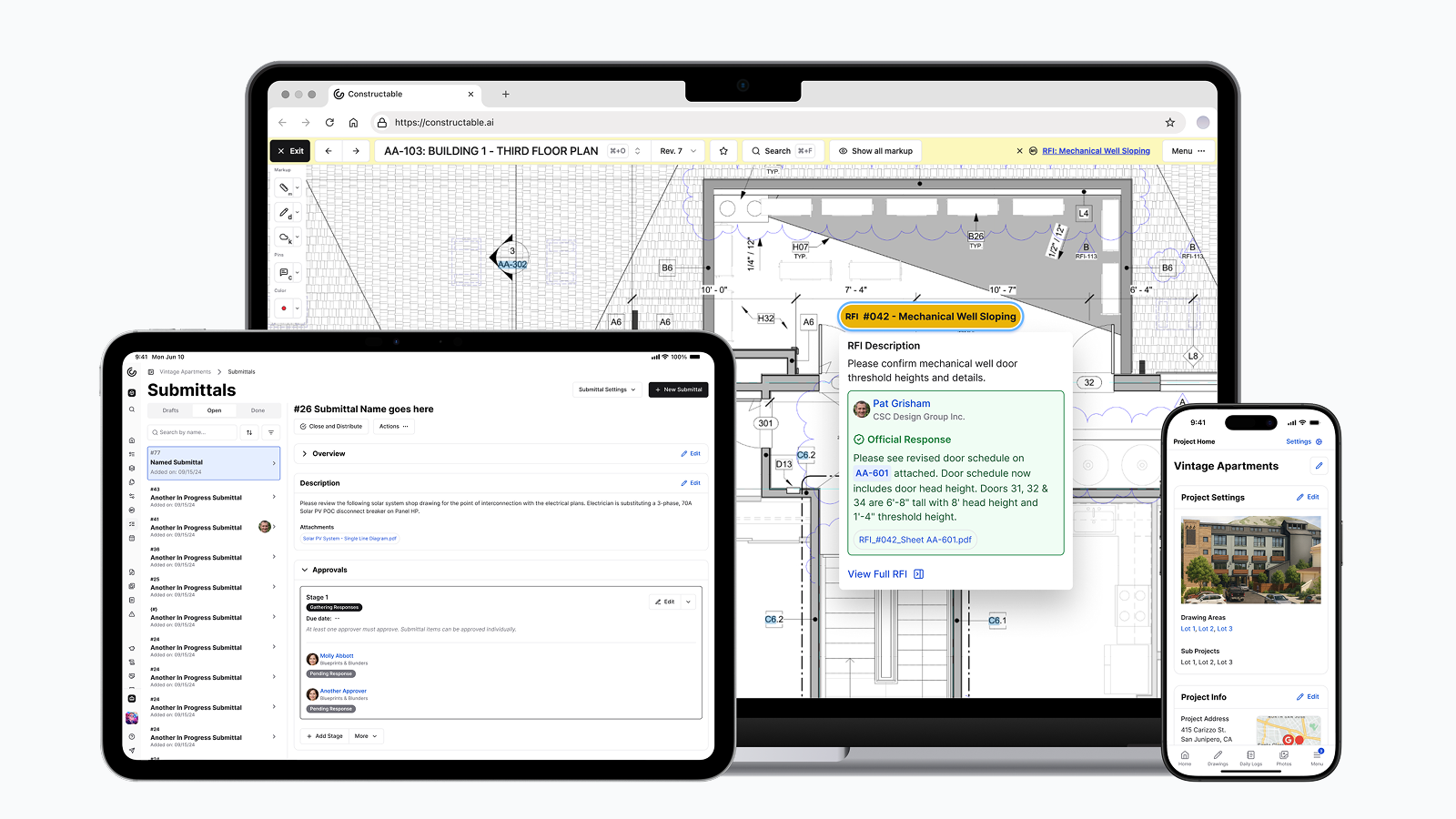\\n\\nWhat makes us different is the AI-powered search layer. You can ask questions in plain language and get answers pulled from across your project files, emails, and documents. Looking for that electrical detail someone mentioned three weeks ago? Or trying to remember which subcontractor submitted the revised HVAC specs? [Just search for it](https://constructable.ai/blog/ai-powered-construction-document-search-and-data-extraction). No digging through folder trees or trying to remember which system you used.\\n\\nWe built Constructable for project managers and supers who are tired of wrestling with software that feels like it was designed for someone else. It's simple enough to use in the field on day one, but complete enough to run your whole operation.\\n\\n## Ease of Use and Team Adoption\\n\\nThe difference between evaluating software in a demo and actually getting your team to use it is where most construction tech decisions fall apart. Procore offers deep functionality, but that power comes with operational weight.\\n\\nProcore requires structured onboarding and ongoing training to keep teams proficient. The interface is click-dense, with navigation paths that make sense once you know them but feel buried when you don't. Occasional usersâowners, subcontractors, inspectorsâoften struggle to find what they need. Many mid-size GCs end up hiring a dedicated Procore administrator or assigning someone internally to manage the system, field questions, and run recurring training sessions. Adoption tends to split: power users in the office get comfortable, while field teams and external
165collaborators treat it like homework.\\n\\nWe built Constructable to work on day one. No certification courses. No multi-week rollout plans. The interface mirrors how construction teams already think and work, so the learning curve flattens out fast. Superintendents can [log daily reports or punch lists](https://constructable.ai/features/field-management) without a tutorial. Project managers can create RFIs without hunting through nested menus.\\n\\n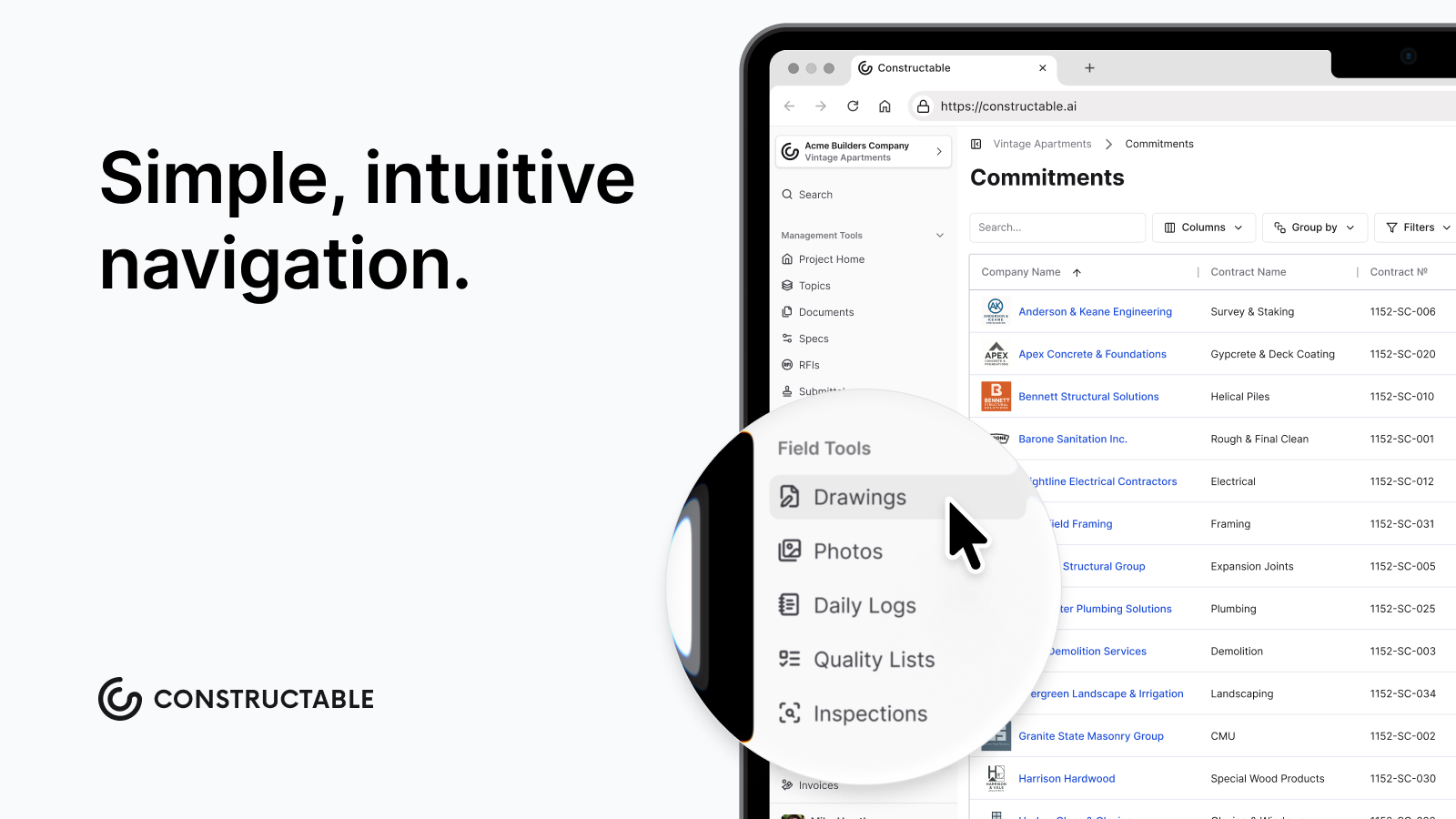\\n\\nOnboarding takes days or weeks, not months. We treat migration as a high-touch processâwhite glove setup, real conversations about how your team works, and help moving your data over without disrupting active projects. Field teams, office staff, and external stakeholders can all jump in without needing a dedicated champion to hold their hand.\\n\\nWhen software feels intuitive, you don't need to sell your team on using it. They just do.\\n\\n## Pricing Structure and Value Alignment\\n\\nProcore's pricing model creates predictability problems. Because costs tie to your annual construction volume, every time your business grows, your software bill grows with it. A contractor doing $50M in volume might pay $80,000+ annually, but scale to $100M and that number can double or tripleâsame features, same users, just more revenue on your books. The pricing isn't published, so you need to go through Sales to get a quote. And at renewal time, [many contractors report](https://constructable.ai/customer-stories) surprise increases that don't match any meaningful product improvements.\\n\\nThe structure also gets expensive fast once you add the modules you actually need. Document management might be affordable, but layer in quality control, financials, and field productivity tools, and you're looking at a six-figure commitment. For mid-market GCs, the math starts feeling disconnected from what you're getting back.\\n\\nWe price Constructable differently because we think the standard construction software pricing model is broken. You get everythingâno modules, no add-ons, no surprise fees when you win more work. Our pricing is transparent, published, and stays predictable as you grow. We don't punish success.\\n\\nThe goal is simple: you should know what you're paying, why you're paying it, and feel good about the trade. Software should be an investment that pays back in time saved and mistakes avoided, not a line item that makes you wince every renewal cycle.\\n\\n## Software Architecture and User Experience\\n\\nHow software is built shapes how it feels to use every day. Architecture choices that seem technical on paper translate directly into speed, frustration, and whether your team actually wants to log in.\\n\\nProcore's modular build means different tools can feel like different products. Navigation patterns shift between modules. Terminology changes. Field teams report excessive clicking to complete basic tasks, with information buried several menus deep. The system requires heavy configuration upfront to match your workflows, and even then, loading times lag when you're pulling data from the server. AI features feel tacked on rather than woven into the core experienceânew buttons to learn, not friction removed from what you already do.\\n\\nLocal data storage means pages load instantly. You're not waiting for the server to respond every time you open a submittal or search a drawing. The interface assumes smart defaults and cuts out unnecessary steps. Need to create a punch item? Use your voice. Looking for that change order detail buried somewhere in your files? Search in plain language and get an answer in seconds. The AI isn't a separate module you turn onâit's just how the software works.\\n\\nOffline functionality keeps work moving when jobsite internet drops. Your team isn't stuck waiting for connectivity to [log reports or review plans](https://constructable.ai/features/field-management). [According to industry research](https://www.globenewswire.com/news-release/2026/01/22/3223955/28124/en/Construction-Management-Software-Market-Global-Industry-Size-Sh
165are-Trends-Opportunity-and-Forecast-2021-2031.html), construction management software adoption increasingly depends on mobile reliability and field-first designâareas where architecture directly determines whether software helps or just gets in the way.\\n\\n## Why Constructable is the Better Choice\\n\\nProcore works well for very large enterprises that can support dedicated IT admins, extensive training programs, and higher price points. Teams choosing Procore typically need broad configurability and can invest resources in implementation and ongoing management.\\n\\nWe built Constructable as one opinionated system where every feature shares the same interaction logic and data model. [Research shows](https://www.deloitte.com/au/en/services/economics/analysis/state-digital-adoption-construction-industry.html) that moving to a unified platform could save construction leaders approximately 10.5 hours per week compared to juggling multiple data environments.\\n\\nConstructable is the better choice for mid-size commercial general contractors who want professional-grade project management without enterprise complexity. You get faster time-to-value with [intuitive software that requires minimal training](https://constructable.ai/features/project-management), transparent pricing that aligns with actual value, and a relationship-driven approach where customer feedback directly shapes the product.\\n\\nWhere Procore prioritizes breadth and configurability, we deliver speed, clarity, and software that fits how builders actually work. You're not managing a software stack or justifying six-figure renewals tied to your revenue. You're running projects with one system that your whole team will actually use.\\n\\nIf you're a mid-market GC tired of overpaying for tools built for someone else's problems, we built Constructable for you. Simple enough for the field, complete enough for the office, and priced like we're on the same team.\\n\\n## Final Thoughts on Procore Alternatives for Commercial Contractors\\n\\nThe Procore comparison highlights a clear split in who each product serves best. Large enterprises with dedicated IT resources and complex workflows get value from Procore's extreme configurability, but mid-size commercial GCs end up paying for features they don't need while struggling with adoption. We built Constructable to close that gap with complete functionality, intuitive design, and transparent pricing that doesn't punish growth. You get professional-grade project management that your field and office teams will actually use from day one.\\n\\n\\n\\n## Evaluating a Procore alternative before renewal\\n\\nA demo is only part of the decision. Ask how your active projects, historical records, and accounting workflows will move. [Holladay Construction Groupâs switching story](/customer-stories/holladay-construction-group) explains how its team planned the transition ahead of renewal, with setup and training coordinated around the move.\\n\\n## FAQ\\n\\n### How should I decide between Constructable and Procore for my company?\\n\\nIf you're a mid-size GC ($20Mâ$200M volume) who wants software that works on day one without dedicated IT support or months of training, Constructable is built for you. Procore makes more sense for very large enterprises that need heavy configurability and can support ongoing training programs and six or seven figure budgets tied to construction volume.\\n\\n### What's the main difference in how these two products are built?\\n\\nProcore uses a modular structure where you buy separate tools that can feel like different products, while Constructable is one complete system where everything shares the same data and interface. This means with Constructable, you're not jumping between different navigation patterns or waiting for modules to talk to each otherâit just works together from the start.\\n\\n### Who is Constructable best suited for?\\n\\nWe built Constructable for mid-market commercial general contractors with 10â150 team members running multiple active projects. If you're tired of overpaying for enterprise complexity you don't need, want your field teams to actually use the softw
165are, and prefer transparent pricing that doesn't scale with your revenue, that's exactly who we designed this for.\\n\\n### Will my team actually adopt Constructable without extensive training?\\n\\nYes. Onboarding takes days or weeks instead of months, and superintendents can log daily reports or punch lists without tutorials. We handle migration as a white glove process and design the interface to mirror how construction teams already think, so field staff, office teams, and external collaborators can jump in without needing a dedicated champion.\\n\\n### How does pricing change as my construction volume grows?\\n\\nIt doesn't. Unlike Procore's model where your software bill doubles when your revenue doubles, Constructable pricing stays predictable as you grow. You get everything includedâno modules, no add-ons, no surprise renewal increases tied to how much work you win.\\n\",[],[347,220,348,349,350,351],\"{\\\"@context\\\":\\\"https://schema.org\\\",\\\"@type\\\":\\\"FAQPage\\\",\\\"name\\\":\\\"Constructable vs Procore: Which is Better in January 2026?\\\",\\\"mainEntity\\\":[{\\\"@type\\\":\\\"Question\\\",\\\"name\\\":\\\"How should I decide between Constructable and Procore for my company?\\\",\\\"acceptedA
165nswer\\\":{\\\"@type\\\":\\\"Answer\\\",\\\"text\\\":\\\"If you're a mid-size GC ($20Mâ$150M volume) who wants software that works on day one without dedicated admins or months of training, Constructable is built for you. Procore makes more sense for very large enterprises that need heavy configurability and can support ongoing training programs and six-figure budgets tied to construction volume.\\\"}},{\\\"@type\\\":\\\"Question\\\",\\\"name\\\":\\\"What's the main difference in how these two products are built?\\\",\\\"acceptedAnswer\\\":{\\\"@type\\\":\\\"Answer\\\",\\\"text\\\":\\\"Procore uses a modular structure where you buy separate tools that can feel like different products, while Constructable is one complete system where everything shares the same data and interface. This means with Constructable, you're not jumping between different navigation patterns or waiting for modules to talk to each otherâit just works together from the start.\\\"}},{\\\"@type\\\":\\\"Question\\\",\\\"name\\\":\\\"Who is Constructable best suited for?\\\",\\\"acceptedA
165nswer\\\":{\\\"@type\\\":\\\"Answer\\\",\\\"text\\\":\\\"We built Constructable for mid-market commercial general contractors with 10â150 team members running multiple active projects. If you're tired of overpaying for enterprise complexity you don't need, want your field teams to actually use the software, and prefer transparent pricing that doesn't scale with your revenue, that's exactly who we designed this for.\\\"}},{\\\"@type\\\":\\\"Question\\\",\\\"name\\\":\\\"Will my team actually adopt Constructable without extensive training?\\\",\\\"acceptedAnswer\\\":{\\\"@type\\\":\\\"Answer\\\",\\\"text\\\":\\\"Yes. Onboarding takes days or weeks instead of months, and superintendents can log daily reports or punch lists without tutorials. We handle migration as a white glove process and design the interface to mirror how construction teams already think, so field staff, office teams, and external collaborators can jump in without needing a dedicated champion.\\\"}},{\\\"@type\\\":\\\"Question\\\",\\\"name\\\":\\\"How does pricing change as my construction volume grows?\\\",\\\"acceptedA
165nswer\\\":{\\\"@type\\\":\\\"Answer\\\",\\\"text\\\":\\\"It doesn't. Unlike Procore's model where your software bill doubles when your revenue doubles, Constructable pricing stays predictable as you grow. You get everything includedâno modules, no add-ons, no surprise renewal increases tied to how much work you win.\\\"}}],\\\"url\\\":\\\"https://constructable.ai/blog/constructable-vs-procore-which-is-better\\\",\\\"dateModified\\\":\\\"2026-09-18\\\",\\\"author\\\":{\\\"@type\\\":\\\"Person\\\",\\\"name\\\":\\\"Molly Abbott\\\"}}\\n\",\"{\\\"@context\\\":\\\"https://schema.org\\\",\\\"@type\\\":\\\"BlogPosting\\\",\\\"headline\\\":\\\"Constructable vs Procore: Which is Better in January 2026?\\\",\\\"description\\\":\\\"Compare Constructable vs Procore in January 2026. See pricing, ease of use, and which construction management software is better for mid-market general contractors.\\\",\\\"datePublished\\\":\\\"2026-01-27T00:47:20.225Z\\\",\\\"dateModified\\\":\\\"2026-09-18\\\",\\\"author\\\":{\\\"@type\\\":\\\"Person\\\",\\\"name\\\":\\\"Molly Abbott\\\",\\\"description\\\":\\\"Molly Abbott is a co-founder of Constructable, and comes from a construction family. She's a little bit quirky, a little bit competitive, and a little bit fun. She drives a minivan and has two small boys to give you a better picture of her in real life. \\\"},\\\"url\\\":\\\"https://constructable.ai/blog/constructable-vs-procore-which-is-better\\\",\\\"wordCount\\\":1999,\\\"keywords\\\":[\\\"constructable vs procore\\\",\\\"procore comparison\\\",\\\"construction software comparison\\\"]}\\n\",\"procore\",\"ease use team adoption\",\"pricing structure value alignment\",\"software architecture user experience\",\"compare\",\"procore-alternatives-mid-market-contractors\",\"Procore Alternatives Mid-Market (January 2026)\",\"Compare the best Procore alternatives for mid-market contractors in January 2026. Find software that fits your budget and team size without enterprise complexity.\",\"2026-01-28T02:02:43.575Z\",\"\\n\\nWhen you're evaluating options that are [cheaper than Procore](https://constructable.ai/procore-alternative), the real question isn't just about price. It's whether you're trading cost for clunky interfaces, fragmented workflows, or tools that only work for office teams while your supers ignore them. Mid-market contractors running $20M to $150M need software that connects field and office work without requiring an IT department to set it up. We looked at the systems built for teams your size and what trade-offs each one actually makes.\\n\\nIf you're narrowing your shortlist to a Procore alternative for commercial construction, start with the work your field and office teams need to share. Our [Constructable vs. Procore comparison](/procore-alternative) brings pricing, migration support, and customer experiences together in one place.\\n\\n**TLDR:**\\n\\n- Mid-market contractors need software that works for field and office without the enterprise bloat\\n- Procore costs tens to hundreds of thousands annually and requires lengthy onboarding most mid-market teams can't absorb\\n- Fieldwire handles field tasks but lacks financial tracking, forcing you to manage multiple systems\\n- Constructable unifies drawings, RFIs, submittals, and daily logs with AI search and transparent pricing\\n\\n## What Is Construction Management Software for Mid-Market Contractors?\\n\\n[Construction management software](https://constructable.ai/blog/construction-management-software) helps general contractors organize and track the work that happens across their projectsâdrawings, RFIs, submittals, daily logs, photos, punch lists, and communication. Instead of managing these workflows in spreadsheets, email threads, or disconnected apps, these systems give you one place to see what's happening on every job.\\n\\nFor mid-market contractors running $20M to $150M in annual volume, the need is specific. You're beyond the point where spreadsheets and email can keep up, but you don't need the bloated enterprise systems built for billion-dollar firms with dedicated IT departments. You need software that works for both the PM in the trailer and the superintendent in the fieldâwithout requiring a training manual or a consultant to set it up.\\n\\nThe right system replaces the patchwork of tools most teams cobble together. It connects project data so you're not entering the same information twice or hunting through five different places to answer one question. That's the difference between software that adds work and software that actually helps you build.\\n\\n## How We Evaluated These Procore Alternatives\\n\\nWhen evaluating alternatives to Procore, we looked at the same things you probably care about when you're deciding whether to switch or stick with what you have.\\n\\nFirst is whether the system actually works as one product or if it's just a bundle of separate tools duct-taped together. If you're logging into different modules that don't share data, you're back to the same duplication problem you were trying to solve.\\n\\nSecond is field adoption. If your superintendents won't use it on the jobsite, it doesn't matter how pretty the dashboard looks. We looked at mobile experience, offline access, and whether the interface makes sense to someone wearing gloves.\\n\\nThird is onboarding speed. Mid-market teams don't have months to spend on implementation or the budget to hire consultants. You need software that works in days, not quarters.\\n\\nFourth is pricing transparency. [The construction software market](https://www.mordorintelligence.com/industry-reports/construction-management-software-market) is growing fast, but pricing models are all over the map. We looked at whether costs scale with value or punish you for growth.\\n\\nFinally, we considered whether the tool was designed for office teams or actually built for how field and office work together.\\n\\n## Best Overall Procore Alternative for Mid-Market Contractors: Constructable\\n\\nWe built [Constructable](https://constructable.ai/) to replace the fragmented software stacks mid-market contractors have been forced to live with. Instead of juggling separate tools for drawings, RFIs, submittals, and daily logs, you get one system where everything works together. No duplicate data entry. No jumping between logins. Just software that helps you run better projects.\\n\\nOur [AI-powered search](https://constructable.ai/blog/ai-powered-construction-document-search-and-data-extraction) lets you find answers across all your project data in secondsâwhether it's buried in a submittal, a drawing markup, or an email thread from three weeks ago.\\n\\n### What Constructable Offers\\n\\n- Project management with drawings, plan markups, and AI-powered search across all project data\\n- RFIs, submittals, daily logs, photos, and punch lists in one unified system\\n- Field and office alignment with workflows designed for both superintendents and project managers\\
165n- Transparent, fair pricing not tied to construction volume with hands-on onboarding included\\n\\n**Good for**: Mid-market commercial general contractors ($20M-$150M annual volume) who want a single, cohesive system that works for field and office teams without enterprise complexity or pricing.\\n\\n**Bottom line**: We deliver the usability and speed mid-market contractors need without forcing teams to manage five different logins or pay for features they'll never actually use.\\n\\n## Procore\\n\\nProcore is a construction management system designed for enterprise-scale contractors. It has become one of the most recognized names in the industry and offers extensive features across project management, financials, and field operations.\\n\\n### What they offer\\n\\n- Project management dashboards with document control and [financial tracking](https://constructable.ai/features/financial-management)\\n- RFI and submittal workflows with mobile field access\\n- Integration with accounting and scheduling tools\\n- Unlimited users with pricing based on annual construction volume\\n\\n**Good for**: Large general contractors with dedicated project managers, IT support, and annual construction volume exceeding $500M who can absorb higher costs and longer onboarding cycles.\\n\\n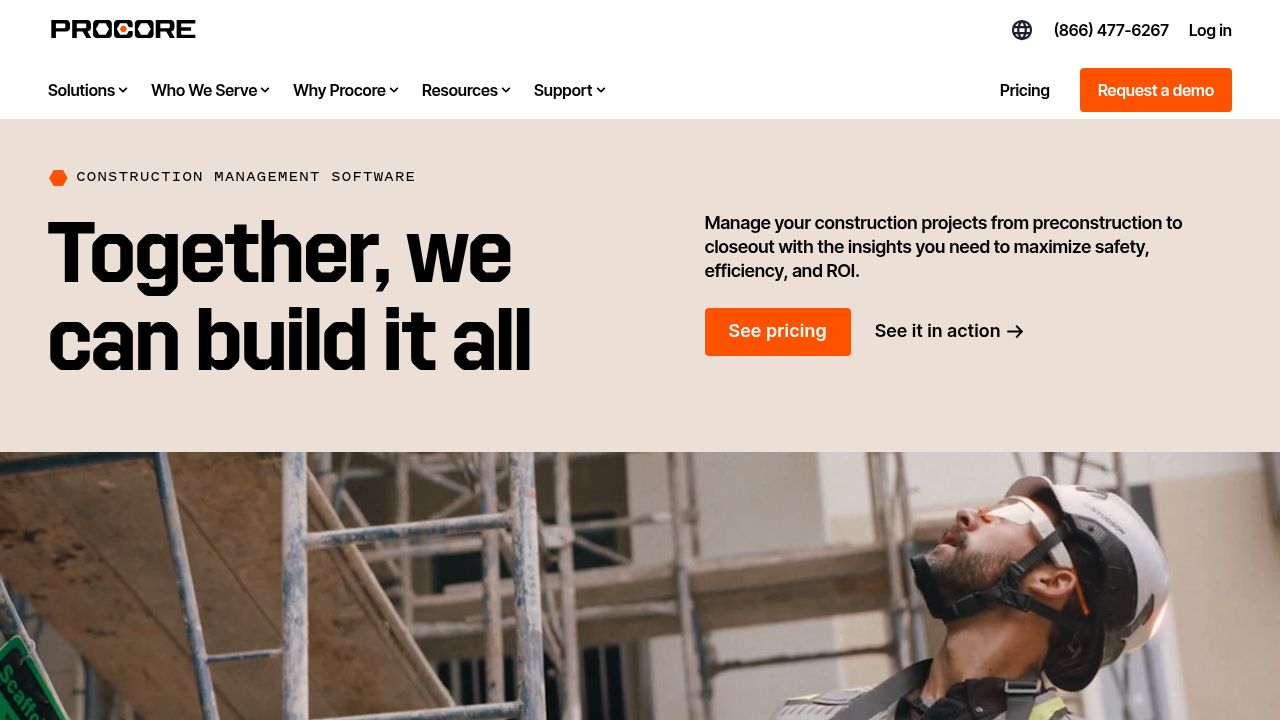\\n\\n**Limitation**: Pricing ranges from [tens to hundreds of thousands annually](https://www.softwareadvice.com/construction/procore-profile/) depending on company size and feature selection, with customers reporting click-dense interfaces, lengthy onboarding requirements, and a system that feels built for very large organizations rather than mid-market teams.\\n\\n**Bottom line**: Procore works well for enterprise contractors managing complex mega-projects, but mid-market teams often find the cost, complexity, and configuration overhead misaligned with their actual needs.\\n\\n## Autodesk Construction Cloud\\n\\nAutodesk Construction Cloud combines multiple products acquired over time, including BIM 360 and Build. It targets enterprise contractors with complex coordination needs and deep integration into Autodesk's design ecosystem.\\n\\n### What they offer\\n\\n- Document management with model coordination and clash detection\\n- RFI and submittal workflows with integration to Autodesk design tools\\n- Mobile viewer with 3D model support for field teams\\n- BIM collaboration tools for coordination across design and construction\\n\\n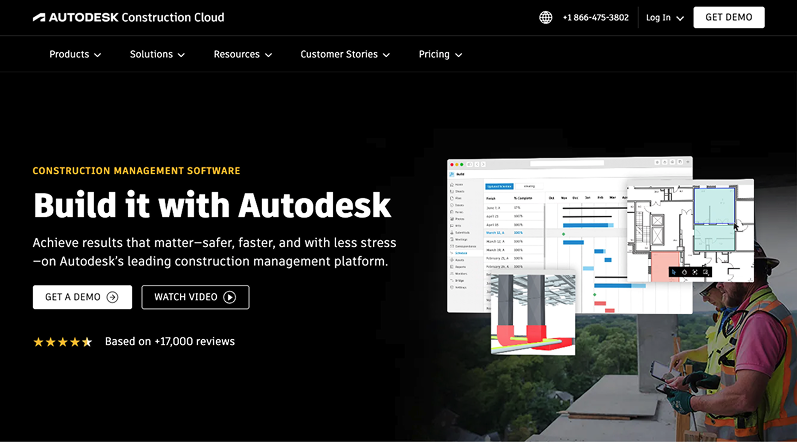\\n\\n**Good for**: Large contractors and developers already invested in Autodesk design tools (Revit, AutoCAD) who need tight integration between design and construction workflows and can support longer implementation cycles.\\n\\n**Limitation**: The system is built from multiple acquisitions, resulting in inconsistent user experiences across modules, expensive onboarding that often requires third-party consultants, and workflows that feel fragmented rather than cohesive.\\n\\n**Bottom line**: Autodesk Construction Cloud makes sense for enterprises standardizing on the Autodesk ecosystem, but mid-market contractors seeking a unified, easy-to-adopt system will find better options.\\n\\n## Fieldwire\\n\\nFieldwire is a field execution tool owned by Hilti focused on task management, punch lists, and plan markups. It is designed for field teams and superintendents managing jobsite coordination.\\n\\n### What they offer\\n\\n- Task management with plan markups and punch list tracking\\n- Fast mobile plan viewer with [offline mode for field access](https://constructable.ai/features/field-management)\\n- Photo capture and annotations linked to drawings\\n- Forms and checklists for field documentation\\n\\n\\n\\n**Good for**: Superintendents and field coordinators who need a lightweight tool for task execution, plan markups, and punch list management and do not require financial tracking or office workflows.\\n\\n**Limitation**: Fieldwire is a point solution without financial tooling, project budgeting, or office-driven project management capabilities, requiring teams to use additional systems for cost tracking and forcing fragmentation across the organization.\\n\\n**Bottom line**: Fieldwire excels at field execution but lacks the depth mid-market contractors need for end-to-e
165nd project management, leading teams to manage multiple disconnected tools.\\n\\n## RedTeam\\n\\nRedTeam is a legacy construction management system marketed primarily on price. It covers a broad set of features but is widely perceived as dated and infrequently updated.\\n\\n### What they offer\\n\\n- Project management with contract and change order tracking\\n- Cost tracking with integration to QuickBooks Online\\n- Document management and RFI workflows\\n- Scheduling with Gantt chart support\\n\\n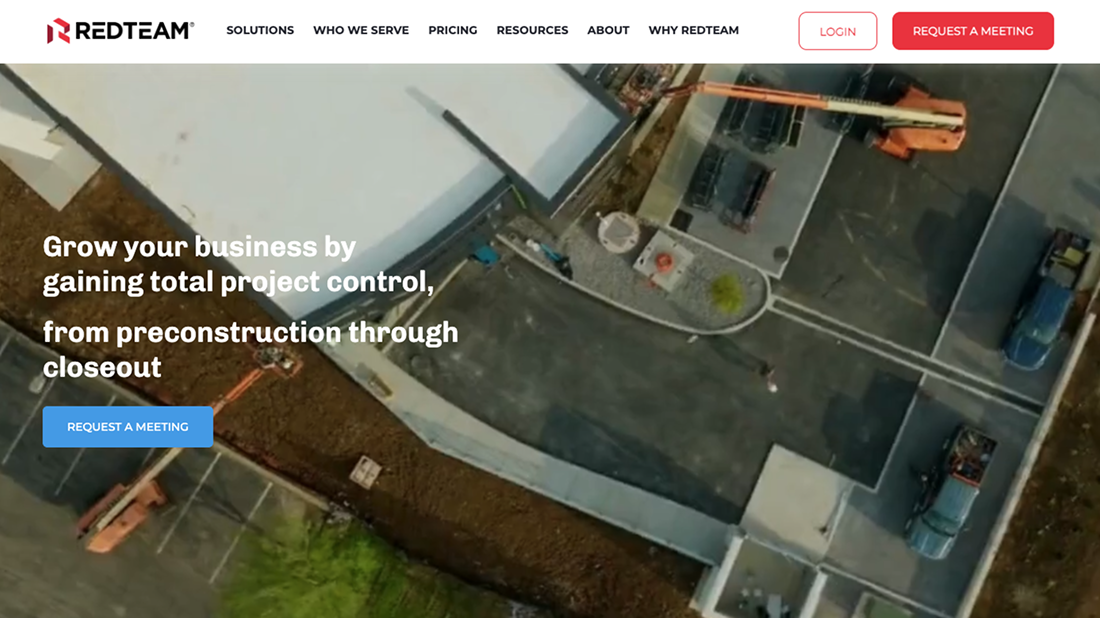\\n\\n**Good for**: Cost-constrained contractors seeking the cheapest viable option who can tolerate outdated interfaces, slow product development, and workflows that feel clunky but meet basic requirements.\\n\\n**Limitation**: Users report outdated interfaces, infrequent product updates, and workflows that feel awkward or unintuitive, with teams enduring the system primarily because of low cost rather than product quality.\\n\\n**Bottom line**: RedTeam is chosen for affordability, but mid-market contractors prioritizing usability, field adoption, and product evolution will find Constructable a better investment.\\n\\n## INGENIOUS.BUILD\\n\\nINGENIOUS.BUILD is a construction management system that emphasizes financial controls and owner-side reporting. The product structures workflows around financial oversight and multi-project portfolio management rather than day-to-day GC execution.\\n\\n### What they offer\\n\\n- Financial tracking with budgeting, change orders, and cash flow forecasting\\n- Project dashboards with multi-currency support for international projects\\n- Digital RFIs and submittals with approval workflows\\n- Document management with real-time collaboration\\n\\n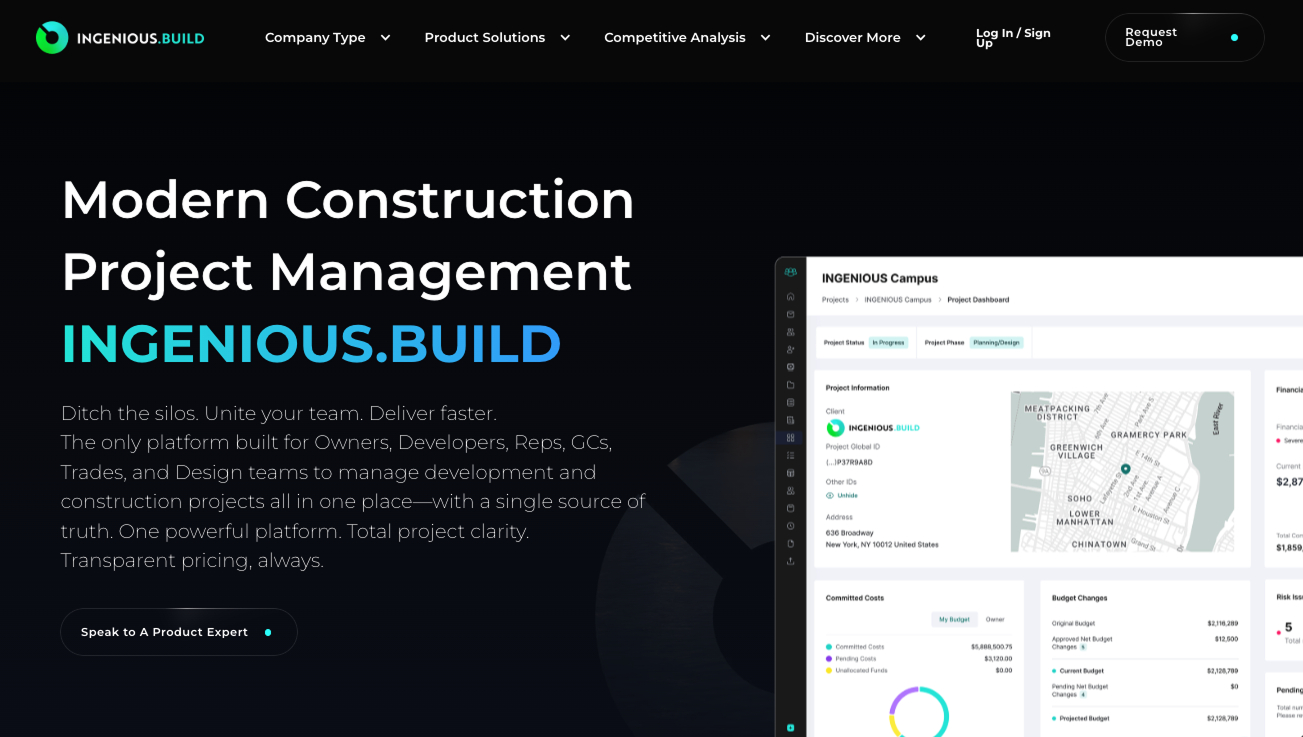\\n\\n**Good for**: [Real estate developers and owners](https://constructable.ai/customer-stories) managing portfolios who prioritize financial oversight and reporting from an owner perspective rather than daily GC execution.\\n\\n**Limitation**: The system uses abstract hierarchy that confuses GC users, with workflows requiring you to create objects first and associate them with projects later, breaking how construction teams actually think about their work.\\n\\n**Bottom line**: INGENIOUS.BUILD is better suited for owners than general contractors executing daily work, where Constructable's project-first structure matches how GC teams operate.\\n\\n## Feature Comparison Table of Procore Alternatives\\n\\n| Feature | Constructable | Procore | Autodesk Construction Cloud | Fieldwire | RedTeam | INGENIOUS.BUILD |\\n| -------------------------------- | ------------- | ------- | --------------------------- | --------- | ------- | --------------- |\\n| Built for mid-market contractors | Yes | No | No | No | Yes | No |\\n| Project management | Yes | Yes | Yes | No | Yes | Yes |\\n| Financial tracking | Yes | Yes | Yes | No | Yes | Yes |\\n| Field and office alignment | Yes | No | No | Yes | No | No |\\n| Native integration | Yes | No | No | No | No | No |\\n| AI-powered search | Yes | No | No | No | No | No |\\n| Transparent pricing | Yes | No | No | No | Yes | No |\\n| Fast onboarding | Yes | No | No | Yes | No | No |\\n\\n## Why Constructable Is the Best Procore Alternative for Mid-Market Contractors\\n\\nWe built Constructable because mid-market contractors deserve better than choosing between overpriced enterprise systems and lightweight point solutions. You're running serious projects that need serious software, but you don't have six months for implementation or the budget for tools designed around billion-dollar portfolios.\\n\\nProcore has moved upmarket. Fieldwire covers only field execution. Autodesk requires a systems integrator just to get started. RedTeam feels like 2012.\\n\\nConstructable gives you what you actually need: one system that connects field and office work, pricing that doesn't punish growth, and onboarding measured in days instead of quarters. You get [AI-powered search across your entire project](https://constructable.ai/blog/constructable-2025-year-in-review), not just better folders. RFIs, submittals, [drawings, and daily logs](https://constructable.ai/blog/drawing-centric-collaboration-workflows) share the same data instead of forcing duplicate entry.\\n\\nIf you're managing $20M to $150M in volume and tired of stitching together software that fights you instead of helping you build, [we should talk](https://constructable.ai/sales).\\n\\n## Final Thoughts on Construction Software That Actually Fits\\n\\nMid-market contractors have been stuck choosing between too much software and not enough for too long. Systems [cheaper than Procore](https://constructable.ai/procore-alternative) exist, but Constructable delivers both affordability and the depth you need to run serious projects. We built one cohesive system where RFIs, submittals, drawings, and daily logs share data instead of forcing duplicate entry across disconnected tools. If you're managing real volume and need software that respects both your budget and your time, we should talk.\\n\\n## See how teams chose their Procore alternative\\n\\nAlongside feature comparisons, look at what switching involved for a real team. Read how [Holladay Construction Group moved to Constructable](/customer-stories/holladay-construction-group) and how [Clear Group a
165pproached accounting integration and team adoption](/customer-stories/clear-group). Use those experiences to shape questions about your own rollout.\\n\\n## FAQ\\n\\n### Which Procore alternative is best for mid-market contractors who need fast onboarding?\\n\\nConstructable and Fieldwire both offer quick setup, but Constructable delivers full project management in days while Fieldwire only covers field execution. If you need a complete system that works for both office and field teams without months of implementation, Constructable is built for that.\\n\\n### How do I choose between a point solution like Fieldwire and an all-in-one system?\\n\\nAsk yourself if you're willing to manage multiple logins and duplicate data entry across different tools. Point solutions work if you only need one specific function, but mid-market contractors running $20M-$150M in volume typically need financial tracking, project management, and field coordination working together in one place.\\n\\n### What's the real cost difference between Procore and mid-market alternatives?\\n\\nProcore pricing ranges from [tens to hundreds of thousands annually](https://www.softwareadvice.com/construction/procore-profile/) based on construction volume, while alternatives like Constructable use transparent pricing not tied to your revenue. For most mid-market contractors, you're looking at substantial cost savings without sacrificing the features you actually use.\\n\\n### When should I consider switching from my current construction management software?\\n\\nIf your renewals are consistently increasing without seeing new value created, if you don't feel like your software vendor is a partner, and if you feel like you are wanting to simplify your software processes, then reach out to Constructable. Teams often spend significant time navigating through software that was designed to KYA, versus software designed for collaboration, simplicity and teamwork.\\n\\n### Can I get enterprise-level features without enterprise complexity and pricing?\\n\\nYesâthat's exactly what modern alternatives like Constructable are built for. You get AI-powered search, unified project data, and full financial tracking without the six-month implementations, dedicated IT requirements, or pricing models designed for billion-dollar portfolios.\\n\",[],[361,362,363,364,347,351],\"{\\\"@context\\\":\\\"https://schema.org\\\",\\\"@type\\\":\\\"FAQPage\\\",\\\"name\\\":\\\"What Are the Best Alternatives to Procore for Mid-Market Contractors (January 2026 Update)\\\",\\\"mainEntity\\\":[{\\\"@type\\\":\\\"Question\\\",\\\"name\\\":\\\"Which Procore alternative is best for mid-market contractors who need fast onboarding?\\\",\\\"acceptedA
165nswer\\\":{\\\"@type\\\":\\\"Answer\\\",\\\"text\\\":\\\"Constructable and Fieldwire both offer quick setup, but Constructable delivers full project management in days while Fieldwire only covers field execution. If you need a complete system that works for both office and field teams without months of implementation, Constructable is built for that.\\\"}},{\\\"@type\\\":\\\"Question\\\",\\\"name\\\":\\\"How do I choose between a point solution like Fieldwire and an all-in-one system?\\\",\\\"acceptedAnswer\\\":{\\\"@type\\\":\\\"Answer\\\",\\\"text\\\":\\\"Ask yourself if you're willing to manage multiple logins and duplicate data entry across different tools. Point solutions work if you only need one specific function, but mid-market contractors running $20M-$150M in volume typically need financial tracking, project management, and field coordination working together in one place.\\\"}},{\\\"@type\\\":\\\"Question\\\",\\\"name\\\":\\\"What's the real cost difference between Procore and mid-market alternatives?\\\",\\\"acceptedA
165nswer\\\":{\\\"@type\\\":\\\"Answer\\\",\\\"text\\\":\\\"Procore pricing ranges from tens to hundreds of thousands annually based on construction volume, while alternatives like Constructable use transparent pricing not tied to your revenue. For most mid-market contractors, you're looking at 40-60% cost savings without sacrificing the features you actually use.\\\"}},{\\\"@type\\\":\\\"Question\\\",\\\"name\\\":\\\"When should I consider switching from my current construction management software?\\\",\\\"acceptedAnswer\\\":{\\\"@type\\\":\\\"Answer\\\",\\\"text\\\":\\\"If your renewals are consistently increasing without seeing new value created, if you don't feel like your software vendor is a partner, and if you feel like you are wanting to simplify your software processes, then reach out to Constructable. Teams often spend significant time navigating through software that was designed to KYA, versus software designed for collaboration, simplicity and teamwork.\\\"}},{\\\"@type\\\":\\\"Question\\\",\\\"name\\\":\\\"Can I get enterprise-level features without enterprise complexity and pricing?\\\",\\\"acceptedA
165nswer\\\":{\\\"@type\\\":\\\"Answer\\\",\\\"text\\\":\\\"Yesâthat's exactly what modern alternatives like Constructable are built for. You get AI-powered search, unified project data, and full financial tracking without the six-month implementations, dedicated IT requirements, or pricing models designed for billion-dollar portfolios.\\\"}}],\\\"url\\\":\\\"https://constructable.ai/blog/procore-alternatives-mid-market-contractors\\\",\\\"dateModified\\\":\\\"2026-09-18\\\",\\\"author\\\":{\\\"@type\\\":\\\"Person\\\",\\\"name\\\":\\\"Molly Abbott\\\"}}\\n\",\"{\\\"@context\\\":\\\"https://schema.org\\\",\\\"@type\\\":\\\"BlogPosting\\\",\\\"headline\\\":\\\"What Are the Best Alternatives to Procore for Mid-Market Contractors (January 2026 Update)\\\",\\\"description\\\":\\\"Compare the best Procore alternatives for mid-market contractors in January 2026. Find software that fits your budget and team size without enterprise complexity.\\\",\\\"datePublished\\\":\\\"2026-01-28T02:02:43.575Z\\\",\\\"dateModified\\\":\\\"2026-09-18\\\",\\\"author\\\":{\\\"@type\\\":\\\"Person\\\",\\\"name\\\":\\\"Molly Abbott\\\",\\\"description\\\":\\\"Molly Abbott is a co-founder of Constructable, and comes from a construction family. Sheâs a little bit quirky, a little bit competitive, and a little bit fun. She drives a minivan and has two small boys to give you a better picture of her in real life. \\\"},\\\"url\\\":\\\"https://constructable.ai/blog/procore-alternatives-mid-market-contractors\\\",\\\"wordCount\\\":2295,\\\"keywords\\\":[\\\"Procore alternatives\\\",\\\"Procore competitors\\\",\\\"construction software like Procore\\\",\\\"cheaper than Procore\\\"]}\\n\",\"construction management software mid-market contractors\",\"evaluated procore alternatives\",\"best overall procore alternative mid-market contractors constructable\",\"constructable offers\",\"best-software-mid-size-contractors\",\"Best Construction Project Management Software for Mid-Size Contractors in February 2026\",\"Find the best construction project management software for mid-size contractors in February 2026. Compare features, pricing, and ease of use for GCs running $20M-$150M.\",\"2026-02-02T20:35:15.411Z\",\"When you're managing several commercial projects at once, you need [commercial construction software](https://constructable.ai/) that works as one system, not a patchwork of apps that don't talk to each other. Most options punish mid-size contractors by either charging enterprise prices with months of onboarding or forcing you to manage drawings in one tool, Scheduling in another, and financials somewhere else entirely. We evaluated the platforms GCs running $15M to $150M consider when they're done with spreadsheets but refuse to overpay for bloated enterprise systems they'll never fully use.\\n\\n**TLDR:**\\n\\n- Mid-size GCs need one system for drawings, RFIs, submittals, and financials without enterprise cost.\\n- Most tools force you to choose between field-friendly design or expensive enterprise features.\\n- AI-powered search across project data cuts hours spent hunting through documents and emails.\\n- Constructable unifies project management in one system with transparent pricing and fast onboarding.\\n\\n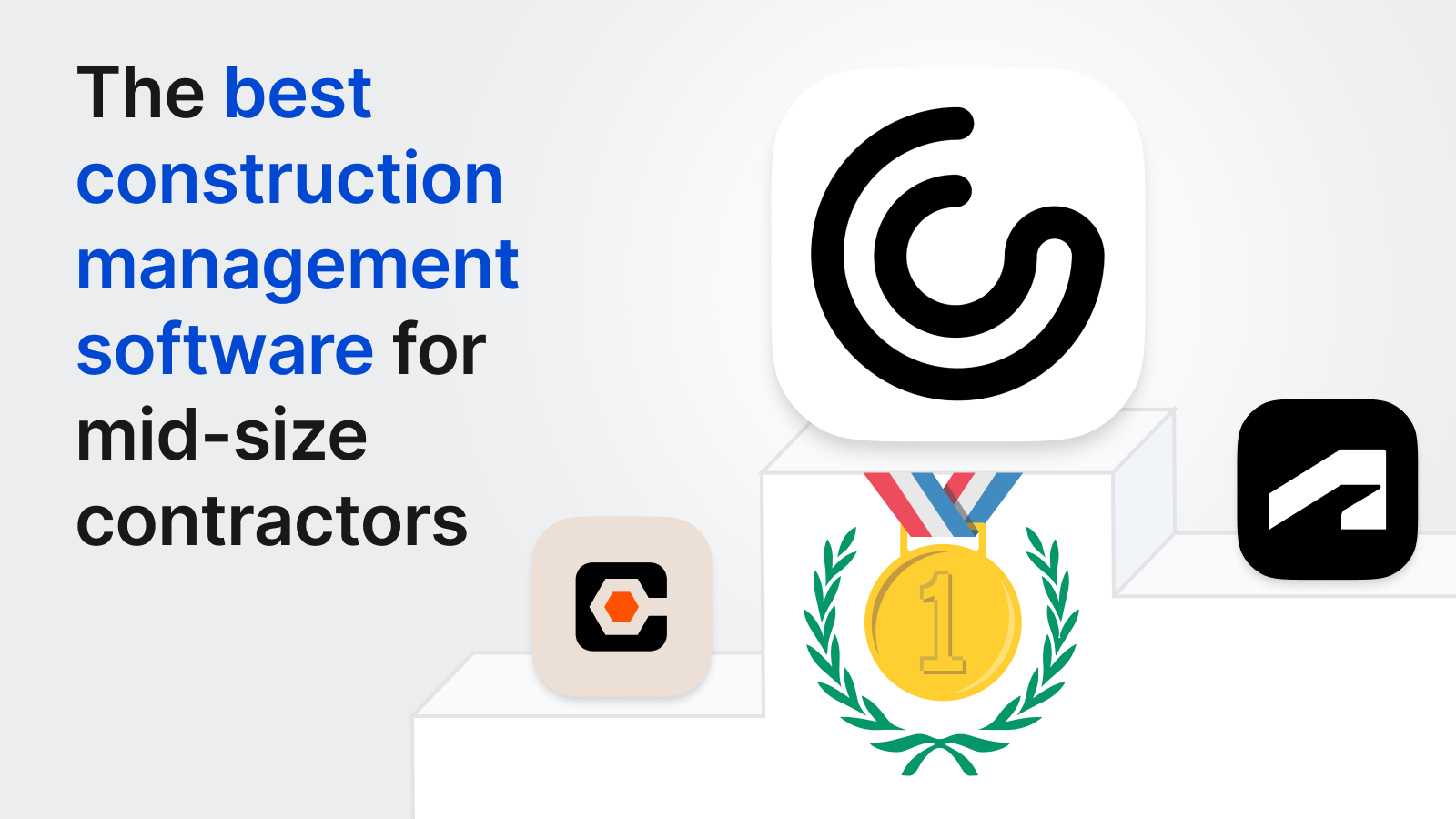\\n\\n##\\n\\nWhat Is Construction Project Management Software for Mid-Size Contractors?\\n\\nConstruction project management software gives mid-size general contractors a way to run commercial projects from preconstruction through closeout without drowning in spreadsheets, email threads, and disconnected apps.\\n\\nThese systems handle the workflows you actually need: [tracking RFIs and submittals](https://constructable.ai/features/project-management), managing drawings and plan revisions, documenting daily logs, organizing photos and punch lists, coordinating change orders, and keeping everyone on the same page whether they're in the trailer or the office.\\n\\nFor contractors running $15M to $150M in annual volume, [the right software](https://constructable.ai/) becomes the single source of truth across multiple active jobs. You're too big to manage everything in email and Excel, but you don't need enterprise bloat.\\n\\n## How We Ranked Construction Project Management Software\\n\\nWe evaluated these tools against criteria that matter when you're running [multiple commercial jobs](https://constructable.ai/features/project-management) without a full IT department.\\n\\nFirst, does the system work as one product, or are you stitching together separate modules that don't talk? Mid-size contractors can't afford to babysit integrations (um, Sage) or reenter data across disconnected tools.\\n\\nSecond, will your field teams actually use it? We prioritized mobile experience and whether superintendents can get work done without fighting the interface or waiting for pages to load on trailer wi-fi.\\n\\nThird, what does onboarding look like? Some systems require months of setup and training budgets that rival the annual subscription cost. We flagged complexity because you need something your team can adopt in weeks, not quarters.\\n\\nFinally, we looked at [pricing transparency](https://constructable.ai/pricing). Does the vendor publish rates, or do you need to sit through a sales call just to find out what this will cost?\\n\\n## Best Overall Construction Project Management Software: Constructable\\n\\nConstructable is built for mid-size commercial general contractors who need one system that works together, not five logins and duplicate data entry.\\n\\nConstructable is designed as one system, not bundled acquisitions stitched together. Every feature shares the same data model. You get drawings with plan markups, RFIs and submittals linked to drawing context, daily logs and punch lists built for field teams, and AI-powered search that actually has project context.\\n\\nField teams adopt it without training because workflows mirror how construction actually happens. [AI-powered systems in construction](https://www.conexpoconagg.com/news/smart-tech-small-budget-how-mid%E2%80%91size-contractors-c) are delivering 15% productivity gains and 60% reductions in rework, transforming how mid-size contractors approach project efficiency.\\n\\n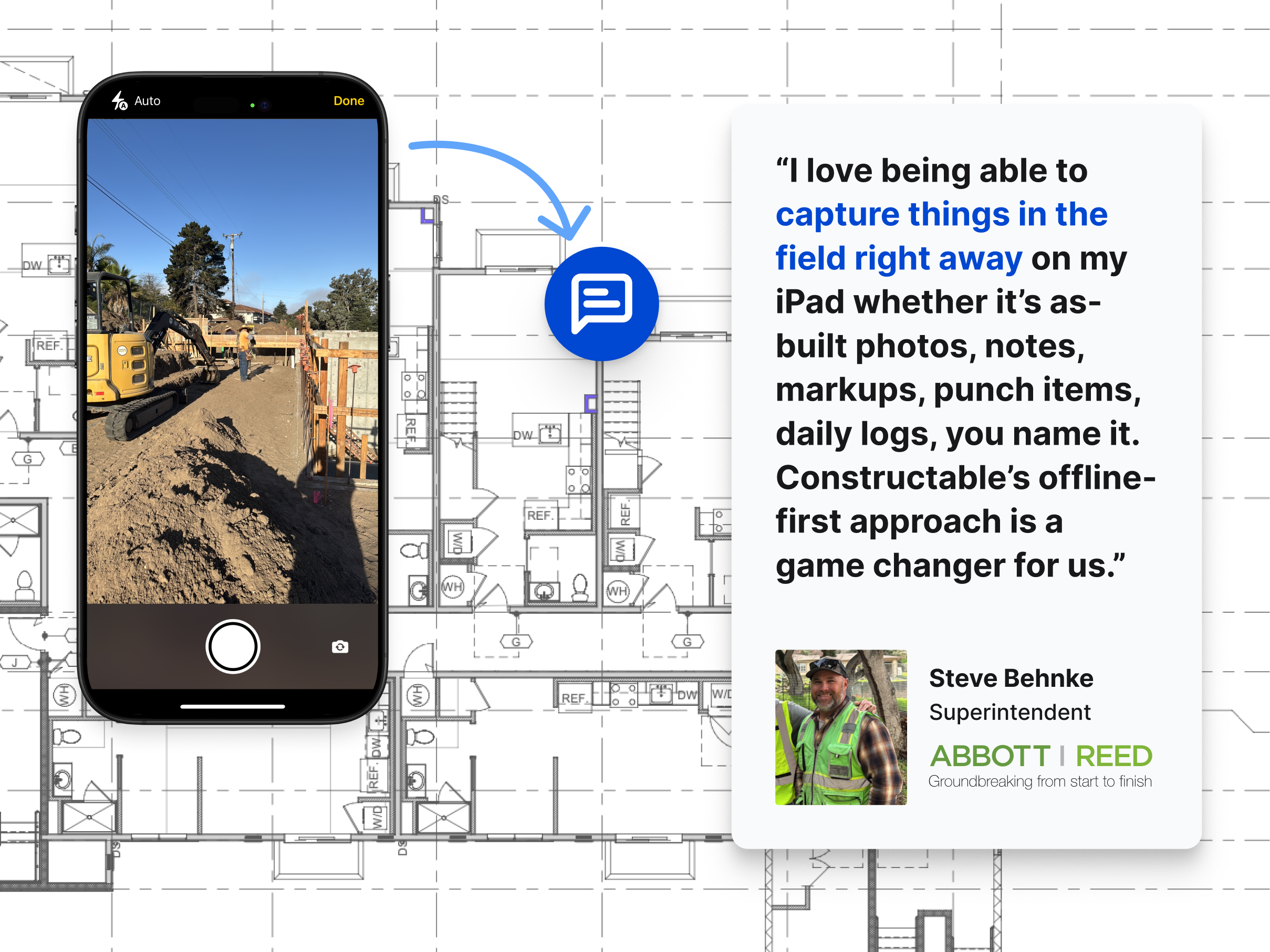\\n\\nOnboarding takes days to weeks, not months to years, with free migration support included. Pricing ties to value, not volume, so you're not penalized for growth.\\n\\nFor GCs running $15M to $150M annually, Constructable delivers professional-grade project management without enterprise cost or complexity.\\n\\n## Procore\\n\\nProcore has strong name recognition among contractors managing large commercial projects. It covers project management, documents, financials, and field workflows.\\n\\nThe pricing model doesn't work for most mid-size firms. Contracts often start around $30,000 annually and can exceed six figures depending on project volume. You're billed for features you might never use, and pricing isn't transparent or predictable.\\n\\nImplementation takes many months. You'll need formal training sessions, structured onboarding, and someone internally who can manage configuration. That overhead makes sense for enterprise teams with dedicated IT resources, but it slows down smaller crews who need to move fast.\\n\\nProcore has shifted focus upmarket. Mid-size contractors frequently report feeling like they're no longer the priority customer, paying enterprise prices without getting the attention or flexibility they need.\\n\\n## Autodesk Construction Cloud\\n\\nAutodesk Construction Cloud (ACC) bundles several construction tools into one cloud-based environment, combining products originally acquired separately, including PlanGrid for field management and BIM 360 for c
165oordination. The system offers document management and drawing coordination across Autodesk products, BIM collaboration tools for model-based coordination and clash detection, field management capabilities through the former PlanGrid product line, and integration with Autodesk design software including Revit and AutoCAD.\\n\\nGood for large enterprises already invested in the Autodesk ecosystem who prioritize design integration and are comfortable with acquisition-based product architecture.\\n\\nThe system reflects multiple acquisitions rather than one cohesive design. Users encounter inconsistent UX patterns across modules, with transitions between tools exposing seams. Migration and onboarding are expensive and time-consuming. Accounting integrations rely on third-party providers, which creates a support nightmare when issues come upâACC and the integration vendor typically point fingers at each other instead of solving your problem.\\n\\n## Fieldwire\\n\\nFieldwire is a field execution tool focused on task management, punch lists, and plan markup for superintendents and field teams. It works as a point solution rather than a full project management system.\\n\\nFieldwire offers [task management and punch list tracking](https://constructable.ai/blog/plan-linked-punch-lists-and-issue-management) for field coordination, drawing markup tools with basic plan viewing and annotation, and daily reports with progress photos captured from mobile devices. The workflows are optimized for superintendent and foreman use.\\n\\nGood for teams needing a narrow, field-only tool to supplement separate project management and financial systems.\\n\\nThe limitation? Fieldwire lacks native RFI workflows, submittal management, [budgeting, Schedule of Values, or cost visibility](https://constructable.ai/features/financial-management). You'll need separate systems for office-driven coordination, creating fragmentation between field and office data. The per-user pricing model scales linearly with team size, discouraging broad collaboration as subcontractors, owners, and consultants get added.\\n\\n## RedTeam\\n\\nRedTeam is a legacy construction management system that competes on price rather than product quality or active development. The feature set is broad but reflects older design choices and infrequent updates.\\n\\nThe product includes project management workflows, scheduling, budgeting, cost tracking, document management, basic collaboration features, accounting integration, and estimating tools for commercial contractors. If you're extremely cost-constrained and willing to accept dated UX in exchange for the lowest license fees available, RedTeam can work.\\n\\nThe interface feels stuck in the past. Workflows are awkward and hard to learn. Field adoption struggles because the system is built for the office, not the jobsite. Mobile UX is weak. Teams use RedTeam because of price, not because it makes them more productive. There's little sign of active product development or customer-driven updates.\\n\\nRedTeam may save money upfront, but the cost shows up in lost productivity and poor adoption. Constructable delivers low pricing with high usability and continuous improvement.\\n\\n## Ingenious Build\\n\\nIngenious Build is an owner-oriented construction management system that prioritizes portfolio oversight over day-to-day GC execution. The product reflects design decisions optimized for owners managing multiple projects rather than general contractors coordinating field and trade work.\\n\\nThe product includes project and portfolio management with multi-project visibility, workflow tools for managing RFIs, submittals, and change orders, document control and drawing management across project hierarchies, and reporting and analytics designed for owner and oversight stakeholders.\\n\\nThe limitation? GC users describe confusing hierarchy, where actions like creating an RFI occur outside a clear project-first mental model. Users report feeling lost in the system's structure, requiring extra decisions about where actions belong rather than following natural construction workflows.\\n\\n## Feature Comparison Table of Construction Project Management Software\\n\\nHere's a side-by-side look at how these systems compare across the workflows that matter most for mid-size commercial GCs.\\n\\n| Feature | Constructable | Procore | Autodesk Construction Cloud | Fieldwire | RedTeam | Ingenious Build |\\n| ---------------------------- | ------------- | ------- | --------------------------- | --------- | ------- | --------------- |\\n| Native Drawing Management | Yes | Yes | Yes | Yes | Yes | Yes |\\n| RFIs and Submittals | Yes | Yes | Yes | No | Yes | Yes |\\n| Daily Logs and Field Reports | Yes | Yes | Yes | Yes | Yes | Yes |\\n| Financial Management | Yes | Yes | Yes | No | Yes | Yes |\\n| AI-Powered Search | Yes | No | No | No | No | No |\\n| Unlimited Users Included | Yes | Yes | No | No | No | No |\\n| Trans
165parent Pricing | Yes | No | No | Yes | Yes | No |\\n| Hands-On Migration Support | Yes | No | No | No | No | No |\\n\\n## Why Constructable Is the Best Construction Project Management Software for Mid-Size Contractors\\n\\nConstructable is built for mid-size commercial GCs who need professional project management software without the enterprise tax. One system covers drawings, RFIs, submittals, daily logs, financials, and AI-powered search across all your project data. No fragmented tool stacks, no duplicate data entry, no fighting adoption in the field.\\n\\nThe [construction management software](https://www.mordorintelligence.com/industry-reports/construction-management-software-market) market seems like finally it is modernizing, but still most options still punish mid-size firms with complexity or cost. Constructable is priced transparently, onboards you in days with hands-on migration support, and ships product updates based on [contractor feedback](https://constructable.ai/customer-stories) instead of enterprise committee meetings.\\n\\nYou get serious software that respects your time, your budget, and the way construction actually works.\\n\\n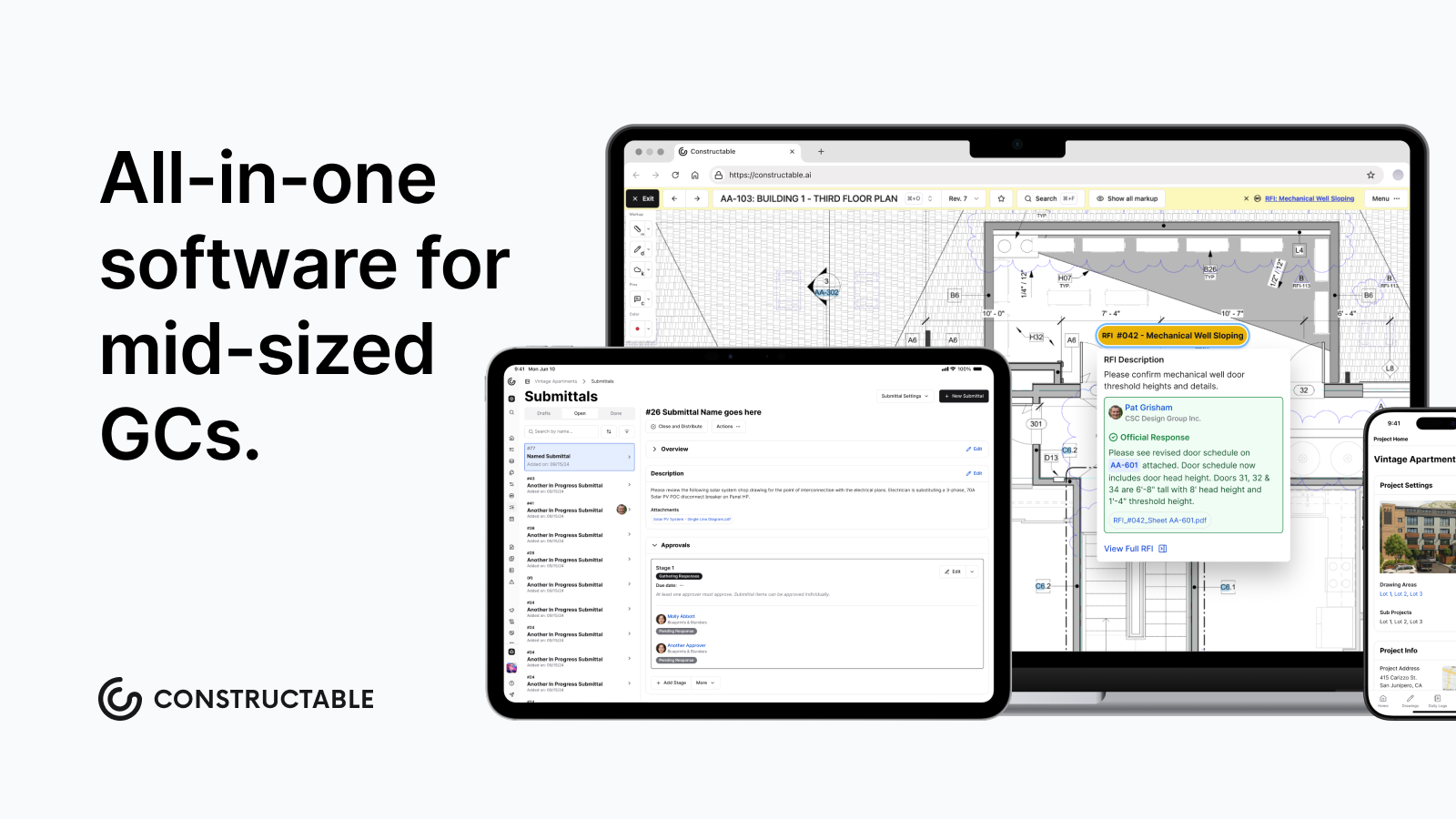\\n\\nThe gap between spreadsheets and enterprise systems is where most mid-size contractors get stuck, paying too much for complexity they don't need or struggling with tools that don't scale. Mid-size contractor software should handle your full project workflow in one place, with transparent pricing and fast onboarding that respects your time. We found that Constructable fills that gap for commercial GCs who need better without the enterprise tax.\\n\\n## FAQ\\n\\n### How do I choose the right construction project management software for my mid-size firm?\\n\\nStart with three questions: Will your team actually use it on day one? Does it work as one system or force you to juggle multiple logins? And can you onboard in weeks without a training budget that rivals the annual subscription? If you're running $15M to $150M in volume, you need something between spreadsheets and enterprise bloat.\\n\\n### Which construction management software works best for teams without dedicated IT staff?\\n\\nLook for systems built as one product from the ground up, not bundled acquisitions stitched together. You want something your team can adopt without formal training sessions and that you can implement in days, not months. Avoid platforms that require internal configuration management or expensive onboarding consultants.\\n\\n### What's the difference between field-only tools and full project management systems?\\n\\nField-only tools like Fieldwire handle punch lists and plan markup but lack submittals, budgeting, and cost trackingâyou'll still need separate office systems. Full project management platforms cover everything from drawings through financials in one place, so your field and office teams share the same data without reentry.\\n\\n### When should I consider switching from my current construction software?\\n\\nIf you're managing data across five different logins, reentering information between systems, or watching field adoption fail because the UI feels built for accountants instead of builders. Also consider switching when pricing punishes growth or when implementation drags on for months without clear progress.\\n\\n### Can construction project management software actually replace my entire tool stack?\\n\\nYes, but only if it's designed as one system from the start. You need native drawing management, RFIs, submittals, daily logs, financials, and search that works across all your project dataânot separate modules that barely talk to each other. Most mid-size GCs can run everything through one platform instead of stitching together point solutions.\\n\",[],[374,375,376,347,377],\"{\\\"@context\\\":\\\"https://schema.org\\\",\\\"@type\\\":\\\"FAQPage\\\",\\\"name\\\":\\\"Best Construction Project Management Software for Mid-Size Contractors in February 2026\\\",\\\"mainEntity\\\":[{\\\"@type\\\":\\\"Question\\\",\\\"name\\\":\\\"How do I choose the right construction project management software for my mid-size firm?\\\",\\\"acceptedA
165nswer\\\":{\\\"@type\\\":\\\"Answer\\\",\\\"text\\\":\\\"Start with three questions: Will your field teams actually use it on day one? Does it work as one system or force you to juggle multiple logins? And can you onboard in weeks without a training budget that rivals the annual subscription? If you're running $20M to $150M in volume, you need something between spreadsheets and enterprise bloat.\\\"}},{\\\"@type\\\":\\\"Question\\\",\\\"name\\\":\\\"Which construction management software works best for teams without dedicated IT staff?\\\",\\\"acceptedAnswer\\\":{\\\"@type\\\":\\\"Answer\\\",\\\"text\\\":\\\"Look for systems built as one product from the ground up, not bundled acquisitions stitched together. You want something your superintendent can adopt without formal training sessions and that you can implement in days, not months. Avoid platforms that require internal configuration management or expensive onboarding consultants.\\\"}},{\\\"@type\\\":\\\"Question\\\",\\\"name\\\":\\\"What's the difference between field-only tools and full project management systems?\\\",\\\"acceptedA
165nswer\\\":{\\\"@type\\\":\\\"Answer\\\",\\\"text\\\":\\\"Field-only tools like Fieldwire handle punch lists and plan markup but lack RFIs, submittals, budgeting, and cost trackingâyou'll still need separate office systems. Full project management platforms cover everything from drawings through financials in one place, so your field and office teams share the same data without reentry.\\\"}},{\\\"@type\\\":\\\"Question\\\",\\\"name\\\":\\\"When should I consider switching from my current construction software?\\\",\\\"acceptedAnswer\\\":{\\\"@type\\\":\\\"Answer\\\",\\\"text\\\":\\\"If you're managing data across five different logins, reentering information between systems, or watching field adoption fail because the UI feels built for accountants instead of builders. Also consider switching when pricing punishes growth or when implementation drags on for months without clear progress.\\\"}},{\\\"@type\\\":\\\"Question\\\",\\\"name\\\":\\\"Can construction project management software actually replace my entire tool stack?\\\",\\\"acceptedA
165nswer\\\":{\\\"@type\\\":\\\"Answer\\\",\\\"text\\\":\\\"Yes, but only if it's designed as one system from the start. You need native drawing management, RFIs, submittals, daily logs, financials, and search that works across all your project dataânot separate modules that barely talk to each other. Most mid-size GCs can run everything through one platform instead of stitching together point solutions.\\\"}}],\\\"url\\\":\\\"https://constructable.ai/blog/best-software-mid-size-contractors\\\",\\\"dateModified\\\":\\\"2026-02-02T20:35:15.411Z\\\",\\\"author\\\":{\\\"@type\\\":\\\"Person\\\",\\\"name\\\":\\\"Molly Abbott\\\"}}\\n\",\"{\\\"@context\\\":\\\"https://schema.org\\\",\\\"@type\\\":\\\"BlogPosting\\\",\\\"headline\\\":\\\"Best Construction Project Management Software for Mid-Size Contractors in February 2026\\\",\\\"description\\\":\\\"Find the best construction project management software for mid-size contractors in February 2026. Compare features, pricing, and ease of use for GCs running $20M-$150M.\\\",\\\"datePublished\\\":\\\"2026-02-02T20:35:15.411Z\\\",\\\"dateModified\\\":\\\"2026-02-02T20:35:15.411Z\\\",\\\"author\\\":{\\\"@type\\\":\\\"Person\\\",\\\"name\\\":\\\"Molly Abbott\\\",\\\"description\\\":\\\"Molly Abbott is a co-founder of Constructable, and comes from a construction family. Sheâs a little bit quirky, a little bit competitive, and a little bit fun. She drives a minivan and has two small boys to give you a better picture of her in real life. \\\"},\\\"url\\\":\\\"https://constructable.ai/blog/best-construction-project-management-software-mid-size-contractors\\\",\\\"wordCount\\\":2500,\\\"keywords\\\":[\\\"mid-size contractor software\\\",\\\"construction management for mid-size firms\\\",\\\"general contractor project management\\\",\\\"commercial construction software\\\"]}\\n\",\"construction project management software mid-size contractors\",\"ranked construction project management software\",\"best overall construction project management software constructable\",\"autodesk construction cloud\",\"construction-communication-collaboration-tools\",\"Best Construction Communication and Collaboration Tools in February 2026\",\"Compare the best construction communication and collaboration tools in February 2026. Find software that keeps field teams connected and project data organized.\",\"2026-02-11T18:02:54.880Z\",\"You spend half your day tracking down information that should be easy to find. Which system has that drawing markup? Where did that submittal response go? Did your super log the daily report yet, and if so, where? When you're coordinating architects, engineers, subs, and owners across multiple jobs, information disappears fast. The right [construction team collaboration](https://constructable.ai/) software stops the chaos by giving everyone access to the same project data, so you can answer questions in seconds instead of spending an hour digging through files.\\n\\n**TLDR:**\\n\\n- Poor communication costs construction projects $177,000 on average across delays and rework\\n- Top tools unify drawings, RFIs, submittals, and daily logs in one system vs juggling apps\\n- Constructable combines field-first mobile access with AI search\\n- Choose systems your field team will use, if it's too cumbersome, adoption lacks and then collaboration lacks\\n\\n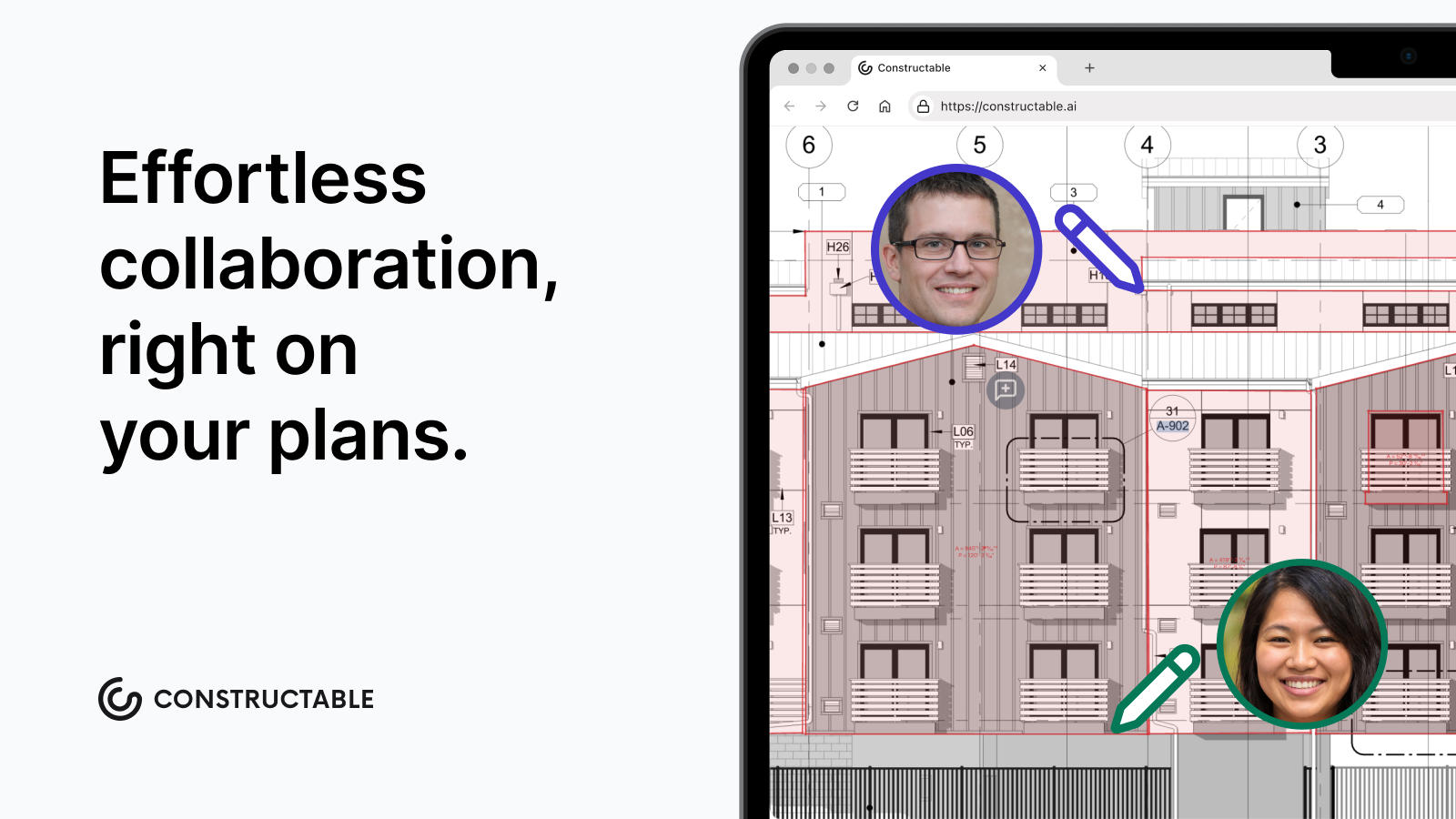\\n\\n## What are Construction Communication and Collaboration Tools?\\n\\n[Construction communication and collaboration tools](https://constructable.ai/blog/construction-management-software) are software systems that help general contractors keep everyone on the same page throughout a project. They connect field teams, office teams, consultants, trade partners, and owners by centralizing documents, conversations, RFIs, submittals, photos, financial and daily logs in one accessible place.\\n\\nSome examples of collaboration tools you should be looking for:\\n\\n- All team members using one system, internal and external\\n- Easy to use mobile app, and easy to communicate through the system. Not a bunch of forms to fill out\\n- Markup / Collaboration features on the drawing viewer are easy to adopt and team
165s use it\\n- Commenting / @ Mention users so the user can comment in the system vs outside living in email\\n- Appropriate notification system, so the user isn't spammed by email, and notifications are helpful and solicit action\\n\\nThese tools exist because commercial construction projects involve too many moving parts to manage through email, text messages, and spreadsheets alone. When you're coordinating architects, engineers, subs, inspectors, and owners across multiple jobsites, information gets lost fast. Poor communication [costs projects an average of $177,000](https://www.pmi.org/-/media/pmi/documents/public/pdf/learning/thought-leadership/pulse/the-essential-role-of-communications.pdf) and [construction professionals spend 5.5 hours per week](https://www.bmdmaterials.com/bmdblog/the-hidden-cost-of-outdated-communication-in-construction) just searching for project data, plus nearly 5 hours on conflict resolution, totaling almost 10 hours weekly per person on tasks better communication could avoid.\\n\\nThe right software gives your team a single source of truth. That means fewer miscommunications, less time hunting for the latest drawing revision, and better visibility into what's actually happening in the field.\\n\\n## How We Evaluated Construction Communication and Collaboration Tools\\n\\
165nWe looked at these tools through the lens of what matters when you're running large commercial projects. That means asking the practical questions: Can your field team pull up the information they need on a mobile device quickly, Can you find what you need without clicking through five different tabs? Does it handle the daily workflows you can't avoid, like RFIs, submittals, and drawing markups? Is it easy for the field and office team to input important information.\\n\\nWe focused on whether each tool centralizes project information or forces you to juggle multiple systems. We considered mobile access. We looked at how they handle real-time communication when decisions need to happen fast. Pricing mattered too. Some tools punish you as your team grows or your project volume goes up.\\n\\n## Best Overall Construction Communication Tool: Constructable\\n\\nWe built Constructable to replace the mess of disconnected tools most mid-market general contractors deal with. Instead of juggling separate systems for drawings, RFIs, submittals, daily logs, and communication, everything lives in one place and out of your email inbox.\\n\\nBecause Constructable was built with collaboration in mind, we've minimized RFIs by almost 50% on similar size projects (comparing Procore to Constructable) because design teams were able to collaborate through Constructable. Questions and concerns were addressed quicker and in a way that inspired teamwork and collaboration versus the typical finger pointing.\\n\\nBecause Constructable has unique features, like Topics (grouped markup that can be shared with certain people), it means that more information is staying in one system, vs living in someone's email inbox or a sharepoint folder. So information is right at the teams fingerprints.\\n\\nYour team gets AI-powered search that finds answers across all project data. [Drawings become the collaboration surface](https://constructable.ai/blog/drawing-centric-collaboration-workflows) where you can @mention teammates, attach photos, do a screen recording and keep context right where decisions happen. RFIs, submittals, and punch lists work without the bloat. Field teams can work offline when wifi disappears.\\n\\n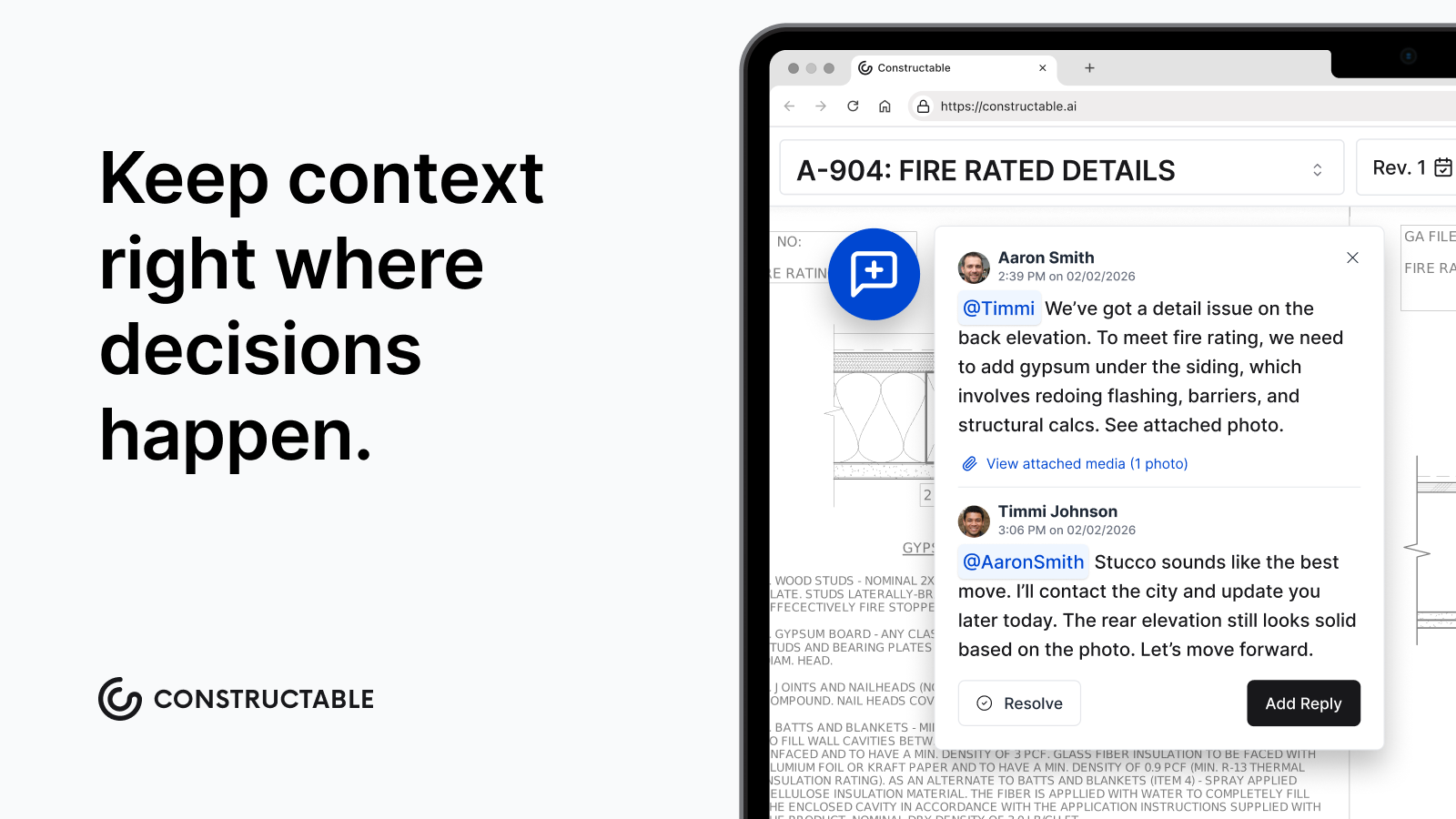\\n\\nThe pricing doesn't penalize you as you grow. We want your whole team using it, not just the office staff.\\n\\nIf you want one system that your field team will actually use and your PMs won't fight with, this is it.\\n\\n## Procore\\n\\nProcore is an enterprise construction management system with features across project management, quality and safety, and financials. It's built for large contractors operating at serious scale.\\n\\nProject scheduling and budget management, RFI and submittal tracking with document control, quality and safety management with forms and inspections, and financial management with cost tracking and forecasting.\\n\\nBest for large enterprise contractors with dedicated IT resources who can support formal training programs and extended onboarding timelines.\\n\\nThe downside: mid-market teams describe Procore as heavy and complex. Excessive clicking, deep menu navigation, and a steep learning curve that requires structured training and internal champions. Onboarding is lengthy and often involves multiple formal sessions. Pricing is expensive and rising, especially for contractors in the $10M to $200M range, who often times don't need robust and complex project management features.\\n\\n## Autodesk Construction Cloud\\n\\nAutodesk Construction Cloud bundles several acquired products (BIM 360, PlanGrid, BuildingConnected) into one offering. You get document control, model coordination, clash detection for BIM workflows, RFIs, issues tracking, and connections to Autodesk design software.\\n\\nIt fits large companies already locked into the Autodesk ecosystem who want one vendor across design and build.\\n\\nThe downside: multiple acquisitions mean inconsistent interfaces and workflows that don't feel like they belong together. Onboarding often requires expensive third-party consultants on top of licensing fees. Updates come slowly because of legacy architecture holding everything back.\\n\\nConstructable was built as one system from the start, with faster adoption and a single interface your team will actually use.\\n\\n## Fieldwire\\n\\nFieldwire is a field management tool focused on task execution, plan markup, and punch list management for site teams. It's built to get superintendents and field crews moving fast without loading them down with features they don't need.\\n\\nGood for field teams needing a lightweight tool focused on task execution and plan markup without broader project management needs, so the office to field collaboration is still often separated.\\n\\nThe limitation is what's missing. Fieldwire doesn't include financial management, budgeting, or office-driven project controls that GCs need to manage full project lifecycles. If you're using Fieldwire, you're deploying additional systems for financials and project management. That creates fragmented tool stacks and duplicate data entry.\\n\\n## RedTeam\\n\\nRedTeam is a budget-oriented construction management system covering estimating, scheduling, project management, and accounting workflows.\\n\\nThey offer estimating and bid solicitation with templates, job cost tracking with QuickBooks Online integration, contract management and change orders, and time tracking with expense management.\\n\\nIf you're working with tight margins and need something that checks basic boxes without breaking the bank, RedTeam can get you there. But [users report](https://www.capterra.com/p/132764/RedTeam/reviews/) dated interfaces and rigid workflows that make daily use feel like a chore. Field teams rarely adopt the mobile app because it's clunky and limited.\\n\\nMost teams stick with RedTeam because of the price tag, not because they love using it. You end up trading upfront cost for slow adoption and frustration down the line.\\n\\n## Feature Comparison Table of Construction Communication Tools\\n\\
165nHere's how the core capabilities line up when you're actually running jobs:\\n\\n| Feature | Constructable | Procore | Autodesk Construction Cloud | Fieldwire | RedTeam |\\n| --------------------- | ------------- | ------- | --------------------------- | --------- | ------- |\\n| Drawing Collaboration | Yes | Yes | Yes | Yes | No |\\n| AI-Powered Search | Yes | No | No | No | No |\\n| Financial Management | Yes | Yes | Yes | No | Yes |\\n| Offline Mobile Access | Yes | No | Yes | Yes | No |\\n| Fast Onboarding | Yes | No | No | Yes | No |\\n| Field-First Design | Yes | No | No | Yes | No |\\n| Transparent Pricing | Yes | No | No | No | Yes |\\n\\n## Why Constructable is the Best Construction Communication Tool\\n\\nMid-market GCs need simple and fast collaboration tools, because the better the team collaboration, the better the outcome of the project, and everyone knows that.\\n\\nConstructable works because it replaces the fragmented stack with one easy to use system your team can adopt from day one. Your super can mark up drawings, log daily reports, and close punch items without switching apps or waiting for wifi. Your [PMs can find answers in seconds](https://constructable.ai/features/ai-workflows) with AI search that pulls from every RFI, submittal, photo, and conversation in the project. Your team can talk to each other, without all the finger pointing or form filling.\\n\\n[96% of construction professionals](https://buildbite.com/insights/construction-collaboration) believe better collaboration improves project outcomes. But collaboration only works when everyone's looking at the same information.\\n\\n[We don't charge per user](https://constructable.ai/pricing) or take a cut of your construction volume. We want your whole team using it from day one, not just the people who can afford a login.\\n\\nYou know your [construction communication software](https://constructable.ai/) is working when people stop complaining about it. The goal isn't fancy features, it's getting home on time because you're not hunting for information. If you want to talk through how this would work for your projects, [grab time with us](https://constructable.ai/sales) and we'll keep it straightforward. We built Constructable for teams who just want their software to work without the drama.\\n\\n## FAQ\\n\\n### Which construction communication tool is best for mid-size general contractors?\\n\\nConstructable works best for GCs running $20M-$150M in volume who need one system their field teams will love using. No training headaches, no jumping between tools, and pricing that doesn't punish you as you grow.\\n\\n### How do I choose between these tools if I'm already using email and spreadsheets?\\n\\nStart with what's breaking first: if your field teams are drowning in paperwork and can't find the right drawing revision, you need mobile-first tools like Constructable or Fieldwire. If you're wanting to invite external parties to collaborate and access drawings and documents, then Constructable is the right choice because the pricing model is flat, not a pay-per-user. If you're an enterprise operation who can afford a lengthy and costly onboarding, don't mind complex interfaces, but need a lot of customization and controls, look at Procore or Autodesk.\\n\\n### What's the real cost difference between these platforms?\\n\\nProcore and Autodesk charge based on project volume and user counts, which gets expensive fast; Constructable and RedTeam use transparent pricing that won't spike when you land a bigger job or add your whole crew. Fieldwire is a cost per user, which is good when your're small, but if you want to collaborate, the user count will increase quickly.\\n\\n### When should I switch from my current construction software?\\n\\nIf you're spending more than 2 hours a week hunting for information across multiple systems, or your team is bouncing between bluebeam and project management software and a file system, it's time to look at something your whole team will actually use. Constructable is the easiest to adopt, with flat pricing, and easiest onboarding and migration.\\n\",[],[387,388,389,347,377,351],\"{\\\"@context\\\":\\\"https://schema.org\\\",\\\"@type\\\":\\\"FAQPage\\\",\\\"name\\\":\\\"Best Construction Communication and Collaboration Tools in February 2026\\\",\\\"mainEntity\\\":[{\\\"@type\\\":\\\"Question\\\",\\\"name\\\":\\\"Which construction communication tool is best for mid-size general contractors?\\\",\\\"acceptedA
165nswer\\\":{\\\"@type\\\":\\\"Answer\\\",\\\"text\\\":\\\"Constructable works best for GCs running $20M-$150M in volume who need one system their field teams will actually useâno training headaches, no jumping between tools, and pricing that doesn't punish you as you grow.\\\"}},{\\\"@type\\\":\\\"Question\\\",\\\"name\\\":\\\"How do I choose between these tools if I'm already using email and spreadsheets?\\\",\\\"acceptedAnswer\\\":{\\\"@type\\\":\\\"Answer\\\",\\\"text\\\":\\\"Start with what's breaking first: if your field teams are drowning in paperwork and can't find the right drawing revision, you need mobile-first tools like Constructable or Fieldwire; if you're an enterprise operation needing deep financial controls, look at Procore or Autodesk.\\\"}},{\\\"@type\\\":\\\"Question\\\",\\\"name\\\":\\\"Can I get my supers to adopt new software without formal training sessions?\\\",\\\"acceptedAnswer\\\":{\\\"@type\\\":\\\"Answer\\\",\\\"text\\\":\\\"Yes, but only if the tool is built for how they actually workâlook for offline mobile access, plan markup that makes sense in 30 seconds, and interfaces that don't require clicking through five menus to log a punch item.\\\"}},{\\\"@type\\\":\\\"Question\\\",\\\"name\\\":\\\"What's the real cost difference between these platforms?\\\",\\\"acceptedA
165nswer\\\":{\\\"@type\\\":\\\"Answer\\\",\\\"text\\\":\\\"Procore and Autodesk charge based on project volume and user counts, which gets expensive fast; Constructable and RedTeam use transparent pricing that won't spike when you land a bigger job or add your whole crew.\\\"}},{\\\"@type\\\":\\\"Question\\\",\\\"name\\\":\\\"When should I switch from my current construction software?\\\",\\\"acceptedAnswer\\\":{\\\"@type\\\":\\\"Answer\\\",\\\"text\\\":\\\"If you're spending more than 10 hours a week hunting for information across multiple systems, or your field teams have given up on the mobile app and gone back to paper, it's time to look at something your whole team will actually use.\\\"}}],\\\"url\\\":\\\"https://constructable.ai/blog/construction-communication-collaboration-tools\\\",\\\"dateModified\\\":\\\"2026-02-11T18:02:54.880Z\\\",\\\"author\\\":{\\\"@type\\\":\\\"Person\\\",\\\"name\\\":\\\"Molly Abbott\\\"}}\\n\",\"{\\\"@context\\\":\\\"https://schema.org\\\",\\\"@type\\\":\\\"BlogPosting\\\",\\\"headline\\\":\\\"Best Construction Communication and Collaboration Tools in February 2026\\\",\\\"description\\\":\\\"Compare the best construction communication and collaboration tools in February 2026. Find software that keeps field teams connected and project data organized.\\\",\\\"datePublished\\\":\\\"2026-02-11T18:02:54.880Z\\\",\\\"dateModified\\\":\\\"2026-02-11T18:02:54.880Z\\\",\\\"author\\\":{\\\"@type\\\":\\\"Person\\\",\\\"name\\\":\\\"Molly Abbott\\\",\\\"description\\\":\\\"Molly Abbott is a co-founder of Constructable, and comes from a construction family. Sheâs a little bit quirky, a little bit competitive, and a little bit fun. She drives a minivan and has two small boys to give you a better picture of her in real life. \\\"},\\\"url\\\":\\\"https://constructable.ai/blog/construction-communication-collaboration-tools\\\",\\\"wordCount\\\":2500,\\\"keywords\\\":[\\\"construction communication software\\\",\\\"construction collaboration tools\\\",\\\"project communication platform\\\",\\\"construction team collaboration\\\"]}\\n\",\"construction communication collaboration tools\",\"evaluated construction communication collaboration tools\",\"best overall construction communication tool constructable\",\"construction-drawing-management-software\",\"Top Construction Drawing Management Software (2026 Guide for GCs)\",\"Compare the top construction drawing management software in February 2026. Version control, mobile markups, and pricing for commercial GCs.\",\"2026-02-20T18:47:17Z\",\"Construction drawing management software should solve one core problem: making sure everyone is building from the correct set of plans.\\n\\nOn modern projects, drawings change constantly. Architects issue updates, engineers adjust details, and coordination shifts in the field. Superintendents need immediate access to the latest set. PMs need clarity on what changed between versions. And no one has time to dig through shared drives and email threads to confirm whether revision C or E is current. The right platform makes version control invisibleâand keeps drawings connected to the rest of the project workflow.\\n\\nWe reviewed the leading platforms used by mid-sized GCs and evaluated them based on version control, field usability, integration with project workflows, and implementation speed.\\n\\n### **TLDR**\\n\\n- The best drawing management tools make version control automatic and eliminate guesswork.\\n- Mobile usability and offline access determine whether your field team will actually adopt the software.\\n- Integration with RFIs, submittals, and project workflows reduces duplicate work and context switching.\\n- Constructable combines drawing management and project workflows in one system, with onboarding measured in days rather than months.\\n\\nAs construction firms increasingly invest in digital tools, the number of software options has multiplied. The global construction software market is [projected to continue to grow](https://www.fortunebusinessinsights.com/construction-software-market-110155) strongly in the coming years, underscoring the need for contractors to choose platforms that deliver both core functionality and real workflow integration.\\n\\n## What is _Good_ Construction Drawing Management Software?\\n\\n[Construction drawing management software](https://constructable.ai/blog/construction-management-software) centralizes project plans, blueprints, and revisions in a single system.\\n\\nInstead of manually organizing PDFs or tracking changes through email, the softw
165are:\\n\\n- Automatically logs new revisions\\n- Preserves historical versions\\n- Highlights changes between sets\\n- Enables digital markups and comments\\n- Distributes updates to field teams in real time\\n\\nThe primary outcome is alignment. Field teams and office staff reference the same current information, reducing the risk of rework, miscommunication, or outdated details entering the build.\\n\\nModern systems also connect drawings to RFIs, submittals, punch lists, and documentation, reducing the need to switch between tools.\\n\\n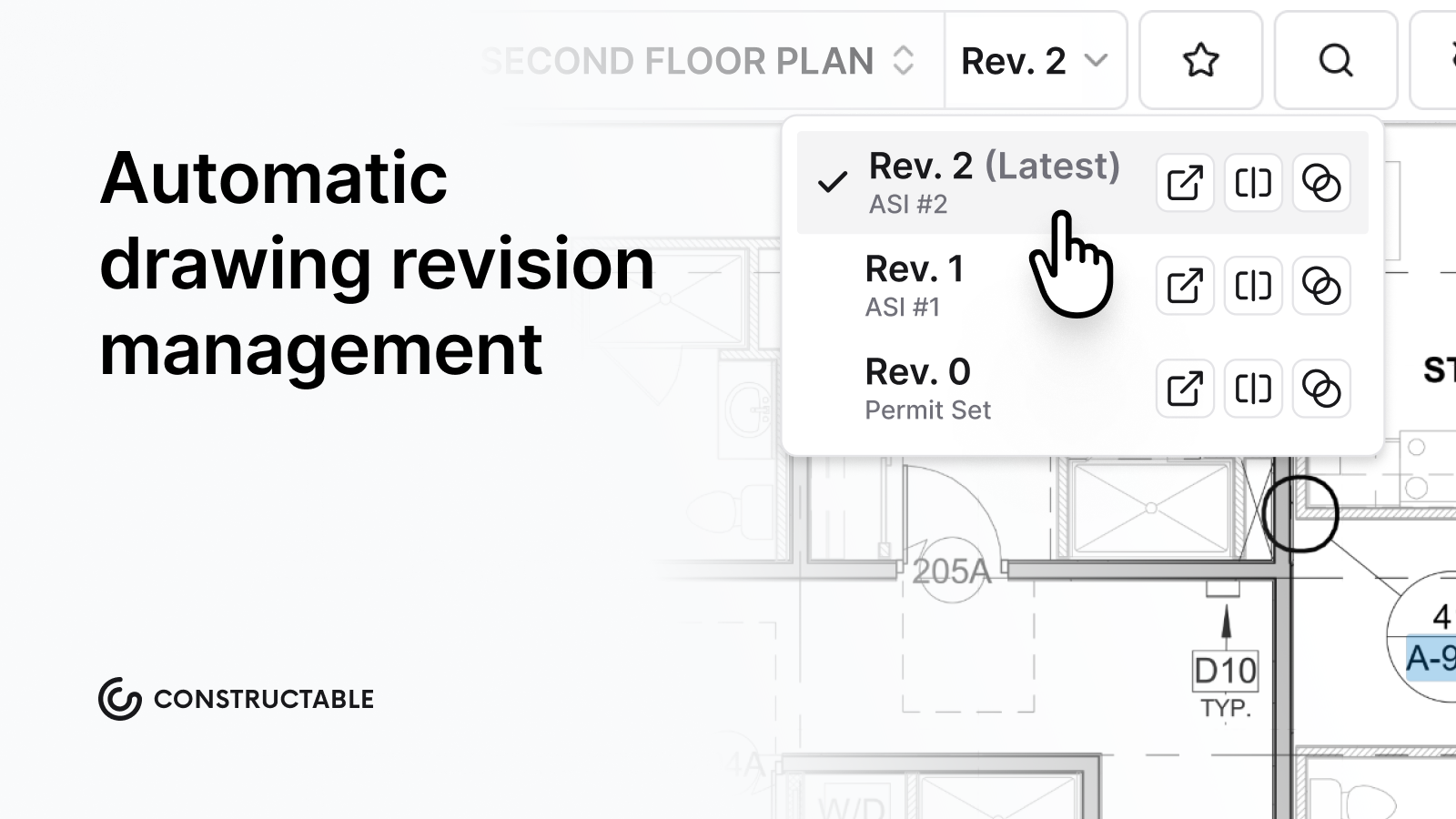\\n\\n## How We Evaluated Construction Drawing Management Software\\n\\nWe focused on what matters most to general contractors running active projects.\\n\\n**Version control** comes first. The system should track revisions automatically and clearly display changes between versions. Manual tracking introduces risk.\\n\\n**Field usability** is equally important. If a super can't quickly pull up drawings, add markups, or work offline on an iPad, adoption and efficiency will suffer regardless of feature depth.\\n\\n[**Collaboration tools**](https://constructable.ai/blog/drawing-centric-collaboration-workflows) such as markups, comments, and drawing comparisons help teams communicate without resorting to email and PDF attachments.\\n\\n**Workflow integration** also matters. When drawings exist in a separate system from RFIs, punch lists, and photos, teams end up duplicating effort and losing context.\\n\\nFinally, we considered **implementation time and pricing transparency**, since onboarding delays can impact active projects.\\n\\n## Best Overall for Mid-Market GCs: Constructable\\n\\nConstructable is a unified construction management platform that [embeds drawing management](https://constructable.ai/features/field-management) directly into project workflows. Drawings, RFIs, submittals, photos, and field logs operate within the same system and data structure.\\n\\nVersion control is automatic, with [drawing comparison tools](https://constructable.ai/features/ai-workflows) that highlight changes between revisions. Field teams can mark up plans with comments, photos, and videos tied to specific locations, and offline functionality supports work on jobsites with limited connectivity. [AI-powered search](https://constructable.ai/features/ai-workflows) helps users locate plans and documents quickly without navigating complex folder structures.\\n\\n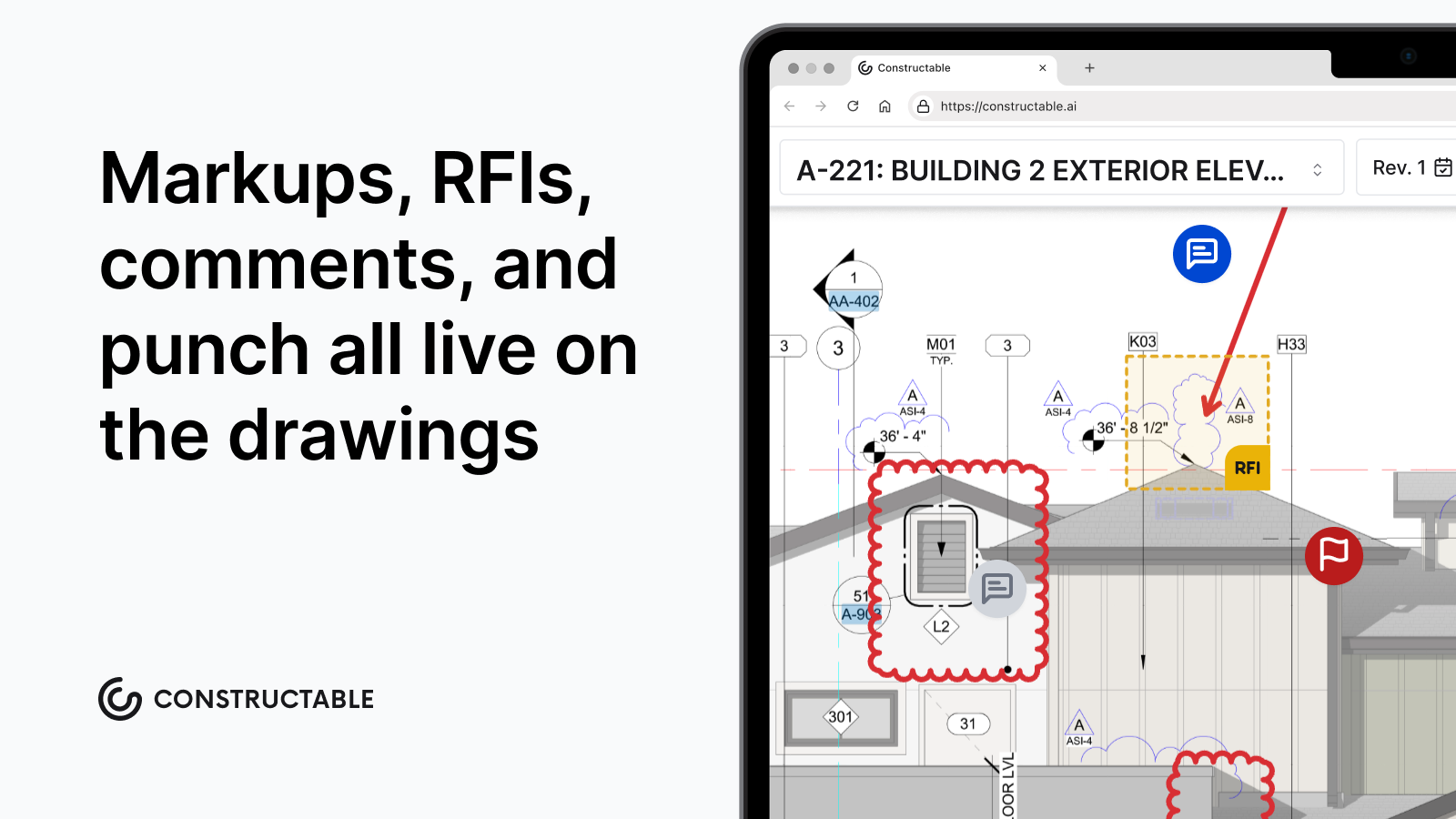\\n\\nConstructable is designed for mid-market general contractors typically running $20M-$150M projects who want enterprise-grade capability without the overhead of large-scale implementations. As an added bonus, onboarding timelines are typically measured in days rather than quarters.\\n\\n## Procore\\n\\n[Procore](https://constructable.ai/compare/procore) includes drawing management within its broader construction management suite and primarily serves large enterprise contractors with complex portfolios.\\n\\nThey provide document control, drawing distribution, markup tools, and deep integration across project management modules. Its ecosystem and third-party integrations are significant strengths, particularly for firms seeking vendor consolidation at scale.\\n\\nImplementation often involves structured onboarding and configuration, which can extend timelines for mid-sized teams. The system's breadth can also require more formal training to ensure consistent adoption in the field.\\n\\nProcore is generally best suited for enterprise contractors with dedicated IT resources and longer rollout times.\\n\\n## Autodesk Construction Cloud\\n\\nAutodesk Construction Cloud delivers drawing management alongside BIM and design coordination tools, particularly for firms already standardized on AutoCAD and Revit.\\n\\nThe platform supports drawing coordination, document control, and model-based workflows at enterprise scale. Its integration with Autodesk's design ecosystem is a significant advantage for design-build firms.\\n\\nBecause Autodesk combines several acquired products, user experience can vary across modules. Implementation often requires planning and configuration, which may extend setup timelines.\\n\\nThe downside: the acquisition history shows. Different modules feel stitched together rather than built as a single system. Migrations take months and often require consultants. The learning curve is steep, and the pricing reflects enterprise expectations.\\n\\nAutodesk Construction Cloud is well-suited for large firms locked into the Autodesk ecosystem.\\n\\n## Fieldwire\\n\\nFieldwire focuses primarily on field execution and plan viewing.\\n\\nKey strengths include:\\n\\n- Mobile-first plan viewing and markup\\n- Task management tied directly to drawing locations\\n- Photo documentation linked to plans\\n- Simple punch list workflows\\n\\nFieldwire works well for small teams running straightforward projects where the primary need is basic plan viewing and field task tracking, without office-level project management.\\n\\nBecause it is focused on field execution, contractors typically maintain separate systems for project management, financial tracking, and owner reporting.\\n\\n## RedTeam\\n\\nRedTeam provides a broader construction management system that includes drawing management, project tracking, and financial tools.\\n\\nThe platform competes in part on pricing and includes standard document version control capabilities. Its interface reflects a more traditional construction software design, and product updates typically follow an incremental release cycle.\\n\\nRedTeam can work for contractors, prioritizing lower license costs and straightforward functionality.\\n\\n## Ingenious Build\\n\\nIngenious Build is designed primarily for owners and portfolio managers overseeing multiple projects.\\n\\nThe platform emphasizes approval workflows, document routing, and high-level project oversight. This structure aligns well with owner-driven processes and compliance tracking.\\n\\nGeneral contractors focused on daily field coordination may find the system oriented more toward portfolio governance than hands-on project execution.\\n\\n### Feature Comparison Table of Construction Drawing Management Software\\n\\n| Feature | Constructable | Procore | Autodesk Construction Cloud | Fieldwire | RedTeam | Ingenious Build |\\n| ------------------------ | ------------- | ------- | --------------------------- | --------- | ------- | --------------- |\\n| Version Control | Yes | Yes | Yes | Yes | Yes | Yes |\\n| Plan Markups | Yes | Yes | Yes | Yes | Yes | Yes |\\n| Mobile Access | Yes | Yes | Yes | Yes | Yes | Yes |\\n| Offline Functionality | Yes | No | No | Yes | No | No |\\n| Collaboration Features | Yes | Yes | Yes | Yes | Yes | Yes |\\n| RFI Integration | Yes | Yes | Yes | No | Yes | Yes |\\n| AI Search | Yes | No | No | No | No | No |\\n| Drawing Comparison Tools | Yes | Yes | Yes | No | No | No |\\n| Pricing Transparency | Yes | No | No | Yes | Yes | No |\\n| Fast Onboarding | Yes | No | No | Yes | Yes | No |\\n\\nAcross the platforms reviewed, version control and digital markups are now standard capabilities. The meaningful differences appear in how drawings connect to the rest of the project workflow.\\n\\nOffline access remains critical for field teams working from job trailers or sites with inconsistent connectivity. Beyond that, the real separation shows up in integrationâwhether RFIs, submittals, and field documentation are directly linked to drawings, or whether teams must manage those processes in separate systems.\\n\\nSome platforms layer AI features on top of existing workflows, while others embed AI more quietly to reduce manual effort, improve search, and accelerate common tasks. As AI adoption accelerates across the industry (a [recent study](https://www.asce.org/publications-and-news/civil-engineering-source/article/2025/12/18/architecture-engineering-construction-sector-slow-to-adapt-ai-survey-shows) found that 94% of AEC professionals currently using AI plan to increase their use in 2026), the real question for GCs isnât whether a tool offers advanced features. Itâs whether those features reduce friction in daily project execution.\\n\\n## Final Thoughts\\n\\nThe right drawing management software makes revision control invisible. When someone asks which plan is current, that answer should be immediate.\\n\\nBeyond version tracking, the platform should connect drawings to active project work (RFIs, markups, submittals) so that information can move without duplication.\\n\\nField teams will adopt software that mirrors how construction _actually_ happens. Simplicity, clarity, and integration tend to matter more than feature volume.\\n\\nIf you want drawing management that fits into your workflowânot around itâsee how [**Constructable**](https://constructable.ai/sales) gets teams up and running in days, not months.\\n\\n## FAQ\\n\\n### How do I choose the right construction drawing management software for my team?\\n\\nStart with your biggest operational risk. If teams struggle to access the latest revisions in the field, prioritize mobile usability and offline access. If coordination issues stem from disconnected systems, look for integrated
165workflows linking drawings to RFIs and submittals.\\n\\n### Which drawing management tool works best for mid-size GCs?\\n\\nMid-market GCs often benefit from unified systems that combine drawing management with broader project workflows. Enterprise platforms such as Procore and Autodesk Construction Cloud are commonly used by large contractors with dedicated IT resources. Fieldwire is often selected for smaller, field-focused teams.\\n\\n### Can drawing management software work without cell service?\\n\\nSome platforms support offline functionality, allowing teams to access and mark up drawings without an internet connection. This is particularly important for jobsites with inconsistent service.\\n\\n### What's the difference between built-in drawing management and standalone tools?\\n\\nBuilt-in systems connect drawings directly to project workflows such as RFIs and submittals, reducing duplicate data entry and context switching. Standalone tools may handle plan viewing well, but require additional systems for broader project management tasks.\\n\\n### How long does implementation take?\\n\\nImplementation timelines vary widely. Some platforms can be configured within days, while enterprise systems may require structured onboarding over several months. Contractors should factor in rollout time when making decisions if active projects are already underway.\\n\",[],[399,400,401,402,347,351],\"{\\\"@context\\\":\\\"https://schema.org\\\",\\\"@type\\\":\\\"FAQPage\\\",\\\"name\\\":\\\"Top Construction Drawing Management Software (2026 Guide for GCs)\\\",\\\"mainEntity\\\":[{\\\"@type\\\":\\\"Question\\\",\\\"name\\\":\\\"How do I choose the right construction drawing management software for my team?\\\",\\\"acceptedA
165nswer\\\":{\\\"@type\\\":\\\"Answer\\\",\\\"text\\\":\\\"Start with what breaks first: if your field teams can't find the right plan revision on site, prioritize offline access and mobile experience. If you're spending hours tracking down what changed between versions, focus on comparison tools and version control that actually work. Pick something your super can use without a training manual.\\\"}},{\\\"@type\\\":\\\"Question\\\",\\\"name\\\":\\\"Which drawing management tool works best for mid-size commercial GCs?\\\",\\\"acceptedAnswer\\\":{\\\"@type\\\":\\\"Answer\\\",\\\"text\\\":\\\"Constructable works well for GCs running $20M-$150M who want drawing management built into their full project workflowânot bolted on. Procore and Autodesk fit large enterprise teams with IT resources and longer timelines. Fieldwire handles basic field viewing but you'll need separate systems for office workflows and financials.\\\"}},{\\\"@type\\\":\\\"Question\\\",\\\"name\\\":\\\"Can I use drawing management software without cell service on the jobsite?\\\",\\\"acceptedA
165nswer\\\":{\\\"@type\\\":\\\"Answer\\\",\\\"text\\\":\\\"Constructable and Fieldwire both work offline, so your team can mark up plans and leave notes when the trailer wi-fi dies. Procore, Autodesk Construction Cloud, RedTeam, and Ingenious Build require connectivity, which means your super is stuck waiting for service to pull up the latest structural.\\\"}},{\\\"@type\\\":\\\"Question\\\",\\\"name\\\":\\\"What's the difference between drawing management built into project software versus a standalone tool?\\\",\\\"acceptedAnswer\\\":{\\\"@type\\\":\\\"Answer\\\",\\\"text\\\":\\\"When drawings live in the same system as your RFIs, submittals, and daily logs, you skip the duplicate data entry and context switching. Standalone tools like Fieldwire handle plan viewing well but force you to maintain separate systems for everything else, which means more logins and lost connections between what you see and what you do about it.\\\"}},{\\\"@type\\\":\\\"Question\\\",\\\"name\\\":\\\"How long does it take to get drawing management software up and running?\\\",\\\"acceptedA
165nswer\\\":{\\\"@type\\\":\\\"Answer\\\",\\\"text\\\":\\\"Constructable and Fieldwire get teams productive in days with straightforward onboarding. Procore and Autodesk Construction Cloud typically take months and require expensive consultants to handle migration and setup. If you need to be live before your next project starts, implementation time matters more than feature lists.\\\"}}],\\\"url\\\":\\\"https://constructable.ai/blog/construction-drawing-management-software\\\",\\\"dateModified\\\":\\\"2026-02-20T18:47:17Z\\\",\\\"author\\\":{\\\"@type\\\":\\\"Person\\\",\\\"name\\\":\\\"Molly Abbott\\\"}}\\n\",\"{\\\"@context\\\":\\\"https://schema.org\\\",\\\"@type\\\":\\\"BlogPosting\\\",\\\"headline\\\":\\\"Top Construction Drawing Management Software (February 2026 Update)\\\",\\\"description\\\":\\\"Compare the top construction drawing management software in February 2026. Version control, mobile markups, and pricing for commercial GCs.\\\",\\\"datePublished\\\":\\\"2026-02-20T18:47:17Z\\\",\\\"dateModified\\\":\\\"2026-02-20T18:47:17Z\\\",\\\"author\\\":{\\\"@type\\\":\\\"Person\\\",\\\"name\\\":\\\"Molly Abbott\\\",\\\"description\\\":\\\"Molly Abbott is a co-founder of Constructable, and comes from a construction family. Sheâs a little bit quirky, a little bit competitive, and a little bit fun. She drives a minivan and has two small boys to give you a better picture of her in real life. \\\"},\\\"url\\\":\\\"https://constructable.ai/blog/construction-drawing-management-software\\\",\\\"wordCount\\\":2500,\\\"keywords\\\":[\\\"construction drawing management\\\",\\\"plan management software\\\",\\\"construction blueprint software\\\",\\\"drawing version control\\\"]}\\n\",\"tldr\",\"good construction drawing management software\",\"evaluated construction drawing management software\",\"best overall mid-market gcs constructable\",\"best-submittal-management-platforms\",\"What Are the Best Submittal Management Platforms? (August 2026 Update)\",\"Compare the best submittal management platforms in August 2026. See which tools connect workflows, handle approvals, and work for mid-size contractors.\",\"2026-02-24T17:16:55.680Z\",\"2026-08-25T17:22:50.000Z\",\"Submittal management keeps materials moving and approvals on track, but most platforms either overwhelm your team with enterprise complexity or charge you every time someone new needs access.\\n\\nThe difference between options comes down to whether external reviewers can log in and get work done without a training session, whether you can see who's holding things up before it becomes a schedule problem, and whether pricing punishes you for inviting the subcontractors and consultants who actually need to review submittals.\\n\\nWe reviewed platforms based on what matters when you're coordinating multiple trades and trying to avoid delays: keeping materials moving, catching problems early, and getting everyone the access they need without budget surprises.\\n\\n**TLDR:**\\n\\n- [Submittal management](https://constructable.ai/blog/construction-submittals-definition-types-best-practices) verifies materials meet specs before work starts to prevent delays and rework.\\n\\n- Top platforms differ in approval routing, external user access, and per-user fees.\\n\\n- Procore and Autodesk Forma serve enterprises; RedTeam trades usability for lower cost.\\n\\n- **Constructable** offers unlimited users with no extra fees, intuitive workflows that require no training, and submittals that connect to RFIs and project communication in one place.\\n\\n## What Good Submittal Management Looks Like\\n\\nGood submittal management moves materials through the approval process without creating a bottleneck. That means knowing exactly where each submittal stands, who needs to act next, and what's at risk of delaying the schedule.\\n\\nWhen it works, subs know what you need and when you need it; reviewers see what requires their attention without having to dig through email threads; approvals happen on time because the right people get notified at the right moment; product data reaches the field before installation starts, not after.\\n\\nWhen things break down, you're chasing down architects for responses, fielding calls from subs about status, and finding that on-site materials don't match the approved materials. The submittal log becomes a source of confusion instead of clarity.\\n\\nThe difference comes down to visibility, accountability, and whether your software makes it easy for everyone involved to do their part _without_ constant follow-up.\\n\\n## How We Compared Submittal Management Software\\n\\nWe looked at submittal management software based on what actually matters when you're trying to keep materials on track and avoid delays.\\n\\nFirst, review routing. Can you route submittals to the right reviewers without micromanaging every step? Does the softw
165are handle review cycles when items come back with comments or rejections?\\n\\nSecond, status visibility and alerts. You need visibility into what's waiting on approval, what's overdue, and who's holding the ball. Alerts should keep the right people informed without flooding inboxes.\\n\\nThird, mobile access. Superintendents and project managers need to review and approve field submittals wherever they're working.\\n\\nFourth, ease of use for everyone involved. That includes your internal team, architects, engineers, and subcontractors. If external reviewers struggle with the software, approvals slow down.\\n\\nFinally, how submittals fit with the rest of the project. If RFIs, schedules, and submittals live in separate systems, you're having to reestablish context every time you switch apps.\\n\\n## Constructable: Top Pick for Submittal Management\\n\\n**Constructable** handles submittals the way mid-size GCs need them handled: visible to everyone who matters, and simple enough that nobody needs a tutorial.\\n\\nCreate a submittal, assign it to the right reviewer (architect, engineer, owner, or sub), and track exactly whose court the ball is in. Attach documents, add comments, and loop in whoever needs to weigh in. Overdue items and pending actions are easy to spot at a glance.\\n\\n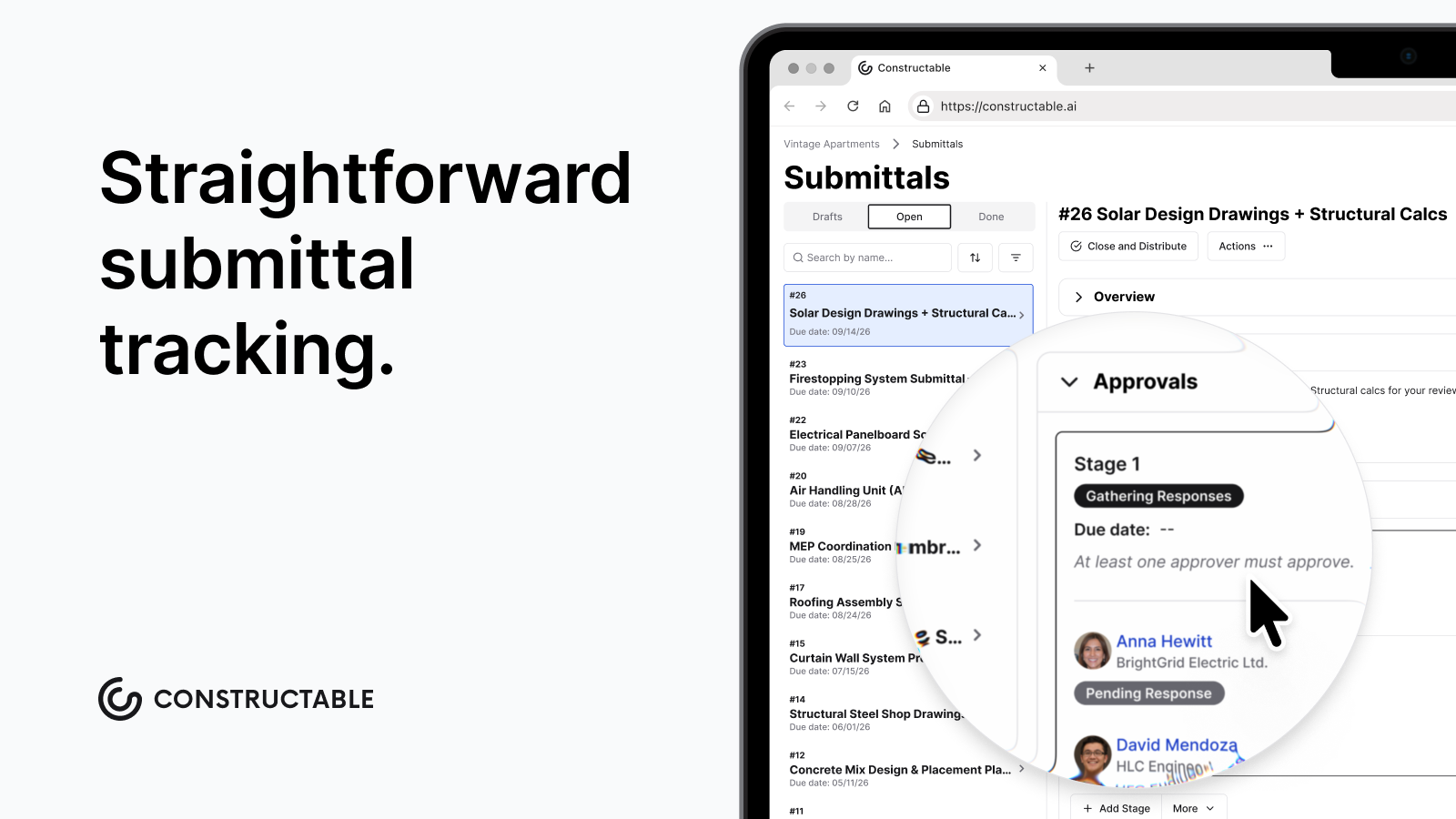\\n\\nExternal reviewers don't need training. Subs and consultants log in, see what's assigned to them, and respond. No per-user fees means you can invite everyone without watching your bill climb. Mobile access works offline, so superintendents can review submittals from the trailer.\\n\\nBecause submittals live in the same place as RFIs and daily logs, you don't have to recreate context every time you switch apps.\\n\\n## Procore\\n\\nProcore offers a submittal workflow with approval routing, integration with project specs, a mobile app for field access, and reporting dashboards.\\n\\nProcore works for large enterprise contractors with dedicated administrative staff who can manage formal onboarding and the ongoing complexity of the software. But [87% of owners report](https://assets.kpmg.com/content/dam/kpmg/xx/pdf/2023/06/familiar-challenges-new-solutions.pdf) that their construction projects face greater scrutiny, and Procore's submittal workflow is often described as click-heavy and difficult for occasional users such as superintendents, owners, or subcontractors. Teams frequently require structured onboarding, internal champions, and ongoing training to maintain proficiency. This introduces friction for mid-size teams that want to move fast. Pricing is widely perceived as expensive and rising for mid-market contractors.\\n\\nProcore works for enterprises willing to invest in training and overhead. **Constructable** is [a cheaper, simpler alternative](https://constructable.ai/compare/procore) that you've been looking for.\\n\\n## Autodesk Forma\\n\\nAutodesk Forma bundles submittal management into its suite of construction products, brought together through several acquisitions. It targets enterprise-level buyers.\\n\\nSubmittal creation and review routing, document management with version control, integration with BIM 360 and other Autodesk products, and mobile access for field teams are included. Large organizations already invested in Autodesk ecosystems tend to find value here, particularly when vendor consolidation outweighs the benefits of best-of-breed functionality.\\n\\nThe main drawback is architectural inconsistency. Multiple acquisitions result in workflows that don't feel like one cohesive product. Moving between modules exposes gaps in the user experience, forcing teams to learn different approaches for each tool. Migrations typically require third-party consultants, adding _time_ and _cost_ to an already disruptive process.\\n\\nAutodesk Forma serves enterprise standardization needs well. For mid-market general contractors seeking faster onboarding and less friction, [**Constructable** offers a unified](https://constructable.ai/blog/construction-management-software), ground-up submittal-tracking solution that eliminates the need for expensive professional services.\\n\\n## RedTeam\\n\\nRedTeam provides construction management software with submittal-tracking functionality. It competes primarily on price in the mid-market, offering submittal logs and tracking, basic review routing, and document storage. Their pricing model targets teams looking for lower license fees without the feature depth of higher-priced competitors.\\n\\nRedTeam is widely perceived as legacy software that puts low cost above product evolution. Many teams experience the softw
165are as dated, rigid, and difficult to use, with long-standing UX issues and workflows that feel frozen in time. Field workflows are technically available but often underutilized due to poor design, leading to mostly office-based use and limited field adoption.\\n\\nWhile RedTeam may be a cheap option, **Constructable** delivers better value through higher usability and stronger field adoption at a competitive price.\\n\\n## How These Submittal Management Options Compare\\n\\nHere's a side-by-side breakdown of what each option offers for submittal management:\\n\\n| Feature | Constructable | Procore | Autodesk Forma | RedTeam |\\n| -------------------------------- | ------------- | ------- | -------------- | ------- |\\n| Ball-in-Court Visibility | Yes | Yes | No | Limited |\\n| Approval Routing | Yes | Yes | Yes | Basic |\\n| Document Attachment \u0026 Management | Yes | Yes | Yes | Limited |\\n| Mobile Access | Yes | Yes | Yes | Yes |\\n| Unlimited Users | Yes | No | No | No |\\n| Quick Setup | Yes | No | No | Yes |\\n\\nEvery tool handles [submittal tracking](https://constructioncoverage.com/glossary/submittal) differently. Constructable and Procore cover most core needs, while Autodesk Forma skips ball-in-court visibility entirely. RedTeam works for smaller teams but offers more limited document management. The unlimited users feature matters more than it sounds. When your team grows mid-project, or you need to loop in a specialty consultant, you shouldn't have to negotiate licenses or worry about per-seat costs eating into your margin.\\n\\n## Why Constructable Is the Best Submittal Management Solution\\n\\nSubmittals work best when they live inside the same product as your RFIs and project communication. That's how **Constructable** was built. Create a submittal, route it to the reviewer, and track who's holding the ball. No separate logins. No bolt-on modules that feel tacked on.\\n\\nMid-size commercial projects face enough coordination challenges without having to fight your software. Constructable gives superintendents, project managers, and external reviewers the same straightforward experience. No training decks. No enterprise overhead. Just submittal tracking that works the way your team actually operates.\\n\\nBecause we don't charge per user, you can invite everyone who needs access without inflating your bill. Subcontractors, consultants, owners, and field staff all get in. When submittal workflows connect to the rest of your project data, approvals move faster, and fewer fall through.\\n\\n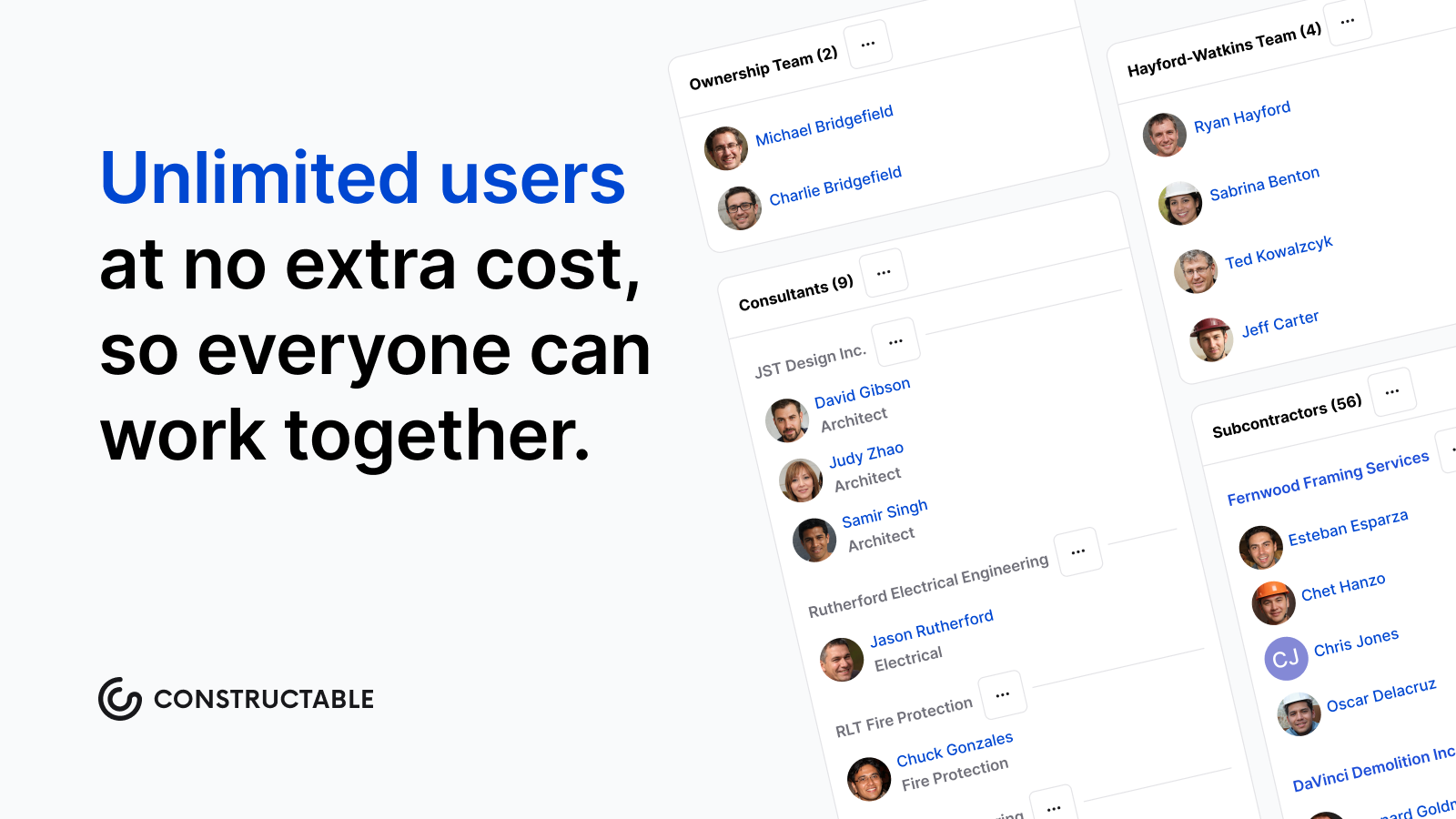\\n\\nWe built **Constructable** to be the Ford F-150 of construction software. Reliable. Practical. Built for real work. No extra knobs, no unnecessary complexity, just a tool that shows up every day and gets the job done.\\n\\n## Final Thoughts on Submittal Management Solutions\\n\\nThe best submittal software integrates with your other workflows, tracks who's holding the ball, and doesn't penalize you with per-user fees as your team grows mid-project. Your superintendents and external reviewers need to log in and complete their work without needing another tutorial or support ticket. [Set up a quick demo](https://constructable.ai/sales) to see how **Constructable** handles submittals alongside your other project data. We built a tool that's powerful enough to run complex projects and simple enough that your team will actually use it.\\n\\n## FAQ\\n\\n### How do I choose the right submittal management software for my team?\\n\\nStart with how your team works today. If you're a mid-size GC running multiple commercial projects, look for software where submittals connect directly to drawings and don't require separate logins for subs and consultants. Check whether pricing scales with your team size or stays flat, and whether onboarding takes days or months.\\n\\n### Which submittal tracking software works best for smaller teams without an IT staff?\\n\\nConstructable and RedTeam both offer faster onboarding than enterprise options. RedTeam costs less upfront but feels dated and struggles with field adoption. Constructable gives you modern workflows, unlimited users, and connects submittals to the rest of your project data without needing dedicated IT support.\\n\\n### What's the difference between enterprise submittal softw
165are and tools built for mid-size contractors?\\n\\nEnterprise software like Procore and Autodesk Forma packs in more features but requires structured training, internal champions, and often consultants to get started. Mid-market options focus on fast setup and simpler workflows, so superintendents and external reviewers can jump in without formal onboarding.\\n\\n### Can subcontractors and consultants access submittal software without adding to my costs?\\n\\nDepends on the software. Procore, Autodesk Forma, and RedTeam charge per user, so inviting subs and consultants increases your bill. **Constructable** offers unlimited users on all plans, so you can bring in everyone who needs access without tracking licenses or negotiating overages mid-project.\\n\",[],[413,414,415,347,416],\"{\\\"@context\\\":\\\"https://schema.org\\\",\\\"@type\\\":\\\"FAQPage\\\",\\\"name\\\":\\\"What Are the Best Submittal Management Platforms? (August 2026 Update)\\\",\\\"mainEntity\\\":[{\\\"@type\\\":\\\"Question\\\",\\\"name\\\":\\\"How do I choose the right submittal management software for my team?\\\",\\\"acceptedA
165nswer\\\":{\\\"@type\\\":\\\"Answer\\\",\\\"text\\\":\\\"Start with how your team works today. If you're a mid-size GC running multiple commercial projects, look for software where submittals connect directly to drawings and don't require separate logins for subs and consultants. Check whether pricing scales with your team size or stays flat, and whether onboarding takes days or months.\\\"}},{\\\"@type\\\":\\\"Question\\\",\\\"name\\\":\\\"Which submittal tracking tool works best for smaller teams without an IT staff?\\\",\\\"acceptedAnswer\\\":{\\\"@type\\\":\\\"Answer\\\",\\\"text\\\":\\\"Constructable and RedTeam both offer faster onboarding than enterprise options. RedTeam costs less upfront but feels dated and struggles with field adoption. Constructable gives you modern workflows, unlimited users, and connects submittals to the rest of your project data without needing dedicated IT support.\\\"}},{\\\"@type\\\":\\\"Question\\\",\\\"name\\\":\\\"What's the difference between enterprise submittal software and tools built for mid-size contractors?\\\",\\\"acceptedA
165nswer\\\":{\\\"@type\\\":\\\"Answer\\\",\\\"text\\\":\\\"Enterprise tools like Procore and Autodesk Construction Cloud pack in more features but require structured training, internal champions, and often consultants to get started. Mid-market tools focus on fast setup and simpler workflows, so superintendents and external reviewers can jump in without formal onboarding.\\\"}},{\\\"@type\\\":\\\"Question\\\",\\\"name\\\":\\\"Can subcontractors and consultants access submittal software without adding to my costs?\\\",\\\"acceptedAnswer\\\":{\\\"@type\\\":\\\"Answer\\\",\\\"text\\\":\\\"Depends on the tool. Procore, Autodesk Construction Cloud, and RedTeam charge per user, so inviting subs and consultants increases your bill. Constructable offers unlimited users on all plans, so you can bring in everyone who needs access without tracking licenses or negotiating overages mid-project.\\\"}}],\\\"url\\\":\\\"https://constructable.ai/blog/best-submittal-management-platforms\\\",\\\"dateModified\\\":\\\"2026-08-25T17:22:50.000Z\\\",\\\"author\\\":{\\\"@type\\\":\\\"Organization\\\",\\\"name\\\":\\\"Constructable\\\"}}\\n\",\"{\\\"@context\\\":\\\"https://schema.org\\\",\\\"@type\\\":\\\"BlogPosting\\\",\\\"headline\\\":\\\"What Are the Best Submittal Management Platforms? (August 2026 Update)\\\",\\\"description\\\":\\\"Compare the best submittal management platforms in August 2026. See which tools connect workflows, handle approvals, and work for mid-size contractors.\\\",\\\"datePublished\\\":\\\"2026-02-24T17:16:55.680Z\\\",\\\"dateModified\\\":\\\"2026-08-25T17:22:50.000Z\\\",\\\"author\\\":{\\\"@type\\\":\\\"Person\\\",\\\"name\\\":\\\"Molly Abbott\\\",\\\"description\\\":\\\"Molly Abbott is a co-founder of Constructable, and comes from a construction family. Sheâs a little bit quirky, a little bit competitive, and a little bit fun. She drives a minivan and has two small boys to give you a better picture of her in real life. \\\"},\\\"url\\\":\\\"https://constructable.ai/blog/best-submittal-management-platforms\\\",\\\"wordCount\\\":2500,\\\"keywords\\\":[\\\"submittal tracking\\\",\\\"best submittal management platforms\\\",\\\"submittal management\\\"]}\\n\",\"good submittal management looks like\",\"compared submittal management software\",\"constructable top pick submittal management\",\"autodesk forma\",\"daily-log-field-reporting-software\",\"Top Daily Log and Field Reporting Software in February 2026\",\"Compare the top daily log and field reporting software in February 2026. Reviews of Constructable, Procore, Autodesk, Fieldwire, and RedTeam for construction teams.\",\"2026-02-27T19:17:17.995Z\",\"Daily logs protect you when disputes surface months after work is done, and [construction daily report templates](https://www.mastt.com/resources/construction-daily-report-template) can save 20-30 minutes daily by eliminating blank document starts. However, most platforms either bury your team in manual data entry or treat documentation as isolated paperwork disconnected from the rest of your project.\\n\\nThe difference between tools comes down to whether your superintendent can log crew hours in under two minutes without training, whether weather data pulls in automatically instead of requiring manual entry every day, and whether photos organize themselves or force you to sort and upload duplicates across multiple systems.\\n\\nWe evaluated platforms based on what matters when you're documenting jobsite activity and need records that hold up in disputesâspeed in the field, automatic data capture, and legal defensibility without the busywork.\\n\\n**TLDR:**\\n\\n- Daily logs protect you in disputes and create legal records that hold up in court.\\n- Constructable auto-fills hourly weather data and organizes photos by week (ensuring less data entry).\\n- Field crews can document crew hours in under two minutes without training.\\n- Photos from daily logs sync automatically to your project photo library.\\n- Flat fee pricing with unlimited users, meaning no per-seat charges as your team grows.\\n\\n## How We Ranked Daily Log and Field Reporting Softw
165are\\n\\nWe looked at five factors that separate good daily log software from tools that end up ignored on the jobsite.\\n\\nFirst, field usability. If your superintendent can't [log crew hours in under two minutes](https://constructable.ai/features/field-management), adoption won't happen. The best tools work fast on a phone in the field.\\n\\nSecond, automatic data capture. The weather should pull in on its own. Photos should organize themselves. The fewer manual entries, the better.\\n\\nThird, photo organization. Photos should automatically flow from logs into your project documentation, without manual sorting or duplicate uploads.\\n\\nFourth, offline access. Cell service fails. Your logging tool shouldn't.\\n\\nFifth, legal defensibility. Your logs need to be exported as clean PDFs that hold up when someone questions your timeline months later.\\n\\n## Best Overall Daily Log and Field Reporting Software: Constructable\\n\\nConstructable makes daily logs fast and automatic. Weather data pulls in every hour using your project's zip code. No manual entry. No guessing. You get temperature, conditions, precipitation, and wind speed without lifting a finger.\\n\\nLogs are organized by week and cover nine categories: notes, personnel, your crew's hours, equipment, deliveries, dumpsters, inspections, weather, and delays. Delays get tagged by cause (weather, permitting, owner directive, material issues, waiting on submittals), so when someone asks why the schedule slipped, you have an answer that sticks.\\n\\n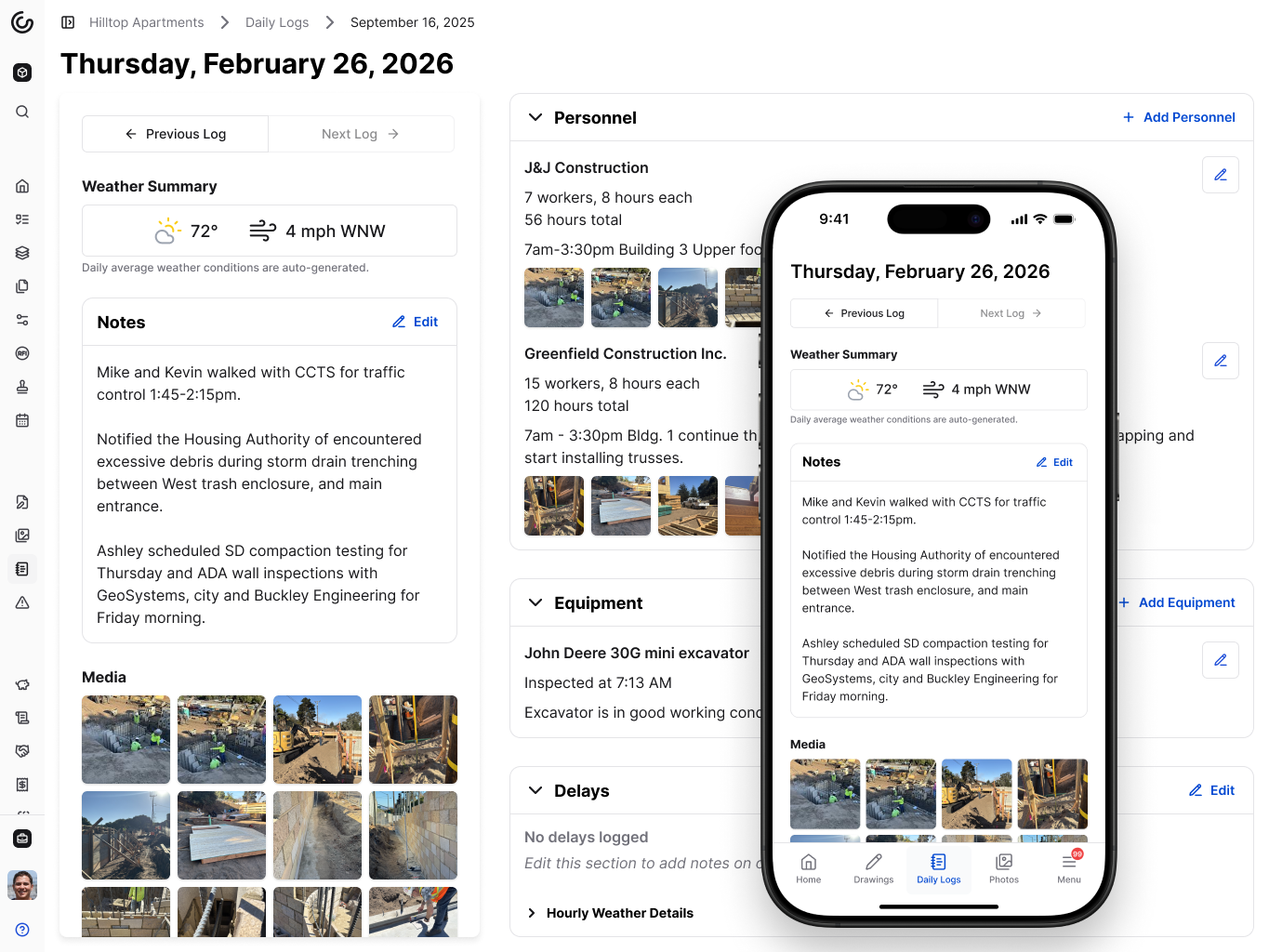\\n\\n[Photos attached to daily logs](https://constructable.ai/blog/field-to-office-photo-and-video-documentation) automatically flow into the Photos section, organized in a dedicated Daily Log Photos album. Your visual documentation stays organized by week without manual sorting or duplicate uploads.\\n\\nDaily logs stay internal by default. Your subcontractors and owners don't see crew counts or delay notes unless you decide otherwise. Export everything to PDF when you need a clean record for disputes or closeout.\\n\\nConstructable gives you daily logs and complete project management, with unlimited users, at a flat fee. No per-seat charges. No complexity. Just field documentation that works with the rest of your project in one system.\\n\\n## Procore\\n\\nProcore includes daily log and field reporting capabilities as part of its enterprise construction management offering. The system covers a wide range of documentation needs but requires setup and ongoing management to be used effectively.\\n\\n- Daily log entry with customizable fields for manpower, equipment, and activities\\n- Photo capture and attachment to daily reports\\n- Weather tracking and site visitor documentation\\n- Export options for daily report PDFs\\n\\nGood for [large enterprise contractors](https://constructable.ai/blog/constructable-vs-procore-which-is-better) with dedicated project coordinators who can manage the complexity and have a budget for extensive onboarding and training.\\n\\nLimitation: Daily log workflows are often described as click-heavy and difficult to navigate, especially for superintendents and field staff who need better project management tools they can use infrequently. The complexity slows down adoption in the field, where speed and simplicity matter most.\\n\\n## Autodesk Construction Cloud\\n\\nAutodesk Construction Cloud includes daily reporting through modules assembled from multiple acquisitions. While broad in scope, the daily log experience reflects the fragmented nature of the underlying architecture.\\n\\nField teams get daily log creation with standard documentation sections, photo and file attachments, integration with other ACC modules for broader project tracking, and mobile app access for field data entry.\\n\\nGood for enterprises already standardized on Autodesk products who prioritize vendor consolidation and have resources for expensive migration and professional services.\\n\\nLimitation: Daily log workflows feel disconnected from other project activities because ACC modules are stitched together. Transitions between tools exp
165ose seams, and users report inconsistent UX that increases training time and reduces field adoption.\\n\\nBottom line: ACC's daily logs work but feel bolted on. We built daily reporting into a single cohesive system, so field teams spend less time learning software and more time documenting work.\\n\\n## Fieldwire\\n\\nFieldwire is a field execution tool that includes daily reporting as part of its task and punch list focus. It works well for lightweight jobsite documentation but doesn't scale as projects get more involved.\\n\\nSimple daily log creation optimized for field use, task tracking that integrates with daily reports, photo capture with markup capabilities, and a mobile-first design built for superintendents make Fieldwire accessible to crews who need quick documentation.\\n\\nGood for small teams focused purely on field execution who don't need construction management software or financial visibility beyond basic task tracking.\\n\\nThe limitation: Fieldwire lacks native project management, financial tracking, and office workflows. Teams using Fieldwire must maintain separate systems for budgets, change orders, and owner communication, creating fragmentation and duplicate data entry across tools.\\n\\nFieldwire handles basic daily logs well, but forces you to manage the rest of your project elsewhere. Constructable gives you daily logs alongside complete project management without the fragmentation.\\n\\n## RedTeam\\n\\nRedTeam includes daily log functionality as part of its construction management offering. While it covers basic documentation requirements, the system reflects dated design and infrequent updates.\\n\\n- Daily log templates for crew, equipment, and site activity tracking across jobsites\\n- Standard fields for weather conditions and work documentation\\n- Basic photo attachment capabilities for visual records\\n- Export to PDF for distribution to project stakeholders\\n\\nGood for budget-constrained teams willing to accept outdated UX and limited product development in exchange for lower licensing costs.\\n\\nRedTeam is rarely updated, and users find the daily log workflows awkward and unintuitive. Field adoption tends to be weak due to poor mobile experience, making it an office tool rather than something superintendents use consistently on site.\\n\\n## Feature Comparison Table of Daily Log and Field Reporting Software\\n\\nHere's how the major daily log and field reporting tools compare across the features that matter most on jobsites:\\n\\n| Feature | Constructable | Procore | Autodesk Construction Cloud | Fieldwire | RedTeam |\\n| ----------------------------- | ------------- | ------- | --------------------------- | --------- | ------- |\\n| Automatic weather tracking | Yes | Yes | Yes | No | Yes |\\n| Offline mobile access | Yes | Yes | Limited | Yes | No |\\n| Photo organization | Yes | Limited | Limited | Yes | No |\\n| PDF export | Yes | Yes | Yes | Yes | Yes |\\n| Weekly view structure | Yes | No | No | No | No |\\n| Integrated project management | Yes | Yes | Yes | No | Yes |\\n| Unlimited users | Yes | No | No | No | No |\\n\\n## Why Constructable is the Best Daily Log and Field Reporting Software\\n\\nMost construction software treats daily logs as a compliance checkbox. We treat them as the foundation of project memory. [Recent industry analysis](https://www.marketreportsworld.com/market-reports/construction-management-software-market-14723828) shows that 47% of firms report productivity improvements of 18-32% after implementing cloud-based construction platforms for documentation control.\\n\\nThe best documentation happens when the system does the work for you. When the weather pulls itself in every hour, when photos flow automatically into organized albums, when your superintendent spends two minutes instead of twenty logging a day's work. That's not a feature list. That's a philosophy about how field documentation should work.\\n\\n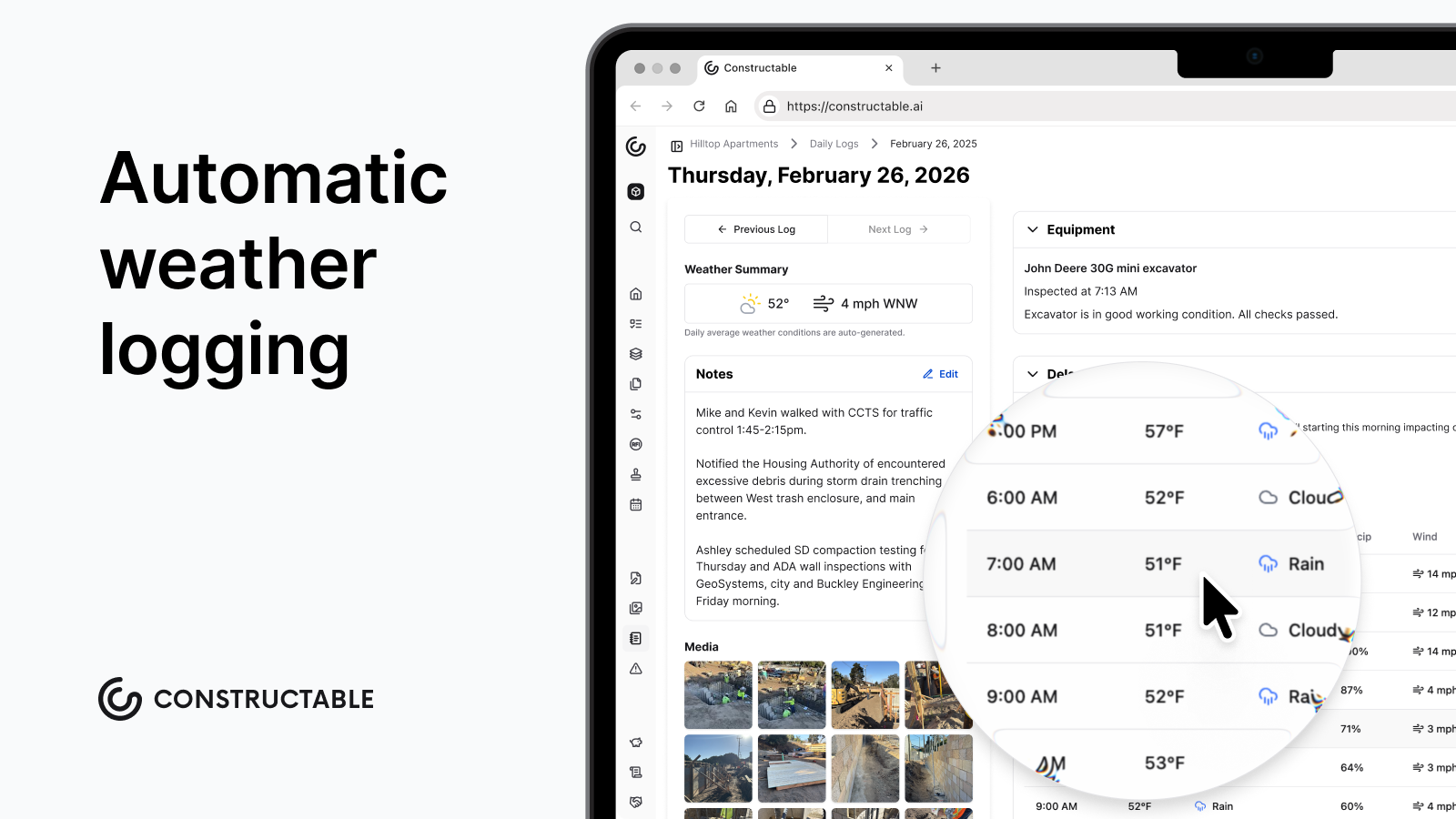\\n\\nWe priced Constructable on a flat fee because your documentation needs shouldn't change whether you add the fifth subcontractor or the tenth consultant. Everyone who needs access should get it, without a budget conversation.\\n\\nDaily logs protect you when disputes surface months later. We built ours to be fast enough that field teams actually use them, automatic enough that nothing gets missed, and defensible enough that they hold up when it matters.\\n\\n## Final Thoughts on Daily Log and Field Reporting Softw
165are\\n\\nWhen daily log reporting automates data entry, your field team spends minutes rather than hours on documentation. You get hourly weather tracking, photos that organize themselves, and delay records that point to the actual causes when disputes surface. Your superintendents spend two minutes logging instead of twenty, and you still have records that hold up when it matters.\\n\\nWant to see it in action? [We'll walk you through it](https://constructable.ai/sales) without the usual sales process.\\n\\n## FAQ\\n\\n### How do I choose the right daily log software for my project size?\\n\\nStart with whether you need field reporting alone or the full project picture. Small teams running simple tasks can get by with lightweight tools like Fieldwire. Mid-size commercial GCs managing $20M-$150M in volume need logs that integrate with project management and financials in a single system, without forcing your team to maintain multiple disconnected tools.\\n\\n### Which daily log tool works best for teams that struggle with field adoption?\\n\\nLook for automatic data capture and speed above everything else. If your super can't log crew hours in under two minutes on their phone, it won't get used. Weather should pull in on its own, photos should organize themselves, and the interface should work in the field. Training shouldn't take more than five minutes.\\n\\n### Can daily logs actually protect me in disputes, or are they just paperwork?\\n\\nThey protect you when done right. Clean PDF exports with timestamped weather data, crew counts, and delay notes hold up in court when someone questions your timeline six months later. The difference is whether your logs capture complete information automatically or rely on manual entry that gets skipped when the field is busy.\\n\\n### What's the difference between daily log tools that integrate with project management versus standalone options?\\n\\nStandalone tools like Fieldwire handle basic jobsite documentation but force you to manage budgets, change orders, and owner communication in separate systems. Integrated platforms give you field logs alongside project management and financials in a single system, instead of having them scattered across three different logins.\\n\\n### When should I consider switching from my current daily log system?\\n\\nIf your field crews avoid using it, your logs are disconnected from project records, or you're manually entering weather data every day, you're working too hard. Switch when adoption drops below 50%, when disputes surface, and you can't find the backup you need, or when you're spending more than 30 minutes a day on data entry that should happen automatically.\\n\",[],[426,427,347,377,428,351],\"{\\\"@context\\\":\\\"https://schema.org\\\",\\\"@type\\\":\\\"FAQPage\\\",\\\"name\\\":\\\"Top Daily Log and Field Reporting Software in February 2026\\\",\\\"mainEntity\\\":[{\\\"@type\\\":\\\"Question\\\",\\\"name\\\":\\\"How do I choose the right daily log software for my project size?\\\",\\\"acceptedA
165nswer\\\":{\\\"@type\\\":\\\"Answer\\\",\\\"text\\\":\\\"Start with whether you need field reporting alone or the full project picture. Small teams running simple tasks can get by with lightweight tools like Fieldwire. Mid-size commercial GCs managing $20M-$150M in volume need logs that connect to drawings, RFIs, and financials in one system so your superintendent's delay note ties back to the submittal that caused it.\\\"}},{\\\"@type\\\":\\\"Question\\\",\\\"name\\\":\\\"Which daily log tool works best for teams that struggle with field adoption?\\\",\\\"acceptedAnswer\\\":{\\\"@type\\\":\\\"Answer\\\",\\\"text\\\":\\\"Look for automatic data capture and speed above everything else. If your super can't log crew hours in under two minutes on their phone, it won't get used. Weather should pull in on its own, photos should organize themselves, and the interface should work with gloves on. Training shouldn't take more than five minutes.\\\"}},{\\\"@type\\\":\\\"Question\\\",\\\"name\\\":\\\"Can daily logs actually protect me in disputes or are they just paperwork?\\\",\\\"acceptedA
165nswer\\\":{\\\"@type\\\":\\\"Answer\\\",\\\"text\\\":\\\"They protect you when done right. Clean PDF exports with timestamped weather data, crew counts, and delay notes hold up in court when someone questions your timeline six months later. The difference is whether your logs connect to the rest of your project record or sit in a silo where no one can cross-reference them against RFIs or submittals.\\\"}},{\\\"@type\\\":\\\"Question\\\",\\\"name\\\":\\\"What's the difference between daily log tools that integrate with project management versus standalone options?\\\",\\\"acceptedAnswer\\\":{\\\"@type\\\":\\\"Answer\\\",\\\"text\\\":\\\"Standalone tools like Fieldwire handle basic jobsite documentation but force you to manage budgets, change orders, and owner communication in separate systems. Integrated platforms connect your field logs to drawings, submittals, and financials so when a delay happens, the full story lives in one place instead of scattered across three different logins.\\\"}},{\\\"@type\\\":\\\"Question\\\",\\\"name\\\":\\\"When should I consider switching from my current daily log system?\\\",\\\"acceptedA
165nswer\\\":{\\\"@type\\\":\\\"Answer\\\",\\\"text\\\":\\\"If your field crews avoid using it, your logs live disconnected from project records, or you're manually typing in weather data every day, you're working too hard. Switch when adoption drops below 50%, when disputes surface and you can't find the backup you need, or when you're spending more than 30 minutes a day on data entry that should happen automatically.\\\"}}],\\\"url\\\":\\\"https://constructable.ai/blog/daily-log-field-reporting-software\\\",\\\"dateModified\\\":\\\"2026-02-27T19:17:17.995Z\\\",\\\"author\\\":{\\\"@type\\\":\\\"Person\\\",\\\"name\\\":\\\"Molly Abbott\\\"}}\\n\",\"{\\\"@context\\\":\\\"https://schema.org\\\",\\\"@type\\\":\\\"BlogPosting\\\",\\\"headline\\\":\\\"Top Daily Log and Field Reporting Software in February 2026\\\",\\\"description\\\":\\\"Compare the top daily log and field reporting software in February 2026. Reviews of Constructable, Procore, Autodesk, Fieldwire, and RedTeam for construction teams.\\\",\\\"datePublished\\\":\\\"2026-02-27T19:17:17.995Z\\\",\\\"dateModified\\\":\\\"2026-02-27T19:17:17.995Z\\\",\\\"author\\\":{\\\"@type\\\":\\\"Person\\\",\\\"name\\\":\\\"Molly Abbott\\\",\\\"description\\\":\\\"Molly Abbott is a co-founder of Constructable, and comes from a construction family. Sheâs a little bit quirky, a little bit competitive, and a little bit fun. She drives a minivan and has two small boys to give you a better picture of her in real life. \\\"},\\\"url\\\":\\\"https://constructable.ai/blog/daily-log-field-reporting-software\\\",\\\"wordCount\\\":2500,\\\"keywords\\\":[\\\"field and log\\\",\\\"daily log and field reporting\\\",\\\"daily field reporting\\\",\\\"daily log reporting\\\",\\\"daily log\\\",\\\"construction reporting\\\",\\\"log and field reporting\\\",\\\"field reporting\\\",\\\"log reporting\\\"]}\\n\",\"ranked daily log field reporting software\",\"best overall daily log field reporting software constructable\",\"fieldwire\",\"construction-rfi-management-breakdown\",\"Why RFI Management in Construction Breaks Down (And How to Fix It in 2026)\",\"Find out why RFI management breaks down in construction, the hidden costs of poor tracking, and how to fix it for better project control in March 2026.\",\"2026-03-04T20:57:33.693Z\",\"RFI volume keeps climbing on most projects, and it's easy to assume the cause is inexperienced crews or rushed design. The truth is more straightforward: the work itself has gotten harder. Projects today involve more parties, run on tighter schedules, and leave less room for mistakes. Design gets compressed, coordination between trades multiplies, and what used to be straightforward new construction now means working around existing conditions that nobody fully documented before you broke ground.\\n\\nYet most teams are still managing RFIs the same way they did when projects involved one architect and a handful of trades. Spreadsheets and email threads don't scale when you're coordinating twenty parties across four time zones. Here's how to handle RFIs when the stakes are higher, and the old methods no longer work.\\n\\n**TLDR:**\\n\\n- RFIs cost $1,080 each and take 10 days to close, with 22% never getting responses\\n- Rising RFI volume stems from increasing complexity and tighter schedules\\n- Poor RFI tracking leads to rework, schedule compression, and margin erosion y
165ou can't see until closeout\\n- Pin RFIs directly to drawings so questions, responses, and markups stay connected to exact locations\\n- **Constructable** manages RFIs on the plans with ball-in-court tracking and auto-distribution when closed\\n\\n## Why RFI Volume Is Increasing\\n\\nRFI counts keep climbing on most projects, and it's easy to assume sloppy plans or inexperienced crews are to blame. The truth is different: the work has simply gotten harder.\\n\\nProjects today pull in more parties, run on tighter timelines, and leave less room for mistakes. Design schedules get squeezed. Coordination between trades has multiplied. Simple renovation jobs now require navigating undocumented site conditions, incomplete as-builts, and surprises buried in walls you can't see until demo starts.\\n\\nThe numbers back this up. While [brownfield projects have climbed to 22%](https://www.mckinsey.com/capabilities/operations/our-insights/delivering-on-construction-productivity-is-no-longer-optional) of the construction pipeline (up from 13% a decade ago), it's not just renovation work driving RFI counts higher. Schedules have tightened across all project types. Teams are more distributed. Consultant coordination has multiplied. Even relatively straightforward new builds now involve more parties, more systems integration, and less margin for error than they used to.\\n\\nFactor in distributed teams working across time zones, consultant teams that never meet in person, and owners who want a say at every stage. You end up with more questions. Not because someone failed, but because the work itself requires constant clarification.\\n\\nRFIs are how you stay in control when the variables keep stacking up, and good construction management software can help coordinate these moving pieces.\\n\\n## What an RFI Actually Does (Beyond Asking a Question)\\n\\nAn RFI does more than surface a question. It freezes a moment of ambiguity in writing before decisions get made in the field that you can't walk back.\\n\\nWhen you submit an RFI, you're creating a record that says: the documents were unclear, we asked for direction, and here's what we were told to do. That record becomes protection when an owner disputes a change order six months later or when a design error surfaces during inspection. You have proof that you asked, proof of what you were told, and proof that you followed it. Better project management tools keep these records organized and accessible.\\n\\nRFIs also force accountability. A question sitting in someone's inbox for three weeks is more than an annoyanceâit's a project risk with a timestamp. When responses lag, schedules slip, and costs climb. The RFI log makes that visible to everyone who needs to see it.\\n\\nContractors treat RFIs like insurance. You file them early, document everything, and hope you never need to pull the thread later. But when conflicts arise, that paper trail makes the difference between eating the cost and getting paid for the extra work.\\n\\n## The Lifecycle of an RFI (And Where It Usually Breaks)\\n\\nThe workflow is clear: spot the issue, write the question, send it to the right person, wait for review, get the answer, share it with the trades who need it, do the work, and close it out.\\n\\nThe breakdown happens in the gaps between those steps.\\n\\nContext gets lost when field observations move to the office. Questions get routed to the wrong consultant because the architect passed structural work to the engineer without telling anyone. Responses sit unread because no one owns the inbox. Answers arrive but never reach the crew waiting on site. Work wraps up, but the RFI stays open in the system for months because no one closed the loop.\\n\\nEach stall creates a ripple. A question that should take three days balloons into two weeks after bouncing between four inboxes before reaching the right architect. That delay pushes the next three trades back, and your schedule buffer disappears.\\n\\nRFIs work when every handoff has a name and a deadline. Without those, the system freezes, and you spend your week chasing answers instead of keeping crews moving.\\n\\n## The Hidden Costs of Poor RFI Management\\n\\nMost teams see RFIs as a necessary hassle but miss what poor management actually costs. The numbers tell a clearer story: for [every million dollars](https://www.webuildcs.com/blog/what-is-a-construction-rfi/) in project value, you're likely to see roughly 10 RFIs. Each one costs about $1,080 and takes nearly 10 days to close. Almost 22% never get a response.\\n\\n| Metric | Value | Impact |\\n| --------------------- | ------------------------ | ------------------------------------- |\\n| Average RFI volume | 10 per $1M project value | Scales with project complexity |\\n| Cost per RFI | $1,080 | Includes coordination time and delays |\\n| Average time to close | 10 days | Compresses the schedule buffer |\\n| Unanswered RFIs | 22% | Creates crew downtime and liability |\\n\\n\u003cbr /\u003eThose aging RFIs pile up fast. A subcontractor waiting on clarity can't move forward, so the crew moves to other work or sits idle. The schedule compresses downstream. You lose your buffer chasing answers that should have arrived a week ago.\\n\\nUntracked responses create more complications. When clarifications live in email threads, field teams work off outdated information, and someone builds to the wrong spec because they never saw the revised answer. You catch it during inspection. Now it's rework, delay, and a tense conversation about who pays.\\n\\nVerbal clarifications feel faster but create liability. Six months later, when the owner disputes an extra, you have no record of what was agreed to. The answer you thought you had doesn't exist in writing, you're stuck negotiating from memory, and that rarely ends well. [Field management tools](https://constructable.ai/features/project-management) that capture decisions in real time prevent these situations.\\n\\nPoor RFI management slows things down and erodes margin in ways you can't see until the project closes and the numbers come back thinner than they should have been.\\n\\n## Best Practices for RFI Management That Actually Work\\n\\
165nThe difference between a manageable RFI process and one that bogs down your week comes down to a few core habits.\\n\\n**Keep everything in one place.** When RFIs live in email, spreadsheets, and project folders scattered across different systems, you lose time hunting for context. A single log where questions, responses, and decisions live together gives everyone the same view. [Communication and collaboration tools](https://constructable.ai/blog/construction-communication-collaboration-tools) that centralize RFI management reduce the back-and-forth. No version confusion. No duplicate requests because someone didn't see that you already asked.\\n\\n**Make status visible at a glance.** You should know which RFIs need your attention, which are waiting on someone else, and which are overdue without having to dig through tabs. Clear ownership at every stage keeps things from stalling in limbo.\\n\\n**Connect questions to the plans.** An RFI without the drawing context forces people to search for sheet numbers and hunt down the relevant detail. Photo and video documentation tied to drawings adds another layer of clarity. When the question sits directly on the plan, the person answering it sees exactly what you're looking at.\\n\\n**Set response deadlines and track them.** Without a due date, RFIs drift; with one, you have something to point to when a follow-up is needed. Accountability ultimately protects your schedule.\\n\\n**Close the loop deliberately.** Mark RFIs as resolved only after the answer reaches the field and the work gets done. Half-closed RFIs create confusion about what's actually settled.\\n\\nThese habits don't remove the _questions_, but the _friction_ that turns necessary communication into daily frustration.\\n\\n## How Constructable Handles RFIs\\n\\nWe built RFIs to live where the work actually happens: on the drawings.\\n\\nWhen you create an [RFI in Constructable](https://constructable.ai/blog/drawing-centric-collaboration-workflows), you pin it directly to the sheet. The question, the markup, the response, and every follow-up comment stay attached to that exact location. No one has to hunt through folders or cross-reference sheet numbers; the context is right there.\\n\\n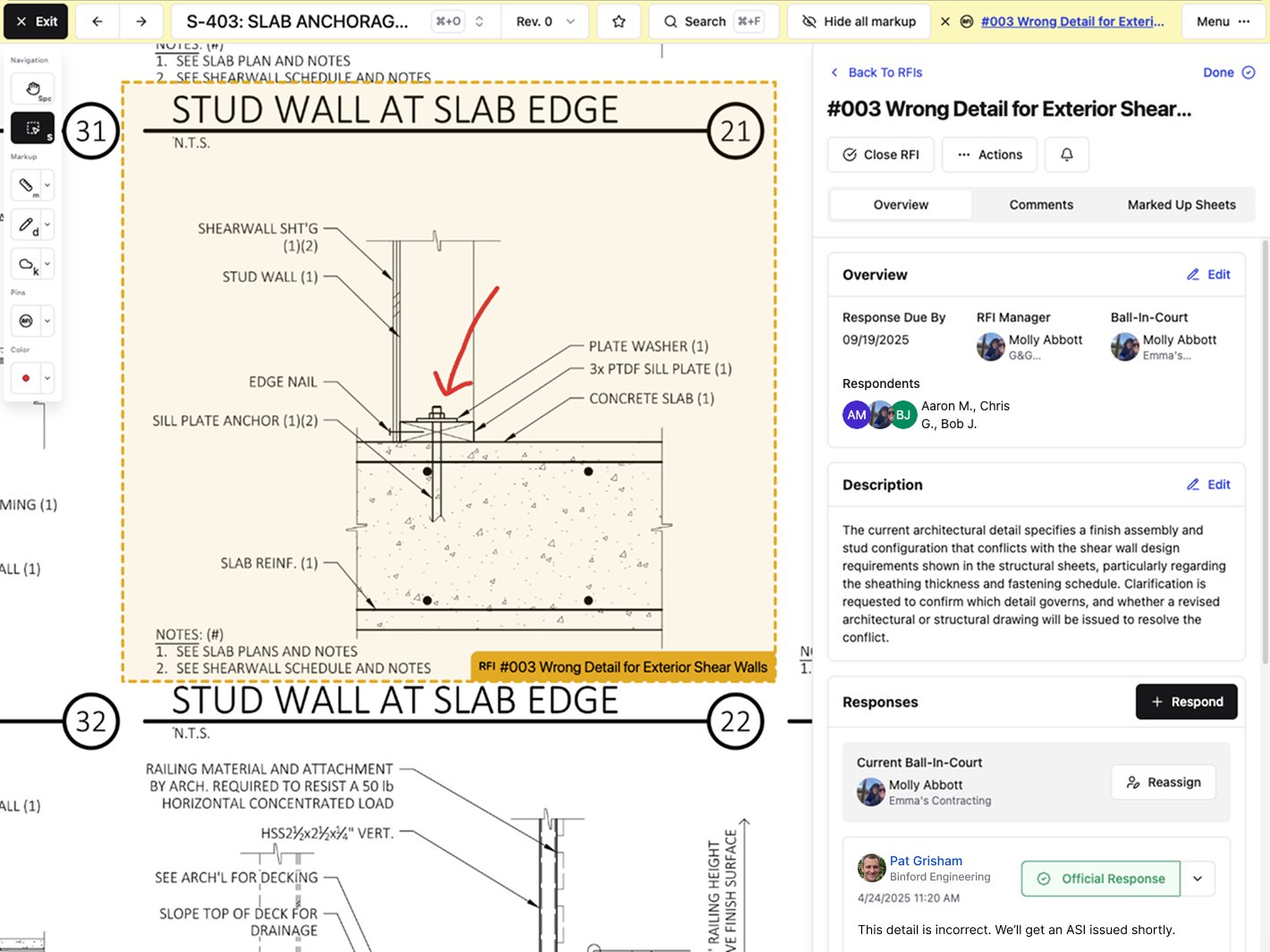\\n\\nBall-in-court assignments surface at the top of your RFI log, so the items that need your attention stay visible. Real customers have used this approach to cut RFI response times in half. When it's your turn to act, you see it; when you're waiting on someone else, they see it; and the handoffs that normally stall out become clear.\\n\\nClosing an RFI triggers a distribution message to everyone subscribed. We can autofill a draft of that message so you don't have to start from a blank page every time. One click gets the answer to the field.\\n\\n**RFIs in Constructable aren't isolated documents.** They connect to the same drawings your field team marks up, the same photos tied to daily logs, the same project timeline everyone's tracking. That connection cuts out the coordination work that eats hours every week and thins your margin by the time you close out. Learn more about how your team can save time with [**Constructable.**](https://constructable.ai/)\\n\\n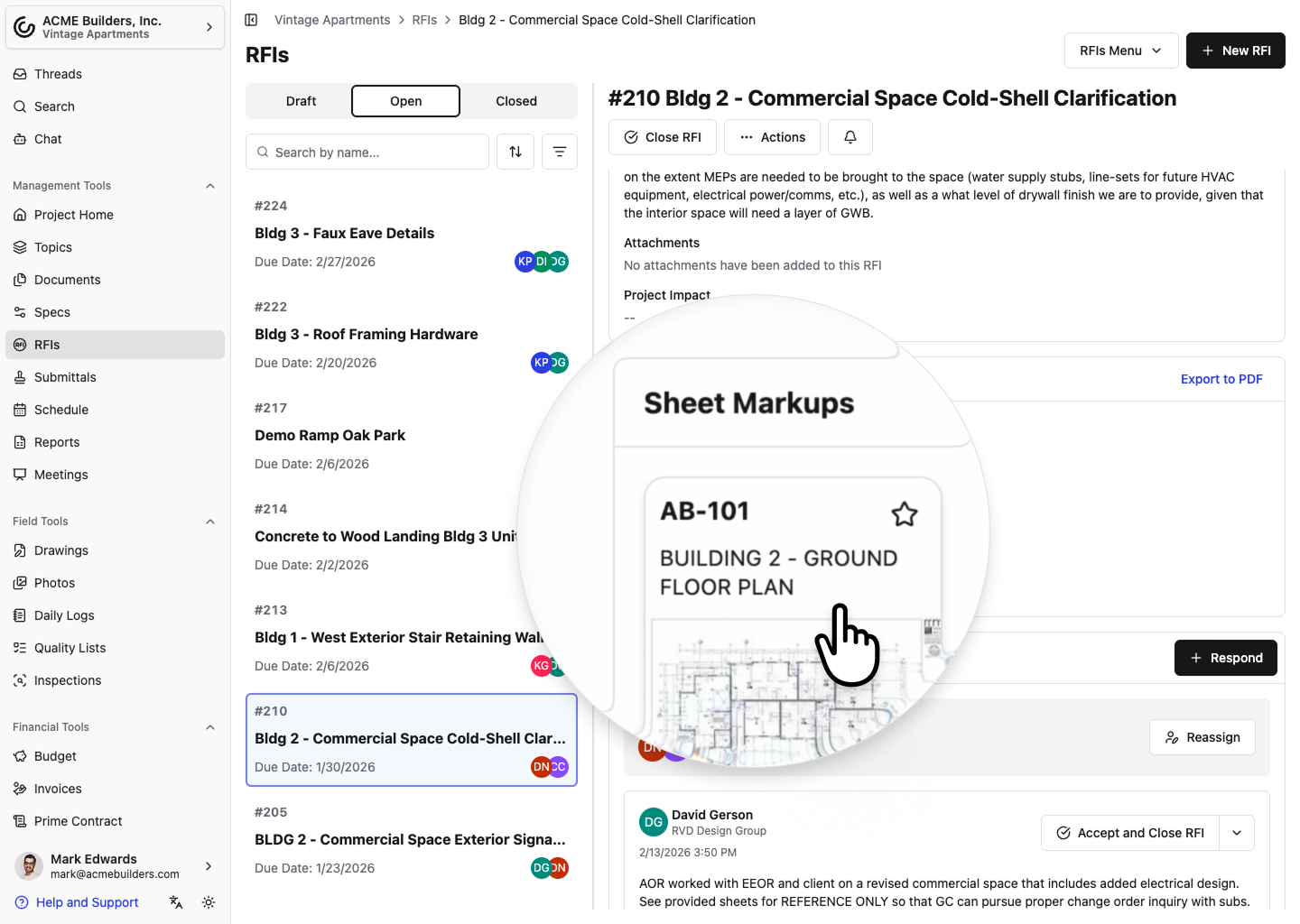\\n\\n## Final Thoughts on Controlling RFI Chaos\\n\\nConstruction RFIs aren't going away, but the coordination mess that comes with them can. You already know what it costs when answers sit in someone's inbox for two weeks or field crews work off outdated information they pulled from an email thread. The fix is simpler than most teams think: put the question on the drawing, make ownership visible, and close the loop deliberately. If that sounds like something your team needs, [tell us what you're dealing with](https://constructable.ai/sales), and we'll figure out if we can help.\\n\\n## FAQ\\n\\n### How long does it take to respond to an RFI on average?\\n\\nIndustry data shows most RFIs take nearly 10 days to close, though many sit longer when they bounce between inboxes or get routed to the wrong consultant. Assigning clear ownership and setting response deadlines helps keep things moving instead of watching your schedule buffer disappear.\\n\\n### What's the real cost of an RFI beyond the time it takes to write one?\\n\\nEach RFI costs roughly $1,080 when you factor in coordination time, delays, and the ripple effects on your schedule. Projects typically generate about 10 RFIs per million dollars in value, and when responses lag or never arrive (which happens about 22 percent of the time), you lose crews waiting on clarity and margin you can't recover.\\n\\n### Why should I pin RFIs directly to drawings instead of just writing them up?\\n\\nWhen your RFI lives on the drawing itself, the person answering it sees exactly what you're looking at without hunting for sheet numbers or searching through folders. The question, markup, response, and every comment stay attached to that exact spot, so nothing gets lost when the answer finally arr
165ives.\\n\\n### When should I close out an RFI?\\n\\nMark an RFI as resolved only after the answer reaches the field and the work gets done. Half-closed RFIs create confusion about what's actually settled and leave your log cluttered with items people think are handled but aren't.\\n\\n### Can verbal clarifications replace written RFIs?\\n\\nVerbal answers feel faster but create liability you can't afford. Six months later, when an owner disputes an extra, you have no record of what was agreed to. Just competing memories and no paper trail to back your position.\\n\",[],[438,439,440,441,442,443],\"{\\\"@context\\\":\\\"https://schema.org\\\",\\\"@type\\\":\\\"FAQPage\\\",\\\"name\\\":\\\"Why RFI Management in Construction Breaks Down (And How to Fix It in 2026)\\\",\\\"mainEntity\\\":[{\\\"@type\\\":\\\"Question\\\",\\\"name\\\":\\\"How long does it take to respond to an RFI on average?\\\",\\\"acceptedAnswer\\\":{\\\"@type\\\":\\\"Answer\\\",\\\"text\\\":\\\"Industry data shows most RFIs take nearly 10 days to close, though many sit longer when they bounce between inboxes or get routed to the wrong consultant. Assigning clear ownership and setting response deadlines helps keep things moving instead of watching your schedule buffer disappear.\\\"}},{\\\"@type\\\":\\\"Question\\\",\\\"name\\\":\\\"What's the real cost of an RFI beyond the time it takes to write one?\\\",\\\"acceptedA
165nswer\\\":{\\\"@type\\\":\\\"Answer\\\",\\\"text\\\":\\\"Each RFI costs roughly $1,080 when you factor in coordination time, delays, and the ripple effects on your schedule. Projects typically generate about 10 RFIs per million dollars in value, and when responses lag or never arrive (which happens about 22 percent of the time), you lose crews waiting on clarity and margin you can't recover.\\\"}},{\\\"@type\\\":\\\"Question\\\",\\\"name\\\":\\\"Why should I pin RFIs directly to drawings instead of just writing them up?\\\",\\\"acceptedAnswer\\\":{\\\"@type\\\":\\\"Answer\\\",\\\"text\\\":\\\"When your RFI lives on the drawing itself, the person answering it sees exactly what you're looking atâno hunting for sheet numbers or searching through folders. The question, markup, response, and every comment stay attached to that exact spot, so nothing gets lost when the answer finally arrives.\\\"}},{\\\"@type\\\":\\\"Question\\\",\\\"name\\\":\\\"When should I close out an RFI?\\\",\\\"acceptedAnswer\\\":{\\\"@type\\\":\\\"Answer\\\",\\\"text\\\":\\\"Mark an RFI resolved only after the answer reaches the field and the work gets done. Half-closed RFIs create confusion about what's actually settled and leave your log cluttered with items people think are handled but aren't.\\\"}},{\\\"@type\\\":\\\"Question\\\",\\\"name\\\":\\\"Can verbal clarifications replace written RFIs?\\\",\\\"acceptedA
165nswer\\\":{\\\"@type\\\":\\\"Answer\\\",\\\"text\\\":\\\"Verbal answers feel faster but create liability you can't afford. Six months later when an owner disputes an extra, you have no record of what was agreed toâjust competing memories and no paper trail to back your position.\\\"}}],\\\"url\\\":\\\"https://constructable.ai/blog/construction-rfi-management-breakdown\\\",\\\"dateModified\\\":\\\"2026-03-04T20:57:33.693Z\\\",\\\"author\\\":{\\\"@type\\\":\\\"Organization\\\",\\\"name\\\":\\\"Constructable\\\"}}\\n\",\"{\\\"@context\\\":\\\"https://schema.org\\\",\\\"@type\\\":\\\"BlogPosting\\\",\\\"headline\\\":\\\"RFIs in Construction: The Complete Guide for Contractors (March 2026)\\\",\\\"description\\\":\\\"Complete guide to RFIs in construction for contractors. Learn management best practices, costs, workflows, and tracking methods. March 2026 update.\\\",\\\"datePublished\\\":\\\"2026-03-04T20:57:33.693Z\\\",\\\"dateModified\\\":\\\"2026-03-04T20:57:33.693Z\\\",\\\"author\\\":{\\\"@type\\\":\\\"Organization\\\",\\\"name\\\":\\\"Constructable\\\"},\\\"url\\\":\\\"https://constructable.ai/blog/rfis-in-construction-complete-guide-contractors\\\",\\\"wordCount\\\":2500,\\\"keywords\\\":[\\\"rfis\\\",\\\"rfis definition\\\",\\\"rfis construction\\\",\\\"rfis accounting\\\",\\\"rfi example\\\",\\\"rfi meaning in engineering\\\",\\\"rfi meaning in banking\\\",\\\"rfis and submittals\\\",\\\"rfi meaning in project management\\\",\\\"rfi in construction example\\\",\\\"rfis construction pdf\\\",\\\"rfis construction reviews\\\",\\\"rfis construction jobs\\\",\\\"rfi in construction example pdf\\\",\\\"types of rfi in construction\\\",\\\"rfi example construction\\\",\\\"rfi example pdf\\\",\\\"free rfi example\\\",\\\"simple rfi example\\\",\\\"how to write an rfi example\\\",\\\"rfi template excel\\\",\\\"rfi template word doc\\\",\\\"what is an rfi in construction\\\",\\\"rfi meaning in project management template\\\",\\\"rfi meaning in project management example\\\",\\\"rfi meaning in construction\\\",\\\"construction rfi meaning in project management\\\",\\\"rfi meaning in business\\\",\\\"rfis and submittals template\\\",\\\"rfis and submittals requirements\\\",\\\"rfi vs submittal\\\",\\\"construction submittals examples\\\",\\\"construction submittal software\\\",\\\"what is a submittal in construction\\\",\\\"rfi meaning in banking example\\\",\\\"rfi meaning in banking pdf\\\",\\\"rfp meaning in banking\\\",\\\"rfi meaning in logistics\\\",\\\"rfi audit meaning\\\",\\\"rfis meaning\\\",\\\"what are rfis\\\",\\\"rfis in construction\\\",\\\"construction rfis\\\",\\\"what are rfis in construction\\\",\\\"what does rfis stand for\\\",\\\"rfis and rfps\\\",\\\"rfps rfis\\\",\\\"rfis rfps\\\",\\\"rfis army\\\",\\\"rfps rfis and rfqs\\\"]}\\n\",\"rfi volume increasing\",\"rfi actually beyond asking question\",\"lifecycle rfi usually breaks\",\"hidden costs poor rfi management\",\"best practices rfi management actually work\",\"construction\",\"constructable-vs-redteam\",\"Constructable vs RedTeam: Which is Better in March 2026?\",\"Compare Constructable vs RedTeam in March 2026. See pricing, drawing tools, mobile features, and RFI workflows to choose the right construction software.\",\"2026-03-05T01:23:50.891Z\",\"If you're trying to choose between RedTeam and [Constructable](https://constructable.ai/), you'll find most [construction software comparisons](https://constructable.ai/) focus on feature lists instead of whether your team can actually use the tools. RedTeam gives you modules for everything, but they operate separately, and the mobile experience drives field staff back to spreadsheets. The bigger issue is what happens when you need to compare drawing revisions on site, create an RFI where the question actually came up, or add a consultant without triggering a pricing conversation. That's where system design matters more than module count.\\n\\n**TLDR:**\\n\\n- Constructable pins RFIs and quality items directly to drawing sheets so context stays connected to plans\\n- Flat-fee pricing (billed monthly or annually) with unlimited users and no per-user fees, no ACV audits, and no overage fees\\n- Field teams get offline drawing access and daily logs that auto-pull weather data to eliminate manual entry\\n- RedTeam offers modules for project management and financials, but charges per user or project volume\\n- Constructable is built for mid-size GCs
165who want one system that works on-site without training delays\\n\\n## RedTeam vs Constructable: Quick Comparison\\n\\n| Feature | RedTeam | Constructable |\\n| ------------------ | --------------------------------------------------------------- | -------------------------------------------------------------------------------------------------------------------- |\\n| Pricing Model | Per-user or project volume (starts ~$5,000/year) | Flat-fee pricing (billed monthly or annually) with unlimited users; no per-user fees, no ACV audits, no overage fees |\\n| User Access | Limited seats, extra fees for additional users | Unlimited users across all roles (staff, subs, consultants, owners) |\\n| Drawing Management | Basic viewer and markup tools, separate from workflows | Pin RFIs and quality items directly to drawing locations with automatic revision grouping |\\n| Mobile Experience | Limited functionality, often described as clunky on-site | Mirrors desktop interface, works offline, built for field teams |\\n| RFI Creation | Separate from drawings, often created back at the office | Pin directly to plan sheets where questions occur |\\n| Daily Logs | Available but limited mobile usability | Auto-pulls weather data, offline capable, and photo organization |\\n| Storage | Varies by plan | Unlimited |\\n| Best For | Teams comfortable with office-first software and legacy systems | Mid-size GCs ($20M-$150M) who need field-friendly, connected workflows |\\n\\n## What is RedTeam?\\n\\nRedTeam is a cloud-based construction management solution built for commercial general contractors. It covers the full project lifecycle from preconstruction through closeout, including bidding, project management, financials, document control, and field operations.\\n\\nThe system focuses on contract management and financial workflows. QuickBooks integration connects project costs to accounting records. RedTeam offers modules for budget tracking, change orders, subcontractor management, and procurement.\\n\\nThe software includes drawing tools, RFIs, submittals, and daily logs. Field teams can access project information through mobile apps, though the experience depends on which modules they subscribe to.\\n\\nRedTeam typically serves mid-size to larger commercial contractors. The software has been around since 2006, and their pricing is quote-based depending on which modules you need, with most features sold separately.\\n\\n## What is Constructable?\\n\\n**Constructable** is [construction management software for mid-size contractors](https://constructable.ai/blog/best-software-mid-size-contractors). We built one connected system that handles bidding through closeout without forcing your team to juggle disconnected tools or duplicate data across platforms.\\n\\nPlans are the foundation. Instead of storing files separately from the work they document, you attach questions, issues, and annotations directly to sheet locations. Conversations stay connected to context. AI search surfaces answers across your entire project without folder hunting or app switching.\\n\\nQuickBooks Online syncs your financials, eSigning is built in, and unlimited storage means you never hit limits. The interface remains consistent whether you're at your desk or offline on-site.\\n\\nConstructable uses flat monthly pricing with unlimited users and no hidden fees when you add subcontractors or consultants to a project.\\n\\n## Drawings and Plan Management\\n\\nRedTeam offers drawing access and basic markup tools through its document management module. You can view plans and share markups, but field teams often struggle with the mobile viewer. Comparing revisions or tracking sheet changes requires manual work, and drawing tools don't connect to other parts of the system. When you create an RFI or flag a quality issue, it lives separately from the plans.\\n\\nWe built Constructable around [drawings as the center of your project](https://constructable.ai/blog/drawing-centric-collaboration-workflows). Upload a set, and AI pulls the sheet number, discipline, and title from each page. Revisions with matching sheet numbers are automatically grouped, so you always see the latest version while keeping the full history.\\n\\nSplit view lets you compare any two sheets side by side. Overlay mode includes three blend options to spot changes between revisions. When you log an RFI or add a punch item, pin it directly to the sheet location. The question, the markup, and the resolution all stay connected to that exact spot on the plan.\\n\\n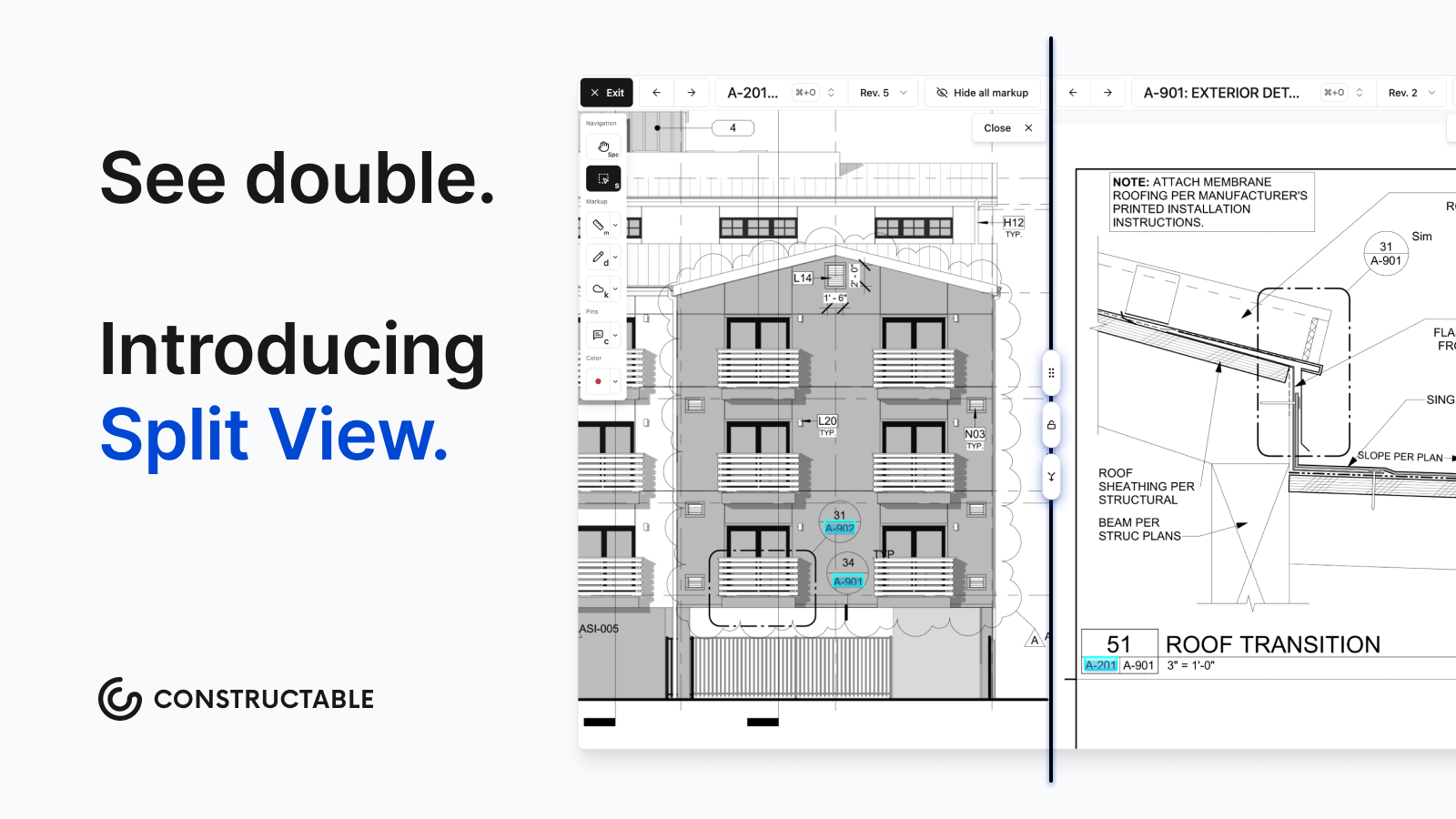\\n\\nThe viewer loads fast because data is cached locally on your device. Mobile works the same way as desktop, and drawings remain accessible offline while you walk the site.\\n\\n## RFIs and Submittals\\n\\nRedTeam includes both RFI and submittal modules in its package. You can log questions, assign them, and track responses through the system. But reviews mention that submittals feel underdeveloped and take longer than they should. The mobile experience struggles here, too. Field staff find the workflows hard to use on site, so most RFIs are created back at the office rather than when the question comes up.\\n\\n[We built R
165FIs to live on the drawings](https://constructable.ai/blog/construction-rfi-management-breakdown) where the question actually happens. Drop a pin on a sheet, and the RFI is created right there with the location locked in. Any markups you make while the RFI is open are automatically saved to it. Ball-in-court assignments sit at the top of your log so you always know what needs attention first.\\n\\n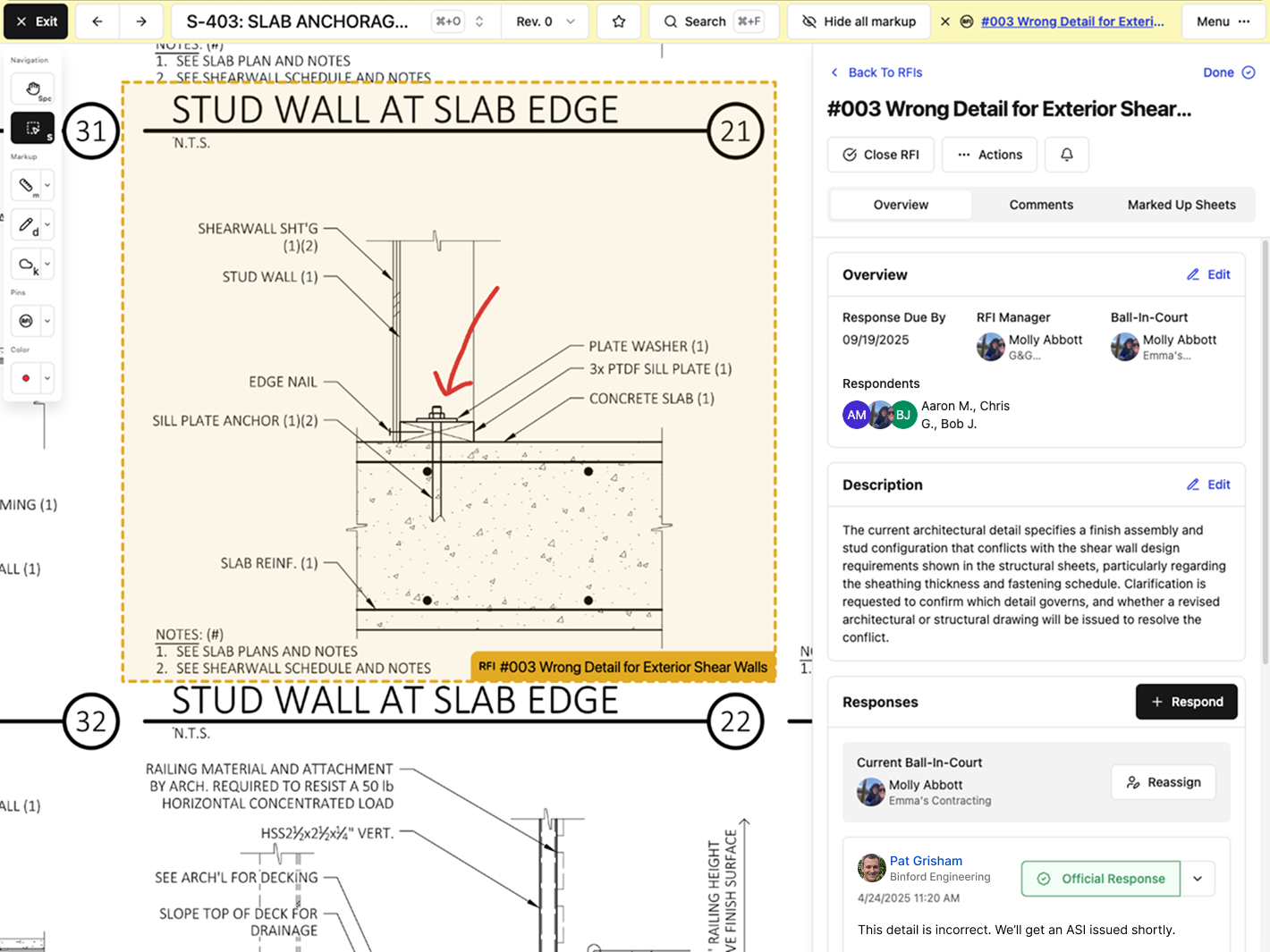\\n\\nWhen you close an RFI, AI can write the distribution message for you based on the response. You review it, edit if needed, and send. Submittals work the same way with automatic status updates as items move through review.\\n\\n## Field Tools and Daily Reporting\\n\\nRedTeam offers mobile apps for iOS and Android, but field adoption stays shallow. Users describe the mobile interface as outdated and in need of updates. Many core features either don't work on mobile or feel clunky to use on-site. The softw
165are works better in the office, which forces field staff to revert to paper or spreadsheets. When superintendents can't log what they need from the jobsite, you end up with duplicate entries and incomplete records. [Field mobility benefits](https://www.deltek.com/en/blog/construction-field-mobility-benefits) only work when teams actually use the tools.\\n\\nWe built **Constructable** for [field teams from day one](https://constructable.ai/features/field-management). Daily logs capture crew hours, equipment, deliveries, inspections, weather, and delays in one view. Weather data is pulled hourly for your project's zip code, so you don't waste time tracking it manually. Attach photos to logs and automatically organize them into albums. Quality lists let you [create punch items, observations, or to-dos](https://constructable.ai/blog/plan-linked-punch-lists-and-issue-management) right from a drawing pin or the workflow itself. The mobile apps for iPhone and Android mirror what you see on desktop. Drawings can be done offline when you're walking the site.\\n\\n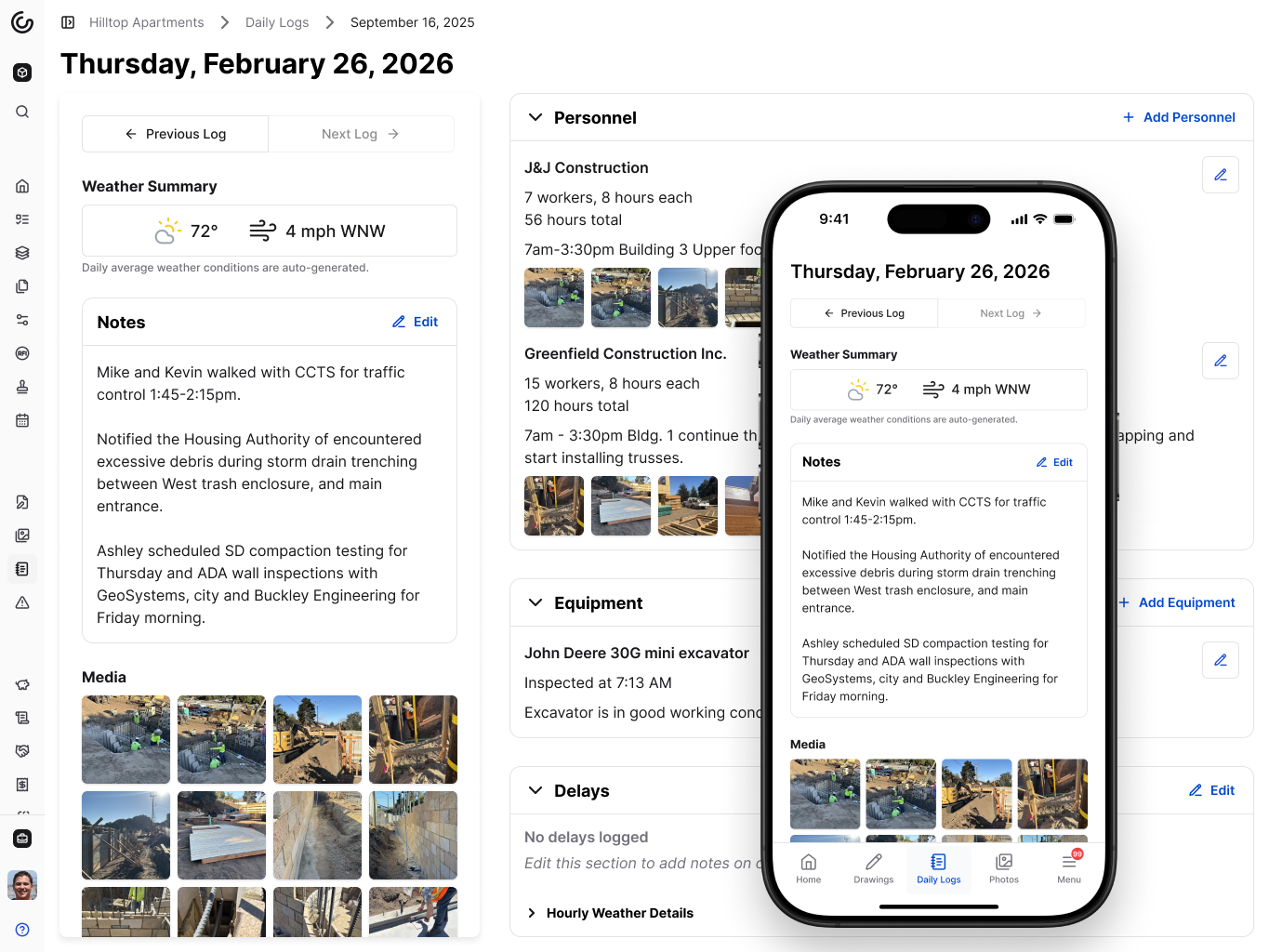\\n\\n## Pricing and User Access\\n\\nRedTeam pricing depends on project volume or per-user licensing. Teams report starting costs around $5,000 annually for smaller setups, which feels manageable at first. But as you grow or activate more projects, fees climb. If you don't use every module you're paying for, the value equation gets harder to defend. Per-user models also create friction when you need to bring subcontractors, consultants, or owners into the system.\\n\\nConstructable offers transparent, flat-fee pricing (billed monthly or annually) with unlimited usersâincluding team members, owners, consultants, subcontractors, and vendorsâand no per-user fees, no ACV audits, and no overage fees. Every role can access the system without adding to your bill. Storage is unlimited. Onboarding and data migration don't cost extra. You know what you'll pay this month and next month, no matter how many people you add or how many files you upload.\\n\\nWhen pricing punishes collaboration, teams work around the software instead of using it. We priced Constructable so you can actually invite everyone who needs to see the project.\\n\\n## Why Constructable is the Better Choice\\n\\nRedTeam works for teams comfortable with legacy software and limited mobile functionality. But if you want software that helps your team work better, Constructable is the right choice.\\n\\nWe built one system that connects instead of fragments. Drawings, RFIs, submittals, daily logs, and financials all work together in sync. Mobile mirrors desktop so field teams can use it on-site with no confusion. Our pricing is fair and predictableâflat-fee billing with unlimited users means your costs don't spike when you add team members or win bigger projects.\\n\\nConstruction software should disappear into your workflow, not add more steps. We priced Constructable so collaboration doesn't cost extra. We designed it so your superintendents can use it without training. And we keep improving it based on what builders tell us they need.\\n\\nThe construction software market keeps growing, but most tools feel like they were built for accountants. Constructable was built for project managers.\\n\\n## Final Thoughts on RedTeam vs Constructable\\n\\nMost construction software comparisons focus on feature lists, but what matters is whether your field teams will actually use it. RedTeam offers plenty of modules but struggles on mobile, which pushes superintendents back to paper and creates duplicate entries. Constructable mirrors desktop and mobile so the tools work the same whether you're in the office or walking the site, and flat pricing means you don't pay more when you add subcontractors or consultants to a project.\\n\\n## FAQ\\n\\n### How should I decide between Constructable and RedTeam for my company?\\n\\nStart with how your field teams work today. If your superintendents need to log information from the jobsite without frustration, or if you want RFIs created where questions actually happen on the plans, Constructable fits better. RedTeam works if you're comfortable with office-first software and limited mobile functionality. When [choosing construction management software](https://www.autodesk.com/blogs/construction/choosing-the-right-construction-project-management-software-industry-specific-or-generic/), focus on how the system works in the field over feature counts.\\n\\n### What's the main difference in how drawings work between the two systems?\\n\\nRedTeam treats drawings as files you view and markup separately from other workflows. Constructable pins RFIs, quality items, and comments directly to sheet locations so the question, the response, and the context stay connected to that exact spot on the plan. Revisions group automatically when sheet numbers match.\\n\\n### Who is Constructable built for?\\n\\nMid-size commercial general contractors with an annual volume of $20M to $150M who are tired of juggling disconnected tools. If you have field and office staff working on multiple active projects and you want software that doesn't punish you when you add subcontractors or consultants, we built Constructable for you.\\n\\n### Will I get hit with surprise costs as my team grows?\\n\\nNo. Constructable uses flat monthly pricing with unlimited users across all roles:
165internal staff, owners, consultants, subcontractors, and vendors. Storage is unlimited, and onboarding doesn't cost extra. You'll know what you're paying next month regardless of how many people you add.\\n\",[],[453,454,220,455,456,351],\"{\\\"@context\\\":\\\"https://schema.org\\\",\\\"@type\\\":\\\"FAQPage\\\",\\\"name\\\":\\\"Constructable vs RedTeam: Which is Better in March 2026?\\\",\\\"mainEntity\\\":[{\\\"@type\\\":\\\"Question\\\",\\\"name\\\":\\\"How should I decide between Constructable and RedTeam for my company?\\\",\\\"acceptedAnswer\\\":{\\\"@type\\\":\\\"Answer\\\",\\\"text\\\":\\\"Start with how your field teams work today. If your superintendents need to log information from the jobsite without frustration, or if you want RFIs created where questions actually happen on the plans, Constructable fits better. RedTeam works if you're comfortable with office-first software and limited mobile functionality.\\\"}},{\\\"@type\\\":\\\"Question\\\",\\\"name\\\":\\\"What's the main difference in how drawings work between the two systems?\\\",\\\"acceptedA
165nswer\\\":{\\\"@type\\\":\\\"Answer\\\",\\\"text\\\":\\\"RedTeam treats drawings as files you view and markup separately from other workflows. Constructable pins RFIs, quality items, and comments directly to sheet locations so the question, the response, and the context stay connected to that exact spot on the plan. Revisions group automatically when sheet numbers match.\\\"}},{\\\"@type\\\":\\\"Question\\\",\\\"name\\\":\\\"Who is Constructable built for?\\\",\\\"acceptedAnswer\\\":{\\\"@type\\\":\\\"Answer\\\",\\\"text\\\":\\\"Mid-size commercial general contractors running $20Mâ$150M in annual volume who are tired of juggling disconnected tools. If you have field and office staff working on multiple active projects and you want software that doesn't punish you when you add subcontractors or consultants, we built Constructable for you.\\\"}},{\\\"@type\\\":\\\"Question\\\",\\\"name\\\":\\\"Will I get hit with surprise costs as my team grows?\\\",\\\"acceptedAnswer\\\":{\\\"@type\\\":\\\"Answer\\\",\\\"text\\\":\\\"No. Constructable uses flat monthly pricing with unlimited users across all rolesâinternal staff, owners, consultants, subcontractors, and vendors. Storage is unlimited, and onboarding doesn't cost extra. You'll know what you're paying next month regardless of how many people you add.\\\"}}],\\\"url\\\":\\\"https://constructable.ai/blog/constructable-vs-redteam\\\",\\\"dateModified\\\":\\\"2026-03-05T01:23:50.891Z\\\",\\\"author\\\":{\\\"@type\\\":\\\"Person\\\",\\\"name\\\":\\\"Molly Abbott\\\"}}\\n\",\"{\\\"@context\\\":\\\"https://schema.org\\\",\\\"@type\\\":\\\"BlogPosting\\\",\\\"headline\\\":\\\"Constructable vs RedTeam: Which is Better in March 2026?\\\",\\\"description\\\":\\\"Compare Constructable vs RedTeam for construction management in March 2026. See pricing, mobile features, and which software works better for mid-size GCs.\\\",\\\"datePublished\\\":\\\"2026-03-05T01:23:50.891Z\\\",\\\"dateModified\\\":\\\"2026-03-05T01:23:50.891Z\\\",\\\"author\\\":{\\\"@type\\\":\\\"Person\\\",\\\"name\\\":\\\"Molly Abbott\\\",\\\"description\\\":\\\"Molly Abbott is a co-founder of Constructable, and comes from a construction family. Sheâs a little bit quirky, a little bit competitive, and a little bit fun. She drives a minivan and has two small boys to give you a better picture of her in real life. \\\"},\\\"url\\\":\\\"https://constructable.ai/blog/constructable-vs-redteam\\\",\\\"wordCount\\\":2500,\\\"keywords\\\":[\\\"constructable vs redteam\\\",\\\"redteam comparison\\\",\\\"construction software comparison\\\"]}\\n\",\"redteam constructable quick comparison\",\"redteam\",\"drawings plan management\",\"rfis submittals\",\"construction-punch-lists-avoid-delays\",\"Punch Lists in Construction: Close Out Projects Without the Usual Delays (March 2026)\",\"Learn construction punch list management in March 2026. Close projects faster with digital tracking, rolling lists, and better documentation practices.\",\"2026-03-13T21:34:11.192Z\",\"Your project hits substantial completion, and suddenly you're managing a punch list template with dozens of items scattered across emails, phone calls, and a spreadsheet nobody trusts. The electrician swears he fixed that outlet. The painter says she never got the list. The owner wants weekly updates, but your tracking system is little more than memory and hope. Meanwhile, retainage sits there waiting for signatures that won't come until every single item gets verified and closed. Let's talk about how to run punch lists so they close out in days instead of dragging on for months.\\n\\n**TLDR:**\\n\\n- Rework from poor punch list management costs 4-10% of the total project cost and delays retainage release.\\n- Rolling punch lists catch deficiencies during construction, not at the end, cutting closeout time by weeks.\\n- Digital tracking eliminates version confusion and lets field teams update status in real time with photos.\\n- **Constructable** pins punch items directly to drawings with AI-powered autofill for faster documentation and closeout.\\n\\n## The Hidden Cost of Poor Punch List Management\\n\\nPoor punch list management delays closeout and cuts into profit margins while locking up cash flow when you need it most.\\n\\nRework accounts for [4 to 10% of total project cost](https://www.planradar.com/us/cost-of-rework-construction/), with some projects hitting 20%. Every punch list item that should have been caught earlier means another crew mobilization, materials reorder, and schedule disruption.\\n\\nRetainage stays locked until the list is complete. For contractors running tight margins across multiple jobs, that final payment funds the next project. A two-week punch list delay creates payroll problems, subcontractor tension, and the need for bridge financing.\\n\\nThe relationship cost matters too. Owners remember projects that dragged at the finish. Architects get cautious about recommending you. Your reputation takes hits that don't show up on balance sheets but absolutely appear in future bid invitations.\\n\\n## The Punch List Lifecycle: From Walkthrough to Closeout\\n\\nThe punch list process runs in six stages. Each one builds accountability into the workflow so nothing gets missed between substantial completion and final payment.\\n\\nBefore the official walkthrough, do your own internal review. Walk the site with your superintendent and key trades to identify and fix obvious issues. This saves face during the formal inspection and speeds up closeout.\\n\\nThe formal walkthrough includes the owner, architect, and general contractor. Walk every space systematically. Document each deficiency with location, description, and the responsible trade. Photos help eliminate disputes later about what needs correction.\\n\\nEvery item gets assigned to a specific subcontractor with a completion deadline. Status tracking moves items through open, in progress, and ready for review. Update the list daily so everyone knows where things stand.\\n\\nWhen subs mark items complete, inspect before signing off. Rushed verifications create callbacks. If the work doesn't pass, it goes back to in progress with clear notes about what still needs correction.\\n\\nOnce all items pass verification, the owner and architect conduct a final walkthrough to confirm completion. Their signatures release retainage and close out the contract.\\n\\n## Rolling Punch Lists: Catching Issues Before They Pile Up\\n\\nWaiting until substantial completion to start your punch list means you're already behind. Rolling punch lists track deficiencies as they arise throughout construction, rather than only at the end.\\n\\nThe logic is simple: f
165ix problems as you spot them, not when everything else is stacked on top. A drywall issue caught during framing takes twenty minutes to repair. The same issue found at the final walkthrough means cutting out finished wall sections, patching, repainting, and scheduling another inspection.\\n\\nMost teams won't hit a zero-item punch list, but treating it as the goal changes behavior. Superintendents start documenting issues in real time. Trades fix small problems within their scope instead of passing them to the next job. The final walkthrough becomes verification instead of discovery.\\n\\nThe payoff shows up in your schedule. Projects with rolling punch lists close out faster because you're not scrambling to coordinate six trades back to the site at once. Retainage releases sooner. Owners remember smooth handoffs.\\n\\n## Best Practices for Effective Punch List Management\\n\\n[Walk the site weekly with your superintendent](https://constructable.ai/features/field-management), starting well before substantial completion. Document issues as they surface. A quick photo with location and responsible trade takes thirty seconds now and prevents three callbacks later.\\n\\nUse the same template across all projects. Consistency means less explaining and faster adoption. Every item needs an assigned person and a due date. \\\"Plumber will fix\\\" isn't accountability. \\\"Mike's crew, Friday by 3 pm\\\" is.\\n\\n[Photos matter more than descriptions](https://constructable.ai/blog/field-to-office-photo-and-video-documentation). \\\"Door doesn't close properly\\\" becomes a debate. A photo of the misaligned strike plate ends the conversation.\\n\\n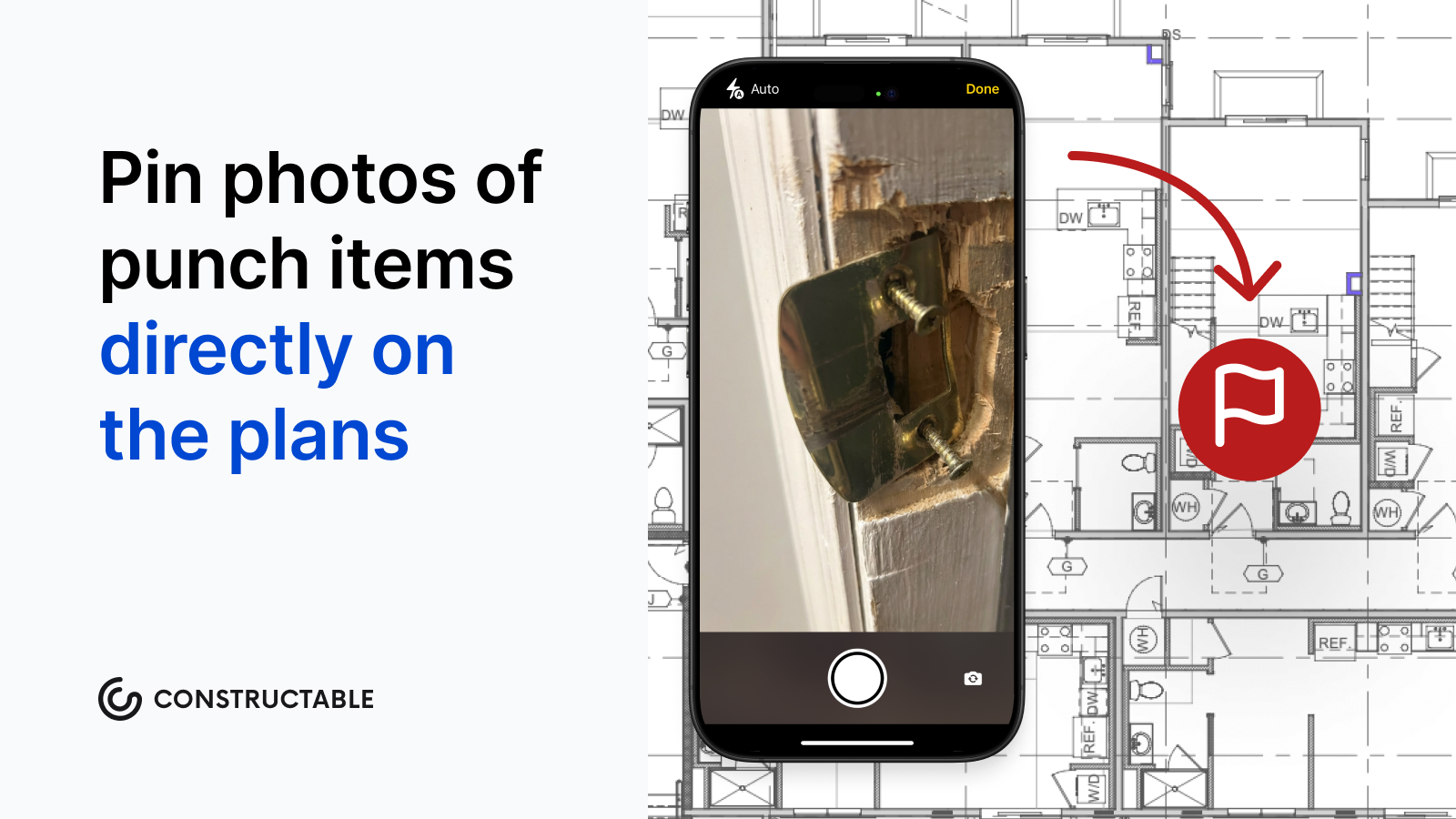\\n\\nStart with safety and code items first, then functional defects, then cosmetic touches. You can't occupy without a fire alarm sign-off. You can occupy with one scuffed baseboard.\\n\\nLoop in the owner and architect before the formal walkthrough. No one likes surprises when retainage is on the line.\\n\\nTrack how long items sit open. Anything past seven days needs a conversation.\\n\\n## Who Is Responsible for the Punch List?\\n\\nThe general contractor owns the punch list. You create it, coordinate the walkthrough, assign items to trades, track completion, and verify corrections before asking for owner sign-off.\\n\\nSubcontractors fix the items assigned to them. Once they mark work complete, they notify the GC for verification. Their contract obligations aren't finished until you approve their punch list items, and the owner accepts the work.\\n\\nArchitects and engineers verify that corrections meet design intent and specifications. They're not there to manage the list, but they do confirm that what's fixed actually meets the contract requirements before recommending final payment.\\n\\nOwners and their representatives participate in walkthroughs and give final acceptance. They identify deficiencies during inspection and approve completed corrections before releasing retainage. Their signature closes the contract.\\n\\nClear roles prevent confusion about who fixes what and who approves it.\\n\\n## How Constructable Simplifies Punch List Management\\n\\nWe built Quality Lists in [Constructable](https://constructable.ai/) to offer our users flexibility throughout the lifecycle of their projects. Create To-Dos, Incidents, Observations, and Punch Lists that reflect how things actually happen on site. Punch items pin directly to drawing sheets with exact problem locations, not vague room descriptions. When you're walking the job, our AI can autofill punch items from speech to text, including the title, trade, location, and assignee from what you say.\\n\\n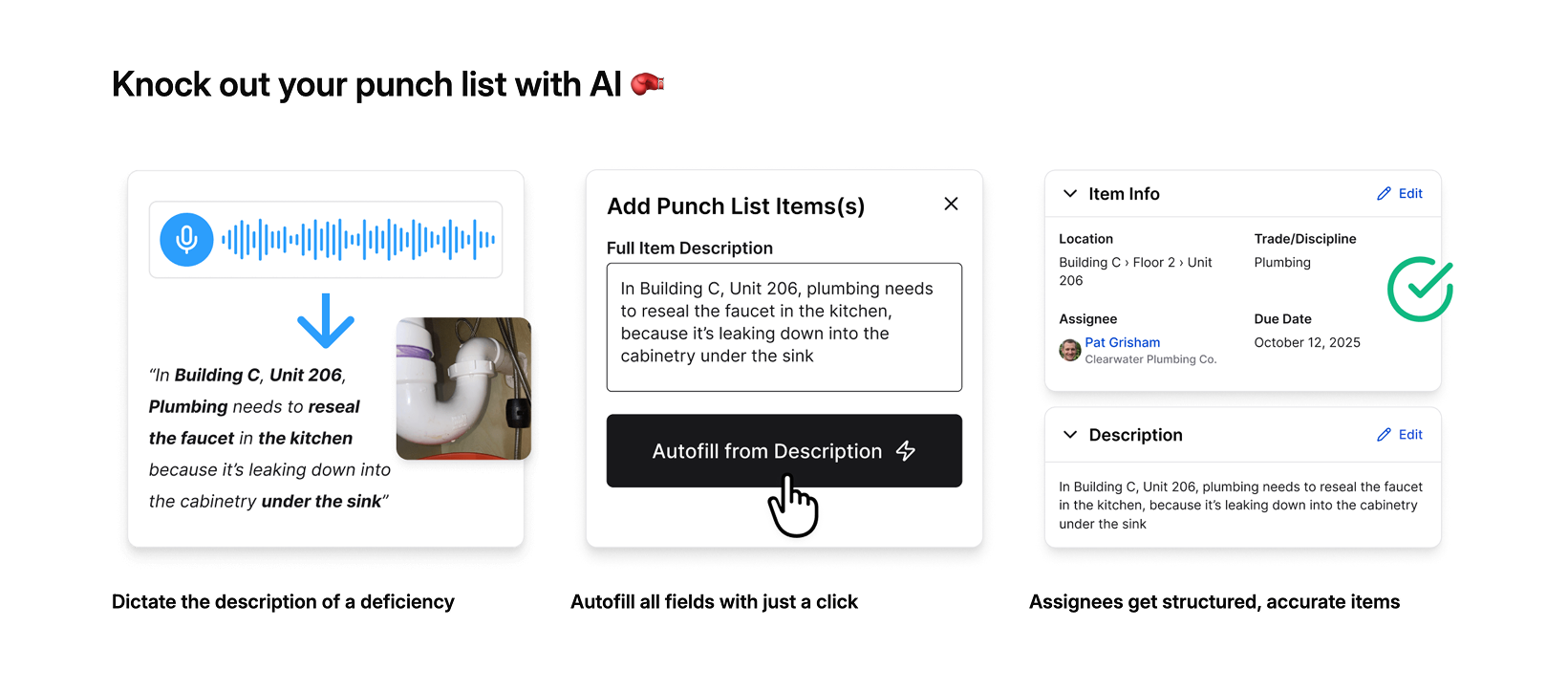\\n\\nStatus moves from Open to In Review to Completed with automatic notifications, so you don't have to chase people down. Approvers get notified when items need sign-off. Everything stays connected to the same drawings, photos, and RFIs already in the project.\\n\\nYou're not managing punch lists in isolation. You're closing out projects with centralized context, which means faster closeout and earlier release of retainage.\\n\\n## Digital Punch List Management: Moving Beyond Paper\\n\\nPaper punch lists and shared spreadsheets create the same problems on every project. Someone marks an item complete on site but forgets to update the master list. Email threads spawn conflicting versions. Photos live in text messages instead of next to the deficiency they document.\\n\\nDigital punch list systems address coordination problems and improve the format. Field teams update status in real time from their phones. Photos are attached directly to items, with automatic timestamps and location data. Everyone sees the same list at the same time. No version confusion, no lost updates, no w
165ondering whether the electrician actually finished that outlet rough-in. For [mid-market contractors](https://constructable.ai/blog/procore-alternatives-mid-market-contractors) evaluating different software options, these core capabilities should be table stakes in any system you're considering.\\n\\n| Feature | Paper and Spreadsheet Method | Digital Punch List System |\\n| ------------------- | ----------------------------------------------------------------------------------------------------------------------------------------------------------- | ------------------------------------------------------------------------------------------------------------------------------------- |\\n| Status Updates | Superintendent manually updates master spreadsheet after collecting handwritten notes from site walks, creating delays between completion and documentation | Field teams update item status directly from mobile devices on site, with changes visible to all stakeholders immediately |\\n| Photo Documentation | Photos taken on personal phones, sent via text or email, stored separately from punch list items, often lost or difficult to locate weeks later | Photos attach directly to specific punch items with automatic location data and timestamps, creating permanent linked records |\\n| Version Control | Multiple versions circulate via email attachments, team members work from outdated lists, conflicting updates require manual reconciliation | Single source of truth accessible to entire team, all edits tracked with user attribution and automatic version history |\\n| Trade Coordination | Superintendent calls or emails each subcontractor individually to communicate assignments and check completion status | Automatic notifications sent when items are assigned or need review, subcontractors see only their items and update status themselves |\\n| Location Reference | Text descriptions like room numbers or vague directions, field teams spend time searching for exact problem locations on large sites | Items pinned to specific locations on digital drawings, field teams steer directly to precise coordinates with visual reference |\\n| Approval Workflow | Manual tracking of which items are ready for inspection, superintendent must remember to verify completed work before owner walkthrough | Status progression from open to in review to completed triggers approval notifications, nothing gets marked done without verification |\\n\\n[82% of employees](https://monday.com/blog/project-management/construction-punch-list/) now use work or project management software, and 79% of building contractors use software to gather data and handle project information. The shift isn't about being fancy, but about cutting friction that delays closeout into a three-week mess.\\n\\nThe right digital tool doesn't require training manuals or custom workflows. It just works.\\n\\n## Final Thoughts on Effective Punch List Templates\\n\\nStarting with a solid punch list template saves hours during the walkthrough and keeps everyone on the same page about what needs correction. Photos attached to specific locations eliminate the back-and-forth about what work actually needs fixing. Your closeout moves faster when the documentation is clear from the start, and your team stops wasting time chasing down which version of the spreadsheet is current.\\n\\n## FAQ\\n\\n### How early should I start my punch list?\\n\\nStart documenting issues as soon as you spot them during construction, well before substantial completion. A rolling punch list catches problems when they're quick to fix, before other trades build on top of defective work and turn a 20-minute repair into a multi-day callback.\\n\\n### What's the difference between Category A, B, and C punch list items?\\n\\nCategory A items prevent occupancy and must be fixed before the building can be used. Category B items are visible defects that need correction before final payment release. Category C items are minor issues that can sometimes be resolved after occupancy.\\n\\n### Who approves pu
165nch list items as complete?\\n\\nThe general contractor verifies and approves all completed work before requesting final sign-off from the owner and architect. Subcontractors fix their assigned items and notify the GC when they are ready for inspection, but the GC owns the entire list and confirms that everything meets contract requirements.\\n\\n### Can punch list items be pinned directly to drawings?\\n\\nYes. Modern digital systems let you pin punch items to exact locations on drawing sheets, so field teams see precisely where the problem is. Photos, notes, and status updates attach to that specific spot on the plans instead of living in scattered emails or vague location descriptions.\\n\\n### How long does punch list work typically delay final payment?\\n\\nPoor punch list management can extend closeout by weeks, keeping retainage locked up when you need that cash for the next project. Teams using rolling punch lists and daily tracking close out faster because they're verifying corrections instead of finding problems and coordinating six trades back to the site all at once.\\n\",[],[466,467,468,469,470,206,443],\"{\\\"@context\\\":\\\"https://schema.org\\\",\\\"@type\\\":\\\"FAQPage\\\",\\\"name\\\":\\\"Punch Lists in Construction: Close Out Projects Without the Usual Delays (March 2026)\\\",\\\"mainEntity\\\":[{\\\"@type\\\":\\\"Question\\\",\\\"name\\\":\\\"How early should I start my punch list?\\\",\\\"acceptedA
165nswer\\\":{\\\"@type\\\":\\\"Answer\\\",\\\"text\\\":\\\"Start documenting issues as soon as you spot them during construction, not just at substantial completion. A rolling punch list catches problems when they're quick to fixâbefore other trades build on top of defective work and turn a 20-minute repair into a multi-day callback.\\\"}},{\\\"@type\\\":\\\"Question\\\",\\\"name\\\":\\\"What's the difference between Category A, B, and C punch list items?\\\",\\\"acceptedAnswer\\\":{\\\"@type\\\":\\\"Answer\\\",\\\"text\\\":\\\"Category A items prevent occupancy and must be fixed before the building can be used. Category B items are visible defects that need correction before final payment release. Category C items are minor issues that can sometimes be resolved after occupancy.\\\"}},{\\\"@type\\\":\\\"Question\\\",\\\"name\\\":\\\"Who approves punch list items as complete?\\\",\\\"acceptedAnswer\\\":{\\\"@type\\\":\\\"Answer\\\",\\\"text\\\":\\\"The general contractor verifies and approves all completed work before asking the owner and architect for final sign-off. Subcontractors fix their assigned items and notify the GC when ready for inspection, but the GC owns the entire list and confirms everything meets contract requirements.\\\"}},{\\\"@type\\\":\\\"Question\\\",\\\"name\\\":\\\"Can punch list items be pinned directly to drawings?\\\",\\\"acceptedA
165nswer\\\":{\\\"@type\\\":\\\"Answer\\\",\\\"text\\\":\\\"Yesâmodern digital systems let you pin punch items to exact locations on drawing sheets so field teams see precisely where the problem is. Photos, notes, and status updates attach to that specific spot on the plans instead of living in scattered emails or vague location descriptions.\\\"}},{\\\"@type\\\":\\\"Question\\\",\\\"name\\\":\\\"How long does punch list work typically delay final payment?\\\",\\\"acceptedAnswer\\\":{\\\"@type\\\":\\\"Answer\\\",\\\"text\\\":\\\"Poor punch list management can extend closeout by weeks, keeping retainage locked up when you need that cash for the next project. Teams using rolling punch lists and daily tracking close out faster because they're verifying corrections, not discovering problems and coordinating six trades back to the site all at once.\\\"}}],\\\"url\\\":\\\"https://constructable.ai/blog/construction-punch-lists-avoid-delays\\\",\\\"dateModified\\\":\\\"2026-03-13T21:34:11.192Z\\\",\\\"author\\\":{\\\"@type\\\":\\\"Organization\\\",\\\"name\\\":\\\"Constructable\\\"}}\\n\",\"{\\\"@context\\\":\\\"https://schema.org\\\",\\\"@type\\\":\\\"BlogPosting\\\",\\\"headline\\\":\\\"Construction Punch List: The Complete Guide for March 2026\\\",\\\"description\\\":\\\"Learn how to manage construction punch lists in March 2026. Get templates, best practices, and digital tools to close out projects faster and release retainage.\\\",\\\"datePublished\\\":\\\"2026-03-13T21:34:11.192Z\\\",\\\"dateModified\\\":\\\"2026-03-13T21:34:11.192Z\\\",\\\"author\\\":{\\\"@type\\\":\\\"Organization\\\",\\\"name\\\":\\\"Constructable\\\"},\\\"url\\\":\\\"https://constructable.ai/blog/construction-punch-list-guide\\\",\\\"wordCount\\\":2500,\\\"keywords\\\":[\\\"punch list\\\",\\\"punch list template\\\",\\\"punch list example\\\",\\\"punch list construction\\\",\\\"punch list pdf\\\",\\\"punchlist or punch list\\\",\\\"punch list synonym\\\",\\\"punch list origin\\\",\\\"punch list architecture\\\",\\\"punch list template excel\\\",\\\"punch list template word\\\",\\\"punch list template pdf\\\",\\\"punch list template free download\\\",\\\"punch list template with photos\\\",\\\"construction punch list template\\\",\\\"construction punch list template word\\\",\\\"construction punch list template pdf\\\",\\\"punch list construction sample\\\",\\\"punch list construction examples\\\",\\\"punch list category a b c\\\",\\\"punch list meaning\\\",\\\"punch list walkthrough\\\",\\\"punchlist or punch list pdf\\\",\\\"punchlist or punch list for construction\\\",\\\"punchlist in construction\\\",\\\"punch list vs snag list\\\",\\\"punch list example excel\\\",\\\"punch list example pdf\\\",\\\"construction punch list example\\\",\\\"punch list architecture template\\\",\\\"punch list architecture example\\\",\\\"punch list architecture newsletter\\\",\\\"construction punch list architecture\\\",\\\"punch list synonym slang\\\",\\\"punch list synonym business\\\",\\\"construction punch list synonym\\\",\\\"punch list synonym crossword\\\",\\\"punch list meaning in construction\\\",\\\"snag list\\\",\\\"what is a punch list\\\",\\\"punch list templates\\\",\\\"construction punch list sample\\\",\\\"construction project punch list template\\\",\\\"punch list samples\\\",\\\"punch list template construction\\\",\\\"sample construction punch list form\\\",\\\"punch list sample for construction\\\",\\\"punch list template for construction\\\",\\\"punch list construction template\\\",\\\"punch list sample\\\"]}\\n\",\"hidden cost poor punch list management\",\"punch list lifecycle walkthrough closeout\",\"rolling punch lists catching issues before pile\",\"best practices effective punch list management\",\"responsible punch list\",\"straight-shooters-guide-drawing-management-software\",\"The Straight Shooter's Guide to Drawing Management Software (March 2026)\",\"Learn how drawing management software tracks revisions, prevents rework, and keeps field teams on current plans. Updated for March 2026 with real solutions.\",\"2026-03-13T22:05:48.429Z\",\"When your field team can't trust the plans in their hands because revised sheets keep showing up in random emails, nobody's sure whether the set in the trailer matches what was uploaded yesterday, and questions about beam connections are floating around in text threads instead of pinned to the actual drawings, you've got a drawing management problem. Good drawing management software fixes this by automatically tracking revisions, connecting RFIs and markups directly to sheet locations, and keeping plans accessible on phones without cell service. The best tools work quietly in the background, so your team never has to think about version control. The alternative is paying for rework when someone builds off outdated plans or can't find the answer they need.\\n\\n**TLDR:**\\n\\n- Good drawing management software keeps your team working from current plans and stops rework caused by outdated sheets\\n- Version control tracks revisions automatically, so field teams always see the latest drawings without hunting through emails\\n- RFIs and markups should pin directly to sheet locations, keeping questions and answers tied to the exact detail that matters\\n- Mobile access with offline viewing lets supers reference and markup plans from the jobsite without cell service\\n- Constructable connects drawings to RFIs, daily logs, and quality lists in one system with flat-fee pricing and no per-user charges\\n\\n## What Drawing Management Software Actually Does (And Why You Need It)\\n\\n[Drawing management software](https://constructable.ai/blog/construction-drawing-management-software) is where your plans live, are updated, and are shared with everyone who needs them. Instead of drawings scattered across email, shared drives, and job trailers, you get one spot where the current set is always available.\\n\\nThe core job is ver
165sion control. When an architect issues revised sheets, the system tracks what changed, archives old versions, and makes sure your supers and subs see the latest drawings. No more building off Sheet A-201 Rev 2 when Rev 3 came out last Tuesday.\\n\\nGood drawing management systems let teams mark up plans, pin questions to specific details, and keep conversations tied to the sheets themselves. That context matters when someone asks about a door swing six weeks later.\\n\\nThe need is simple: rework is expensive, and most rework starts with someone looking at the wrong version of a plan.\\n\\n## The Real Cost of Poor Drawing Control\\n\\nWhen your project team spends [35% of their time](https://www.autodesk.com/blogs/construction/construction-document-control/) hunting down project information, that's not a filing problem. That's a payroll problem. Your PMs and supers are billing hours to find answers that should take seconds.\\n\\nThe costs stack up fast from there. Poor RFI management alone can [cost up to $859,000](https://premiercs.com/blog/how-to-implement-foolproof-construction-document-control-procedures-expert-guide) on a single project when questions sit unanswered because the right drawing version isn't clear. Subs stand around. Schedules slip. Owners get cranky.\\n\\nThen there's the stuff that's harder to track. Change orders that wouldn't exist if everyone had been looking at the same sheet. Callbacks after closeout. The slow bleed of trust when your field guys stop believing the plans in their hands are up to date.\\n\\nBad drawing control doesn't create chaos; it creates costs you can't bill back.\\n\\n## Key Features That Separate Tools From Time Wasters\\n\\nAutomatic version control tracks revisions without relying on someone remembering to rename files. The software should recognize when Sheet A-304 Rev 3 replaces Rev 2 and display the latest version to your team without requiring you to dig through folders.\\n\\nDrawing comparison tools matter when you're hunting for what changed between revisions. Side-by-side views or overlay modes that flag differences beat staring at two monitors trying to spot updates.\\n\\nMobile access means superintendents and foremen can work from their trucks. Plans need to load offline when cell service is unavailable, and the interface needs to work on a phone screen in direct sunlight.\\n\\nLook for markup tools that let anyone circle a detail, drop a pin, and [ask a question directly on the sheet](https://constructable.ai/blog/plan-linked-punch-lists-and-issue-management). Those annotations should connect to RFIs and quality lists so context stays intact when conversations shift to email.\\n\\n| Feature | Why It Matters | What to Look For |\\n| ------------------------- | --------------------------------------- | ------------------------------------------------------------------------------------------------------------------- |\\n| Automatic Version Control | Prevents building from outdated plans | System recognizes sheet numbers and revision codes, archives old versions automatically, displays latest by default |\\n| Drawing Comparison | Spots changes between revisions fast | Side-by-side view, overlay mode with color split or difference detection |\\n| Mobile + Offline Access | Field teams work without cell service | Full drawing viewer on phones, offline loading, markup sync when reconnected |\\n| Pin-Based Markups | Keeps questions tied to exact locations | Drop pins on sheets, attach photos, link directly to RFIs |\\n\\n## How Drawing Management Connects to RFIs\\n\\nRFIs reference specific details on specific sheets. When those workflows live separately from your drawings, everyone wastes time translating between systems.\\n\\nWhen a super has a question about a beam connection on Sheet S-301, that [RFI should pin to the exact spot](https://constructable.ai/blog/drawing-centric-collaboration-workflows) on the plan. The question, responses, and any follow-up discussion stay tied to that exact detail.\\n\\nThis setup cuts out the endless \\\"see attached\\\" emails where someone screenshots a plan, circles something in red, and hopes the recipient can figure out which revision they're looking at. When the RFI lives on the drawing itself, the context is permanent.\\n\\n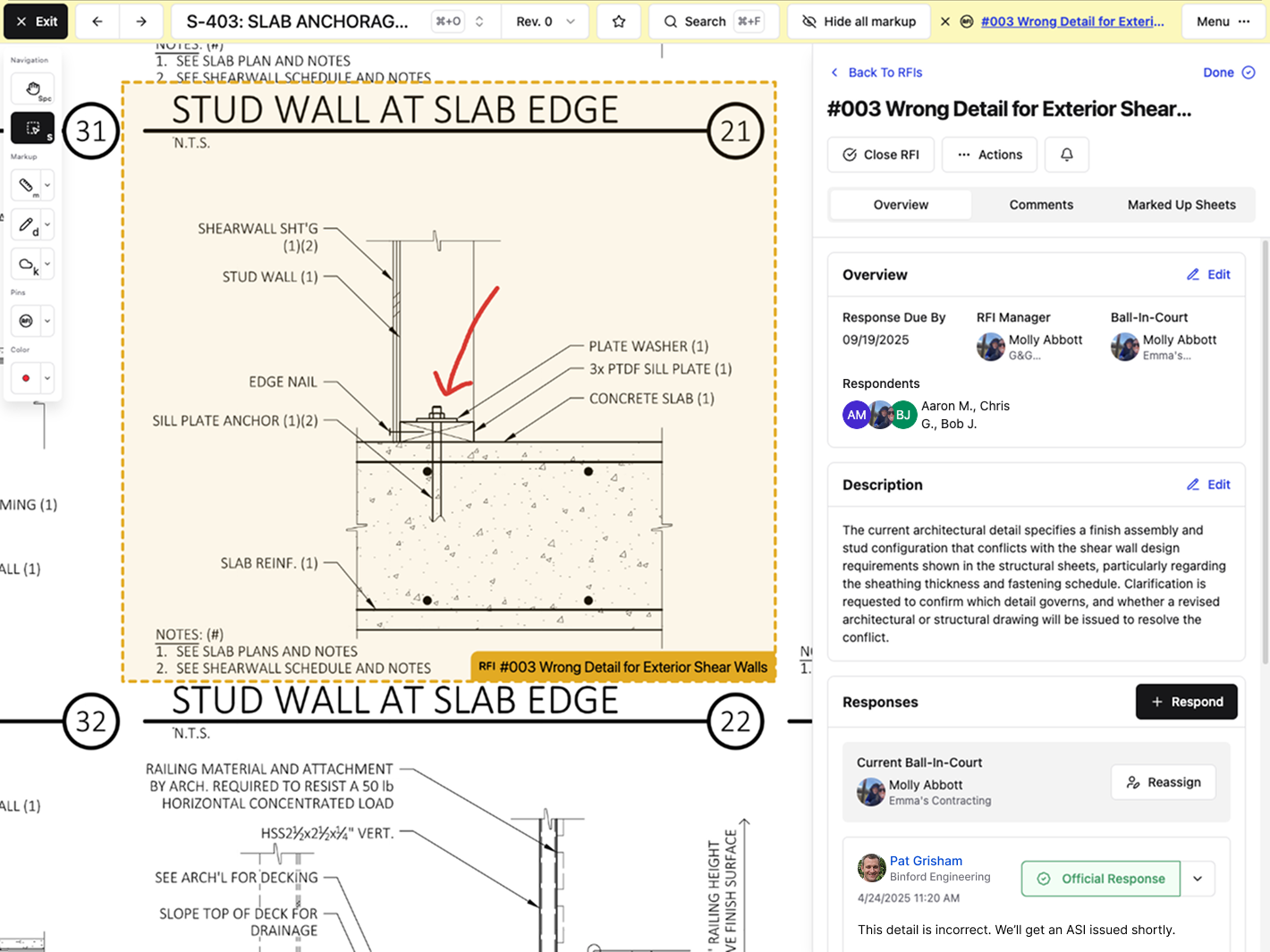\\n\\nProjects generate hundreds of RFIs. Jumping between a drawing viewer, an RFI log, and an email thread to answer one question isn't a workflow. Keeping these tied together means fewer missed details and faster answers when someone needs to trace a decision back to the source.\\n\\n## Version Control: The Difference Between Building Right and Building Twice\\n\\nAutomatic version control stops the nightmare where your crew breaks out formwork based on plans that changed three days ago. The fix isn't procedural. It's automatic.\\n\\nWhen revised sheets get uploaded, the system scans for sheet numbers and recognizes that S-304 Rev 4 replaces S-304 Rev 3. Old versions are archived automatically. The latest revision is displayed by default. Your field teams open the drawing set and see current plans without wondering if they missed an email.\\n\\n\\n\\nThe prevention happens before anyone swings a hammer. A super pulls up foundation plans on their phone and sees Rev 5 with the updated footing detail. Not Rev 4 from last week. Not the version someone printed and left in the trailer. The system always puts the right sheet in front of them.\\n\\nWhen someone does need to reference an older revision, archived versions remain accessible but are clearly marked as outdated, so nobody confuses last month's design with this week's buildable plans.\\n\\n## Mobile Access for Field Teams Who Don't Live at a Desk\\n\\nYour supers aren't answering RFIs from a conference room. They're standing in front of a wall that doesn't match the plans, and they need answers before the next trade shows up.\\n\\nMobile access means the drawing viewer works on a phone. Full plans, not dumbed-down versions. Zoom, pan, measure, and mark up sheets from the same device they use to text their subs.\\n\\nOffline access matters more. Cell service dies inside concrete structures and drops completely on sites outside town. When your field team opens a drawing set, those sheets should load without hunting for a signal. Markups and pins they create offline sync back once they're connected again.\\n\\nPinning issues directly to plans from mobile keeps questions tied to location. A foreman spots a conflict, drops a pin on the sheet, adds a photo, and fires off the RFI without heading back to the trailer.\\n\\n## What to Look for When Shopping for Drawing Software\\n\\nStart with implementation time. If onboarding takes months and requires consultants, you'll burn budget before anyone opens a drawing. Look for systems that promise weeks, not quarters.\\n\\nPricing matters more than the demo. Per-user fees punish growth and create surprise bills when you add subs and consultants. Flat-fee models let you scale without renegotiating every expansion.\\n\\nStorage caps and file size limits show up after you commit. Make sure the system handles unlimited files without throttling or upcharges.\\n\\nIntegration with QuickBooks or Sage Intacct saves double-entry. If your drawing tool doesn't integrate with your accounting system, someone will have to retype invoices.\\n\\n## Why AI-Powered Drawing Tools Matter (Without the Buzzword Nonsense)\\n\\nAI in drawing software matters when it saves time on tasks you'd rather not do manually. Reading sheet numbers off 200 PDFs, hunting for a detail buried in last month's submittal, or calibrating measurements every time you open a plan.\\n\\nAI-powered systems can automatically scan uploaded sheets and extract sheet numbers, disciplines, and titles. You review and confirm the details before publishing, but the tedious data entry is handled for you.\\n\\n[Search works across all project documents](https://constructable.ai/blog/ai-powered-construction-document-search-and-data-extraction). Type \\\"roof drain detail\\\" and get results pinned to the exact sheets and conversations where it appears. That beats scrolling through 40 sheets hoping you'll recognize the right elevation. Ask questions in plain language and get answers from anywhere in your projectâdrawings, photos, documents, daily logsâwith every result linking back to the primary source.\\n\\nMeasurement tools detect scale automatically by reading the scale bar on the drawing itself. Manual calibration is available when needed, but most of the time you just measure and move on.\\n\\nThe value isn't the AI itself. It's getting answers in seconds instead of minutes and skipping tedious tasks that slow you down.\\n\\n## How Constructable Handles Drawing Management From Bidding to Closeout\\n\\nIn Constructable, drawings aren't files you reference; they're where work happens. RFIs, quality list items, and topics are pinned directly to sheet locations, so every question and conversation stays tied to the plan itself.\\n\\nWhen you upload a drawing set in Constructable, AI automatically scans each sheet and pulls the sheet number, discipline, and title. You review and confirm before publishing, but the tedious data entry is already done. When revised sheets come in, the system tracks them as new revisions under the same sheet number and shows the latest version by default. All previous revisions stay archived and accessible, clearly marked so nobody confuses old plans with current ones.\\n\\nSplit view lets you compare any two sheets side by side with optional lock-and-sync navigation. Overlay mode gives you three ways to spot differences: color split, ghost overlay, or difference view.\\n\\nPhotos from daily logs, pins from RFIs, and markup topics all reference back to specific sheets. When someone needs to trace a decision from three weeks ago, the thread is intact.\\n\\n## Final Thoughts on Drawing Control That Actually Works\\n\\nYou need construction drawing software that automatically tracks revisions and keeps your field teams up to date with the current plans. The system should work on phones, load without cell service, and connect RFIs directly to the sheets where questions come up. Get that right, and your project moves faster because nobody's building off outdated drawings or waiting around for answers.\\n\\n## FAQ\\n\\n### How does Constructable prevent rework from outdated plans?\\n\\nThe softw
165are automatically tracks revisions by recognizing when a new version of a sheet replaces an older one, then displays the latest revision by default while archiving previous versions. Your field teams always see the current plans without having to wonder if they missed an update email.\\n\\n### Can I compare drawing revisions to see exactly what changed?\\n\\nYes. Split view lets you place any two sheets side by side, and overlay mode shows differences using color split, ghost overlay, or difference view so you can spot changes between revisions without manually comparing details across monitors.\\n\\n### Do drawings work offline when cell service drops on the jobsite?\\n\\nDrawings load and stay accessible without cell service. Your supers and foremen can view plans, add markups, and pin questions from their phones inside concrete structures or on remote sites, then sync changes back once they reconnect.\\n\\n### How do RFIs stay connected to the actual drawing details they reference?\\n\\nRFIs are pinned directly to specific locations on drawing sheets. When someone asks about a beam connection on Sheet S-301, that question, any photos, and all responses stay attached to the exact spot on the plan so context doesn't get lost across email threads.\\n\\n### What happens to old drawing versions after new revisions get uploaded?\\n\\nPrevious revisions are automatically archived and remain accessible when you need to reference them, but they're clearly marked as outdated, so nobody confuses last month's design with current buildable plans.\\n\",[],[480,481,482,483,484,206],\"{\\\"@context\\\":\\\"https://schema.org\\\",\\\"@type\\\":\\\"FAQPage\\\",\\\"name\\\":\\\"The Straight Shooter's Guide to Drawing Management Software (March 2026)\\\",\\\"mainEntity\\\":[{\\\"@type\\\":\\\"Question\\\",\\\"name\\\":\\\"How does drawing management software prevent rework from outdated plans?\\\",\\\"acceptedA
165nswer\\\":{\\\"@type\\\":\\\"Answer\\\",\\\"text\\\":\\\"The software tracks revisions automatically by recognizing when a new version of a sheet replaces an old one, then displays the latest revision by default while archiving previous versions. Your field teams always see current plans without wondering if they missed an update email.\\\"}},{\\\"@type\\\":\\\"Question\\\",\\\"name\\\":\\\"Can I compare drawing revisions to see exactly what changed?\\\",\\\"acceptedAnswer\\\":{\\\"@type\\\":\\\"Answer\\\",\\\"text\\\":\\\"Yes. Split view lets you place any two sheets side by side, and overlay mode highlights differences using color split, ghost overlay, or highlight view so you can spot changes between revisions without manually comparing details across monitors.\\\"}},{\\\"@type\\\":\\\"Question\\\",\\\"name\\\":\\\"Do drawings work offline when cell service drops on the jobsite?\\\",\\\"acceptedAnswer\\\":{\\\"@type\\\":\\\"Answer\\\",\\\"text\\\":\\\"Drawings load and stay accessible without cell service. Your supers and foremen can view plans, add markups, and pin questions from their phones inside concrete structures or on remote sites, then sync changes back once they reconnect.\\\"}},{\\\"@type\\\":\\\"Question\\\",\\\"name\\\":\\\"How do RFIs stay connected to the actual drawing details they reference?\\\",\\\"acceptedA
165nswer\\\":{\\\"@type\\\":\\\"Answer\\\",\\\"text\\\":\\\"RFIs pin directly to specific locations on drawing sheets. When someone asks about a beam connection on Sheet S-301, that question, any photos, and all responses stay attached to the exact spot on the plan so context doesn't get lost across email threads.\\\"}},{\\\"@type\\\":\\\"Question\\\",\\\"name\\\":\\\"What happens to old drawing versions after new revisions get uploaded?\\\",\\\"acceptedAnswer\\\":{\\\"@type\\\":\\\"Answer\\\",\\\"text\\\":\\\"Previous revisions archive automatically and stay accessible when you need to reference them, but they're clearly marked as outdated so nobody confuses last month's design with current buildable plans.\\\"}}],\\\"url\\\":\\\"https://constructable.ai/blog/straight-shooters-guide-drawing-management-software\\\",\\\"dateModified\\\":\\\"2026-03-13T22:05:48.429Z\\\",\\\"author\\\":{\\\"@type\\\":\\\"Organization\\\",\\\"name\\\":\\\"Constructable\\\"}}\\n\",\"{\\\"@context\\\":\\\"https://schema.org\\\",\\\"@type\\\":\\\"BlogPosting\\\",\\\"headline\\\":\\\"The Straight Shooter's Guide to Drawing Management Software (March 2026)\\\",\\\"description\\\":\\\"Get the straight facts on drawing management software in March 2026. Learn how to keep teams on current plans and stop rework from outdated drawings.\\\",\\\"datePublished\\\":\\\"2026-03-13T22:05:48.429Z\\\",\\\"dateModified\\\":\\\"2026-03-13T22:05:48.429Z\\\",\\\"author\\\":{\\\"@type\\\":\\\"Organization\\\",\\\"name\\\":\\\"Constructable\\\"},\\\"url\\\":\\\"https://constructable.ai/blog/straight-shooters-guide-drawing-management-software\\\",\\\"wordCount\\\":2500,\\\"keywords\\\":[\\\"drawing management software\\\",\\\"bluebeam\\\",\\\"bluebeam download\\\",\\\"bluebeam pdf\\\",\\\"bluebeam login\\\",\\\"bluebeam revu 21\\\",\\\"bluebeam student\\\",\\\"bluebeam revu 21 download\\\",\\\"bluebeam pdf editor\\\",\\\"bluebeam free\\\",\\\"bluebeam revu\\\",\\\"bluebeam revu download\\\",\\\"bluebeam revu pdf\\\",\\\"bluebeam revu 20\\\",\\\"bluebeam revu 20 download\\\",\\\"bluebeam revu 2019 free download with crack\\\",\\\"bluebeam revu app\\\",\\\"bluebeam revu extreme\\\",\\\"construction drawing software\\\",\\\"construction drawing software free\\\",\\\"best construction drawing software\\\",\\\"residential construction design software\\\",\\\"top 10 construction management software\\\",\\\"construction software design clothing\\\",\\\"construction design app\\\",\\\"construction design app free\\\",\\\"construction drawing management software\\\",\\\"construction drawing management software free\\\",\\\"construction drawing management software pdf\\\",\\\"best construction drawing management software\\\",\\\"engineering drawing management software\\\",\\\"construction software for design\\\",\\\"drawing management software free\\\",\\\"best drawing management software\\\",\\\"submittal management software\\\",\\\"best submittal management software\\\",\\\"construction submittal management software\\\",\\\"free submittal management software\\\",\\\"submittal management software free download\\\",\\\"submittal management software pdf\\\",\\\"submittal management software for sale\\\",\\\"submittal exchange\\\",\\\"submittal example\\\",\\\"cad drawing management software\\\",\\\"traffic management drawing software\\\",\\\"autocad drawing management software\\\",\\\"free traffic management drawing software\\\",\\\"free drawing management software\\\",\\\"shop drawing management software\\\"]}\\n\",\"drawing management software actually\",\"real cost poor drawing control\",\"key features separate tools time wasters\",\"drawing management connects rfis\",\"version control difference between building right building twice\",\"best-ai-powered-construction-management-software\",\"Best AI-Powered Construction Management Software (March 2026)\",\"Find the best AI-powered construction software for March 2026. See which tools work where you already are and make your team faster, not busier.\",\"2026-03-19T17:39:55.482Z\",\"Most [AI tools for construction project management](https://constructable.ai/blog/drawing-centric-collaboration-workflows) feel like they were built for the demo, not the jobsite. You open them up, and there's a chatbot, a special AI tab, maybe a dashboard that looks cool but doesn't actually speed anything up. What you need is AI that works inside the stuff you're already doing. Measuring on a drawing? It reads the scale. Searching for a detail? It checks drawings, RFIs, and specs at once. Closing out an RFI? It writes the message for you. The real test isn't how smart the AI sounds. It's whether using it _removes_ a step or _adds_ one.\\n\\n**TLDR:**\\n\\n- AI in construction should read drawings and answer questions instantly without extra steps or training\\n- Most tools add friction with per-user fees and enterprise complexity that mid-size contractors don't need\\n- Real ROI comes from finding answers in 30 seconds
165instead of 30 minutes across one connected system\\n- **Constructable** removes repetitive work by auto-reading drawing scales, searching all documents at once, prefilling certain data, and more\\n- Built for mid-size general contractors managing $20M-$150M projects who need reliable software that works without the learning curve\\n\\n## What AI in Construction Management Actually Means (And What It Doesn't)\\n\\nEvery vendor selling construction software has slapped \\\"AI-powered\\\" on their homepage. But walk into any jobsite trailer, and you'll find teams still drowning in spreadsheets, hunting through email threads, and manually entering the same information three times.\\n\\nThere's a reason only [27% of construction professionals use AI](https://www.asce.org/publications-and-news/civil-engineering-source/article/2025/12/18/architecture-engineering-construction-sector-slow-to-adapt-ai-survey-shows) in their work when 78% of businesses across industries reported a [55% increase in AI usage](https://hai.stanford.edu/ai-index/2025-ai-index-report) in 2025. Most of what's marketed as AI is just basic automation with a new label. A search bar that returns filenames isn't intelligent. A chatbot that can't read your drawings isn't helpful.\\n\\nReal AI in construction management does three things: it reads your documents and drawings, it answers questions in seconds instead of minutes, and it works without you having to teach it first.\\n\\n## Bolted-On vs Built-In AI: Why the Difference Matters\\n\\nMost software adds AI as something extra that you open when you remember. A chat box. A separate tab. One more thing to check.\\n\\nThat's bolted-on AI. It sits next to your work instead of inside it. While tools like this can be helpful, you're still switching screens, copying data, and deciding whether asking the AI is faster than just doing it yourself.\\n\\nBuilt-in AI works where you already are. Reviewing an RFI? It's already reading the drawing. Searching for a spec detail? It's already scanning project documents. Writing a response? It drafted one you can edit.\\n\\nThe difference isn't how smart the AI is. It's whether using it adds a step or removes one.\\n\\n| Feature | Bolted-On AI | Built-In AI |\\n| ----------------------- | -------------------------------------------------- | ---------------------------------------------------------------------------------------- |\\n| Drawing scale detection | Manual calibration required in a separate tool | Reads scale automatically while measuring |\\n| Finding information | Keyword search through one document type at a time | Ask questions in plain language and get answers from all project data with cited sources |\\n| RFI responses | Open chatbot, describe context, copy response | Drafts distribution message from RFI context automatically |\\n| Weather data entry | Look up and manually enter weather conditions | Pre-fills hourly weather data using the project zip code |\\n| Quality list creation | Fill out form fields one by one | Autofills location, trade, and work item from description |\\n| Workflow integration | Switch to an AI tab or panel when needed | Works in context where you're already working |\\n\\n## Why Construction Teams Resist Software (Even \\\"Smart\\\" Software)\\n\\nSoftware resistance isn't about being behind the times. It's about being burned too many times.\\n\\nYou've sat through demos that promised the world and delivered only half. You've paid for systems that required two weeks of training just to log an RFI. You've watched field teams ignore new tools because pulling out a phone takes longer than scribbling on paper.\\n\\nWhen [98% of projects](https://trangistics.com/2025/02/the-financial-impact-of-construction-delays/) face delays and schedules stretch 37% longer than planned, the last thing you need is software that adds more steps. Teams resist because most tools make their day harder, not easier.\\n\\nThe problem isn't the people. It's that most software wasn't built for how construction **actually** works.\\n\\n## The Hidden Cost of Softw
165are Friction\\n\\nSoftware friction shows up in minutes that add up to hours, then weeks. Three clicks to attach a photo. Five steps to copy a comment to an RFI. Logging into separate systems for drawings, specs, and submittals.\\n\\nProject managers [switching tools 40 times a day](https://blog.rescuetime.com/context-switching/) lose 20 minutes to context switching. Multiply that across a team, and you're burning full workdays jumping between software instead of managing projects.\\n\\nThe hidden cost is worse than money: decisions are delayed because finding the answer takes too long. Questions go unanswered because creating the RFI feels like homework. Field teams are skipping documentation because the app won't load their markup.\\n\\nFriction trains people to avoid the system entirely. They go back to texts, email, and site walks. Your software becomes a filing cabinet you update after the fact.\\n\\n[The best construction software](https://constructable.ai/blog/constructable-vs-procore-which-is-better) isn't the one with the most features. It's the one that gets out of your way.\\n\\n## What Actually Matters in AI Construction Software\\n\\nBefore you look at AI features, check if [the software can run a construction project](https://constructable.ai/blog/construction-management-software). Too many tools market their AI while missing the basics that matter.\\n\\nA complete system needs drawing management that [tracks revisions automatically](https://constructable.ai/blog/drawing-centric-collaboration-workflows) and lets you compare versions side by side. RFI tracking should connect questions directly to drawing sheets. Submittal approval workflows should not require manual status updates. Daily logs should capture crew hours, equipment, deliveries, and weather without duplicate entry.\\n\\nIf the software can't handle these things well on its own, adding AI just makes an incomplete system slightly faster.\\n\\nThe AI that matters works in two ways: it removes steps from your existing workflow, and it doesn't announce itself. Performative AI is built for presentations. It shows well in demos, generates press releases, and gives sales teams talking points. You access it through a special mode, a separate panel, or by asking it questions you could answer yourself with three clicks.\\n\\nAssistive AI reads drawing scales as you measure. It searches all project dataâdrawings, RFIs, submittals, specs, photos, and logs when you type one phrase. It fills the weather data before you open the daily log. You don't activate it. You just work, and it's already working.\\n\\n## Why Mid-Size Contractors Are Left Behind by Enterprise Software\\n\\nEnterprise software vendors focus on larger accounts because the revenue makes the sales effort worth it. A $500M builder means bigger contracts, longer commitments, and dedicated IT teams to manage implementation.\\n\\nMid-size contractors get the same software with fewer discounts. You're paying for modules you won't use, user limits that restrict growth, and onboarding timelines that assume you have staff to manage the rollout full-time.\\n\\nPer-user pricing turns every hire into a budget discussion. Adding subcontractors triggers overage fees. Annual contract audits penalize you for taking on more work.\\n\\nThe software carries enterprise baggage: approval chains with 8 steps, admin panels that require training, and features built for compliance officers versus superintendents running jobsites.\\n\\n## The Real ROI of Construction Software: Fewer Clicks, Faster Answers\\n\\nROI in construction software isn't about quarterly cost savings. It's about whether your project manager finds the answer in 30 seconds instead of 30 minutes.\\n\\nWhen drawings, RFIs, submittals, and specs live in one system instead of five, you stop hunting. When search works across everything at once, you stop asking around. When AI reads context from the plans you're already viewing, you stop re-explaining.\\n\\nThe return is measured in faster decisions, questions answered before they delay work, and field teams who actually use the system because it doesn't waste their time.\\n\\n## How Constructable Uses AI to Remove Friction, Not Add Features\\n\\nWe built Constructable around one idea: AI should make your existing work faster, not give you new things to learn.\\n\\n[The AI Answer Engine](https://constructable.ai/blog/ai-powered-construction-document-search-and-data-extraction) lets you ask questions in plain language. Ask \\\"what's the door hardware spec for the lobby?\\\" and get instant answers pulled from RFIs, submittals, specs, drawing sheets, photos, and log entries with direct links to the source documents. Every answer links directly to the source document, drawing, or log entry so you can verify the information immediately. No keyword guessing, no digging through folders.\\n\\n\u003cvideo controls width=\\\"100%\\\" poster=\\\"/public/question-answering-video-cover.png\\\" class=\\\"shadow-xl rounded-lg my-4\\\"\u003e\\n \u003csource src=\\\"/public/constructable-ai-search-video-v2.mp4\\\" type=\\\"video/mp4\\\"\u003e\\n Your browser does not support the video tag.\\n\u003c/video\u003e\\n\\n\u003cbr/\u003eWhen you open a drawing and measure something, our AI has already read the page scale. No calibration step. No hunting for the scale bar. You measure, you get the right number.\\n\\n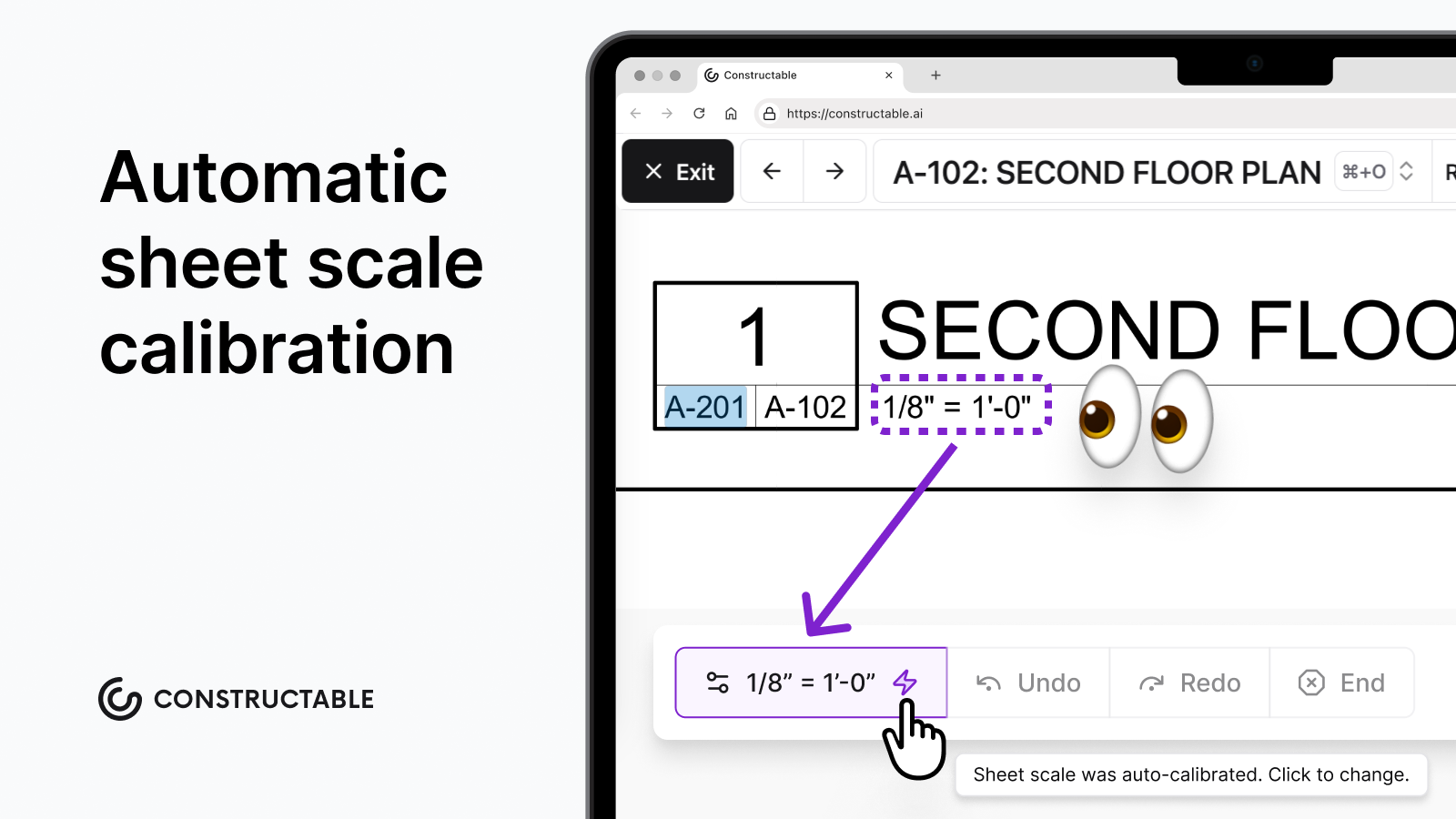\\n\\nOur Autofill from Description auto-populates title, location, and trade from a detailed description using AI. Say or type what needs fixing, and the system pulls out the location, trade, and work item. Saves the retyping.\\n\\nDaily logs pull hourly weather data using your project's zip code. Temperature, wind, and precipitation are already there when you open the log.\\n\\nWhen you close an RFI, [AI drafts the distribution message](https://constructable.ai/features/ai-workflows). You edit it if needed, or just send it.\\n\\nThe Magic Extractor tool reads text and tables directly off of plan sheets so you can easily copy-
165paste instead of having to transcribe it all.\\n\\n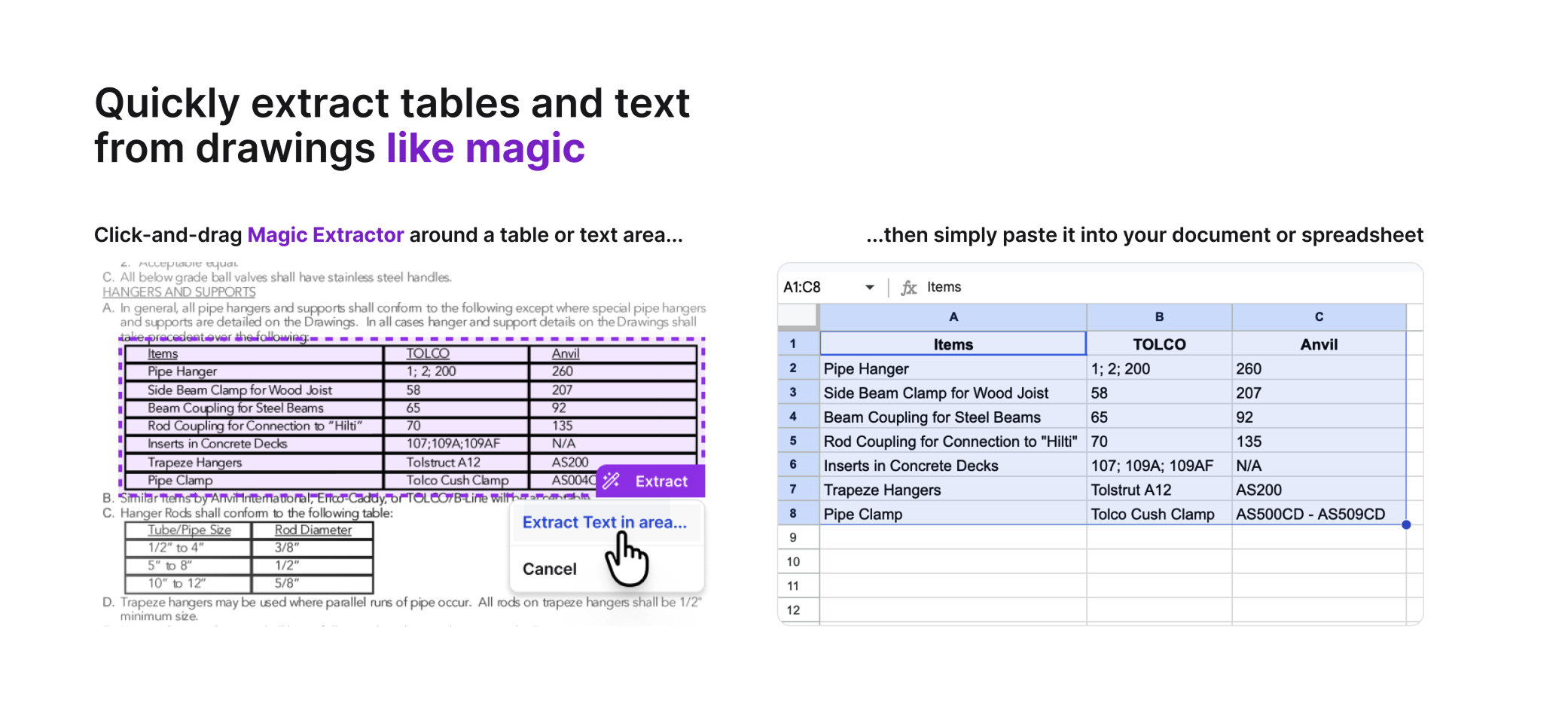\\n\\nTwo-way sync with QuickBooks Online and Sage Intacct keeps your financial data connected without duplicate entry.\\n\\nNone of this requires opening a separate AI panel or changing how you work. You're managing drawings, tracking RFIs, and logging jobsite activity the same way you always do. AI just removes the repetitive parts that slow you down.\\n\\n## Final Thoughts on AI Construction Management Tools\\n\\nThe [best AI for construction management](https://constructable.ai/blog/drawing-centric-collaboration-workflows) doesn't add steps to your workflow; it removes them. Your project managers need answers in seconds, not features they'll ignore. When AI reads your documents automatically, answers questions in plain language, and works where you already are, your team actually uses it. Constructable was built to remove friction from the work you're already doing, so you can find answers faster and keep your field teams on schedule.\\n\\n## FAQs\\n\\n### How does AI in construction software actually save time versus just adding another tool to learn?\\n\\nReal AI removes steps instead of adding them: it reads drawing scales automatically while you measure, searches across all your documents at once instead of five separate searches, and fills in weather data before you open your daily log. You work the same way you always have; the repetitive parts just happen faster.\\n\\n### What's the difference between bolted-on AI and built-in AI in project management software?\\n\\nBolted-on AI lives in a separate chat box or tab you have to remember to use. Built-in AI works where you already are: reading drawings while you're creating an RFI, drafting distribution messages when you close one, pulling text from plan sheets while you're reviewing them. One adds a step, the other removes one.\\n\\n### When should a mid-size contractor consider switching from enterprise construction software?\\n\\nWhen per-user pricing limits who you can add to projects, when your team avoids using the system because it takes too many clicks, or when you're paying for modules you never touch. If software friction is delaying decisions or your field teams are reverting to texts and emails, the tool isn't working.\\n\\n### Can construction management software actually reduce project delays, or is it just better at documenting them?\\n\\nSoftware reduces delays by making finding answers faster than waiting: when your PM gets the spec details in 30 seconds instead of 30 minutes, when RFIs connect directly to drawing sheets so context is immediate, when search works across everything so you stop asking around. Documentation without speed just creates better records of the same problems.\\n\\n### What features matter most in AI construction software for teams who aren't \\\"techy\\\"?\\n\\nFeatures that work without setup: automatic revision tracking on drawings, search that reads all document types at once, measurement tools that detect scale automatically, and quality lists that autofill from plain descriptions. The best AI for construction teams is the kind you don't have to think about using.\\n\",[],[494,495,496,497,498,499],\"{\\\"@context\\\":\\\"https://schema.org\\\",\\\"@type\\\":\\\"FAQPage\\\",\\\"name\\\":\\\"Best AI-Powered Construction Management Software (March 2026)\\\",\\\"mainEntity\\\":[{\\\"@type\\\":\\\"Question\\\",\\\"name\\\":\\\"How does AI in construction software actually save time versus just adding another tool to learn?\\\",\\\"acceptedA
165nswer\\\":{\\\"@type\\\":\\\"Answer\\\",\\\"text\\\":\\\"Real AI removes steps instead of adding themâit reads drawing scales automatically while you measure, searches across all your documents at once instead of five separate searches, and fills in weather data before you open your daily log. You work the same way you always have; the repetitive parts just happen faster.\\\"}},{\\\"@type\\\":\\\"Question\\\",\\\"name\\\":\\\"What's the difference between bolted-on AI and built-in AI in project management software?\\\",\\\"acceptedAnswer\\\":{\\\"@type\\\":\\\"Answer\\\",\\\"text\\\":\\\"Bolted-on AI lives in a separate chat box or tab you have to remember to use. Built-in AI works where you already areâreading drawings while you're creating an RFI, drafting distribution messages when you close one, pulling text from plan sheets while you're reviewing them. One adds a step, the other removes one.\\\"}},{\\\"@type\\\":\\\"Question\\\",\\\"name\\\":\\\"When should a mid-size contractor consider switching from enterprise construction software?\\\",\\\"acceptedA
165nswer\\\":{\\\"@type\\\":\\\"Answer\\\",\\\"text\\\":\\\"When per-user pricing is limiting who you can add to projects, when your team avoids using the system because it takes too many clicks, or when you're paying for modules you never touch. If software friction is delaying decisions or your field teams are reverting to texts and emails, the tool isn't working.\\\"}},{\\\"@type\\\":\\\"Question\\\",\\\"name\\\":\\\"Can construction management software actually reduce project delays or just document them better?\\\",\\\"acceptedAnswer\\\":{\\\"@type\\\":\\\"Answer\\\",\\\"text\\\":\\\"Software reduces delays when it makes finding answers faster than waitingâwhen your PM gets the spec detail in 30 seconds instead of 30 minutes, when RFIs connect directly to drawing sheets so context is immediate, when search works across everything so you stop asking around. Documentation without speed just creates better records of the same problems.\\\"}},{\\\"@type\\\":\\\"Question\\\",\\\"name\\\":\\\"What features matter most in AI construction software for teams who aren't \\\\\\\"techy\\\\\\\"?\\\",\\\"acceptedA
165nswer\\\":{\\\"@type\\\":\\\"Answer\\\",\\\"text\\\":\\\"Features that work without setup: automatic revision tracking on drawings, search that reads all document types at once, measurement tools that detect scale on their own, and quality lists that autofill from plain descriptions. The best AI for construction teams is the kind you don't have to think about using.\\\"}}],\\\"url\\\":\\\"https://constructable.ai/blog/best-ai-powered-construction-management-software\\\",\\\"dateModified\\\":\\\"2026-03-19T17:41:52.556Z\\\",\\\"author\\\":{\\\"@type\\\":\\\"Person\\\",\\\"name\\\":\\\"Molly Abbott\\\"}}\\n\",\"{\\\"@context\\\":\\\"https://schema.org\\\",\\\"@type\\\":\\\"BlogPosting\\\",\\\"headline\\\":\\\"Best AI-Powered Construction Management Software (March 2026)\\\",\\\"description\\\":\\\"Find the best AI-powered construction software for March 2026. See which tools work where you already are and make your team faster, not busier.\\\",\\\"datePublished\\\":\\\"2026-03-19T17:39:55.482Z\\\",\\\"dateModified\\\":\\\"2026-03-19T17:39:55.482Z\\\",\\\"author\\\":{\\\"@type\\\":\\\"Person\\\",\\\"name\\\":\\\"Molly Abbott\\\",\\\"description\\\":\\\"Molly Abbott is a co-founder of Constructable, and comes from a construction family. Sheâs a little bit quirky, a little bit competitive, and a little bit fun. She drives a minivan and has two small boys to give you a better picture of her in real life. \\\"},\\\"url\\\":\\\"https://constructable.ai/blog/best-ai-powered-construction-management-software\\\",\\\"wordCount\\\":2500,\\\"keywords\\\":[\\\"AI construction management software\\\",\\\"ai for construction drawings\\\",\\\"best ai for construction estimating\\\",\\\"best free ai for construction estimating\\\",\\\"best free construction estimating software\\\",\\\"free ai for construction estimating\\\",\\\"free construction estimating apps\\\",\\\"free construction estimating apps for android\\\",\\\"free construction estimating software excel\\\",\\\"ai construction drawing generator\\\",\\\"ai for construction estimating\\\",\\\"ai for construction management\\\",\\\"best ai for construction drawings\\\",\\\"best ai for construction management\\\",\\\"blueprints ai\\\",\\\"free ai blueprint generator\\\",\\\"maket ai\\\",\\\"ai for construction design\\\",\\\"ai project management certification\\\",\\\"ai project management tools\\\",\\\"ai tools for construction estimating\\\",\\\"ai tools for construction project management\\\",\\\"best free ai tools for project management\\\",\\\"free ai tools for project management\\\",\\\"ai estimating software free\\\",\\\"ai for project planning\\\",\\\"ai tools for project writing\\\",\\\"best ai estimating software\\\",\\\"best ai tools for project management\\\",\\\"handoff ai estimator\\\",\\\"togal ai\\\",\\\"ai construction project management software\\\",\\\"construction management software ai\\\"]}\\n\",\"construction management actually means doesnt\",\"bolted-on built-in difference matters\",\"construction teams resist software even smart software\",\"hidden cost software friction\",\"actually matters construction software\",\"ai-powered\",\"change-orders-construction-guide\",\"Change Orders in Construction: What They Are and How to Manage Them in March 2026\",\"Learn what change orders are in construction and how to manage them in March 2026. Get strategies for tracking, pricing, and approving changes faster.\",\"2026-03-24T23:36:55.926Z\",\"Most teams treat a change order like it's just a form you fill out when scope changes. You price it, draft it, send it for signatures, and hope it gets approved before you're too far down the road. But what actually slows your project down isn't the complexity of the change itself. It's that you're documenting it weeks after it happened, piecing the story back together from scattered text threads and photos buried on someone's phone. By the time you sit down to write it up, you've forgotten the details that matter. Your subs don't have context. Your owner's looking at a number with no backup. The disconnect between when change happens and when you finally get it approved is where you lose time and money.\\n\\n**TLDR:**\\n\\n- Change orders modify your contract's scope, cost, or timeline after signing; over 75% of projects include them\\n- Late documentation averages 24 days between field work and formal requests, causing lost context and delayed payment\\n- Change events track the initial trigger, while change orders handle formal approvals across multiple contracts\\n- **Constructable** groups related change orders under parent events with built-in e-signing and automatic cost tracking\\n\\n## What Is a Change Order in Construction?\\n\\nA change order is a written modification to your original construction contract. It updates one or more things: scope, cost, or timeline. After all parties sign, it becomes part of your contract.\\n\\n[Over 75% of construction projects](https://www.rhumbix.com/blog/change-orders-construction-guide-contractors) include change orders, with the average project seeing cost increases of 10-15% from changes alone. Change order costs can account for 10-15% of the contract value, and a higher frequency of changes can [reduce productivity by 10-30%](https://www.bauwise.com/how-to-calculate-and-estimate-construction-change-orders/).\\n\\nMost teams treat change orders like one-off paperwork: a request comes in, you price it out, draft a document, collect signatures, and hope for approval before work begins. Good construction management software can completely change this workflow. But a change order is the end result of a longer chain of events that includes the request itself, pricing, review, negotiation, and routing.\\n\\nWhen you handle each change order as a separate file instead of a connected sequence, you lose context on what triggered it, who signed off, and how it impacts your subs and budget. Modern tools keep all this information connected.\\n\\n## Common Types of Change Orders in Construction\\n\\nChange orders generally fall into three categories based on how they affect your contract:\\n\\n| Trigger Category | What Happens | Common Causes | Example |\\n| ---------------------------- | --------------------------------------------------- | ------------------------------------------------------------------------------ | ----------------------------------------------------------------------------------------------- |\\n| Design Gaps or Errors | Incomplete or conflicting plans require adjustments | Missing details, conflicting drawings, specs that don't match field conditions | Structural drawings show beam depth that conflicts with MEP routing, requiring redesign |\\n| Unforeseen Site Conditions | Hidden conditions discovered during construction | Contaminated soil, unmarked utilities, unexpected rock or groundwater | Excavation reveals underground storage tank not shown on site surveys, adding $38K for removal |\\n| Owner-Initiated Changes | Client requests modifications to scope or materials | Upgraded finishes, reconfigured spaces, added features, value engineering | Owner upgrades from standard to premium finishes, adding $45K to contract |\\n| Trade Coordination Conflicts | Systems clash in ways drawings didn't anticipate | MEP conflicts, ceiling height issues, access problems for maintenance | HVAC ductwork interferes with electrical conduit runs, requiring rerouting and material changes |\\n\\nMost projects see a mix of these triggers, sometimes multiple issues hitting at once. The key is catching them early. When you spot something that doesn't match the drawings or hear the owner mention a change in passing, document it right then. Early documentation makes pricing easier because the details are fresh and your subs can provide accurate numbers. Once you've logged what triggered the change, the approval process stays the same, no matter which category caused it.\\n\\n## Why Change Orders Slow Projects Down\\n\\nChange orders don't slow projects because they're complex. They slow projects because of how most teams manage them.\\n\\nLate documentation is the first problem. Work happens today, but you don't write it up for weeks.\\n\\nThe average time between completing work and submitting a change order request is 24 days when working manually. By then, you've forgotten details and lost receipts.\\n\\nMissing context makes pricing harder. The initial request lives in an email thread. Photos are on someone's phone. The scope conversation happened over text. When you sit down to draft the change order, you're hunting across six places to rebuild the story. When changes aren't properly documented, their impacts compound quickly.\\n\\nBack-and-forth approvals sit in inboxes because there's no clear workflow. You email the sub, wait three days, email the owner, wait five more, then chase signatures. No one knows whose court the ball is in.\\n\\nDisconnected systems force you to enter the same line items twice: once in your change order doc, again in your accounting software. Every handoff is a chance for errors or delays.\\n\\n## A Better Way to Manage Change Orders\\n\\
165nThe fix isn't better templates or faster approvals. It's tracking changes from the moment they show up, not weeks later when you finally get around to the paperwork.\\n\\nWhen you spot something in the field that's going to cost time or money, log it right then. Attach photos, note the location on your drawing, and link the people who need to see it. That entry becomes the source of truth as you move from observation to pricing to formal approval.\\n\\nEvery conversation, markup, and line item stays connected to the original issue. Your project manager sees what triggered it. Your subs know what was agreed to. Your owner has full context when they review pricing. [Drawing-centric collaboration workflows](https://constructable.ai/blog/drawing-centric-collaboration-workflows) keep everyone on the same page.\\n\\nNo hunting through email to piece together what happened; no duplicate data entry between your change order doc and your budget. One record, updated as it moves through your workflow, visible to everyone who needs it.\\n\\n## Change Events vs Change Orders\\n\\nA change event is the initial trigger when the project scope, conditions, or requirements shift. Document it immediately whenever something changes, before pricing or approvals occur. A single change event can affect multiple contracts in your job.\\n\\nA change order is a formal contract modification with finalized pricing and scope details. It's what gets sent for signature once you've worked through the numbers. A single change event may generate multiple change orders if the issue affects both your prime contract and your subcontractor agreements.\\n\\n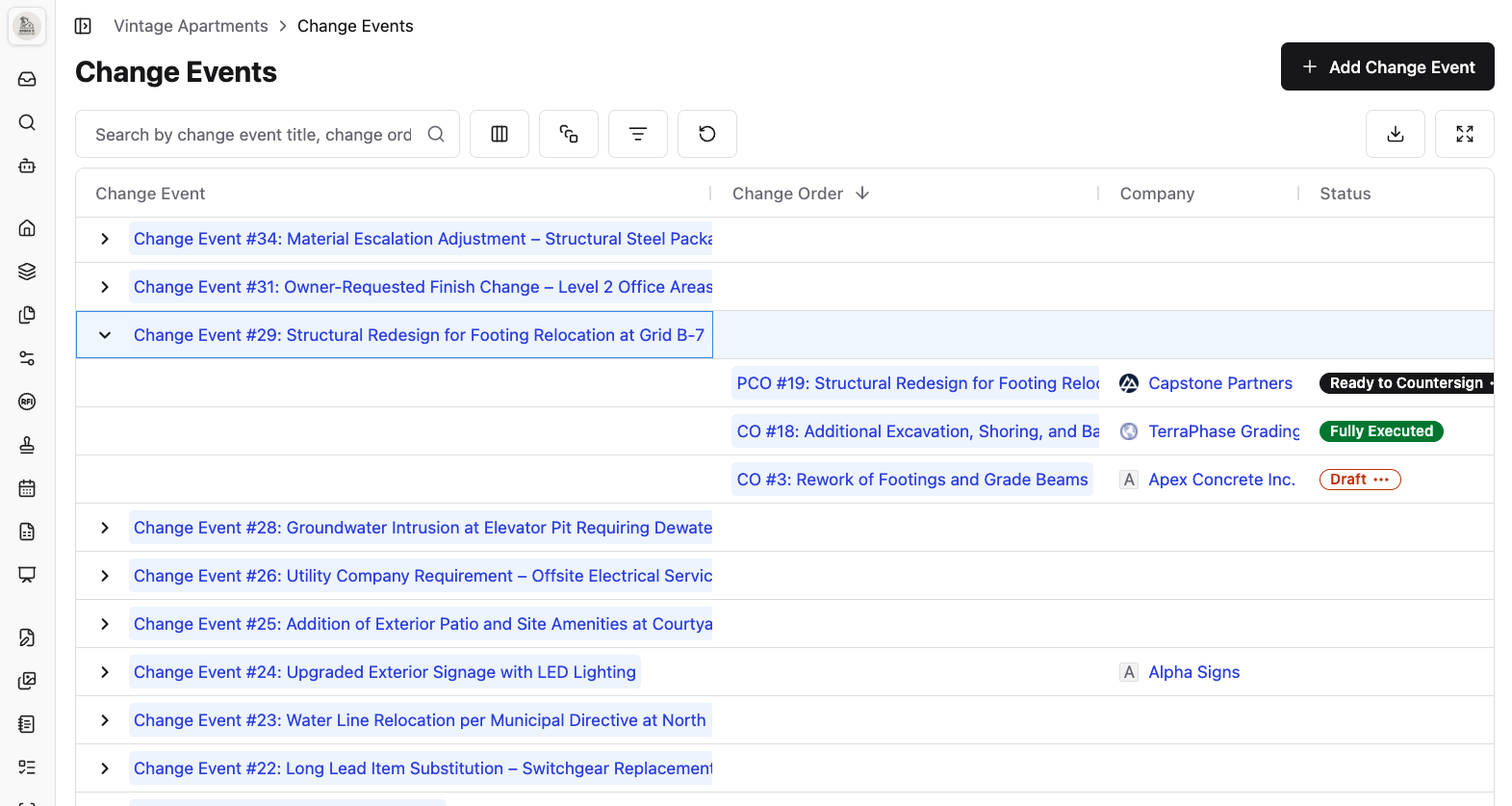\\n\\n\u003e _Constructable keeps all Change Orders grouped under their parent Change Events_\\n\\nKeeping change orders grouped under their parent event preserves the full context. [Field-to-office documentation](https://constructable.ai/blog/field-to-office-photo-and-video-documentation) keeps everything connected from the jobsite to the back office. When your electrician's pricing is ready, you can reference those line items for the prime contract version without rebuilding cost breakdowns or re-entering the same information across multiple documents.\\n\\n## How Construction Software Improves Change Order Management\\n\\nConstruction software with [field management features](https://constructable.ai/features/field-management) cuts the time between when a change happens on-site and when you actually get paid for it. Your project data, field photos, drawing markups, RFI threads, and cost breakdowns all live in one place, ready when you need to price the work or document what happened.\\n\\nE-signatures move approvals from weeks to days. Send it out, get notified when it's signed, and route it to the next person. No scanning, no trips to the office, no guessing if it's buried on someone's desk.\\n\\n[Cost tracking](https://constructable.ai/features/financial-management) connects each change order to your budget and commitments without re-entering numbers. Line items update where they need to go, and your running total reflects what's been approved in real time.\\n\\nYour superintendent sees what's been signed off. Your subs see their change orders tied to the events that triggered them. Your owner gets a clear view of what changed and why, without having to chase down paperwork.\\n\\n## Managing Change Orders With Constructable\\n\\nWe built change events and change orders to fix the disconnect between when a change happens and when you document it.\\n\\nCreate a change event the moment you spot something that will affect the scope or cost. Add context like photos, descriptions, and attachments. Then build your change orders underneath it. If the same issue hits your electrical sub and your prime contract, both change orders live under one event, so the full story stays intact.\\n\\nLine items auto-fill from the parent event. No re-entering descriptions or cost codes across multiple documents. Company View shows you exactly where each change order sits: draft, in progress, or executed. You know whose court it's in without opening six different files.\\n\\nSend for e-signature directly or download as a PDF if you're working with someone who wants paper. Either way, everything stays linked back to what triggered it and keeps the work moving without making you hunt through email threads or rebuild pricing from memory three weeks later.\\n\\n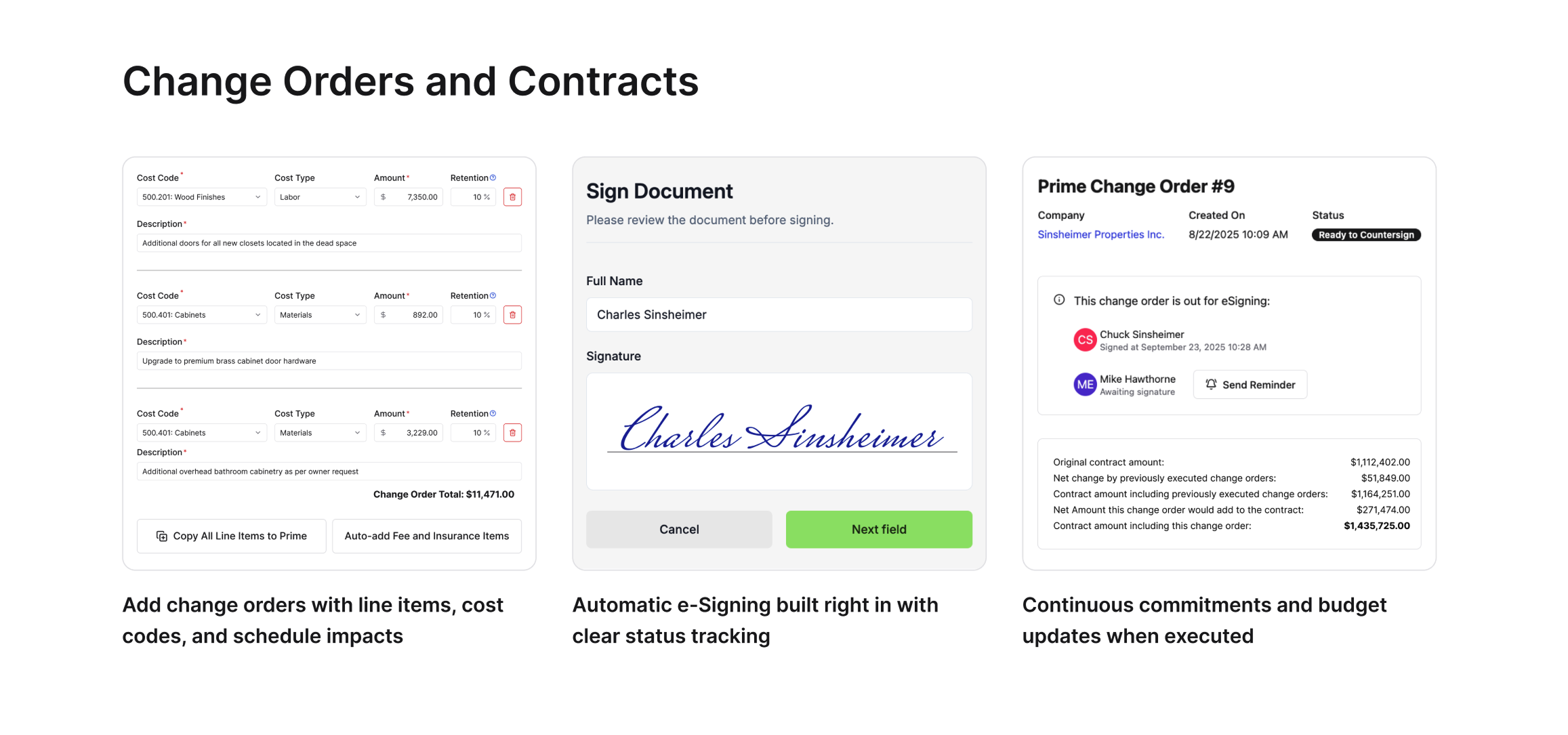\\n\\n## Final Thoughts on the Change Order Process\\n\\nMost teams lose time and money because they treat change orders as separate files rather than as connected events. Track change orders in project management from the moment something changes on site, and you'll stop hunting for context when it's time to price the work. Keep the full story intact, your approvals will move faster, and you'll actually get paid for the work you're doing.\\n\\n## FAQ\\n\\n### What's the difference between a change event and a change order?\\n\\nA change event is
165what you create the moment something changes in the field: unforeseen conditions, design gaps, or owner requests. A change order is the formal contract modification with final pricing that gets signed. One change event can generate multiple change orders if the issue affects both your prime contract and several subs.\\n\\n### How long does it typically take to submit a change order after the work happens?\\n\\nWhen working manually, teams average 24 days between completing work and submitting the change order request. By then, you've lost details, misplaced photos, and forgotten the full context. Logging changes immediately when they happen cuts this down to days instead of weeks.\\n\\n### Can I use the same pricing across multiple change orders?\\n\\nYes. When you build change orders under a change event, line items and descriptions auto-fill from the parent event. If the same issue hits your electrical sub and your prime contract, you reference those numbers without re-entering cost codes or descriptions across multiple documents.\\n\\n### Why do design errors cause so many change orders?\\n\\nIncomplete or inaccurate design documents drive roughly 40% of all change orders. Missing details, conflicting plans, or specs that don't match field conditions force you to stop, reprice, and adjust scope. The earlier you catch and document these gaps, the faster you can get approvals and keep work moving.\\n\\n### Do I need separate software for e-signatures on change orders?\\n\\nNo. Send change orders for e-signature directly from your project management system, or download as a PDF if someone prefers paper. Either way, the signed document stays linked to the original change event, so you don't lose track of what triggered it or where it sits in the approval process.\\n\",[],[509,510,511,512,513,206],\"{\\\"@context\\\":\\\"https://schema.org\\\",\\\"@type\\\":\\\"FAQPage\\\",\\\"name\\\":\\\"Change Orders in Construction: What They Are and How to Manage Them in March 2026\\\",\\\"mainEntity\\\":[{\\\"@type\\\":\\\"Question\\\",\\\"name\\\":\\\"What's the difference between a change event and a change order?\\\",\\\"acceptedA
165nswer\\\":{\\\"@type\\\":\\\"Answer\\\",\\\"text\\\":\\\"A change event is what you create the moment something shifts in the fieldâunforeseen conditions, design gaps, or owner requests. A change order is the formal contract modification with final pricing that gets signed. One change event can generate multiple change orders if the issue affects both your prime contract and several subs.\\\"}},{\\\"@type\\\":\\\"Question\\\",\\\"name\\\":\\\"How long does it typically take to submit a change order after the work happens?\\\",\\\"acceptedAnswer\\\":{\\\"@type\\\":\\\"Answer\\\",\\\"text\\\":\\\"When working manually, teams average 24 days between when work is completed and when the change order request is submitted. By then, you've lost details, misplaced photos, and forgotten the full context. Logging changes immediately when they happen cuts this down to days instead of weeks.\\\"}},{\\\"@type\\\":\\\"Question\\\",\\\"name\\\":\\\"Can I use the same pricing across multiple change orders?\\\",\\\"acceptedAnswer\\\":{\\\"@type\\\":\\\"Answer\\\",\\\"text\\\":\\\"Yes. When you build change orders under a change event, line items and descriptions auto-fill from the parent event. If the same issue hits your electrical sub and your prime contract, you reference those numbers without re-entering cost codes or descriptions across multiple documents.\\\"}},{\\\"@type\\\":\\\"Question\\\",\\\"name\\\":\\\"Why do design errors cause so many change orders?\\\",\\\"acceptedA
165nswer\\\":{\\\"@type\\\":\\\"Answer\\\",\\\"text\\\":\\\"Incomplete or inaccurate design documents drive roughly 40% of all change orders. Missing details, conflicting plans, or specs that don't match field conditions force you to stop, reprice, and adjust scope. The earlier you catch and document these gaps, the faster you can get approvals and keep work moving.\\\"}},{\\\"@type\\\":\\\"Question\\\",\\\"name\\\":\\\"Do I need separate software for e-signatures on change orders?\\\",\\\"acceptedAnswer\\\":{\\\"@type\\\":\\\"Answer\\\",\\\"text\\\":\\\"No. Send change orders for e-signature directly from your project management system, or download as PDF if someone prefers paper. Either way, the signed document stays linked to the original change event so you don't lose track of what triggered it or where it sits in the approval process.\\\"}}],\\\"url\\\":\\\"https://constructable.ai/blog/change-orders-construction-guide\\\",\\\"dateModified\\\":\\\"2026-03-24T23:36:55.926Z\\\",\\\"author\\\":{\\\"@type\\\":\\\"Organization\\\",\\\"name\\\":\\\"Constructable\\\"}}\\n\",\"{\\\"@context\\\":\\\"https://schema.org\\\",\\\"@type\\\":\\\"BlogPosting\\\",\\\"headline\\\":\\\"Change Orders in Construction: What They Are and How to Manage Them in March 2026\\\",\\\"description\\\":\\\"Learn what change orders are in construction and how to manage them in March 2026. Get strategies for tracking, pricing, and approving changes faster.\\\",\\\"datePublished\\\":\\\"2026-03-24T23:36:55.926Z\\\",\\\"dateModified\\\":\\\"2026-03-24T23:36:55.926Z\\\",\\\"author\\\":{\\\"@type\\\":\\\"Organization\\\",\\\"name\\\":\\\"Constructable\\\"},\\\"url\\\":\\\"https://constructable.ai/blog/change-orders-construction-guide\\\",\\\"wordCount\\\":1807,\\\"keywords\\\":[\\\"change order\\\",\\\"change order template\\\",\\\"change order construction\\\",\\\"change order sample\\\",\\\"change orders in project management\\\",\\\"change order money\\\",\\\"change order far\\\",\\\"change order retail\\\",\\\"how to write a change order\\\",\\\"change order construction template\\\",\\\"change order construction pdf\\\",\\\"change order construction cost\\\",\\\"change order example\\\",\\\"types of change orders in construction\\\",\\\"change order process flowchart\\\",\\\"change order template word\\\",\\\"change order template pdf\\\",\\\"change order template excel\\\",\\\"change order template excel free\\\",\\\"free change order template word doc\\\",\\\"change order template free\\\",\\\"simple change order template\\\",\\\"simple change order template word\\\",\\\"change orders in project management example\\\",\\\"change orders in project management template\\\",\\\"types of change orders in project management\\\",\\\"how to write change orders in project management\\\",\\\"change order management process\\\",\\\"change order construction example\\\",\\\"change order clause example\\\",\\\"deductive change order far\\\",\\\"far changes clause fixed-price\\\",\\\"constructive change order\\\",\\\"change order clause in construction contract\\\",\\\"far changes clause cost reimbursement\\\",\\\"how to write a change order template\\\",\\\"how to write a change order example\\\",\\\"how to write a change order for construction\\\",\\\"how to write a change order pdf\\\",\\\"construction change order example\\\",\\\"types of change orders\\\",\\\"simple change order sample\\\",\\\"change order sample pdf\\\",\\\"construction change order sample\\\",\\\"change order sample doc\\\",\\\"change order form pdf free download\\\",\\\"change of order\\\",\\\"order change\\\",\\\"change in order\\\",\\\"how to change address for amazon order\\\"]}\\n\",\"change order construction\",\"common types change orders construction\",\"change orders slow projects down\",\"better way manage change orders\",\"change events change orders\",\"ai-makes-saas-better-not-obsolete\",\"How AI Makes SaaS Better, Not Obsolete (2026)\",\"How AI makes SaaS better for construction teams in March 2026. Real talk on why AI improves software without replacing what works for GCs and builders.\",\"2026-03-24T23:48:04.986Z\",\"_What Weâve Been Thinking About Lately_\\n\\nThereâs a growing narrative that AI is going to kill software as a service.\\n\\nWe donât buy it.\\n\\nIf anything, AI is about to make SaaS _more_ valuable, not less.\\n\\n## **AI Makes Software Cheap. That Changes Things.**\\n\\nAI has made software incredibly cheap to write. In fact, [recent studies show](https://www.index.dev/blog/developer-productivity-statistics-with-ai-tools) that 41% of all code written in 2025 is AI-generated, and 84% of developers use or plan to use AI tools.\\n\\nYou can spin up an application to solve one specific problem and throw it away when youâre done, like plastic forks and knives. Thatâs real, and itâs exciting.\\n\\nBut no one is replacing their kitchen with plastic utensils.\\n\\nTheyâre useful in the right context, but theyâre not what you rely on every day.\\n\\n## **Construction Was Never About Building Softw
165are**\\n\\nGeneral contractors want to be in the field building projects, not software, which is why [mid-size contractors](https://constructable.ai/blog/best-software-mid-size-contractors) need tools that just work. \\n\\nThe problem SaaS solved was never: âI canât build my own tools.â It was: âI need tools that work so I can focus on my job.â\\n\\nThat hasnât changedâand AI doesnât change it either.\\n\\n## **The Real Value of Vertical SaaS**\\n\\nAs vertical SaaS continues to evolve, the focus remains on outcomes and deep industry knowledge, not just features. The value of vertical SaaS, especially in construction, has never primarily been the code, but the:\\n\\n- Thousands of conversations with real users\\n- Years of iteration based on feedback\\n- Hard-won knowledge of the internal workings of the industry\\n- Systems that support both the field and the office\\n\\nThe core workflows in construction are more standardized than people might think, even if thereâs still a lot of room to rethink them. Which is why a dedicated platform (and a dedicated partner) matters.\\n\\n## **Standardization vs. Flexibility (Itâs Not Either/Or)**\\n\\nWhile every GC is different, they donât all need a different kind of hammer. Thatâs to say, AI is not going to build and operate entire unique systems for each business. Standardization and repeatability arenât limitations; they're what make systems _reliable_.\\n\\nThe real question is: \\n\\n**Where should software be flexible, and where should it be consistent?**\\n\\nThis is where AI begins to matter most because it has the potential to push _both_ at the same time:\\n\\n- More flexibility where it helps\\n- More standardization where it matters (an example of standardization is something like logins, permissions, how it looks on mobile vs. desktop)\\n\\nExciting, now you can have your cake and eat it too. AI makes lean, fast-moving teams more effective. Smaller teams, more value, fewer bottlenecks. The rate of improvement accelerates, and the people using the software are the ones who benefit. SaaS isn't dead, it's getting leaner.\\n\\n## **What AI Actually Changes**\\n\\nAI doesnât eliminate SaaSâit changes how itâs built.\\n\\nIt enables the kind of approach we've been refining at Constructable throughout [2025](https://constructable.ai/blog/constructable-2025-year-in-review):\\n\\n- Smaller teams\\n- Faster iteration\\n- Fewer bottlenecks\\n- More responsiveness to customer feedback\\n\\nWhich means better software, built faster by teams closer to their users.\\n\\n| Traditional SaaS Development | AI-Enhanced SaaS Development |\\n| ------------------------------------------ | ---------------------------------------- |\\n| Large teams are required for every feature | Smaller, more focused teams deliver more |\\n| Slow iteration cycles | Rapid prototyping and deployment |\\n| Product and engineering bottlenecks | Fewer dependencies, faster decisions |\\n| Months between major updates | Continuous improvement and releases |\\n| Customer feedback takes time to implement | Quick response to user needs |\\n\\n## **SaaS Isnât Dead. Itâs Getting Leaner.**\\n\\nIf you project far enough into the future, you can imagine AI generating entire systems on the fly.\\n\\nBut even then, the fundamentals donât change:\\n\\n- Builders still need [reliable construction management software](https://constructable.ai/blog/construction-management-software), and [research shows](https://www.asce.org/publications-and-news/civil-engineering-source/article/2025/12/18/architecture-engineering-construction-sector-slow-to-adapt-ai-survey-shows) that 56% of construction professionals believe AI will help address the skills shortage by making existing workers more productive\\n- Workflows still need structure\\n- Projects still depend on coordination\\n\\n**SaaS isnât going away.**\\n\\nItâs getting leaner. Faster. More focused.\\n\\nAnd, if done rightâmore aligned with the people itâs built for.\\n\\n## **How We're Building Differently**\\n\\
165nAt **Constructable**, this is exactly how we think about building software. Not more features for the sake of it. Not complexity for the sake of flexibility. Just thoughtful tools that help builders get back to what they do best. Want to see how [Constructable AI](https://constructable.ai/sales) can work for your team?\\n\\n## **FAQ**\\n\\n### Is AI going to replace construction management software?\\n\\nNo. AI makes software cheaper to build, but it doesn't replace the domain expertise, workflow understanding, and years of customer feedback that make vertical SaaS work. Builders need tools that just work so they can focus on their projects.\\n\\n### What makes vertical SaaS different from custom-built tools?\\n\\nVertical SaaS brings deep industry knowledge and battle-tested workflows that would take years to build from scratch. The value isn't in the code itself, but in understanding how construction actually works and what builders need to stay coordinated.\\n\\n### How does AI make SaaS better for construction teams?\\n\\nAI lets smaller teams build and improve software faster, which means quicker responses to customer feedback and fewer bottlenecks between feature requests and releases. You get better tools without the bloat.\\n\\n### Can AI-generated software handle the complexity of construction workflows?\\n\\nNot reliably. Construction requires coordination across multiple parties, compliance tracking, and workflows that connect the field to the office. Those systems need structure and consistency that disposable, one-off tools can't provide.\\n\\n### Where should construction software be flexible vs. standardized?\\n\\nStandardization matters for core workflows that keep projects moving, like RFI tracking and document management. Flexibility helps where teams have unique processes or preferences that don't compromise coordination.\\n\",[],[523,524,525,526,527,528],\"{\\\"@context\\\":\\\"https://schema.org\\\",\\\"@type\\\":\\\"FAQPage\\\",\\\"name\\\":\\\"[REUSABLE TEMPLATE] AI Makes SaaS Better, Not Obsolete. (March 2026)\\\",\\\"mainEntity\\\":[{\\\"@type\\\":\\\"Question\\\",\\\"name\\\":\\\"How does AI search actually save time on active projects?\\\",\\\"acceptedA
165nswer\\\":{\\\"@type\\\":\\\"Answer\\\",\\\"text\\\":\\\"AI search pulls answers from across your entire projectâdrawings, RFIs, submittals, daily logs, and specsâin seconds instead of forcing you to open a dozen PDFs or dig through email threads. You ask \\\\\\\"What fire rating did we approve for the corridor walls?\\\\\\\" and get the answer without remembering where it was documented.\\\"}},{\\\"@type\\\":\\\"Question\\\",\\\"name\\\":\\\"Can AI really catch coordination issues before they become change orders?\\\",\\\"acceptedAnswer\\\":{\\\"@type\\\":\\\"Answer\\\",\\\"text\\\":\\\"Yes. During plan review and takeoff, AI scans drawing sets for conflicts between disciplines and flags missing details that will generate RFIs later. Catching a mismatch between structural and architectural drawings before you break ground costs nothingâfinding it three months in costs real money.\\\"}},{\\\"@type\\\":\\\"Question\\\",\\\"name\\\":\\\"Why does having everything in one system matter more than having AI features spread across multiple tools?\\\",\\\"acceptedA
165nswer\\\":{\\\"@type\\\":\\\"Answer\\\",\\\"text\\\":\\\"AI search only works when it can see your whole project. Searching drawings but not RFIs gives you half an answer. When everything lives in one place, AI connects the field markup to the RFI to the submittal response automaticallyâno manual cross-referencing or hoping things synced correctly.\\\"}},{\\\"@type\\\":\\\"Question\\\",\\\"name\\\":\\\"How long does it take to get up and running with AI-powered project management?\\\",\\\"acceptedAnswer\\\":{\\\"@type\\\":\\\"Answer\\\",\\\"text\\\":\\\"Most teams are live in under 21 days. You're not overhauling workflows or waiting on IT setupâyou upload your drawing sets, AI extracts the details, you review and start working. The tool works how you already work, just faster.\\\"}},{\\\"@type\\\":\\\"Question\\\",\\\"name\\\":\\\"Does adding AI to our project management mean training the whole team on new software?\\\",\\\"acceptedAnswer\\\":{\\\"@type\\\":\\\"Answer\\\",\\\"text\\\":\\\"No. The AI runs in the backgroundâauto-extracting sheet numbers when you upload drawings, detecting scale when you measure, drafting distribution messages when you close RFIs. Your team uses the same workflows they always have, just without the tedious parts.\\\"}}],\\\"url\\\":\\\"https://constructable.ai/blog/ai-makes-saas-better-not-obsolete\\\",\\\"dateModified\\\":\\\"2026-03-24T23:48:04.986Z\\\",\\\"author\\\":{\\\"@type\\\":\\\"Person\\\",\\\"name\\\":\\\"Molly Abbott\\\"}}\\n\",\"{\\\"@context\\\":\\\"https://schema.org\\\",\\\"@type\\\":\\\"BlogPosting\\\",\\\"headline\\\":\\\"[REUSABLE TEMPLATE] AI Makes SaaS Better, Not Obsolete. (March 2026)\\\",\\\"description\\\":\\\"How AI makes SaaS better for construction teams in March 2026. Real talk on why AI improves software without replacing what works for GCs and builders.\\\",\\\"datePublished\\\":\\\"2026-03-24T23:48:04.986Z\\\",\\\"dateModified\\\":\\\"2026-03-24T23:48:04.986Z\\\",\\\"author\\\":{\\\"@type\\\":\\\"Person\\\",\\\"name\\\":\\\"Molly Abbott\\\"},\\\"url\\\":\\\"https://constructable.ai/blog/ai-makes-saas-better-not-obsolete\\\",\\\"wordCount\\\":905,\\\"keywords\\\":[\\\"ai project management for construction\\\",\\\"ai for construction project management\\\",\\\"ai tools for construction project management\\\",\\\"best ai for construction project management\\\",\\\"best ai tools for construction project management\\\"]}\\n\",\"makes software cheap changes things\",\"construction never about building software\",\"real value vertical saas\",\"standardization flexibility eitheror\",\"actually changes\",\"better\",\"best-punch-list-software-general-contractors\",\"Best Punch List Software for GCs April 2026\",\"Compare the best punch list software for general contractors in April 2026. Features, pricing, and real field adoption ratings for GCs managing closeout.\",\"2026-04-02T18:04:03.157Z\",\"Closeout is where projects either finish clean or fall apart. A punch list that lives on a clipboard, in a spreadsheet, or scattered across email threads makes the final stretch harder than
165it needs to be. The right software changes that â items get logged in the field, assigned to the right trade, and tracked through completion without anyone having to chase updates.\\n\\nWe compared the top digital punch list tools available to general contractors today: how they handle drawing-linked items, whether subcontractors can actually use them without training, how they price as your team grows, and whether they connect to the rest of your project or sit in a silo. Your field team shouldn't need a manual to mark something incomplete, and your office shouldn't be hunting through email threads to know where closeout stands. We focused on tools that reflect how projects actually run, not how software companies think they should.\\n\\n**TLDR:**\\n\\n- Digital punch list software pins incomplete work and deficiencies directly to drawings and auto-assigns trades\\n- Constructable tracks quality items from day one through closeout, with AI autofill\\n- Flat pricing with unlimited users means subcontractors join without extra costs\\n- Best tools connect punch lists to RFIs, photos, and financials in one system\\n- Constructable unifies punch lists, drawings, and project docs with under 21-day onboarding\\n\\n## What Is Punch List Software?\\n\\nPunch list software is a digital tool that tracks and closes out deficiencies before project handover. Instead of walking the site with a clipboard, you capture incomplete work and defects in an app, assign them to the right trade, and follow through until everything is done.\\n\\nThe traditional approach burns hours. You're writing notes on paper, transcribing them later, emailing back and forth, and hoping nothing falls through the cracks. By the time you circle back to check if an item is fixed, the responsible subcontractor is already off-site.\\n\\nDigital punch list tools centralize that workflow. You photograph the issue, pin it to a drawing location, assign it to the trade responsible, and get notified when it's marked complete. No chasing people down or wondering what's still open. You know where the project stands, and [closeout happens on schedule](https://blog.bolsterbuilt.com/construction-punch-lists-best-practices-for-project-closeout).\\n\\n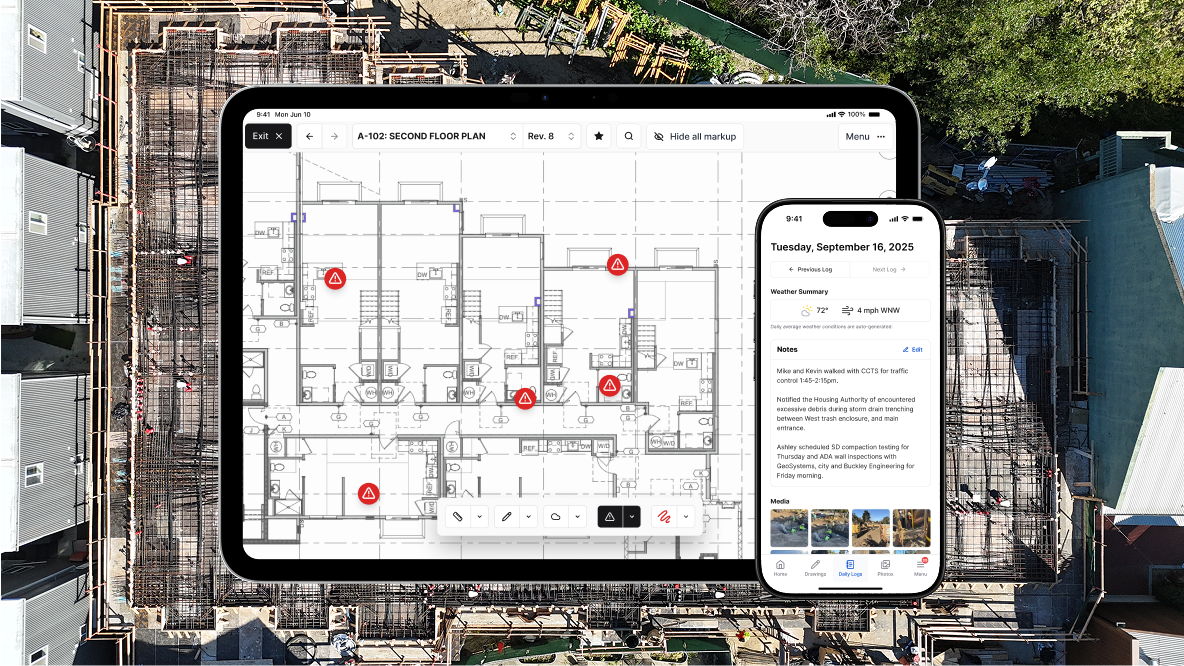\\n\\n## How We Ranked Punch List Software\\n\\nWe looked at what actually matters when you're trying to close out a project. Can your crew use it without a training manual? Does it work offline when cell service drops? Can you pin items directly to drawings so there's no confusion about location? Does it connect to the rest of your project documentation, or does it live in a silo?\\n\\nWe also considered whether the software respects how closeout really happens. Punch lists don't exist in isolation. They're tied to drawings, RFIs, photos, and daily coordination with multiple trades. Tools that treat punch as a standalone checklist miss the point.\\n\\nThe best solutions reduce friction instead of adding to it. They let you move fast in the field, keep everyone on the same page, and help you hand over the project without the usual chaos.\\n\\n## Best Overall Punch List Software: Constructable\\n\\n**Constructable** gives you punch lists that work the way your projects actually run. Broadly labeled \\\"Quality Lists\\\" handle punch lists, observations, incidents, and to-dos from day one through closeout. Items are pinned directly to drawing locations, so you skip the \\\"near the north wall\\\" descriptions that send three trades to the wrong spot.\\n\\nYou create, assign, and track quality items right on the plans. Comments, photos, and videos attach to exact locations. When a subcontractor opens their assigned item, they see exactly what needs fixing and where it sits on the sheet.\\n\\n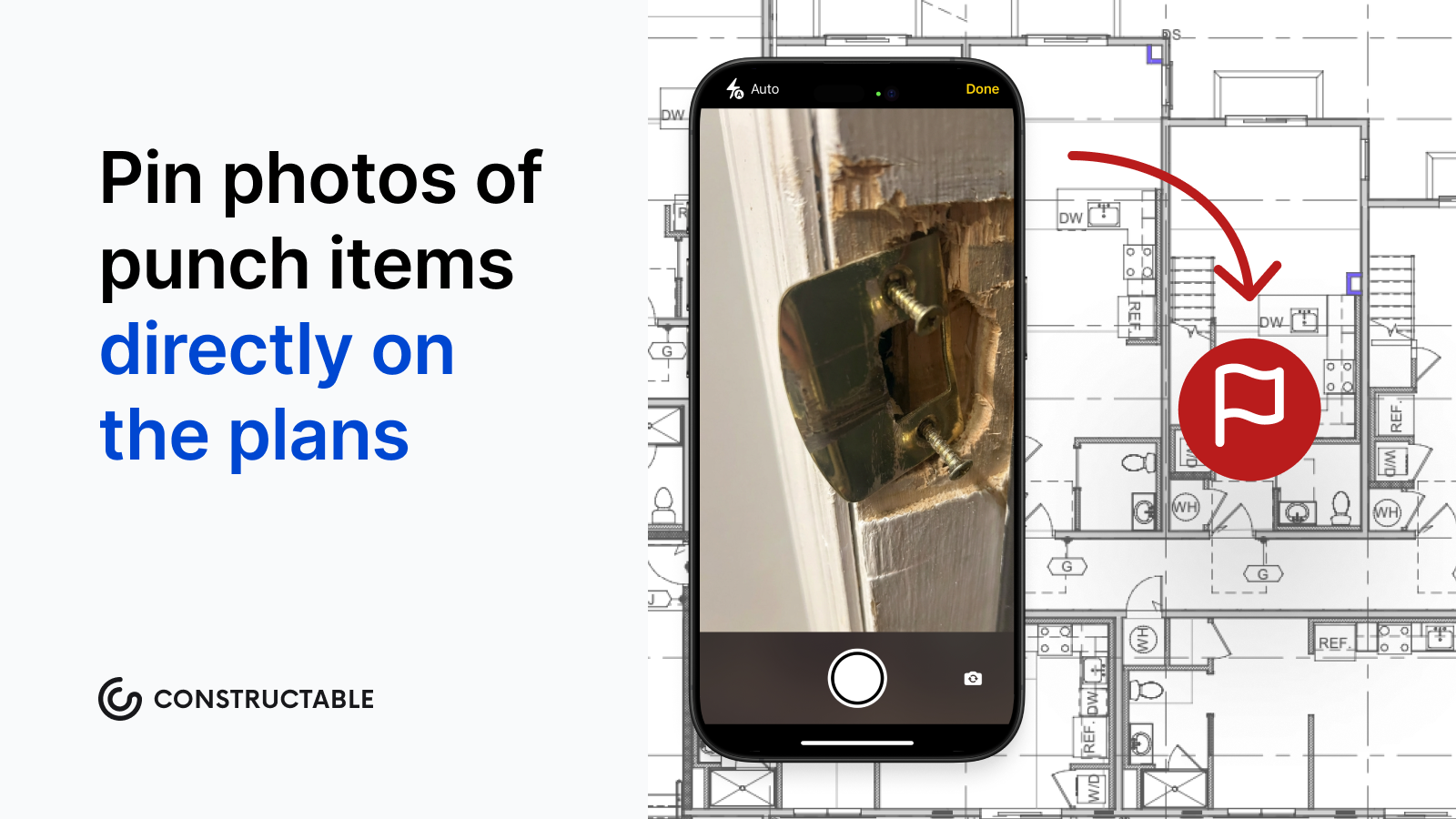\\n\\n[Autofill from Description](https://constructable.ai/features/field-management) uses AI to auto-populate title, location, and trade from your detailed descriptions. You talk through what's wrong, and the system handles data entry. Status workflows move items through Open, In Review, and Completed with automated notifications bundled to avoid inbox overload.\\n\\n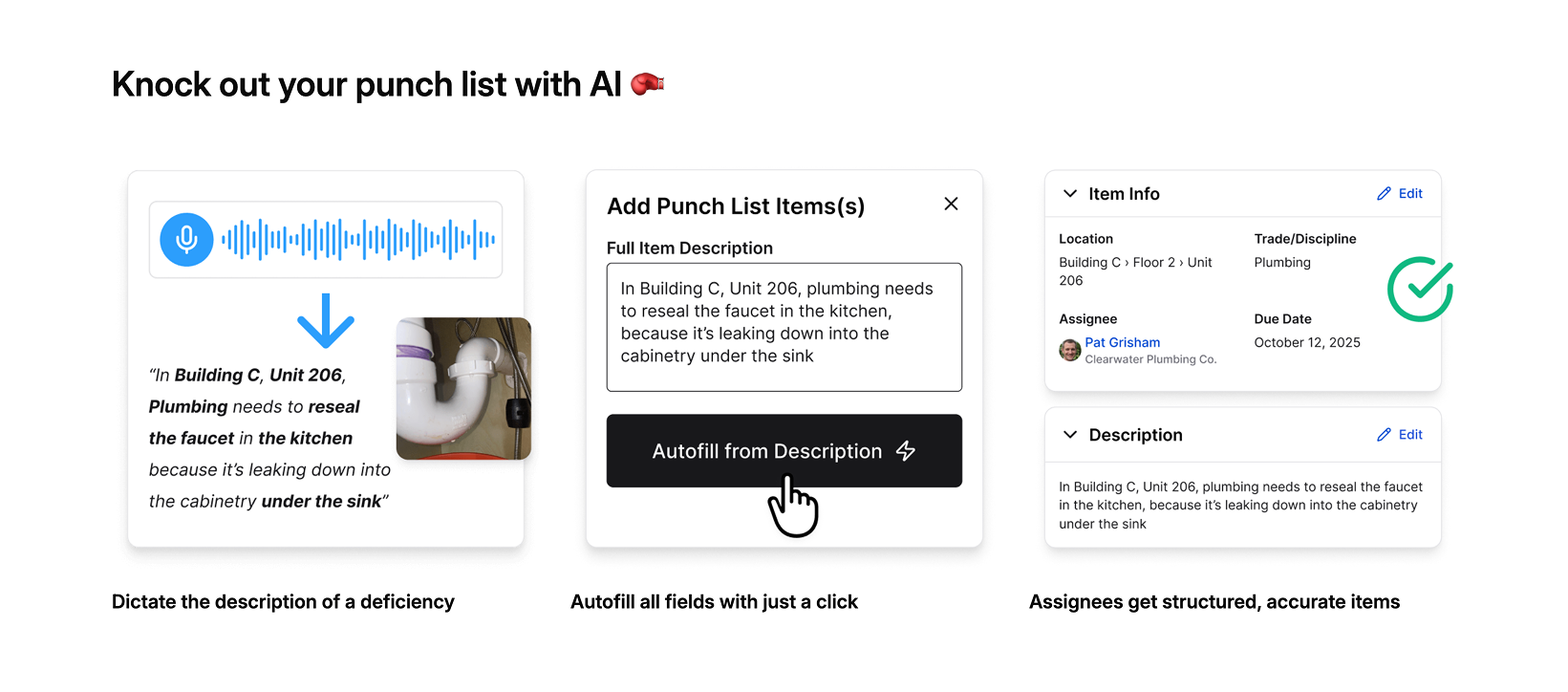\\n\\nConstructable charges a flat monthly rate with unlimited users, and onboarding averages under 21 days with migration support included.\\n\\n## Procore\\n\\nProcore offers punch list functionality within its enterprise construction management ecosystem. The tool provides a centralized place to document, assign, and resolve outstanding items, with templates, mobile capture, and reporting capabilities.\\n\\nCustomizable punch list templates exist at the project and company levels with pre-populated fields. Mobile Quick Capture and voice input help create items in the field. Integration with drawings, RFIs, submittals, and other Procore workflows connects closeout work to earlier project phases. Advanced filtering, status tracking, and analytics dashboards provide visibility across portfolios.\\n\\nProcore works for large enterprises with complex multi-project portfolios that need extensive reporting and standardized workflows across many projects.\\n\\nThe limitation is structured onboarding and ongoing training requirements for full adoption, particularly for field teams and subcontractors. [Configuration-heavy setup](https://constructable.ai/blog/constructable-vs-procore-which-is-better) means slower time-to-value. Per-user pricing becomes expensive as teams scale, and customers report the interface as click-dense and hard to use for occasional users.\\n\\n## Autodesk Construction Cloud\\n\\nAutodesk Construction Cloud includes punch list capabilities through its Issues tool within Autodesk Bu
165ild. The system combines document management, field collaboration, and quality tracking across Autodesk's acquisition-assembled construction portfolio.\\n\\nIssues tool tracks defects, observations, and quality items, integrating with BIM workflows and Autodesk drawing tools. Mobile app captures field data and status updates. Connection to the broader Autodesk ecosystem includes cost management and scheduling.\\n\\nAutodesk Construction Cloud works best for organizations already standardized on Autodesk tools across design and construction, particularly those requiring tight BIM integration.\\n\\nThe limitation manifests as inconsistent UX across modules due to an acquisition-driven architecture. Migrations are expensive and time-consuming. Field adoption suffers from steeper learning curves compared to purpose-built solutions.\\n\\nConstructable offers a more cohesive system, built natively as a single product, with faster iteration, hands-on onboarding, and less friction.\\n\\n## Fieldwire\\n\\nFieldwire focuses on field execution with task and punch list management built for superintendents and site teams. The tool focuses on mobile-first workflows and straightforward task tracking.\\n\\nFieldwire provides mobile-optimized task and punch list creation with photo capture, plan markup, and drawing-linked issue tracking, simple status workflows and assignment features, and integration with select project management tools.\\n\\nThe tool works well for field-only teams focused exclusively on task execution who don't need financial visibility, office-driven project management, or closeout documentation beyond basic punch lists.\\n\\nThe limitation: Fieldwire does not offer financial tooling, budgets, commitments, or Schedule of Values. Teams requiring cost visibility or owner-level reporting must introduce other systems, creating fragmentation. Per-user pricing scales linearly with headcount, discouraging broad collaboration.\\n\\nFieldwire serves narrow field-only workflows, while Constructable provides field experience parity plus office workflows, native project management, and financial depth that eliminate tool sprawl without compromising field usability.\\n\\n## RedTeam\\n\\nRedTeam offers budget-friendly construction management with punch list tools bundled into its broader feature set. The approach appeals to teams where price outweighs polish.\\n\\nRedTeam handles punch list creation and tracking inside project closeout workflows, provides basic mobile access for field teams, and covers estimating, project management, and financials. The low subscription cost attracts contractors watching margins closely.\\n\\nCost-conscious teams accept dated interfaces and slow product development in exchange for minimal licensing fees, particularly those already familiar with older software patterns.\\n\\nUsers report infrequent updates, long-standing usability problems, and workflows that feel stagnant. Field adoption remains limited because of weak UX. Contractors describe features as clunky and hard to learn, tolerating frustrations because perceived switching costs exceed daily friction.\\n\\nRedTeam wins on price, not experience. [Constructable delivers similar or lower total cost](https://constructable.ai/blog/constructable-vs-redteam) with better usability, ongoing development, and stronger field adoption.\\n\\n## Feature Comparison Table of Punch List Software\\n\\nThe table below breaks down how each tool handles core punch list capabilities. We focused on what matters during closeout and throughout the project lifecycle.\\n\\n| Feature | Constructable | Procore | Autodesk Construction Cloud | Fieldwire | RedTeam |\\n| ------------------------------ | ------------- | ------- | --------------------------- | ---------- | ---------- |\\n| Pin items directly to drawings | Yes | Yes | Yes | Yes | No |\\n| Mobile punch list creation | Yes | Yes | Yes | Yes | Yes |\\n| AI-powered autofill features | Yes | No | No | No | No |\\n| QR code exports for jobsite | Yes | Yes | No | No | No |\\n| Multiple quality list types | Yes | Limited | Limited | No | Limited |\\n| Unlimited users included | Yes | No | No | No | No |\\n| Native financial tools | Yes | Yes | Limited | No | Yes |\\n| Onboarding included | Yes | Paid | Paid | Self-serve | Self-serve |\\n| Offline drawing access | Yes | Yes | Yes | Yes | No |\\n\\nMost solutions cover the basics, such as mobile creation and drawing markups. The real differences show up in how much manual data entry you're stuck with, whether you're paying per seat, and if onboarding costs extra.\\n\\n## Why Constructable Is the Best Punch List Softw
165are\\n\\nWe built Quality Lists to work across your entire project timeline, from week one through the final walk. The same system tracking punch items at closeout also handles safety observations, coordination issues, and daily tasks from week one. Everything pins to drawings, connects to RFIs and submittals, and ties back to financial tracking without jumping between disconnected systems.\\n\\nTeams onboard in under three weeks because the interface mirrors how you already work. Field crews start creating quality items on day one without training sessions or help desk calls. Flat monthly pricing means you can add subcontractors, owners, and consultants without your bill climbing every time someone needs access.\\n\\n**Constructable** handles punch lists the way mid-size GCs need them: [connected to the full project](https://constructable.ai/blog/field-to-office-photo-and-video-documentation), easy enough for the field, and priced so collaboration doesn't cost extra.\\n\\n## Final Thoughts on Selecting Punch List Software\\n\\nYou can tell if digital punch list tools will work for your team within the first week of using them. The good ones feel obvious, your field crews start logging items without asking questions, and closeout actually moves forward instead of turning into a coordination nightmare. The bad ones require constant babysitting, charge you every time a sub needs access, and live in their own silo disconnected from the rest of your project. Don't settle for software that makes simple tasks complicated just because it checks boxes on a feature list.\\n\\n## FAQ\\n\\n### Which punch list software works best for mid-size general contractors?\\n\\nConstructable is built for mid-size GCs running $20M to $150M in volume who need punch lists connected to the full project: drawings, RFIs, budgets, and daily coordination, without paying per user or managing a software stack.\\n\\n### How do I choose between punch list tools that all look similar?\\n\\nStart with three questions: Does it pin items directly to drawings? Does it work offline when cell service drops? Does it connect to your RFIs, submittals, and financials, or does it sit in a silo? Most tools handle basic checklists, but only a few connect closeout to the rest of your project.\\n\\n### Can I use punch list software throughout the project or just at closeout?\\n\\nQuality list tools like Constructable track punch items, safety observations, coordination issues, and daily tasks from day one through final walk-throughs. The same workflow that closes out deficiencies also handles ongoing site management without switching systems.\\n\\n### What's the real cost difference between per-user pricing and flat-rate plans?\\n\\nPer-user pricing from Procore, Autodesk, and Fieldwire means you pay every time you add a subcontractor, consultant, or owner to collaborate. Flat monthly pricing with unlimited users lets you involve everyone without your bill climbing every time someone needs access.\\n\\n### Do field crews actually adopt punch list apps without constant training?\\n\\nField adoption depends on whether the tool mirrors how your crew already works. Apps requiring training sessions, help desk calls, or click-dense interfaces fail on-site. [Mobile-first construction tools](https://altersquare.medium.com/mobile-first-construction-bringing-field-operations-into-the-digital-age-a68b493d01d5) succeed when superintendents create and assign items on day one without reading a manual.\\n\",[],[538,539,540,347,377,351],\"{\\\"@context\\\":\\\"https://schema.org\\\",\\\"@type\\\":\\\"FAQPage\\\",\\\"name\\\":\\\"Best Punch List Software for General Contractors in April 2026\\\",\\\"mainEntity\\\":[{\\\"@type\\\":\\\"Question\\\",\\\"name\\\":\\\"Which punch list software works best for mid-size general contractors?\\\",\\\"acceptedA
165nswer\\\":{\\\"@type\\\":\\\"Answer\\\",\\\"text\\\":\\\"Constructable is built specifically for mid-size GCs running $20Mâ$150M in volume who need punch lists connected to the full projectâdrawings, RFIs, budgets, and daily coordinationâwithout paying per user or managing a software stack.\\\"}},{\\\"@type\\\":\\\"Question\\\",\\\"name\\\":\\\"How do I choose between punch list tools that all look similar?\\\",\\\"acceptedAnswer\\\":{\\\"@type\\\":\\\"Answer\\\",\\\"text\\\":\\\"Start with three questions: Does it pin items directly to drawings? Does it work offline when cell service drops? Does it connect to your RFIs, submittals, and financials, or does it sit in a silo? Most tools handle basic checklists, but only a few connect closeout to the rest of your project.\\\"}},{\\\"@type\\\":\\\"Question\\\",\\\"name\\\":\\\"Can I use punch list software throughout the project or just at closeout?\\\",\\\"acceptedAnswer\\\":{\\\"@type\\\":\\\"Answer\\\",\\\"text\\\":\\\"Quality list tools like Constructable track punch items, safety observations, coordination issues, and daily tasks from day oneânot just during final walk-throughs. The same workflow that closes out defects also handles ongoing site management without switching systems.\\\"}},{\\\"@type\\\":\\\"Question\\\",\\\"name\\\":\\\"What's the real cost difference between per-user pricing and flat-rate plans?\\\",\\\"acceptedA
165nswer\\\":{\\\"@type\\\":\\\"Answer\\\",\\\"text\\\":\\\"Per-user pricing from Procore, Autodesk, and Fieldwire means you pay every time you add a subcontractor, consultant, or owner to collaborate. Flat monthly pricing with unlimited users lets you involve everyone without watching your bill climb each time someone needs access.\\\"}},{\\\"@type\\\":\\\"Question\\\",\\\"name\\\":\\\"Do field crews actually adopt punch list apps without constant training?\\\",\\\"acceptedAnswer\\\":{\\\"@type\\\":\\\"Answer\\\",\\\"text\\\":\\\"Field adoption depends on whether the tool mirrors how your crew already works. Apps requiring training sessions, help desk calls, or click-dense interfaces fail on-site. The best solutions let superintendents create and assign items on day one without reading a manual.\\\"}}],\\\"url\\\":\\\"https://constructable.ai/blog/best-punch-list-software-general-contractors\\\",\\\"dateModified\\\":\\\"2026-04-02T18:04:03.157Z\\\",\\\"author\\\":{\\\"@type\\\":\\\"Organization\\\",\\\"name\\\":\\\"Constructable\\\"}}\\n\",\"{\\\"@context\\\":\\\"https://schema.org\\\",\\\"@type\\\":\\\"BlogPosting\\\",\\\"headline\\\":\\\"Best Punch List Software for General Contractors in April 2026\\\",\\\"description\\\":\\\"Compare the best punch list software for general contractors in April 2026. Features, pricing, and real field adoption ratings for GCs managing closeout.\\\",\\\"datePublished\\\":\\\"2026-04-02T18:04:03.157Z\\\",\\\"dateModified\\\":\\\"2026-04-02T18:04:03.157Z\\\",\\\"author\\\":{\\\"@type\\\":\\\"Organization\\\",\\\"name\\\":\\\"Constructable\\\"},\\\"url\\\":\\\"https://constructable.ai/blog/best-punch-list-software-general-contractors\\\",\\\"wordCount\\\":1899,\\\"keywords\\\":[\\\"punch list software\\\",\\\"construction punch list app\\\",\\\"digital punch list\\\",\\\"closeout management software\\\"]}\\n\",\"punch list software\",\"ranked punch list software\",\"best overall punch list software constructable\",\"fieldwire-reviews-pricing-alternatives\",\"Fieldwire Reviews \u0026 Alternatives April 2026\",\"Fieldwire reviews, pricing ($39-$89/user/month), and top alternatives for April 2026. Compare features, costs, and better options for construction teams.\",\"2026-04-02T18:25:09.925Z\",\"The thing about Fieldwire reviews is that they'll tell you the mobile app works well and the plan markups are solid, which is true. But they won't always mention that you'll need separate software for financials, that accounting integrations require workarounds, or that costs scale fast once your team grows beyond a handful of people. You're not looking for reasons Fieldwire is bad. You're looking to see whether it actually fits how your team operates six months from now, when projects get bigger and reporting demands get heavier.\\n\\n**TLDR:**\\n\\n- Fieldwire costs $39-$89 per user monthly and handles drawings and tasks well, but lacks budgeting and accounting tools\\n- Per-user pricing hits hard when you add subcontractors and consultants who need occasional access\\n- **Constructable** offers flat-rate pricing with unlimited users and connects field work directly to financials\\n- Most teams outgrow field-only tools once projects require RFIs, submittals, and change orders in one place\\n- **Constructable** onboards in under 21 days with native QuickBooks sync and no per-seat costs as you scale\\n\\n## What Fieldwire Gets Right (And What It Doesn't Cover)\\n\\nFieldwire has built a solid reputation among contractors who need to move away from paper drawings and start tracking tasks digitally. The software focuses heavily on plan viewing, markup tools, and basic task management, which appeals to teams making their first jump into digital workflows.\\n\\nIn practice, Fieldwire works well for smaller projects where you're mostly managing drawings and punch lists. Users report that the mobile interface feels intuitive for field crews, and the ability to mark up plans directly on a tablet solves real problems. But as project complexity grows, many teams run into friction. Reporting is limited, RFI workflows feel clunky, and integration with accounting or estimating software requires workarounds.\\n\\nPricing starts at $39 per user per month for basic features, rising to $89 per user per month at the Premier tier. For a small, stable team, that's a reasonable entry point. Where it gets complicated is when your project grows, and you start adding subcontractors, consultants, or owners who need occasional accessâevery new login adds to the bill.\\n\\nThe real question isn't whether Fieldwire works. It does. The question is whether it fits how your team actually operates, and what you'll need six months from now when projects get bigger and reporting demands get heavier.\\n\\n## What is Fieldwire and How Does It Work?\\n\\nFieldwire launched in 2013 as a mobile-first field management tool and was acquired by Hilti in 2021. It's used on job sites by general contractors, specialty contractors, and field crews who need to manage drawings and tasks without being chained to a desk.\\n\\nThe softw
165are focuses on a few key functions. You can upload drawing sets and mark them up directly from a tablet or phone. Tasks and punch list items get created and assigned to specific locations on the plans, so there's no confusion about what needs attention or where. RFIs let you ask questions tied to drawing sheets, and photos get organized by location and task. Everything syncs when you have connectivity, but the app also works offline, which matters when you're deep in a concrete structure with no signal.\\n\\nPricing runs from a free Basic plan up to $89 per user per month for the Premier tier. That per-user model means costs add up as your team grows. Fieldwire is built for field execution, not back-office work. You won't find budgeting tools, time tracking, or financial reporting here. It handles the jobsite, not the books.\\n\\n## Why Consider Fieldwire Alternatives?\\n\\nFieldwire handles field execution well. The interface works for superintendents who need to mark up plans, assign tasks, and track punch lists without fighting the software. If that's all your projects require, you're probably fine sticking with it.\\n\\nBut most teams eventually need more. Fieldwire doesn't include time tracking, billing, invoicing, or cost management. There's no way to track budgets, manage Schedule of Values, or get financial visibility without adding another system. That creates double entry and disconnected data between what's happening in the field and what's running through your books. As [construction technology adoption becomes non-negotiable](https://www.deltek.com/en/blog/construction-tech-trends-2026), contractors need systems that connect field and financial data without forcing multiple logins.\\n\\nThe per-user pricing model becomes expensive when you add subcontractors, consultants, and owners who need access. You're paying for every login, even if someone only checks in once a week. Fieldwire also lacks native accounting integrations, so connecting it to QuickBooks or your estimating software requires workarounds or third-party tools.\\n\\n\\n\\nIf you're running complex projects where RFIs, submittals, change orders, and budgets need to live in the same place as your field data, Fieldwire won't close the loop. You'll still be managing multiple systems, which is exactly what most teams are trying to get away from.\\n\\n## Best Fieldwire Alternatives in March 2026\\n\\nWhile Fieldwire excels at field execution, several alternatives offer broader project management capabilities or different pricing structures.\\n\\n### 1\\\\. Constructable (Best Overall Alternative)\\n\\n**Constructable** brings together [field tools](https://constructable.ai/features/field-management), [project management](https://constructable.ai/features/project-management), and [financial workflows](https://constructable.ai/features/financial-management) into one system built for mid-size general contractors running commercial projects. Instead of forcing teams to stitch together separate apps for field tasks, project coordination, and budgets, Constructable works the same way for superintendents, project managers, and office staff.\\n\\nThe system revolves around drawings. RFIs, submittals, topics, and markups all pin directly to plans, so conversations stay grounded in the actual work. Financial tools like budgets, commitments, change orders, and Schedule of Values sit in the same product, with QuickBooks and Sage Intacct integrations that keep accounting in sync without manual exports.\\n\\nPricing runs on flat fees with unlimited users, so growing teams or adding subcontractors doesn't trigger new costs. Onboarding takes under 21 days with hands-on support and no migration fees.\\n\\nConstructable works for [mid-size general contractors](https://constructable.ai/blog/best-software-mid-size-contractors) and developers tired of paying separately for field apps, project management software, and financial systems. Teams get one intuitive product that respects how construction actually works, without per-user penalties or enterprise complexity.\\n\\n### 2\\\\. Procore\\n\\n[Procore](https://constructable.ai/blog/procore-alternatives-mi
165d-market-contractors) serves large contractors with extensive feature sets spanning project management, quality, safety, and financials. The product offers document control, inspections, observations, budgeting, change orders, and a marketplace of third-party integrations.\\n\\nProcore fits large enterprises with dedicated IT staff who can handle complex configurations and training programs. But the enterprise focus brings [enterprise complexity and per-user costs](https://constructable.ai/blog/constructable-vs-procore-which-is-better), and long onboarding timelines that leave mid-size teams feeling like an afterthought.\\n\\n### 3\\\\. Autodesk Construction Cloud\\n\\nAutodesk Construction Cloud bundles design collaboration, project management, and field execution for organizations invested in Autodesk ecosystems. Integration with Revit and AutoCAD, along with BIM coordination and clash detection, appeals to teams that bridge design and construction.\\n\\nThe acquisition-driven architecture shows through loosely connected modules and inconsistent experiences. Migration costs run high, onboarding requires consultants, and pricing includes costs beyond the base subscription. The system suits enterprises standardizing on Autodesk, but Constructable delivers a cohesive product with faster onboarding and transparent pricing.\\n\\n## Feature Comparison: Fieldwire vs Top Alternatives\\n\\n| Feature | Fieldwire | Constructable | Procore | Autodesk Construction Cloud | RedTeam |\\n| ---------------------------------------------------- | --------------------- | ------------------ | --------------------- | --------------------------- | --------------------- |\\n| Drawing Management \u0026 Markup | Yes | Yes | Yes | Yes | Yes |\\n| Field Task Management | Yes | Yes | Yes | Yes | Limited |\\n| RFIs \u0026 Submittals | Yes (higher tiers) | Yes | Yes | Yes | Yes |\\n| Native Financial Tools (Budgets, SOV, Change Orders) | No | Yes | Yes | Yes | Yes |\\n| Accounting Integration | No | QuickBooks \u0026 Sage | QuickBooks | Limited | Yes |\\n| Unlimited Users | No (per-user pricing) | Yes | No (per-user pricing) | No (per-user pricing) | No (per-user pricing) |\\n| Offline Mobile Access | Yes | Yes | Limited | Limited | Limited |\\n| Onboarding Support | Self-serve | Hands-on, included | Formal, extended | Third-party consultants | Minimal |\\n| Pricing Model | Per user per month | Flat fee per plan | Per user per month | Enterprise licensing | Per user per month |\\n\\nFieldwire excels at lightweight field coordination but stops short of financial management, so most teams still need separate software for budgets and change orders. **Constructable** offers flat-rate pricing with unlimited users and connects field tasks directly to project financials, eliminating the need for third-party accounting consultants. Procore and Autodesk Construction Cloud deliver enterprise-grade capabilities but come with per-user costs that scale quickly and onboarding timelines that can stretch for months. RedTeam focuses on specialty contractors but offers less flexibility for teams working across multiple trade types.\\n\\n## Why Constructable is the Best Fieldwire Alternative\\n\\nFieldwire handles field coordination, but forces you to add separate systems for budgets, change orders, and accounting. That means double entry, disconnected data, and the exact fragmentation most teams are trying to escape. **Constructable** fixes this by putting field tools, project management, and financials in one product that actually works together.\\n\\n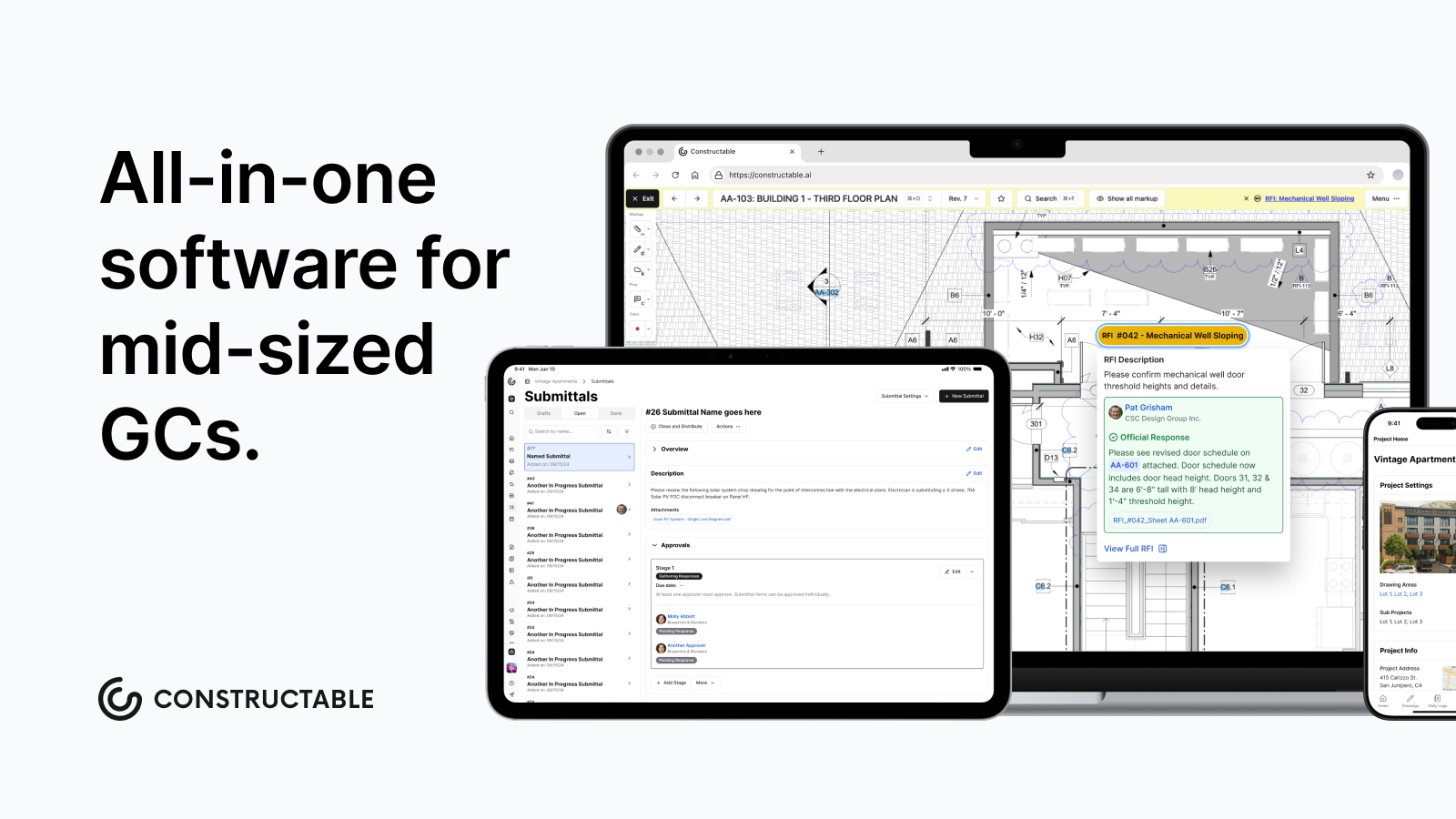\\n\\nYour superintendents get the same drawing markup, offline access, and task management they need. Your project managers get RFIs, submittals, and change orders tied directly to those plans. Your office team gets native budgeting with QuickBooks and Sage Intacct integration without exporting spreadsheets or maintaining another login.\\n\\nConstructable charges flat fees with unlimited users. Add subcontractors, consultants, and owners without [per-seat costs](https://www.itqlick.com/fieldwire/pricing) that spiral as your team grows. Onboarding takes under three weeks with hands-on migration support included, not outsourced to consultants or left to self-serve documentation.\\n\\nFor mid-size general contractors running commercial projects, Constructable is the practical choice: one system that respects how you actually work, without enterprise complexity or per-user penalties. It just shows up and works.\\n\\n## Choosing the Right Construction Management Software\\n\\nThe right construction management software depends on what's slowing your team down right now. If [Fieldwire reviews](https://constructable.ai/) show it handles your field work, but you're still exporting spreadsheets for budgets and change orders, you probably need something more connected. Look at where you're doing double entry and pick a tool that closes those gaps without making everyone learn a new system.\\n\\n## FAQ\\n\\n### When should you consider moving away from Fieldwire?\\n\\nIf you're managing budgets, change orders, or Schedule of Values in separate systems, or if per-user costs keep climbing as you add subcontractors and consultants, it's time to look at alternatives that connect field work directly to financial tracking without forcing you to pay for every login.\\n\\n### What features matter most when comparing alternatives to Fieldwire?\\n\\nLook for native financial tools (budgets, commitments, change orders) that work together with your field management, accounting integrations that don't require workarounds, and flat-rate pricing that won't punish you for adding users as projects grow.\\n\\n### How does flat-rate pricing compare to Fieldwire's per-user model?\\n\\nWith per-user pricing, costs climb fast: add a handful of subcontractors, a consultant, and an owner rep, and your monthly bill can double before the project really gets going. Flat-rate pricing lets you add unlimited users (including subcontractors, owners, and consultants) without triggering new costs every time someone needs access.\\n\\n### Can you manage change orders and budgets directly in field management software?\\n\\nMost field-focused tools like Fieldwire don't include native financial management, forcing you to maintain separate systems for budgets and change orders. Some alternatives, like **Constructable** and Procore, build financial tools directly into the same product where your field data lives, eliminating double entry between jobsite activity and accounting.\\n\\n### How long does switching from Fieldwire typically take?\\n\\nOnboarding timelines vary. Self-serve tools leave you figuring it out alone, while hands-on migration support can get your team up and running in under three weeks with data migration included and no extra consulting fees.\\n\",[],[550,551,552,553,554,555,556],\"{\\\"@context\\\":\\\"https://schema.org\\\",\\\"@type\\\":\\\"FAQPage\\\",\\\"name\\\":\\\"Fieldwire Reviews, Pricing, and Alternatives (April 2026)\\\",\\\"mainEntity\\\":[{\\\"@type\\\":\\\"Question\\\",\\\"name\\\":\\\"When should you consider moving away from Fieldwire?\\\",\\\"acceptedA
165nswer\\\":{\\\"@type\\\":\\\"Answer\\\",\\\"text\\\":\\\"If you're managing budgets, change orders, or Schedule of Values in separate systemsâor if per-user costs keep climbing as you add subcontractors and consultantsâit's time to look at alternatives that connect field work directly to financial tracking without forcing you to pay for every login.\\\"}},{\\\"@type\\\":\\\"Question\\\",\\\"name\\\":\\\"What features should you prioritize when comparing alternatives to Fieldwire?\\\",\\\"acceptedAnswer\\\":{\\\"@type\\\":\\\"Answer\\\",\\\"text\\\":\\\"Look for native financial tools (budgets, commitments, change orders) that work together with your field management, accounting integrations that don't require workarounds, and flat-rate pricing that won't punish you for adding users as projects grow.\\\"}},{\\\"@type\\\":\\\"Question\\\",\\\"name\\\":\\\"How does flat-rate pricing compare to Fieldwire's per-user model?\\\",\\\"acceptedAnswer\\\":{\\\"@type\\\":\\\"Answer\\\",\\\"text\\\":\\\"With Fieldwire's per-user pricing at $39â$89 per month, a 10-person team pays roughly $5,000 annually before adding subs or consultants. Flat-rate pricing lets you add unlimited usersâincluding subcontractors, owners, and consultantsâwithout triggering new costs every time someone needs access.\\\"}},{\\\"@type\\\":\\\"Question\\\",\\\"name\\\":\\\"Can you manage change orders and budgets directly in field management software?\\\",\\\"acceptedA
165nswer\\\":{\\\"@type\\\":\\\"Answer\\\",\\\"text\\\":\\\"Most field-focused tools like Fieldwire don't include native financial management, forcing you to maintain separate systems for budgets and change orders. Some alternatives like Constructable and Procore build financial tools directly into the same product where your field data lives, eliminating double entry between jobsite activity and accounting.\\\"}},{\\\"@type\\\":\\\"Question\\\",\\\"name\\\":\\\"How long does switching from Fieldwire typically take?\\\",\\\"acceptedAnswer\\\":{\\\"@type\\\":\\\"Answer\\\",\\\"text\\\":\\\"Onboarding timelines varyâself-serve tools leave you figuring it out alone, while hands-on migration support can get your team up and running in under three weeks with data migration included and no extra consulting fees.\\\"}}],\\\"url\\\":\\\"https://constructable.ai/blog/fieldwire-reviews-pricing-alternatives\\\",\\\"dateModified\\\":\\\"2026-04-02T18:25:09.925Z\\\",\\\"author\\\":{\\\"@type\\\":\\\"Organization\\\",\\\"name\\\":\\\"Constructable\\\"}}\\n\",\"{\\\"@context\\\":\\\"https://schema.org\\\",\\\"@type\\\":\\\"BlogPosting\\\",\\\"headline\\\":\\\"Fieldwire Reviews, Pricing, and Alternatives (April 2026)\\\",\\\"description\\\":\\\"Fieldwire reviews, pricing ($39-$89/user/month), and top alternatives for April 2026. Compare features, costs, and better options for construction teams.\\\",\\\"datePublished\\\":\\\"2026-04-02T18:25:09.925Z\\\",\\\"dateModified\\\":\\\"2026-04-02T18:25:09.925Z\\\",\\\"author\\\":{\\\"@type\\\":\\\"Organization\\\",\\\"name\\\":\\\"Constructable\\\"},\\\"url\\\":\\\"https://constructable.ai/blog/fieldwire-reviews-pricing-alternatives\\\",\\\"wordCount\\\":1859,\\\"keywords\\\":[\\\"fieldwire reviews\\\",\\\"fieldwire pricing\\\",\\\"fieldwire alternatives\\\",\\\"field management software\\\"]}\\n\",\"fieldwire gets right doesnt cover\",\"fieldwire work\",\"consider fieldwire alternatives\",\"best fieldwire alternatives march 2026\",\"constructable best overall alternative\",\"reviews\",\"pricing\",\"foreman-responsibilities-communication-breakdown\",\"Foreman Responsibilities \u0026 Communication Gaps 2026\",\"Learn why jobsite communication breaks down for construction foremen in April 2026. Poor communication causes 48% of rework costing $31 billion annually.\",\"2026-04-03T16:29:11.443Z\",\"As a construction foreman, you relay dimensions over the phone, explain design changes in the morning huddle, and text the plumber about when to show up. Then three days later, someone asks you what you said, and you're digging through your memory trying to reconstruct a conversation that happened between ten other fires. This is your daily reality while keeping a job moving forward. Instructions go out verbally because it's faster, but when questions come up later, there's no record to point to. The crew can't double-check what was decided. You can't prove what you communicated. The information just evaporates, and you're left managing the fallout from gaps that were never your fault to begin with.\\n\\n**TLDR:**\\n\\n- Foremen handle every jobsite message but juggle fragmented tools that don't connect\\n- Poor communication causes 48% of rework, costing U.S. construction $31 billion annually\\n- Verbal instructions disappear, leaving no record and creating disputes over what was actually said\\n- Drawing changes and RFI answers often reach foremen too late to prevent mistakes\\n- **Constructable** pins RFIs, photos, and updates directly to drawings so crews see current info instantly\\n\\n## The Foreman as Jobsite Communication Hub\\n\\nEvery message on a jobsite runs through the foreman at some point. Drawings and specs come from the project manager. [RFIs get routed up and back down](https://constructable.ai/blog/construction-rfi-management-breakdown). Subcontractors ask questions about scheduling conflicts or material deliveries. Change orders land in the foreman's lap, and they're expected to communicate the impact to everyone affected.\\n\\nThe foreman is supposed to be the filter between what's planned and what actually happens. But when information arrives through five different channels (email, text, voicemail, paper markups, and in-person conversations), keeping everyone on the same page becomes nearly impossible.\\n\\nThe foreman becomes a bottleneck, not because they're slow, but because the volume is unsu
165stainable. They're expected to remember every update, answer every question, and relay every change without anything falling through the cracks.\\n\\n## When Information Doesn't Reach the Foreman Fast Enough\\n\\nDecisions made in the morning don't always reach the crew by lunch. A project manager closes out an RFI at their desk, but the foreman doesn't find out until they check their email that night. By then, the crew had already framed it wrong.\\n\\nDrawing revisions get uploaded to a server somewhere, but no one tells the foreman which sheets have changed or what to look for. They're working off outdated plans because the new ones didn't come with a heads-up.\\n\\nSchedule changes happen in the office, but the foreman learns about them when a subcontractor shows up a day early or doesn't show up at all. There's no time to resequence the work or move crews around.\\n\\nWhen each trade works from different drawings and outdated information, conflicts become inevitable. The electrical crew arrives with plans from two weeks ago while HVAC references a revised layout no one else received. The plumber waits on an RFI response that's blocking their work, but the drywall crew never got the message to hold off. Foremen end up coordinating through conflict instead of planning, because no one knows what's actually ready to start.\\n\\nWhen communication breaks down like this, projects fall behind schedule and over budget. The foreman takes the hit for delays they never had a chance to prevent.\\n\\n## The Cost of Fragmented Communication Tools\\n\\
165nMost foremen juggle three or four different construction management tools just to get through the day. Email for official updates. Text threads for quick questions. A project management system for RFIs and submittals. Paper drawings marked up in the trailer. Maybe a scheduling app that no one else actually uses.\\n\\nNone of these systems talk to each other. A question asked via text doesn't appear in the project log. An answer buried in an email doesn't make it to the drawing. The foreman ends up as the translator between systems, manually moving information from one place to another.\\n\\n[18% of project time is lost](https://skeletonkey.com/resources/blog/construction-industry-challenges-2026/) to workers searching for data. That's foremen digging through email threads to find specs, scrolling back through texts to confirm a dimension, or walking back to the trailer to check which drawing revision is current. The information exists somewhere. Finding it is the problem.\\n\\n| Communication Breakdown | What Causes It | Impact on Foreman and Crew | What It Takes to Fix |\\n| ------------------------------------------------------------------------------- | ------------------------------------------------------------------------------------------------------------------- | ----------------------------------------------------------------------------------------------------------- | ----------------------------------------------------------------------------------------------------------------- |\\n| Drawing revision reaches the foreman after the crew already started work | Updates emailed to office without notification to field teams, no system to flag which sheets changed | Crew works from outdated plans, rework required after mistake shows up, lost labor hours and materials | Real-time notifications when drawings update, markups pinned directly to affected sheet locations |\\n| RFI answer comes back too late to prevent installation error | Question bounces between project manager, architect, and engineer through separate email threads with no visibility | Crew installs based on assumption, conflict comes to light during inspection, tear-out and reinstall needed | RFIs linked to drawing locations with status tracking visible to all parties, automatic alerts when answers post |\\n| Verbal instruction given in the morning huddle doesn't reach the afternoon crew | Information shared only through spoken conversation with no documentation or handoff system | Second shift works without critical context, creates safety issue or executes task incorrectly | Instructions documented and pinned to relevant drawing locations, accessible to all crews via mobile |\\n| Subcontractor claims they never received a schedule change | Update sent via text to one contact who didn't forward to their crew, no central record of communication | Sub shows up on wrong day, conflicts with other trades, foreman blamed for coordination failure | Schedule updates and coordination notes posted to shared project space with read receipts and timestamps |\\n| Safety hazard reported verbally but not logged before shift change | Foreman hears about issue in passing conversation, no fast way to document and escalate in the moment | Night crew works near same hazard with no warning, near-miss or actual incident occurs | Photo and note capture tied directly to site location, immediately visible to incoming foreman and safety manager |\\n\\n## The Hidden Costs of Communication Failures\\n\\n[48% of all rework](https://www.bmdmaterials.com/bmdblog/the-hidden-cost-of-outdated-communication-in-construction) comes from poor data and miscommunication, costing the U.S. construction industry over $31 billion annually. For foremen, that translates to torn-out work, wasted materials, and crews redoing tasks.\\n\\nA miscommunicated dimension means cutting and reinstalling. A missed update means framing around a duct that has moved. A verbal instruction that didn't land means half the crew worked from the wrong assumption. Each mistake burns labor hours, materials, and schedule days that the project can't get back.\\n\\nRework drains budget and wrecks morale. Crews lose trust when they're constantly f
165ixing avoidable mistakes. Foremen lose credibility when they can't give clear direction. Jobs slow down because everyone second-guesses what they heard.\\n\\n## Safety Incidents Tied to Information Gaps\\n\\nWhen a safety bulletin is emailed to the office but never reaches the morning huddle, workers start tasks without knowing the updated protocols. When a crew spots a trench that needs shoring but mentions it in passing instead of documenting it, the next shift works near the same hazard with no warning.\\n\\nForemen see these gaps daily. They hear about near-misses in conversation but have no [fast way to log issues](https://constructable.ai/blog/plan-linked-punch-lists-and-issue-management). They know equipment needs tagging out, but the process requires three phone calls and an email chain. Critical information stays verbal because writing it down takes too long.\\n\\nShift changes make it worse. The day crew identifies a hazard, reports it to the foreman, and leaves. The night foreman gets a quick handoff in the parking lot. What gets remembered depends on how rushed that conversation was.\\n\\n## Verbal Instructions vs. Documentation\\n\\nForemen give instructions verbally because it's faster. On a loud jobsite with crews moving between tasks, stopping to write something down feels like wasted t
165ime. A quick conversation solves the immediate problem and everyone keeps working.\\n\\nThe trouble shows up later. A subcontractor claims they were never told about a change. A worker remembers the instruction differently. The foreman knows they communicated it, but there's no record to point to. Text threads from three weeks ago don't capture the full context. When questions come up days later, verbal instructions are gone. Workers can't double-check measurements or confirm what was decided without [proper field management tools](https://constructable.ai/features/field-management). The foreman ends up repeating the same information or making judgment calls about what they think they said.\\n\\n## How Constructable Keeps Foremen and Teams Connected\\n\\nWe built **Constructable** to give foremen one place for everything. RFIs, drawings, photos, daily logs, and communication all connect directly to the plans. When a question comes up in the field, the foreman [pins it to the exact sheet location](https://constructable.ai/blog/drawing-centric-collaboration-workflows). When an answer comes back, everyone with access to that drawing sees it immediately.\\n\\n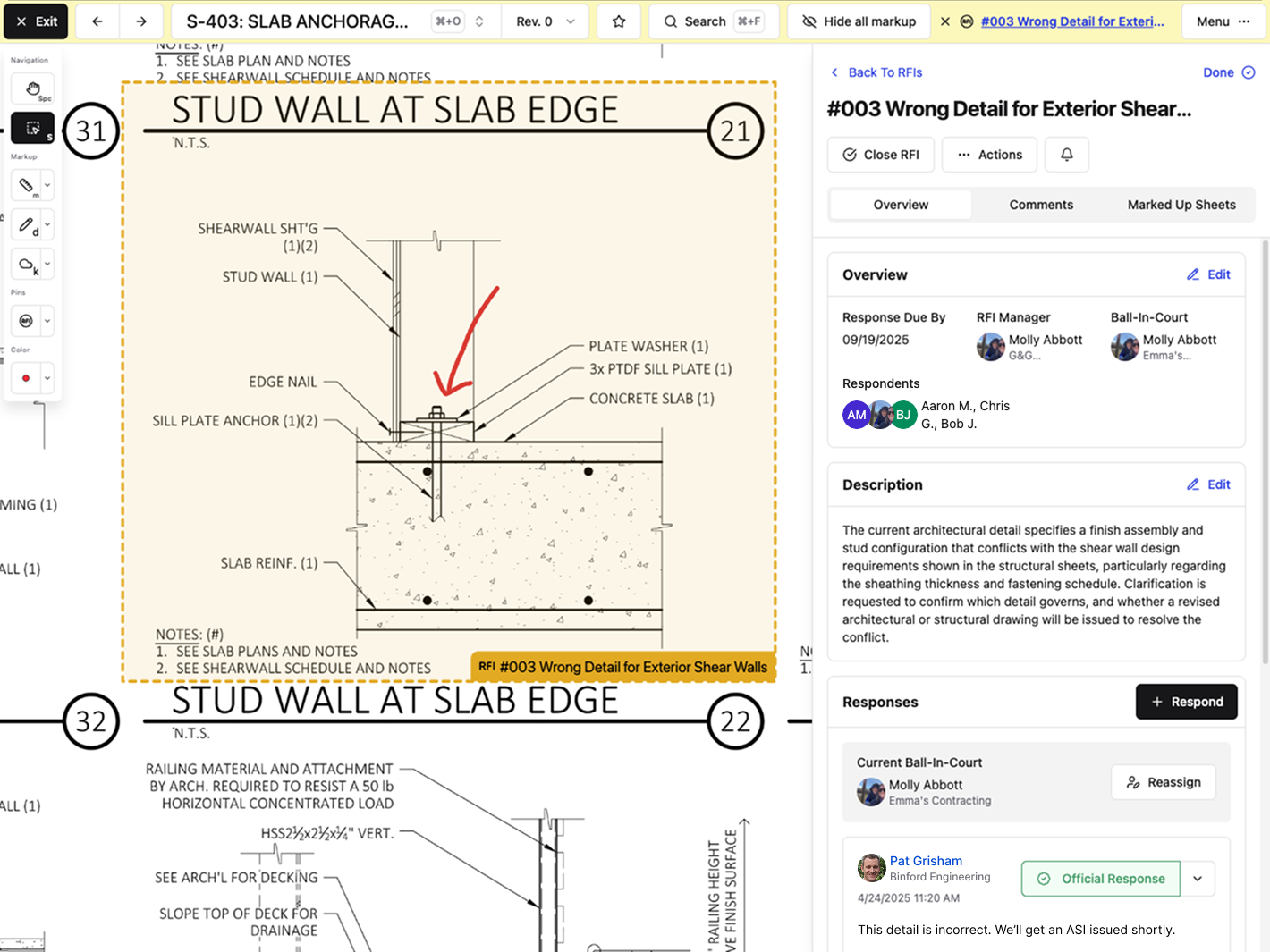\\n\\nMarkups and comments save directly to the drawing. Updates don't get buried in email or lost in a text thread. The crew pulls up the sheet on their phone and sees the current information right there. No digging. No guessing which version is correct.\\n\\n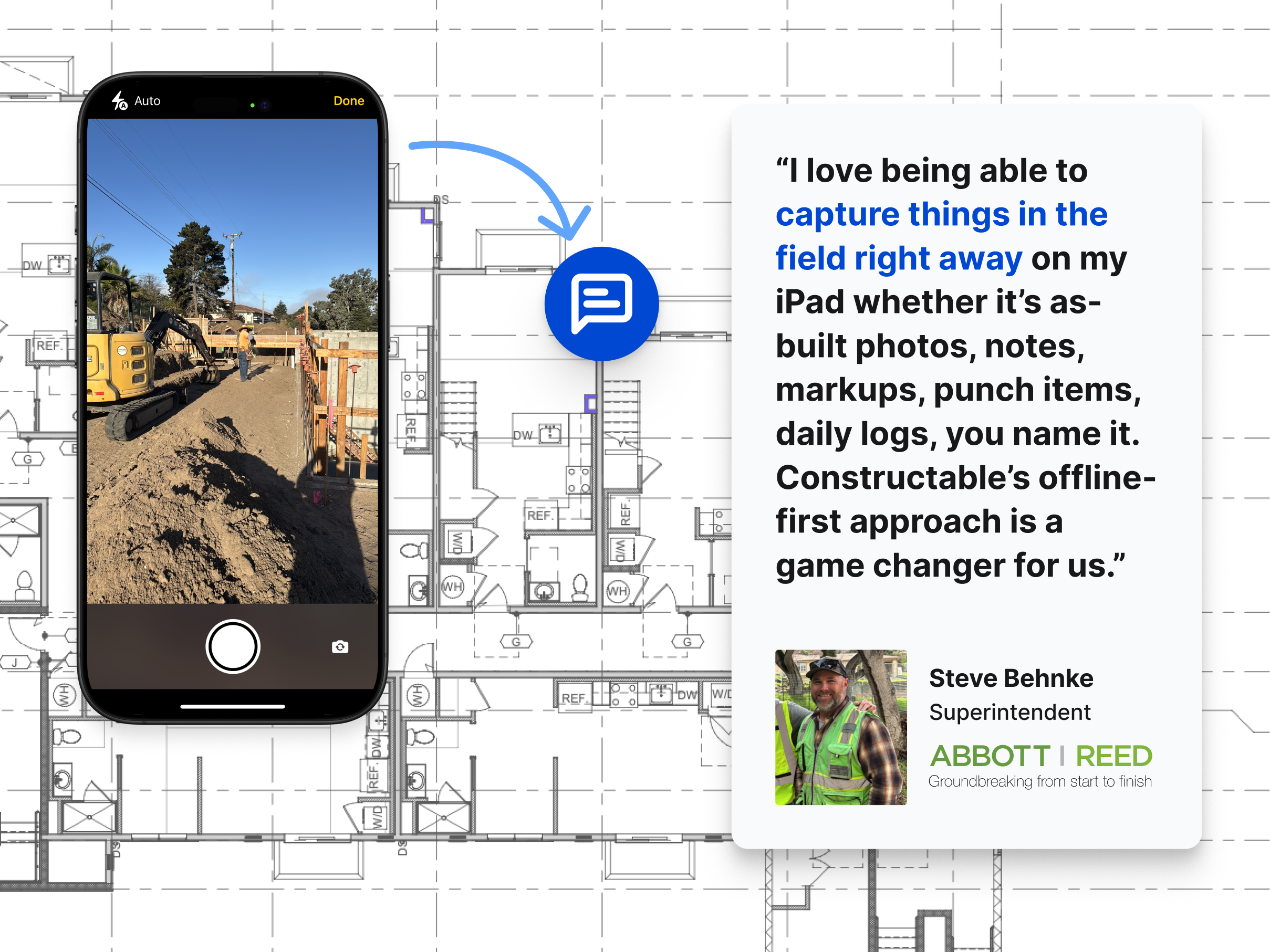\\n\\n[Daily logs capture hours, deliveries, and delays](https://constructable.ai/blog/daily-log-field-reporting-software) in a single place. Photos are attached to specific log entries and automatically organized into albums. When the superintendent asks what happened last Tuesday, the foreman opens that day's log instead of scrolling through a camera roll.\\n\\nMobile access mirrors the desktop experience. Foremen review RFIs, revisions, and logs from the jobsite without having to head back to the trailer.\\n\\n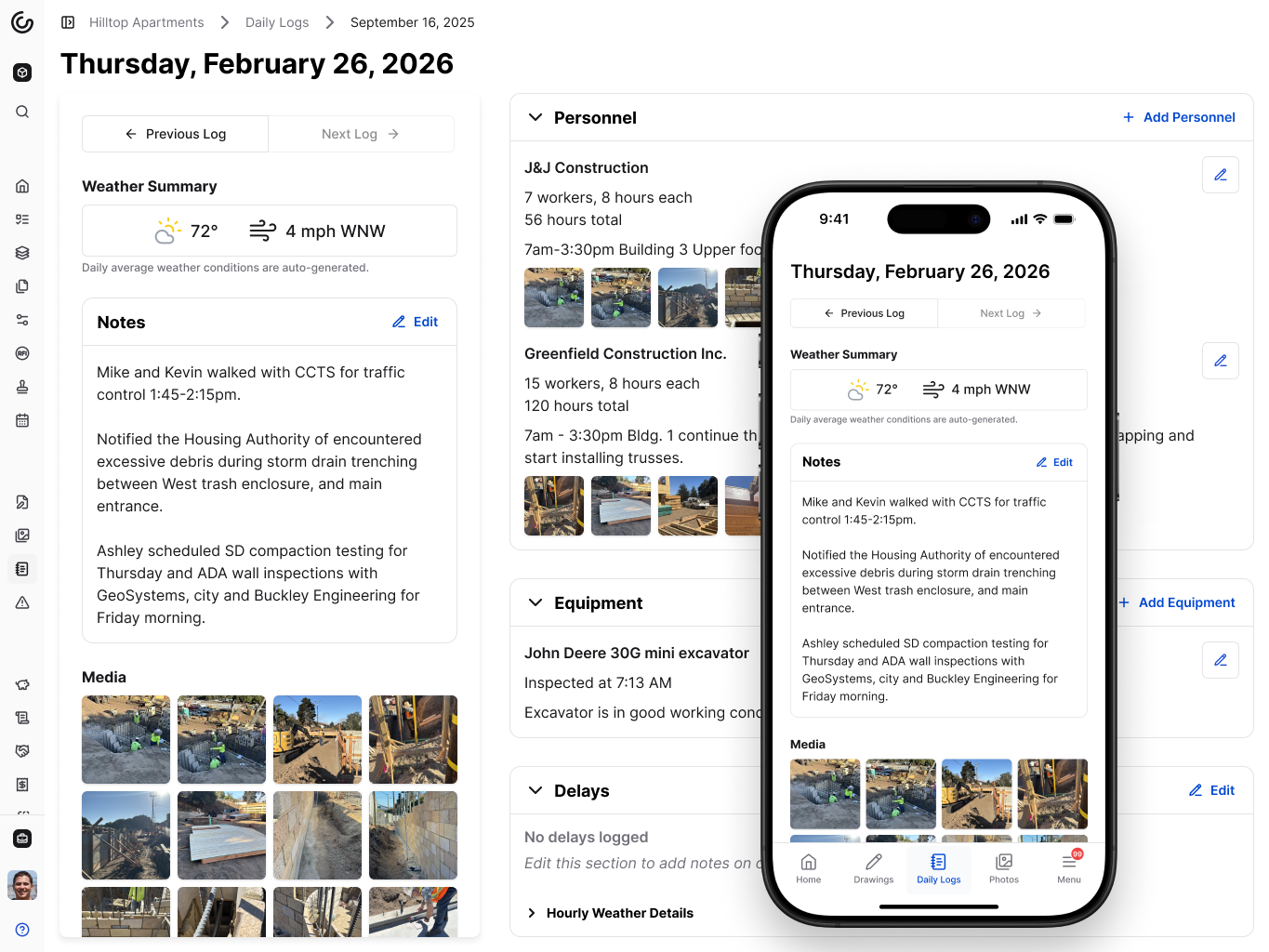\\n\\n## Final Thoughts on Keeping Foremen Connected\\n\\nConstruction foreman responsibilities pile up fast when information scatters across texts, emails, and paper markups. Keeping everything connected to your drawings means your crew finds answers without pulling you away from the next problem. When the information is where it needs to be, you spend less time tracking things down and more time doing the work that actually matters.\\n\\n## FAQ\\n\\n### What's the difference between a construction foreman and a superintendent?\\n\\nA foreman manages day-to-day work on the ground, coordinating crews, running safety meetings, and solving immediate problems, while a superintendent oversees the entire project, managing multiple foremen, the overall schedule, and subcontractor coordination.\\n\\n### How can a foreman keep track of verbal instructions given throughout the day?\\n\\nPin instructions directly to drawing locations in Constructable so they're documented exactly where the work happens, with timestamps and full context that crews can reference anytime from their phones.\\n\\n### Why do drawing revisions cause so many problems on the jobsite?\\n\\nRevisions often don't reach the foreman fast enough, or crews don't know which sheets have changed, so they keep working from outdated plans until conflicts show up in the field and require rework.\\n\\n### How much project time gets wasted searching for information?\\n\\nAbout 18% of project time is lost to workers hunting for specs, scrolling through text to confirm dimensions, or walking back to the trailer to check which drawing version is current.\\n\\n### Can subcontractors see updates in real time without calling the foreman?\\n\\nYes. When foremen post markups, RFI answers, or log entries in Constructable, everyone with project access sees updates on the relevant drawings immediately without waiting for a forwarded email or text.\\n\",[],[566,567,568,569,570,206],\"{\\\"@context\\\":\\\"https://schema.org\\\",\\\"@type\\\":\\\"FAQPage\\\",\\\"name\\\":\\\"Construction Foreman Re
165sponsibilities: Why Jobsite Communication Breaks Down (April 2026)\\\",\\\"mainEntity\\\":[{\\\"@type\\\":\\\"Question\\\",\\\"name\\\":\\\"What's the difference between a construction foreman and a superintendent?\\\",\\\"acceptedAnswer\\\":{\\\"@type\\\":\\\"Answer\\\",\\\"text\\\":\\\"A foreman manages day-to-day work on the groundâcoordinating crews, running safety meetings, and solving immediate problemsâwhile a superintendent oversees the entire project, managing multiple foremen, the overall schedule, and subcontractor coordination.\\\"}},{\\\"@type\\\":\\\"Question\\\",\\\"name\\\":\\\"How can a foreman keep track of verbal instructions given throughout the day?\\\",\\\"acceptedAnswer\\\":{\\\"@type\\\":\\\"Answer\\\",\\\"text\\\":\\\"Pin instructions directly to drawing locations in Constructable so they're documented exactly where the work happens, with timestamps and full context that crews can reference anytime from their phones.\\\"}},{\\\"@type\\\":\\\"Question\\\",\\\"name\\\":\\\"Why do drawing revisions cause so many problems on jobsite?\\\",\\\"acceptedA
165nswer\\\":{\\\"@type\\\":\\\"Answer\\\",\\\"text\\\":\\\"Revisions often don't reach the foreman fast enough, or crews don't know which sheets changed, so they keep working from outdated plans until conflicts show up in the field and require rework.\\\"}},{\\\"@type\\\":\\\"Question\\\",\\\"name\\\":\\\"How much project time gets wasted searching for information?\\\",\\\"acceptedAnswer\\\":{\\\"@type\\\":\\\"Answer\\\",\\\"text\\\":\\\"About 18 percent of project time disappears because workers are hunting for specs, scrolling through texts to confirm dimensions, or walking back to the trailer to check which drawing version is current.\\\"}},{\\\"@type\\\":\\\"Question\\\",\\\"name\\\":\\\"Can subcontractors see updates in real time without calling the foreman?\\\",\\\"acceptedAnswer\\\":{\\\"@type\\\":\\\"Answer\\\",\\\"text\\\":\\\"Yesâwhen foremen post markups, RFI answers, or log entries in Constructable, everyone with project access sees updates on the relevant drawings immediately without waiting for a forwarded email or text.\\\"}}],\\\"url\\\":\\\"https://constructable.ai/blog/foreman-responsibilities-communication-breakdown\\\",\\\"dateModified\\\":\\\"2026-04-03T16:29:11.443Z\\\",\\\"author\\\":{\\\"@type\\\":\\\"Organization\\\",\\\"name\\\":\\\"Constructable\\\"}}\\n\",\"{\\\"@context\\\":\\\"https://schema.org\\\",\\\"@type\\\":\\\"BlogPosting\\\",\\\"headline\\\":\\\"Construction Foreman Responsibilities: Why Jobsite Communication Breaks Down (April 2026)\\\",\\\"description\\\":\\\"Learn why jobsite communication breaks down for construction foremen in April 2026. Poor communication causes 48% of rework costing $31 billion annually.\\\",\\\"datePublished\\\":\\\"2026-04-03T16:29:11.443Z\\\",\\\"dateModified\\\":\\\"2026-04-03T16:29:11.443Z\\\",\\\"author\\\":{\\\"@type\\\":\\\"Organization\\\",\\\"name\\\":\\\"Constructable\\\"},\\\"url\\\":\\\"https://constructable.ai/blog/foreman-responsibilities-communication-breakdown\\\",\\\"wordCount\\\":1827,\\\"keywords\\\":[\\\"construction foreman\\\",\\\"construction foreman salary\\\",\\\"construction foreman jobs\\\",\\\"construction foreman job description\\\",\\\"construction foreman software\\\",\\\"construction foreman login\\\",\\\"construction foreman vs superintendent\\\",\\\"construction foreman vs project manager\\\",\\\"construction foreman plural\\\",\\\"construction foreman salary per hour\\\",\\\"construction foreman salary texas\\\",\\\"construction foreman salary california\\\",\\\"construction foreman salary in usa\\\",\\\"foreman salary per month\\\",\\\"construction foreman requirements\\\",\\\"construction superintendent salary\\\",\\\"construction worker salary\\\",\\\"construction foreman jobs near california\\\",\\\"construction foreman jobs near texas\\\",\\\"construction foreman jobs near me\\\",\\\"construction foreman jobs salary\\\",\\\"construction foreman jobs no experience\\\",\\\"construction superintendent jobs\\\",\\\"foreman job salary\\\",\\\"construction foreman duties and responsibilities pdf\\\",\\\"construction foreman job description resume\\\",\\\"construction foreman job description template\\\",\\\"construction foreman job salary\\\",\\\"construction foreman skills\\\",\\\"civil foreman job description\\\",\\\"site foreman responsibilities\\\",\\\"construction foreman education requirements\\\",\\\"construction foreman software free download\\\",\\\"best construction foreman software\\\",\\\"construction foreman software free\\\",\\\"contractor foreman\\\",\\\"construction foreman software download\\\",\\\"top 10 construction management software\\\",\\\"contractor foreman reviews\\\",\\\"contractor foreman pricing\\\",\\\"construction foreman vs superintendent salary\\\",\\\"construction foreman vs superintendent reddit\\\",\\\"foreman vs superintendent salary\\\",\\\"superintendent vs foreman vs project manager\\\",\\\"superintendent vs project manager\\\",\\\"who is above a superintendent in construction\\\",\\\"superintendent vs construction manager\\\",\\\"foreman for construction\\\",\\\"foreman in construction\\\",\\\"foreman construction\\\"]}\\n\",\"foreman jobsite communication hub\",\"information doesnt reach foreman fast enough\",\"cost fragmented communication tools\",\"hidden costs communication failures\",\"safety incidents tied information gaps\",\"what-is-general-contractor\",\"What Is A General Contractor? Complete Guide For April 2026\",\"Learn what general contractors do, salary ranges, licensing requirements, and how to hire one. Complete guide with FAQ updated for April 2026.\",\"2026-04-03T21:43:19.262Z\",\"The best [general contractors](https://constructable.ai/) keep everything running smoothly once the project gets moving. You're not fielding calls from confused subcontractors or wondering why the plumber can't start be
165cause the permit didn't clear. Everything just happens in the right order, and you only hear about problems after they've already been solved. That kind of calm doesn't happen by accident.\\n\\n**TLDR:**\\n\\n- General contractors coordinate every phase of a build: hiring subs, pulling permits, managing budgets, and keeping projects on schedule\\n- Average salary is $63,175 annually, ranging from $45,000 entry-level to $90,000+ for experienced commercial contractors\\n- Most states require 3-5 years of field experience plus passing a licensing exam covering codes and business law\\n- The construction industry needs 499,000 new workers in 2026, making labor shortages the biggest challenge for GCs\\n- **Constructable** unifies drawings, RFIs, submittals, daily logs, and change orders in one system with AI-powered search\\n\\n## What Is A General Contractor\\n\\nA general contractor runs a construction project from start to finish. They hire and manage subcontractors, order materials, pull permits, schedule work, and keep everything on budget and in compliance with code.\\n\\nWhen you need to build or renovate, the general contractor is your single point of contact. Subcontractors handle specialized work, such as electrical or plumbing, while the general contractor coordinates everyone, keeps the schedule on track, and handles problems as they arise.\\n\\nThey own the outcome of your project.\\n\\n## Core Responsibilities Of A General Contractor\\n\\nThe job covers every phase of a build. Here's what general contractors handle day to day:\\n\\n[Project planning](https://constructable.ai/features/preconstruction) starts with translating drawings into a workable schedule. You're sequencing trades, ordering materials early, and figuring out what has to happen before the next crew shows up.\\n\\n[Budget management](https://constructable.ai/features/financial-management) is constant. Reviewing invoices, tracking costs against the estimate, processing change orders, and catching overruns before they spiral out of control.\\n\\nHiring and managing subcontractors takes up more time than most people think. You're vetting electricians, negotiating rates, coordinating schedules across multiple trades, and making sure their work holds up.\\n\\nPermits and inspections keep the project legal. That means pulling building permits, scheduling inspections with the city, and staying on top of code requirements that vary by location.\\n\\nQuality control is done [in the field](https://constructable.ai/features/field-management) itself. Walking the job, reviewing completed work, catching problems while they're still fixable, and holding trades to the standards spelled out in the contract.\\n\\nSchedule oversight means adjusting when things go sideways. Weather delays, late material deliveries, or scope changes all push dates around. Keeping everyone updated when timelines shift prevents bigger headaches later.\\n\\nSafety compliance isn't optional. Running toolbox talks, enforcing PPE rules, and making sure everyone leaves the site without an injury.\\n\\nCommunication ties it all together. Updating owners, answering architect questions, coordinating with inspectors, and managing expectations when the original plan needs to change.\\n\\n## General Contractor Salary And Earnings\\n\\nPay varies widely based on location, project type, and experience.\\n\\n[The average general contractor](https://www.ziprecruiter.com/Salaries/General-Contractor-Salary) earns $63,175 a year as of February 2026. Entry-level roles start closer to $45,000, while experienced contractors running larger commercial projects can clear $90,000 or more annually.\\n\\nLocation affects pay more than most other factors. Contractors in California and Texas see higher rates due to cost of living and project volume. A residential general contractor in a smaller market might earn $55,000, while a commercial contractor in a major metro area can pull $80,000 or higher.\\n\\nIndependent contractors have different math. After covering insurance, bonding, overhead, and slower months, take-home pay depends on how much work you can land and how well you manage costs. Gross revenue doesn't equal salary when you're covering your own expenses.\\n\\n## How To Become A General Contractor\\n\\nMost general contractors start in the field. You need hands-on experience before you can manage others doing the same work. That usually means 3-5 years working under a licensed contractor, learning how projects actually run.\\n\\nWhile you're building field hours, learn the business side. Estimating, reading contracts, understanding schedules, and managing budgets matter as much as knowing how to frame a wall.\\n\\nStudy for your state's licensing exam. Most states require a combination of work experience and a passing score on a test c
165overing building codes, safety regulations, and business law. Some offer prep courses, others expect you to study independently.\\n\\nOnce licensed, you'll need insurance, bonding, and often working capital to cover payroll and materials before client payments arrive. The license gets you in the door. The business skills keep you there.\\n\\n## Types Of General Contractors\\n\\nGeneral contractors split into two main categories based on the work they take on: residential and commercial. The distinction matters because the projects, licensing, and day-to-day challenges look different.\\n\\n\\n\\nResidential general contractors build and remodel homes. That includes single-family houses, townhomes, additions, kitchen remodels, and whole-home renovations. Projects are smaller in scope but often involve more direct client interaction. Homeowners have opinions, change their minds, and need updates.\\n\\nCommercial general contractors handle office buildings, retail spaces, warehouses, schools, and mixed-use developments. Projects run larger, timelines stretch longer, and budgets involve more zeros. You're coordinating more trades, managing bigger crews, and dealing with architects, engineers, and project owners who expect detailed documentation at every stage.\\n\\nSome states issue separate licenses for residential and commercial work. Others use a single general contractor license that covers both, sometimes with dollar thresholds that vary by project type.\\n\\n## General Contractor vs Subcontractor vs Construction Manager\\n\\nThese three roles get mixed up constantly, but they work at different layers of the same job.\\n\\nA general contractor signs the prime contract with the owner and carries the full project risk. They hire subcontractors, run the schedule, and hand over the finished building. When things go sideways, they're the ones who fix it.\\n\\nSubcontractors handle specialized work like electrical, plumbing, HVAC, or framing. They contract with the general contractor, not the owner. Their scope is defined and narrow, and they don't coordinate other trades.\\n\\nConstruction managers oversee the project without performing the work themselves. They represent the owner, [review budgets and schedules](https://constructable.ai/features/project-management), and keep everyone moving forward without picking up tools.\\n\\n## When You Need A General Contractor\\n\\nYou need a general contractor when your project involves multiple trades working in sequence. Remodeling a kitchen means coordinating plumbers, electricians, cabinet installers, and countertop crews at the right times. A GC handles that scheduling.\\n\\nPermit complexity is another reason. Projects requiring structural, electrical, or plumbing permits come with inspections and code compliance that most property owners don't manage themselves.\\n\\nBudget size matters. Once a project exceeds $50,000, the risk of cost overruns and delays makes professional oversight worthwhile. You're paying someone to catch problems early.\\n\\nIf scope changes midway or you're uncertain about what needs to happen, a GC translates ideas into work without leaving gaps that cause delays.\\n\\n## The Current State Of The Construction Industry In 2026\\n\\nConstruction has 8.3 million workers as of 2025, supporting [$2.2 trillion in annual spending](https://constructioncoverage.com/data/us-construction-spending) recorded in 2024. The labor shortage hits harder each year. [The industry needs 499,000 workers in 2026](https://www.deloitte.com/us/en/insights/industry/engineering-and-construction/engineering-and-construction-industry-outlook.html), up from 439,000 in 2025.\\n\\nFor general contractors, that gap means longer schedules, higher labor costs, and more time chasing down reliable subcontractors. Good trades book out weeks ahead. Projects stall when crews aren't available. Estimating gets harder when you can't predict who'll actually show up to swing the hammer.\\n\\n## Managing Construction Projects With Better Software\\n\\nJuggling separate tools for project data creates friction. Information gets buried across logins. Questions take longer to answer because context lives in three different places. Field teams avoid systems that feel clunky on a phone.\\n\\nThe fix isn't adding another tool. It's replacing the stack with [one system that connects the pieces](https://constructable.ai/blog/construction-management-software).\\n\\nConstructable does exactly that for mid-size commercial general contractors. RFIs, submittals, drawings, daily logs, punch lists, change orders, and much more live together. AI-powered search pulls answers from across your project instantly. No duplicate entry. No hunting through folders. It just works.\\n\\n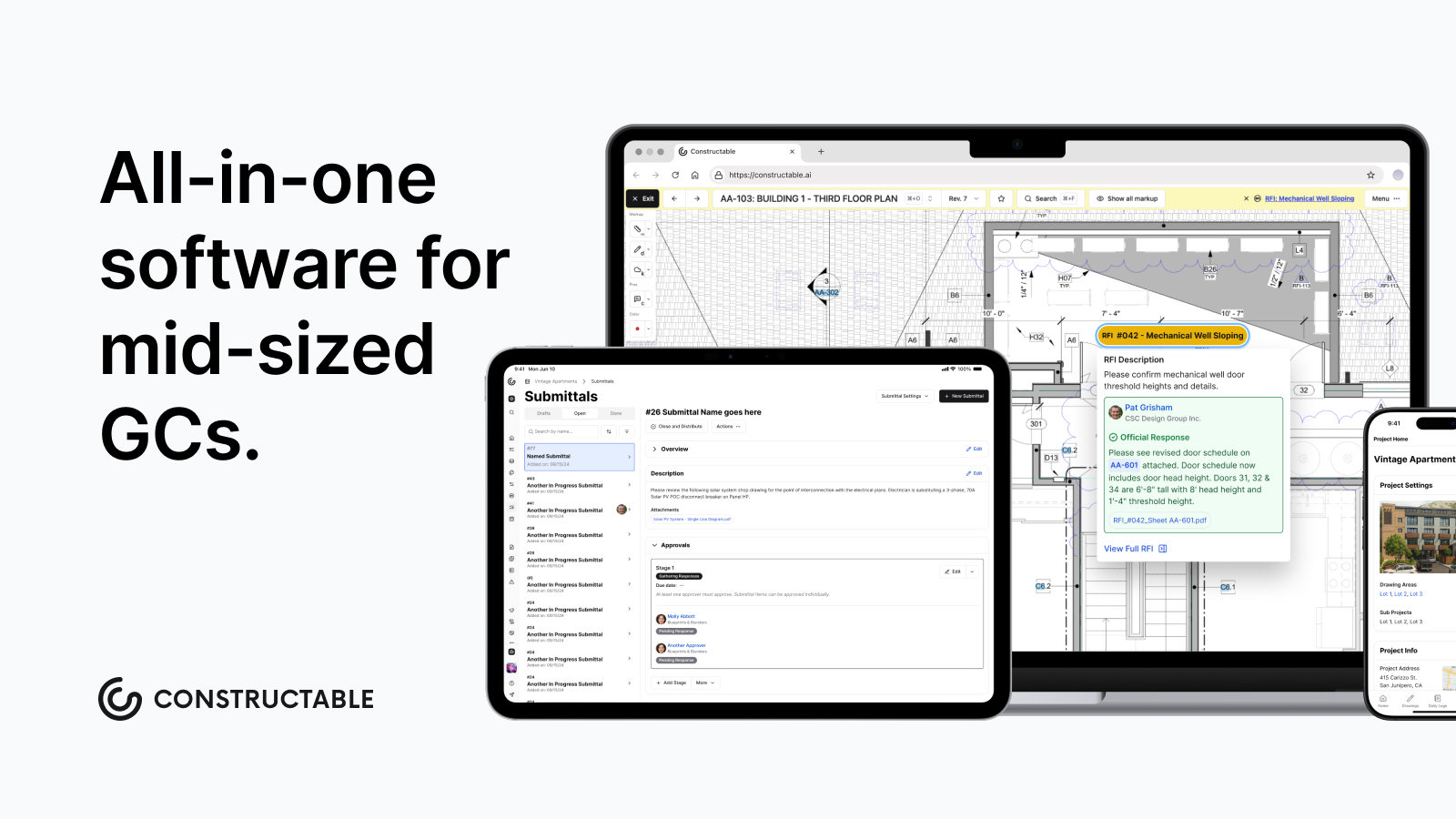\\n\\n## General Contractor Licensing Requirements By State\\n\\n[Licensing requirements differ widely](https://pro.houzz.com/pro-learn/blog/startup-guide-residential-construction-general-contractor-licensing-requirements-by-state) depending on where you work. Thirty-three states require a state-level general contractor license. Seventeen states as of 2025 have no statewide licensing requirement, though cities and counties within those states may still require local permits or registrations.\\n\\nWhere licensing exists, you'll need to document work experience, pass trade and business law exams, prove financial solvency, and secure a suret
165y bond. Bond amounts vary by state, typically ranging from $10,000 to $50,000.\\n\\nThe experience requirement usually sits between two and four years working under a licensed contractor. Some states accept trade school or apprenticeship hours toward that total. Exams test construction knowledge and business practices. You'll answer questions on building codes, safety standards, contract law, and lien rights.\\n\\nLicensing protects both sides. Clients get recourse if work goes wrong. Contractors get legitimacy and access to larger projects that require proof of credentials.\\n\\n| State | Experience Required | Exam Required | Bond Amount | License Renewal |\\n| -------------- | --------------------------------------------------------------------------------------- | ---------------------------------------------------------------------------- | ---------------------------------------------------------------- | ------------------------------------------------------- |\\n| California | 4 years journey-level experience or equivalent combination of education and experience | Two-part exam covering law \u0026 business and trade knowledge | $25,000 contractor bond plus $15,000 disciplinary bond | Every 2 years with continuing education requirements |\\n| Texas | No statewide license required, local city permits vary by jurisdiction | Not applicable at state level | Not applicable at state level | Local requirements vary by municipality |\\n| Florida | 4 years verifiable experience in the construction industry within the last 10 years | Business and finance exam plus trade exam specific to license classification | Varies by classification, typically $10,000 to $25,000 | Every 2 years with 14 hours of continuing education |\\n| New York | 3 years experience under licensed contractor or 7.5 years total construction experience | Trade exam and business exam covering contract law and safety | $20,000 to $50,000 depending on project scope | Every 3 years with proof of continuing insurance |\\n| North Carolina | 2 years experience as licensed contractor or 5 years cumulative experience | Business law and project management exam specific to license level | $15,000 for unlimited license, lower for limited classifications | Annual renewal with no continuing education requirement |\\n| Arizona | 4 years full-time experience in construction management or supervision | Two-part exam covering business management and trade knowledge | $15,000 for commercial, $7,500 for residential | Every 2 years with no continuing education requirement |\\n\\n## Final Thoughts on General Contractor Work\\n\\nYou're managing subcontractors, permits, budgets, and schedules simultaneously. The last thing you need is software that slows you down. [Constructable](https://constructable.ai/sales) pulls everything together so your drawings, submittals, and daily logs work as one system instead of five logins. Projects move faster when information doesn't get lost between tools.\\n\\n## FAQ\\n\\n### How long does it take to get a general contractor license?\\n\\nMost states require 3-5 years of documented work experience under a licensed contractor before you can sit for the licensing exam. After passing the test and securing your bond and insurance, the actual licensing process takes 4-8 weeks depending on your state's processing times.\\n\\n### What's the real difference between a general contractor and a subcontractor?\\n\\nA general contractor signs the contract with the project owner, manages the entire job, and carries all the risk if something goes wrong. A subcontractor works for the general contractor, handles one specific trade (like plumbing or electrical), and only w
165orries about their own scope of work.\\n\\n### Do I need a license in every state I want to work in?\\n\\nYes, if you're crossing state lines. Thirty-three states require a state-level general contractor license, and those licenses don't transfer. You'll need to apply separately in each state where you plan to take on projects, meeting their specific experience and exam requirements.\\n\\n### When should I hire a general contractor instead of managing trades myself?\\n\\nHire a GC when your project involves multiple trades that need to be sequenced properly, requires permits and inspections, or exceeds $50,000 in total cost. Once you're coordinating electricians, plumbers, and framers across different phases, professional oversight prevents costly delays and mistakes.\\n\",[],[580,581,582,583,584,206],\"{\\\"@context\\\":\\\"https://schema.org\\\",\\\"@type\\\":\\\"FAQPage\\\",\\\"name\\\":\\\"What Is A General Contractor? Complete Guide For April 2026\\\",\\\"mainEntity\\\":[{\\\"@type\\\":\\\"Question\\\",\\\"name\\\":\\\"How long does it take to get a general contractor license?\\\",\\\"acceptedA
165nswer\\\":{\\\"@type\\\":\\\"Answer\\\",\\\"text\\\":\\\"Most states require 3-5 years of documented work experience under a licensed contractor before you can sit for the licensing exam. After passing the test and securing your bond and insurance, the actual licensing process takes 4-8 weeks depending on your state's processing times.\\\"}},{\\\"@type\\\":\\\"Question\\\",\\\"name\\\":\\\"What's the real difference between a general contractor and a subcontractor?\\\",\\\"acceptedAnswer\\\":{\\\"@type\\\":\\\"Answer\\\",\\\"text\\\":\\\"A general contractor signs the contract with the project owner, manages the entire job, and carries all the risk if something goes wrong. A subcontractor works for the general contractor, handles one specific trade (like plumbing or electrical), and only worries about their own scope of work.\\\"}},{\\\"@type\\\":\\\"Question\\\",\\\"name\\\":\\\"Do I need a license in every state I want to work in?\\\",\\\"acceptedAnswer\\\":{\\\"@type\\\":\\\"Answer\\\",\\\"text\\\":\\\"Yes, if you're crossing state lines. Thirty-three states require a state-level general contractor license, and those licenses don't transfer. You'll need to apply separately in each state where you plan to take on projects, meeting their specific experience and exam requirements.\\\"}},{\\\"@type\\\":\\\"Question\\\",\\\"name\\\":\\\"When should I hire a general contractor instead of managing trades myself?\\\",\\\"acceptedA
165nswer\\\":{\\\"@type\\\":\\\"Answer\\\",\\\"text\\\":\\\"Hire a GC when your project involves multiple trades that need to be sequenced properly, requires permits and inspections, or exceeds $50,000 in total cost. Once you're coordinating electricians, plumbers, and framers across different phases, professional oversight prevents costly delays and mistakes.\\\"}},{\\\"@type\\\":\\\"Question\\\",\\\"name\\\":\\\"Can self-employed general contractors really make good money?\\\",\\\"acceptedAnswer\\\":{\\\"@type\\\":\\\"Answer\\\",\\\"text\\\":\\\"Self-employed contractors can earn more than salaried ones, but gross revenue isn't the same as take-home pay. After covering insurance, bonding, equipment, slow months, and overhead, your actual salary depends on how much work you land and how well you control costs on each job.\\\"}}],\\\"url\\\":\\\"https://constructable.ai/blog/what-is-general-contractor\\\",\\\"dateModified\\\":\\\"2026-04-03T21:43:19.262Z\\\",\\\"author\\\":{\\\"@type\\\":\\\"Organization\\\",\\\"name\\\":\\\"Constructable\\\"}}\\n\",\"{\\\"@context\\\":\\\"https://schema.org\\\",\\\"@type\\\":\\\"BlogPosting\\\",\\\"headline\\\":\\\"What Is A General Contractor? Complete Guide For April 2026\\\",\\\"description\\\":\\\"Learn what general contractors do, salary ranges, licensing requirements, and how to hire one. Complete guide with FAQ updated for April 2026.\\\",\\\"datePublished\\\":\\\"2026-04-03T21:43:19.262Z\\\",\\\"dateModified\\\":\\\"2026-04-03T21:43:19.262Z\\\",\\\"author\\\":{\\\"@type\\\":\\\"Organization\\\",\\\"name\\\":\\\"Constructable\\\"},\\\"url\\\":\\\"https://constructable.ai/blog/what-is-general-contractor\\\",\\\"wordCount\\\":1959,\\\"keywords\\\":[\\\"general contractor\\\",\\\"general contractor near me\\\",\\\"general contractor near california\\\",\\\"general contractor near texas\\\",\\\"small general contractor near me\\\",\\\"residential general contractor near me\\\",\\\"small job contractors near me\\\",\\\"best general contractor near me\\\",\\\"affordable general contractor near me\\\",\\\"contractors near me free estimates\\\",\\\"general contractor salary\\\",\\\"general contractor license\\\",\\\"general contractor examples\\\",\\\"general contractor vs contractor\\\",\\\"general contractor jobs\\\",\\\"general contractor responsibilities\\\",\\\"general contractor school\\\",\\\"general contractor license near texas\\\",\\\"general contractor license school\\\",\\\"general contractor license lookup\\\",\\\"general contractor license requirements\\\",\\\"general contractor license cost\\\",\\\"general contractor license application\\\",\\\"general contractor license online\\\",\\\"general contractor license nebraska\\\",\\\"general contractor salary per month\\\",\\\"self employed general contractor salary\\\",\\\"general contractor salary per hour\\\",\\\"general contractor salary reddit\\\",\\\"how to become a general contractor\\\",\\\"general contractor salary california\\\",\\\"general contractor salary texas\\\",\\\"commercial general contractor salary\\\",\\\"general contractor jobs near california\\\",\\\"general contractor jobs near texas\\\",\\\"general contractor jobs near me\\\",\\\"general contractor jobs salary\\\",\\\"entry level general contractor jobs\\\",\\\"sundt construction\\\",\\\"turner construction jobs\\\",\\\"turner construction laborer jobs\\\",\\\"general contractor responsibilities resume\\\",\\\"general contractor responsibilities in construction\\\",\\\"roles and responsibilities of a contractor in construction pdf\\\",\\\"general contractor legal responsibilities\\\",\\\"general contractor services\\\",\\\"list the duties of contractor\\\",\\\"general contractor requirements\\\",\\\"general contractor vs contractor reddit\\\",\\\"general contractor vs contractor salary\\\"]}\\n\",\"general contractor\",\"core responsibilities general contractor\",\"general contractor salary earnings\",\"become general contractor\",\"types general contractors\",\"construction-inspection-process-pass-without-delays\",\"Construction Inspection Readiness August 2026 | Constructable\",\"Learn what causes construction inspection failures and how contractors prevent delays in August 2026 with better documentation, coordination, and field reviews.\",\"2026-04-20T17:07:06.854Z\",\"2026-08-25T18:25:03.000Z\",\"Even well-run jobs fail inspections sometimes. The difference between a failure that costs a day and one that c
165osts two weeks is almost entirely a matter of how the team responds. Three things determine whether a failed inspection becomes a minor setback or a scheduling crisis: how quickly the correction notice is triaged, whether re-inspection scheduling starts immediately rather than waiting until the fixes are complete, and whether documentation of the corrected work is ready before the inspector shows up again. Teams that treat these three steps as reflex, not reaction, rarely lose meaningful time to a failed inspection. The underlying preparation is still the real variable, but knowing how to respond when it doesn't go perfectly is what separates contractors who run clean projects from the ones who don't.\\n\\n**TLDR:**\\n\\n- Failed inspections are rarely about bad work; missing docs and poor trade coordination cause most delays\\n\\n- Document rebar placement, rough-ins, and test results with timestamped photos before work gets covered\\n\\n- Run internal field reviews before calling official inspections to catch deficiencies your team can fix first\\n\\n- **Constructable** connects RFIs, submittals, daily logs, and photos directly to drawings so inspection questions get answered instantly\\n\\n## Why construction inspections fail (and what it really costs)\\n\\nMost inspection failures come down to three things: the work wasn't ready, the paperwork wasn't there, or the right trades hadn't finished their scope. Missing permits, unsigned approvals, incomplete submittals, photos that were never taken: these stop a project cold, and [inspectors frequently reject work](https://www.truelook.com/blog/preparing-for-final-building-inspection) not because it was done wrong, but because there's no record proving it was done right. Poor trade coordination compounds it: when MEP crews aren't sequenced, framing inspections stall, and one trade running behind cascades across every downstream inspection on the schedule.\\n\\nNearly all of it is preventable. Inspections fail because the job wasn't managed with inspection readiness in mind from the start.\\n\\n## The real cost of inspection delays on commercial projects\\n\\nWhen an inspection fails, the clock keeps running. Subcontractors who sit idle still get paid. Superintendent time gets eaten up chasing re-inspections. Equipment and trailers stay on site longer than budgeted. General conditions costs stack up fast.\\n\\nA single failed framing inspection can push finish trades back by weeks, rippling straight into the owner's occupancy date. Missed occupancy dates mean the owner can't open, operate, or rentâand that pressure falls on the GC.\\n\\nThe numbers add up fast. Re-inspection fees vary widely by jurisdiction, and some municipalities charge escalating rates after a second failure. Idle subcontractor standby costs when a failed inspection stops a following trade can run into thousands of dollars per day. On larger projects, even a week-long framing inspection delay results in meaningful extended overhead. The exact figures depend on project size, jurisdiction, and contract structure, but the direction is always the same.\\n\\n## Inspection Readiness Starts in Preconstruction\\n\\nPassing your own internal reviews on time is a scheduling problem before it's ever a field problem. By the time your team walks the job for a check, the window to fix sequencing issues has already closed.\\n\\nThe contractors who run clean internal reviews pull scope requirements early, identify which phases need a walkthrough before the next trade moves in, and build those checkpoints into the schedule before subs are even mobilized. Trade sequencing gets designed around internal hold points, not the other way around.\\n\\nA few things worth locking down in preconstruction:\\n\\n- Map which phases need an internal field review before work gets covered or the next scope begins\\n\\n- Identify which reviews require a foreman or engineer to walk the work before sign-off\\n\\n- Schedule internal rough-in reviews before framing is on the calendar\\n\\n- Confirm submittal approval requirements that must be closed before specific phases begin\\n\\nGetting this wrong early creates a domino effect. Framing can't be reviewed until MEP rough-ins are done. MEP rough-ins can't be done until submittals are approved. Submittals don't get approved if no one submits them on time.\\n\\n## Common documentation gaps that trigger inspection failures\\n\\nEven when the work is done right, inspectors can only approve what they can see and verify. If the right documents aren't on site and accessible, the review stops, regardless of how much effort went into the job.\\n\\nThe most common documentation failures:\\n\\n- Permit not posted at the jobsite, which is one of the fastest ways to get sent home before the inspector even looks at the work\\n\\n- Approved [submittal](https://constructable.ai/blog/construction-submittals-definition-types-best-practices) not available on site for the inspector to reference, even if it was approved weeks ago\\n\\n- Special inspection reports incomplete or missing entirely, leaving no record that the required observations actually happened\\n\\n- Concrete or soil compaction test results not on hand when the inspector asks for them\\n\\n- Prior inspection sign-offs not documented in the field set, making it look like steps were skipped\\n\\n\\\"On site\\\" means physically accessible to the inspector: not in the PM's email, not in a cloud folder, not back at the office. Digital docs are fine if they can be pulled up immediately, but a dead battery is the same as not having it. Assemble a simple packet per phase (permit, current drawings, relevant submittals, test results) and most scrambles disappear.\\n\\n## How trade coordination determines inspection success\\n\\nFraming inspections are where trade coordination breaks down most visibly. Electrical rough-in is among the [most frequently failed inspection types](https://www.metrocode.com/post/top-10-most-common-inspection-failures-and-how-to-avoid-them-in-2026), and plumbing and mechanical rough-ins must also be c
165omplete and correct before the inspector arrives. If one trade is still pulling wire when the inspection is called, everyone waits.\\n\\nThe problem is usually not that trades don't know what to do. It's that no one confirmed it was done before the inspection was scheduled. A simple check reveals the HVAC duct isn't roughed in above the ceiling. The inspector shows up, sees it, and leaves. That's a week gone.\\n\\nA few coordination habits that prevent this:\\n\\n- Hold a pre-inspection walkthrough with each trade foreman before calling the inspection, so gaps get caught by your team, not the inspector\\n\\n- Confirm that rough-in sign-offs from each trade are complete, actually complete, because 'almost done' fails every time\\n\\n- Make sure any required engineer observations are scheduled before the inspection date, since those appointments can take days to book\\n\\n- Communicate inspection hold points to subs at the start of their scope, not the day before, so expectations are clear from the beginning\\n\\nThe GC's job here is to be the last set of eyes before the inspector's. If you're relying on the inspector to tell you something isn't ready, the coordination already failed.\\n\\n## What inspectors actually look for during common commercial inspections\\n\\nInspectors aren't trying to fail your job. They're working through a checklist, and knowing what's on it takes most of the mystery out of the process.\\n\\n### Foundation Inspections\\n\\nInspectors check excavation depth, soil bearing conditions, rebar placement and cover, and whether footing dimensions match the approved drawings. Special inspection reports for concrete placement are expected on-site.\\n\\n### Framing Inspections\\n\\nThe framing inspection covers everything that gets closed up together: structural members, header sizes, shear wall nailing, fire blocking, and draft stopping. Because MEP rough-ins run through the framing and get covered at the same time, all electrical, plumbing, and mechanical rough-ins must be complete before the inspection is called. Notching and boring through framing members are also closely checked.\\n\\n### MEP Rough-In Inspections\\n\\nEach trade gets its own inspection. Electrical checks wire sizing, box fill, and grounding. Plumbing checks pressure tests and trap configurations. Mechanical checks duct sizing, clearances, and combustion air.\\n\\n### Final Inspections\\n\\nThis is the full pass. Inspectors verify that every previously approved scope is complete, life safety systems are functioning, accessible route compliance is confirmed, and the certificate of occupancy can be issued.\\n\\nThe pattern across all of them: have your approved drawings on site, know what was permitted, and don't call the inspection early.\\n\\n| Inspection Type | Typical Timing | Key Checkpoints | Required Documentation |\\n| ------------------------ | ---------------------------------------------------------------- | ---------------------------------------------------------------------------------------------------------------------------------------------------------------------------------------------------- | --------------------------------------------------------------------------------------------------------------------------------------------------------------- |\\n| Foundation Inspection | After excavation and rebar placement, before concrete pour | Excavation depth and soil bearing conditions, rebar placement and cover distances, footing dimensions match approved drawings, anchor bolt locations | Approved foundation drawings, soil compaction test results, special inspection reports for concrete placement, rebar shop drawings if applicable |\\n| Framing Inspection | After all MEP rough-ins complete, before insulation or drywall | Structural members and header sizes, shear wall nailing patterns, fire blocking and draft stopping, notching and boring through framing members, all electrical/plumbing/HVAC rough-ins complete | Approved structural and MEP drawings, rough-in sign-offs from each trade, engineer observation reports if required, revised details from any RFIs |\\n| MEP Rough-In Inspections | After installation complete, before work gets covered | Electrical: wire sizing, box fill calculations, grounding and bonding. Plumbing: pressure test results, trap configurations, vent sizing. Mechanical: duct sizing, clearances, combustion air supply | Approved MEP submittals on site, manufacturer spec sheets for equipment, pressure test documentation for plumbing, applicable code calculation sheets |\\n| Final Inspection | After all construction complete and all prior inspections passed | All previously approved scopes fully complete, life safety systems working and tested, accessible route compliance verified, certificate of occupancy can be issued | Complete set of approved drawings with all revisions, all prior inspection sign-offs, final special inspection reports, operating manuals for installed systems |\\n\\n## Scheduling inspections without stalling the critical path\\n\\nCalling an inspection too early stalls trades, but calling it too late burns float. Neither is a good option when you're managing a critical path.\\n\\nA few habits that keep things moving:\\n\\n- Schedule inspections as soon as the prior phase closes, not when you get around to it\\n\\n- Know your AHJ's availability windows, as some jurisdictions book out 48 to 72 hours\\n\\
165n- Build one day of buffer after each inspection milestone before the next trade mobilizes\\n\\n- Identify inspections that can run concurrently and coordinate them on the same day\\n\\nWhen inspections are treated as milestones with lead time rather than afterthoughts, the schedule holds.\\n\\n## Managing inspection corrections and re-inspections\\n\\nA failed inspection isn't a disaster, but a slow response to one is.\\n\\nWhen the inspector leaves a correction notice, the clock starts. Get the deficiency list in front of the right people the same day. Waiting until the next morning meeting costs you a day you probably don't have.\\n\\nA few habits compress re-inspection turnaround. Before starting any fix, photograph each correction item so you have a record of both the original condition and the corrected work. Assign each item to a specific trade with a clear deadline, not a group conversation. Check with the AHJ (Authority Having Jurisdiction) whether a partial re-inspection is allowed, since some corrections can be reviewed without a full re-inspection. Schedule the re-inspection before the corrections are finished and cancel if needed. Booking early beats scrambling later.\\n\\nThe correction phase is also where documentation matters most. During re-inspections, inspectors want to see that you have addressed their notes and can prove it.\\n\\nKeep the correction list open until the re-inspection is signed off. Don't close it out in your head before the inspector does.\\n\\n## Building an inspection-ready culture on the jobsite\\n\\nChecklists and schedules only go so far. Passing inspections comes down to whether the crew on the ground understands what matters and why.\\n\\nWhen workers know their scope connects directly to the next trade's start date, they treat it differently. A plumber who understands that an incomplete pressure test holds up framing inspection is more likely to finish clean. That awareness comes from supers who explain the stakes, not just the task.\\n\\nWalk new subs through the inspection hold points at the start of their scope so they know exactly where their work will be reviewed before the next trade moves in. Post the inspection schedule where crews can actually see it, not buried in a project binder. And when trades finish inspection-ready, call it out publiclyârecognition reinforces the standard.\\n\\nNone of this is complicated; just intentional.\\n\\n## Using daily logs and photos to support inspections\\n\\nDaily logs and photos rarely feel important until an inspector asks a question you can't answer on the spot.\\n\\nWhen an inspector wants to know whether rebar was in place before the pour, or what mix design was used, or whether that pipe was installed before the slab closed, your field documentation either backs you up or it doesn't. A timestamped photo and a [daily log](https://constructable.ai/blog/daily-log-field-reporting-software) entry from that day answer the question immediately. Without them, you're asking the inspector to take your word for it.\\n\\n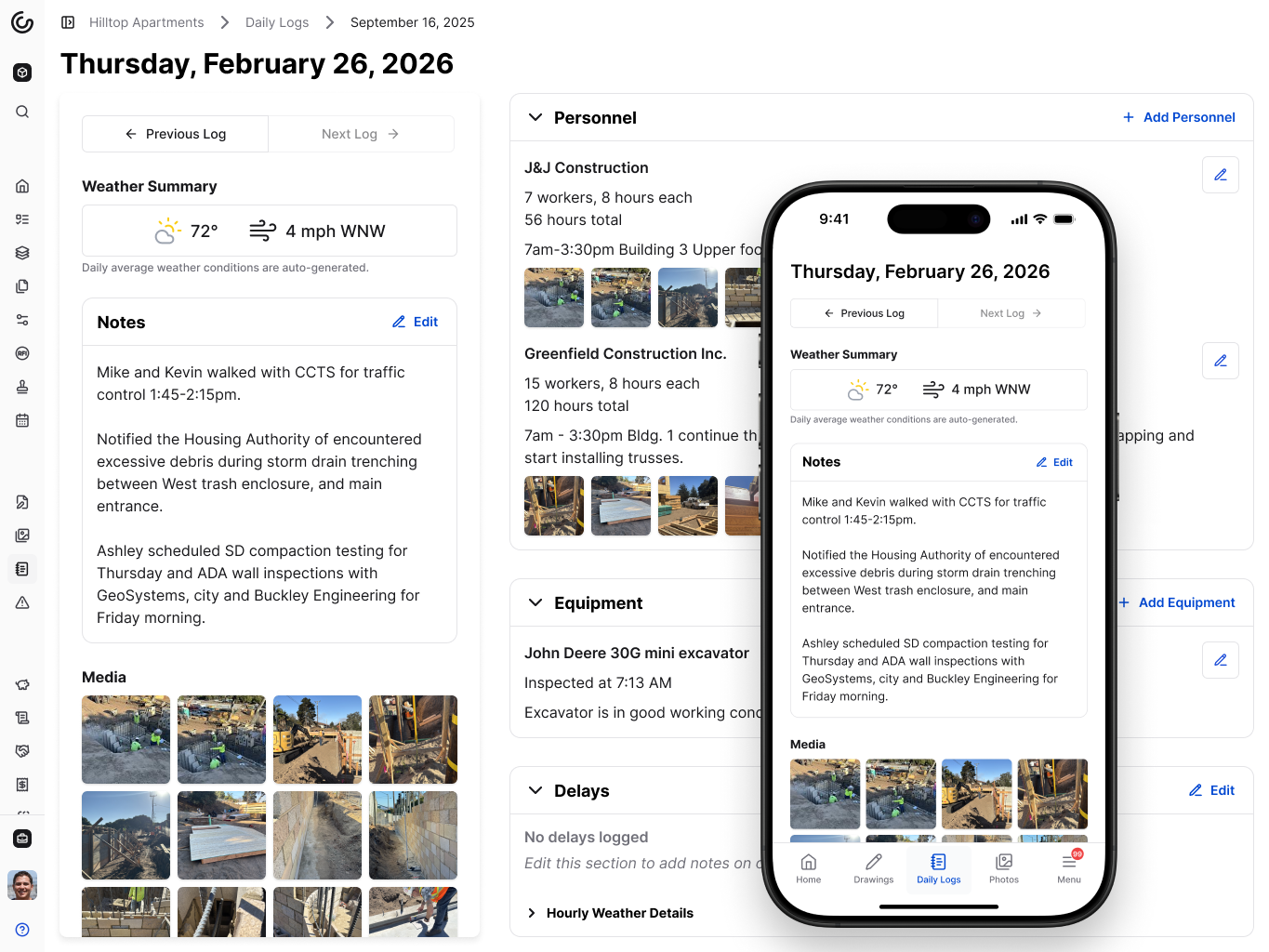\\n\\n\u003e Constructable's Daily Logs feature helps keep everything organized and ready to recall\\n\\nA few things worth capturing consistently:\\n\\n- Photos of work before it gets covered, especially rough-ins, footings, and concealed conditions\\n\\n- Daily log entries that note material deliveries, trade activity, and any inspection-related milestones\\n\\n- Weather records for days when pours or exterior work happened, since inspectors sometimes ask about conditions\\n\\nNone of this is extra work if it's already part of how the jobsite runs day-to-day.\\n\\n## How better drawing control reduces inspection problems\\n\\nInspectors approve work against the permitted drawings. When the field is building from a superseded set, the work and the approved plans tell two different stories.\\n\\nThis happens more than anyone admits. A revised detail gets issued, the super gets the email, but the printed set in the trailer never gets updated. The crew builds to what's on the wall. The inspector references the approved revision. The work fails, not because it was done wrong, but because it was done according to the wrong sheet.\\n\\nA few habits prevent this. Every printed set needs a clear revision date, and old sheets should be pulled the moment new ones come out. [RFI responses](https://constructable.ai/blog/construction-rfi-management-breakdown) and markups belong on current drawings, not buried in an email thread nobody can find. Before the inspection starts, confirm the inspector is referencing the same revision you built to.\\n\\nThe inspector is not going to track down your RFI log to understand why a detail looks different. What's on the drawing is what they check against.\\n\\n## How Constructable keeps inspection documentation and coordination in one place\\n\\nAll the documentation habits covered in this article work better when they live alongside your coordination tools.\\n\\nIn **Constructable**, RFIs, submittals, daily logs, photos, and quality lists all connect back to the drawings. When an inspector asks why a detail was built a certain way, the RFI response is pinned to that exact sheet. When a question arises about what happened on a specific day, the jobsite photos and daily logs from that date are already available.\\n\\n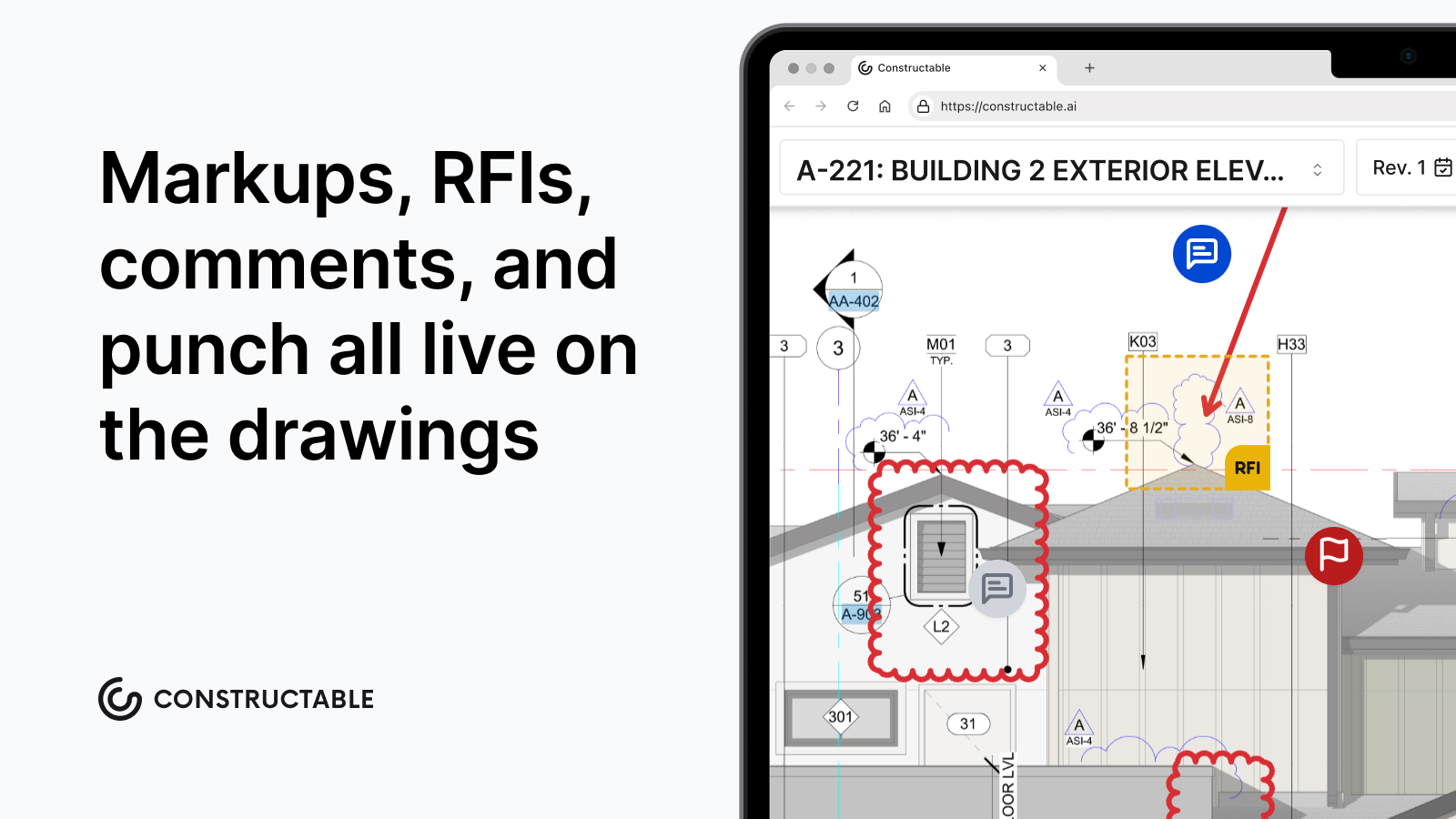\\n\\nQuality lists handle the pre-inspection walkthrough the same way. Items get assigned, tracked, and closed out before the inspector ever shows up. Nothing falls through because someone forgot to mention it at a morning meeting.\\n\\nDrawing revisions are automatically tracked, so the field always works from the current set. No outdated sheets in the trailer. No guessing which revision the inspector will reference.\\n\\nEverything inspection-related stays connected, not scattered.\\n\\n## Running internal field reviews inside Constructable\\n\\n**Constructable**'s Inspections tool is not a portal to the building department. You can't submit paperwork to the city or schedule an official inspection from it. What it does do is let your team run internal field reviews before the inspector arrives, preventing headaches later.\\n\\nThe workflow moves from draft to scheduled, inspecting, and complete. Teams can build their own checklists, walk the work, and mark each item as pass, fail, or not applicable, with pass/fail tracking, observations, and photo attachments for every item. When the review is done, you have a documented record of what your team found and fixed before anyone official saw it; failed items become documented records, not memory.\\n\\nA team that catches its own deficiencies first almost always passes on the first try. You know what they s
165ay, an ounce of prevention is worth a pound of cure!\\n\\n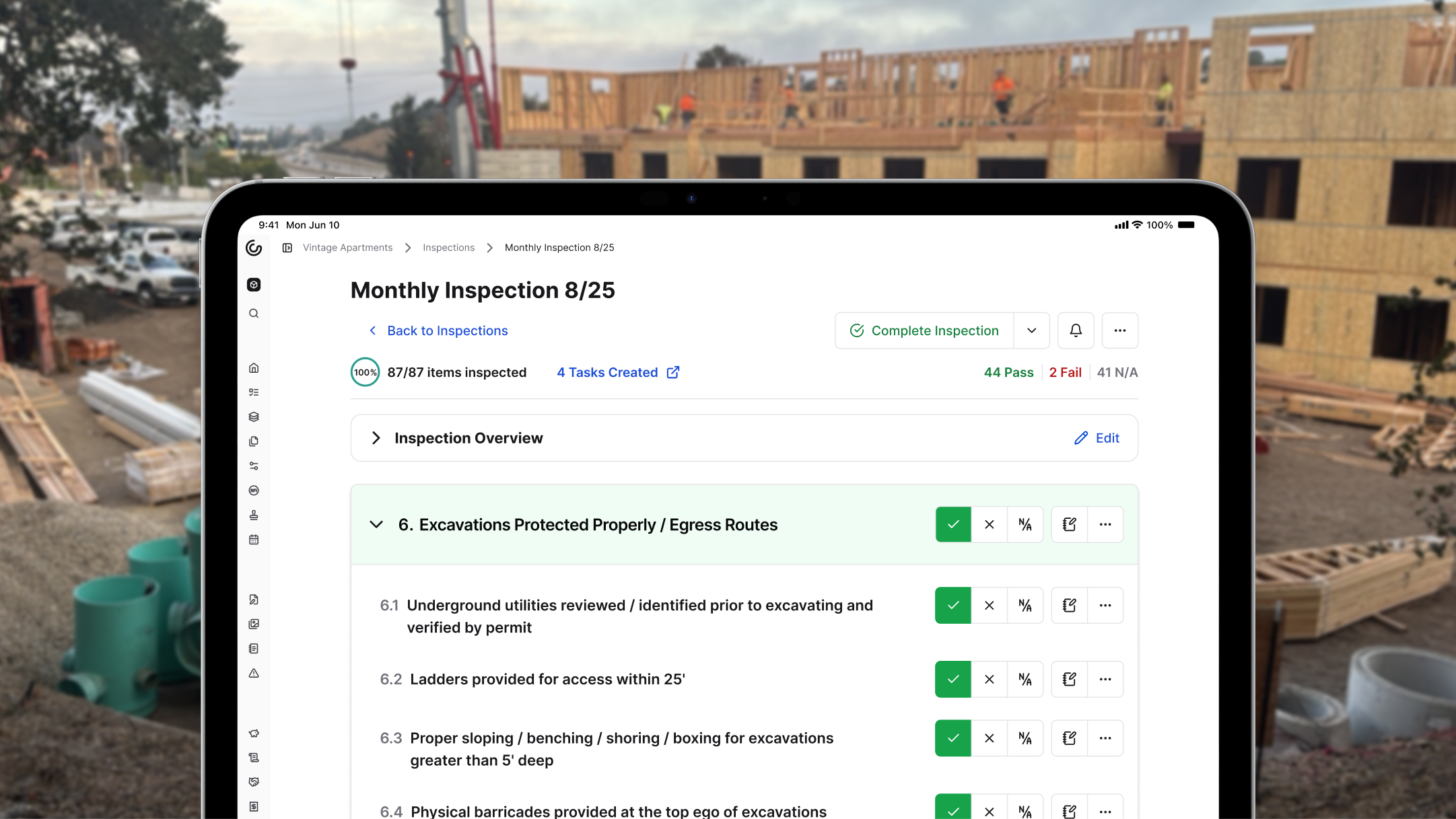\\n\\n\u003e The Inspection tool helps teams stay in compliance before an Inspector sets foot on the jobsite\\n\\n## Final thoughts on construction inspection management\\n\\nIf inspection failures are eating up your schedule, the fix isn't harder work from your crews; it's better coordination before the inspector arrives. Most of what causes re-inspections can be caught by your own team during a walkthrough the day before. Build inspection milestones into your preconstruction plan, keep your documentation connected to your drawings, and make sure your subs know what inspection-ready actually means. [Get in touch](https://constructable.ai/sales); we're happy to walk you through how it works.\\n\\n## FAQs\\n\\n### What happens if you fail a building inspection?\\n\\nThe inspector issues a written correction notice listing each deficiency. Work on the failed scope must stop until corrections are made and a re-inspection is passed. The permit remains open during this period, but the project cannot advance to the next phase in the affected area.\\n\\n### How many times can you fail a construction inspection?\\n\\nThere is no universal limit. Most jurisdictions allow repeated re-inspections as long as the permit is active and fees are paid. However, repeated failures trigger closer scrutiny from the AHJ and can result in stop-work orders if corrections aren't made in good faith. Some jurisdictions charge escalating re-inspection fees after the second failure.\\n\\n### Does a failed inspection affect your building permit?\\n\\nA failed inspection does not void the permit, but it does pause progress on the affected scope. If corrections aren't resolved within a jurisdiction-specified timeframe (often 30 to 180 days depending on the AHJ), the permit can lapse, requiring a renewal application and potentially a full plan re-review.\\n\\n### Can you cover work before the inspection is approved?\\n\\nNo. Covering work before it's inspected is one of the most serious violations a contractor can make. The inspector may require the work to be uncovered at the contractor's expense, and in some cases, the AHJ can issue a stop-work order for the entire project, not just the affected scope.\\n\\n### Can I build a construction inspection checklist without buying separate software?\\n\\nYes. Constructable's Inspections tool, available in [Field Tools](https://constructable.ai/features/field-management), lets you build custom checklists, run internal field reviews, and track pass/fail results before official inspections. No add-ons or point solutions needed: just draft your sections and items, walk the work, and document what you find.\\n\",[],[595,596,597,598,599,206,600],\"{\\\"@context\\\":\\\"https://schema.org\\\",\\\"@type\\\":\\\"FAQPage\\\",\\\"name\\\":\\\"Construction Inspection Readiness August 2026 | Constructable\\\",\\\"mainEntity\\\":[{\\\"@type\\\":\\\"Question\\\",\\\"name\\\":\\\"What happens if you fail a building inspection?\\\",\\\"acceptedA
165nswer\\\":{\\\"@type\\\":\\\"Answer\\\",\\\"text\\\":\\\"The inspector issues a written correction notice listing each deficiency. Work on the failed scope must stop until corrections are made and a re-inspection is passed. The permit remains open during this period, but the project cannot advance to the next phase in the affected area.\\\"}},{\\\"@type\\\":\\\"Question\\\",\\\"name\\\":\\\"How many times can you fail a construction inspection?\\\",\\\"acceptedAnswer\\\":{\\\"@type\\\":\\\"Answer\\\",\\\"text\\\":\\\"There is no universal limit. Most jurisdictions allow repeated re-inspections as long as the permit is active and fees are paid. However, repeated failures trigger closer scrutiny from the AHJ and can result in stop-work orders if corrections aren't made in good faith. Some jurisdictions charge escalating re-inspection fees after the second failure.\\\"}},{\\\"@type\\\":\\\"Question\\\",\\\"name\\\":\\\"Does a failed inspection affect your building permit?\\\",\\\"acceptedAnswer\\\":{\\\"@type\\\":\\\"Answer\\\",\\\"text\\\":\\\"A failed inspection does not void the permit, but it does pause progress on the affected scope. If corrections aren't resolved within a jurisdiction-specified timeframe (often 30 to 180 days depending on the AHJ), the permit can lapse, requiring a renewal application and potentially a full plan re-review.\\\"}},{\\\"@type\\\":\\\"Question\\\",\\\"name\\\":\\\"Can you cover work before the inspection is approved?\\\",\\\"acceptedA
165nswer\\\":{\\\"@type\\\":\\\"Answer\\\",\\\"text\\\":\\\"No. Covering work before it's inspected is one of the most serious violations a contractor can make. The inspector may require the work to be uncovered at the contractor's expense, and in some cases the AHJ can issue a stop-work order for the entire project, beyond the affected scope alone.\\\"}},{\\\"@type\\\":\\\"Question\\\",\\\"name\\\":\\\"Who is responsible when a subcontractor's work fails inspection?\\\",\\\"acceptedAnswer\\\":{\\\"@type\\\":\\\"Answer\\\",\\\"text\\\":\\\"The general contractor holds the permit and is responsible to the AHJ, regardless of which sub performed the work. Internally, the GC can enforce correction costs through the subcontract, but the GC owns the relationship with the inspector and the timeline consequences.\\\"}},{\\\"@type\\\":\\\"Question\\\",\\\"name\\\":\\\"Can I build a construction inspection checklist without buying separate software?\\\",\\\"acceptedAnswer\\\":{\\\"@type\\\":\\\"Answer\\\",\\\"text\\\":\\\"Yes. Constructable's Inspections tool, available in Field Tools, lets you build custom checklists, run internal field reviews, and track pass/fail results before official inspections. No add-ons or point solutions needed: just draft your sections and items, walk the work, and document what you find.\\\"}},{\\\"@type\\\":\\\"Question\\\",\\\"name\\\":\\\"What's the fastest way to prevent inspection failures without adding more meetings?\\\",\\\"acceptedA
165nswer\\\":{\\\"@type\\\":\\\"Answer\\\",\\\"text\\\":\\\"Pin Quality List items directly to your drawings before calling the inspection. Walk each rough-in scope with your trade foremen, mark anything incomplete, and assign fixes on the spot. When crews can see exactly what needs closing out on the plans themselves, gaps get caught by your team instead of the inspector.\\\"}},{\\\"@type\\\":\\\"Question\\\",\\\"name\\\":\\\"How do I prove work was done right when the inspector questions it?\\\",\\\"acceptedAnswer\\\":{\\\"@type\\\":\\\"Answer\\\",\\\"text\\\":\\\"Keep daily logs with timestamped photos of work before it gets covered: rough-ins, rebar placement, concealed conditions. When an inspector asks whether something was installed correctly or what mix design was used, a photo and log entry from that day answer it immediately. No documentation means you're asking them to take your word for it.\\\"}}],\\\"url\\\":\\\"https://constructable.ai/blog/construction-inspection-process-pass-without-delays\\\",\\\"dateModified\\\":\\\"2026-08-25T18:25:03.000Z\\\",\\\"author\\\":{\\\"@type\\\":\\\"Organization\\\",\\\"name\\\":\\\"Constructable\\\"}}\\n\",\"{\\\"@context\\\":\\\"https://schema.org\\\",\\\"@type\\\":\\\"BlogPosting\\\",\\\"headline\\\":\\\"Construction Inspection Readiness August 2026 | Constructable\\\",\\\"description\\\":\\\"Learn what causes construction inspection failures and how contractors prevent delays in August 2026 with better documentation, coordination, and field reviews.\\\",\\\"datePublished\\\":\\\"2026-04-20T17:07:06.854Z\\\",\\\"dateModified\\\":\\\"2026-08-25T18:25:03.000Z\\\",\\\"author\\\":{\\\"@type\\\":\\\"Organization\\\",\\\"name\\\":\\\"Constructable\\\"},\\\"url\\\":\\\"https://constructable.ai/blog/construction-inspection-process-pass-without-delays\\\",\\\"wordCount\\\":2989}\\n\",\"construction inspections fail really costs\",\"real cost inspection delays commercial projects\",\"inspection readiness starts preconstruction\",\"common documentation gaps trigger inspection failures\",\"trade coordination determines inspection success\",\"causes\",\"autodesk-construction-cloud-reviews-pricing-alternatives\",\"Autodesk Construction Cloud Reviews, Pricing, and Alternatives (April 2026)\",\"Read real Autodesk Construction Cloud reviews, pricing details, and top alternatives for mid-size GCs. Compare ACC with better options in April 2026.\",\"2026-04-20T18:06:34.929Z\",\"When you're looking at Autodesk alternatives, it usually means you've already run into the same issues everyone else has: opaque pricing, complicated onboarding, and a product that feels like several different apps because, well, it basically is. With [digital tool adoption surging 392% since 2022](https://www.constructionowners.com/press-release/estimating-tech-leads-preconstruction), picking the right system matters more than ever.\\n\\nAutodesk Construction Cloud (ACC) works well if you're doing heavy BIM coordination and already live in Revit, but for many mid-size GCs, the overhead outweighs the benefits. Here's how ACC stacks up, where it struggles, and what else is worth considering if you need something that works without the runway.\\n\\n**TLDR:**\\n\\n- Autodesk Construction Cloud is a collection of acquired tools stitched together, not one unified system.\\n- Pricing isn't published and often requires third-party consultants just to get up and running.\\n- Mid-size GCs ($20M-$150M volume) often find ACC's complexity outweighs its benefits.\\n- Constructable offers flat-fee pricing with unlimited users and onboarding under 21 days, no consultants needed.\\n\\n## What is Autodesk Construction Cloud and How Does it Work?\\n\\nAutodesk Construction Cloud is Autodesk's attempt to bring construction project management under one roof. It pulls together a collection of acquired products, including BIM 360, PlanGrid, Assemble, and BuildingConnected, into a connected suite covering the full project lifecycle from preconstruction through closeout.\\n\\nThe core of ACC revolves around a few key capability areas:\\n\\n- Document management and drawing distribution across project teams\\
165n- BIM coordination and model-based workflows for design and field alignment\\n- Field execution tools covering RFIs, submittals, and daily logs\\n- Cost management and budget tracking throughout construction\\n- Preconstruction and bid management through BuildingConnected\\n\\nACC is built around a cloud-based model viewer that lets project teams coordinate on 3D models and 2D drawings simultaneously. Field teams can pull up plans on mobile, log issues, and tie information back to the model. For teams implementing [BIM coordination workflows](https://www.newforma.com/essential-strategies-for-harnessing-building-information-modeling-bim-coordination/), these model-based tools provide real value.\\n\\nThe product targets large general contractors, owners, and design firms, particularly those already using Autodesk's design tools like Revit or AutoCAD. For teams doing heavy BIM coordination, the model-based workflows are a real draw.\\n\\n### What to Know Before You Buy\\n\\nWhat you're getting here is not a single product built from the ground up. ACC is a collection of tools stitched together through acquisitions over time. That history shapes both the day-to-day experience and the pricing structure, and it's worth understanding before you commit.\\n\\n## Why Consider Autodesk Construction Cloud Alternatives?\\n\\nACC does a lot of things well. For large firms doing heavy BIM coordination or already running Revit and AutoCAD across their design workflow, the ecosystem integration is genuinely valuable. Document management is solid, and the model-based collaboration tools are best-in-class for the right context.\\n\\nThat said, a lot of mid-size GCs come away from ACC with the same handful of complaints. Here's where the friction tends to show up:\\n\\n- The product was assembled through acquisitions, not built as one system. That history shows up in the UX, where different modules feel like different products (because they basically are).\\n- Pricing is opaque. According to G2, ACC does not publish pricing publicly, and the total cost of ownership goes well beyond the license fee once you factor in implementation, training, and integrations.\\n- Onboarding often requires a third-party consultant. For a team trying to be up and running in weeks, that's a hard pill to swallow.\\n- Field tools feel like they were built for the office. Superintendents who just want to pull up a drawing and log a note shouldn't need a training session to do it.\\n- Product iteration moves slowly. When you're managing legacy architecture across multiple acquired products, shipping meaningful improvements takes time.\\n\\nFor teams running $20M to $150M in annual volume, the overhead of implementing and maintaining ACC can outweigh the benefits. If BIM coordination is your world, ACC makes sense. If you're a GC looking for something that works without a runway, it's worth looking around.\\n\\n## Best Autodesk Construction Cloud Alternatives in April 2026\\n\\nThere's no shortage of options when you're ready to move on from ACC. Some are better fits than others depending on your size, workflow, and budget. Here's how the top alternatives stack up.\\n\\n### 1\\\\. Constructable\\n\\nBuilt for [mid-size GCs](https://constructable.ai/blog/best-software-mid-size-contractors) running $20M to $150M in annual volume, **Constructable** puts everything in one place: drawings, RFIs, submittals, daily logs, change orders, financials, and much more. Drawings are the center of gravity, with RFIs, punch items, and markups pinned directly to the plans.\\n\\n- Drawings-first collaboration with direct markup and RFI pinning on plans\\n- AI-powered search across documents, photos, drawings, and logs\\n- Flat-fee pricing with unlimited users, including subs, owners, and consultants\\n- Onboarding under 21 days with no consultant required\\n\\n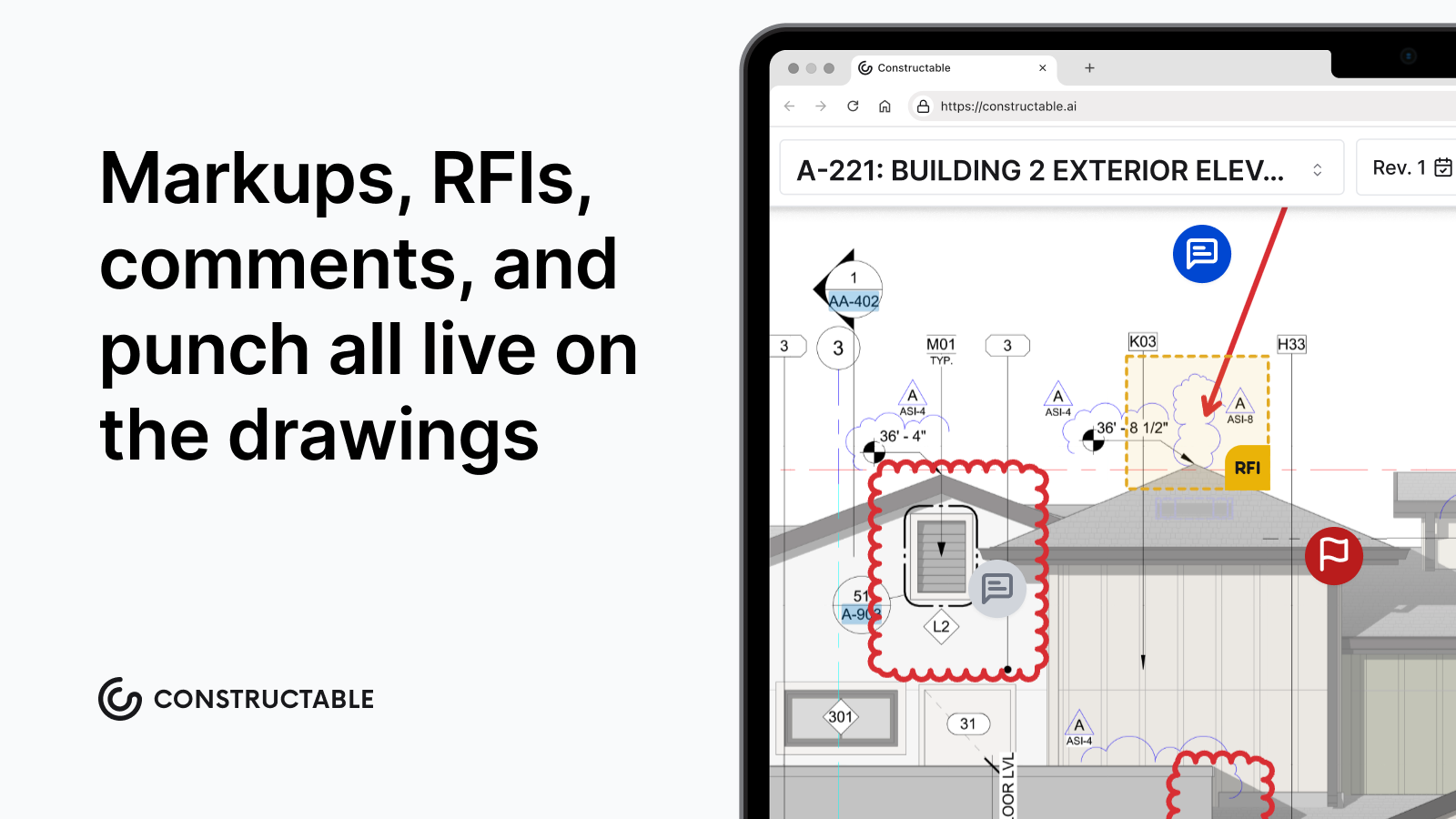\\n\\nBest for: Mid-size commercial GCs who want one system that actually works together without the enterprise overhead.\\n\\n### 2\\\\. Procore\\n\\n[Procore is the market leader](https://constructable.ai/compare/procore) and covers a wide feature set across financials, field tools, and project management. It handles complex workflows and has a large integration ecosystem.\\n\\n- Deep financial and subcontractor management tools\\n- Large third-party integration library\\n- Strong document control and submittal workflows\\n\\nBest for: Larger GCs with dedicated software admins and implementation budgets.\\n\\nLimitations: Pricing scales with construction volume and gets expensive fast. Onboarding often requires a consultant. The breadth of features creates real complexity for smaller teams who only need a fraction of what's there.\\n\\n### 3\\\\. Fieldwire\\n\\n[Fieldwire](https://constructable.ai/blog/fieldwire-reviews-pricing-alternatives) focu
165ses on field execution, drawings, and task management. It does what it does well, but it's a point solution by design.\\n\\n- Clean drawing viewer with markup tools\\n- Task and punch list management\\n- Simple enough for field crews to pick up fast\\n\\nBest for: Teams that need a focused field tool and are okay running separate software for everything else.\\n\\nLimitations: No financials, no submittals, no depth to RFI workflow. You'll still need other tools alongside it.\\n\\n### 4\\\\. RedTeam\\n\\n[RedTeam](https://constructable.ai/blog/constructable-vs-redteam) covers project management basics with a financial lean, including contracts, change orders, and subcontractor coordination.\\n\\n- Subcontractor management and bid solicitation\\n- Contract and change order tracking\\n- Basic drawing and document management\\n\\nBest for: Smaller GCs focused on subcontractor coordination and contract management.\\n\\nLimitations: The interface feels dated compared to newer tools, and the drawing and field tools aren't the product's strengths.\\n\\n### 5\\\\. Ingenious Build\\n\\nIngenious Build takes an owner-centric approach to project management, with portfolio-level reporting and program oversight.\\n\\n- Portfolio and program-level dashboards\\n- Budget tracking across multiple projects\\n- Owner reporting tools\\n\\nBest for: Owners and developers managing multiple projects who need visibility across a portfolio.\\n\\nLimitations: The abstractions that work well for owners don't always translate for GCs who need granular field and document workflows.\\n\\n## Feature Comparison: Autodesk Construction Cloud vs Top Alternatives\\n\\nThe table below puts the major players side by side across the features that actually matter on a busy project.\\n\\n| Feature | Autodesk Construction Cloud | Constructable | Procore | Fieldwire | RedTeam | Ingenious Build |\\n| ------------------- | --------------------------- | -------------------- | ------------ | --------- | -------- | --------------- |\\n| Drawing Management | Yes | Yes, drawings-first | Yes | Yes | Basic | Basic |\\n| RFI Workflows | Yes | Pinned to drawings | Yes | No | Basic | No |\\n| Field Collaboration | Yes | Yes | Yes | Yes | Limited | No |\\n| Financial Tracking | Yes | Yes | Yes | No | Yes | Yes |\\n| AI-Powered Search | Limited | Yes, across all data | Limited | No | No | No |\\n| Pricing Model | Opaque, volume-based | Flat fee | Volume-based | Per user | Per user | Per user |\\n| Unlimited Users | No | Yes | No | No | No | No |\\n| Onboarding Included | No | Yes, under 21 days | No | No | No | No |\\n| Built as One System | No | Yes | Mostly | Yes | Yes | Yes |\\n\\nThe last row is one worth paying attention to. ACC was assembled through a series of acquisitions, and that history shows up everywhere, from how you log in to how pricing is structured to who you call when something breaks. **Constructable** was built as a single product from day one, which means the drawing tools, RFI workflows, and financial tracking all speak the same language without requiring workarounds or duplicate data entry to hold it together.\\n\\n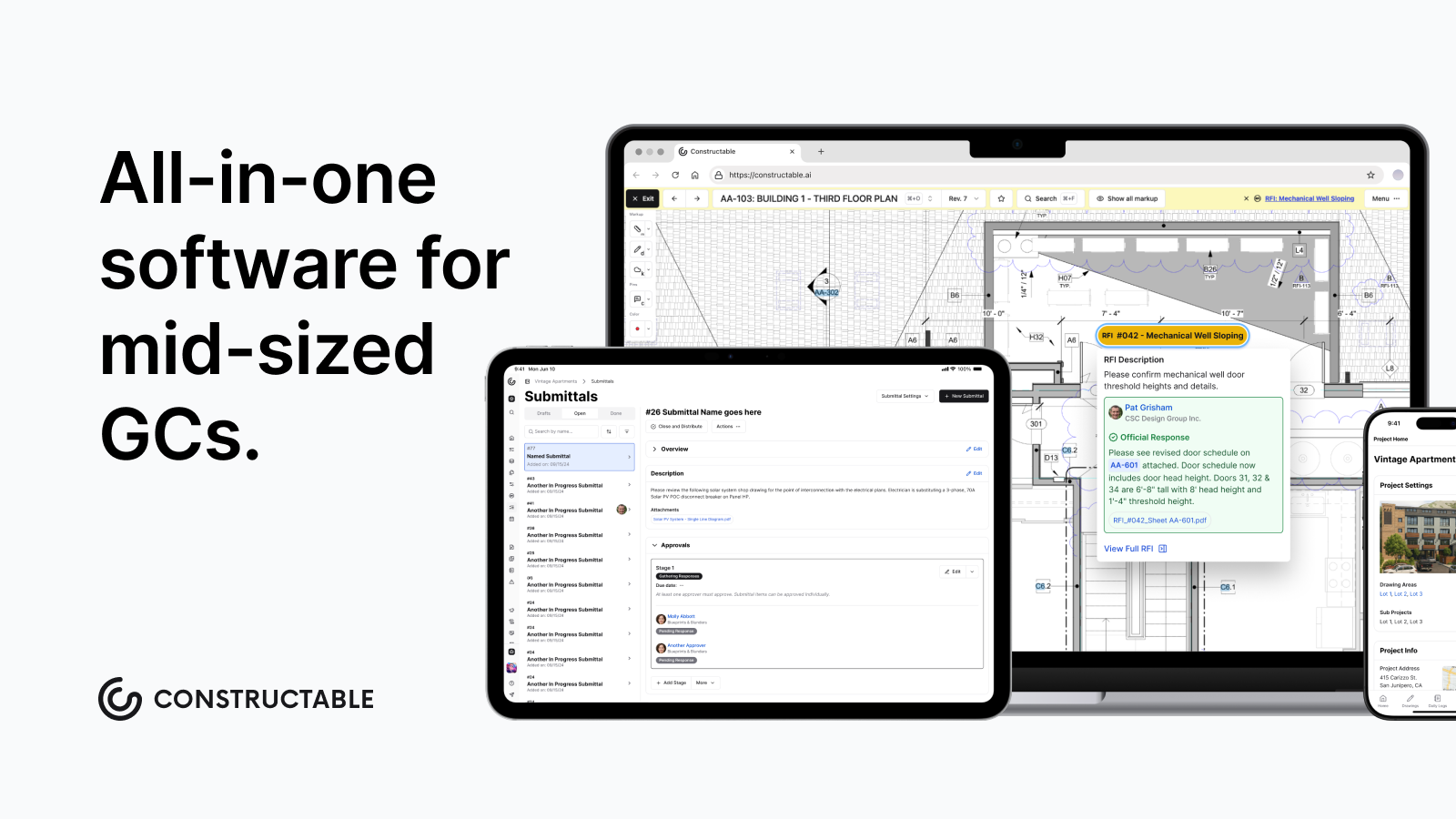\\n\\n## Why Constructable is the Best Autodesk Construction Cloud Alternative\\n\\nAutodesk Construction Cloud makes sense if your work revolves around Revit, you have someone on staff to manage the software, and your projects demand heavy BIM coordination. For everyone else, the complexity and the cost don't add up.\\n\\nConstructable was built from the ground up as one system, not assembled from acquisitions. That matters because your drawings, RFIs, daily logs, and financials actually work together without workarounds or duct tape holding them in place.\\n\\nHere is what sets it apart for the contractors who care more about getting the job done than learning new software:\\n\\n- Flat-fee pricing with unlimited users means you stop doing math every time a sub needs access. The bill stays predictable, which is one less thing on your plate.\\n- Onboarding under 21 days means your team is running in weeks, not quarters. No six-month implementation, no dedicated IT project just to get started.\\n- Everything your field and office teams touch lives in one place. No toggling between apps, no wondering which version is current, no one falling through the cracks.\\n- Real humans are there when something goes wrong. Not a ticket queue. Not a chatbot. Someone who picks up and helps you work through it.\\n\\nIf you want a tool your crews will actually open in the morning without being asked, Constructable is worth a serious look.\\n\\n## Final Thoughts on Picking Softw
165are Your Team Will Use\\n\\nPicking software is one of those decisions that follows your team for years. Get it right, and nobody noticesâthe job just moves. Get it wrong, and you're managing the tool instead of the project. If you want to see how **Constructable** runs on real work, [grab some time with us,](https://constructable.ai/sales) and we'll walk you through it.\\n\\n## FAQ\\n\\n### Why should you consider switching from Autodesk Construction Cloud?\\n\\nIf you're spending more time managing the software than managing the project, or if your field teams avoid using it because it's too complicated, it's time to look elsewhere. ACC makes sense for firms doing heavy BIM coordination, but for most mid-size GCs, the cost, complexity, and onboarding overhead outweigh the benefits.\\n\\n### What matters most when comparing construction management software?\\n\\nLook for a system where your drawings, RFIs, and daily logs actually talk to each other without workarounds. Flat-fee pricing matters because you shouldn't have to do math every time someone needs access. And if onboarding takes more than a month or requires hiring a consultant, keep looking.\\n\\n### How long does it take to get up and running on a new system?\\n\\nWith Constructable, most teams are live in under 21 days. No consultant required. Compare that to ACC or Procore, where implementation often runs three to six months and requires dedicated IT resources just to get everyone logged in and trained.\\n\\n### Can you run an entire project in one tool without jumping between systems?\\n\\nYes, but only if the software was built as one system from the start. ACC was pieced together through acquisitions, so different modules feel disconnected because they are. Constructable handles drawings, RFIs, submittals, daily logs, financials, and change orders in one place, built by one team and designed to work together.\\n\\n### What's the real difference between flat-fee pricing and per-user pricing?\\n\\nFlat-fee pricing means your bill stays predictable no matter how many subs, consultants, or owners need access. Per-user pricing punishes you for collaboration. Every new login costs money, so teams end up sharing accounts or leaving people out of the loop just to control costs.\\n\",[],[610,611,612,613,220],\"{\\\"@context\\\":\\\"https://schema.org\\\",\\\"@type\\\":\\\"FAQPage\\\",\\\"name\\\":\\\"Autodesk Construction Cloud Reviews, Pricing, and Alternatives (April 2026)\\\",\\\"mainEntity\\\":[{\\\"@type\\\":\\\"Question\\\",\\\"name\\\":\\\"Why should you consider switching from Autodesk Construction Cloud?\\\",\\\"acceptedA
165nswer\\\":{\\\"@type\\\":\\\"Answer\\\",\\\"text\\\":\\\"If you're spending more time managing the software than managing the project, or if your field teams avoid using it because it's too complicated, it's time to look elsewhere. ACC makes sense for firms doing heavy BIM coordination, but for most mid-size GCs, the cost, complexity, and onboarding overhead outweigh the benefits.\\\"}},{\\\"@type\\\":\\\"Question\\\",\\\"name\\\":\\\"What should you prioritize when comparing construction management software?\\\",\\\"acceptedAnswer\\\":{\\\"@type\\\":\\\"Answer\\\",\\\"text\\\":\\\"Look for a system where your drawings, RFIs, and daily logs actually talk to each other without workarounds. Flat-fee pricing matters because you shouldn't have to do math every time someone needs access. And if onboarding takes more than a month or requires hiring a consultant, keep looking.\\\"}},{\\\"@type\\\":\\\"Question\\\",\\\"name\\\":\\\"How long does it take to get up and running on a new system?\\\",\\\"acceptedAnswer\\\":{\\\"@type\\\":\\\"Answer\\\",\\\"text\\\":\\\"With Constructable, most teams are live in under 21 daysâno consultant required. Compare that to ACC or Procore, where implementation often runs three to six months and requires dedicated IT resources just to get everyone logged in and trained.\\\"}},{\\\"@type\\\":\\\"Question\\\",\\\"name\\\":\\\"Can you run an entire project in one tool without jumping between systems?\\\",\\\"acceptedA
165nswer\\\":{\\\"@type\\\":\\\"Answer\\\",\\\"text\\\":\\\"Yes, but only if the software was built as one system from the start. ACC was pieced together through acquisitions, so different modules feel disconnected because they are. Constructable handles drawings, RFIs, submittals, daily logs, financials, and change orders in one placeâbuilt by one team, designed to work together.\\\"}},{\\\"@type\\\":\\\"Question\\\",\\\"name\\\":\\\"What's the real difference between flat-fee pricing and per-user pricing?\\\",\\\"acceptedAnswer\\\":{\\\"@type\\\":\\\"Answer\\\",\\\"text\\\":\\\"Flat-fee pricing means your bill stays predictable no matter how many subs, consultants, or owners need access. Per-user pricing punishes you for collaborationâevery new login costs money, so teams end up sharing accounts or leaving people out of the loop just to control costs.\\\"}},{\\\"@type\\\":\\\"Question\\\",\\\"name\\\":\\\"What is Autodesk Construction Cloud made up of?\\\",\\\"acceptedAnswer\\\":{\\\"@type\\\":\\\"Answer\\\",\\\"text\\\":\\\"Autodesk Construction Cloud is a collection of acquired products stitched together, including BIM 360, PlanGrid, Assemble, and BuildingConnected. It's not a single unified system built from the ground up, which is why different modules feel like different products.\\\"}},{\\\"@type\\\":\\\"Question\\\",\\\"name\\\":\\\"Who is Autodesk Construction Cloud best suited for?\\\",\\\"acceptedA
165nswer\\\":{\\\"@type\\\":\\\"Answer\\\",\\\"text\\\":\\\"ACC works best for large general contractors, owners, and design firms doing heavy BIM coordination, particularly those already running Autodesk's design tools like Revit or AutoCAD. For teams deeply integrated into the Autodesk ecosystem, the model-based workflows and integration are genuinely valuable.\\\"}},{\\\"@type\\\":\\\"Question\\\",\\\"name\\\":\\\"Why is Autodesk Construction Cloud pricing considered opaque?\\\",\\\"acceptedAnswer\\\":{\\\"@type\\\":\\\"Answer\\\",\\\"text\\\":\\\"According to G2, ACC does not publish pricing publicly, and the total cost of ownership extends well beyond the license fee once you factor in implementation, training, and integrations. Many implementations require third-party consultants just to get up and running.\\\"}},{\\\"@type\\\":\\\"Question\\\",\\\"name\\\":\\\"What are the main complaints mid-size contractors have about ACC?\\\",\\\"acceptedAnswer\\\":{\\\"@type\\\":\\\"Answer\\\",\\\"text\\\":\\\"Mid-size GCs commonly report that ACC's different modules feel disconnected, onboarding requires expensive consultants, field tools are not intuitive for superintendents, and the overhead of implementing and maintaining the system outweighs the benefits for their project volume.\\\"}},{\\\"@type\\\":\\\"Question\\\",\\\"name\\\":\\\"Does Autodesk Construction Cloud require a consultant to implement?\\\",\\\"acceptedA
165nswer\\\":{\\\"@type\\\":\\\"Answer\\\",\\\"text\\\":\\\"Onboarding ACC often requires a third-party consultant, which adds both time and cost to implementation. For teams trying to be up and running in weeks rather than months, this represents a significant barrier.\\\"}},{\\\"@type\\\":\\\"Question\\\",\\\"name\\\":\\\"What makes Constructable different from Autodesk Construction Cloud?\\\",\\\"acceptedAnswer\\\":{\\\"@type\\\":\\\"Answer\\\",\\\"text\\\":\\\"Constructable was built from the ground up as one unified system rather than assembled through acquisitions, offers flat-fee pricing with unlimited users, and provides onboarding in under 21 days without requiring consultants. Everything from drawings to RFIs to financials works together natively.\\\"}},{\\\"@type\\\":\\\"Question\\\",\\\"name\\\":\\\"Is Autodesk Construction Cloud good for field teams?\\\",\\\"acceptedAnswer\\\":{\\\"@type\\\":\\\"Answer\\\",\\\"text\\\":\\\"Field tools in ACC often feel like they were built for the office rather than the field. Superintendents who just want to pull up a drawing and log a note shouldn't need a training session, but ACC's complexity can make simple tasks unnecessarily difficult.\\\"}},{\\\"@type\\\":\\\"Question\\\",\\\"name\\\":\\\"What does unlimited users mean in construction software pricing?\\\",\\\"acceptedA
165nswer\\\":{\\\"@type\\\":\\\"Answer\\\",\\\"text\\\":\\\"Unlimited users means you can give access to everyone who needs itâsubs, owners, consultants, field crewsâwithout your bill changing. This eliminates the need to do math every time someone needs access or share accounts to control costs.\\\"}},{\\\"@type\\\":\\\"Question\\\",\\\"name\\\":\\\"How does BIM coordination work in Autodesk Construction Cloud?\\\",\\\"acceptedAnswer\\\":{\\\"@type\\\":\\\"Answer\\\",\\\"text\\\":\\\"ACC is built around a cloud-based model viewer that lets project teams coordinate on 3D models and 2D drawings simultaneously. Field teams can pull up plans on mobile, log issues, and tie information back to the model, making it particularly strong for teams doing heavy BIM coordination.\\\"}},{\\\"@type\\\":\\\"Question\\\",\\\"name\\\":\\\"What's the typical implementation timeline for Autodesk Construction Cloud?\\\",\\\"acceptedAnswer\\\":{\\\"@type\\\":\\\"Answer\\\",\\\"text\\\":\\\"Implementation for ACC typically runs three to six months and often requires dedicated IT resources and third-party consultants just to get everyone logged in and trained. This is significantly longer than purpose-built alternatives that can go live in weeks.\\\"}}],\\\"url\\\":\\\"https://constructable.ai/blog/autodesk-construction-cloud-reviews-pricing-alternatives\\\",\\\"dateModified\\\":\\\"2026-04-20T18:06:34.929Z\\\",\\\"author\\\":{\\\"@type\\\":\\\"Organization\\\",\\\"name\\\":\\\"Constructable\\\"}}\\n\",\"{\\\"@context\\\":\\\"https://schema.org\\\",\\\"@type\\\":\\\"BlogPosting\\\",\\\"headline\\\":\\\"Autodesk Construction Cloud Reviews, Pricing, and Alternatives (April 2026)\\\",\\\"description\\\":\\\"Read real Autodesk Construction Cloud reviews, pricing details, and top alternatives for mid-size GCs. Compare ACC with better options in April 2026.\\\",\\\"datePublished\\\":\\\"2026-04-20T18:06:34.929Z\\\",\\\"dateModified\\\":\\\"2026-04-20T18:06:34.929Z\\\",\\\"author\\\":{\\\"@type\\\":\\\"Organization\\\",\\\"name\\\":\\\"Constructable\\\"},\\\"url\\\":\\\"https://constructable.ai/blog/autodesk-construction-cloud-reviews-pricing-alternatives\\\",\\\"wordCount\\\":1874,\\\"keywords\\\":[\\\"autodesk construction cloud reviews\\\",\\\"autodesk construction pricing\\\",\\\"autodesk alternatives\\\",\\\"construction software\\\"]}\\n\",\"autodesk construction cloud work\",\"know before buy\",\"consider autodesk construction cloud alternatives\",\"best autodesk construction cloud alternatives april 2026\",\"plangrid-reviews-pricing-alternatives\",\"PlanGrid Alternatives \u0026 Reviews (August 2026)\",\"PlanGrid reviews, pricing breakdown, and top alternatives in August 2026. Compare features, costs, and why contractors are switching to better solutions.\",\"2026-05-01T21:47:32.465Z\",\"2026-08-07T17:54:37.000Z\",\"Most of the PlanGrid reviews you'll find today come from teams that liked it when mobile blueprints were the main focus, but now they're stuck with a tool that hasn't changed in years. Autodesk put it in maintenance mode, the per-user and per-sheet costs keep rising, and you're still running RFIs, change orders, and financials somewhere else. We're breaking down the real pricing in 2026, what's missing, and which alternatives let you run the full project without duct-taping four tools together.\\n\\n**TLDR:**\\n\\n- PlanGrid halted development in 2021 and caps base plans at 550 sheets with per-user fees\\n\\n- Autodesk merged PlanGrid into Construction Cloud, pushing users toward a larger ecosystem\\n\\n- **Constructable** offers flat monthly pricing with unlimited users and active monthly updates\\n\\n- Per-seat pricing across alternatives adds up fast once subs and consultants join projects\\n\\n- **Constructable** unifies drawings, RFIs, financials, and AI search in one connected system\\n\\n## What is PlanGrid and How Does it Work?\\n\\nPlanGrid started as a field-focused construction app built around one core idea: get the right drawings to the right people, on any device, from anywhere. [Autodesk acquired it for $875 million](https://techcrunch.com/2018/11/20/autodesk-agrees-to-buy-plangrid-for-875-million/) in December 2018, and it has since been folded into Autodesk Bu
165ild, which merges PlanGrid's sheet management strengths with Build's broader project management capabilities.\\n\\nAt its core, PlanGrid is a mobile-ready suite for storing blueprints and documents in the field. The feature set covers the essentials most field teams need:\\n\\n- Sheet management and blueprint storage accessible from a phone or tablet on the jobsite\\n\\n- Task tracking, RFIs, and submittals to keep documentation moving between parties\\n\\n- Field reports and photo storage to capture what's happening on the ground\\n\\nThe goal is a single source of truth for project-wide documents and drawings, no matter who needs them or where they are.\\n\\nPricing follows a per-user model. Based on [last published pricing](https://www.plangrid.com/pricing/), the Nailgun plan runs $39 per user per month, billed annually, or $49 per user per month, and covers up to 550 sheets. If your team grows or your project sheet count climbs, expect costs to rise with them.\\n\\nPlanGrid carved out a real niche for contractors who needed mobile drawing access before that was common. The tradeoff is that its scope remains narrower than that of full project management tools, and since the Autodesk acquisition, many users have found themselves nudged toward the larger, more expensive Autodesk Construction Cloud ecosystem.\\n\\n## Why Consider PlanGrid Alternatives?\\n\\nPlanGrid earned its place on jobsites. Before the Autodesk acquisition, PlanGrid reported more than a million projects on its platform, which says something real. But the product was always narrow by design, and that narrowness has become harder to ignore.\\n\\nThe limitations were always there. Thin permission controls. No scheduling, no email tracking, no commissioning tools. For pure field document access, it worked. For managing a full project, you were still piecing things together elsewhere.\\n\\nThen Autodesk paused development. That was over five years ago. PlanGrid is now in maintenance mode, which means it runs, but nothing new is coming. No updates. No new features. The road just ends. Existing customers can continue to use it but it's no longer an option for those looking for software.\\n\\n[Construction software pricing models](https://buildern.com/resources/blog/construction-software-cost/) vary widely, and PlanGrid's approach adds more friction:\\n\\n- Sheet-based pricing caps your plan at 550 sheets on the base tier, which fills up faster than you'd expect on a busy job\\n\\n- Per-user fees mean every new team member, sub, or consultant adds to the bill\\n\\n- Features like integrated financials, fast RFI workflows, and built-in templates are either missing or weak\\n\\nTeams often start looking at alternatives when the combination hits: a stalled product, rising costs, and the realization that they still need a second or third tool to run the rest of the project. That gap is exactly where the other options step in.\\n\\n## Best PlanGrid Alternatives in August 2026\\n\\nHere are the five strongest alternatives to PlanGrid for mid-size general contractors in 2026.\\n\\n### **Constructable** (Best Overall)\\n\\nConstructable is built for mid-size GCs managing commercial projects from bidding to closeout. Drawings, RFIs, submittals, photos, punch lists, financials, and more all live in one connected system: no second login, no spreadsheet for the stuff the app can't do. **Flat monthly pricing** means unlimited users across every role, including subs, owners, and consultants, without the per-seat math that gets expensive the moment a job picks up.\\n\\n**Best suited for** GCs running $20M to $150M in annual volume who want field and office teams working in the same system without enterprise overhead.\\n\\n### Autodesk Forma (f.k.a. Construction Cloud)\\n\\nAutodesk's answer to PlanGrid's limitations is merging field tools with BIM 360 and broader project management. Strong for teams already deep in the Autodesk ecosystem. For a deeper look, see our [Autodesk Construction Cloud reviews and pricing](https://constructable.ai/blog/autodesk-construction-cloud-reviews-pricing-alternatives) breakdown. Pricing is quote-based, and the product architecture reflects its acquisition history with inconsistent UX across modules. Works best for large enterprises with heavy BIM needs and dedicated IT support.\\n\\n### Procore\\n\\n[Enterprise-grade coverage across project execution](https://constructable.ai/blog/constructable-vs-procore-which-is-better), cost management, and resource planning. Unlimited users on volume-based pricing, but expect to pay $10,000 to $100,000+ annually, depending on modules. Steep learning curves and click-heavy n
165avigation are common complaints.\\n\\nBest suited for contractors with annual volume over $100M and dedicated staff to manage the system.\\n\\n### Fieldwire\\n\\nMobile-first task and plan management with solid offline capability and a free tier for small teams. No estimating, no invoicing, no financial workflows. When billing time comes, you export data to a separate system. See our full [Fieldwire reviews and alternatives](https://constructable.ai/blog/fieldwire-reviews-pricing-alternatives) for a closer look.\\n\\nBest suited for field crews needing a focused tool for task execution and plan viewing.\\n\\n### RedTeam\\n\\nBroad coverage from estimating through closeout with QuickBooks Online integration and per-user pricing starting around $45 per month (verify current rates). The tradeoff is dated UX, slow performance reported by users, and infrequent updates. Teams tolerate it more than they enjoy it; our [RedTeam reviews and pricing](https://constructable.ai/blog/redteam-reviews-pricing-alternatives) covers this in detail.\\n\\nBest suited for budget-conscious buyers willing to accept the limitations of legacy software.\\n\\n## Feature Comparison: PlanGrid vs Top Alternatives\\n\\nSide-by-side comparisons cut through the noise fast. Here's how PlanGrid stacks up against the top alternatives across the features that actually matter on a commercial project.\\n\\n| Feature | PlanGrid | Constructable | Autodesk Construction Cloud | Procore | Fieldwire | RedTeam |\\n| --------------------------- | -------- | ------------- | --------------------------- | ------- | --------- | ------- |\\n| Drawing Management | Yes | Yes | Yes | Yes | Yes | Yes |\\n| Unlimited Drawing Sheets | No | Yes | Yes | Yes | No | Yes |\\n| Native Financial Management | No | Yes | Yes | Yes | No | Yes |\\n| Unlimited Users | No | Yes | No | Yes | No | No |\\n| Document Search | Limited | Yes | Yes | Limited | No | No |\\n| Bidding \u0026 Estimating | No | Yes | Limited | Yes | No | Yes |\\n| Active Product Development | No | Yes | Yes | Yes | Yes | Limited |\\n| Flat Monthly Pricing | No | Yes | No | No | No | No |\\n\\nTwo things stand out here. First, PlanGrid is in maintenance mode, which means it's not really an option unless you're already a customer. And when development stops, the product stops keeping up with how you actually work. Second, **Constructable** is the only option offering flat monthly pricing with unlimited users. That matters a lot once subs and owners start joining your projects, because per-seat pricing has a way of quietly getting out of hand the moment a job picks up momentum.\\n\\n## Why Constructable is the Best PlanGrid Alternative\\n\\nPlanGrid was built for the field, and it delivered on that promise for years. It built a solid reputation in the industry. But field-first only takes you so far when RFIs are piling up, change orders need signatures, and your subs are asking about budget status. At some point, drawings alone stop being enough.\\n\\n**Constructable** picks up where PlanGrid leaves off. [The drawing experience your team relies on](https://constructable.ai/blog/straight-shooters-guide-drawing-management-software) is there, but so are native RFIs, submittals, change orders, daily logs, punch lists, and financials, all connected and all in one place. No second login. No spreadsheet for the stuff the app can't do. That's what [construction management software](https://constructable.ai/blog/construction-management-software) should do: keep your entire project workflow in sync without splitting your team across multiple tools.\\n\\n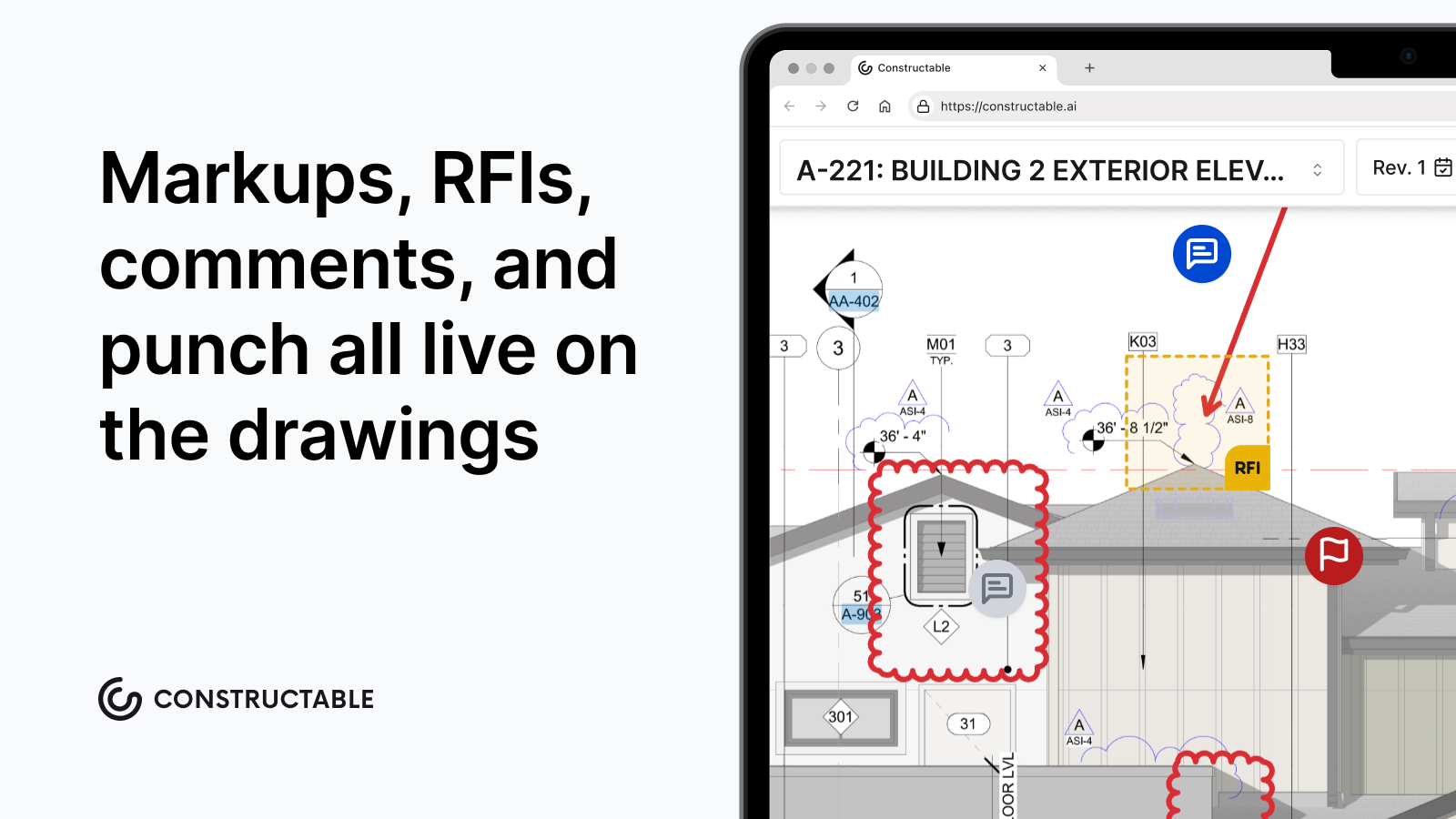\\n\\n**Constructable** is also leading the industry by being the first (and as of August 2026, the only!) construction management software with full read and write integrations on both OpenAI's ChatGPT Plugin directory and Anthropic's Claude Connectors directory via Constructable's MCP (model context protocol). It's very easy to set up, and it means you can use your favorite AI workspace to read and write information directly from your projects in Constructable.\\n\\n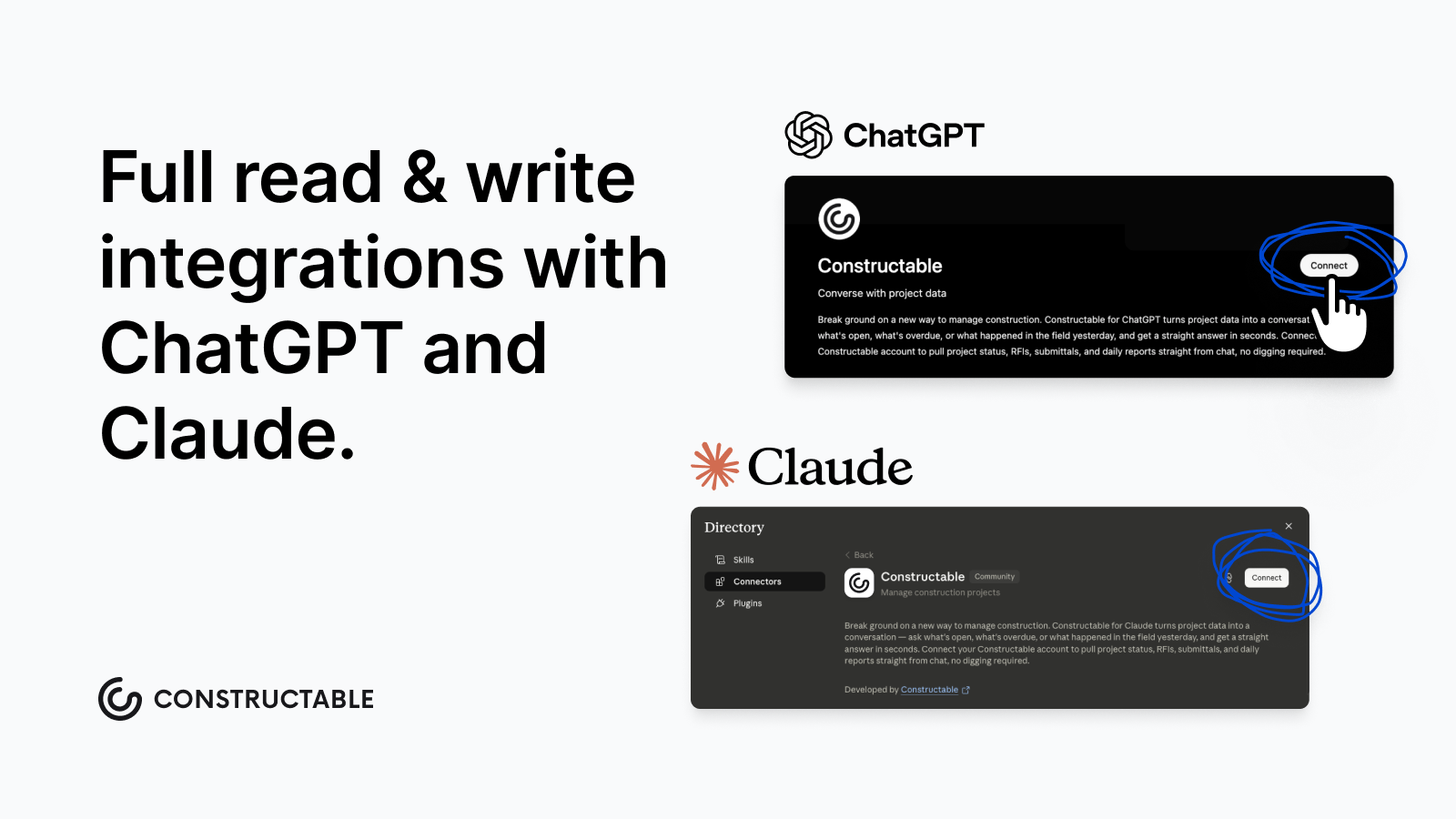\\n\\n**Constructable** ships updates every week based on real conversations with GCs. That's the opposite of a product in maintenance mode. Flat pricing means your subs, owners, and consultants can be in the system without running up the bill. Check out the latest at [https://constructable.ai/whats-new](https://constructable.ai/whats-new)\\n\\nIf PlanGrid solved drawings, **Constructable** solves the project.\\n\\n## Final Thoughts on Moving Beyond PlanGrid\\n\\nThe original PlanGrid promise was simple: get drawings to your team, anywhere. That worked until it didn't, and n
165ow, five years without updates, you're managing the rest of your project somewhere else. You're not looking for the fanciest tool; you're looking for one that actually covers what a commercial job requires without nickel-and-diming you on user seats. [Let's talk](https://constructable.ai/sales) if you want to see how **Constructable** handles it differently.\\n\\n## FAQ\\n\\n### When should you consider moving away from PlanGrid?\\n\\nIf you're running into sheet limits on your current plan, paying per-user fees that climb with every new sub or consultant, or finding yourself stuck between a frozen product and the larger Autodesk ecosystem you don't need yet, it's probably time to look at what else is out there.\\n\\n### What's the main difference between field-first tools and full project management systems?\\n\\nField-first tools like PlanGrid and Fieldwire focus on drawings, tasks, and mobile access, and they work great until you need to track budgets, manage change orders, or run submittals. Full project management systems handle all of that in one place, so you're not exporting data to finish the job.\\n\\n### Can I actually get unlimited users without paying per seat?\\n\\nYes. **Constructable** offers flat monthly pricing with unlimited users across every role (subs, owners, consultants, everyone) with native financials, active weekly updates, and the full project workflow in one system. Procore also offers unlimited users, but pricing is volume-based and runs $10,000 to $100,000+ annually, depending on modules.\\n\\n### How long does it take to get a team up and running with Constructable?\\n\\nMost teams finish setup in under three weeks. The faster part is uploading your drawings and getting people logged in; the slower part is adjusting workflows and making sure everyone knows where to find what they need.\\n\",[],[624,625,626,627,628,555,556],\"{\\\"@context\\\":\\\"https://schema.org\\\",\\\"@type\\\":\\\"FAQPage\\\",\\\"name\\\":\\\"PlanGrid Alternatives, Pricing \u0026 Reviews (August 2026)\\\",\\\"mainEntity\\\":[{\\\"@type\\\":\\\"Question\\\",\\\"name\\\":\\\"When should you consider moving away from PlanGrid?\\\",\\\"acceptedA
165nswer\\\":{\\\"@type\\\":\\\"Answer\\\",\\\"text\\\":\\\"If you're running into sheet limits on your current plan, paying per-user fees that climb with every new sub or consultant, or finding yourself stuck between a frozen product and the larger Autodesk ecosystem you don't need yet, it's probably time to look at what else is out there.\\\"}},{\\\"@type\\\":\\\"Question\\\",\\\"name\\\":\\\"What's the main difference between field-first tools and full project management systems?\\\",\\\"acceptedAnswer\\\":{\\\"@type\\\":\\\"Answer\\\",\\\"text\\\":\\\"Field-first tools like PlanGrid and Fieldwire focus on drawings, tasks, and mobile access, and they work great until you need to track budgets, manage change orders, or run submittals. Full project management systems handle all of that in one place, so you're not exporting data to finish the job.\\\"}},{\\\"@type\\\":\\\"Question\\\",\\\"name\\\":\\\"Can I actually get unlimited users without paying per seat?\\\",\\\"acceptedAnswer\\\":{\\\"@type\\\":\\\"Answer\\\",\\\"text\\\":\\\"Yes. Constructable offers flat monthly pricing with unlimited users across every role â subs, owners, consultants, everyone â with native financials, active weekly updates, and the full project workflow in one system. Procore also offers unlimited users, but pricing is volume-based and runs $10,000 to $60,000+ annually, depending on modules.\\\"}},{\\\"@type\\\":\\\"Question\\\",\\\"name\\\":\\\"How long does it take to get a team up and running with Constructable?\\\",\\\"acceptedA
165nswer\\\":{\\\"@type\\\":\\\"Answer\\\",\\\"text\\\":\\\"Most teams finish setup in under three weeks. The faster part is uploading your drawings and getting people logged in; the slower part is adjusting workflows and making sure everyone knows where to find what they need.\\\"}}],\\\"url\\\":\\\"https://constructable.ai/blog/plangrid-reviews-pricing-alternatives\\\",\\\"dateModified\\\":\\\"2026-08-07T17:54:37.000Z\\\",\\\"author\\\":{\\\"@type\\\":\\\"Organization\\\",\\\"name\\\":\\\"Constructable\\\"}}\\n\",\"{\\\"@context\\\":\\\"https://schema.org\\\",\\\"@type\\\":\\\"BlogPosting\\\",\\\"headline\\\":\\\"PlanGrid Alternatives, Pricing \u0026 Reviews (August 2026)\\\",\\\"description\\\":\\\"PlanGrid reviews, pricing breakdown, and top alternatives in August 2026. Compare features, costs, and why contractors are switching to better solutions.\\\",\\\"datePublished\\\":\\\"2026-05-01T21:47:32.465Z\\\",\\\"dateModified\\\":\\\"2026-08-07T17:54:37.000Z\\\",\\\"author\\\":{\\\"@type\\\":\\\"Organization\\\",\\\"name\\\":\\\"Constructable\\\"},\\\"url\\\":\\\"https://constructable.ai/blog/plangrid-reviews-pricing-alternatives\\\",\\\"wordCount\\\":1739}\\n\",\"plangrid work\",\"consider plangrid alternatives\",\"best plangrid alternatives august 2026\",\"constructable best overall\",\"autodesk forma fka construction cloud\",\"best-all-in-one-construction-platforms\",\"What Are the Best All-in-One Construction Platforms in May 2026?\",\"Compare the best all-in-one construction platforms in May 2026. Review features, pricing, and integrations for Constructable, Procore, Autodesk, and more.\",\"2026-05-01T21:53:48.460Z\",\"You open one app to check a drawing markup, switch to another for the RFI thread, then jump to a spreadsheet to see if there's budget left for the change order everyone's discussing. By the time you've gathered the context, you've forgotten what the original question was. Single source of truth construction software solves this by connecting workflows so your RFIs, drawings, and financials reference each other instead of living in isolation. We tested six platforms that market themselves as all-in-one to find out which genuinely integrate and which just bundle separate tools under a shared login.\\n\\n**TLDR:**\\n\\n- All-in-one construction software connects drawings, RFIs, budgets, and field logs in one system without forcing you to hunt across apps for context.\\n- Constructable uses flat monthly pricing with unlimited users and onboards teams in under 21 days.\\n- Procore and Autodesk serve enterprise firms but require formal training and ACV-based pricing.\\n- Fieldwire handles field tasks well but lacks budgeting and financial controls.\\n- Constructable anchors collaboration to drawings so RFIs, markups, and change orders stay tied to exact plan locations.\\n\\n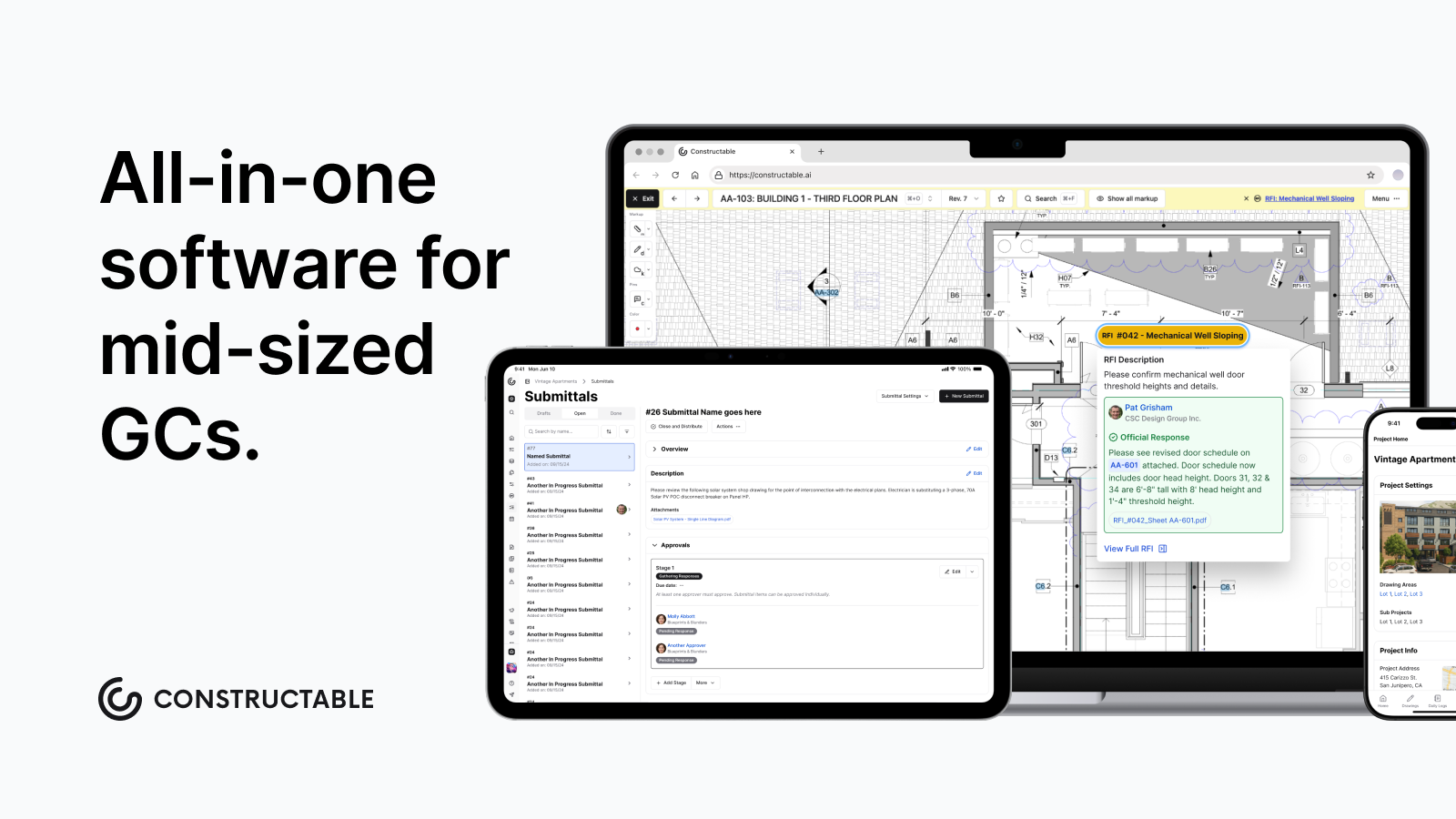\\n\\n## What Is All-in-One Construction Software?\\n\\nAll-in-one construction software combines drawings, project management, field documentation, and financials into a single system. Instead of switching between separate tools for RFIs, submittals, daily logs, budgets, and plans, everything runs through one workspace.\\n\\nFor general contractors managing commercial projects, this consolidation solves a real problem: fragmented data. When your RFIs live in one app, your drawings in another, and your budget in a spreadsheet, you spend half your day hunting down context. [Integrated systems increase profit margins](https://www.construction.com/company-news/new-study-project-management-software-for-construction-owners-and-contractors-increases-profitability-productivity-and-efficiency-for-high-skill-users/) for teams that fully adopt them.\\n\\nAll-in-one systems connect these workflows. An RFI can be pinned directly to a drawing location. A daily log photo can reference a specific sheet. Change orders pull from the same cost codes as your budget.\\n\\n## How We Rank All-in-One Construction Software\\n\\nWe look at six factors that separate true all-in-one systems from softw
165are stacks dressed up as one. The [construction management software](https://constructable.ai/blog/construction-management-software) market is crowded with options, but not all are built the same way.\\n\\nSystem cohesion comes first. Do features share consistent data models and workflows, or do they feel bolted together? We favor tools where an RFI, a drawing markup, and a budget line item all tie back to the same projectâso nothing gets lost between systems.\\n\\nField and office adoption matters just as much. Software that works for project managers but confuses superintendents fails half the team. We check whether both groups can jump in without a manual.\\n\\nOnboarding speed and migration support separate the realistic options from the science projects. Pricing transparency and growth alignment keep us honest about long-term costs. [Financial workflow depth](https://constructable.ai/features/financial-management) tests whether budgets, commitments, and change orders actually close the loop.\\n\\n## Best Overall All-in-One Construction Software: Constructable\\n\\n**Constructable** brings drawings, project workflows, and financials into one system that works together. Instead of stitching together separate apps for RFIs, submittals, budgets, and plans, you get a single workspace built on shared data.\\n\\nThe difference shows up in how things connect. Pin an RFI directly to a specific sheet location, and every markup, comment, and response stays anchored to that exact spot on the drawing. Daily log photos reference specific plans. Change orders pull from the same cost codes as your budget. Nothing lives in a silo.\\n\\n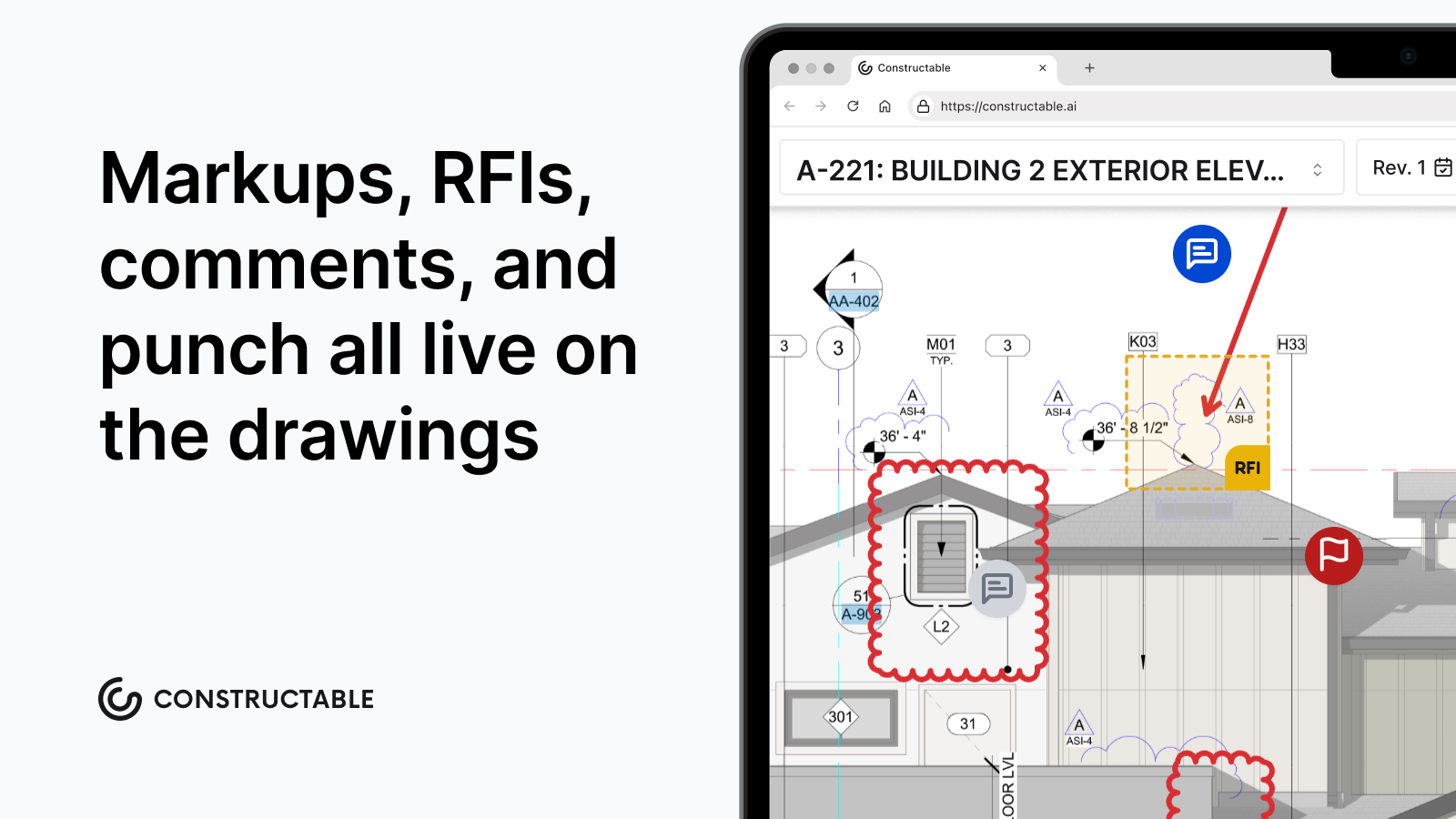\\n\\nConstructable includes drawings-first collaboration with pins, markups, measurements, topics, and RFIs tied to sheets. Financial tools cover budgets, commitments, change orders, and QuickBooks Online and Sage Intacct sync. AI handles automatic scale detection, punch item autofill, and instant project-wide search with cited sources and helpful suggestions. Flat monthly pricing includes unlimited users, unlimited storage, and onboarding.\\n\\nGood for mid-size contractors running $20M to $150M projects who want fast adoption across field and office teams without paying enterprise fees.\\n\\n## Procore\\n\\n[Procore is an enterprise construction management system](https://constructable.ai/blog/constructable-vs-procore-which-is-better) with broad feature coverage and extensive third-party integrations. The system serves large contractors managing high construction volumes across multiple concurrent projects, with modules spanning project management, quality, safety, financials, and field operations.\\n\\nWhat they offer:\\n\\n- Document management, RFIs, submittals, and scheduling across project phases\\n- Budget tracking and cost controls with reporting dashboards\\n- Mobile access to drawings, documents, and project updates\\n- Integration marketplace connecting hundreds of third-party applications\\n\\nProcore works for large contractors with dedicated internal resources to manage onboarding, training, and ongoing system administration who focus on vendor consolidation and standardization across projects.\\n\\nThe limitation shows up in pricing and complexity. Costs scale with Annual Construction Volume and can reach tens of thousands annually, with onboarding requiring formal training sessions and extended ramp time. Teams seeking lightweight onboarding and intuitive daily workflows will find [Constructable a more practical fit](https://constructable.ai/blog/procore-alternatives-mid-market-contractors).\\n\\n## Autodesk Construction Cloud\\n\\nAutodesk Construction Cloud brings together several acquired products under one brand, offering a broad scope across BIM coordination, project management, and field execution. The system works well for firms already invested in Autodesk design products and in need of robust BIM workflows.\\n\\nCore capabilities include:\\n\\n- BIM coordination and model management that connects design team
165s\\n- Document control with version tracking across project phases\\n- Field reporting and issue tracking through acquired tools\\n- Direct integration with Autodesk's design and engineering products\\n\\nThis works for large enterprises running complex infrastructure projects where deep BIM integration and design-to-construction handoff matter most.\\n\\nThe challenge is module cohesion. Different parts often feel disconnected with varying interface patterns that reflect their acquisition origins. Migration and onboarding typically require third-party consultants at an added cost, and pricing follows an enterprise services model with fees beyond base licensing.\\n\\n## Fieldwire\\n\\nFieldwire specializes in field execution with mobile task management, plan markups, and punch lists for superintendents and crews. The system works well for lightweight field workflows but stops short of connecting those activities to budgets, commitments, or financial controls back in the office.\\n\\nWhat they offer:\\n\\n- Mobile task tracking with offline plan access so crews can work without internet\\n- Drawing markup and annotation for field teams to communicate issues directly on plans\\n- Punch list workflows tied to sheets for closeout tracking\\n- Basic reporting for daily activities\\n\\nGood for teams needing only field task execution without office coordination or financial controls.\\n\\nThe gap appears when you need to see how field progress ties to money. Fieldwire doesn't include budgeting, commitments, or integrated cost tracking. Most teams run separate systems for project management and financials, creating manual reconciliation between field data and office reporting.\\n\\n## RedTeam\\n\\nRedTeam positions itself as a budget-focused construction management system with broad feature availability but minimal product evolution. The system covers project management and financial workflows at a low license cost, appealing to teams with tight budgets.\\n\\nWhat they offer:\\n\\n- Project tracking and document management with basic version control\\n- Financial modules for budgeting and job costing\\n- Field reporting capabilities with mobile access\\n- Lower subscription pricing compared to enterprise alternatives\\n\\nGood for contractors who prioritize the lowest possible license cost over user experience, product updates, or field adoption rates.\\n\\nThe limitation shows up in daily use. Teams describe RedTeam as dated and rigid, with awkward workflows they tolerate because switching feels harder than staying. Field adoption tends to be shallow. Product updates that fix long-standing usability issues arrive slowly, if at all.\\n\\n[Constructable competes on value without compromising experience](https://constructable.ai/blog/constructable-vs-redteam). You get a clean design, active development, and pricing that remains accessible for mid-size contractors who want software their teams will actually use. This matters especially as [SMEs drive the fastest growth](https://www.fortunebusinessinsights.com/construction-software-market-110155) in construction software adoption, with a projected CAGR of 11.06% through 2026, focusing on cost-effective cloud solutions that minimize capital expenditures.\\n\\n## Ingenious Build\\n\\nIngenious Build targets owner portfolio management with a system architecture that prioritizes oversight and reporting over daily project execution. The architecture works for portfolio-level controls but creates friction for general contractors running field and office coordination.\\n\\nWhat they offer:\\n\\n- Portfolio oversight tools for owners managing multiple projects, with governance controls for complex organizational structures\\n- Approval workflows and document routing built for layered decision-making hierarchies\\n- High-level project tracking and compliance reporting focused on owner accountability requirements\\n- Configurable hierarchies that accommodate varied organizational structures\\n\\nThis software is suited to owners or portfolio managers who need governance controls and oversight reporting across multiple projects, with less focus on hands-on field execution.\\n\\nThe limitation appears in navigation. Users report confusion when creating RFIs or managing submittals because the system requires reasoning about abstract hierarchy before completing basic actions. The project itself doesn't function as the organizing principle, forcing extra decisions about where actions belong. GC and subcontractor adoption has been weak.\\n\\nIngenious Build serves owner perspectives, but GCs focused on daily execution will find Constructable's project-first structure aligns with how construction teams naturally work.\\n\\n## Feature Comparison Table of All-in-One Construction Software\\n\\nThe table below compares core capabilities across six systems based on how they handle data, collaboration, and real-world jobsite needs.\\n\\n| Feature | Constructable | Procore | Autodesk Construction Cloud | Fieldwire | RedTeam | Ingenious Build |\\n| ----------------------------------- | ------------- | ------- | --------------------------- | --------- | ------- | --------------- |\\n| Unified data model across workflows | Yes | No | No | No | No | No |\\n| Drawings as collaboration hub | Yes | Yes | Yes | Yes | No | No |\\n| Native financial management | Yes | Yes | Yes | No | Yes | Yes |\\n| Unlimited users included | Yes | Yes | No | No | No | No |\\n| Onboarding under 30 days | Yes | No | No | Yes | Yes | No |\\n| Offline mobile access | Yes | Yes | Yes | Yes | No | No |\\n| AI-powered search and automation | Yes | Yes | Yes | No | No | No |\\n\\n## Why Constructable Is the Best All-in-One Construction Software\\n\\nConstructable works because it refuses the false choice between depth and simplicity. You get full-featured project management, financial controls, and field documentation without the enterprise bloat that kills adoption. The system thinks in terms of projects, not abstract hierarchies, so teams can start working immediately instead of attending training sessions.\\n\\n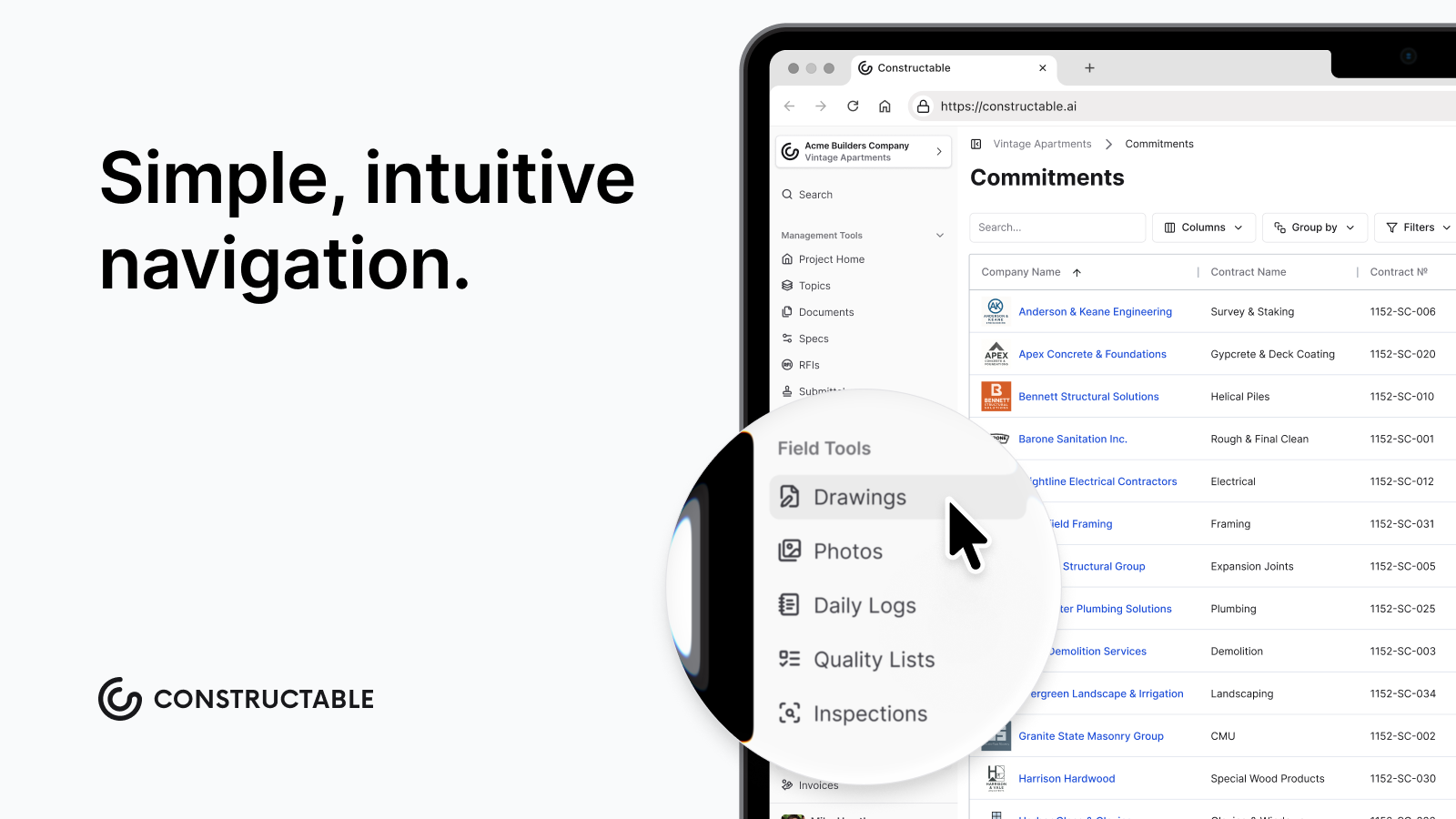\\n\\nPricing stays flat as you add users. Onboarding wraps in under three weeks. Every workflow follows the same interaction patterns, so learning one means learning them all. Your superintendent and project manager use the same system the same way, with drawings anchoring collaboration instead of living in a separate file viewer.\\n\\nMid-size GCs don't need watered-down enterprise softw
165are or duct-taped point solutions. They need software that respects how construction actually happens. **Constructable** delivers that without apology, which is why teams choose it over alternatives that dominate market share but fail daily use tests.\\n\\n## Final Thoughts on Integrated Project Management\\n\\nYou need a single source of truth for construction that doesn't require a consultant to set up or a second mortgage to afford. Constructable gives you full project management, financial controls, and field documentation without the enterprise bloat that kills adoption. Everything shares the same data, so your RFIs, drawings, and budget actually talk to each other. If that sounds like what you've been looking for, [let's talk about your projects](https://constructable.ai/sales).\\n\\n## FAQ\\n\\n### How do I choose between all-in-one construction software and separate tools for each workflow?\\n\\nPick an all-in-one when your team wastes time switching between apps or re-entering the same data in multiple places. Separate tools work if you only need one or two functions, but most GCs managing commercial projects save hours each week by keeping drawings, RFIs, budgets, and field logs in a single shared system.\\n\\n### Which all-in-one construction software works best for mid-size general contractors?\\n\\nConstructable fits GCs running $20M to $150M in volume who need fast adoption without enterprise complexity. Procore and Autodesk serve larger firms with dedicated IT staff and longer onboarding timelines. Fieldwire handles field tasks but skips financial controls. RedTeam offers low-cost but dated workflows.\\n\\n### What's the difference between systems that feel \\\"bolted together\\\" versus truly unified?\\n\\nUnified systems share a single data model, where an RFI is pinned to the same drawing that your daily log references and your change order pulls from. Bolted-together systems require you to re-enter project details in each module because features were built separately and packaged as a single product after acquisition.\\n\\n### Can I get unlimited users without paying per-seat fees?\\n\\nConstructable and Procore include unlimited users in flat monthly pricing. Autodesk, RedTeam, and most competitors charge per seat or per Annual Construction Volume, which scales costs as your team grows. Check pricing models before committing if you frequently add subs, consultants, or field staff.\\n\\n### How long does onboarding take for all-in-one construction systems?\\n\\nConstructable wraps onboarding in under three weeks with no extra fees. Procore and Autodesk often require formal training sessions and 60+ days to launch. Fieldwire onboards quickly but covers fewer workflows. RedTeam and Ingenious Build need an extended setup for their financial and hierarchy configurations.\\n\",[],[638,639,640,347,377,351],\"{\\\"@context\\\":\\\"https://schema.org\\\",\\\"@type\\\":\\\"FAQPage\\\",\\\"name\\\":\\\"What Are the Best All-in-One Construction Platforms in May 2026?\\\",\\\"mainEntity\\\":[{\\\"@type\\\":\\\"Question\\\",\\\"name\\\":\\\"How do I choose between all-in-one construction software and separate tools for each workflow?\\\",\\\"acceptedA
165nswer\\\":{\\\"@type\\\":\\\"Answer\\\",\\\"text\\\":\\\"Pick all-in-one when your team wastes time switching between apps or re-entering the same data in multiple places. Separate tools work if you only need one or two functions, but most GCs managing commercial projects save hours weekly by keeping drawings, RFIs, budgets, and field logs in one shared system.\\\"}},{\\\"@type\\\":\\\"Question\\\",\\\"name\\\":\\\"Which all-in-one construction software works best for mid-size general contractors?\\\",\\\"acceptedAnswer\\\":{\\\"@type\\\":\\\"Answer\\\",\\\"text\\\":\\\"Constructable fits GCs running $20Mâ$150M in volume who need fast adoption without enterprise complexity. Procore and Autodesk serve larger firms with dedicated IT staff and longer onboarding timelines. Fieldwire handles field tasks but skips financial controls. RedTeam offers low cost but dated workflows.\\\"}},{\\\"@type\\\":\\\"Question\\\",\\\"name\\\":\\\"What's the difference between systems that feel \\\\\\\"bolted together\\\\\\\" versus truly unified?\\\",\\\"acceptedA
165nswer\\\":{\\\"@type\\\":\\\"Answer\\\",\\\"text\\\":\\\"Unified systems share one data modelâan RFI pins to the same drawing that your daily log references and your change order pulls from. Bolted-together systems make you re-enter project details in each module because features were built separately, then packaged as one product after acquisition.\\\"}},{\\\"@type\\\":\\\"Question\\\",\\\"name\\\":\\\"Can I get unlimited users without paying per-seat fees?\\\",\\\"acceptedAnswer\\\":{\\\"@type\\\":\\\"Answer\\\",\\\"text\\\":\\\"Constructable and Procore include unlimited users in flat monthly pricing. Autodesk, RedTeam, and most competitors charge per seat or per Annual Construction Volume, which scales costs as your team grows. Check pricing models before committing if you add subs, consultants, or field staff frequently.\\\"}},{\\\"@type\\\":\\\"Question\\\",\\\"name\\\":\\\"How long does onboarding take for all-in-one construction systems?\\\",\\\"acceptedAnswer\\\":{\\\"@type\\\":\\\"Answer\\\",\\\"text\\\":\\\"Constructable wraps onboarding in under three weeks with no extra fees. Procore and Autodesk often require formal training sessions and 60+ days to launch. Fieldwire onboards quickly but covers fewer workflows. RedTeam and Ingenious Build need extended setup for their financial and hierarchy configurations.\\\"}}],\\\"url\\\":\\\"https://constructable.ai/blog/best-all-in-one-construction-platforms\\\",\\\"dateModified\\\":\\\"2026-05-01T21:53:48.460Z\\\",\\\"author\\\":{\\\"@type\\\":\\\"Organization\\\",\\\"name\\\":\\\"Constructable\\\"}}\\n\",\"{\\\"@context\\\":\\\"https://schema.org\\\",\\\"@type\\\":\\\"BlogPosting\\\",\\\"headline\\\":\\\"What Are the Best All-in-One Construction Platforms in May 2026?\\\",\\\"description\\\":\\\"Compare the best all-in-one construction platforms in May 2026. Review features, pricing, and integrations for Constructable, Procore, Autodesk, and more.\\\",\\\"datePublished\\\":\\\"2026-05-01T21:53:48.460Z\\\",\\\"dateModified\\\":\\\"2026-05-01T21:53:48.460Z\\\",\\\"author\\\":{\\\"@type\\\":\\\"Organization\\\",\\\"name\\\":\\\"Constructable\\\"},\\\"url\\\":\\\"https://constructable.ai/blog/best-all-in-one-construction-platforms\\\",\\\"wordCount\\\":2055,\\\"keywords\\\":[\\\"all-in-one construction software\\\",\\\"unified construction platform\\\",\\\"construction software integration\\\",\\\"single source of truth construction\\\"]}\\n\",\"all-in-one construction software\",\"rank all-in-one construction software\",\"best overall all-in-one construction software constructable\",\"top-rfi-management-software-general-contractors\",\"Top RFI Software for GCs - May 2026\",\"Compare the top RFI management software for general contractors in May 2026. See which tools offer ball-in-court tracking, drawing integration, and unlimited users.\",\"2026-05-05T17:56:01.865Z\",\"RFI management software should tell you who has the ball, where the question lives on the drawings, and when a response is overdueâwithout making you dig through email to find out. In this post, we compared the top general contractor RFI solutions on drawing integration, field usability, response tracking, and pricing structure. Included in our analysis are Constructable, Procore, Autodesk Construction Cloud, Fieldwire, and RedTeam, so you can see where each one fits and where they fall short.\\n\\n**TLDR:**\\n\\n- RFI software keeps project questions from getting lost in email by tracking who asked, who answers, and when responses are due\\n- Constructable pins RFIs directly to drawing locations with full context and unlimited users at no extra cost\\n- Ball-in-court tracking shows exactly who owns the next action so responses don't stall out\\n- AI search finds answers across all project data instantly without digging through folders\\n- Constructable unifies RFI management with one cohesive system built for how general contractors work\\n\\n## What is RFI Management Software?\\n\\nRFI management software helps construction teams ask, track, and close out questions that come up during a project. When a detail is unclear, a dimension doesn't match, or the design intent needs clarification, you create an RFI. The softw
165are documents who asked, who's responsible for answering, and when a response is due.\\n\\nWithout it, RFIs get scattered across email and printouts. Responses get buried. Nobody knows who has the ball. By the time you find the answer, you've already lost days.\\n\\nFor general contractors coordinating architects, engineers, owners, and subs, RFI software creates a single source of truth. Questions get logged, assigned, and answered in one place. You can see what's open, who's waiting on what, and whether responses actually came back. It's accountability you can point to when schedules slip or costs change.\\n\\n## How We Reviewed RFI Management Software\\n\\nWe focused on what keeps RFIs from turning into another headache. The goal wasn't to rank feature lists but to see which tools actually close questions without adding steps.\\n\\nFirst, we checked drawing integration. If someone has to write a paragraph describing where the issue is instead of dropping a pin on the sheet, you're asking for confusion. Second, we tested field access. Can your super pull up an RFI on site without fumbling through menus, or does it need a desktop and a tutorial?\\n\\nResponse tracking came next. You need to know who's sitting on an answer and when it's overdue, or RFIs just become polite delays. We also looked at how the tool fits with the rest of your project work. If you're uploading the same drawings twice or switching systems to check related submittals, that's wasted time.\\n\\nPricing structure mattered too. Per-user pricing often means you avoid adding subs and consultants who need access, which defeats the purpose.\\n\\n## Best Overall RFI Management Software: Constructable\\n\\n**Constructable** delivers the strongest RFI management experience for mid-market general contractors because RFIs live directly on the drawings where work happens. Pin questions to exact locations on plans, add markups and photos, and track ball-in-court accountability without jumping between systems.\\n\\n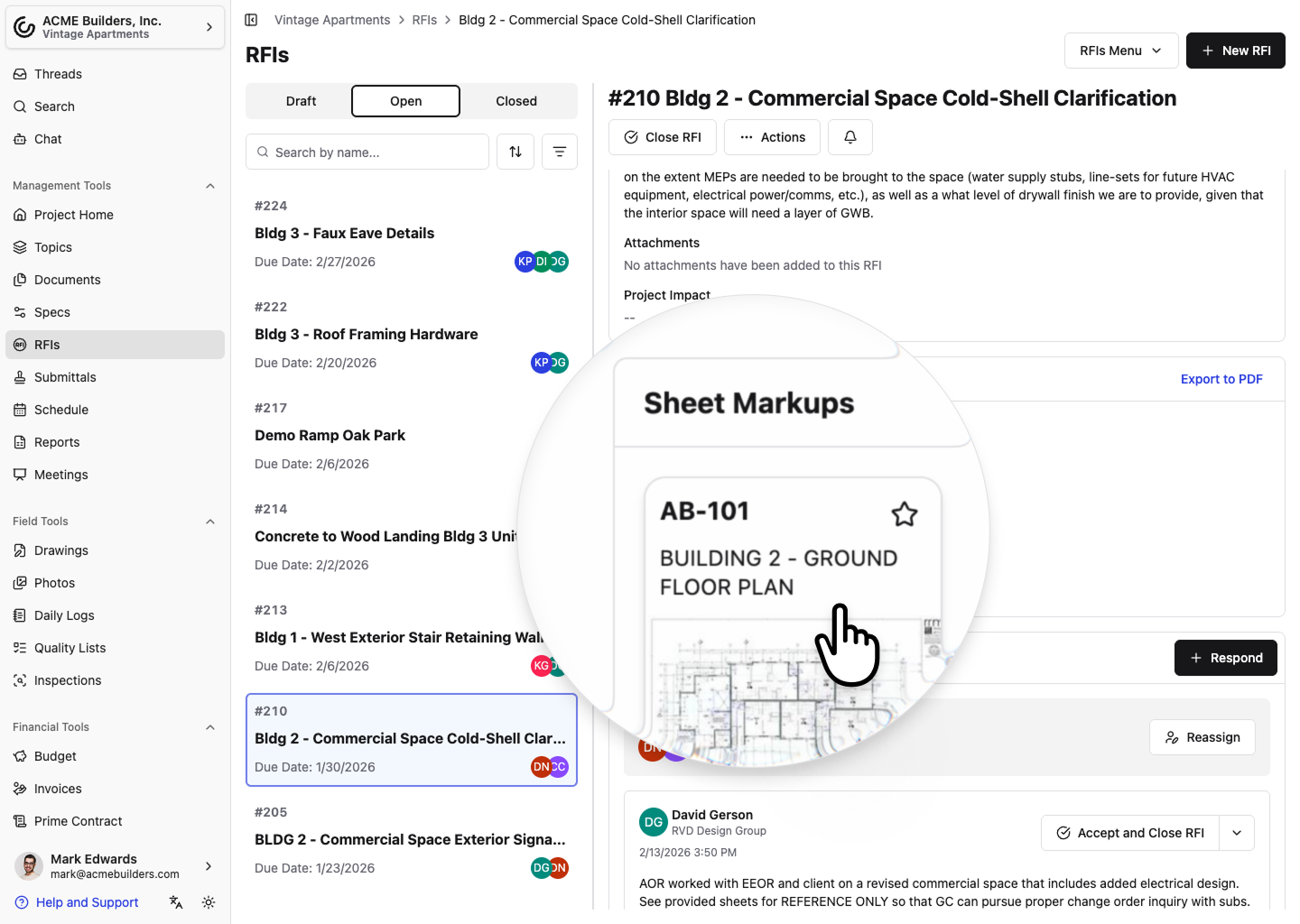\\n\\nThe AI Answer Engine pulls context from your project to speed up responses. Unlimited users means you can include everyone who needs visibility without per-seat costs eating into your budget.\\n\\nCore strengths:\\n\\n- RFIs pin directly to drawing locations with full markup and comment threads\\n- Ball-in-court tracking shows who owns each response at any moment\\n- AI Answer Engine finds answers across drawings, documents, and past RFIs instantly\\n- Unlimited users across the internal team, owners, consultants, and subcontractors\\n- Onboarding averages under 21 days with hands-on support and no extra fees\\n\\nConstructable was built as one cohesive system. RFIs connect naturally to drawings, daily logs, submittals, and change orders. Field teams can create RFIs from their phones by dropping a pin on a drawing and adding a photo. The workflow stays visual and context-rich, which cuts down the back-and-forth that drags out responses.\\n\\n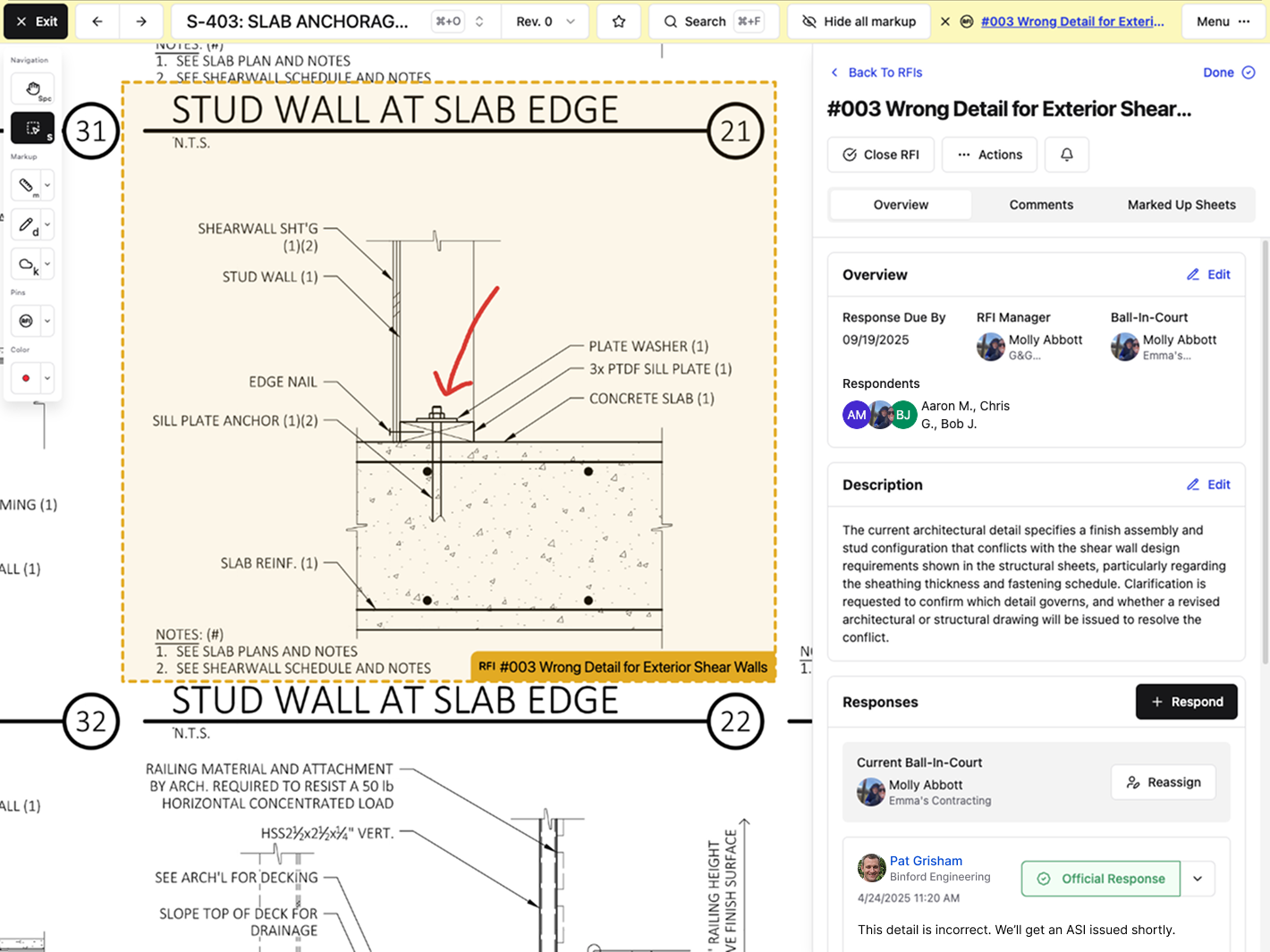\\n\\n## Procore\\n\\nProcore handles RFI workflows for large enterprise contractors with complex organizational structures and heavy process requirements.\\n\\nThe system provides customizable RFI workflows with multiple review stages and approval paths, letting external stakeholders respond via email without logging in. It integrates with Procore's broader project management ecosystem and sends automated reminders when RFI responses approach deadlines.\\n\\nProcore works for large enterprise contractors running standardized processes across multiple concurrent projects who need deep customization and can support the training overhead.\\n\\nThe tradeoff: Procore requires extensive onboarding, often involving multiple training sessions and ongoing user support. Mid-size teams frequently report that the interface feels heavy and click-dense, and that field teams struggle to adopt it without dedicated internal
165champions. Pricing scales steeply as you add users and features, which is why many teams look at [Procore alternatives for mid-market contractors](https://constructable.ai/blog/procore-alternatives-mid-market-contractors).\\n\\n## Autodesk Construction Cloud\\n\\nAutodesk Construction Cloud bundles RFI management with other project tools after acquiring and combining several construction software companies.\\n\\nRFI creation and tracking sit inside Autodesk Build. Teams can attach RFIs to 2D drawings and 3D models using pushpins, customize review workflows, and connect RFIs to sheets, issues, meetings, and change orders.\\n\\nThis setup works if your company is already locked into the Autodesk world and you're willing to deal with inconsistent experiences across different parts of the system.\\n\\nThe inherited architecture from multiple acquisitions creates fragmented workflows. Migrations cost real money and take serious time, often requiring third-party consultants on top of licensing fees. Field teams face a steeper learning curve because navigation changes depending on which module you're in.\\n\\nAutodesk Construction Cloud fits large enterprises chasing vendor consolidation. Constructable offers a more unified system built for GC workflows from day one.\\n\\n## Fieldwire\\n\\nFieldwire focuses on field execution tasks, including basic RFI submission and task management for superintendents and field crews.\\n\\nThe tool offers mobile-first RFI creation with photo attachments from the jobsite, task management and punch list workflows tied to drawings, markup and annotation tools for plan review, and offline drawing access for areas without connectivity.\\n\\nGood for small teams focused narrowly on field task execution who do not need project management or financial visibility beyond basic RFI and punch workflows.\\n\\nThe limitation: Fieldwire lacks native project management capabilities, budgeting tools, and financial workflows [for mid-size contractors](https://constructable.ai/blog/best-software-mid-size-contractors). Teams requiring cost visibility, owner reporting, or coordination between field and office must layer on other systems, creating fragmentation and duplicate data entry. Per-user pricing scales linearly, making broader team collaboration expensive as subcontractors, owners, and consultants need access.\\n\\nFieldwire works as a point solution for field-only teams. Constructable delivers equivalent field functionality while also supporting the full project lifecycle without tool fragmentation.\\n\\n## RedTeam\\n\\nRedTeam offers budget-focused construction management software with broad feature coverage that trades user experience for lower cost.\\n\\nRedTeam covers the basics: RFI creation and response workflows with tracking to manage questions between project teams; document management and file storage in a central repository; accounting and financial system integrations; and office-focused project management tools built for desk-based coordination.\\n\\nRedTeam attracts teams on tight budgets who accept dated interfaces and slow product updates in exchange for lower licensing fees; long-standing usability issues get tolerated because switching costs feel higher than enduring the friction. Field adoption is weak due to interfaces designed for office use, as covered in this [Constructable vs RedTeam comparison](https://constructable.ai/blog/constructable-vs-redteam).\\n\\nBottom line: RedTeam attracts buyers who optimize purely on price, with workflows that often feel disjointed across modules.\\n\\n## Feature Comparison\\n\\nHere's how the major RFI management tools stack up on features that matter for general contractors running multiple projects with mixed teams.\\n\\n| Feature | Constructable | Procore | Autodesk Construction Cloud | Fieldwire | RedTeam |\\n| ----------------------------- | ------------- | ------- | --------------------------- | --------- | ------- |\\n| Pin RFIs to Drawing Locations | Yes | Yes | Yes | Yes | No |\\n| Unlimited Users | Yes | No | No | No | No |\\n| Mobile RFI Creation | Yes | Yes | Yes | Yes | Limited |\\n| AI-Powered Search | Yes | Limited | No | No | No |\\n| Ball-in-Court Tracking | Yes | Yes | Yes | No | Limited |\\n| Drawing Markups on RFIs | Yes | Yes | Yes | Yes | Limited |\\n| Native Financial Integration | Yes | Yes | Yes | No | Yes |\\n| Onboarding Under 30 Days | Yes | No | No | Yes | Yes |\\n| Field Team Adoption | High | Low | Low | High | Low |\\n\\nMost solutions cover the basics, but [what defines the best construction management software](https://constructable.ai/blog/construction-management-software) shows up in onboarding time and whether your field crews will actually use it. Tools with unlimited users and faster setup tend to get more consistent adoption across project teams.\\n\\n## Why Constructable is the Best RFI Management Software for General Contractors\\n\\n**Constructable** solves the core problem with RFI management: keeping context and accountability clear without adding administrative burden. RFIs pin directly to the exact spot on drawings where questions arise, with all markups, photos, and responses living together in one visual thread. Ball-in-court tracking removes confusion about who owns the next action, and AI search instantly f
165inds answers buried in past project data.\\n\\nUnlike enterprise systems that require training and internal champions, or point solutions that force the use of multiple tools, Constructable matches how GCs actually work. With the construction industry projected to face [a 350,000-worker shortfall in 2026](https://www.constructiondive.com/news/labor-demand-gap-shrinks-abc-construction-staff/810681/), AI-assisted RFI workflows have become a competitive necessity for doing more with leaner teams.\\n\\n[Poor RFI management](https://projul.com/blog/construction-rfi-management/) delays projects, but most software adds complexity instead of removing it. The system naturally aligns with how your team already thinks about work.\\n\\nThe unlimited user model means everyone who needs visibility can have it without inflating costs. Onboarding happens in weeks, not months, because the interface is intuitive from day one. Field teams start using it day one without needing a dedicated internal champion to keep adoption alive.\\n\\n## Final Thoughts on RFI Software for General Contractors\\n\\nYour general contractor RFI solutions should close questions faster, not create more administrative work. We keep everything visual and connected so your team spends less time chasing answers. Unlimited users means everyone gets access without budget games. [Give us a call](https://constructable.ai/sales) when you're ready to talk through your specific workflow.\\n\\n## FAQ\\n\\n### How do I choose the right RFI management software for my team?\\n\\nStart with how your field crews will actually use it: if they can't create an RFI by dropping a pin on a drawing from their phone, adoption will be low. Then check whether unlimited users are included, because adding subs and consultants on a per-seat basis can kill your budget. Finally, look at onboarding time. If it takes months and needs dedicated champions, you're adding overhead instead of removing it.\\n\\n### Which RFI tool works best for smaller teams versus larger GCs?\\n\\nSmaller teams and mid-market GCs get the most value from systems that balance field usability with office visibility and do well with tools like **Constructable** or Fieldwire that work from day one with little training. Larger enterprise GCs tend to choose Procore or Autodesk because they have the resources to support longer onboarding.\\n\\n### What's the difference between RFI software that integrates with drawings versus basic tracking tools?\\n\\nTools that pin RFIs directly to drawing locations keep all the context (markups, photos, comments) tied to the exact location of the question on the plan. Basic tracking tools treat RFIs like email threads with file attachments, which means people waste time writing paragraphs describing locations instead of just pointing. When responses come back weeks later, visual context prevents confusion about what was actually being asked.\\n\\n### Can I include subcontractors and architects without paying per-user fees?\\n\\nSome systems, like Constructable, offer unlimited users across your entire project team: internal staff, subs, consultants, and owners all get access without additional costs. Most other tools charge per seat, which means you either pay steep fees as your team grows or you restrict access and lose the visibility that makes RFI software worth having in the first place.\\n\\n### When should I switch from managing RFIs in email to a dedicated software solution?\\n\\nIf you're losing track of who owes responses, can't find answers when you need them, or are spending more than a few hours per week chasing down RFI status, you've outgrown email. Once you're running multiple projects with mixed teams, the accountability and search capability of dedicated RFI software saves more time than the switch costs.\\n\",[],[650,651,652,347,377,351],\"{\\\"@context\\\":\\\"https://schema.org\\\",\\\"@type\\\":\\\"FAQPage\\\",\\\"name\\\":\\\"Top RFI Management Software for General Contractors in May 2026\\\",\\\"mainEntity\\\":[{\\\"@type\\\":\\\"Question\\\",\\\"name\\\":\\\"How do I choose the right RFI management software for my team?\\\",\\\"acceptedA
165nswer\\\":{\\\"@type\\\":\\\"Answer\\\",\\\"text\\\":\\\"Start with how your field crews will actually use itâif they can't create an RFI by dropping a pin on a drawing from their phone, adoption will be low. Then check if unlimited users are included, because adding subs and consultants on per-seat pricing kills your budget. Finally, look at onboarding timeâif it takes months and needs dedicated champions, you're adding overhead instead of removing it.\\\"}},{\\\"@type\\\":\\\"Question\\\",\\\"name\\\":\\\"Which RFI tool works best for smaller teams versus larger GCs?\\\",\\\"acceptedAnswer\\\":{\\\"@type\\\":\\\"Answer\\\",\\\"text\\\":\\\"Smaller teams (under 50 people) do well with tools like Fieldwire or Constructable that work day one without training overhead. Larger enterprise GCs with standardized processes across dozens of concurrent projects often choose Procore or Autodesk Construction Cloud because they have the internal resources to support complex workflows and longer onboarding. Mid-market GCs (10-150 people) typically get the most value from systems that balance field usability with office visibility without requiring enterprise-level implementation.\\\"}},{\\\"@type\\\":\\\"Question\\\",\\\"name\\\":\\\"What's the difference between RFI software that integrates with drawings versus basic tracking tools?\\\",\\\"acceptedA
165nswer\\\":{\\\"@type\\\":\\\"Answer\\\",\\\"text\\\":\\\"Tools that pin RFIs directly to drawing locations keep all the contextâmarkups, photos, commentsâtied to exactly where the question is on the plan. Basic tracking tools treat RFIs like email threads with file attachments, which means people waste time writing paragraphs describing locations instead of just pointing. When responses come back weeks later, visual context prevents confusion about what was actually being asked.\\\"}},{\\\"@type\\\":\\\"Question\\\",\\\"name\\\":\\\"Can I include subcontractors and architects without paying per-user fees?\\\",\\\"acceptedAnswer\\\":{\\\"@type\\\":\\\"Answer\\\",\\\"text\\\":\\\"Some systems like Constructable offer unlimited users across your entire project teamâinternal staff, subs, consultants, and owners all get access without additional costs. Most other tools charge per seat, which means you either pay steep fees as your team grows or you restrict access and lose the visibility that makes RFI software worth having in the first place.\\\"}},{\\\"@type\\\":\\\"Question\\\",\\\"name\\\":\\\"When should I switch from managing RFIs in email to dedicated software?\\\",\\\"acceptedA
165nswer\\\":{\\\"@type\\\":\\\"Answer\\\",\\\"text\\\":\\\"If you're losing track of who owes responses, can't find answers when you need them, or spending more than a few hours per week chasing down RFI status, you've outgrown email. Once you're running multiple projects with mixed teams, the accountability and search capability of dedicated RFI software saves more time than the switch costs.\\\"}}],\\\"url\\\":\\\"https://constructable.ai/blog/top-rfi-management-software-general-contractors\\\",\\\"dateModified\\\":\\\"2026-05-05T17:56:01.865Z\\\",\\\"author\\\":{\\\"@type\\\":\\\"Organization\\\",\\\"name\\\":\\\"Constructable\\\"}}\\n\",\"{\\\"@context\\\":\\\"https://schema.org\\\",\\\"@type\\\":\\\"BlogPosting\\\",\\\"headline\\\":\\\"Top RFI Management Software for General Contractors in May 2026\\\",\\\"description\\\":\\\"Compare the top RFI management software for general contractors in May 2026. See which tools offer ball-in-court tracking, drawing integration, and unlimited users.\\\",\\\"datePublished\\\":\\\"2026-05-05T17:56:01.865Z\\\",\\\"dateModified\\\":\\\"2026-05-05T17:56:01.865Z\\\",\\\"author\\\":{\\\"@type\\\":\\\"Organization\\\",\\\"name\\\":\\\"Constructable\\\"},\\\"url\\\":\\\"https://constructable.ai/blog/top-rfi-management-software-general-contractors\\\",\\\"wordCount\\\":1989,\\\"keywords\\\":[\\\"RFI management software\\\",\\\"construction RFI tools\\\",\\\"RFI tracking software\\\",\\\"general contractor RFI solutions\\\"]}\\n\",\"rfi management software\",\"reviewed rfi management software\",\"best overall rfi management software constructable\",\"why-external-teams-prefer-constructable\",\"Why External Teams Prefer Using Constructable (May 2026)\",\"Why external teams prefer Constructable in May 2026. Real feedback from trade partners, consultants, and project stakeholders who actually use it.\",\"2026-05-05T18:09:17.130Z\",\"### _What Weâve Been Thinking About Lately_\\n\\nOne of the concerns we hear from contractors evaluating new construction software isnât about features or pricing. Itâs this:\\n\\n\u003e **âWhat about everyone else?â**\\n\\nYour clients. \\nYour consultants. \\nYour trade partners.\\n\\nThe people who donât choose the software but still have to use it.\\n\\nThat hesitation is valid. In fact, it's a good sign. It means you're thinking beyond your internal team and considering how work actually gets done across a project!\\n\\n---\\n\\n## The Reality: External Adoption Is the Hard Part\\n\\nSwitching construction management software internally is one thing.\\n\\nGetting external stakeholders to actually engage with it is where most tools fall short.\\n\\n- Trade partners ignore invites\\n- Consultants stay in email\\n- Clients ask for PDFs instead\\n\\nAnd suddenly, instead of improving workflows, youâre managing two systems at once.\\n\\n---\\n\\n## What Happened in 24 Hours\\n\\nLast month, we saw something that stuck with us.\\n\\nWithin a single day, we received emails from **three external collaborators,** who donât pay for Constructable, but use it because theyâre part of the project.\\n\\nOne message, word for word:\\n\\n\u003e âThank you Molly, I really like Constructable compared to Pr\\\\*c\\\\*re.â\\n\\nThis came from a trade partner.\\n\\nNo prompt. No survey. Just honest feedback.\\n\\nAnd that matters, because external users are often the first to push back when something slows them down.\\n\\n---\\n\\n## Why This Matters for Construction Teams\\n\\nConstruction software doesnât live in a vacuum.\\n\\nIt only works if everyone involved in the project can use it without friction.\\n\\nThat includes:\\n\\n- General contractors\\n- Project managers and superintendents\\n- Trade partners\\n- Consultants\\n- Owners and clients\\n\\nIf even one group struggles with the system, communication breaks down, and the job follows.\\n\\n| Stakeholder Group | Role in the Project | Typical Adoption Friction | How Constructable Addresses It |\\n| -------------------------------------- | ----------------------------------------------------------------------------------------------------------------------------------- | ---------------------------------------------------------------------------------------------------------------------------------------------------- | -------------------------------------------------------------------------------------------------------------------------------------------------------------------------------- |\\n| General Contractors | Oversee the full project, coordinate all parties, and are responsible for schedule, budget, and quality from start to finish | Often stuck managing two systems at once when external parties refuse to adopt the primary tool, creating duplicate documentation and extra overhead | Centralized drawings, RFIs, daily logs, and photos in one place so GCs have a single source of truth without chasing updates across email and other tools |\\n| Project Managers and Superintendents | Run day-to-day operations on site and in the office, track progress, and keep communication moving between all parties | Spend significant time re-entering information or reformatting reports because the tool doesn't work well for people outside the core team | Field tools like daily logs and quality lists are built for how the job actually runs, reducing the back-and-forth that slows field teams down |\\n| Trade Partners (Subcontractors) | Execute the physical work on site and need clear, current information to stay on schedule and avoid costly rework | Frequently ignore software invites entirely, defaulting to phone calls or email because most tools feel built for the GC, not for them | Intuitive access with no steep learning curve, so trade partners can update their work and get the information they need without friction or training sessions |\\n| Consultants (Architects and Engineers) | Provide design direction, respond to RFIs, and issue drawing revisions throughout the construction process | Stay in email because the RFI and drawing workflow in most tools adds steps rather than removing them, making participation feel like extra work | RFIs are pinned directly to drawing locations with formal response tracking and ball-in-court accountability, so consultants can respond without navigating a complicated system |\\n| Owners and Clients | Fund the project, set the schedule and budget expectations, and need visibility into progress without getting overwhelmed by detail | Request PDFs or separate reports because most software gives them either too much information or requires a login they never fully adopt | Owners get the visibility they need into project status without being buried in field-level detail, keeping communication clear and decisions moving |\\n\\n---\\n\\n## Building for the Whole Project Team\\n\\nWhen we are building Constructable, we're not just thinking about one role, but in constant conversation with _all_ parties. We're thinking about how
165information flows throughout the larger project.\\n\\nThat means:\\n\\n- Making it easy for trade partners to update their work\\n- Keeping consultants in the loop without extra steps\\n- Giving owners visibility without overwhelming them\\n\\nBecause good construction software shouldnât require convincing people to use it, it should just work (for **everyone**).\\n\\n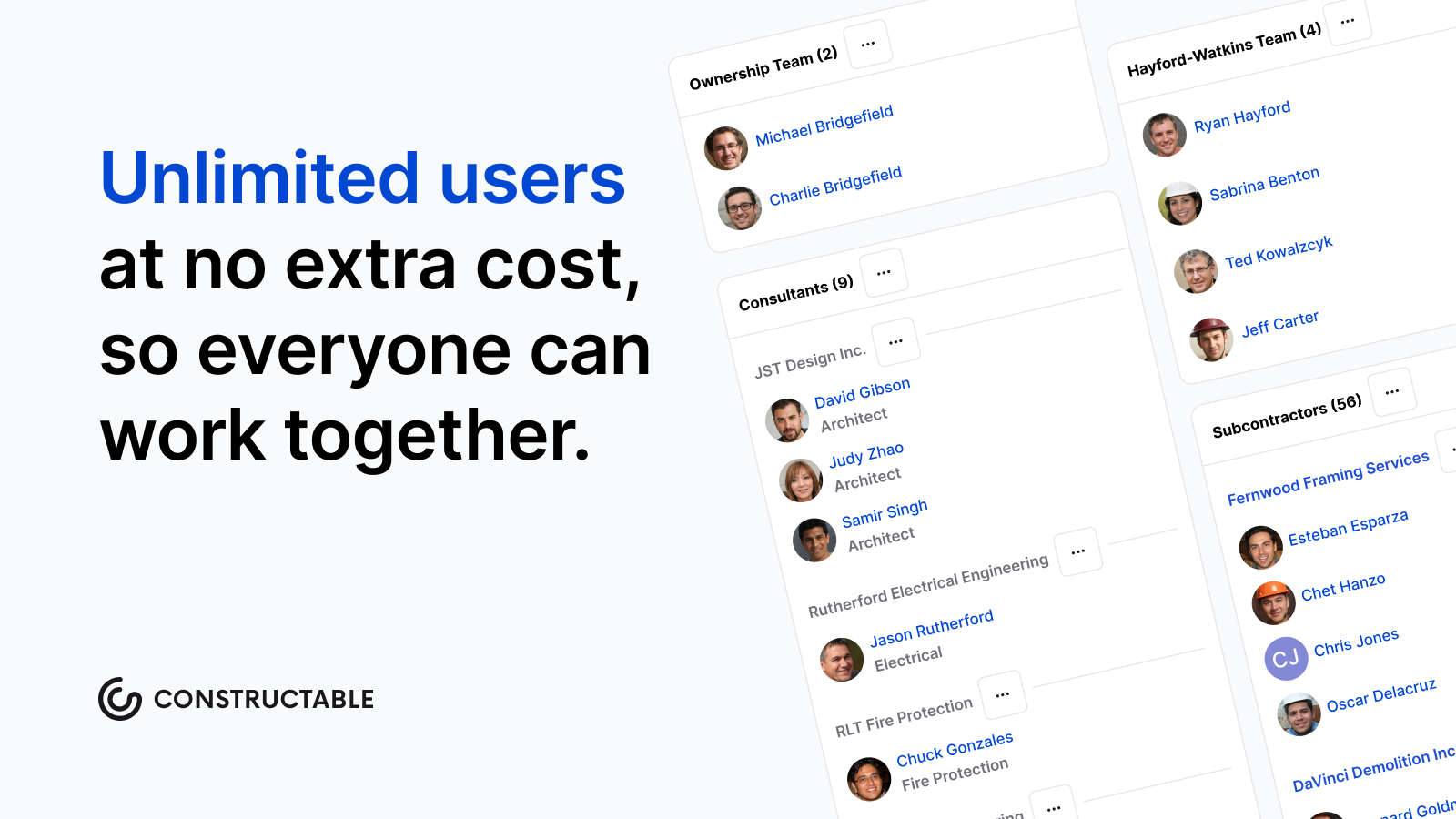\\n\\n---\\n\\n## The Takeaway\\n\\nIf youâre nervous about switching construction software because of how it will affect your external teams, thatâs not a weakness.\\n\\nItâs exactly the right instinct.\\n\\nThe best systems arenât the ones with the most features; they're the ones that your entire project team _actually_ uses.\\n\\n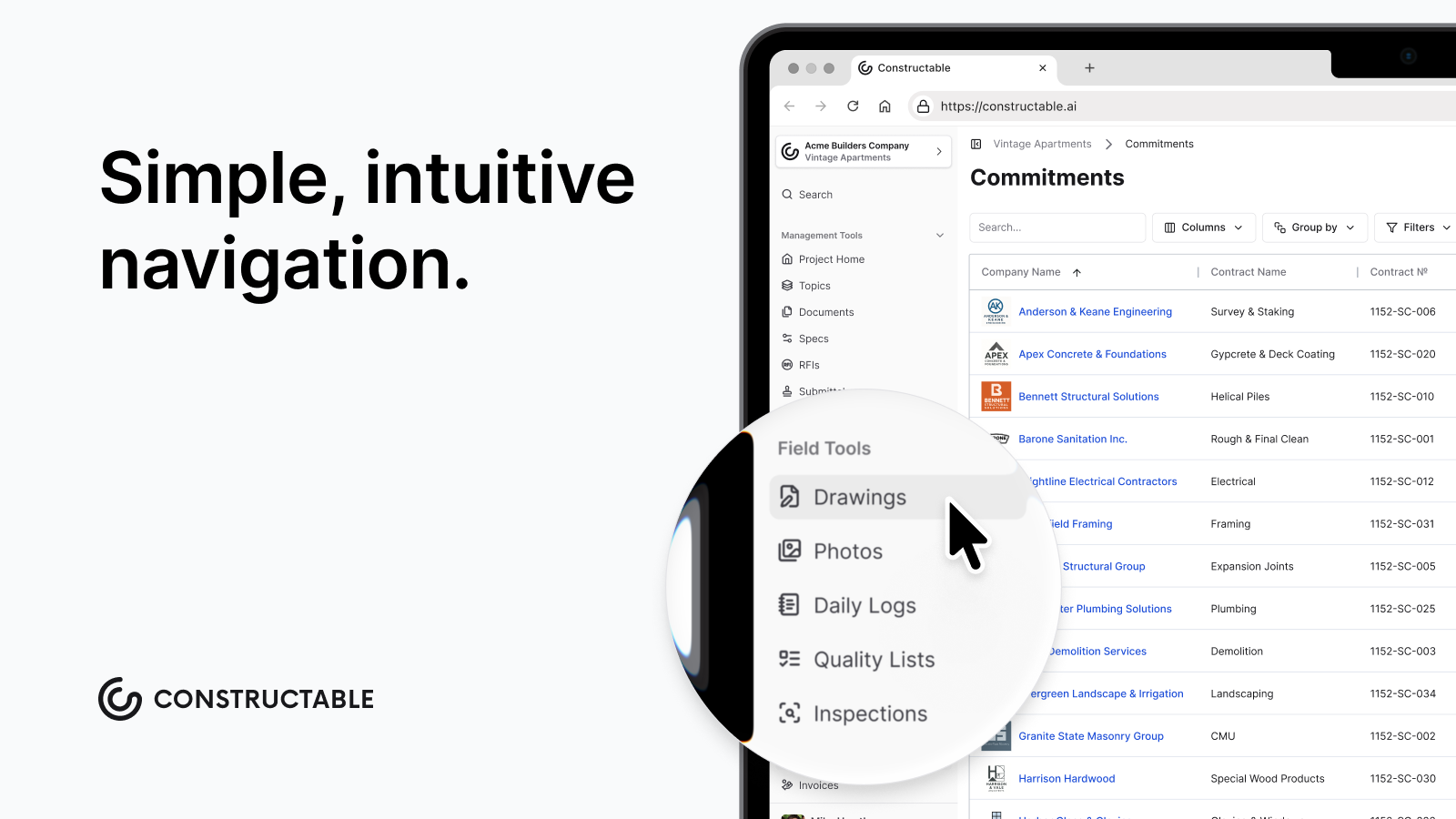\\n\\n---\\n\\n## Closing Thought\\n\\nAs you know, it takes a whole team to build a project, and the same is true for building the software that supports it.\\n\\nAnd when the people who are \\\"required\\\" to use your system start telling you they actually like it, you know you're on the right track.\\n\\n---\\n\\n## FAQ\\n\\n### Why do trade partners and subcontractors usually ignore construction software invites?\\n\\nMost tools are built around the general contractor's workflow, so anyone outside that core team ends up navigating a system that wasn't designed for them. Trade partners default to phone calls and email because that's faster than learning software that adds steps without giving them anything back. The fix is software that's genuinely easy for anyone on the project to pick up without a training session.\\n\\n### What should I look for in construction software to get my whole team to actually use it?\\n\\nLook for software that works for every person on the project, from your internal team to trade partners, consultants, and owners. The key signs: trade partners can update their work without a learning curve, consultants can respond to RFIs without extra steps, and owners get visibility without needing a full login setup. If external teams are still defaulting to email after a month, the tool was not built for them.\\n\\n### Can external collaborators, like trade partners, use Constructable without paying for it?\\n\\nYes. External project members can access and use Constructable as part of the project without needing their own paid subscription. This removes the main barrier to adoption, since trade partners and consultants are far more likely to engage when participation doesn't require a separate purchasing decision on their end.\\n\",[],[662,663,664,665,666,667],\"{\\\"@context\\\":\\\"https://schema.org\\\",\\\"@type\\\":\\\"FAQPage\\\",\\\"name\\\":\\\"Why External Teams Actually Like Using Constructable (Even When They're \\\\\\\"Forced\\\\\\\" To) | May 2026\\\",\\\"mainEntity\\\":[{\\\"@type\\\":\\\"Question\\\",\\\"name\\\":\\\"How does AI search actually save time on active projects?\\\",\\\"acceptedA
165nswer\\\":{\\\"@type\\\":\\\"Answer\\\",\\\"text\\\":\\\"AI search pulls answers from across your entire projectâdrawings, RFIs, submittals, daily logs, and specsâin seconds instead of forcing you to open a dozen PDFs or dig through email threads. You ask \\\\\\\"What fire rating did we approve for the corridor walls?\\\\\\\" and get the answer without remembering where it was documented.\\\"}},{\\\"@type\\\":\\\"Question\\\",\\\"name\\\":\\\"Can AI really catch coordination issues before they become change orders?\\\",\\\"acceptedAnswer\\\":{\\\"@type\\\":\\\"Answer\\\",\\\"text\\\":\\\"Yes. During plan review and takeoff, AI scans drawing sets for conflicts between disciplines and flags missing details that will generate RFIs later. Catching a mismatch between structural and architectural drawings before you break ground costs nothingâfinding it three months in costs real money.\\\"}},{\\\"@type\\\":\\\"Question\\\",\\\"name\\\":\\\"Why does having everything in one system matter more than having AI features spread across multiple tools?\\\",\\\"acceptedA
165nswer\\\":{\\\"@type\\\":\\\"Answer\\\",\\\"text\\\":\\\"AI search only works when it can see your whole project. Searching drawings but not RFIs gives you half an answer. When everything lives in one place, AI connects the field markup to the RFI to the submittal response automaticallyâno manual cross-referencing or hoping things synced correctly.\\\"}},{\\\"@type\\\":\\\"Question\\\",\\\"name\\\":\\\"How long does it take to get up and running with AI-powered project management?\\\",\\\"acceptedAnswer\\\":{\\\"@type\\\":\\\"Answer\\\",\\\"text\\\":\\\"Most teams are live in under 21 days. You're not overhauling workflows or waiting on IT setupâyou upload your drawing sets, AI extracts the details, you review and start working. The tool works how you already work, just faster.\\\"}},{\\\"@type\\\":\\\"Question\\\",\\\"name\\\":\\\"Does adding AI to our project management mean training the whole team on new software?\\\",\\\"acceptedAnswer\\\":{\\\"@type\\\":\\\"Answer\\\",\\\"text\\\":\\\"No. The AI runs in the backgroundâauto-extracting sheet numbers when you upload drawings, detecting scale when you measure, drafting distribution messages when you close RFIs. Your team uses the same workflows they always have, just without the tedious parts.\\\"}}],\\\"url\\\":\\\"https://constructable.ai/blog/why-external-teams-prefer-constructable\\\",\\\"dateModified\\\":\\\"2026-05-05T18:09:17.130Z\\\",\\\"author\\\":{\\\"@type\\\":\\\"Person\\\",\\\"name\\\":\\\"Molly Abbott\\\"}}\\n\",\"{\\\"@context\\\":\\\"https://schema.org\\\",\\\"@type\\\":\\\"BlogPosting\\\",\\\"headline\\\":\\\"Why External Teams Actually Like Using Constructable (Even When They're \\\\\\\"Forced\\\\\\\" To) | May 2026\\\",\\\"description\\\":\\\"Why external teams prefer Constructable in May 2026. Real feedback from trade partners, consultants, and project stakeholders who actually use it.\\\",\\\"datePublished\\\":\\\"2026-05-05T18:09:17.130Z\\\",\\\"dateModified\\\":\\\"2026-05-05T18:09:17.130Z\\\",\\\"author\\\":{\\\"@type\\\":\\\"Person\\\",\\\"name\\\":\\\"Molly Abbott\\\"},\\\"url\\\":\\\"https://constructable.ai/blog/why-external-teams-prefer-constructable\\\",\\\"wordCount\\\":1022,\\\"keywords\\\":[\\\"ai project management for construction\\\",\\\"ai for construction project management\\\",\\\"ai tools for construction project management\\\",\\\"best ai for construction project management\\\",\\\"best ai tools for construction project management\\\"]}\\n\",\"weve thinking about lately\",\"reality external adoption hard part\",\"happened hours\",\"matters construction teams\",\"building whole project team\",\"prefer\",\"rfi-management-construction-what-works\",\"RFI Management in Construction: What Works in May 2026\",\"Learn what works in RFI management for construction projects in May 2026. Cut delays, improve response times, and keep your project documentation organized.\",\"2026-05-13T18:57:50.345Z\",\"Most RFI management workflows fall apart because your log, your drawings, and your email responses never actually meet in the same place. You write the question in one system, reference a sheet in another, and then copy the architect's answer back into a third spot, hoping nothing critical gets dropped. What works better is treating RFIs like they belong on the drawing itself, where the markups, responses, and version history stay together without you manually stitching it all back into context later.\\n\\n**TLDR:**\\n\\n- RFIs create a formal paper trail that protects you from absorbing costs that weren't yours to own\\n- The average RFI takes 9.7 days to get a response, and there are roughly 9.9 RFIs per $1M of project value\\n- Write RFIs with specific drawing references, one clear question, and a proposed solution to get faster answers\\n- Running coordination checks on your models before construction can reduce avoidable field RFIs before they happen\\n- Constructable pins RFIs directly to drawing sheets so questions, responses, and markups stay connected\\n\\n## What an RFI Is and Why It Matters to Your Projects\\n\\nA Request for Information (RFI) is a formal written question submitted during construction when something in the project documents is unclear, incomplete, or contradictory. That could be a dimension that doesn't add up, a spec that conflicts with the drawings, or a detail the architect forgot to include. When those gaps appear on a live project, work stops until someone with authority weighs in.\\n\\nThe word \\\"formal\\\" carries real weight here. You're not texting the architect a quick question. An RFI creates a documented chain of communication that shows exactly what was asked, by whom, and what the answer was. That record
165is what separates a contractor who eats the cost of rework from one who has the paper trail to prove the mistake wasn't theirs to own.\\n\\n### Why the Paper Trail Matters\\n\\nOn most commercial projects, RFI volume runs higher than most teams expect. Each one is a potential scheduling risk if left unanswered. The documentation behind each RFI is what gives you standing in a dispute, strength in a change order conversation, and protection when an owner asks why the schedule slipped.\\n\\n## The Real Cost of RFI Delays\\n\\nThe average RFI response time is [9.7 days](https://www.autodesk.com/blogs/construction/the-end-of-rfis-construction/), and on a typical project, there are 9.9 RFIs for every $1M of construction value. On a $10M job, that's nearly 100 questions with an average wait of almost two weeks each; questions stack up fast.\\n\\n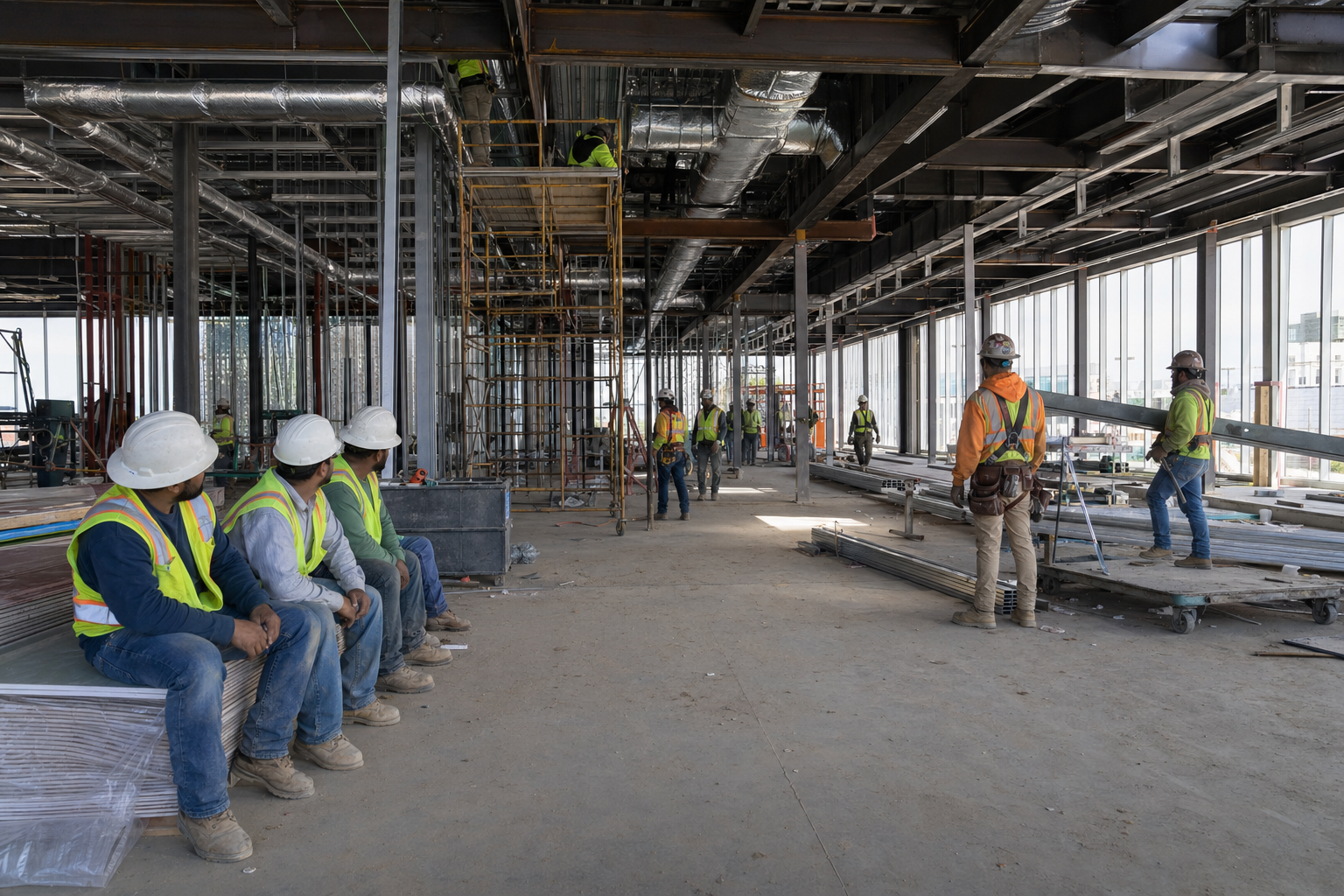\\n\\nHere's what that actually looks like on a job:\\n\\n- A subcontractor hits a conflict between the structural drawings and the MEP coordination plan. Work stops while they wait for an answer.\\n- The architect takes four days to respond. The sub has moved crews elsewhere.\\n- By the time the answer comes back, the schedule has shifted, and now three other trades are affected.\\n\\nThat one RFI didn't just cost five days. It cost a ripple of rescheduling, remobilization, and hard conversations with an owner who wants to know why the building isn't on schedule. When you multiply that across dozens of open RFIs on a single project, the math gets uncomfortable fast.\\n\\n## Common Types of RFIs You Will Encounter\\n\\nNot every RFI is routed to the same person or resolved on the same timeline. Knowing the type you're dealing with saves real time on the backend.\\n\\n- Design clarification RFIs surface when drawings conflict, dimensions don't add up, or a spec is too vague to act on. These go to the architect or engineer of record.\\n- Coordination RFIs come from clashes between disciplines, like HVAC ductwork running straight through a structural beam. These often require multiple design team members to weigh in before work can move forward.\\n- Constructibility RFIs question whether something is actually buildable as drawn. The design may be technically correct on paper, but the sequence or physical constraints make it impractical in the field.\\n- Site condition RFIs document when reality doesn't match the drawings: unmarked utilities, unexpected soil, or existing structures that weren't accurately captured.\\n\\nRouting an RFI to the wrong party burns time you don't have. A constructibility question sent to the architect when it really needs the structural engineer just sits in the wrong inbox until someone catches the mistake.\\n\\n| RFI Type | Typical Causes | Routes To | Average Resolution Time |\\n| -------------------- | ---------------------------------------------------------------------------------------------------------------------------------------------- | --------------------------------------------------------------------------------------- | -------------------------------------------------------------------- |\\n| Design Clarification | Conflicting dimensions between drawings, vague specifications that can't be built from, missing details on connection methods or finishes | Architect or Engineer of Record | 3-7 days depending on de
165sign team availability |\\n| Coordination | Clashes between disciplines like HVAC ducts running through structural beams, conflicting ceiling heights between architectural and MEP plans | Multiple design team members (requires coordination between architect, structural, MEP) | 5-10 days due to multi-party review requirements |\\n| Constructibility | Design is technically correct on paper but impractical to build due to sequencing constraints, access limitations, or material availability | Structural Engineer or Architect (may require contractor input) | 4-8 days, often requires field visit or shop drawing review |\\n| Site Condition | Unmarked utilities encountered during excavation, unexpected soil conditions, existing structure dimensions that don't match as-built drawings | Architect and potentially Geotechnical or Civil Engineer | 7-14 days, may require testing or field verification before response |\\n\\n## Writing RFIs That Get Answered Fast\\n\\nA vague RFI is a slow RFI. When a reviewer has to guess what you're actually asking, they either request clarification or give a non-answer. Neither moves the job forward.\\n\\nThere are **four things** that separate RFIs that get answered quickly from ones that sit in someone's inbox:\\n\\n- **State the specific drawing or spec section you're referencing, instead of a general topic.** Reviewers need to pull the right document before they can respond.\\n- **Describe the conflict or gap in one or two sentences.** If you need a paragraph, the RFI probably needs to be split into multiple submissions.\\n- **Propose a solution when you have one.** A suggested resolution gives the reviewer something to approve or redirect, which is faster than building an answer from scratch.\\n- **Set a clear response date and explain why it matters to the schedule.** Deadlines without context get ignored.\\n\\n## How to Track and Manage Your RFI Log\\n\\nA good RFI log keeps every open question visible and assigned. Without one, RFIs slip through the cracks, deadlines get missed, and suddenly you're in a dispute over who knew what and when.\\n\\nYour log should track, at minimum:\\n\\n- The RFI number and date submitted, so nothing gets lost in the shuffle\\n- Who submitted it and who it's assigned to for response\\n- The current status (open, pending, answered, closed)\\n- The required response date and actual response date\\n- Any cost or schedule impact flagged by the response\\n\\nMost teams start with a spreadsheet, which works fine for smaller jobs before moving to dedicated software. Excel or Google Sheets can handle the basics. The problem shows up on larger projects where you're juggling 200-plus RFIs across multiple subs, and the log stops being a tool and starts being a liability.\\n\\nWhatever format you choose, consistency matters more than sophistication. A log everyone updates beats a fancy system nobody touches. [Effective RFI process management](https://www.trimble.com/blog/construction/en-US/article/mastering-the-rfi-process-a-guide-for-modern-project-teams) depends more on consistent execution than on the specific tools you choose.\\n\\n## Reducing RFI Volume Before Construction Starts\\n\\nThe best time to cut RFI volume is before a shovel hits the ground. Projects that invest in thorough pre-construction coordination consistently see fewer clarification requests during construction, which means fewer delays and less back-and-forth eating into your schedule.\\n\\nA few habits that make a real difference:\\n\\n- Running coordination checks on your models before construction means fewer \\\"this doesn't fit\\\" surprises in the field, which are responsible for a large share of avoidable RFIs.\\n- Detailed scope packages give subcontractors fewer reasons to ask questions. Vague specs create RFIs almost automatically.\\n- Pre-construction RFI review sessions with the design team let you surface ambiguities early, when answers are cheap and changes don't blow up the schedule.\\n- Pulling historical RFI logs from past projects can show you where your specs tend to break down repeatedly, so you can fix them before they become a problem again.\\n\\nNone of this replaces a good RFI process once work starts, but it does mean your team spends less t
165ime managing paperwork and more time building.\\n\\n## When RFIs Connect to Change Orders\\n\\nAn RFI asks a question. [A change order](https://constructable.ai/blog/change-orders-construction-guide) authorizes changes to scope, cost, or schedule. These are not the same thing, even though one often leads to the other.\\n\\nWhen an RFI response reveals a scope that differs from what was bid, flag the potential change order before you act. Document the cost and schedule impact inside the RFI itself, not after the fact. If you proceed with work based on an RFI response without first capturing that impact, you've likely given up your right to recover those costs later. Reviewers rarely go back and retroactively approve expenses tied to a closed RFI.\\n\\nKeeping both processes separate protects the contractor and the owner. You don't absorb work you were never paid to deliver. The owner doesn't get surprised by costs they never approved. That boundary, held consistently, is what keeps scope creep from quietly killing a project's budget.\\n\\n## How Constructable Connects RFIs to Your Drawings\\n\\nMost RFI logs live in a separate location from [the drawings they reference](https://constructable.ai/blog/straight-shooters-guide-drawing-management-software). That gap is where context gets lost.\\n\\nIn **Constructable**, we pin RFIs directly to [drawing sheets](https://constructable.ai/blog/construction-drawing-management-software). The question, the response, every markup, and every comment live together at the exact location on the plan. When you open an RFI in the drawing viewer, any markup you create is automatically saved to it. No copying, no cross-referencing, no reconstructing what was asked and why from three different email threads.\\n\\n\\n\\nBall-in-court tracking keeps responsibility visible at the top of the log, so nothing sits unanswered without someone knowing about it. When an RFI closes, you can export all tagged sheets to PDF and distribute them in one step.\\n\\nRFI management works better when it lives inside [the drawing workflow](https://constructable.ai/blog/drawing-centric-collaboration-workflows), not bolted on afterward as another place to check.\\n\\n## Final Thoughts on RFIs and Project Control\\n\\nGood [RFI management](https://constructable.ai/) comes down to asking the right questions, tracking who owes you an answer, and making sure nothing disappears between your drawings and your inbox. You're going to have conflicts and gaps no matter how tight your docs are. What matters is how quickly you can document, route, and close them without losing context. If you want to see how **Constructable** handles this, [we can walk you through it](https://constructable.ai/sales).\\n\\n## FAQ\\n\\n### What is an RFI in construction?\\n\\nAn RFI is a formal written question submitted during construction when project documents are unclear, incomplete, or contradictory, like a dimension that doesn't add up or a spec that conflicts with the drawings. It creates a documented chain showing what was asked, by whom, and what the answer was, giving you protection when disputes arise.\\n\\n### RFI management software vs spreadsheets?\\n\\nSpreadsheets work fine for smaller jobs, but on projects with 200-plus RFIs, they become a liability instead of a tool. RFI management software keeps questions pinned directly to drawings, automatically tracks ball-in-court assignments, and prevents RFIs from slipping through the cracks when multiple subs are involved.\\n\\n### How do I reduce RFI volume before construction starts?\\n\\nRun coordination checks on your models before breaking ground, write detailed scope packages that leave fewer questions unanswered, and hold pre-construction RFI review sessions with the design team to surface ambiguities early. Pull historical RFI logs from past projects to fix specs that repeatedly break down before they become problems again.\\n\\n### When should an RFI trigger a change order?\\n\\nWhen an RFI response reveals a scope that differs from what was bid, flag the potential change order before you act. Document the cost and schedule impact inside the RFI itself, not after the fact, or you'll likely give up your right to recover those costs later.\\n\\n### What's the difference between design clarification and constructibility RFIs?\\n\\nDesign clarification RFIs surface when drawings conflict, or specs are too vague to act on. These go to the architect or engineer of record. Constructibility RFIs question whether something is actually buildable as drawn. The design may be technically correct on paper, but the sequence or physical constraints make it impractical in the field.\\n\",[],[677,678,679,680,681,206,682],\"{\\\"@context\\\":\\\"https://schema.org\\\",\\\"@type\\\":\\\"FAQPage\\\",\\\"name\\\":\\\"RFI Management in Construction: What Works in May 2026\\\",\\\"mainEntity\\\":[{\\\"@type\\\":\\\"Question\\\",\\\"name\\\":\\\"What is an RFI in construction?\\\",\\\"acceptedA
165nswer\\\":{\\\"@type\\\":\\\"Answer\\\",\\\"text\\\":\\\"An RFI is a formal written question submitted during construction when project documents are unclear, incomplete, or contradictoryâlike a dimension that doesn't add up or a spec that conflicts with the drawings. It creates a documented chain showing what was asked, by whom, and what answer came back, giving you protection when disputes arise.\\\"}},{\\\"@type\\\":\\\"Question\\\",\\\"name\\\":\\\"RFI management software vs spreadsheets?\\\",\\\"acceptedAnswer\\\":{\\\"@type\\\":\\\"Answer\\\",\\\"text\\\":\\\"Spreadsheets work fine on smaller jobs, but on projects with 200-plus RFIs, they become a liability instead of a tool. RFI management software keeps questions pinned directly to drawings, tracks ball-in-court assignments automatically, and prevents RFIs from slipping through the cracks when multiple subs are involved.\\\"}},{\\\"@type\\\":\\\"Question\\\",\\\"name\\\":\\\"How do I reduce RFI volume before construction starts?\\\",\\\"acceptedAnswer\\\":{\\\"@type\\\":\\\"Answer\\\",\\\"text\\\":\\\"Run clash detection in BIM before breaking ground, write detailed scope packages that leave fewer questions unanswered, and hold pre-construction RFI review sessions with the design team to surface ambiguities early. Pull historical RFI logs from past projects to fix specs that repeatedly break down before they become problems again.\\\"}},{\\\"@type\\\":\\\"Question\\\",\\\"name\\\":\\\"When should an RFI trigger a change order?\\\",\\\"acceptedA
165nswer\\\":{\\\"@type\\\":\\\"Answer\\\",\\\"text\\\":\\\"When an RFI response reveals scope that differs from what was bid, flag the potential change order before you act. Document the cost and schedule impact inside the RFI itselfânot after the factâor you'll likely give up your right to recover those costs later.\\\"}},{\\\"@type\\\":\\\"Question\\\",\\\"name\\\":\\\"What's the difference between design clarification and constructability RFIs?\\\",\\\"acceptedAnswer\\\":{\\\"@type\\\":\\\"Answer\\\",\\\"text\\\":\\\"Design clarification RFIs surface when drawings conflict or specs are too vague to act onâthey go to the architect or engineer of record. Constructability RFIs question whether something is actually buildable as drawnâthe design may be technically correct on paper, but the sequence or physical constraints make it impractical in the field.\\\"}},{\\\"@type\\\":\\\"Question\\\",\\\"name\\\":\\\"Can I export an RFI to PDF with all the drawing markups included?\\\",\\\"acceptedAnswer\\\":{\\\"@type\\\":\\\"Answer\\\",\\\"text\\\":\\\"Yes, when you close an RFI in Constructable you can export all tagged sheets to PDF in one step, and the drawing markups save with the RFI automatically. This gives you a complete record of the question, response, and visual context without manually stitching files together.\\\"}},{\\\"@type\\\":\\\"Question\\\",\\\"name\\\":\\\"What's the fastest way to write an RFI that gets answered quickly?\\\",\\\"acceptedA
165nswer\\\":{\\\"@type\\\":\\\"Answer\\\",\\\"text\\\":\\\"State the specific drawing or spec section, describe the conflict in one or two sentences, propose a solution if you have one, and set a clear response date with schedule context. Vague RFIs sit in inboxes because reviewers have to guess what you're actually asking.\\\"}},{\\\"@type\\\":\\\"Question\\\",\\\"name\\\":\\\"How long does the average RFI take to get answered?\\\",\\\"acceptedAnswer\\\":{\\\"@type\\\":\\\"Answer\\\",\\\"text\\\":\\\"The median response time is 5.2 days per RFI on commercial projects, and RFI delays account for 37% of all schedule overruns. That's nearly a week per question, and when you're juggling dozens of open RFIs, those delays stack up fast.\\\"}},{\\\"@type\\\":\\\"Question\\\",\\\"name\\\":\\\"What's the difference between an RFI and a submittal in construction?\\\",\\\"acceptedAnswer\\\":{\\\"@type\\\":\\\"Answer\\\",\\\"text\\\":\\\"An RFI asks a question about unclear or conflicting project documents and requires a formal answer before work proceeds. A submittal provides shop drawings, product data, or samples for the design team to review and approve before you install or purchase materials.\\\"}},{\\\"@type\\\":\\\"Question\\\",\\\"name\\\":\\\"Should I use an RFI template Excel or Word for tracking?\\\",\\\"acceptedA
165nswer\\\":{\\\"@type\\\":\\\"Answer\\\",\\\"text\\\":\\\"Excel or Word templates work fine on smaller jobs with fewer than 50 RFIs, but you'll spend real time copying data between your log and your drawings. On larger projects, a spreadsheet stops being a tool and starts being a liability when you're tracking 200-plus open questions across multiple subs.\\\"}},{\\\"@type\\\":\\\"Question\\\",\\\"name\\\":\\\"Can I build an RFI on a drawing without creating a separate document first?\\\",\\\"acceptedAnswer\\\":{\\\"@type\\\":\\\"Answer\\\",\\\"text\\\":\\\"In Constructable, yesâyou can pin an RFI directly to any location on a drawing sheet, and any markups you create with the RFI open automatically save to it. The question, response, and visual context stay connected at the exact spot on the plan.\\\"}},{\\\"@type\\\":\\\"Question\\\",\\\"name\\\":\\\"What happens if I proceed with work based on an RFI answer without documenting cost impact?\\\",\\\"acceptedAnswer\\\":{\\\"@type\\\":\\\"Answer\\\",\\\"text\\\":\\\"You've likely given up your right to recover those costs later. If an RFI response reveals scope that differs from what was bid, flag the potential change order and document the cost and schedule impact inside the RFI itself before you act.\\\"}},{\\\"@type\\\":\\\"Question\\\",\\\"name\\\":\\\"RFI meaning in project management vs constructionâare they different?\\\",\\\"acceptedA
165nswer\\\":{\\\"@type\\\":\\\"Answer\\\",\\\"text\\\":\\\"The term RFI means different things depending on context. In construction, an RFI is a Request for Information submitted when project documents are unclear or incomplete. In procurement and project management outside construction, RFI often refers to a vendor questionnaire used during the buying process.\\\"}},{\\\"@type\\\":\\\"Question\\\",\\\"name\\\":\\\"How do I stop RFIs from falling through the cracks on multi-sub projects?\\\",\\\"acceptedAnswer\\\":{\\\"@type\\\":\\\"Answer\\\",\\\"text\\\":\\\"Track ball-in-court assignments so responsibility stays visible, set required response dates with schedule context, and keep your RFI log updated with current status for every open question. When RFIs live separate from drawings, that's where context gets lost and deadlines get missed.\\\"}},{\\\"@type\\\":\\\"Question\\\",\\\"name\\\":\\\"What's a constructability RFI and when should I submit one?\\\",\\\"acceptedAnswer\\\":{\\\"@type\\\":\\\"Answer\\\",\\\"text\\\":\\\"A constructability RFI questions whether something is actually buildable as drawnâthe design may be technically correct on paper, but the sequence or physical constraints make it impractical in the field. Submit one when you spot an issue before work starts, not after you've already hit a wall trying to execute it.\\\"}}],\\\"url\\\":\\\"https://constructable.ai/blog/rfi-management-construction-what-works\\\",\\\"dateModified\\\":\\\"2026-05-13T18:57:50.345Z\\\",\\\"author\\\":{\\\"@type\\\":\\\"Organization\\\",\\\"name\\\":\\\"Constructable\\\"}}\\n\",\"{\\\"@context\\\":\\\"https://schema.org\\\",\\\"@type\\\":\\\"BlogPosting\\\",\\\"headline\\\":\\\"RFI Management in Construction: What Works in May 2026\\\",\\\"description\\\":\\\"Learn what works in RFI management for construction projects in May 2026. Cut delays, improve response times, and keep your project documentation organized.\\\",\\\"datePublished\\\":\\\"2026-05-13T18:57:50.345Z\\\",\\\"dateModified\\\":\\\"2026-05-13T18:57:50.345Z\\\",\\\"author\\\":{\\\"@type\\\":\\\"Organization\\\",\\\"name\\\":\\\"Constructable\\\"},\\\"url\\\":\\\"https://constructable.ai/blog/rfi-management-construction-what-works\\\",\\\"wordCount\\\":2030,\\\"keywords\\\":[\\\"rfi management\\\",\\\"what is an rfi in construction\\\",\\\"rfi in construction example\\\",\\\"types of rfi in construction\\\",\\\"rfi in construction example pdf\\\",\\\"rfi meaning in engineering\\\",\\\"what is an rfi in electrical\\\",\\\"rfi meaning in project management\\\",\\\"construction rfi process flow chart\\\",\\\"rfi construction company\\\",\\\"free rfi in construction example\\\",\\\"rfi construction template word\\\",\\\"rfi template\\\",\\\"rfi template excel\\\",\\\"rfi in construction example excel\\\",\\\"rfi template pdf\\\",\\\"construction rfi template excel\\\",\\\"rfi meaning in civil engineering\\\",\\\"rfi meaning in banking\\\",\\\"rfi meaning in procurement\\\",\\\"rfi meaning in banking example\\\",\\\"rfi meaning in banking pdf\\\",\\\"rfp meaning in banking\\\",\\\"rfi meaning in business\\\",\\\"rfi meaning in construction\\\",\\\"rfi meaning in logistics\\\",\\\"rfi audit meaning\\\",\\\"what is rfi in project management\\\",\\\"what is an rfi in project management\\\",\\\"rfi project management\\\",\\\"rfi in project management\\\",\\\"rfi management software\\\",\\\"rfi construction management\\\",\\\"rfi and rfp in project management\\\",\\\"rfi property management\\\",\\\"what is a rfi in project management\\\",\\\"rfi management tool\\\",\\\"construction rfi management\\\",\\\"rfi in supply chain management\\\",\\\"rfi construction management inc\\\",\\\"rfi in software project management\\\",\\\"rfi full form in project management\\\",\\\"rfi in construction management\\\",\\\"rfi asset management\\\",\\\"rfi project management template\\\",\\\"software for rfi management\\\",\\\"rfi construction management danville ca\\\",\\\"rfi construction management solutions\\\",\\\"rfi vendor management\\\"]}\\n\",\"rfi matters projects\",\"paper trail matters\",\"real cost rfi delays\",\"common types rfis encounter\",\"writing rfis get answered fast\",\"works\",\"construction-submittals-definition-types-best-practices\",\"What Are Construction Submittals? Definition, Types \u0026 Best Practices (May 2026)\",\"Learn what construction submittals are, the main types, and how to manage them without delays. Complete guide with best practices for May 2026.\",\"2026-05-13T19:18:22.212Z\",\"Most teams treat submittals like a formalityâsomething to check off and move on from. The teams that stay on schedule see them differently. Submittals are an early warning system. When they move fast and come back clean, everything downstream stays on track. When they pile up, get rejected, or sit in someone's inbox waiting for a review, the schedule quietly starts to slip. The definition is simple enough. Managing them without constant friction is where the work actually lives.\\n\\n**TLDR:**\\n\\n- Submittals are formal documents proving materials match project specs before installation begins.\\n- Rejection rates are high across the industry, and most stem from incomplete packages, wrong products, or skipping the GC preliminary review.\\n- Mapping every required submittal to lead times before mobilization prevents late-breaking schedule problems.\\n- Constructable keeps submittals, RFIs, and drawings in one place, with an AI Answer Engine that pulls answers from across your project with direct links to the source.\\n- Most rejections stem from incomplete packages, wrong products, or skipping the GC preliminary review.\\n- Mapping every required submittal to lead times before mobilization prevents late-breaking schedule problems.\\n- Constructable connects submittals directly to drawings and uses AI to flag missing information before routing.\\n\\n## What Are Construction Submittals?\\n\\nBefore a single piece of material gets installed on a job site, someone has to prove it belongs there. That's the job of a submittal.\\n\\nA submittal is a formal document, sample, product data sheet, or drawing that a contractor sends to the architect or engineer for review and approval before work begins. Think of it as a checkpoint: the design team confirms that what you're planning to use actually matches what the project specifications require.\\n\\nSubmittals don't protect just the owner. They protect you. If a material gets rejected after installation because it wasn't approved, that's your problem to fix, on your dime. Getting sign-off upfront keeps the work moving and keeps disputes off the table.\\n\\nEvery project has them. The question is whether you manage them well or let them manage you.\\n\\n## Submittal vs Submission: Understanding the Difference\\n\\n\\\"Submittal\\\" and \\\"submission\\\" sound interchangeable, and in everyday English, they basically are. But in U.S. construction, they carry distinct meanings, and mixing them up
165signals you might be new to the room.\\n\\nA submission is the act of sending something. You make a submission when you file a form, turn in a bid, or email a document. It describes the action itself.\\n\\nA submittal is the thing you send. It's the package: shop drawings, product data sheets, samples, or calculations prepared for the design team's review. In contracts, specifications, and project logs, \\\"submittal\\\" is the standard term. It's what the specs reference, what gets logged and tracked, and what comes back stamped approved or rejected.\\n\\nSo if someone asks for \\\"the submittal,\\\" they want the document. If they ask about \\\"the submission,\\\" they're probably asking whether you sent it yet.\\n\\n## Common Types of Construction Submittals\\n\\nNot all submittals are created equal, and knowing which type you're dealing with changes how you handle it.\\n\\n### Product Data\\n\\nProduct data submittals are manufacturer spec sheets, cut sheets, and technical literature that confirm a product meets the spec requirements. These are the most common type on a typical commercial project. If you're going to get your process dialed in anywhere, start here.\\n\\n### Shop Drawings\\n\\nShop drawings are detailed fabrication or installation drawings prepared by a subcontractor, supplier, or manufacturer. Structural steel connections, custom millwork, precast panels, anything built to specific dimensions gets a shop drawing. The design team reviews them to confirm fit and intent before fabrication starts.\\n\\n### Samples\\n\\nPhysical samples, such as a flooring sample, a paint chip, or a brick section, are submitted so the architect can approve the color, texture, or finish. Simple in concept, but slow in practice. Plan for lead time.\\n\\n### Other Types\\n\\nBeyond the big three, you'll also run into:\\n\\n- Test reports and certifications, such as concrete mix designs and compressive strength results\\n- Operation and maintenance manuals, which are typically required at closeout\\n- Warranties and guarantees from manufacturers or subcontractors\\n- Engineering calculations for structural or MEP systems\\n\\n| Submittal Type | Primary Purpose | Typical Contents | Review Focus |\\n| -------------- | -------------------------------------------------------------------------------- | ------------------------------------------------------------------------------------------------------- | --------------------------------------------------------------------------------------- |\\n| Product Data | Confirm manufactured products meet specification requirements before ordering | Manufacturer spec sheets, cut sheets, technical literature, performance data, installation instructions | Compliance with spec section requirements, product features, warranties, certifications |\\n| Shop Drawings | Verify custom fabrication details and dimensions before manufacturing begins | Detailed fabrication drawings, connection details, material specifications, dimensional layouts | Fit with structural systems, dimensional accuracy, compliance with design intent |\\n| Samples | Approve aesthetic qualities like color, texture, and finish before bulk ordering | Physical material samples, finish mockups, color chips, texture boards | Visual appearance, color match, texture consistency, finish quality |\\n| Test Reports | Document material performance and quality control results | Concrete mix designs, compressive strength tests, soil reports, material certifications | Compliance with performance specifications, testing methodology, lab certifications |\\n| O\u0026M Manuals | Provide operating guidance and maintenance requirements for building systems | Equipment operation procedures, maintenance schedules, parts lists, warranty information | Completeness, accuracy of equipment coverage, maintenance detail, warranty terms |\\n\\n## The Construction Submittal Process Explained\\n\\nThe process looks simple on paper. In practice, it's where projects either stay on schedule or quietly start to fall apart.\\n\\nHere's how it typically flows:\\n\\n1. The subcontractor or supplier prepares the submittal based on the project specs\\n2. The GC reviews it first, checking that it's complete, correctly formatted, and actually relevant before forwarding\\n3. The architect or engineer reviews for technical compliance and stamps it: approved, approved as noted, revise and resubmit, or rejected\\n4. The approved submittal goes back down the chain before work or ordering begins\\n\\nThat last stamp matters more than people realize. Rejection rates across the industry are high, and every rejected submittal costs you time, rework, and schedule buffer you probably didn't have to spare.\\n\\nMost rejections stem from the same problems: submittals sent before they're ready, missing information, or the wrong product entirely. The GC's preliminary review is the catch point, and it only works if someone is actually paying attention.\\n\\n## Why Submittals Matter for Project Success\\n\\nFixing a mistake on paper costs you an hour. Fixing it after installation costs you a week and a painful conversation with your owner.\\n\\nThat's the core logic behind submittals. They exist to catch misalignments early, before materials are ordered, fabricated, or bolted into place. A rejected shop drawing is frustrating; a rejected structural connection after the steel is up is a disaster.\\n\\n### Specification Compliance\\n\\nEvery approved submittal is proof that what's going into the building meets the contract requirements. That paper trail matters at closeout, [during inspections](https://constructable.ai/blog/construction-ins
165pection-process-pass-without-delays), and any time a dispute surfaces. If an owner claims a material wasn't to spec, your approved submittals are what you point to.\\n\\n### Coordination Before Installation\\n\\nSubmittals force coordination issues into the open early. When the mechanical contractor submits equipment data that doesn't fit the structural opening, the conflict surfaces in a review comment, not during rough-in. That's a phone call, not a change order.\\n\\n### Quality Control Throughout the Job\\n\\nSubmittals create a running record of what was approved and when, across every trade and every phase. That record is what makes project audits manageable and owner disputes short.\\n\\nThe projects that struggle with submittals aren't short on paperwork. They're short on process.\\n\\n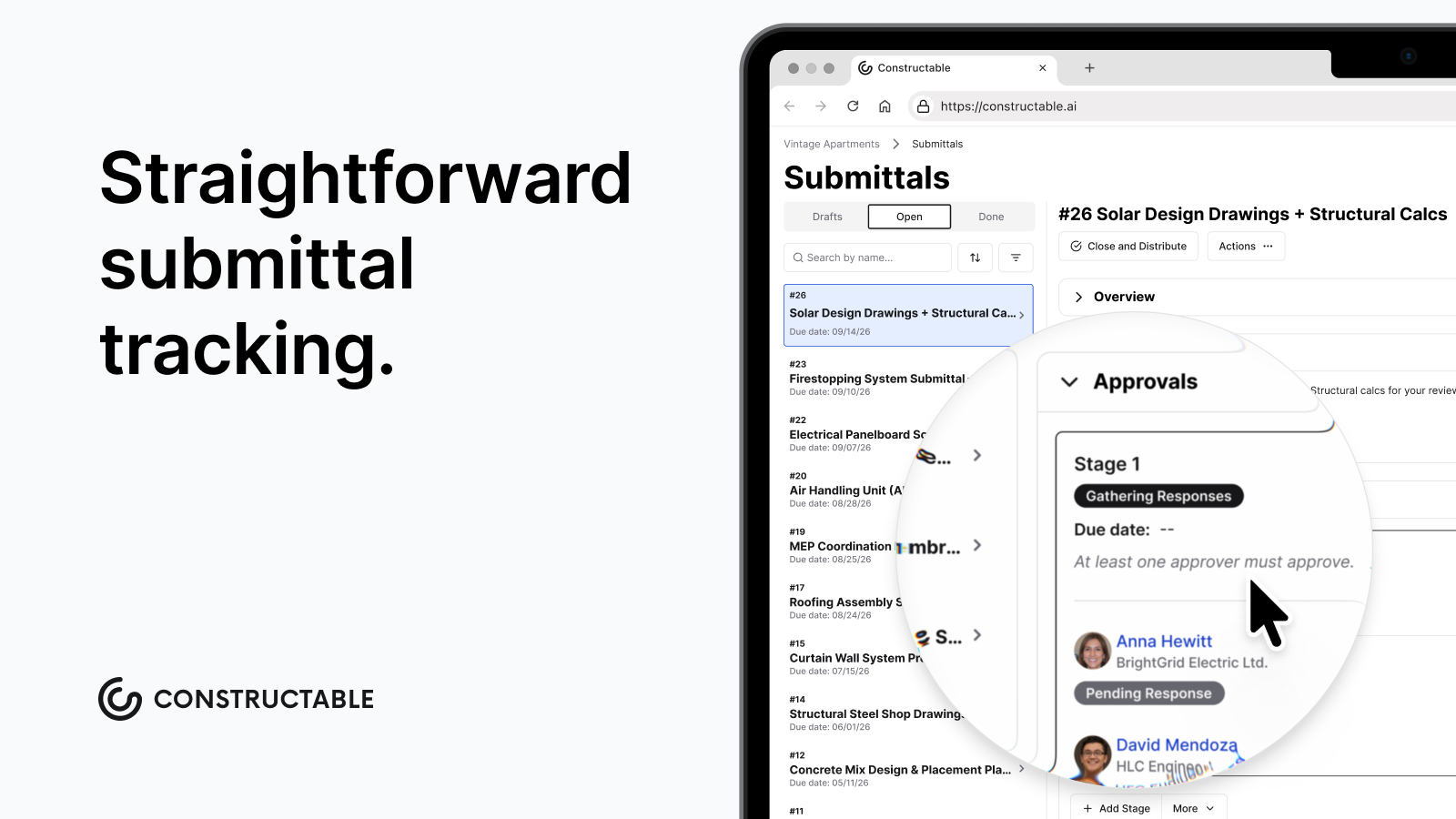\\n\\n## Best Practices for Managing Construction Submittals\\n\\nMost submittal problems are planning issues that surface late, usually at the worst possible time.\\n\\nA few habits separate teams that stay ahead from teams scrambling on Friday afternoon:\\n\\n- Build your submittal schedule before mobilization, not during. Map every required submittal to its specification section, responsible sub, and lead time. Long-lead items like custom steel, mechanical equipment, and specialty glazing need to move first. [A detailed submittal log](https://www.projectmanager.com/blog/construction-submittal-log) keeps everyone aligned on deadlines and dependencies.\\n- Standardize your format. A consistent cover sheet with the project name, spec section, sub, date, and revision number cuts review time on both ends.\\n- Set a review window and stick to it. Seven to fourteen days is the industry standard for most submittals. Document it in your subcontracts. If the design team needs more time, get that in writing early.\\n- Review internally before forwarding anything. If a submittal leaves your desk incomplete, the rejection comes back to you, not the sub.\\n\\nYour submittal log is an early warning system. When it starts slipping, the schedule follows. Digital submittal workflows help construction businesses [save 6-9% on costs](https://www.outbuild.com/blog/digital-transformation-in-construction), primarily by reducing errors and optimizing resource allocation.\\n\\n## How Constructable Simplifies Submittal Management\\n\\nMost submittal headaches aren't about the work itself. They're about the paper getting lost, misrouted, or reviewed in a vacuum while the drawings live somewhere else entirely.\\n\\n**Constructable** keeps Submittals, their corresponding Specs, RFIs, and drawings all in one place. When it's time to get a Submittal approved, all the relevant documents are available and reviewers can quickly jump between submittal documents, the project's Specs, and the drawings, not a separate email thread nobody can find two weeks later. Reviews happen where the context already lives.\\n\\nWhen a question comes up, reviewers can use the AI Answer Engine to pull the answer from your plans, photos, documents, and logs, with direct links to the source, so nothing gets lost in translation.\\n\\n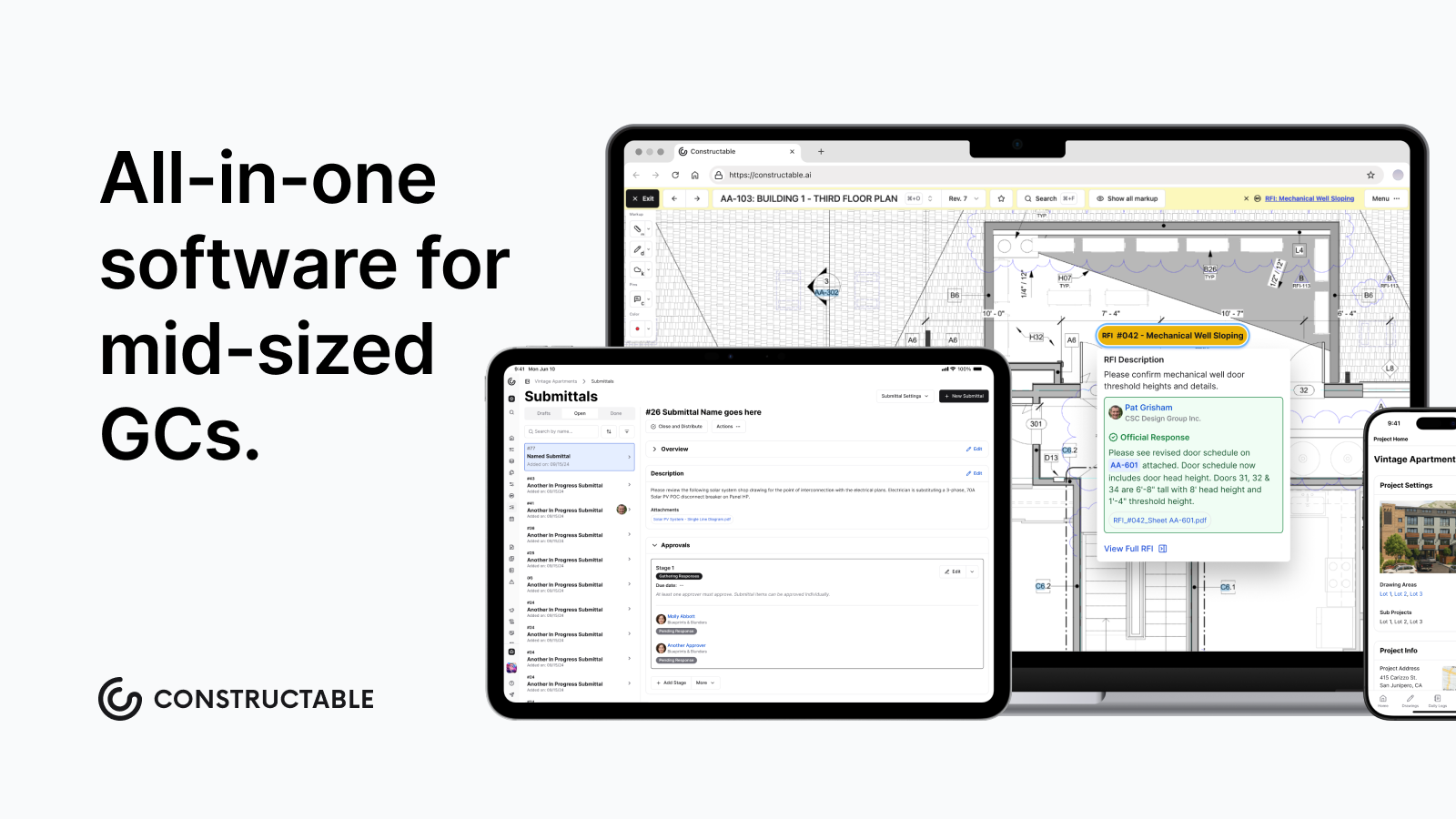\\n\\nYour log stays current. [Your team stays informed.](https://constructable.ai/blog/construction-communication-collaboration-tools) And nothing slips because someone forgot to cc the right person.\\n\\n## Final Thoughts on the Construction Submittal Process\\n\\nThe [submittal process](https://constructable.ai/features/project-management) won't make or break your project on its own, but it quietly determines whether you're ahead of problems or constantly reacting to them. W of rework that eats up both time and budget. [Talk to us](https://constructable.ai/sales) if you want your submittal workflow to stop being a bottleneck. You've got better things to do than chase down approvals and track down missing documents.\\n\\n## FAQ\\n\\n### What's the main difference between submittals and submissions in construction?\\n\\nA submittal is the document package itself: shop drawings, product data, and samples. Submission is the act of sending it. In contracts and specs, \\\"submittal\\\" is the standard term for the material you're getting approved, not the process of turning it in.\\n\\n### How long should I plan for submittal review?\\n\\nSeven to fourteen days is standard for most submittals, but long-lead items like custom steel or mechanical equipment can take longer. Document the review window in your subcontracts upfront and build that time into your schedule before mobilization.\\n\\n### Submittal vs submission examples in actual project use?\\n\\nThe spec requires three submittals for the curtain wall system (that's the documents). Your submission of those submittals happened last Tuesday (that's when you sent them). If the architect asks, \\\"Where's the submittal?\\\" they want the package, not a status update.\\n\\n### When should I start my submittal schedule?\\n\\nBefore mobilization. Map every required submittal to its spec section, responsible sub, and material lead time as soon as the contract is signed. Waiting until you're on site means long-lead items can delay your critical path before you even realize it.\\n\",[],[692,693,694,695,696,206],\"{\\\"@context\\\":\\\"https://schema.org\\\",\\\"@type\\\":\\\"FAQPage\\\",\\\"name\\\":\\\"What Are Construction Submittals? Definition, Types \u0026 Best Practices (May 2026)\\\",\\\"mainEntity\\\":[{\\\"@type\\\":\\\"Question\\\",\\\"name\\\":\\\"Can I build a submittal without including product data?\\\",\\\"acceptedA
165nswer\\\":{\\\"@type\\\":\\\"Answer\\\",\\\"text\\\":\\\"No. Product data from the manufacturer is what proves the material meets spec requirements and gives the design team something concrete to review. Without it, you're submitting a placeholder that will get rejected immediately.\\\"}},{\\\"@type\\\":\\\"Question\\\",\\\"name\\\":\\\"What's the main difference between submittals and submissions in construction?\\\",\\\"acceptedAnswer\\\":{\\\"@type\\\":\\\"Answer\\\",\\\"text\\\":\\\"A submittal is the document package itselfâshop drawings, product data, samplesâwhile submission is the act of sending it. In contracts and specs, \\\\\\\"submittal\\\\\\\" is the standard term for the material you're getting approved, not the process of turning it in.\\\"}},{\\\"@type\\\":\\\"Question\\\",\\\"name\\\":\\\"How long should I plan for submittal review?\\\",\\\"acceptedAnswer\\\":{\\\"@type\\\":\\\"Answer\\\",\\\"text\\\":\\\"Seven to fourteen days is standard for most submittals, but long-lead items like custom steel or mechanical equipment can take longer. Document the review window in your subcontracts upfront and build that time into your schedule before mobilization.\\\"}},{\\\"@type\\\":\\\"Question\\\",\\\"name\\\":\\\"Submittal vs submission examples in actual project use?\\\",\\\"acceptedA
165nswer\\\":{\\\"@type\\\":\\\"Answer\\\",\\\"text\\\":\\\"The spec requires three submittals for the curtain wall system (that's the documents). Your submission of those submittals happened last Tuesday (that's when you sent them). If the architect asks \\\\\\\"where's the submittal,\\\\\\\" they want the package, not a status update.\\\"}},{\\\"@type\\\":\\\"Question\\\",\\\"name\\\":\\\"When should I start my submittal schedule?\\\",\\\"acceptedAnswer\\\":{\\\"@type\\\":\\\"Answer\\\",\\\"text\\\":\\\"Before mobilization. Map every required submittal to its spec section, responsible sub, and material lead time as soon as the contract is signed. Waiting until you're on site means long-lead items will hold up your critical path before you even realize it.\\\"}},{\\\"@type\\\":\\\"Question\\\",\\\"name\\\":\\\"What happens if I submit something without my GC reviewing it first?\\\",\\\"acceptedAnswer\\\":{\\\"@type\\\":\\\"Answer\\\",\\\"text\\\":\\\"You're asking for a rejection. The GC's preliminary review catches incomplete packages, wrong products, and formatting issues before they reach the design team. Skipping that step just means the rejection comes back slower and you've burned review time for nothing.\\\"}},{\\\"@type\\\":\\\"Question\\\",\\\"name\\\":\\\"How do I know which submittals are long-lead items?\\\",\\\"acceptedA
165nswer\\\":{\\\"@type\\\":\\\"Answer\\\",\\\"text\\\":\\\"Custom steel, mechanical equipment, specialty glazing, and anything fabricated to order usually need 12+ weeks from approval to delivery. Check manufacturer lead times during preconstruction and move those submittals firstâthey determine your critical path whether you plan for them or not.\\\"}},{\\\"@type\\\":\\\"Question\\\",\\\"name\\\":\\\"Can submittals be approved verbally or do they need stamps?\\\",\\\"acceptedAnswer\\\":{\\\"@type\\\":\\\"Answer\\\",\\\"text\\\":\\\"They need stamps. A verbal approval doesn't create the paper trail you need at closeout, during inspections, or when a dispute surfaces. The architect's stamp on an approved submittal is proof the material matches the contract requirements.\\\"}},{\\\"@type\\\":\\\"Question\\\",\\\"name\\\":\\\"What's the fastest way to get a submittal rejected?\\\",\\\"acceptedAnswer\\\":{\\\"@type\\\":\\\"Answer\\\",\\\"text\\\":\\\"Send it incomplete. Missing spec references, wrong project information, or no manufacturer data means the design team can't review it and you just wasted everyone's time. The GC's job is to catch that before it routes up.\\\"}},{\\\"@type\\\":\\\"Question\\\",\\\"name\\\":\\\"Do I need a separate submittal for each product or can I bundle them?\\\",\\\"acceptedA
165nswer\\\":{\\\"@type\\\":\\\"Answer\\\",\\\"text\\\":\\\"Bundle related products under one spec section when it makes sense, but don't mix unrelated trades or systems. A submittal covering three door hardware items is fine; one covering doors, hardware, and lighting is a mess that slows down review.\\\"}},{\\\"@type\\\":\\\"Question\\\",\\\"name\\\":\\\"Submittal management software vs spreadsheets for tracking?\\\",\\\"acceptedAnswer\\\":{\\\"@type\\\":\\\"Answer\\\",\\\"text\\\":\\\"Spreadsheets break down fast once you're past 50 submittals or coordinating across multiple trades. Software keeps the log current automatically, connects submittals to drawings and RFIs, and actually notifies people when status changes instead of relying on someone to update a shared file.\\\"}},{\\\"@type\\\":\\\"Question\\\",\\\"name\\\":\\\"What does approved as noted mean on a submittal?\\\",\\\"acceptedAnswer\\\":{\\\"@type\\\":\\\"Answer\\\",\\\"text\\\":\\\"It means the design team approved it with minor corrections or clarifications noted in their review comments. You can proceed, but you need to incorporate those notes before ordering or installing. It's not a full rejection, but it's not a blank check either.\\\"}},{\\\"@type\\\":\\\"Question\\\",\\\"name\\\":\\\"Should submittals reference drawing sheet numbers or just spec sections?\\\",\\\"acceptedA
165nswer\\\":{\\\"@type\\\":\\\"Answer\\\",\\\"text\\\":\\\"Reference both when the connection is clear. Tying a submittal to a specific drawing sheet helps reviewers find context fast and keeps coordination tight between what's on paper and what you're actually installing.\\\"}},{\\\"@type\\\":\\\"Question\\\",\\\"name\\\":\\\"How many submittal rejections are normal on a commercial project?\\\",\\\"acceptedAnswer\\\":{\\\"@type\\\":\\\"Answer\\\",\\\"text\\\":\\\"The industry averages 30-40% rejection rates, but normal doesn't mean acceptable. Most rejections trace back to submittals sent before they're ready, and each one costs around $805 in delays and rework.\\\"}},{\\\"@type\\\":\\\"Question\\\",\\\"name\\\":\\\"What information goes on a submittal cover sheet?\\\",\\\"acceptedAnswer\\\":{\\\"@type\\\":\\\"Answer\\\",\\\"text\\\":\\\"Project name, spec section reference, responsible subcontractor, submittal date, and revision number at minimum. A consistent cover sheet format cuts review time on both ends because nobody has to hunt for basic information before they can start the actual review.\\\"}}],\\\"url\\\":\\\"https://constructable.ai/blog/construction-submittals-definition-types-best-practices\\\",\\\"dateModified\\\":\\\"2026-05-13T19:18:22.212Z\\\",\\\"author\\\":{\\\"@type\\\":\\\"Organization\\\",\\\"name\\\":\\\"Constructable\\\"}}\\n\",\"{\\\"@context\\\":\\\"https://schema.org\\\",\\\"@type\\\":\\\"BlogPosting\\\",\\\"headline\\\":\\\"What Are Construction Submittals? Definition, Types \u0026 Best Practices (May 2026)\\\",\\\"description\\\":\\\"Learn what construction submittals are, the main types, and how to manage them without delays. Complete guide with best practices for May 2026.\\\",\\\"datePublished\\\":\\\"2026-05-13T19:18:22.212Z\\\",\\\"dateModified\\\":\\\"2026-05-13T19:18:22.212Z\\\",\\\"author\\\":{\\\"@type\\\":\\\"Organization\\\",\\\"name\\\":\\\"Constructable\\\"},\\\"url\\\":\\\"https://constructable.ai/blog/construction-submittals-definition-types-best-practices\\\",\\\"wordCount\\\":1807,\\\"keywords\\\":[\\\"define submittals\\\",\\\"define submittals in construction\\\",\\\"submittal vs submission\\\",\\\"submittal synonym\\\",\\\"is submittal a word\\\",\\\"submittal example\\\",\\\"define submittals pdf\\\",\\\"define submittals in construction pdf\\\",\\\"submittal spelling\\\",\\\"submittal vs submission in construction\\\",\\\"submittal vs submission examples\\\",\\\"submittal meaning\\\",\\\"submittable\\\",\\\"submission meaning\\\",\\\"submittal pronunciation\\\",\\\"submittal example pdf\\\",\\\"construction submittal example\\\",\\\"construction submittals examples pdf\\\",\\\"electrical submittal example\\\",\\\"technical submittal example\\\",\\\"product data submittal example\\\",\\\"submittal template pdf\\\",\\\"list of construction submittals\\\",\\\"submittal definition\\\",\\\"submittal plural\\\",\\\"submittal in spanish\\\",\\\"submittal spelling synonym\\\",\\\"submittal spelling example\\\",\\\"submittal spelling oxford\\\",\\\"submittal spelling pronunciation\\\",\\\"submittal synonym slang\\\",\\\"submittal synonym crossword\\\",\\\"self submittal synonym\\\",\\\"submittal in a sentence\\\",\\\"submission synonym\\\",\\\"submittal form\\\"]}\\n\",\"construction submittals\",\"submittal submission understanding difference\",\"common types construction submittals\",\"product data\",\"shop drawings\",\"constructable-vs-plangrid\",\"Constructable vs PlanGrid: Which is Better in May 2026?\",\"Compare Constructable vs PlanGrid in May 2026. See pricing, features, and drawing management differences to choose the right construction software.\",\"2026-05-22T16:40:58.581Z\",\"When you're weighing Constructable against PlanGrid, the biggest thing to understand is that one of these tools is actively evolving and the other isn't. PlanGrid works fine for basic sheet management, but Autodesk froze development years ago and pointed everyone to Autodesk Construction Cloud (now called Autodesk Forma Build, as of March 2026), leaving you with a product that won't keep up as your workflows get more connected. If you need drawings that actually talk to your RFIs, pricing that doesn't punish you for adding subs, and a mobile app your supers will use instead of avoid, the difference between maintaining legacy software and using something built for today matters more than most comparison charts let on.\\n\\n**TLDR:**\\n\\n- PlanGrid has been in maintenance mode since Autodesk's 2018 acquisition, with no new features coming.\\n- Constructable costs a flat fee with unlimited users vs PlanGrid's $49-14
1650 per user monthly model.\\n- Drawing scale gets set automatically and RFIs pin directly to plans, so context stays connected.\\n- Onboarding averages under 21 days with no migration fees or per-user charges as your team grows.\\n- Constructable unifies drawings, RFIs, daily logs, and financials in one actively-developed system.\\n\\n## What is PlanGrid?\\n\\nPlanGrid started as a field-focused drawing and document management tool, simple and genuinely useful for getting plans into the hands of field teams. For a while, it filled a real gap.\\n\\nBut Autodesk [acquired PlanGrid for $875 million](https://techcrunch.com/2018/11/20/autodesk-agrees-to-buy-plangrid-for-875-million/) in 2018, and over time, it got folded into the broader Autodesk Construction Cloud ecosystem. Today, PlanGrid is effectively in maintenance mode. No new features are coming. Forma Build (formerly Autodesk Build) is the designated successor, and the direction is clear: if you're on PlanGrid, you're on yesterday's product.\\n\\nWhat it offers, sheet management, basic markups, and light task tracking, still works. But \\\"still works\\\" and \\\"built for how you work today\\\" are two very different things.\\n\\n### The Roadmap Problem\\n\\nBetting on a product with no development roadmap is a real risk. PlanGrid hasn't shipped a meaningful new feature since Autodesk acquired it in 2018. That means no improvements to how RFIs connect to drawings, no better mobile performance, and no response to how field workflows have changed. Bug fixes slow down. Feature requests go nowhere. And Autodesk's answer of \\\"migrate everything to Forma Build\\\" isn't a solution so much as an admission that PlanGrid is done. Construction moves fast, and software that isn't keeping up eventually becomes a liability. If you're evaluating tools for your team right now, a frozen roadmap isn't a minor footnote. It's the whole story.\\n\\n## What is Constructable?\\n\\n**Constructable** was founded in 2023 and is headquartered in Santa Barbara, CA. We built it for GCs tired of stitching together multiple tools just to run one project. The goal was straightforward: put everything in one place and make it actually work.\\n\\nRFIs, submittals, drawings, daily logs, quality lists, change orders, p
165hotos... it all lives together. Field tools talk to management tools. Financials connect to the work happening on the ground. No duplicate data entry, no jumping between systems, no \\\"where did that file go?\\\"\\n\\n### Who We Built This For\\n\\nWe target mid-size commercial GCs doing $20M to $150M annually. Not the mega-enterprise firms with IT departments and six-figure implementation budgets. The teams running real projects, juggling architects, owners, subs, and city inspectors all at once. Those are our people.\\n\\nPricing is flat-fee with unlimited users. Onboarding averages under 21 days. No per-user fees, no surprise charges as your team grows, and no separate onboarding invoices.\\n\\nIf most construction software is a Ferrari, we're the F-150: reliable, practical, and built to show up every single day.\\n\\n## Drawing Management and Collaboration\\n\\nDrawings are where most project decisions get made, or at least where they should be traceable. How a tool handles them matters more than almost anything else.\\n\\n### PlanGrid\\n\\nPlanGrid did the basics well. Versioned plan sets, automatic version history, and side-by-side sheet comparison cover the essentials for 2D drawing workflows. Sheet sharing, task tracking, RFIs, submittals, field reports, and photo storage are all there.\\n\\nWhat's missing: no 3D model or BIM support, no AutoCAD or Revit file viewing, no scheduling, no email tracking. For teams that live in 2D and keep coordination simple, that's workable. For teams that want their drawings and project workflows to talk to each other, the gaps show up fast.\\n\\n### Constructable\\n\\nOur drawing viewer is where everything connects. A few things worth knowing:\\n\\n- Page scale gets detected and set automatically, so measurements are ready without manual calibration, cutting out a step that eats more time than it should.\\n- Split view with lock-and-sync lets two sheets scroll together simultaneously, so comparing revisions doesn't require flipping back and forth.\\n- Overlay mode gives you three comparison views: Differences (red/blue color split), Ghost (faint overlay), and Highlight (white on black).\\n- Measurements, markups, and comments pin to exact drawing locations and save directly to topics or RFIs.\\n\\nThat last point is the one that actually changes how teams work. In PlanGrid, your drawings and your project records are separate things. In **Constructable**, [an RFI lives on the plan](https://constructable.ai/blog/drawing-centric-collaboration-workflows). The markup lives with the question. The context doesn't get buried somewhere else.\\n\\n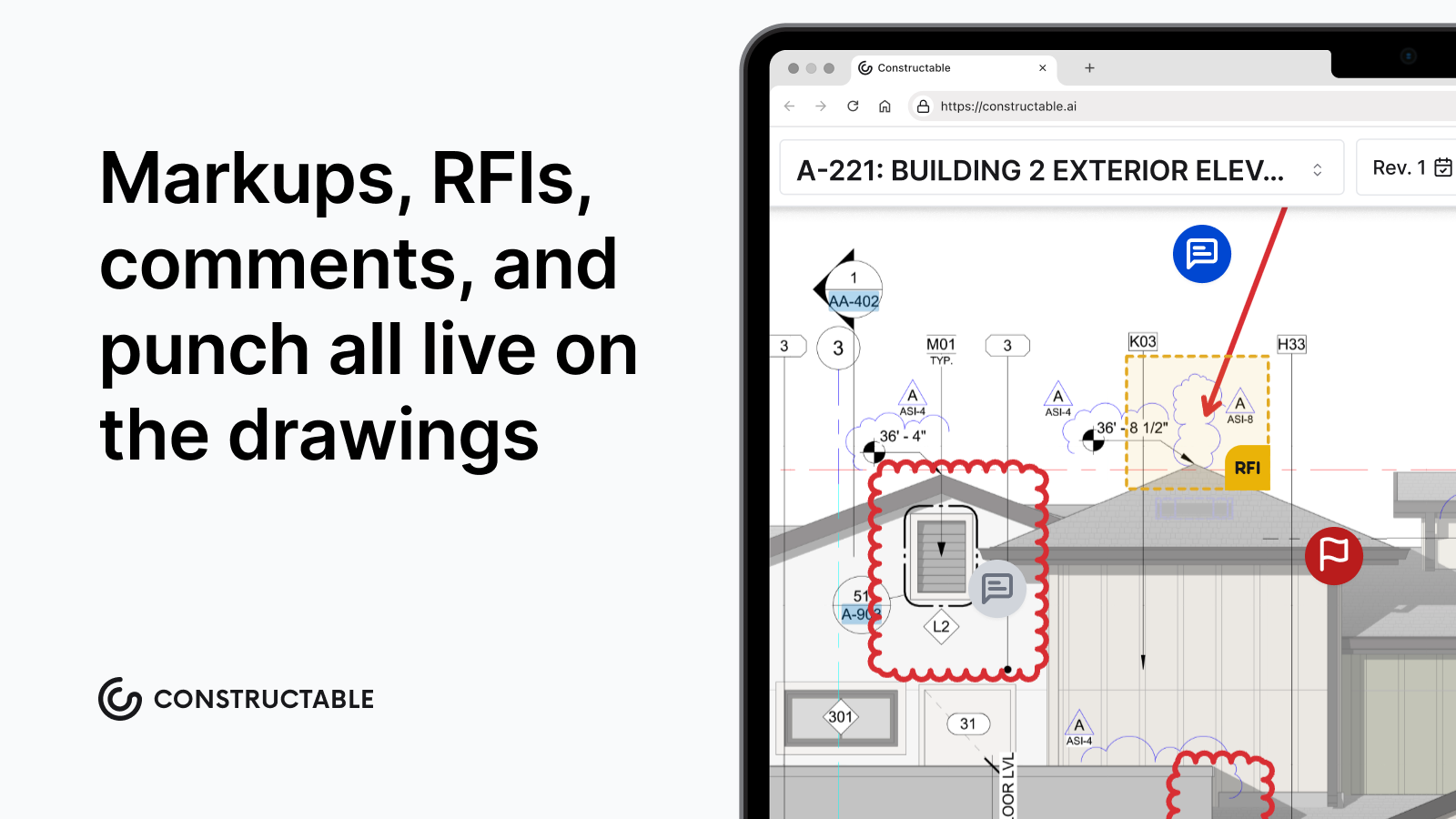\\n\\n## Field Tools and Mobile Access\\n\\nPlanGrid's mobile app also covered the basics: offline document access with automatic syncing when connectivity returns. Field teams can handle task tracking and issue management from their phones. Where it falls short, according to users, is speed and feel. A slow, clunky app on a jobsite is the reason people stop using the software altogether.\\n\\nConstructable's mobile app mirrors the desktop experience on iPhone and Android, including offline drawing access. That matters when you're in a basement or a building without a signal and still need to pull up plans.\\n\\nBeyond drawings, field tools cover the full day-to-day:\\n\\n- [Daily logs track crew, equipment, and weather](https://constructable.ai/blog/daily-log-field-reporting-software), with weather pulling automatically from your project zip code so nobody's manually typing in conditions\\n- [Quality lists support punch lists](https://constructable.ai/blog/plan-linked-punch-lists-and-issue-management), observations, incidents, and to-dos, with items pinnable directly to drawings\\n- [QR code PDFs export by location](https://constructable.ai/blog/best-punch-list-software-general-contractors) for jobsite walkthroughs\\n- Photos organize automatically into albums, including a dedicated Daily Log Photos album that populates as media gets added to logs\\n\\nThe goal is a field experience fast enough that your super actually uses it.\\n\\n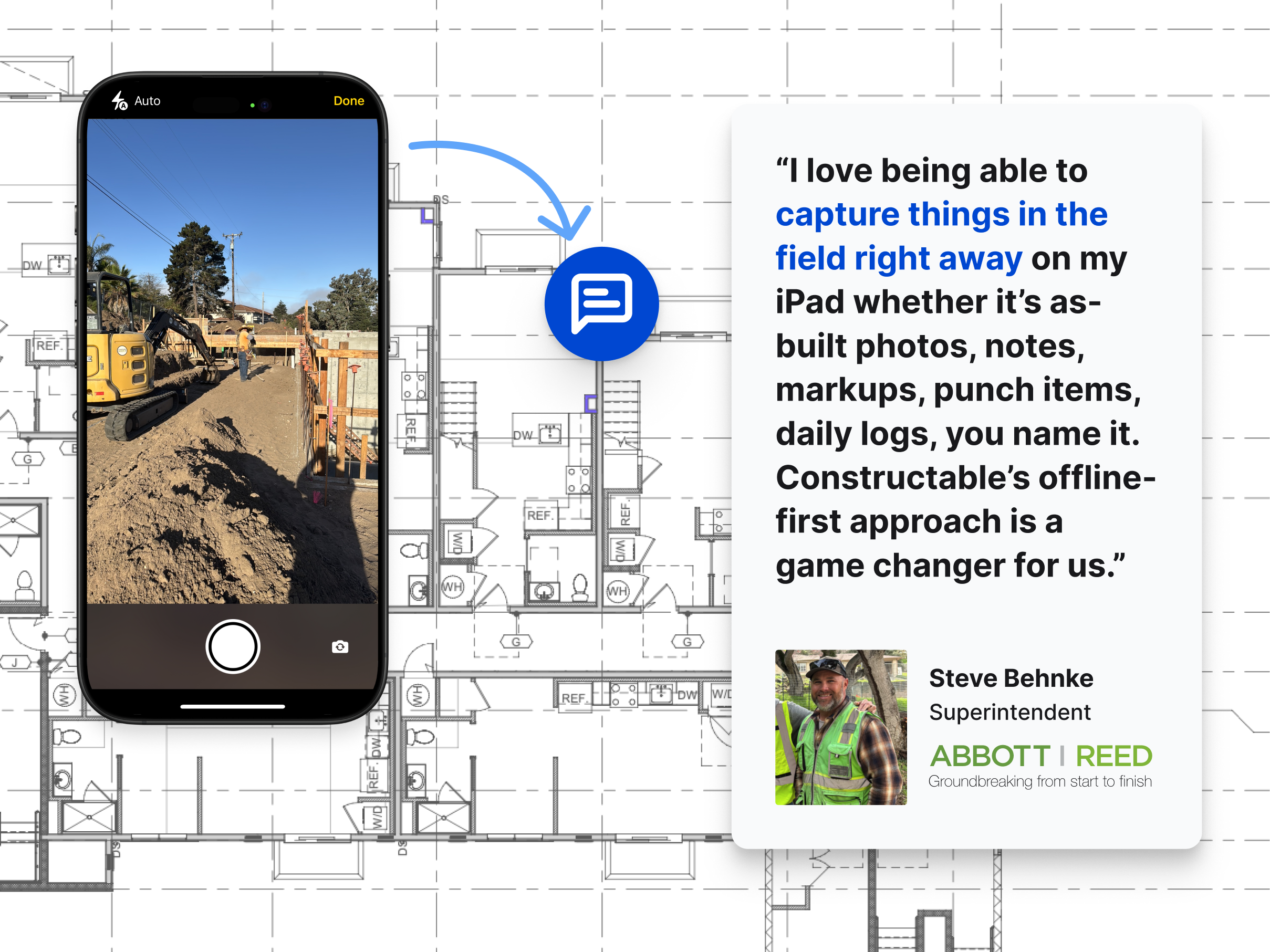\\n\\n## System Architecture and Product Evolution\\n\\nPlanGrid's direction is no longer a rumor. Autodesk paused development on it roughly five years ago. The product still works, but it won't improveâand it's no longer available to new customers. No new features, no roadmap. Autodesk Forma Build is the intended replacement, and migrating isn't automated. You're expected to finish existing work in PlanGrid, start new projects in Forma Build, then manually archive old data by downloading and re-uploading files. That's real overhead with no payoff other than eventually catching up to where you should have been.\\n\\n**Constructable** ships updates continuously, built and maintained by one team on a single codebase. There's no acquisition-driven complexity, no legacy code holding things back. When something needs to improve, we build it. When field teams tell us something isn't working, we fix it.\\n\\n### Getting Up and Running\\n\\nOnboarding with Constructable averages under 21 days with **no fees for setup or data migration**. Most [construction software implementations](https://www.contractormag.com/sponsored/article/55088778/specialty-contractors-guide-implementing-software-driving-adoption) take 2-6 months in practice, despite vendors promising 1-3. PlanGrid teams moving to Forma Build face that same delay: manually downloading and re-uploading files just to get current. With Constructable, you're not inheriting someone else's technical debt, and you're not burning weeks before anyone sees value.\\n\\n## Pricing and Total Cost of Ownership\\n\\
165nPlanGrid starts at $49 per user per month. Autodesk's successor product, Forma Build, runs $117 per user per month. That sounds manageable until you start counting heads. Subs, owners, consultants, inspectors, architectsâthe per-seat model adds up in a hurry on any real job.\\n\\n**Constructable** takes a different approach: flat-fee, unlimited users, no overages.\\n\\nThere are a few reasons that matters on a construction project:\\n\\n- Your subcontractors need access too, and you shouldn't have to choose between keeping them informed and keeping your software bill down.\\n- Owners and consultants come and go throughout a project. Paying per seat for people who are in and out is a recurring headache you don't need.\\n- Budget surprises mid-project are the worst kind. A predictable software cost is one less thing fighting for your attention.\\n\\nFor teams managing multiple projects with rotating stakeholders, the total cost of ownership between these two tools is not a close comparison.\\n\\n| Feature | Constructable | PlanGrid |\\n| --------------------- | ----------------------------------------------------------------------------------------------------------------------------------------------------------------- | ------------------------------------------------------------------------------------------------------------------------------- |\\n| Pricing Model | Flat-fee with unlimited users, no per-seat charges as team grows | $49 per user per month, costs increase with every sub, owner, or consultant added |\\n| Product Development | Actively developed with continuous updates and new features shipped regularly | In maintenance mode since 2018 Autodesk acquisition, no new features planned, migration to Build required |\\n| Drawing Collaboration | Page scale auto-detects, RFIs and markups pin directly to drawing locations, split view with lock-and-sync, three overlay comparison modes | Versioned plan sets with side-by-side comparison and basic markups, but drawings and project workflows remain separate |\\n| Field Tools | Daily logs with auto-populated weather, quality lists with drawing-pinned items and QR codes, photo albums that organize automatically, and offline mobile access | Offline document access with task tracking and basic issue management, users report slow mobile performance |\\n| System Integration | RFIs, submittals, drawings, daily logs, quality lists, change orders, and financials unified in one system | Drawing management with light task tracking, no BIM support, no scheduling, requires separate tools for full project management |\\n| Onboarding | Under 21 days average with no setup or migration fees | Manual migration required when moving to Forma Build, involves downloading and re-uploading all project files |\\n\\n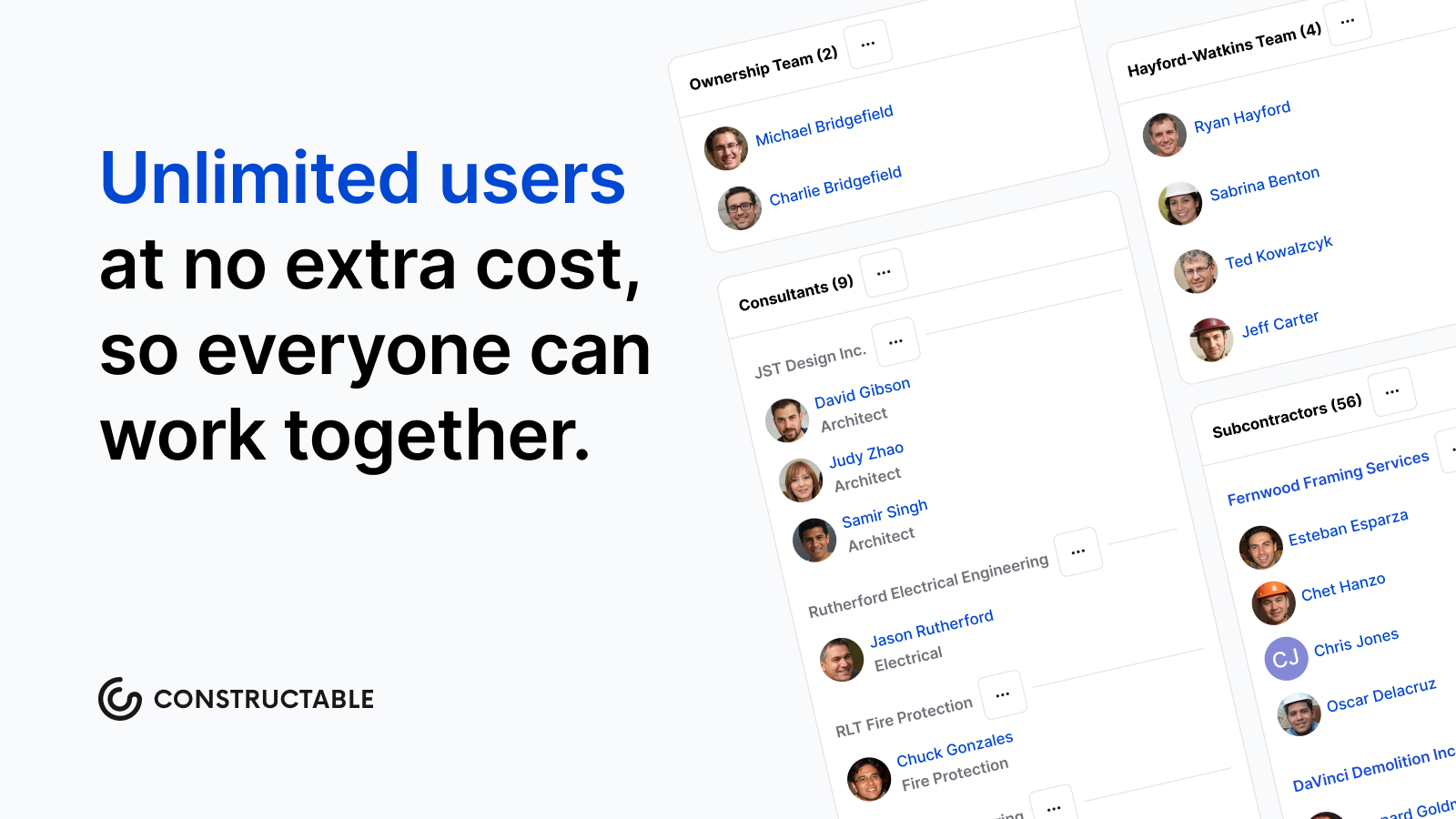\\n\\n## Why Constructable is the Better Choice\\n\\nPlanGrid still works. That much is true. But the vendor building it has already moved on, and at some point, \\\"still works\\\" stops being enough.\\n\\nFor mid-size GCs who want software that's actively developed, fairly priced, and built to connect the field to the office, the choice here isn't complicated. **Constructable** brings drawings, [RFIs](https://constructable.ai/blog/construction-rfi-management-breakdown), submittals, daily logs, quality lists, change orders, and financials into one system, with unlimited users and no surprise fees as your team or project roster grows.\\n\\nThere are a few things worth calling out directly:\\n\\n- Your subs can pull up a plan without sitting through a tutorial or calling the office for help.\\n- Onboarding won't eat weeks of your schedule before anyone sees value.\\n- You won't wake up one day realizing your software vendor quietly stopped caring about the product you're running your business on.\\n\\nThat last one matters more than it sounds. When a company sunsets a product, bug fixes slow down, feature requests go nowhere, and you're left managing workarounds. That's not a position any GC should be in.\\n\\n## Final Thoughts on Selecting Construction Management Software\\n\\nConstructable vs PlanGrid really comes down to betting on a product that's being built versus one that's been shelved. Your team needs software that won't leave you managing workarounds two years from now. We built Constructable for mid-size GCs
165who want their tools to work without the complexity, the surprise fees, or the realization that the vendor stopped caring about the product. If you want to see how it works on your projects, [talk to us,](https://constructable.ai/sales) and we'll walk through it together.\\n\\n## FAQ\\n\\n### How should I decide between Constructable and PlanGrid for my projects?\\n\\nStart with what matters most to your team right now: if you need a tool that's actively developed with new features and improvements, Constructable is the answer. PlanGrid hasn't seen meaningful updates in five years and Autodesk has already moved on to Build. If you're running multiple projects with rotating owners, subs, and consultants, Constructable's flat-fee, unlimited-user model will save you real money compared to PlanGrid's per-seat pricing, which adds up fast.\\n\\n### What's the main difference in how drawings work between the two tools?\\n\\nPlanGrid handles versioned plan sets and basic sheet comparison well, but your drawings and project workflows (RFIs, submittals, issues) live separately. Constructable pins everything directly to the plans. An RFI lives on the drawing, markups are saved with the question, and page scale gets detected automatically, so measurements work without manual setup. The difference is whether your drawings are just files you view, or the actual center of how your team collaborates.\\n\\n### Who is Constructable best suited for compared to PlanGrid?\\n\\nConstructable was built for mid-size commercial GCs running $20M to $150M in annual volume who are tired of juggling multiple disconnected tools. If you're managing several active projects with mixed field and office staff, need your subs and owners to access plans without a tutorial, and want pricing that won't punish you as your team grows, we're the right fit. PlanGrid works if you only need basic 2D drawing management and don't mind using a product with no development roadmap.\\n\\n### What happens when I need to migrate off PlanGrid down the line?\\n\\nAutodesk doesn't offer automated migration from PlanGrid to Build. You have to manually finish existing work, start new projects in the new system, then download and re-upload all your old files to archive them. That's real overhead with no upside except catching up to where you should have been. Constructable handles data migration during onboarding (under 21 days average) with no extra fees, so you're not inheriting someone else's technical debt or spending weeks moving files around yourself.\\n\\n### Can my field teams actually use Constructable without constant training or support calls?\\n\\nYes. The mobile app mirrors the desktop experience on iPhone and Android with offline drawing access, so your super can pull up plans in a basement with no signal. Daily logs auto-populate weather data, quality list items pin directly to drawings with QR codes for jobsite walkthroughs, and the interface is fast enough that people actually use it instead of reverting to text messages and photos. We built it so your subs can pull up a plan without having to sit through a tutorial or call the office for help.\\n\",[],[706,707,220,708,709,351],\"{\\\"@context\\\":\\\"https://schema.org\\\",\\\"@type\\\":\\\"FAQPage\\\",\\\"name\\\":\\\"Constructable vs PlanGrid: Which is Better in May 2026?\\\",\\\"mainEntity\\\":[{\\\"@type\\\":\\\"Question\\\",\\\"name\\\":\\\"How should I decide between Constructable and PlanGrid for my projects?\\\",\\\"acceptedA
165nswer\\\":{\\\"@type\\\":\\\"Answer\\\",\\\"text\\\":\\\"Start with what matters most to your team right now: if you need a tool that's actively developed with new features and improvements, Constructable is the answerâPlanGrid hasn't seen meaningful updates in five years and Autodesk has already moved on to Build. If you're running multiple projects with rotating owners, subs, and consultants, Constructable's flat-fee unlimited user model will save you real money compared to PlanGrid's per-seat pricing that adds up fast.\\\"}},{\\\"@type\\\":\\\"Question\\\",\\\"name\\\":\\\"What's the main difference in how drawings work between the two tools?\\\",\\\"acceptedAnswer\\\":{\\\"@type\\\":\\\"Answer\\\",\\\"text\\\":\\\"PlanGrid handles versioned plan sets and basic sheet comparison well, but your drawings and project workflows (RFIs, submittals, issues) live separately. Constructable pins everything directly to the plansâan RFI lives on the drawing, markups save with the question, and AI auto-detects page scale so measurements work without manual setup. The difference is whether your drawings are just files you view, or the actual center of how your team collaborates.\\\"}},{\\\"@type\\\":\\\"Question\\\",\\\"name\\\":\\\"Who is Constructable best suited for compared to PlanGrid?\\\",\\\"acceptedA
165nswer\\\":{\\\"@type\\\":\\\"Answer\\\",\\\"text\\\":\\\"Constructable was built for mid-size commercial GCs running $20Mâ$150M in annual volume who are tired of juggling multiple disconnected tools. If you're managing several active projects with mixed field and office staff, need your subs and owners to access plans without a tutorial, and want pricing that won't punish you as your team grows, we're the right fit. PlanGrid works if you only need basic 2D drawing management and don't mind using a product with no development roadmap.\\\"}},{\\\"@type\\\":\\\"Question\\\",\\\"name\\\":\\\"What happens when I need to migrate off PlanGrid down the line?\\\",\\\"acceptedAnswer\\\":{\\\"@type\\\":\\\"Answer\\\",\\\"text\\\":\\\"Autodesk doesn't offer automated migration from PlanGrid to Buildâyou have to manually finish existing work, start new projects in the new system, then download and re-upload all your old files to archive them. That's real overhead with no upside except catching up to where you should have been. Constructable handles data migration during onboarding (under 21 days average) with no extra fees, so you're not inheriting someone else's technical debt or spending weeks moving files around yourself.\\\"}},{\\\"@type\\\":\\\"Question\\\",\\\"name\\\":\\\"Can my field teams actually use Constructable without constant training or support calls?\\\",\\\"acceptedA
165nswer\\\":{\\\"@type\\\":\\\"Answer\\\",\\\"text\\\":\\\"Yes. The mobile app mirrors the desktop experience on iPhone and Android with offline drawing access, so your super can pull up plans in a basement with no signal. Daily logs auto-populate weather data, quality list items pin directly to drawings with QR codes for jobsite walkthroughs, and the interface is fast enough that people actually use it instead of reverting to text messages and photos. We built it so your subs can pull up a plan without sitting through a tutorial or calling the office for help.\\\"}},{\\\"@type\\\":\\\"Question\\\",\\\"name\\\":\\\"Can I use Constructable without paying extra for my subs and consultants?\\\",\\\"acceptedAnswer\\\":{\\\"@type\\\":\\\"Answer\\\",\\\"text\\\":\\\"Yes. Constructable charges a flat fee with unlimited users, so your subs, consultants, owners, architects, and inspectors all get access without adding to your bill. No per-seat fees means you never have to choose between keeping people informed and keeping costs down.\\\"}},{\\\"@type\\\":\\\"Question\\\",\\\"name\\\":\\\"What's the fastest way to get my team up and running on new project management software?\\\",\\\"acceptedA
165nswer\\\":{\\\"@type\\\":\\\"Answer\\\",\\\"text\\\":\\\"Constructable onboards in under 21 days on average with no migration fees, and the interface is simple enough that field teams start using it without formal training. We handle data migration as part of setup, so you're not spending weeks moving files or teaching people a complicated system before anyone sees value.\\\"}},{\\\"@type\\\":\\\"Question\\\",\\\"name\\\":\\\"Constructable vs PlanGrid for teams that need RFIs tied directly to drawings?\\\",\\\"acceptedAnswer\\\":{\\\"@type\\\":\\\"Answer\\\",\\\"text\\\":\\\"Constructable pins RFIs, markups, and comments directly to drawing locations so the question and context live together on the plan. PlanGrid keeps drawings and project workflows separate, which means you're flipping between systems to connect an RFI back to the sheet it's asking about.\\\"}},{\\\"@type\\\":\\\"Question\\\",\\\"name\\\":\\\"Should I stick with software that works even if it's not getting updated anymore?\\\",\\\"acceptedAnswer\\\":{\\\"@type\\\":\\\"Answer\\\",\\\"text\\\":\\\"That depends on how long you plan to use it. PlanGrid still functions for basic sheet management, but Autodesk stopped developing it five years ago and won't add features or fix anything beyond critical bugs. If you're planning to run this software for the next few years, betting on a product with no roadmap leaves you managing workarounds instead of getting improvements.\\\"}},{\\\"@type\\\":\\\"Question\\\",\\\"name\\\":\\\"How do I avoid software costs that blow up as my project team grows?\\\",\\\"acceptedA
165nswer\\\":{\\\"@type\\\":\\\"Answer\\\",\\\"text\\\":\\\"Use a tool with flat-fee pricing instead of per-user charges. Constructable bills one predictable amount with unlimited users, so adding subs, owners, or consultants mid-project won't increase your software bill. Per-seat pricing sounds fine until you count everyone who needs access on a real job.\\\"}},{\\\"@type\\\":\\\"Question\\\",\\\"name\\\":\\\"What's the difference between a drawing management tool and a connected project system?\\\",\\\"acceptedAnswer\\\":{\\\"@type\\\":\\\"Answer\\\",\\\"text\\\":\\\"A drawing management tool stores and versions your plans. A connected project system ties your drawings to RFIs, daily logs, quality items, and financials so everything talks to each other. Constructable is the second oneâyour plans aren't just files, they're where collaboration happens.\\\"}},{\\\"@type\\\":\\\"Question\\\",\\\"name\\\":\\\"Can my field teams actually measure and mark up drawings without a manual or support call?\\\",\\\"acceptedAnswer\\\":{\\\"@type\\\":\\\"Answer\\\",\\\"text\\\":\\\"Yes. Constructable's AI auto-detects page scale from the drawing so measurements work immediately without manual calibration. Markups, measurements, and comments save directly to topics or RFIs with a few taps, and the mobile app works offline so your super can pull up plans in a basement with no signal.\\\"}},{\\\"@type\\\":\\\"Question\\\",\\\"name\\\":\\\"Best way to track daily logs without manually typing weather conditions every morning?\\\",\\\"acceptedA
165nswer\\\":{\\\"@type\\\":\\\"Answer\\\",\\\"text\\\":\\\"Use a system that pulls weather automatically. Constructable's daily logs pull hourly weather dataâtemperature, conditions, precipitation, windâusing your project zip code, so nobody's wasting time entering conditions manually. Logs also track crew, equipment, deliveries, inspections, and delays in one place.\\\"}},{\\\"@type\\\":\\\"Question\\\",\\\"name\\\":\\\"When does it make sense to switch from PlanGrid to something actively developed?\\\",\\\"acceptedAnswer\\\":{\\\"@type\\\":\\\"Answer\\\",\\\"text\\\":\\\"When you need software that will keep improving instead of just maintaining what already exists. If you're tired of workarounds, want features that reflect how teams work today, or need your tools to connect instead of staying siloed, switching to Constructable makes sense nowâwaiting just means more time managing a product the vendor already moved on from.\\\"}},{\\\"@type\\\":\\\"Question\\\",\\\"name\\\":\\\"How do I keep RFI context from getting lost across emails and plan revisions?\\\",\\\"acceptedA
165nswer\\\":{\\\"@type\\\":\\\"Answer\\\",\\\"text\\\":\\\"Pin the RFI directly to the drawing sheet where the question came from. In Constructable, RFIs live on the plan with markups and comments attached to the exact location, so the context doesn't get buried in email threads or disconnected from the sheet. Everything stays together where the work is actually happening.\\\"}}],\\\"url\\\":\\\"https://constructable.ai/blog/constructable-vs-plangrid\\\",\\\"dateModified\\\":\\\"2026-05-22T16:40:58.581Z\\\",\\\"author\\\":{\\\"@type\\\":\\\"Organization\\\",\\\"name\\\":\\\"Constructable\\\"}}\\n\",\"{\\\"@context\\\":\\\"https://schema.org\\\",\\\"@type\\\":\\\"BlogPosting\\\",\\\"headline\\\":\\\"Constructable vs PlanGrid: Which is Better in May 2026?\\\",\\\"description\\\":\\\"Compare Constructable vs PlanGrid in May 2026. See pricing, features, and drawing management differences to choose the right construction software.\\\",\\\"datePublished\\\":\\\"2026-05-22T16:40:58.581Z\\\",\\\"dateModified\\\":\\\"2026-05-22T16:40:58.581Z\\\",\\\"author\\\":{\\\"@type\\\":\\\"Organization\\\",\\\"name\\\":\\\"Constructable\\\"},\\\"url\\\":\\\"https://constructable.ai/blog/constructable-vs-plangrid\\\",\\\"wordCount\\\":2314,\\\"keywords\\\":[\\\"constructable vs plangrid\\\"]}\\n\",\"plangrid\",\"roadmap problem\",\"built\",\"drawing management collaboration\",\"drawing-management-software-tools-that-work\",\"Drawing Management Software: 10 Tools That Actually Work (May 2026)\",\"Compare 10 drawing management software tools in May 2026. See which platforms handle version control, mobile access, and RFI integration for construction teams.\",\"2026-05-22T16:56:20.451Z\",\"Keeping your whole team on the same drawing set is one of those problems that sounds simple until a revision comes in. Your PM has the latest set on their laptop, your super downloaded last week's version to their tablet, and your foreman is looking at a PDF someone texted them Friday afternoon. You're the one who has to track everyone down and make sure nobody's building off an outdated sheet. Construction drawing management software is supposed to fix that: one source, latest version front and center, no chasing people down. We tested the tools teams are rolling out right now and separated the ones that actually work from the ones that add more steps to your day.\\n\\n**TLDR:**\\n\\n- Drawing management software centralizes plans with automatic version control and mobile access.\\n- Bluebeam, PlanGrid, and Fieldwire each handle part of the problem well but leave RFIs, submittals, or financials in separate tools.\\n- Procore and Autodesk Construction Cloud (now Autodesk Forma Build) connect more workflows but come with heavy onboarding, opaque pricing, and a learning curve that slows field adoption.\\n- Constructable pins RFIs, submittals, and punch items directly to drawings in one connected system, built for mid-size GCs who want it to just work.\\n\\n## What is Drawing Management Software?\\n\\nDrawing management software is a centralized system for storing, organizing, and tracking construction plans throughout a project. Your whole team pulls from one source, on phone or desktop, wherever they are.\\n\\nRevisions get tracked automatically. Old sheets stay accessible, but the latest version stays front and center. Field teams stop building off outdated plans. Office staff stops sending \\\"which version is this?\\\" emails. [Proper version control practices](https://revizto.com/resources/blog/drawing-management-2d-sheet-versioning) prevent costly rework from outdated drawings.\\n\\nThat's the core of it. And when it works right, you barely notice it's there.\\n\\n## How We Ranked Drawing Management Software\\n\\nWe looked at four things that GCs actually care about when picking a tool. These are the things that decide whether a team actually uses the software or goes back to emailing PDFs.\\n\\n- **Automatic version control:** new revisions should register themselves, with the latest sheet front and center, and older versions still accessible when needed\\n- **Mobile access and offline capability:** plans have to work on a phone at the jobsite, with or without cell service. Field technology adoption is accelerating as teams demand real-time access\\n- **Integration with RFIs and submittals:** a drawings tool that lives separately from your RFI workflow just pushes questions back into email\\n- **Onboarding speed:** if it takes three months to roll out, field adoption won't happen\\n\\
165n## Best Overall Drawing Management Software: Constructable\\n\\nConstructable was built for construction teams that are tired of chasing down the latest drawing revision or wondering if the set on the jobsite matches what the architect sent last Tuesday. It handles drawing distribution, version control, submittal tracking, and RFI management in one place, without requiring your team to sit through a week of training to figure it out.\\n\\nThe focus here is on getting the right drawing to the right person without the back-and-forth. When a new revision comes in, the old one is automatically superseded. No one is accidentally building off a sheet that was updated three weeks ago.\\n\\n### What Sets Constructable Apart\\n\\n- Version control happens in the background, so your supers and foremen are always pulling the current set without having to ask.\\n- Submittals and RFIs tie directly to the relevant drawing, so context travels with the document instead of getting buried in an email thread.\\n- The interface was designed for people who spend most of their day on a jobsite, not in front of a screen. It works on a tablet, in the field, and without a tutorial.\\n- Setup is fast. You are not signing a six-month implementation contract before anyone can log in.\\n\\n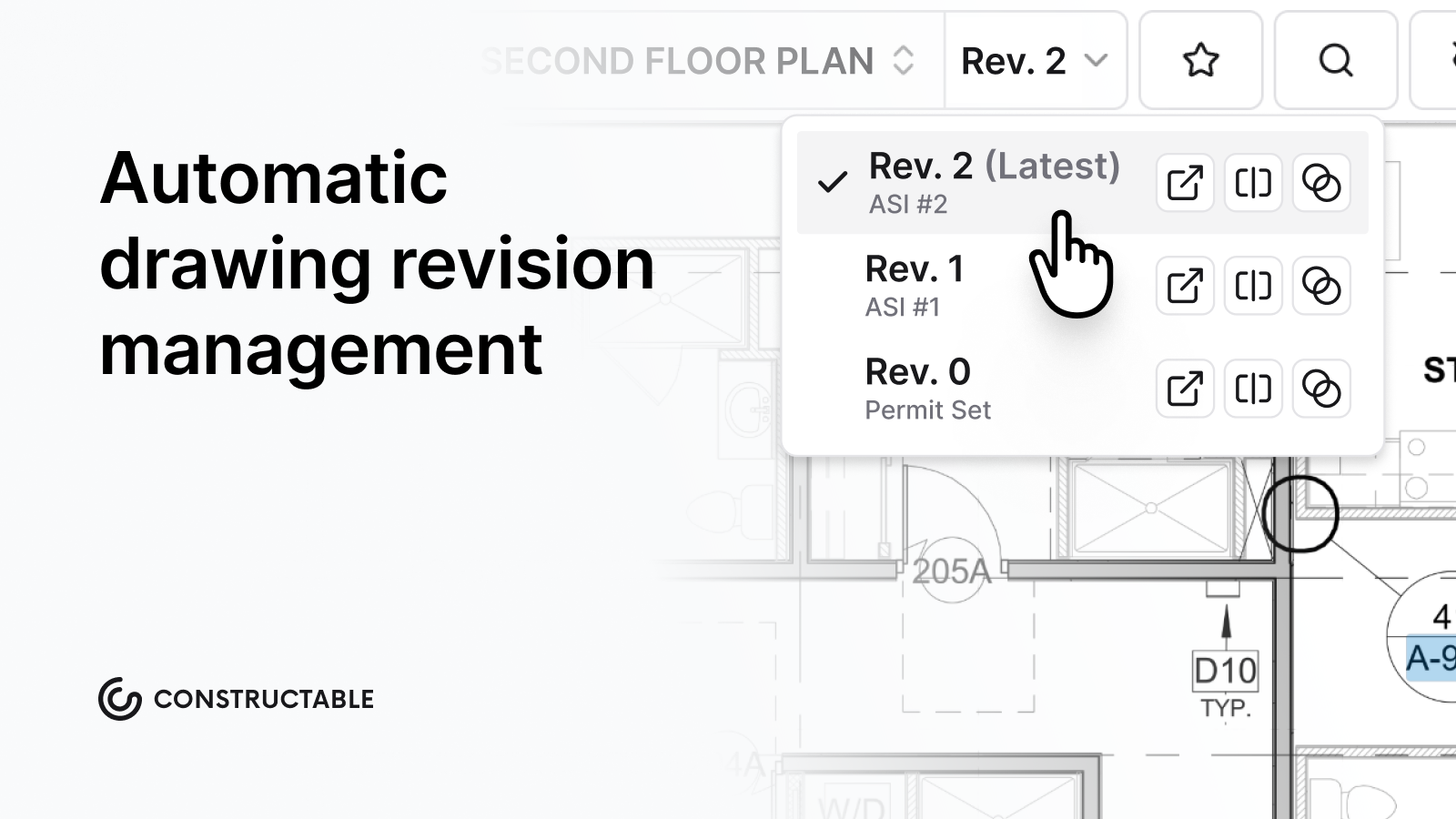\\n\\n**Constructable** is built for teams that want software to stay out of the way and just work.\\n\\n## Bluebeam Revu\\n\\nBluebeam Revu dropped perpetual licenses and now runs on three subscription tiers, ranging from $260 to $440 per user per year.\\n\\nThere are things Bluebeam does well. PDF markup with measurement and scale calibration is genuinely useful for takeoff work. Studio sessions let teams do real-time collaborative review. Batch processing handles repetitive document tasks without much fuss. AutoCAD and Revit integrations round out the Windows experience.\\n\\nTwo real limitations worth knowing:\\n\\n- Bluebeam Cloud skips a meaningful chunk of the Windows feature set, leaving Mac and iOS users without CAD integrations and advanced measurements.\\n- Studio sessions require paid seats for every outside participant, including clients, consultants, and subs, which adds up fast when you need external eyes on a drawing set.\\n\\nStrong PDF tool, but drawings stay disconnected from RFIs, submittals, and daily field execution.\\n\\n## PlanGrid\\n\\n[PlanGrid](https://constructable.ai/blog/plangrid-reviews-pricing-alternatives) helped define mobile-first drawing access before Autodesk folded it into its broader cloud suite. It focuses on version control, field markup, and offline plans.\\n\\nThere are a few things it does well:\\n\\n- Automatic version history and sheet comparison\\n- Mobile apps with offline access\\n- Punch lists and tasks linked to plans\\n- Photo and markup tools for field documentation\\n\\nIt works well for teams already in the Autodesk ecosystem who need straightforward plan viewing without deeper project management workflows.\\n\\nThe limitation is scope. PlanGrid handles drawings, but financials, scheduling, and office reporting still live elsewhere. That means separate logins, duplicate data entry, and a stack that never quite talks to itself.\\n\\n## Autodesk Construction Cloud (now Autodesk Forma Build as of March 2026)\\n\\nAutodesk Construction Cloud (now called Autodesk Forma Build) is one of the more widely recognized names in construction drawing management. It brings together document control, model coordination, and field tools under one roof, which appeals to larger teams running complex projects.\\n\\nHere's what you get with ACC:\\n\\n- Drawing markup and version control across project teams\\n- RFI and submittal tracking tied directly to drawings\\n- Integration with Autodesk Revit and other BIM tools\\n\\nThat said, ACC is a serious investment. Pricing is not publicly listed, and many smaller contractors find the sales process and implementation timeline longer than they'd like. If your team is already deep in [the Autodesk ecosystem](https://constructable.ai/blog/autodesk-construction-cloud-reviews-pricing-alternatives), it can make sense. If you're starting fresh, the ramp-up time is real.\\n\\n## Procore\\n\\nProcore uses OCR to automatically name and organize drawing sheets upon upload within a full project management suite.\\n\\nWhat they offer:\\n\\n- OCR-powered sheet organization on upload that removes the tedious manual renaming process when new drawing sets come in\\n- Drawing comparison and overlay tools to spot revision changes without printing and laying sheets side by side\\n- Mobile access with offline sync so field teams can pull drawings even without a strong signal\\n- Integration with Procore's broader project workflows across RFIs, submittals, and scheduling\\n\\n[Pricing scales with Annual Construction Volume](https://constructable.ai/compare/procore) instead of user count, which catches mid-size teams off guard. Navigation is click-heavy, and field adoption often suffers as a result. Best suited for large GCs with dedicated staff to manage the softw
165are itself.\\n\\n## Fieldwire\\n\\n[Fieldwire](https://constructable.ai/blog/fieldwire-reviews-pricing-alternatives) covers plan viewing, task management, and field issue tracking on web and mobile. Pricing starts at $39 per user per month, though costs climb quickly once team size grows.\\n\\nWhat Fieldwire covers:\\n\\n- Fast mobile plan viewer with offline functionality that works even on spotty jobsite connections\\n- Markup and annotation tools for capturing field redlines as work happens\\n- Task management with location, trade, and priority tracking so issues don't fall through the cracks\\n- Progress photos linked directly to drawings for clear documentation\\n\\nNo native RFI creation means formal questions still route back to email. Teams needing cost visibility or owner reporting have to bring in separate tools, which is exactly the fragmentation most teams are trying to get away from.\\n\\n## Feature Comparison Table of Drawing Management Software\\n\\nHere's a quick breakdown of how these tools stack up across the features that matter most on a real job.\\n\\n| Feature | Constructable | Bluebeam Revu | PlanGrid | Autodesk CC | Procore | Fieldwire |\\n| ---------------------- | ------------- | ------------- | -------- | ----------- | ------- | --------- |\\n| Auto Version Control | Yes | No | Yes | Yes | Yes | Yes |\\n| Offline Mobile Access | Yes | Limited | Yes | Yes | Yes | Yes |\\n| Native RFI Integration | Yes | No | No | Yes | Yes | No |\\n| Submittal Workflows | Yes | No | No | Yes | Yes | No |\\n| Financial Tracking | Yes | No | No | Partial | Yes | No |\\n| Onboarding Timeline | Days | Days | Weeks | Months | Months | Weeks |\\n\\n## Why Constructable is the Best Drawing Management Software\\n\\nMost tools move drawings around. **Constructable** keeps everything anchored to them. Questions, punch items, photos, and decisions pin to exact sheet locations, so the plan itself becomes the record without adding another email thread.\\n\\n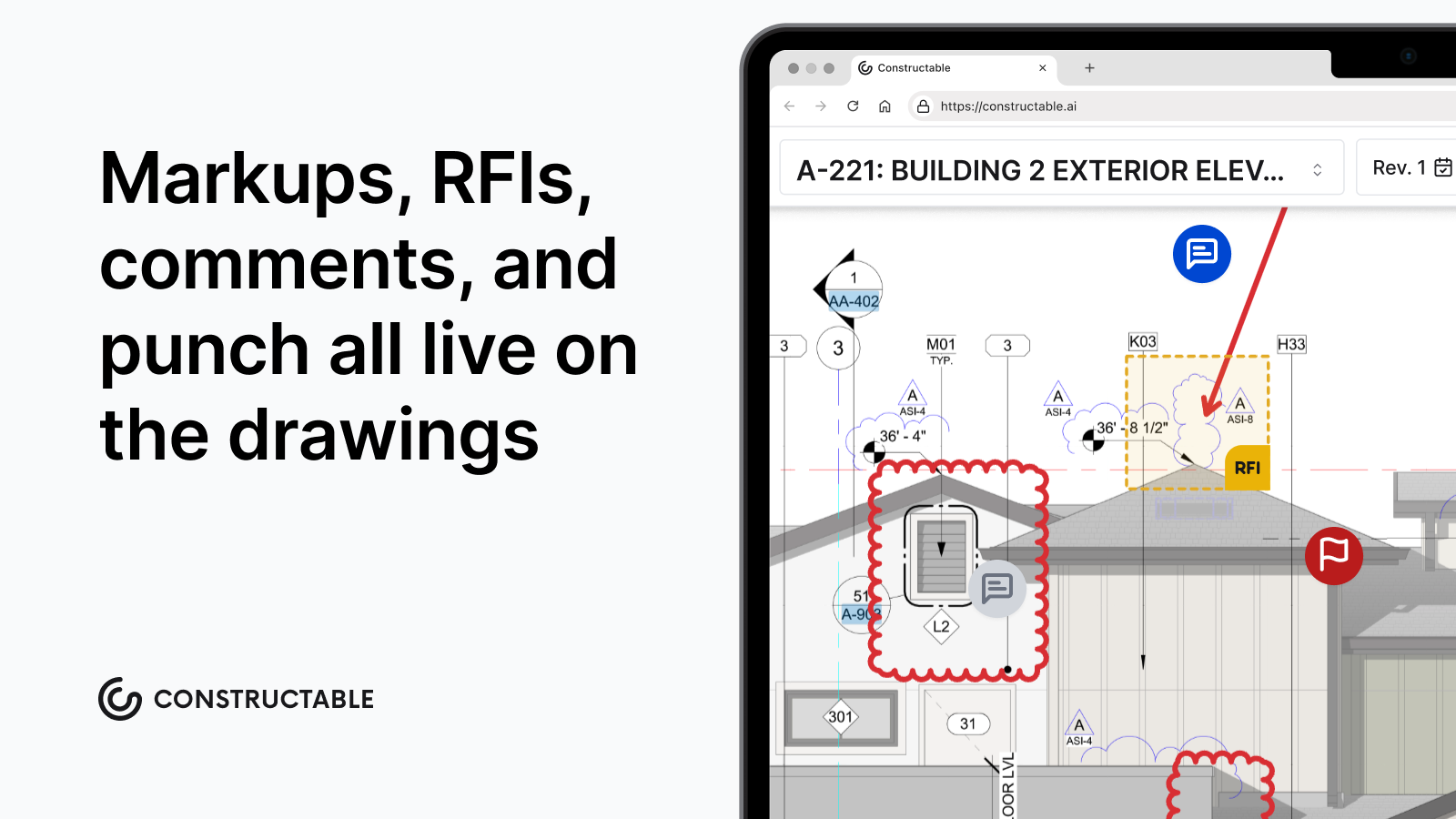\\n\\nFor a mid-size GC juggling multiple projects without an IT department, that changes how the job runs. There's no searching across apps for context, no wondering who responded to that RFI or where the markup ended up. Everything ties back to the drawing, which is where the work was always happening anyway.\\n\\n### Built for the Job, Not the Sales Pitch\\n\\nHere's what that looks like in practice:\\n\\n- Comments, RFIs, and quality items attach directly to the sheet they belong to, so you're not reconstructing context from a chain of emails six months later.\\n- Every team member, from your subs to the architect, sees the same version of the drawing with the same annotations, no syncing required.\\n- There's no IT setup, no complicated onboarding, and no dedicated admin to manage.\\n\\nConstructable was built for GCs who need the job to move, not another tool to manage.\\n\\n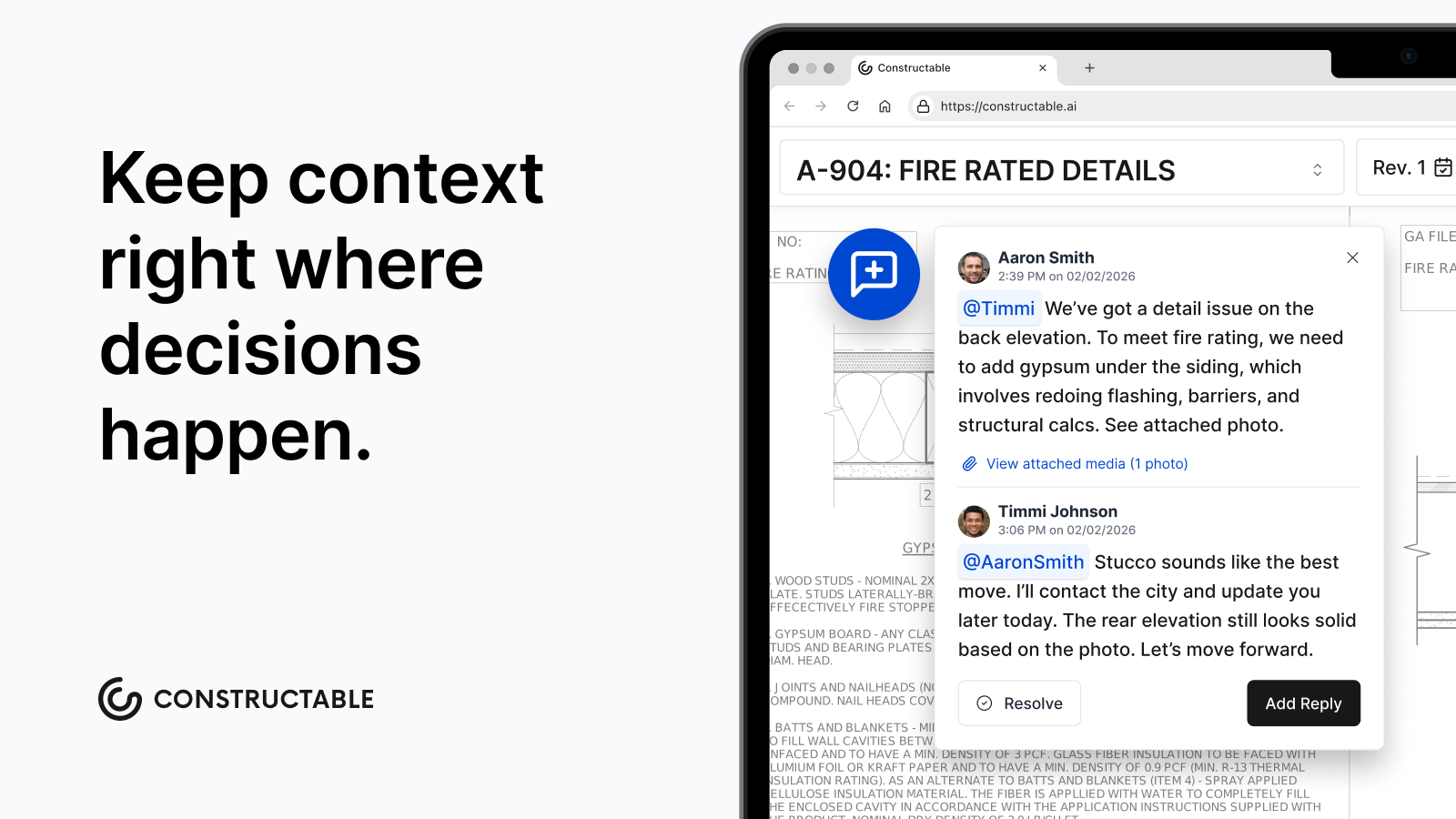\\n\\n## Final Thoughts on Drawing Management Software That Actually Works\\n\\nThe best [construction drawing software](https://constructable.ai/) just works without asking your team to become software experts. Version control happens automatically, your field crews stay synced, and nobody's rebuilding something because they had the wrong sheet. [Give us a shout](https://constructable.ai/sales) if you want to walk through how it fits your workflow.\\n\\nOh, and one more thing: Constructable has **Split View**, too.\\n\\n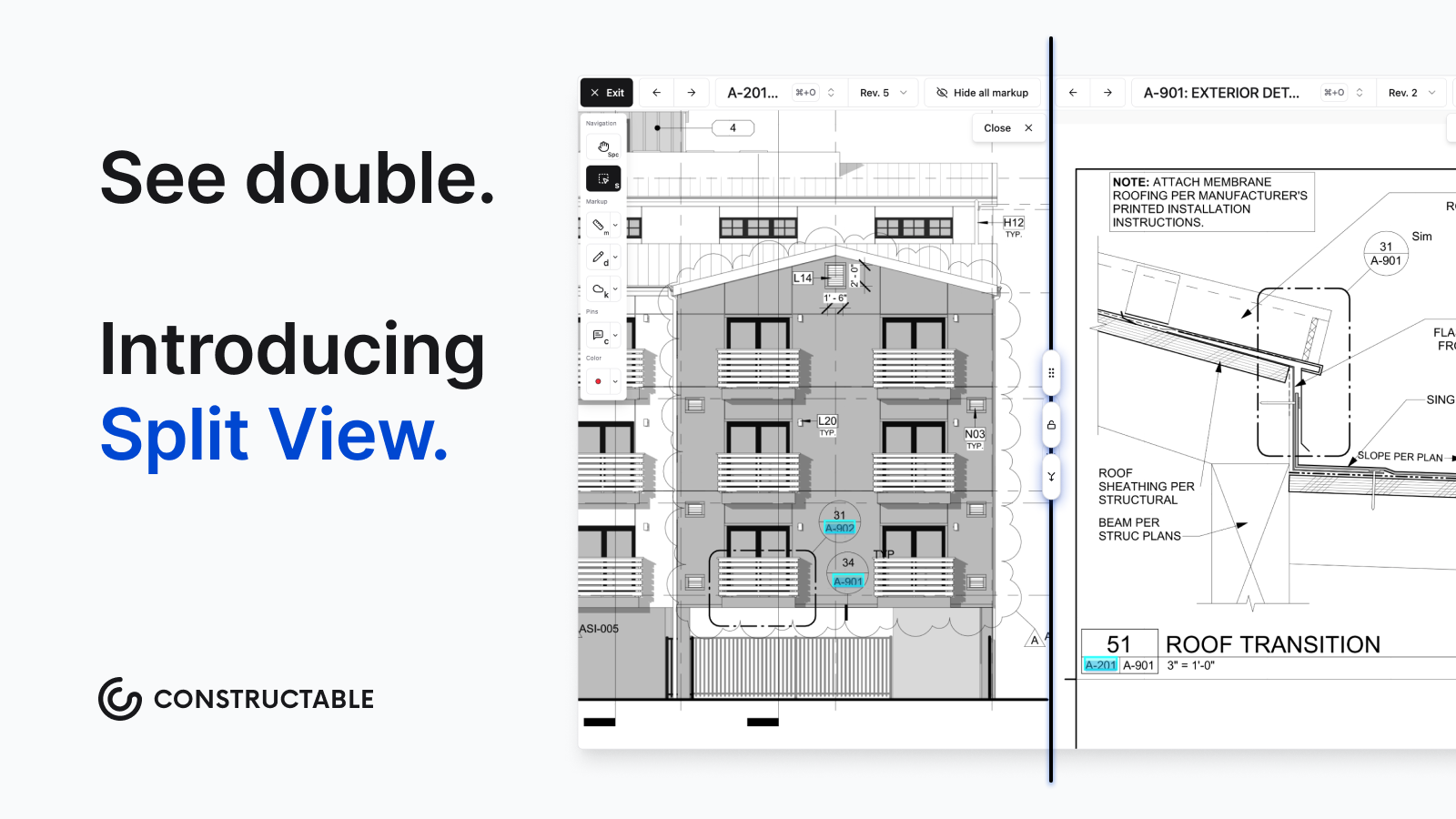\\n\\n## FAQ\\n\\n### How do I choose the best drawing management software for a mid-size GC?\\n\\nLook for automatic version control, mobile access that works offline, and direct connections to your RFI and submittal workflows. If you need a week of training before your team can open a drawing, you've picked the wrong tool. Check pricing carefully, too;
165 some tools charge per external collaborator or scale fees based on your construction volume, which can catch you off guard as your team grows.\\n\\n### What's the difference between a standalone drawing tool and an all-in-one system?\\n\\nStandalone tools like Bluebeam handle PDF markup well, but leave RFIs, submittals, and financials living in separate systems. All-in-one platforms like Constructable or Procore keep drawings connected to the rest of your project, so context stays intact instead of getting lost in email.\\n\\n### Can I still use drawing management software if my team has spotty cell service on the jobsite?\\n\\nYes, but check offline capability before you commit. Tools like Constructable, PlanGrid, and Fieldwire sync drawings to mobile devices so your field team can pull plans without cell service. Bluebeam Cloud and some others don't offer full offline access.\\n\\n### How long does it actually take to get a drawing management system up and running?\\n\\nDays for tools like Constructable and Bluebeam. Weeks for PlanGrid and Fieldwire. Months for Procore and Autodesk Construction Cloud, especially if you need customization or you're waiting on a sales cycle to wrap up.\\n\",[],[719,720,721,722,723,351],\"{\\\"@context\\\":\\\"https://schema.org\\\",\\\"@type\\\":\\\"FAQPage\\\",\\\"name\\\":\\\"Drawing Management Software: 10 Tools That Actually Work (May 2026)\\\",\\\"mainEntity\\\":[{\\\"@type\\\":\\\"Question\\\",\\\"name\\\":\\\"How do I choose the best drawing management software for a mid-size GC?\\\",\\\"acceptedA
165nswer\\\":{\\\"@type\\\":\\\"Answer\\\",\\\"text\\\":\\\"Look for automatic version control, mobile access that works offline, and direct connections to your RFI and submittal workflows. If you need a week of training before your team can open a drawing, you've picked the wrong tool.\\\"}},{\\\"@type\\\":\\\"Question\\\",\\\"name\\\":\\\"What's the difference between a standalone drawing tool and an all-in-one system?\\\",\\\"acceptedAnswer\\\":{\\\"@type\\\":\\\"Answer\\\",\\\"text\\\":\\\"Standalone tools like Bluebeam handle PDF markup well but leave RFIs, submittals, and financials living in separate systems. All-in-one platforms like Constructable or Procore keep drawings connected to the rest of your project, so context stays intact instead of getting lost in email.\\\"}},{\\\"@type\\\":\\\"Question\\\",\\\"name\\\":\\\"Can I still use drawing management software if my team has spotty cell service on the jobsite?\\\",\\\"acceptedAnswer\\\":{\\\"@type\\\":\\\"Answer\\\",\\\"text\\\":\\\"Yes, but check offline capability before you commit. Tools like Constructable, PlanGrid, and Fieldwire sync drawings to mobile devices so your field team can pull plans without cell service. Bluebeam Cloud and some others don't offer full offline access.\\\"}},{\\\"@type\\\":\\\"Question\\\",\\\"name\\\":\\\"Which drawing software works best for teams already using Autodesk or QuickBooks?\\\",\\\"acceptedA
165nswer\\\":{\\\"@type\\\":\\\"Answer\\\",\\\"text\\\":\\\"If you're deep in Autodesk tools, Autodesk Construction Cloud and PlanGrid integrate directly with Revit and other BIM software. For QuickBooks users, Constructable offers two-way sync with QuickBooks Online and Sage Intacct without adding another login to the stack.\\\"}},{\\\"@type\\\":\\\"Question\\\",\\\"name\\\":\\\"How long does it actually take to get a drawing management system up and running?\\\",\\\"acceptedAnswer\\\":{\\\"@type\\\":\\\"Answer\\\",\\\"text\\\":\\\"Days for tools like Constructable and Bluebeam. Weeks for PlanGrid and Fieldwire. Months for Procore and Autodesk Construction Cloud, especially if you need customization or you're waiting on a sales cycle to wrap up.\\\"}},{\\\"@type\\\":\\\"Question\\\",\\\"name\\\":\\\"Can I build a drawing management system without hiring IT staff or going through months of setup?\\\",\\\"acceptedAnswer\\\":{\\\"@type\\\":\\\"Answer\\\",\\\"text\\\":\\\"Yes. Tools like Constructable and Bluebeam get you up and running in days with no IT staff required, while Procore and Autodesk Construction Cloud typically need months and dedicated implementation resources. If you want your team using drawings this month instead of next quarter, pick software built for mid-size teams without enterprise infrastructure.\\\"}},{\\\"@type\\\":\\\"Question\\\",\\\"name\\\":\\\"What's the fastest way to get my subs and architects looking at the same drawing version?\\\",\\\"acceptedA
165nswer\\\":{\\\"@type\\\":\\\"Answer\\\",\\\"text\\\":\\\"Use a cloud-based drawing management system where everyone pulls from one central source. When you upload a new revision, it automatically becomes the active sheet for your entire teamâno forwarding PDFs or asking who has the latest set.\\\"}},{\\\"@type\\\":\\\"Question\\\",\\\"name\\\":\\\"Bluebeam vs Constructable for a team that needs RFIs tied directly to drawings?\\\",\\\"acceptedAnswer\\\":{\\\"@type\\\":\\\"Answer\\\",\\\"text\\\":\\\"Bluebeam excels at PDF markup but lacks native RFI workflows, so questions still route through email. Constructable pins RFIs directly to drawing sheets with full response tracking in one system, keeping context anchored to the plan instead of scattered across tools.\\\"}},{\\\"@type\\\":\\\"Question\\\",\\\"name\\\":\\\"Should I use separate tools for drawings and submittals or find one system that handles both?\\\",\\\"acceptedAnswer\\\":{\\\"@type\\\":\\\"Answer\\\",\\\"text\\\":\\\"One connected system keeps submittal responses, drawing revisions, and project context in the same place instead of forcing your team to reconstruct timelines from separate apps. Standalone tools create more logins and duplicate data entry without adding real value.\\\"}},{\\\"@type\\\":\\\"Question\\\",\\\"name\\\":\\\"Do I really need automatic version control or can I just rename files manually?\\\",\\\"acceptedA
165nswer\\\":{\\\"@type\\\":\\\"Answer\\\",\\\"text\\\":\\\"Manual renaming falls apart the moment your team grows beyond three people or you're juggling multiple active projects. Automatic version control ensures your field crews always pull the current sheet without asking, and old revisions stay accessible when someone needs to reference what changed.\\\"}},{\\\"@type\\\":\\\"Question\\\",\\\"name\\\":\\\"Can my superintendent access construction drawings on their phone without cell service at the jobsite?\\\",\\\"acceptedAnswer\\\":{\\\"@type\\\":\\\"Answer\\\",\\\"text\\\":\\\"Yes, if you pick software with true offline capability. Constructable, PlanGrid, and Fieldwire sync drawings to mobile devices so your field team can view plans and add markups without a connection. Bluebeam Cloud and some web-only tools require internet access to function.\\\"}},{\\\"@type\\\":\\\"Question\\\",\\\"name\\\":\\\"What's the difference between drawing management and document management in construction?\\\",\\\"acceptedAnswer\\\":{\\\"@type\\\":\\\"Answer\\\",\\\"text\\\":\\\"Drawing management handles version control, sheet comparison, and plan distribution for architectural and engineering drawings. Document management stores contracts, specs, meeting notes, and general project files. Most teams need both, but drawings require specialized tools that track revisions and support field markup.\\\"}},{\\\"@type\\\":\\\"Question\\\",\\\"name\\\":\\\"When does it make sense to pay per user vs flat-rate pricing for drawing software?\\\",\\\"acceptedA
165nswer\\\":{\\\"@type\\\":\\\"Answer\\\",\\\"text\\\":\\\"Flat-rate pricing makes sense when you collaborate with multiple subs, consultants, and owners on every projectâyou're not adding license fees every time someone new needs access. Per-user pricing works if your core team is small and stable, but costs climb fast once external collaborators need drawing access.\\\"}},{\\\"@type\\\":\\\"Question\\\",\\\"name\\\":\\\"How do I compare two drawing revisions without printing them and laying them side by side?\\\",\\\"acceptedAnswer\\\":{\\\"@type\\\":\\\"Answer\\\",\\\"text\\\":\\\"Most modern drawing software includes overlay or split-view comparison tools. You can stack two sheets and use color highlighting or transparency to spot differences, or view them side by side with synchronized panning. This works faster than printing and catches changes you'd miss with paper.\\\"}},{\\\"@type\\\":\\\"Question\\\",\\\"name\\\":\\\"Why does construction drawing software cost so much more than regular file storage?\\\",\\\"acceptedA
165nswer\\\":{\\\"@type\\\":\\\"Answer\\\",\\\"text\\\":\\\"You're paying for automatic version tracking, mobile field access, sheet comparison tools, and integration with RFIs and submittalsânot just cloud storage. Regular file systems like Dropbox or SharePoint can't supersede old drawings, sync offline, or pin project questions to specific sheet locations.\\\"}}],\\\"url\\\":\\\"https://constructable.ai/blog/drawing-management-software-tools-that-work\\\",\\\"dateModified\\\":\\\"2026-05-22T16:56:20.451Z\\\",\\\"author\\\":{\\\"@type\\\":\\\"Organization\\\",\\\"name\\\":\\\"Constructable\\\"}}\\n\",\"{\\\"@context\\\":\\\"https://schema.org\\\",\\\"@type\\\":\\\"BlogPosting\\\",\\\"headline\\\":\\\"Drawing Management Software: 10 Tools That Actually Work (May 2026)\\\",\\\"description\\\":\\\"Compare 10 drawing management software tools in May 2026. See which platforms handle version control, mobile access, and RFI integration for construction teams.\\\",\\\"datePublished\\\":\\\"2026-05-22T16:56:20.451Z\\\",\\\"dateModified\\\":\\\"2026-05-22T16:56:20.451Z\\\",\\\"author\\\":{\\\"@type\\\":\\\"Organization\\\",\\\"name\\\":\\\"Constructable\\\"},\\\"url\\\":\\\"https://constructable.ai/blog/drawing-management-software-tools-that-work\\\",\\\"wordCount\\\":1849,\\\"keywords\\\":[\\\"drawing management software\\\",\\\"bluebeam\\\",\\\"bluebeam download\\\",\\\"bluebeam pdf\\\",\\\"bluebeam login\\\",\\\"bluebeam revu 21\\\",\\\"bluebeam student\\\",\\\"bluebeam revu 21 download\\\",\\\"bluebeam pdf editor\\\",\\\"bluebeam free\\\",\\\"bluebeam revu\\\",\\\"bluebeam revu download\\\",\\\"bluebeam revu pdf\\\",\\\"bluebeam revu 20\\\",\\\"bluebeam revu 20 download\\\",\\\"bluebeam revu 2019 free download with crack\\\",\\\"bluebeam revu app\\\",\\\"bluebeam revu extreme\\\",\\\"construction drawing software\\\",\\\"construction drawing software free\\\",\\\"best construction drawing software\\\",\\\"residential construction design software\\\",\\\"top 10 construction management software\\\",\\\"construction software design clothing\\\",\\\"construction design app\\\",\\\"construction design app free\\\",\\\"construction drawing management software\\\",\\\"construction drawing management software free\\\",\\\"construction drawing management software pdf\\\",\\\"best construction drawing management software\\\",\\\"engineering drawing management software\\\",\\\"construction software for design\\\",\\\"drawing management software free\\\",\\\"best drawing management software\\\",\\\"submittal management software\\\",\\\"best submittal management software\\\",\\\"construction submittal management software\\\",\\\"free submittal management software\\\",\\\"submittal management software free download\\\",\\\"submittal management software pdf\\\",\\\"submittal management software for sale\\\",\\\"submittal exchange\\\",\\\"submittal example\\\",\\\"cad drawing management software\\\",\\\"traffic management drawing software\\\",\\\"autocad drawing management software\\\",\\\"free traffic management drawing software\\\",\\\"free drawing management software\\\",\\\"shop drawing management software\\\"]}\\n\",\"drawing management software\",\"ranked drawing management software\",\"best overall drawing management software constructable\",\"sets constructable apart\",\"bluebeam revu\",\"constructable-vs-autodesk-forma\",\"Constructable vs Autodesk Forma: Which is Better in June 2026?\",\"Compare Constructable vs Autodesk Forma in June 2026. Pricing, onboarding, features, and which system works better for mid-size contractors.\",\"2026-06-09T19:55:23.452Z\",\"If you're weighing Constructable vs Autodesk, you're probably trying to decide whether the enterprise-level breadth of Autodesk Forma (f.k.a. Autodesk Construction Cloud) is worth the setup time and per-user pricing. For teams with existing Autodesk infrastructure and IT resources, that tradeoff might make sense. But if you're a mid-size contractor who needs software that works in the field on day one without hiring consultants to configure it, the gap between what Autodesk Forma offers and what you actually need day-to-day matters more than the feature count on paper.\\n\\n**TLDR:**\\n\\n- Autodesk Forma offers broad module coverage but requires months of setup, implementation fees up to $5,000+, and ongoing per-user costs between $175-$350 monthly.\\n- Constructable delivers one unified system with flat pricing, unlimited users, and under 21 days to go-live with no onboarding fees.\\n- Autodesk Forma's architecture stems from multiple acquisitions, creating navigation gaps between modules that weren't built to work together from day one.\\n- Constructable connects drawings, RFIs, submittals, and change orders in one cohesive system built by one team for mid-size GCs running $20M-$150M annually.\\n- Constructable's AI Answer Engine finds project details instantly across plans, photos, and documents with direct source links, which means no digging through folders.\\n\\n## What is Autodesk Forma?\\n\\nAutodesk Forma is Autodesk's answer to the construction software market, built largely through a series of acquisitions instead of a single unified product vision. PlanGrid for field and drawings, BuildingConnected for preconstruction, Assemble for model-based estimating, and ProEst for estimating. Autodesk bought them and wrapped them under one brand.\\n\\nThe result is a wide-ranging suite that covers document management, project coordination, field execution, and cost control. On paper, it checks a lot of boxes. Large general contractors and owners managing complex commercial projects will find tools for nearly every workflow.\\n\\nAutodesk Forma is unquestionably powerful. It integrates with BIM workflows, supports large enterprise deployments, and carries the weight of Autodesk's broader ecosystem. If your firm runs Revit, has a dedicated IT team, and is managing a hospital or airport, Autodesk Forma was probably built with you in mind.\\n\\nThe tradeoff is complexity. Products that started as separate companies still feel that way to many users. Workflows don't always connect the way you'd expect from softw
165are built as one thing from day one. For mid-size contractors who need unified systems without a consultant to configure them, that gap matters.\\n\\n### Who Autodesk Forma Is Designed For:\\n\\n- Large general contractors and owners running complex, multi-phase commercial projects who need broad coverage across every workflow stage.\\n- Firms already invested in the Autodesk ecosystem, particularly those running Revit or other Autodesk design tools, where BIM integration is a priority.\\n- Organizations with dedicated IT staff and implementation resources who can manage the configuration work required to get the suite functioning cohesively.\\n\\n## What is Constructable?\\n\\n**Constructable** was built in 2023 by people who understood one thing clearly: mid-size general contractors don't need more software. They need less of it, working better.\\n\\nEverything lives in one place: drawings, RFIs, submittals, daily logs, photos, change orders, quality lists. Not stitched together from acquisitions, but built as one cohesive system from day one. Field staff can pull up plans on their phone. Project managers can track an RFI from drawing pin to official response. The office can manage budgets and change events without jumping between tools.\\n\\nThe [AI Answer Engine](https://constructable.ai/blog/best-ai-powered-construction-management-software) lets anyone on the team ask a plain-language question and get an answer instantly, with direct links back to the source, whether that's a drawing detail, a daily log entry, or an untagged photo.\\n\\nPricing is a flat fee with unlimited users. Subcontractors, owners, and consultants all get access without adding to your bill. Onboarding takes an average of 21 days (or less), with no extra fees for data migration.\\n\\n### Who Constructable Is Built For:\\n\\n- Mid-size commercial general contractors running $20M to $150M in annual volume who want one system instead of five.\\n- Project teams tired of tools that work fine in demos but fall apart in the field.\\n- Owners and PMs who don't have an IT department and need software that works on day one.\\n\\n## System Architecture and Product Experience\\n\\nThe way software is built shows up in how it feels to use every single day.\\n\\nAutodesk Forma's breadth comes at a cost. [PlanGrid](https://constructable.ai/blog/constructable-vs-plangrid), BIM 360, and BuildingConnected all started as separate companies, each with its own interface logic, data model, and idea of how construction should work. Autodesk acquired them and put them under one roof, but different rooms still have different furniture. Teams moving between modules often find themselves relearning navigation, re-entering context, and working around gaps that wouldn't exist if the system had been designed as one thing from the start.\\n\\n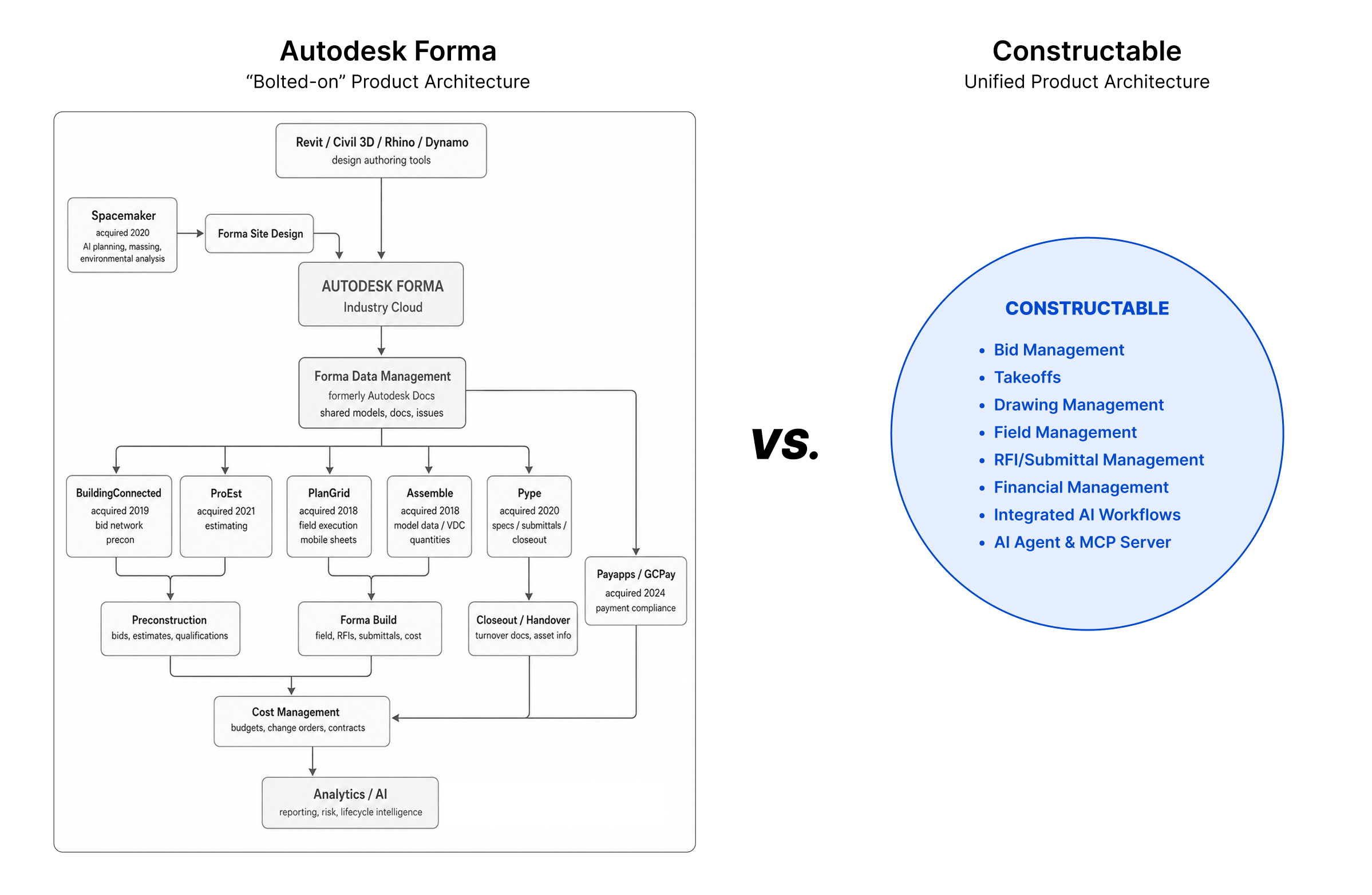\\n\\n**Constructable was built as one product by one team.** Drawings connect directly to RFI responses. Photos tie to daily logs. Quality list items can be pinned directly to plans. There's no seam between field and office because there was never a separate product for each.\\n\\nFor teams running BIM-heavy workflows with existing Autodesk infrastructure, Autodesk Forma's depth may be worth the complexity. For everyone else, a system that was coherent from day one just works differently, and you feel it fast.\\n\\n| Feature | Constructable | Autodesk Forma |\\n| ---------------------- | ---------------------------------------------------------------------------------------------------------------------------- | -------------------------------------------------------------------------------------------------------------------------------------- |\\n| System Architecture | Single unified system built from day one by one team with direct connections between drawings, RFIs, submittals, and budgets | Multiple acquired products (PlanGrid, BuildingConnected, Assemble) integrated under one brand with separate interfaces and data models |\\n| Onboarding Timeline | Under 21 days average with direct support, no extra fees for data migration or setup | Multi-month implementation requiring third-party consultants, with fees ranging from $500 to $5,000 or more |\\n| Pricing Model | Flat monthly or annual fee with unlimited users including subcontractors, owners, and consultants | Per-user pricing between $175-$350 monthly, negotiated based on construction volume and module selection |\\n| Ideal Team Size | Mid-size commercial general contractors running $20M-$150M annually without dedicated IT departments | Large general contractors and owners with IT staff managing complex enterprise-scale projects |\\n| Technical Requirements | Works immediately in field and office with minimal training, mobile-first design | Requires role-based training, module configuration, and IT resources to manage ongoing system administration |\\n| Integration Focus | All-in-one system with AI Answer Engine connecting project data across drawings, photos, and documents | Deep BIM integration with Revit and broader Autodesk ecosystem for design-heavy workflows |\\n\\n## Onboarding, Migration, and Time to Value\\n\\nGetting new software running is its own project. And for most mid-size GCs, it's one nobody budgeted for.\\n\\n### Autodesk Forma\\n\\nAutodesk Forma onboarding is structured like an enterprise implementation because it is one. Multi-phase rollout, role-based training, module-by-module configuration. Implementation fees commonly run $500 to $5,000 or more, and many teams bring in third-party consultants just to get the system up and running. Timelines are typically measured in months. If you have internal IT resources and a long runway before go-live, that's manageable; if you don't, it's a real problem.\\n\\n### Constructable\\n\\nWe handle onboarding directly, at no extra cost. Data migration is included. Most teams are up and running within 21 days. There's no consultant to hire, no surprise setup invoice, and n
165o month-long training cycle before anyone can open a drawing.\\n\\nThe field shouldn't need a certification to use their project software. Neither should the office. For contractors who want to get moving without the overhead, the time-to-value gap here is hard to ignore.\\n\\n## Pricing Structure and Total Cost of Ownership\\n\\nPricing is where software decisions often get made or broken. And in construction, surprises on a contract are never welcome.\\n\\n### Autodesk Forma\\n\\nAutodesk Forma doesn't publish pricing publicly. What you'll find instead is a sales conversation, a scoping call, and a quote tied to your construction volume, module selection, and negotiated terms. Per-user pricing typically ranges from $175 to $350 per month, before factoring in onboarding fees, add-on modules, or training costs. [Industry pricing guides confirm](https://buildops.com/resources/construction-management-software-pricing/) that enterprise construction management platforms typically charge $30 to $350+ per user monthly, with costs scaling based on feature access and construction volume. As your team or project volume grows, renewal conversations can shift the number. For large firms with procurement teams who negotiate contracts regularly, that's manageable. For a 40-person GC, it's a lot of uncertainty to carry.\\n\\n### Constructable\\n\\nOur pricing is flat. One fee, billed monthly or annually, with unlimited users on every plan. Subcontractors, owners, consultants, vendors: add as many people as the project needs. Nobody gets added to your invoice. Onboarding and data migration are included, not itemized separately after the fact.\\n\\nThat structure matters because construction projects don't stay small. Teams grow, scopes change, and the last thing you need is a software renewal that punishes you for winning more work. [Per-user pricing models](https://www.capterra.com/resources/construction-management-software-pricing-models/) create budget uncertainty that becomes especially challenging as teams scale, making flat-rate structures increasingly attractive for growing contractors. Predictable pricing means you can actually budget for it, which is a reasonable thing to expect from software you're running your business on.\\n\\n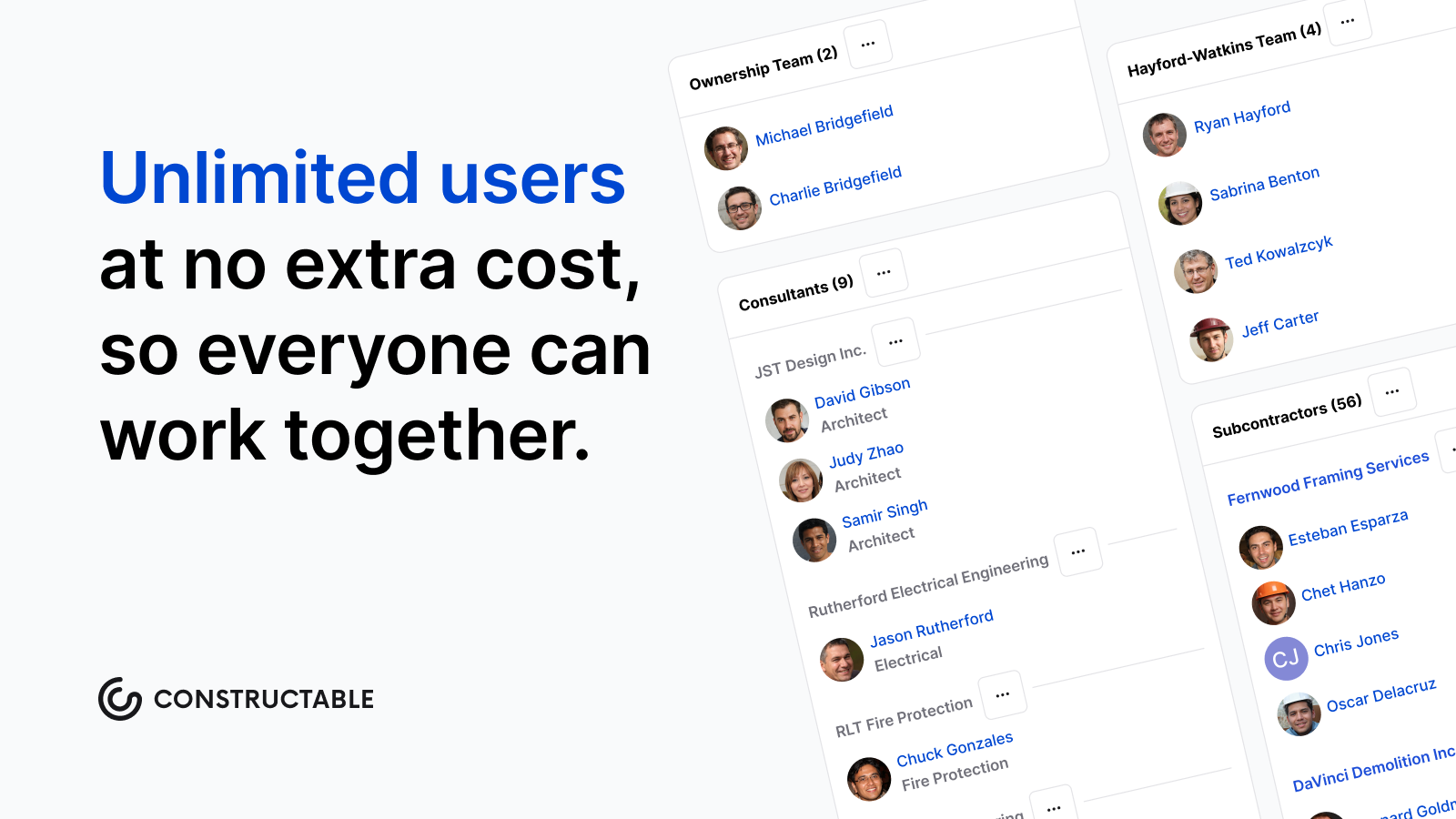\\n\\n## Why Constructable is the Better Choice\\n\\nAutodesk Forma is a legitimate product for the right buyer. If your firm runs Revit, has IT support, and needs enterprise-scale coverage across every workflow, it earns its complexity.\\n\\n_But that describes a small slice of the market._\\n\\nFor mid-size GCs managing real commercial work without a dedicated software team, the calculus is different. You need something that works in the field on day one, connects your drawings to your RFIs to your budget without gaps, and doesn't charge you extra every time your team grows.\\n\\nThe choice usually comes down to a few honest questions:\\n\\n- **How fast do you need to be up and running?** Autodesk Forma's implementation timeline can stretch weeks or months depending on configuration needs, while Constructable is built to get your team moving quickly without a lengthy onboarding process.\\n- **How much time can you realistically give to training?** If the answer is \\\"not much,\\\" a leaner, more intuitive tool wins every time.\\n- **Do you want pricing you can actually predict at renewal?** Module-based pricing creates budget uncertainty that flat, transparent pricing simply does not.\\n\\nIf your answers lean toward \\\"fast, lean, and predictable,\\\" [Constructable is worth a serious look](https://constructable.ai/blog/construction-management-software). We're not trying to win on feature count. We're trying to be the software that just shows up and works, every single day.\\n\\n## Final Thoughts on Autodesk vs Constructable for Your Projects\\n\\nMost mid-size GCs don't need more software breadth. They need something that actually connects the dots between field and office without requiring a dedicated IT team to make it happen. That's where Constructable vs Autodesk becomes a pretty clear choice for contractors who want to move fast. Autodesk Forma has its place for large firms with complex BIM needs, but if you're looking for software that just works on day one with predictable pricing, Constructable makes more sense. Want to see it in action? [Book a quick walkthrough,](https://constructable.ai/sales) and we'll show you a real project setup.\\n\\n## FAQ\\n\\n### How do I decide between Constructable and Autodesk Forma for my company?\\n\\nStart with three questions: How much IT support do you have? How quickly do you need your team working in the system? And do you need deep BIM integration? If you're a mid-size GC without dedicated IT staff who needs to get up and running fast, Constructable is built for that. If you're running Revit across enterprise-scale projects and have resources to manage a longer implementation, Autodesk Forma may be worth the complexity.\\n\\n### What's the main difference in how these two products are built?\\n\\nAutodesk Forma is a collection of acquired companies (PlanGrid, BuildingConnected, Assemble) brought together under one brand. Constructable was designed from day one as a single system where drawings, RFIs, submittals, and budgets all connect without seams. That architectural difference shows up in how the softw
165are feels to use every day.\\n\\n### Who is Autodesk Forma actually best for?\\n\\nAutodesk Forma works well for large general contractors and owners managing complex commercial projects who already use Autodesk tools like Revit, have dedicated IT teams to handle configuration, and need enterprise-wide BIM integration. If that describes your operation, the product was built with you in mind.\\n\\n### How long does it actually take to get either system running?\\n\\nAutodesk's onboarding is typically measured in months and often requires third-party consultants, with implementation fees running $500 to $5,000 or more. Constructable handles onboarding and data migration directly at no extra cost, with most teams running live in under 21 days.\\n\\n### Will I get hit with surprise costs as my team or project volume grows?\\n\\nWith Autodesk, pricing is negotiated per user and tied to construction volume. Renewal conversations can shift your cost as you grow. Constructable charges a flat fee with unlimited users, so adding subcontractors, owners, or consultants to a project doesn't change your bill.\\n\",[],[416,733,220,734,735,351],\"{\\\"@context\\\":\\\"https://schema.org\\\",\\\"@type\\\":\\\"FAQPage\\\",\\\"name\\\":\\\"Constructable vs Autodesk Forma: Which is Better in June 2026?\\\",\\\"mainEntity\\\":[{\\\"@type\\\":\\\"Question\\\",\\\"name\\\":\\\"How do I decide between Constructable and Autodesk Construction Cloud for my company?\\\",\\\"acceptedA
165nswer\\\":{\\\"@type\\\":\\\"Answer\\\",\\\"text\\\":\\\"Start with three questions: How much IT support do you have? How quickly do you need your team working in the system? And do you need deep BIM integration? If you're a mid-size GC without dedicated IT staff who needs to get up and running fast, Constructable is built for that. If you're running Revit across enterprise-scale projects and have resources to manage a longer implementation, ACC may justify the complexity.\\\"}},{\\\"@type\\\":\\\"Question\\\",\\\"name\\\":\\\"What's the main difference in how these two products are built?\\\",\\\"acceptedAnswer\\\":{\\\"@type\\\":\\\"Answer\\\",\\\"text\\\":\\\"Autodesk Construction Cloud is a collection of acquired companiesâPlanGrid, BuildingConnected, Assembleâbrought together under one brand. Constructable was designed from day one as a single system where drawings, RFIs, submittals, and budgets all connect without seams. That architectural difference shows up in how the software feels to use every day.\\\"}},{\\\"@type\\\":\\\"Question\\\",\\\"name\\\":\\\"Who is Autodesk Construction Cloud actually best for?\\\",\\\"acceptedA
165nswer\\\":{\\\"@type\\\":\\\"Answer\\\",\\\"text\\\":\\\"ACC works well for large general contractors and owners managing complex commercial projects who already use Autodesk tools like Revit, have dedicated IT teams to handle configuration, and need enterprise-wide BIM integration. If that describes your operation, the product was built with you in mind.\\\"}},{\\\"@type\\\":\\\"Question\\\",\\\"name\\\":\\\"How long does it actually take to get either system running?\\\",\\\"acceptedAnswer\\\":{\\\"@type\\\":\\\"Answer\\\",\\\"text\\\":\\\"Autodesk's onboarding is typically measured in months and often requires third-party consultants, with implementation fees running $500 to $5,000 or more. Constructable handles onboarding and data migration directly at no extra cost, with most teams running live in under 21 days.\\\"}},{\\\"@type\\\":\\\"Question\\\",\\\"name\\\":\\\"Will I get hit with surprise costs as my team or project volume grows?\\\",\\\"acceptedAnswer\\\":{\\\"@type\\\":\\\"Answer\\\",\\\"text\\\":\\\"With Autodesk, pricing is negotiated per user and tied to construction volumeârenewal conversations can shift your cost as you grow. Constructable charges a flat fee with unlimited users, so adding subcontractors, owners, or consultants to a project doesn't change your bill.\\\"}},{\\\"@type\\\":\\\"Question\\\",\\\"name\\\":\\\"Does Constructable work offline or require constant internet connectivity in the field?\\\",\\\"acceptedA
165nswer\\\":{\\\"@type\\\":\\\"Answer\\\",\\\"text\\\":\\\"The blog doesn't specify offline capabilities, but as a cloud-based construction management platform, Constructable is designed for field use on mobile devices. For specific offline functionality details, you'd need to check with their team during a demo.\\\"}},{\\\"@type\\\":\\\"Question\\\",\\\"name\\\":\\\"Can I integrate Autodesk Construction Cloud with other tools we're already using?\\\",\\\"acceptedAnswer\\\":{\\\"@type\\\":\\\"Answer\\\",\\\"text\\\":\\\"ACC integrates deeply with other Autodesk products like Revit and benefits from Autodesk's broader ecosystem. However, the blog notes that its architecture stems from multiple acquisitions, which can create integration gaps between modules that weren't originally built to work together.\\\"}},{\\\"@type\\\":\\\"Question\\\",\\\"name\\\":\\\"What happens to our existing project data when switching from another platform to Constructable?\\\",\\\"acceptedAnswer\\\":{\\\"@type\\\":\\\"Answer\\\",\\\"text\\\":\\\"Constructable includes data migration as part of their onboarding process at no extra cost. Most teams complete the migration and go live within 21 days without needing to hire consultants.\\\"}},{\\\"@type\\\":\\\"Question\\\",\\\"name\\\":\\\"Does Constructable charge extra for training or customer support?\\\",\\\"acceptedA
165nswer\\\":{\\\"@type\\\":\\\"Answer\\\",\\\"text\\\":\\\"No. Constructable handles onboarding directly at no additional cost, and there are no separate training fees mentioned. This contrasts with ACC, which often requires third-party consultants and implementation fees of $500 to $5,000 or more.\\\"}},{\\\"@type\\\":\\\"Question\\\",\\\"name\\\":\\\"What size projects is Constructable designed to handle?\\\",\\\"acceptedAnswer\\\":{\\\"@type\\\":\\\"Answer\\\",\\\"text\\\":\\\"Constructable is built for mid-size commercial general contractors running $20M to $150M in annual volume. It's designed for teams that need one cohesive system without the enterprise complexity of platforms like ACC.\\\"}},{\\\"@type\\\":\\\"Question\\\",\\\"name\\\":\\\"Can subcontractors and owners access the system without increasing our costs?\\\",\\\"acceptedAnswer\\\":{\\\"@type\\\":\\\"Answer\\\",\\\"text\\\":\\\"Yes. Constructable uses flat-fee pricing with unlimited users, meaning you can add subcontractors, owners, consultants, and vendors to projects without increasing your monthly bill.\\\"}},{\\\"@type\\\":\\\"Question\\\",\\\"name\\\":\\\"What makes Constructable's AI Answer Engine different from regular search?\\\",\\\"acceptedA
165nswer\\\":{\\\"@type\\\":\\\"Answer\\\",\\\"text\\\":\\\"The AI Answer Engine lets team members ask plain-language questions and get instant answers with direct links back to the sourceâwhether that's a drawing detail, daily log entry, or photoâeliminating the need to dig through folders manually.\\\"}},{\\\"@type\\\":\\\"Question\\\",\\\"name\\\":\\\"Is Autodesk Construction Cloud suitable for smaller contractors or residential builders?\\\",\\\"acceptedAnswer\\\":{\\\"@type\\\":\\\"Answer\\\",\\\"text\\\":\\\"Not really. ACC is designed for large general contractors and owners managing complex commercial projects who have dedicated IT teams. The complexity, implementation timeline, and per-user pricing structure make it less practical for smaller operations.\\\"}},{\\\"@type\\\":\\\"Question\\\",\\\"name\\\":\\\"How does pricing actually work with Autodesk Construction Cloud?\\\",\\\"acceptedAnswer\\\":{\\\"@type\\\":\\\"Answer\\\",\\\"text\\\":\\\"Autodesk doesn't publish pricing publicly. Costs typically range from $175 to $350 per user per month based on construction volume, module selection, and negotiated terms, with additional implementation fees and potential cost increases at renewal as your team grows.\\\"}},{\\\"@type\\\":\\\"Question\\\",\\\"name\\\":\\\"What specific workflows does Constructable connect in one platform?\\\",\\\"acceptedA
165nswer\\\":{\\\"@type\\\":\\\"Answer\\\",\\\"text\\\":\\\"Constructable unifies drawings, RFIs, submittals, daily logs, photos, change orders, quality lists, and budget management in a single system. Everything connects cohesively because it was built as one product from day one, not stitched together from acquisitions.\\\"}}],\\\"url\\\":\\\"https://constructable.ai/blog/constructable-vs-autodesk-forma\\\",\\\"dateModified\\\":\\\"2026-06-09T19:55:23.452Z\\\",\\\"author\\\":{\\\"@type\\\":\\\"Organization\\\",\\\"name\\\":\\\"Constructable\\\"}}\\n\",\"{\\\"@context\\\":\\\"https://schema.org\\\",\\\"@type\\\":\\\"BlogPosting\\\",\\\"headline\\\":\\\"Constructable vs Autodesk Forma: Which is Better in June 2026?\\\",\\\"description\\\":\\\"Compare Constructable vs Autodesk Forma in June 2026. Pricing, onboarding, features, and which system works better for mid-size contractors.\\\",\\\"datePublished\\\":\\\"2026-06-09T19:55:23.452Z\\\",\\\"dateModified\\\":\\\"2026-06-09T19:55:23.452Z\\\",\\\"author\\\":{\\\"@type\\\":\\\"Organization\\\",\\\"name\\\":\\\"Constructable\\\"},\\\"url\\\":\\\"https://constructable.ai/blog/constructable-vs-autodesk-forma\\\",\\\"wordCount\\\":2108,\\\"keywords\\\":[\\\"constructable vs autodesk\\\",\\\"autodesk construction cloud comparison\\\",\\\"construction management software\\\"]}\\n\",\"autodesk forma designed\",\"constructable built\",\"system architecture product experience\",\"construction-change-directive-guide\",\"Construction Change Directive: Complete Guide for June 2026\",\"Learn construction change directives in June 2026: how CCDs differ from change orders, when to use them, cost tracking methods, and dispute prevention.\",\"2026-06-09T19:57:16.175Z\",\"Construction change directives put work in motion before the pricing is settled. Unlike change orders that require everyone's signature upfront, CCDs give owners and architects the authority to direct immediate work while negotiations continue separately. They exist for time-sensitive situations: exposed foundations that are failing, MEP conflicts that surface during installation, or owner requirements that shift before you can finalize a standard change order.\\n\\nThe challenge isn't whether to proceed, since most contracts require it, but how to track costs and preserve your negotiating position when final pricing happens later. This matters now more than ever: construction labor productivity [fell over 30% since 1970](https://www.richmondfed.org/publications/research/economic_brief/2025/eb_25-31), even as overall U.S. economic productivity doubled, underscoring the critical role of disciplined change management for project success.\\n\\n**TLDR:**\\n\\n- A construction change directive lets owners direct work immediately without agreed pricing\\n- CCDs differ from change orders: work starts before terms finalize, then converts once settled\\n- Use CCDs when delays cause more harm than proceeding with uncertain costs\\n- Track costs daily from the start by separating labor, materials, and equipment by directive number\\n- **Constructable** groups CCDs with related change orders and link them directly to drawings and RFIs\\n\\n## What Is a Construction Change Directive?\\n\\nA construction change directive is a unilateral instruction that allows owners and architects to direct immediate changes to the work without waiting for the contractor to agree to pricing or schedule adjustments. When a project needs to move forward but the parties haven't reached consensus on the change's cost or timeline, a CCD authorizes the work to start immediately while the paperwork catches up later.\\n\\n## Construction Change Directive vs Change Order: Key Differences\\n\\nThe difference comes down to control and timing. A change order requires everyone's signature before work starts. You negotiate the price, agree on the schedule impact, and document everything before starting. Both parties sign off, then work proceeds.\\n\\nA construction change directive flips that sequence. The owner or architect can direct you to start immediately, even without agreed-upon pricing or a schedule. You proceed while negotiations continue in parallel. The CCD converts to a change order once terms are settled.\\n\\n| | Change Order | Construction Change Directive |\\n| -------- | ------------------------------------------------ | ---------------------------------------------- |\\n| Approval | Requires mutual agreement | Owner/architect issues unilaterally |\\n| Timing | Finalized before work begins | Work starts before terms are agreed |\\n| Pricing | Locked in upfront | Determined after work is underway |\\n| Use Case | Standard modifications with clear scope and cost | Urgent changes that can't wait for negotiation |\\n\\nChange orders handle most modifications. CCDs exist when waiting would delay the project or create bigger problems. You'll see them when design issues surface mid-construction or unforeseen conditions demand immediate action.\\n\\n## When to Use a Construction Change Directive\\n\\nCCDs
165work best when waiting for full agreement would hurt the project more than moving forward with uncertain terms.\\n\\nSite conditions that demand an immediate response include failing foundations, contaminated soil, or utilities that appear where drawings show none. Stopping work creates safety risks or compounds damage, requiring action before pricing negotiations finish.\\n\\nDesign coordination issues block progress when trades arrive and their scopes conflict because [drawings don't align](https://constructable.ai/blog/drawing-centric-collaboration-workflows). Structural steel doesn't match architectural plans, or MEP routing won't fit in the ceiling cavity as designed.\\n\\nOwner-directed changes with time-sensitive drivers include tenant modifications before lease expiration or jurisdiction requirements that change mid-project.\\n\\n## Key Elements to Include in a Construction Change Directive\\n\\nEvery CCD needs sufficient detail to avoid disputes when it is converted to a change order. The work description requires specificity beyond vague statements like \\\"revise structural steel.\\\" Document which members, locations, and modifications are required.\\n\\nState why you're issuing a directive instead of a standard change order. Time pressure, unforeseen conditions, or design conflicts provide context that protects both parties later.\\n\\nReference related documents like drawing sheets, specifications, [RFI responses](https://constructable.ai/blog/construction-rfi-management-breakdown), or submittal comments that triggered the change. These create the paper trail connecting the directive to project records.\\n\\nInclude clear direction to proceed immediately or by a specific date. Ambiguity about timing creates confusion over when costs start accruing.\\n\\nOutline the pricing method if exact costs aren't available: time and materials with markup rates, unit prices, or cost-plus terms. Even rough estimates give both sides a starting point.\\n\\n## Legal Authority and Contract Requirements for CCDs\\n\\nCCDs require explicit contract authority to be enforceable. Standard AIA contracts include CCD provisions, but [custom agreements often don't](https://learn.aiacontracts.com/articles/construction-change-directives-vs-change-orders-understanding-the-differences/). Without clear language allowing unilateral directives, owners cannot compel work on unsigned changes.\\n\\n- **Designated authority:** AIA documents grant directive power to the owner and architect jointly. Some contracts limit it to the owner or [project manager](https://constructable.ai/features/project-management). Verbal instructions from unauthorized parties don't create valid CCDs.\\n- **Pricing terms:** Defined time and materials rates, markup percentages, and documentation requirements prevent disputes when costs remain unresolved.\\n- **AIA framework:** Section 7 of AIA A201 covers how CCDs are issued, how pricing disagreements get resolved, and how directives convert to change orders. Review your contract for any modifications to Section 7 before a dispute arisesâcustom contracts sometimes exclude or narrow these provisions, which limits your options mid-project.\\n\\n## Construction Change Directive vs ASI and Field Orders\\n\\nThree directive types show up on most projects, and knowing which one applies keeps you from making the wrong move.\\n\\nAn Architect's Supplemental Instruction (ASI) clarifies existing contract documents without changing the contract sum or time. If the instruction requires extra work or money, it should be issued as a CCD or a change order.\\n\\nField orders handle minor modifications that don't affect contract value or schedule; most contracts set dollar thresholds for field orders.\\n\\nCCDs are different. They change scope, cost, and schedule, but the owner issues them before you agree on those impacts.\\n\\n## Cost Tracking and Pricing Methods for Change Directives\\n\\nCost tracking for a construction change directive starts the moment work authorization arrives. Change orders can account for a substantial portion of total contract value on large projects, and documentation lapses make those costs hard to recover.\\n\\nTime and materials pricing requires separating labor hours by worker, equipment hours by asset, material receipts, and subcontractor invoices into distinct categories. Daily logs outperform weekly summaries when cost disputes surface later.\\n\\nForce account work applies predetermined markup rates spelled out in your contract, covering labor rates, equipment costs, and material or subcontractor markups.\\n\\nReconciliation compares your tracked costs with the owner's proposed price adjustment after negotiations conclude. Gaps typically stem from disputed hours, markup disagreements, or differences in scope interpretation.\\n\\n## Common Mistakes That Lead to CCD Disputes\\n\\nDisputes over construction change directives usually trace back to preventable errors that compound over time. Most blow up during final pricing negotiations when one party realizes they don't have the documentation to support their position.\\n\\nVague work descriptions create the widest gaps. Directives that say \\\"repair concrete\\\" without specifying locations, depths, or methods leave both sides guessing what was authorized. Poor cost tracking follows close behind. Missing daily logs, unsigned timesheets, or und
165ocumented material deliveries make reconciliation impossible when you need to justify actual costs against estimates.\\n\\n## How Contractors Should Respond to a Construction Change Directive\\n\\nWhen you receive a CCD, acknowledge it in writing right away. Confirm you understand the scope and will proceed, but note you're reserving the right to negotiate final pricing and schedule adjustments.\\n\\nTrack costs from the start. Separate labor, equipment, and materials by CCD number. Daily logs beat memory when pricing talks happen weeks later. Photograph conditions throughout. By the way, Constructable makes it easy to track your non-committed cost receipts as well as maintain well-documented daily logs too.\\n\\n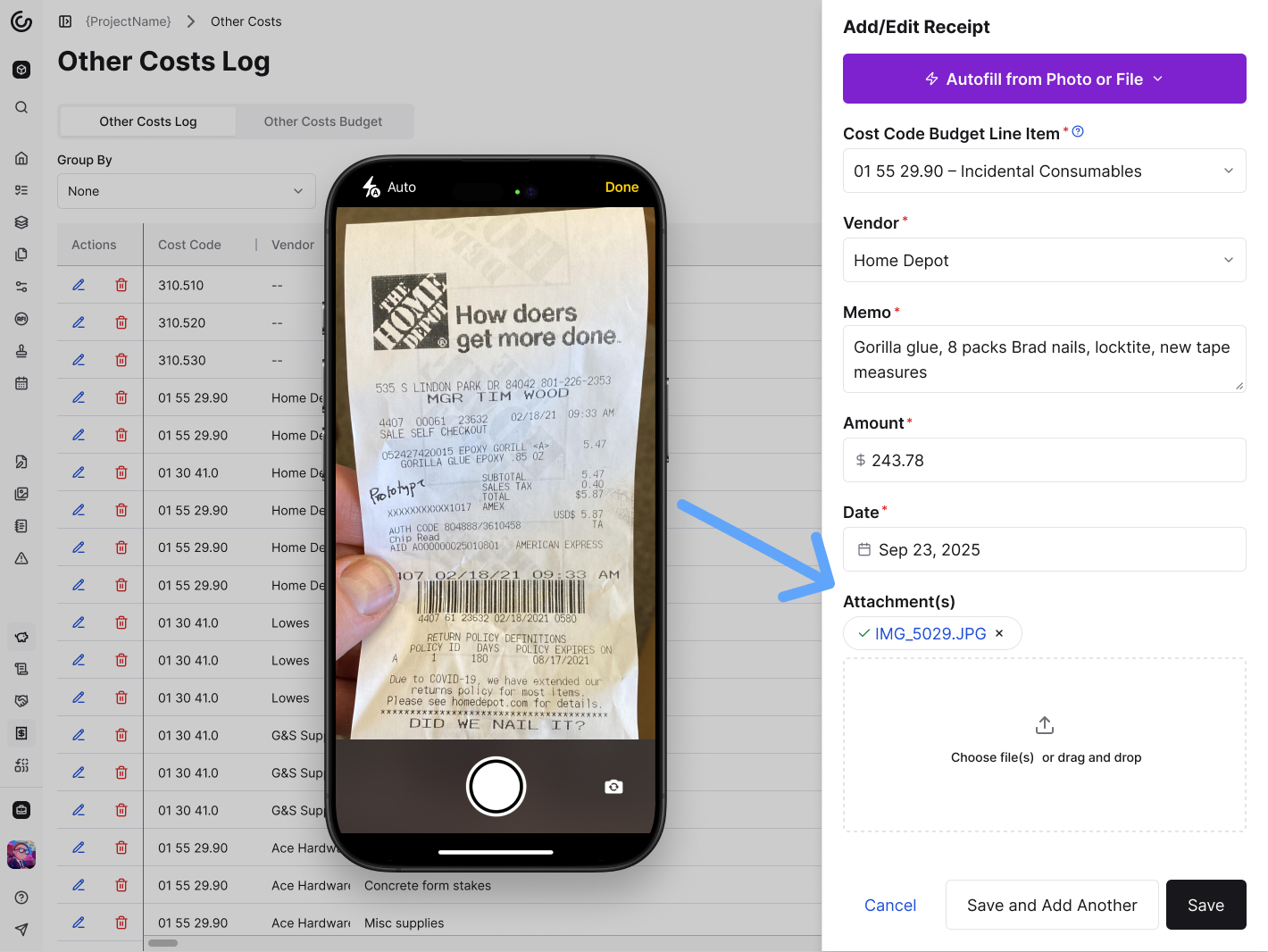\\n\\n\u003e _Log your costs by capturing receipts quickly and easily._\\n\\n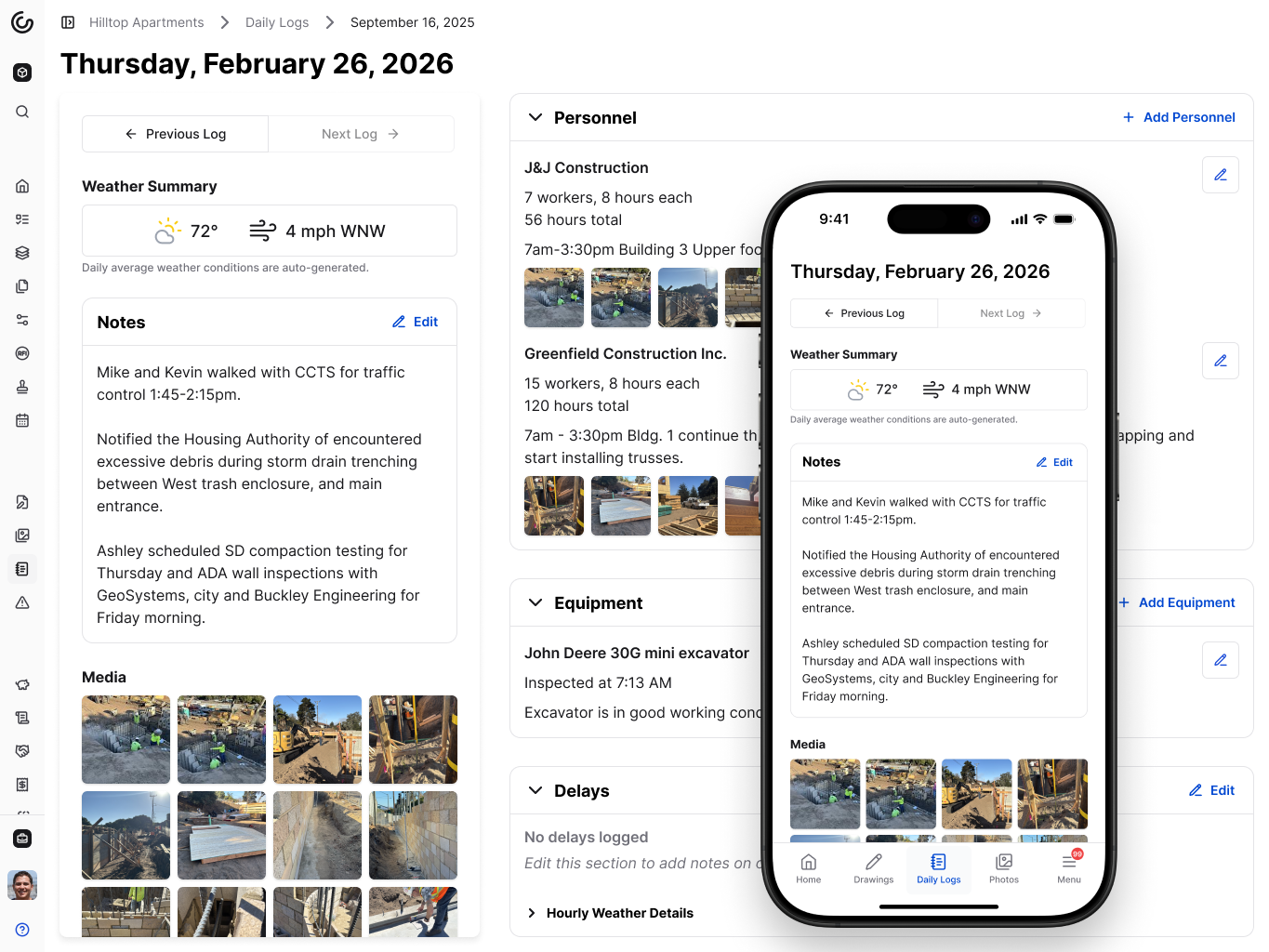\\n\\n\u003e _Constructable's Daily Logs feature is robust yet easy to use on your phone while at the jobsite._\\n\\nThen, submit your proposed pricing within your contract's deadline. Include actual costs, markup per contract terms, and schedule impact. Reference your documentation.\\n\\nIf the owner's adjustment is too low, respond with line-item differences and point to tracked costs instead of general objections.\\n\\n## The Impact of CCDs on Project Schedule and Budget\\n\\nCCDs create scheduling and budget uncertainty that compounds as multiple directives remain unresolved. Work often starts before pricing finalizes, making [cost forecasting difficult](https://constructable.ai/blog/real-time-project-cost-and-commitment-visibility) when several CCDs overlap.\\n\\nMuch of construction rework stems from miscommunication and poor documentation. CCDs amplify this when scope descriptions lack clarity or when trades start work without clear authorization, leading to delays that cascade through dependent activities and procurement schedules that weren't updated for the changed work.\\n\\n## Best Practices for Managing Construction Change Directives\\n\\nSet up processes before the first CCD arrives. Define who can issue directives, how pricing gets tracked, and when proposals are due. Waiting until you're in the middle of a crisis creates confusion.\\n\\nDocument everything in real time. Daily logs, photos, and cost records beat memory when negotiations drag on for weeks. Separate each directive's costs from the start, because mixing them creates reconciliation headaches.\\n\\nCommunicate early when you spot scope creep or delays. Waiting to raise schedule impacts until closeout makes owners defensive. Give them numbers while there's still time to adjust.\\n\\nUse one system to track CCDs alongside change orders, drawings, and daily logs. Jumping between tools loses context when you need to connect a directive back to the RFI or site condition that triggered it.\\n\\n## Managing Construction Changes in One Connected System\\n\\nCCDs are easier to manage when they live in the same system as your drawings, RFIs, and cost-tracking. Jumping between tools to connect a directive back to the RFI that triggered it or the drawing sheet where the issue appeared wastes time.\\n\\n**Constructable** groups related change orders together automatically. When a CCD leads to subcontractor pricing and a matching prime contract adjustment, both stay [organized under one parent event](https://constructable.ai/blog/construction-drawing-management-software). Line items sync across workflows, and everything links directly back to the drawing pins, markups, and RFIs that started the conversation.\\n\\n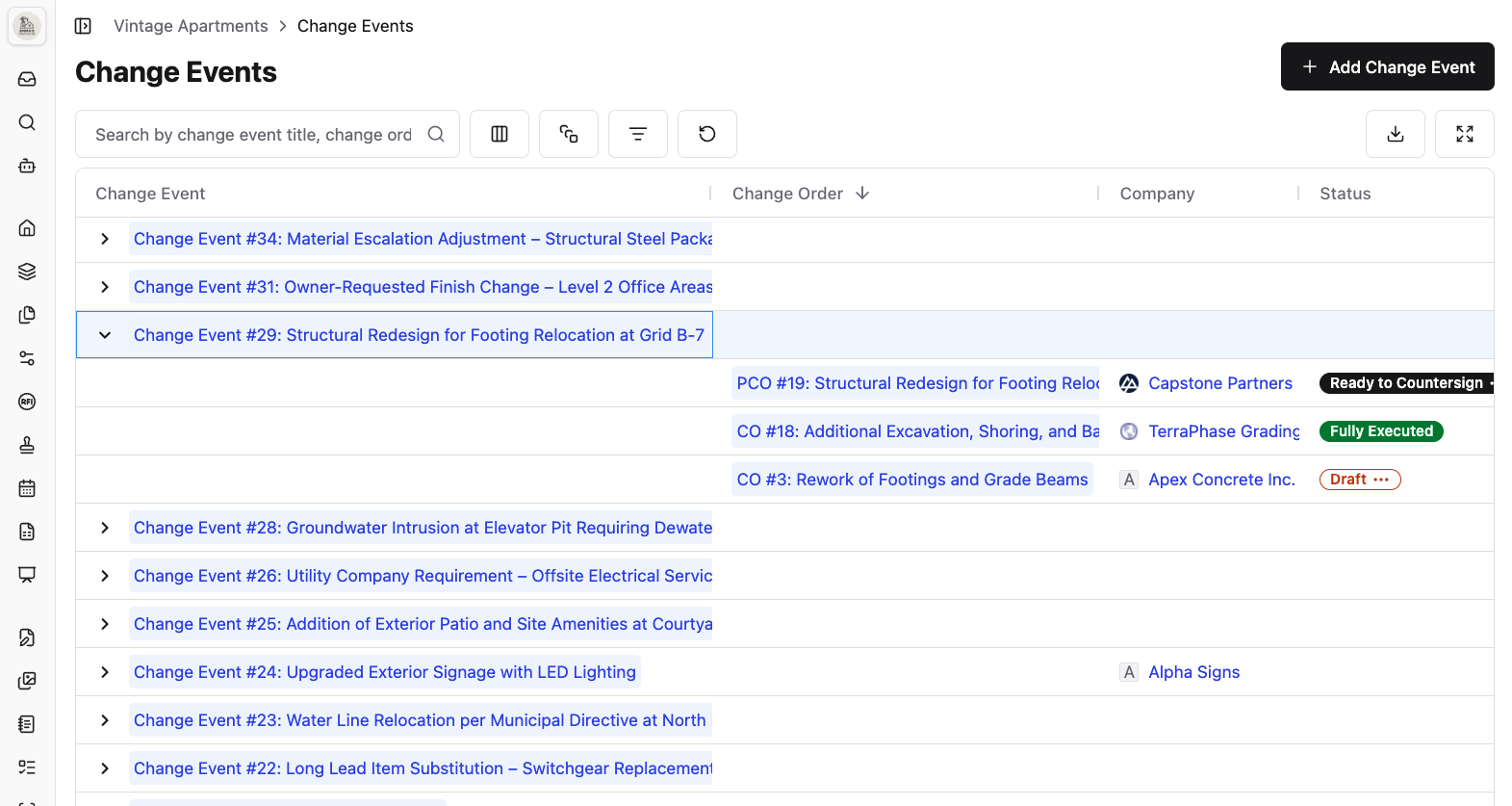\\n\\n\u003e _Constructable groups Prime Change Orders and related Change Orders into Change Events and lets you send them for eSignature._\\n\\n## Final Thoughts on Construction Change Directives and Project Control\\n\\nThe difference between CCDs that go smoothly and those that blow up at closeout comes down to documentation. When you manage construction change directives with the same discipline you give safety logs or daily reports, pricing disputes shrink because both sides can see exactly what happened. Your future self will thank you for the time you spend tracking costs and connecting documents today.\\n\\n## FAQ\\n\\n### What's the main difference between a construction change directive and a change order?\\n\\nA change order requires everyone to agree on the price and schedule before work starts. A construction change directive lets the owner or architect direct work to begin immediately, even without agreed-upon terms, while pricing negotiations continue in parallel.\\n\\n### When should I use a CCD instead of waiting for a regular change order?\\n\\nUsing a CCD when stopping work would create bigger problems than moving forward with uncertain pricing. Think exposed foundations failing, contaminated soil discoveries, or design conflicts blocking multiple trades from proceeding.\\n\\n### Do I have to start work on a CCD before we agree on the cost?\\n\\nYes, if your contract includes CCD provisions (like AIA A201 Section 7). The directive authorizes you to begin immediately while tracking actual costs, but you still negotiate final pricing and schedule impacts while work proceeds.\\n\\n### How do I protect myself from cost disputes when working under a CCD?\\n\\nDocument everything in real time: separate labor hours by worker, track equipment daily, save all material receipts, and photograph conditions throughout. Daily logs beat memory when you're backing up costs weeks later during pricing negotiations.\\n\\n### What happens if the owner's proposed adjustment is
165way lower than my actual costs?\\n\\nSubmit your detailed pricing with line-item breakdowns, reference your tracked costs and documentation, and point to specific gaps between their number and yours. CCDs are converted to change orders once you reach an agreement, so negotiation continues until the terms are settled.\\n\",[],[745,746,747,748,749,206],\"{\\\"@context\\\":\\\"https://schema.org\\\",\\\"@type\\\":\\\"FAQPage\\\",\\\"name\\\":\\\"Construction Change Directive: Complete Guide for June 2026\\\",\\\"mainEntity\\\":[{\\\"@type\\\":\\\"Question\\\",\\\"name\\\":\\\"What's the main difference between a construction change directive and a change order?\\\",\\\"acceptedAnswer\\\":{\\\"@type\\\":\\\"Answer\\\",\\\"text\\\":\\\"A change order requires everyone to agree on price and schedule before work starts. A construction change directive lets the owner or architect direct work to begin immediatelyâeven without agreed termsâwhile pricing negotiations continue in parallel.\\\"}},{\\\"@type\\\":\\\"Question\\\",\\\"name\\\":\\\"When should I use a CCD instead of waiting for a regular change order?\\\",\\\"acceptedA
165nswer\\\":{\\\"@type\\\":\\\"Answer\\\",\\\"text\\\":\\\"Use a CCD when stopping work would create bigger problems than moving forward with uncertain pricing. Think exposed foundations failing, contaminated soil discoveries, or design conflicts blocking multiple trades from proceeding.\\\"}},{\\\"@type\\\":\\\"Question\\\",\\\"name\\\":\\\"Do I have to start work on a CCD before we agree on what it costs?\\\",\\\"acceptedAnswer\\\":{\\\"@type\\\":\\\"Answer\\\",\\\"text\\\":\\\"Yes, if your contract includes CCD provisions (like AIA A201 Section 7). The directive authorizes you to begin immediately while tracking actual costs, but you still negotiate final pricing and schedule impacts while work proceeds.\\\"}},{\\\"@type\\\":\\\"Question\\\",\\\"name\\\":\\\"How do I protect myself from cost disputes when working under a CCD?\\\",\\\"acceptedAnswer\\\":{\\\"@type\\\":\\\"Answer\\\",\\\"text\\\":\\\"Document everything in real timeâseparate labor hours by worker, track equipment daily, save all material receipts, and photograph conditions throughout. Daily logs beat memory when you're justifying costs weeks later during pricing negotiations.\\\"}},{\\\"@type\\\":\\\"Question\\\",\\\"name\\\":\\\"What happens if the owner's proposed adjustment is way lower than my actual costs?\\\",\\\"acceptedA
165nswer\\\":{\\\"@type\\\":\\\"Answer\\\",\\\"text\\\":\\\"Submit your detailed pricing with line-item breakdowns, reference your tracked costs and documentation, and point to specific gaps between their number and yours. CCDs convert to change orders once you reach agreement, so negotiation continues until terms are settled.\\\"}}],\\\"url\\\":\\\"https://constructable.ai/blog/construction-change-directive-guide\\\",\\\"dateModified\\\":\\\"2026-06-09T19:57:16.175Z\\\",\\\"author\\\":{\\\"@type\\\":\\\"Person\\\",\\\"name\\\":\\\"Molly Abbott\\\"}}\\n\",\"{\\\"@context\\\":\\\"https://schema.org\\\",\\\"@type\\\":\\\"BlogPosting\\\",\\\"headline\\\":\\\"Construction Change Directive: Complete Guide for June 2026\\\",\\\"description\\\":\\\"Learn construction change directives in June 2026: how CCDs differ from change orders, when to use them, cost tracking methods, and dispute prevention.\\\",\\\"datePublished\\\":\\\"2026-06-09T19:57:16.175Z\\\",\\\"dateModified\\\":\\\"2026-06-09T19:57:16.175Z\\\",\\\"author\\\":{\\\"@type\\\":\\\"Person\\\",\\\"name\\\":\\\"Molly Abbott\\\"},\\\"url\\\":\\\"https://constructable.ai/blog/construction-change-directive-guide\\\",\\\"wordCount\\\":1959,\\\"keywords\\\":[\\\"construction change directive\\\",\\\"construction change directive template\\\",\\\"construction change directive aia\\\",\\\"construction change directive pdf\\\",\\\"construction change directive vs change order\\\",\\\"construction change directive vs asi\\\",\\\"work change directive vs change order\\\",\\\"construction change order\\\",\\\"work change directive vs field order\\\",\\\"construction change order template\\\",\\\"construction change order process flowchart\\\",\\\"construction change order california\\\",\\\"change order clause in construction contract\\\",\\\"free construction change order template excel\\\",\\\"what is a change order in banking\\\",\\\"change orders in project management\\\",\\\"construction change directive aia template\\\",\\\"construction change directive aia sample\\\",\\\"construction change directive aia pdf\\\",\\\"construction change directive aia example\\\",\\\"construction change directive example\\\",\\\"aia g714\\\",\\\"aia g714 pdf\\\",\\\"construction change directive template pdf\\\",\\\"construction change directive template word\\\",\\\"construction change directive template free\\\",\\\"construction change directive template doc\\\",\\\"aia construction change directive\\\",\\\"construction change directive vs change order template\\\",\\\"construction change directive vs change order example\\\",\\\"construction change directive vs change order pdf\\\",\\\"construction change directive vs change order cost\\\",\\\"change order ccd\\\",\\\"field directive\\\",\\\"design change directive\\\",\\\"work change directive form\\\",\\\"what is a construction change directive\\\",\\\"construction change directive definition\\\",\\\"construction change directive form\\\",\\\"ccd construction change directive\\\",\\\"change directive construction\\\",\\\"construction change directive sample\\\",\\\"what is a change directive in construction\\\",\\\"examples of construction change directive\\\",\\\"change order vs construction change directive\\\"]}\\n\",\"construction change directive\",\"construction change directive change order key differences\",\"use construction change directive\",\"key elements include construction change directive\",\"legal authority contract requirements ccds\",\"lien-waivers-construction\",\"Lien Waivers in Construction: What They Are and When to Sign Them (June 2026)\",\"Learn what lien waivers are in construction, the four types, and when to sign each one. Complete guide for contractors updated June 2026.\",\"2026-06-11T18:35:41.840Z\",\"It's easy to treat lien waivers like receipts: both show up at payment time, both get signed and filed away. But a receipt records a transaction while a lien waiver surrenders a legal right, and that distinction matters when a check doesn't clear. There are four types, split between conditional and unconditional, progress and final. The one that tends to catch contractors off guard is the unconditional final waiver signed before retention clears.\\n\\nOnce that's done, your lien rights are gone, even if the payment reverses shortly after. The stakes are high: payment delays now cost the U.S. construction industry an [estimated $280 billion annually,](https://buildledger.com/blog/construction-payment-delays-2025/) roughly 14% added to total construction spending, according to the Rabbet 2024 Construction Payments Report.\\n\\n**TLDR:**\\n\\n- A lien waiver surrenders your legal r
165ight to file a mechanic's lien in exchange for payment.\\n- Four types exist: conditional or unconditional, progress or final. Never sign unconditional before funds clear.\\n- Six states require mandatory statutory forms. Using the wrong template can void your waiver entirely.\\n- Signing an unconditional final waiver before retention clears means you give up all lien rights permanently.\\n- **Constructable** tracks waivers alongside pay apps and change orders so you're not digging through inboxes at closeout.\\n\\n## What Is a Lien Waiver in Construction?\\n\\nA lien waiver is a written document where a contractor, subcontractor, or supplier surrenders their right to file a mechanic's lien against a property. Signed in exchange for payment, it confirms the signer won't later claim unpaid labor or materials against the property title.\\n\\nThat's different from a receipt. A receipt records a transaction, while a lien waiver surrenders a legal right. If a check bounces after you've already signed one, that difference matters a lot.\\n\\nA few parties view this distinction differently depending on where they sit in the payment chain.\\n\\n- Property owners rely on lien waivers to protect against claims from subcontractors or suppliers they never directly hired and may not even know are on the job.\\n- General contractors deal with these documents in every payment cycle, collecting them from subs and suppliers to protect the owner and keep draws moving.\\n- Subcontractors and suppliers take on the most risk here. Signing one incorrectly, or before payment clears, can mean giving up legal protection they legitimately earned.\\n\\n## The Four Types of Lien Waivers\\n\\nEvery lien waiver falls on two axes: payment timing and project stage.\\n\\nThe first axis is conditional vs. unconditional. A conditional waiver only takes effect once payment actually clears. An unconditional waiver is effective immediately upon signing, regardless of whether the check ever cashes.\\n\\nThe second axis is progress vs. final. Progress waivers cover work completed through a specific date; final waivers release all rights for the entire project.\\n\\n| Type | Takes Effect | Covers |\\n| ---------------------- | ---------------------- | ---------------------------- |\\n| Conditional Progress | After payment clears | Work through a specific date |\\n| Unconditional Progress | Immediately on signing | Work through a specific date |\\n| Conditional Final | After payment clears | All work on the project |\\n| Unconditional Final | Immediately on signing | All work on the project |\\n\\nCross those two axes, and you get four types. Every lien waiver you'll ever sign falls into one of them.\\n\\n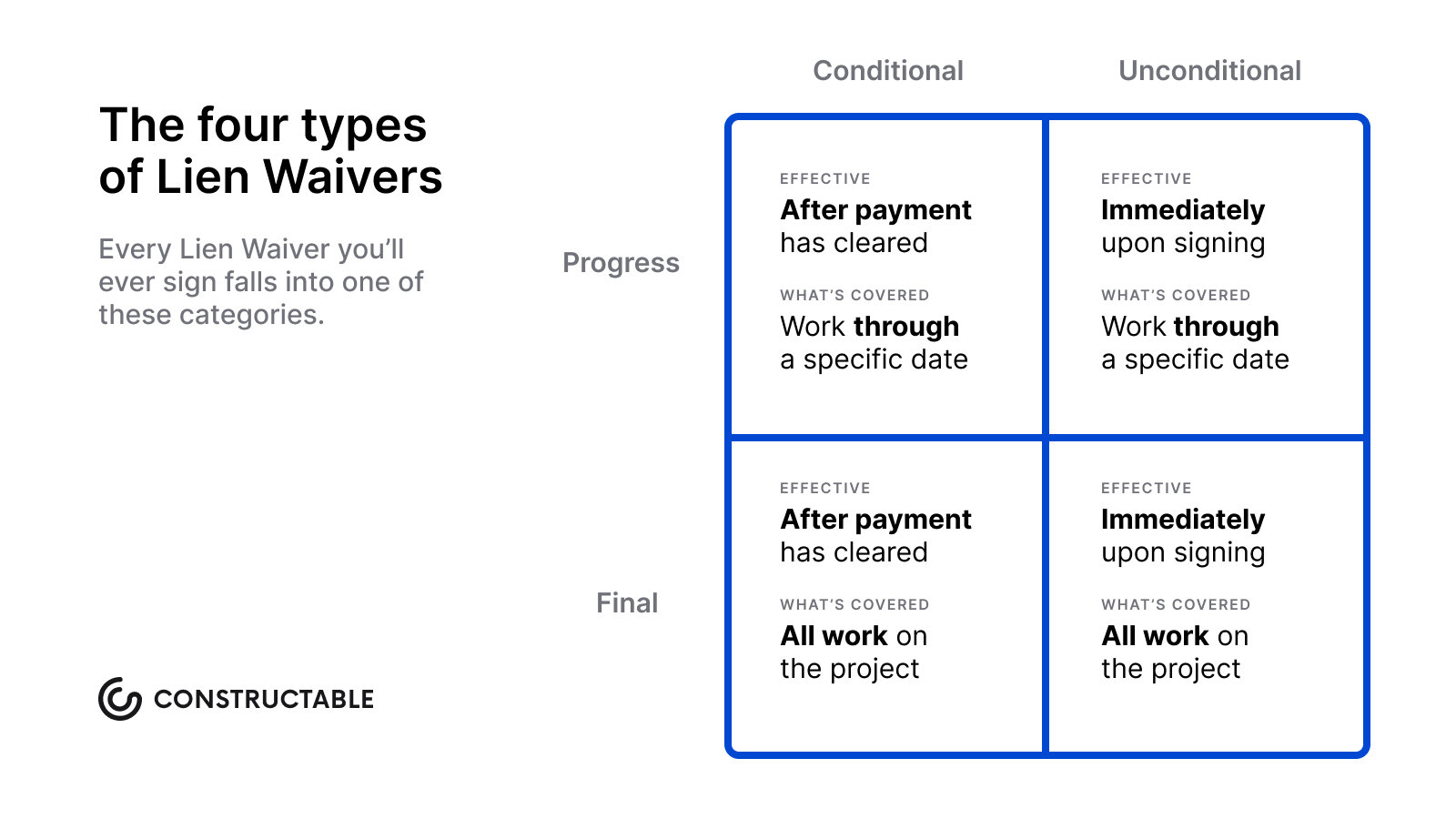\\n\\n## When to Use Each Type of Lien Waiver\\n\\nMost contractors are familiar with the four types of lien waivers, but knowing which one applies to a given situation is only part of it. Timing is where things tend to go sideways. There are four common scenarios worth understanding, and the distinctions between them are more consequential than they might appear at first glance.\\n\\n### The Four Signing Scenarios\\n\\n- **Conditional progress waiver:** Send this with your payment application before funds arrive. If payment falls through, the waiver never triggered, so your lien rights stay intact.\\n- **Unconditional progress waiver:** Sign only after the check actually clears. It confirms receipt of work completed up to a specific date and carries real legal weight.\\n- **Conditional final waiver:** This accompanies your last invoice. Safe to send while keeping your lien rights protected until funds actually land in your account.\\n- **Unconditional final waiver:** Sign this last, and only after every dollar, including retention, has cleared.\\n\\nThat last one is where contractors get burned. An unconditional final waiver permanently surrenders all lien rights. O
165nce signed, there is no path back, even if a payment reverses days later.\\n\\n## State-Specific Lien Waiver Requirements\\n\\nLien waiver rules vary from state to state. A few states have mandatory statutory forms, and using the wrong one can void the waiver entirely.\\n\\n### States With Mandatory Forms\\n\\nCalifornia, Nevada, Arizona, Utah, Wyoming, and Mississippi require contractors to use state-prescribed lien waiver language. In California, there are four required forms covering conditional and unconditional waivers for both progress payments and final payments. Using a homemade form in these states is a real risk.\\n\\n### States With No Mandatory Form\\n\\nWisconsin and Missouri fall into this category. You can use a template, but it must meet the state's basic legal standards. Always verify current requirements with a construction attorney in your state before signing anything.\\n\\n## Lien Waiver vs Lien Release\\n\\nThese two terms are constantly swapped, and the confusion is understandable. Both involve lien rights, but they operate at completely different stages.\\n\\nA lien waiver is part of the normal payment cycle: you receive payment, you waive your right to file, and the property title stays clear throughout.\\n\\nA lien release is different. It's a re
165corded document that clears a lien already on the title. By the time you need one, something has gone sideways: a payment dispute has escalated, a lien has been filed, and now that encumbrance has to be officially removed from the record.\\n\\nWaivers are routine; releases are remedies. Signing a waiver when you actually need a release won't fix anything. The lien is already recorded. Only a properly filed release clears it, and that typically requires filing with the county recorder's office, not simply exchanging documents between the parties.\\n\\n## Common Mistakes When Signing Lien Waivers\\n\\nLien waivers are straightforward documents, but small errors can create big legal headaches. Knowing where people go wrong is half the battle.\\n\\n- _Signing before payment clears:_ a conditional waiver protects you if payment falls through, but signing an unconditional waiver before funds arrive means you've surrendered your lien rights with nothing guaranteed in return.\\n- _Not matching the waiver type to the payment:_ using a final waiver for a progress payment wipes out your rights for all future work on that project, including the draw you received and everything beyond it. Proper financial management helps you accurately track these distinctions.\\n- _Missing state-specific requirements:_ states like California and Wisconsin mandate specific statutory language, so a generic template may not hold up in court.\\n- _Signing under pressure without reading:_ owners and GCs sometimes push for quick signatures at payment time; always confirm the dollar amounts, project description, and payment period before signing anything.\\n\\n## How Lien Waivers Flow Through the Payment Chain\\n\\nOn a typical construction project, lien waivers move in lockstep with payments across every tier of the [construction payment chain](https://www.levelset.com/blog/construction-payment-chain/).\\n\\n### Who Signs What\\n\\nThere are usually three or four parties involved:\\n\\n- The general contractor signs a lien waiver to the owner when they receive payment.\\n- Subcontractors sign waivers to the general contractor when they get paid for their portion of the work.\\n- Suppliers and sub-subcontractors sign waivers to whoever is paying them directly.\\n\\nEach party only waives rights for what they have actually been paid, which is why tracking waivers by payment event matters. Having [real-time project cost and commitment visibility](https://constructable.ai/blog/real-time-project-cost-and-commitment-visibility) makes this tracking straightforward.\\n\\n### A Simple Example\\n\\nWhen an owner pays the GC, the GC collects signed waivers from each subcontractor before releasing their checks, and each sub in turn collects waivers from their material suppliers before signing off to the GC. The chain closes at every level before money moves forward.\\n\\n## Automating Lien Waiver Management at Scale\\n\\nTracking waivers manually across one project is manageable. Across twenty, it's a different problem that [construction management software](https://constructable.ai/blog/construction-management-software) is designed to solve. A mid-size GC running 15 to 20 active projects, each with many subs, can process thousands of waivers in a single year. That's exactly why [the best software for mid-size contractors](https://constructable.ai/blog/best-software-mid-size-contractors) includes waiver automation.\\n\\nGood waiver management software should do a few things well:\\n\\n- Generate state-compliant forms, so you're not relying on a generic template where statutory language is required\\n- Track outstanding waivers by project and payment event\\n- Send reminders to subs who haven't signed yet\\n- Collect e-signatures and store them in a searchable audit trail\\n\\nMissing waivers hold up draws. Automation is how you stop that from happening.\\n\\n## Managing Lien Waivers in Constructable\\n\\nLien waivers don't live in isolation. They're tied to pay apps, change orders, and the closeout process that wraps up a project. [Better project management tools](https://constructable.ai/features/project-management) connect these pieces together.\\n\\nWe built **Constructable** so those connections exist by default. Conditional waivers attach directly to payment applications, lower-tier waivers from subs and suppliers are tracked against the payment events they belong to, and waiver status stays visible alongside the financial workflows they're tied to. Constructable even lets Subcontractors eSign lien waivers directly in the app, which streamlines the entire process.\\n\\n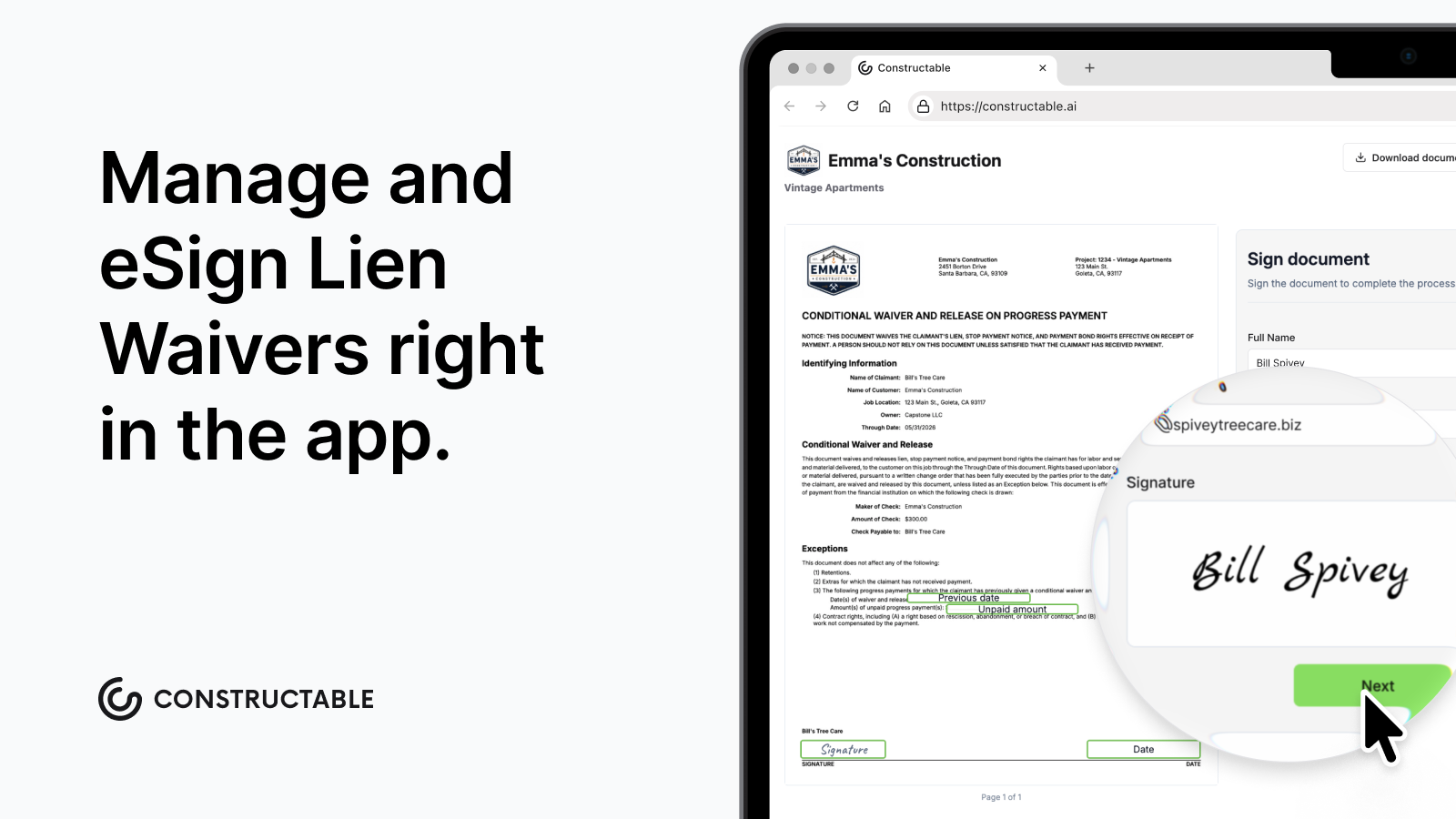\\n\\nFor mid-size GCs running several jobs at once, that matters more than it sounds. Tracking down a waiver signed six months ago shouldn't mean combing through inboxes. When waiver management lives in the same system as your daily logs, RFIs, and budgets, you're not toggling between five different tools to close out a pay period. The project is the context. Everything else follows from there.\\n\\n## Final Thoughts on Getting Lien Waivers Right\\n\\nThe difference between a lien waiver and a receipt is the difference between routine paperwork and surrendering legal r
165ights. Most contractors know that, but the timing and type still trip people up when payments start moving. Conditional waivers give you protection until funds actually land, and unconditional ones take effect immediately, so signing the wrong one at the wrong time can cost you more than a bounced check ever would. Keep your waivers organized by project and payment event, and ensure you use state-compliant forms when required. If you're managing this across a dozen active jobs, [we'd be happy to show you](https://constructable.ai/sales) how waiver tracking works when it lives next to your pay apps and daily logs.\\n\\n## FAQ\\n\\n### Should I sign a lien waiver before payment clears?\\n\\nOnly if it's conditional. A conditional lien waiver protects your lien rights until the payment actually lands in your accountâif the check bounces, the waiver never triggered. An unconditional waiver takes effect the moment you sign, regardless of whether you ever see the money.\\n\\n### What's the difference between a conditional and unconditional lien waiver?\\n\\nConditional waivers only take effect after payment clears, protecting your lien rights if the check bounces. Unconditional waivers are immediate: you surrender your legal claim the moment you sign, whether the payment clears or not.\\n\\n### What is a lien waiver used for in construction?\\n\\nA lien waiver confirms that a contractor, subcontractor, or supplier has been paid and won't file a mechanic's lien against the property. Property owners require them to protect against claims from parties they didn't hire directly, and GCs collect them to keep payment draws moving.\\n\\n### Does my state require a specific lien waiver form?\\n\\nIt depends on where you're working. Six states require mandatory statutory forms: California, Nevada, Arizona, Utah, Wyoming, and Mississippi. Using a generic template in those states can void your waiver entirely. Most other states don't mandate a specific form, but your waiver still needs to meet that state's basic legal standards. When in doubt, verify current requirements with a construction attorney in your state before signing anything.\\n\\n### Can I fix a mistake after signing an unconditional final lien waiver?\\n\\nNo. Once you sign an unconditional final waiver, you've permanently surrendered all lien rights for that project, even if payment reverses later. This is why you should only sign after every dollar, including retention, has cleared your account.\\n\",[],[759,760,761,762,763,206],\"{\\\"@context\\\":\\\"https://schema.org\\\",\\\"@type\\\":\\\"FAQPage\\\",\\\"name\\\":\\\"Lien Waivers in Construction: What They Are and When to Sign Them (June 2026)\\\",\\\"mainEntity\\\":[{\\\"@type\\\":\\\"Question\\\",\\\"name\\\":\\\"Should I sign a lien waiver before payment clears?\\\",\\\"acceptedA
165nswer\\\":{\\\"@type\\\":\\\"Answer\\\",\\\"text\\\":\\\"Only if it's conditional. A conditional lien waiver protects your lien rights until the payment actually lands in your account â if the check bounces, the waiver never triggered. An unconditional waiver takes effect the moment you sign, regardless of whether you ever see the money.\\\"}},{\\\"@type\\\":\\\"Question\\\",\\\"name\\\":\\\"What's the difference between a conditional and unconditional lien waiver?\\\",\\\"acceptedAnswer\\\":{\\\"@type\\\":\\\"Answer\\\",\\\"text\\\":\\\"Conditional waivers only take effect after payment clears, protecting your lien rights if the check bounces. Unconditional waivers are immediate â you surrender your legal claim the moment you sign, whether the payment clears or not.\\\"}},{\\\"@type\\\":\\\"Question\\\",\\\"name\\\":\\\"What is a lien waiver used for in construction?\\\",\\\"acceptedAnswer\\\":{\\\"@type\\\":\\\"Answer\\\",\\\"text\\\":\\\"A lien waiver confirms that a contractor, subcontractor, or supplier has been paid and won't file a mechanic's lien against the property. Property owners require them to protect against claims from parties they didn't hire directly, and GCs collect them to keep payment draws moving.\\\"}},{\\\"@type\\\":\\\"Question\\\",\\\"name\\\":\\\"Do I need to use a specific lien waiver form in California or Wisconsin?\\\",\\\"acceptedA
165nswer\\\":{\\\"@type\\\":\\\"Answer\\\",\\\"text\\\":\\\"California requires you to use state-prescribed statutory forms â there are four mandatory versions covering conditional and unconditional waivers for both progress and final payments. Wisconsin has no mandatory form, but your waiver still needs to meet the state's legal standards.\\\"}},{\\\"@type\\\":\\\"Question\\\",\\\"name\\\":\\\"Can I fix a mistake after signing an unconditional final lien waiver?\\\",\\\"acceptedAnswer\\\":{\\\"@type\\\":\\\"Answer\\\",\\\"text\\\":\\\"No. Once you sign an unconditional final waiver, you've permanently surrendered all lien rights for that project, even if payment reverses later. This is why you should only sign after every dollar, including retention, has cleared your account.\\\"}},{\\\"@type\\\":\\\"Question\\\",\\\"name\\\":\\\"Can I use a free lien waiver form or do I need to pay for a template?\\\",\\\"acceptedAnswer\\\":{\\\"@type\\\":\\\"Answer\\\",\\\"text\\\":\\\"Free lien waiver templates work fine in most states, but make sure you're using one that matches your state's requirements. California, Nevada, Arizona, Utah, Wyoming, and Mississippi require specific statutory language that must be used exactly as written, so a generic free template might not hold up in those states.\\\"}},{\\\"@type\\\":\\\"Question\\\",\\\"name\\\":\\\"What happens if a general contractor asks me to sign an unconditional waiver and I haven't been paid yet?\\\",\\\"acceptedA
165nswer\\\":{\\\"@type\\\":\\\"Answer\\\",\\\"text\\\":\\\"Push back and offer a conditional waiver instead. An unconditional waiver surrenders your lien rights immediately, whether payment clears or not, so signing one before funds arrive means you're giving up legal protection with nothing guaranteed in return.\\\"}},{\\\"@type\\\":\\\"Question\\\",\\\"name\\\":\\\"Lien waiver vs payment receipt: what's the actual difference?\\\",\\\"acceptedAnswer\\\":{\\\"@type\\\":\\\"Answer\\\",\\\"text\\\":\\\"A payment receipt just confirms a transaction happened. A lien waiver surrenders your legal right to file a mechanic's lien against the property, which means if payment falls through after you've signed an unconditional waiver, you have no path to recover what you're owed.\\\"}},{\\\"@type\\\":\\\"Question\\\",\\\"name\\\":\\\"Do I need to collect lien waivers from every supplier and subcontractor on my project?\\\",\\\"acceptedAnswer\\\":{\\\"@type\\\":\\\"Answer\\\",\\\"text\\\":\\\"Yes, if you're the general contractor. Property owners expect you to collect signed waivers from everyone in the payment chain before releasing each draw, and missing waivers can hold up your payment or leave the owner exposed to claims you thought were resolved.\\\"}},{\\\"@type\\\":\\\"Question\\\",\\\"name\\\":\\\"Best way to track lien waivers across multiple projects without losing your mind?\\\",\\\"acceptedA
165nswer\\\":{\\\"@type\\\":\\\"Answer\\\",\\\"text\\\":\\\"Stop managing them in spreadsheets or email folders. Good construction management software tracks waivers by project and payment event, sends reminders to subs who haven't signed yet, and stores everything in one searchable place so you're not hunting through inboxes at closeout.\\\"}},{\\\"@type\\\":\\\"Question\\\",\\\"name\\\":\\\"What is a partial lien waiver and when would I use one?\\\",\\\"acceptedAnswer\\\":{\\\"@type\\\":\\\"Answer\\\",\\\"text\\\":\\\"A partial lien waiver covers work completed through a specific date during the project, not the entire job. You'd use one with each progress payment throughout construction, saving the final waiver for after the last payment and retention have cleared.\\\"}},{\\\"@type\\\":\\\"Question\\\",\\\"name\\\":\\\"Can I edit a lien waiver form to add my own language or clauses?\\\",\\\"acceptedAnswer\\\":{\\\"@type\\\":\\\"Answer\\\",\\\"text\\\":\\\"Not in states with mandatory statutory forms like California, where you must use the exact prescribed language. In states without statutory requirements like Wisconsin or Missouri, you can customize a template, but make sure any changes still meet the state's legal standards for lien waivers.\\\"}},{\\\"@type\\\":\\\"Question\\\",\\\"name\\\":\\\"Who provides a lien waiver: the person getting paid or the person paying?\\\",\\\"acceptedA
165nswer\\\":{\\\"@type\\\":\\\"Answer\\\",\\\"text\\\":\\\"The person getting paid provides the signed lien waiver. If you're a subcontractor receiving payment from the GC, you sign and return the waiver. If you're the GC getting paid by the owner, you sign the waiver to them.\\\"}},{\\\"@type\\\":\\\"Question\\\",\\\"name\\\":\\\"How long should I keep signed lien waivers after a project closes?\\\",\\\"acceptedAnswer\\\":{\\\"@type\\\":\\\"Answer\\\",\\\"text\\\":\\\"Keep them for at least as long as the statute of limitations for contract disputes in your state, which is typically 4-6 years. Signed waivers are legal documents that prove you released lien rights in exchange for payment, and you'll want that paper trail if a dispute surfaces years later.\\\"}},{\\\"@type\\\":\\\"Question\\\",\\\"name\\\":\\\"What's the difference between a mechanics lien waiver and a contractor lien waiver?\\\",\\\"acceptedAnswer\\\":{\\\"@type\\\":\\\"Answer\\\",\\\"text\\\":\\\"They're the same thing, just different terms for the same document. \\\\\\\"Mechanics lien\\\\\\\" is the legal term for the claim itself, so a mechanics lien waiver and a contractor lien waiver both refer to the form where you waive your right to file that claim.\\\"}}],\\\"url\\\":\\\"https://constructable.ai/blog/lien-waivers-construction\\\",\\\"dateModified\\\":\\\"2026-06-11T18:35:41.840Z\\\",\\\"author\\\":{\\\"@type\\\":\\\"Organization\\\",\\\"name\\\":\\\"Constructable\\\"}}\\n\",\"{\\\"@context\\\":\\\"https://schema.org\\\",\\\"@type\\\":\\\"BlogPosting\\\",\\\"headline\\\":\\\"Lien Waivers in Construction: What They Are and When to Sign Them (June 2026)\\\",\\\"description\\\":\\\"Learn what lien waivers are in construction, the four types, and when to sign each one. Complete guide for contractors updated June 2026.\\\",\\\"datePublished\\\":\\\"2026-06-11T18:35:41.840Z\\\",\\\"dateModified\\\":\\\"2026-06-11T18:35:41.840Z\\\",\\\"author\\\":{\\\"@type\\\":\\\"Organization\\\",\\\"name\\\":\\\"Constructable\\\"},\\\"url\\\":\\\"https://constructable.ai/blog/lien-waivers-construction\\\",\\\"wordCount\\\":1976,\\\"keywords\\\":[\\\"lien waiver\\\",\\\"lien waiver template\\\",\\\"what is a lien waiver in construction\\\",\\\"what is a lien waiver used for\\\",\\\"lien waiver form pdf\\\",\\\"lien waiver pronunciation\\\",\\\"lien waiver wisconsin\\\",\\\"lien waiver example\\\",\\\"lien waiver missouri\\\",\\\"what is a lien waiver in construction california\\\",\\\"contractor waiver of lien printable\\\",\\\"construction lien waiver template\\\",\\\"contractor lien waiver form pdf\\\",\\\"lien waiver template free\\\",\\\"lien waiver template pdf\\\",\\\"lien waiver template word\\\",\\\"free contractor lien waiver form pdf\\\",\\\"contractor lien waiver template\\\",\\\"lien waiver template california\\\",\\\"unconditional lien waiver template\\\",\\\"final lien waiver template\\\",\\\"lien waiver form pdf free\\\",\\\"printable lien waiver form\\\",\\\"mechanics lien waiver form pdf\\\",\\\"general contractor lien waiver form\\\",\\\"simple lien waiver form\\\",\\\"conditional lien waiver form pdf\\\",\\\"lien waiver form pdf california\\\",\\\"lien waiver wisconsin pdf\\\",\\\"construction lien waiver\\\",\\\"partial lien waiver wisconsin\\\",\\\"lien waiver example pdf\\\",\\\"construction lien waiver example\\\",\\\"final lien waiver form pdf\\\",\\\"what is a lien waiver used for in georgia\\\",\\\"who provides a lien waiver\\\",\\\"should i sign a lien waiver before payment\\\",\\\"lien waiver missouri template\\\",\\\"lien waiver missouri sample\\\",\\\"mechanics lien waiver missouri\\\",\\\"missouri conditional lien waiver form\\\",\\\"contractor lien waiver form missouri\\\",\\\"free lien waiver form\\\",\\\"lien waiver form\\\",\\\"form of lien waiver\\\",\\\"waiver of lien forms\\\",\\\"waiver of lien form\\\",\\\"lien of waiver form\\\",\\\"contractors lien waiver form\\\",\\\"contractor's lien waiver form\\\",\\\"lien waiver forms\\\"]}\\n\",\"lien waiver construction\",\"four types lien waivers\",\"use type lien waiver\",\"four signing scenarios\",\"state-specific lien waiver requirements\",\"ingenious-build-reviews-pricing-alternatives\",\"INGENIOUS.BUILD Reviews, Pricing, and Alternatives (June 2026)\",\"INGENIOUS.BUILD reviews, pricing, and top alternatives for June 2026. Compare features, costs, and find better construction management options for GCs.\",\"2026-06-11T19:00:58.779Z\",\"When you're shopping for [construction software](https://constructable.ai/blog/best-software-mid-size-contractors), INGENIOUS.BUILD will likely show up on your list. On paper, the feature set looks solid. In practice, it was built for a different kind of organization than a general contractor. The softw
165are organizes work around an object-first hierarchy, which suits a real estate developer tracking portfolio rollups, but clashes with how GC field and PM teams actually think. This guide focuses on what that gap means for your operation and which alternatives are worth a closer look.\\n\\n**TLDR:**\\n\\n- INGENIOUS.BUILD uses an object-first structure that breaks GC mental models: you create items before assigning them to projects, causing daily friction for field teams.\\n- Constructable offers flat-fee pricing with unlimited users and onboarding under 21 days at no extra cost, keeping budgets predictable as teams grow.\\n- Most alternatives force tradeoffs: Procore has enterprise overhead, Fieldwire lacks financials, and Autodesk feels like stitched-together acquisitions.\\n- Constructable is an all-in-one system for mid-size GCs managing $20M-$150M annually, with drawings at the center and RFIs, submittals, and change orders pinned directly to plans.\\n\\n## What is INGENIOUS.BUILD and How Does It Work?\\n\\nINGENIOUS.BUILD is a cloud-based construction management application built around three core modules: project financials, project management, and construction administration. It targets a wide range of organizations, from real estate developers and general contractors to architects, engineers, and property managers.\\n\\nThe software covers a fair amount of ground. Key capabilities include:\\n\\n- Bidding and procurement workflows that bring the estimating and subcontractor selection process into one place\\n- Automated budgeting and cost management to keep project financials from spiraling between updates\\n- Change management with customizable approval limits so you control who can authorize what\\n- Cost code alignment across projects to keep your reporting consistent job to job\\n- Centralized documents, tasks, and communication via interactive dashboards so nothing gets lost in someone's inbox\\n\\nOn the integration side, INGENIOUS.BUILD connects with QuickBooks Online, Sage 300 CRE, and Yardi Voyager. The system runs on Android and iOS, supports English-language users, and uses custom pricing instead of published rates.\\n\\nOne notable gap worth knowing upfront: there is no API, which limits how far you can extend the software with other tools your team may already rely on. If your operation depends on connecting multiple systems, that missing layer of connectivity is something to weigh carefully before committing.\\n\\nIt's a capable system, particularly for organizations with real estate or development components woven into their work. Whether it fits your specific operation is what the rest of this guide works through.\\n\\n## Why Consider INGENIOUS.BUILD Alternatives?\\n\\nINGENIOUS.BUILD can genuinely work for owner organizations managing portfolio oversight across multiple development projects. Its three-module structure makes sense if your day-to-day is more about financial reporting across a property portfolio than running jobs in the field.\\n\\nGeneral contractors are a different story.\\n\\nThe software uses an abstract, object-driven hierarchy where you create items first and associate them with projects second. That might sound like a minor quirk, but it breaks the mental model most GC teams rely on: project first, everything else underneath it. When that logic gets inverted, field crews and PMs end up asking the same question repeatedly: where does this live, and where do I find it later?\\n\\nThat friction adds up fast. RFIs, submittals, daily coordination, subcontractor collaborationâthese are repetitive daily workflows. If the navigation fights you every time, adoption falls apart. The office might push through it, but the field won't.\\n\\nThe bigger issue is who the software was designed for. INGENIOUS.BUILD favors the portfolio view, the owner sitting above multiple projects watching cost and schedule roll up. That's a legitimate use case. It just does not match how a GC actually runs work. When you're managing subs, tracking RFIs, logging daily activity, and chasing submittals across active jobs, you need software built around execution, not oversight. Industry trends indicate an [increased focus on digital tools](https://www.deloitte.com/us/en/insights/industry/engineering-and-construction/engineering-and-construction-industry-outlook.html) that support field execution rather than portfolio reporting.\\n\\nThat gap is exactly why teams start shopping for alternatives.\\n\\n## Best INGENIOUS.BUILD Alternatives in June 2026\\n\\nThe construction management software market continues to grow, with [global market projections trending upward](https://www.mordorintelligence.com/industry-reports/construction-management-software-market) as more contractors replace disconnected tools with integrated systems. Here are the top alternatives worth comparing.\\n\\n### Constructable (Best Overall Alternative)\\n\\nBuilt for mid-size commercial GCs, **Constructable** manages the full project lifecycle from bidding through closeout. Drawings, RFIs, submittals, financials, daily logs, and change orders all live in one cohesive system, organized around how GCs actually think and work.\\n\\nKey strengths:\\n\\n- **Project-first workflows** that match GC mental models, so your team spends less t
165ime figuring out the software and more time running the job.\\n- **Drawings serve as the collaboration hub**, with RFIs, quality items, and comments pinned to exact plan locations so nothing gets lost in a thread.\\n- **Unlimited users across all roles,** including subs, owners, and consultants, so you stop worrying about who has a seat.\\n- **Flat fee pricing with no per-user charges**, which means your cost stays predictable as your team grows.\\n\\nBest for mid-size commercial GCs running $20M to $150M in annual volume who want software that field and office teams adopt quickly without heavy configuration.\\n\\n### Procore\\n\\nProcore covers enterprise-scale project management, financials, quality, safety, and field productivity. The feature set is wide, integrations are plentiful, and the market presence is proven.\\n\\nThe catch: [Procore has moved upmarket](https://constructable.ai/blog/constructable-vs-procore-which-is-better). Complex setup, lengthy onboarding, and per-user pricing that compounds fast leave mid-size contractors feeling like an afterthought. If you have a dedicated IT administrator and an enterprise budget, it works. Most mid-market teams find the overhead impossible to square with their budgets.\\n\\n### Autodesk Forma\\n\\nAutodesk Forma (formerly Autodesk Construction Cloud) offers broad coverage across preconstruction, document control, model coordination, and project execution. For firms already deeply embedded in the Autodesk ecosystem, using Revit or AutoCAD, the integration story is real.\\n\\nThe drawback is that the product was assembled from acquisitions rather than built as a single system. Inconsistent UX across modules, fragmented workflows, and expensive onboarding that often requires outside consultants are consistent complaints from users. It's a suite held together by branding more than architecture.\\n\\n### Fieldwire\\n\\nFieldwire focuses narrowly on [field execution](https://constructable.ai/features/field-management): task management, punch lists, plan markups, and mobile-first jobsite workflows. For a superintendent managing punch lists on their own, it works fine.\\n\\nThe limitation is scope. Fieldwire lacks project financials, change order management, and office-level PM capabilities. The moment your team needs cost tracking or owner reporting, you're back to managing a second system, which is the exact problem most teams are trying to solve in the first place.\\n\\n### RedTeam\\n\\n[RedTeam](https://constructable.ai/blog/constructable-vs-redteam) covers estimating, project management, accounting, and field operations at a lower price point than enterprise competitors. Broad feature coverage, accounting integrations, and budget-friendly subscriptions are the selling points.\\n\\nThe tradeoff is product quality. RedTeam carries a reputation for dated UX, infrequent updates, and poor field adoption. Users tend to stick around because of price, not because the software feels good to use. If cost is the only filter, RedTeam clears the bar. If you care about whether your field crews will actually open the app, it's a harder sell.\\n\\n## Feature Comparison: INGENIOUS.BUILD vs Top Alternatives\\n\\nNumbers on a spec sheet only tell part of the story. But when you're comparing six tools across the same criteria, a straightforward comparison table cuts through the noise and marketing fluff:\\n\\n| Feature | INGENIOUS.BUILD | Constructable | Procore | Autodesk CC | Fieldwire | RedTeam |\\n| --------------------------------- | --------------- | ------------- | ------- | ----------- | ---------- | ------- |\\n| Project-first workflow structure | No | Yes | Yes | Partial | Yes | Yes |\\n| Drawings as collaboration hub | No | Yes | Partial | Partial | Yes | No |\\n| Native financial management | Yes | Yes | Yes | Yes | No | Yes |\\n| Unlimited users included | No | Yes | No | No | No | No |\\n| Flat fee pricing | No | Yes | No | No | No | No |\\n| Field and office parity | No | Yes | Parti
165al | Partial | Field only | Partial |\\n| Onboarding and migration included | No | Yes | No | No | No | No |\\n| QuickBooks integration | Yes | Yes | Yes | Yes | No | Yes |\\n\\nA few things stand out here. Fieldwire beats INGENIOUS.BUILD on field usability, but leaves a gap the moment [financial oversight](https://constructable.ai/features/financial-management) enters the picture. Procore and Autodesk check most boxes, but neither offers flat pricing or includes onboarding, which quietly inflates your total cost over time. INGENIOUS.BUILD's object-first structure makes it the only tool in this group that breaks the project-first model entirely, which may work for some teams and create friction for others.\\n\\n**Constructable** is the only option in this comparison that checks every row.\\n\\n## Why Constructable is the Best INGENIOUS.BUILD Alternative\\n\\nGeneral contractors don't need portfolio oversight software. They need something that runs jobs.\\n\\nConstructable is built around that distinction. Every workflow starts with the project, and everything stays contained within it. RFIs link to drawings. Change orders connect to budgets. Daily logs, photos, submittals, and punch lists all live in one place without forcing your team to learn an abstract object hierarchy before they can do real work.\\n\\n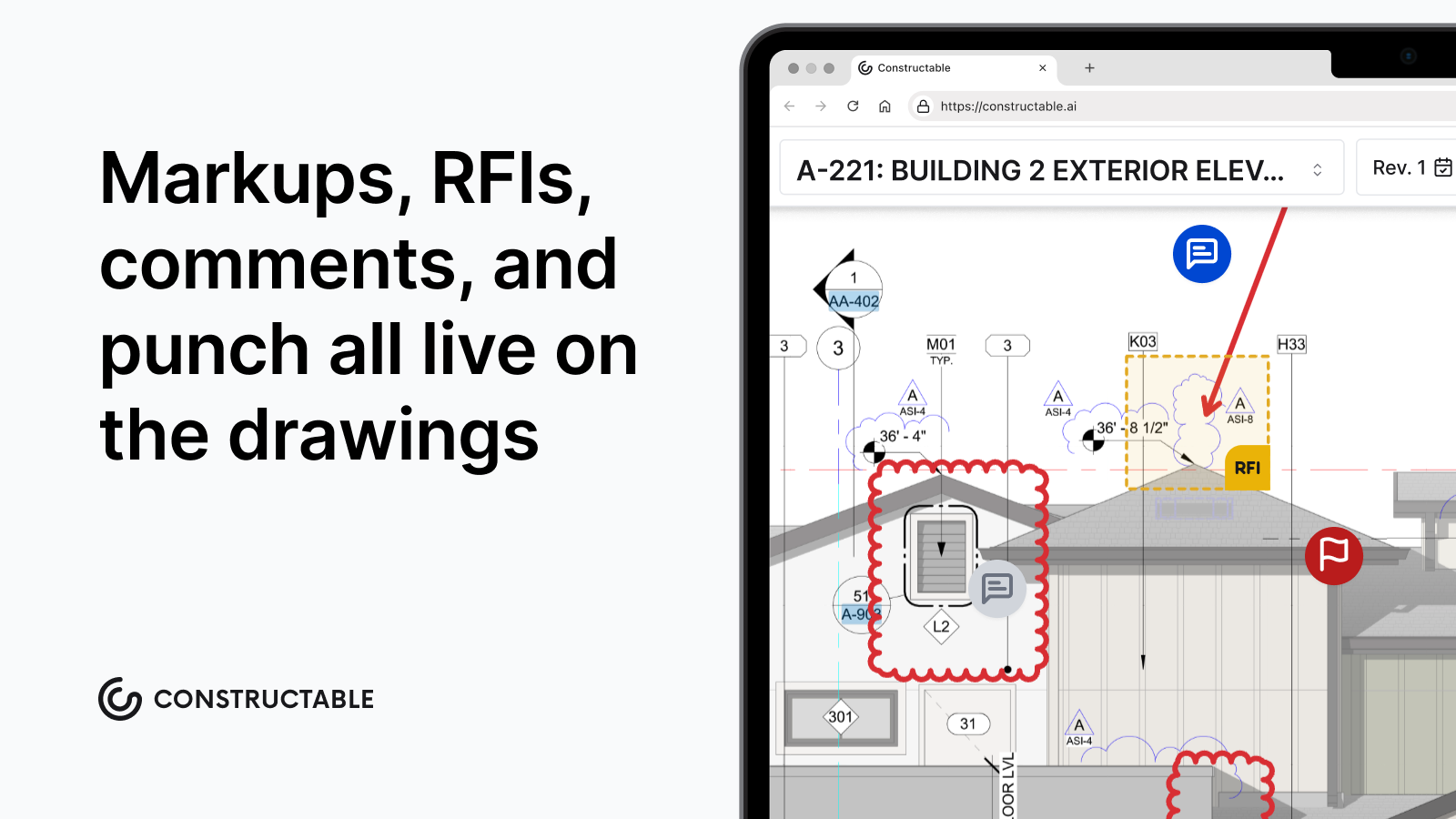\\n\\nField and office get equal treatment here. Superintendents can pull up drawings offline, pin punch items directly to plans, and log daily activity in minutes. Project managers get full financial visibility, change order management, and reporting without switching systems.\\n\\nThere's no pricing trap waiting for you either. Flat fee pricing means your costs don't spike when you add a sub or bring an owner into a project. Onboarding is handled by our team in under 21 days at no extra cost. You talk to real people, not a ticketing system.\\n\\nIf you've spent time wrestling with INGENIOUS.BUILD's structure instead of running your jobs, that's worth paying attention to. The right software should get out of your way and let you work. _That's what we built Constructable to do._\\n\\n## Final Thoughts on Making the Switch From INGENIOUS.BUILD\\n\\nYou don't have to force your team through software that breaks their mental model every time they log in. The right construction software should disappear into your workflow, not add steps between you and getting work done. We designed Constructable for mid-size GCs who want their field crews and PMs working in the same system without fighting the structure. If you're tired of navigation getting in the way of real work, [reach out](https://constructable.ai/sales), and we'll walk through what a switch looks like for your operation.\\n\\n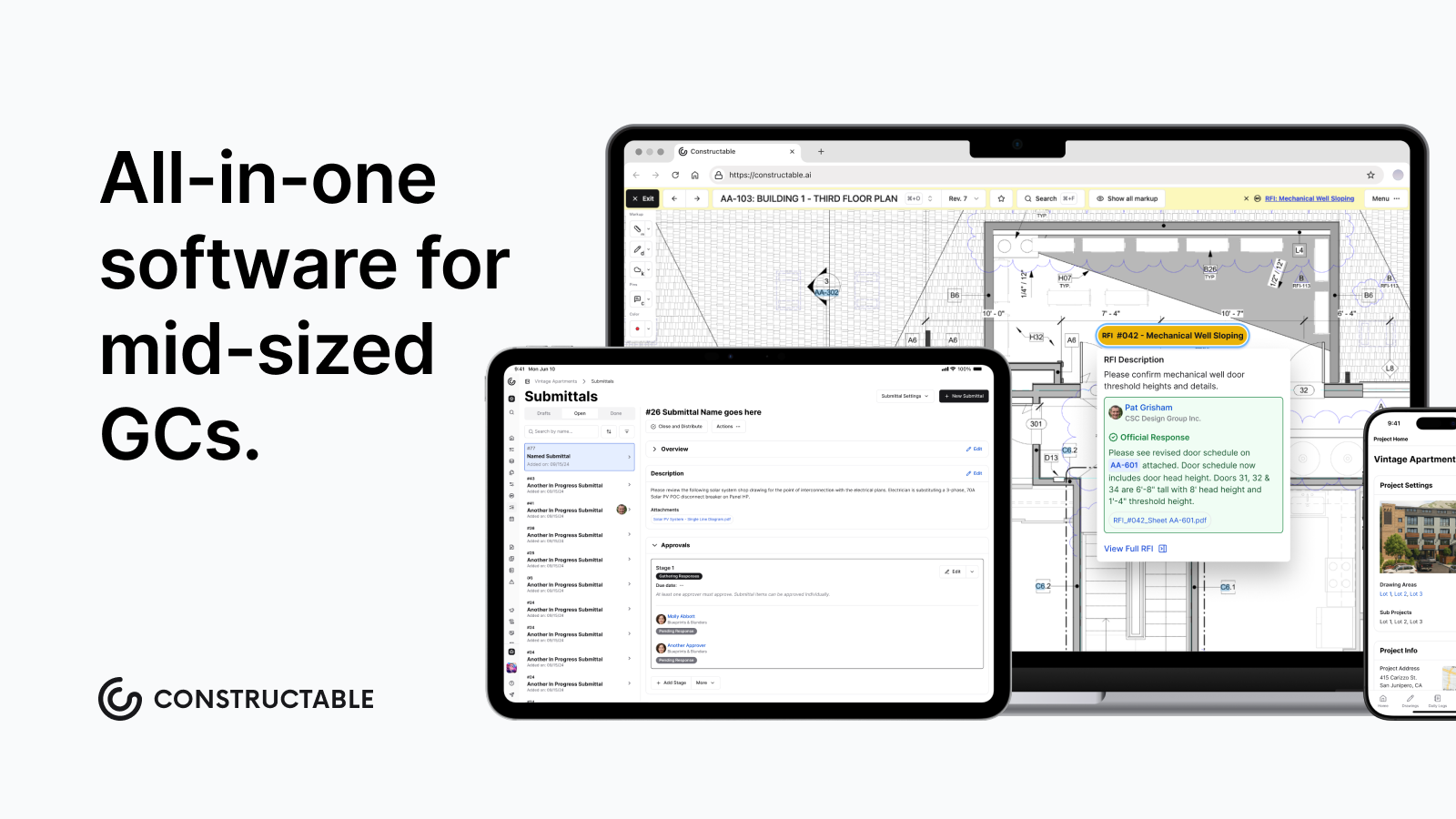\\n\\n## FAQ\\n\\n### When should you consider moving away from INGENIOUS.BUILD?\\n\\nIf your team regularly digs through abstract object hierarchies to find basic project information, or if field crews avoid using the system because the structure doesn't match how they work, it's time to consider alternatives built for project-first workflows.\\n\\n### What features should you focus on when comparing alternatives to INGENIOUS.BUILD?\\n\\nLook for project-first organization where everything lives under the job, drawings that serve as collaboration hubs with RFIs and items pinned directly to plans, and pricing models that won't penalize you when you add subs or consultants to a project.\\n\\n### How do I know if a construction management system will actually work for my field team?\\n\\nTest whether superintendents can pull up drawings, log daily activity, and pin punch items without asking where things live. If navigation requires explanation or training every time, adoption will fail once you're back on the jobsite.\\n\\n### What's the real cost difference between per-user pricing and flat fee models?\\n\\nPer-user pricing compounds fast when you factor in rotating subs, multiple consultants, and owner representatives across active jobs. A $50/user/month system with 40 people accessing a project costs $24,000 annually versus a predictable flat fee that covers unlimited users.\\n\\n### Can I move my project data from INGENIOUS.BUILD to a new system without losing momentum?\\n\\nConstructable handles data migration as part of onboarding, with most transitions completing in under 21 days at no extra cost. Procore and Autodesk treat migration as a separate engagement; typically billed through a certified implementation partner, which adds cost and timeline before your team can do any real work. Our team does the heavy lifting so your crews stay focused on active jobs instead of rebuilding project history from scratch.\\n\",[],[773,774,775,554,347,555,556],\"{\\\"@context\\\":\\\"https://schema.org\\\",\\\"@type\\\":\\\"FAQPage\\\",\\\"name\\\":\\\"INGENIOUS.BUILD Reviews, Pricing, and Alternatives (June 2026)\\\",\\\"mainEntity\\\":[{\\\"@type\\\":\\\"Question\\\",\\\"name\\\":\\\"When should you consider moving away from INGENIOUS.BUILD?\\\",\\\"acceptedA
165nswer\\\":{\\\"@type\\\":\\\"Answer\\\",\\\"text\\\":\\\"If your team regularly navigates through abstract object hierarchies to find basic project information, or if field crews avoid using the system because the structure doesn't match how they work, it's time to evaluate alternatives built for project-first workflows.\\\"}},{\\\"@type\\\":\\\"Question\\\",\\\"name\\\":\\\"What features should you prioritize when comparing alternatives to INGENIOUS.BUILD?\\\",\\\"acceptedAnswer\\\":{\\\"@type\\\":\\\"Answer\\\",\\\"text\\\":\\\"Look for project-first organization where everything lives under the job, drawings that serve as collaboration hubs with RFIs and items pinned directly to plans, and pricing models that won't penalize you when you add subs or consultants to a project.\\\"}},{\\\"@type\\\":\\\"Question\\\",\\\"name\\\":\\\"How do I know if a construction management system will actually work for my field team?\\\",\\\"acceptedAnswer\\\":{\\\"@type\\\":\\\"Answer\\\",\\\"text\\\":\\\"Test whether superintendents can pull up drawings, log daily activity, and pin punch items without asking where things liveâif navigation requires explanation or training every time, adoption will fail once you're back on the jobsite.\\\"}},{\\\"@type\\\":\\\"Question\\\",\\\"name\\\":\\\"What's the real cost difference between per-user pricing and flat fee models?\\\",\\\"acceptedA
165nswer\\\":{\\\"@type\\\":\\\"Answer\\\",\\\"text\\\":\\\"Per-user pricing compounds fast when you factor in rotating subs, multiple consultants, and owner representatives across active jobsâa $50/user/month system with 40 people accessing a project costs $24,000 annually versus a predictable flat fee that covers unlimited users.\\\"}},{\\\"@type\\\":\\\"Question\\\",\\\"name\\\":\\\"Can I move my project data from INGENIOUS.BUILD to a new system without losing momentum?\\\",\\\"acceptedAnswer\\\":{\\\"@type\\\":\\\"Answer\\\",\\\"text\\\":\\\"Most modern construction management systems handle data migration as part of onboarding, typically completing the transition in under three weeksâlook for providers who include migration support at no extra cost rather than charging separately for implementation.\\\"}}],\\\"url\\\":\\\"https://constructable.ai/blog/ingenious-build-reviews-pricing-alternatives\\\",\\\"dateModified\\\":\\\"2026-06-11T19:00:58.779Z\\\",\\\"author\\\":{\\\"@type\\\":\\\"Organization\\\",\\\"name\\\":\\\"Constructable\\\"}}\\n\",\"{\\\"@context\\\":\\\"https://schema.org\\\",\\\"@type\\\":\\\"BlogPosting\\\",\\\"headline\\\":\\\"INGENIOUS.BUILD Reviews, Pricing, and Alternatives (June 2026)\\\",\\\"description\\\":\\\"INGENIOUS.BUILD reviews, pricing, and top alternatives for June 2026. Compare features, costs, and find better construction management options for GCs.\\\",\\\"datePublished\\\":\\\"2026-06-11T19:00:58.779Z\\\",\\\"dateModified\\\":\\\"2026-06-11T19:00:58.779Z\\\",\\\"author\\\":{\\\"@type\\\":\\\"Organization\\\",\\\"name\\\":\\\"Constructable\\\"},\\\"url\\\":\\\"https://constructable.ai/blog/ingenious-build-reviews-pricing-alternatives\\\",\\\"wordCount\\\":1959,\\\"keywords\\\":[\\\"ingenious.build reviews\\\",\\\"ingenious.build pricing\\\",\\\"ingenious.build alternatives\\\",\\\"construction software\\\"]}\\n\",\"ingeniousbuild work\",\"consider ingeniousbuild alternatives\",\"best ingeniousbuild alternatives june 2026\",\"what-do-construction-project-managers-do\",\"What Do Construction Project Managers Do? A Complete Guide for June 2026\",\"Learn what construction project managers do daily, from budget tracking to subcontractor coordination. Salary data, career paths and skills for June 2026.\",\"2026-06-12T22:27:23.822Z\",\"You're probably here because you want to know what construction project managers do beyond the vague job postings that say things like \\\"manages projects from start to finish.\\\" The role is part field supervisor, part budget analyst, part contract negotiator, and part firefighter when everything goes wrong at once. Whether you're considering the career or just trying to understand what your PM is dealing with, this guide covers the daily reality, the core responsibilities, the path in, and the skills that separate someone who survives from someone who actually delivers projects on time and on budget.\\n\\n**TLDR:**\\n\\n- Construction PMs manage budgets, schedules, and subs daily, with salaries averaging $97,768 per year but reaching $130K+ in California and Texas\\n- You can become a PM without a degree by working up from the trades and earning certifications like PMP or CCM\\n- Most PMs waste hours jumping between disconnected tools for drawings, RFIs, budgets, and change orders\\n- **Constructable** connects all project workflows in one system with AI search that finds answers across plans, logs, and documents instantly\\n\\n## What Do Construction Project Managers Do on a Daily Basis?\\n\\n\\n\\nNo two days are exactly the same, but the rhythm is pretty consistent. Most construction project managers start early, often before the crew arrives, walking the site to catch anything that needs attention before it becomes a real problem.\\n\\nFrom there, the day is split across meetings, emails, phone calls, and paperwork. A typical day looks something like:\\n\\n- Morning site walk and crew check-in to flag issues before work gets underway\\n- Reviewing [RFIs](https://constructable.ai/blog/construction-rfi-management-breakdown), submittals, and drawing updates from architects and engineers\\n- Coordinating with subs, the owner, and anyone else pulling on the schedule\\n- Tracking budget and schedule progress against actuals\\n- Logging daily reports and managing change orders\\n\\
165nThe afternoon usually brings more desk work: reviewing invoices, resolving open issues, and prepping for the next day. A single unexpected problem (a material delay, a subcontractor conflict, a scope dispute) can unravel the whole plan before lunch.\\n\\n\\n\\n## Core Responsibilities of Construction Project Managers\\n\\nConstruction project managers wear a lot of hats. Here are the ten core responsibilities that define the role:\\n\\n### 1\\\\. Preconstruction Planning\\n\\nReviewing plans, setting the project schedule, and setting the budget before a single shovel hits the ground.\\n\\n### 2\\\\. Subcontractor Management\\n\\nSoliciting bids, awarding contracts, and keeping subs coordinated and accountable throughout the job.\\n\\n### 3\\\\. Budget Oversight\\n\\nTracking costs against the budget in real time, managing change orders, and flagging overruns before they get out of hand.\\n\\n### 4\\\\. Schedule Management\\n\\nBuilding and maintaining the master schedule, adjusting for delays, and keeping the critical path moving.\\n\\n### 5\\\\. RFI and Submittal Coordination\\n\\nManaging the back-and-forth with architects and engineers so that unanswered questions don't stall the work.\\n\\n### 6\\\\. Owner Communication\\n\\nKeeping the client informed on progress, risks, and decisions without surprises.\\n\\n### 7\\\\. Safety Compliance\\n\\nHolding the site to safety standards and making sure every sub follows suit.\\n\\n### 8\\\\. Quality Control\\n\\nReviewing work against plans and specifications before it gets buried in the wall.\\n\\n### 9\\\\. Risk Management\\n\\nIdentifying what could go wrong and having a plan ready when it does.\\n\\n### 10\\\\. Project Closeout\\n\\nPunch lists, final inspections, documentation, and getting the owner across the finish line.\\n\\n## Construction Project Manager Salary and Compensation\\n\\nPay varies a lot depending on where you work, how long you've been doing it, and what you're building.\\n\\nAccording to [ZipRecruiter data from May 2026](https://www.ziprecruiter.com/Salaries/Construction-Project-Manager-Salary), the national average salary sits around $97,768 per year, with top earners in the 90th percentile pulling in $137,000 annually. These numbers can change quickly once you factor in location and experience.\\n\\n| Experience Level | Avg. Annual Salary |\\n| ----------------------- | -------------------- |\\n| Entry-Level (0-2 years) | $60,000 - $72,000 |\\n| Mid-Level (3-7 years) | $80,000 - $105,000 |\\n| Senior (8+ years) | $110,000 - $150,000+ |\\n\\nCalifornia and Texas tend to skew higher. A PM running commercial jobs in the Bay Area or Austin can clear $130,000 fairly regularly. Specialty sectors like healthcare or data center construction push compensation even further up.\\n\\n## Education and Degree Requirements\\n\\nMost construction project managers hold a bachelor's degree in construction management, civil engineering, or architecture. Those programs cover estimating, scheduling, contracts, and project controls, the core toolkit for the role.\\n\\nCommon degree paths include:\\n\\n- Construction Management\\n- Civil or Structural Engineering\\n- Architecture\\n- Business Administration (with construction coursework)\\n\\nA four-year degree is the typical route, but not the only one. Plenty of working PMs came up through the trades, spent years as a superintendent or foreman, and moved into management through proven competence. Employers hiring from within often care more about what you've built than where you went to school.\\n\\nWhat most job postings actually ask for is a combination of education and field experience. A degree gets your resume past the first filter. Experience is what gets you hired.\\n\\n## How to Become a Construction Project Manager Without a Degree\\n\\nThe trades are a legitimate launching pad. Many PMs started as laborers, carpenters, or superintendents and worked their way into the office by proving they could run a job, not by showing a diploma.\\n\\nThe path without a degree typically looks like this:\\n\\n- Start in the field and build 5 to 10 years of hands-on experience so you understand the work from the ground up.\\n- Move into a [foreman or superintendent role](https://constructable.ai/blog/foreman-responsibilities-communication-breakdown) to gain real exposure to scheduling, crew management, and accountability.\\n- Pursue a certification like OSHA 30, PMP, or CCM to formalize your credentials on paper.\\n- Transition into an assistant PM or project engineer role at a GC to get office-side reps.\\n\\nCertifications carry real weight here. They signal that you've invested in the business side of construction beyond the craft. Many employers, especially mid-size GCs, care far more about whether you can manage a subcontractor and keep a schedule than whether you sat through four years of college coursework.\\n\\nExperience beats a degree more often than people may think in this industry.\\n\\n## Construction Project Manager Certifications\\n\\nThree certifications show up most often in job postings and promotion decisions.\\n\\n- **Project Management Professional (PMP)**: Offered by PMI, the PMP requires 36 months of project management experience and 35 hours of PM education before you can sit for the exam. It's recognized across industries, which makes it portable if you ever want to move outside construction.\\n- **PMI Construction Professional (PMI-CP):** A newer credential built for construction. It validates construction-specific knowledge and is more directly relevant than a general PMP for GC roles.\\n- **Certified Construction Manager (CCM):** Administered by CMAA, the CCM is the gold standard for construction management. It requires field experience, a written exam, and ongoing education to maintain.\\n\\nOSHA 30 is worth mentioning separately. It's not a project management credential, but most employers expect it, and some require it before you set foot on a job as a PM.\\n\\nNone of these are mandatory, but they move your resume up the stack. For anyone without a four-year degree, a CCM or PMP often closes the credibility gap.\\n\\n## Required Skills for Construction Project Managers\\
165n\\nTwo categories matter here: hard skills and soft skills. Both are non-negotiable.\\n\\nHard skills construction PMs need:\\n\\n- Blueprint reading and plan interpretation so you can catch problems before they become RFIs\\n- Scheduling using CPM, Gantt, or whatever your team actually runs on\\n- Cost estimation and budget tracking with enough precision to catch overruns early\\n- Contract management and scope review to know what you agreed to and what you didn't\\n- Building codes and safety regulations, because ignorance is not a defense on a jobsite\\n\\nSoft skills that separate good PMs from great ones:\\n\\n- Communication across owners, subs, architects, and crews who all want different things\\n- Problem-solving under pressure when you have half the information and no time to wait\\n- Leadership over subcontractors you don't directly control or manage on payroll\\n- Negotiation when change orders and scope disputes get contentious\\n- Organization when ten things are on fire at once and the owner is calling\\n\\nThe hard skills get you in the room. The soft skills determine whether the job gets finished on time, on budget, and without blowups. Following construction project management best practices requires mastering both categories.\\n\\n## Career Path and Advancement Opportunities\\n\\nThe construction management field is growing. The Bureau of Labor Statistics projects a [9% increase](https://www.bls.gov/ooh/management/construction-managers.htm) in construction manager employment from 2024 to 2034, well above the 3% average across all occupations. For anyone already in the industry, that's a strong signal.\\n\\nCareer progression in most GC firms follows a predictable ladder:\\n\\n- Project Engineer or Assistant PM: the entry point for office-side work, handling RFIs, submittals, and coordination support\\n- Project Manager: full ownership of a project from preconstruction through closeout\\n- Senior Project Manager: larger, more complex projects with higher stakes and more autonomy\\n- Project Director or VP of Operations: overseeing multiple PMs, shaping company processes, and owning portfolio-level performance\\n\\nGetting from PM to Senior PM typically takes five to eight years of consistent delivery. Getting to Director is less about tenure and more about whether leadership trusts you to run the business beyond the job.\\n\\n## Key Challenges Construction Project Managers Face\\n\\nThe role looks manageable on paper. In practice, it's a constant negotiation between things you can control and things you can't.\\n\\nSome of the hardest parts no one warns you about:\\n\\n- Clients who approved a budget in preconstruction and then act surprised when change orders arrive\\n- Subcontractors who are stretched across three other jobs and treating yours like second priority\\n- Design changes mid-construction that ripple across schedules, [budgets](https://constructable.ai/blog/real-time-project-cost-and-commitment-visibility), and subcontractor scopes simultaneously\\n- Weather delays that compress your schedule and create cascading conflicts downstream\\n- RFIs that sit unanswered for weeks while the crew waits and the clock runs\\n\\nWhat makes these challenges worse is the information problem. Most PMs are managing too many tools, too many email threads, and too many spreadsheets to get a clear picture fast enough to act. By the time the problem surfaces, it's already expensive.\\n\\nStrong systems don't eliminate the hard parts. But they do get you the right information faster, so you're making calls with clarity instead of guessing.\\n\\n## Managing Construction Projects with Better Software\\n\\nSoftware is supposed to help. Too often, it just adds another login to manage.\\n\\nMost construction project managers are juggling separate tools for drawings, RFIs, submittals, daily logs, budgets, and change orders. None of them talk to each other. That means duplicate data entry, version confusion, and critical information buried in email threads nobody can find six weeks later.\\n\\nThe real cost shows up when something goes wrong. An RFI sits unanswered because it got lost between systems. A drawing update doesn't reach the field. A change order falls through because nobody connected it back to the budget. These aren't rare edge cases; they're Tuesday.\\n\\nWhat project managers actually need is a single system that connects everything. Where a drawing revision ties to the RFI that triggered it. Where a change order links to the budget line it affects. Where the superintendent in the field and the PM in the office are looking at the same information in real time.\\n\\nThat's the problem worth solving.\\n\\n## How Constructable Helps Construction Project Managers Work More Effe
165ctively\\n\\n**Constructable** was built for mid-size GCs who are tired of stitching together five tools that don't talk to each other. RFIs, submittals, drawings, daily logs, change orders, and budgets all live in one place. When a drawing gets revised, the RFI behind it travels with it, so the context never gets separated from the work. Change orders connect directly to the budget line they affect, and the financial picture updates without extra steps.\\n\\nType a question in plain language and get a sourced answer in seconds. Every result points back to the exact document it came from, so you can verify it on the spot.\\n\\n\u003cvideo controls width=\\\"100%\\\" class=\\\"shadow-xl rounded-lg my-4\\\"\u003e\\n \u003csource src=\\\"/constructable-ai-search-video-v2.mp4\\\" type=\\\"video/mp4\\\"\u003e\\n Your browser does not support the video tag.\\n\u003c/video\u003e\\n\\nField teams actually use it. The mobile experience mirrors the desktop, so a super can pull up the latest drawings, log a daily report, or flag an observation from the site without hunting for a laptop or waiting until they're back in the trailer. There's no separate training session, no workaround, and no version of the app that's missing half the features.\\n\\n## Final Thoughts on the Role of Construction Project Managers\\n\\nConstruction project manager roles and responsibilities haven't changed much, but the volume and speed have. You're managing more data, more stakeholders, and tighter margins than the generation before you, often with the same fragmented tools. The GCs who are scaling without burning out their PMs are the ones who stopped accepting that chaos is just part of the job. Better systems don't make the hard conversations easier, but they do give you the clarity to have them faster and with more confidence. If you're ready to stop running your projects out of email threads and five disconnected logins, [let's talk about your projects](https://constructable.ai/sales).\\n\\n## FAQ\\n\\n### How do I become a construction project manager without a degree?\\n\\nStart in the field and build 5 to 10 years of hands-on experience, move into a foreman or superintendent role, then pursue certifications like PMP, CCM, or PMI-CP to formalize your credentials. Many GCs value proven field experience and certifications over a four-year degree.\\n\\n### What do construction project managers do on a daily basis?\\n\\nConstruction project managers start with a morning site walk, then spend the day reviewing RFIs and submittals, coordinating with subcontractors and owners, tracking budget and schedule progress, and logging daily reports. The afternoon typically brings desk work like reviewing invoices, resolving issues, and prepping for the next day.\\n\\n### Construction project manager salary in California vs Texas?\\n\\nBoth states tend to pay above the national average of $97,768. PMs running commercial jobs in the Bay Area or Austin can regularly clear $130,000, with specialty sectors like healthcare or data centers pushing compensation even higher.\\n\\n### What are the 10 roles and responsibilities of a project manager in construction?\\n\\nPreconstruction planning, subcontractor management, budget oversight, schedule management, RFI and submittal coordination, owner communication, safety compliance, quality control, risk management, and project closeout. These responsibilities span from before construction begins through final inspection.\\n\\n### Can I manage construction projects without juggling multiple software tools?\\n\\nYes. Instead of stitching together separate tools for drawings, RFIs, submittals, daily logs, and budgets, **Constructable** connects everything in a single system where information flows automatically between workflows. When a drawing is revised, the RFI tied to it updates in place, and change orders connect directly to the affected budget linesâso nothing gets lost between logins.\\n\",[],[785,786,787,788,789,206],\"{\\\"@context\\\":\\\"https://schema.org\\\",\\\"@type\\\":\\\"FAQPage\\\",\\\"name\\\":\\\"What Do Construction Project Managers Do? A Complete Guide for June 2026\\\",\\\"mainEntity\\\":[{\\\"@type\\\":\\\"Question\\\",\\\"name\\\":\\\"How do I become a construction project manager without a degree?\\\",\\\"acceptedA
165nswer\\\":{\\\"@type\\\":\\\"Answer\\\",\\\"text\\\":\\\"Start in the field and build 5 to 10 years of hands-on experience, move into a foreman or superintendent role, then pursue certifications like PMP, CCM, or PMI-CP to formalize your credentials. Many GCs value proven field experience and certifications over a four-year degree.\\\"}},{\\\"@type\\\":\\\"Question\\\",\\\"name\\\":\\\"What do construction project managers do on a daily basis?\\\",\\\"acceptedAnswer\\\":{\\\"@type\\\":\\\"Answer\\\",\\\"text\\\":\\\"Construction project managers start with a morning site walk, then spend the day reviewing RFIs and submittals, coordinating with subcontractors and owners, tracking budget and schedule progress, and logging daily reports. The afternoon typically brings desk work like reviewing invoices, resolving issues, and prepping for the next day.\\\"}},{\\\"@type\\\":\\\"Question\\\",\\\"name\\\":\\\"Construction project manager salary in California vs Texas?\\\",\\\"acceptedAnswer\\\":{\\\"@type\\\":\\\"Answer\\\",\\\"text\\\":\\\"Both states tend to pay above the national average of $92,099. PMs running commercial jobs in the Bay Area or Austin can regularly clear $130,000, with specialty sectors like healthcare or data centers pushing compensation even higher.\\\"}},{\\\"@type\\\":\\\"Question\\\",\\\"name\\\":\\\"What are the 10 roles and responsibilities of a project manager in construction?\\\",\\\"acceptedA
165nswer\\\":{\\\"@type\\\":\\\"Answer\\\",\\\"text\\\":\\\"Preconstruction planning, subcontractor management, budget oversight, schedule management, RFI and submittal coordination, owner communication, safety compliance, quality control, risk management, and project closeout. These responsibilities span from before groundbreaking through final inspection.\\\"}},{\\\"@type\\\":\\\"Question\\\",\\\"name\\\":\\\"Can I manage construction projects without juggling multiple software tools?\\\",\\\"acceptedAnswer\\\":{\\\"@type\\\":\\\"Answer\\\",\\\"text\\\":\\\"Yes. Instead of stitching together separate tools for drawings, RFIs, submittals, daily logs, and budgets, some platforms connect everything in one system where information flows between workflows automatically. When a drawing gets revised, the RFI tied to it updates right there, and change orders connect directly to affected budget lines.\\\"}},{\\\"@type\\\":\\\"Question\\\",\\\"name\\\":\\\"How long does it take to become a construction project manager?\\\",\\\"acceptedA
165nswer\\\":{\\\"@type\\\":\\\"Answer\\\",\\\"text\\\":\\\"Most PMs spend 5 to 10 years in the field before transitioning into management roles. The timeline depends on your starting pointâsomeone who begins as a laborer and works up through foreman takes longer than someone with a construction management degree who starts as a project engineer.\\\"}},{\\\"@type\\\":\\\"Question\\\",\\\"name\\\":\\\"What certifications do construction project managers need?\\\",\\\"acceptedAnswer\\\":{\\\"@type\\\":\\\"Answer\\\",\\\"text\\\":\\\"PMP, CCM, and PMI-CP are the three most recognized credentials, though none are mandatory. OSHA 30 is expected by most employers. For anyone without a four-year degree, a CCM or PMP often closes the credibility gap on your resume.\\\"}},{\\\"@type\\\":\\\"Question\\\",\\\"name\\\":\\\"What's the difference between a construction project manager and a superintendent?\\\",\\\"acceptedAnswer\\\":{\\\"@type\\\":\\\"Answer\\\",\\\"text\\\":\\\"The superintendent runs the jobsite day-to-day and manages the crews, while the PM owns the budget, schedule, contracts, and owner relationship. Superintendents focus on execution in the field; PMs focus on coordination, risk, and delivery from the office.\\\"}},{\\\"@type\\\":\\\"Question\\\",\\\"name\\\":\\\"Can you become a construction project manager with just field experience?\\\",\\\"acceptedA
165nswer\\\":{\\\"@type\\\":\\\"Answer\\\",\\\"text\\\":\\\"Yes. Many GCs promote from within, especially if you've proven you can run a job as a foreman or superintendent. Pair that field experience with a certification like PMP or CCM to formalize your credentials and you're competitive without a degree.\\\"}},{\\\"@type\\\":\\\"Question\\\",\\\"name\\\":\\\"What do construction project managers make in Texas?\\\",\\\"acceptedAnswer\\\":{\\\"@type\\\":\\\"Answer\\\",\\\"text\\\":\\\"PMs in Texas average above the national baseline of $92,099, with many clearing $130,000 in markets like Austin or Dallas. Specialty sectors like healthcare or industrial projects push compensation higher depending on project complexity and company size.\\\"}},{\\\"@type\\\":\\\"Question\\\",\\\"name\\\":\\\"Do construction project managers work on weekends?\\\",\\\"acceptedAnswer\\\":{\\\"@type\\\":\\\"Answer\\\",\\\"text\\\":\\\"It depends on the project phase and schedule pressure. Most PMs work weekends during critical pours, tight deadlines, or punch list closings. Office-side PMs have more predictable schedules, but jobsite emergencies don't wait for Monday.\\\"}},{\\\"@type\\\":\\\"Question\\\",\\\"name\\\":\\\"Best way to get promoted from project engineer to project manager?\\\",\\\"acceptedA
165nswer\\\":{\\\"@type\\\":\\\"Answer\\\",\\\"text\\\":\\\"Own every part of the job you're given, even the parts nobody asks about. Show you can manage subs, keep the schedule moving, and handle owner communication without constant oversight. Most promotions happen when leadership sees you're already doing the job before the title changes.\\\"}},{\\\"@type\\\":\\\"Question\\\",\\\"name\\\":\\\"What construction project management software do most PMs actually use?\\\",\\\"acceptedAnswer\\\":{\\\"@type\\\":\\\"Answer\\\",\\\"text\\\":\\\"Most PMs are stuck jumping between separate tools for drawings, RFIs, budgets, and submittals because their company bought a stack of disconnected software. The ones who aren't frustrated are using systems where everything connects and they can find answers fast without digging through email threads.\\\"}},{\\\"@type\\\":\\\"Question\\\",\\\"name\\\":\\\"How do construction project managers handle change orders without losing money?\\\",\\\"acceptedAnswer\\\":{\\\"@type\\\":\\\"Answer\\\",\\\"text\\\":\\\"Track scope changes as they happen, document everything, and tie change orders back to the affected budget line immediately. Waiting until the end of the month to reconcile costs is how overruns hide. Real-time visibility means you catch problems before they compound.\\\"}},{\\\"@type\\\":\\\"Question\\\",\\\"name\\\":\\\"What's the hardest part of being a construction project manager?\\\",\\\"acceptedA
165nswer\\\":{\\\"@type\\\":\\\"Answer\\\",\\\"text\\\":\\\"Managing information across too many disconnected systems while keeping subs, owners, and architects aligned on scope, schedule, and budget. The job is hard enough without spending half your day hunting for answers buried in email threads or outdated spreadsheets.\\\"}}],\\\"url\\\":\\\"https://constructable.ai/blog/what-do-construction-project-managers-do\\\",\\\"dateModified\\\":\\\"2026-06-12T22:46:39.905Z\\\",\\\"author\\\":{\\\"@type\\\":\\\"Organization\\\",\\\"name\\\":\\\"Constructable\\\"}}\\n\",\"{\\\"@context\\\":\\\"https://schema.org\\\",\\\"@type\\\":\\\"BlogPosting\\\",\\\"headline\\\":\\\"What Do Construction Project Managers Do? A Complete Guide for June 2026\\\",\\\"description\\\":\\\"Learn what construction project managers do daily, from budget tracking to subcontractor coordination. Salary data, career paths and skills for June 2026.\\\",\\\"datePublished\\\":\\\"2026-06-12T22:46:22.847Z\\\",\\\"dateModified\\\":\\\"2026-06-12T22:46:22.847Z\\\",\\\"author\\\":{\\\"@type\\\":\\\"Organization\\\",\\\"name\\\":\\\"Constructable\\\"},\\\"url\\\":\\\"https://constructable.ai/blog/what-do-construction-project-managers-do\\\",\\\"wordCount\\\":2382,\\\"keywords\\\":[\\\"what do construction project managers do\\\",\\\"what do construction project managers do on a daily basis\\\",\\\"what do construction project managers do reddit\\\",\\\"10 roles and responsibilities of a project manager in construction\\\",\\\"what do construction project managers do in california\\\",\\\"construction project manager roles and responsibilities pdf\\\",\\\"construction project manager job description and salary\\\",\\\"construction project manager qualifications\\\",\\\"how to become a construction project manager\\\",\\\"how to become a construction project manager without experience\\\",\\\"how to become a construction project manager reddit\\\",\\\"how to become a construction project manager without a degree\\\",\\\"how to become a construction project manager without a\\\",\\\"construction project manager salary\\\",\\\"how to become a construction project manager in california\\\",\\\"how to become a construction project manager in texas\\\",\\\"construction project management certification\\\",\\\"construction project manager qualifications for resume\\\",\\\"construction project manager qualifications reddit\\\",\\\"construction project manager qualifications and salary\\\",\\\"construction project manager education requirements\\\",\\\"construction project manager qualifications california\\\",\\\"construction project manager qualifications texas\\\",\\\"construction project manager responsibilities\\\",\\\"10 roles and responsibilities of a project manager in construction qui\\\",\\\"construction project manager roles and responsibilities resume\\\",\\\"key responsibilities of a construction manager\\\",\\\"discuss the role and key responsibilities of a construction project manager\\\",\\\"construction project manager roles and responsibilities pdf free download\\\",\\\"senior construction project manager roles and responsibilities pdf\\\",\\\"project manager roles and responsibilities pdf free download\\\",\\\"project manager duties and responsibilities\\\",\\\"civil project manager roles and responsibilities\\\",\\\"senior project manager roles and responsibilities\\\",\\\"project manager roles and responsibilities resume\\\",\\\"what do project managers do in construction\\\",\\\"what do construction project managers make\\\",\\\"what do project managers make in construction\\\"]}\\n\",\"construction project managers daily basis\",\"core responsibilities construction project managers\",\"preconstruction planning\",\"subcontractor management\",\"budget oversight\",\"oac-meeting-best-practices\",\"OAC Meeting Best Practices: Your Complete Guide for June 2026\",\"Learn OAC meeting best practices for construction projects in June 2026. Get agendas, action items, and documentation tips to keep projects on track.\",\"OAC meetings in construction are supposed to keep everyone aligned, but they often turn into status updates where nothing gets decided. You walk through the schedule, someone mentions an RFI that's been open for two weeks, the owner says they'll look into it, and you move on. The
165n next week, same RFI, same non-answer. The difference between a meeting that moves the project and one that just fills the calendar comes down to a few specific habits: sending the agenda early, assigning every action item to a name, and documenting decisions before people forget what was actually agreed on.\\n\\n**TLDR:**\\n\\n- OAC meetings align the owner, architect, and contractor on decisions before they become change orders\\n- Weekly cadence works best during active construction; scale back only when open issues clear\\n- Run meetings under 45 minutes by distributing agendas 24 hours early and assigning action items to named owners with deadlines\\n- Poor communication costs the U.S. construction industry $177.5 billion in labor annually, and construction pros waste 5.5 hours weekly searching for information\\n- Constructable connects OAC agendas directly to drawings, RFIs, and change events for instant answers during meetings\\n\\n## What Is an OAC Meeting in Construction?\\n\\nOAC stands for Owner-Architect-Contractor. An OAC meeting is a regularly scheduled check-in that brings the three core parties of a construction project into the same room (or call) to align on progress, decisions, and next steps.\\n\\nIf you've searched for \\\"oac meaning\\\" across different industries, you'll find it appearing in medical, legal, and law enforcement contexts as well. In construction, OAC has one clear meaning: the meeting where the people who fund the project, design it, and build it get on the same page.\\n\\nThese aren't optional catch-ups. On commercial projects, OAC meetings are the primary forum where schedule updates are reviewed, open issues are resolved, and decisions are made before they become expensive problems.\\n\\n## Who Participates in OAC Meetings?\\n\\nThree parties. That's it. The owner, the architect, and the contractor each bring something different to the table.\\n\\nThe owner funds the project and holds final say on budget and scope decisions. Their job in the meeting is to receive updates, raise concerns, and make calls when cost or schedule changes land on their desk. The architect represents the design intent, answers technical questions, and responds to RFIs. The general contractor runs the field and owns the schedule, so they come prepared with progress updates, open issues, and anything blocking the work.\\n\\n### When to Bring in Others\\n\\nMost OAC meetings stay small by design. But certain agenda items call for additional voices:\\n\\n- Structural or MEP engineers when a design issue needs a technical decision before work can move forward\\n- Key subcontractors when their scope is directly affecting schedule or an open RFI needs resolution\\n- The owner's lender or project manager if financial approvals are on the table\\n- Specialty consultants when a specific system such as AV, medical equipment, or similar is under review\\n\\nA crowded room rarely moves faster. Bring the right people in for the topics that need them, and structure the meeting so each contributor's time is well spent.\\n\\n## Why OAC Meetings Matter for Project Success\\n\\nConstruction projects fail in the gaps between conversations. Work expanding past what was originally agreed on, missed RFI responses, delayed decisions from the owner side, a subcontractor waiting on an answer that nobody realized was outstanding. OAC meetings exist to close those gaps before they turn into change orders.\\n\\nThe numbers back this up. A [PlanGrid and FMI survey](https://www.prnewswire.com/news-releases/new-research-from-plangrid-and-fmi-identifies-factors-costing-the-construction-industry-more-than-177-billion-annually-300689826.html) found that 96% of construction professionals believe better collaboration directly improves project outcomes. The same research found that poor communication costs the U.S. construction industry $177.5 billion in labor annually, and construction professionals spend 5.5 hours per week searching for project information.\\n\\n\u003e A well-run OAC meeting isn't a status report. It's where problems get assigned an owner before they get a price tag.\\n\\nWhen OAC meetings run consistently, the downstream effects are real: fewer surprise change orders, faster decision-making, and less rework because questions are answered before the wrong thing is built.\\n\\nSkip them or let them drift into unfocused conversations, and you lose the one recurring moment where the owner, architect, and GC are all accountable to each other in the same room.\\n\\n## How Often Should You Hold OAC Meetings?\\n\\n\\n\\nThere's no universal answer here, but there are smart defaults. Most active commercial projects run weekly OAC meetings during heavy construction phases. Bi-weekly works for projects with a slower pace or fewer open issues. Monthly is rarely enough unless you're in early pre-construction or the tail end of closeout.\\n\\nA few factors worth weighing:\\n\\n- Phase of work; weekly during structure and MEP rough-in, potentially bi-weekly during finish work\\n- Number of open RFIs and decisions still waiting on owner response\\n- How often the schedule is actually moving and requiring adjustments\\n\\nWhen issues pile up between meetings, that's your signal to increase frequency. When meetings start feeling like reruns with nothing new to report, pull back. Let the project tell you what it needs.\\n\\n## Core Components of an Effective OAC Meeting Agenda\\
165n\\nA good agenda separates an OAC meeting from a group call where everyone talks, but nothing gets decided. Structure it around decisions and accountability, not updates for their own sake.\\n\\nHere are the standard items worth covering in roughly this order:\\n\\n| Agenda Item | Purpose |\\n| --------------------------------- | --------------------------------------------------------------------------------- |\\n| Schedule review | Walk the current schedule, flag delays, and identify upcoming critical path items |\\n| RFI log | Review open RFIs, confirm responses, and escalate anything blocking field work |\\n| Submittal status | Track what's approved, what's pending, and what's holding up procurement |\\n| Budget and change orders | Review pending change events, owner decisions required, and cost impacts |\\n| Action items from last meeting | Confirm what was done and what's still open |\\n| Upcoming milestones and decisions | Set expectations for what's coming in the next two to four weeks |\\n| Open issues | Anything else that needs a decision before the next meeting |\\n\\nBudget and change orders sit in the middle intentionally since they often depend on RFI and submittal status being resolved first.\\n\\nOne item most teams skip: the action item recap from the previous meeting. Opening with accountability on what was assigned last time changes how people show up. If something slipped, it gets named early instead of being buried.\\n\\n## Preparing for OAC Meetings\\n\\nGood preparation is what separates a 45-minute OAC meeting from a two-hour one where nobody leaves with answers.\\n\\nBefore each meeting, every party should do its part:\\n\\n- Review action items and open issues from the previous meeting minutes so nothing falls through the cracks between sessions.\\n- Pull current schedule and RFI/submittal logs with [project management tools](https://constructable.ai/features/project-management) so numbers are fresh, not recalled from memory.\\n- Flag any items requiring an owner decision so they are not a surprise mid-meeting.\\n- Distribute the agenda at least 24 hours ahead so attendees arrive ready to decide, instead of just listening.\\n\\nThe agenda should go out before the meeting, not at the start of it. If the owner sees a budget discussion for the first time when they sit down, expect delays instead of decisions.\\n\\nWith some simple preparation, you can come away with solid alignment between parties and workable action items.\\n\\n## Running an Effective OAC Meeting\\n\\nStart on time. End on time. That alone puts you ahead of most OAC meetings.\\n\\nA few habits that keep things moving:\\n\\n- Start with a roll call! Make sure everyone who needs to be \\\"in the room\\\" is thereâand if they're not, take note so that you can send them the recap later.\\n- Stick to the agenda order. When conversations drift, note the issue and move on instead of letting it eat up time meant for other topics.\\n- Ask for decisions out loud. Silence is not agreement, and assumptions made in a meeting room become RFIs in the field.\\n- Keep language plain. Not everyone in the room reads drawings for a living, and clarity beats precision every time.\\n- Assign every action item to a person by name. \\\"The architect will handle it\\\" means nobody will.\\n- Set a deadline for every open item before the meeting wraps.\\n\\nThe GC typically runs the meeting, which makes sense since they own the schedule and carry the most exposure when decisions stall. That puts the burden on you to keep the room focused and to surface anything that blocks field work before it becomes a delay.\\n\\nClose every meeting the same way: read the action items back, confirm who owns what, and lock in the next meeting date. Thirty seconds of recap can prevent a week of confusion.\\n\\n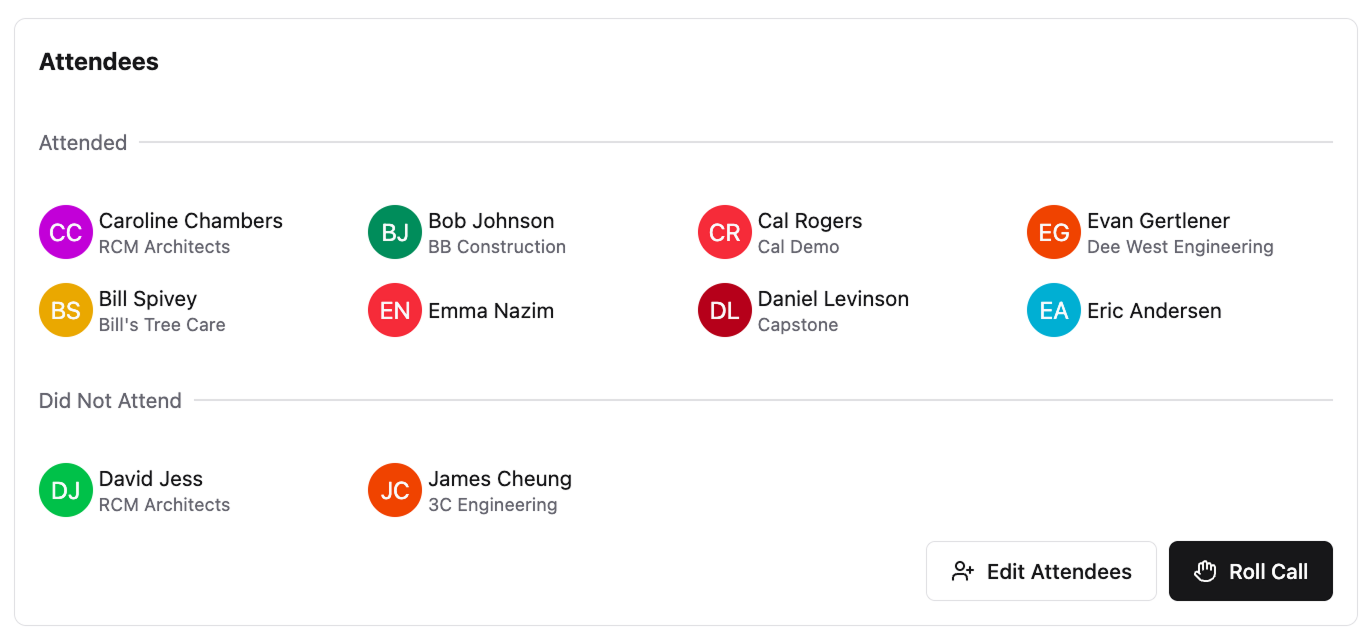\\n\\n\u003e Constructable makes it easy to take a quick roll call right as you start your meetings\\n\\n## OAC Meeting Minutes and Documentation\\n\\nMinutes aren't a formality. They're the legal record of what was decided, who committed to it, and when it was due.\\n\\nThe GC typically owns documentation, though some teams rotate this responsibility to a dedicated project manager or the owner's rep. Whoever does it, minutes should go out within 24 hours. Waiting three days means people forget what was actually agreed on versus what they think was agreed on.\\n\\nCapture these every time:\\n\\n- Decisions made and who made them, so there's no ambiguity later about who approved what.\\n- Action items with a clearly assigned owner and hard due date, beyond just a vague \\\"we'll follow up.\\\"\\n- Open issues carried forward from prior meetings, so nothing quietly falls through the cracks.\\n- Any RFI or submittal responses confirmed during the meeting, documented while everyone's still in the room.\\n- A full attendance log, because who was present matters if a decision gets disputed.\\n\\nKeep the format consistent across every meeting so anyone can scan minutes from week six and week sixteen and read them the same way. A template helps, but discipline is what actually keeps it clean.\\n\\nOne practical note: minutes should reflect decisions, not transcripts. Nobody needs a word-for-word account of the schedule discussion. They need to know what was resolved, what's still open, and who has the ball.\\n\\n## Common OAC Meeting Challenges and How to Solve Them\\n\\nEven well-structured OAC meetings run into the same recurring problems. Here's what derails them and how to fix it.\\n\\n- **Owner no-shows or sends a rep without decision authority:** Set expectations upfront that the meeting requires someone who can a
165pprove costs and scope changes. If proxy attendance becomes a pattern, escalate directly.\\n- **Meetings that run long:** Timebox agenda items before the meeting starts. When a topic needs more than five minutes, table it and schedule a separate working session.\\n- **Action items that disappear:** Assign every item to one person by name, with a due date. If it doesn't have an owner, it doesn't get done.\\n- **Poor follow-through between meetings:** Send minutes within 24 hours and open the next meeting by reviewing what was due. Public accountability moves things.\\n- **Office-to-field communication gaps:** If a decision gets made in the OAC meeting but [never reaches the superintendent](https://constructable.ai/blog/foreman-responsibilities-communication-breakdown), it may as well not have happened. Build a direct handoff into your post-meeting process.\\n\\n## Using Technology to Improve OAC Meeting Effectiveness\\n\\nConstruction projects are already running behind before the first OAC meeting even happens. [98% of projects face delays](https://www.mckinsey.com/capabilities/operations/our-insights/the-construction-productivity-imperative), with average durations running 37% longer than originally projected. Poor information access is a big part of that.\\n\\nThe right construction management tools cut the time teams spend hunting for answers before and during meetings. A few areas where tech actually helps:\\n\\n- [Drawing management systems](https://constructable.ai/blog/construction-drawing-management-software) keep the current set accessible to everyone, so nobody walks into a meeting referencing a superseded sheet\\n- RFI and submittal tracking in one place means the log is always live, not assembled the morning of the meeting\\n- Shared action item tracking removes the \\\"I didn't see the email\\\" problem entirely\\n- Search that lets you pull a document, a photo, or a daily log entry in seconds instead of hunting through folders\\n\\nIf your team spends the first 20 minutes of every OAC meeting getting on the same page about basic status, that's a data access problem, not a meeting problem.\\n\\n## Managing OAC Meetings in Constructable\\n\\nConstructable's Meetings workflow is built for exactly this. Create an agenda with sections, items, and sub-items, then share it with attendees before anyone shows up. **Smart sections** automatically pull in open RFIs and submittals, so you don't have to manually copy status into a document the morning of the meeting.\\n\\n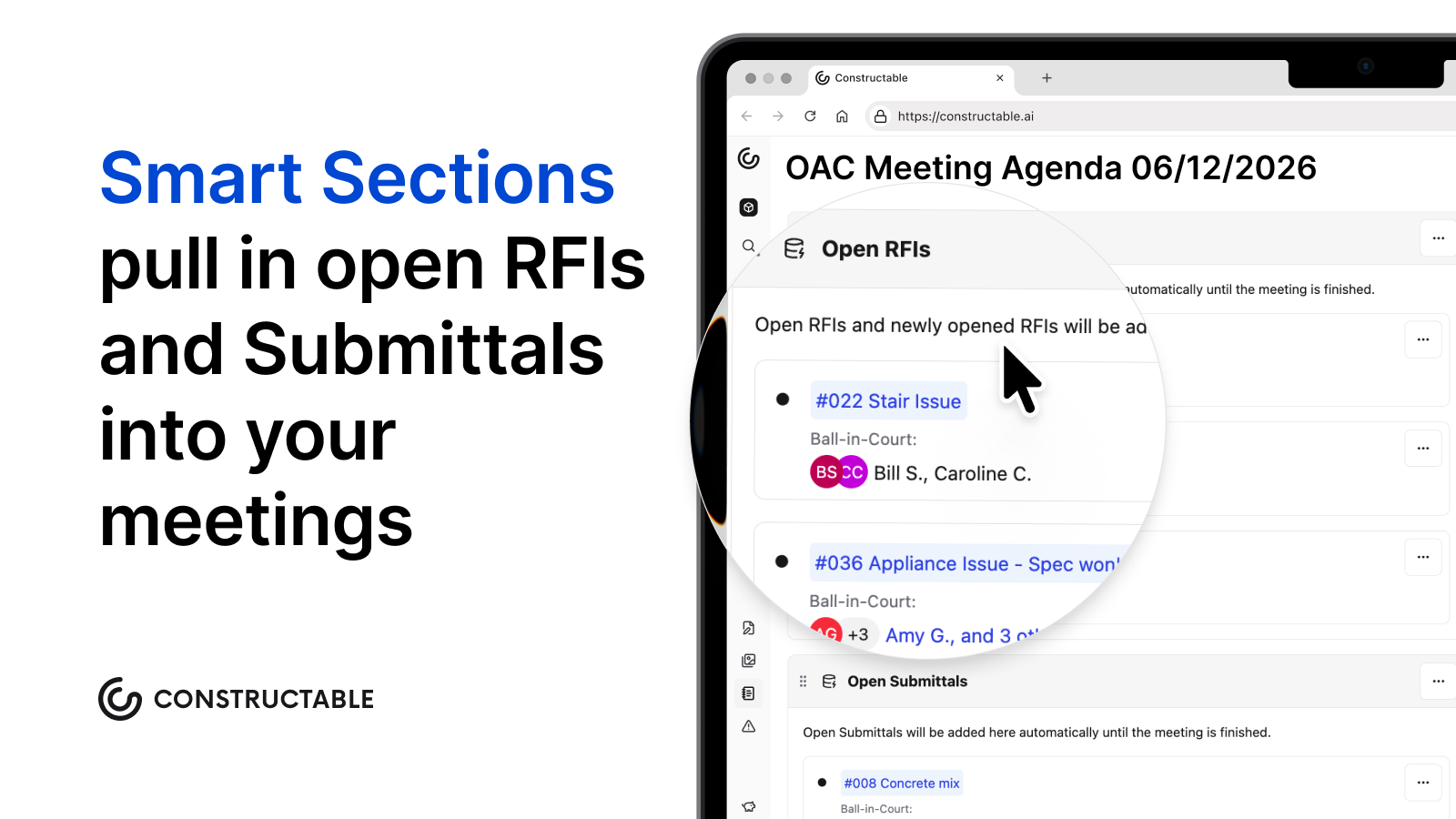\\n\\nDuring the meeting, take notes directly in the workflow. After, the record lives inside the same system as your drawings, change events, and daily logs, so it's searchable alongside everything else. When you export meeting notes, attendees also get access to previous meeting notes alongside the current ones, so everyone has the full history in hand without hunting through old emails or shared drives.\\n\\nBecause all project data lives in one place, questions that come up mid-meeting get answered fast. Search pulls the relevant drawing, photo, or document instantly, with a direct link to the source. No tab-switching, no \\\"I'll follow up after.\\\"\\n\\nThat's the difference between a meeting tool and a connected project system.\\n\\n## Final Thoughts on Making OAC Meetings Count\\n\\nWhat is an OAC meeting supposed to accomplish? Decisions, not status updates. When you walk into a meeting with live data instead of last week's notes, you spend less time catching up and more time solving problems before they cost money. Your project already has enough friction without adding more between the office and the field. We built **Constructable** to close that gap: [see it in action](https://constructable.ai/sales).\\n\\n## FAQ\\n\\n### What is an OAC meeting in construction?\\n\\nAn OAC meeting is a regularly scheduled check-in between the three core parties of a construction project: Owner, Architect, and Contractor. It's where schedule updates get reviewed, open issues get resolved, and decisions get made before they become expensive problems, not merely an optional catch-up.\\n\\n### How often should you run OAC meetings?\\n\\nMost active commercial projects run weekly OAC meetings during heavy construction phases, bi-weekly for slower-paced projects, and monthly only during early pre-construction or closeout. When issues pile up between meetings, increase frequency, and when meetings feel like reruns with nothing new, pull back.\\n\\n### Weekly vs bi-weekly OAC meetings: which is better?\\n\\nWeekly works best during heavy construction phases like structure and MEP rough-in when the schedule is moving fast and decisions need quick turnaround. Bi-weekly fits projects with fewer open issues or slower work phases. Let the volume of RFIs, submittals, and owner decisions tell you what the project needs.\\n\\n### Can I run effective OAC meetings without a project management system?\\n\\nYou can, but you'll spend the first twenty minutes of every meeting getting everyone on the same page about basic status instead of making decisions. When teams hunt for drawings, RFI logs, or action items before the meeting even starts, that's a data access problem that slows down the whole project.\\n\\n### How do you keep OAC meetings from running long?\\n\\nStart on time, stick to the agenda order, and timebox each item before the meeting starts. When a topic needs more than five minutes, table it and schedule a separate working session. Then close by reading the action items back, with names and deadlines assigned to each open issue.\\n\",[],[798,799,800,801,802,803,206],\"{\\\"@context\\\":\\\"https://schema.org\\\",\\\"@type\\\":\\\"FAQPage\\\",\\\"name\\\":\\\"OAC Meeting Best Practices: Your Complete Guide for June 2026\\\",\\\"mainEntity\\\":[{\\\"@type\\\":\\\"Question\\\",\\\"name\\\":\\\"What is an OAC meeting in construction?\\\",\\\"acceptedA
165nswer\\\":{\\\"@type\\\":\\\"Answer\\\",\\\"text\\\":\\\"An OAC meeting is a regularly scheduled check-in between the three core parties of a construction project: Owner, Architect, and Contractor. It's where schedule updates get reviewed, open issues get resolved, and decisions get made before they become expensive problemsânot just an optional catch-up.\\\"}},{\\\"@type\\\":\\\"Question\\\",\\\"name\\\":\\\"How often should you run OAC meetings?\\\",\\\"acceptedAnswer\\\":{\\\"@type\\\":\\\"Answer\\\",\\\"text\\\":\\\"Most active commercial projects run weekly OAC meetings during heavy construction phases, bi-weekly for slower-paced projects, and monthly only during early pre-construction or closeout. When issues pile up between meetings, increase frequencyâwhen meetings feel like reruns with nothing new, pull back.\\\"}},{\\\"@type\\\":\\\"Question\\\",\\\"name\\\":\\\"Weekly vs bi-weekly OAC meetings: which is better?\\\",\\\"acceptedAnswer\\\":{\\\"@type\\\":\\\"Answer\\\",\\\"text\\\":\\\"Weekly works best during heavy construction phases like structure and MEP rough-in when the schedule is moving fast and decisions need quick turnaround. Bi-weekly fits projects with fewer open issues or slower work phasesâlet the volume of RFIs, submittals, and owner decisions tell you what the project needs.\\\"}},{\\\"@type\\\":\\\"Question\\\",\\\"name\\\":\\\"Can I run effective OAC meetings without a project management system?\\\",\\\"acceptedA
165nswer\\\":{\\\"@type\\\":\\\"Answer\\\",\\\"text\\\":\\\"You can, but you'll spend the first twenty minutes of every meeting getting everyone on the same page about basic status instead of making decisions. When teams hunt for drawings, RFI logs, or action items before the meeting even starts, that's a data access problem slowing down the whole project.\\\"}},{\\\"@type\\\":\\\"Question\\\",\\\"name\\\":\\\"How do you keep OAC meetings from running long?\\\",\\\"acceptedAnswer\\\":{\\\"@type\\\":\\\"Answer\\\",\\\"text\\\":\\\"Start on time, stick to the agenda order, and timebox each item before the meeting starts. When a topic needs more than five minutes, table it and schedule a separate working sessionâthen close by reading action items back with names and deadlines assigned to every open issue.\\\"}},{\\\"@type\\\":\\\"Question\\\",\\\"name\\\":\\\"What's the difference between an OAC meeting and a regular job site walk?\\\",\\\"acceptedAnswer\\\":{\\\"@type\\\":\\\"Answer\\\",\\\"text\\\":\\\"An OAC meeting focuses on formal decisions between owner, architect, and contractor with documented outcomes and action items. A job site walk is an informal tour to observe field conditions and progressâuseful for context, but decisions made there still need confirmation in the OAC meeting to carry weight.\\\"}},{\\\"@type\\\":\\\"Question\\\",\\\"name\\\":\\\"Can I skip OAC meetings during slower project phases?\\\",\\\"acceptedA
165nswer\\\":{\\\"@type\\\":\\\"Answer\\\",\\\"text\\\":\\\"You can scale back to bi-weekly or monthly, but don't skip them completely. Even during slow phases, open RFIs and pending owner decisions accumulateâletting them pile up for weeks just creates a backlog that stalls the schedule when work picks back up.\\\"}},{\\\"@type\\\":\\\"Question\\\",\\\"name\\\":\\\"How do you handle OAC meetings when the owner keeps changing their mind?\\\",\\\"acceptedAnswer\\\":{\\\"@type\\\":\\\"Answer\\\",\\\"text\\\":\\\"Document every decision in the meeting minutes with the owner's name attached, send minutes within 24 hours, and reference those decisions when changes come up later. A written record stops \\\\\\\"I never agreed to that\\\\\\\" conversations before they start.\\\"}},{\\\"@type\\\":\\\"Question\\\",\\\"name\\\":\\\"What's the best way to get owners to actually show up to OAC meetings?\\\",\\\"acceptedAnswer\\\":{\\\"@type\\\":\\\"Answer\\\",\\\"text\\\":\\\"Set a consistent day and time at project kickoff, send the agenda 24 hours early so they know what requires their input, and keep meetings under 45 minutes. Owners skip meetings that feel like status updatesâthey show up when real decisions are on the table.\\\"}},{\\\"@type\\\":\\\"Question\\\",\\\"name\\\":\\\"Should the GC or the architect run the OAC meeting?\\\",\\\"acceptedA
165nswer\\\":{\\\"@type\\\":\\\"Answer\\\",\\\"text\\\":\\\"The GC typically runs it since they own the schedule and carry the most exposure when decisions stall. That said, some teams rotate based on who has the most critical items that weekâwhat matters is one person controls the agenda and keeps things moving.\\\"}},{\\\"@type\\\":\\\"Question\\\",\\\"name\\\":\\\"How do I keep architects from dragging out RFI responses during OAC meetings?\\\",\\\"acceptedAnswer\\\":{\\\"@type\\\":\\\"Answer\\\",\\\"text\\\":\\\"Call out overdue RFIs by name at the start of each meeting and assign a firm response date before moving on. If the same RFI shows up open for three weeks running, escalate directly to the architect's project manager outside the meeting.\\\"}},{\\\"@type\\\":\\\"Question\\\",\\\"name\\\":\\\"What happens when subcontractors don't follow through on action items from OAC meetings?\\\",\\\"acceptedAnswer\\\":{\\\"@type\\\":\\\"Answer\\\",\\\"text\\\":\\\"Start the next meeting by reviewing who missed their deadlines from last weekâpublic accountability moves things faster than private follow-ups. If the pattern continues, pull the sub's project manager into the OAC meeting to own their team's commitments directly.\\\"}},{\\\"@type\\\":\\\"Question\\\",\\\"name\\\":\\\"Can you run OAC meetings remotely or do they need to be in person?\\\",\\\"acceptedA
165nswer\\\":{\\\"@type\\\":\\\"Answer\\\",\\\"text\\\":\\\"Remote works fine if everyone has reliable access to the same live project data during the call. In-person still wins when you need to walk drawings together or make fast calls on field conditions, but don't delay decisions just to wait for an in-person meeting.\\\"}},{\\\"@type\\\":\\\"Question\\\",\\\"name\\\":\\\"How far in advance should you send the OAC meeting agenda?\\\",\\\"acceptedAnswer\\\":{\\\"@type\\\":\\\"Answer\\\",\\\"text\\\":\\\"At least 24 hours before the meeting. Anything less and people show up unpreparedâowners can't get budget approvals, architects don't have responses ready, and you waste the first half of the meeting just getting everyone caught up on what's being discussed.\\\"}},{\\\"@type\\\":\\\"Question\\\",\\\"name\\\":\\\"What's the fastest way to turn OAC meeting notes into action items people actually track?\\\",\\\"acceptedAnswer\\\":{\\\"@type\\\":\\\"Answer\\\",\\\"text\\\":\\\"Assign every item to one person by name with a hard due date before the meeting ends, then send minutes within 24 hours that list those assignments at the top. If your system connects meeting notes directly to RFIs and submittals, action items stay visible instead of buried in someone's inbox.\\\"}}],\\\"url\\\":\\\"https://constructable.ai/blog/oac-meeting-best-practices\\\",\\\"dateModified\\\":\\\"2026-06-12T22:27:23.822Z\\\",\\\"author\\\":{\\\"@type\\\":\\\"Organization\\\",\\\"name\\\":\\\"Constructable\\\"}}\\n\",\"{\\\"@context\\\":\\\"https://schema.org\\\",\\\"@type\\\":\\\"BlogPosting\\\",\\\"headline\\\":\\\"OAC Meeting Best Practices: Your Complete Guide for June 2026\\\",\\\"description\\\":\\\"Learn OAC meeting best practices for construction projects in June 2026. Get agendas, action items, and documentation tips to keep projects on track.\\\",\\\"datePublished\\\":\\\"2026-06-12T22:27:23.822Z\\\",\\\"dateModified\\\":\\\"2026-06-12T22:27:23.822Z\\\",\\\"author\\\":{\\\"@type\\\":\\\"Organization\\\",\\\"name\\\":\\\"Constructable\\\"},\\\"url\\\":\\\"https://constructable.ai/blog/oac-meeting-best-practices\\\",\\\"wordCount\\\":2520,\\\"keywords\\\":[\\\"oac meeting\\\",\\\"oac meaning\\\",\\\"oac meaning medical\\\",\\\"oac meaning construction\\\",\\\"oac meaning in police\\\",\\\"oac meaning youtube\\\",\\\"oac meaning law\\\",\\\"oac meaning urban dictionary\\\",\\\"oac meaning dental\\\",\\\"oac meaning business\\\",\\\"oac meeting agenda\\\",\\\"oac meeting construction\\\",\\\"oac meeting minutes\\\",\\\"oac meeting example\\\",\\\"oac meeting topics\\\",\\\"oac meeting sample\\\",\\\"oac meeting questions\\\",\\\"oac meeting construction template\\\",\\\"oac meeting construction example\\\",\\\"oac meeting construction sample\\\",\\\"oac meeting meaning\\\",\\\"oac meeting construction questions\\\",\\\"what is an oac in construction\\\",\\\"oac meeting agenda template\\\",\\\"oac meeting agenda template word\\\",\\\"oac meeting agenda template free\\\",\\\"oac meeting agenda sample\\\",\\\"oac meeting agenda example\\\",\\\"oac meeting agenda template pdf\\\",\\\"oac meeting agenda pdf\\\",\\\"aia meeting minutes template\\\",\\\"oac meeting procore\\\",\\\"owner architect contractor meeting agenda\\\",\\\"architecture meeting minutes template\\\",\\\"construction oac meeting\\\",\\\"oac construction meeting\\\",\\\"what is an oac meeting\\\",\\\"oac meeting in construction\\\",\\\"what is an oac meeting in construction\\\",\\\"what does oac meeting stand for in construction\\\",\\\"what is oac meeting\\\",\\\"oac meeting template\\\",\\\"how to run an oac meeting\\\",\\\"oac meeting purpose\\\",\\\"oac meeting minutes template\\\",\\\"what is oac meeting in construction\\\",\\\"oac meeting definition\\\"]}\\n\",\"oac meeting construction\",\"participates oac meetings\",\"bring others\",\"oac meetings matter project success\",\"often hold oac meetings\",\"projects\",\"what-is-subcontractor\",\"What Is a Subcontractor? Role, Responsibilities, and How GCs Work With Them (June 2026)\",\"Learn what a subcontractor is, their role in construction, and how GCs manage sub relationships. Covers classification, agreements, and more. June 2026.\",\"2026-06-17T22:04:31.454Z\",\"You work with subcontractors on every project. Electrical, plumbing, mechanical, framing, concrete, drywall, roofing, site work, and specialty trades that vary depending on whether you're building ground-up commercial, tenant improvement, or residential work. The taxonomy is clear: subcontractors hold contracts with you, not the owner, and you stay accountable for their work.\\n\\nThe distinctions between subcontractors, contractors, employees, and independent contractors matter for tax treatment, workers' compensation, and IRS classification. Agreements need to cover scope, payment terms, insurance, and change order procedures. Compensation varies by trade specialty, geography, and business structure.\\n\\nWhat separates jobs that finish on time and on budget from those that don't is whether your subs can get answers fast, pull up the right drawings when they need them, log scope changes in real time, and move through the payment process without constant follow-up. The definitions don't slow projects down. The coordination gaps do.\\n\\n**TLDR:**\\n\\n- A subcontractor contracts with the GC, not the owner, and handles a specific trade scope while the GC stays accountable for the whole project.\\n- Misclassifying a worker as a sub instead of an employee can trigger back taxes and penalties; the IRS tests behavioral and financial control to determine status.\\n- Subcontractor earnings range from $40K to over $100K annually, depending on trade specialty, geography, and business structure.\\n- Strong subcontractor agreements define scope, payment terms, schedule, and change order procedures before disputes surface mid-project.\\n- **Constructable** gives subs unlimited access at no per-user cost, with offline drawings and AI pulling answers from specs and logs to close documentation gaps before formal change orders.\\n\\n## What Is a Subcontractor? Definition and Role in Construction\\n\\nA subcontractor is a company or individual hired by a [general contractor](https://constructable.ai/blog/what-is-general-contractor) (GC) to execute a specific scope of work on a construction project. The GC holds the prime contract with the project owner and carries full responsibility for delivering the entire project. A subcontractor holds a
165separate contract with the GC, not the owner, and covers a defined trade scope within that project: electrical, plumbing, mechanical, framing, concrete, drywall, roofing, and dozens more, depending on project type.\\n\\nSubcontractors don't work directly for the owner. They work for the GC, who stays accountable for the whole job. That chain of responsibility shapes how contracts are structured, how payments flow downstream, and who answers when something goes sideways on site.\\n\\nIn short, the GC coordinates the whole job. Subs execute the trades.\\n\\n### What each party controls\\n\\n| | General Contractor | Subcontractor |\\n| --------------- | ----------------------------------- | ------------------------ |\\n| Contract with | Project owner | General contractor |\\n| Responsible for | Entire project delivery | Defined trade scope |\\n| Manages | Schedule, subs, coordination | Own crew and materials |\\n| Carries | General liability, performance bond | Trade-specific liability |\\n| Paid by | Owner (per contract) | GC (per subcontract) |\\n\\nA supplier is worth distinguishing here, too. Suppliers provide materials but take no responsibility for installation or field performance. A subcontractor supplies labor, and often materials, and owns the result of that work.\\n\\n## Types of Subcontractors in Construction\\n\\nConstruction projects pull in a wide range of skilled trades, and no two jobs look exactly alike. The subs involved in a ground-up commercial building differ substantially from those working on a residential remodel or a data center fit-out. That said, most subcontractors fall into a handful of recurring categories that GCs plan around on nearly every project.\\n\\n### The core trades\\n\\n- Concrete and masonry subs handle foundations, flatwork, structural walls, and hardscape. On large commercial jobs, these contracts are often among the earliest awarded and the largest by dollar value.\\n- Framing and carpentry subs cover structural and finish wood framing, including rough carpentry for walls, floors, and roof systems, as well as finish work like millwork and cabinetry.\\n- MEP subs (mechanical, electrical, and plumbing) are the backbone of any occupied structure. These three trades typically represent the most coordination-intensive work on a job site, requiring constant sequencing among themselves and with the general schedule.\\n- Roofing subs install waterproofing, membrane systems, metal roofing, and related flashing. Their scope is often weather-dependent, making schedule management particularly important.\\n- Drywall and insulation subs follow framing and MEP rough-in, and their pace often sets the tempo for interior finish trades that follow.\\n- Painting and finishing subs work near the tail end of a project, and delays anywhere upstream tend to compress their schedule window.\\n- Site work and excavation subs prepare the site before vertical construction begins, including grading, underground utilities, and paving.\\n- Specialty subs cover work that falls outside the core trades: fire suppression systems, low-voltage and data cabling, elevators, glazing, and specialty flooring, among others.\\n\\n### How GCs think about sub-categories\\n\\nGCs typically sort their subcontractor list by trade scope and contract tier. A first-tier sub holds a direct contract with the GC. That sub may then bring in second-tier subs or suppliers to handle portions of their own scope, which creates the layered structure that defines most large commercial projects. Understanding which tier a sub sits in matters for insurance, lien rights, and payment flow.\\n\\n## How Subcontracting Works: The Hiring and Management Process\\n\\nGCs invite bids from qualified subs, then level the responses against scope coverage, price, and past performance before making an award. The subcontract gets executed before any work begins, locking in scope, schedule milestones, and payment terms.\\n\\nCoordination through the job runs via weekly meetings, RFI tracking, and schedule updates. Payment flows through monthly pay applications tied to verified field progress, typically with lien waivers required before or alongside each draw. The GC holds retainage until substantial completion, which is one of the main financial levers a GC uses to keep subs accountable through project closeout.\\n\\n## Subcontractor vs Independent Contractor vs Employee: Classification Matters\\n\\nMisclassifying a worker goes beyond a paperwork problem. It can trigger back taxes, penalties, and legal liability that outlast the project by years.\\n\\nThe IRS uses a set of [behavioral, financial, and relational control factors](https://www.irs.gov/businesses/small-businesses-self-employed/independent-contractor-self-employed-or-employee) to categorize workers. **The key distinctions:**\\n\\nA _subcontractor_ is a business entity or individual hired by a GC or prime contractor to perform a defined scope of work. They set their own schedule, supply their own tools, and carry their own insurance. The GC controls the outcome, not the method.\\n\\nAn _independent contractor_ is the broader IRS designation that subcontractors typically fall under. In construction, the terms are often used interchangeably, but \\\"subcontractor\\\" is the industry-specific term.\\n\\nAn _employee_ works under the direct control of an employer, follows set hours, uses company-provided tools, and receives W-2 wages with payroll taxes withheld.\\n\\n### The classification tests that matter\\n\\nThe IRS applies a common-law test that weighs behavioral control, financial control, and the type of relationship. California goes further with the ABC test under AB5, which presumes a worker is an employee unless the hiring party can prove otherwise on all three prongs. Texas applies a similar multi-factor analysis but leans toward fewer restrictions than California.\\n\\nWorkers' compensation audits flag field workers coded as subs but controlled like employees, triggering retroactive premium adju
165stments. Department of Labor investigations surface when subs are paid flat rates below minimum wage equivalents. State tax audits compare 1099 filings against the actual work arrangements documented in contracts and jobsite records.\\n\\nThe practical takeaway for GCs is that the legal relationship has to match the actual one. If you're setting the hours, supplying the tools, and directing the work step by step, a 1099 form does not make that person a subcontractor in the eyes of regulators.\\n\\n## Subcontractor Salary and Compensation: What to Expect\\n\\nSubcontractor compensation varies widely depending on trade, experience, business structure, and geography. An independent electrical subcontractor in a high-cost metro will land somewhere very different from a drywall crew working rural residential jobs.\\n\\nFor individual tradespeople operating as subcontractors, annual earnings generally run from $40,000 to over $100,000, with specialized trades like plumbing, electrical, and HVAC skewing toward the higher end.\\n\\nThere are a few key elements that shape what a subcontractor actually takes home:\\n\\n- Trade specialty matters more than most assume. Electricians and plumbers routinely out-earn general laborers or painters, reflecting both licensing requirements and the complexity of the work.\\n- Business structure affects net income. A sole proprietor subcontractor pays self-employment taxes, funds their own insurance, and covers equipment costs before seeing a dollar of profit. That gross figure on a contract looks different after those deductions.\\n- Geographic market sets the floor. Labor markets in the Southeast and Midwest tend to run lower than coastal metros, and union vs. non-union environments create further spread.\\n- Project type and volume determine consistency. A subcontractor locked into a steady commercial GC relationship has more predictable income than one chasing residential one-offs between jobs.\\n\\nOne meaningful difference from W-2 employment: subcontractors typically receive higher gross pay to offset costs that an employer would otherwise cover, including health insurance, retirement contributions, and payroll taxes. The tradeoff is that those protections are self-funded, which is worth understanding before comparing a subcontractor's rate directly against an employee's salary.\\n\\n## What to Include in a Subcontractor Agreement\\n\\nA solid subcontractor agreement protects everyone involved and keeps disputes from derailing a project. Whether you're a GC putting one together or a sub reviewing one before signing, knowing what belongs in the document saves headaches later.\\n\\nHere are the elements a well-structured subcontractor agreement should cover:\\n\\n- **Scope of work:** A clear, specific description of what the subcontractor is responsible for, including any work explicitly excluded. Vague scope language is where most disputes start.\\n- **Payment terms:** The contract amount, billing schedule, retainage percentage, and conditions for final payment. Note any pay-if-paid or pay-when-paid clauses that affect when the sub gets paid.\\n- **Project schedule:** Start and completion dates, milestone requirements, and how delays get handled. This ties directly to liquidated damages clauses if the project has them.\\n- **Insurance and bonding requirements:** Minimum coverage types and limits the sub must carry, plus any requirements to name the GC as an additional insured.\\n- [**Change order procedures**](https://constructable.ai/blog/change-orders-construction-guide)**:** How changes to the original scope get submitted, approved, and priced. Without this, disputes over out-of-scope work are almost guaranteed.\\n- **Indemnification and liability:** Who is responsible for what if something goes wrong on site, including property damage or personal injury.\\n- **Termination provisions:** The conditions under which either party can end the agreement, and what happens to work completed and payments owed at that point.\\n\\n## How General Contractors Work With Subcontractors: Building Strong Relationships\\n\\nThe relationship between a general contractor and their subcontractors runs the job. GCs rarely self-perform more than a fraction of the work on any given project, so the quality of that relationship directly affects sc
165hedule, budget, and final product.\\n\\nClear scope definition from the start prevents the \\\"who owns this?\\\" conversations that eat up everyone's time mid-project. The subcontractor agreement should spell out exactly what's included, what's excluded, and where one trade's work ends and another's begins. When [RFIs and directives move fast](https://constructable.ai/blog/rfi-management-construction-what-works), subcontractors stay productive instead of standing down waiting for direction.\\n\\nSubs who get paid on time show up reliably and bring their best crews; those who chase invoices every cycle start protecting themselves in other ways. A [2025 Built/Talker Research study](https://www.businesswire.com/news/home/20250521182315/en/Constructions-Cash-Crunch-70-of-Contractors-Say-Payment-Delays-Threaten-Industry) found that 70% of contractors regularly face delayed payments, and 60% of subcontractors say a GC's payment reputation significantly affects their decision to bid, meaning slow-pay habits directly shrink a GC's available sub pool.\\n\\nCoordinating schedules across trades is where most GC-sub friction shows up. A concrete pour that runs late ripples into MEP rough-in, which delays framing, which moves drywall. The GC owns that sequencing and has to communicate changes early.\\n\\nThe best GC-sub relationships look more like repeat partnerships than one-off contracts. GCs who treat subcontractors as extensions of their own team, instead of interchangeable vendors, tend to get better pricing, better crew availability, and fewer disputes when something goes sideways on site.\\n\\n## How **Constructable** Supports Subcontractor Management for General Contractors\\n\\nManaging subs across a live project means constant questions, shifting scope, and documentation that has to be right. **Constructable** gives GCs a single, connected system [where subs have unlimited access](https://constructable.ai/blog/why-external-teams-prefer-constructable), so the pricing barrier that forces teams back to email disappears.\\n\\n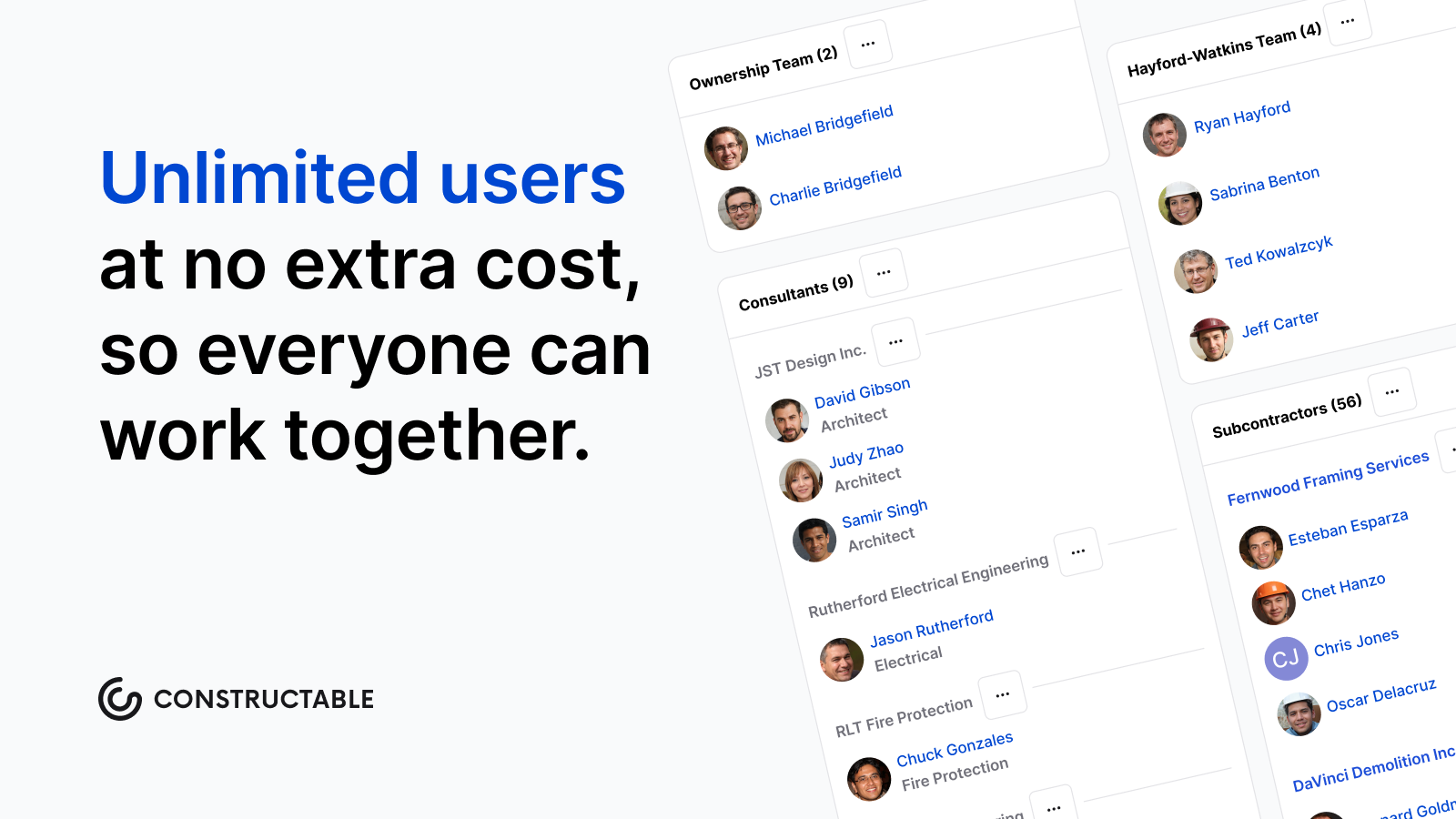\\n\\nSubs pull up drawings offline, pin RFIs and quality items to exact plan locations, and log change events the moment scope changes, closing the documentation gap that erodes margin before a formal change order ever gets written. The [AI Answer Engine](https://constructable.ai/features/project-management) pulls answers from specs, drawings, and daily logs without having to dig through files. Every stakeholder works from the same real-time project data, and onboarding averages under 21 days with hands-on migration support, so subs contribute from day one instead of waiting months to get up to speed.\\n\\n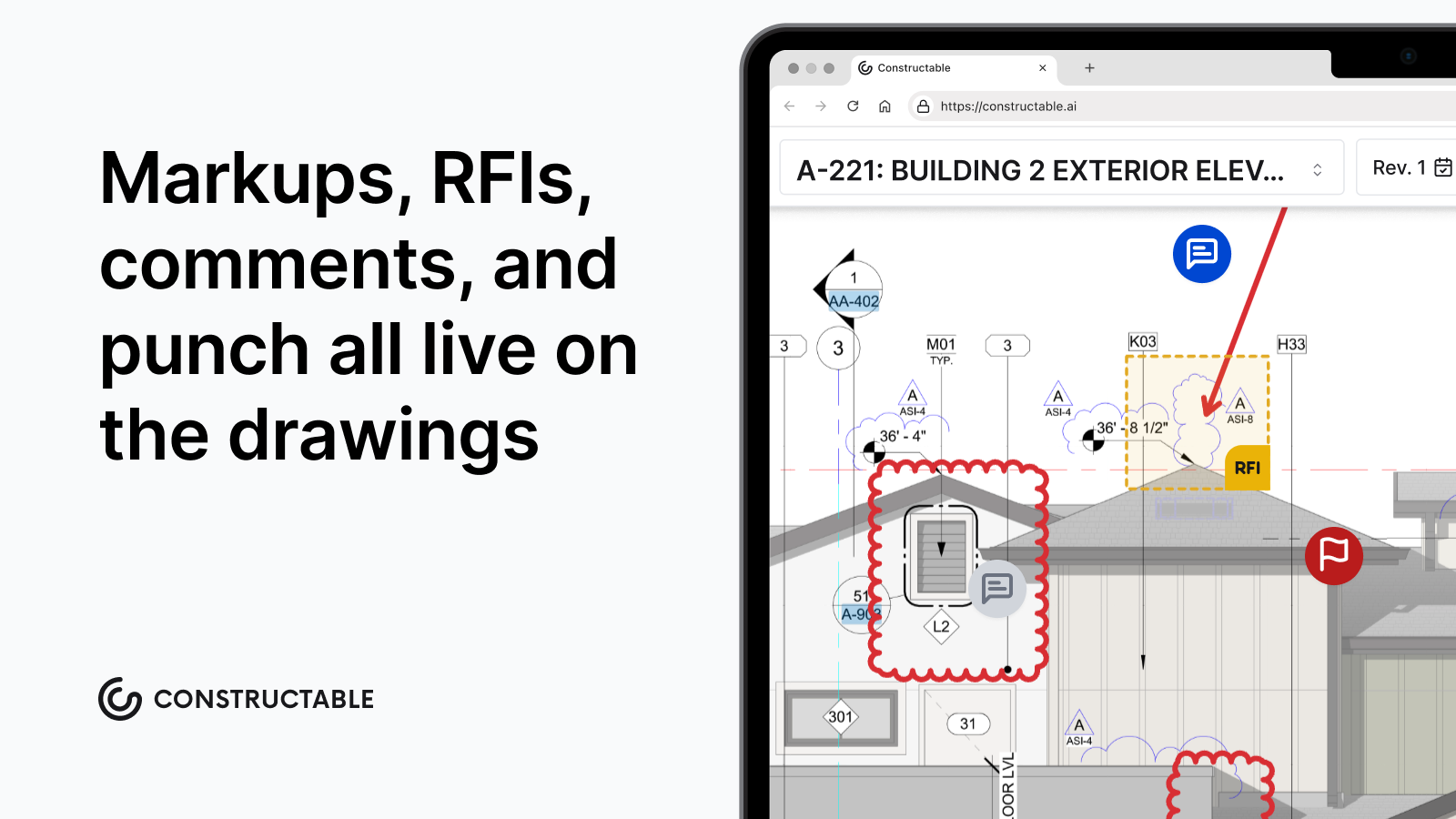\\n\\n## Final Thoughts on Subcontracting in Construction\\n\\nThe subcontractor structure defines how commercial construction actually gets built. GCs coordinate, subs execute, and the quality of that partnership shows up in your schedule, your budget, and the number of after-hours calls you field. Getting scope, payment, and communication right from the start saves you from problems that compound later. If you want to see how a connected system reduces the back-and-forth that slows subs down, [reach out to our team](https://constructable.ai/sales).\\n\\n## FAQ\\n\\n### Subcontractor vs contractor: what's the actual legal difference?\\n\\nA general contractor holds the prime contract with the project owner and carries full responsibility for delivering the entire project, while a subcontractor holds a separate contract with the GC to execute a specific trade scope. This distinction determines liability flow, payment structure, and who is accountable when work goes wrong; the GC remains accountable to the owner even when a sub's work is late or defective.\\n\\n### Is a subcontractor an employee or an independent contractor?\\n\\nA subcontractor is typically classified as an independent contractor, not an employee. Subcontractors set their own schedules, supply their own tools, carry their own insurance, and control how they complete the workâthe GC controls the outcome, not the method. Misclassifying this relationship triggers IRS penalties, back payroll taxes, and workers' compensation issues that can persist for years.\\n\\n### What should I include in a subcontractor agreement to avoid disputes?\\n\\nEvery subcontractor agreement should cover the scope of work (including explicit exclusions), payment terms with retainage percentage, project schedule with milestone dates, insurance and bonding requirements, change order procedures, indemnification provisions, and termination conditions. The clearest agreements spell out exactly where one trade's work ends, and another's begins; vague scope language is where most disputes start.\\n\\n### Can I manage subcontractors without per-user pricing pushing everyone back to email?\\n\\nYes. **Constructable** uses flat-fee pricing with unlimited users across all plans, so subcontractors, owners, consultants, and vendors get full system access at no additional cost. Subs pull drawings offline, pin RFIs to exact plan locations, and log change events the moment scope shiftsâwithout the pricing barr
165ier that forces teams into parallel email workflows and incomplete documentation.\\n\\n### What's the typical salary range for a construction subcontractor?\\n\\nIndividual tradespeople operating as subcontractors typically earn $40,000 to over $100,000 annually, with specialized trades like electrical, plumbing, and HVAC toward the higher end. Subcontractors who own and operate their own crews can earn considerably more, but that gross contract figure looks different after self-employment taxes, insurance, equipment costs, and other expenses that a W-2 employer would otherwise cover.\\n\",[],[813,814,815,816,817,206,818],\"{\\\"@context\\\":\\\"https://schema.org\\\",\\\"@type\\\":\\\"FAQPage\\\",\\\"name\\\":\\\"What Is a Subcontractor? Role, Responsibilities, and How GCs Work With Them (June 2026)\\\",\\\"mainEntity\\\":[{\\\"@type\\\":\\\"Question\\\",\\\"name\\\":\\\"Subcontractor vs contractor: what's the actual legal difference?\\\",\\\"acceptedAnswer\\\":{\\\"@type\\\":\\\"Answer\\\",\\\"text\\\":\\\"A general contractor holds the prime contract with the project owner and carries full responsibility for delivering the entire project, while a subcontractor holds a separate contract with the GC to execute a specific trade scope. This distinction determines liability flow, payment structure, and who answers when work goes wrongâthe GC stays accountable to the owner even when a sub's work is late or defective.\\\"}},{\\\"@type\\\":\\\"Question\\\",\\\"name\\\":\\\"Is a subcontractor an employee or independent contractor?\\\",\\\"acceptedA
165nswer\\\":{\\\"@type\\\":\\\"Answer\\\",\\\"text\\\":\\\"A subcontractor is typically classified as an independent contractor, not an employee. Subcontractors set their own schedules, supply their own tools, carry their own insurance, and control how they complete the workâthe GC controls the outcome, not the method. Misclassifying this relationship triggers IRS penalties, back payroll taxes, and workers' compensation issues that can outlast the project by years.\\\"}},{\\\"@type\\\":\\\"Question\\\",\\\"name\\\":\\\"What should I include in a subcontractor agreement to avoid disputes?\\\",\\\"acceptedAnswer\\\":{\\\"@type\\\":\\\"Answer\\\",\\\"text\\\":\\\"Every subcontractor agreement should cover scope of work (including explicit exclusions), payment terms with retainage percentage, project schedule with milestone dates, insurance and bonding requirements, change order procedures, indemnification provisions, and termination conditions. The clearest agreements spell out exactly where one trade's work ends and another's beginsâvague scope language is where most disputes start.\\\"}},{\\\"@type\\\":\\\"Question\\\",\\\"name\\\":\\\"Can I manage subcontractors without per-user pricing pushing everyone back to email?\\\",\\\"acceptedA
165nswer\\\":{\\\"@type\\\":\\\"Answer\\\",\\\"text\\\":\\\"Yes. **Constructable** uses flat-fee pricing with unlimited users across all plans, so subcontractors, owners, consultants, and vendors get full system access at no additional cost. Subs pull drawings offline, pin RFIs to exact plan locations, and log change events the moment scope shiftsâwithout the pricing barrier that forces teams into parallel email workflows and incomplete documentation.\\\"}},{\\\"@type\\\":\\\"Question\\\",\\\"name\\\":\\\"What's the typical subcontractor salary range in construction?\\\",\\\"acceptedAnswer\\\":{\\\"@type\\\":\\\"Answer\\\",\\\"text\\\":\\\"Individual tradespeople operating as subcontractors typically earn $40,000 to over $100,000 annually, with specialized trades like electrical, plumbing, and HVAC toward the higher end. Subcontractors who own and operate their own crews can earn considerably more, but that gross contract figure looks different after self-employment taxes, insurance, equipment costs, and other expenses that a W-2 employer would otherwise cover.\\\"}},{\\\"@type\\\":\\\"Question\\\",\\\"name\\\":\\\"Can subcontractors access drawings offline if they're working inside a concrete building without cell service?\\\",\\\"acceptedA
165nswer\\\":{\\\"@type\\\":\\\"Answer\\\",\\\"text\\\":\\\"Yes. Constructable's mobile app gives subcontractors full offline access to drawings, so they can pull up plans inside concrete structures, basements, or remote sites where cell service doesn't reach. The mobile experience mirrors desktop exactly, so field crews don't relearn workflows when they're on site.\\\"}},{\\\"@type\\\":\\\"Question\\\",\\\"name\\\":\\\"What's the fastest way to track a scope change before it turns into a formal change order?\\\",\\\"acceptedAnswer\\\":{\\\"@type\\\":\\\"Answer\\\",\\\"text\\\":\\\"Create a change event the moment you spot something that will affect scope or cost, then build change orders underneath it as pricing gets finalized. Constructable's two-stage model lets you start tracking earlyâbefore details are forgotten or photos get lostâso you can document the issue when it happens instead of reconstructing it weeks later.\\\"}},{\\\"@type\\\":\\\"Question\\\",\\\"name\\\":\\\"How do I avoid paying per-user fees when I need to give access to 15 subcontractors and their field crews?\\\",\\\"acceptedA
165nswer\\\":{\\\"@type\\\":\\\"Answer\\\",\\\"text\\\":\\\"Constructable uses flat-fee pricing with unlimited users across all plans, so subcontractors, consultants, owners, and vendors get full system access at no additional cost. You're not charged for adding subs, which means you can bring everyone into the system instead of forcing them back to email and phone tag.\\\"}},{\\\"@type\\\":\\\"Question\\\",\\\"name\\\":\\\"Subcontractor vs supplierâwhat's the difference when it comes to accountability?\\\",\\\"acceptedAnswer\\\":{\\\"@type\\\":\\\"Answer\\\",\\\"text\\\":\\\"A subcontractor supplies labor and owns the result of that work, while a supplier provides materials with no responsibility for installation or field performance. The distinction matters for contracts, insurance, and who answers when something goes wrong on site.\\\"}},{\\\"@type\\\":\\\"Question\\\",\\\"name\\\":\\\"What are the 3 types of subcontractors most GCs deal with on commercial projects?\\\",\\\"acceptedAnswer\\\":{\\\"@type\\\":\\\"Answer\\\",\\\"text\\\":\\\"The three broad categories are MEP trades (mechanical, electrical, plumbing), structural trades (concrete, framing, site work), and finish trades (drywall, painting, specialty flooring). Within those, you'll see dozens of specialized subcontractors depending on project typeâfire suppression, glazing, elevators, low-voltageâbut MEP, structural, and finishes make up the backbone of most commercial coordination.\\\"}},{\\\"@type\\\":\\\"Question\\\",\\\"name\\\":\\\"How do I write a contract for a subcontractor that actually prevents disputes instead of just documenting them?\\\",\\\"acceptedA
165nswer\\\":{\\\"@type\\\":\\\"Answer\\\",\\\"text\\\":\\\"Spell out scope with explicit exclusions, not just inclusionsâstate what's not covered so there's no ambiguity about where one trade's work ends and another's begins. Include change order procedures that define how out-of-scope work gets submitted, approved, and priced before it starts, and set clear payment terms with retainage percentage and billing schedule tied to verified progress.\\\"}},{\\\"@type\\\":\\\"Question\\\",\\\"name\\\":\\\"Is a 1099 subcontractor considered an employee for workers' compensation purposes?\\\",\\\"acceptedAnswer\\\":{\\\"@type\\\":\\\"Answer\\\",\\\"text\\\":\\\"No, subcontractors are typically classified as independent contractors and carry their own workers' compensation insurance. However, misclassifying an employee as a subcontractor to avoid payroll taxes or coverage requirements triggers penalties, back taxes, and denied claims if a worker gets injured on site.\\\"}},{\\\"@type\\\":\\\"Question\\\",\\\"name\\\":\\\"Best framework for deciding whether to self-perform work or bring in a subcontractor?\\\",\\\"acceptedA
165nswer\\\":{\\\"@type\\\":\\\"Answer\\\",\\\"text\\\":\\\"Ask whether you have the crew capacity, trade expertise, and schedule flexibility to own that scope without delaying other work. If taking it on in-house means pulling your best people off coordination or pushing other trades back, the cost savings from self-performing usually disappear into schedule compression and rework downstream.\\\"}},{\\\"@type\\\":\\\"Question\\\",\\\"name\\\":\\\"How does the IRS decide if someone is a subcontractor vs employee when they're doing the same work every day on my projects?\\\",\\\"acceptedAnswer\\\":{\\\"@type\\\":\\\"Answer\\\",\\\"text\\\":\\\"The IRS applies behavioral and financial control testsâif you set the hours, supply the tools, and direct the work step by step, a 1099 form doesn't make that person a subcontractor. California's ABC test goes further and presumes every worker is an employee unless you can prove otherwise on all three prongs, so the legal relationship has to match the operational one.\\\"}},{\\\"@type\\\":\\\"Question\\\",\\\"name\\\":\\\"What's included in a subcontractor agreement template that actually works in the field?\\\",\\\"acceptedA
165nswer\\\":{\\\"@type\\\":\\\"Answer\\\",\\\"text\\\":\\\"A functional template covers scope of work with explicit exclusions, payment terms including retainage and billing schedule, project start and completion dates, insurance and bonding requirements, change order procedures that define submission and pricing workflows, indemnification provisions, and termination conditions. The key is making sure the agreement reflects how the work will actually get coordinated on site, not just legal boilerplate.\\\"}}],\\\"url\\\":\\\"https://constructable.ai/blog/what-is-subcontractor\\\",\\\"dateModified\\\":\\\"2026-06-17T22:04:31.454Z\\\",\\\"author\\\":{\\\"@type\\\":\\\"Organization\\\",\\\"name\\\":\\\"Constructable\\\"}}\\n\",\"{\\\"@context\\\":\\\"https://schema.org\\\",\\\"@type\\\":\\\"BlogPosting\\\",\\\"headline\\\":\\\"What Is a Subcontractor? Role, Responsibilities, and How GCs Work With Them (June 2026)\\\",\\\"description\\\":\\\"Learn what a subcontractor is, their role in construction, and how GCs manage sub relationships. Covers classification, agreements, and more. June 2026.\\\",\\\"datePublished\\\":\\\"2026-06-17T22:04:31.454Z\\\",\\\"dateModified\\\":\\\"2026-06-17T22:04:31.454Z\\\",\\\"author\\\":{\\\"@type\\\":\\\"Organization\\\",\\\"name\\\":\\\"Constructable\\\"},\\\"url\\\":\\\"https://constructable.ai/blog/what-is-subcontractor\\\",\\\"wordCount\\\":2499,\\\"keywords\\\":[\\\"what is a subcontractor\\\",\\\"what is a subcontractor apex\\\",\\\"what is a subcontractor in construction\\\",\\\"what is a subcontractor job\\\",\\\"subcontractor vs contractor\\\",\\\"is a subcontractor an employee\\\",\\\"subcontractor examples\\\",\\\"what is a subcontractor agreement\\\",\\\"what is a subcontractor salary\\\",\\\"subcontractor vs contractor reddit\\\",\\\"subcontractor vs contractor salary\\\",\\\"subcontractor vs contractor taxes\\\",\\\"subcontractor vs independent contractor irs\\\",\\\"subcontractor vs sub contractor\\\",\\\"subcontractor vs employee\\\",\\\"subcontractor vs supplier\\\",\\\"subcontractor examples pdf\\\",\\\"list of subcontractors in construction\\\",\\\"residential subcontractor examples\\\",\\\"subcontractor examples companies\\\",\\\"3 types of subcontractors\\\",\\\"list of subcontractors template\\\",\\\"subcontractor meaning\\\",\\\"what is a subcontractor agreement template\\\",\\\"what is a subcontractor agreement pdf\\\",\\\"subcontractor agreement - pdf\\\",\\\"sub contract agreement format in word\\\",\\\"what to include in a subcontractor agreement\\\",\\\"subcontractor agreement pdf free download\\\",\\\"construction subcontractor agreement pdf\\\",\\\"how to write a contract for a subcontractor\\\",\\\"what is a subcontractor in construction example\\\",\\\"what is a subcontractor in construction job description\\\",\\\"types of subcontractors in construction\\\",\\\"subcontractor salary\\\",\\\"is a subcontractor an employee or independent\\\",\\\"is a subcontractor an employee in california\\\",\\\"what are the rules for 1099 employees\\\",\\\"new law for 1099 employees\\\",\\\"is a subcontractor an employee in texas\\\",\\\"subcontractor employee meaning\\\",\\\"how many hours can a 1099 employee work\\\",\\\"who is considered a subcontractor for workers' compensation\\\",\\\"what is a subcontractor apex brainly\\\",\\\"what is a survey apex\\\",\\\"which of these is an example of rebranding\\\",\\\"why is marketing essential to a free market economy apex\\\",\\\"what is profit apex\\\",\\\"what is the return rate for brick-and-mortar stores\\\",\\\"what is an example of land capital\\\",\\\"printers smartphones, tablets, and scanners can be found in an office that is\\\"]}\\n\",\"subcontractor definition role construction\",\"party controls\",\"types subcontractors construction\",\"core trades\",\"gcs think about sub-categories\",\"their\",\"what-is-change-order\",\"What Is a Change Order? A Complete Guide for June 2026\",\"Learn what a change order is in construction, banking, and project management. Complete guide for June 2026 with examples and best practices.\",\"2026-06-17T23:37:31.221Z\",\"Most projects see at least one change order, and the triggers are always familiar: the owner wants something new, site conditions surprise you, or the drawings have a conflict that nobody caught at bid time. From there, you document the change, calculate the cost and schedule hit, route it for signatures, and update your budget. When that's happening across email chains and scattered files, things fall through the cracks faster than anyone realizes. This guide breaks down what a change order is in construction, banking, engineering, and project management, plus how to handle them without the usual mess.\\n\\n**TLDR:**\\n\\n- A change order is a signed, written amendment to a contract that modifies scope, cost, or schedule, and it carries full legal weight once executed.\\n- Most construction projects see at least one change order, and when they stack up, costs can climb well above the original contract value due to design gaps, site conditions, and owner requests.\\n- Document every change immediately before work starts. Missing that step creates disputes, forfeits payment rights, and makes consequential costs impossible to re
165cover.\\n- Free templates exist in Word, PDF, and Excel, but purpose-built software eliminates approval delays, duplicate entry, and disconnected budget tracking.\\n- **Constructable** groups change orders under change events in Financials, where they tie directly to RFIs, submittals, and live budgets, with built-in e-signing and automatic status tracking.\\n\\n## What Is a Change Order?\\n\\nA change order is a formal, written document that modifies the original terms of a contract, whether by scope, cost, schedule, or a combination of the three. Once both parties sign off, it carries the same legal weight as the original agreement.\\n\\nThe concept shows up across industries, and construction uses them constantly. So do engineering firms, project managers, and banks. The format looks different depending on the field, but the purpose stays the same: something changed, and there needs to be a written record of it.\\n\\n## Change Orders in Construction\\n\\nConstruction is where change orders are most common. The vast majority of projects see at least one, and when they stack up, costs can climb well above the original contract value. [FMI's 2026 Project Management Study](https://www.awci.org/media/construction-trends/construction-trends-may-june-2026) found that 41% of construction executives cite change order management as a top risk to profit goals, ranking it third behind schedule/logistics and staffing/labor.\\n\\nThe triggers are usually the same: unexpected site conditions, design errors caught mid-build, owner requests for upgrades, and materials that become unavailable after contract signing. Each requires a formal written amendment before work proceeds under the updated terms.\\n\\nThree categories cover most situations:\\n\\n| Type | Price Impact | What It Means |\\n| --------- | ------------ | -------------------------------- |\\n| Additive | Increases | More scope added to the contract |\\n| Deductive | Decreases | Scope removed, price reduced |\\n| Zero-sum | No change | One item traded for another |\\n\\nIn states like California, change order rules carry strict notice requirements and approval timelines. Miss those windows, and you can forfeit your right to additional payment or schedule relief entirely.\\n\\n## What Is a Change Order in Banking?\\n\\nIn banking, a change order has nothing to do with contracts. It refers to a request for specific denominations of currency or coin that a bank prepares for a commercial customer, usually fulfilled through a cash vault and delivered via armored carrier.\\n\\nRetailers, restaurants, and other cash-heavy businesses use this service regularly. Instead of keeping large amounts of cash on-site, they call or submit a form to their bank, specify what they need (say, two rolls of quarters and fifty ones), and the bank has it ready for pickup or delivery.\\n\\n## What Is a Change Order in Project Management and Engineering?\\n\\nOutside construction, the term still signals the same thing: a formal record of something that changed.\\n\\nIn engineering, these are called Engineering Change Orders (ECOs). They document modifications to product designs, components, or manufacturing specs. An ECO might get triggered by a supplier switching materials, a design flaw caught during testing, or a regulatory update that affects how something is built or assembled.\\n\\nIn project management, change orders serve as tools for change control. When scope creeps or requirements shift, a change order keeps the contract aligned with reality and holds both parties accountable to the same updated terms.\\n\\n## Types of Change Orders\\n\\nBeyond the three core types covered above, two others come up regularly on commercial jobs.\\n\\nA Construction Change Directive (CCD) allows an owner to direct the contractor to proceed before both parties agree on the price. Work moves forward; cost gets settled after. It exists for situations where the project schedule won't wait on negotiation, and it carries real risk for the contractor if that cost conversation stalls.\\n\\nA Change Order Request (COR) works in the opposite direction chronologically. The contractor submits it before any work starts, flagging a potential change and documenting the cost and schedule impact. If the owner approves it, the COR becomes the change order.\\n\\nKnowing which type applies matters because each one carries different obligations, timelines, and exposure for both sides.\\n\\n## Common Causes of Change Orders\\n\\
165nA [January 2025 report](https://www.volpe.dot.gov/sites/volpe.dot.gov/files/2025-01/Understanding%20Construction%20Change%20Orders%20Report%20v01-16-2025_508%20compliant%20final.pdf) from the U.S. DOT Volpe National Transportation Systems Center identified design errors and omissions as the leading technical cause of construction change orders across federally funded transportation projects nationally. That finding holds across commercial work too. The full range of triggers that project teams run into includes:\\n\\n- Owner-requested scope changes after contract signing\\n- Unforeseen site conditions like buried utilities, soil surprises, or hidden structural issues\\n- Material availability or price changes that invalidate original specs\\n- Drawing errors or conflicts between disciplines\\n- Regulatory updates that affect design or construction methods mid-project\\n- Scope items that needed clarification but got papered over at bid time\\n\\nMost of these aren't emergencies on their own, but they become expensive when teams are slow to document them.\\n\\n## The Change Order Process\\n\\nEvery change order follows roughly the same path from discovery to approval, and knowing that path keeps projects from bleeding money and time. The sequence below works for most commercial jobs.\\n\\n1. Identify the change and flag it immediately in writing\\n2. Document scope and justification before any related work starts\\n3. Calculate cost and schedule impact with supporting detail\\n4. Prepare the formal change order document\\n5. Route for signatures from all required parties\\n6. Update the project budget and relevant documentation\\n7. Execute the authorized work\\n8. Close out with signed records and final accounting\\n\\nSpeed matters most at step one. The longer a change goes undocumented, the harder it becomes to determine who knew what and when.\\n\\n## What Should Be Included in a Change Order?\\n\\nEvery change order should contain specific elements to hold up legally and protect all parties involved.\\n\\nThe basics include a change order number and date, a reference to the original contract being modified, and a clear description of the work being changed. Beyond that, you need a justification for the modification, a cost impact with [line-item breakdown](https://constructable.ai/features/financial-management), any schedule impact with a revised completion date, an updated contract total, and authorization signatures from everyone required.\\n\\nGaps in any of these create room for disputes later.\\n\\n## Change Order Examples and Templates\\n\\nA change order request typically follows a recognizable pattern regardless of project size. The contractor identifies a scope change, documents the work and cost impact, submits it to the owner or GE for review, and gets a signature before proceeding.\\n\\nHere is a simple change order example in table form:\\n\\n| Field | Example Entry |\\n| --------------------- | ------------------------------------------------------- |\\n| Project Name | Riverside Office Renovation |\\n| Change Order Number | CO-007 |\\n| Date Submitted | May 12, 2026 |\\n| Description of Change | Add (3) additional electrical outlets per owner request |\\n| Reason for Change | Owner-directed scope addition |\\n| Labor Cost | $420 |\\n| Material Cost | $180 |\\n| Total Cost Impact | $600 |\\n| Schedule Impact | 1 day |\\n| Authorized Signature | \\\\***\\\\*\\\\_\\\\_\\\\_\\\\_\\\\*\\\\*** |\\n\\nFor teams that need a starting point, free change order templates are available in Word, PDF, and Excel formats through sites like Levelset and PandaDoc. A simple change order template in Word works well for smaller jobs, while an Excel version helps when you need running cost totals across multiple COs on a larger project.\\n\\n## Change Order Costs and Financial Impact\\n\\nThe line item price on a change order is rarely the whole story. Direct costs cover labor, materials, and equipment. Indirect costs add overhead, markup, and profit adju
165stments. Both are easy to identify and price out, which is why they get negotiated.\\n\\nThe consequential costs are where margins quietly disappear. Schedule compression forces crews into tighter windows. Extended general conditions keep superintendents and site trailers on the job longer than anyone planned. When changes stack up mid-project, productivity dropsâsometimes sharply on heavily changed jobs. A $50,000 change order can quietly cost twice that once the ripple effects go untracked. Contractors who only price the direct work and miss the downstream impact are the ones who finish a job and wonder where their profit went.\\n\\n## Change Order Disputes and How to Avoid Them\\n\\nMost change order disputes trace back to a short list: scope ambiguity, pricing disagreements, authorization gaps, and documentation too thin to hold up in arbitration.\\n\\nThe fix starts in the original contract. Spell out the change order process before the first shovel hits the ground, then hold to it throughout the job.\\n\\nFrom there, the rules stay consistent:\\n\\n- Never start changed work without written, signed authorization\\n- Document every directive, verbal or written, immediately after it happens\\n- Put cost and schedule impacts in writing before work begins, not after\\n\\n## Managing Change Orders with Construction Software\\n\\nChange orders are inevitable. Managing them poorly is optional.\\n\\nEmail chains and scattered documents create the same predictable problems: missed signatures, stale budget numbers, and approvals that lag behind the work already underway. Software built for this keeps everything in one place.\\n\\nWhen change orders live in one system, approvals route automatically, status updates happen in real time, and every line item ties directly to the project budget. The paper trail builds itself. Nothing falls through the cracks between field and office, and no one has to enter the same thing twice.\\n\\n## How Constructable Simplifies Change Order Management\\n\\nIn [**Constructable**](https://constructable.ai/), change orders live inside Financials, grouped under change events alongside commitments, prime contracts, and budget tracking. Teams create a change event, attach change orders, add line items with cost codes, and route for e-signature without leaving the system.\\n\\n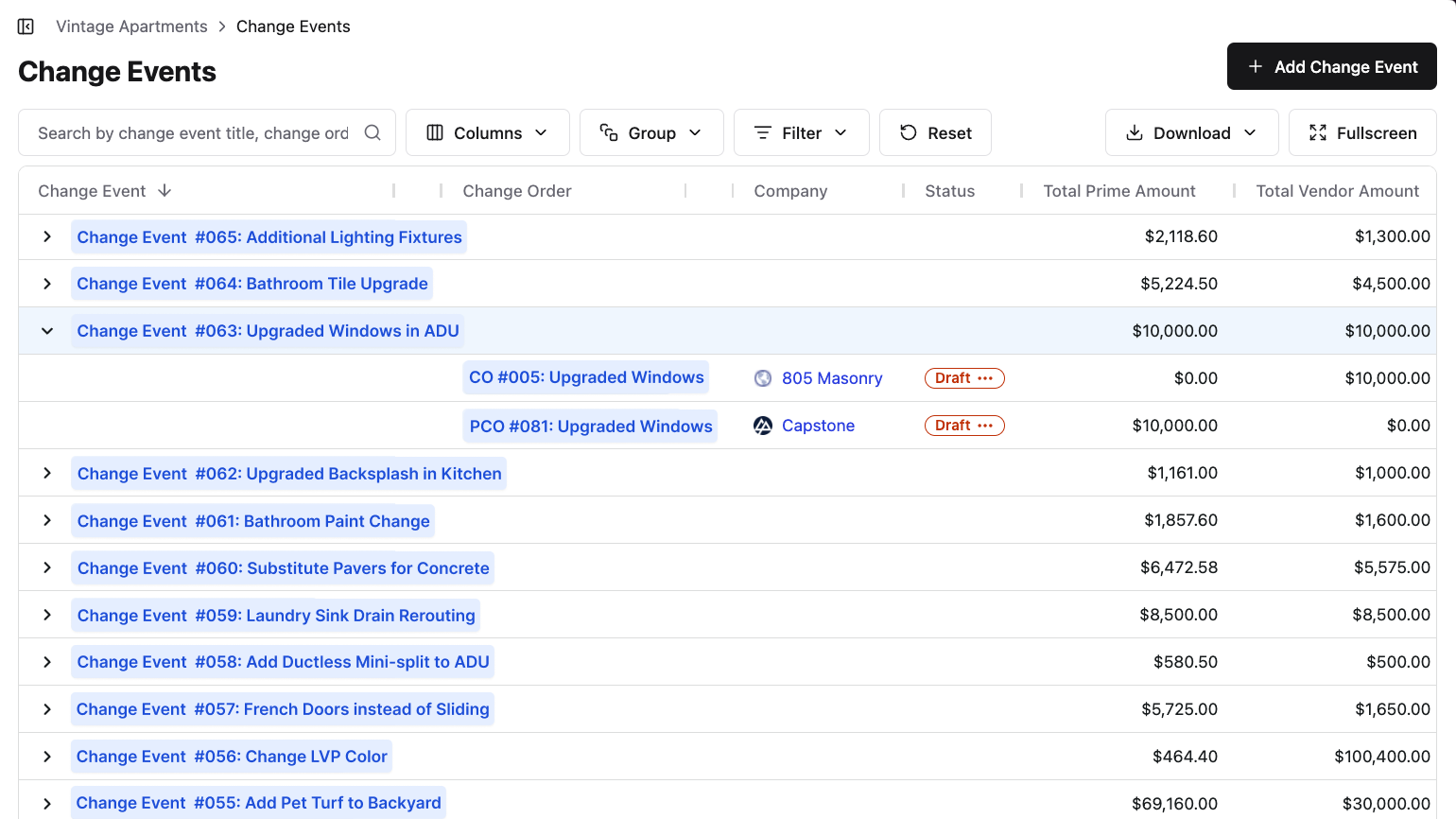\\n\\nStatus moves from draft through execution in one place, tied directly to the live budget. Because change orders sit next to RFIs, submittals, and daily logs, teams already have the context they need when a change comes up and can [act quickly without losing visibility](https://constructable.ai/features/project-management).\\n\\nSomething our customers love about Constructable is how we're always finding ways to reduce user effort. When it comes to Change Events, there can be a host of different Change Orders on the vendor/subcontractor side, each with their own line items. And commonly, there are commensurate line items on the Prime Change Order side. So, we added a button to the Change Event page that copies over all the vendor side line items to a Prime Change Order with just a click, as shown here:\\n\\n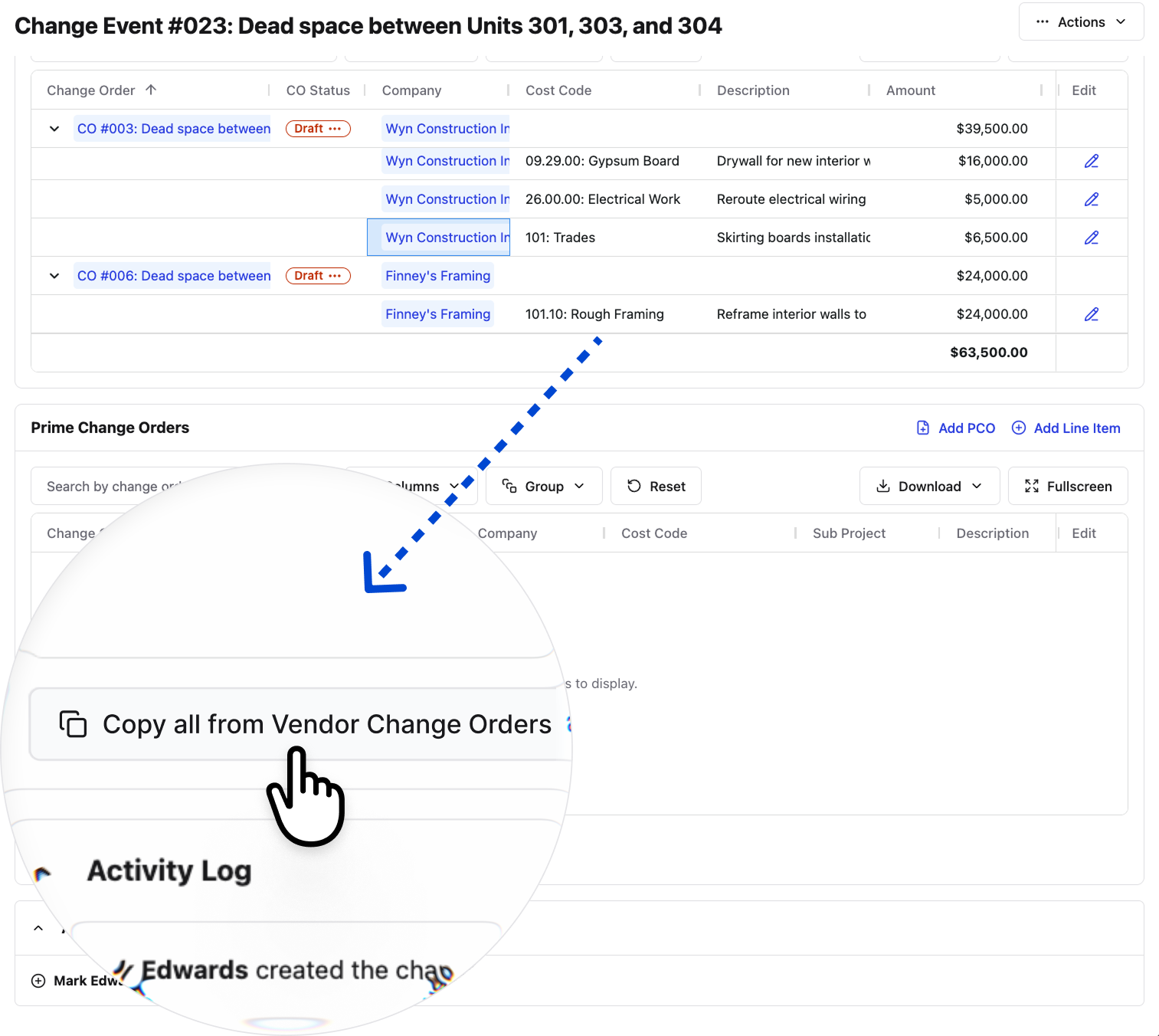\\n\\nChange orders are part of the job. We built the software to treat them that way.\\n\\n## Final Thoughts on Contract Modifications\\n\\nChange orders are part of the job, but the mess they create doesn't have to be. When you document scope changes immediately, tie them to your live budget, and keep approval timelines tight, change order management stops feeling like damage control and starts feeling like normal work. That's how Constructable treats them, because we know you're not looking for more complexity. [Talk to someone on our team](https://constructable.ai/sales) to see it in action on your projects.\\n\\n## FAQ\\n\\n### What's the difference between a change order and a change order request?\\n\\nA change order is the signed, executed document that formally modifies your contract. It's already approved and carries legal weight. A change order request (COR) is what the contractor submits before any work starts, flagging the potential change and documenting cost and schedule impact so the owner can decide whether to approve it.\\n\\n### Can I use the same change order template for construction and project management work?\\n\\nYes, the core structure stays the same across industries: original contract reference, description of the change, cost impact, schedule impact, and authorization signatures. You can start with a simple change order template in Word or Excel and adjust the language to fit your field, whether that's construction, engineering, or general project management.\\n\\n### What is a change order in construction vs a Construction Change Directive?\\n\\nA change order requires both parties to agree on scope and price before work begins, while a Construction Change Directive (CCD) lets the owner direct the contractor to proceed immediately, with cost negotiations happening after the work is done. CCDs exist for situations where the schedule won't wait, but they carry real risk for contractors if the cost conversation stalls later.\\n\\n### What should I include in a change order to avoid disputes later?\\n\\nEvery change order needs a change order number, date, reference to the original contract, clear description of the work, justification for why it's needed, c
165ost breakdown by line item, any schedule impact with revised completion date, updated contract total, and signatures from all required parties. Gaps in any of these create room for disputes down the line.\\n\\n### How does Constructable handle change orders differently than email or spreadsheets?\\n\\nIn Constructable, change orders live in Financials under change events, where they're tied directly to your live budget, commitments, and prime contract. You create the change event, attach change orders, add line items with cost codes, and route for e-signature without leaving the system. No email chains, no scattered spreadsheets, and status updates in real time so nothing falls through the cracks between field and office.\\n\",[],[828,829,830,831,832,206],\"{\\\"@context\\\":\\\"https://schema.org\\\",\\\"@type\\\":\\\"FAQPage\\\",\\\"name\\\":\\\"What Is a Change Order? A Complete Guide for June 2026\\\",\\\"mainEntity\\\":[{\\\"@type\\\":\\\"Question\\\",\\\"name\\\":\\\"What's the difference between a change order and a change order request?\\\",\\\"acceptedA
165nswer\\\":{\\\"@type\\\":\\\"Answer\\\",\\\"text\\\":\\\"A change order is the signed, executed document that formally modifies your contractâit's already approved and carries legal weight. A change order request (COR) is what the contractor submits before any work starts, flagging the potential change and documenting cost and schedule impact so the owner can decide whether to approve it.\\\"}},{\\\"@type\\\":\\\"Question\\\",\\\"name\\\":\\\"Can I use the same change order template for construction and project management work?\\\",\\\"acceptedAnswer\\\":{\\\"@type\\\":\\\"Answer\\\",\\\"text\\\":\\\"Yes, the core structure stays the same across industriesâoriginal contract reference, description of the change, cost impact, schedule impact, and authorization signatures. You can start with a simple change order template in Word or Excel and adjust the language to fit your field, whether that's construction, engineering, or general project management.\\\"}},{\\\"@type\\\":\\\"Question\\\",\\\"name\\\":\\\"What is a change order in construction vs a Construction Change Directive?\\\",\\\"acceptedA
165nswer\\\":{\\\"@type\\\":\\\"Answer\\\",\\\"text\\\":\\\"A change order requires both parties to agree on scope and price before work begins, while a Construction Change Directive (CCD) lets the owner direct the contractor to proceed immediately, with cost negotiations happening after the work is done. CCDs exist for situations where the schedule won't wait, but they carry real risk for contractors if the cost conversation stalls later.\\\"}},{\\\"@type\\\":\\\"Question\\\",\\\"name\\\":\\\"What should I include in a change order to avoid disputes later?\\\",\\\"acceptedAnswer\\\":{\\\"@type\\\":\\\"Answer\\\",\\\"text\\\":\\\"Every change order needs a change order number, date, reference to the original contract, clear description of the work, justification for why it's needed, cost breakdown by line item, any schedule impact with revised completion date, updated contract total, and signatures from all required parties. Gaps in any of these create room for disputes down the line.\\\"}},{\\\"@type\\\":\\\"Question\\\",\\\"name\\\":\\\"How does Constructable handle change orders differently than email or spreadsheets?\\\",\\\"acceptedA
165nswer\\\":{\\\"@type\\\":\\\"Answer\\\",\\\"text\\\":\\\"In Constructable, change orders live in Financials under change events, where they're tied directly to your live budget, commitments, and prime contract. You create the change event, attach change orders, add line items with cost codes, and route for e-signature without leaving the systemâno email chains, no scattered spreadsheets, and status updates in real time so nothing falls through the cracks between field and office.\\\"}},{\\\"@type\\\":\\\"Question\\\",\\\"name\\\":\\\"How do I avoid losing money on change orders that impact my entire schedule?\\\",\\\"acceptedAnswer\\\":{\\\"@type\\\":\\\"Answer\\\",\\\"text\\\":\\\"Document every schedule impact in writing before work starts, then track the consequential costsâextended general conditions, crew compression, and productivity lossâseparately from your direct labor and materials. Research shows productivity can drop 10â30% on heavily changed jobs, so if you only price the direct work, you're leaving margin on the table.\\\"}},{\\\"@type\\\":\\\"Question\\\",\\\"name\\\":\\\"What is a deductive change order and when should I use one?\\\",\\\"acceptedA
165nswer\\\":{\\\"@type\\\":\\\"Answer\\\",\\\"text\\\":\\\"A deductive change order reduces both scope and contract price when work gets removed from the project. You'd use one when an owner decides to cut a feature, eliminate a floor, or remove materials from the original contractâmake sure the deduction covers not just the removed work but any costs you've already incurred preparing for it.\\\"}},{\\\"@type\\\":\\\"Question\\\",\\\"name\\\":\\\"Can I start work on a change order before it's fully signed?\\\",\\\"acceptedAnswer\\\":{\\\"@type\\\":\\\"Answer\\\",\\\"text\\\":\\\"You can, but you shouldn't unless it's a Construction Change Directive where the owner formally directs you to proceed. Starting changed work without written authorization forfeits your payment rights in most states and leaves you exposed if the cost conversation stalls or the owner disputes the scope later.\\\"}},{\\\"@type\\\":\\\"Question\\\",\\\"name\\\":\\\"Change order template Excel vs Word vs PDFâwhich one should I use?\\\",\\\"acceptedA
165nswer\\\":{\\\"@type\\\":\\\"Answer\\\",\\\"text\\\":\\\"Excel works best when you need running cost totals across multiple change orders on a larger project. Word templates are cleaner for simple, one-off changes. PDF is what you export for signatures, but it's not ideal for tracking or editingâmost contractors start in Excel or Word, then convert to PDF once everything's locked.\\\"}},{\\\"@type\\\":\\\"Question\\\",\\\"name\\\":\\\"What is a change order request in construction and who submits it?\\\",\\\"acceptedAnswer\\\":{\\\"@type\\\":\\\"Answer\\\",\\\"text\\\":\\\"A change order request is what the contractor submits to flag a potential change before any work starts, documenting the cost and schedule impact so the owner can approve or reject it. If approved, the COR becomes the change orderâif rejected, no work proceeds under those terms.\\\"}},{\\\"@type\\\":\\\"Question\\\",\\\"name\\\":\\\"How do I calculate the real cost of a change order beyond labor and materials?\\\",\\\"acceptedAnswer\\\":{\\\"@type\\\":\\\"Answer\\\",\\\"text\\\":\\\"Start with direct costsâlabor, materials, equipmentâthen add indirect costs like overhead, markup, and profit. After that, estimate consequential costs: extended general conditions, schedule compression, and productivity loss from disrupted workflows. The line item price is rarely the whole story; the downstream impact is where contractors quietly lose margin.\\\"}},{\\\"@type\\\":\\\"Question\\\",\\\"name\\\":\\\"What is a change order clause in a construction contract supposed to cover?\\\",\\\"acceptedA
165nswer\\\":{\\\"@type\\\":\\\"Answer\\\",\\\"text\\\":\\\"A change order clause spells out the process for handling scope changesâwho can authorize them, how pricing gets determined, what notice windows apply, and whether the contractor needs written approval before starting work. Get this right in the original contract, and you avoid most disputes later.\\\"}},{\\\"@type\\\":\\\"Question\\\",\\\"name\\\":\\\"Do I need a separate change order form for subcontractors vs the prime contract?\\\",\\\"acceptedAnswer\\\":{\\\"@type\\\":\\\"Answer\\\",\\\"text\\\":\\\"Yes, but the details should match. When you create a change order for a subcontractor, you typically create a corresponding prime contract change order to pass the cost and schedule impact up to the ownerâConstructable's Copy All feature does this automatically so the change event stays connected across both contracts.\\\"}},{\\\"@type\\\":\\\"Question\\\",\\\"name\\\":\\\"Best way to track change order status without email chains and spreadsheets?\\\",\\\"acceptedA
165nswer\\\":{\\\"@type\\\":\\\"Answer\\\",\\\"text\\\":\\\"Use purpose-built software where change orders tie directly to your live budget and approval routing happens automatically. When status updates in real time and every line item connects to cost codes, you stop chasing signatures and duplicate data entry stops being anyone's job.\\\"}},{\\\"@type\\\":\\\"Question\\\",\\\"name\\\":\\\"What is a change order in project management vs constructionâare they the same thing?\\\",\\\"acceptedAnswer\\\":{\\\"@type\\\":\\\"Answer\\\",\\\"text\\\":\\\"The concept is identicalâa formal written amendment to the original contract that modifies scope, cost, or schedule. Construction just sees them more frequently because site conditions, design conflicts, and owner requests happen constantly, while project management in other industries tends to use change orders as change control tools when requirements shift mid-project.\\\"}}],\\\"url\\\":\\\"https://constructable.ai/blog/what-is-change-order\\\",\\\"dateModified\\\":\\\"2026-06-17T23:37:31.221Z\\\",\\\"author\\\":{\\\"@type\\\":\\\"Organization\\\",\\\"name\\\":\\\"Constructable\\\"}}\\n\",\"{\\\"@context\\\":\\\"https://schema.org\\\",\\\"@type\\\":\\\"BlogPosting\\\",\\\"headline\\\":\\\"What Is a Change Order? A Complete Guide for June 2026\\\",\\\"description\\\":\\\"Learn what a change order is in construction, banking, and project management. Complete guide for June 2026 with examples and best practices.\\\",\\\"datePublished\\\":\\\"2026-06-17T23:37:31.221Z\\\",\\\"dateModified\\\":\\\"2026-06-17T23:37:31.221Z\\\",\\\"author\\\":{\\\"@type\\\":\\\"Organization\\\",\\\"name\\\":\\\"Constructable\\\"},\\\"url\\\":\\\"https://constructable.ai/blog/what-is-change-order\\\",\\\"wordCount\\\":2264,\\\"keywords\\\":[\\\"what is a change order\\\",\\\"what is a change order in banking\\\",\\\"what is a change order in construction\\\",\\\"what is a change order example\\\",\\\"what is a change order in project management\\\",\\\"change order template\\\",\\\"what is a change order in a contract\\\",\\\"what is a change order in engineering\\\",\\\"what is a change order far\\\",\\\"change order template word\\\",\\\"change order template pdf\\\",\\\"change order template excel\\\",\\\"change order template excel free\\\",\\\"free change order template word doc\\\",\\\"change order template free\\\",\\\"simple change order template\\\",\\\"simple change order template word\\\",\\\"what is a change order in construction template\\\",\\\"what is a change order in construction california\\\",\\\"change order clause in construction contract\\\",\\\"change order examples\\\",\\\"types of change orders\\\",\\\"what is a change order in banking example\\\",\\\"bank of america change order phone number\\\",\\\"bank of america automated change order entry system\\\",\\\"bank of america change order form\\\",\\\"bank of america order coins\\\",\\\"bank of america cash vault change order\\\",\\\"bank change order form\\\",\\\"what is a change order in project management template\\\",\\\"what is a change order in project management ppt\\\",\\\"change order construction example\\\",\\\"change order management process\\\",\\\"change order process flowchart\\\",\\\"what is a change order in a contract example\\\",\\\"what is a change order in a contract for construction\\\",\\\"change order example\\\",\\\"what is a construction change order\\\",\\\"what is a change order construction\\\",\\\"what is a court order name change\\\",\\\"what is a deductive change order\\\",\\\"what is a change order request\\\",\\\"what is a second order change\\\",\\\"what is a change order form\\\",\\\"what is a change order form for construction contract\\\",\\\"what is a change order in contracting\\\",\\\"what is a change order request in construction\\\",\\\"what is a prime contract change order\\\"]}\\n\",\"change order\",\"change orders construction\",\"change order banking\",\"change order project management engineering\",\"types change orders\",\"general-contracting-101-what-gc-does\",\"General Contracting 101: What a GC Actually Does (June 2026)\",\"Learn what a general contractor actually does on commercial projects, from managing subs to handling RFIs and budgets. Complete GC guide for June 2026.\",\"2026-06-26T18:38:52.567Z\",\"People think they understand what a general contractor does until they actually try to become one. You manage the build, sure. But what about licensing rules that change by county? The difference between holding the prime contract and just coordinating it? What you're supposed to earn when half your income disappears into overhead before you see a dime? Let's get past the surface and walk through what it actually takes to run a GC operation in 2026.\\n\\n**TLDR:**\\n\\n- General contractors oversee the entire build, manage all subs, and carry the risk if budgets or schedules blow out.\\n- Most states require 4 years of trade experience, passing exams, and proof of insurance and bonding to get licensed.\\n- Average GC salary is $83,382 per year, with California averaging $98,000 and location affecting pay significantly.\\n- **Constructable** gives mid-size GCs one system for drawings, RFIs, submittals, logs, and change orders with AI-powered search.\\n\\n## What Is a General Contractor?\\n\\nA general contractor is the person or company hired to actually build the thing. On a commercial project, they own day-to-day oversight of the jobsite, manage every subcontractor, and keep the entire operation moving forward.\\n\\nThe architect draws it. The engineers spec it. The GC builds it. Every trade on that site reports through the GC, from concrete and framing to electrical and plumbing. They connect the owner, the design team, city inspectors, and every sub working on the project.\\n\\nThat's the short version; the reality is a lot messier.\\n\\n## What General Contractors Actually Do on Commercial Projects\\n\\nA GC's job starts before a shovel hits the ground. Pre-construction means estimating costs, running bids, pulling permits, and locking in the schedule with [construction management software](https://constructable.ai/blog/construction-management-software) that keeps it all organized. By the time boots are on site, the real juggling act has already begun.\\n\\nOn a live commercial project, a GC is managing:\\n\\n- Subcontractor hiring, scheduling, and coordination across every trade\\n- Material orders, deliveries, and staging logistics so the right stuff shows up at the right time\\n- RFI and submittal reviews with architects and engineers\\n- Safety compliance and OSHA requirements\\n- Budget tracking and change order documentation\\n- City inspections and regulatory sign-offs\\n- Quality control from rough framing through [final punch list](https://constructable.ai/blog/construction-punc
165h-lists-avoid-delays)\\n\\nNone of those happens in isolation. Every call a GC makes ripples across the schedule, the budget, or the next trade waiting to mobilize. The owner wants answers, the architect just revised the drawings, and three subs are standing by waiting for direction. That pressure never really goes away.\\n\\n## General Contractor vs Project Manager vs Construction Manager\\n\\nThese three titles get used interchangeably, but they're different jobs with very different levels of exposure.\\n\\nThe GC holds the prime contract with the owner. That means financial and legal risk. If the schedule slips or costs blow out, the GC answers for it directly.\\n\\nA project manager typically works for the GC. They coordinate schedules, manage documents, and keep communication moving with [project management software](https://constructable.ai/blog/best-software-mid-size-contractors), but they don't carry contractual liability. The GC does.\\n\\nA construction manager usually works for the owner as an advisor, overseeing the project on the owner's behalf instead of building it. One exception worth noting: the \\\"CM at risk\\\" model, in which the CM assumes financial accountability much like a GC would.\\n\\n| Role | Typically Works For | Holds Prime Contract | Carries Risk |\\n| -------------------- | ------------------- | -------------------- | ------------ |\\n| General Contractor | GC firm | Yes | Yes |\\n| Project Manager | GC | No | No |\\n| Construction Manager | Owner | No | No |\\n| CM at Risk | Owner (contracted) | Yes | Yes |\\n\\n## Do You Need a License to Be a General Contractor?\\n\\nLicensing rules vary more than most people expect, and getting it wrong can hold up a project fast.\\n\\nMost states have a licensing program for general contractors, but fees, experience requirements, and exam structures all vary. As of 2026, 17 states don't require a state-issued GC license at all.\\n\\nNo state requirement doesn't mean no requirement, though. In many of those states, counties and cities fill the gap with their own registration rules. You could be working somewhere with zero statewide licensing and still need a local permit or business registration to legally run that job.\\n\\nBefore signing a prime contract in any new market, check both state and local requirements. Next Insurance maintains a [state-by-state GC license requirements guide](https://www.nextinsurance.com/blog/general-contractor-license-requirements/) that covers experience thresholds, bond amounts, and exam rules for all 50 states.\\n\\n## General Contractor License Requirements by State\\n\\nMost licensing programs require:\\n\\n- 4 years of verifiable trade experience, sometimes split between field and management time\\n- A designated qualifying party who passes both a trade exam and a business/law exam\\n- A surety bond, with amounts that vary widely depending on the state\\n- Proof of general liability and workers' comp insurance\\n- Financial statements showing the business can carry a project\\n- A background check on the qualifying party\\n\\nThe application itself is usually the easy part. Experience documentation and exam prep are where most people underestimate the timeline. Plan for several months at a minimum. Some states take that long just to process the paperwork before a license is ever issued.\\n\\n## General Contractor Salary: What GCs Actually Earn\\n\\nPay varies more in this trade than most people expect. The national average is $83,382 per year, with the middle 50% of earners falling between $63,601 and $110,626, [per Glassdoor](https://www.glassdoor.com/Salaries/general-contractor-salary-SRCH_KO0,18.htm) data as of May 2026.\\n\\nFor GCs operating their own business, those salary figures can get complicated quickly. Income shows as business profit, not salary, and what you actually take home depends on project volume, overhead, and what's left after paying subs and suppliers.\\n\\n## How Location Impacts General Contractor Earnings\\n\\nWhere you work matters as much as how long you've been doing it. A general contractor running jobs in San Francisco is living in a different financial world than one doing the same work in Nebraska.\\n\\n### California \u0026 Texas\\n\\nCalifornia GCs are among the highest paid in the country. The average general contractor salary in California sits around $98,000 per year, with experienced contractors in the Bay Area or LA clearing well above that.\\n\\nTexas offers strong earning potential with lower overhead. GC salaries in Texas average around $80,000 to $85,000 annually, and the volume of commercial and residential work keeps pipelines full.\\n\\n## Top General Contracting Companies in the United States\\n\\nA few of the most recognized names in U.S. contracting operate at a scale most people never see up close. Here's where each tends to focus:\\n\\n| Company | Primary Focus |\\n| ------------------- | ------------------------------------ |\\n| Turner Construction | Commercial, healthcare, education |\\n| Bechtel | Infrastru
165cture, energy, government |\\n| Kiewit | Heavy civil, industrial |\\n| DPR Construction | Technical, healthcare, life sciences |\\n| Whiting-Turner | Commercial, institutional, retail |\\n\\nMost commercial GC work happens well below this tier. Regional firms in the $20M to $500M range make up the backbone of the industry, and that's where the majority of projects get built.\\n\\n## How to Become a General Contractor\\n\\nMost GCs don't start as GCs. They start in the field, spend years learning how projects actually get built, and eventually take on the business side once they know what they're managing.\\n\\nThe realistic path looks like this:\\n\\n1. Work in a trade or construction role for at least 3-4 years. Field experience gives you credibility with subs and the kind of judgment you simply cannot get from a textbook.\\n2. Learn estimating and contracts. Bidding work is a skill in its own right. Get comfortable with takeoffs, scopes of work, and what you're signing before you sign it.\\n3. Meet your state's licensing requirements. That means documenting experience, passing trade and business law exams, and submitting financial statements.\\n4. Get bonded and insured before touching any prime contract. General liability and workers' comp are non-negotiable, and most owners will not hand you a contract without proof of both.\\n\\n## Managing Construction Projects Without the Chaos\\n\\nRunning a commercial project means juggling drawings, RFIs, submittals, daily logs, photos, and change orders simultaneously, while keeping everyone aligned. Most GCs manage this across four or five disconnected tools, which means duplicate data entry, lost context, and people working off outdated information. [All-in-one construction platforms](https://constructable.ai/blog/best-all-in-one-construction-platforms) can help solve this problem.\\n\\n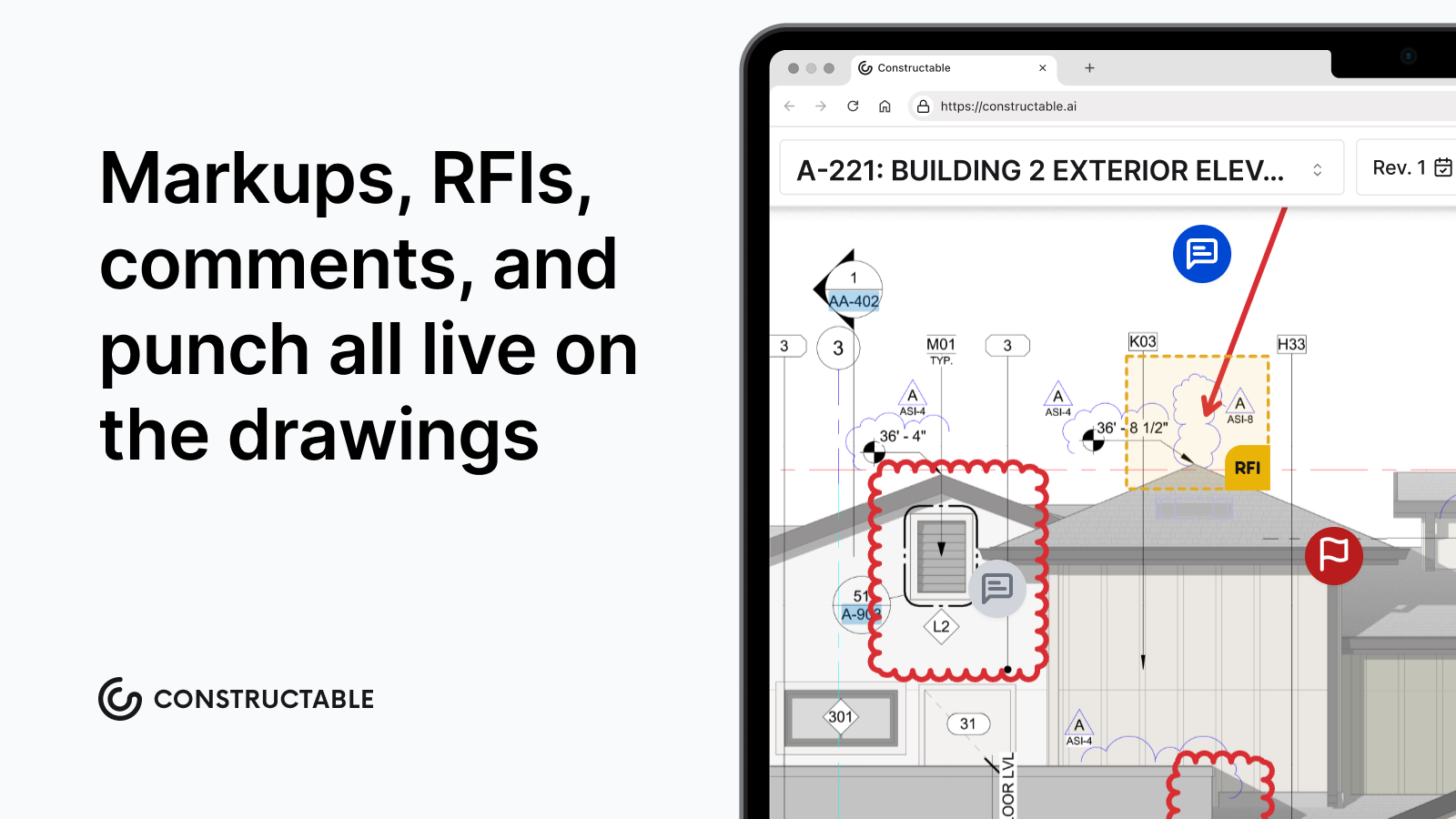\\n\\nIt is exactly that problem which **Constructable** was built to solve. One system for the full project lifecycle, from bidding to closeout, where RFIs connect to drawings, photos link to plan locations, and change orders tie back to budget line items. Ask a question about your project and get an answer with the source attached, no digging required.\\n\\nConstructable is built for mid-size GCs running $20M to $150M in annual volume, bringing full project management capability without the enterprise complexity nobody asked for.\\n\\n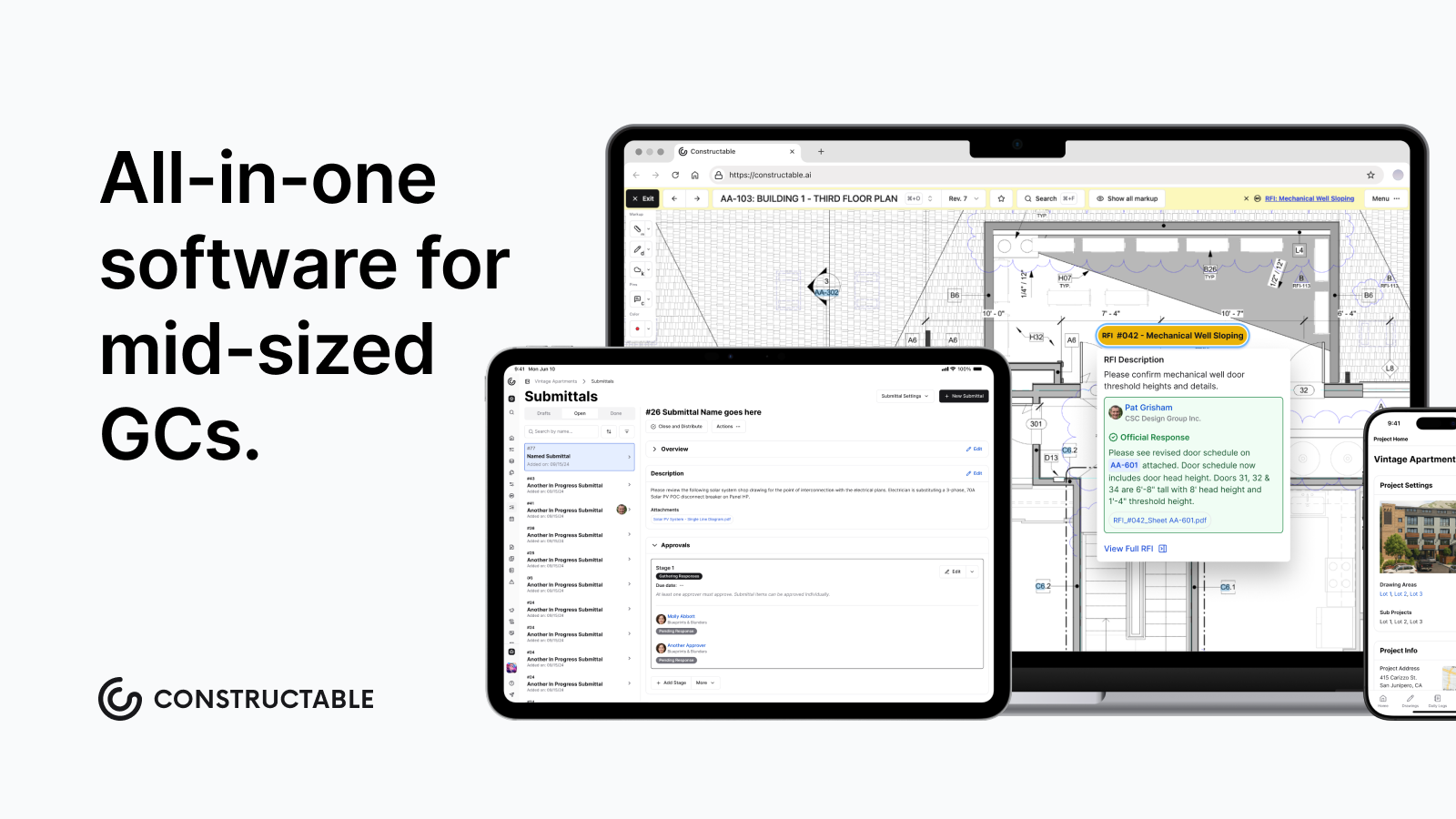\\n\\n## Final Thoughts on General Contracting Work\\n\\nGeneral contracting is one of those jobs where the chaos never really stops; you just get better at managing it. You're coordinating subs, answering RFIs, tracking budgets, and keeping inspectors happy while three people wait for your call. We think managing all that shouldn't require four disconnected systems and constant data entry. If you're running $20M+ in annual volume and want to see how Constructable fits into your operation, [let's talk](https://constructable.ai/sales).\\n\\n## FAQ\\n\\n### Do you need a license to be a general contractor in 2026?\\n\\nIt depends on your state. Most states require a GC license, but 17 don't have statewide requirements. Even in those states, counties and cities often have their own registration rules, so always check both state and local requirements before signing a contract.\\n\\n### General contractor vs construction manager: what's the actual difference?\\n\\nA general contractor holds the prime contract with the owner and carries financial and legal risk for the project. A construction manager typically serves as an advisor to the owner, overseeing the project instead of building it, though a \\\"CM at risk\\\" assumes financial accountability similar to that of a GC.\\n\\n### What's the fastest way to meet general contractor license requirements?\\n\\nMost states require 4 years of verifiable trade experience, passing both trade and business law exams, a suret
165y bond, and proof of insurance. The exams and paperwork are straightforwardâdocumenting your experience is what takes time. Plan for a minimum of several months from application to issued license.\\n\\n### How do general contractor salaries compare across California and Texas?\\n\\nCalifornia GCs average around $98,000 per year, with Bay Area and LA contractors often clearing well above that. Texas GCs average $80,000 to $85,000 annually, with lower overhead and steady commercial and residential volume keeping work consistent.\\n\\n### Can you manage RFIs and submittals without jumping between five different systems?\\n\\nYes. Modern project management software built for GCs can connect RFIs directly to drawing sheets, link submittals to budget line items, and tie change orders back to the original scope; all in one place with AI-powered search to find answers without digging through folders.\\n\",[],[580,842,843,844,845,206],\"{\\\"@context\\\":\\\"https://schema.org\\\",\\\"@type\\\":\\\"FAQPage\\\",\\\"name\\\":\\\"General Contracting 101: What a GC Actually Does (June 2026)\\\",\\\"mainEntity\\\":[{\\\"@type\\\":\\\"Question\\\",\\\"name\\\":\\\"Do you need a license to be a general contractor in 2026?\\\",\\\"acceptedA
165nswer\\\":{\\\"@type\\\":\\\"Answer\\\",\\\"text\\\":\\\"It depends on your state. Most states require a state-issued GC license, but 17 states don't have statewide requirements. Even in those states, counties and cities often have their own registration rules, so always check both state and local requirements before signing a contract.\\\"}},{\\\"@type\\\":\\\"Question\\\",\\\"name\\\":\\\"General contractor vs construction manager: what's the actual difference?\\\",\\\"acceptedAnswer\\\":{\\\"@type\\\":\\\"Answer\\\",\\\"text\\\":\\\"A general contractor holds the prime contract with the owner and carries financial and legal risk for the project. A construction manager typically works as an advisor for the owner, watching the project rather than building itâthough a \\\\\\\"CM at risk\\\\\\\" takes on financial accountability similar to a GC.\\\"}},{\\\"@type\\\":\\\"Question\\\",\\\"name\\\":\\\"What's the fastest way to meet general contractor license requirements?\\\",\\\"acceptedAnswer\\\":{\\\"@type\\\":\\\"Answer\\\",\\\"text\\\":\\\"Most states require 4 years of verifiable trade experience, passing both trade and business law exams, a surety bond, and proof of insurance. The exams and paperwork are straightforwardâdocumenting your experience is what takes time. Plan for several months minimum from application to issued license.\\\"}},{\\\"@type\\\":\\\"Question\\\",\\\"name\\\":\\\"How do general contractor salaries compare across California and Texas?\\\",\\\"acceptedA
165nswer\\\":{\\\"@type\\\":\\\"Answer\\\",\\\"text\\\":\\\"California GCs average around $98,000 per year, with Bay Area and LA contractors often clearing well above that. Texas GCs average $80,000 to $85,000 annually, with lower overhead and steady commercial and residential volume keeping work consistent.\\\"}},{\\\"@type\\\":\\\"Question\\\",\\\"name\\\":\\\"Can you manage RFIs and submittals without jumping between five different systems?\\\",\\\"acceptedAnswer\\\":{\\\"@type\\\":\\\"Answer\\\",\\\"text\\\":\\\"Yes. Modern project management software built for GCs can connect RFIs directly to drawing sheets, link submittals to budget line items, and tie change orders back to the original scopeâall in one place with AI-powered search to find answers without digging through folders.\\\"}},{\\\"@type\\\":\\\"Question\\\",\\\"name\\\":\\\"What states do not require a general contractor license?\\\",\\\"acceptedAnswer\\\":{\\\"@type\\\":\\\"Answer\\\",\\\"text\\\":\\\"17 states don't have statewide GC licensing requirements as of 2025, but that doesn't mean you're off the hook. Counties and cities in those states often have their own registration or permit rules, so you still need to check local requirements before taking on any prime contract work.\\\"}},{\\\"@type\\\":\\\"Question\\\",\\\"name\\\":\\\"General contractor vs project manager cost: who actually costs more to hire?\\\",\\\"acceptedA
165nswer\\\":{\\\"@type\\\":\\\"Answer\\\",\\\"text\\\":\\\"A general contractor costs more because they carry the prime contract and all the financial risk that comes with it. A project manager works for the GC at a salaried rate without contractual liability, so their compensation is lower and predictable compared to a GC's profit structure.\\\"}},{\\\"@type\\\":\\\"Question\\\",\\\"name\\\":\\\"How long does it actually take to get a general contractor license?\\\",\\\"acceptedAnswer\\\":{\\\"@type\\\":\\\"Answer\\\",\\\"text\\\":\\\"Plan for several months minimum. Most states need 4 years of documented trade experience, passing two exams, bonding, insurance proof, and financial statementsâand the state can take months just to process your application after you submit everything.\\\"}},{\\\"@type\\\":\\\"Question\\\",\\\"name\\\":\\\"What's the easiest state to get a general contractor license?\\\",\\\"acceptedAnswer\\\":{\\\"@type\\\":\\\"Answer\\\",\\\"text\\\":\\\"States without statewide licensing programs have the lightest requirements at the state level, but you'll still face local registration rules. Among states with actual licensing, requirements vary enough that \\\\\\\"easiest\\\\\\\" depends on your experience documentation and exam prepâthere's no universal shortcut.\\\"}},{\\\"@type\\\":\\\"Question\\\",\\\"name\\\":\\\"Can I build commercial projects without being a licensed general contractor?\\\",\\\"acceptedA
165nswer\\\":{\\\"@type\\\":\\\"Answer\\\",\\\"text\\\":\\\"Not legally in most cases. If you're holding the prime contract on a commercial project, nearly every state requires either a state license or local registration, and owners will demand proof of bonding and insurance before signing anything.\\\"}},{\\\"@type\\\":\\\"Question\\\",\\\"name\\\":\\\"Best software for tracking change orders without losing your mind?\\\",\\\"acceptedAnswer\\\":{\\\"@type\\\":\\\"Answer\\\",\\\"text\\\":\\\"Look for construction software that ties change orders back to budget line items and links them to the original scope automatically. You want something where a change event groups related modifications across subs and prime contracts so everything stays connected without manual cross-referencing.\\\"}},{\\\"@type\\\":\\\"Question\\\",\\\"name\\\":\\\"How do self-employed general contractors actually get paid?\\\",\\\"acceptedAnswer\\\":{\\\"@type\\\":\\\"Answer\\\",\\\"text\\\":\\\"Self-employed GCs get paid from business profit, not a salary. What you take home depends on project volume, overhead costs, and what's left after paying subs, suppliers, insurance, bonding, and keeping cash flow healthy enough to carry the next job.\\\"}},{\\\"@type\\\":\\\"Question\\\",\\\"name\\\":\\\"General contractor license requirements by state: where do I even start?\\\",\\\"acceptedA
165nswer\\\":{\\\"@type\\\":\\\"Answer\\\",\\\"text\\\":\\\"Start with your state's contractor licensing board website to confirm whether you need a state license or just local registration. Most programs want 4 years of experience, two passed exams, a bond, insurance, and financial statementsâbut exact requirements vary state by state.\\\"}},{\\\"@type\\\":\\\"Question\\\",\\\"name\\\":\\\"What do you actually need to become a general contractor besides the license?\\\",\\\"acceptedAnswer\\\":{\\\"@type\\\":\\\"Answer\\\",\\\"text\\\":\\\"You need surety bonding, general liability insurance, workers' comp coverage, and enough working capital to carry a project before revenue comes in. The license proves you're qualifiedâthe rest proves you can financially handle the work without folding mid-job.\\\"}},{\\\"@type\\\":\\\"Question\\\",\\\"name\\\":\\\"Construction manager at risk vs general contractor: which model makes more sense?\\\",\\\"acceptedAnswer\\\":{\\\"@type\\\":\\\"Answer\\\",\\\"text\\\":\\\"CM at risk works like a GC in that they take on financial accountability, but they're contracted by the owner as an advisor who also builds. Standard GC means you hold the prime contract and manage everything directlyâCM at risk adds a consulting layer that some owners prefer for transparency.\\\"}}],\\\"url\\\":\\\"https://constructable.ai/blog/general-contracting-101-what-gc-does\\\",\\\"dateModified\\\":\\\"2026-06-26T18:38:52.567Z\\\",\\\"author\\\":{\\\"@type\\\":\\\"Organization\\\",\\\"name\\\":\\\"Constructable\\\"}}\\n\",\"{\\\"@context\\\":\\\"https://schema.org\\\",\\\"@type\\\":\\\"BlogPosting\\\",\\\"headline\\\":\\\"General Contracting 101: What a GC Actually Does (June 2026)\\\",\\\"description\\\":\\\"Learn what a general contractor actually does on commercial projects, from managing subs to handling RFIs and budgets. Complete GC guide for June 2026.\\\",\\\"datePublished\\\":\\\"2026-06-26T18:38:52.567Z\\\",\\\"dateModified\\\":\\\"2026-06-26T18:38:52.567Z\\\",\\\"author\\\":{\\\"@type\\\":\\\"Organization\\\",\\\"name\\\":\\\"Constructable\\\"},\\\"url\\\":\\\"https://constructable.ai/blog/general-contracting-101-what-gc-does\\\",\\\"wordCount\\\":1756,\\\"keywords\\\":[\\\"general contracting\\\",\\\"general contractor salary\\\",\\\"general contracting companies\\\",\\\"what is general contracting services\\\",\\\"what is a general contractor in construction\\\",\\\"general construction examples\\\",\\\"do you need a license to be a general contractor\\\",\\\"general contractor license\\\",\\\"general contractor vs project manager\\\",\\\"general contractor license near california\\\",\\\"general contractor license near texas\\\",\\\"general contractor license school\\\",\\\"general contractor license lookup\\\",\\\"general contractor license requirements\\\",\\\"general contractor license cost\\\",\\\"general contractor license application\\\",\\\"general contractor license nebraska\\\",\\\"general contractor salary per month\\\",\\\"self employed general contractor salary\\\",\\\"general contractor salary per hour\\\",\\\"general contractor salary california\\\",\\\"general contractor salary texas\\\",\\\"general contractor salary reddit\\\",\\\"general contractor salary usa\\\",\\\"how to become a general contractor\\\",\\\"general contracting companies near california\\\",\\\"general contracting companies near texas\\\",\\\"top general contracting companies\\\",\\\"top 100 construction companies in usa\\\",\\\"general contracting companies in usa\\\",\\\"turner construction\\\",\\\"top 50 construction companies in usa\\\",\\\"dpr construction\\\",\\\"do you need a license to be a general contractor 2022\\\",\\\"what states require a general contractor license\\\",\\\"general contractor license requirements by state\\\",\\\"what do you need to become a general contractor\\\",\\\"easiest state to get general contractor license\\\",\\\"general contractor license types\\\",\\\"general contractor license nc requirements\\\",\\\"what states do not require a contractors license\\\",\\\"general contractor vs project manager cost\\\",\\\"construction manager vs general contractor\\\",\\\"general contractor project manager salary\\\",\\\"general contractor vs construction company\\\",\\\"construction manager vs project manager\\\",\\\"general contractor manager salary\\\",\\\"construction manager at risk vs general contractor\\\",\\\"what is a general contractor in construction salary\\\",\\\"what is a general contractor in construction license\\\",\\\"what is a general contractor in construction job description\\\"]}\\n\",\"general contractors actually commercial projects\",\"general contractor project manager construction manager\",\"license general contractor\",\"general contractor license requirements state\",\"constructable-vs-ingenious-build\",\"Constructable vs INGENIOUS.BUILD: Which is Better in June 2026?\",\"Compare Constructable vs INGENIOUS.BUILD for GCs in June 2026. See which construction software fits your workflow, pricing, and field team needs better.\",\"2026-06-26T19:11:36.922Z\",\"When a mid-size GC starts shopping for construction management software, two names come up often enough to warrant a closer look: Constructable and INGENIOUS.BUILD. O
165n the surface, both cover project management and financials. But the closer you look, the clearer it becomes that they were built for different buyers with different priorities. One is structured around portfolio-level financial oversight for developers managing multiple assets. The other is built for the GC running commercial work day to day, where drawings sit at the center of everything, and field teams need to move fast. That difference shapes every part of how each system works.\\n\\n**TLDR:**\\n\\n- Constructable unifies bidding, RFIs, submittals, drawings, and financials in one system with flat pricing and no per-user fees.\\n- RFIs and quality items pin directly to exact drawing locations, so field teams never lose context on where issues live.\\n- INGENIOUS.BUILD focuses on portfolio-level financial oversight for developers, not day-to-day GC workflows.\\n- Onboarding averages under 21 days with unlimited storage and two-way sync to QuickBooks Online and Sage Intacct.\\n\\n## What is INGENIOUS.BUILD?\\n\\n[INGENIOUS.BUILD](https://constructable.ai/blog/ingenious-build-reviews-pricing-alternatives) is a construction project management solution built around three core modules: Project Financials, Project Management, and Construction Administration. The system is designed to serve a wide range of users, including real estate developers, architects, engineers, specialty trades, and general contractors.\\n\\nWhere INGENIOUS.BUILD puts its weight is in financial management. Real-time dashboards, budget tracking, and portfolio oversight are central to the product's structure. If you're a developer managing multiple assets across a portfolio, that framing makes some sense.\\n\\nFor a mid-size GC running commercial work day to day, though, the picture gets a little murkier. A system organized around financial modules and broad stakeholder coverage can feel like it was built for the developer's boardroom, not the superintendent's trailer. That's not a knock on the product. It just tells you who it was designed for and what it considers a priority.\\n\\n## What is Constructable?\\n\\n**Constructable** started in 2023 with a pretty specific frustration in mind: mid-size GCs were drowning in software. Not because they didn't have enough tools, but because they had too many that didn't talk to each other.\\n\\nBuilt for mid-size commercial GCs running $20M to $150M in annual volume, Constructable keeps everything from bidding through closeout in one place. RFIs, submittals, drawings, daily logs, quality lists, change orders, p
165hotos, and financials all live together. No stitching together five logins. No duplicate data entry between systems.\\n\\nWhat sets Constructable apart structurally is where drawings sit in the workflow. They aren't a file repository tucked in a corner.\\n\\n### Drawings as the Center of the Project\\n\\nIn Constructable, drawings are the starting point for everything that happens on a project. Work originates from the plans. Nothing gets created elsewhere and cross-referenced back after the fact. That keeps every question, issue, and markup tied to the exact location where it matters. A few things that show up right away in day-to-day use:\\n\\n- RFIs get pinned to exact sheet locations, so context is never lost when questions come up in the field.\\n- Quality items tie back directly to the plans, keeping issues connected to where they actually exist on the project.\\n- Markups, comments, and questions all live where the work is, which is how field teams think.\\n\\nThat same logic carries through to how the rest of the system is set upâevery part of the product is organized around the project, not around abstract modules or configuration hierarchies.\\n\\n## Project-First Workflows vs. System Hierarchy\\n\\nThe way a tool is organized tells you a lot about who it was designed for. If you have to think about where something belongs before you can create it, the software is working against you.\\n\\n### INGENIOUS.BUILD\\n\\nReviews on GetApp point to a learning curve tied to the system's structure. The hierarchy can feel inverted for GC work: objects get created first, then associated with a project after the fact. For a developer managing a portfolio, that abstraction might make sense. For a super trying to log a delivery or fire off an RFI before noon, it adds steps that simply shouldn't be there.\\n\\n### Constructable\\n\\nEverything starts with the project because that's how GCs think. You open a project, and the work lives there. RFIs, markups, daily logs, and punch items are all created within context, not assembled after the fact. There's no configuration tax every time you start something new.\\n\\nThe system makes the structural decisions for you. There's no configuring where things live or how work gets organized; that's already built in, so your team spends less time figuring out the software and more time doing the actual work. Field guys shouldn't have to think about software architecture. They should be able to open an app and get to the sheet they need.\\n\\n| Feature | Constructable | INGENIOUS.BUILD |\\n| --------------------- | --------------------------------------------------------------------------------------------------------------------------------------------------------------------------------------------------------- | ----------------------------------------------------------------------------------------------------------------------------------------------------------------------------------- |\\n| Workflow Structure | Project-first organization where all work items are created within project context. No configuration required before starting work. | Object-first hierarchy where items are created, then associated with projects. Requires understanding system architecture before creating work items. |\\n| Drawing Collaboration | Drawings are central to all workflows. RFIs and quality items pin directly to exact sheet locations with AI-powered measurement tools, side-by-side comparison, and offline access. | Drawings included in Construction Administration module. Limited public documentation on markup tools, offline access, or whether issues can be pinned to specific sheet locations. |\\n| RFI Management | RFIs created directly on drawings with location pins. Stay in draft until opened; ball-in-court tracking surfaces responsible parties; AI drafts distribution messages;
165 markups auto-save to RFI context. | RFI workflows included with approval routing and real-time data sharing. Unclear whether RFIs connect directly to drawing locations or exist as standalone log entries. |\\n| Financial Focus | Built around GC cost management: budgets, commitments, contracts, change management. Two-way sync with QuickBooks Online and Sage Intacct. Change orders auto-group under parent change events. | Portfolio-level financial oversight with automated cost reporting, cash flow forecasting, multi-currency support, and developer-focused budget tracking across multiple assets. |\\n| Pricing Model | Flat fee with no per-user charges and unlimited storage. No extra fees for setup or data migration. | Per-user, per-month pricing with volume discounts. The more users on the account, the lower the cost per user. |\\n| Onboarding Timeline | Averages under 21 days with a pre-built structure that eliminates weeks of workflow configuration. | Onboarding timeline not publicly documented. User reviews mention learning curve tied to system hierarchy. |\\n\\n## Drawing Collaboration and Field Execution\\n\\nFor a superintendent, drawings aren't a feature. They're the job. Everything else on the project either connects back to the plans or it doesn't, and that gap shows up fast when something goes wrong in the field.\\n\\n### INGENIOUS.BUILD\\n\\nINGENIOUS.BUILD's Construction Administration module covers drawings, submittals, inspections, and quality management. It's built to bridge office and field collaboration, and on paper, that covers the bases. That said, there's limited public information about how the drawing viewer actually works for field teams. Markup tools, offline access, and whether issues can be pinned to exact sheet locations aren't well documented. That opacity matters if field adoption is something you care about.\\n\\n### Constructable\\n\\nThe drawing viewer is where our product earns its keep. A few things that matter for day-to-day field work:\\n\\n- RFIs and quality items pin directly to exact sheet locations, so whoever opens that drawing later sees exactly where the question or issue lives\\n- Measurement tools include AI-powered scale detection, so you're not recalibrating every sheet manually\\n- Side-by-side, split view, and three-mode overlay (Differences, Ghost, Overlay) let you compare any two sheets, including non-consecutive revisions\\n- Markups and comments save to Topics or RFIs, so nothing floats unattributed in a pile of red lines\\n\\nDrawings also work offline. Field teams don't lose access when the trailer's wifi is doing what trailer wifi does, and the mobile app mirrors the desktop experience without a stripped-down version that leaves you working with half the tool.\\n\\n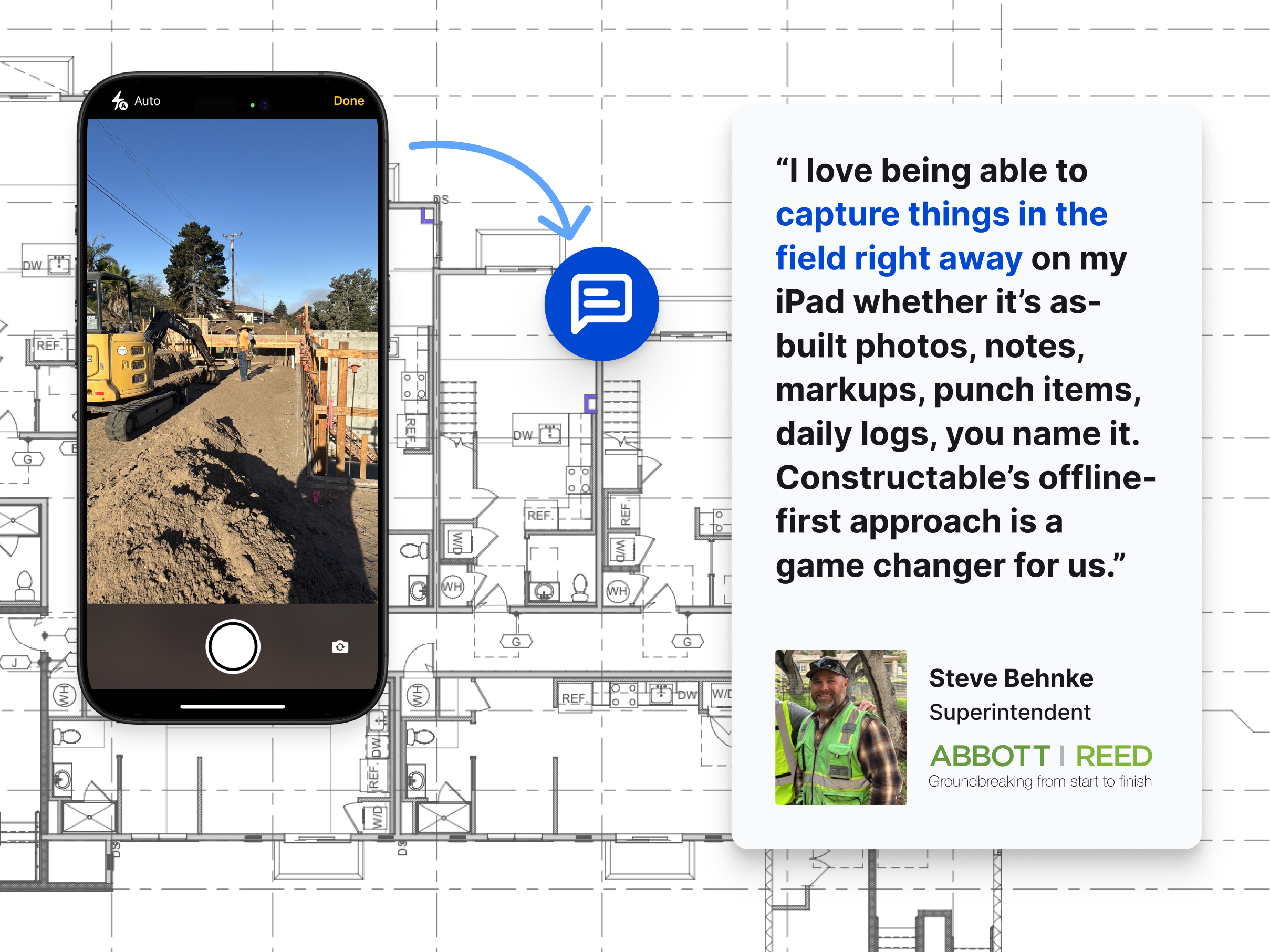\\n\\nThe practical result is fewer calls between the office and the field asking, \\\"Which sheet are you looking at?\\\" That question costs more time than it sounds like.\\n\\n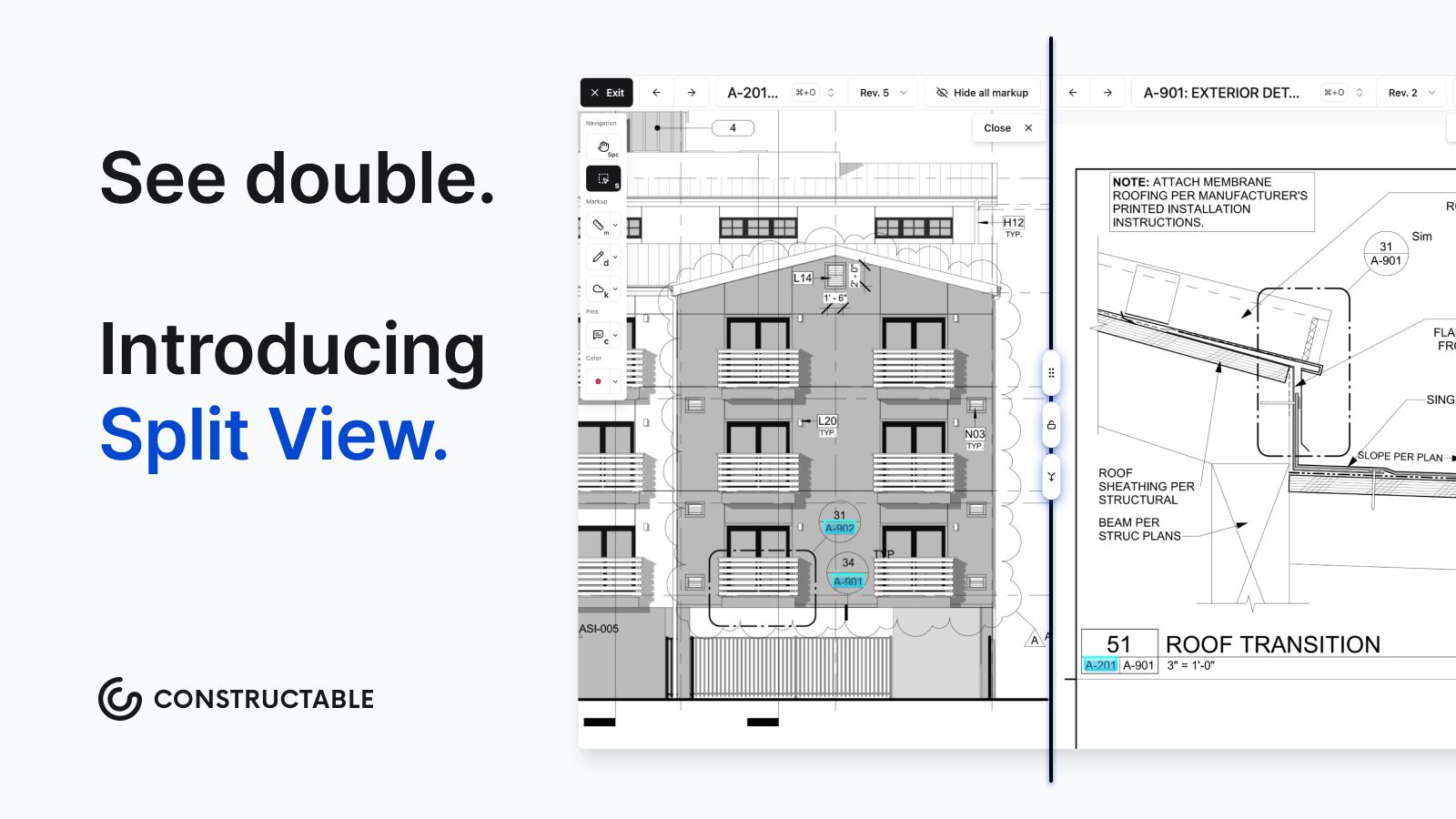\\n\\nConstructable lets you view two sheets or revisions at the same time using Split View.\\n\\n##\\n\\nRFI Management and Ball-in-Court Tracking\\n\\n[RFIs can make or break project timelines](https://constructable.ai/blog/construction-rfi-management-breakdown); a question sits unanswered, the crew waits, the schedule slips. Unanswered RFIs are one of the most common causes of construction delays and cost overruns, as [Navigant Construction Forum RFI research](https://www.cmaanet.org/sites/default/files/resource/Impact%20%26%20Control%20of%20RFIs%20on%20Construction%20Projects.pdf) has documented.\\n\\n### INGENIOUS.BUILD\\n\\nThe system includes RFI workflows within its Construction Administration module, with approval routing and real-time data sharing. That covers the formal process side. What's less clear is whether RFIs connect directly to drawing locations or exist as standalone log entries divorced from the actual plans. For a GC trying to communicate \\\"this question is about grid line C4 on sheet A3.2,\\\" that distinction matters.\\n\\n### Constructable\\n\\nRFIs in **Constructable** start on the drawing. You place a pin at the exact location the question is about, and the RFI lives there. Anyone who opens that sheet later sees exactly where the issue is without having to interpret a written description.\\n\\nA few other things worth knowing:\\n\\n- RFIs stay in draft until you explicitly open them, so you can fill in details without triggering notifications prematurely\\n- Ball-in-court assignments surface at the top of the log once an RFI is open, so whoever is responsible can't miss it\\n- Any markups made while an RFI is open save automatically to that RFI\\n- When closing, AI drafts the distribution message so you're not writing the same summary email for the fourth time this week\\n- Sheet markups export to PDF with one sheet per page, clean enough to send to an architect without embarrassment\\n\\n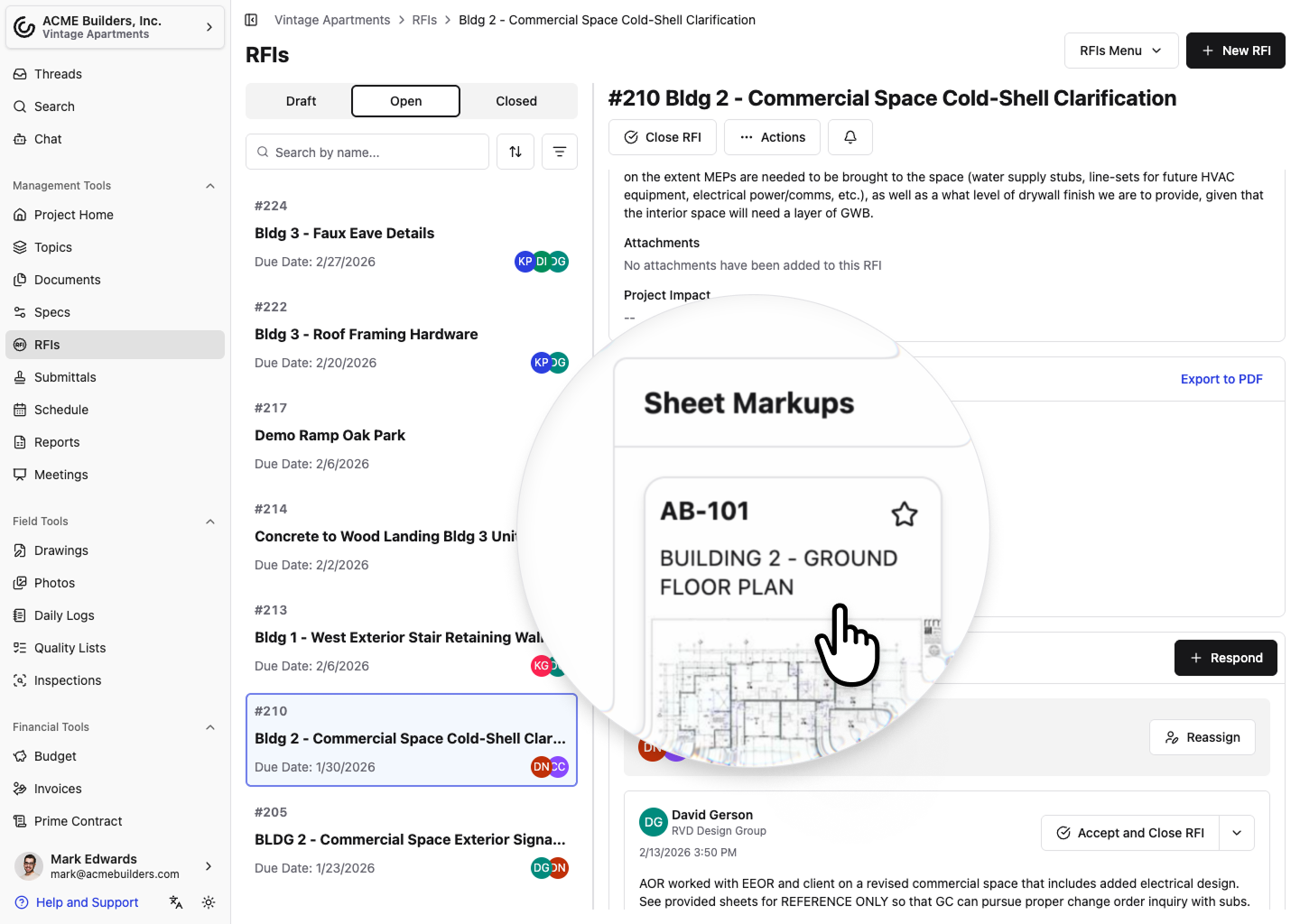\\n\\n\u003e Jump straight to marked-up sheets from RFIs\\n\\n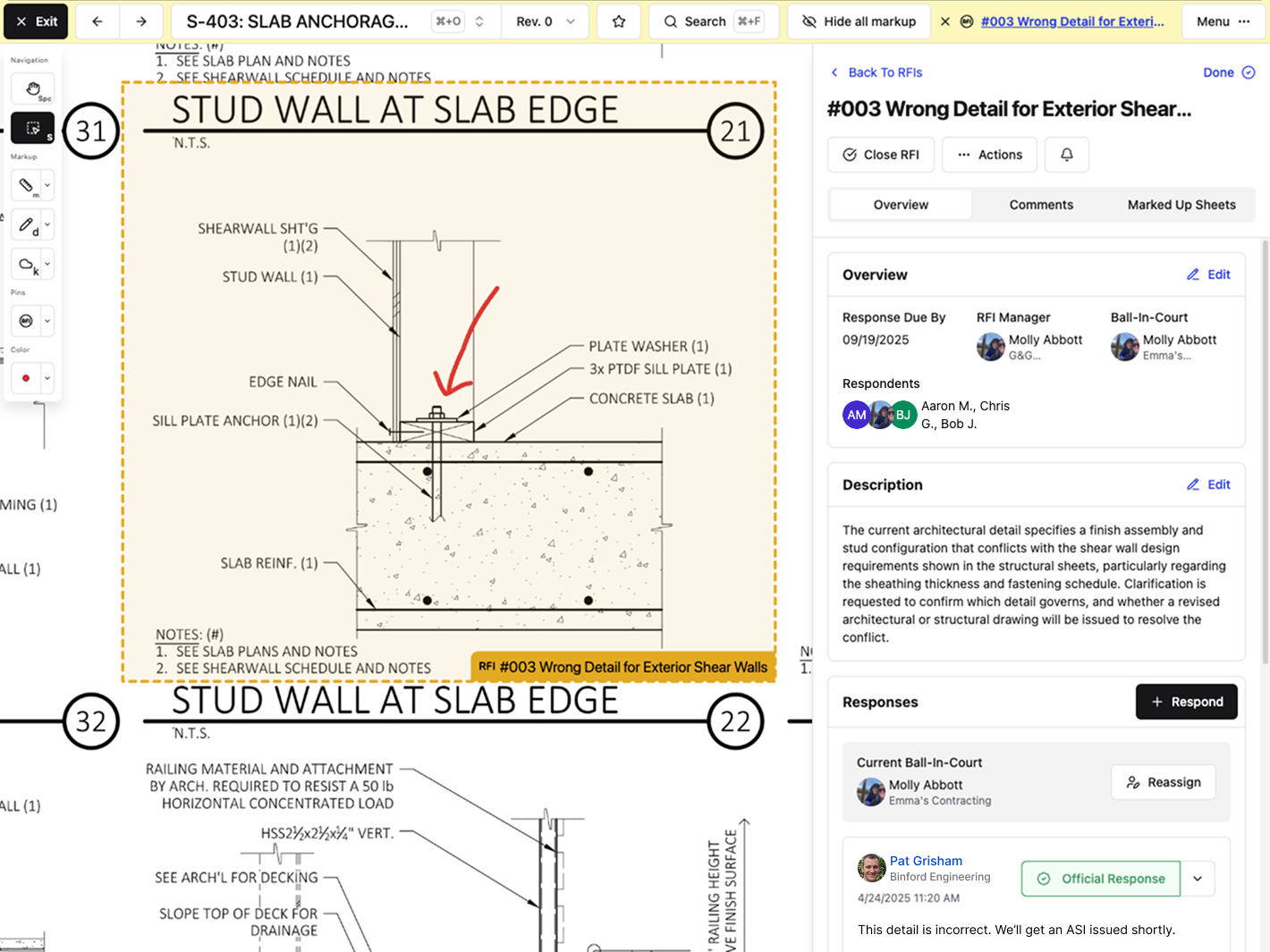\\n\\n\u003e You can also open an RFI from a pinned area directly within the Drawing Viewer\\n\\n##\\n\\nFinancial Management and Project Cost Visibility\\n\\nINGENIOUS.BUILD's Project Financials module covers a lot of ground: automated cost reporting, cash flow forecasting, approval workflows, bid packages, and multi-currency supp
165ort. For a developer managing assets across multiple phases and geographies, that breadth makes sense. The system was built for owner-level visibility.\\n\\nFor a mid-size GC running a handful of commercial jobs, though, portfolio-level forecasting across currencies isn't the gap they're trying to close on a Tuesday morning.\\n\\n### Constructable\\n\\nOur financial tools are built around how GCs actually manage cost: [budgets, commitments, contracts, and change management](https://constructable.ai/blog/real-time-project-cost-and-commitment-visibility). Change orders automatically group under their parent change event, so related modifications stay organized without manual sorting.\\n\\nTwo-way sync with **QuickBooks Online** and **Sage Intacct** means your accounting doesn't live in a separate silo. Constructable is an Official Sage Partner.\\n\\nBuilt-in eSigning handles signatures without printing, scanning, or a third-party tool. According to an [FMI study on construction data costs](https://constructionexec.com/article/poor-communication-and-project-data-carry-31-billion-price-tag), poor communication and bad project data carry a $31 billion price tag annually in the U.S.âa gap that two-way synced financial and field tools directly address.\\n\\n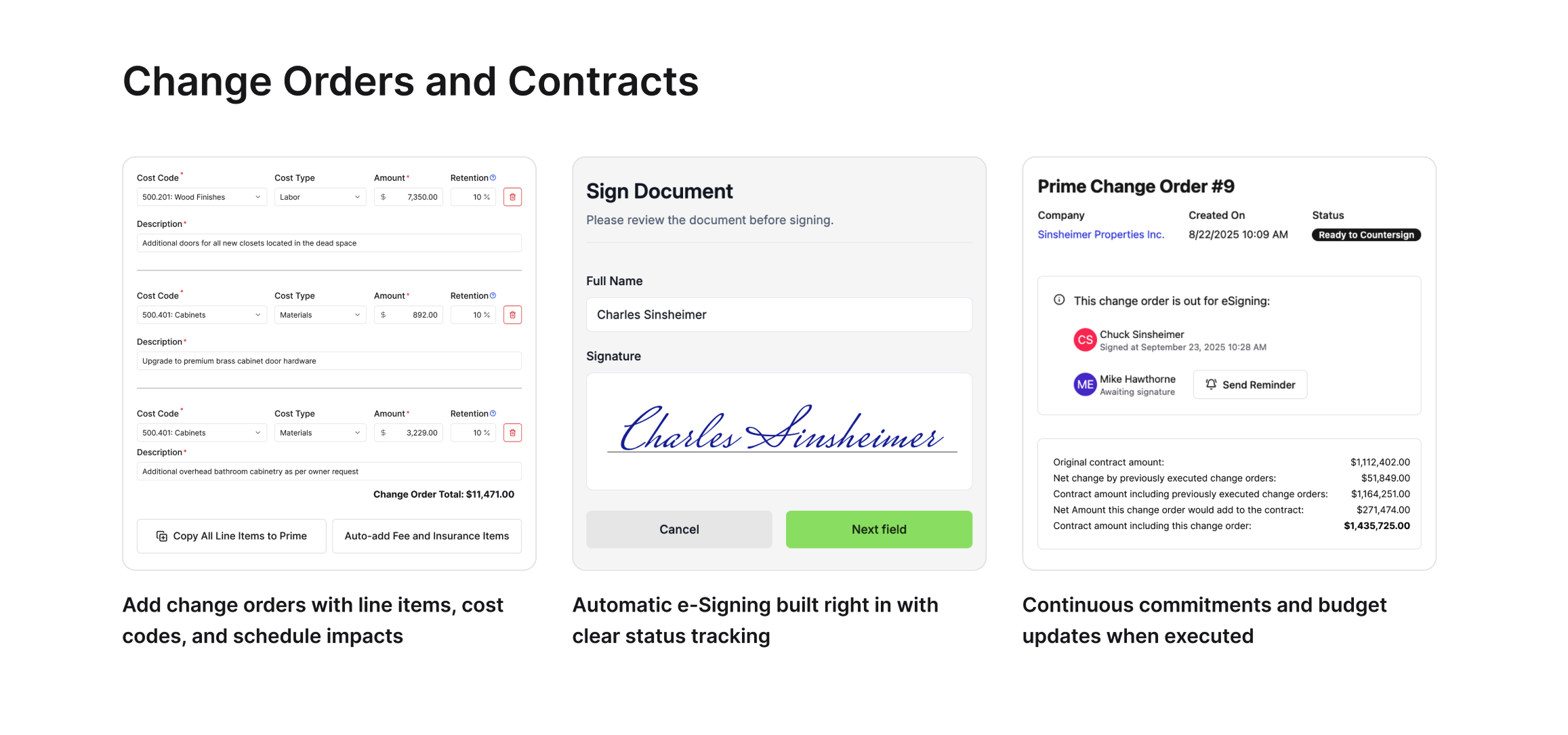\\n\\n## Why Constructable is the Better Choice\\n\\nINGENIOUS.BUILD makes sense for developers needing portfolio-level financial oversight across multiple sites. That's a real use case. It's just not the GC use case.\\n\\nFor mid-size commercial GCs, Constructable is built around how you already work. Projects first, drawings at the center, and every workflow tied back to the plans. RFIs pin to sheets. Punch items live on drawings. AI handles the friction points without asking you to learn something new. Field teams can open the app on day one and get moving without a training session or an IT consultant.\\n\\nHere's what that looks like in practice:\\n\\n- Drawings stay at the center of everything, so your team finds what they need where they expect it to be, tied directly to the work happening in the field.\\n- RFIs and punch items link straight to the sheet they belong to, keeping conversations grounded in the actual plans.\\n- Onboarding averages under 21 days, and [pricing is flat with no per-user fees](https://constructable.ai/pricing) as your team grows.\\n\\nBuilders shouldn't need a software stack. One connected system beats ten disconnected tools, every time.\\n\\nIf you want software that works the way you do, not the way a developer's boardroom does, **Constructable** is the straightforward answer.\\n\\n## Final Thoughts on Software Built for General Contractors\\n\\nWhen you compare Constructable vs INGENIOUS.BUILD, you're really comparing who each system was designed to serve and whether that matches your daily reality. If your team is tired of logging into multiple tools just to track down one answer, or if RFIs sit in a queue because nobody knows whose court the ball is in, that friction adds up fast. Constructable keeps everything in one place, ties it back to the drawings, and gets out of your way so you can focus on building instead of managing software. [Schedule a call](https://constructable.ai/sales) to see how it works for your projects.\\n\\n## FAQ\\n\\n### How do I decide between Constructable and INGENIOUS.BUILD for my general contracting business?\\n\\nIt comes down to how you think about your work. If you're a mid-size GC running commercial projects day-to-day, Constructable is built for that. INGENIOUS.BUILD makes more sense for developers who need portfolio-level financial oversight across multiple assets.\\n\\n### What's the best construction drawing management software for a small GC still using email and Dropbox?\\n\\nConstructable centralizes drawings, RFIs, submittals, and markups in one system where everything pins directly to exact sheet locations. Your field team can find what they need without hunting through email threads or nested folders, and onboarding takes under 21 days with
165no per-user fees.\\n\\n### Can my superintendent create an RFI directly from the plans without extra steps?\\n\\nYes. Place a pin at the exact location on the drawing where the question is, and the RFI lives there with all markups and context attached. The RFI stays in draft until you open it, so you can fill in details without setting off notifications before you're ready.\\n\\n### What's the main difference in how drawings work between the two systems?\\n\\nConstructable treats drawings as the center of gravity. RFIs, quality items, and markups all pin directly to exact sheet locations so everyone knows exactly what you're talking about. INGENIOUS.BUILD includes drawings in its Construction Administration module, though its drawing tools are built for document access and zone-based tracking rather than pinning issues to exact sheet locations.\\n\\n### How long does it take to get up and running with Constructable?\\n\\nMost teams finish onboarding in under 21 days, and there are no extra fees for setup or data migration. The system makes structural decisions for you, so you don't have to configure workflows for weeks. You open a project and the work lives there.\\n\",[],[855,220,856,857,855,351],\"{\\\"@context\\\":\\\"https://schema.org\\\",\\\"@type\\\":\\\"FAQPage\\\",\\\"name\\\":\\\"Constructable vs INGENIOUS.BUILD: Which is Better in June 2026?\\\",\\\"mainEntity\\\":[{\\\"@type\\\":\\\"Question\\\",\\\"name\\\":\\\"How do I decide between Constructable and INGENIOUS.BUILD for my general contracting business?\\\",\\\"acceptedA
165nswer\\\":{\\\"@type\\\":\\\"Answer\\\",\\\"text\\\":\\\"It comes down to how you think about your work. If you're a mid-size GC running commercial projects day-to-day, Constructable is built for thatâeverything starts with the project, drawings sit at the center, and your field team can open the app without training. INGENIOUS.BUILD makes more sense for developers who need portfolio-level financial oversight across multiple assets.\\\"}},{\\\"@type\\\":\\\"Question\\\",\\\"name\\\":\\\"What's the main difference in how drawings work between the two systems?\\\",\\\"acceptedAnswer\\\":{\\\"@type\\\":\\\"Answer\\\",\\\"text\\\":\\\"Constructable treats drawings as the center of gravityâRFIs, quality items, and markups all pin directly to exact sheet locations so everyone knows exactly what you're talking about. INGENIOUS.BUILD includes drawings in its Construction Administration module, but there's limited information about whether issues connect to specific sheet locations or exist as separate log entries.\\\"}},{\\\"@type\\\":\\\"Question\\\",\\\"name\\\":\\\"Who is Constructable actually built for?\\\",\\\"acceptedA
165nswer\\\":{\\\"@type\\\":\\\"Answer\\\",\\\"text\\\":\\\"Mid-size commercial general contractors running $20M to $150M in annual volume who are tired of juggling five different logins. If you've got field and office staff, multiple active projects, and you just want one system that works without needing an IT team to set it up, that's the sweet spot.\\\"}},{\\\"@type\\\":\\\"Question\\\",\\\"name\\\":\\\"How long does it take to get up and running with Constructable?\\\",\\\"acceptedAnswer\\\":{\\\"@type\\\":\\\"Answer\\\",\\\"text\\\":\\\"Most teams finish onboarding in under 21 days, and there are no extra fees for setup or data migration. The system is opinionated about structure so you're not configuring workflows for weeksâyou open a project and the work lives there.\\\"}},{\\\"@type\\\":\\\"Question\\\",\\\"name\\\":\\\"Can my superintendent create an RFI directly from the plans without extra steps?\\\",\\\"acceptedAnswer\\\":{\\\"@type\\\":\\\"Answer\\\",\\\"text\\\":\\\"Yes. Place a pin at the exact location on the drawing where the question is, and the RFI lives there with all markups and context attached. The RFI stays in draft until you open it, so you can fill in details without setting off notifications before you're ready.\\\"}}],\\\"url\\\":\\\"https://constructable.ai/blog/constructable-vs-ingenious-build\\\",\\\"dateModified\\\":\\\"2026-06-26T19:11:36.922Z\\\",\\\"author\\\":{\\\"@type\\\":\\\"Organization\\\",\\\"name\\\":\\\"Constructable\\\"}}\\n\",\"{\\\"@context\\\":\\\"https://schema.org\\\",\\\"@type\\\":\\\"BlogPosting\\\",\\\"headline\\\":\\\"Constructable vs INGENIOUS.BUILD: Which is Better in June 2026?\\\",\\\"description\\\":\\\"Compare Constructable vs INGENIOUS.BUILD for GCs in June 2026. See which construction software fits your workflow, pricing, and field team needs better.\\\",\\\"datePublished\\\":\\\"2026-06-26T19:11:36.922Z\\\",\\\"dateModified\\\":\\\"2026-06-26T19:11:36.922Z\\\",\\\"author\\\":{\\\"@type\\\":\\\"Organization\\\",\\\"name\\\":\\\"Constructable\\\"},\\\"url\\\":\\\"https://constructable.ai/blog/constructable-vs-ingenious-build\\\",\\\"wordCount\\\":2398,\\\"keywords\\\":[\\\"constructable vs ingenious.build\\\",\\\"ingenious build comparison\\\",\\\"construction management comparison\\\"]}\\n\",\"ingeniousbuild\",\"drawings center project\",\"project-first workflows system hierarchy\",\"best-construction-markup-software\",\"The 2 Best Construction Markup Software Tools (June 2026)\",\"Compare the 2 best construction markup software tools in June 2026. Find tools with offline access, RFI integration, and features your team will use daily.\",\"Long gone are the days of printing plan sets, marking them up with a red pen, and hoping the right person sees your notes before something gets built wrong. Construction markup software keeps annotations tied to the sheet they belong to, tracks every revision, and syncs across your team so everyone's looking at current plans. The trick is finding tools that work when your field team loses wifi, connect directly to RFIs without re-typing everything, and that your team will actually use. We're breaking down the ones that clear that bar and what separates them from the tools that collect dust after two weeks.\\n\\n**TLDR:**\\n\\n- Construction markup software cuts into the 35% of time construction pros lose to searching for info, handling conflicts, and fixing mistakes\\n- The best tools let you pin RFIs and punch items directly to drawings, keeping all context in one place\\n- Cloud-based systems give your whole team (subs, architects, owner) access to current plans automatically\\n- Search finds answers across all your drawings and documents in seconds without digging through files\\n- Constructable pins everything to your drawings with flat pricing and unlimited users across all projects\\n\\n## What Construction Markup Software Is and Why It Matters\\n\\nConstruction markup software lets teams annotate, review, and collaborate on drawings without printing a single sheet. It's the digital replacement for the red pen, except the red pen doesn't notify the right people, track revisions, or log who changed what and when.\\n\\nThat's where the real value sits. On a commercial project, you're coordinating with architects, engineers, subs, and the owner simultaneously. Everyone needs current plans, and everyone has questions about them. Getting the right markup in front of the right person is harder than
165it sounds.\\n\\nThe FMI and Autodesk [Construction Disconnected report](https://www.autodesk.com/blogs/construction/construction-disconnected-fmi-report/) found that 35% of construction professionals' time is spent on non-optimal activities such as searching for information, dealing with mistakes, and handling conflicts. Markup tools that keep drawing communication organized directly cut into that number by keeping everyone on the same set of plans.\\n\\n## Core Features That Separate Good Tools From Great Ones\\n\\nA few capabilities separate the tools that actually get used from the ones that collect dust after a week or two.\\n\\n- _Version control and revision tracking:_ Without it, nobody knows if they're looking at the current set or plans from three months ago. Automatic revision tracking removes that question entirely.\\n- _Drawing comparison:_ PMs need to compare revisions fast. Side-by-side and overlay modes make that possible without digging through folders.\\n- _Annotation and measurement:_ Shapes, text, and dimensions should stay tied directly to the sheet they belong to, not floating in a separate file somewhere.\\n- _Mobile and offline access:_ Superintendents lose wifi on jobsites constantly. If the app stops working without a signal, the markups are useless exactly where they're needed most.\\n- _RFI and submittal integration:_ Markups in isolation solve half the problem. The real value comes when they connect directly to the rest of the project workflow.\\n\\n## Construction Markup Software Comparison: Constructable vs Procore\\n\\n| Feature | Constructable | Procore |\\n| ---------------------------- | ----------------------------------------------------------------------------------------------------------------------------------------------------------------------- | ------------------------------------------------------------------------------------------------------------------------------------------------- |\\n| Drawing-Centric Architecture | Built from the ground up with drawings at the center. RFIs, quality items, submittals, and collaboration all pin directly to sheet locations without switching systems. | Drawings are one module among many. Connecting markups to RFIs and other workflows often requires navigation across multiple tools and screens. |\\n| Offline Access | Full offline mode with automatic sync when connectivity returns. Field teams can view drawings and create markups without internet access. | Limited offline functionality. Some features require constant internet connection, which can slow down jobsite work. |\\n| AI Search and Analysis | Natural language search across all drawings, specs, submittals, and documents with direct links back to source material. Answers pull from actual project files. | Search functionality available but less context-aware. Finding specific details across multiple document types requires more manual navigation. |\\n| User Pricing Model | Flat pricing with unlimited users across all projects. Adding subs, architects, or owner reps costs nothing extra. | Per-user pricing model. Each additional collaborator increases monthly costs, which adds up fast on projects with multiple subs and stakeholders. |\\n| Onboarding Timeline | Average 21 days from kickoff to full team adoption. Built for mid-size GCs who need tools that work without extensive training. | Longer onboarding process due to system complexity. Often requires dedicated training sessions and ongoing support for new users. |\\n| Revision Tracking | Automatic revision tracking with overlay comparison modes. System shows exactly what changed between sheet versions. | Revision tracking available through document management module. C
165omparison tools exist but require more setup and navigation. |\\n\\n## How Markup Software Reduces Rework and Drawing Errors\\n\\nRework costs construction teams [5-10% of total project value](https://www.planradar.com/us/cost-of-rework-construction/). On a $30M job, that's not a rounding error. Decades of construction rework studies indicate a range of 4â10% of total project cost across project types.\\n\\nTrace those costs back, and two causes keep surfacing: [miscommunication drives 26% of rework](https://www.autodesk.com/blogs/construction/construction-disconnected-fmi-report/), while bad data or inaccurate information accounts for another [14-22%](https://www.planradar.com/us/cost-of-rework-construction/).\\n\\nWhen markups live across emails and printed sets, conflicts slip through review. A dimensional discrepancy that someone would have caught in a coordinated drawing session becomes a wall that has to come down three weeks into construction. That's what poor plan communication costs.\\n\\nMarkup software keeps annotations tied directly to the sheet they belong to; questions and responses have context. Fewer ambiguous plans lead to fewer RFIs, which inevitably speeds things up in the field. Think of markup tools less as a convenience and more as insurance against the kind of mistake you can't unbuild.\\n\\n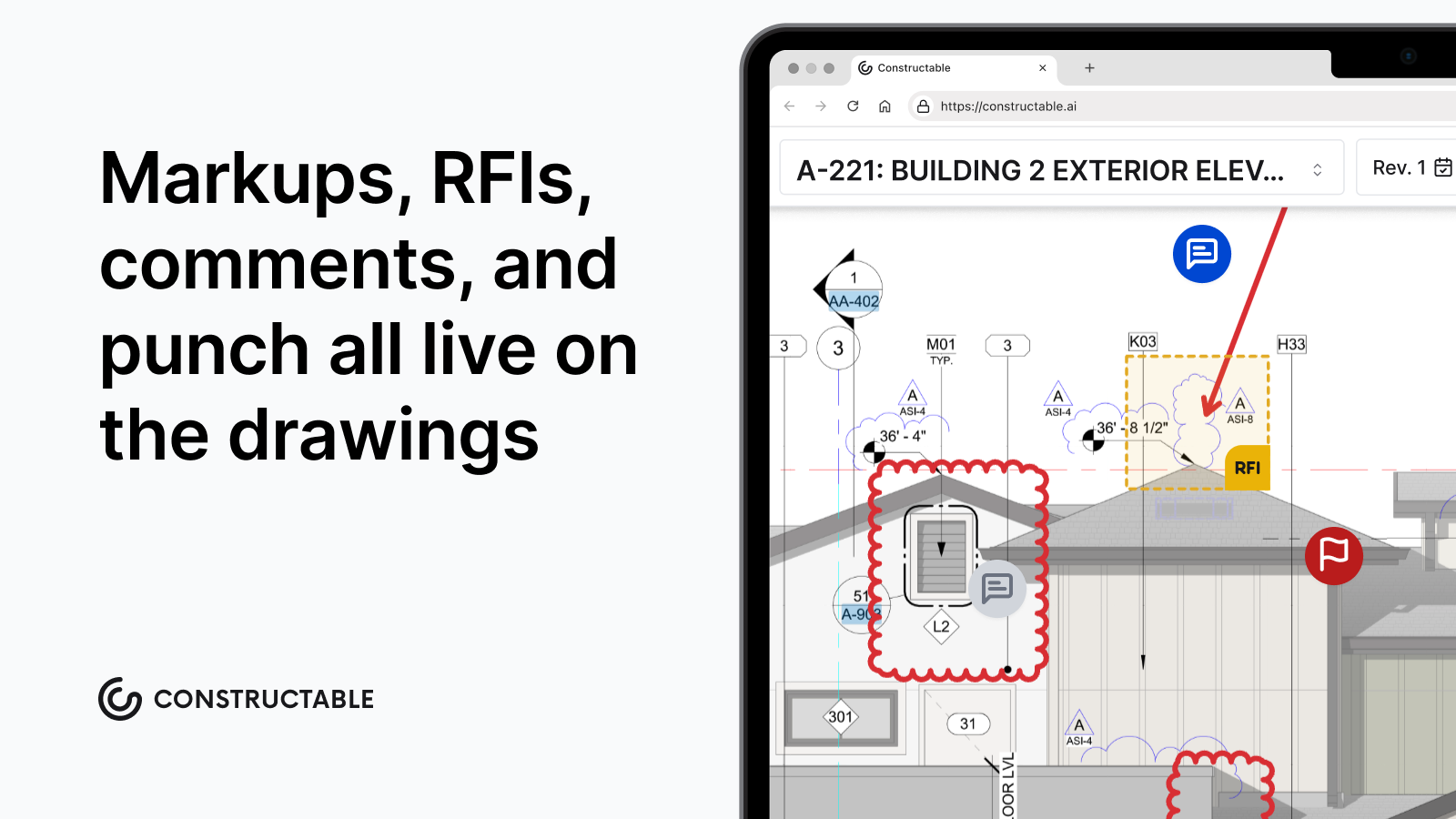\\n\\n## Mobile Access and Field Usability for Jobsite Teams\\n\\nField adoption is the real test. A superintendent on a busy jobsite has no patience for login issues or drawings that won't load on spotty LTE. If the app fails without a signal, it's off the jobsite within a week.\\n\\nThe tools that hold up in the field share a few things: drawings stay accessible offline, markups sync when connectivity returns, and attaching a photo to an issue takes seconds. Touchscreen annotation matters tooâpoking at a tiny input field with work gloves on is not something anyone keeps doing past day three.\\n\\nWhat field teams actually need is simple: pull up the current sheet, pin a note, snap a photo, and move on. The office gets the update automatically. No phone call, no email chain trying to explain what they were looking at.\\n\\n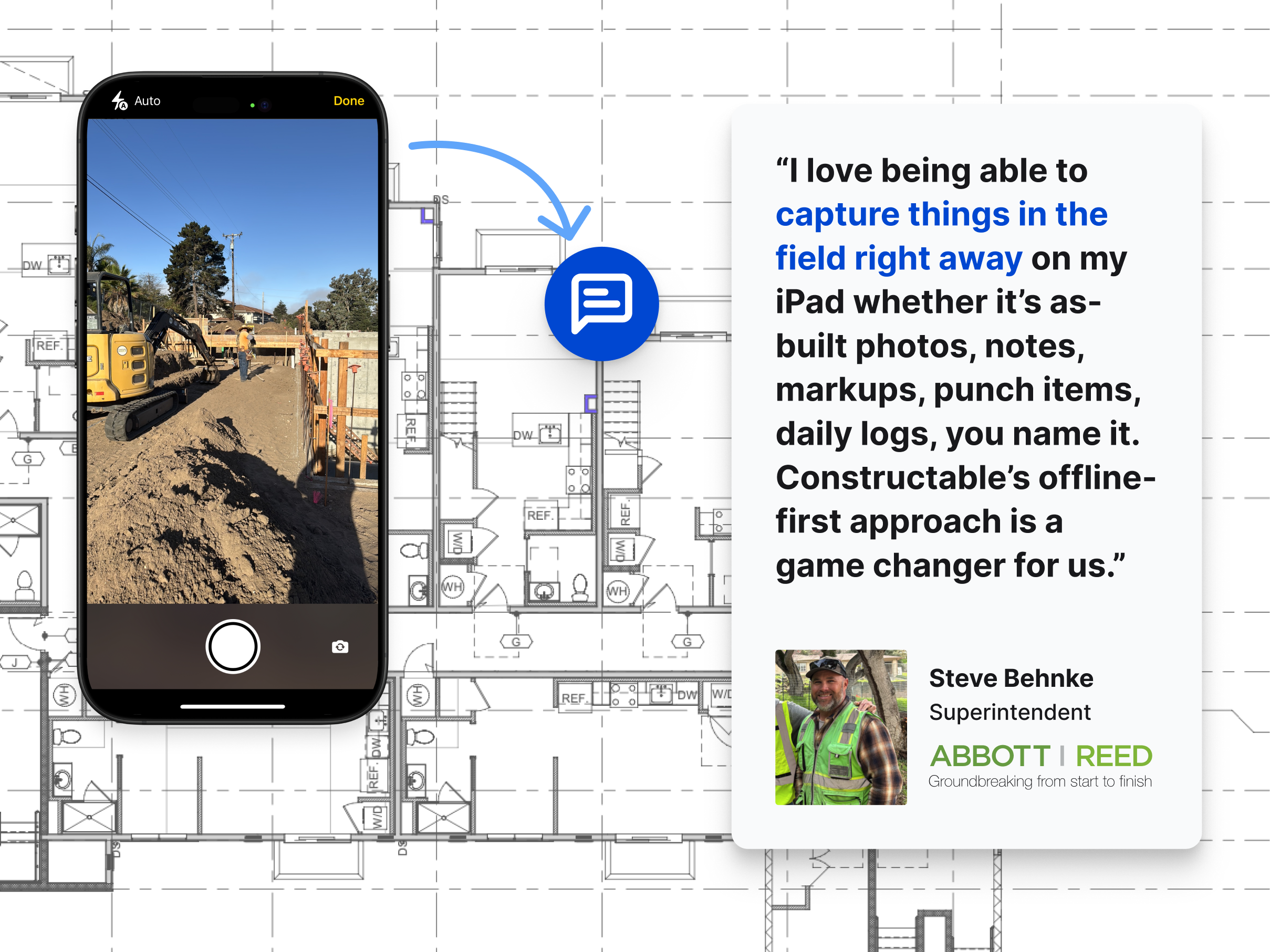\\n\\n## Integration With RFIs, Submittals, and Project Workflows\\n\\nMarkups that live in a silo create a second job. Someone spots an issue on a drawing, annotates it, then opens a separate system to log the RFI, re-types the location, and hopes the next person connects the dots. That's where context gets lost.\\n\\nThe best tools let you [pin RFIs and punch items](https://constructable.ai/blog/plan-linked-punch-lists-and-issue-management) directly to the sheet where the question lives. No copy-paste, and no re-entry. The annotation becomes the record, and the record stays tied to the plan.\\n\\nThat matters at closeout, too. When you need to trace why a wall moved or where an approval came from, the answer should be one click from the drawing, not buried in an email chain from three months ago.\\n\\n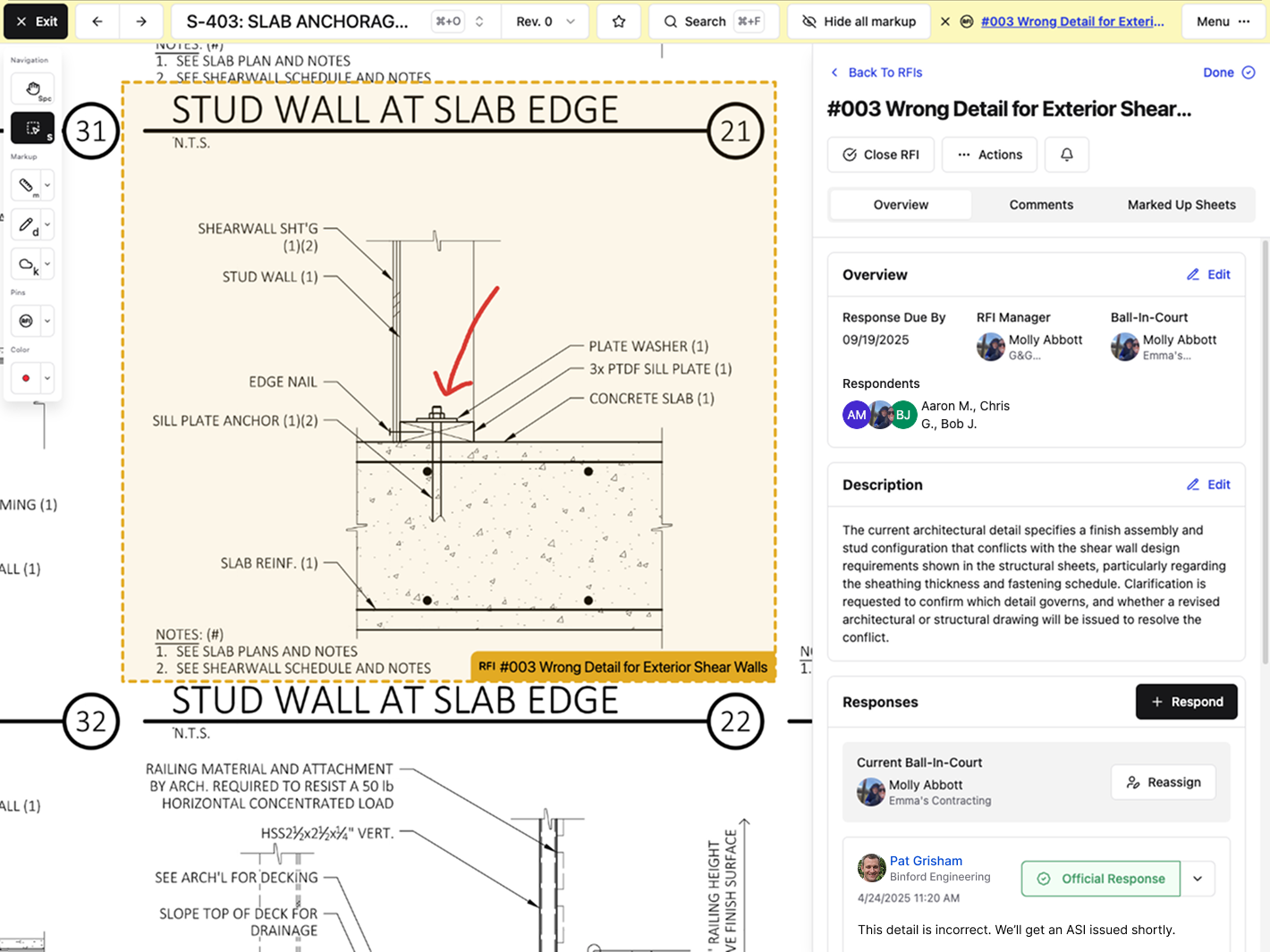\\n\\n## Cloud Deployment and Collaboration Across Multiple Parties\\n\\nCommercial construction involves a lot of cooks. The GC, multiple subs, the architect, an engineer, and the owner's rep all need current plans. Email attachments and shared drives collapse fast under that kind of coordination.\\n\\nCloud-based markup tools give everyone a single source of truth. When plans update, everyone sees it. No more \\\"which version are you looking at?\\\" conversations. Permission controls keep things clean tooâyour sub needs drawings but not your bid documents, and your owner has no business in your internal team notes. Those boundaries should be built in, not something you have to manually manage.\\n\\nAccountability matters here as well. Cloud tools track who marked what and when, which becomes a paper trail when questions surface during construction or at closeout.\\n\\nThe industry has made its call. Cloud solutions held [63.83% of the market share](https://www.mordorintelligence.com/industry-reports/construction-management-software-market) in 2025. Teams still running on printed sets and email chains are fighting uphill against those that aren't.\\n\\n## Search Features That Cut Through Document Overload\\n\\
165nConstruction documents are dense. A single project might involve hundreds of drawings, specs, submittals, and RFIs, and finding the right detail under deadline pressure is where things go sideways fast.\\n\\n[Modern search and document analysis](https://constructable.ai/blog/ai-powered-construction-document-search-and-data-extraction) tools are changing how teams work through that volume. Instead of flipping through PDF pages or hunting through folder structures, you can ask a question in plain language and get a direct answer pulled from the actual project documents.\\n\\nThe best tools in this category can:\\n\\n- Cross-reference multiple documents at once, so you catch conflicts between drawings and specs before they become costly field problems.\\n- Pull exact clause language from contracts or specifications without needing to remember which section it lives in.\\n- Flag missing information or inconsistencies across submittals and RFIs automatically, instead of relying on someone to catch it manually.\\n\\nFor teams juggling dozens of active documents per project, this kind of search cuts real time out of the review process.\\n\\n## How Constructable Handles Drawing Markup and Project Collaboration\\n\\n**Constructable** treats drawings as the center of gravity for everything else. RFIs, submittals, quality items, topics, and photos all pin directly to the sheet where the issue lives. No cross-referencing separate systems to find what someone flagged last Tuesday.\\n\\nAutomatic revision tracking keeps the current set front and center. When you need to compare versions, overlay modes show exactly what changed between sheets, and markup topics can stay private or open to the whole project team. The answer engine pulls across drawings, specs, daily logs, and documents in plain language, with direct links back to the source.\\n\\n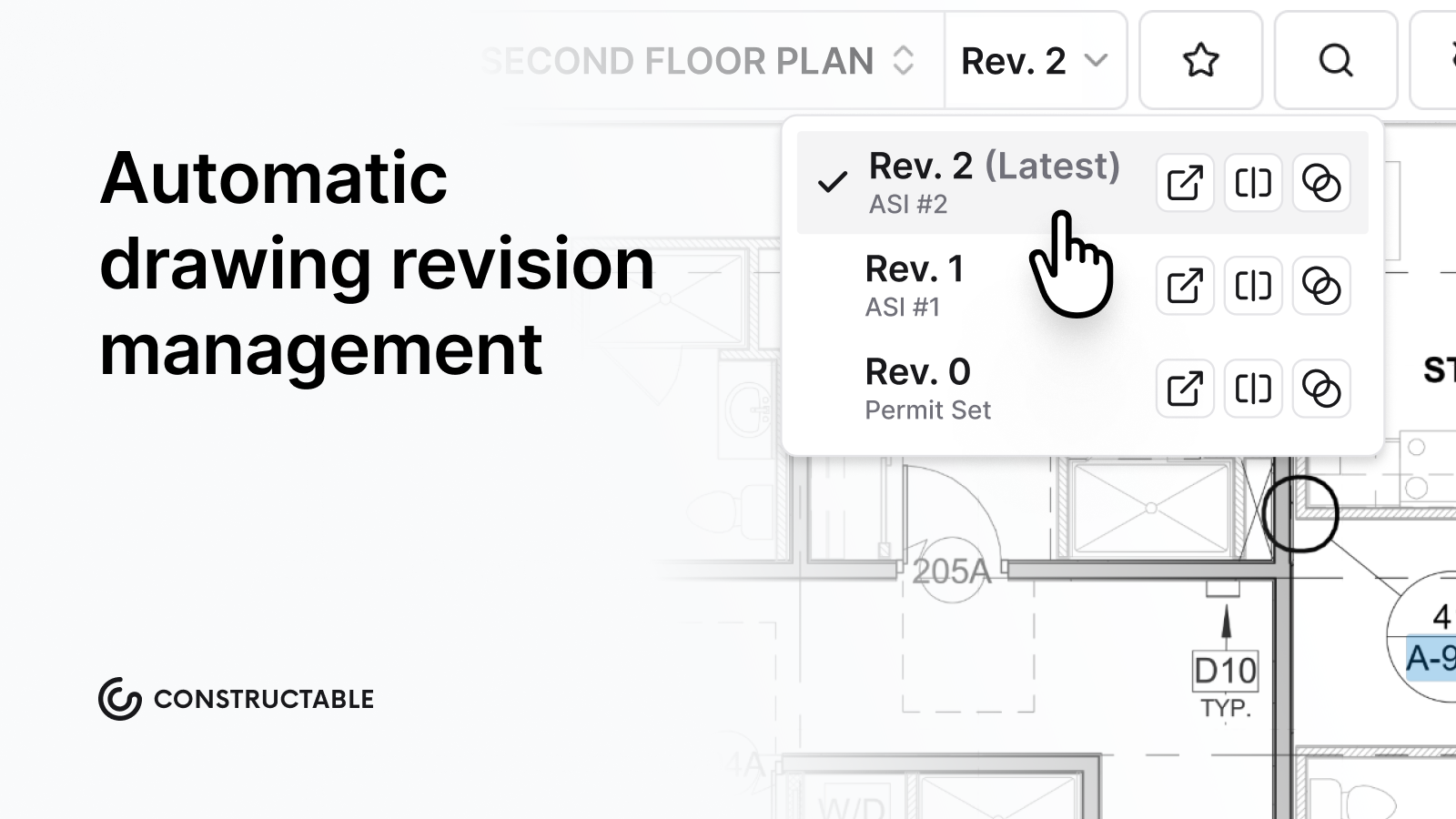\\n\\nWe built this for mid-size GCs who need [real tools without enterprise overhead](https://constructable.ai/features/project-management). Onboarding takes an average of 21 days or less. Pricing is flat with unlimited users, so adding a sub or an owner's rep costs nothing extra.\\n\\n## Final Thoughts on Drawing Markup in Construction\\n\\nGood construction markup software should disappear into your workflow, not create a new layer of coordination work. The tools you use every day are the ones that let your team mark an issue, tie it to an RFI, and keep moving without reopening three different systems. If you're curious how we handle drawing collaboration without the usual enterprise overhead, [grab 20 minutes with us](https://constructable.ai/sales), and we'll show you. Your plans should answer questions, not create more.\\n\\n## FAQ\\n\\n### Construction markup software Constructable vs Procore?\\n\\nConstructable is an all-in-one system built from the ground up with drawings at the center-RFIs, quality items, and collaboration pin directly to plans. Procore is powerful but complex, often requiring multiple add-ons and a steep learning curve. If you want field teams using it day one without a training manual, Constructable is the simpler path.\\n\\n### Can I use construction markup software without internet on the jobsite?\\n\\nYes. The best tools let you access drawings and create markups offline, then sync automatically when you reconnect. If your app stops working without wifi, it's not built for real jobsite conditions.\\n\\n### How does markup software reduce rework costs?\\n\\nMarkup software keeps annotations tied directly to the sheet they belong to, so questions and responses have full context. That cuts down on miscommunication (26% of rework) and inaccurate information (14-22% of rework), both of which trace back to drawing coordination problems.\\n\\n### What's the fastest way to compare two drawing revisions?\\n\\nUse overlay mode. It shows exactly what changed between sheets using color-coded differences, ghost overlays, or detail views-much faster than flipping between PDFs or printed sets.\\n\\n### How do I connect RFIs to the actual drawing location?\\n\\nPin the RFI directly to the sheet in the drawing viewer. The question, response, and any markups stay attached to that exact spot on the plan, so there's no guessing later about what someone was asking.\\n\",[],[866,867,868,869,870,351],\"{\\\"@context\\\":\\\"https://schema.org\\\",\\\"@type\\\":\\\"FAQPage\\\",\\\"name\\\":\\\"The 2 Best Construction Markup Software Tools (June 2026)\\\",\\\"mainEntity\\\":[{\\\"@type\\\":\\\"Question\\\",\\\"name\\\":\\\"Construction markup software Constructable vs Procore?\\\",\\\"acceptedA
165nswer\\\":{\\\"@type\\\":\\\"Answer\\\",\\\"text\\\":\\\"Constructable is an all-in-one system built from the ground up with drawings at the centerâRFIs, quality items, and collaboration pin directly to plans. Procore is powerful but complex, often requiring multiple add-ons and a steep learning curve. If you want field teams using it day one without a training manual, Constructable is the simpler path.\\\"}},{\\\"@type\\\":\\\"Question\\\",\\\"name\\\":\\\"Can I use construction markup software without internet on the jobsite?\\\",\\\"acceptedAnswer\\\":{\\\"@type\\\":\\\"Answer\\\",\\\"text\\\":\\\"Yes. The best tools let you access drawings and create markups offline, then sync automatically when you reconnect. If your app stops working without wifi, it's not built for real jobsite conditions.\\\"}},{\\\"@type\\\":\\\"Question\\\",\\\"name\\\":\\\"How does markup software reduce rework costs?\\\",\\\"acceptedAnswer\\\":{\\\"@type\\\":\\\"Answer\\\",\\\"text\\\":\\\"Markup software keeps annotation tied directly to the sheet it belongs to, so questions and responses have full context. That cuts down on miscommunication (26% of rework) and inaccurate information (14-22% of rework), both of which trace back to drawing coordination problems.\\\"}},{\\\"@type\\\":\\\"Question\\\",\\\"name\\\":\\\"What's the fastest way to compare two drawing revisions?\\\",\\\"acceptedA
165nswer\\\":{\\\"@type\\\":\\\"Answer\\\",\\\"text\\\":\\\"Use overlay mode. It shows exactly what changed between sheets using color-coded differences, ghost overlays, or highlight viewsâmuch faster than flipping between PDFs or printed sets.\\\"}},{\\\"@type\\\":\\\"Question\\\",\\\"name\\\":\\\"How do I connect RFIs to the actual drawing location?\\\",\\\"acceptedAnswer\\\":{\\\"@type\\\":\\\"Answer\\\",\\\"text\\\":\\\"Pin the RFI directly to the sheet in the drawing viewer. The question, response, and any markups stay attached to that exact spot on the plan, so there's no guessing later about what someone was asking.\\\"}},{\\\"@type\\\":\\\"Question\\\",\\\"name\\\":\\\"What's the best construction markup software for teams that aren't tech-savvy?\\\",\\\"acceptedAnswer\\\":{\\\"@type\\\":\\\"Answer\\\",\\\"text\\\":\\\"Look for tools where field teams can pull up drawings, drop a pin, and add a note without training. Constructable is built for exactly thisâsuperintendents get it on day one because it works like they think, not like a software manual. No certifications or implementation consultants required.\\\"}},{\\\"@type\\\":\\\"Question\\\",\\\"name\\\":\\\"Can I mark up drawings on my phone with work gloves on?\\\",\\\"acceptedA
165nswer\\\":{\\\"@type\\\":\\\"Answer\\\",\\\"text\\\":\\\"Yes, but only if the app is designed for jobsite conditions. Touchscreen annotation needs to work with gloves, and the interface should be simple enough to use one-handed while standing in mud. If you're fighting with tiny buttons, the tool wasn't built for real field use.\\\"}},{\\\"@type\\\":\\\"Question\\\",\\\"name\\\":\\\"How do I stop my team from emailing marked-up PDFs back and forth?\\\",\\\"acceptedAnswer\\\":{\\\"@type\\\":\\\"Answer\\\",\\\"text\\\":\\\"Switch to cloud-based markup software where everyone sees the same current set automatically. When someone adds a note or question, it updates for the whole team in real timeâno more version confusion or lost email threads.\\\"}},{\\\"@type\\\":\\\"Question\\\",\\\"name\\\":\\\"REST vs GraphQL for pulling drawing data into other systems?\\\",\\\"acceptedAnswer\\\":{\\\"@type\\\":\\\"Answer\\\",\\\"text\\\":\\\"Most construction teams don't need to worry about this. If you're integrating markup software with accounting or project management tools, the vendor should handle it through pre-built connectors. GraphQL is overkill unless you're building custom dashboardsâstick with tools that offer simple two-way sync out of the box.\\\"}},{\\\"@type\\\":\\\"Question\\\",\\\"name\\\":\\\"What happens to my markups when the architect issues a new revision?\\\",\\\"acceptedA
165nswer\\\":{\\\"@type\\\":\\\"Answer\\\",\\\"text\\\":\\\"Good markup software automatically tracks revisions and keeps your annotations tied to the correct sheet version. You should be able to compare old and new side-by-side or in overlay mode to see what changed, while your original notes stay accessible on the superseded sheet.\\\"}},{\\\"@type\\\":\\\"Question\\\",\\\"name\\\":\\\"Should I use web-based or native apps for drawing markup?\\\",\\\"acceptedAnswer\\\":{\\\"@type\\\":\\\"Answer\\\",\\\"text\\\":\\\"Native mobile apps handle offline access better, which matters when wifi drops on the jobsite. Web-based tools work fine in the office but often fail in the field without connectivity. Pick software that offers bothânative apps for superintendents, web access for PMs at their desk.\\\"}},{\\\"@type\\\":\\\"Question\\\",\\\"name\\\":\\\"Can subcontractors see my internal markup notes?\\\",\\\"acceptedAnswer\\\":{\\\"@type\\\":\\\"Answer\\\",\\\"text\\\":\\\"Only if you set it that way. Permission controls should let you keep notes private, share them with just your team, or open them up to subs and the owner. If the software doesn't give you that control, you'll end up sending screenshots instead of using the tool properly.\\\"}},{\\\"@type\\\":\\\"Question\\\",\\\"name\\\":\\\"How do I export all my drawing markups at closeout?\\\",\\\"acceptedA
165nswer\\\":{\\\"@type\\\":\\\"Answer\\\",\\\"text\\\":\\\"Most tools let you export annotated sheets as a single PDF with all markups visible. Look for options that include metadata like who marked what and when, plus the ability to filter by trade or issue type before exporting. That makes handoff documentation cleaner.\\\"}},{\\\"@type\\\":\\\"Question\\\",\\\"name\\\":\\\"What's the fastest way to measure something on a drawing without re-scaling it manually?\\\",\\\"acceptedAnswer\\\":{\\\"@type\\\":\\\"Answer\\\",\\\"text\\\":\\\"AI-powered tools can detect the scale bar on your sheet automatically and calculate measurements without manual calibration. You draw a line or shape, and it gives you real dimensions instantly. If the scale is wrong or missing, you can set three reference points to align it yourself.\\\"}},{\\\"@type\\\":\\\"Question\\\",\\\"name\\\":\\\"Can I use construction markup software without switching away from email for everything else?\\\",\\\"acceptedAnswer\\\":{\\\"@type\\\":\\\"Answer\\\",\\\"text\\\":\\\"Yes. Markup software should work with your existing communication habits, not replace them. The best tools send notifications and updates via email so your team doesn't have to log in constantly, while keeping all the detailed markup history in one searchable place when you need it.\\\"}}],\\\"url\\\":\\\"https://constructable.ai/blog/best-construction-markup-software\\\",\\\"dateModified\\\":\\\"2026-06-26T19:11:36.922Z\\\",\\\"author\\\":{\\\"@type\\\":\\\"Organization\\\",\\\"name\\\":\\\"Constructable\\\"}}\\n\",\"{\\\"@context\\\":\\\"https://schema.org\\\",\\\"@type\\\":\\\"BlogPosting\\\",\\\"headline\\\":\\\"The 2 Best Construction Markup Software Tools (June 2026)\\\",\\\"description\\\":\\\"Compare the 2 best construction markup software tools in June 2026. Find tools with offline access, RFI integration, and features your team will use daily.\\\",\\\"datePublished\\\":\\\"2026-06-26T19:11:36.922Z\\\",\\\"dateModified\\\":\\\"2026-06-26T19:11:36.922Z\\\",\\\"author\\\":{\\\"@type\\\":\\\"Organization\\\",\\\"name\\\":\\\"Constructable\\\"},\\\"url\\\":\\\"https://constructable.ai/blog/best-construction-markup-software\\\",\\\"wordCount\\\":1962,\\\"keywords\\\":[\\\"construction markup software\\\"]}\\n\",\"construction markup software matters\",\"core features separate good tools great ones\",\"construction markup software comparison constructable procore\",\"markup software reduces rework drawing errors\",\"mobile access field usability jobsite teams\",\"redteam-reviews-pricing-alternatives\",\"RedTeam Reviews, Pricing, and Alternatives (June 2026)\",\"RedTeam reviews, pricing, and alternatives for June 2026. Compare features, performance issues, and better options for commercial contractors.\",\"2026-06-26T19:53:14.392Z\",\"When you're comparing [RedTeam alternatives](https://constructable.ai/), you're probably dealing with one of two things: either the performance issues finally got to you, or your field team is asking why the mobile app feels five years behind. RedTeam does some things right with contract management and QuickBooks sync, but that doesn't help when the interface freezes or simple workflows take too many clicks. Let's break down what RedTeam actually costs, where it works, and which alternatives might fit better if speed and mobile tools matter to your operation.\\n\\n**TLDR:**\\n\\n- RedTeam offers contract-based project management with QuickBooks integration, but suffers from slow performance and frequent system freezes\\n- Users report an outdated interface, limited mobile features, and extended training requirements that delay implementation\\n- **Constructable** provides flat-rate pricing with unlimited users, full mobile-desktop feature parity, and under 21-day onboarding\\n- AI search finds answers across drawings, specs, and documents in seconds with direct source citations\\n- Constructable unifies drawings, RFIs, submittals, financials, and field tools in one fast, connected system built for mid-size commercial GCs\\n\\n## What is RedTeam and How Does It Work?\\n\\nRedTeam is a cloud-based construction management system designed for c
165ommercial contractors running multiple jobs simultaneously. The software covers the full project lifecycle, with tools for project management, financial tracking, drawing management, and field work that follow a job from bid through closeout. As the [construction management software market grows](https://www.mordorintelligence.com/industry-reports/construction-management-software-market), contractors have more options than ever to find systems that match their actual workflows.\\n\\nThe system comes in three versions. RedTeam Flex is built for mid-size to enterprise contractors who need full financial controls and project oversight. RedTeam Go strips things down for smaller contractors who want core project management without the extra weight. Fieldlens works as a standalone field collaboration tool that can connect to the broader RedTeam system if needed.\\n\\nRedTeam structures projects around the contract. Budgets, change orders, submittals, and [RFIs tie back to contract line items](https://constructable.ai/blog/construction-rfi-management-breakdown) and cost codes. This setup works well for teams that first track projects through a financial lens. The QuickBooks integration syncs cost codes and financial data between systems, reducing duplicate entries for teams already running QuickBooks for accounting.\\n\\nField crews can log daily reports, track punch lists, and upload photos through mobile apps. Office teams handle RFIs, submittals, and drawing sets through the web interface. How well these pieces connect depends on which version you're running and how your team configures it upfront.\\n\\n## Why Consider RedTeam Alternatives?\\n\\n**RedTeam** works well for certain types of contractors. Teams that organize projects around contract line items, need tight QuickBooks integration, and value straightforward pricing will find that it fits their workflow. The customer support is responsive, and the contract-based structure makes sense if that's how you think about your jobs.\\n\\nBut performance issues come up often. Users report slow loading times, especially when working with larger drawing sets or switching between modules. System freezes happen frequently enough to disrupt work. The mobile app lacks features available on desktop, which creates friction for field teams trying to stay in sync with the office.\\n\\nThe interface feels dated. Recent updates haven't fixed the underlying clunkiness, and workflows like submittals require 8-10 clicks vs. 3-4 in **Constructable**. Password restrictions prevent the use of special characters, which raises security questions for IT-conscious teams.\\n\\nTraining resources are limited. Most teams need dedicated onboarding support to get up and running, which extends implementation timelines. And despite positioning itself as all-in-one, RedTeam has feature gaps compared to competitors in areas like drawing collaboration and field tools.\\n\\nIf affordability and accounting integration matter most to you, RedTeam might be a good fit. But if your field teams need responsive mobile tools, or you're tired of waiting for pages to load, alternatives start to make sense.\\n\\n## Best RedTeam Alternatives in March 2026\\n\\nIf you're looking at RedTeam, you're likely weighing other construction management options. Here's how the most common alternatives stack up, along with where each one makes sense and where it doesn't.\\n\\n[**Constructable** works for mid-size general contractors](https://constructable.ai/blog/best-software-mid-size-contractors) who need drawings, RFIs, submittals, daily logs, and financials to talk to each other without friction. The AI search pulls answers from plans, documents, and photos in seconds. Pricing is a flat fee based on your plan with unlimited users. No per-seat charges, no audits for adding subs or consultants. Onboarding wraps in under 21 days with real support, and teams learn the system fast because it's built how you think, not how software companies think.\\n\\n[Procore covers preconstruction through closeout](https://constructable.ai/blog/constructable-vs-procore-which-is-better) with unlimited users and a large integration library. But pricing is t
165ied to construction volume, the learning curve requires dedicated power users, and the system leans heavily toward enterprise needs as it moves upmarket. Mid-size contractors often get better usability and value [elsewhere](https://constructable.ai/blog/procore-alternatives-mid-market-contractors).\\n\\nAutodesk Forma (f.k.a. Construction Cloud) stitches together BIM 360, PlanGrid, and BuildingConnected. If you already run Autodesk products, the BIM integration makes sense. But modules feel disconnected because they were built separately, onboarding drags with high costs and consultant dependency, and updates lag due to old architecture.\\n\\nFieldwire handles field tasks well with simple plan markups and fast mobile adoption. But it stops there. You'll need separate systems for budgets, change orders, and owner billing. Per-user pricing also climbs as your team grows.\\n\\nIngenious Build serves project owners managing portfolios. For general contractors, the owner-first hierarchy creates confusion. Actions tie to projects in ways that don't match how GCs work day-to-day, hurting adoption across your team and subs.\\n\\n## Feature Comparison: RedTeam vs Top Alternatives\\n\\nThe table below shows how RedTeam compares to top alternatives across the features that matter most when managing commercial projects. Look for where gaps in one system force you to add workarounds or additional tools.\\n\\n| Feature | RedTeam | Constructable | Procore | Autodesk Forma (f.k.a. Construction Cloud) | Fieldwire | Ingenious Build |\\n| ---------------------------- | --------------------------- | ------------------- | ---------------------- | ------------------------------------------ | --------------- | ----------------------- |\\n| Unified System Design | No (multiple product lines) | Yes | No (multiple products) | No (acquisition-based) | No (field-only) | No (abstract hierarchy) |\\n| Drawings-First Collaboration | Limited | Yes | Yes | Yes | Basic | Limited |\\n| Financial Management | Yes | Yes | Yes | Yes | No | Yes |\\n| Unlimited Users | Yes | Yes | Yes | No | No | Varies |\\n| Mobile App Quality | Limited features | Full feature parity | Good | Varies by module | Excellent | Limited |\\n| AI-Powered Search | No | Yes | Limited | Limited | No | No |\\n| QuickBooks Integration | Yes (real-time) | Yes (two-way sync) | Yes | Yes | No | Limited |\\n| Onboarding Time | Varies, needs support | Under 21 days | Extended | Extended, often outsourced | Self-serve | Extended |\\n| System Performance | Slow, freezes reported | Fast | Good | Varies | Good | Varies |\\n\\nRedTeam's product line spans multiple systems that don't naturally share information. This creates friction between office and field teams who need to manually bridge gaps. **Constructable** treats the entire project as one connected workspace where drawings, financials, and field updates live together. No jumping between separate tools or re-entering information.\\n\\nThe onboarding difference matters too. RedTeam implementations can drag on depending on your support track, while Constructable gets most teams up and running in under three weeks.\\n\\n## Why Constructable is the Best RedTeam Alternative\\n\\nConstructable solves what RedTeam doesn't. The system is fast. Pages load instantly, drawings open without lag, and nothing freezes when you're trying to get work done. The mobile app mirrors the desktop experience, works offline with drawings, and gives field teams the same tools office staff use. No feature gaps, no workarounds.\\n\\n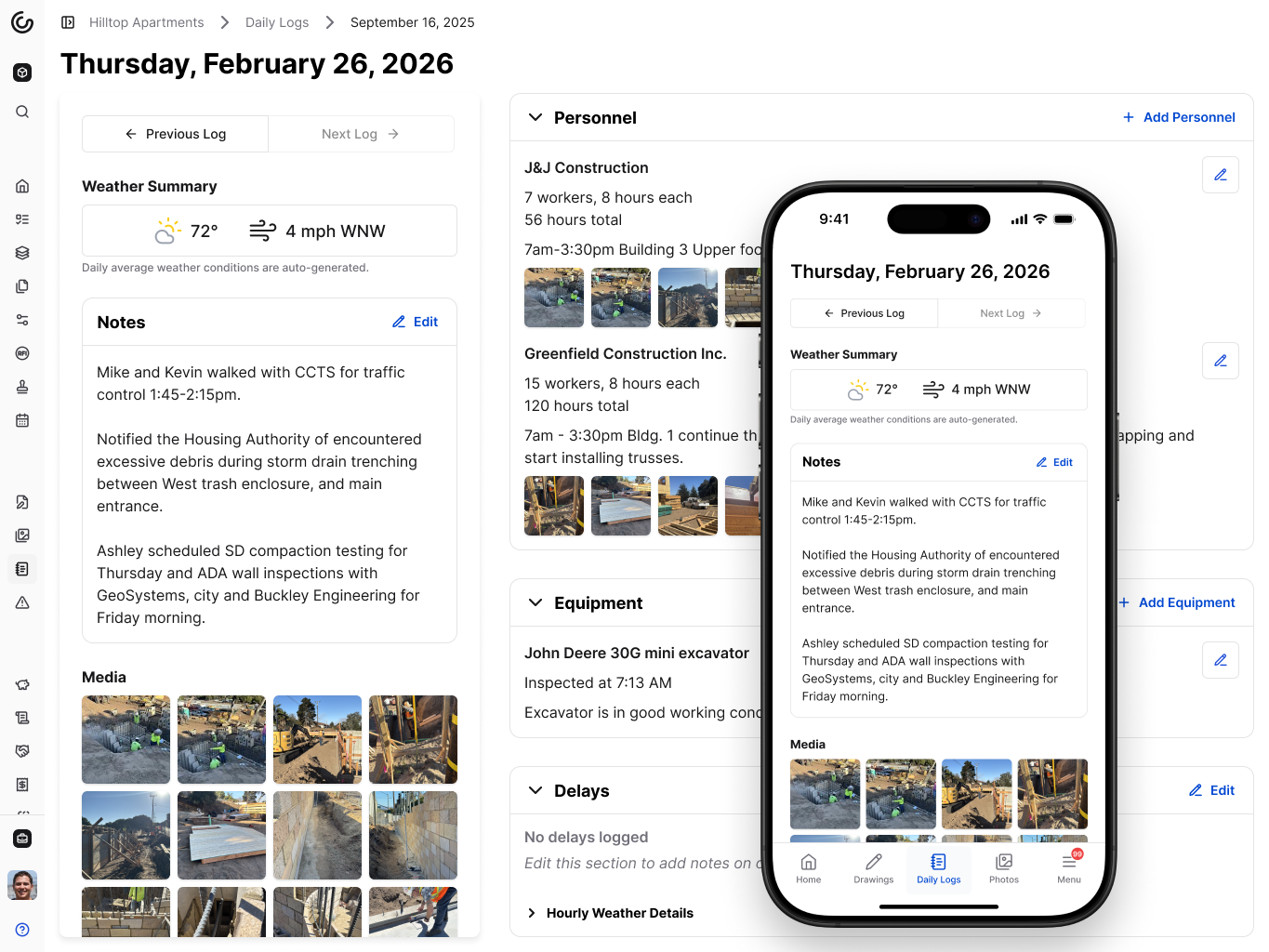\\n\\nYou won't need weeks of training. Most teams start using Constructable on day one because the workflows match how you already think about projects. [Drawings sit at the center](https://constructable.ai/blog/drawing-centric-collaboration-workflows), with RFIs, submittals, photos, and daily logs connected right where they belong. The AI search f
165inds answers across plans, specs, and documents in seconds, sourced directly back to the original file.\\n\\n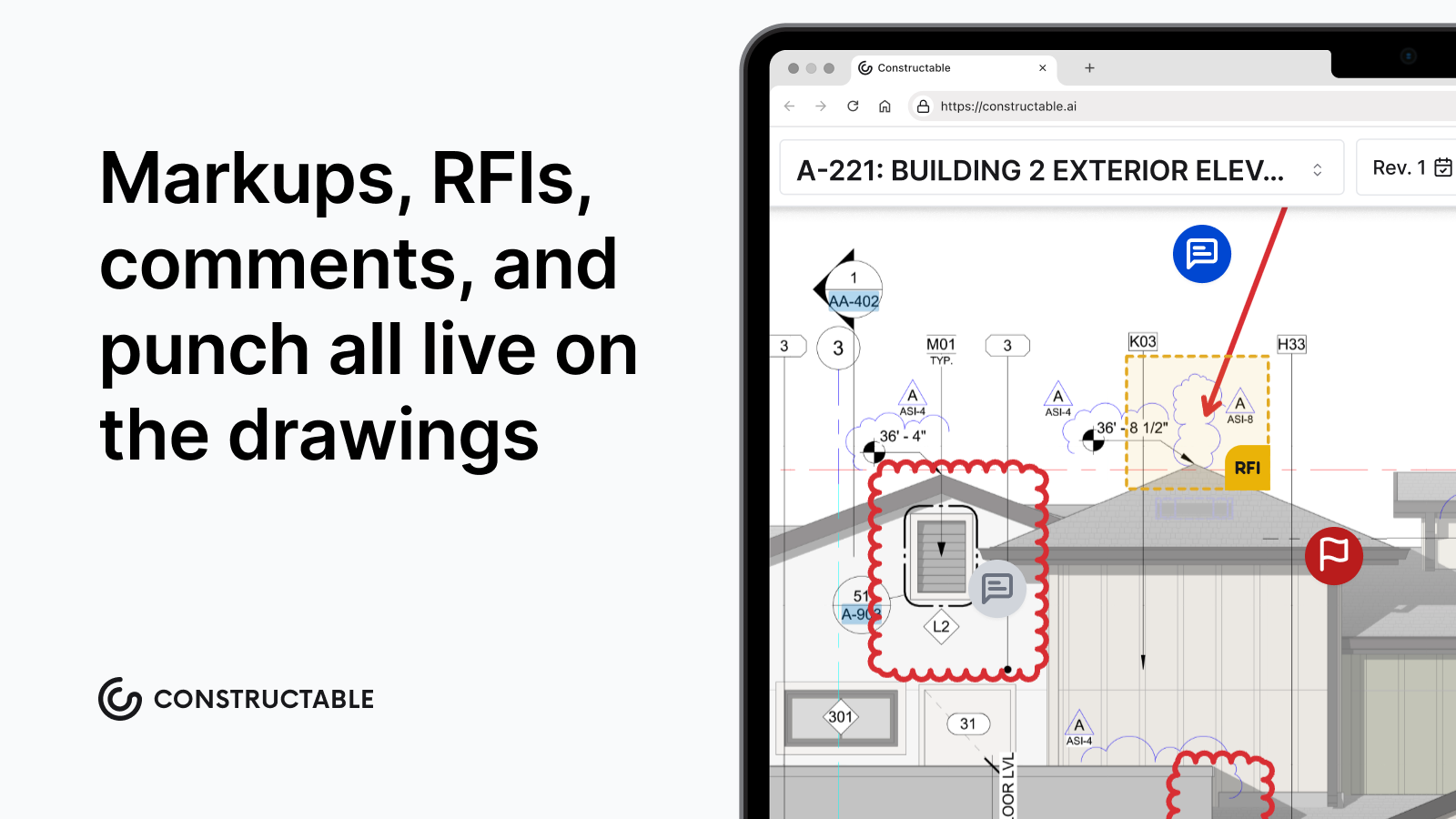\\n\\nPricing is straightforward. One flat fee based on your selected plan. Unlimited users across your entire team, including subs, consultants, and owners. No audits, no overage fees, no penalty for growing. [Reviews consistently mention](https://www.capterra.com/p/140631/RedTeam/) RedTeam's straightforward pricing as a strength, but we take it further by removing user limits completely.\\n\\n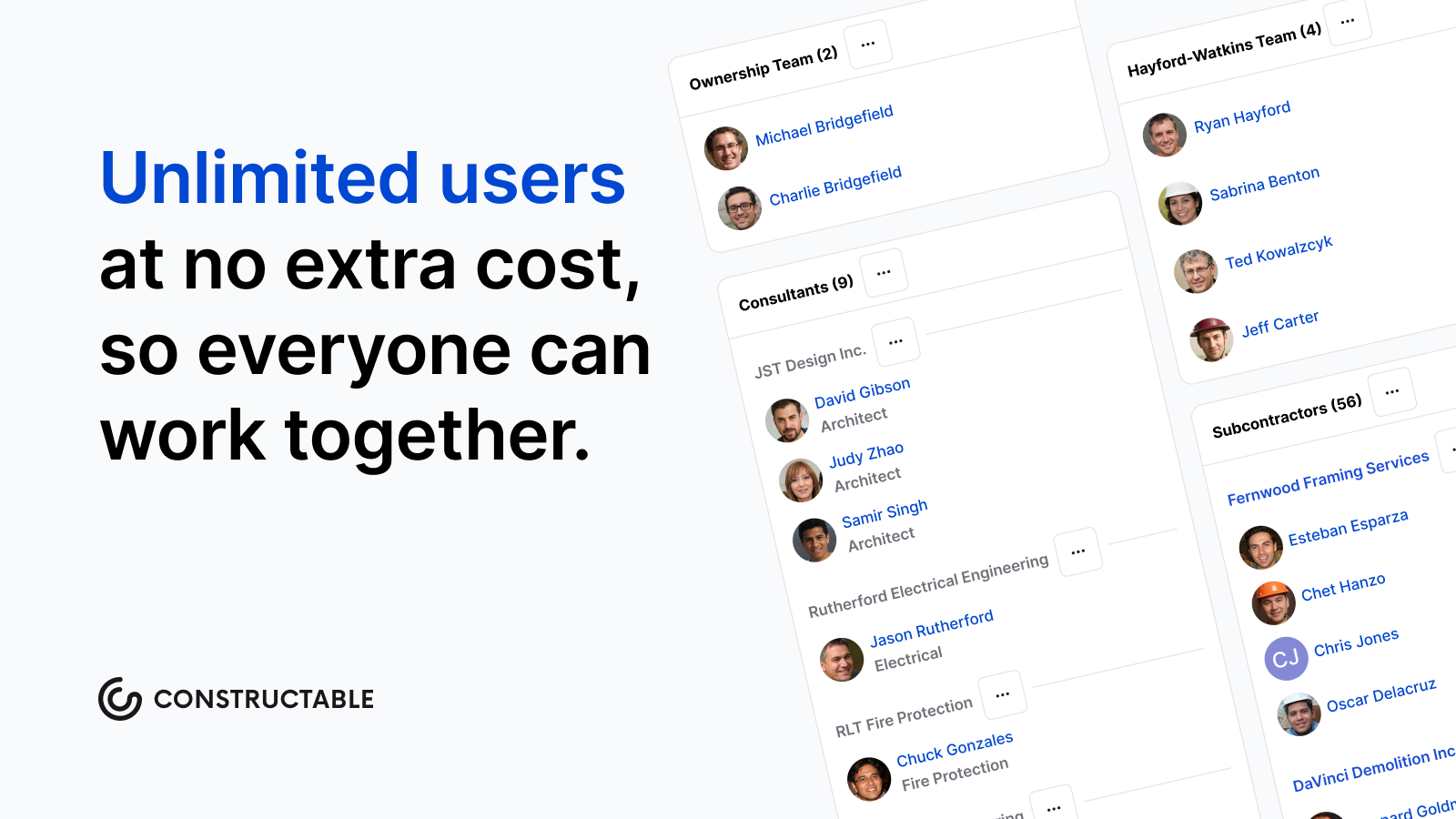\\n\\nIf RedTeam feels like it's holding you back more than helping you move forward, we built Constructable for exactly that reason.\\n\\n## Final Thoughts on Moving Past RedTeam\\n\\nIf RedTeam's system freezes and mobile limitations are slowing down your team, switching to better construction management software stops costing you time every day. Constructable runs fast, works offline in the field, and gets your whole team on board in under 21 days with flat pricing and unlimited users. We built it for contractors who need software that just works without the friction.\\n\\n## FAQ\\n\\n### When should you consider moving away from RedTeam?\\n\\nIf your team is losing time to slow page loads and system freezes, or your field crews can't access the tools they need on mobile, it's time to look elsewhere. RedTeam works for teams who value affordability and QuickBooks integration above all else, but if performance issues are disrupting daily work, alternatives like Constructable deliver faster systems with full mobile feature parity.\\n\\n### What features matter most when comparing RedTeam alternatives?\\n\\nFocus on system performance, mobile app quality, and how well the software connects office and field work. Look for platforms where drawings, RFIs, submittals, and financials live together instead of forcing you to jump between separate tools. Onboarding speed matters, too: some systems take months to implement, while others, like Constructable, get you running in under 21 days.\\n\\n### Can you switch construction management software without disrupting active projects?\\n\\nYes, but onboarding time and data migration support make the difference. Constructable wraps implementation in under 21 days with real support included, no extra fees for data migration. Most teams start using the system on day one because workflows match how you already think about projects, so active jobs keep moving without long training periods.\\n\\n### What's the real difference between Constructable and other all-in-one systems?\\n\\nConstructable was built as one connected system from the start, not stitched together from acquisitions. That means drawings, financials, and field tools talk to each other naturally without manual bridging. You get unlimited users at a flat fee with no audits or overage charges, and the AI search finds answers across plans, specs, and documents in seconds with direct source links.\\n\",[],[880,881,882,883,884,555,556],\"{\\\"@context\\\":\\\"https://schema.org\\\",\\\"@type\\\":\\\"FAQPage\\\",\\\"name\\\":\\\"RedTeam Reviews, Pricing, and Alternatives (June 2026)\\\",\\\"mainEntity\\\":[{\\\"@type\\\":\\\"Question\\\",\\\"name\\\":\\\"When should you consider moving away from RedTeam?\\\",\\\"acceptedA
165nswer\\\":{\\\"@type\\\":\\\"Answer\\\",\\\"text\\\":\\\"If your team is losing time to slow page loads and system freezes, or your field crews can't access the tools they need on mobile, it's time to look elsewhere. RedTeam works for teams who prioritize affordability and QuickBooks integration above all else, but if performance issues are disrupting daily work, alternatives like Constructable deliver faster systems with full mobile feature parity.\\\"}},{\\\"@type\\\":\\\"Question\\\",\\\"name\\\":\\\"What features should you prioritize when comparing RedTeam alternatives?\\\",\\\"acceptedAnswer\\\":{\\\"@type\\\":\\\"Answer\\\",\\\"text\\\":\\\"Focus on system performance, mobile app quality, and how well the software connects office and field work. Look for platforms where drawings, RFIs, submittals, and financials live together instead of forcing you to jump between separate tools. Onboarding speed matters tooâsome systems take months to implement while others like Constructable get you running in under 21 days.\\\"}},{\\\"@type\\\":\\\"Question\\\",\\\"name\\\":\\\"Can you switch construction management software without disrupting active projects?\\\",\\\"acceptedA
165nswer\\\":{\\\"@type\\\":\\\"Answer\\\",\\\"text\\\":\\\"Yes, but onboarding time and data migration support make the difference. Constructable wraps implementation in under 21 days with real support includedâno extra fees for data migration. Most teams start using the system on day one because workflows match how you already think about projects, so active jobs keep moving without long training periods.\\\"}},{\\\"@type\\\":\\\"Question\\\",\\\"name\\\":\\\"What's the real difference between Constructable and other all-in-one systems?\\\",\\\"acceptedAnswer\\\":{\\\"@type\\\":\\\"Answer\\\",\\\"text\\\":\\\"Constructable was built as one connected system from the start, not stitched together from acquisitions. That means drawings, financials, and field tools talk to each other naturally without manual bridging. You get unlimited users at a flat fee with no audits or overage charges, and the AI search finds answers across plans, specs, and documents in seconds with direct source links.\\\"}}],\\\"url\\\":\\\"https://constructable.ai/blog/redteam-reviews-pricing-alternatives\\\",\\\"dateModified\\\":\\\"2026-06-26T19:53:14.392Z\\\",\\\"author\\\":{\\\"@type\\\":\\\"Organization\\\",\\\"name\\\":\\\"Constructable\\\"}}\\n\",\"{\\\"@context\\\":\\\"https://schema.org\\\",\\\"@type\\\":\\\"BlogPosting\\\",\\\"headline\\\":\\\"RedTeam Reviews, Pricing, and Alternatives (June 2026)\\\",\\\"description\\\":\\\"RedTeam reviews, pricing, and alternatives for June 2026. Compare features, performance issues, and better options for commercial contractors.\\\",\\\"datePublished\\\":\\\"2026-06-26T19:53:14.392Z\\\",\\\"dateModified\\\":\\\"2026-06-26T19:53:14.392Z\\\",\\\"author\\\":{\\\"@type\\\":\\\"Organization\\\",\\\"name\\\":\\\"Constructable\\\"},\\\"url\\\":\\\"https://constructable.ai/blog/redteam-reviews-pricing-alternatives\\\",\\\"wordCount\\\":1665,\\\"keywords\\\":[\\\"redteam reviews\\\",\\\"redteam pricing\\\",\\\"redteam alternatives\\\",\\\"construction management software\\\"]}\\n\",\"redteam work\",\"consider redteam alternatives\",\"best redteam alternatives march 2026\",\"feature comparison redteam top alternatives\",\"constructable best redteam alternative\",\"types-of-construction-contracts-guide-for-gcs\",\"Types of Construction Contracts: A Plain-English Guide for General Contractors (July 2026)\",\"Learn the main types of construction contracts for GCs in July 2026: lump sum, cost-plus, GMP, T\u0026M, and unit price. Match the right structure to your project scope.\",\"2026-07-06T18:12:32.098Z\",\"The contract you sign decides who pays when the job moves, and jobs always move. Owner revisions hit three weeks into framing, material costs jump between bid and pour, and scope grows after the foundation sets. Every one of those shifts has a financial owner, and the contract type names them before the work starts. Lump sum locks the price and puts overrun risk squarely on you, while cost-plus opens the books and lets actual costs flow through. A guaranteed maximum price caps total exposure and splits any savings, and time and materials simply bill the hours and materials used. Unit price locks the rate per unit and lets quantities float. Whichever structure holds up is the one that matches how much scope you can actually see on the day you sign.\\n\\n**TLDR:**\\n\\n- The contract type names who absorbs the cost when scope drifts or drawings change mid-job.\\n\\n- Lump sum locks price and risk on you; GMP caps it with savings splits; cost-plus stays open.\\n\\n- Match the structure to scope clarity at signing, not the last job you ran.\\n\\n- **Constructable** handles change events and orders across all contract types with one workflow.\\n\\n## What Is a Construction Contract (and Why It Matters More Than You Think)\\n\\nA construction contract sets the terms of the deal, but its real job is deciding who absorbs the hit when something goes sideways. Costs run over. A drawing gets revised three weeks into framing. The owner adds scope after the foundation is poured. Every one of those moments has a financial owner, and the contract type names them.\\n\\nThe contract type decides how changes get priced, who carries overrun risk, and what control you have when scope moves. Research compiled by Ironclad found organizations [lose 11% of contract value](https://ironcladapp.com/resources/articles/construction-contract-types) after signing. On a $5M job, that's $550,000 leaking out after everyone shook hands.\\n\\n## Lump Sum Contracts: Fixed Price, Fixed Expectations\\n\\nA lump sum contract sets one fixed price for the entire job, and that price holds whether the work costs more or less than you figured. Owners like the certainty, which is why this structure dominates residential and small commercial work where scope is drawn tight.\\n\\nThe cat
165ch sits on your side. Once you sign, you absorb the overruns out of your margin. Fixed price is [the most common contract type](https://www.fennemorelaw.com/three-common-construction-contracts/) in construction, according to Fennemore's construction law practice, which means change orders are the primary lever you have to protect your margin once work starts. Documenting every scope change keeps a clean close from turning into a fight over the final invoice.\\n\\n## Cost-Plus Contracts: Transparency With Open-Ended Risk\\n\\nA cost-plus contract reimburses your actual expenses (labor, materials, equipment) and adds an agreed fee. It fits jobs where scope stays fuzzy at signing, like a renovation behind walls nobody has opened or a design that keeps changing as the owner makes calls. The owner carries the overrun risk here, since they pay whatever the work actually costs.\\n\\nThat fee usually lands [between 10% and 20%](https://rabbet.com/blog/cost-plus-vs-gmp-construction-contracts) of total costs, depending on complexity and market conditions. Three variations show up most:\\n\\n- **Cost-plus fixed fee:** a set dollar amount regardless of final cost\\n\\n- **Cost-plus percentage:** the fee scales with total spend\\n\\n- **Cost-plus with incentive:** a bonus for beating a target\\n\\nThe trade-off is paperwork. Every receipt, timesheet, and invoice has to be tracked and documented.\\n\\n## Guaranteed Maximum Price (GMP): The Middle Ground Between Certainty and Flexibility\\n\\nA GMP works like a cost-plus deal with a hard ceiling. You bill actual costs and your fee up to an agreed maximum, and anything above that number comes out of your pocket. Come in under it, and the savings are often split with the owner on a preset percentage. That blend gives owners open-book transparency without the open-ended exposure, which is why it shows up so often on commercial work.\\n\\nThe hard part is timing. Set the GMP too early, while the design is still loose, and you are guaranteeing a price against drawings that do not exist yet. As the [AIA's guidance on GMP compensation](https://learn.aiacontracts.com/articles/6502575-cost-plus-compensation-and-the-gmp/) notes, the maximum holds the contractor to a ceiling, so locking it before the design firms up means carrying the risk of every unknown that surfaces later.\\n\\n## Time and Materials Contracts: When Scope Cannot Be Defined Upfront\\n\\nA time and materials contract bills for the hours your crew works and the materials they use, with a markup on each. No fixed total at signing makes T\u0026M the least certain arrangement on cost, and that is the point. It fits emergency work, repairs where you cannot see the damage until you open the wall, and any scope you cannot honestly estimate beforehand.\\n\\nMost owners watch that open meter and want a not-to-exceed cap. Run T\u0026M up to a guaranteed maximum, and they get daily billing transparency while keeping a hard ceiling on total exposure.\\n\\n## Unit Price Contracts: When Quantities Are Unknown but Rates Are Clear\\n\\nA unit price contract fixes the rate per measurable unit and lets the final count float. You agree on a price per cubic yard of excavation or linear foot of pipe, and the total settles once the crew measures what was installed.\\n\\nThat fits work where you can define the task but not the volume. Roadwork, utilities, and earthmoving all qualify, since nobody knows how much rock sits below grade until digging starts.\\n\\nThe split from lump sum comes down to where the unknown lives. Lump sum locks one number against a defined scope; unit price locks the rate and absorbs quantity swings. Both sides watch the estimated quantities in the bid, because lowball figures distort comparison and surprise everyone at the final measurement.\\n\\n## Design-Build Contracts: One Contract, One Accountability Point\\n\\nDesign-build combines design and construction under a single entity, so the owner signs a single contract rather than hiring a designer and a builder separately. Traditional design-bid-build splits those roles, leaving the owner refereeing between architect and contractor when drawings and field reality collide.\\n\\nFolding both under one roof speeds delivery and kills most coordination fights. O
165ne party owns the outcome, which means one party to call when something is wrong.\\n\\nThe trade-off is control. The designer now reports to the contractor, not to you, so design decisions tilt toward buildability and budget over your preferences. Pick a design-builder you trust, because once the contract is signed, their judgment steers the design.\\n\\n## Integrated Project Delivery (IPD): Shared Risk, Shared Reward\\n\\nA multi-party agreement binds the owner, designer, and contractor (and sometimes key trades) into a single contract with shared risk and reward. Profits go into a shared pool. Beat the targets together, everyone wins; miss them, everyone takes the hit.\\n\\nThat shared fate is the whole design. It rewards early coordination and new thinking, which is why IPD shows up on complex institutional and commercial work. It also remains the rarest structure, since it only works when trust, governance, and culture align.\\n\\n## How to Choose the Right Contract Type for Your Project\\n\\nThe contract that fits comes down to one question: how clearly is the scope defined right now? Match the structure to that reality, not to the last job you ran.\\n\\n| Project condition | Best fit |\\n| --------------------------------------------------- | ------------------- |\\n| Scope locked at 95% or more | Lump sum |\\n| Design still evolving, owner wants transparency | Cost-plus or GMP |\\n| Variable quantities, known rates (roads, utilities) | Unit price |\\n| Scope genuinely cannot be estimated | T\u0026M with a cap |\\n| Speed or early collaboration drives everything | Design-build or IPD |\\n\\nEvery structure trades one thing for another. Lump sum buys cost certainty but sacrifices flexibility. Cost-plus and T\u0026M flip that. GMP splits the difference and adds open-book reporting. The pick that holds up is the one honest about [how much you actually know](https://constructable.ai/blog/real-time-project-cost-and-commitment-visibility) on the day you sign.\\n\\n## Payment Terms That Show Up in Every Construction Contract\\n\\nWhatever contract type you sign, the money moves the same way. Progress payments are billed against completed work, usually monthly, through a payment application supported by an updated schedule of values and supporting documentation. Owners review, then release.\\n\\nMost contracts hold back [5 to 10%](https://www.levelset.com/retainage/) of each progress claim, released in stages, often half at practical completion and the rest after the defect liability period closes. That withheld money guarantees you finish and fix what you missed.\\n\\nThe cash flow burden cascades down the payment chain. The owner holds your retainage while you hold your subs', which means everyone is financing completed work out of pocket until the tier above them pays. Change orders make it worse, since anything unapproved or slow to price sits outside the billing cycle entirely, further delaying payment.\\n\\n## How **Constructable** handles contracts, change orders, and payment flows across all contract types\\n\\
165nWhatever structure you signed, the headache is the same: tracking the change and getting paid for it. **Constructable** is built to cut that friction with [AI construction management software](https://constructable.ai/blog/best-ai-powered-construction-management-software) designed around how jobs actually run.\\n\\nThe change workflow runs on a two-stage model. The moment something changes on the job, you create a change event, then build change orders underneath it. If the same issue hits your electrical sub and your prime contract, both orders live under one event, with line items auto-filling from the parent, so you don't have to retype descriptions and cost codes across documents.\\n\\n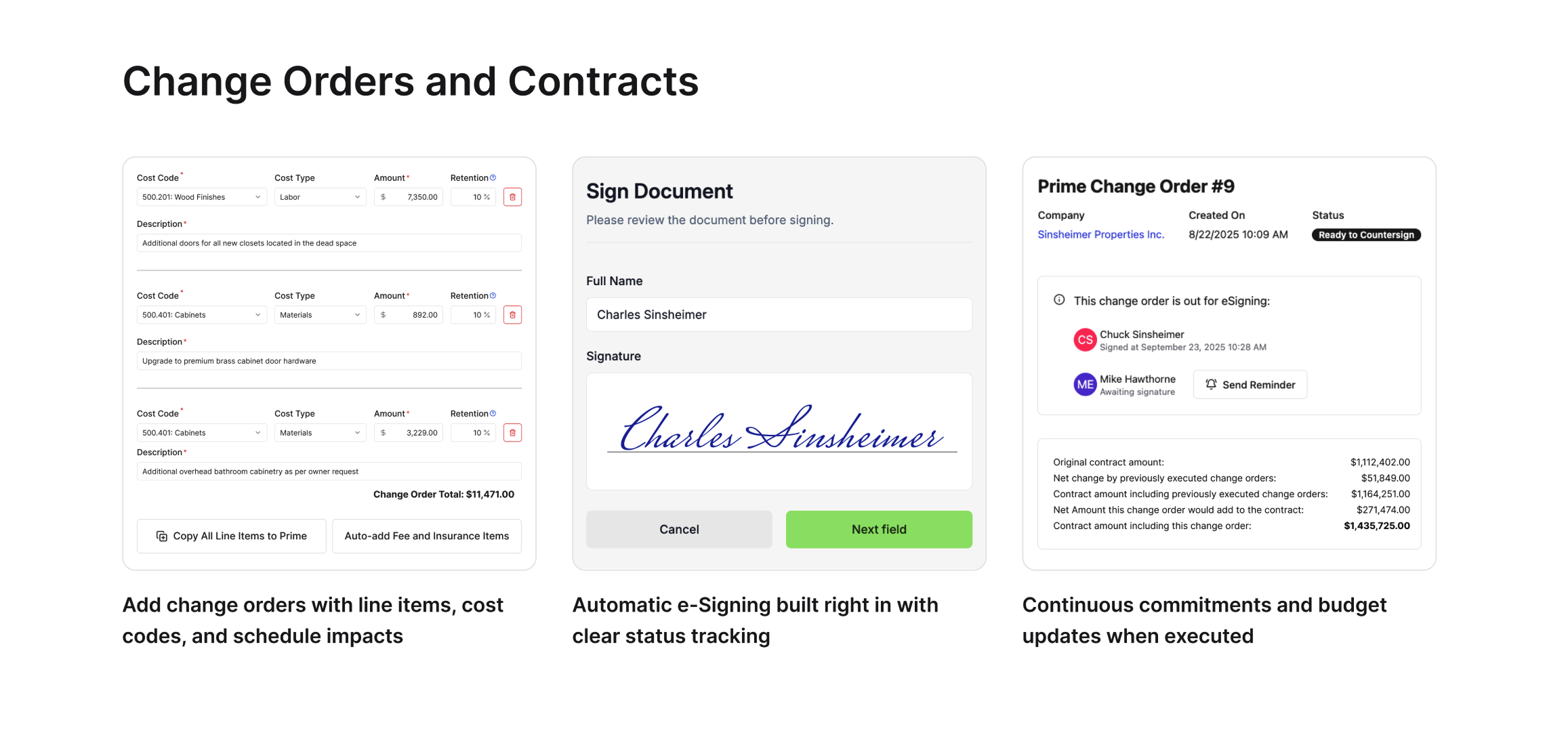\\n\\nThe financial tools flex to the contract you are running. [Budgets, schedules of values, and invoicing](https://constructable.ai/features/financial-management) work the same whether the job is lump sum, cost-plus, GMP, or unit price. Built-in e-signing covers change orders and commitments, so there is no separate signing tool to manage.\\n\\n**Plus, Unlimited users sit on every plan.** Subs, consultants, and owners all [collaborate on contract documentation](https://constructable.ai/blog/construction-communication-collaboration-tools) without per-seat costs climbing every time you add someone. The point is to reduce the paperwork and make it less busywork, no matter which contract type the project lives under.\\n\\n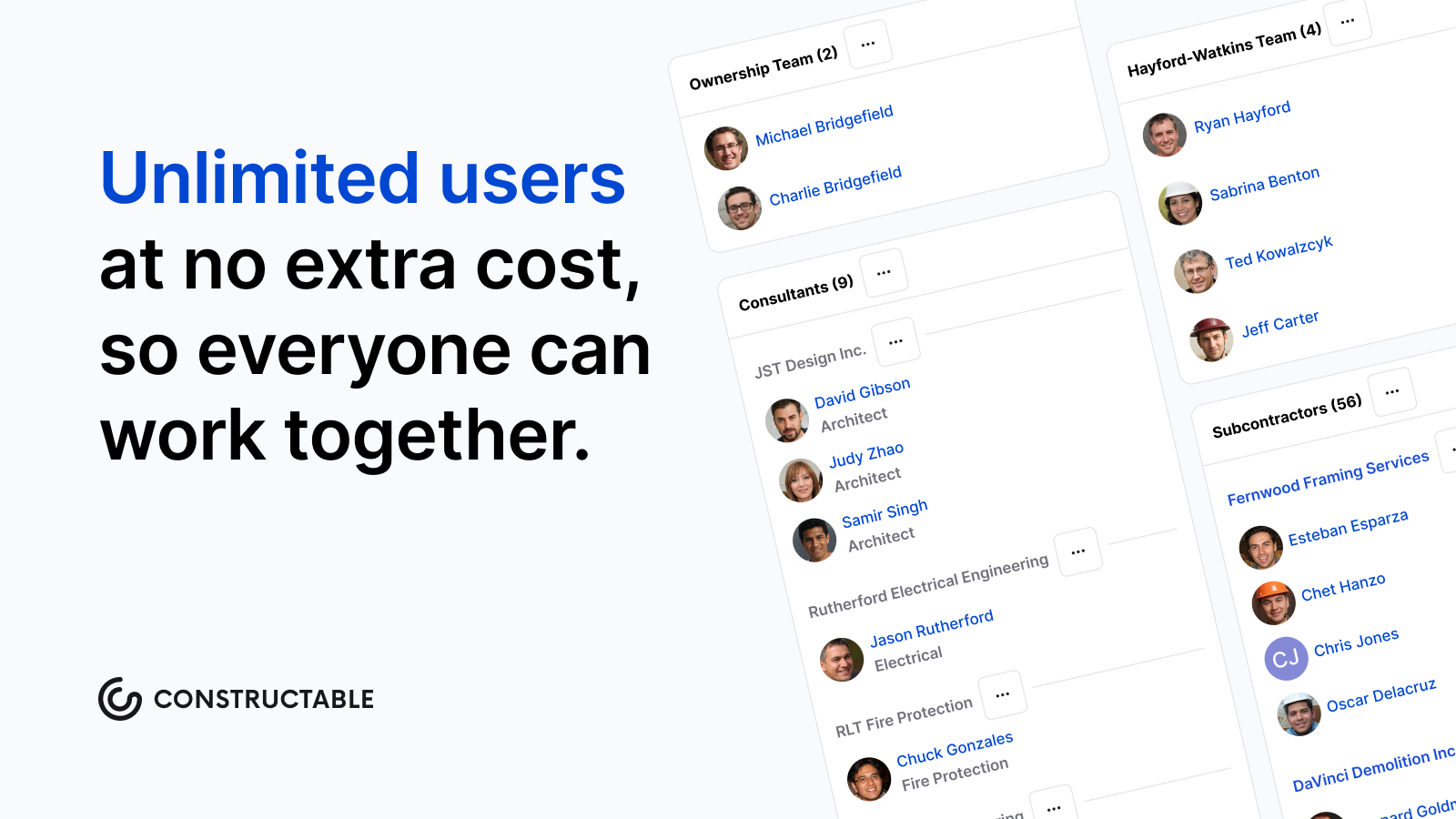\\n\\n## Final Thoughts on Selecting the Right Contract Structure\\n\\nThe contract type that fits depends on one thing: how clearly the scope is defined when you sign, not which structure feels familiar. Lump sum works when the drawings are locked, cost-plus works when they are still moving, and GMP works when you can set a ceiling that reflects real design completion. **Constructable** handles change tracking and payment flows the same way across all contract types; schedule a walkthrough if you want to see how it maps to how you actually run jobs. Choose the structure that is honest about what you know today, because the contract only holds if the pricing assumptions do.\\n\\n## FAQ\\n\\n### What are the 4 types of construction contracts most commonly used?\\n\\nThe four main types are lump sum (fixed price for the entire job), cost-plus (reimbursement for actual costs plus a fee), guaranteed maximum price or GMP (cost-plus with a hard ceiling), and time and materials (billing for actual hours and materials used). Each fits different levels of scope certainty: lump sum when scope is locked, cost-plus when design is still evolving, GMP for transparency with a cap, and T\u0026M when you genuinely can't estimate upfront.\\n\\n### Lump sum vs cost-plus contract: which protects the contractor better?\\n\\nCost-plus protects the contractor from overrun risk because the owner pays actual costs, while lump sum puts all overrun risk on the contractor's margin. Lump sum only works when scope is tight and you can price accurately; once signed, every dollar over your estimate comes out of your pocket. Cost-plus requires detailed documentation of every receipt and timesheet, but the owner absorbs cost swings instead of you.\\n\\n### Can I track change orders without separate cost-plus and lump sum workflows?\\n\\nYes. **Constructable** handles change events and change orders across all contract types: lump sum, cost-plus, GMP, unit price, or T\u0026M, all in one workflow. Create a change event the moment something changes, then build change orders beneath it with line items that auto-fill from the parent event, whether the job is fixed-price or cost reimbursable. Built-in e-signing covers all change order types without separate tools.\\n\\n### How do I choose between GMP and cost-plus for a commercial project?\\n\\nChoose GMP when the owner wants open-book transparency but needs a hard ceiling on total exposure, common on commercial work where design is still firming up, but budget certainty matters. Pure cost-plus leaves the owner exposed to unlimited overruns, while GMP caps that risk and often splits savings below the maximum. The risk for you: setting the GMP too early, before design is complete, locks you into guaranteeing a price against drawings that don't exist yet.\\n\\n### What's the difference between unit price and lump sum contracts?\\n\\nLump sum locks one total price against a defined scope; unit price locks the rate per measurable unit (cubic yard, linear foot) and lets the final quantity float. Unit price fits work where you can define the task but not the volume: roadwork, utilities, earthmoving. Nobody knows how much rock sits below grade until digging starts. Both sides watch the estimated quantities in the bid, because lowball figures distort comparison and surprise everyone at the final measurement.\\n\",[],[894,895,896,897,898,206,899],\"{\\\"@context\\\":\\\"https://schema.org\\\",\\\"@type\\\":\\\"FAQPage\\\",\\\"name\\\":\\\"Types of Construction Contracts: A Plain-English Guide for General Contractors (July 2026)\\\",\\\"mainEntity\\\":[{\\\"@type\\\":\\\"Question\\\",\\\"name\\\":\\\"What are the 4 types of construction contracts most commonly used?\\\",\\\"acceptedA
165nswer\\\":{\\\"@type\\\":\\\"Answer\\\",\\\"text\\\":\\\"The four main types are lump sum (fixed price for the entire job), cost plus (reimbursement for actual costs plus a fee), guaranteed maximum price or GMP (cost plus with a hard ceiling), and time and materials (billing for actual hours and materials used). Each fits different levels of scope certaintyâlump sum when scope is locked, cost plus when design is still evolving, GMP for transparency with a cap, and T\u0026M when you genuinely can't estimate upfront.\\\"}},{\\\"@type\\\":\\\"Question\\\",\\\"name\\\":\\\"Lump sum vs cost plus contract: which protects the contractor better?\\\",\\\"acceptedAnswer\\\":{\\\"@type\\\":\\\"Answer\\\",\\\"text\\\":\\\"Cost plus protects the contractor from overrun risk because the owner pays actual costs, while lump sum puts all overrun risk on the contractor's margin. Lump sum only works when scope is tight and you can price accuratelyâonce signed, every dollar over your estimate comes out of your pocket. Cost plus requires meticulous documentation of every receipt and timesheet, but the owner absorbs cost swings instead of you.\\\"}},{\\\"@type\\\":\\\"Question\\\",\\\"name\\\":\\\"Can I track change orders without separate cost plus and lump sum workflows?\\\",\\\"acceptedA
165nswer\\\":{\\\"@type\\\":\\\"Answer\\\",\\\"text\\\":\\\"Yes. Constructable handles change events and change orders across all contract typesâlump sum, cost plus, GMP, unit price, or T\u0026Mâin one workflow. Create a change event the moment something shifts, then build change orders underneath it with line items that auto-fill from the parent event, whether the job is fixed price or cost reimbursable. Built-in e-signing covers all change order types without separate tools.\\\"}},{\\\"@type\\\":\\\"Question\\\",\\\"name\\\":\\\"How do I choose between GMP and cost plus for a commercial project?\\\",\\\"acceptedAnswer\\\":{\\\"@type\\\":\\\"Answer\\\",\\\"text\\\":\\\"Choose GMP when the owner wants open-book transparency but needs a hard ceiling on total exposureâcommon on commercial work where design is still firming up but budget certainty matters. Pure cost plus leaves the owner exposed to unlimited overruns, while GMP caps that risk and often splits savings below the maximum. The risk for you: setting the GMP too early, before design is complete, locks you into guaranteeing a price against drawings that don't exist yet.\\\"}},{\\\"@type\\\":\\\"Question\\\",\\\"name\\\":\\\"What's the difference between unit price and lump sum contracts?\\\",\\\"acceptedA
165nswer\\\":{\\\"@type\\\":\\\"Answer\\\",\\\"text\\\":\\\"Lump sum locks one total price against a defined scope; unit price locks the rate per measurable unit (cubic yard, linear foot) and lets the final quantity float. Unit price fits work where you can define the task but not the volumeâroadwork, utilities, earthmovingâbecause nobody knows how much rock sits below grade until digging starts. Both sides watch the estimated quantities in the bid, because lowball figures distort comparison and surprise everyone at final measurement.\\\"}},{\\\"@type\\\":\\\"Question\\\",\\\"name\\\":\\\"Can I use one contract type for the prime contract and a different type with my subs?\\\",\\\"acceptedAnswer\\\":{\\\"@type\\\":\\\"Answer\\\",\\\"text\\\":\\\"Yes. You can run a lump sum contract with the owner while structuring subcontractor commitments as cost plus, GMP, or unit price. The prime contract structure does not dictate how you contract downstream with your trades. Constructable handles budgets, commitments, and change orders across all contract types in one workflow, so mixing structures on the same project does not require separate systems or duplicate entry.\\\"}},{\\\"@type\\\":\\\"Question\\\",\\\"name\\\":\\\"What happens to retention when the contract type is cost plus?\\\",\\\"acceptedA
165nswer\\\":{\\\"@type\\\":\\\"Answer\\\",\\\"text\\\":\\\"Retention works the same across all contract types. Most cost plus contracts hold back 5 to 10% of each progress payment, released in stages (often half at practical completion and the rest after the defect liability period closes). The reimbursable cost structure does not eliminate retentionâowners still withhold a percentage to ensure completion and defect correction, and you finance that gap while waiting for final release.\\\"}},{\\\"@type\\\":\\\"Question\\\",\\\"name\\\":\\\"How do I price change orders when the contract is time and materials with a not-to-exceed cap?\\\",\\\"acceptedAnswer\\\":{\\\"@type\\\":\\\"Answer\\\",\\\"text\\\":\\\"Track actual hours and materials as the change work happens, bill them against the T\u0026M rates in your contract, and monitor cumulative billings against the not-to-exceed ceiling. Once you hit the cap, additional costs come out of your margin unless the owner approves a cap increase. Constructable's change event workflow lets you create the event when the change surfaces, then build change orders underneath with line items that auto-fill, so you are not re-entering descriptions or cost codes as the work progresses.\\\"}},{\\\"@type\\\":\\\"Question\\\",\\\"name\\\":\\\"GMP vs lump sum: which gives me more protection if scope changes mid-job?\\\",\\\"acceptedA
165nswer\\\":{\\\"@type\\\":\\\"Answer\\\",\\\"text\\\":\\\"GMP gives you more protection because it caps your exposure while keeping the contract open to documented cost changes. Lump sum locks one price at signing, so every scope change requires a formal change order to adjust contract valueâif you cannot document the change or the owner disputes it, you absorb the cost. GMP still requires change order documentation, but the structure assumes scope will evolve and builds that into the pricing model with an agreed ceiling.\\\"}},{\\\"@type\\\":\\\"Question\\\",\\\"name\\\":\\\"Can I switch contract types mid-project if the scope changes significantly?\\\",\\\"acceptedAnswer\\\":{\\\"@type\\\":\\\"Answer\\\",\\\"text\\\":\\\"Contract type changes mid-project are rare and require owner agreement, formal contract amendment, and often renegotiation of pricing and risk allocation. It is not a workflow toggleâit is a legal restructuring. If scope uncertainty increases dramatically after signing, most teams add a not-to-exceed cap to an existing cost plus structure or convert remaining scope to T\u0026M rather than rewriting the entire contract.\\\"}},{\\\"@type\\\":\\\"Question\\\",\\\"name\\\":\\\"Do design-build contracts eliminate change orders?\\\",\\\"acceptedA
165nswer\\\":{\\\"@type\\\":\\\"Answer\\\",\\\"text\\\":\\\"No. Design-build reduces change orders caused by coordination failures between designer and builder, but it does not eliminate owner-initiated changes, unforeseen conditions, or scope additions outside the original agreement. The single-contract structure makes change order workflows faster because one entity owns both design and construction, but changes still require documentation, pricing, and owner approval.\\\"}},{\\\"@type\\\":\\\"Question\\\",\\\"name\\\":\\\"How does unit price work when final quantities are way off from the bid estimate?\\\",\\\"acceptedAnswer\\\":{\\\"@type\\\":\\\"Answer\\\",\\\"text\\\":\\\"You bill the actual installed quantity at the agreed unit rate, regardless of how far it deviates from the estimate. If you estimated 500 cubic yards of excavation at $40/yard but the final measured quantity is 800 yards, the owner pays for 800 at $40 each. The risk sits with whoever made the quantity estimateâif the owner provided quantities and they were wrong, the owner pays more; if you estimated low to win the bid, you do the extra work at the locked rate.\\\"}},{\\\"@type\\\":\\\"Question\\\",\\\"name\\\":\\\"What is the difference between a standard form of contract and a custom contract in construction?\\\",\\\"acceptedA
165nswer\\\":{\\\"@type\\\":\\\"Answer\\\",\\\"text\\\":\\\"A standard form of contract (like AIA, ConsensusDocs, or FIDIC templates) is a pre-written contract template developed by industry organizations with balanced risk allocation, tested legal language, and widely recognized terms. A custom contract is drafted specifically for one project or relationship, often by the owner's legal team, and may shift risk heavily toward the contractor. Standard forms provide predictability; custom contracts require careful legal review before signing.\\\"}},{\\\"@type\\\":\\\"Question\\\",\\\"name\\\":\\\"Can I run integrated project delivery with a lump sum contract?\\\",\\\"acceptedAnswer\\\":{\\\"@type\\\":\\\"Answer\\\",\\\"text\\\":\\\"No. IPD requires a multi-party agreement where owner, designer, and contractor share risk and reward through pooled profit and joint liabilityâlump sum puts all cost risk on the contractor alone and does not align incentives across parties. IPD contracts are typically structured as cost-reimbursable with shared savings and pain mechanisms. Trying to layer IPD collaboration onto a lump sum deal creates conflicting risk structures that break the model.\\\"}},{\\\"@type\\\":\\\"Question\\\",\\\"name\\\":\\\"How do payment terms differ between residential construction contracts and commercial construction contracts?\\\",\\\"acceptedA
165nswer\\\":{\\\"@type\\\":\\\"Answer\\\",\\\"text\\\":\\\"Residential contracts often use milestone-based payments tied to completion stages (foundation pour, framing complete, final inspection) rather than monthly progress billing. Commercial contracts typically run on monthly pay applications with a schedule of values, retention holdback, and formal approval processes. Residential lien waiver requirements vary by state and are often less formalized than commercial lower-tier waiver tracking, though both require careful documentation to protect payment rights.\\\"}}],\\\"url\\\":\\\"https://constructable.ai/blog/types-of-construction-contracts-guide-for-gcs\\\",\\\"dateModified\\\":\\\"2026-07-06T18:12:32.098Z\\\",\\\"author\\\":{\\\"@type\\\":\\\"Organization\\\",\\\"name\\\":\\\"Constructable\\\"}}\\n\",\"{\\\"@context\\\":\\\"https://schema.org\\\",\\\"@type\\\":\\\"BlogPosting\\\",\\\"headline\\\":\\\"Types of Construction Contracts: A Plain-English Guide for General Contractors (July 2026)\\\",\\\"description\\\":\\\"Learn the main types of construction contracts for GCs in July 2026: lump sum, cost-plus, GMP, T\u0026M, and unit price. Match the right structure to your project scope.\\\",\\\"datePublished\\\":\\\"2026-07-06T18:12:32.098Z\\\",\\\"dateModified\\\":\\\"2026-07-06T18:12:32.098Z\\\",\\\"author\\\":{\\\"@type\\\":\\\"Organization\\\",\\\"name\\\":\\\"Constructable\\\"},\\\"url\\\":\\\"https://constructable.ai/blog/types-of-construction-contracts-guide-for-gcs\\\",\\\"wordCount\\\":2177,\\\"keywords\\\":[\\\"different types of contract in construction\\\",\\\"types of contracts in construction pdf\\\",\\\"10 types of construction contracts\\\",\\\"4 types of construction contracts\\\",\\\"standard forms of contract in construction\\\",\\\"types of construction contracts fidic\\\",\\\"what are the 4 types of government contracts\\\",\\\"construction contracts pdf\\\",\\\"government contract types chart\\\",\\\"free construction contracts pdf\\\",\\\"residential construction contracts pdf\\\",\\\"construction contract agreement word format\\\",\\\"residential construction construction contract sample\\\",\\\"construction contract template\\\",\\\"types of construction contracts pdf\\\",\\\"agreement between owner and contractor for construction pdf\\\",\\\"types of government contracts for small business\\\",\\\"list of government contracts\\\",\\\"c type vs d type contract\\\",\\\"what are the 3 types of contracts\\\",\\\"far contract types\\\",\\\"examples of government contracts\\\",\\\"4 types of contracts with examples\\\",\\\"4 types of contracts\\\",\\\"what are the policies for selecting contract types\\\",\\\"types of contracts in law\\\",\\\"4 types of construction contracts pdf\\\",\\\"construction contracts examples\\\",\\\"types of contracts in civil engineering\\\",\\\"standard forms of contract in construction template\\\",\\\"standard form of contract in construction pdf\\\",\\\"standard form of contract pdf\\\",\\\"types of contracts in construction ppt\\\",\\\"types of contracts pdf\\\",\\\"types of engineering contracts pdf\\\",\\\"types of contract documents pdf\\\",\\\"types of contract in architecture\\\",\\\"types of contract documents in construction\\\",\\\"construction contract pdf\\\",\\\"standard construction contract\\\",\\\"different types of contract documents in construction\\\"]}\\n\",\"construction contract matters think\",\"lump sum contracts fixed price fixed expectations\",\"cost-plus contracts transparency open-ended risk\",\"guaranteed maximum price gmp middle ground between certainty flexibility\",\"time materials contracts scope cannot defined upfront\",\"types\",\"construction-mcp-server-integration\",\"MCP Servers \u0026 Construction Software Integration Explained (June 2026)\",\"In June 2026, MCP servers are changing how construction teams query project data. See how Constructable exposes RFIs, drawings, submittals, and logs to any AI client.\",\"2026-07-06T19:24:57.197Z\",\"Your software tools do not talk to each other. You already knew that. You have been exporting files and re-typing numbers since before smartphones existed. AI was supposed to fix it, except AI has the exact same problem â it can only see inside the one tool it lives in. Construction software MCP integration is what finally gets everything in the same room, so AI can pull from drawings, RFIs, logs, and more without you playing telephone between five different apps.\\n\\n**TLDR:**\\n\\n- Construction data lives in silos by design, and MCP fixes this problem by allowing your agent (Claude, ChatGPT or Grok) to talk to Constructable\\n\\n- When comparing MCP servers, check coverage, read vs. write access, permission scoping, vendor stability, and fallback options.\\n\\n- Over 10,000 active public MCP servers were running across industries by December 2025 ([Digital Applied](https://www.digitalapplied.
165com/blog/mcp-adoption-statistics-2026-model-context-protocol)), so this is settled infrastructure.\\n\\n- **Constructable** exposes drawings, RFIs, submittals, daily logs, change events, and quality lists to any MCP-compatible AI client through a native integration built on one connected system.\\n\\n## The integration problem construction software has always had\\n\\nYou run RFIs in one system. Drawings live somewhere else, estimating and precon sit in a third tool, and your accounting data is walled off in a fourth. Moving information between them means exporting a file, re-keying numbers, or relying on a custom connector that someone built once and nobody fully understands. [Construction management software](https://constructable.ai/blog/construction-management-software) should not work this way.\\n\\nThose connectors break. A vendor ships an update on a Tuesday, the integration that quietly moved your data stops working, and you find out about it when a number looks wrong or a report comes up empty. The tools were designed this way on purpose, each one acting like it is the only system on the job.\\n\\nThe real problem is what it does to AI. Any AI search in your stack can only see inside the one tool it was built into. Ask it something that crosses [drawings and submittals](https://constructable.ai/blog/ai-powered-construction-document-search-and-data-extraction), or accounting and estimating, and there is nowhere for an answer to come from, especially when a lot of it is sitting in your email. The data exists. It just lives in five separate rooms with all the doors closed.\\n\\n## What is an MCP server\\n\\nMCP stands for Model Context Protocol. Anthropic introduced it in November 2024 as an open standard for how AI systems connect to outside tools, data sources, and services.\\n\\nMCP is a protocol, not a product. If the word \\\"protocol\\\" just made your eyes glaze over, think of it like a universal charging cable for software. Before USB-C, every device had its own weird proprietary plug. Before MCP, every [AI tool needed its own custom connection](https://constructable.ai/blog/ai-makes-saas-better-not-obsolete) to every data source. Now there is one standard that works everywhere.\\n\\nIn December 2025, the protocol moved to the Agentic AI Foundation under the Linux Foundation, with OpenAI, Google, Microsoft, and others all at the table. Translation: this is not a startup experiment. It is the kind of thing that gets boring in the best way possible.\\n\\nAdoption fills in the rest. The Python and TypeScript SDKs alone see [roughly 97 million monthly downloads (WorkOS, 2026)](https://workos.com/blog/everything-your-team-needs-to-know-about-mcp-in-2026), a sign MCP has crossed from experiment into infrastructure.\\n\\n## The three primitives that power an MCP server\\n\\nAn MCP server does three things. That is genuinely it. No code required to follow this part.\\n\\n| Primitive | What it is | Example in practice |\\n| --------- | -------------------------------------------------------------- | ----------------------------------------------- |\\n| Resources | Data the AI can read | Documents, drawing records, database entries |\\n| Tools | Functions the AI can call to act or fetch live data | Pull the latest RFI status, create a log entry |\\n| Prompts | Reusable templates that shape how the AI works with the server | A standard format for summarizing change events |\\n\\nHere is the short version of how it works: your AI app connects to an MCP client (Constructable's MCP), which looks at Constructable and asks \\\"what can you do?\\\" Then Constructable answers, and the AI gets to work. That \\\"what can you do?\\\" step has a proper name (tool discovery), but you can just think of it as the AI reading the menu. [RFI management in construction](https://constructable.ai/blog/construction-rfi-management-breakdown) is one workflow that benefits directly from this reach. Nobody has to program any of it in advance. It just figures out what is there.\\n\\n## How MCP differs from traditional API integration\\n\\nOld-school API connectors are basically a second job. Someone reads the documentation, writes custom code for each connection, and then rebuilds the whole thing every time a vendor ships an update. Nobody enjoys this. It just keeps going indefinitely.\\n\\nMCP skips all of that. The AI asks the server what is available when it needs to know, so new capabilities show up automatically. No one has to update any code to make it happen.\\n\\nHere is where the old way really hurts. Say you have 5 AI tools and 5 data systems. That is 25 custom connectors to build, test, and keep alive. With MCP, you build once per side and any compatible client connects to any compatible server. 5 plus 5 instead of 5 times 5. Your team will appreciate this more than they will ever say out loud.\\n\\n## Why MCP integration matters for construction software in particular\\n\\nA construction project does not store its data in one place, just go look at your email inbox. Drawings, specs, RFIs, submittals, daily logs, change events, and quality items each live as their own structured workflow, and each gets created and read by different people across the field and the office. Ask whether a change event is tied to an open RFI and a recent daily log entry, and an AI system has to pull context from several modules at once. Without a shared protocol, every one of those cross-module queries needs a separate custom integration that the vendor builds and keeps alive.\\n\\nThat math is why a standard matters. As of Anthropic's December 2025 ecosystem update, [more than 10,000 active public servers](https://www.digitalapplied.
165com/blog/mcp-adoption-statistics-2026-model-context-protocol) were running across industries, a figure that has grown since, which tells you construction vendors are now building to settled ground instead of a private experiment.\\n\\n## Construction workflows where MCP integration delivers value\\n\\nThe everyday version looks like asking a question and getting an answer drawn from wherever the data actually lives:\\n\\n- A PM surfaces every [open RFI](https://constructable.ai/blog/rfi-management-construction-what-works) alongside its ball-in-court assignment.\\n\\n- A superintendent checks what the scope in the contract says.\\n\\n- A project engineer pulls every [construction submittal](https://constructable.ai/blog/construction-submittals-definition-types-best-practices) tied to a given spec section.\\n\\n- A foreman reviews the delay incidents logged over the past two weeks.\\n\\nThe same reach supports heavier lifts: generating a structured submittal log by querying uploaded specifications, or checking deficiency and inspection status across a whole project. Cross-module reach like this is what lets AI act as a project intelligence layer instead of a keyword box stuck inside one module.\\n\\n## What to look for in a construction software MCP integration\\n\\nComparing systems with MCP servers? Run each one through five checks before you commit:\\n\\n- Coverage: Does the server expose the full project record, or only a handful of modules? Drawings, RFIs, submittals, daily logs, and cost data should all be reachable across the board. See how [AI-powered construction software](https://constructable.ai/blog/best-ai-powered-construction-management-software) stacks up on this front.\\n\\n- Read versus write: Can the AI retrieve data, or also trigger actions like creating a log entry or pinning an RFI to a sheet?\\n\\n- Authentication and scoping: Do project-level permissions carry into the MCP layer, so the AI only sees what the user already sees?\\n\\n- Stability: Officially maintained by the vendor, or community-built and possibly stale?\\n\\n- Non-MCP fallback: What do users get when their AI client does not yet speak the protocol?\\n\\n## How **Constructable** built its MCP server for construction teams\\n\\nWe built **Constructable** as one connected system for mid-size general contractors running $20M to $150M in annual volume, and our MCP server reflects that. It is native, and it exposes the core project record to any MCP-compatible AI client: drawings, RFIs, submittals, daily logs, change events, financials and [quality lists](https://constructable.ai/blog/plan-linked-punch-lists-and-issue-management).\\n\\nThis is the technology behind our AI Answer Engine, which already pulls answers from across plans, photos, documents, and log entries, with every answer linked to its primary source. The MCP server extends that reach to external AI interfaces.\\n\\nBecause the system was built as one product instead of a stack of separate modules, an integration touches the full project record and not isolated pockets, which settles the coverage question raised above.\\n\\nPricing keeps the door open. Flat fee, unlimited users, so field teams, office staff, and external AI tools can draw from the same project data at once with no per-seat penalty. That shared data layer also supports [real-time project cost visibility](https://constructable.ai/blog/real-time-project-cost-and-commitment-visibility) across the whole project.\\n\\n## How to set up and use Constructable MCP with ChatGPT\\n\\n1. Go to our ChatGPT App listing at the following link: [https://chatgpt.com/apps/constructable/asdk\\\\_app\\\\_6a10b761b5c081919958e281f32ff7e9](https://chatgpt.com/apps/constructable/asdk_app_6a10b761b5c081919958e281f32ff7e9)\\n\\n2. Click \\\"Connect\\\" and log in to your ChatGPT account if necessary\\n\\n 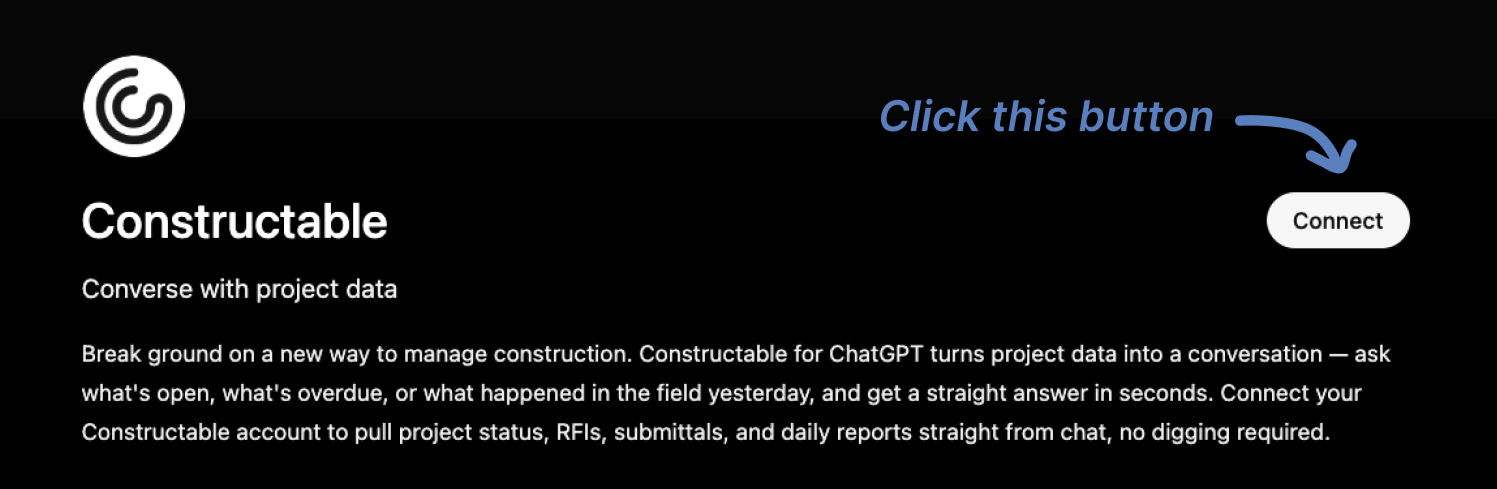\\n\\n3. You'll then be redirected to Constructable. Log in if you haven't already, then click \\\"Confirm\\\" to grant access to ChatGPT.\\n\\n4. Constructable will close and you should see a \\\"Connection Successful\\\" message in ChatGPT.\\n\\n5. You can now click \\\"Start Chat\\\" and begin asking or prompting your Constructable from within ChatGPT!\\n\\n## How to set up and use Constructable MCP with Claude\\n\\n1. Log in to Claude\\n\\n2. Open the \\\"Customize\\\" menu\\n\\n3. Click \\\"Connectors\\\"\\n\\n4. Click the \\\"+\\\" plus button\\n\\n5. Click \\\"Add Custom Connector\\\"\\n\\n 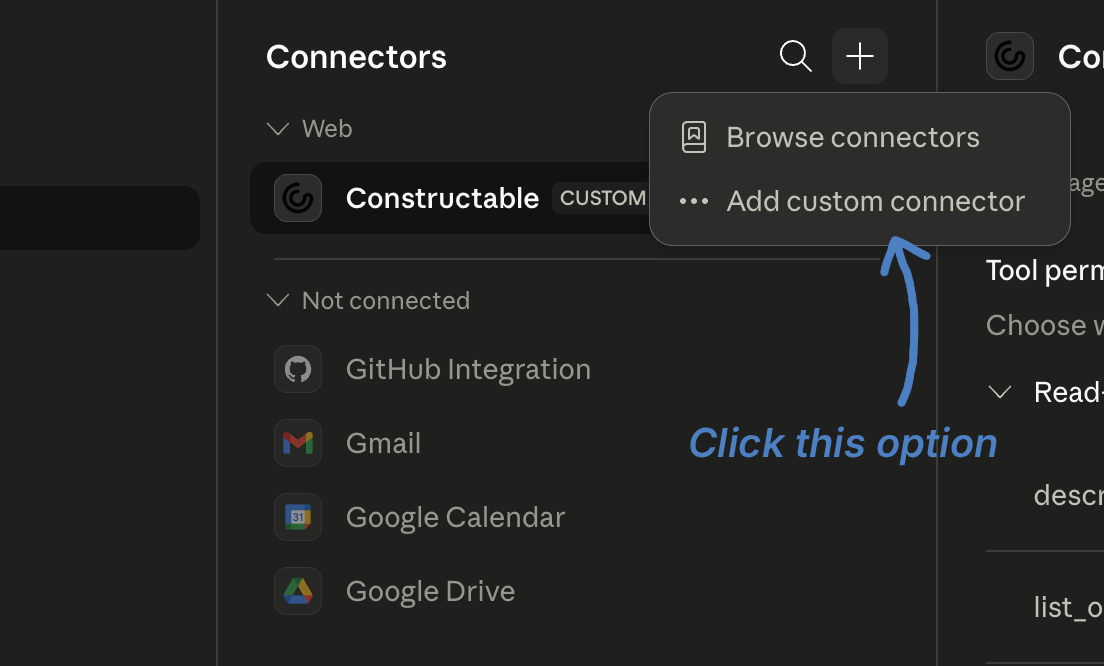\\n\\n6. Enter \\\"Constructable\\\" in the Name field\\n\\n7. For the Remote MCP Sever URL, use \\\"[https://api.constructable.ai/mcp](https://api.constructable.ai/mcp)\\\"\\n\\n8. Click \\\"Add\\\"\\n\\n9. We suggest that you then click the Constructable connector and set the \\\"Read-only Tools\\\" setting to \\\"Always Allow\\\" (so that you don't have to grant the MCP permission to read things every time) but leave the \\\"Write/Delete Tools\\\" set to \\\"Needs Approval\\\" to prevent unwanted executive/destructive actions without your explicit approval.\\n\\n10. Open Claude and start asking or prompting your Constructable Project data!\\n\\n## Final thoughts on how MCP integration changes construction software\\n\\nFor construction teams, the value of MCP comes down to one thing: your project data stops being siloed by which tool created it. Your agent is
165working for you (ChatGPT, Claude or Grok), and now you can give your agent access to your Constructable data. And your agent can start working fro you in Construction. Get real answers and automate real workflows. If that sounds like a problem worth solving, [the Constructable team is easy to reach](https://constructable.ai/sales).\\n\\n## FAQ\\n\\n### What is an MCP server and why does it matter for construction project management?\\n\\nAn MCP server is a piece of infrastructure that lets AI systems connect to external data sources using a shared open standard called the Model Context Protocol, introduced by Anthropic in November 2024. For construction teams, it matters because project data lives across drawings, RFIs, submittals, daily logs, and change events, and MCP gives AI a way to pull answers from all of those at once instead of being trapped inside a single module.\\n\\n### Should I use a construction software MCP integration or stick with traditional API connectors?\\n\\nMCP integration is the better long-term bet for most teams: it collapses the maintenance burden from a grid of custom connectors (one per tool, per AI application) down to a single protocol that any compatible AI client can use. Traditional REST API connectors break silently when vendors ship updates, and rebuilding them is ongoing work that compounds across every tool in your stack.\\n\\n### How does Constructable's MCP server handle cross-module queries across drawings, RFIs, and daily logs?\\n\\n**Constructable** built its MCP server against the same data layer that powers the AI Answer Engine, drawings, RFIs, submittals, daily logs, change events, financials and quality lists are all reachable through a single integration instead of separate connectors. Because the system was built as one product, a cross-module query (say, checking whether a change event ties back to an open RFI and a recent log entry) has one place to go for an answer.\\n\\n### Can I connect Constructable to an external AI tool like Claude or ChatGPT through MCP?\\n\\nYes. **Constructable's** MCP server exposes the core project record to any MCP-compatible AI client, so external tools can query drawings, RFIs, submittals, daily logs, and change events directly. And we give your agent write access too, so your agent can start working for you. Flat-fee, unlimited-user pricing means field teams, office staff, and external AI tools can all draw from the same project data without per-seat costs adding up as usage grows.\\n\",[],[909,910,911,912,913,914,915],\"{\\\"@context\\\":\\\"https://schema.org\\\",\\\"@type\\\":\\\"FAQPage\\\",\\\"name\\\":\\\"MCP Servers \u0026 Construction Software Integration Explained (June 2026)\\\",\\\"mainEntity\\\":[{\\\"@type\\\":\\\"Question\\\",\\\"name\\\":\\\"What is an MCP server and why does it matter for construction project management?\\\",\\\"acceptedA
165nswer\\\":{\\\"@type\\\":\\\"Answer\\\",\\\"text\\\":\\\"An MCP server is a piece of infrastructure that lets AI systems connect to external data sources using a shared open standard called the Model Context Protocol, introduced by Anthropic in November 2024. For construction teams, it matters because project data lives across drawings, RFIs, submittals, daily logs, and change events â and MCP gives AI a way to pull answers from all of those at once, rather than being trapped inside a single module.\\\"}},{\\\"@type\\\":\\\"Question\\\",\\\"name\\\":\\\"Should I use a construction software MCP integration or stick with traditional API connectors?\\\",\\\"acceptedAnswer\\\":{\\\"@type\\\":\\\"Answer\\\",\\\"text\\\":\\\"MCP integration is the better long-term bet for most teams: it collapses the maintenance burden from a grid of custom connectors (one per tool, per AI application) down to a single protocol that any compatible AI client can use. Traditional REST API connectors break silently when vendors ship updates, and rebuilding them is ongoing work that compounds across every tool in your stack.\\\"}},{\\\"@type\\\":\\\"Question\\\",\\\"name\\\":\\\"What should I check before committing to a construction software MCP integration?\\\",\\\"acceptedA
165nswer\\\":{\\\"@type\\\":\\\"Answer\\\",\\\"text\\\":\\\"Five things worth verifying: whether the server exposes the full project record or only select modules, whether the AI can write data or only read it, whether your existing project-level permissions carry through the MCP layer, whether the server is vendor-maintained or community-built, and what the fallback experience looks like for users whose AI client does not yet support the protocol.\\\"}},{\\\"@type\\\":\\\"Question\\\",\\\"name\\\":\\\"How does Constructable's MCP server handle cross-module queries across drawings, RFIs, and daily logs?\\\",\\\"acceptedAnswer\\\":{\\\"@type\\\":\\\"Answer\\\",\\\"text\\\":\\\"Constructable built its MCP server against the same data layer that powers the AI Answer Engine, so drawings, RFIs, submittals, daily logs, change events, and quality lists are all reachable through a single integration rather than separate connectors. Because the system was built as one product, a cross-module query â say, checking whether a change event ties back to an open RFI and a recent log entry â has one place to go for an answer.\\\"}},{\\\"@type\\\":\\\"Question\\\",\\\"name\\\":\\\"Can I connect Constructable to an external AI tool like Claude or ChatGPT through MCP?\\\",\\\"acceptedA
165nswer\\\":{\\\"@type\\\":\\\"Answer\\\",\\\"text\\\":\\\"Yes. Constructable's MCP server exposes the core project record to any MCP-compatible AI client, so external tools can query drawings, RFIs, submittals, daily logs, and change events directly. Flat-fee, unlimited-user pricing means field teams, office staff, and external AI tools can all draw from the same project data without per-seat costs adding up as usage grows.\\\"}},{\\\"@type\\\":\\\"Question\\\",\\\"name\\\":\\\"How does MCP handle construction project permissions â does the AI only see what the user is allowed to see?\\\",\\\"acceptedAnswer\\\":{\\\"@type\\\":\\\"Answer\\\",\\\"text\\\":\\\"Yes, project-level permissions carry through the MCP layer, so an AI client can only query data the authenticated user already has access to. This means a subcontractor-role user querying through an MCP-compatible tool won't surface financials or internal daily log entries restricted to GC staff â the same access controls that govern the software govern the AI.\\\"}},{\\\"@type\\\":\\\"Question\\\",\\\"name\\\":\\\"What's the difference between an MCP server and a traditional webhook or file export integration?\\\",\\\"acceptedA
165nswer\\\":{\\\"@type\\\":\\\"Answer\\\",\\\"text\\\":\\\"Webhooks push data when something changes, and file exports are point-in-time snapshots â both require you to anticipate what an AI will need before it asks. An MCP server lets the AI query live data at runtime, pulling exactly what it needs from drawings, RFIs, or logs in the moment a question is asked, with no pre-programmed knowledge of specific endpoints required.\\\"}},{\\\"@type\\\":\\\"Question\\\",\\\"name\\\":\\\"Does Constructable have an open API, and how does it relate to the MCP server?\\\",\\\"acceptedAnswer\\\":{\\\"@type\\\":\\\"Answer\\\",\\\"text\\\":\\\"Constructable supports API access for custom integrations â contact the team for specifics on your use case. The MCP server is a separate layer built on top of that data foundation, designed specifically for AI clients that speak the Model Context Protocol, so teams don't need to write custom connectors to get AI tools reading from their live project record.\\\"}},{\\\"@type\\\":\\\"Question\\\",\\\"name\\\":\\\"Which construction software modules does Constructable's MCP server actually expose â is it the full project record or just a few data types?\\\",\\\"acceptedA
165nswer\\\":{\\\"@type\\\":\\\"Answer\\\",\\\"text\\\":\\\"Constructable's MCP server exposes drawings, RFIs, submittals, daily logs, change events, and quality lists â the core project record rather than a narrow slice. Because the system was built as one product instead of assembled from acquired modules, a single integration reaches the full project rather than isolated pockets of data.\\\"}},{\\\"@type\\\":\\\"Question\\\",\\\"name\\\":\\\"What's the best way to connect construction project data to an AI agent for automating tasks like invoice routing or RFI summaries?\\\",\\\"acceptedAnswer\\\":{\\\"@type\\\":\\\"Answer\\\",\\\"text\\\":\\\"For teams using MCP-compatible AI clients like Claude, the most direct path is connecting through a vendor-maintained MCP server that exposes the full project record â drawings, RFIs, daily logs, and change events â rather than building custom API connectors for each workflow. Constructable's MCP integration supports this natively, so external AI tools can query live project data without separate connector maintenance.\\\"}},{\\\"@type\\\":\\\"Question\\\",\\\"name\\\":\\\"How does the Model Context Protocol solve the M-by-N integration problem in construction software?\\\",\\\"acceptedA
165nswer\\\":{\\\"@type\\\":\\\"Answer\\\",\\\"text\\\":\\\"Traditional API integrations create an M-by-N grid: every AI application multiplied by every data system means a unique connector to build and maintain for each combination. MCP collapses that to M plus N â build once to the protocol on each side, and any compatible AI client can query any compatible data source without additional custom work.\\\"}},{\\\"@type\\\":\\\"Question\\\",\\\"name\\\":\\\"Who governs the Model Context Protocol, and is it stable enough to build construction software integrations on?\\\",\\\"acceptedAnswer\\\":{\\\"@type\\\":\\\"Answer\\\",\\\"text\\\":\\\"Governance moved to the Agentic AI Foundation under the Linux Foundation in December 2025, with OpenAI, Google, and Microsoft among the participants â so it is open-standard infrastructure, not a single vendor's proprietary spec. By that same month, more than 10,000 active public MCP servers were running across industries, which signals settled ground rather than an experimental protocol.\\\"}},{\\\"@type\\\":\\\"Question\\\",\\\"name\\\":\\\"Can a foreman or superintendent in the field use an MCP-connected AI tool, or is this only practical for office-side PMs?\\\",\\\"acceptedA
165nswer\\\":{\\\"@type\\\":\\\"Answer\\\",\\\"text\\\":\\\"MCP access follows the same permission model as the rest of the system, so field users with appropriate roles can query project data through an MCP-compatible AI client the same way office staff can. Constructable's flat-fee, unlimited-user pricing means field teams, office staff, and external AI tools all draw from the same project data without per-seat costs scaling against you as field adoption grows.\\\"}},{\\\"@type\\\":\\\"Question\\\",\\\"name\\\":\\\"What happens to my MCP integration if a construction software vendor ships an update â does it break the way REST connectors do?\\\",\\\"acceptedAnswer\\\":{\\\"@type\\\":\\\"Answer\\\",\\\"text\\\":\\\"MCP is designed to survive vendor updates more gracefully than hand-coded REST connectors because the AI client queries the server at runtime to discover what is available, rather than relying on pre-programmed endpoint knowledge. When a server adds or changes a capability, a compatible client picks that up automatically instead of breaking silently and waiting for someone to notice a missing number in a report.\\\"}},{\\\"@type\\\":\\\"Question\\\",\\\"name\\\":\\\"Is e-signing for change orders and contracts built into Constructable, or does connecting via MCP require a separate DocuSign setup?\\\",\\\"acceptedA
165nswer\\\":{\\\"@type\\\":\\\"Answer\\\",\\\"text\\\":\\\"E-signing for change orders, contracts, lien waivers, and commitments is built directly into Constructable â no DocuSign subscription required. MCP integration is a separate data-access layer for AI clients and doesn't affect how documents get signed; those workflows stay inside the system where they already live.\\\"}}],\\\"url\\\":\\\"https://constructable.ai/blog/construction-mcp-server-integration\\\",\\\"dateModified\\\":\\\"2026-07-06T19:24:57.197Z\\\",\\\"author\\\":{\\\"@type\\\":\\\"Person\\\",\\\"name\\\":\\\"Molly Abbott\\\"}}\\n\",\"{\\\"@context\\\":\\\"https://schema.org\\\",\\\"@type\\\":\\\"BlogPosting\\\",\\\"headline\\\":\\\"MCP Servers \u0026 Construction Software Integration Explained (June 2026)\\\",\\\"description\\\":\\\"In June 2026, MCP servers are changing how construction teams query project data. See how Constructable exposes RFIs, drawings, submittals, and logs to any AI client.\\\",\\\"datePublished\\\":\\\"2026-07-06T19:24:57.197Z\\\",\\\"dateModified\\\":\\\"2026-07-06T19:24:57.197Z\\\",\\\"author\\\":{\\\"@type\\\":\\\"Person\\\",\\\"name\\\":\\\"Molly Abbott\\\"},\\\"url\\\":\\\"https://constructable.ai/blog/construction-mcp-server-integration\\\",\\\"wordCount\\\":2060,\\\"keywords\\\":[\\\"construction software MCP integration\\\"]}\\n\",\"integration problem construction software always\",\"mcp server\",\"three primitives power mcp server\",\"mcp differs traditional api integration\",\"mcp integration matters construction software particular\",\"servers\",\"changing\",\"procore-reviews-pricing-alternatives\",\"Procore Reviews, Pricing, and Alternatives (July 2026)\",\"Procore pricing ranges $25K-$200K+ annually. See detailed reviews, cost breakdowns, and better alternatives for mid-size GCs in July 2026.\",\"2026-07-09T23:35:03.460Z\",\"You've probably looked at [Procore alternatives](https://constructable.ai/procore-alternative) because the pricing doesn't scale the way you need it to, or the onboarding timeline feels like a project in itself. Volume-based pricing means your software bill grows with your revenue, and most teams report needing three to six months before anyone's truly productive. That's a tough sell when your PM is already running procurement, managing subs, and trying to close out punch lists. We're walking through what Procore costs, where it works best, and what other options make sense for mid-size GCs who need something that works on day one.\\n\\nWhen evaluating a Procore alternative, compare the scope of the proposed plan as well as its price: field tools, project management, financials, and migration support. Our [Procore alternative comparison](/procore-alternative) connects those questions with Constructableâs plans and customer switching stories.\\n\\n**TLDR:**\\n\\n- Procore costs $10K-$60K+ annually based on your construction volume and takes 3-6 months to learn\\n\\n- Mid-size GCs need drawing-first tools where RFIs and quality items pin to plans, not separate modules\\n\\n- Flat-fee alternatives with unlimited users keep costs predictable as your team grows\\n\\n- **Constructable** combines drawings, RFIs, financials, and daily logs in one system with under 21-day onboarding\\n\\n## What is Procore and How Does it Work?\\n\\nProcore is a cloud-based construction management software built to connect field and office teams across commercial, residential, and infrastructure projects. General contractors, specialty contractors, and owners all use it to manage the full project lifecycle from a single system.\\n\\nThe software covers a wide range of workflows:\\n\\n- Document control and drawing management, so everyone is referencing the same set of plans\\n\\n- RFI and submittal tracking to keep the paper trail organized and moving\\n\\n- Daily logs and punch lists for field teams to log progress without being chained to a desk\\n\\n- Budget tracking, invoicing, and financial management tied directly to the project\\n\\n- Quality and safety tools to stay on top of inspections and compliance requirements\\n\\n- Team communication and real-time reporting across all project stakeholders\\n\\
165nThe idea is that everything lives in one place, so the super in the field and the PM in the office are always looking at the same information. Procore runs on a subscription model with custom pricing negotiated per company, and it has mobile apps for both iOS and Android.\\n\\nThat said, Procore is not a light lift. Users consistently report a steep learning curve, especially for teams coming from spreadsheets or simpler tools. The system is broad by design, which means there is a lot to learn before it starts feeling natural. For larger firms with dedicated IT staff and time to train, that tradeoff can work. For mid-size teams where the PM is already handling three other jobs, it is worth knowing what you are signing up for before you commit.\\n\\n## Why Consider Procore Alternatives?\\n\\nProcore is built for scale. If you run a large enterprise firm with dedicated IT staff, a training budget, and months to spare before your team gets up to speed, it can absolutely deliver. But that profile does not describe most mid-size general contractors.\\n\\nHere is where things get uncomfortable for a lot of teams:\\n\\n- Pricing is tied to your annual construction volume, which means the better your business does, the more you pay. Most contractors report spending between $10,000 and $60,000+ per year, with [Projul's 2026 Procore pricing breakdown](https://projul.com/blog/procore-pricing-analysis-2026/) citing typical annual hikes of 10-14% at renewal, and [one contractor reported paying $55K annually](https://constructable.ai/blog/constructable-vs-procore-which-is-better).\\n\\n- Proficiency takes 3 to 6 months on average, with many features going unused even after training, [per G2 reviewers](https://www.g2.com/products/procore/reviews).\\n\\n- Around 85% of reviewers who flagged updates said frequent changes make it hard to keep up.\\n\\n- Users consistently flag aggressive price increases at renewal and an interface that feels overwhelming from day one.\\n\\nIf your PM is already wearing five hats, spending half a year learning new software is not a realistic ask. Teams looking for something that works on day one, without the enterprise overhead, are right to shop around.\\n\\n## Best Procore Alternatives in March 2026\\n\\nSeveral solid options exist depending on your team's size, priorities, and budget. Here is how the top contenders stack up.\\n\\n### Constructable: Best Overall\\n\\nBuilt for mid-size general contractors running $20M to $150M in volume, Constructable brings drawings, RFIs, submittals, daily logs, quality lists, financials, and bid management into one cohesive system. Flat-rate pricing with unlimited users means your bill stays predictable whether you add two people or twenty. Onboarding takes under 21 days, there is native two-way sync with QuickBooks Online and Sage Intacct, and AI-powered search works across every drawing, photo, and document on the job. No volume-based fees, no per-user charges, no surprises at renewal.\\n\\nBest for: Mid-size GCs tired of fragmented software stacks and enterprise complexity.\\n\\n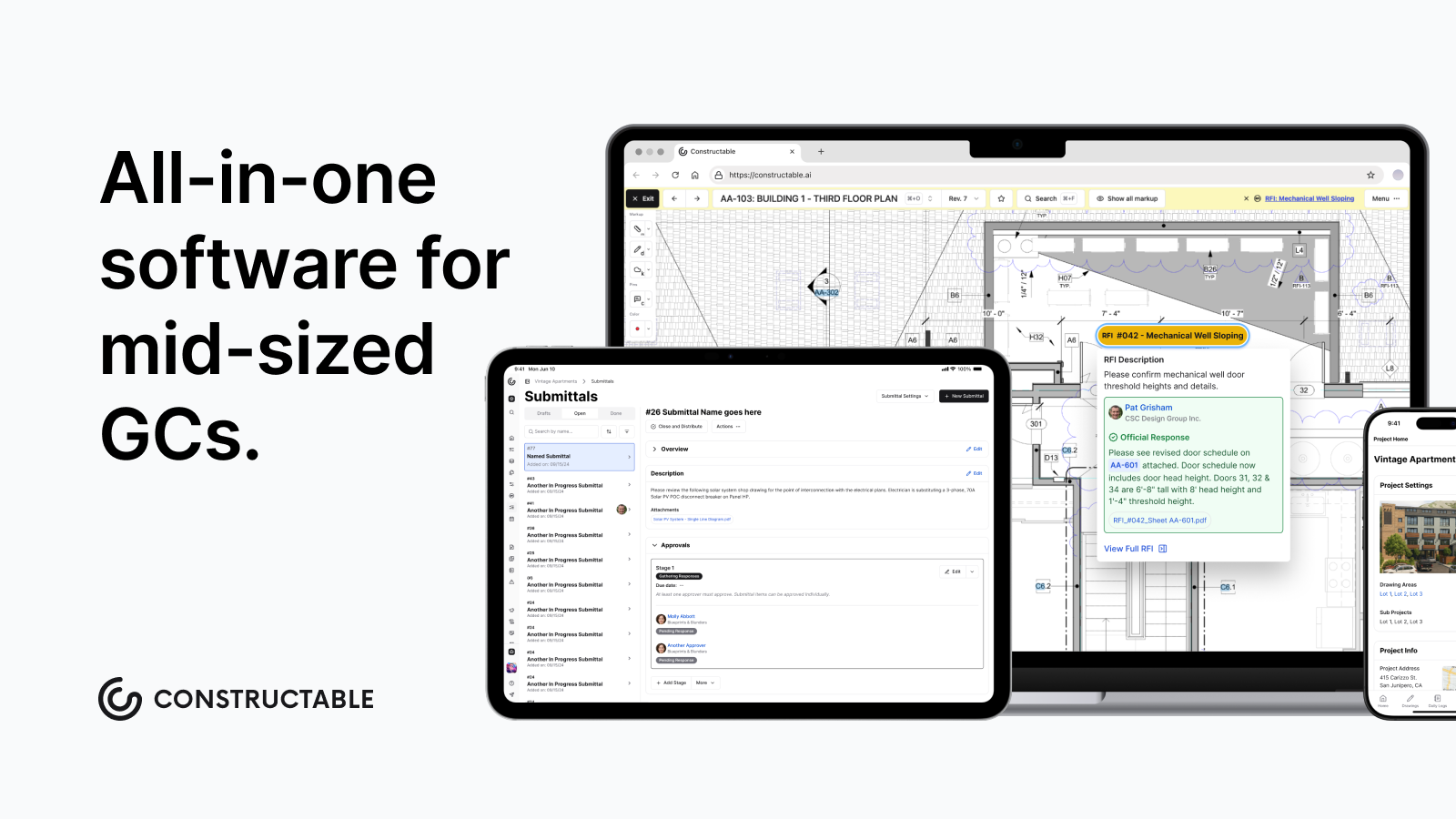\\n\\n### Autodesk Construction Cloud\\n\\nAssembled through acquisitions including BIM 360, PlanGrid, and BuildingConnected, ACC offers deep BIM coordination and Revit/AutoCAD integration. It has real power for large enterprises already living in the Autodesk ecosystem, but workflows feel inconsistent across modules, migrations are expensive, and training requirements are heavy.\\n\\nBest for: Enterprise firms standardizing on Autodesk design tools.\\n\\n### Fieldwire\\n\\nA field-first app with a fast plan viewer, task management, and punch lists. Works well for supers and foremen but lacks financial management entirely, meaning you still need separate software to run the full project.\\n\\nBest for: Field-only teams who handle financials elsewhere.\\n\\n### RedTeam\\n\\nBudget-focused and broad in features, but widely regarded as a legacy system. Workflows feel dated, UX issues go unaddressed, and field adoption tends to be shallow.\\n\\nBest for: Cost-first buyers comfortable with older interfaces.\\n\\n### Ingenious Build\\n\\nBuilt for developer portfolio oversight, not day-to-day GC workflows. Teams running active job sites often find the structure a poor fit.\\n\\nBest for: Owners managing multiple developments, not day-to-day GC work.\\n\\n## Feature Comparison: Procore vs Top Alternatives\\n\\nPicking the right tool is easier when you can see the differences side by side. Here is how the main options compare across the features that matter most on a real job.\\n\\n| Feature | Procore | Constructable | Autodesk Construction Cloud | Fieldwire | RedTeam | Ingenious Build |\\n| -------------------------- | ------------------------- | ------------------------------------------------------- | ------------------------------ | -------------------------- | ------------ | --------------- |\\n| Drawing Management | Yes | Yes, drawings-first with pins to RFIs and quality items | Yes | Yes, strong offline viewer | Yes | Yes |\\n| RFI and Submittal Tracking | Yes | Yes, pinned directly to drawings | Yes | Basic | Yes | Yes |\\n| Financial Management | Yes | Yes, QuickBooks/Sage integration | Yes | Limited | Yes | Limited |\\n| Field Tools | Yes | Yes, with auto weather data | Yes | Yes, field-focused | Basic | Basic |\\n| Unlimited Users | Yes (annual contract) | Yes, all plans | No | No, per-user | Varies | Varies |\\n| Onboarding Timeline | Weeks to months | Under 21 days | Weeks, often needs consultants | Self-serve | Self-serve | Varies |\\n| Pricing Model | Volume-based custom quote | Flat fee, no per-user charges | Custom enterprise pricing | $39-$89/user/month | Custom quote | Custom quote |\\n| Mobile Offline Access | Yes | Yes (drawings offline) | Yes | Yes, strong offline | Yes | Yes |\\n\\nA few things worth calling out from the table above. Procore covers a lot of ground, but that breadth comes with real tradeoffs in cost and setup time. Autodesk Construction Cloud sits in a similar tier, often requiring outside consultants just to get off the ground. Fieldwire is genuinely good for field teams but runs thin on the financial side. RedTeam and Ingenious Build offer mid-market options, though pricing and feature depth vary depending on how you configure them.\\n\\n[Constructable sits in a different position](https://constructable.ai/procore-alternative). The flat-fee structure means your cost stays predictable whether you have five people on a project or fifty. The under-21-day onboarding timeline is a real number, not a sales claim. And the drawings-first approach reflects how most field teams actually work, starting from the plans and working outward.\\n\\n## Why Constructable is the Best Procore Alternative\\n\\nProcore works well for large enterprise firms with the budget, staff, and runway to make it stick. Most mid-size GCs don't have any of those things in surplus.\\n\\nConstructable was built for the $20M to $150M contractor who needs everything to work without a six-month ramp. Drawings are the center of gravity here, so RFIs, quality items, and markups all live pinned to the actual plans instead of buried in separate modules. [AI-powered search](https://constructable.ai/blog/best-ai-powered-construction-management-software) pulls answers across every document, photo, and drawing instantly, no clicking through nested menus to track something down.\\n\\n\u003e \\\"Builders shouldn't need a software stack\\\" is something we mean literally. One system, one login, one source of truth.\\n\\n**Flat-fee pricing** with **unlimited users** means adding a sub or a new PM doesn't change your invoice. True [two-way sync with QuickBooks and Sage Intacct](https://constructable.ai/blog/construction-communication-collaboration-tools) keeps financials clean without duplicate entry. Onboarding wraps in under 21 days on average.\\n\\nIf Procore feels like more machine than you need, Constructable is worth a look.\\n\\n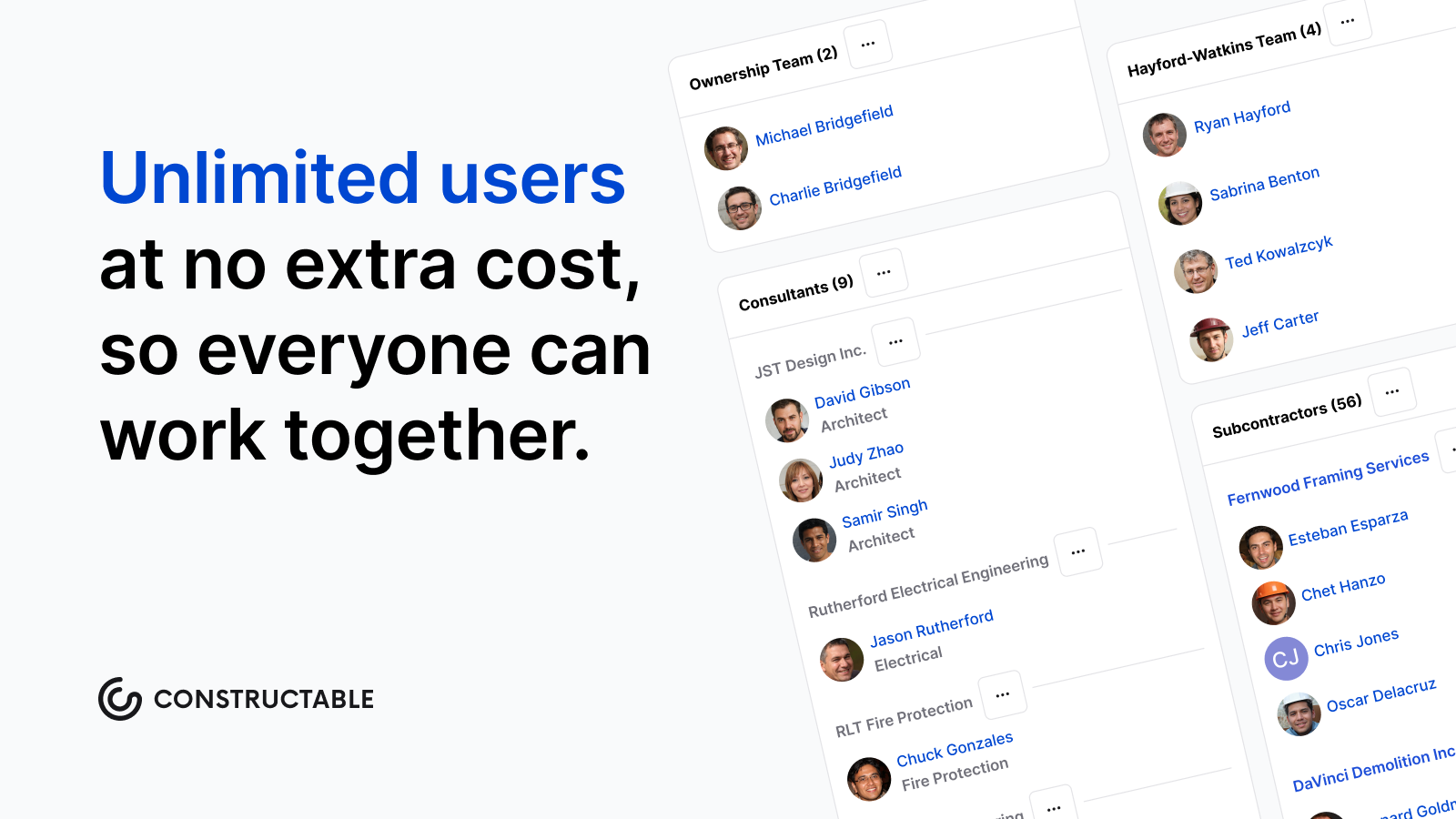\\n\\n## Final Thoughts on Construction Management Tools\\n\\
165nMost mid-size GCs do not need enterprise software built for Fortune 500 firms with dedicated IT departments and training budgets. What you need is something that works without eating six months of your PM's time or changing your bill every time you add someone to a project. [Construction management software](https://constructable.ai/) should connect your field and office teams without requiring a consultant to set it up or a manual to understand it. If that sounds right, [talk to our team](https://constructable.ai/sales) and we will walk you through how Constructable handles real jobs.\\n\\n## Choosing a Procore alternative with migration in mind\\n\\nBefore deciding to switch, agree on what happens to active projects, historical documents, and accounting connections. [Clear Groupâs move from Procore to Constructable](/customer-stories/clear-group) offers a concrete example of evaluating financial visibility and onboarding alongside the software itself.\\n\\n## FAQ\\n\\n### When should you consider moving away from Procore?\\n\\nIf you're spending months training your team before anyone feels comfortable, paying fees that scale with your revenue growth, or watching features change faster than your crew can keep up, it's time to look around. Most mid-size GCs find better options when the complexity and cost outweigh the actual value they're getting.\\n\\n### What features should you look for when comparing construction management alternatives?\\n\\nStart with how fast your team can actually use it - if onboarding takes three months, you've already lost. Then look at pricing structure (flat-fee beats volume-based), whether drawings connect directly to RFIs and quality items, and if financials sync with your accounting software without duplicate entry.\\n\\n### How long does it take to get your team up and running on a new system?\\n\\nDepends entirely on the software. Procore averages 3 to 6 months before teams feel proficient. Constructable wraps onboarding in under 21 days. Fieldwire is self-serve and faster, but you'll still need separate tools for financials.\\n\\n### Can you switch construction management software mid-project?\\n\\nYes, but timing matters. Most teams switch between projects or at natural breaks like the end of a phase. Migration gets harder if your current system doesn't export clean data, so check what you can actually take with you before you commit to leaving.\\n\\n### Why do Procore alternatives charge less for the same features?\\n\\nProcore's pricing scales with your annual construction volume, so your bill climbs as your business grows. Alternatives like Constructable use flat-fee pricing with unlimited users, meaning your cost stays fixed whether you're running one project or ten. Different business model, same core workflows.\\n\",[],[925,926,927,627,377,556,928],\"{\\\"@context\\\":\\\"https://schema.org\\\",\\\"@type\\\":\\\"FAQPage\\\",\\\"name\\\":\\\"Procore Reviews, Pricing, and Alternatives (July 2026)\\\",\\\"mainEntity\\\":[{\\\"@type\\\":\\\"Question\\\",\\\"name\\\":\\\"When should you consider moving away from Procore?\\\",\\\"acceptedA
165nswer\\\":{\\\"@type\\\":\\\"Answer\\\",\\\"text\\\":\\\"If you're spending months training your team before anyone feels comfortable, paying fees that scale with your revenue growth, or watching features change faster than your crew can keep up, it's time to look around. Most mid-size GCs find better options when the complexity and cost outweigh the actual value they're getting.\\\"}},{\\\"@type\\\":\\\"Question\\\",\\\"name\\\":\\\"What features should you prioritize when comparing construction management alternatives?\\\",\\\"acceptedAnswer\\\":{\\\"@type\\\":\\\"Answer\\\",\\\"text\\\":\\\"Start with how fast your team can actually use itâif onboarding takes three months, you've already lost. Then look at pricing structure (flat-fee beats volume-based), whether drawings connect directly to RFIs and quality items, and if financials sync with your accounting software without duplicate entry.\\\"}},{\\\"@type\\\":\\\"Question\\\",\\\"name\\\":\\\"How long does it take to get your team up and running on a new system?\\\",\\\"acceptedA
165nswer\\\":{\\\"@type\\\":\\\"Answer\\\",\\\"text\\\":\\\"Depends entirely on the software. Procore averages 3 to 6 months before teams feel proficient. Constructable wraps onboarding in under 21 days. Fieldwire is self-serve and faster, but you'll still need separate tools for financials.\\\"}},{\\\"@type\\\":\\\"Question\\\",\\\"name\\\":\\\"Can you switch construction management software mid-project?\\\",\\\"acceptedAnswer\\\":{\\\"@type\\\":\\\"Answer\\\",\\\"text\\\":\\\"Yes, but timing matters. Most teams switch between projects or at natural breaks like the end of a phase. Migration gets harder if your current system doesn't export clean data, so check what you can actually take with you before you commit to leaving.\\\"}},{\\\"@type\\\":\\\"Question\\\",\\\"name\\\":\\\"Why do Procore alternatives charge less for the same features?\\\",\\\"acceptedAnswer\\\":{\\\"@type\\\":\\\"Answer\\\",\\\"text\\\":\\\"Procore's pricing scales with your annual construction volume, so your bill climbs as your business grows. Alternatives like Constructable use flat-fee pricing with unlimited users, meaning your cost stays fixed whether you're running one project or ten. Different business model, same core workflows.\\\"}}],\\\"url\\\":\\\"https://constructable.ai/blog/procore-reviews-pricing-alternatives\\\",\\\"dateModified\\\":\\\"2026-09-18\\\",\\\"author\\\":{\\\"@type\\\":\\\"Organization\\\",\\\"name\\\":\\\"Constructable\\\"}}\\n\",\"{\\\"@context\\\":\\\"https://schema.org\\\",\\\"@type\\\":\\\"BlogPosting\\\",\\\"headline\\\":\\\"Procore Reviews, Pricing, and Alternatives (July 2026)\\\",\\\"description\\\":\\\"Procore pricing ranges $25K-$200K+ annually. See detailed reviews, cost breakdowns, and better alternatives for mid-size GCs in July 2026.\\\",\\\"datePublished\\\":\\\"2026-07-09T23:35:03.460Z\\\",\\\"dateModified\\\":\\\"2026-09-18\\\",\\\"author\\\":{\\\"@type\\\":\\\"Organization\\\",\\\"name\\\":\\\"Constructable\\\"},\\\"url\\\":\\\"https://constructable.ai/blog/procore-reviews-pricing-alternatives\\\",\\\"wordCount\\\":1955,\\\"keywords\\\":[\\\"procore reviews\\\",\\\"procore pricing\\\",\\\"procore alternatives\\\",\\\"construction management software\\\"]}\\n\",\"procore work\",\"consider procore alternatives\",\"best procore alternatives march 2026\",\"ranges\",\"chatgpt-manage-construction-projects\",\"Run Construction Projects in ChatGPT â Here's How (July 2026)\",\"July 2026 guide to managing construction projects in ChatGPT, covering project setup, file uploads, MCP live data connections, and prompts that actually work on the job.\",\"2026-07-10T22:46:19.984Z\",\"A lot of construction teams are using ChatGPT for one-off tasks and calling it a day. That works fine until you realize you're copying and pasting the same context into every new session. The better move is to use ChatGPT to manage construction projects from a proper workspace, so your project files stay loaded and every answer actually reflects your job.\\n\\n**TLDR:**\\n\\n- ChatGPT handles drafting, summarizing, and templating well; it guesses when you ask about your actual project without feeding it context.\\n\\n- Set up a ChatGPT Project with up to 40 uploaded files so your specs, RFI log, and contract stay in context across sessions.\\n\\n- MCP connects ChatGPT to a live project system, so answers on overdue RFIs or submittal status reflect current records, not a stale export.\\n\\n- Keep bid sheets, signed contracts, and cost data out of public sessions; Business and Enterprise plans exclude your inputs from model training by default.\\n\\n- **Constructable** centralizes drawings, RFIs, submittals, and daily logs in one connected system, giving ChatGPT and its native AI Answer Engine actual project data to pull from.\\n\\n## Why construction teams are turning to ChatGPT in 2026\\n\\nWalk any jobsite trailer in 2026 and someone has a ChatGPT tab open. Maybe drafting an [RFI response](https://constructable.ai/blog/construction-rfi-management-breakdown), maybe untangling a spec section, maybe summarizing a 40-page submittal nobody had time to read. The tool showed up before the strategy did.\\n\\nThe numbers explain the gap between hype and habit. A survey cited by ASCE found that only [27%](https://www.asce.org/publications-and-news/civil-engineering-source/article/2025/12/18/architecture-engineering-construction-sector-slow-to-adapt-ai-survey-shows) of AEC professionals use AI in their daily work. Per AGC's annual survey, as reported by Bridgit, [61% of firms use or plan AI](https://gobridgit.com/blog/ai-construction-statistics/), up from 44% in 2024. Those two numbers are measuring different things: the first is individual daily use, the second counts any firm that has touched AI or intends to. Intent runs well ahead of practice.\\n\\nSo most teams are curious, a smaller group is building it into how they run projects, and almost everyone wants to know which use cases hold up once the demo ends. That is the real question for a PM in 2026. Not whether AI works, but where it earns a place in your day.\\n\\n## What ChatGPT can and cannot do in construction\\n\\nThe split is simpler than the hype suggests. ChatGPT is good at language work and pattern work. It struggles the moment a task depends on your actual project.\\n\\nHere is the real breakdown:\\n\\n| Handles well out of the box | Cannot do without extra setup |\\n| -------------------------------------------------------------------------- | ----------------------------------------------------------------------------------------- |\\n| Drafting RFI responses, emails, and meeting recaps | Pull live data from your drawings, logs, or financials |\\n| Summarizing long spec sections into the parts that matter | Recall a sub's history or past performance on your jobs |\\n| Structuring repetitive templates like daily logs or submittal cover sheets | Cite current building codes reliably, since training data lags and varies by jurisdiction |\\n| Explaining dense contract language in plain terms | Track what changed on a sheet between two revisions |\\n\\nThe pattern is consistent. Give ChatGPT the text and it works. Ask it about your project without feeding it the context, and it guesses. Knowing which column a task lands in saves you from trusting an answer that sounds right and is built on nothing.\\n\\n## Setting up ChatGPT as a construction project workspace\\n\\nA blank ChatGPT session forgets everything the moment you close the tab. A Project does not. ChatGPT's Projects feature now holds [up to 40 uploaded files](https://aibusinessweekly.net/p/chatgpt-new-features-2026) per project, so your specs, RFI log, contract, and meeting notes stay in context across every conversation inside that project.\\n\\nSet it up once, and ChatGPT will answer your actual job questions instead of guessing from general training.\\n\\nHere is how to configure one for a single project:\\n\\n- Create a new Project named for the job, like \\\"Riverside Medical Office Buildout.\\\"\\n\\n- Upload documents ChatGPT reads well as text: spec sections, your RFI log, the prime contract, submittal registers, and recent meeting minutes. Drawings upload too, though it reads sheet text better than geometry.\\n\\n- Write project-level instructions naming the parties, delivery method, phase, and response format.\\n\\nRefresh the files when the job moves.\\n\\n## Connecting live construction data to ChatGPT\\n\\nUploaded files are a snapshot. The moment your RFI log changes or a new revision lands, that snapshot goes stale. Model Context Protocol (MCP) closes that gap by allowing ChatGPT to query a connected system directly and pull current records the moment you ask.\\n\\nThink of it as a live line between ChatGPT and the system where your project actually lives. Instead of reading a file you exported last Tuesday, ChatGPT reaches into the source and returns what is there right now.\\n\\nWhat can move across that connection:\\n\\n- Documents and spec sections\\n\\n- RFIs and their current ball-in-court status\\n\\n- Drawings and revision history\\n\\n- Submittals and their review state\\n\\n- Daily logs and field activity\\n\\nAsk \\\"which RFIs are overdue on this job,\\\" and the answer reflects today's log, not a frozen copy.\\n\\n## High-value use cases for construction project managers\\
165n\\nOnce your project context is loaded, the payoff shows up in the documentation work that eats a PM's afternoon without moving the job forward. These are the tasks worth handing over:\\n\\n- Drafting RFI language that states the question, references the spec section, and proposes an interpretation.\\n\\n- Condensing long specification sections or addenda into the parts that change your scope.\\n\\n- Writing subcontractor follow-ups on overdue submittals or unconfirmed deliveries.\\n\\n- Turning raw field notes into a structured daily report summary.\\n\\n- Drafting [change order narratives](https://constructable.ai/blog/change-orders-construction-guide) that tie the cost to the triggering event.\\n\\n- Building meeting agendas from your open RFI and submittal list.\\n\\n- Outlining a weekly toolbox talk around the trades on site that week.\\n\\n## ChatGPT prompts that work for construction teams\\n\\nSpecificity is the whole game. A prompt with bracketed job context beats a vague request every time, so fill the brackets before you hit enter.\\n\\n- RFI request: \\\"Draft a formal RFI for \\\\[project\\\\], \\\\[trade\\\\], asking \\\\[question\\\\]. Reference \\\\[spec section\\\\] and propose an interpretation.\\\"\\n\\n- Subcontractor follow-up: \\\"Write a follow-up to \\\\[sub\\\\] on \\\\[overdue submittal/delivery\\\\], due \\\\[date\\\\], firm but professional.\\\"\\n\\n- Two-week lookahead: \\\"Summarize a two-week lookahead for \\\\[project\\\\] in \\\\[phase\\\\] from these notes: \\\\[paste\\\\].\\\"\\n\\n- Client progress update: \\\"Write a progress update for \\\\[owner\\\\] covering work completed, upcoming, and open items: \\\\[paste\\\\].\\\"\\n\\n- Delay notice: \\\"Draft a delay notice citing \\\\[cause\\\\], affected \\\\[scope\\\\], and schedule impact.\\\"\\n\\n- Coordination agenda: \\\"Build a weekly coordination agenda for \\\\[trades on site\\\\] from these open items: \\\\[paste\\\\].\\\"\\n\\n- Scope of work: \\\"Write a scope section for \\\\[trade\\\\] on \\\\[project\\\\] covering \\\\[inclusions/exclusions\\\\].\\\"\\n\\n- Risk summary: \\\"Summarize current project risks for \\\\[project\\\\] from: \\\\[paste\\\\].\\\"\\n\\n- Closeout feedback: \\\"Draft a post-project feedback request for \\\\[party\\\\].\\\"\\n\\nSwap project name, contract parties, trade, and phase each time. That context is what turns generic text into something you can actually send.\\n\\n## Where ChatGPT falls short in construction\\n\\nSome gaps stay open no matter how sharp your prompts get. They are built into what the tool is.\\n\\nA session knows nothing about your job until you hand it the context. Close the tab and that context is gone. ChatGPT also has no line to your historical subcontractor records or real cost data, so it cannot tell you what a sub bid last spring or how a cost code actually ran.\\n\\nThe riskier limit is confidence. ChatGPT will produce a plausible answer on a spec interpretation or a code requirement and state it with full assurance, even when it is flat wrong. For a technical decision in the field, that combination of fluency and error is where teams get burned.\\n\\nSo treat it as a writing tool. It drafts and summarizes well. It does not replace field judgment, estimating expertise, or a system of record for your project documentation. For a broader look at what [AI-powered construction software](https://constructable.ai/blog/best-ai-powered-construction-management-software) can do natively, that comparison covers the tools built for the jobsite.\\n\\n## Keeping construction data secure in ChatGPT\\n\\nConstruction firms guard their bids for a reason. The moment you paste a subcontractor bid sheet, a signed owner contract, or a project budget into a public AI session, you lose control of where that data sits and who could see it.\\n\\nKeep these categories out of any public session without enterprise controls in place:\\n\\n- Proprietary cost data and internal margins\\n\\n- Signed contract terms and owner financial details\\n\\n- Confidential bid submissions from subs\\n\\nThe tier you run on changes the math. Free and Plus sessions may use your inputs to train future models unless you opt out. Check your account's Data Controls settings to confirm the current default for your plan, as OpenAI's policies update periodically. Business and Enterprise plans exclude your data from training by default and add admin controls over retention and access.\\n\\nSet a written team policy before anyone gets creative. Name what can go into a public session, what stays in a Business or Enterprise account, and what never leaves your own system. One sentence each is enough, so long as everyone on the job has read it. For example: _Public session: spec summaries and draft emails. Business account: RFI logs and submittals. Never: bid sheets, signed contracts, or cost data._\\n\\n## How **Constructable** connects to ChatGPT\\n\\nEverything that the earlier sections described works only when your project data is already centralized and structured. That is the gap **Constructable** closes. Your drawings, RFIs, submittals, photos, daily logs, and documents live in one connected system, and that data can connect to external AI tools, including ChatGPT. Ask a question in ChatGPT and get an answer drawn from your actual project records, not a guess.\\n\\nWe also run this search natively. The AI Answer Engine pulls answers from across your plans, documents, and log entries, and every answer links straight back to the source document, drawing, or log entry. You verify it in one click. No keyword digging, no hallucinated answers.\\n\\nSo the live connection MCP enables has a real place to reach into.\\n\\nHere's how to connect ChatGPT to your project data in Constructable:\\n\\n1. Go to our ChatGPT App listing at the following link: [https://chatgpt.com/apps/constructable/asdk\\\\_app\\\\_6a10b761b5c081919958e281f32ff7e9](https://chatgpt.com/apps/constructable/asdk_app_6a10b761b5c081919958e281f32ff7e9)\\n\\n2. Click \\\"Connect\\\" and log in to your ChatGPT account if necessary\\n\\n 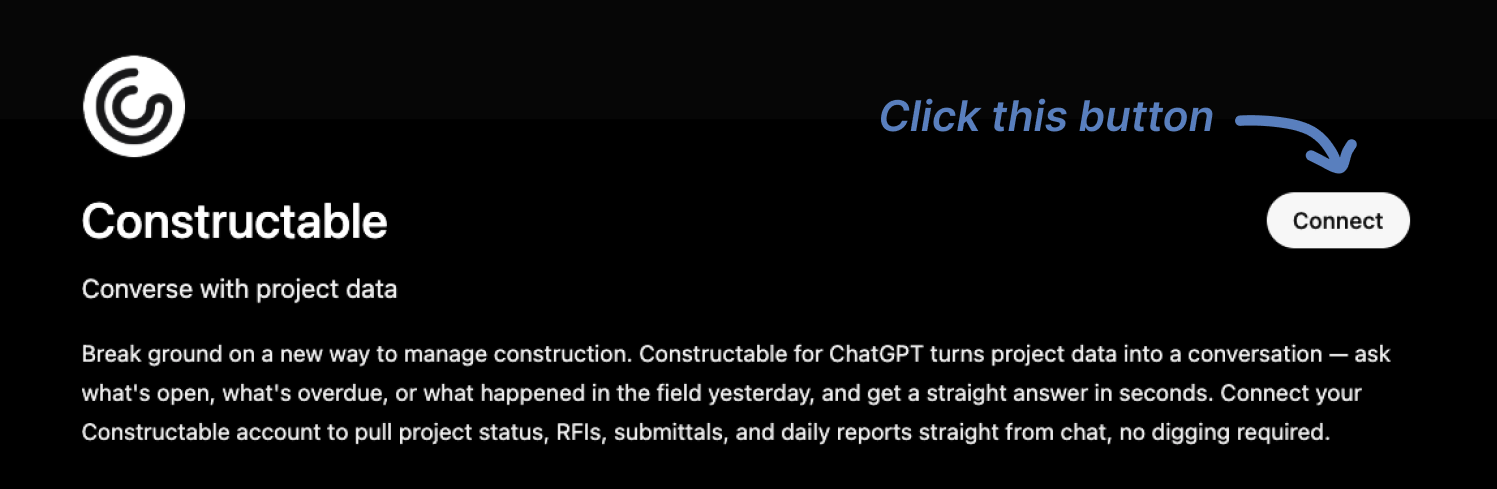\\n\\n3. You'll then be redirected to Constructable. Log in if you haven't already, then click \\\"Confirm\\\" to grant access to ChatGPT.\\n\\n 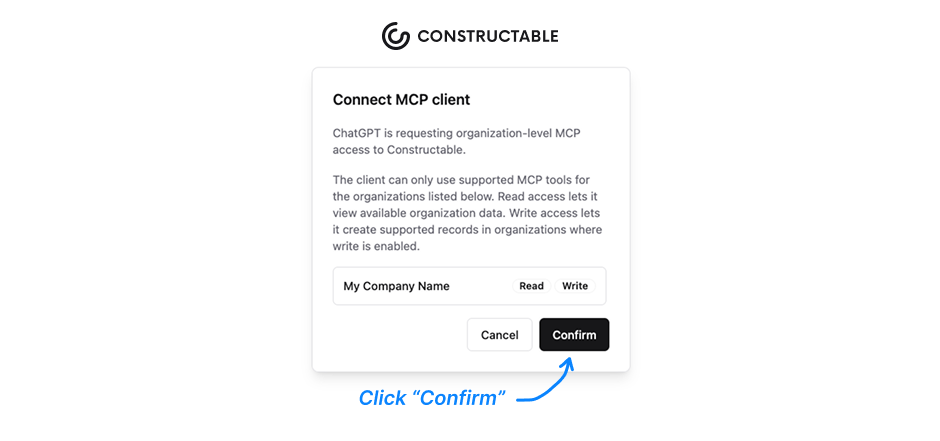\\n\\n4. Constructable will close and you should see a \\\"Connection Successful\\\" message in ChatGPT.\\n\\n5. You can now click \\\"Start Chat\\\" and begin asking or prompting your Constructable from within ChatGPT!\\n\\n 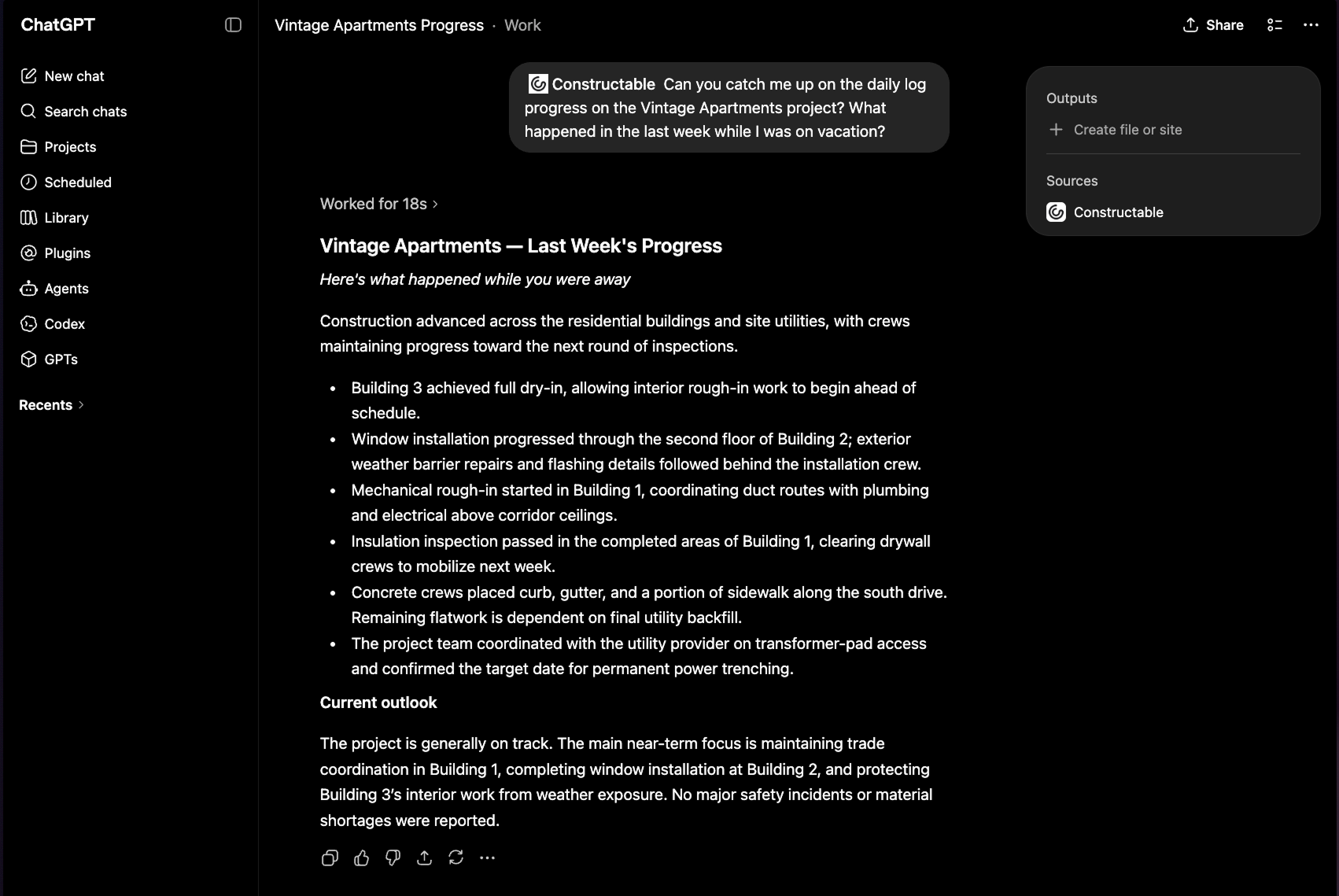\\n\\n## Final thoughts on using ChatGPT to manage construction projects\\n\\nThe teams getting real value out of ChatGPT are not doing anything complicated. They load it with job context, use specific prompts, and hand off the documentation work that was eating up their afternoons. Keep your data organized, know which tasks belong in which column, and the tool earns its place in your day pretty quickly. If you want to see how live project data connects to AI answers, [our team can walk you through it](https://constructable.ai/sales).\\n\\n## FAQ\\n\\n### What's the best way to use ChatGPT to manage construction projects without exposing sensitive data?\\n\\nUse ChatGPT's Business or Enterprise plan for anything project-specific; those tiers exclude your inputs from model training by default and add admin controls. Keep proprietary cost data, signed contracts, and subcontractor bid submissions out of free or Plus sessions entirely, and write a short team policy before anyone starts experimenting.\\n\\n### Can I use ChatGPT to manage construction projects if my data lives across multiple disconnected tools?\\n\\nYou can get partial value (drafting RFIs, summarizing specs, writing follow-ups), but ChatGPT works best when your project data is already centralized. Without a connected system feeding it current records, you're pasting stale snapshots and ChatGPT is filling gaps with guesses instead of drawing from your actual job.\\n\\n### How do I set up a ChatGPT Project for a construction job?\\n\\nCreate a new Project named for the job, upload text-readable documents like spec sections, your RFI log, the prime contract, and recent meeting minutes, then write project-level instructions that name the parties, delivery method, and phase. Refresh the files whenever the job moves to a new phase or a major revision lands.\\n\\n### ChatGPT vs. a native AI Answer Engine for construction: which one actually works on the jobsite?\\n\\nChatGPT requires you to feed it context each time, and it goes stale the moment your files change, while a native Answer Engine built into your project system queries live records and links every answer back to the source document or drawing for one-click verification. For daily jobsite use where RFI status and drawing revisions change constantly, a live-connected system beats a manually updated ChatGPT Project.\\n\\n### When does connecting ChatGPT to live project data via MCP make sense?\\n\\nMCP is worth setting up once your construction project data is centralized in a single system and you are asking questions often enough that stale uploaded files are slowing you down. A connected system like **Constructable**âwhere drawings, RFIs, submittals, and daily logs already live togetherâgives MCP a real source to pull from. If you are still pulling information from scattered tools, fixing the data fragmentation first will deliver more than any AI connection on top of it.\\n\",[],[938,939,940,941,942,323,943],\"{\\\"@context\\\":\\\"https://schema.org\\\",\\\"@type\\\":\\\"FAQPage\\\",\\\"name\\\":\\\"Run Construction Projects in ChatGPT â Here's How (July 2026)\\\",\\\"mainEntity\\\":[{\\\"@type\\\":\\\"Question\\\",\\\"name\\\":\\\"What's the best way to use ChatGPT to manage construction projects without exposing sensitive data?\\\",\\\"acceptedA
165nswer\\\":{\\\"@type\\\":\\\"Answer\\\",\\\"text\\\":\\\"Use ChatGPT's Business or Enterprise plan for anything project-specific â those tiers exclude your inputs from model training by default and add admin controls. Keep proprietary cost data, signed contracts, and subcontractor bid submissions out of free or Plus sessions entirely, and write a short team policy before anyone starts experimenting.\\\"}},{\\\"@type\\\":\\\"Question\\\",\\\"name\\\":\\\"Can I use ChatGPT to manage construction projects if my data lives across multiple disconnected tools?\\\",\\\"acceptedAnswer\\\":{\\\"@type\\\":\\\"Answer\\\",\\\"text\\\":\\\"You can get partial value â drafting RFIs, summarizing specs, writing follow-ups â but ChatGPT works best when your project data is already centralized. Without a connected system feeding it current records, you are pasting stale snapshots and ChatGPT is filling gaps with guesses rather than your actual job.\\\"}},{\\\"@type\\\":\\\"Question\\\",\\\"name\\\":\\\"How do I set up a ChatGPT Project for a construction job?\\\",\\\"acceptedA
165nswer\\\":{\\\"@type\\\":\\\"Answer\\\",\\\"text\\\":\\\"Create a new Project named for the job, upload text-readable documents like spec sections, your RFI log, the prime contract, and recent meeting minutes, then write project-level instructions that name the parties, delivery method, and phase. Refresh the files whenever the job moves to a new phase or a major revision lands.\\\"}},{\\\"@type\\\":\\\"Question\\\",\\\"name\\\":\\\"ChatGPT vs. a native AI Answer Engine for construction â which one actually works on the jobsite?\\\",\\\"acceptedAnswer\\\":{\\\"@type\\\":\\\"Answer\\\",\\\"text\\\":\\\"ChatGPT requires you to feed it context every time and goes stale the moment your files change, while a native Answer Engine built into your project system queries live records and links every answer back to the source document or drawing for one-click verification. For daily jobsite use where RFI status and drawing revisions change constantly, a live-connected system beats a manually updated ChatGPT Project.\\\"}},{\\\"@type\\\":\\\"Question\\\",\\\"name\\\":\\\"When does connecting ChatGPT to live project data via MCP make sense?\\\",\\\"acceptedA
165nswer\\\":{\\\"@type\\\":\\\"Answer\\\",\\\"text\\\":\\\"MCP is worth setting up once your project data is centralized in a single system and you are asking questions often enough that stale uploaded files are slowing you down. If you are still pulling information from scattered tools, fixing the data fragmentation first will deliver more than any AI connection on top of it.\\\"}},{\\\"@type\\\":\\\"Question\\\",\\\"name\\\":\\\"What kinds of construction documents should I upload to a ChatGPT Project, and which ones should I leave out?\\\",\\\"acceptedAnswer\\\":{\\\"@type\\\":\\\"Answer\\\",\\\"text\\\":\\\"Upload text-readable documents that ChatGPT can reference across sessions: spec sections, your RFI log, the prime contract, submittal registers, and recent meeting minutes. Leave out signed contracts with confidential owner financial terms, subcontractor bid sheets, and internal cost data â those belong only in a Business or Enterprise account with admin controls in place, not a general Project upload.\\\"}},{\\\"@type\\\":\\\"Question\\\",\\\"name\\\":\\\"Can I use ChatGPT to write change order narratives, and what context does it need to do that well?\\\",\\\"acceptedA
165nswer\\\":{\\\"@type\\\":\\\"Answer\\\",\\\"text\\\":\\\"Yes â drafting change order narratives is one of the higher-value tasks you can hand off to ChatGPT. Give it the triggering event, the affected scope, the cost, and the relevant spec or contract clause, and it will produce a narrative that ties the cost to the cause. Without that context pasted in, the output will be generic and unusable.\\\"}},{\\\"@type\\\":\\\"Question\\\",\\\"name\\\":\\\"How do I use ChatGPT to manage construction projects when my RFI and submittal status changes daily?\\\",\\\"acceptedAnswer\\\":{\\\"@type\\\":\\\"Answer\\\",\\\"text\\\":\\\"Uploaded files go stale the moment your log changes, so for daily status questions you need either a live MCP connection to your project system or a habit of re-exporting and re-uploading your logs before each session. A connected system that feeds ChatGPT current records directly is the cleaner answer for fast-moving projects.\\\"}},{\\\"@type\\\":\\\"Question\\\",\\\"name\\\":\\\"Is ChatGPT reliable enough to interpret spec sections for construction decisions?\\\",\\\"acceptedA
165nswer\\\":{\\\"@type\\\":\\\"Answer\\\",\\\"text\\\":\\\"ChatGPT reads and summarizes spec language well, but it should not be the final word on a technical interpretation that affects field execution or a contractual dispute. It can help you understand what a section says and flag the parts that affect your scope, but verify anything consequential against the actual document and run it by your team before acting.\\\"}},{\\\"@type\\\":\\\"Question\\\",\\\"name\\\":\\\"What's the fastest way to turn raw field notes into a structured daily report using ChatGPT?\\\",\\\"acceptedAnswer\\\":{\\\"@type\\\":\\\"Answer\\\",\\\"text\\\":\\\"Paste your unformatted notes into a ChatGPT Project that already has your project context loaded, and prompt it with the report structure you want: crew, equipment, deliveries, weather, delays, and notes. The output is ready to review and send in minutes rather than requiring a full manual write-up at the end of a long day.\\\"}},{\\\"@type\\\":\\\"Question\\\",\\\"name\\\":\\\"Should I use ChatGPT or a purpose-built construction system for tracking RFI ball-in-court status?\\\",\\\"acceptedA
165nswer\\\":{\\\"@type\\\":\\\"Answer\\\",\\\"text\\\":\\\"Use a purpose-built construction system for tracking RFI status â ChatGPT has no live line to your project records and cannot tell you who currently holds an RFI or when it went overdue without you feeding it a current export. ChatGPT is useful for drafting the RFI language or writing a follow-up to an unresponsive respondent, but tracking belongs in a system where records update in real time.\\\"}},{\\\"@type\\\":\\\"Question\\\",\\\"name\\\":\\\"How do construction teams write better ChatGPT prompts for subcontractor follow-up emails?\\\",\\\"acceptedAnswer\\\":{\\\"@type\\\":\\\"Answer\\\",\\\"text\\\":\\\"Fill in the specifics before you hit send: name the sub, the overdue item, the original due date, and the tone you want (firm but professional is the default on most jobs). A prompt like \\\\\\\"Write a follow-up to [sub] on [overdue submittal], due [date], firm but professional\\\\\\\" produces something you can actually send, while a vague request produces a generic email that needs a full rewrite.\\\"}},{\\\"@type\\\":\\\"Question\\\",\\\"name\\\":\\\"What is Model Context Protocol (MCP) and why does it matter for construction project data?\\\",\\\"acceptedA
165nswer\\\":{\\\"@type\\\":\\\"Answer\\\",\\\"text\\\":\\\"MCP is a connection layer that lets ChatGPT query a live system directly instead of reading a file you exported last week. For construction, that means asking about overdue RFIs or current submittal status and getting an answer that reflects today's records â not a frozen snapshot. It matters most when your project is moving fast and stale data would produce wrong answers.\\\"}},{\\\"@type\\\":\\\"Question\\\",\\\"name\\\":\\\"Can ChatGPT replace construction project management software for a mid-size general contractor?\\\",\\\"acceptedAnswer\\\":{\\\"@type\\\":\\\"Answer\\\",\\\"text\\\":\\\"No â ChatGPT is a writing and reasoning tool, not a system of record. It cannot store your drawings, track RFI workflows, manage submittals, log field activity, or connect your financial data across a project. It works best alongside a connected construction system, where it handles drafting and summarizing while the system holds the authoritative project record.\\\"}},{\\\"@type\\\":\\\"Question\\\",\\\"name\\\":\\\"How should a construction team set a data policy before using ChatGPT on active projects?\\\",\\\"acceptedA
165nswer\\\":{\\\"@type\\\":\\\"Answer\\\",\\\"text\\\":\\\"Write a short policy before anyone starts â one sentence each on three things: what can go into a free or Plus session (general drafting, public spec language), what requires a Business or Enterprise account (anything project-specific), and what never leaves your own system (bid sheets, signed contracts, internal margins). Getting that agreement down before the first session prevents the data exposure problems that are much harder to fix after the fact.\\\"}}],\\\"url\\\":\\\"https://constructable.ai/blog/chatgpt-manage-construction-projects\\\",\\\"dateModified\\\":\\\"2026-07-10T22:46:19.984Z\\\",\\\"author\\\":{\\\"@type\\\":\\\"Person\\\",\\\"name\\\":\\\"Molly Abbott\\\"}}\\n\",\"{\\\"@context\\\":\\\"https://schema.org\\\",\\\"@type\\\":\\\"BlogPosting\\\",\\\"headline\\\":\\\"Run Construction Projects in ChatGPT â Here's How (July 2026)\\\",\\\"description\\\":\\\"July 2026 guide to managing construction projects in ChatGPT â covering project setup, file uploads, MCP live data connections, and prompts that actually work on the job.\\\",\\\"datePublished\\\":\\\"2026-07-10T22:46:19.984Z\\\",\\\"dateModified\\\":\\\"2026-07-10T22:46:19.984Z\\\",\\\"author\\\":{\\\"@type\\\":\\\"Person\\\",\\\"name\\\":\\\"Molly Abbott\\\"},\\\"url\\\":\\\"https://constructable.ai/blog/chatgpt-manage-construction-projects\\\",\\\"wordCount\\\":2162,\\\"keywords\\\":[\\\"use ChatGPT to manage construction projects\\\"]}\\n\",\"construction teams turning chatgpt 2026\",\"chatgpt cannot construction\",\"setting chatgpt construction project workspace\",\"connecting live construction data chatgpt\",\"high-value use cases construction project managers\",\"managing\",\"construction-takeoff-guide\",\"Construction Takeoff: What It Is and How to Do One Accurately (July 2026)\",\"Learn what a construction takeoff is and how to do one accurately. Complete guide to materials, methods, and software for takeoffs in July 2026.\",\"2026-07-10T22:49:10.100Z\",\"A construction takeoff is the step where you pull every dimension, count every unit, and quantify every material and labor item shown in the drawings before a bid goes out. The count feeds the estimate, the estimate feeds the bid, and if the takeoff is off by even a few percent, you either lose money in the field or price yourself out of contention before the owner opens the envelope.\\n\\nMost estimators still work with printed drawings and a calculator, but construction takeoff software and AI-powered tools have changed how fast and accurately you can run the count. Construction takeoff services are also an option when you don't have the staff or time to do it in-house. This guide covers the full process: what a takeoff is, how to do one step by step, the best software options, and where AI fits in.\\n\\n**TLDR:**\\n\\n- A takeoff measures materials, labor, and equipment from drawings before bidding. Get it wrong, and you're either absorbing the difference in the field or pricing yourself out before the bid opens.\\n\\n- Digital and AI-powered tools cut time and math errors significantly. AI handles symbol recognition and pattern detection on clean drawings, but an estimator still needs to review anything that requires judgment or interpretation.\\n\\n- **Constructable** connects takeoff quantities directly to budgets, cost codes, and procurement, so scope changes mid-job update in one place, tied back to the source sheet.\\n\\n## What is a construction takeoff?\\n\\nA construction takeoff is the process of measuring and quantifying all the materials, labor, and equipment needed to complete a project before a single bid goes out the door. You pull dimensions off the drawings, count every unit, and convert those measurements into the quantities your estimators use to price the job.\\n\\nThe name comes from \\\"taking off\\\" quantities from a set of plans. You're reading the drawings and systematically extracting numbers: linear feet of framing, square feet of drywall, cubic yards of concrete, number of fixtures, etc.\\n\\nGet it right, and your bid reflects the job's actual cost. Get it wrong, and you're eating the difference.\\n\\n## Construction takeoff vs estimate vs bid\\n\\nThe three terms get used interchangeably on job sites, but they describe different steps in a sequence.\\n\\nA takeoff produces quantities only: board feet, cubic yards, fixture counts. No pricing yet. The estimate takes those quantities and runs them through labor rates, material costs, and subcontractor numbers to produce a total cost projection. The bid is the formal offer submitted to the owner, built from that estimate with markup, overhead, and profit included through [construction management software](https://constructable.ai/blog/construction-management-software).\\n\\nThe chain moves in one direction. Inaccurate quantities produce an unreliable estimate, which produces a bid that either leaves money on the table or prices you out.\\n\\n## Types of construction takeoffs\\n\\
165nTakeoffs aren't one-size-fits-all. The type you run depends on the trade, the scope, and how your estimate feeds into pricing. Here are the main categories you'll encounter on most commercial projects.\\n\\n### Material takeoffs\\n\\nA material takeoff (MTO) counts the raw quantities of physical materials needed for the job: cubic yards of concrete, linear feet of conduit, board feet of lumber, tons of steel. The output is a quantity list that your supplier quotes against. Accuracy here directly affects your material budget.\\n\\n### Labor takeoffs\\n\\nLabor takeoffs convert quantity data into manhour estimates by applying productivity rates to each work item. How many hours does it take your crew to form and pour 100 CY of slab? Multiply that rate across your quantities, and you get a labor budget. These are only as good as your historical data.\\n\\n### Subcontractor takeoffs\\n\\nOn a typical GC bid, you're often counting scope to verify that a sub's price is in the right ballpark, not to self-perform the work. You run enough of a takeoff to know whether their scope covers everything the drawings show.\\n\\n### Trade-specific takeoffs\\n\\nEach trade has its own counting logic. A few common ones:\\n\\n- Concrete takeoffs measure volume (CY) and account for waste factors, form area, and pour sequences.\\n\\n- Framing takeoffs count linear feet of lumber by size and spacing, plus sheathing area.\\n\\n- MEP takeoffs are among the most detail-intensive, covering pipe runs, duct sizes, conduit, fixtures, and equipment schedules.\\n\\n- Roofing and drywall takeoffs are typically area-based, with adjustments for openings and waste.\\n\\n### Quantity takeoff vs. cost estimate\\n\\nWorth clarifying the relationship: a quantity takeoff produces numbers (how much), while an estimate applies unit costs to those numbers (how much it costs). The takeoff comes first. A bad takeoff produces a bad estimate, regardless of how carefully you price it.\\n\\n| Takeoff Type | What Gets Measured | Typical Output |\\n| --------------------- | ----------------------------------------------------------------- | ------------------------------------------------------------------------------------ |\\n| Material Takeoff | Raw quantities of physical materials needed for the job | Cubic yards of concrete, linear feet of conduit, board feet of lumber, tons of steel |\\n| Labor Takeoff | Manhour estimates by applying productivity rates to work items | Total crew hours needed based on historical productivity data for each task |\\n| Subcontractor Takeoff | Scope verification to compare against sub bids | Quantity check to confirm sub pricing covers full scope shown in drawings |\\n| Concrete Takeoff | Volume, form area, and pour sequences with waste factors | Cubic yards with adjustments for overage and formwork square footage |\\n| MEP Takeoff | Pipe runs, duct sizes, conduit, fixtures, and equipment schedules | Detailed counts of all mechanical, electrical, and plumbing components |\\n\\n## Who performs construction takeoffs\\n\\nLarger firms have dedicated estimators who own the takeoff process full-time. At mid-size GCs, the work usually falls to a senior PM or project engineer who wears the estimating hat alongside everything else. Some firms split it: an estimator handles structural and civil scope while PMs manage subcontractor verification for MEP and finishes.\\n\\nSpecialty trades typically run their own takeoffs. Your electrical sub counts conduit and fixtures. Your mechanical sub calculates duct runs and equipment tonnage. Your concrete sub prices their own formwork. The GC's job is often to verify that those trade numbers cover the full scope shown in the drawings, not to redo the count from scratch.\\n\\nResponsibility also changes with company size. A $25M GC might have one person handling all pre-construction work. A $100M firm likely has a dedicated estimating team with defined ownership by trade or project type.\\n\\n## How to do a construction takeoff (step-by-step)\\n\\nTakeoffs follow a predictable sequence, but the margin for error at each step is tighter than it looks. Here is how experienced estimators work through one.\\n\\n### Review the project documents first\\n\\nBefore counting anything, read the scope of work, specifications, and drawing set cover to cover. Knowing which division of work you are responsible for, which exclusions apply, and where the design has gaps or conflicts saves you from measuring quantities you will never use or from missing items that will cost you later.\\n\\n### Set up your system\\n\\nWhether you are working digitally or on paper, organize your takeoff by CSI division or trade category before you start. Label sheets, set your scale, and create a consistent naming convention. Trying to reorganize mid-takeoff is where mistakes get buried.\\n\\n### Measure quantities from the drawings\\n\\nWork through each sheet methodically, linear foot by linear foot, square foot by square foot. Measure lengths, areas, volumes, and counts depending on the material type, feeding directly into [financial management](https://constructable.ai/features/financial-management). Most estimators move from site work to
165structural to envelope to interior finishes to MEP, mirroring how a building gets built.\\n\\n### Apply waste factors and conversions\\n\\nRaw measurements are not the same as order quantities. Concrete gets a pour overage. Framing lumber gets a cut waste factor. Flooring gets an overlap and breakage allowance. [30% of building materials](https://www.bigrentz.com/blog/construction-waste-statistics) delivered to a construction site can become waste, making accurate waste factors critical to both cost control and procurement planning. These adjustments vary by material and region, so use your historical project data where possible.\\n\\n### Organize and verify your quantities\\n\\nGroup your quantities into a takeoff sheet by trade and cost code. Then check your work: re-measure any line item that looks off, cross-reference with the spec, and have a second set of eyes review high-dollar items before you hand the numbers to pricing.\\n\\n## Manual vs digital takeoff methods\\n\\nManual takeoffs rely on printed drawings, a scale ruler, and a calculator. You measure lengths, count units, and record quantities by hand on a spreadsheet or paper form. The process works, but it's slow and error-prone. A missed dimension or a miscounted unit compounds through every line item downstream.\\n\\nDigital takeoffs move that same work onto a screen. You upload PDF drawings, click to measure, and the software automatically calculates quantities. Speed goes up, math errors go down, and the output ties directly to your estimate.\\n\\nThe real difference between the two is where the risk lives. With manual methods, the risk sits with whoever holds the pencil. With digital tools, the risk moves to how well your drawings are set up and how carefully you've configured your assemblies.\\n\\n## Benefits of construction takeoff software\\n\\nTakeoff software cuts the time and error rate of manual quantity counting in ways that are hard to overstate once you've done both. Where a manual takeoff might take days of flipping between paper drawings and a spreadsheet, digital tools let you count, measure, and calculate directly on imported PDFs or CAD files, with running totals updating in real time.\\n\\nThe accuracy gains matter as much as the speed. Human error in manual takeoffs is common, and a missed line item or a miscounted unit can quietly corrupt a bid. Software catches most of those gaps through automated calculations and built-in formulas.\\n\\nA few of the concrete advantages teams consistently report:\\n\\n- You can work directly on digital drawings, dropping count markers or drawing measurement lines on the actual plans instead of transcribing numbers by hand into a separate document.\\n\\n- Material quantities update automatically as you mark up drawings, so your totals reflect your current work, not a snapshot you made an hour ago.\\n\\n- Assemblies let you group related items so that measuring one thing (say, a wall length) cascades into quantities for framing, insulation, drywall, and paint without entering each separately.\\n\\n- Organizing output by trade or CSI division makes it far easier to hand off scopes to subs and get comparable quotes back.\\n\\nThe downstream effect on estimating is real. Faster, cleaner takeoffs mean more time to vet unit costs, apply accurate waste factors, and build a bid that actually reflects the job.\\n\\n## Common construction takeoff errors (and how to avoid them)\\n\\nEven experienced estimators make the same mistakes repeatedly, and they almost always stem from process gaps, not careless work. [McCormick Systems, citing Compass International research](https://www.mccormicksys.com/blog/most-common-construction-estimating-mistakes-and-how-to-fix-them/), reports that estimating errors account for 32% of all construction cost overruns, underscoring the importance of accuracy in the takeoff phase to project profitability.\\n\\nScope gaps are the most common error. When trades aren't clearly separated, or the division of work isn't spelled out before measuring begins, items get missed or counted twice. Always confirm who is responsible for what before the pencil touches the plan.\\n\\nIgnoring waste factors is another frequent issue. Material quantities pulled straight from drawings rarely account for cuts, breakage, or overlap. Most trades have standard waste allowances built into industry practice; skipping them produces quantities that will fall short in the field.\\n\\nDrawing version confusion can quietly invalidate an entire takeoff. If you're measuring from an outdated set while the architect has already issued an addendum, every number you produce is wrong before you start. [Better project management](https://constructable.ai/features/project-management) prevents this. Confirm you have the current issued-for-construction set before measuring anything.\\n\\nUnit conversion errors are small mistakes with outsized consequences. A misread between linear feet and square feet, or between cubic yards and cubic feet, can move a bid by thousands of dollars. Build a habit of double-checking units at every transfer point.\\n\\nA few other errors worth watching:\\n\\n- Skipping the site visit means missing conditions that don't show up in drawings, like access restrictions, existing utilities, or grade changes that affect material haul.\\n\\n- Measuring without a consistent sequence leaves gaps between trade sections that nobody catches until the job is underway.\\n\\n- Failing to document assumptions means that when scope questions arise weeks later, there's no record of what the estimator intended.\\n\\nMost of these errors are preventable with a checklist, a clear scope split, and a second set of eyes before a number leaves the estimating room.\\n\\n## AI and automation in construction takeoffs\\n\\
165nAI has quietly changed what's possible in construction takeoffs. Where estimators once spent days manually counting symbols and measuring lengths on printed drawings, AI-powered tools can now process the same drawings in minutes, recognizing patterns, classifying assemblies, and extracting quantities at a speed manual workflows can't match.\\n\\nThe core capability is automated symbol recognition and pattern detection. Upload a PDF or digital drawing set, and the software identifies doors, windows, fixtures, structural members, and other elements by [reading the drawing geometry](https://constructable.ai/blog/ai-powered-construction-document-search-and-data-extraction). Quantities are pulled directly from that recognition pass, without a human having to click through each sheet.\\n\\nThere are a few things worth knowing about where AI takeoff tools actually stand today:\\n\\n- Accuracy on clean, well-formatted digital drawings tends to be high, but performance drops on handwritten markups, scanned PDFs with low resolution, or non-standard symbol libraries. Human review of flagged items is still part of a responsible workflow.\\n\\n- [AI tools](https://constructable.ai/blog/best-ai-powered-construction-management-software) learn from correction. When an estimator overrides a count or reclassifies an assembly, most tools log that feedback and adjust future detection on similar drawings. Over time, a team that uses the same tool consistently gets better results.\\n\\n- Speed gains are real, but the bigger value is often in scope: AI makes it practical to run takeoffs on more bid packages, check more alternates, or update counts when drawings get revised mid-bid instead of starting over from scratch.\\n\\n- Takeoff AI free tools exist, though they typically cap the number of pages or projects per month. Paid tiers remove those limits and usually include more trade-specific symbol libraries.\\n\\nThe tradeoff is context. An experienced estimator reading a drawing set picks up on notes, spec callouts, and design intent that don't always register with automated detection. AI handles geometry well; it doesn't yet handle judgment. The practical answer most teams land on is using AI to generate a first-pass count, then having an estimator review exceptions, add scope that requires interpretation, and sign off before the number goes anywhere.\\n\\n## How **Constructable** connects takeoffs to project execution\\n\\nMost takeoff tools stop at the estimate. You get your quantities, export a spreadsheet, and hand it off, then hope the field team is working from the same numbers.\\n\\n**Constructable** connects that handoff directly into project execution since it's an all-in-one solution. Quantities from your takeoff feed can be fed into budgets, cost codes, and procurement tracking, giving you [real-time cost visibility](https://constructable.ai/blog/real-time-project-cost-and-commitment-visibility). The drawings stay at the center. Material quantities tie back to specific plan locations through [drawing-centric workflows](https://constructable.ai/blog/drawing-centric-collaboration-workflows), so when a foreman questions a count in the field, you can pull up the source sheet and show exactly where that number came from.\\n\\n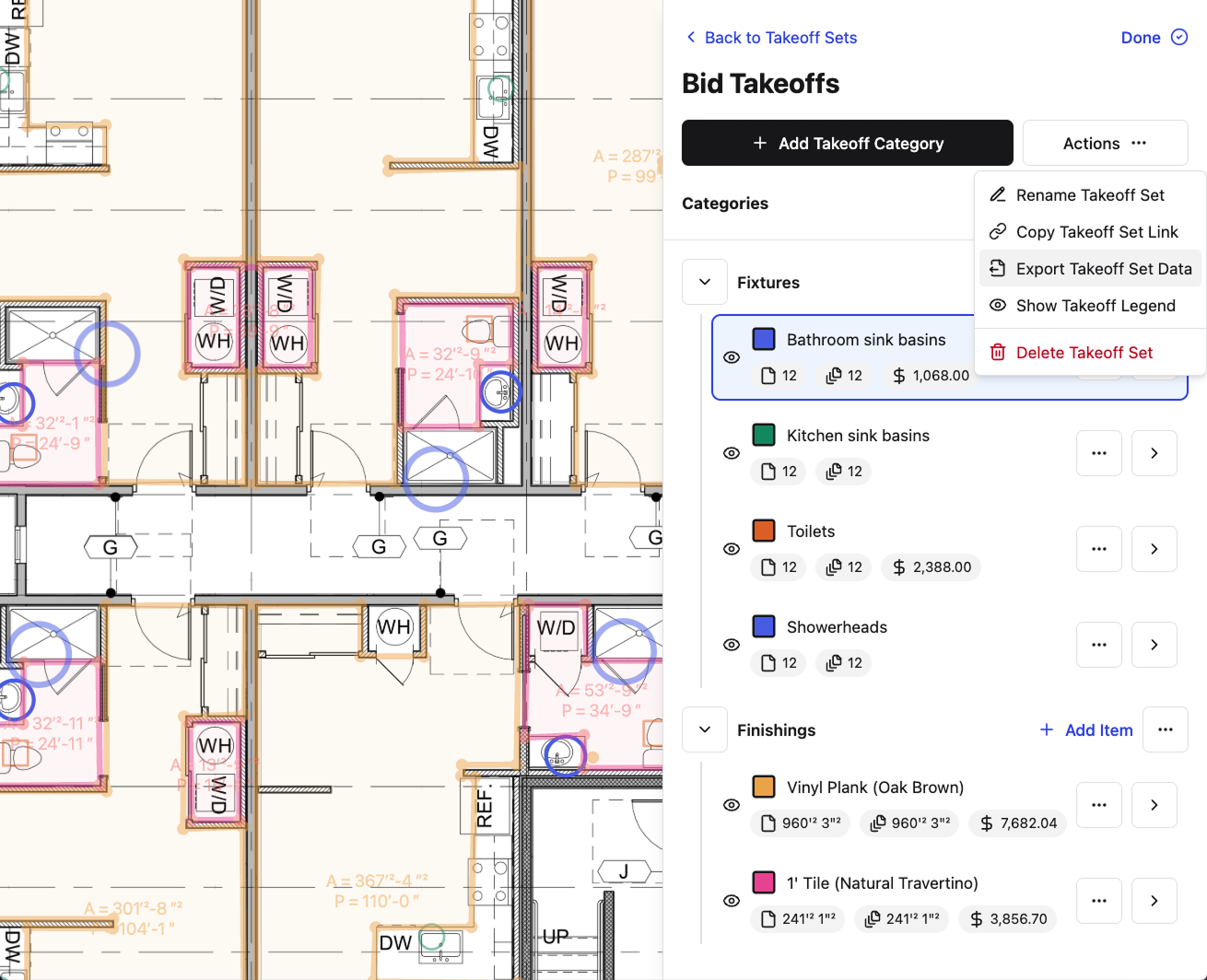\\n\\n## Final thoughts on your takeoff process\\n\\nThe right takeoff process produces cleaner numbers and gives you time to actually review them before the bid goes out. Manual workflows burn hours on transcription and double-checking, while disconnected digital tools leave you trying to match up exports across systems. What changes the game is when your takeoff quantities get connected to budgets, cost codes, and field tracking. [Talk to us](https://constructable.ai/sales) if you want to see how **Constructable** works in practice.\\n\\n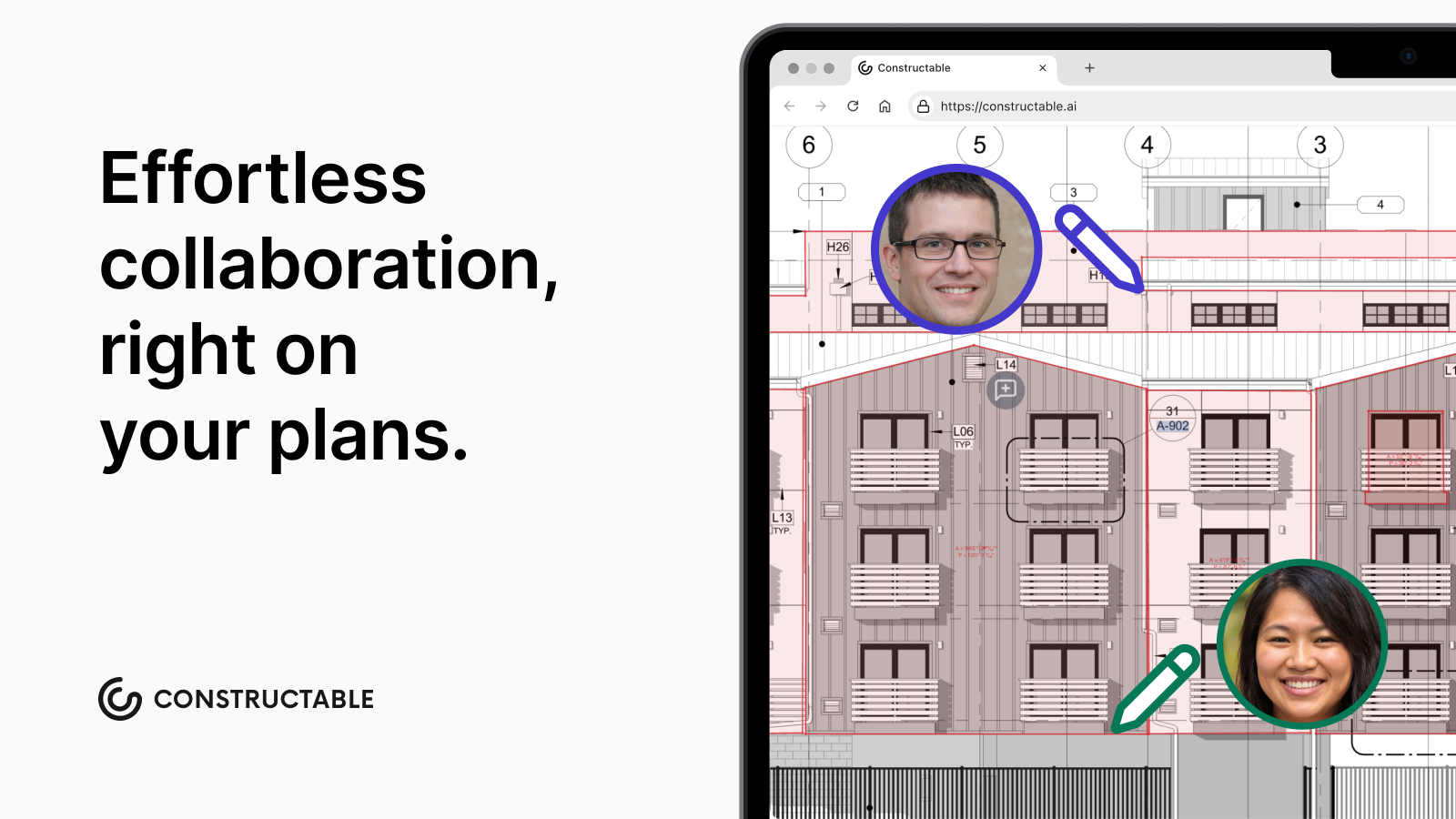\\n\\n## FAQ\\n\\n### Can I build a construction takeoff without specialized software?\\n\\nYes. Manual takeoffs using printed drawings, a scale ruler, and a spreadsheet still work, but they're slow and error-prone. A missed dimension or miscounted unit compounds through every downstream line item, and the risk sits entirely with whoever holds the pencil. Digital takeoff software moves that risk by automating calculations and updating totals in real time as you mark up drawings.\\n\\n### What's the difference between a takeoff and an estimate?\\n\\nA takeoff produces quantities only: board feet, cubic yards, fixture counts, with no pricing. An estimate takes those quantities and applies labor rates, material costs, and subcontractor numbers to produce a total cost projection. The bid is the formal offer you submit, built from that estimate with markup, overhead, and profit included. Inaccurate quantities produce an unreliable estimate, which produces a bid that either leaves money on the table or prices you out.\\n\\n### How does AI construction takeoff software actually work?\\n\\nAI-powered takeoff tools process digital drawings by recognizing patterns and classifying assemblies, identifying doors, windows, fixtures, and structural members by reading drawing geometry. The softw
165are extracts quantities directly from that recognition pass without requiring manual clicks through each sheet. Accuracy is high on clean digital drawings but drops on handwritten markups or scanned PDFs with low resolution, so human review of flagged items remains part of a responsible workflow.\\n\\n### Construction takeoff software free vs paid: what's the real tradeoff?\\n\\nFree construction takeoff tools typically cap the number of pages or projects per month and include limited trade-specific symbol libraries. Paid tiers remove those limits and add more assemblies, but the bigger tradeoff is context: automated detection handles geometry well, but doesn't yet handle judgment. Most teams use AI to generate the first-pass count, then have an estimator review exceptions and sign off before the number goes anywhere.\\n\",[],[953,954,955,956,957,206],\"{\\\"@context\\\":\\\"https://schema.org\\\",\\\"@type\\\":\\\"FAQPage\\\",\\\"name\\\":\\\"Construction Takeoff: What It Is and How to Do One Accurately (July 2026)\\\",\\\"mainEntity\\\":[{\\\"@type\\\":\\\"Question\\\",\\\"name\\\":\\\"Can I build a construction takeoff without specialized software?\\\",\\\"acceptedA
165nswer\\\":{\\\"@type\\\":\\\"Answer\\\",\\\"text\\\":\\\"Yes. Manual takeoffs using printed drawings, a scale ruler, and a spreadsheet still work, but they're slow and error-prone. A missed dimension or miscounted unit compounds through every downstream line item, and the risk sits entirely with whoever holds the pencil. Digital takeoff software shifts that risk by automating calculations and updating totals in real time as you mark up drawings.\\\"}},{\\\"@type\\\":\\\"Question\\\",\\\"name\\\":\\\"What's the difference between a takeoff and an estimate?\\\",\\\"acceptedAnswer\\\":{\\\"@type\\\":\\\"Answer\\\",\\\"text\\\":\\\"A takeoff produces quantities onlyâboard feet, cubic yards, fixture countsâwith no pricing. An estimate takes those quantities and applies labor rates, material costs, and subcontractor numbers to produce a total cost projection. The bid is the formal offer you submit, built from that estimate with markup, overhead, and profit included. Inaccurate quantities produce an unreliable estimate, which produces a bid that either leaves money on the table or prices you out.\\\"}},{\\\"@type\\\":\\\"Question\\\",\\\"name\\\":\\\"How does AI construction takeoff software actually work?\\\",\\\"acceptedA
165nswer\\\":{\\\"@type\\\":\\\"Answer\\\",\\\"text\\\":\\\"AI-powered takeoff tools process digital drawings by recognizing patterns and classifying assembliesâidentifying doors, windows, fixtures, and structural members by reading drawing geometry. The software extracts quantities directly from that recognition pass rather than requiring manual clicks through each sheet. Accuracy is high on clean digital drawings but drops on handwritten markups or scanned PDFs with low resolution, so human review of flagged items remains part of a responsible workflow.\\\"}},{\\\"@type\\\":\\\"Question\\\",\\\"name\\\":\\\"Construction takeoff software free vs paidâwhat's the real tradeoff?\\\",\\\"acceptedAnswer\\\":{\\\"@type\\\":\\\"Answer\\\",\\\"text\\\":\\\"Free construction takeoff tools typically cap the number of pages or projects per month and include limited trade-specific symbol libraries. Paid tiers remove those limits and add more assemblies, but the bigger tradeoff is context: automated detection handles geometry well but doesn't yet handle judgment. Most teams use AI to generate the first-pass count, then have an estimator review exceptions and sign off before the number goes anywhere.\\\"}},{\\\"@type\\\":\\\"Question\\\",\\\"name\\\":\\\"How do takeoffs connect to what actually happens in the field?\\\",\\\"acceptedA
165nswer\\\":{\\\"@type\\\":\\\"Answer\\\",\\\"text\\\":\\\"Most takeoff tools stop at the estimateâyou export a spreadsheet and hope the field team works from the same numbers. Constructable connects takeoff quantities directly into budgets, cost codes, and procurement tracking without manual re-entry. When scope changes mid-job, the budget reflects what was actually counted, and material quantities tie back to specific plan locations so a foreman can pull up the source sheet when questioning a count.\\\"}},{\\\"@type\\\":\\\"Question\\\",\\\"name\\\":\\\"How accurate does a construction takeoff need to be to protect my bid?\\\",\\\"acceptedAnswer\\\":{\\\"@type\\\":\\\"Answer\\\",\\\"text\\\":\\\"A 2â3% error in quantities can swing a mid-size commercial bid by tens of thousands of dollars. The accuracy threshold depends on your margin, but most estimators target ±2% on material takeoffs because anything wider either prices you out or leaves you absorbing cost overruns in the field. Waste factors, unit conversions, and scope gaps are where most errors hide.\\\"}},{\\\"@type\\\":\\\"Question\\\",\\\"name\\\":\\\"What's the fastest way to handle takeoff updates when drawings get revised mid-bid?\\\",\\\"acceptedA
165nswer\\\":{\\\"@type\\\":\\\"Answer\\\",\\\"text\\\":\\\"Digital takeoff software lets you overlay the new revision, mark only what changed, and update affected quantities without starting over. Manual workflows force you to re-measure entire sheets, which is why most estimators skip revision updates under time pressure and absorb the risk instead. Speed matters because addenda often arrive 48 hours before bid day.\\\"}},{\\\"@type\\\":\\\"Question\\\",\\\"name\\\":\\\"Can I use construction takeoff software if I'm still working with scanned PDFs instead of native digital drawings?\\\",\\\"acceptedAnswer\\\":{\\\"@type\\\":\\\"Answer\\\",\\\"text\\\":\\\"Yes, but accuracy drops on low-resolution scans, handwritten markups, or drawings with non-standard symbol libraries. AI-powered tools handle clean digital PDFs best, so if you're working from scanned sets, plan to review flagged items manually and calibrate scale settings before trusting automated counts.\\\"}},{\\\"@type\\\":\\\"Question\\\",\\\"name\\\":\\\"Construction takeoff template Excel vs dedicated softwareâwhen does the spreadsheet actually cost more?\\\",\\\"acceptedA
165nswer\\\":{\\\"@type\\\":\\\"Answer\\\",\\\"text\\\":\\\"A free construction takeoff template Excel works for small scopes, but manual entry and formula errors compound fast on complex jobs. Once you're running takeoffs on projects with 50+ sheets or multiple trades, the time lost to transcription, double-checking, and version control typically exceeds the cost of dedicated software within two or three bids.\\\"}},{\\\"@type\\\":\\\"Question\\\",\\\"name\\\":\\\"How do I verify that a subcontractor's takeoff actually covers the full scope shown in the drawings?\\\",\\\"acceptedAnswer\\\":{\\\"@type\\\":\\\"Answer\\\",\\\"text\\\":\\\"Run your own abbreviated takeoff focused on high-dollar or high-risk items, then compare quantities line by line. Look for missing scope at trade boundaries, underestimated waste factors, and gaps in auxiliary materials like fasteners or accessories that subs sometimes exclude. If their number is more than 10â15% off your count, dig into assumptions before you lock in their price.\\\"}},{\\\"@type\\\":\\\"Question\\\",\\\"name\\\":\\\"What's the difference between quantity takeoff services and doing it in-house with software?\\\",\\\"acceptedA
165nswer\\\":{\\\"@type\\\":\\\"Answer\\\",\\\"text\\\":\\\"Construction takeoff services and construction estimating services handle the measurement work for you, which makes sense when you don't have estimating staff or you're buried in active projects. In-house takeoff software gives you control and faster turnaround but requires someone on your team who knows how to read plans and apply trade-specific waste factors. Services cost more per job; software costs more upfront but scales.\\\"}},{\\\"@type\\\":\\\"Question\\\",\\\"name\\\":\\\"Do I need different takeoff methods for design-build projects versus bid-build?\\\",\\\"acceptedAnswer\\\":{\\\"@type\\\":\\\"Answer\\\",\\\"text\\\":\\\"The measurement process is the same, but design-build takeoffs happen earlier with less-complete drawings, so you're quantifying based on performance specs and allowances rather than final details. You'll update quantities multiple times as design progresses, which is why version control and assumption documentation matter more in design-build than in bid-build where you're measuring from issued-for-construction sets.\\\"}},{\\\"@type\\\":\\\"Question\\\",\\\"name\\\":\\\"How does Autodesk Takeoff compare to other construction takeoff software for mid-size contractors?\\\",\\\"acceptedA
165nswer\\\":{\\\"@type\\\":\\\"Answer\\\",\\\"text\\\":\\\"Autodesk Takeoff integrates tightly with other Autodesk tools, which helps if you're already using their ecosystem, but the per-user pricing model and enterprise-oriented feature set can feel heavy for teams that just need fast, accurate quantity extraction. Mid-size GCs often prefer simpler tools that don't require configuration or third-party consultants to implement.\\\"}},{\\\"@type\\\":\\\"Question\\\",\\\"name\\\":\\\"Can construction takeoff AI tools handle projects with multiple building types or phased construction?\\\",\\\"acceptedAnswer\\\":{\\\"@type\\\":\\\"Answer\\\",\\\"text\\\":\\\"AI tools process geometry and symbols well but don't inherently understand project structure, so you'll need to organize sheets by phase or building type before uploading. Most platforms let you run separate takeoffs per phase and roll them up manually, but automated cross-phase aggregation or parent-child project structures aren't standard yet.\\\"}},{\\\"@type\\\":\\\"Question\\\",\\\"name\\\":\\\"What happens to my takeoff quantities when scope changes after the contract is signed?\\\",\\\"acceptedA
165nswer\\\":{\\\"@type\\\":\\\"Answer\\\",\\\"text\\\":\\\"Most takeoff tools stop at the estimate, so when scope changes mid-job, you're reconciling two separate documentsâyour original takeoff spreadsheet and your current budget. **Constructable** connects takeoff quantities directly into budgets and cost codes, so scope changes update in one place and quantities stay tied to the source drawing location where the change occurred.\\\"}}],\\\"url\\\":\\\"https://constructable.ai/blog/construction-takeoff-guide\\\",\\\"dateModified\\\":\\\"2026-07-10T22:49:10.100Z\\\",\\\"author\\\":{\\\"@type\\\":\\\"Organization\\\",\\\"name\\\":\\\"Constructable\\\"}}\\n\",\"{\\\"@context\\\":\\\"https://schema.org\\\",\\\"@type\\\":\\\"BlogPosting\\\",\\\"headline\\\":\\\"Construction Takeoff: What It Is and How to Do One Accurately (July 2026)\\\",\\\"description\\\":\\\"Learn what a construction takeoff is and how to do one accurately. Complete guide to materials, methods, and software for takeoffs in July 2026.\\\",\\\"datePublished\\\":\\\"2026-07-10T22:49:10.100Z\\\",\\\"dateModified\\\":\\\"2026-07-10T22:49:10.100Z\\\",\\\"author\\\":{\\\"@type\\\":\\\"Organization\\\",\\\"name\\\":\\\"Constructable\\\"},\\\"url\\\":\\\"https://constructable.ai/blog/construction-takeoff-guide\\\",\\\"wordCount\\\":2875,\\\"keywords\\\":[\\\"construction takeoff\\\",\\\"construction takeoff software\\\",\\\"construction takeoff software free\\\",\\\"best construction takeoff software\\\",\\\"quantity takeoff software\\\",\\\"construction takeoff software free download\\\",\\\"construction takeoff software download\\\",\\\"construction takeoff software pdf\\\",\\\"ai construction takeoff software\\\",\\\"autodesk takeoff\\\",\\\"construction takeoff example\\\",\\\"construction takeoff ai\\\",\\\"construction takeoff services\\\",\\\"construction takeoff template\\\",\\\"construction takeoff free\\\",\\\"construction takeoff pdf\\\",\\\"how to do takeoffs in construction\\\",\\\"construction takeoff services near me\\\",\\\"best construction takeoff services\\\",\\\"construction takeoff services reviews\\\",\\\"construction takeoff services cost\\\",\\\"construction estimating services\\\",\\\"construction estimating services in usa\\\",\\\"quantity takeoff services\\\",\\\"construction takeoff example pdf\\\",\\\"construction takeoff template excel\\\",\\\"takeoffs in construction\\\",\\\"quantity takeoff example pdf\\\",\\\"take-off construction example\\\",\\\"how to do takeoffs in construction example\\\",\\\"what is a takeoff in construction\\\",\\\"construction takeoff calculator\\\",\\\"construction takeoff template pdf\\\",\\\"construction takeoff template word\\\",\\\"construction takeoff template free\\\",\\\"construction takeoff template free download\\\",\\\"free construction takeoff template excel\\\",\\\"take off sheet template xls\\\",\\\"take-off sheet template pdf\\\",\\\"construction takeoff ai free\\\",\\\"togal ai\\\",\\\"construction takeoff ai tutorial\\\",\\\"ai takeoff software free\\\",\\\"best ai construction takeoff software\\\",\\\"construction takeoff ai free download\\\",\\\"beam ai takeoff\\\",\\\"ai construction estimating software\\\",\\\"construction estimating and takeoff software\\\",\\\"takeoff software construction\\\",\\\"takeoff software for construction\\\",\\\"what is takeoff in construction\\\"]}\\n\",\"construction takeoff\",\"construction takeoff estimate bid\",\"types construction takeoffs\",\"material takeoffs\",\"labor takeoffs\",\"construction-company-software-guide\",\"Best Software for Construction Companies in July 2026\",\"We break down the 9 best construction company software tools in July 2026, covering who each one is built for and how they handle field, office, and financials.\",\"2026-07-17T22:42:35.466Z\",\"Your team is already using software to run jobs. The question for 2026 is whether that c
165onstruction company software is actually connected or whether you're the one manually closing the gaps between the drawings, the RFIs, and the numbers. These nine tools are worth a real look, and we've broken down exactly who each one is built for.\\n\\n**TLDR:**\\n\\n- Many GCs run several disconnected tools, and the gaps show up as duplicate data entry and missed RFIs.\\n\\n- Judge construction software on pricing model, onboarding speed, field adoption, and two-way accounting sync.\\n\\n- Procore fits enterprise GCs running $500M or more; tools like Fieldwire and Buildertrend serve trades and residential work.\\n\\n- Tool fit depends on company size and workflow type: portfolio developers, specialty trades, and mid-size GCs each need different systems.\\n\\n- **Constructable** is a connected system built for mid-size commercial GCs, with flat-fee pricing, onboarding in days not months, and AI built into existing workflows.\\n\\n## What is construction company software?\\n\\nConstruction company software covers the tools a general contractor uses to run a commercial project from bid through closeout: field operations, documentation, communication, and the financial side. For years these lived as separate products, one for drawings, another for RFIs, a third for daily logs.\\n\\nThe category has been moving toward [connected construction management systems](https://constructable.ai/blog/construction-management-software) in one place. The reason is the cost of fragmentation. Many GCs run several disconnected tools, and the gaps show up as duplicate data entry, missed RFIs, and onboarding that drags on. When information jumps from one login to the next, someone eventually rekeys it, and something falls through.\\n\\n## How we ranked these tools\\n\\nWe ranked around what matters to a mid-size commercial GC, not feature counts. These are the questions worth asking before you sign.\\n\\n- Core workflow coverage. Does it run field, office, and financials in one connected system, or will you bolt on more products? For a deeper look at [all-in-one construction software](https://constructable.ai/blog/best-all-in-one-construction-platforms) options, see our dedicated roundup.\\n\\n- Pricing model. Flat-fee keeps costs steady as you add subs; per-user pricing climbs every invite.\\n\\n- Onboarding. How fast can a crew run a live project, and who owns the migration?\\n\\n- Field adoption. Mobile has to work the way desktop does, offline included.\\n\\n- AI integration. The useful kind removes a step inside a workflow you already run.\\n\\n- Accounting integrations. Two-way sync with QuickBooks Online, Sage Intacct, or your ERP decides whether numbers match up or get rekeyed.\\n\\n## Best overall construction company software: **Constructable**\\n\\nBuilt for mid-size commercial GCs running $20M to $150M in annual volume, **Constructable** is one product built by one team, with AI worked into the actions you already take instead of sitting off in a separate tab. The frame is friction reduction: fewer steps, a faster start, and drawings as the center of gravity everything pins back to.\\n\\n- [Flat-fee pricing](https://constructable.ai/pricing) with unlimited users on every plan, covering team members, owners, consultants, subcontractors, and vendors.\\n\\n- Onboarding can be done in days with no migration fees, against the 6+ months most implementations run.\\n\\n- RFIs, quality list items, comments, and markups pin to exact locations on the sheet.\\n\\n- AI that sets drawing scale on upload, autofills quality items, drafts RFI messages for your review, and runs an Answer Engine with source-linked answers.\\n\\n- Two-way sync with **QuickBooks Online** and **Sage Intacct**, no middleware.\\n\\n- Full offline access on iPhone and Android, with mobile mirroring desktop.\\n\\nBottom line: **Constructable** is the connected system for [mid-size GCs seeking project management software](https://constructable.ai/blog/best-software-mid-size-contractors) without enterprise pricing or drawn-out rollout.\\n\\n## Procore\\n\\nProcore is the dominant enterprise system, covering the full module range a large contractor needs: drawings, RFIs, submittals, change orders, financials, quality, and safety.\\n\\nThat c
165overage fits enterprise GCs running $500M or more, with staff to own configuration. Below that scale, the friction shows. See our [Constructable vs Procore](https://constructable.ai/blog/constructable-vs-procore-which-is-better) breakdown for a direct comparison. Pricing ties to annual construction revenue and climbs with team size, and implementation typically runs several months. Plus, if you want e-signing, that will mean paying for a separate DocuSign subscription.\\n\\n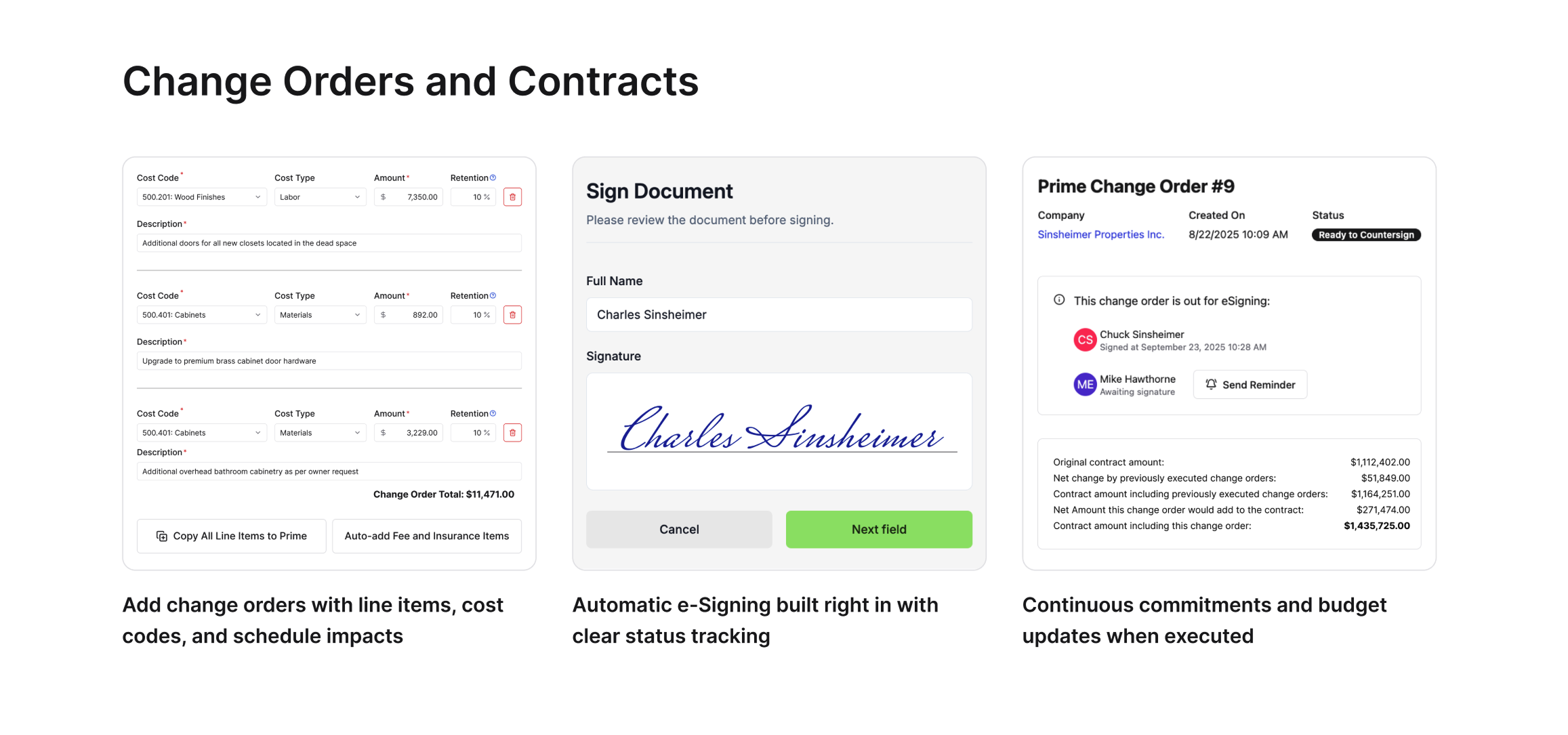\\n\\n\u003e Constructable includes eSigning functionality built right in to Contracts and Change Orders without the need for a separate DocuSign subscription\\n\\n## Autodesk Forma (f.k.a. Construction Cloud)\\n\\nAutodesk rebranded Construction Cloud to [Autodesk Forma](https://www.autodesk.com/blogs/construction/autodesk-construction-cloud-is-now-autodesk-forma-heres-what-that-means-for-you/) in March 2026, a broad industry cloud spanning planning, design, construction, and operations, with tight ties to Revit and AutoCAD.\\n\\nForma is a strong fit for large AEC firms already on Revit and AutoCAD who need planning-through-operations coverage. That fits large AEC firms already invested in Autodesk, with staff to run implementation. Forma stitches together acquired products, so mental models shift between modules. Field teams cite the interface as tough to adopt on site, some features lag on iPads, and migration usually goes to third-party consultants billed separately from licensing. See our [Constructable vs Autodesk Forma](https://constructable.ai/blog/constructable-vs-autodesk-forma) comparison for more detail.\\n\\n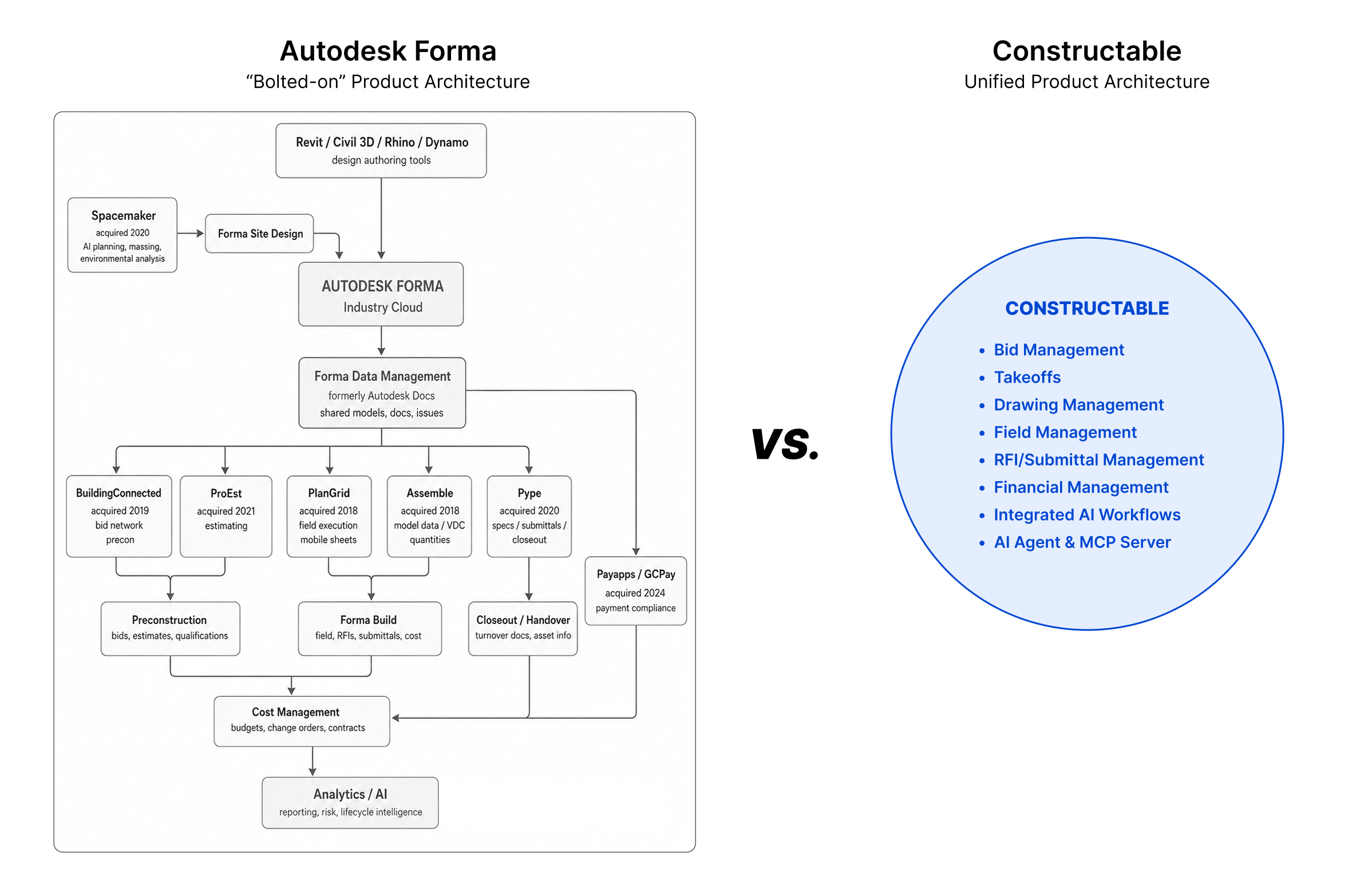\\n\\n\u003e Autodesk Forma is made up of many distinct software products under the Forma brand. Constructable's all-in-one software makes it a better solution for mid-size general contractors.\\n\\n## Fieldwire\\n\\nHilti acquired Fieldwire in 2021, and it remains a strong field execution tool for drawing-heavy work. Version control tracks revisions, markups and punch items link to plans, and the mobile app holds up offline. Pricing is per user, free for teams up to five.\\n\\nThat fits specialty trades comfortable running project management and accounting separately. The gap is financial: no budgets, schedule of values, commitment tracking, or change orders. GCs sort out financial data by hand, and per-user costs climb with every sub, owner, and consultant added, which is why many teams look at [Procore alternatives for mid-market contractors](https://constructable.ai/blog/procore-alternatives-mid-market-contractors).\\n\\n## RedTeam\\n\\nSince 2006, RedTeam pairs project management workflows (RFIs, submittals, change orders) with financial reporting mid-market teams value, particularly work-in-progress reports. It bundles estimating and proposal generation, and subcontractor access carries no per-user charge. Low entry pricing keeps it a middle-ground option between point tools and enterprise systems.\\n\\nThat fits cost-conscious GCs running mostly office-side work. The field is where it thins out. Users describe the mobile experience as hard to use on site, RFIs and punch items cannot pin to drawing locations, and the native scheduler has reliability issues with work not saving. Our [Constructable vs RedTeam](https://constructable.ai/blog/constructable-vs-redteam) comparison covers these gaps in detail.\\n\\n## INGENIOUS.BUILD\\n\\nINGENIOUS.BUILD is built around portfolio oversight, giving owners and developers financial visibility across many projects at once. Cost tracking and reporting run deep, which users tend to flag as a real strength, and the project hierarchy handles multi-project organization the way a development portfolio needs.\\n\\nThat fits developers and owner organizations watching a portfolio, but less so for a GC running a handful of concurrent projects. Creating an RFI means associating it to a project after the fact, not starting inside the project. GCs who think projects first find the portfolio-level structure a poor fit for day-to-day project delivery workflows. Read our [Constructable vs INGENIOUS.BUILD](https://constructable.ai/blog/constructable-vs-ingenious-build) comparison for a full side-by-side.\\n\\n## Buildertrend\\n\\
165nBuildertrend runs scheduling, change orders, daily logs, and document management in one system, with a client portal built for homeowner-facing communication and selection management. Estimating and takeoff tools handle residential scoping, and it syncs to QuickBooks and Xero.\\n\\nThat fits home builders, remodelers, and specialty contractors on residential or light commercial work. The commercial side thins. Buildertrend was built for residential workflows, not the RFI-intensive, multi-stakeholder projects mid-size commercial GCs run, so scheduling and field coordination stay lighter than dedicated commercial systems.\\n\\n## Trimble ProjectSight\\n\\n[Trimble ProjectSight](https://www.trimble.com/en/products/projectsight) handles RFIs, submittals, drawings, and cost tracking, and it ties into Trimble's wider portfolio of field, survey, and estimating products.\\n\\nThat fits mid-to-large GCs already standardized on Trimble hardware and software, where the shared ecosystem pays off. Outside that ecosystem, the pull weakens, and pricing and setup lean toward larger teams with staff to run configuration.\\n\\n## CMiC\\n\\nCMiC runs as a full construction ERP, with accounting, payroll, job costing, and project management sharing one database. That single-database design keeps financial and project data tied together without a separate sync layer, and the accounting depth goes well past what most project management tools attempt.\\n\\nThat fits large enterprise GCs with in-house IT and finance to own a long rollout. For mid-size teams the math changes. Implementation runs many months, licensing sits at the enterprise tier, and field users find the mobile experience thinner than the office side. A GC running $20M to $150M rarely needs ERP weight this heavy.\\n\\n## Feature comparison table of construction company software\\n\\nHere is how the nine systems line up against the criteria we ranked on.\\n\\n| Feature | Constructable | Procore | Autodesk Forma | Fieldwire | RedTeam | INGENIOUS.BUILD | Buildertrend | Trimble ProjectSight | CMiC |\\n| ---------------------------------------------------- | ------------- | ------- | -------------- | --------- | ------- | --------------- | ---------------- | -------------------- | ---- |\\n| Native financial tools (budgets, SOV, invoicing) | Yes | Yes | Yes | No | Yes | Yes | Yes | Yes | Yes |\\n| Flat-fee unlimited-user pricing | Yes | No | No | No | No | No | No | No | No |\\n| Built-in AI embedded in workflows | Yes | No | No | No | No | No | No | No | No |\\n| Drawing-linked RFIs and quality items | Yes | Yes | No | No | No | No | No | No | No |\\n| Offline mobile access (drawings and logs) | Yes | Yes | Yes | Yes | No | No | No | No | No |\\n| Native two-way ERP sync (QuickBooks or Sage Intacct) | Yes | No | No | No | No | No | Yes (QuickBooks) | No | No |\\n\\n## Final thoughts on choosing construction company software\\n\\nThe construction company software market has a tool for almost every situation, which makes the decision feel bigger than it needs to be. Narrowing it down to your actual workflow, your team size, and whether the financial side is covered gets you most of the way there. For mid-size commercial GCs who want field, office, and money in one place without a six-month rollout, [Constructable is worth a conversation](https://constructable.ai/sales).\\n\\n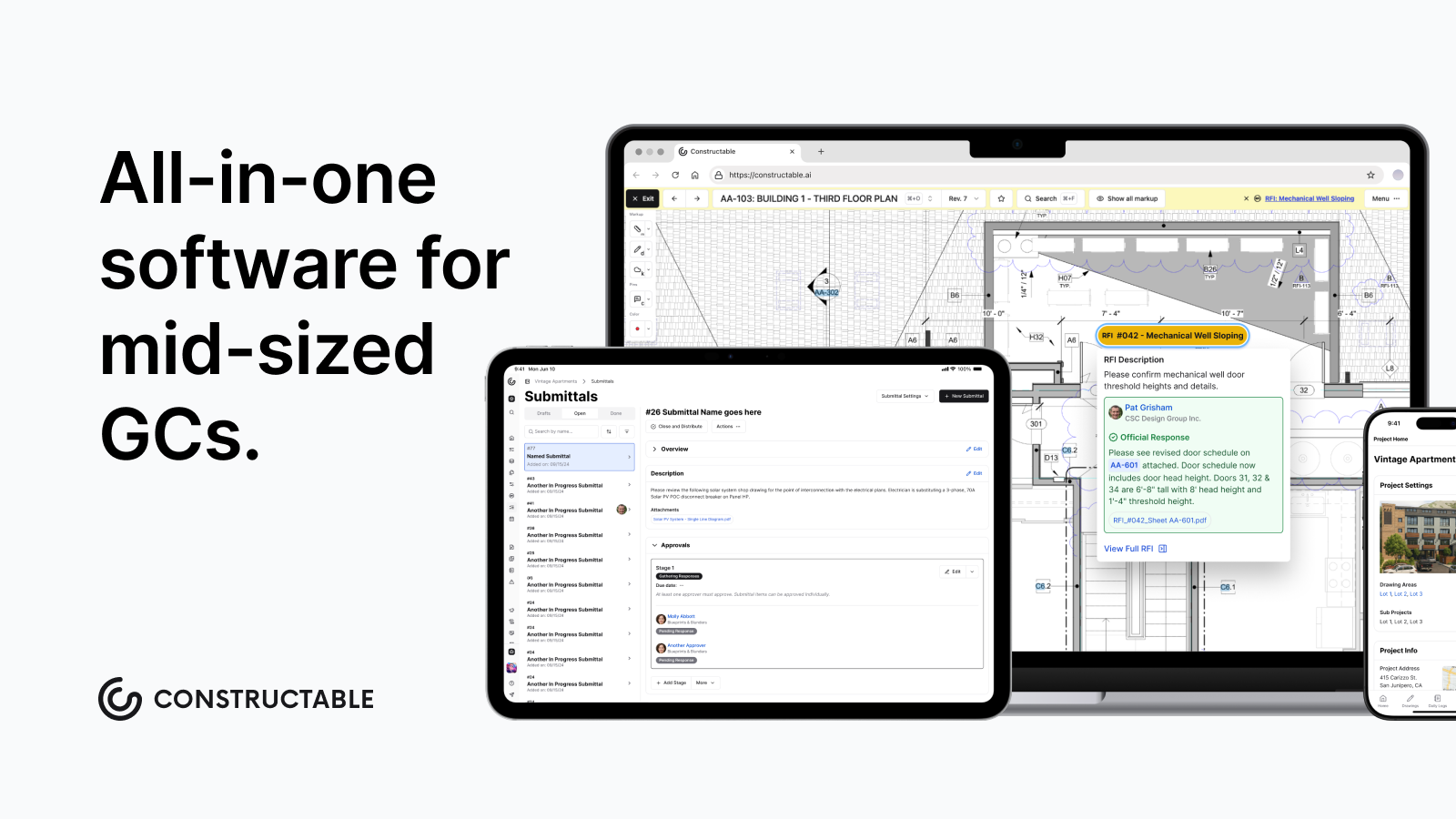\\n\\n## FAQ\\n\\n### How do I choose between Constructable, Procore, and Autodesk Forma for a mid-size commercial GC?\\n\\nStart with your project volume and team size. Procore and Autodesk Forma are built for enterprise contractors with staff to own configuration and budgets to absorb per-user pricing and multi-month rollouts. **Constructable** is built for $20
165M to $150M GCs who need a connected system running field, office, and financials from day one without a dedicated software team behind it.\\n\\n### Is Fieldwire a viable alternative to Constructable for GCs who also need financial tools?\\n\\nNot without a separate system running alongside it. Fieldwire handles drawing-heavy field work well, but it has no budgets, schedule of values, commitment tracking, or change orders. GCs end up sorting financial data by hand and paying per-user costs that climb with every sub, owner, and consultant added to a project.\\n\\n### When does RedTeam make more sense than Constructable for a construction company?\\n\\nRedTeam fits cost-conscious GCs who run mostly office-side work and want bundled estimating and proposal generation at a lower entry price. If your team relies heavily on mobile, needs RFIs and punch items pinned to drawing locations, or wants offline field access, RedTeam's mobile experience and drawing workflow create friction that compounds on active jobsites.\\n\\n### Which construction company software tools work best for firms managing a development portfolio versus a single project at a time?\\n\\nINGENIOUS.BUILD is built around portfolio oversight for owners and developers tracking cost and reporting across many projects simultaneously. The tools listed here that fit day-to-day GC project delivery (**Constructable**, Procore, Autodesk Forma) are organized around individual projects as the primary unit of work. The right choice depends on whether your primary job is watching a portfolio or running a project.\\n\\n### What should a construction company check before committing to any software on this list?\\n\\nVerify three things: whether the ERP or accounting system you use has a native tw
165o-way sync (not every tool connects to Sage 100, Viewpoint Vista, or QuickBooks without manual workarounds), whether the mobile app works offline in the field, and how long the vendor's actual onboarding takes compared to what they advertise. Most implementations run two to six months in practice regardless of what the sales sheet says.\\n\",[],[967,968,969,347,628,970],\"{\\\"@context\\\":\\\"https://schema.org\\\",\\\"@type\\\":\\\"FAQPage\\\",\\\"name\\\":\\\"Best Software for Construction Companies in July 2026\\\",\\\"mainEntity\\\":[{\\\"@type\\\":\\\"Question\\\",\\\"name\\\":\\\"How do I choose between Constructable, Procore, and Autodesk Forma for a mid-size commercial GC?\\\",\\\"acceptedAnswer\\\":{\\\"@type\\\":\\\"Answer\\\",\\\"text\\\":\\\"Start with your project volume and team size. Procore and Autodesk Forma are built for enterprise contractors with staff to own configuration and budgets to absorb per-user pricing and multi-month rollouts. Constructable is built for $20Mâ$150M GCs who need a connected system running field, office, and financials from day one without a dedicated software team behind it.\\\"}},{\\\"@type\\\":\\\"Question\\\",\\\"name\\\":\\\"Is Fieldwire a viable alternative to Constructable for GCs who also need financial tools?\\\",\\\"acceptedA
165nswer\\\":{\\\"@type\\\":\\\"Answer\\\",\\\"text\\\":\\\"Not without a separate system running alongside it. Fieldwire handles drawing-heavy field work well, but it has no budgets, schedule of values, commitment tracking, or change orders. GCs end up reconciling financial data by hand and paying per-user costs that climb with every sub, owner, and consultant added to a project.\\\"}},{\\\"@type\\\":\\\"Question\\\",\\\"name\\\":\\\"When does RedTeam make more sense than Constructable for a construction company?\\\",\\\"acceptedAnswer\\\":{\\\"@type\\\":\\\"Answer\\\",\\\"text\\\":\\\"RedTeam fits cost-conscious GCs who run mostly office-side work and want bundled estimating and proposal generation at a lower entry price. If your team relies heavily on mobile, needs RFIs and punch items pinned to drawing locations, or wants offline field access, RedTeam's mobile experience and drawing workflow create friction that compounds on active jobsites.\\\"}},{\\\"@type\\\":\\\"Question\\\",\\\"name\\\":\\\"Which construction company software tools work best for firms managing a development portfolio versus a single project at a time?\\\",\\\"acceptedA
165nswer\\\":{\\\"@type\\\":\\\"Answer\\\",\\\"text\\\":\\\"INGENIOUS.BUILD is built around portfolio oversight for owners and developers tracking cost and reporting across many projects simultaneously. The tools listed here that fit day-to-day GC project delivery â Constructable, Procore, Autodesk Forma â are organized around individual projects as the primary unit of work. The right choice depends on whether your primary job is watching a portfolio or running a project.\\\"}},{\\\"@type\\\":\\\"Question\\\",\\\"name\\\":\\\"What should a construction company check before committing to any software on this list?\\\",\\\"acceptedAnswer\\\":{\\\"@type\\\":\\\"Answer\\\",\\\"text\\\":\\\"Verify three things: whether the ERP or accounting system you use has a native two-way sync (not every tool connects to Sage 100, Viewpoint Spectrum, or QuickBooks without manual workarounds), whether the mobile app works offline in the field, and how long the vendor's actual onboarding takes compared to what they advertise. Most implementations run two to six months in practice regardless of what the sales sheet says.\\\"}},{\\\"@type\\\":\\\"Question\\\",\\\"name\\\":\\\"What's the fastest way for a mid-size GC to consolidate five disconnected construction tools into one system?\\\",\\\"acceptedA
165nswer\\\":{\\\"@type\\\":\\\"Answer\\\",\\\"text\\\":\\\"Start by identifying which workflows generate the most duplicate data entry â typically drawings, RFIs, and invoicing â and replace that stack with a connected system that handles field, office, and financials natively. **Constructable** onboards in under 21 days on average with no migration fees, which is meaningfully faster than the 2â6 months most implementations actually take. The flat-fee unlimited-user pricing also means you stop paying more every time you invite a sub or owner.\\\"}},{\\\"@type\\\":\\\"Question\\\",\\\"name\\\":\\\"Can I run construction project management software without a native integration to my accounting system?\\\",\\\"acceptedAnswer\\\":{\\\"@type\\\":\\\"Answer\\\",\\\"text\\\":\\\"Yes, but expect manual reconciliation work â someone on your team will rekey cost data between systems, and errors compound over billing cycles. Most construction management tools support QuickBooks Online or Sage Intacct with a true two-way sync; if your firm runs Viewpoint Spectrum, Sage 100 Contractor, or Sage 300, verify native integration availability before committing, since several tools on this list do not cover those ERPs.\\\"}},{\\\"@type\\\":\\\"Question\\\",\\\"name\\\":\\\"How does construction company software handle change orders without losing context when scope shifts mid-project?\\\",\\\"acceptedA
165nswer\\\":{\\\"@type\\\":\\\"Answer\\\",\\\"text\\\":\\\"The best systems separate the moment a change is identified from the formal approval documentation â creating a change event when the issue surfaces, then building priced change orders underneath it. This two-stage model keeps related sub and prime change orders linked under one event so line items auto-fill and nothing gets re-entered. Teams that document changes at the point of discovery rather than weeks later have a much stronger paper trail if the change becomes a dispute.\\\"}},{\\\"@type\\\":\\\"Question\\\",\\\"name\\\":\\\"What happens to my historical daily logs, RFIs, and bid documents when I migrate from Procore to a different construction management system?\\\",\\\"acceptedAnswer\\\":{\\\"@type\\\":\\\"Answer\\\",\\\"text\\\":\\\"Most systems import core project records â drawings, RFIs, submittals, and documents â but the completeness varies by workflow. When migrating from Procore to **Constructable** specifically, daily log entries from Procore are stored as static PDFs in a backup folder rather than imported into the native daily log module, so they won't be searchable through the AI Answer Engine. Plan for this gap during migration scoping if searchable historical log data is a priority.\\\"}},{\\\"@type\\\":\\\"Question\\\",\\\"name\\\":\\\"Does construction software need to handle lien waivers, or is a separate tool like DocuSign good enough?\\\",\\\"acceptedA
165nswer\\\":{\\\"@type\\\":\\\"Answer\\\",\\\"text\\\":\\\"A separate tool adds a workflow step every time a sub invoices â someone has to trigger the waiver, track the signature, and reconcile it against the pay app manually. **Constructable** includes native e-signing for lien waivers built directly into the invoicing process, so waivers are triggered and signed during payment without a separate subscription. Conditional waivers attach to payment applications automatically, and waiver status is visible alongside financial workflows.\\\"}},{\\\"@type\\\":\\\"Question\\\",\\\"name\\\":\\\"How do I evaluate construction company software if my firm runs Sage 100 Contractor for accounting?\\\",\\\"acceptedAnswer\\\":{\\\"@type\\\":\\\"Answer\\\",\\\"text\\\":\\\"Sage 100 integration is a documented adoption barrier worth confirming before any demo goes further. Procore and Autodesk Forma offer Sage 100 integration, which is why some firms stay with those tools even when dissatisfied with other aspects. **Constructable** currently integrates natively with QuickBooks Online and Sage Intacct only â firms standardized on Sage 100 would need to manually transfer financial data or explore a custom integration option.\\\"}},{\\\"@type\\\":\\\"Question\\\",\\\"name\\\":\\\"How does an AI Answer Engine in construction software differ from a basic keyword search?\\\",\\\"acceptedA
165nswer\\\":{\\\"@type\\\":\\\"Answer\\\",\\\"text\\\":\\\"Keyword search requires you to know exactly what you're looking for and where it lives â the right module, the right field, the right file name. An AI Answer Engine lets you ask a plain-language question and pulls the answer from across drawings, documents, daily logs, photos, and RFIs, with a direct link to the source record so you can verify it. **Constructable's** Answer Engine now operates across multiple projects simultaneously, so you can query an entire portfolio without opening each project individually.\\\"}},{\\\"@type\\\":\\\"Question\\\",\\\"name\\\":\\\"Why do field crews resist adopting new construction management software on mobile, and how do the better tools address it?\\\",\\\"acceptedAnswer\\\":{\\\"@type\\\":\\\"Answer\\\",\\\"text\\\":\\\"The most common failure point is a mobile experience that strips features down to a read-only view or requires cell service to function â so crews open the app once, find it useless in the field, and go back to paper. Tools that mirror the full desktop experience on mobile and support offline drawing access and daily log entry remove that friction at the source. If the mobile app requires a different mental model than the desktop, field adoption stalls regardless of how good the office side is.\\\"}},{\\\"@type\\\":\\\"Question\\\",\\\"name\\\":\\\"Should a mid-size commercial GC use Buildertrend or a commercial-focused construction management system?\\\",\\\"acceptedA
165nswer\\\":{\\\"@type\\\":\\\"Answer\\\",\\\"text\\\":\\\"Buildertrend was built for home builders and remodelers â its client portal and selection management tools fit residential and light commercial work well, and the QuickBooks sync handles that scope. Commercial GCs running RFI-intensive, multi-stakeholder projects with formal submittals, change events, and committed cost tracking will find Buildertrend's field coordination and financial workflows lighter than dedicated commercial systems like **Constructable** or Procore.\\\"}},{\\\"@type\\\":\\\"Question\\\",\\\"name\\\":\\\"How does scheduling work inside construction project management software, and do I still need Microsoft Project?\\\",\\\"acceptedAnswer\\\":{\\\"@type\\\":\\\"Answer\\\",\\\"text\\\":\\\"Most construction management tools treat scheduling as a viewer, not a builder â you create the schedule in Microsoft Project or a dedicated scheduling tool and upload it for team visibility. **Constructable** supports native upload and display of MPP files with dependency arrows and sticky task columns, but in-app schedule editing is not yet available, so Microsoft Project or an equivalent remains necessary for authoring and modifying schedules. A live sync between the two systems does not exist; updated files must be re-uploaded manually.\\\"}}],\\\"url\\\":\\\"https://constructable.ai/blog/construction-company-software-guide\\\",\\\"dateModified\\\":\\\"2026-07-17T22:42:35.466Z\\\",\\\"author\\\":{\\\"@type\\\":\\\"Person\\\",\\\"name\\\":\\\"Molly Abbott\\\"}}\\n\",\"{\\\"@context\\\":\\\"https://schema.org\\\",\\\"@type\\\":\\\"BlogPosting\\\",\\\"headline\\\":\\\"Best Software for Construction Companies in July 2026\\\",\\\"description\\\":\\\"We break down the 9 best construction company software tools in July 2026, covering who each one is built for and how they handle field, office, and financials.\\\",\\\"datePublished\\\":\\\"2026-07-17T22:42:35.466Z\\\",\\\"dateModified\\\":\\\"2026-07-17T22:42:35.466Z\\\",\\\"author\\\":{\\\"@type\\\":\\\"Person\\\",\\\"name\\\":\\\"Molly Abbott\\\"},\\\"url\\\":\\\"https://constructable.ai/blog/construction-company-software-guide\\\",\\\"wordCount\\\":1945,\\\"keywords\\\":[\\\"construction company software\\\"]}\\n\",\"construction company software\",\"ranked tools\",\"best overall construction company software constructable\",\"break\",\"foremen-construction-daily-log-best-practices\",\"Construction Daily Log Best Practices | July 2026\",\"Daily log best practices for foremen: capture weather, delays, and site activity automatically in the field (July 2026).\",\"2026-07-29T20:52:55.777Z\",\"Construction daily logs have a reputation for being a box to check at quitting time, and that reputation is exactly why they fail when it matters most. A log built from end-of-day memory looks fine until a dispute surfaces and opposing counsel starts asking why the Tuesday entry is blank on the exact day production stalled. There's a better way to build the record, and it starts with how information reaches the foreman in real time.\\n\\n**TLDR:**\\n\\n- A daily log built the day work happens carries near-evidentiary weight; one reconstructed later invites doubt in every entry.\\n\\n- Effective delay entries name four things: cause, duration, who was responsible, and the hit to the critical path.\\n\\n- Adverse weather affects [roughly 45% of construction projects](https://www.mdpi.com/2071-1050/13/5/2861) worldwide, making specific weather data a claim-ready record, not a courtesy note.\\n\\n- Blank log entries on the exact days problems hit read as concealment, giving opposing counsel an open door into your timeline.\\n\\n- **Constructable** pulls hourly weather automatically, tags delays by cause at entry, and syncs logs offline so foremen capture conditions in the moment.\\n\\n## What construction daily logs document\\n\\nA daily log is a contemporaneous record of what happened on site, who was there, and what conditions the crew worked under. Treat it as evidence, gathered the day the work occurred, and it carries real weight. Treat it as a box to check at quitting time, and it turns into a thin
165summary nobody can rely on later.\\n\\nThe scope is broader than a progress note. A useful log captures crew and headcount, equipment on site, deliveries, inspections, the weather crews actually faced, and any delay that stalled production. What separates a log that survives scrutiny from one that gets picked apart is timing and detail. The record has to be built as the day unfolds, not reconstructed from memory a week later.\\n\\n## The foreman as the jobsite documentation hub\\n\\nThe [foreman keeps information moving](https://constructable.ai/blog/foreman-responsibilities-communication-breakdown). All day, you sit between crews running the actual work, subs showing up with their own schedules, the office asking for status, and design teams answering questions that arrived late. Nothing on site coordinates itself, so when a change hits, you make sure everyone adjusts.\\n\\nThat position is what makes the daily log more than paperwork. By the time you sit down to record the day, you already hold the fullest picture of what happened and why.\\n\\nWhen a log comes up short, the cause usually traces back to a gap in how information reached you, not carelessness at the keyboard. A delivery nobody flagged, an [RFI answer lost in someone's inbox](https://constructable.ai/blog/construction-rfi-management-breakdown), a sub who changed headcount without telling anyone. Fix the flow into the foreman, and the documentation coming out of it gets sharper on its own.\\n\\n## What to include in every construction daily log\\n\\nA complete log leaves no room for later guessing. Each field below should carry enough specificity that someone reading it a year from now can reconstruct the day without calling you.\\n\\n| Field | What to capture |\\n| ---------------------- | ---------------------------------------------------------------- |\\n| Project identification | Job name, number, date, and the log author |\\n| Personnel and crew | Headcount broken out by trade and by subcontractor |\\n| Equipment | What was on site, what ran, and what sat idle |\\n| Deliveries | Materials received, quantities, and who dropped them |\\n| Work activities | The actual scope completed, by location, not \\\"framing continued\\\" |\\n| Inspections | What was inspected, by whom, and the result |\\n| Weather | Conditions crews worked in and any hour-by-hour changes |\\n| Delays | The cause and how long production stalled |\\n| Safety events | Incidents, near misses, and toolbox talks |\\n\\nWhat separates a defensible log from a weak one is detail in the work activities. \\\"Poured slab on grade, grid A-C, 40 yards placed by noon\\\" holds up. \\\"Concrete work\\\" does not.\\n\\n## Why daily logs carry legal weight in claims and disputes\\n\\nA record made the day work happened is treated as more credible than a timeline pieced together months later. Arbitrators and courts weigh contemporaneous documentation heavily, because it was created before anyone had reason to shade the story. An account reconstructed after a dispute starts invites doubt about every entry.\\n\\nThat credibility gap has money behind it. The [average construction dispute value](https://www.enr.com/articles/61716-zero-disputes-and-stronger-relationships-a-new-vision-for-construction-says-ceo) reached $60.1 million in 2025, and delay claims remain the most common type. When you file or defend one, the daily log becomes the primary evidence for what happened, when, and why production stalled.\\n\\n## Best practices for documenting weather on the jobsite\\n\\nA note reading \\\"rainy day\\\" tells an arbitrator nothing. What holds up is the record that logs the temperature, the inches of precipitation, wind speed, and the ground conditions crews actually faced. Weather is evidence, and its specificity decides whether an entry backs a claim or falls apart under questioning.\\n\\nAdverse weather affects [roughly 45% of construction projects](https://www.mdpi.com/2071-1050/13/5/2861) worldwide, the most common external
165cause of schedule disruption. So the detail matters. Capture at minimum:\\n\\n- Temperature and how it changed through the day\\n\\n- Precipitation type and amount, with the hours it fell\\n\\n- Wind speed when it stalled a crane pick or exterior work\\n\\n- Ground conditions, such as standing water or mud that stopped grading\\n\\nDocumentation alone rarely wins a delay claim. Most contracts require formal notice within a set window, and your log entries substantiate that notice later. Record the weather the day it hits, then tie it to the delay filing while the timeline stays clean.\\n\\n## How to record and categorize construction delays\\n\\nA delay entry that reads \\\"work was delayed today\\\" cannot support a claim or rebut one. What holds up names four things: the cause, how long production stopped, who was responsible, and the hit to the critical path. Record all four the day it happens, while you can still see the idle crew.\\n\\nCategorization matters because recovery analysis depends on it. Tag each delay by cause so review can sort excusable, compensable, and owner-side quickly:\\n\\n- Weather that stopped or slowed production\\n\\n- [Owner directives that changed scope](https://constructable.ai/blog/change-orders-construction-guide) or paused work\\n\\n- Material holds and late deliveries\\n\\n- [Permitting and inspection waits](https://constructable.ai/blog/construction-inspection-process-pass-without-delays)\\n\\n- RFI or submittal responses crews stalled on\\n\\nDuration carries as much weight as cause. \\\"Framing crew idle four hours waiting on the structural RFI response\\\" ties the stall to a number an analyst can trace downstream.\\n\\n## Real-time entry vs. end-of-day documentation\\n\\nThe gap between a log finished at 3pm and one rebuilt Friday from memory is the gap between a record that holds and one that gets torn apart. Same-day entries carry near-evidentiary weight because they were made while details were fresh, before anyone had a stake in the outcome. Wait a week, and headcounts blur.\\n\\nReal-time capture rarely means sitting at a laptop. It means small habits that offload memory as the day runs:\\n\\n- Snap a photo the moment a delivery lands or a delay starts\\n\\n- Jot headcounts at the morning huddle\\n\\n- Log the pour or inspection result before the next task\\n\\nEach note trims what you reconstruct later.\\n\\n## Using photos and visual documentation in daily logs\\n\\nA written entry describes what happened. A photo proves it. Pair them and each one covers for the other, so a timestamped image of standing water sitting next to a rain delay entry holds up in ways neither does alone. [Photo and video documentation](https://constructable.ai/blog/field-to-office-photo-and-video-documentation) keeps the office in sync with what crews actually faced.\\n\\nThe record only helps if you can find it later. That means labeling and connecting each photo to the entry it supports:\\n\\n- Capture site conditions, work in place, deliveries, and safety setups the day they exist\\n\\n- Document any pre-existing damage before your crew touches the area\\n\\n- Note the date, location, and what the frame shows\\n\\n- Tie the photo to the specific log entry it backs\\n\\n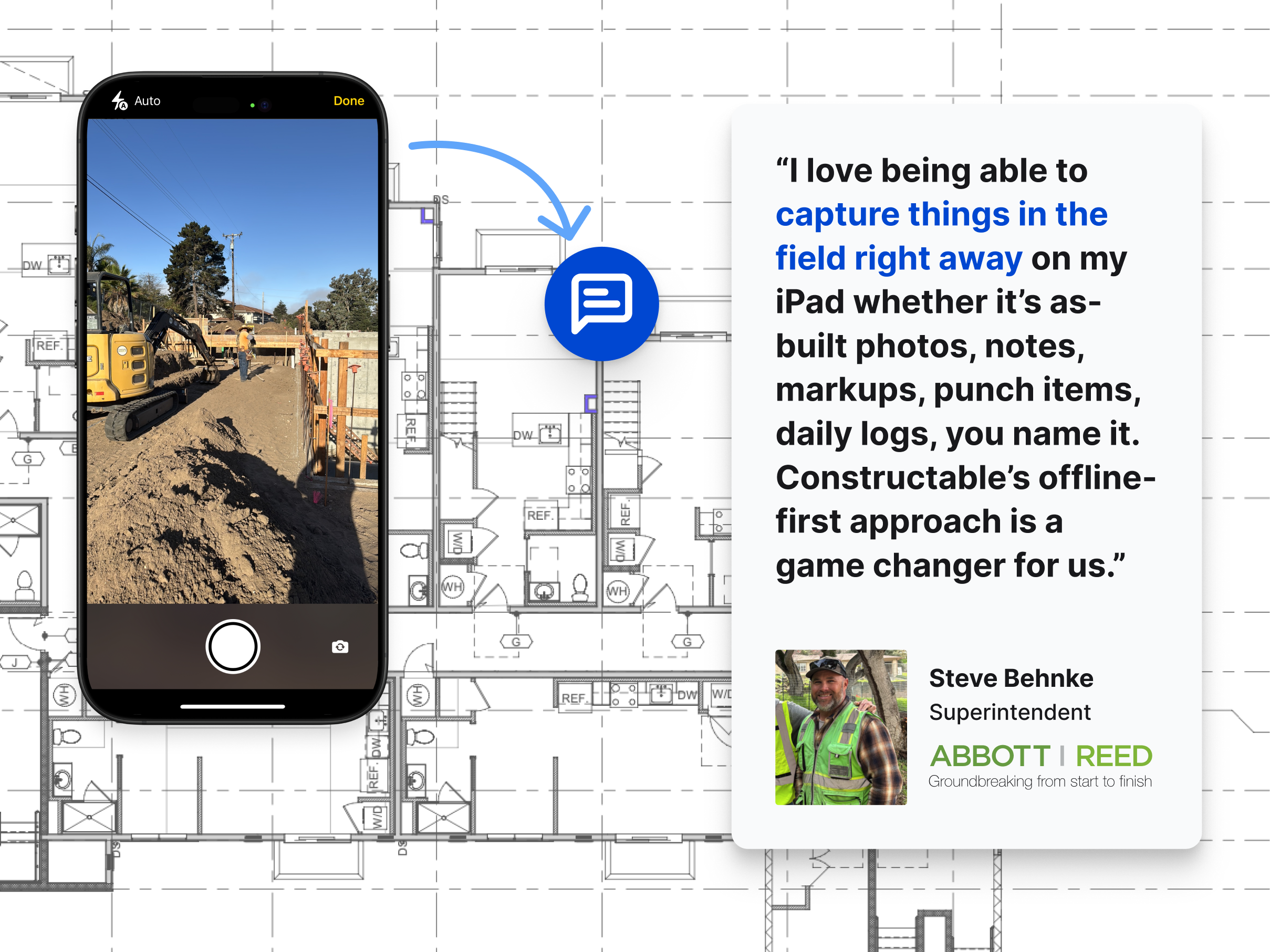\\n\\n\u003e Constructable makes it very easy to add photos, notes, markups, and punch items right to your drawings\\n\\n## Common daily log mistakes that weaken your records\\n\\nA gap in a log timeline is an open door. Opposing counsel looks for the days that go quiet, the entries that say nothing, the weeks where completion slipped. Each one lets the other side argue your record cannot be trusted.\\n\\nThe ones that surface again and again:\\n\\n- Vague language like \\\"work continued as planned,\\\" which describes nothing an analyst can check\\n\\n- Inconsistent completion, where some days are logged in full and others skipped\\n\\n- Entries written days late, easy to attack as reconstruction\\n\\n- Delays noted without cause, duration, or responsibility\\n\\n- Silence on the exact days problems hit, reading as either concealment or absence\\n\\nThe last one does the most damage. When a delay landed on a Tuesday and the Tuesday log is blank, that blank becomes the argument.\\n\\n## How digital tools change the daily log workflow\\n\\nManual logging breaks down for a structural reason. Every step between the moment something happens and the moment it gets recorded pushes the entry later, which is when detail degrades. Construction [daily log and field reporting software](https://constructable.ai/blog/daily-log-field-reporting-software) earns its place by cutting those steps, so capturing conditions as they occur beats reconstructing them at week's end.\\n\\nFour categories of friction come up again and again:\\n\\n- Offline entry, so a log filled out inside a concrete structure or a dead zone syncs once signal returns\\n\\n- Automatic weather pulled from the project location, which kills the daily lookup and timestamps conditions on its own\\n\\n- Photos that file themselves against the log they belong to instead of scattering across a camera roll\\n\\n- Cloud sync that puts the same record
165in front of the office the moment the field saves it, one of several advantages offered by strong [construction communication and collaboration tools](https://constructable.ai/blog/construction-communication-collaboration-tools)\\n\\nNone of these add a task. Each removes one.\\n\\n## How **Constructable** handles daily logs in the field\\n\\nEverything above shapes how we built the Daily Logs tool under [Field Tools](https://constructable.ai/features/field-management). Logs are organized by week, Sunday through Saturday, so a defensible timeline sits ready instead of scattered across single entries.\\n\\nThe automations remove the steps that push entries late:\\n\\n- Hourly weather pulled from the project zip code, dropping the 20 to 30 minutes of manual lookup field teams usually absorb\\n\\n- Delays tagged by cause at entry (Weather, Permitting, Owner Directive, Material Acquisition, Waiting on RFI/Submittal, or Other), so claim-ready records stay structured from the start: the kind of documentation [construction project managers](https://constructable.ai/blog/what-do-construction-project-managers-do) rely on when disputes surface\\n\\n- Offline entry with automatic sync, so a foreman inside a concrete structure logs conditions in the moment\\n\\n- Photos filed into a dedicated Daily Log Photos album on their own\\n\\nLabor hours entered in a log can flow to project costs once hourly rates are set, giving you documentation and cost allocation in one entry, part of the broader [general contracting workflow](https://constructable.ai/blog/general-contracting-101-what-gc-does) a GC manages daily. It handles that without acting as a clock-in system.\\n\\n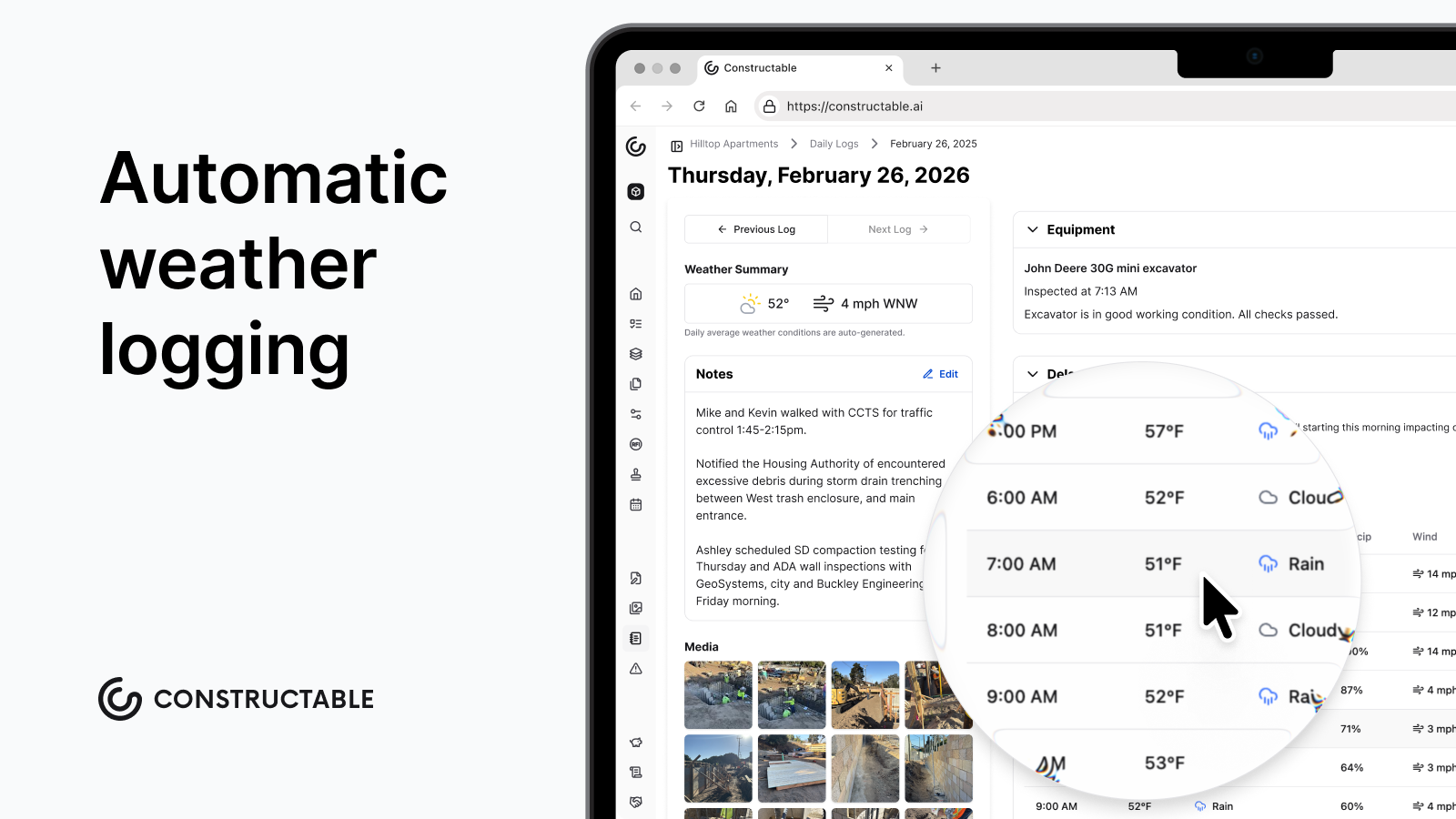\\n\\n## Final thoughts on construction daily log best practices\\n\\nYour daily log is the closest thing to a paper trail that actually defends your work. Keep it specific, keep it timely, and tie every photo to the entry it supports. When you're ready to see how **Constructable** handles this in practice, [we're easy to reach](https://constructable.ai/sales).\\n\\n## FAQ\\n\\n### What should a construction daily log include to hold up in a delay claim?\\n\\nA defensible daily log names the cause of the delay, how long production stopped, who was responsible, and the impact on the critical path, all recorded the day it happens. Vague entries like \\\"work delayed\\\" or \\\"weather issues\\\" give arbitrators nothing to work with; specific entries like \\\"framing crew idle four hours waiting on structural RFI response\\\" give them a number they can trace. Pair written entries with timestamped photos and you have a record that can support or rebut a claim without reconstruction.\\n\\n### How do I document weather conditions on a jobsite so they actually support a claim?\\n\\nLog temperature, precipitation type and amount with the hours it fell, wind speed when it affected crane picks or exterior work, and ground conditions like standing water or mud. A note reading \\\"rainy day\\\" carries no weight; the same entry with inches of precipitation, a two-hour window, and standing water that stopped grading gives an arbitrator something concrete. Most contracts also require formal notice within a set window, so log the weather the day it hits and tie it to that filing while the timeline is clean.\\n\\n### Real-time daily log entry vs. end-of-day documentation: does timing actually matter?\\n\\nYes, and the difference is real. Same-day entries carry near-evidentiary weight because they were made before anyone had a stake in the outcome; entries rebuilt from memory days later invite doubt about every detail. Real-time capture doesn't require a laptop: snapping a photo when a delay starts, jotting headcounts at the morning huddle, and noting an RFI number the moment a crew stalls each trim what you reconstruct later.\\n\\n### Can Constructable replace manual weather tracking in a daily log?\\n\\nYes. **Constructable** pulls hourly weather data automatically from the project zip code, dropping the 20 to 30 minutes of manual lookup field teams typically absorb each day. Temperature, conditions, precipitation, and wind are timestamped without any entry on your part, so the weather record exists whether or not anyone remembered to log it.\\n\\n### What daily log mistakes most often weaken construction claims and disputes?\\n\\nThe most damaging are blank entries on the exact days problems hit, vague language like \\\"work continued as planned,\\\" and delays recorded without cause, duration, or responsibility assigned. Opposing counsel looks for the quiet days first: a blank Tuesday log on the day a delay landed reads as either concealment or absence, and either reading damages credibility. Inconsistent completion, where some days are fully documented and others skipped entirely, compounds the problem by making the whole record easier to attack.\\n\",[],[980,981,982,983,984,985],\"{\\\"@context\\\":\\\"https://schema.org\\\",\\\"@type\\\":\\\"FAQPage\\\",\\\"name\\\":\\\"Daily Log Documentation for Foremen â July 2026\\\",\\\"mainEntity\\\":[{\\\"@type\\\":\\\"Question\\\",\\\"name\\\":\\\"What should a construction daily log include to hold up in a delay claim?\\\",\\\"acceptedA
165nswer\\\":{\\\"@type\\\":\\\"Answer\\\",\\\"text\\\":\\\"A defensible daily log names the cause of the delay, how long production stopped, who was responsible, and the impact on the critical path â all recorded the day it happens. Vague entries like \\\\\\\"work delayed\\\\\\\" or \\\\\\\"weather issues\\\\\\\" give arbitrators nothing to work with; specific entries like \\\\\\\"framing crew idle four hours waiting on structural RFI response\\\\\\\" give them a number they can trace. Pair written entries with timestamped photos and you have a record that can support or rebut a claim without reconstruction.\\\"}},{\\\"@type\\\":\\\"Question\\\",\\\"name\\\":\\\"How do I document weather conditions on a jobsite so they actually support a claim?\\\",\\\"acceptedAnswer\\\":{\\\"@type\\\":\\\"Answer\\\",\\\"text\\\":\\\"Log temperature, precipitation type and amount with the hours it fell, wind speed when it affected crane picks or exterior work, and ground conditions like standing water or mud. A note reading \\\\\\\"rainy day\\\\\\\" carries no weight; the same entry with inches of precipitation, a two-hour window, and standing water that stopped grading gives an arbitrator something concrete. Most contracts also require formal notice within a set window, so log the weather the day it hits and tie it to that filing while the timeline is clean.\\\"}},{\\\"@type\\\":\\\"Question\\\",\\\"name\\\":\\\"Real-time daily log entry vs. end-of-day documentation â does timing actually matter?\\\",\\\"acceptedA
165nswer\\\":{\\\"@type\\\":\\\"Answer\\\",\\\"text\\\":\\\"Yes, and significantly. Same-day entries carry near-evidentiary weight because they were made before anyone had a stake in the outcome; entries rebuilt from memory days later invite doubt about every detail. Real-time capture doesn't require a laptop â snapping a photo when a delay starts, jotting headcounts at the morning huddle, and noting an RFI number the moment a crew stalls each trim what you reconstruct later.\\\"}},{\\\"@type\\\":\\\"Question\\\",\\\"name\\\":\\\"Can Constructable replace manual weather tracking in a daily log?\\\",\\\"acceptedAnswer\\\":{\\\"@type\\\":\\\"Answer\\\",\\\"text\\\":\\\"Yes. Constructable pulls hourly weather data automatically from the project zip code, dropping the 20 to 30 minutes of manual lookup field teams typically absorb each day. Temperature, conditions, precipitation, and wind are timestamped without any entry on your part, so the weather record exists whether or not anyone remembered to log it.\\\"}},{\\\"@type\\\":\\\"Question\\\",\\\"name\\\":\\\"What daily log mistakes most often weaken construction claims and disputes?\\\",\\\"acceptedA
165nswer\\\":{\\\"@type\\\":\\\"Answer\\\",\\\"text\\\":\\\"The most damaging are blank entries on the exact days problems hit, vague language like \\\\\\\"work continued as planned,\\\\\\\" and delays recorded without cause, duration, or responsibility assigned. Opposing counsel looks for the quiet days first â a blank Tuesday log on the day a delay landed reads as either concealment or absence, and either reading damages credibility. Inconsistent completion, where some days are fully documented and others skipped entirely, compounds the problem by making the whole record easier to attack.\\\"}},{\\\"@type\\\":\\\"Question\\\",\\\"name\\\":\\\"Can temporary or union labor be logged in a daily report without setting up a full employee account?\\\",\\\"acceptedAnswer\\\":{\\\"@type\\\":\\\"Answer\\\",\\\"text\\\":\\\"Yes. Constructable's daily log lets foremen record personnel who aren't formally assigned to the project roster, so one-off workers, day labor, or union crews can be captured by headcount and trade without requiring individual account creation. This keeps the crew record accurate without adding administrative setup for every worker who steps on site.\\\"}},{\\\"@type\\\":\\\"Question\\\",\\\"name\\\":\\\"Where do daily log photos end up â are they stored separately from the log or tied to it?\\\",\\\"acceptedA
165nswer\\\":{\\\"@type\\\":\\\"Answer\\\",\\\"text\\\":\\\"Photos attached to daily logs are automatically filed into a dedicated Daily Log Photos album in the Photos tab, so they live in one place that's directly associated with the log rather than scattered across a general camera roll. You don't need to manually sort them after the fact â the connection is made at the moment of attachment.\\\"}},{\\\"@type\\\":\\\"Question\\\",\\\"name\\\":\\\"How do daily logs work on mobile when there's no cell signal inside a concrete structure?\\\",\\\"acceptedAnswer\\\":{\\\"@type\\\":\\\"Answer\\\",\\\"text\\\":\\\"Constructable supports offline log entry with automatic sync once connectivity is restored, so a foreman inside a concrete structure or a dead-zone site can capture conditions in the moment rather than waiting until signal returns. The mobile app mirrors the desktop experience exactly, so there's no relearning required when you move between the field and the office.\\\"}},{\\\"@type\\\":\\\"Question\\\",\\\"name\\\":\\\"Should I use one change event per change or group related changes under the same event?\\\",\\\"acceptedA
165nswer\\\":{\\\"@type\\\":\\\"Answer\\\",\\\"text\\\":\\\"Group related changes under one change event and build individual change orders underneath it. If the same scope issue hits your electrical sub and your prime contract, both change orders live under one event and line items auto-fill from the parent â so you're not re-entering descriptions and cost codes across multiple documents. The change event is where you track the moment something shifts; the change order is the formal, priced step that follows.\\\"}},{\\\"@type\\\":\\\"Question\\\",\\\"name\\\":\\\"How can AI tools help automate reporting from daily log data without building a custom integration?\\\",\\\"acceptedAnswer\\\":{\\\"@type\\\":\\\"Answer\\\",\\\"text\\\":\\\"Constructable's native MCP server exposes daily log entries to any MCP-compatible AI client â including Claude and ChatGPT â so you can query log data through an external AI tool and generate custom summaries, payroll digests, or owner-facing narratives without writing custom code. The recommended setup is read-only access set to always allow, with write actions requiring explicit approval per command.\\\"}},{\\\"@type\\\":\\\"Question\\\",\\\"name\\\":\\\"What's the fastest way for a small GC team to reduce the number of software tools they're managing without losing daily log and field documentation functionality?\\\",\\\"acceptedA
165nswer\\\":{\\\"@type\\\":\\\"Answer\\\",\\\"text\\\":\\\"Constructable's field-only plan gives teams access to drawings, RFIs, submittals, daily logs, and other field workflows without requiring payment for financial modules, so a small team can consolidate field documentation into one connected system at a lower entry point. Because onboarding averages under 21 days with no migration fees, the switch doesn't require months of setup or a dedicated IT effort.\\\"}},{\\\"@type\\\":\\\"Question\\\",\\\"name\\\":\\\"What's the difference between logging labor hours in a daily log and using a timekeeping system?\\\",\\\"acceptedAnswer\\\":{\\\"@type\\\":\\\"Answer\\\",\\\"text\\\":\\\"Daily log labor hours in Constructable are for cost tracking and project documentation â when hourly rates are configured, those hours flow to project costs automatically. The daily log does not provide clock-in/clock-out functionality, timesheet management, or field attendance tracking; construction firms that need workforce time-and-attendance records must use a dedicated timekeeping system alongside it.\\\"}},{\\\"@type\\\":\\\"Question\\\",\\\"name\\\":\\\"Why do field crews resist filling out daily logs on mobile, and what actually fixes it?\\\",\\\"acceptedA
165nswer\\\":{\\\"@type\\\":\\\"Answer\\\",\\\"text\\\":\\\"Resistance usually comes from apps that don't mirror the desktop experience, require connectivity to save, or add steps rather than removing them. Constructable's mobile app matches the desktop workflow exactly, supports offline entry with automatic sync, and automates weather data from the project zip code â so the steps that most often get skipped (manual weather lookups, photo filing, delay tagging) happen without extra taps.\\\"}},{\\\"@type\\\":\\\"Question\\\",\\\"name\\\":\\\"How do I document a delay caused by waiting on an RFI or submittal response so it actually supports a claim later?\\\",\\\"acceptedAnswer\\\":{\\\"@type\\\":\\\"Answer\\\",\\\"text\\\":\\\"Tag the delay under the Waiting on RFI/Submittal category at the time of entry and record the RFI number, the crew affected, and how long production stopped â not just that a delay occurred. A specific entry like \\\\\\\"framing crew idle four hours waiting on structural RFI response\\\\\\\" gives a reviewer a number tied to a document they can pull; a generic \\\\\\\"waiting on design\\\\\\\" entry gives them nothing to trace.\\\"}},{\\\"@type\\\":\\\"Question\\\",\\\"name\\\":\\\"How does construction management software handle daily log documentation when a project migrates from Procore to a new system?\\\",\\\"acceptedA
165nswer\\\":{\\\"@type\\\":\\\"Answer\\\",\\\"text\\\":\\\"When migrating from Procore to Constructable, existing daily log entries are not imported into the native daily log module â they are stored as static PDFs in a backup folder within the system. Firms that need searchable, structured historical log data inside the daily log workflow after migration should plan for this gap during scoping, since it affects what the AI Answer Engine can surface from pre-migration project history.\\\"}}],\\\"url\\\":\\\"https://constructable.ai/blog/foremen-construction-daily-log-best-practices\\\",\\\"dateModified\\\":\\\"2026-07-29T20:52:55.777Z\\\",\\\"author\\\":{\\\"@type\\\":\\\"Organization\\\",\\\"name\\\":\\\"Constructable\\\"}}\\n\",\"{\\\"@context\\\":\\\"https://schema.org\\\",\\\"@type\\\":\\\"BlogPosting\\\",\\\"headline\\\":\\\"Daily Log Documentation for Foremen â July 2026\\\",\\\"description\\\":\\\"Daily log best practices for foremen: capture weather, delays, and site activity automatically in the field (July 2026).\\\",\\\"datePublished\\\":\\\"2026-07-29T20:52:55.777Z\\\",\\\"dateModified\\\":\\\"2026-07-29T20:52:55.777Z\\\",\\\"author\\\":{\\\"@type\\\":\\\"Organization\\\",\\\"name\\\":\\\"Constructable\\\"},\\\"url\\\":\\\"https://constructable.ai/blog/foremen-construction-daily-log-best-practices\\\",\\\"wordCount\\\":2258,\\\"keywords\\\":[\\\"construction daily log best practices\\\"]}\\n\",\"construction daily logs document\",\"foreman jobsite documentation hub\",\"include construction daily log\",\"daily logs carry legal weight claims disputes\",\"best practices documenting weather jobsite\",\"foremen\",\"best-construction-management-software\",\"Defining the Best Construction Management Software (July 2026)\",\"This July 2026 guide helps GCs cut through the noise and find what actually defines the best construction management software on the market.\",\"2026-07-29T21:29:32.636Z\",\"Somewhere between the drawing markup tool, the RFI log, the field chat app, and the ERP, a lot of projects quietly lose ground. Each handoff between systems is a place where context drops, decisions go undocumented, and overhead piles up in ways that only become visible when something goes wrong. What separates genuinely good construction management software is whether it was built to replace that whole setup or just to plug into it.\\n\\n### TL;DR\\n\\n- Most GCs run 4 separate tools for drawings, RFIs, field comms, and financials. The best construction management software replaces that stack in one connected system.\\n\\n- Table stakes include drawing revision management, RFI tracking with timestamped audit trails, submittal logs, plan-linked punch lists, daily logs, and live financial reporting.\\n\\n- The real differentiator is unification: drawings as the center of gravity, with RFIs, punch items, Topics, and financials all anchored to exact sheet locations.\\n\\n- **Constructable** is a connected system built for mid-size GCs that handles drawing markup, RFIs, submittals, punch lists, field documentation, and project financials without requiring separate tools.\\n\\nSo what actually defines the **best** construction management software?\\n\\nThe best platforms **unify** the work GCs already do across these tools, keep everything drawingâcentric, and use AI strategically and practically to save people time.\\n\\nThatâs exactly why we built **Constructable**.\\n\\n## The table stakes: what every serious platform must do well\\n\\nBefore we talk about differentiation, itâs worth naming the **baseline** capabilities you should expect from any modern construction management system.\\n\\nIf a platform fumbles any of these, itâs not âbest in classâ.\\n\\n### Drawing set management\\n\\nYou should be able to:\\n\\n- Manage drawing revisions and keep everyone on the latest set.\\n\\n- Navigate by discipline, sheet number, and drawing area (if applicable).\\n\\n- Add markups, take measurements, and drop locationâaware pins.\\n\\nIn **Constructable**, drawings are more than static PDFs. They're the **center of gravity** for everything else:\\n\\
165n- RFIs, punch items, Topics, and photos can all be anchored to **exact locations (or areas)** on sheets.\\n\\n- The **Drawing Viewer** supports **split view** (two sheets or revisions sideâbyâside) and **blend modes** (visually overlaying revisions to see changes at a glance).\\n\\n- Markups and measurements live as data, not just scribbles on a static PDF, so theyâre searchable and reusable.\\n\\nIf a platform requires you to open Bluebeam every time you want to do real markup or takeoff work, itâs not really drawingâcentric.\\n\\n### RFI management\\n\\nGood RFI tooling should:\\n\\n- Make it easy to draft, send, and track RFIs.\\n\\n- Capture a clear ballâinâcourt and due date.\\n\\n- Attach supporting files and drawing references.\\n\\n- Show a trail of responses and revisions.\\n\\nAn RFI typically originates in the field or during plan review, gets routed to the architect or engineer, receives a formal written response, and closes out once the team acts on that answer. Breakdowns at any stage, a missed due date, lost context between handoffs, or an unclear ball-in-court, translate directly into schedule delays and, in disputed cases, costly claims. The [Navigant Construction Forum RFI study](https://www.cmaanet.org/sites/default/files/resource/Impact%20%26%20Control%20of%20RFIs%20on%20Construction%20Projects.pdf) found the average review and response for a single RFI takes about eight hours and costs roughly $1,080, meaning a project averaging 800 RFIs carries close to $860,000 in processing overhead alone. Understanding [why RFI management breaks down](https://constructable.ai/blog/construction-rfi-management-breakdown) is the first step to preventing it. The system you use either keeps that chain tight or quietly lets it unravel.\\n\\nA defensible RFI record also requires a timestamped log: who sent what, when responses were received, and which drawing or spec section the question referenced. That audit trail becomes critical during owner disputes, subcontractor claims, or project closeout, and it has to exist inside the system, not reconstructed from email threads after the fact.\\n\\nIn **Constructable**, RFIs are **deeply linked to the drawings and Topics** they come from:\\n\\n- You can create an RFI directly from a markup or Topic in the Drawing Viewer.\\n\\n- The RFI record brings the **exact sheet location, context, and markups** with it.\\n\\n- Once answered, RFIs become part of the projectâs **searchable knowledge base**.\\n\\n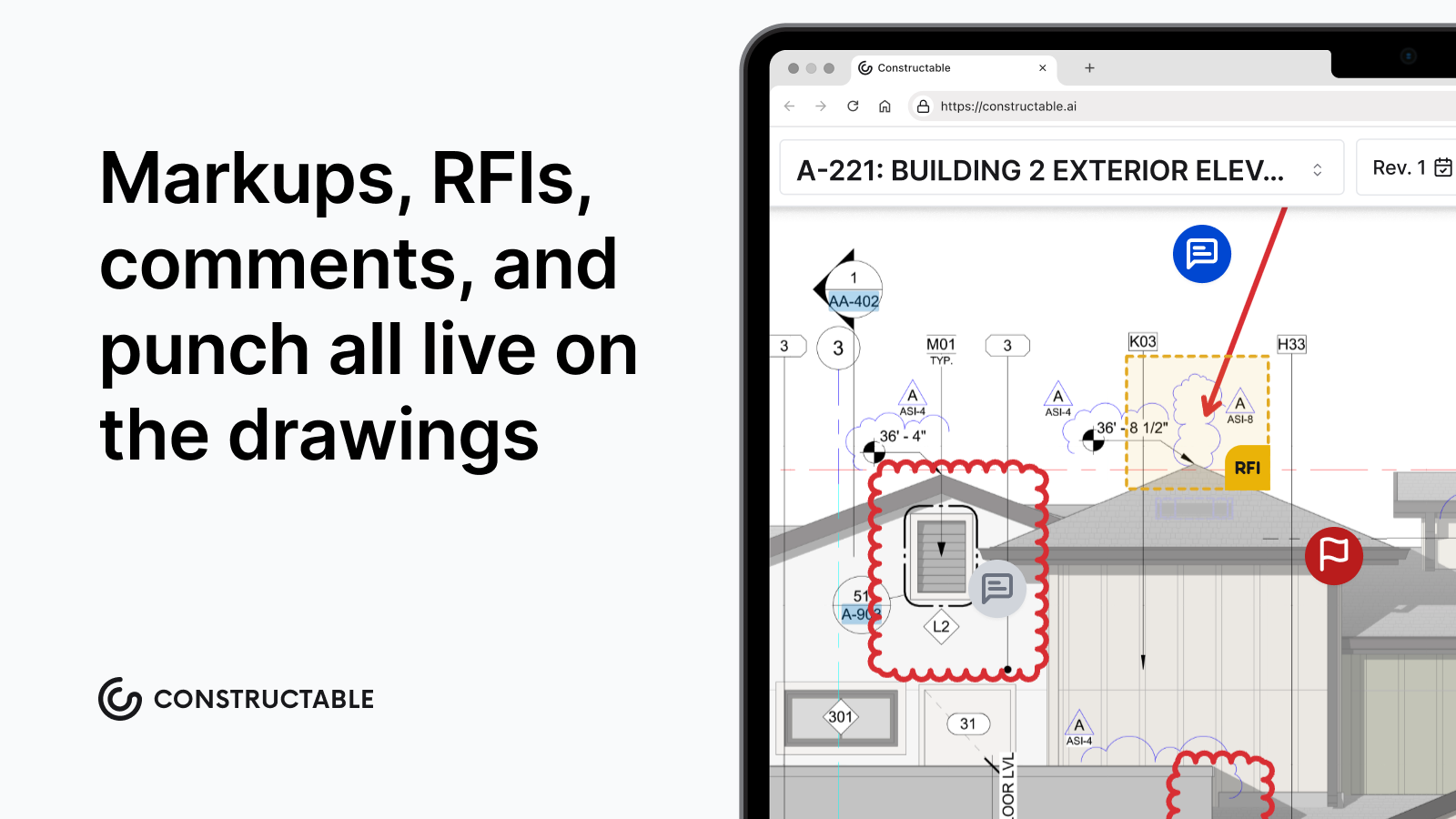\\n\\n### Submittal management\\n\\nSubmittals are another tableâstakes workflow:\\n\\n- Log submittal packages and items.\\n\\n- Track status and review steps.\\n\\n- Attach spec sections, drawings, and vendor docs.\\n\\n- Keep a clear audit trail of who approved what and when.\\n\\nA submittal log is a structured register of every material, shop drawing, and product data sheet that requires architect or engineer approval, organized by spec section, for a deeper look at [construction submittals types and best practices](https://constructable.ai/blog/construction-submittals-definition-types-best-practices), the spec-section structure is where most of the complexity lives. Building it from scratch, reading through every specification division to identify what needs to be submitted, is one of the most time-consuming pre-construction tasks a PM faces.\\n\\n**Constructable** eliminates that busywork: it reads the project's specification sections to identify which divisions require submittals, then auto-generates the log items with spec citations pre-filled. The PM's job becomes reviewing and approving, not creating from scratch, so when the responsible contractor is ready to attach documents for review, everything is already structured and waiting.\\n\\n### Punch list management\\n\\nEvery platform claims punch list support. The difference is in how quickly field teams can **turn reality into structured data**, and how easily managers can **review and act on it**. [Plan-linked punch lists](https://constructable.ai/blog/plan-linked-punch-lists-and-issue-management) are what make that c
165onnection concrete.\\n\\nIn **Constructable**:\\n\\n- Field users can:\\n\\n - Drop precise punch pins in **Punch List mode** in the Drawing Viewer.\\n\\n - Dictate descriptions on mobile and let **AI autofill** key fields (title, trade, location, assignee) based on whatâs said and where the pin lives.\\n\\n - Attach photos, videos, and notes that stay linked to that exact part of the plan.\\n\\n- Managers back in the office get:\\n\\n - A **dataâgrid punch list view** with grouping and filtering by trade, location tiers, assignee, status, due date, and more.\\n\\n - **Bulk actions** for changing assignees, due dates, trades, or statuses across many items at once.\\n\\n - Planâlinked context: open any punch item and youâre one click away from looking at the sheet(s) it was added to.\\n\\nIf âpunch listâ is just a long flat checklist with no relationship to drawings, youâll spend more time explaining where the issue is than fixing it.\\n\\n### Daily logs\\n\\nAt minimum, your daily log tool should (for a detailed look at what makes these reports defensible, [construction daily report best practices](https://smartpm.com/blog/construction-daily-reports-a-step-by-step-guide) are worth reviewing):\\n\\n- Track manpower, companies on site, cost codes, equipment, weather, and notes.\\n\\n- Attach photos and videos to specific entries.\\n\\n- Export and share clear daily summaries.\\n\\n**Constructable** goes further by:\\n\\n- Letting your team **attach media directly from the field**, even when offline, uploads sync when connectivity returns.\\n\\n- Reâusing data in reports (e.g., personnel and company hours roll up into Daily Log reports).\\n\\n- Treating photos and videos as firstâclass data objects that can also show up in Topics, RFIs, and punch items.\\n\\nDaily logs shouldnât be a graveyard of notes. They should feed into your projectâs larger operational picture and keep everyone in the loop on the reality on the ground.\\n\\n### Financial management\\n\\nA bestâinâclass platform needs a strong financial backbone:\\n\\n- **Prime contract** management with a clear SOV.\\n\\n- **Vendor commitments** and purchase orders with lineâitem detail.\\n\\n- **Change events** and change orders linked back to commitments and cost codes.\\n\\n- **Invoice submissions** tied to SOV line items and billing periods.\\n\\n- A **Budget report** that reconciles revenue, cost, projections, and over/under by cost code.\\n\\n**Constructable** models each of these explicitly:\\n\\n- Prime SOVs and change orders on the **revenue** side.\\n\\n- Vendor SOVs and change orders on the **cost** side.\\n\\n- General conditions and \\\"non-committed costs\\\" tracked alongside commitments.\\n\\n- A **full Budget report** that shows projected vs actual revenue and costs, cost and revenue % complete, and forecastâtoâcomplete per code, with the ability to apply **forecast overrides** when human judgment matters more than straight math.\\n\\nIf your project team is constantly reconciling Procore exports with an accounting software just to understand where they actually stand, thatâs a sign the platform isnât doing enough heavy lifting for you.\\n\\n## Beyond table stakes: one system instead of four\\n\\nIf table stakes are roughly comparable, where do the **best** platforms separate themselves?\\n\\nWe believe the answer lies in **unification**. The best construction management software:\\n\\n- Starts from the reality that a GC might otherwise need **multiple point solutions**,\\n\\n- Then **replaces** those point solutions with one powerful software environment where:\\n\\n - Drawings, markups, and takeoffs are built in and easy to use.\\n\\n - Fieldâtoâoffice communication is anchored on the plans so context isn't lost.\\n\\n - Financials that accurately reflect whatâs happening in reality.\\n\\n - Deeply integrated AI that indexes all project data and gets you the answers you need.\\n\\nThis is the design philosophy behind Constructable.\\n\\n### Drawing viewer, split view, and blend modes (byeâbye, standalone PDF tools)\\n\\nInstead of treating drawing markup as an external workflow, Constructableâs **Drawing Viewer** is powerful and best-in-class:\\n\\n- **Split view** lets you open:\\n\\n - Two different sheets sideâbyâside (e.g., Structural vs. MEP, floor plan vs. reflected ceiling plan, exterior elevation vs. a specific detail sheet).\\n\\n - The same sheet in two revisions at once.\\n\\n- **Blend modes** allow you to:\\n\\n - Overlay old and new revisions and visually **see what changed** without manually flipping back and forth.\\n\\n - Gradually blend between sheets by dragging the slider\\n\\n- Builtâin tools for:\\n\\n - Markups and callouts,\\n\\n - Measurements and takeoffs,\\n\\n - Pins that create RFIs, Topics, punch items, or tasks.\\n\\nFor teams used to living in Bluebeam for this work, the question becomes: why keep marking up PDFs in one place, then manually copying those decisions into another system?\\n\\n### Collaboration and comment threads that live on the plans, we call them Topics\\n\\nIn Constructable, **Topics** are like smart, shareable layers on top of your drawings:\\n\\n- A Topic can span multiple sheets and hold:\\n\\n - Markups,\\n\\n - Mediaârich comments (text, photos, screen recordings),\\n\\n - Linked issues like RFIs, punch items, or takeoffs.\\n\\n- Flexible sharing:\\n\\n - Keep Topics private as your own working layer,\\n\\n - Share with a specific set of teammates,\\n\\n - Or publish them projectâwide when theyâre ready.\\n\\n- Comment threads inside Topics:\\n\\n - Use **@âmentions** to notify or âsummonâ collaborators directly to the relevant part of a drawing,\\n\\n - Tag comments (e.g., âstru
165ctural reviewâ, âMEP coordinationâ) for easy filtering later.\\n\\nWeâve seen customers use Topics for:\\n\\n- Threeâweek lookahead mapped spatially as markup on site plans,\\n\\n- Asynchronous plan review with architects and consultants,\\n\\n- Private measurement scratchpads that don't have to leave the drawings.\\n\\nInstead of scattering markup screenshots in email and chat apps (which are then immediately out-of-date), Topics keep the conversation **in context and on the plans**.\\n\\n### Realâtime questionâanswering across your project\\n\\nThe more data lives in one system, the more valuable it becomes when you can **ask natural questions** of it.\\n\\nConstructable indexes:\\n\\n- Drawings and markups,\\n\\n- Topics and comment threads,\\n\\n- RFIs and submittals,\\n\\n- Punch items and daily logs,\\n\\n- Photos, videos, and screen recordings,\\n\\n- Financial records tied to cost codes, commitments, and change orders.\\n\\nThat means you can ask questions like:\\n\\n- âShow me all open punch items on Level 3 related to fire stopping.â\\n\\n- âWhat did we agree with the owner on ceiling height changes in the lobby?â\\n\\n- âWhich change events impact the electrical roughâin schedule?â\\n\\n- âWhere are we over budget on drywall, and which commitments and change orders are driving it?â\\n\\nInstead of clicking through five different tools and folders, you get **direct answers** grounded in the project data you already have.\\n\\n### Field workflows with AI in the loop\\n\\nA lot of âAIâ in construction software is just marketing hype. Weâve focused on **specific places** where AI directly shortens work for field teams and PMs.\\n\\nHere's one example:\\n\\n- **AI punch list item generation**:\\n\\n - Dictate what you see at a location on the plan.\\n\\n - Constructable uses the pinâs location, nearby drawings, and your narration to propose:\\n\\n - A clear title,\\n\\n - A suggested trade,\\n\\n - A location tier (e.g., level, area, room),\\n\\n - A likely assignee.\\n\\n - You review and tweak instead of typing and inputting everything manually.\\n\\nThe goal is not to âreplaceâ your judgment, but to **compress the gap between observation and structured data**.\\n\\n## Jobsite communication and photos without a separate app\\n\\nJobsite communication tools like Rivet emerged because traditional tools didn't feel good in the field. Bestâinâclass construction management software should **fix that**, not bolt on a chat app.\\n\\nConstructable:\\n\\n- Lets field users:\\n\\n - Capture photos and videos directly in the app,\\n\\n - Attach them to daily logs, Topics, punch items, RFIs, or other records,\\n\\n - Record screen walkthroughs inside the Drawing Viewer to explain issues visually.\\n\\n- Handles tough realities:\\n\\n - Offline conditions with background upload queues,\\n\\n - Automatic retries when connectivity returns.\\n\\nBecause every photo and video is linked to a **specific context** (a log entry, Topic, punch item, or sheet location), reviewing issues later doesnât feel like scrolling a random camera roll.\\n\\n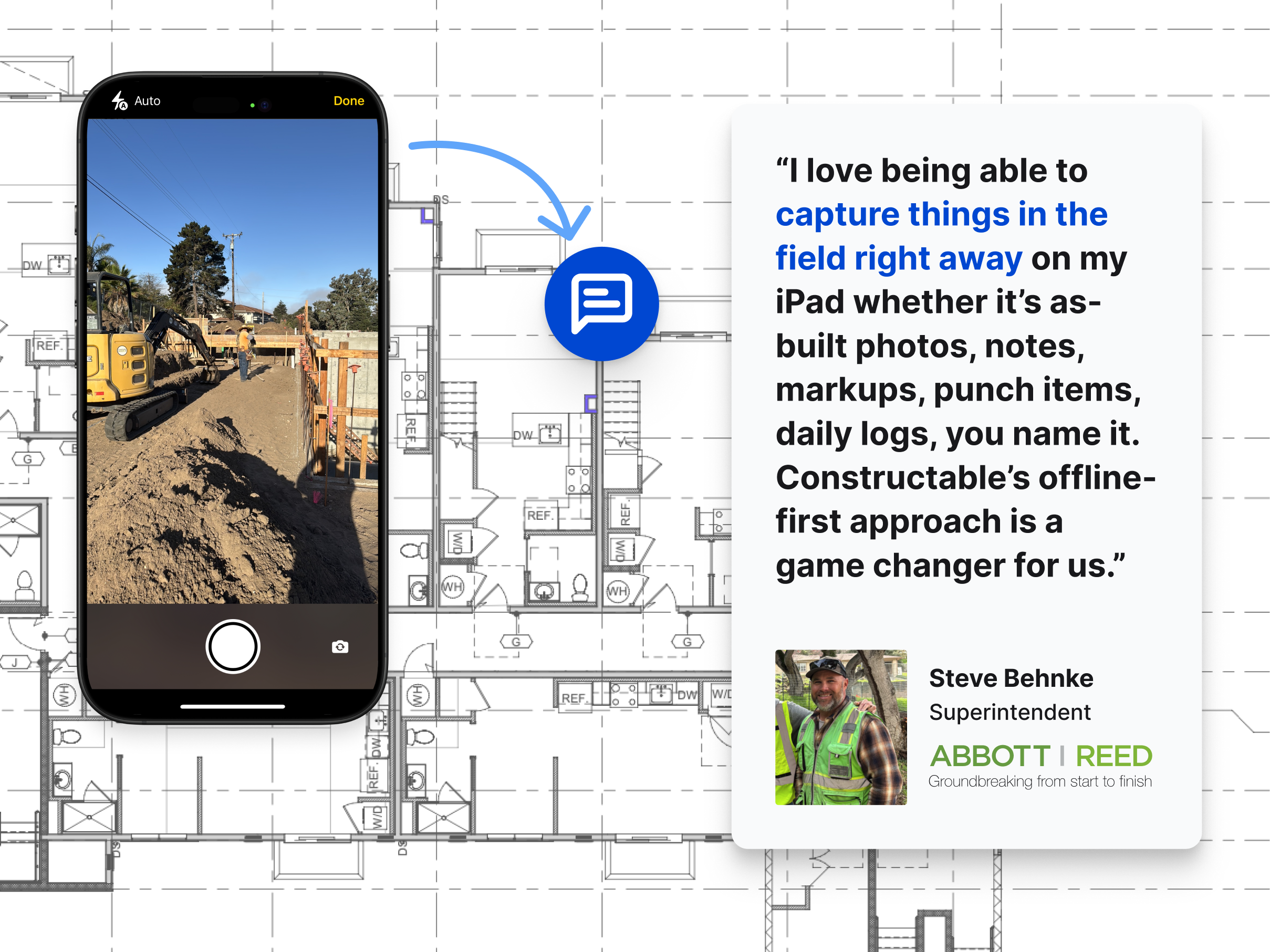\\n\\n## Financial clarity without sacrificing your ERP\\n\\nFor many GCs, the ERP (like CMiC, etc.) is the system of record for corporate finance. The project team, though, needs **dayâtoâday visibility** thatâs closer to the work:\\n\\n- Which commitments are close to fully invoiced?\\n\\n- How much approved change order value is still unbilled?\\n\\n- Are we over or under on a given cost code once pending COs are accounted for?\\n\\nConstructable focuses on giving the **project team** a live, up-to-date view, the kind of [real-time cost and commitment visibility](https://constructable.ai/blog/real-time-project-cost-and-commitment-visibility) that ERPs alone rarely provide:\\n\\n- Prime contract and SOV on the revenue side.\\n\\n- Vendor commitments and COs on the cost side.\\n\\n- Daily invoicing and billing period logic tracked at the SOV line level.\\n\\n- A Budget report and Change Orders report that describe **whatâs actually happening on this job**.\\n\\nYou donât have to choose between âERP truthâ and âfield realityâ, Constructable is the layer where those two meet in a way project teams can actually use.\\n\\n| Workflow | Typical tool | How Constructable handles it |\\n| ------------------------------------------- | ---------------------------------------- | --------------------------------------------------------------------------------------------------------------------- |\\n| Drawing markup, takeoffs, and plan review | Bluebeam | Built-in Drawing Viewer with split view, blend modes, markups, and measurements. No separate PDF tool needed. |\\n| RFIs, submittals, and project documentation | Procore | Linked to exact drawing locations; submittal logs auto-generated from spec sections |\\n| Field communication and photo documentation | WhatsApp or chat apps or Company Cam | Photos, markup and media anchored to plan locations, with offline sync and automatic upload when connectivity returns |\\n| Back-office financials and accounting | Computer Ease, Sage, CMiC or another ERP | Live budget, SOV, commitments, and change orders at the project level (the layer ERPs alone rarely provide) |\\n\\n## Quality of life: dark mode and lateânight reality\\n\\nIt sounds small, but if youâve ever stared at a bright white UI at 11:30pm trying to close out RFIs or align a change order, you know it matters.\\n\\nConstructable includes a polished **dark mode** that:\\n\\n- Respects the way project teams actually work (often outside normal hours),\\n\\n- Reduces strain when youâre reviewing drawings, Topics, or reports late at night,\\n\\n- Makes long design and coordination sessions more comfortable.\\n\\nThe best construction management software sweats these details. We have put a lot of thought and care into how it **feels** to live in the tool all day.\\n\\n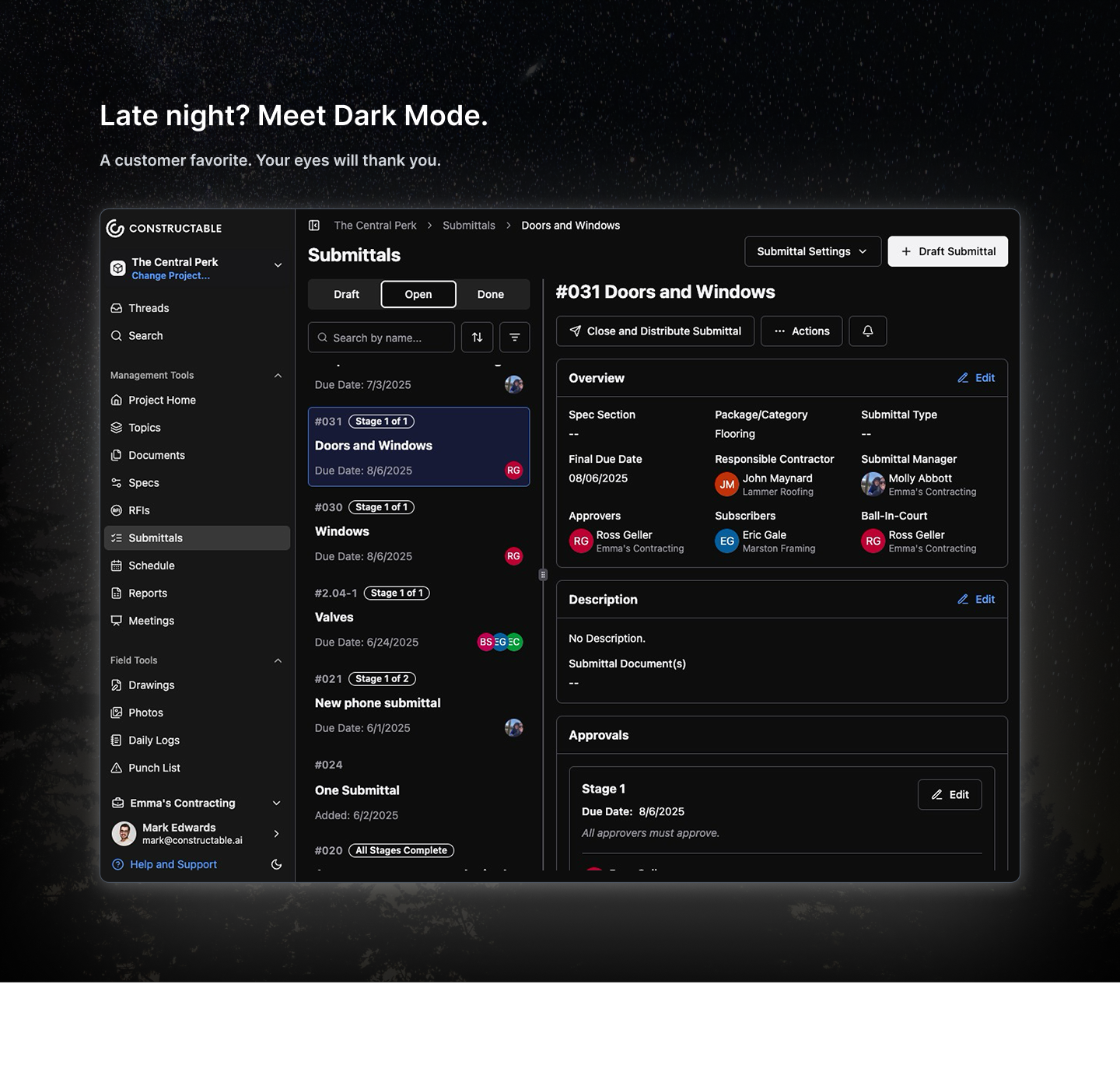\\n\\n## Final Thoughts on What the Best Construction Management Software Requires\\n\\nMost construction software solves one piece of the puzzle and leaves you to figure out the rest. The difference with a truly connected system is that context doesn't fall through the cracks between tools, and your team isn't spending Friday night reconstructing an RFI trail from email threads. That's not a small thing when you're running 800 RFIs on a single job. [Talk to the Constructable team](https://constructable.ai/sales) to see how it holds up against the way your projects actually run.\\n\\n## FAQs\\n\\n### What is the difference between an RFI and a submittal in construction?\\n\\nAn RFI (Request for Information) is a formal question sent to the architect or engineer to clarify design intent, what something should be or how it should work. A submittal is a contractor-provided document (shop drawings, product data, or samples) submitted for architect/engineer review and approval before work proceeds. Both create formal, timestamped records that matter during disputes and closeout.\\n\\n### What features should I look for in RFI management software?\\n\\nAt minimum, look for clear ball-in-court tracking, due date visibility, and drawing linkage so each RFI references the exact sheet or spec section in question. A complete response history and timestamped audit trail are equally critical, they're what protects you during owner disputes, subcontractor claims, or project closeout. Bonus points if RFIs can be created directly from markups in the drawing viewer.\\n\\n### How does AI help with submittal management?\\n\\nInstead of manually building a submittal log from scratch, AI can read your spec sections and extract the required submittal items, then auto-populate the structured fields, trade, spec reference, description, responsible contractor. Your team reviews and refines instead of typing everything from scratch. That compression of busywork is where AI earns its keep in construction software.\\n\\n### Can one platform replace Procore and Bluebeam for RFIs and submittals?\\n\\nUnified systems can handle RFIs, submittals, drawing markup, and field workflows in a single environment, reducing the context switching and version confusion that comes with juggling multiple tools. The trade-off is that purpose-built tools like Bluebeam have deep feature sets some teams rely on. The real question to ask is whether your team actually uses that depth, or just defaults to what's familiar.\\n\\n### What is a submittal log and why does it matter?\\n\\nA submittal log is the master tracking document for every submittal required on a project, what's been submitted, what's under review, what's been approved, and which spec section each item ties back to. Without it, items fall through the cracks and material procurement stalls. It's also a key closeout document that shows the owner every required submission was properly reviewed and approved.\\n\",[],[399,317,318,319,320,323,995],\"{\\\"@context\\\":\\\"https://schema.org\\\",\\\"@type\\\":\\\"FAQPage\\\",\\\"name\\\":\\\"Defining the Best Construction Management Software (July 2026)\\\",\\\"mainEntity\\\":[{\\\"@type\\\":\\\"Question\\\",\\\"name\\\":\\\"What is the difference between an RFI and a submittal in construction?\\\",\\\"acceptedA
165nswer\\\":{\\\"@type\\\":\\\"Answer\\\",\\\"text\\\":\\\"An RFI (Request for Information) is a formal question sent to the architect or engineer to clarify design intent â what something should be or how it should work. A submittal is a contractor-provided document (shop drawings, product data, or samples) submitted for architect/engineer review and approval before work proceeds. Both create formal, timestamped records that matter during disputes and closeout.\\\"}},{\\\"@type\\\":\\\"Question\\\",\\\"name\\\":\\\"What features should I look for in RFI management software?\\\",\\\"acceptedAnswer\\\":{\\\"@type\\\":\\\"Answer\\\",\\\"text\\\":\\\"At minimum, look for clear ball-in-court tracking, due date visibility, and drawing linkage so each RFI references the exact sheet or spec section in question. A complete response history and timestamped audit trail are equally critical â they're what protects you during owner disputes, subcontractor claims, or project closeout. Bonus points if RFIs can be created directly from markups in the drawing viewer.\\\"}},{\\\"@type\\\":\\\"Question\\\",\\\"name\\\":\\\"How does AI help with submittal management?\\\",\\\"acceptedA
165nswer\\\":{\\\"@type\\\":\\\"Answer\\\",\\\"text\\\":\\\"Instead of manually building a submittal log from scratch, AI can read your spec sections and extract the required submittal items, then auto-populate the structured fields â trade, spec reference, description, responsible contractor. Your team reviews and refines rather than typing everything from scratch. That compression of busywork is where AI earns its keep in construction software.\\\"}},{\\\"@type\\\":\\\"Question\\\",\\\"name\\\":\\\"Can one platform replace Procore and Bluebeam for RFIs and submittals?\\\",\\\"acceptedAnswer\\\":{\\\"@type\\\":\\\"Answer\\\",\\\"text\\\":\\\"Unified platforms can handle RFIs, submittals, drawing markup, and field workflows in a single environment â reducing the context switching and version confusion that comes with juggling multiple tools. The trade-off is that purpose-built tools like Bluebeam have deep feature sets some teams rely on. The honest question to ask is whether your team actually uses that depth, or just defaults to what's familiar.\\\"}},{\\\"@type\\\":\\\"Question\\\",\\\"name\\\":\\\"What is a submittal log and why does it matter?\\\",\\\"acceptedA
165nswer\\\":{\\\"@type\\\":\\\"Answer\\\",\\\"text\\\":\\\"A submittal log is the master tracking document for every submittal required on a project â what's been submitted, what's under review, what's been approved, and which spec section each item ties back to. Without it, items fall through the cracks and material procurement stalls. It's also a key closeout document that shows the owner every required submission was properly reviewed and approved.\\\"}}],\\\"url\\\":\\\"https://constructable.ai/blog/best-construction-management-software\\\",\\\"dateModified\\\":\\\"2026-07-29T21:29:32.636Z\\\",\\\"author\\\":{\\\"@type\\\":\\\"Organization\\\",\\\"name\\\":\\\"Constructable\\\"}}\\n\",\"{\\\"@context\\\":\\\"https://schema.org\\\",\\\"@type\\\":\\\"BlogPosting\\\",\\\"headline\\\":\\\"Defining the Best Construction Management Software (July 2026)\\\",\\\"description\\\":\\\"This July 2026 guide helps GCs cut through the noise and find what actually defines the best construction management software on the market.\\\",\\\"datePublished\\\":\\\"2026-07-29T21:29:32.636Z\\\",\\\"dateModified\\\":\\\"2026-07-29T21:29:32.636Z\\\",\\\"author\\\":{\\\"@type\\\":\\\"Organization\\\",\\\"name\\\":\\\"Constructable\\\"},\\\"url\\\":\\\"https://constructable.ai/blog/best-construction-management-software\\\",\\\"wordCount\\\":2872}\\n\",\"helps\",\"rfi-tracking-ball-in-court-accountability\",\"RFI Tracking: Stop Losing Requests in Email and Spreadsheets (August 2026)\",\"Fix the gaps that let RFIs vanish across email and disconnected tools. A practical RFI tracking guide updated for August 2026.\",\"2026-08-01T00:02:30.723Z\",\"Your RFI tracking best practices are only as good as the system holding the record. When that record is split between email chains, a shared spreadsheet, and a drawing set in a separate folder, things fall through the gaps, and you end up taking the hit for delays that were never really yours to own. Here's what a tighter process actually looks like.\\n\\n**TLDR:**\\n\\n- Email and spreadsheets break RFI tracking because no tool ties the question to the sheet, the owner, or the deadline.\\n\\n- A well-structured RFI has one question, an exact drawing location, a proposed solution, attachments, and a stated schedule impact.\\n\\n- Flag any RFI past 75% of its response window, follow up in writing, and log the date so the delay is on record.\\n\\n- Projects running above roughly 10 RFIs per $1M in value signal incomplete design, and owners now track that rate as a KPI.\\n\\n- **Constructable** pins RFIs to the exact spot on the drawing, sorts open items by ball-in-court assignment, and you can create an RFI right on the drawings without ever having to leave.\\n\\n## Why email and disconnected tools break RFI workflows\\n\\nA question leaves someone's inbox and disappears into a thread. No due date attached, no record of who owns the answer, no way to tell whether the field crew waiting on it ever got word.\\n\\nThe trouble sits in the design of the tools, not the people using them. Email was built for correspondence, spreadsheets for tracking rows, shared drives for storage. None of them tie a question to the exact sheet it references, and none carry accountability forward once the message is sent.\\n\\nSo a response lands three replies deep in a chain the superintendent was never copied on. A spreadsheet log drifts out of sync the moment two people edit it at once. The drawing that prompted the question lives in a different [construction drawing management system](https://constructable.ai/blog/construction-drawing-management-software) entirely.\\n\\nSplit across those disconnected tools, email-based RFIs produce predictable failures: questions that vanish into inboxes and duplicate requests that pile up. This is precisely why [RFI management in construction breaks down](https://constructable.ai/blog/construction-rfi-management-breakdown) the way it does.\\n\\n## RFIs as a risk management and accountability system\\n\\nAn RFI is a paper trail before it is anything else. Every question logged, every response documented, every date stamped becomes the record you fall back on when a delay dispute lands on your desk months later. When RFIs live in email and disconnected tools, that record fractures.\\n\\nFor a deeper look at [RFI management in construction](https://constructable.ai/blog/rfi-management-construction-what-works), treating RFI tracking as accountability infrastru
165cture changes what you protect:\\n\\n- Ball-in-court clarity, so responsibility for a stalled question is never ambiguous and delays trace back to the party actually holding it.\\n\\n- Timestamped response history, giving you defensible dates when an owner or architect questions why the schedule slipped.\\n\\n- Cost and schedule impact tied to each question, so the financial weight of a slow answer is visible while there is still time to act.\\n\\nLose that trail and you take the hit for delays you never had a chance to prevent.\\n\\n## What every well-structured RFI needs\\n\\nAn RFI that gets answered in one pass keeps the job moving. A vague one bounces back with a follow-up question, and every round trip adds days to a cycle you were trying to shorten. The difference comes down to what you put in the request before you hit send.\\n\\nChoosing the right [RFI management software for GCs](https://constructable.ai/blog/top-rfi-management-software-general-contractors) starts with knowing what a well-structured RFI carries. Five things:\\n\\n- One question, and only one. Bundling three unrelated issues into a single submission means the whole thing stalls until the slowest answer comes back. Industry guidance is consistent on sticking to [one question per RFI](https://track3d.ai/blog/rfi-in-construction-guide/).\\n\\n- The exact location. Sheet number, detail callout, revision, and area, so the designer opens the right drawing instead of hunting for the spot you meant.\\n\\n- A proposed solution wherever you have one. Giving the reviewer something to approve or reject beats asking them to author an answer from scratch.\\n\\n- Supporting attachments. A marked-up sheet or a site photo shows the condition faster than a paragraph describing it.\\n\\n- A stated schedule impact tied to a real deadline. When the reviewer sees which crew is waiting and when, the needed-by date carries weight.\\n\\nLeave any of these out and you hand the designer a reason to write back with a question of their own.\\n\\n## Submission timing and workflow sequencing\\n\\nTiming is where most RFI slippage starts. Teams relying on inadequate drawing management software compound the problem: a question raised too late lands in someone's inbox when the ball-in-court party is already buried, so the answer waits, and the field waits with it. Good sequencing keeps that from happening.\\n\\nA few habits keep RFIs moving in the right order:\\n\\n- Raise the question at the point of discovery, not at the end of the day when the detail is half-remembered and the drawing reference is fuzzy.\\n\\n- Route it to the right ball-in-court party first, so it does not bounce between the architect, engineer, and owner before anyone owns the answer.\\n\\n- Tie the RFI to the schedule activity it affects, so the due date reflects when the field actually needs the answer, not an arbitrary two-week default.\\n\\n- Batch related questions where it makes sense, so reviewers see the full context instead of piecemeal follow-ups.\\n\\nSequenced this way, the question reaches the right person while there is still room to respond before the work is blocked.\\n\\n## Ball-in-court tracking and escalation protocols\\n\\
165nOne owner per stage keeps an RFI from stalling in the quiet space between people. The right [construction communication and collaboration tools](https://constructable.ai/blog/construction-communication-collaboration-tools) make this handoff visible. When the GC submits, the ball sits with the architect. When the answer comes back, it moves to the PM to distribute. Name that person every time the RFI changes hands.\\n\\nBuild the escalation on dates, not memory:\\n\\n- Flag any RFI that has passed 75 percent of its response window.\\n\\n- Send a written follow-up, never a verbal one, and log the date it went out.\\n\\n- Note the potential schedule impact on that follow-up so the delay is on record.\\n\\nA response that lands without answering the question is not a closed RFI. Reopen it, re-route it to the party who still owes the answer, and keep the original thread intact so the follow-up reads as one continuous record instead of a fresh request.\\n\\n## Common RFI mistakes that cost time and margin\\n\\nA handful of habits show up on almost every job, and each one quietly extends a cycle you were trying to close.\\n\\n- Bundling several questions into one RFI, which stalls the whole thing behind the slowest answer.\\n\\n- Proceeding on a verbal direction nobody wrote down, so the record splits the moment a dispute starts.\\n\\n- Letting a request sit past its window with no follow-up.\\n\\n- Writing an RFI for something the contract documents already answer.\\n\\n- Sending a needed-by date with no stated schedule impact behind it.\\n\\nNone of these is carelessness. They are what an unstructured process produces on its own. And the cost compounds fast: across [1,362 projects studied](https://blog.newmill.com/requests-for-information-costs-guide/), RFIs averaged 796 per project at roughly $1,080 each, or about $859,680 per project in direct processing alone. Trim a day off each cycle and shave a few dollars off each handoff, and that number moves in your favor.\\n\\n## RFI metrics that reveal process health\\n\\nA structured log turns individual questions into a read on how the job is actually running. Watch a handful of numbers, and the workflow problems underneath them show up before they cost you.\\n\\n| Metric | What it signals |\\n| ------------------------------------------------------ | ----------------------------------------------------------- |\\n| Average response time by RFI type | Which categories consistently stall and where to push |\\n| Percentage unanswered within the contractual window | Whether ball-in-court parties are meeting their obligations |\\n| RFI volume per $1M of project value | Design completeness and coordination quality |\\n| Percentage tied to a specific drawing location | How traceable your record is when a dispute starts |\\n| Rate of RFIs that turn into construction change orders | How much design ambiguity is converting into cost |\\n\\nVolume is the one owners now read most closely. A project running far above the [roughly 10-per-$1M benchmark](https://www.zepth.com/modules/rfi/) points to incomplete design, poor coordination, or ambiguous specs, and more owners treat that rate as a designer-performance KPI.\\n\\nPull these into the weekly [OAC meeting](https://constructable.ai/blog/oac-meeting-best-practices). (Constructable's Smart Section in meeting minutes makes this super easy.) When response times drift past the contractual window or volume climbs well over the benchmark, escalate to the design team or owner in writing while there is still schedule left to protect. None of it works if the log lives in scattered inboxes, so the numbers depend on one centralized record.\\n\\n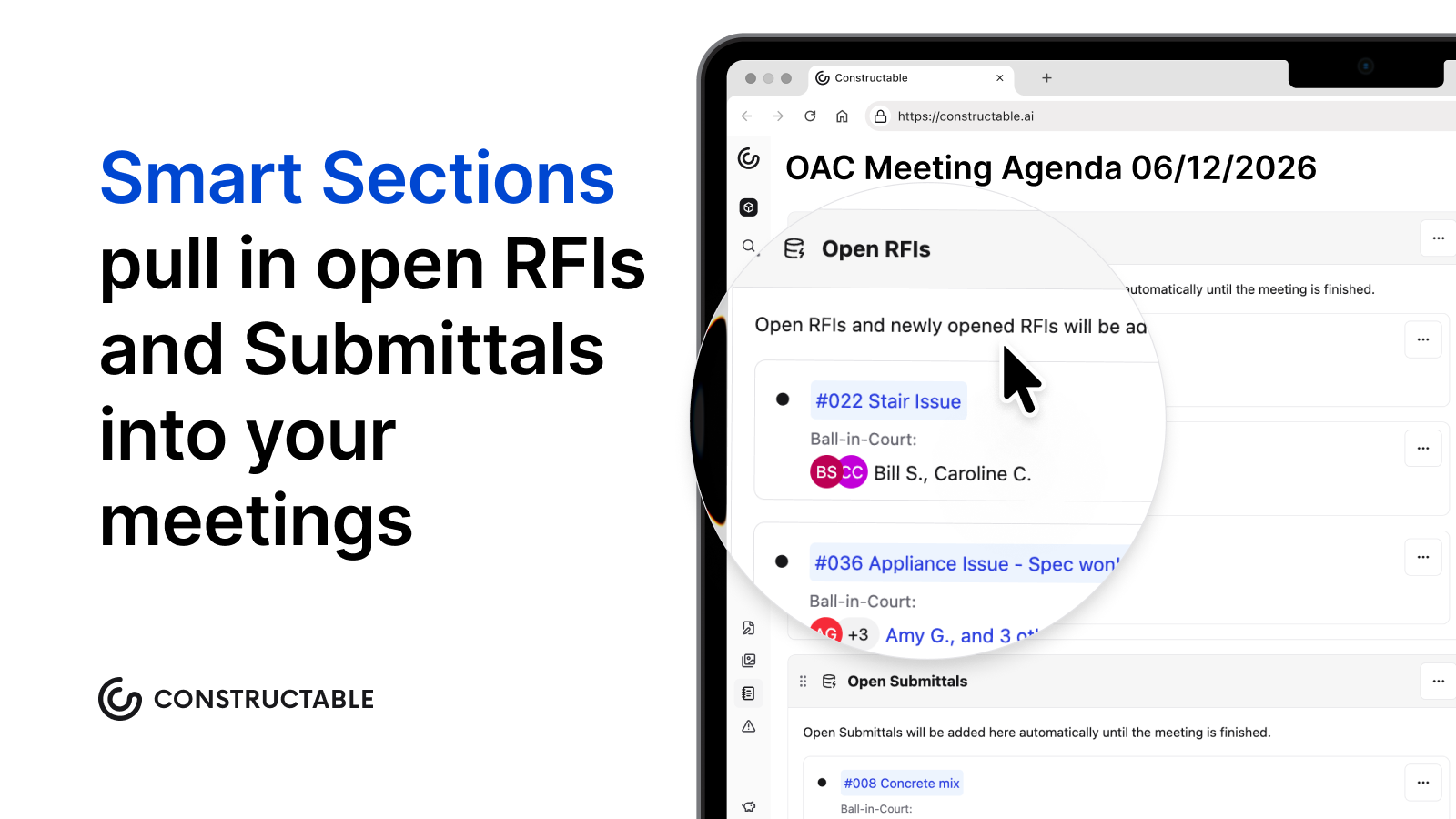\\n\\n## How **Constructable** keeps RFIs from getting lost\\n\\nEvery breakdown this post has walked through traces back to the same root: tools that were never built to hold a question in one place. **Constructable** closes those gaps through how the system is built, not through features bolted on after the fact.\\n\\n- RFIs pin to the exact spot on the sheet they reference, with markups, responses, and comments all tied to that pin. The context lives on the drawing instead of in a separate log you cross-reference by hand, which is the pattern that defines [drawing-centric collaboration workflows](https://constructable.ai/blog/drawing-centric-collaboration-workflows).\\n\\n- An RFI stays in draft, private and silent, until you deliberately open it, so no one gets a premature notification and the record stays clean.\\n\\n- Open RFIs sort by ball-in-court assignment, pushing the most pressing action items to the top without any manual filtering.\\n\\n- When you close and distribute, AI drafts the distribution message from the response itself, taking the friction out of the final step email workflows tend to skip.\\n\\n- The AI Answer Engine links every answer back to its primary source, so a response points to the drawing, document, or log entry behind it.\\n\\n- Subcontractors can open draft RFIs directly, with a default manager auto-assigned, clearing the bottleneck of routing every field question through a GC first. It's the same pin-to-plan logic that drives [plan-linked punch lists and issue management](https://constructable.ai/blog/plan-linked-punch-lists-and-issue-management).\\n\\nIf you want to see how it holds up on a real project, book a demo and put your own RFI log in front of it.\\n\\n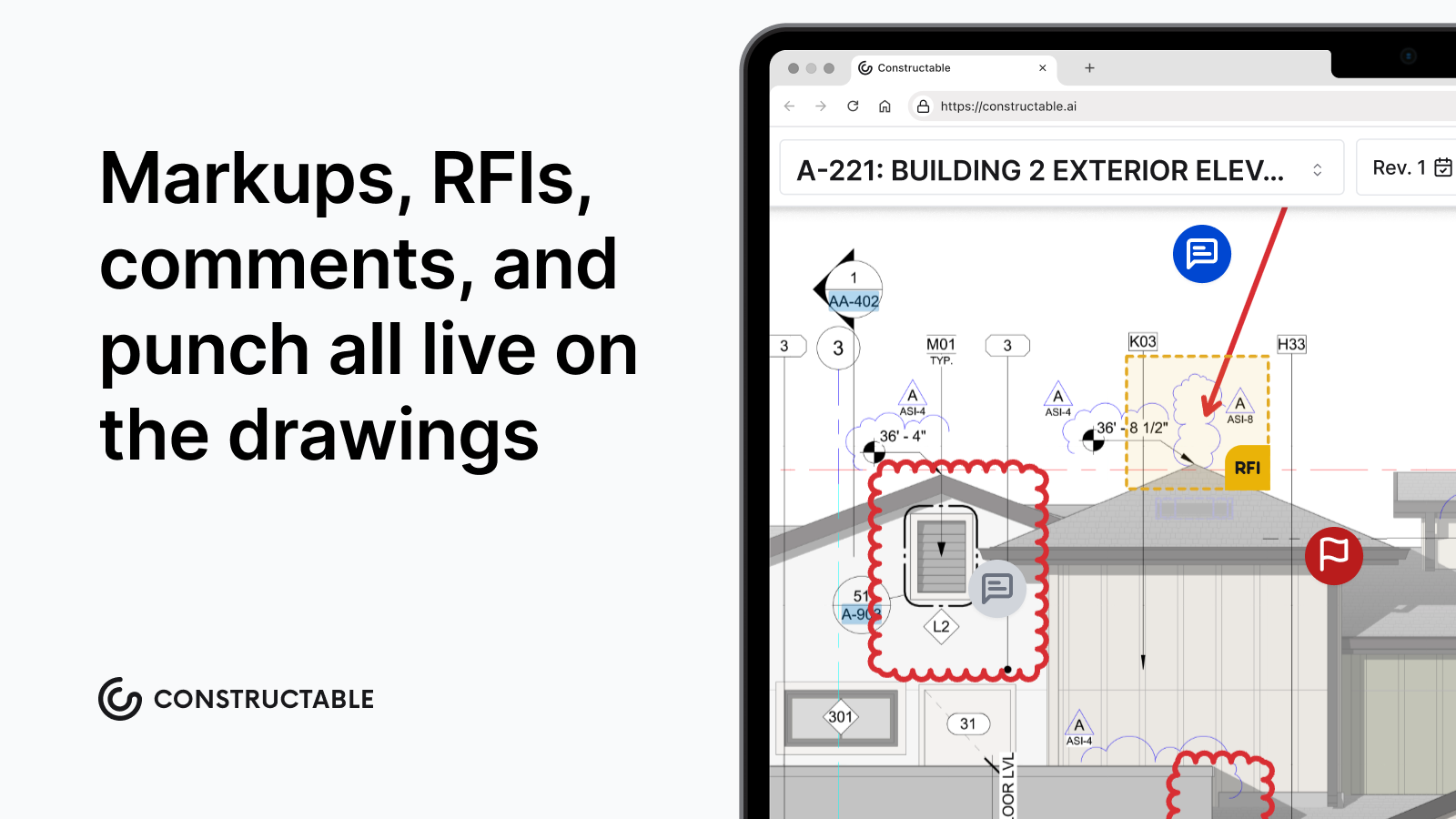\\n\\n## Final thoughts on running a tighter RFI workflow\\n\\nNone of the habits covered here require a total overhaul, just a consistent structure applied at the right points in the cycle. One question per request, a stated schedule impact, a named ball-in-court owner, and a log that lives in one place, that is the whole system. Get those pieces right and your response times shrink, your disputes get shorter, and your field crew spends less t
165ime waiting. [Talk to us](https://constructable.ai/sales) if you want to see what that looks like in practice with **Constructable**.\\n\\n## FAQs\\n\\n### What's the difference between managing RFIs in Constructable vs. email and spreadsheets?\\n\\nEmail and spreadsheets break RFI accountability the moment a response lands in a thread the superintendent wasn't copied on, or two people edit the log at once. **Constructable**, as a connected system, pins each RFI to the exact sheet location it references, with responses, markups, and ball-in-court assignments all tied to that pin, so the record stays in one place instead of fracturing across inboxes and disconnected files.\\n\\n### How do I write an RFI that gets answered in one pass?\\n\\nInclude one question only, the exact sheet and detail callout, a proposed solution where you have one, supporting attachments like a marked-up sheet or site photo, and a stated schedule impact tied to a real deadline. Each of those elements removes a reason for the reviewer to write back with a follow-up question before answering yours.\\n\\n### What RFI metrics should I be tracking to catch workflow problems early?\\n\\nTrack average response time by RFI type, the percentage of RFIs unanswered within the contractual window, volume per $1M of project value, the percentage tied to a specific drawing location, and the rate of RFIs that convert into change orders. Volume is the number owners now watch most closely: a project running well above roughly 10 RFIs per $1M points to incomplete design or ambiguous specs, and pulling these numbers into the weekly OAC meeting gives you time to escalate in writing while schedule room still exists.\\n\\n### Should I be tracking RFI ball-in-court manually or through a dedicated system?\\n\\nA dedicated system with named ball-in-court assignments at every handoff beats manual tracking. When you rely on memory or a spreadsheet, the accountability gap between submission and response has no owner, follow-ups go unlogged, and you lose the written record you need when a delay dispute starts. **Constructable** sorts open RFIs by ball-in-court assignment automatically, so the most pressing items stay visible without manual filtering.\\n\\n### Can subcontractors submit RFIs directly in Constructable without going through the GC?\\n\\nYes. Subcontractors can create limited draft RFIs directly within **Constructable**, with a default manager auto-assigned and notified on draft creation. This removes the bottleneck of routing every field question through a GC team member before the request even enters the system.\\n\",[],[1005,1006,1007,1008,1009,1010,1011],\"{\\\"@context\\\":\\\"https://schema.org\\\",\\\"@type\\\":\\\"FAQPage\\\",\\\"name\\\":\\\"RFI Tracking: Stop Losing Requests in Email and Spreadsheets (August 2026)\\\",\\\"mainEntity\\\":[{\\\"@type\\\":\\\"Question\\\",\\\"name\\\":\\\"What's the difference between managing RFIs in Constructable vs. email and spreadsheets?\\\",\\\"acceptedA
165nswer\\\":{\\\"@type\\\":\\\"Answer\\\",\\\"text\\\":\\\"Email and spreadsheets break RFI accountability the moment a response lands in a thread the superintendent wasn't copied on, or two people edit the log at once. Constructable pins each RFI to the exact sheet location it references, with responses, markups, and ball-in-court assignments all tied to that pin â so the record stays in one place instead of fracturing across inboxes and disconnected files.\\\"}},{\\\"@type\\\":\\\"Question\\\",\\\"name\\\":\\\"How do I write an RFI that gets answered in one pass?\\\",\\\"acceptedAnswer\\\":{\\\"@type\\\":\\\"Answer\\\",\\\"text\\\":\\\"Include one question only, the exact sheet and detail callout, a proposed solution where you have one, supporting attachments like a marked-up sheet or site photo, and a stated schedule impact tied to a real deadline. Each of those elements removes a reason for the reviewer to write back with a follow-up question before answering yours.\\\"}},{\\\"@type\\\":\\\"Question\\\",\\\"name\\\":\\\"What RFI metrics should I be tracking to catch workflow problems early?\\\",\\\"acceptedA
165nswer\\\":{\\\"@type\\\":\\\"Answer\\\",\\\"text\\\":\\\"Track average response time by RFI type, the percentage of RFIs unanswered within the contractual window, volume per $1M of project value, the percentage tied to a specific drawing location, and the rate of RFIs that convert into change orders. Volume is the number owners now watch most closely â a project running well above roughly 10 RFIs per $1M points to incomplete design or ambiguous specs, and pulling these numbers into the weekly OAC meeting gives you time to escalate in writing while schedule room still exists.\\\"}},{\\\"@type\\\":\\\"Question\\\",\\\"name\\\":\\\"Should I be tracking RFI ball-in-court manually or through a dedicated system?\\\",\\\"acceptedAnswer\\\":{\\\"@type\\\":\\\"Answer\\\",\\\"text\\\":\\\"A dedicated system with named ball-in-court assignments at every handoff beats manual tracking. When you rely on memory or a spreadsheet, the accountability gap between submission and response has no owner, follow-ups go unlogged, and you lose the written record you need when a delay dispute starts. Constructable sorts open RFIs by ball-in-court assignment automatically, so the most pressing items stay visible without manual filtering.\\\"}},{\\\"@type\\\":\\\"Question\\\",\\\"name\\\":\\\"Can subcontractors submit RFIs directly in Constructable without going through the GC?\\\",\\\"acceptedA
165nswer\\\":{\\\"@type\\\":\\\"Answer\\\",\\\"text\\\":\\\"Yes. Subcontractors can create limited draft RFIs directly within Constructable, with a default manager auto-assigned and notified on draft creation. This removes the bottleneck of routing every field question through a GC team member before the request even enters the system.\\\"}},{\\\"@type\\\":\\\"Question\\\",\\\"name\\\":\\\"How does RFI notification routing work â email, in-app, or both â and do external users need to log in to respond?\\\",\\\"acceptedAnswer\\\":{\\\"@type\\\":\\\"Answer\\\",\\\"text\\\":\\\"RFI notifications go out via both email and in-app alerts, and they're managed separately â turning off email doesn't disable in-app notifications. External users, including architects and consultants, receive email notifications and can respond without logging into the system, so the response cycle doesn't stall waiting on someone to create an account.\\\"}},{\\\"@type\\\":\\\"Question\\\",\\\"name\\\":\\\"Can AI scan uploaded drawings to automatically identify missing details or broken references and generate RFIs from them?\\\",\\\"acceptedA
165nswer\\\":{\\\"@type\\\":\\\"Answer\\\",\\\"text\\\":\\\"No â Constructable's AI Answer Engine works as a query-response system, not a proactive scanner. It won't automatically flag missing annotations, specification conflicts, or dimensional errors during upload. You need to ask a specific question to surface those issues, so the discipline of raising an RFI at the point of discovery still sits with your team.\\\"}},{\\\"@type\\\":\\\"Question\\\",\\\"name\\\":\\\"What's the best way to handle an RFI that comes back with a response that doesn't actually answer the question?\\\",\\\"acceptedAnswer\\\":{\\\"@type\\\":\\\"Answer\\\",\\\"text\\\":\\\"Don't close it. Reopen the RFI, re-route it to the party who still owes the answer, and keep the original thread intact so the follow-up reads as one continuous record rather than a fresh request. A response that sidesteps the question is not a closed loop â treating it as one is how verbal-direction disputes start.\\\"}},{\\\"@type\\\":\\\"Question\\\",\\\"name\\\":\\\"How do RFI response delays get documented so the GC isn't held responsible for a schedule slip they didn't cause?\\\",\\\"acceptedA
165nswer\\\":{\\\"@type\\\":\\\"Answer\\\",\\\"text\\\":\\\"The protection is in the written record: flag any RFI past 75% of its response window, send a written follow-up rather than a verbal one, and log the date it went out alongside the stated schedule impact. That timestamped escalation trail is what separates a defensible delay claim from an undocumented complaint when a dispute surfaces months later.\\\"}},{\\\"@type\\\":\\\"Question\\\",\\\"name\\\":\\\"How do I generate an RFI report with questions and responses together for a bi-weekly project meeting?\\\",\\\"acceptedAnswer\\\":{\\\"@type\\\":\\\"Answer\\\",\\\"text\\\":\\\"In Constructable, open RFIs sort by ball-in-court assignment at the top of the log, and the meeting agenda smart sections automatically pull open RFIs in â so you're not compiling status manually the morning of the meeting. When you close and distribute an RFI, the full send history is maintained within the system, giving you a complete question-and-response record ready for any meeting export.\\\"}},{\\\"@type\\\":\\\"Question\\\",\\\"name\\\":\\\"How does drawing revision tracking help field teams catch design conflicts before work is already in the wall?\\\",\\\"acceptedA
165nswer\\\":{\\\"@type\\\":\\\"Answer\\\",\\\"text\\\":\\\"When architects submit a new drawing set, Constructable automatically groups revised sheets by sheet number and surfaces the latest version as the default while keeping all prior revisions accessible. Overlay mode lets you compare any two sheets â across disciplines or phases â using three blend options that make differences visible at a glance, so a structural update that conflicts with an MEP layout shows up before the trades are already in the field.\\\"}},{\\\"@type\\\":\\\"Question\\\",\\\"name\\\":\\\"Should RFIs tied to the same design issue be submitted separately or bundled together?\\\",\\\"acceptedAnswer\\\":{\\\"@type\\\":\\\"Answer\\\",\\\"text\\\":\\\"Batch related questions under one RFI only when they share enough context that a reviewer needs to see them together â for instance, two details on the same sheet that depend on the same design decision. Otherwise, keep them separate. Bundling unrelated issues into one submission means the whole thing stalls behind the slowest answer, which is the exact delay you were trying to avoid.\\\"}},{\\\"@type\\\":\\\"Question\\\",\\\"name\\\":\\\"What does a high RFI-to-project-value ratio actually signal, and why do owners care about it now?\\\",\\\"acceptedA
165nswer\\\":{\\\"@type\\\":\\\"Answer\\\",\\\"text\\\":\\\"A project running well above roughly 10 RFIs per $1M in value points to incomplete design, poor coordination, or ambiguous specs â not a busy field team. Owners increasingly track that rate as a designer-performance KPI, so a high ratio can shift accountability toward the design team and give you documented grounds to escalate in writing while schedule room still exists.\\\"}},{\\\"@type\\\":\\\"Question\\\",\\\"name\\\":\\\"How do RFIs in Constructable connect to change orders when a question reveals a legitimate scope gap?\\\",\\\"acceptedAnswer\\\":{\\\"@type\\\":\\\"Answer\\\",\\\"text\\\":\\\"When an RFI response confirms a scope gap, you create a change event the moment the issue is identified, then build the change order underneath it. The change event captures the originating question while the change order formalizes the priced, approved documentation â keeping the RFI-to-change-order trail in one place rather than spread across a separate log and a disconnected contract file.\\\"}},{\\\"@type\\\":\\\"Question\\\",\\\"name\\\":\\\"Do team members need to be formally added to a project to receive RFI ball-in-court notifications, or does company access cover that automatically?\\\",\\\"acceptedA
165nswer\\\":{\\\"@type\\\":\\\"Answer\\\",\\\"text\\\":\\\"Team members need to be added to the specific project â company-level access doesn't automatically grant project-level notifications. Once added, notification preferences are configurable at the account, project, and workflow levels, so each person can control whether they receive all activity or only the items directly assigned to them.\\\"}}],\\\"url\\\":\\\"https://constructable.ai/blog/rfi-tracking-ball-in-court-accountability\\\",\\\"dateModified\\\":\\\"2026-08-01T00:02:30.723Z\\\",\\\"author\\\":{\\\"@type\\\":\\\"Person\\\",\\\"name\\\":\\\"Molly Abbott\\\"}}\\n\",\"{\\\"@context\\\":\\\"https://schema.org\\\",\\\"@type\\\":\\\"BlogPosting\\\",\\\"headline\\\":\\\"RFI Tracking: Stop Losing Requests in Email and Spreadsheets (August 2026)\\\",\\\"description\\\":\\\"Fix the gaps that let RFIs vanish across email and disconnected tools. A practical RFI tracking guide updated for August 2026.\\\",\\\"datePublished\\\":\\\"2026-08-01T00:02:30.723Z\\\",\\\"dateModified\\\":\\\"2026-08-01T00:02:30.723Z\\\",\\\"author\\\":{\\\"@type\\\":\\\"Person\\\",\\\"name\\\":\\\"Molly Abbott\\\"},\\\"url\\\":\\\"https://constructable.ai/blog/rfi-tracking-ball-in-court-accountability\\\",\\\"wordCount\\\":2159,\\\"keywords\\\":[\\\"rfi tracking best practices\\\"]}\\n\",\"email disconnected tools break rfi workflows\",\"rfis risk management accountability system\",\"well-structured rfi needs\",\"submission timing workflow sequencing\",\"ball-in-court tracking escalation protocols\",\"vanish\",\"across\",\"construction-internet-speed-test\",\"Construction Internet Speed Test: Is Your Connection Fast Enough? (August 2026)\",\"Run a construction internet speed test to see if your connection handles project management software, file uploads, and video calls. August 2026 guide.\",\"2026-08-03T20:40:47.529Z\",\"You're paying for fast internet, but file uploads drag and video calls freeze mid-sentence. Before you call your ISP or blame the software, run a proper speed test from where your team actually works. The numbers you get back (download speed, upload speed, and latency) tell you exactly where the breakdown is happening and whether your connection can keep up with cloud-based tools, live collaboration, and the constant flow of jobsite data your projects depend on.\\n\\n**TLDR:**\\n\\n- Run a speed test from your actual work location: 25 Mbps down/10 Mbps up handles small crews, but 50/25 Mbps works better for teams of 10-20 running full project management software.\\n\\n- **Upload speed matters more in construction than most realize**. Field teams sending daily photos, submittals, and video calls need strong upload beyond download.\\n\\n- High latency (over 100ms) kills video calls and makes cloud tools feel slow, even when your speed test looks fine.\\n\\n- Metal framing and heavy equipment interfere with wireless signals on active sites. If apps lag but your speed test passes, the problem is likely your temporary network setup, not your ISP.\\n\\n- **Constructable** caches drawings locally on mobile devices so crews can work through dead zones and sync automatically when connection returns.\\n\\n## How to Run a Construction Internet Speed Test\\n\\nRunning a test takes under a minute. Head to [speedtest.net](https://speedtest.net) or [fast.com](https://fast.com), click go, and you'll get three numbers back.\\n\\nThere are a few things worth knowing about each one before you read your results:\\n\\n- **Download speed** measures how fast data comes to your device. This is what determines whether a 200-page drawing set loads in two seconds or two minutes.\\n\\n- **Upload speed** measures how fast data leaves your device. Every photo you send, every RFI you submit, every large file you push out depends on this number.\\n\\n- **Ping** measures how long a signal takes to make a round trip, in milliseconds. Low ping keeps apps feeling responsive. High ping makes everything feel sluggish, even when speeds look fine.\\n\\nRun the test from where you _actually_ workâthe job trailer, the tablet you carry on-site. A clean result from your office tells you nothing about what your superintendent is dealing with out in the field.\\n\\n## Why Internet Speed Matters for Construction Projects\\n\\nConstruction projects run on information. Drawings get updated;
165 RFIs need answers before the crew goes idle; Submittals cycle through approvals; and video calls connect the trailer to the office daily. None of that holds together when the connection can't keep up.\\n\\nMany contractors cite communication between field and office as a major challenge, and spotty internet is often to blame. When a superintendent can't pull up a current drawing or a call keeps dropping mid-conversation, time gets lost and mistakes creep in.\\n\\nCloud-based project management, large file transfers, and real-time collaboration all continuously drain your bandwidth. Your connection stopped being background infrastructure a long time ago.\\n\\n## Understanding Download vs. Upload Speed\\n\\nMost internet plans are built for consumers who download far more than they upload. Streaming, browsing, loading pages. A typical residential package might offer 100 Mbps down and 10 Mbps up, and that works fine at home.\\n\\nConstruction flips that assumption. Field teams send as much as they receive: daily log photos, video walkthroughs, submittal packages, inspection documentation. A superintendent uploading twenty jobsite photos from a morning walk puts real strain on that upload pipe.\\n\\nIf your download looks fast but uploads crawl, you'll feel it in slow file submissions, choppy video calls, and photos that take forever to sync. Symmetrical speeds matter here more than most people realize.\\n\\n## What Latency Means for Jobsite Communication\\n\\nLatency is the delay between sending a request and getting a response, measured in milliseconds. Under 50ms feels instant; over 100ms, you start noticing it. Push past 150ms on a video call and you're talking over each other, losing the thread entirely.\\n\\nSpeed and latency are not the same thing. A fast connection with high latency still makes collaboration tools feel sluggish. Video calls freeze mid-sentence, shared documents feel like they're loading through wet cement, etc.\\n\\nFor real-time field-to-office communication, that lag has real consequences. When a superintendent needs a quick PM call to resolve a drawing conflict before the crew stops work, high latency turns a two-minute answer into a ten-minute ordeal.\\n\\n## Minimum Internet Speeds for Construction Software\\n\\nThese numbers won't match every software vendor's spec sheet exactly, but they hold across most cloud-based construction tools. Think of them as a practical floor, not a ceiling.\\n\\n| Scenario | Min. Download | Min. Upload |\\n| ------------------------------------------------------------- | ------------- | ----------- |\\n| Small crew (2-5 users), drawings and docs | 25 Mbps | 10 Mbps |\\n| Mid-size team (10-20 users), full project management | 50 Mbps | 25 Mbps |\\n| Large operation (20+ users), simultaneous video and file sync | 100 Mbps | 50 Mbps |\\n\\nFor a site with 20 people on video meetings at the same time, 50 Mbps of upload is the minimum worth targeting. Below that, someone's dropping off the call or waiting on a file that should have synced an hour ago.\\n\\n## Common Connectivity Issues on Construction Sites\\n\\nA slow speed test result is not always the root problem. On active construction sites, connectivity issues often trace back to the environment before they trace back to the service plan.\\n\\nCommon culprits worth checking:\\n\\n- Metal framing and steel decking absorb and reflect wireless signals far more than wood or drywall\\n\\n- Generators, compressors, and heavy equipment create electrical interference that disrupts wireless networks\\n\\n- Temporary power drops and site-installed network hardware are rarely spec'd for continuous, high-bandwidth use\\n\\n- Cellular signal is unreliable before permanent utilities are in, especially in below-grade or interior spaces\\n\\nIf your speed test looks fine but apps still feel sluggish, suspect signal interference or your site's temporary network setup. Run a second test with a wired connection. If that number jumps, the issue is wireless. If both tests drag, look upstream at your ISP or temporary service plan.\\n\\n## Wired vs. Wireless Connectivity Options\\n\\nWired connections are the gold standard on a jobsite. A hardwired ethernet connection to your router or network switch gives you consistent speeds without the interference that kills wireless signals in steel-framed buildings or concrete structures. If you can run a cable, run a cable.\\n\\nThat said, most trailers and field offices rely on wireless. Wi-Fi works fine if your router is close and the channel isn't congested. Cellular hotspots are common, too, especially on remote sites. LTE gets the job done for most tasks, while 5G handles heavier loads like large file transfers or video calls with the owner.\\n\\n## Testing Your Connection Throughout the Project\\n\\nSet a baseline before work starts, when temporary internet first gets installed. Save those download, upload, and ping numbers somewhere you can actually find them.\\n\\nFrom there, retest after any network changes and before high-stakes activities like owner calls or large drawing transfers. When performance slips mid-project, that baseline is what tells you how far things have actually drifted.\\n\\n### A Simple Testing Schedule\\n\\n- Before mobilization, run a speed test on the day temporary internet goes live and record the results.\\n\\n- Before any owner or architect video call, do a quick check
165so you are not caught off guard.\\n\\n- After major network changes like a new router or ISP swap, retest to confirm you actually got what you paid for.\\n\\n## Offline Functionality: When Internet Speed Doesn't Matter\\n\\nNot every field task requires a live connectionâsignal drops happen, remote sites exist, and cellular has limits that no speed test score can fix.\\n\\nGood construction software accounts for this reality. Some tools store drawings locally on your device, so [plans stay accessible](https://constructable.ai/features/field-management) even when there's no signal. Once you're back online, activity syncs automatically without any manual effort from the team.\\n\\nOffline access covers the basics well: reviewing drawings, capturing notes, documenting conditions. For real-time collaboration or large file transfers, a solid connection still matters. But offline capability gives your crew a real cushion when the internet disappears mid-shift.\\n\\n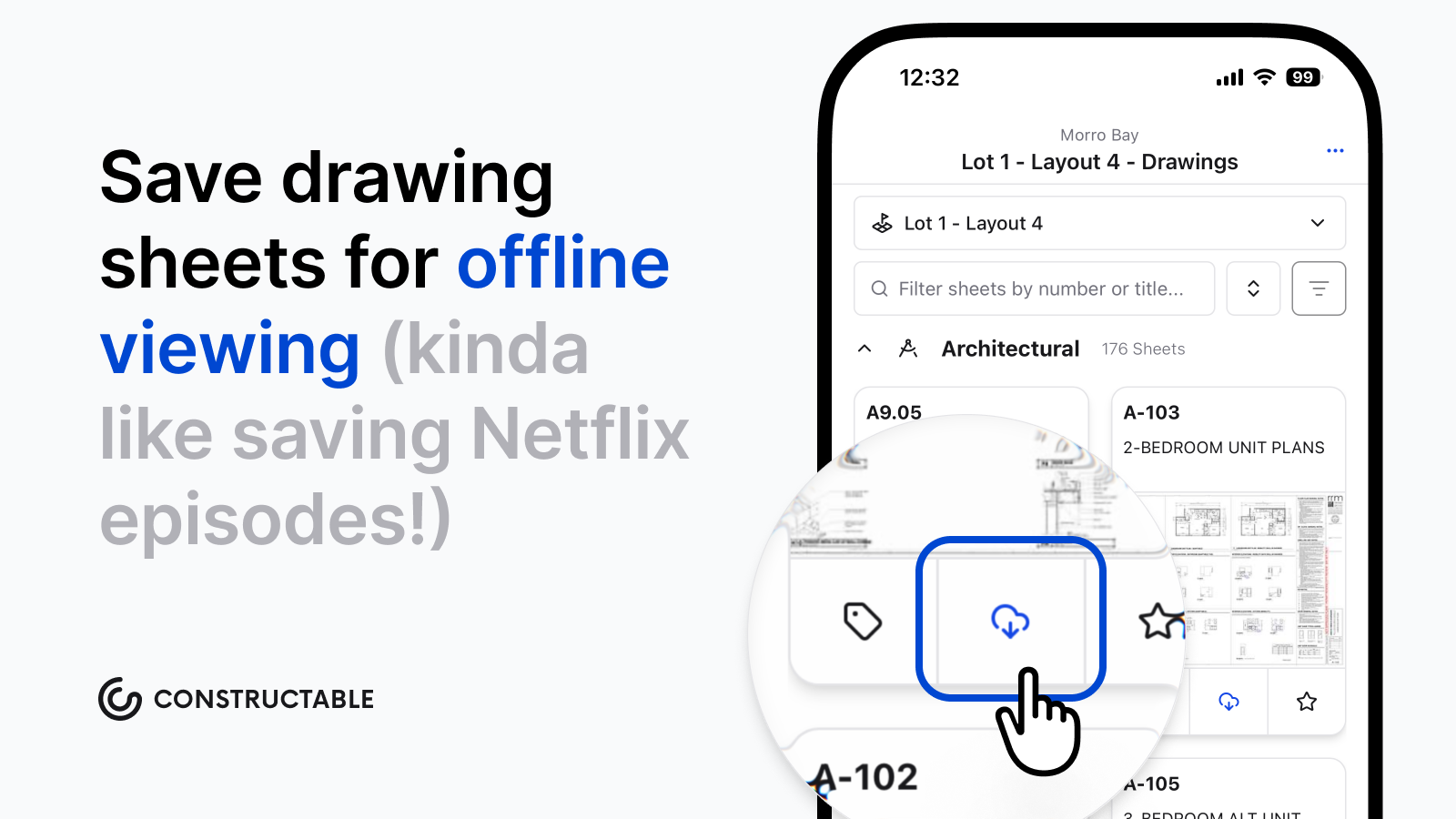\\n\\n## How Constructable Works With Your Internet Connection\\n\\n**Constructable** is built for real jobsite conditions, not ideal ones. The [iOS and Android apps](https://constructable.ai/download) keep drawing data cached locally, so your crew can work through a dead zone without stopping. Syncing occurs in the background once the connection is restored.\\n\\nThe system stays responsive without requiring a strong signal for every action. Project data lives in the cloud but responds quickly even on a limited connection. Search pulls up specs, drawing details, or log entries fast, so a sluggish cellular signal on a remote site doesn't grind the workflow to a halt.\\n\\nLess time troubleshooting your connection means more time on the actual job.\\n\\n## Final Thoughts on Checking Your Construction Internet\\n\\nRunning a speed test from the trailer or tablet your crew uses tells you what your connection can really handle. Save those numbers, check them when performance drops, and know what to expect before a big call or file transfer goes out. Your tools should stay responsive even when bandwidth gets tight. If you want to talk through how Constructable handles spotty connections, [reach out](https://constructable.ai/sales).\\n\\n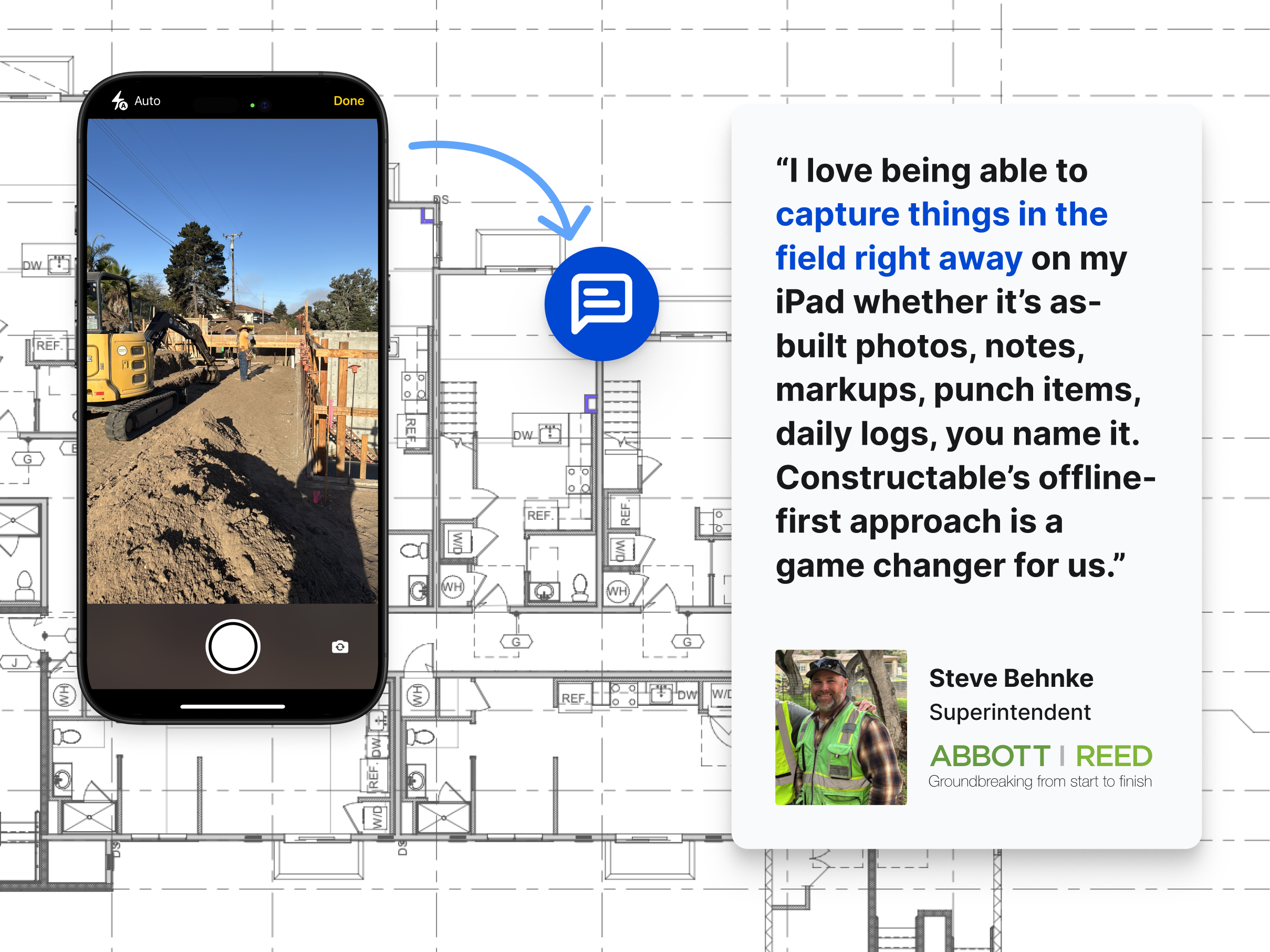\\n\\n## FAQ\\n\\n### Can I run a construction internet speed test on my phone or does it need to be from a computer?\\n\\nYou can run it from any deviceâphone, tablet, or computerâbut run the test from where you actually work. A speed test from your office desktop tells you nothing about what your superintendent is dealing with in the job trailer or on-site with a tablet.\\n\\n### What's the minimum internet speed for construction project management software?\\n\\nFor a small crew (2-5 users) working with drawings and documents, you need at least 25 Mbps download and 10 Mbps upload. If you have 10-20 users running full project management software, bump that to 50 Mbps down and 25 Mbps up. Larger operations with 20+ people on simultaneous video calls and file syncs should target 100 Mbps down and 50 Mbps up.\\n\\n### Why does my upload speed matter more than download for jobsite work?\\n\\nConstruction teams send as much data as they receive: daily log photos, video walkthroughs, submittal packages, inspection documentation all strain your upload pipe. A typical residential plan might give you 100 Mbps down and only 10 Mbps up, which works fine at home but crawls when a superintendent tries to upload 20 jobsite photos after a morning walk.\\n\\n### Wired internet vs cellular hotspot for a job trailer?\\n\\nWired ethernet is the gold standard if you can run a cable; you get consistent speeds without the interference that kills wireless signals in steel-framed buildings or concrete structures. Cellular hotspots work well on remote sites, with LTE handling most tasks and 5G managing heavier loads like large file transfers or owner video calls.\\n\\n### Can construction software work without internet on a jobsite?\\n\\nYes, if it's built for offline use. [Good construction software](https://constructable.ai/) stores drawings locally on your device so plans stay accessible when the signal drops, then syncs automatically once you're back online. Offline capability covers reviewing drawings, capturing notes, and documenting conditions; real-time collaboration and large file transfers still require a solid connection.\\n\",[],[1021,1022,1023,1024,1025],\"{\\\"@context\\\":\\\"https://schema.org\\\",\\\"@type\\\":\\\"FAQPage\\\",\\\"name\\\":\\\"Construction Internet Speed Test: Is Your Connection Fast Enough? (August 2026)\\\",\\\"mainEntity\\\":[{\\\"@type\\\":\\\"Question\\\",\\\"name\\\":\\\"Can I run a construction internet speed test on my phone or does it need to be from a computer?\\\",\\\"acceptedA
165nswer\\\":{\\\"@type\\\":\\\"Answer\\\",\\\"text\\\":\\\"You can run it from any device â phone, tablet, or computer â but run the test from where you actually work. A speed test from your office desktop tells you nothing about what your superintendent is dealing with in the job trailer or on-site with a tablet.\\\"}},{\\\"@type\\\":\\\"Question\\\",\\\"name\\\":\\\"What's the minimum internet speed for construction project management software?\\\",\\\"acceptedAnswer\\\":{\\\"@type\\\":\\\"Answer\\\",\\\"text\\\":\\\"For a small crew (2-5 users) working with drawings and documents, you need at least 25 Mbps download and 10 Mbps upload. If you have 10-20 users running full project management software, bump that to 50 Mbps down and 25 Mbps up. Larger operations with 20+ people on simultaneous video calls and file syncs should target 100 Mbps down and 50 Mbps up.\\\"}},{\\\"@type\\\":\\\"Question\\\",\\\"name\\\":\\\"Why does my upload speed matter more than download for jobsite work?\\\",\\\"acceptedAnswer\\\":{\\\"@type\\\":\\\"Answer\\\",\\\"text\\\":\\\"Construction teams send as much data as they receive â daily log photos, video walkthroughs, submittal packages, inspection documentation all strain your upload pipe. A typical residential plan might give you 100 Mbps down and only 10 Mbps up, which works fine at home but crawls when a superintendent tries uploading twenty jobsite photos from a morning walk.\\\"}},{\\\"@type\\\":\\\"Question\\\",\\\"name\\\":\\\"Wired internet vs cellular hotspot for a job trailer?\\\",\\\"acceptedA
165nswer\\\":{\\\"@type\\\":\\\"Answer\\\",\\\"text\\\":\\\"Wired ethernet is the gold standard if you can run a cable â you get consistent speeds without the interference that kills wireless signals in steel-framed buildings or concrete structures. Cellular hotspots work well on remote sites, with LTE handling most tasks and 5G managing heavier loads like large file transfers or owner video calls.\\\"}},{\\\"@type\\\":\\\"Question\\\",\\\"name\\\":\\\"Can construction software work without internet on a jobsite?\\\",\\\"acceptedAnswer\\\":{\\\"@type\\\":\\\"Answer\\\",\\\"text\\\":\\\"Yes, if it's built for offline use. Good construction software stores drawings locally on your device so plans stay accessible when signal drops, then syncs automatically once you're back online. Offline capability covers reviewing drawings, capturing notes, and documenting conditions â real-time collaboration and large file transfers still need a solid connection.\\\"}},{\\\"@type\\\":\\\"Question\\\",\\\"name\\\":\\\"What happens to my speed test results when I'm connected to a VPN?\\\",\\\"acceptedA
165nswer\\\":{\\\"@type\\\":\\\"Answer\\\",\\\"text\\\":\\\"VPN connections usually slow your speeds because your traffic routes through an extra server before reaching its destination. Run your test with the VPN off to see what your actual connection delivers, then test again with it on if your company requires VPN use for project data.\\\"}},{\\\"@type\\\":\\\"Question\\\",\\\"name\\\":\\\"How do I know if my internet is the problem or if it's the software?\\\",\\\"acceptedAnswer\\\":{\\\"@type\\\":\\\"Answer\\\",\\\"text\\\":\\\"Run a speed test first. If your download, upload, and ping all look solid but the software still drags, the issue is likely the app itself or your device, not your connection. If speeds are low or ping is high, your internet is the bottleneck.\\\"}},{\\\"@type\\\":\\\"Question\\\",\\\"name\\\":\\\"Does weather affect my jobsite internet speed?\\\",\\\"acceptedAnswer\\\":{\\\"@type\\\":\\\"Answer\\\",\\\"text\\\":\\\"Yes, especially if you're on cellular or satellite. Heavy rain, snow, and storms can degrade wireless signals and slow speeds noticeably. Wired connections hold up better but can still take a hit if your ISP's infrastructure gets damaged by severe weather.\\\"}},{\\\"@type\\\":\\\"Question\\\",\\\"name\\\":\\\"Starlink vs traditional ISP for remote construction sites?\\\",\\\"acceptedA
165nswer\\\":{\\\"@type\\\":\\\"Answer\\\",\\\"text\\\":\\\"Starlink works well on remote sites where running cable is impossible or where cellular is weak. Setup is faster than waiting for a traditional ISP to install service, but speeds can vary with weather and obstructions. For permanent offices or trailers near existing infrastructure, a wired connection from a local ISP is more reliable.\\\"}},{\\\"@type\\\":\\\"Question\\\",\\\"name\\\":\\\"Why does my video call freeze even when my speed test looks fine?\\\",\\\"acceptedAnswer\\\":{\\\"@type\\\":\\\"Answer\\\",\\\"text\\\":\\\"High latency is usually the culprit. Your download and upload speeds might be solid, but if ping is over 100ms, video calls feel sluggish and freeze mid-sentence. Check your ping resultâanything above 150ms makes real-time collaboration nearly impossible.\\\"}},{\\\"@type\\\":\\\"Question\\\",\\\"name\\\":\\\"Can I share one internet connection across multiple job trailers?\\\",\\\"acceptedAnswer\\\":{\\\"@type\\\":\\\"Answer\\\",\\\"text\\\":\\\"Yes, but bandwidth gets split between everyone using it. If you have 50 Mbps and ten people are all on video calls or uploading files at once, performance drops fast. Plan for higher speeds or consider separate connections for each trailer if teams are running bandwidth-heavy tasks simultaneously.\\\"}},{\\\"@type\\\":\\\"Question\\\",\\\"name\\\":\\\"How often should I retest my jobsite internet speed?\\\",\\\"acceptedA
165nswer\\\":{\\\"@type\\\":\\\"Answer\\\",\\\"text\\\":\\\"Set a baseline when service first gets installed, then retest after any network changes like a new router or ISP swap. Also run a quick check before high-stakes activities like owner calls or large file transfers so you know what to expect.\\\"}},{\\\"@type\\\":\\\"Question\\\",\\\"name\\\":\\\"What's the difference between Mbps and MBps on a speed test?\\\",\\\"acceptedAnswer\\\":{\\\"@type\\\":\\\"Answer\\\",\\\"text\\\":\\\"Mbps (megabits per second) measures connection speed, while MBps (megabytes per second) measures file transfer speed. Your internet plan is sold in Mbps, but file downloads show progress in MBps. Eight megabits equal one megabyte, so a 100 Mbps connection transfers files at roughly 12.5 MBps.\\\"}},{\\\"@type\\\":\\\"Question\\\",\\\"name\\\":\\\"Does adding more devices to the network slow down my internet?\\\",\\\"acceptedAnswer\\\":{\\\"@type\\\":\\\"Answer\\\",\\\"text\\\":\\\"More devices can slow things down if they're all actively using bandwidth at the same time. Tablets sitting idle don't hurt performance, but three people uploading photos while two more are on video calls will strain your connection fast, especially if upload speed is already tight.\\\"}},{\\\"@type\\\":\\\"Question\\\",\\\"name\\\":\\\"Should I upgrade my router or my internet plan first?\\\",\\\"acceptedA
165nswer\\\":{\\\"@type\\\":\\\"Answer\\\",\\\"text\\\":\\\"Run a wired speed test straight from your modem. If you get the speeds you're paying for when wired but performance drops over Wi-Fi, upgrade your router. If wired speeds are still slow, call your ISPâyour plan or service line is the issue, not your equipment.\\\"}}],\\\"url\\\":\\\"https://constructable.ai/blog/construction-internet-speed-test\\\",\\\"dateModified\\\":\\\"2026-08-03T20:40:47.529Z\\\",\\\"author\\\":{\\\"@type\\\":\\\"Organization\\\",\\\"name\\\":\\\"Constructable\\\"}}\\n\",\"{\\\"@context\\\":\\\"https://schema.org\\\",\\\"@type\\\":\\\"BlogPosting\\\",\\\"headline\\\":\\\"Construction Internet Speed Test: Is Your Connection Fast Enough? (May 2026)\\\",\\\"description\\\":\\\"Run a construction internet speed test to see if your connection handles project management software, file uploads, and video calls. May 2026 guide.\\\",\\\"datePublished\\\":\\\"2026-08-03T20:40:47.529Z\\\",\\\"dateModified\\\":\\\"2026-08-03T20:40:47.529Z\\\",\\\"author\\\":{\\\"@type\\\":\\\"Organization\\\",\\\"name\\\":\\\"Constructable\\\"},\\\"url\\\":\\\"https://constructable.ai/blog/construction-internet-speed-test\\\",\\\"wordCount\\\":1834,\\\"keywords\\\":[\\\"test\\\"]}\\n\",\"run construction internet speed test\",\"internet speed matters construction projects\",\"understanding download upload speed\",\"latency means jobsite communication\",\"minimum internet speeds construction software\",\"mcp-server-ai-construction-projects\",\"Constructable MCP Server: What It Means for Your Projects (August 2026)\",\"As of August 2026, Constructable has an MCP server connecting drawings, RFIs, submittals, and logs to AI clients like Claude and ChatGPT. Here's what that means\",\"2026-08-06T18:06:53.124Z\",\"The **Constructable** MCP server is live, and we want to be upfront about what that actually means before you read another announcement that oversells it. At its core, it lets AI clients like Claude and ChatGPT reach the project data already in your system, so your team can ask real questions and get answers grounded in your actual drawings, RFIs, and logs, not from whatever you remembered to paste in.\\n\\n**TLDR:**\\n\\n- MCP is an open standard that lets AI models connect to your tools without custom integration code for every pairing.\\n\\n- When a vendor ships an MCP server, ask what it actually exposes: read-only resources behave very differently from tools that can act on your data.\\n\\n- 41% of software organizations run MCP servers in production, and Claude, ChatGPT, and GitHub Copilot already speak the protocol.\\n\\n- Before connecting any server to live project data, check for revocable authentication, role-based access controls, and first-party maintenance.\\n\\n- **Constructable**'s MCP server exposes a complete view of all your project data in Constructable, including drawings, RFIs, submittals, daily logs, and change events to any MCP-compatible AI workflow your team already runs.\\n\\n## What is an MCP server?\\n\\nThe Model Context Protocol, or MCP, is an open standard that Anthropic introduced in November 2024 and is now widely adopted across major AI clients. It gives AI systems a common way to connect to external data sources, tools, and workflows through a single shared interface, instead of needing a one-off connection for each pairing.\\n\\nA server, in this context, is a program that exposes specific capabilities to AI applications. Think of it as a defined set of things an AI can ask for or do, published in a format that any MCP-compatible [AI construction management](https://constructable.ai/blog/best-ai-powered-construction-management-software) client already knows how to read.\\n\\nBecause the protocol is shared, the AI client can find those capabilities and use them on its own. No custom integration code sits in between. If a tool speaks MCP and an AI application speaks MCP, they can work together right away.\\n\\n## The problem MCP was built to solve\\n\\nBefore MCP existed, connecting an AI system to your tools meant building a dedicated connector for each pairing. Want your AI assistant to read your project documents? Someone wrote code for it. Want a second AI tool to read the same documents? Someone wrote that one tooâfrom scratch.\\n\\nThat math gets ugly fast. With _N_ tools and _M_ AI systems, you maintain _N_ times _M_ separate software integrations. Ten different tools and five different clients mean fifty connectors, each one a small project with its own breakages and code upkeep.\\n\\nThe result kept most AI systems cut off from live data; teams either accepted stale exports or paid engineers to babysit these brittle connections. The best software avoids this entirely.\\n\\nMCP collapses that burden. Each tool implements the protocol once, each AI system once, and the equation drops to _N_ plus _M_. Add a new client later, and it already speaks to everything supporting the standard.\\n\\n## How MCP servers work\\n\\nEvery MCP setup runs on three parts working together. Understanding how they split up the work tells you exactly what is happening when a software provider says they shipped an MCP server.\\n\\n- The \\\"host\\\" is the AI application you sit in front of, like a chat assistant or a coding tool. For example, ChatGPT, Claude, and Copilot.\\n\\n- The \\\"client\\\" is the protocol adapter living inside that host, translating requests into the shared format and managing the connection.\\n\\n- The \\\"server\\\" is the piece that a software provider builds to expose its own system's capabilities to anything speaking the protocol.\\n\\n 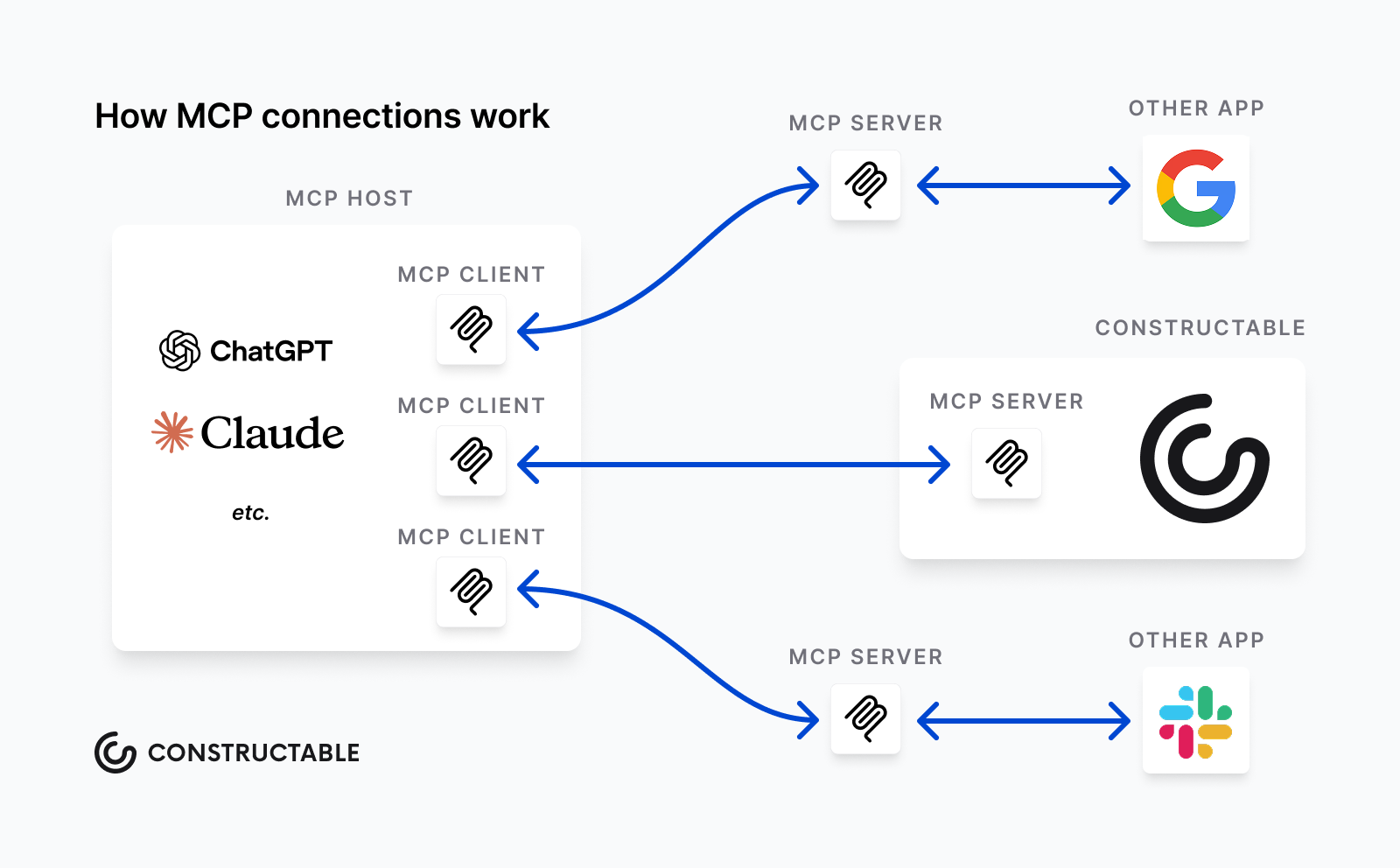\\n\\nA server can offer three kinds of capabilities, and the distinction matters when you read an announcement:\\n\\n- Tools are executable functions that the AI can invoke, like creating a new record or running a search query.\\n\\n- Resources are data the AI can read as context, such as a document or a daily log entry.\\n\\n- Prompts are reusable instruction templates that package a common task so the AI runs it consistently.\\n\\nSo when someone announces an MCP server, ask which of these three they actually expose. A server with read-only resources behaves _very_ differently from one with tools that can act on your data, a distinction that matters when thinking about [how AI makes SaaS better](https://constructable.ai/blog/ai-makes-saas-better-not-obsolete).\\n\\n## MCP vs. APIs: what's actually different\\n\\nIf you have worked with software integrations before, you might assume that MCP is an API (Application Programming Interface) with a new label. The difference comes down to who sits on the other end of the connection.\\n\\nAn API is built for a developer: you read the docs, learn which endpoints exist, and write code that calls the right one at the right moment.\\n\\nMCP puts that responsibility on the AI model. The server publishes its capabilities in a format the model reads at runtime, so the AI figures out what is available on its own. It also holds session state across a multi-step task.\\n\\n| | Built for | Discovery | State |\\n| --- | ---------- | ------------------------- | --------------------------- |\\n| API | Developers | Read docs ahead of time | Usually stateless |\\n| MCP | AI models | At runtime, automatically | Maintained across a session |\\n\\nThe two work together. Most MCP servers call existing APIs underneath, so the server acts as a translation layer, routing a model's request to the API that already handles the work. You are adding a way for AI to reach your tools, not replacing your existing plumbing.\\n\\n## What teams are using MCP servers for\\n\\nMost of what teams do with MCP servers comes down to letting AI reach project data and act on it in plain language. A few patterns show up again and again:\\n\\n- Reading live project data instead of stale exports, so answers reflect what is true right now.\\n\\n- Creating records from a spoken or typed request, like logging an issue without opening a form.\\n\\n- Generating status summaries from structured data across drawings, logs, and open items.\\n\\n- Pulling [document search](https://constructable.ai/blog/ai-powered-construction-document-search-and-data-extraction) results from several systems into one AI conversation.\\n\\n- Letting non-technical staff query complicated data by asking a question.\\n\\n## MCP adoption: where the ecosystem stands\\n\\nAt the April 2026 MCP Dev Summit, co-creator David Soria Parra reported [tens of millions of SDK downloads](https://aaif.io/blog/mcp-is-now-enterprise-infrastru
165cture-everything-that-happened-at-mcp-dev-summit-north-america-2026/) a month. Per a third-party summary of the Stacklok State of MCP in Software 2026 report, [41% of software organizations](https://www.digitalapplied.com/blog/mcp-adoption-statistics-2026-model-context-protocol) were running MCP servers in some form of production.\\n\\nThe client side is just as broad. Claude, ChatGPT, Cursor, GitHub Copilot, and Microsoft Copilot all speak the protocol, so a server you connect today reaches the tools your team likely already uses.\\n\\n## Security and access control in MCP deployments\\n\\nConnecting AI to live project data raises a real question: who can reach what, and how do you pull it back? Knostic's July 2025 research scanned nearly 2,000 internet-exposed MCP servers and found that the vast majority lacked authentication, a risk that extends to data when left unguarded, underscoring how easily a deployment can become open without explicit controls.\\n\\nBefore you connect any server to sensitive data, check for:\\n\\n- Revocable, scoped authentication you can pull back without rebuilding the connection.\\n\\n- Role-based access controls that mirror who should see what.\\n\\n- Whether the server is first-party maintained by the vendor or community-built; this will tell you who owns patches and security fixes.\\n\\n## Build vs. buy: choosing your MCP server\\n\\nOnce you decide an MCP server fits your data, you face three ways to get one. Each carries a different mix of control and upkeep.\\n\\n- Building your own gives you the most control over what gets exposed and how, though [AI workflows for your team](https://constructable.ai/features/ai-workflows) remove that burden entirely. You also own every patch, breakage, and protocol update for as long as you run it.\\n\\n- Using a community-built server can save that effort, but coverage and reliability vary widely. Some track the underlying system closely, others lag behind changes or quietly stop getting updates.\\n\\n- A first-party server, published by the software provider, tends to map more accurately to the actual data model because the people who built the system built the connector. It usually comes with a longer support commitment, too.\\n\\nWhich path makes sense depends on how much engineering time you want to spend and how closely the server needs to track a system you do not control.\\n\\n## How **Constructable**'s MCP server connects your project data\\n\\nThe MCP server we built exposes the structured project data already living inside **Constructable** to AI clients like Claude and ChatGPT. That means [drawing-centric collaboration workflows](https://constructable.ai/blog/drawing-centric-collaboration-workflows), RFIs, submittals, daily logs, photos, and change events become reachable from the AI workflows your team already runs.\\n\\nOur AI Answer Engine has long returned source-linked answers from within a project, giving you [real-time project cost visibility](https://constructable.ai/blog/real-time-project-cost-and-commitment-visibility) alongside every response that points back to the real drawing, document, or log entry behind it. The MCP server extends that reach. The same project context can now surface inside any MCP-compatible AI workflow, beyond the interface inside Constructable.\\n\\n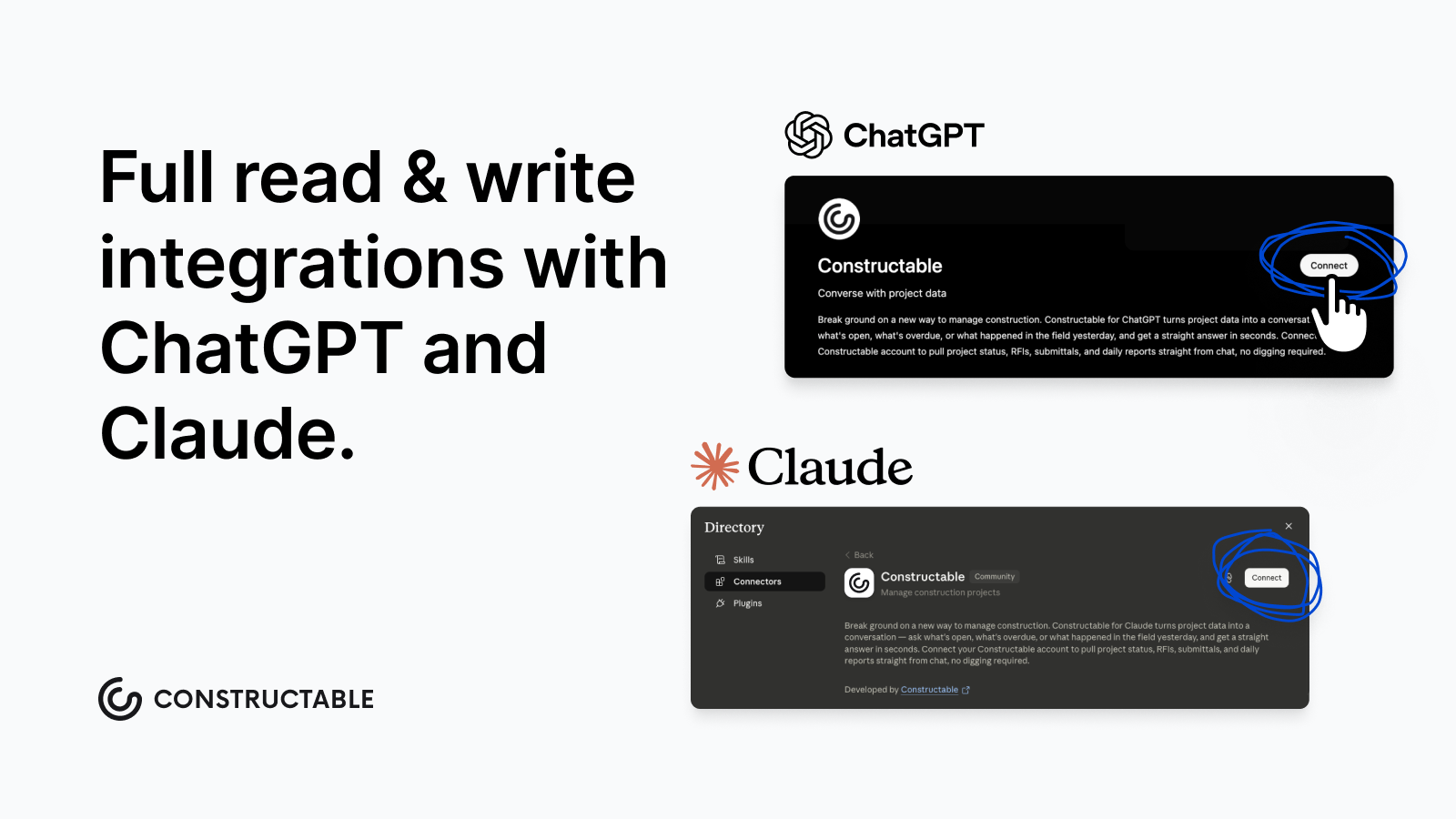\\n\\nThis follows how we think about AI in general. It stays built-in and assistive, never performative. **Your data stays organized in a single connected system**, accessible from wherever your AI workflows live, with no copying or screen switching.\\n\\n## Final thoughts on using MCP servers to connect AI to construction project data\\n\\nMCP removes the one-off integration problem and lets your AI tools reach project data the way they were built to. The ecosystem is real, the major AI clients already support it, and first-party servers give you the most reliable path to accurate data. Your team does not need to be deeply immersed in AI tooling to benefit from it. [Talk to us](https://constructable.ai/sales) to see what **Constructable**'s MCP server can surface from your project data today.\\n\\n## FAQ\\n\\n### What is the **Constructable** MCP server and what does it actually expose?\\n\\nThe **Constructable** MCP server connects your live project data (drawings, RFIs, submittals, daily logs, photos, and change events) to MCP-compatible AI clients like Claude and ChatGPT. It extends the same source-linked project context that Constructable's AI Answer Engine already provides, so your data stays organized in a single connected system and is accessible from any AI
165workflows your team already runs.\\n\\n### Should I build my own MCP server or use a first-party one?\\n\\nUse a first-party server when accuracy to the underlying data model matters and you'd rather not own every patch and protocol update yourself. Community-built servers vary widely in reliability and often lag behind product changes, while vendor-built servers are maintained by the people who designed the system, which typically means tighter integration and a longer support commitment.\\n\\n### MCP vs. API: which one do I actually need for connecting AI to project data?\\n\\nIf you want an AI model to find and act on project data on its own, without a developer writing custom call logic, MCP is the right layer. APIs are built for developers who write code ahead of time; MCP puts capability discovery at runtime, so the AI figures out what's available and holds context across a multi-step task. For most construction teams connecting AI to live project workflows, MCP removes the integration work an API approach would require.\\n\\n### How do I make sure an MCP deployment doesn't expose sensitive project data?\\n\\nBefore connecting any server to live project data, confirm you have revocable, scoped authentication you can pull back without rebuilding the connection; role-based access controls that mirror who should see what in the first place; and clarity on whether the server is first-party maintained or c
165ommunity-built. That last point tells you who owns security patches when the protocol updates.\\n\\n### What can the Constructable MCP server do that the built-in AI Answer Engine can't?\\n\\nThe AI Answer Engine operates within Constructable's interface and returns source-linked answers within a single project. The MCP server takes that same project context and makes it reachable from external AI workflows, so your team can query drawings, logs, and open items from inside Claude, ChatGPT, or other MCP-compatible tools without switching screens or copying data out of the system.\\n\",[],[910,1035,1036,1037,1038,1039,220],\"{\\\"@context\\\":\\\"https://schema.org\\\",\\\"@type\\\":\\\"FAQPage\\\",\\\"name\\\":\\\"Constructable MCP Server: What It Means for Your Projects (August 2026)\\\",\\\"mainEntity\\\":[{\\\"@type\\\":\\\"Question\\\",\\\"name\\\":\\\"What is the Constructable MCP server and what does it actually expose?\\\",\\\"acceptedAnswer\\\":{\\\"@type\\\":\\\"Answer\\\",\\\"text\\\":\\\"The Constructable MCP server connects your live project data (drawings, RFIs, submittals, daily logs, photos, and change events) to MCP-compatible AI clients like Claude and ChatGPT. It extends the same source-linked project context that Constructable's AI Answer Engine already provides, so your data stays organized in one connected system and becomes reachable from whatever AI workflows your team already runs.\\\"}},{\\\"@type\\\":\\\"Question\\\",\\\"name\\\":\\\"Should I build my own MCP server or use a first-party one?\\\",\\\"acceptedA
165nswer\\\":{\\\"@type\\\":\\\"Answer\\\",\\\"text\\\":\\\"Use a first-party server when accuracy to the underlying data model matters and you'd rather not own every patch and protocol update yourself. Community-built servers vary widely in reliability and often lag behind product changes, while a vendor-built server is maintained by the people who designed the system, which typically means tighter mapping and a longer support commitment.\\\"}},{\\\"@type\\\":\\\"Question\\\",\\\"name\\\":\\\"MCP vs. API: which one do I actually need for connecting AI to project data?\\\",\\\"acceptedAnswer\\\":{\\\"@type\\\":\\\"Answer\\\",\\\"text\\\":\\\"If you want an AI model to find and act on project data on its own, without a developer writing custom call logic, MCP is the right layer. APIs are built for developers who write code ahead of time; MCP puts capability discovery at runtime, so the AI figures out what's available and holds context across a multi-step task. For most construction teams connecting AI to live project workflows, MCP removes the integration work an API approach would require.\\\"}},{\\\"@type\\\":\\\"Question\\\",\\\"name\\\":\\\"How do I make sure an MCP deployment doesn't expose sensitive project data?\\\",\\\"acceptedA
165nswer\\\":{\\\"@type\\\":\\\"Answer\\\",\\\"text\\\":\\\"Before connecting any server to live project data, confirm you have revocable, scoped authentication you can pull back without rebuilding the connection, role-based access controls that mirror who should see what in the first place, and clarity on whether the server is first-party maintained or community-built. That last point tells you who owns security patches when the protocol updates.\\\"}},{\\\"@type\\\":\\\"Question\\\",\\\"name\\\":\\\"What can the Constructable MCP server do that the built-in AI Answer Engine can't?\\\",\\\"acceptedAnswer\\\":{\\\"@type\\\":\\\"Answer\\\",\\\"text\\\":\\\"The AI Answer Engine operates inside Constructable's own interface and returns source-linked answers from within a single project. The MCP server takes that same project context and makes it reachable from external AI workflows, so your team can query drawings, logs, and open items from inside Claude, ChatGPT, or other MCP-compatible tools without switching screens or copying data out of the system.\\\"}},{\\\"@type\\\":\\\"Question\\\",\\\"name\\\":\\\"Does the Constructable MCP server support write actions, or is it read-only?\\\",\\\"acceptedA
165nswer\\\":{\\\"@type\\\":\\\"Answer\\\",\\\"text\\\":\\\"The Constructable MCP server supports both read and write access â external AI clients can query project data and also execute write and delete actions, such as creating log entries. The recommended configuration is read-only tools set to always allow, with write and delete tools requiring explicit user approval per action, so your team stays in control of every change.\\\"}},{\\\"@type\\\":\\\"Question\\\",\\\"name\\\":\\\"Which AI clients work with the Constructable MCP server right now?\\\",\\\"acceptedAnswer\\\":{\\\"@type\\\":\\\"Answer\\\",\\\"text\\\":\\\"Claude and ChatGPT are the two primary supported clients, with a published ChatGPT App listing and a documented Remote MCP Server URL (https://api.constructable.ai/mcp) for Claude integration. Because MCP is an open standard, any MCP-compatible client â including Cursor, GitHub Copilot, and Microsoft Copilot â should be able to connect to the same server.\\\"}},{\\\"@type\\\":\\\"Question\\\",\\\"name\\\":\\\"How do I connect Claude to my Constructable project data?\\\",\\\"acceptedA
165nswer\\\":{\\\"@type\\\":\\\"Answer\\\",\\\"text\\\":\\\"Point Claude to the Constructable Remote MCP Server URL (https://api.constructable.ai/mcp) within your Claude MCP client configuration. Once connected, Claude can query drawings, RFIs, submittals, daily logs, and change events from your live project data without requiring any custom integration code.\\\"}},{\\\"@type\\\":\\\"Question\\\",\\\"name\\\":\\\"Can I use the Constructable MCP server to query across multiple projects at once?\\\",\\\"acceptedAnswer\\\":{\\\"@type\\\":\\\"Answer\\\",\\\"text\\\":\\\"Yes â as of May 2026, the AI Answer Engine operates at a global level and the MCP server exposes that same cross-project scope. You can ask an external AI client to retrieve all open action items assigned to a specific person across your entire portfolio, or pull historical pricing data from past projects, without searching each project individually.\\\"}},{\\\"@type\\\":\\\"Question\\\",\\\"name\\\":\\\"What project data does the Constructable MCP server actually expose to an external AI?\\\",\\\"acceptedA
165nswer\\\":{\\\"@type\\\":\\\"Answer\\\",\\\"text\\\":\\\"The server exposes the core project record: drawings, RFIs, submittals, daily logs, photos, change events, and financials. This is the same structured data layer that powers the built-in AI Answer Engine, so an external AI client connected via MCP gets the same source-linked project context your team already works with inside Constructable.\\\"}},{\\\"@type\\\":\\\"Question\\\",\\\"name\\\":\\\"How is MCP different from a traditional webhook or data export for construction AI workflows?\\\",\\\"acceptedAnswer\\\":{\\\"@type\\\":\\\"Answer\\\",\\\"text\\\":\\\"Webhooks push data on a fixed trigger and exports produce static snapshots â both reflect what was true at a moment in time. MCP gives an AI client live, session-aware access to project data at the moment it asks, so answers are grounded in what is true right now rather than whatever was exported last week.\\\"}},{\\\"@type\\\":\\\"Question\\\",\\\"name\\\":\\\"Should I use the Constructable MCP server in read-only mode or allow write access for my team?\\\",\\\"acceptedA
165nswer\\\":{\\\"@type\\\":\\\"Answer\\\",\\\"text\\\":\\\"Read-only mode is the safer default for most teams, since it lets AI clients surface answers and summaries without any risk of unintended record creation or deletion. Write access makes sense for specific, supervised workflows â like having an AI agent bulk-create equipment entries or reassign submittal ball-in-court ownership â but each write or delete action should require explicit user approval rather than running automatically.\\\"}},{\\\"@type\\\":\\\"Question\\\",\\\"name\\\":\\\"What is the N-plus-M advantage of MCP over building point-to-point integrations?\\\",\\\"acceptedAnswer\\\":{\\\"@type\\\":\\\"Answer\\\",\\\"text\\\":\\\"With direct integrations, connecting N tools to M AI systems requires N times M separate connectors â each one a maintenance liability. Because MCP is a shared protocol, each tool implements it once and each AI system implements it once, so the total work drops to N plus M. Adding a new AI client later means it already reaches every MCP-connected tool without writing new integration code.\\\"}},{\\\"@type\\\":\\\"Question\\\",\\\"name\\\":\\\"Can external AI tools connected via MCP access Constructable data alongside my email and other external sources?\\\",\\\"acceptedA
165nswer\\\":{\\\"@type\\\":\\\"Answer\\\",\\\"text\\\":\\\"Yes â tools like Claude and ChatGPT can be configured to connect to external data sources such as email alongside Constructable project data through the MCP server. This lets your team run queries that span both Constructable project records and external communication channels in a single AI conversation, without manually copying context between systems.\\\"}},{\\\"@type\\\":\\\"Question\\\",\\\"name\\\":\\\"What is the difference between MCP resources and MCP tools, and why does it matter for a construction team?\\\",\\\"acceptedAnswer\\\":{\\\"@type\\\":\\\"Answer\\\",\\\"text\\\":\\\"Resources are data an AI can read as context â think a daily log entry or a drawing â while tools are executable functions the AI can invoke, like creating a new record or running a search query. For a construction team, the distinction matters because a server exposing only resources carries very different risk than one with active tools: read access surfaces answers, while tool access can change your project data, which is why write and delete tools in the Constructable MCP server require explicit user approval per action.\\\"}}],\\\"url\\\":\\\"https://constructable.ai/blog/mcp-server-ai-construction-projects\\\",\\\"dateModified\\\":\\\"2026-08-06T18:06:53.124Z\\\",\\\"author\\\":{\\\"@type\\\":\\\"Person\\\",\\\"name\\\":\\\"Molly Abbott\\\"}}\\n\",\"{\\\"@context\\\":\\\"https://schema.org\\\",\\\"@type\\\":\\\"BlogPosting\\\",\\\"headline\\\":\\\"MCP Server from Constructable: What It Means for Your Projects\\\",\\\"description\\\":\\\"The Constructable MCP server connects your project data to MCP-compatible AI clients in June 2026. Here's what it exposes, how it works, and what to verify before going live.\\\",\\\"datePublished\\\":\\\"2026-08-06T18:06:53.124Z\\\",\\\"dateModified\\\":\\\"2026-08-06T18:06:53.124Z\\\",\\\"author\\\":{\\\"@type\\\":\\\"Person\\\",\\\"name\\\":\\\"Molly Abbott\\\",\\\"description\\\":\\\"Molly Abbott is a co-founder of Constructable, and comes from a construction family. Sheâs a little bit quirky, a little bit competitive, and a little bit fun. She drives a minivan and has two small boys to give you a better picture of her in real life. \\\"},\\\"url\\\":\\\"https://constructable.ai/blog/mcp-server-ai-construction-projects\\\",\\\"wordCount\\\":2500,\\\"keywords\\\":[\\\"Constructable MCP server\\\"]}\\n\",\"problem mcp built solve\",\"mcp servers work\",\"mcp apis whats actually different\",\"teams using mcp servers\",\"august\",\"time-and-materials-agreement-guide\",\"Time and Materials Agreement: Complete Guide for August 2026\",\"Time and materials agreement guide for August 2026: Learn T\u0026M contract rates, not-to-exceed clauses, and documentation that prevents billing disputes\",\"2026-08-18T18:00:29.985Z\",\"Setting up a time and materials agreement template is straightforward once you know the rates and markup percentages. The harder part is making sure that contract actually protects you when billing time comes around. On a time and materials project, your invoice is only as strong as the documentation behind it. Miss a few daily logs, lose some receipts, let a scope change happen verbally, and suddenly you're reconstructing the entire month just to prove you billed fairly. The real challenge isn't writing the contract; it's keeping records tight enough that every line item has a clear answer when someone questions it.\\n\\n**TLDR:**\\n\\n- T\u0026M contracts bill actual hours at preset rates plus real material costs, best for unclear scope.\\n\\n- Include hourly rates per role, material markup %, not-to-exceed ceiling, and written change process.\\n\\n- Fixed-price locks owner costs but risks contractor; T\u0026M protects contractor margin, owner absorbs overruns.\\n\\n- Log hours daily and flag cost trends before invoices to avoid billing disputes.\\n\\n- **Constructable** captures crew hours, weather, and change events as work happens, so there's no invoice reconstruction needed.\\n\\n## What Is a Time and Materials Agreement?\\n\\nA time and materials agreement is a contract in which the owner pays for actual hours worked at preset hourly rates, plus the actual cost of materials. No lump
165sum guessing. No padding the number to cover unknowns. You bill what the job actually takes.\\n\\n## When to Use a Time and Materials Contract\\n\\nT\u0026M fits best when the scope is genuinely unknown upfront. Some jobs can't be priced as a lump sum without someone getting burned.\\n\\nUse a T\u0026M agreement when:\\n\\n- Scope changes frequently or can't be fully defined before work starts\\n\\n- Emergency repairs need to begin before drawings or specs exist\\n\\n- Renovation work involves hidden conditions (old buildings are full of surprises)\\n\\n- A client wants early work started while design is still in progress\\n\\n- You're doing investigative or exploratory work with unpredictable outcomes\\n\\nIf you can clearly define the scope, a fixed-price contract probably serves you better. T\u0026M is the right call when honest uncertainty exists and both parties agree to share that risk fairly.\\n\\n## Core Components of a Time and Materials Contract\\n\\nEvery solid T\u0026M contract covers the same core elements. Miss one, and you're setting up a billing dispute down the road.\\n\\n### Labor Rates\\n\\nSpell out hourly rates for each role or trade. [Foreman](https://constructable.ai/blog/foreman-responsibilities-communication-breakdown), journeyman, apprentice, project managerâeach gets its own rate. Rates should include overhead and markup, stated clearly upfront.\\n\\n### Material Cost Provisions\\n\\nDefine how materials get billed. Most T\u0026M contracts use actual cost plus a markup percentage. Spell out whether that markup applies to sub invoices too.\\n\\n### Not-to-Exceed (NTE) Ceiling\\n\\nA price ceiling protects the owner from runaway costs. Without one, T\u0026M agreements carry real risk. The NTE doesn't change how you bill; it just sets a hard stop.\\n\\n### Approved Change Process\\n\\nScope creep is real. Your contract should require written sign-off before any work outside the original scope begins, similar to how [change orders](https://constructable.ai/blog/change-orders-construction-guide) require formal approval. Verbal approvals get forgotten fast.\\n\\n### Payment Schedule and Invoice Requirements\\n\\nSet billing frequency (weekly, biweekly, monthly) and define what each invoice must include: dates worked, hours per worker, materials with receipts, and running totals against the NTE.\\n\\n## Time and Materials vs Fixed Price Contracts\\n\\nThe difference between these two contract types lies in who bears the cost when reality doesn't match the estimate.\\n\\nWith a fixed-price contract, the contractor carries that risk. You bid the job; you own the number. If it takes longer or materials cost more than expected, that's your problem. Owners love fixed pricing because their budgets are predictable. Contractors can do well on it too, if the scope is tight and the estimate is sharp.\\n\\nT\u0026M flips the equation. The owner pays for what the job actually costs. Scope creep, hidden conditions, design changes, unforeseen complexityâthe owner absorbs those. The contractor's margin is protected, but the owner's final cost isn't locked in.\\n\\n| Factor | Time and Materials | Fixed Price |\\n| ---------------------------- | --------------------------- | --------------------- |\\n| Cost risk | Owner | Contractor |\\n| Best fit | Undefined or evolving scope | Clearly defined scope |\\n| Owner budget certainty | Low (use NTE clause) | High |\\n| Contractor margin protection | High | Low if scope drifts |\\n| Admin burden | Higher (tracking required) | Lower |\\n\\nNeither contract type is better across the board. A fixed-price deal on a gut renovation with unknown conditions is asking for trouble. A T\u0026M deal on a straightforward concrete pour with a fully drawn set is just unnecessary paperwork. Pick the contract that matches how well the scope is actually defined.\\n\\n_Federal_ T\u0026M contracts operate under stricter rules than private work. [FAR 16.601](https://www.acquisition.gov/far/16.601) governs when and how the government may use T\u0026M arrangements, permitting them only when the scope, duration, or costs can't be estimated with reasonable confidence.\\n\\nThe contract type should follow the job, not the preference of whoever holds the pen. Get that match right at the start and most of the hard arguments later never happen.\\n\\n## Advantages and Disadvantages of T\u0026M Agreements\\n\\nT\u0026M has real upsides and real downsides. Neither side should go in blind.\\n\\n### Where T\u0026M Works in Your Favor\\n\\n- Work can start before full scope is defined\\n\\n- Contractors don't carry risk for conditions they couldn't foresee\\n\\n- Scope changes don't require renegotiating the entire contract\\n\\n- Margins stay intact even when complexity grows\\n\\n### Where It Gets Uncomfortable\\n\\n- Owners face cost uncertainty without an NTE ceiling\\n\\n- Billing disputes happen when tracking is loose\\n\\n- More administrative work on both sides\\n\\
165n- Clients sometimes push back on hours or material markups after the fact\\n\\nThe tracking burden is what contractors underestimate most. Every hour needs to be logged. Every receipt matters. If your documentation isn't tight, you'll spend more time defending invoices than running the job.\\n\\n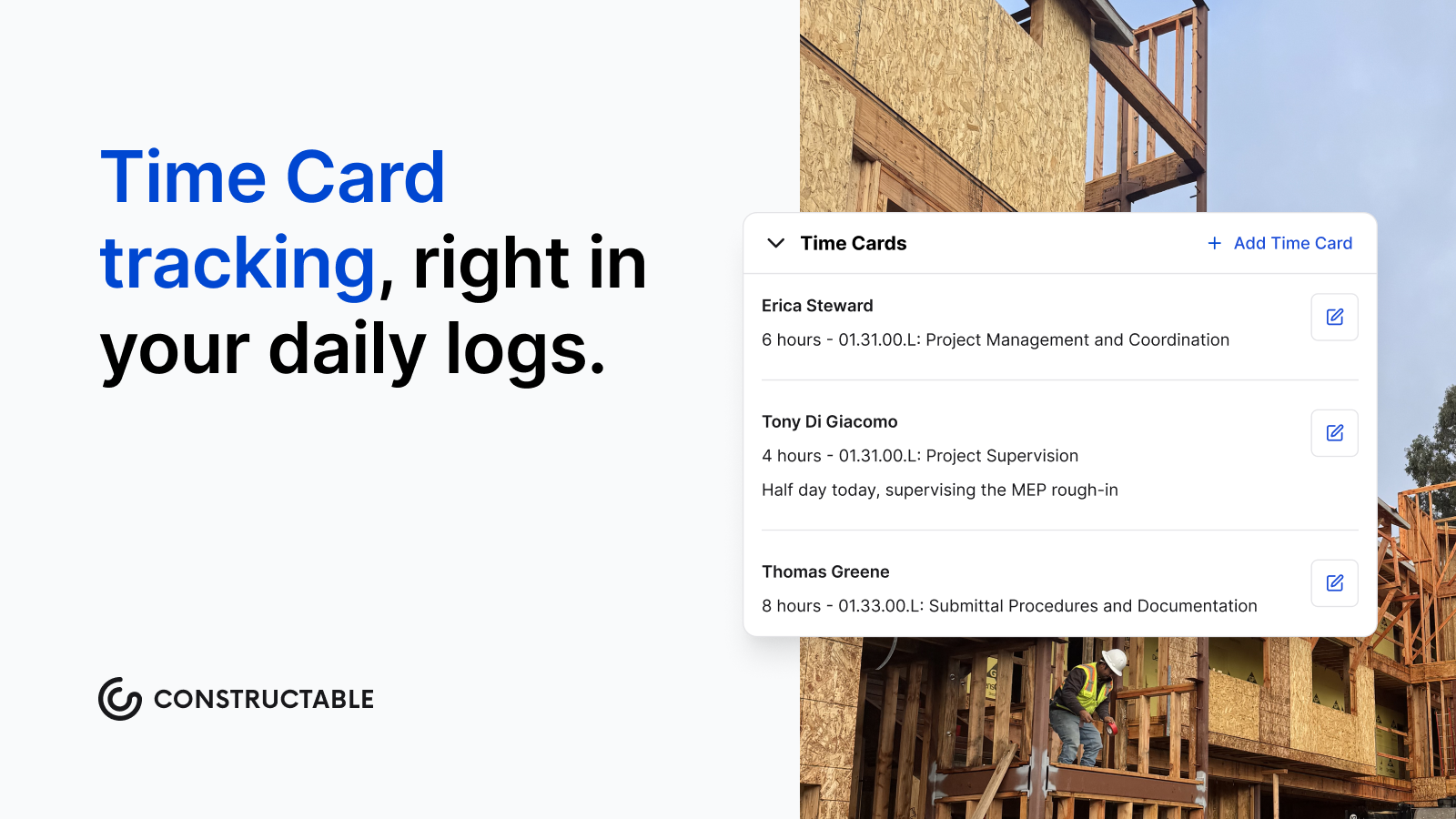\\n\\n## Best Practices for Managing Time and Materials Projects\\n\\nThree habits separate T\u0026M jobs that run clean from ones that end in billing fights: log daily, communicate early, and never let surprises land on the owner's desk with an invoice. Strong T\u0026M contract management comes down to documentation discipline and transparent communication with owners.\\n\\n- Log hours every day, not at the end of the week\\n\\n- Keep material receipts organized as you go, not at billing time\\n\\n- Flag scope additions before the work starts, not after\\n\\n- Send owners a running cost update with each invoice so nothing shocks them\\n\\nIf the job is trending toward the NTE ceiling, tell the owner before you hit it.\\n\\n## Documentation and Tracking Requirements for T\u0026M Contracts\\n\\nT\u0026M billing is only as good as your records. You need signed daily time sheets for each worker showing hours and tasks completed; material invoices and receipts tied to specific dates and scopes; written change authorizations before the scope expands; and weekly progress notes explaining what was done and why. No documentation means no defense when a client questions an invoice.\\n\\n## Common Pitfalls and How to Avoid Them in T\u0026M Contracts\\n\\nFour mistakes show up on T\u0026M jobs more than any others. Skipping a not-to-exceed clause leaves the owner with no cost ceiling and the contractor exposed to disputes. Logging time weekly instead of daily means memory doesn't hold up when an invoice gets questioned, and unbillable hours disappear fast. Adding scope verbally without written sign-off quickly becomes a he-said-she-said problem. And leaving material markups undefined up front causes invoice disputes at closeout. Fix these before the job starts.\\n\\n## How Project Management Software Supports T\u0026M Contract Execution\\n\\nT\u0026M documentation requirements are real. The more disconnected your tools, the harder it gets to defend every invoice.\\n\\nWhen [RFIs](https://constructable.ai/blog/construction-rfi-management-breakdown), change orders, daily logs, and photos live in separate systems, hours get logged late, receipts go missing, and change authorizations sit in someone's inbox. By billing time, reconstructing what happened becomes a job in itself.\\n\\n[Connected management software](https://constructable.ai/blog/construction-management-software) closes those gaps as the job runs; not after it.\\n\\n## Managing T\u0026M Projects With Constructable\\n\\nRunning T\u0026M work means your documentation has to keep pace with the job. When it falls behind, billing disputes follow.\\n\\n**Constructable** keeps records up to date as work progresses, so there's nothing to reconstruct at invoice time. Project-level and Organization-level reports show you the full breakdown of all hours worked:\\n\\n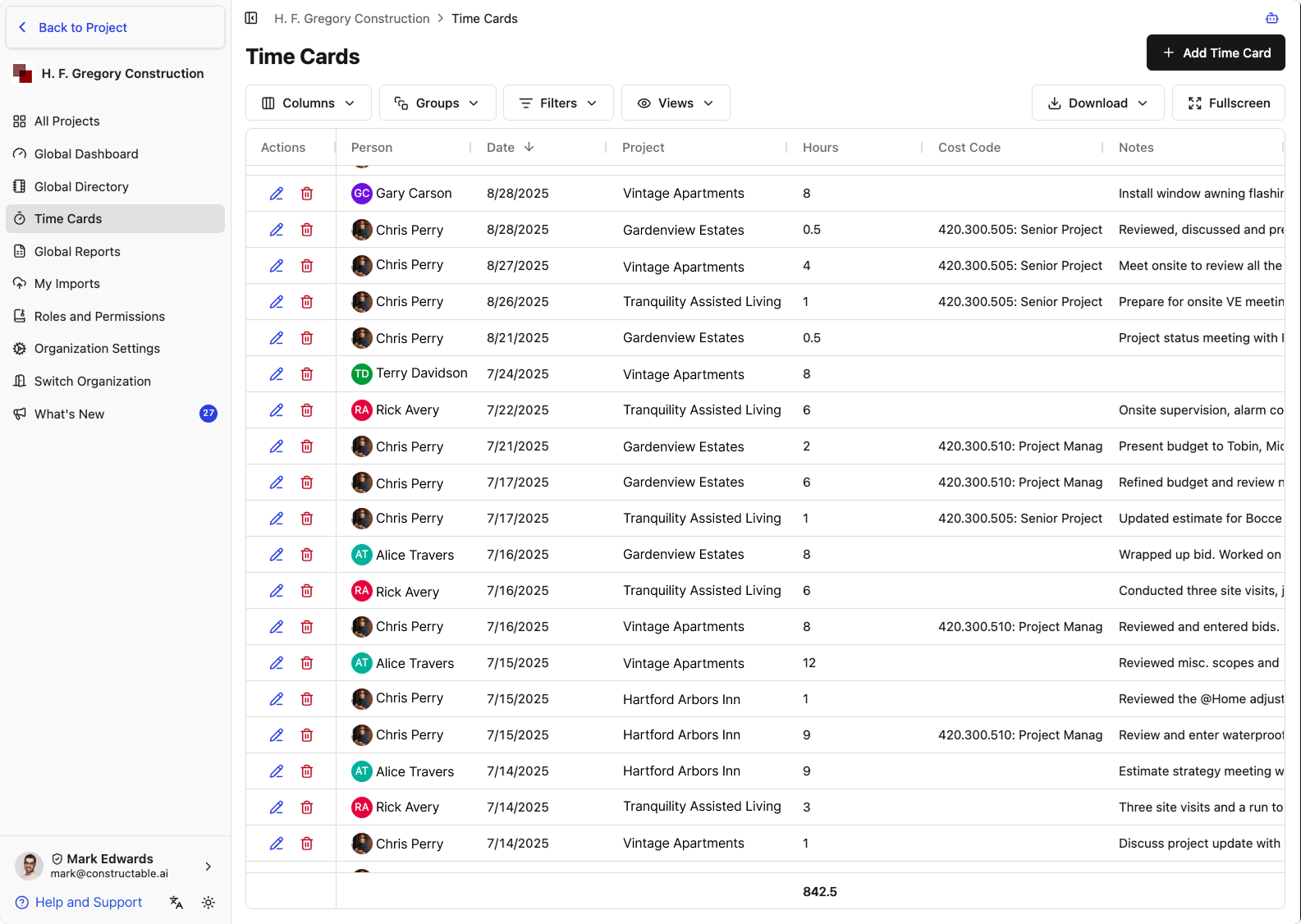\\n\\n## FAQ\\n\\n### Time and materials contract vs fixed price: which should I use?\\n\\nUse fixed price when scope is locked and fully defined before work starts. Choose T\u0026M when scope is unclear, involves hidden conditions, or needs to start before design is complete; it protects both sides when real uncertainty exists upfront.\\n\\n### Can I use a time and materials agreement without a not-to-exceed clause?\\n\\nYou can, but you shouldn't. Without an NTE ceiling, owners face unlimited cost exposure and contractors face billing disputes - no matter how clean the work is. The NTE protects both sides by setting a hard stop before costs spiral out of control.\\n\\n### What's the biggest mistake contractors make on T\u0026M projects?\\n\\nLogging hours at the end of the week instead of daily. Memory doesn't hold up when an invoice gets questioned, and unbillable hours disappear fast. Daily time sheets signed by each worker are the only defensible record.\\n\\n### Time and materials vs cost-plus: what's the actual difference?\\n\\nT\u0026M bakes overhead into hourly rates upfrontâowners see a rate and receipts. Cost-plus itemizes every indirect cost separately, so owners see every line of overhead. Cost-plus works for longer projects where detailed tracking is worth the paperwork; T\u0026M works better for shorter scopes where clean hourly billing beats the admin burden.\\n\\n### How do I avoid billing disputes on time and materials contracts?\\n\\nFour habits stop disputes before they start: [log hours daily](https://cmicglobal.com/resources/article/What-Every-Construction-Daily-Log-Should-Include-and-Why-It-Matters),
165keep material receipts organized as work happens, get written sign-off before scope expands, and tell the owner when costs trend toward the NTE ceiling before it shows up on an invoice.\\n\",[],[1049,1050,1051,1052,1053,323],\"{\\\"@context\\\":\\\"https://schema.org\\\",\\\"@type\\\":\\\"FAQPage\\\",\\\"name\\\":\\\"Time and Materials Agreement: Complete Guide for August 2026\\\",\\\"mainEntity\\\":[{\\\"@type\\\":\\\"Question\\\",\\\"name\\\":\\\"Time and materials contract vs fixed price: which should I use?\\\",\\\"acceptedAnswer\\\":{\\\"@type\\\":\\\"Answer\\\",\\\"text\\\":\\\"Use fixed price when scope is locked and fully defined before work starts. Choose T\u0026M when scope is unclear, involves hidden conditions, or needs to start before design is completeâit protects both sides when honest uncertainty exists upfront.\\\"}},{\\\"@type\\\":\\\"Question\\\",\\\"name\\\":\\\"Can I use a time and materials agreement without a not-to-exceed clause?\\\",\\\"acceptedAnswer\\\":{\\\"@type\\\":\\\"Answer\\\",\\\"text\\\":\\\"You can, but you shouldn't. Without an NTE ceiling, owners face unlimited cost exposure and contractors face billing disputesâno matter how clean the work is. The NTE protects both parties by setting a hard stop before costs spiral.\\\"}},{\\\"@type\\\":\\\"Question\\\",\\\"name\\\":\\\"What's the biggest mistake contractors make on T\u0026M projects?\\\",\\\"acceptedA
165nswer\\\":{\\\"@type\\\":\\\"Answer\\\",\\\"text\\\":\\\"Logging hours at the end of the week instead of daily. Memory doesn't hold up when an invoice gets questioned, and unbillable hours disappear fast. Daily time sheets signed by each worker are the only defensible record.\\\"}},{\\\"@type\\\":\\\"Question\\\",\\\"name\\\":\\\"Time and materials vs cost-plus: what's the actual difference?\\\",\\\"acceptedAnswer\\\":{\\\"@type\\\":\\\"Answer\\\",\\\"text\\\":\\\"T\u0026M bakes overhead into hourly rates upfrontâowners see a rate and receipts. Cost-plus itemizes every indirect cost separately, so owners see every line of overhead. Cost-plus suits longer projects where granular tracking justifies the paperwork; T\u0026M works better for shorter scopes where clean hourly billing beats administrative burden.\\\"}},{\\\"@type\\\":\\\"Question\\\",\\\"name\\\":\\\"How do I avoid billing disputes on time and materials contracts?\\\",\\\"acceptedAnswer\\\":{\\\"@type\\\":\\\"Answer\\\",\\\"text\\\":\\\"Four habits stop disputes before they start: log hours daily, keep material receipts organized as work happens, get written sign-off before scope expands, and tell the owner when costs trend toward the NTE ceiling before it shows up on an invoice.\\\"}},{\\\"@type\\\":\\\"Question\\\",\\\"name\\\":\\\"What should I include in a simple time and materials agreement template?\\\",\\\"acceptedA
165nswer\\\":{\\\"@type\\\":\\\"Answer\\\",\\\"text\\\":\\\"Every T\u0026M template needs preset hourly rates per role, material cost markup percentage, a not-to-exceed ceiling, written change order requirements, and billing frequency with invoice detail requirements. Without these five elements, you're setting up billing disputes before work starts.\\\"}},{\\\"@type\\\":\\\"Question\\\",\\\"name\\\":\\\"Time and materials agreement vs fixed capacity: which protects me better?\\\",\\\"acceptedAnswer\\\":{\\\"@type\\\":\\\"Answer\\\",\\\"text\\\":\\\"T\u0026M bills actual hours and materials as work happens, so your margin stays intact when scope shifts or conditions surprise you. Fixed capacity locks in a set number of hours per month regardless of actual workâuseful for ongoing maintenance but risky when project needs fluctuate week to week.\\\"}},{\\\"@type\\\":\\\"Question\\\",\\\"name\\\":\\\"Can I switch from fixed price to time and materials mid-project?\\\",\\\"acceptedAnswer\\\":{\\\"@type\\\":\\\"Answer\\\",\\\"text\\\":\\\"You can if both parties agree in writing and amend the contract, but it rarely goes smoothly. The owner will want to know why costs changed, and
165you'll need documentation showing the original scope no longer matches realityâbetter to get the contract type right before work starts.\\\"}},{\\\"@type\\\":\\\"Question\\\",\\\"name\\\":\\\"What's the difference between a labor-hour contract and time and materials?\\\",\\\"acceptedAnswer\\\":{\\\"@type\\\":\\\"Answer\\\",\\\"text\\\":\\\"Labor-hour contracts pay for hours worked but exclude materials and equipmentâthe owner procures those separately. T\u0026M bundles everything: labor, materials, equipment, and markup. Labor-hour works when the owner wants direct control over material purchasing; T\u0026M works when the contractor manages the full scope.\\\"}},{\\\"@type\\\":\\\"Question\\\",\\\"name\\\":\\\"How do I track hours on a time and materials job without it becoming a full-time job?\\\",\\\"acceptedAnswer\\\":{\\\"@type\\\":\\\"Answer\\\",\\\"text\\\":\\\"Daily logs capture crew hours, tasks, weather, and delays as work happensânot Friday afternoon from memory. If you're logging retroactively or reconstructing timesheets at billing time, you're doing it the hard way and risking disputes when invoices land.\\\"}},{\\\"@type\\\":\\\"Question\\\",\\\"name\\\":\\\"Time and materials agreement sample: where do most templates fall short?\\\",\\\"acceptedA
165nswer\\\":{\\\"@type\\\":\\\"Answer\\\",\\\"text\\\":\\\"Most templates skip the approved change process or leave the NTE clause vague. Without written authorization required before scope expands and a hard ceiling tied to specific milestones, your contract won't protect you when costs climb or the owner questions hours.\\\"}},{\\\"@type\\\":\\\"Question\\\",\\\"name\\\":\\\"What markup percentage is standard on materials in a T\u0026M contract?\\\",\\\"acceptedAnswer\\\":{\\\"@type\\\":\\\"Answer\\\",\\\"text\\\":\\\"Most T\u0026M contracts use 10-20% markup on materials, but there's no universal standardâit depends on your overhead, material handling costs, and local market. Define the percentage upfront in the contract so it's not a surprise when the first invoice arrives.\\\"}},{\\\"@type\\\":\\\"Question\\\",\\\"name\\\":\\\"Should I use a time and materials consulting agreement for design work?\\\",\\\"acceptedAnswer\\\":{\\\"@type\\\":\\\"Answer\\\",\\\"text\\\":\\\"T\u0026M works for consulting when scope evolves or discovery work is involvedâlike feasibility studies or phased design where each phase informs the next. For straightforward design deliverables with clear scope, fixed price usually fits better and gives the client cost certainty.\\\"}},{\\\"@type\\\":\\\"Question\\\",\\\"name\\\":\\\"How often should I invoice on a time and materials contract?\\\",\\\"acceptedA
165nswer\\\":{\\\"@type\\\":\\\"Answer\\\",\\\"text\\\":\\\"Bill at least every two weeks so cost trends stay visible and owners aren't shocked by monthly totals. Weekly invoicing works even better on fast-moving jobsâit keeps cash flowing and flags budget issues before you hit the NTE ceiling.\\\"}},{\\\"@type\\\":\\\"Question\\\",\\\"name\\\":\\\"What happens when I hit the not-to-exceed limit on a T\u0026M job?\\\",\\\"acceptedAnswer\\\":{\\\"@type\\\":\\\"Answer\\\",\\\"text\\\":\\\"Work stops unless the owner authorizes a higher ceiling in writing. If you keep going without that authorization, you're working for freeâthe NTE is a hard contract limit, not a suggestion. Flag cost trends early so the conversation happens before you hit the ceiling, not after.\\\"}}],\\\"url\\\":\\\"https://constructable.ai/blog/time-and-materials-agreement-guide\\\",\\\"dateModified\\\":\\\"2026-08-18T18:00:29.985Z\\\",\\\"author\\\":{\\\"@type\\\":\\\"Organization\\\",\\\"name\\\":\\\"Constructable\\\"}}\\n\",\"{\\\"@context\\\":\\\"https://schema.org\\\",\\\"@type\\\":\\\"BlogPosting\\\",\\\"headline\\\":\\\"Time and Materials Agreement: Complete Guide for August 2026\\\",\\\"description\\\":\\\"Time and materials agreement guide for August 2026: Learn T\u0026M contract rates, not-to-exceed clauses, and documentation that stops billing disputes before they\\\",\\\"datePublished\\\":\\\"2026-08-18T18:00:29.985Z\\\",\\\"dateModified\\\":\\\"2026-08-18T18:00:29.985Z\\\",\\\"author\\\":{\\\"@type\\\":\\\"Organization\\\",\\\"name\\\":\\\"Constructable\\\"},\\\"url\\\":\\\"https://constructable.ai/blog/time-and-materials-agreement-guide\\\",\\\"wordCount\\\":1603,\\\"keywords\\\":[\\\"time and materials agreement\\\",\\\"time and materials agreement template\\\",\\\"time and materials contract example\\\",\\\"time and materials agreement sample\\\",\\\"time and materials contract example pdf\\\",\\\"time and materials contract government\\\",\\\"time and material contract in project management\\\",\\\"time and materials contract vs fixed price\\\",\\\"time and materials agreement t\u0026m\\\",\\\"time and materials contract example for construction\\\",\\\"time and materials contract template word\\\",\\\"free time and materials contract example\\\",\\\"time and materials contract example t\u0026m\\\",\\\"simple time and materials contract example\\\",\\\"time and materials contract vs fixed-price\\\",\\\"time and materials contract vs cost-plus\\\",\\\"time and materials agreement template word\\\",\\\"time and materials agreement template pdf\\\",\\\"time and materials agreement template excel\\\",\\\"time and materials agreement template free\\\",\\\"simple time and materials agreement template\\\",\\\"time and material template excel free\\\",\\\"time and materials contract vs fixed price pdf\\\",\\\"time and materials contract vs fixed price t\u0026m\\\",\\\"t\u0026m vs fixed-price pros and cons\\\",\\\"time and materials vs cost-plus\\\",\\\"fixed-price contract example\\\",\\\"fixed capacity vs fixed price\\\",\\\"fixed price vs cost plus\\\",\\\"time and materials contract example pdf free download\\\",\\\"time and materials contract example pdf free\\\",\\\"construction time and materials contract example pdf\\\",\\\"t\u0026m time and materials contract example pdf\\\",\\\"time and materials contract example pdf california\\\",\\\"t\u0026m ticket template pdf\\\",\\\"time and materials contract language\\\",\\\"time-and-materials contract far\\\",\\\"time and materials contract definition\\\",\\\"labor-hour contract vs time-and material\\\",\\\"what are the 4 types of government contracts?\\\",\\\"time and material contract in project management template\\\",\\\"time and material contract in project management sample\\\",\\\"time and material contract in project management example\\\",\\\"t\u0026m project management\\\",\\\"time and material contract advantages and disadvantages\\\",\\\"time and materials consulting agreement\\\"]}\\n\",\"time materials agreement\",\"use time materials contract\",\"core components time materials contract\",\"labor rates\",\"material cost provisions\",\"substantial-completion-meaning-construction\",\"The gap between a usable building and a finished one is where a lot of money sits. Retainage, warranty periods, builder's risk coverage, liquidated damages, and statutes of repose are all triggered by the substantial completion date, not final completion. If that milestone is loosely defined in your contract, you're leaving the most important date on the job open to interpretation.\\n\\n**TLDR:**\\n\\n- Substantial completion means the work is usable for its intended purpose, even with a punch list still open\\n\\
165n- The AIA G704 certificate triggers retainage release, starts warranty clocks, and ends builder's risk coverage on the same date\\n\\n- A certificate of occupancy and a certificate of substantial completion come from different sources and may not align automatically\\n\\n- The substantial completion date starts statutes of repose, which cut off defect liability after a fixed number of years by state\\n\\n- **Constructable** tracks punch list items, standardizes inspection walkthroughs, and logs RFIs against drawing locations to keep closeout documentation defensible\\n\\n## What substantial completion means\\n\\nSubstantial completion is the point in a project when the work is sufficiently finished for the owner to occupy the building or use it for its intended purpose, even though minor items still need attention. A punch list of touch-ups, minor adjustments, and incomplete finishes can remain open. The core function of the space, though, is ready.\\n\\nNo single statutory definition governs the term everywhere. Meaning varies depen
165ding on the [contract language](https://constructable.ai/blog/types-of-construction-contracts-guide-for-gcs) and the jurisdiction you are working in, and while many states have adopted standards from the American Institute of Architects (AIA), there is still room for interpretation. What counts as substantially complete on one job may read differently on the next.\\n\\n## The AIA and its role as the industry standard\\n\\nThe AIA gives the term its most widely cited definition:\\n\\n\u003e Substantial completion is the stage in the progress of the work when the work or designated portion is sufficiently complete in accordance with the contract documents so that the owner can occupy or use the work for its intended purpose.\\n\\nTwo documents carry that language into practice. The AIA A201 General Conditions embeds the definition into the contract itself, and the G704 Certificate of Substantial Completion turns the milestone into a signed, dated record. Because so many contracts are built on these forms, the AIA phrasing has become the default reference point across the industry.\\n\\nThe AIA is not the only source, though. EJCDC (Engineers Joint Contract Documents Committee) and DBIA (Design-Build Institute of America) standard form agreements use materially similar language, which keeps the core concept consistent even when the paperwork differs.\\n\\n## What triggers substantial completion and who determines it\\n\\nThe process starts with the contractor. When a contractor feels a project is substantially complete as outlined in the contract, they notify the architect and request a certificate of substantial completion. The architect then inspects the work to confirm it meets the standard.\\n\\nThat inspection produces a list; any items still needing correction get documented as a punch list, and the contractor works from it toward final completion.\\n\\nUnder AIA A201, the architect holds the call, deciding whether the milestone has been met. DBIA contracts differ in that they rely on a joint inspection by the owner and the design-builder.\\n\\n## The certificate of substantial completion\\n\\nThe G704 does more than mark a date. Because it is a standard form, it outlines the practical handoffs that come with the milestone, from retainage release to insurance and security responsibilities. Everyone signs off on the same record.\\n\\nA completed certificate captures:\\n\\n- The date of substantial completion\\n\\n- The punch list of items still needing correction\\n\\n- A deadline for finishing those remaining items\\n\\n- Responsibility assignments for utilities, security, maintenance, and insurance\\n\\nAny scope adjustments settled before this point should also be reflected in a [change order](https://constructable.ai/blog/what-is-change-order) to keep the contract record clean at certification.\\n\\n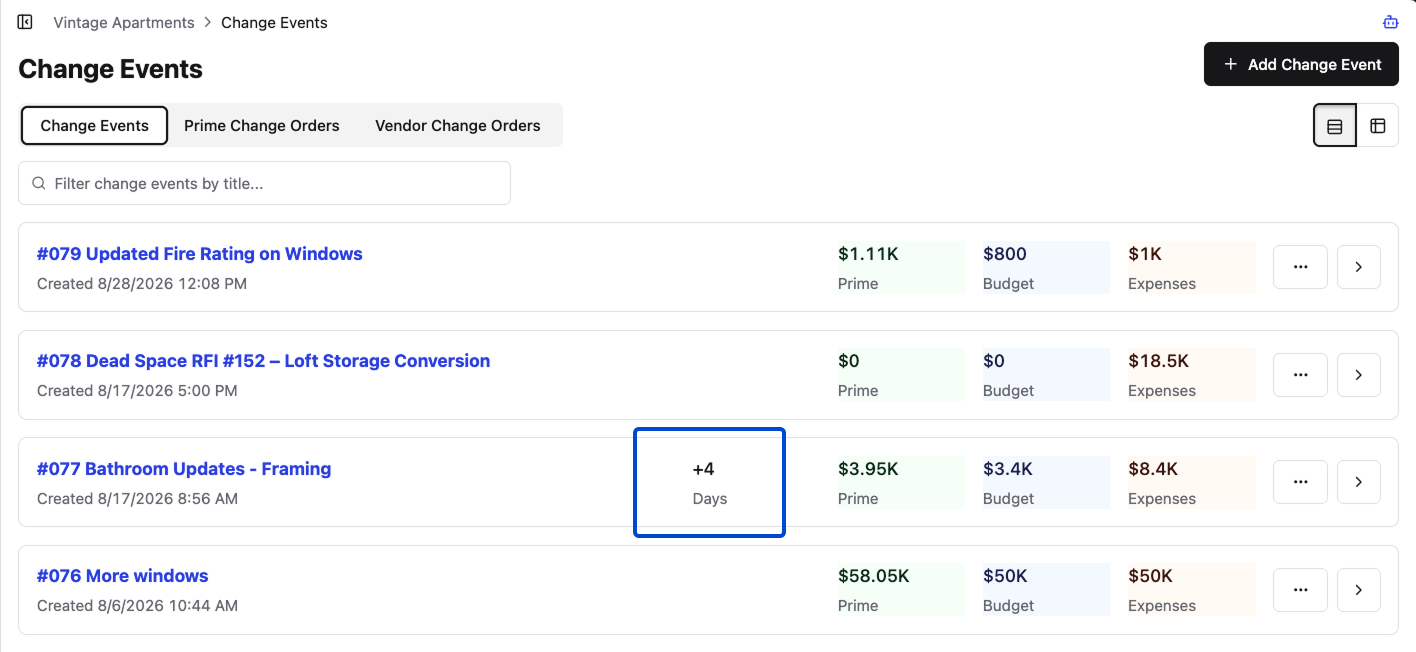\\n\\n\u003e Constructable clearly marks schedule impacts on Change Events\\n\\nThe form also settles who carries the risk once the owner takes over. Coverage and liability shift at this point, and a signed certificate removes the guesswork about which party owns what.\\n\\nOne thing worth knowing about the AIA library: substantial completion certificates are more common than closeout forms. The AIA offers three substantial completion forms keyed to the contracting method, but none for closeout.\\n\\n## What changes the moment substantial completion is certified\\n\\nCertification sets off a chain of obligations keyed to the same date. Once signed, several clocks start and responsibilities move.\\n\\n- _Retainage release:_ Reaching substantial completion triggers the release of retainage, the portion the owner held back, usually a sizable sum the owner must be ready to pay.\\n\\n- _Warranty clock:_ Many contracts state [warranty obligations begin at issuance](https://learn.aiacontracts.com/articles/6433444-the-four-most-overlooked-realities-of-substantial-completion/), so the claims limitation period starts here, not at final completion.\\n\\n- _Builder'
165s risk coverage:_ In most documents, the policy typically ends at this point, with property coverage shifting to the owner.\\n\\n- _Liquidated damages:_ Delay damages generally stop accruing.\\n\\n- _Defect claim windows:_ Statutes of limitations and repose begin running from this date.\\n\\n## Substantial completion vs. final completion\\n\\nThe two milestones are separated on one axis: how much work remains. Substantial completion confirms that the project is usable for its intended purpose, while minor items remain open. Final completion certifies that all contract items are complete, the punch list is closed, and the contractor has no remaining obligations.\\n\\n| Criteria | Substantial completion | Final completion |\\n| ---------------------- | ----------------------------------------------- | ---------------------------- |\\n| Readiness | Usable for intended purpose, minor work remains | All contract work fully done |\\n| Punch list | Still open | Resolved |\\n| Owner status | Takes possession, financial obligations begin | Accepts fully finished work |\\n| Contractor obligations | Ongoing until closeout | None remaining |\\n\\nThe gap between the two typically runs 30 to 60 days, sometimes longer on complex projects.\\n\\n## Substantial completion vs. certificate of occupancy\\n\\nTwo documents get conflated here, and they come from different places. A Certificate of Occupancy (CO) is [issued by a local building inspector](https://www.levelset.com/construction-contracts/substantial-completion/) and certifies that the building is ready for use. The certificate of substantial completion is a contractual record between the project parties.\\n\\nThe standards for issuance run close, but they may not line up. A building inspector may even require the certificate of substantial completion before granting a CO. Some contracts tie the substantial completion date to CO issuance, which removes the ambiguity, though the link is not automatic.\\n\\n## Substantial completion and legal liability: statutes of limitations and repose\\n\\nThe certified date carries weight well beyond closeout. Two legal clocks are set to it, and they behave differently.\\n\\nThe statute of limitations begins running when a defect is discovered, giving an owner a set period to bring a claim from that point. The statute of repose serves as a hard outer deadline, cutting off liability entirely once a fixed number of years have passed, whether or not anyone has spotted the defect.\\n\\nThat outer deadline ties directly to the milestone. Generally, the statute of repose expiration date is based on the project's substantial completion. In California, it runs 10 years from that date.\\n\\nTimelines vary widely from state to state, so the applicable number depends on where the work is located. Treat the date as a legally binding record.\\n\\n## The substantial completion checklist\\n\\nNo two projects share the same finish line, so there is no catch-all objective checklist that determines when work is sufficiently complete. Treat the checklist as a project-specific agreement, drafted against your contract, not a universal form pulled off a shelf.\\n\\nMost checklists cover four categories:\\n\\n- System commissioning: HVAC, electrical, plumbing, fire alarm, and elevators tested and confirmed operable.\\n\\n- Permits and occupancy approvals: Inspections passed and the paperwork the owner needs to occupy in hand.\\n\\n- Punch list identification: Every remaining item logged, with nothing left to memory.\\n\\n- Responsibility assignments: Who finishes what, and by when.\\n\\nNail down the standard before the inspection, and the definition becomes a matter of fact. That is where disputes shrink.\\n\\n## Common disputes and how to protect the substantial completion date\\n\\nWhen substantial completion is loosely defined in the contract, the date becomes a point of contention. In delay claims, an unclear point of substantial completion often becomes a point of debate in litigation, because it affects the damage figures and adds to an already costly process.\\n\\nA few habits keep the date defensible:\\n\\n- Document the work state with dated photos and inspection records at the time you claim the milestone. Unresolved design questions are a common culprit, and understanding [why RFI management breaks down](https://constructable.ai/blog/construction-rfi-management-breakdown) helps close that gap before the certificate is requested.\\n\\n- Send written notice requesting the certificate, not a verbal heads-up.\\n\\n- On phased projects or multi-building developments, certify each designated portion separately, so one late building does not cloud the others.\\n\\n## How **Constructable** supports the path to substantial completion\\n\\nThe path to substantial completion runs through the documentation that precedes it: punch list resolution, inspection records, RFI closure, and closeout paperwork. **Constructable** supports each of those without pretending substantial completion is a single button.\\n\\nQuality Lists track punch list items across subcontractors and locations, with each item pinned to the drawing sheet where the work is located (a capability worth comparing against [punch list software](https://constructable.ai/blog/best-punch-list-software-general-contractors) built for GCs), so nothing floats in a stray spreadsheet. Each [RFI](https://constructable.ai/blog/rfi-management-construction-what-works) is pinned to a drawing location, so every design question has a documented answer tied to the sheet where the work lives, all of it on record before the certificate gets signed.\\n\\n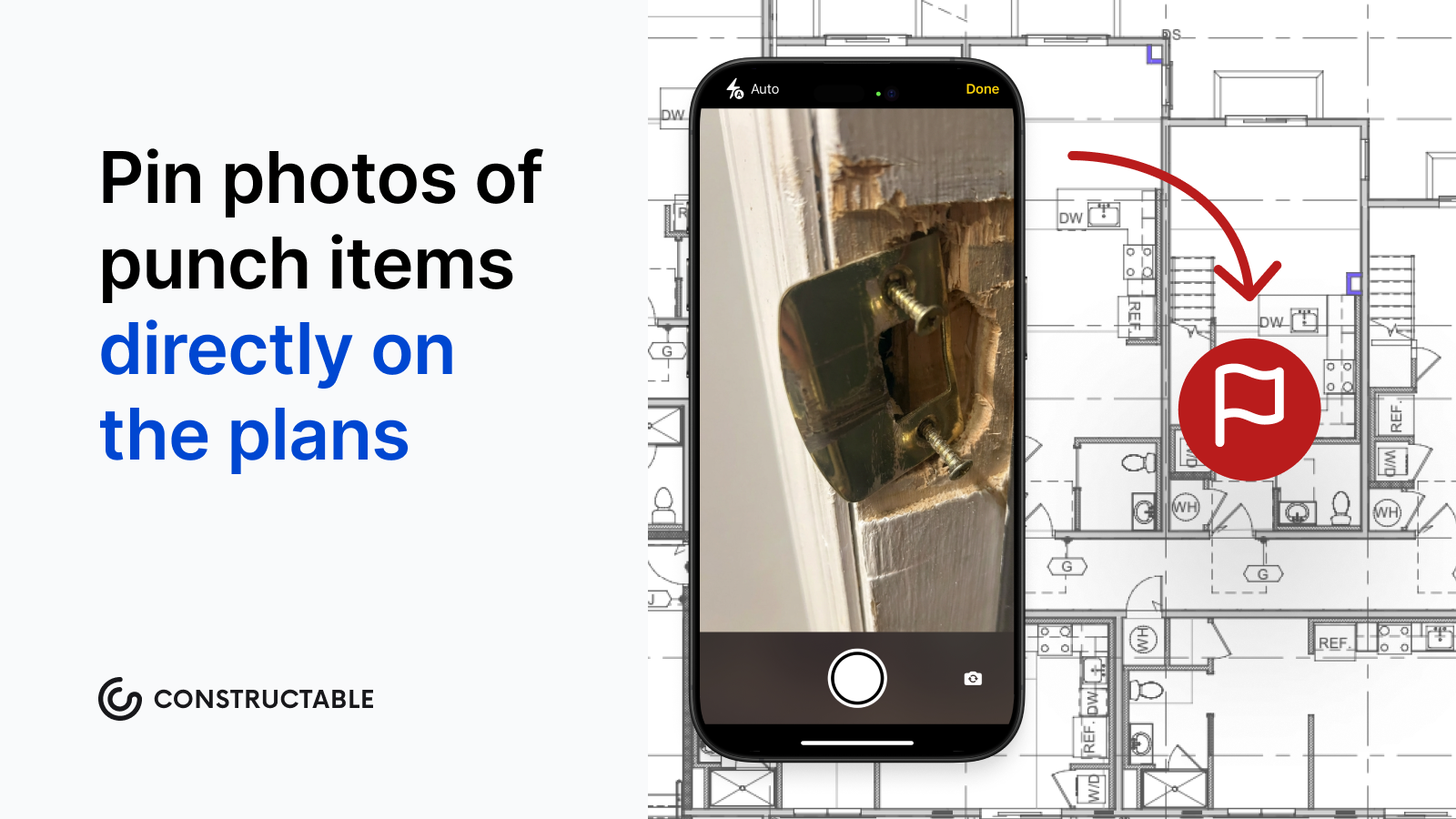\\n\\nWhen someone later asks what was finished and when, the AI Answer Engine queries drawings, daily logs, photos, RFIs, and closeout documents in plain language, and every answer links back to its source.\\n\\n## Final thoughts on the substantial completion certificate and what follows\\n\\nThe certificate is just a piece of paper until the work behind it is documented well enough to defend. Every clock that starts on that date, from warranty periods to statutes of repose, is only as reliable as the records you built getting there. Good documentation makes the date a fact, not an argument. [Reach out to the Constructable team](https://constructable.ai/sales) to see how that trail gets built before the inspector walks the job.\\n\\n## FAQs\\n\\n### What is substantial completion in construction, and how does it differ from final completion?\\n\\nSubstantial completion is the point at which the work is sufficiently finished for the owner to occupy or use the building for its intended purpose, even if punch list items remain open. Final completion certifies that all c
165ontract items are complete and the punch list is closed. The gap between the two typically runs 30 to 60 days, sometimes longer on complex projects.\\n\\n### What does the AIA G704 certificate of substantial completion actually cover?\\n\\nThe AIA G704 is a signed, dated record that captures the substantial completion date, the open punch list, a deadline for finishing remaining items, and responsibility assignments for utilities, security, maintenance, and insurance. It also settles which party carries risk once the owner takes possession, shifting builder's risk coverage and triggering the warranty clock. You can find the current form through AIA Contract Documents; the G704 is the standard industry reference for formalizing this milestone.\\n\\n### Substantial completion vs. certificate of occupancy: are they the same thing?\\n\\nNo. A certificate of occupancy is issued by a local building inspector and certifies the building meets code for use. The certificate of substantial completion is a contractual record between the project parties. The standards run close but may not align exactly, and in some jurisdictions, a building inspector may require the substantial completion certificate before granting the CO.\\n\\n### When does the statute of repose begin to run on a construction defect claim?\\n\\nThe statute of repose clock generally starts at the substantial completion date, not when a defect is identified. In California, for example, it runs 10 years from that date, cutting off liability entirely once the period expires regardless of whether anyone has spotted a problem. Because timelines vary by state, the certified substantial completion date serves as a legally binding record that all parties to the project should treat carefully.\\n\\n### How do I protect the substantial completion date from becoming a dispute?\\n\\nDocument the work state with dated photos and inspection records when you claim the milestone, and send a written notice requesting the certificate rather than a verbal heads-up. On phased projects, certify each designated portion separately so one late building does not cloud the others. Nailing down the contractual standard before the inspection is where most disputes shrink.\\n\",[],[1060,1061,1062,1063,1064,443],\"{\\\"@context\\\":\\\"https://schema.org\\\",\\\"@type\\\":\\\"FAQPage\\\",\\\"name\\\":\\\"Substantial Completion Certificate: What It Means and Why It Matters August 2026\\\",\\\"mainEntity\\\":[{\\\"@type\\\":\\\"Question\\\",\\\"name\\\":\\\"What is substantial completion in construction, and how does it differ from final completion?\\\",\\\"acceptedA
165nswer\\\":{\\\"@type\\\":\\\"Answer\\\",\\\"text\\\":\\\"Substantial completion is the point at which the work is sufficiently finished for the owner to occupy or use the building for its intended purpose, even if punch list items remain open. Final completion certifies that all contract items are complete and the punch list is closed. The gap between the two typically runs 30 to 60 days, sometimes longer on complex projects.\\\"}},{\\\"@type\\\":\\\"Question\\\",\\\"name\\\":\\\"What does the AIA G704 certificate of substantial completion actually cover?\\\",\\\"acceptedAnswer\\\":{\\\"@type\\\":\\\"Answer\\\",\\\"text\\\":\\\"The AIA G704 is a signed, dated record that captures the substantial completion date, the open punch list, a deadline for finishing remaining items, and responsibility assignments for utilities, security, maintenance, and insurance. It also settles which party carries risk once the owner takes possession, shifting builder's risk coverage and triggering the warranty clock. You can find the current form through AIA Contract Documents; the G704 is the standard industry reference for formalizing this milestone.\\\"}},{\\\"@type\\\":\\\"Question\\\",\\\"name\\\":\\\"Substantial completion vs. certificate of occupancy: are they the same thing?\\\",\\\"acceptedA
165nswer\\\":{\\\"@type\\\":\\\"Answer\\\",\\\"text\\\":\\\"No. A certificate of occupancy is issued by a local building inspector and certifies the building meets code for use. The certificate of substantial completion is a contractual record between the project parties. The standards run close but may not align exactly, and in some jurisdictions, a building inspector may require the substantial completion certificate before granting the CO.\\\"}},{\\\"@type\\\":\\\"Question\\\",\\\"name\\\":\\\"When does the statute of repose begin to run on a construction defect claim?\\\",\\\"acceptedAnswer\\\":{\\\"@type\\\":\\\"Answer\\\",\\\"text\\\":\\\"The statute of repose clock generally starts at the substantial completion date, not when a defect is identified. In California, for example, it runs 10 years from that date, cutting off liability entirely once the period expires regardless of whether anyone has spotted a problem. Because timelines vary by state, the certified substantial completion date serves as a legally binding record that all parties to the project should treat carefully.\\\"}},{\\\"@type\\\":\\\"Question\\\",\\\"name\\\":\\\"How do I protect the substantial completion date from becoming a dispute?\\\",\\\"acceptedA
165nswer\\\":{\\\"@type\\\":\\\"Answer\\\",\\\"text\\\":\\\"Document the work state with dated photos and inspection records when you claim the milestone, and send a written notice requesting the certificate rather than a verbal heads-up. On phased projects, certify each designated portion separately so one late building does not cloud the others. Nailing down the contractual standard before the inspection is where most disputes shrink.\\\"}},{\\\"@type\\\":\\\"Question\\\",\\\"name\\\":\\\"Should I tie the substantial completion date to the certificate of occupancy in my contract?\\\",\\\"acceptedAnswer\\\":{\\\"@type\\\":\\\"Answer\\\",\\\"text\\\":\\\"Linking the two removes ambiguity but introduces risk: if the building inspector delays the CO for reasons outside your control, your substantial completion date slips with it. Most contracts treat them as separate milestones and cross-reference them without making one contingent on the other.\\\"}},{\\\"@type\\\":\\\"Question\\\",\\\"name\\\":\\\"What is the AIA definition of substantial completion, and which contract documents carry that language?\\\",\\\"acceptedA
165nswer\\\":{\\\"@type\\\":\\\"Answer\\\",\\\"text\\\":\\\"The AIA defines substantial completion as the stage when the work is sufficiently complete in accordance with the contract documents so that the owner can occupy or use the work for its intended purpose. That definition lives in the AIA A201 General Conditions, and the AIA G704 Certificate of Substantial Completion is the signed, dated form that records when the milestone is actually reached.\\\"}},{\\\"@type\\\":\\\"Question\\\",\\\"name\\\":\\\"How does the substantial completion date affect retainage release in a typical construction contract?\\\",\\\"acceptedAnswer\\\":{\\\"@type\\\":\\\"Answer\\\",\\\"text\\\":\\\"Reaching substantial completion triggers the release of retainage â the percentage the owner withheld throughout construction â making it one of the largest single cash-flow events on a project. The exact release mechanics depend on your contract language, so the G704 signing date needs to be clean and defensible before you can enforce that obligation.\\\"}},{\\\"@type\\\":\\\"Question\\\",\\\"name\\\":\\\"What is a substantial completion percentage, and is there a standard threshold that qualifies?\\\",\\\"acceptedA
165nswer\\\":{\\\"@type\\\":\\\"Answer\\\",\\\"text\\\":\\\"There is no universal percentage â the term is defined by whether the owner can occupy or use the building for its intended purpose, not by a fixed completion number. Courts and arbitrators look at whether the remaining work prevents use of the space, not whether a project is 95% or 98% done by dollar value.\\\"}},{\\\"@type\\\":\\\"Question\\\",\\\"name\\\":\\\"Can substantial completion be certified for a portion of a project rather than the whole job?\\\",\\\"acceptedAnswer\\\":{\\\"@type\\\":\\\"Answer\\\",\\\"text\\\":\\\"Yes â under AIA A201, a designated portion of the work can be certified as substantially complete separately from the rest of the project, which is common on phased or multi-building developments. Certifying each portion separately keeps one delayed building from holding retainage and warranty clocks on parts of the job that are already usable.\\\"}},{\\\"@type\\\":\\\"Question\\\",\\\"name\\\":\\\"How does the substantial completion date affect builder's risk insurance coverage?\\\",\\\"acceptedA
165nswer\\\":{\\\"@type\\\":\\\"Answer\\\",\\\"text\\\":\\\"Builder's risk coverage typically ends at substantial completion, with property risk transferring to the owner on the same date the G704 is signed. If the date is disputed or vague in your contract, there is a window where neither party is clearly carrying the insurance â which is a real exposure on a live project.\\\"}},{\\\"@type\\\":\\\"Question\\\",\\\"name\\\":\\\"What goes on a substantial completion checklist template, and how specific should it be?\\\",\\\"acceptedAnswer\\\":{\\\"@type\\\":\\\"Answer\\\",\\\"text\\\":\\\"A workable checklist covers four categories: system commissioning (HVAC, electrical, plumbing, fire alarm, elevators), permits and occupancy approvals, a fully documented punch list with nothing left to memory, and responsibility assignments for who finishes what by when. The checklist should be drafted against your specific contract, not pulled from a generic template, so the definition of completion is a matter of fact before the inspection walk.\\\"}},{\\\"@type\\\":\\\"Question\\\",\\\"name\\\":\\\"What is the difference between the substantial completion date and the final completion date on a construction contract?\\\",\\\"acceptedA
165nswer\\\":{\\\"@type\\\":\\\"Answer\\\",\\\"text\\\":\\\"The substantial completion date is when the building is usable for its intended purpose with a punch list still open; the final completion date is when every contract item is resolved and the contractor has no remaining obligations. The gap between the two typically runs 30 to 60 days, though complex projects can run longer, and warranty clocks on many contracts start at substantial completion, not final completion.\\\"}},{\\\"@type\\\":\\\"Question\\\",\\\"name\\\":\\\"Who issues the certificate of substantial completion on an AIA project?\\\",\\\"acceptedAnswer\\\":{\\\"@type\\\":\\\"Answer\\\",\\\"text\\\":\\\"Under AIA A201, the architect inspects the work and issues the certificate when the milestone is met, making the call independently of the contractor's request. On design-build projects governed by DBIA standard forms, a joint inspection by the owner and design-builder replaces the architect's unilateral determination.\\\"}},{\\\"@type\\\":\\\"Question\\\",\\\"name\\\":\\\"How should construction software track the substantial completion date and its schedule impact across change orders?\\\",\\\"acceptedA
165nswer\\\":{\\\"@type\\\":\\\"Answer\\\",\\\"text\\\":\\\"The substantial completion date should live as a dedicated field on the prime contract â separate from the estimated completion date â so it can be referenced independently throughout the project. Change orders that affect schedule should capture per-order day impacts and compound them into a revised substantial completion date, with that revised date printed on the change order document sent to the client so the record stays current without requiring manual reconciliation later.\\\"}}],\\\"url\\\":\\\"https://constructable.ai/blog/substantial-completion-meaning-construction\\\",\\\"dateModified\\\":\\\"2026-08-29T01:47:05.482Z\\\",\\\"author\\\":{\\\"@type\\\":\\\"Person\\\",\\\"name\\\":\\\"Molly Abbott\\\"}}\\n\",\"{\\\"@context\\\":\\\"https://schema.org\\\",\\\"@type\\\":\\\"BlogPosting\\\",\\\"headline\\\":\\\"Substantial Completion Certificate: What It Means and Why It Matters August 2026\\\",\\\"description\\\":\\\"Substantial completion in construction sets key legal and financial clocks. Learn what triggers it, what the AIA G704 covers, and how to document it. Aug 2026.\\\",\\\"datePublished\\\":\\\"2026-08-29T01:47:05.482Z\\\",\\\"dateModified\\\":\\\"2026-08-29T01:47:05.482Z\\\",\\\"author\\\":{\\\"@type\\\":\\\"Person\\\",\\\"name\\\":\\\"Molly Abbott\\\"},\\\"url\\\":\\\"https://constructable.ai/blog/substantial-completion-meaning-construction\\\",\\\"wordCount\\\":2047,\\\"keywords\\\":[\\\"substantial completion\\\",\\\"substantial completion vs completion\\\",\\\"substantial completion definition\\\",\\\"substantial completion aia\\\",\\\"substantial completion certificate\\\",\\\"substantial completion in construction\\\",\\\"substantial completion vs certificate of occupancy\\\",\\\"substantial completion checklist\\\",\\\"substantial completion date\\\",\\\"substantial completion definition real estate\\\",\\\"substantial completion definition construction\\\",\\\"aia definition of substantial completion\\\",\\\"substantial completion vs final completion\\\",\\\"substantial completion definition law\\\",\\\"substantial completion definition civil\\\",\\\"substantial completion definition civil engineering\\\",\\\"substantial completion aia pdf\\\",\\\"substantial completion aia template\\\",\\\"aia certificate of substantial completion pdf\\\",\\\"substantial completion aia sample\\\",\\\"substantial completion aia g704 2017\\\",\\\"aia g704 free download\\\",\\\"aia g704 free download pdf\\\",\\\"substantial completion in construction example\\\",\\\"certificate of substantial completion template\\\",\\\"substantial completion letter\\\",\\\"substantial completion date meaning\\\",\\\"substantial completion date example\\\",\\\"substantial completion date vs final completion date\\\",\\\"certificate of substantial completion\\\",\\\"substantial completion definition in construction\\\",\\\"substantial completion certificate template\\\",\\\"substantial completion certificate texas\\\",\\\"substantial completion certificate pdf\\\",\\\"substantial completion certificate template word\\\",\\\"certificate of substantial completion g704\\\",\\\"certificate of substantial completion template free\\\",\\\"substantial completion vs certificate of occupancy pdf\\\",\\\"substantial completion vs certificate of occupancy texas\\\",\\\"substantial completion vs certificate of occupancy florida\\\",\\\"substantial completion vs certificate of occupancy california\\\",\\\"who issues certificate of substantial completion\\\",\\\"substantial completion checklist template\\\",\\\"substantial completion checklist pdf\\\",\\\"substantial completion percentage\\\",\\\"substantial completion meaning\\\",\\\"aia certificate of substantial completion\\\",\\\"aia substantial completion\\\",\\\"what is substantial completion in construction\\\",\\\"certificate of substantial completion aia\\\",\\\"aia substantial completion forms\\\"]}\\n\",\"substantial completion means\",\"aia role industry standard\",\"triggers substantial completion determines\",\"certificate substantial completion\",\"changes moment substantial completion certified\",\"punch-list-guide-close-projects\",\"Every project ends the same way: a walkthrough, a list of unfinished work, and a race to close out before retainage sits any longer than it has to. The punch list is how you manage that final push: documenting what's missing or wrong and making sure someone owns each item until it's verified and signed off. The teams that close fastest treat the punch list as its own discipline, with clear processes for logging, assigning, and tracking completion in real time.\\n\\n**TLDR:**\\n\\n- A punch list captures unfinished or defective work at 95-98% completion and stands between you and final payment.\\n\\n- Retainage (5-10% of contract value) stays held until every item is signed off, making sloppy closeouts expensive.\\n\\n- Start logging items as each trade finishes, not after everyone has left the site.\\n\\n- Digital punch lists let subs and GCs see the same list in real time, cutting follow-up cycles and version control headaches.\\n\\n- **Constructable** lets field teams log items with photos attached and gives managers a live view of what's open and overdue.\\n\\n## What Is a Punch List in Construction?\\n\\nA punch list is a document that captures all unfinished or defective work items needing resolution before an owner formally accepts a construction project. Think misaligned doors, missing hardware, scuffed paint, or a light switch that stopped working after drywall went up.\\n\\nThese lists are generated during a final walkthrough, typically when the project sits at 95-98% complete. The heavy lifting is doneâwhat's left is the gap between \\\"nearly done\\\" and \\\"actually done.\\\" The punch list manages that gap, serving as the final qual
165ity checkpoint before the owner takes the keys.\\n\\n## Where the Term \\\"Punch List\\\" Comes From\\n\\nBefore digital tools, contractors used a physical hole punch to mark items on their completion documents. Each finished task got a hole punched next to it in the margin, a quick visual confirmation that the work was done and verified.\\n\\nThat physical act gave the list its name. The punch was a real hole in real paper; the term stuck even after the paper disappeared.\\n\\n## When Punch Lists Are Created in the Project Timeline\\n\\nPunch lists enter the picture at substantial completion, the contractual milestone where the project is usable but not yet officially accepted. Not \\\"almost done\\\" as a gut feeling, but a defined, documented line in the contract.\\n\\nFinal acceptance follows after. The punch list captures every open item standing between those two milestones. [Retainage, commonly 5 to 10 percent](https://projul.com/blog/construction-punch-list-best-practices/) of the total contract value, stays held until all items are resolved and signed off. That's real money sitting on the table. Closing the punch list is how you get paid.\\n\\n## Common Items That Show Up on Punch Lists\\n\\nNot every item that surfaces during a final walkthrough belongs on the punch list. Major rework and owner-requested scope changes are entirely separate conversations. What punch lists are built for is last-mile details, and they tend to cluster into the same categories on every job.\\n\\n- _Finishes and surfaces:_ paint touch-ups, scuffed flooring, caulk gaps, grout inconsistencies, trim that doesn't sit flush, and wall damage from equipment or trades working after finish work was done\\n\\n- _Installations:_ cabinet hardware, door handles, light fixtures, outlet covers, window locks, and anything else that was missing, loose, or installed incorrectly\\n\\n- _Equipment testing:_ HVAC systems, plumbing fixtures, fire suppression, alarms, elevators, and any mechanical or electrical system that needs to be verified under real operating conditions\\n\\n- _Safety and code items:_ missing handrails, unprotected openings, exit signage, fire extinguisher mounting, and anything flagged during [the inspection process](https://constructable.ai/blog/construction-inspection-process-pass-without-delays) that still needs resolution\\n\\n- _Documentation and closeout deliverables:_ as-built drawings, warranties, O\u0026M manuals, attic stock materials, and any closeout submittals required under the contract\\n\\nIf something requires a change order or redesign, it's not a punch list item. Keep those conversations separate. The punch list is for work that was already in scope and simply isn't finished or isn't right yet.\\n\\n## The Punch List Process From Start to Finish\\n\\nThe punch list process follows a predictable sequence. The teams that close fastest treat each stage as its own discipline instead of one continuous blur of activity.\\n\\n### Walkthrough and Inspection\\n\\nWalk the project with the owner or their rep. Document every deficiency on the spot using [the best punch list software](https://constructable.ai/blog/best-punch-list-software-general-contractors), with location, description, responsible trade, and a photo attached where possible. What you don't capture during the walkthrough tends not to surface again until it becomes a dispute.\\n\\n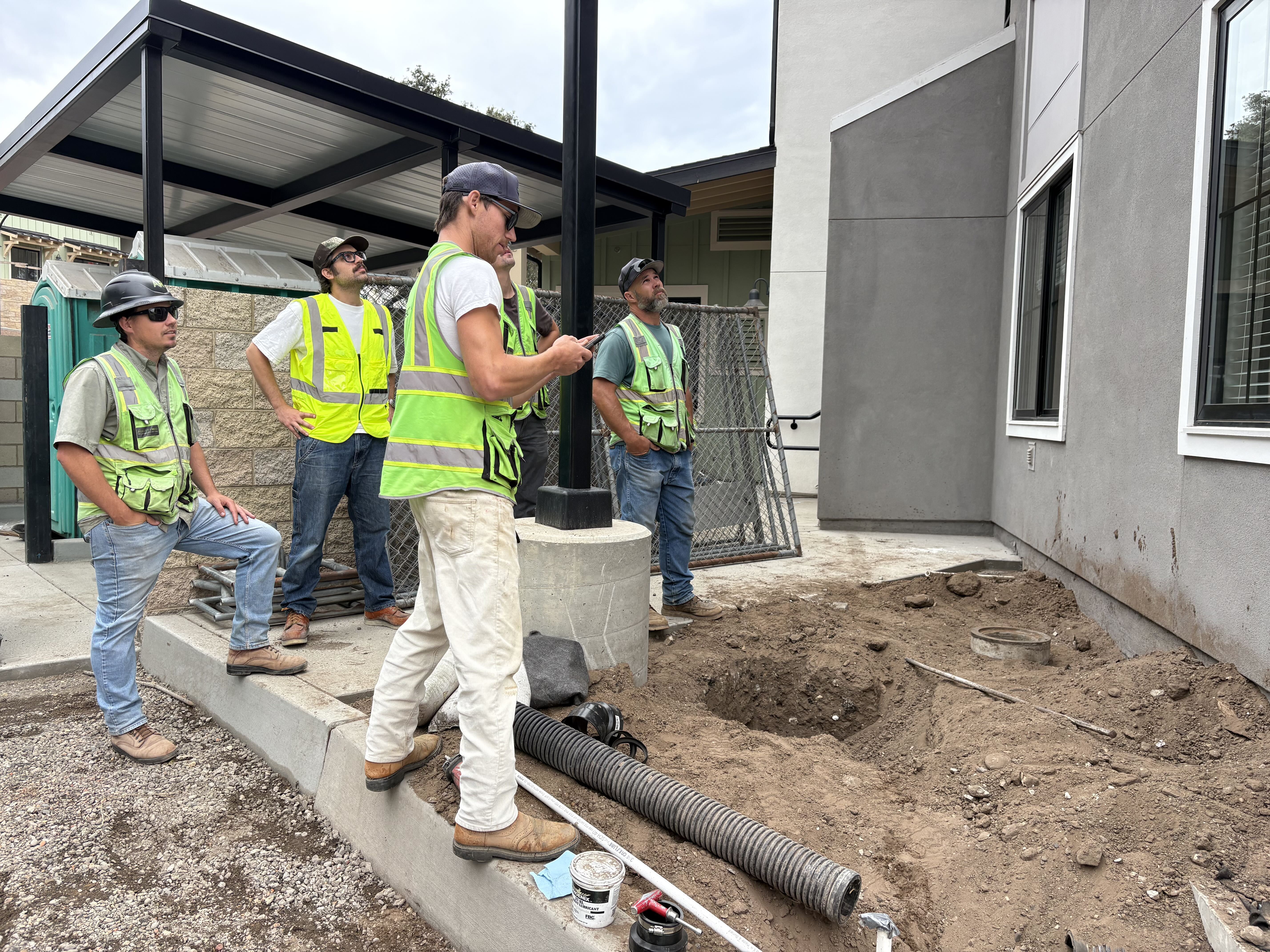\\n\\n\u003e A field team logs building exterior punch items in Constructable during a walkthrough\\n\\n### Documentation\\n\\nEvery item gets logged immediately. Waiting until after the walkthrough to write things up is how items get lost or remembered incorrectly.\\n\\n### Assignment\\n\\nEach item goes directly to the responsible sub or trade, with a clear due date attached. No vague ownership. Someone specific is accountable for every line.\\n\\n### Completion and Verification\\n\\nWhen a sub marks an item done, someone on your team confirms it in person. Verified items get signed off. Anything that falls short goes back open until it actually passes.\\n\\n## Roles and Responsibilities: Who Does What\\n\\nClear ownership matters on every project, and punch lists are no exception. The GC runs the process, but the owner, architect, and subs each have specific jobs to do.\\n\\n- General Contractor: builds and owns the list, assigns each item to the responsible trade, sets due dates, and coordinates verification before anything gets signed off\\n\\n- Owner or Owner's Rep: walks the site, identifies deficiencies, and gives formal acceptance once all items are resolved\\n\\n- Architect: reviews finished work against the contract documents to confirm compliance with design intent, especially on finishes and specifications\\n\\n- Subcontractors: complete their assigned items on time and flag the GC when work is ready for review\\n\\
165nWhere this breaks down is when roles overlap without anyone claiming ownership. If the owner and architect both mark items independently and the GC is managing two separate lists, things get missedâone list, one owner, clear assignments.\\n\\n## How to Organize and Prioritize Punch List Items\\n\\nNot all punch list items are created equal. A missing fire exit sign and a scuffed baseboard carry very different levels of urgency, and treating the entire list as one undifferentiated pile is how projects drag on longer than they should.\\n\\nThree grouping approaches work well in practice. **By priority** (ABC or Critical/Major/Minor): A-items are safety, code, or occupancy blockers that must be resolved before the owner can move in. B-items affect function but don't stop occupancy. C-items are cosmetic. Work in that order, every time. **By trade**, group all electrical items together and all plumbing together so subs can knock out their section in one focused trip instead of bouncing across the building. **By location**, work floor by floor or zone by zone; verification walkthroughs move faster when everything in one area gets signed off together instead of scattered across five different floors.\\n\\nA 200-item list feels impossible until you sort it. Once sorted, it becomes a series of smaller, manageable work orders. Pick one organizing system before the walkthrough and stay with it through closeout.\\n\\n## Punch List Best Practices to Close Projects Faster\\n\\nThe fastest closeouts start before substantial completion. Rolling punch lists, built as trades finish instead of all at once at the end, reduce the final walkthrough considerably.\\n\\nStart early: log deficiencies as each section completes, not after everyone has packed up and left the site.\\n\\nWrite specific descriptions. \\\"Repaint southeast bedroom wall\\\" beats \\\"paint touch-up\\\" every time and leaves no room for a sub to misread the scope.\\n\\nAttach a photo to every item; it removes ambiguity and protects you if a sub disputes the finding.\\n\\nSet hard deadlines for each item: open-ended assignments should remain open, and field management should keep everyone moving forward.\\n\\nKeep subs updated in real time, not through weekly email threads that nobody reads until Friday afternoon.\\n\\n## Common Punch List Mistakes and How to Avoid Them\\n\\nEven experienced project managers fall into the same traps, especially when a project is
165winding down and everyone is already mentally on to the next job. Some of the most common mistakes are:\\n\\n- Waiting until the end to start logging: running one big walkthrough after every trade has mobilized out means items get missed and subs are harder to bring back. Build the list as sections complete.\\n\\n- Vague line items: \\\"fix door\\\" tells no one anything. The sub guesses wrong, you reject the work, and the item sits open another week.\\n\\n- No photos attached: when a sub disputes a finding, a description alone rarely settles it. A photo does.\\n\\n- Open-ended deadlines: \\\"ASAP\\\" is not a due date. Items without firm dates drift until someone follows up.\\n\\n- Letting scope creep onto the list: owner-requested changes and design corrections are change order conversations. When those land on the punch list, cost and contract disputes follow. Keep the two completely separate.\\n\\n## Punch List vs. Checklist vs. Snag List\\n\\nThree terms that get used interchangeably, but they each mean something different.\\n\\nA checklist is proactive. You use it during construction to verify work as it progresses, confirming that inspections are scheduled, materials are delivered, and steps are followed in sequence. It prevents deficiencies instead of documenting those that already exist.\\n\\nA punch list is reactive. It captures what's wrong or missing after the work is done. Where a checklist asks, \\\"Did we do this right?\\\" a punch list asks, \\\"What still needs fixing?\\\"\\n\\nA snag list is just a punch list with a British accent. The UK and much of the international construction market use \\\"snag\\\" where American contractors say \\\"punch.\\\" Same purpose, same process, different vocabulary.\\n\\n## Digital Punch Lists and Why They Matter\\n\\nPaper punch lists get lost, emailed spreadsheets go out of date the moment someone closes their laptop, and PDF markups create version control nightmares that nobody has time to untangle at closeout.\\n\\nDigital punch lists solve the core problem: everyone sees the same list, in real time, which is what the best construction management software delivers. When a sub marks an item complete on their phone, the GC sees it instantly. No status meetings. No \\\"which version is current?\\\" conversations. Photos are attached directly to items at the time of documentation, not reconstructed from memory later.\\n\\nA few practical differences that matter in the field:\\n\\n- Automatic notifications go to the right trade when items are assigned or updated, cutting the follow-up cycle considerably\\n\\n- Progress tracking gives you a live view of open vs. closed items with better project management tools without manually counting rows in a spreadsheet\\n\\n- [Photo documentation](https://constructable.ai/blog/field-to-office-photo-and-video-documentation) lives with the item, not in a separate folder that nobody can find six weeks later\\n\\n- Dispute resolution gets easier when every finding has a timestamp, a photo, and a clear record of who signed off\\n\\nWhen a sub says \\\"that was fine when I left the site,\\\" a dated photo with their item assignment attached ends the conversation quickly.\\n\\n## Punch List Templates and What to Include\\n\\nA solid punch list template doesn't need to be complicated. It needs to capture the right fields consistently, every time, so nothing slips through on any project.\\n\\n| Field | What to Include |\\n| ------------------- | ----------------------------------------------------------- |\\n| Project Information | Project name, location, contract number, walkthrough date |\\n| Item Description | Specific deficiency with exact location (room, floor, zone) |\\n| Responsible Party | Assigned sub or trade, namely a contact name |\\n| Priority Level | A/B/C or Critical/Major/Minor |\\n| Due Date | Hard deadline, not \\\"ASAP\\\" |\\n| Status | Open, In Review, or Completed |\\n| Verification | Who signed off and when |\\n| Photo Attachment | Photo ID or file reference linked to the item |\\n\\nEvery field earns its place. Skip responsible party and items go unassigned. Skip due dates and they drift. Skip verification and \\\"done\\\" means whatever the sub says it means.\\n\\n## How Punch Lists Protect Payment and Reduce Risk\\n\\nThe punch list sits at the intersection of money and liability. Until those final items are signed off, contractors often cannot collect final payment, and owners can legally withhold retainage. In many contracts, substantial completion triggers the start of the warranty period and limits the owner's ability to claim damages for delays. Getting that documentation right protects everyone.\\n\\nSloppy closeout creates real exposure. [Disputes over incomplete work](https://thecromeenslawfirm.com/how-to-end-never-ending-construction-punc
165h-list/) are among the most common sources of construction litigation, and a poorly managed punch list is frequently cited as the reason a project's final payment drags on for months longer than it should, which is why mid-size contractors [need the right software.](https://constructable.ai/blog/best-software-mid-size-contractors)\\n\\n### Why Documentation Is Your Best Defense\\n\\nA well-documented punch list does more than track tasks. It creates a timestamped record of what was identified, who was responsible, and when it was resolved. That paper trail matters if a dispute surfaces six months after the keys are handed over.\\n\\nA few things worth keeping in order:\\n\\n- Date every item when it is identified, not after the fact. Courts and arbitrators look at when deficiencies were flagged, and backdated records rarely hold up.\\n\\n- Record who accepted each completed item. A signature or written confirmation from the owner or architect closes the loop and removes ambiguity about whether something was actually approved.\\n\\n- Photograph before and after. Written descriptions alone can be disputed, but photos tied to specific line items make it much harder to argue that work was never done.\\n\\n- Track retainage release against punch list completion. Knowing exactly which items are blocking final payment helps rank the list and have clearer conversations with the owner about what it will take to get paid.\\n\\n## Managing Punch Lists in Constructable\\n\\n[**Constructable**](https://constructable.ai/compare/procore) keeps punch lists in one place. Log an item on your phone at the jobsite, attach a photo, assign it to the right sub, and it shows up instantly for everyone who needs to see itâno spreadsheets, no email threads, no wondering which version is current. You can even pin punch items directly on the plans.\\n\\nYou can see what's open, what's overdue, and who owns what without chasing people down. It's straightforward, and it works.\\n\\n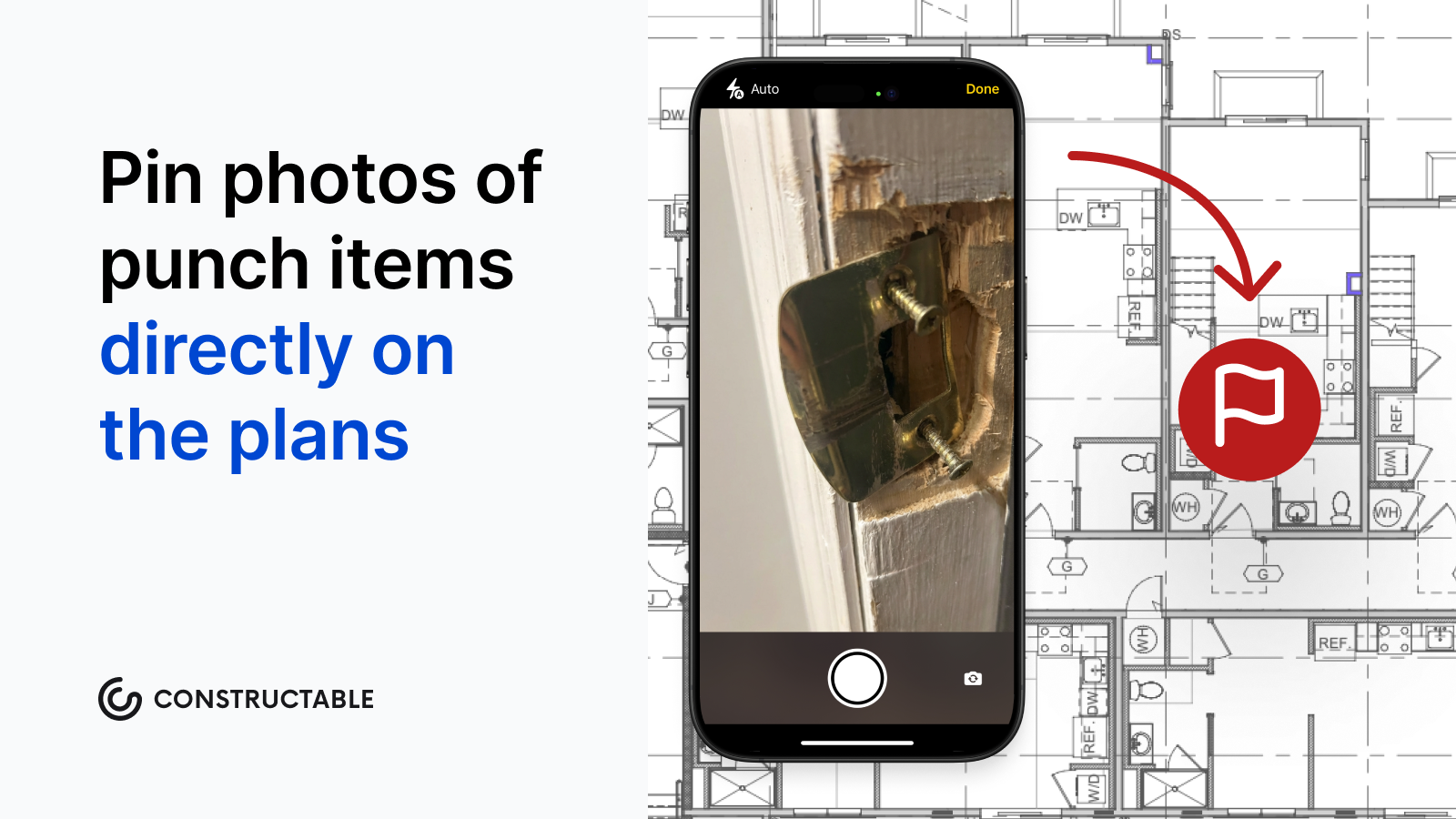\\n\\n## Final Thoughts on Punch List Management\\n\\nA well-run punch list is what stands between you and final payment, and treating it like an afterthought is how projects drag out months past substantial completion. Write specific line items, attach photos to every deficiency, and keep subs working off one shared list so nothing gets missed between email threads and job walks. The teams that close fastest start their punch lists early and verify every item in person before calling it done. [We're happy to show you](https://constructable.ai/sales) how other GCs are managing punch lists without bouncing between five different tools.\\n\\n## FAQ\\n\\n### What is a punch list in construction?\\n\\nA punch list is a document that captures all unfinished or defective work items before an owner accepts a construction project. It's created during a final walkthrough at substantial completion (typically 95 to 98% complete) and covers issues such as misaligned doors, missing hardware, scuffed paint, or equipment that needs testing. These are the items that stand between \\\"nearly done\\\" and \\\"officially done.\\\"\\n\\n### Punch list vs snag list?\\n\\nThey're the same thing. American contractors say \\\"punch list\\\" while UK and international markets use \\\"snag list.\\\" Both capture deficiencies after work is done and serve the same purpose in project closeout.\\n\\n### Can I start a punch list before substantial completion?\\n\\nYes, and you should. Rolling punch lists, which log deficiencies as each trade finishes instead of all at once at the end, reduce the final walkthrough considerably and make it easier to bring subs back while they're still on site. Waiting until everyone has mobilized out means items get missed and subs are harder to recall.\\n\\n### Why is it called a punch list?\\n\\nBefore digital tools, contractors used a physical hole punch to mark completed items on their documents. Each finished task got a hole punched next to it in the margin as visual confirmation. The punch was a real hole in real paper, and the name stuck even after the paper disappeared.\\n\\n### What's the fastest way to close out a punch list?\\n\\nWrite detailed descriptions (\\\"repaint southeast bedroom wall\\\" beats \\\"paint touch-up\\\"), attach a photo to every item, set hard deadlines per line, and keep the list separate from scope changes or owner-requested work. Digital punch lists shorten the follow-up cycle by automatically notifying trades and giving everyone a live view of what's open versus closed. There are no version control headaches or status meetings to figure out who owns what.\\n\",[],[1071,1072,1073,1074,1075,206,1076],\"{\\\"@context\\\":\\\"https://schema.org\\\",\\\"@type\\\":\\\"FAQPage\\\",\\\"name\\\":\\\"Punch List Guide: How to Close Out Projects Right (August 2026)\\\",\\\"mainEntity\\\":[{\\\"@type\\\":\\\"Question\\\",\\\"name\\\":\\\"What is a punch list in construction?\\\",\\\"acceptedA
165nswer\\\":{\\\"@type\\\":\\\"Answer\\\",\\\"text\\\":\\\"A punch list is a document that captures all unfinished or defective work items before an owner accepts a construction project. It's created during a final walkthrough at substantial completion (typically 95â98% done) and covers things like misaligned doors, missing hardware, scuffed paint, or equipment that needs testingâitems that stand between \\\\\\\"nearly done\\\\\\\" and \\\\\\\"officially done.\\\\\\\"\\\"}},{\\\"@type\\\":\\\"Question\\\",\\\"name\\\":\\\"Punch list vs snag list?\\\",\\\"acceptedAnswer\\\":{\\\"@type\\\":\\\"Answer\\\",\\\"text\\\":\\\"They're the same thing. American contractors say \\\\\\\"punch list\\\\\\\" while UK and international markets use \\\\\\\"snag list.\\\\\\\" Both capture deficiencies after work is done and serve the same purpose in project closeout.\\\"}},{\\\"@type\\\":\\\"Question\\\",\\\"name\\\":\\\"Can I start a punch list before substantial completion?\\\",\\\"acceptedAnswer\\\":{\\\"@type\\\":\\\"Answer\\\",\\\"text\\\":\\\"Yes, and you should. Rolling punch listsâlogging deficiencies as each trade finishes rather than all at once at the endâcut the final walkthrough considerably and make it easier to bring subs back while they're still on site. Waiting until everyone has mobilized out means items get missed and subs are harder to recall.\\\"}},{\\\"@type\\\":\\\"Question\\\",\\\"name\\\":\\\"Why is it called a punch list?\\\",\\\"acceptedA
165nswer\\\":{\\\"@type\\\":\\\"Answer\\\",\\\"text\\\":\\\"Before digital tools, contractors used a physical hole punch to mark completed items on their documents. Each finished task got a hole punched next to it in the margin as visual confirmation. The punch was a real hole in real paper, and the name stuck even after the paper disappeared.\\\"}},{\\\"@type\\\":\\\"Question\\\",\\\"name\\\":\\\"What's the fastest way to close out a punch list?\\\",\\\"acceptedAnswer\\\":{\\\"@type\\\":\\\"Answer\\\",\\\"text\\\":\\\"Write specific descriptions (\\\\\\\"repaint southeast bedroom wall\\\\\\\" beats \\\\\\\"paint touch-up\\\\\\\"), attach a photo to every item, set hard deadlines per line, and keep the list separate from scope changes or owner-requested work. Digital punch lists cut the follow-up cycle by notifying trades automatically and giving everyone a live view of what's open versus closedâno version control headaches or status meetings to figure out who owns what.\\\"}},{\\\"@type\\\":\\\"Question\\\",\\\"name\\\":\\\"Can I use a punch list template in Excel or do I need special software?\\\",\\\"acceptedA
165nswer\\\":{\\\"@type\\\":\\\"Answer\\\",\\\"text\\\":\\\"Excel punch list templates work fine for small jobs, but they break down when you need photos attached to items, real-time updates across multiple trades, or automatic notifications when items are completed. Digital punch lists built into construction management software give you those features without the version control headaches that come from emailing spreadsheets back and forth.\\\"}},{\\\"@type\\\":\\\"Question\\\",\\\"name\\\":\\\"Who is responsible for creating the punch list?\\\",\\\"acceptedAnswer\\\":{\\\"@type\\\":\\\"Answer\\\",\\\"text\\\":\\\"The general contractor typically creates and owns the punch list, documenting deficiencies during the final walkthrough with the owner or their representative. The GC then assigns each item to the responsible trade, sets due dates, and coordinates verification before anything gets signed off.\\\"}},{\\\"@type\\\":\\\"Question\\\",\\\"name\\\":\\\"What happens if a subcontractor disputes a punch list item?\\\",\\\"acceptedA
165nswer\\\":{\\\"@type\\\":\\\"Answer\\\",\\\"text\\\":\\\"A photo attached to the item at the moment of documentation usually settles the dispute quickly. When a sub says \\\\\\\"that was fine when I left the site,\\\\\\\" a dated photo with their item assignment attached ends the conversation without weeks of back-and-forth emails.\\\"}},{\\\"@type\\\":\\\"Question\\\",\\\"name\\\":\\\"How long does it take to close out a typical punch list?\\\",\\\"acceptedAnswer\\\":{\\\"@type\\\":\\\"Answer\\\",\\\"text\\\":\\\"Most punch lists take 2-4 weeks to complete after substantial completion, but that timeline stretches when items aren't tracked digitally or when subs have already mobilized to other jobs. Rolling punch lists that start as trades finish can cut that window considerably.\\\"}},{\\\"@type\\\":\\\"Question\\\",\\\"name\\\":\\\"Do I need separate punch lists for different trades or one master list?\\\",\\\"acceptedAnswer\\\":{\\\"@type\\\":\\\"Answer\\\",\\\"text\\\":\\\"One master list with items grouped by trade works better than multiple separate lists. It keeps everything in one place for the owner's final acceptance while letting each sub see only their assigned items and work through them in one focused trip.\\\"}},{\\\"@type\\\":\\\"Question\\\",\\\"name\\\":\\\"What's the difference between a punch list and a quality checklist?\\\",\\\"acceptedA
165nswer\\\":{\\\"@type\\\":\\\"Answer\\\",\\\"text\\\":\\\"A quality checklist is proactive verification during construction to confirm work is being done right as it progresses. A punch list is reactive documentation of what's wrong or missing after work is already complete. One prevents deficiencies, the other captures them.\\\"}},{\\\"@type\\\":\\\"Question\\\",\\\"name\\\":\\\"Can owner-requested changes go on the punch list?\\\",\\\"acceptedAnswer\\\":{\\\"@type\\\":\\\"Answer\\\",\\\"text\\\":\\\"No. Owner-requested scope changes and design corrections are change order conversations with cost and schedule implications. When those land on the punch list, contract disputes follow. Keep change orders completely separate from punch list items that were already in the original scope.\\\"}},{\\\"@type\\\":\\\"Question\\\",\\\"name\\\":\\\"How do I prioritize punch list items when everything feels urgent?\\\",\\\"acceptedAnswer\\\":{\\\"@type\\\":\\\"Answer\\\",\\\"text\\\":\\\"Use an ABC system where A-items are safety, code, or occupancy blockers that must be resolved before the owner can move in, B-items affect function but don't stop occupancy, and C-items are cosmetic. Work in that order every time, and suddenly a 200-item list becomes a series of smaller, manageable work orders.\\\"}},{\\\"@type\\\":\\\"Question\\\",\\\"name\\\":\\\"What format should I use for punch list photos?\\\",\\\"acceptedA
165nswer\\\":{\\\"@type\\\":\\\"Answer\\\",\\\"text\\\":\\\"Any format your phone captures works fine as long as the photo is attached directly to the specific line item, not buried in a separate folder nobody can find later. The photo needs to live with the item description, assignment, and timestamp so there's no ambiguity about what was documented or when.\\\"}},{\\\"@type\\\":\\\"Question\\\",\\\"name\\\":\\\"Does retainage get released after every punch list item is completed?\\\",\\\"acceptedAnswer\\\":{\\\"@type\\\":\\\"Answer\\\",\\\"text\\\":\\\"Retainage release depends on your contract terms, but typically 5-10% of contract value stays held until all punch list items are resolved and the owner gives formal acceptance. Tracking which specific items are blocking final payment helps you prioritize the list and have clearer conversations with the owner about what it will take to close out and get paid.\\\"}}],\\\"url\\\":\\\"https://constructable.ai/blog/punch-list-guide-close-projects\\\",\\\"dateModified\\\":\\\"2026-08-29T01:58:24.854Z\\\",\\\"author\\\":{\\\"@type\\\":\\\"Organization\\\",\\\"name\\\":\\\"Constructable\\\"}}\\n\",\"{\\\"@context\\\":\\\"https://schema.org\\\",\\\"@type\\\":\\\"BlogPosting\\\",\\\"headline\\\":\\\"Punch List Guide: How to Close Out Projects Right (August 2026)\\\",\\\"description\\\":\\\"Learn how to close out construction projects right with a punch list. Get best practices, templates, and digital tools to finish faster. August 2026 guide.\\\",\\\"datePublished\\\":\\\"2026-08-29T01:58:24.854Z\\\",\\\"dateModified\\\":\\\"2026-08-29T01:58:24.854Z\\\",\\\"author\\\":{\\\"@type\\\":\\\"Organization\\\",\\\"name\\\":\\\"Constructable\\\"},\\\"url\\\":\\\"https://constructable.ai/blog/punch-list-guide-close-projects\\\",\\\"wordCount\\\":2714,\\\"keywords\\\":[\\\"punch list\\\",\\\"punch list template\\\",\\\"punch list generator\\\",\\\"punch list example\\\",\\\"punch list construction\\\",\\\"punch list pdf\\\",\\\"punch list project\\\",\\\"punchlist or punch list\\\",\\\"punch list origin\\\",\\\"punch list template excel\\\",\\\"punch list template word\\\",\\\"punch list template pdf\\\",\\\"free punch list template excel\\\",\\\"punch list template with photos\\\",\\\"punch list template free download\\\",\\\"punch list template for construction\\\",\\\"construction punch list template word\\\",\\\"punch list construction sample\\\",\\\"punch list construction examples\\\",\\\"punch list construction jobs\\\",\\\"punch list category abc\\\",\\\"why is it called a punch list\\\",\\\"punchlist or punch list pdf\\\",\\\"punchlist or punch list for construction\\\",\\\"punch list vs snag list\\\",\\\"punchlist in construction\\\",\\\"punch list example excel\\\",\\\"construction punch list example\\\",\\\"punch list example pdf\\\",\\\"punch list meaning\\\",\\\"punch list items\\\",\\\"what is a punch list\\\",\\\"construction punch list sample\\\",\\\"construction project punch list template\\\",\\\"punch list template construction\\\",\\\"sample construction punch list form\\\",\\\"punch list sample for construction\\\",\\\"construction punch list template\\\",\\\"punch list construction template\\\",\\\"punch list pros\\\",\\\"punch list templates\\\",\\\"punch list samples\\\",\\\"template punch list\\\",\\\"punch list sample\\\",\\\"punch list format\\\",\\\"what is a construction punch list\\\",\\\"what is a punch list in construction\\\",\\\"what is a punch list for construction\\\",\\\"what is a punch list construction\\\",\\\"what is punch list in construction\\\",\\\"in construction what is a punch list\\\"]}\\n\",\"punch list construction\",\"term punch list comes\",\"punch lists created project timeline\",\"common items show punch lists\",\"punch list process start finish\",\"close\",\"construction-project-closeout-guide\",\"The punch list is done, the certificate of occupancy is in hand, and somehow you're still not getting paid. That's what construction project closeout looks like when it's treated as an afterthought. The good news is the fix isn't complicated; it's mostly about when you start collecting things, not how hard y
165ou chase them at the end.\\n\\n**TLDR:**\\n\\n- Closeout is a financial mechanism: retainage (typically 5-10%) stays locked until every document is accepted.\\n\\n- One missing warranty or unsigned lien waiver from a single sub holds the entire final payment hostage.\\n\\n- Start the closeout checklist at kickoff and tie document submission to milestones, so the final weeks handle verification instead of collection.\\n\\n- Closeout delays can stretch well past a year from substantial completion to final payment when managed reactively.\\n\\n- **Constructable** connects punch lists, lien waivers, inspections, and closeout documentation inside one system built for mid-size commercial GCs.\\n\\n## What is construction project closeout?\\n\\nProject closeout is the final phase of a project, running from substantial completion through final payment and the release of retained funds. It covers the handoff of a finished building to the owner along with everything that proves the work was done right: warranties, as-built drawings, operation and maintenance manuals, permits, lien waivers, and final inspections.\\n\\nCloseout is a contractual and financial mechanism, not an administrative footnote. Until the documentation is complete and accepted, the project is not formally finished, and the retention held back across the entire job remains locked.\\n\\nThat is why closeout carries real weight. The paperwork you assemble here determines when you get paid, when the warranty clock starts, and whether the owner signs off without a fight. A project can be physically built and still sit open for months because a single closeout item is missing.\\n\\n## Substantial completion vs. final completion\\n\\nSubstantial completion and final completion sound similar, but they sit at opposite ends of the closeout phase and trigger different obligations.\\n\\nSubstantial completion is the point where the owner can occupy and use the space for its intended purpose. It starts the warranty clock and usually triggers a reduction in retainage, even though minor work remains. Final completion comes later, once every punch list item is resolved, all closeout documents are accepted, and the final payment application goes in.\\n\\n| | Substantial completion | Final completion |\\n| -------------- | ---------------------------------- | ------------------------------- |\\n| What it means | Owner can occupy and use the space | All work and paperwork finished |\\n| Warranty clock | Starts here | Already running |\\n| Retainage | Partial reduction | Final release |\\n| Payment | Continues | Final application submitted |\\n\\nConflating the two is where disputes start, especially over when warranty periods actually began and how much retainage should still be held.\\n\\n## Who is involved in construction project closeout?\\n\\nCloseout pulls in nearly everyone who touched the project, and each party owns a piece the others cannot finish for them.\\n\\n- **General contractor:** coordinates the whole effort and assembles the final closeout package for handoff.\\n\\n- **Subcontractors and trades:** deliver their portion of the documentation, from warranties to as-built markups on their scope.\\n\\n- **Owner:** formally accepts the project and releases retention once the package holds up.\\n\\n- **Design team:** the architect and engineers verify substantial completion and review as-built drawings against the design intent.\\n\\n- **Suppliers and equipment vendors:** provide warranties and operation and maintenance manuals for the systems they furnished.\\n\\nWhen closeout stalls, the cause is rarely one party dropping the ball. It is coordination breaking down across the group, with one missing warranty or unsigned waiver holding the entire package hostage.\\n\\n## Key construction closeout documents\\n\\nA complete closeout package pulls together the records that prove the work meets the contract and code requirements. Assemble these:\\n\\
165n- Certificate of substantial completion (AIA G704), which fixes the date the owner takes over and the warranty clock starts.\\n\\n- As-built drawings, also called record drawings, marked up to show what was actually installed.\\n\\n- Operation and maintenance manuals for every system and piece of equipment.\\n\\n- Equipment warranties and guarantees from manufacturers and installing trades.\\n\\n- [Lien waivers](https://constructable.ai/blog/lien-waivers-construction) and releases from every tier of the contracting chain, subs and suppliers included.\\n\\n- Certificate of occupancy from the local authority.\\n\\n- Commissioning and testing reports for mechanical, electrical, and life-safety systems.\\n\\n- Training records confirming the owner's staff learned to run the building.\\n\\n- The project closeout report, covered later in this guide.\\n\\nOne missing item stalls the whole package. If a single sub never submits a warranty or an unsigned waiver, final payment for the entire project is delayed. Retainage, [typically 5% to 10%](https://getbuilt.com/blog/what-is-retainage-in-construction/) of each progress payment, stays locked until the owner accepts everything.\\n\\n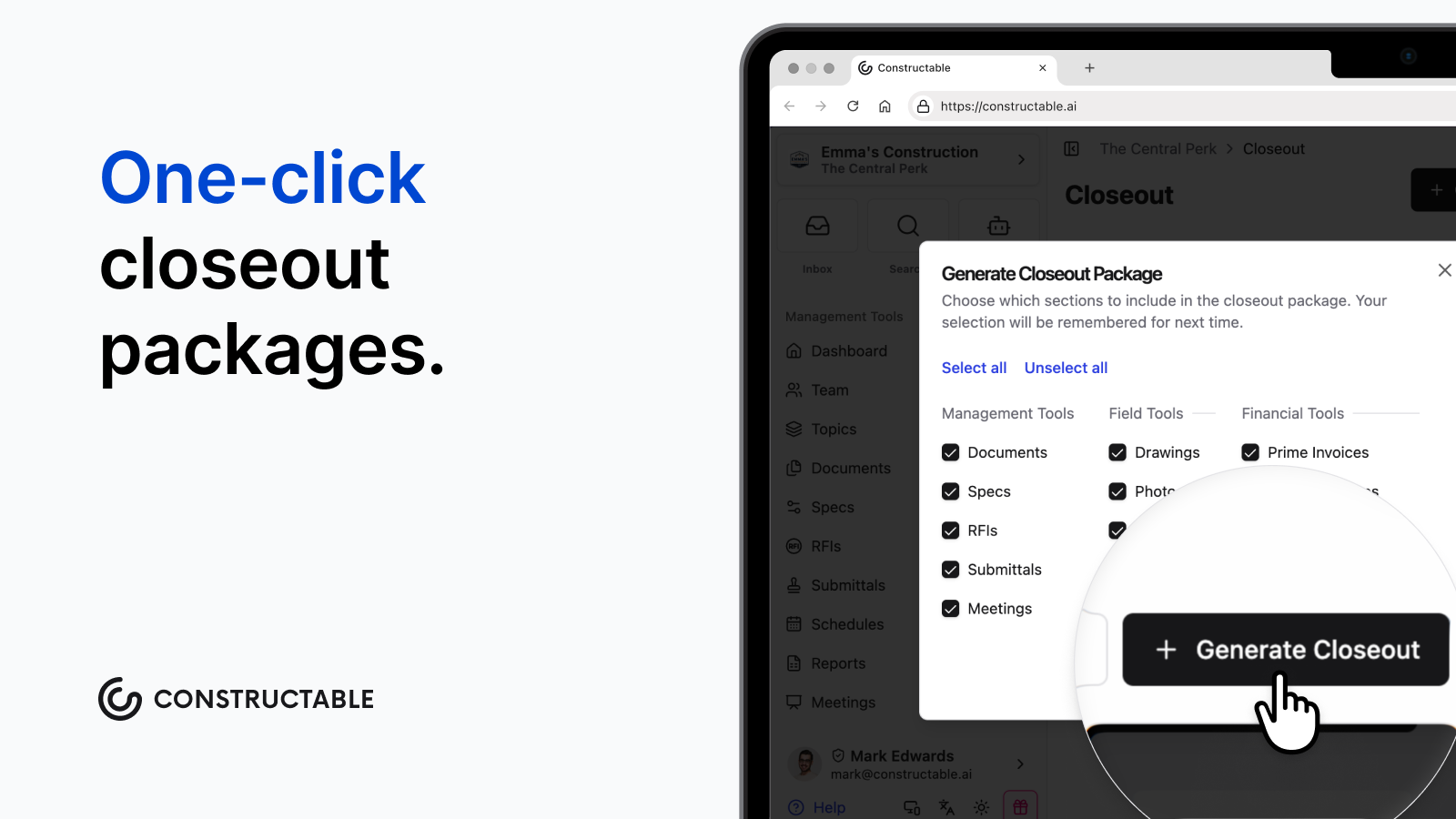\\n\\n## The construction project closeout process, step by step\\n\\nCloseout runs smoother when you treat it as a sequence, not a scramble at the end. Here is how experienced teams work through it.\\n\\n1. Start closeout planning before substantial completion. Build the document checklist, assign owners, and put subs on notice while paperwork is still easy to chase.\\n\\n2. Issue the [punch list](https://constructable.ai/blog/construction-punch-lists-avoid-delays) and run the final walkthrough. Log every deficiency, assign it to a trade, and set completion dates.\\n\\n3. Collect and track documents from every sub and vendor: warranties, as-builts, O\u0026M manuals, and signed lien waivers.\\n\\n4. Resolve open [change orders](https://constructable.ai/blog/change-orders-construction-guide) and match the financials against what was actually billed.\\n\\n5. Pass final inspections and secure the certificate of occupancy.\\n\\n6. Assemble the handover package and deliver it for formal acceptance.\\n\\n7. Release retainage and submit the final payment application.\\n\\nSteps three and four often run in parallel, since financial reconciliation stalls the same way document collection does when one party goes quiet.\\n\\n## Construction project closeout checklist\\n\\nRun this as a live tracker from the framing stage, not a sprint at the end. Teams that keep it open throughout construction close out faster.\\n\\n- Punch list: walkthrough complete, deficiencies assigned, all items verified closed.\\n\\n- [Construction inspections](https://constructable.ai/blog/construction-inspection-process-pass-without-delays) and certificates: final inspections passed, certificate of occupancy issued, commissioning reports signed off.\\n\\n- Documents: as-builts submitted, O\u0026M manuals compiled, warranties collected from every trade.\\n\\n- Lien waivers: conditional and unconditional releases gathered from each tier, subs, and suppliers.\\n\\n- Financials: change orders resolved, final pay application submitted, retainage released.\\n\\n- Handover: owner training delivered, systems walked through, records archived for warranty reference.\\n\\n## Common construction project closeout challenges\\n\\nCloseout drags for structural reasons, not because a team got lazy. The same problems show up job after job.\\n\\nDocument collection bottlenecks. Subs whose scope wrapped months ago have moved on, and chasing down their warranties and lien waivers becomes a slow hunt. Unresolved [change orders](https://constructable.ai/blog/what-is-change-order) that resurface as claims once final numbers get settled. The reverse bell curve, where administrative momentum drops off as crews shift to the next project and closeout paperwork loses its owner. Weak field-to-office communication, so turnover conditions never get captured while they are fresh. Separately, poor [RFI management](https://constructable.ai/blog/construction-rfi-management-breakdown) compounds closeout delays when outstanding questions go unresolved. Punch list scope creep, where owners tack on items beyond contract deficiencies.\\n\\nThese are financially material. Closeout peri
165ods routinely stretch well past a year from substantial completion to final payment when managed reactively, compounding costs that hit retainage, cash flow, and the next job's mobilization at once. [AIA's closeout best practices](https://learn.aiacontracts.com/articles/construction-contract-closeout-lessons-learned-and-best-practices/) point to continuous communication and financial transparency as the two levers that most shorten the window.\\n\\n## Starting closeout before substantial completion\\n\\nThe teams that close out fast never let closeout become a separate phase. They fold it into the work they already do every month, so the final weeks focus on verification rather than collection.\\n\\nA few practices make the difference:\\n\\n- Tie document submission to milestones. When a trade finishes its scope, its O\u0026M manuals and warranties are due while the crew is still on site and reachable.\\n\\n- Collect lien waivers with every pay application. Each payment cycle is a natural checkpoint, so conditional and unconditional releases arrive alongside the money instead of six months after the sub demobilizes.\\n\\n- Open the closeout checklist at the kickoff meeting. Put subs on notice about what they owe and when, then keep it current as a standing agenda item.\\n\\nHandled this way, closeout runs quietly in parallel, and substantial completion arrives with most of the package already in hand.\\n\\n## The project closeout report\\n\\nThe closeout report is the narrative record of how the project actually ran, assembled once the work is done. It pulls the entire job into a single document that outlives the crew and the contract.\\n\\nA complete report covers:\\n\\n- Project summary and scope overview.\\n\\n- Final budget reconciliation with cost variance analysis.\\n\\n- Schedule performance against the original timeline.\\n\\n- RFI and [submittal](https://constructable.ai/blog/construction-submittals-definition-types-best-practices) log outcomes.\\n\\n- Change order log and total contract value adjustments.\\n\\n- Lessons learned worth carrying into the next bid.\\n\\n- Unresolved items handed off as warranty obligations.\\n\\nIt answers to two audiences at once. The owner gets a defensible, auditable record of what was built and what it cost. Your own team gets institutional knowledge, so the next estimate and schedule start with real numbers instead of guesses.\\n\\n## How **Constructable** supports construction project closeout\\n\\nEverything covered so far assumes you can actually find the documents, chase the waivers, and close the punch list without the whole thing turning into a multi-month scramble. That is where a connected system earns its keep. **Constructable** folds each closeout stage into the work your team already does, so the package is ready when substantial completion arrives.\\n\\nPunch lists live in Quality Lists, with items pinned to exact drawing locations, assigned to the responsible trade, and moved through Open, In Review, and Completed. The workflow is built around the same needs covered in the [best punch list software for GCs](https://constructable.ai/blog/best-punch-list-software-general-contractors), and each item includes its own photo documentation.\\n\\nPre-completion walkthroughs run through Inspections, with structured pass/fail results and a PDF export ready for the owner package. Items that require follow-up feed directly into [plan-linked punch lists and issue management](https://constructable.ai/blog/plan-linked-punch-lists-and-issue-management), so nothing falls through the cracks.\\n\\nLien waiver collection is built into the invoicing and pay app process. Conditional waivers are tied directly to payment events, and waiver status remains visible alongside the financials, so there is no need to hunt for a separate document when closeout arrives.\\n\\nThe Closeout feature generates a downloadable .zip file of structured closeout documentation, letting you choose which data types to include rather than assembling files by hand.\\n\\nThe AI Answer Engine retrieves any document, RFI response, daily log entry, or warranty record from a plain-language question, tackling what makes [document search](https://constructable.ai/blog/ai-powered-construction-document-search-and-data-extraction) so difficult, and every answer links back to its primary source for verification.\\n\\nBecause document storage is project-scoped, everything stays organized within the job it belongs to. **Constructable** is built for mid-size commercial GCs running $20M to $150M in annual volume, the teams that need closeout to be a clean final step.\\n\\n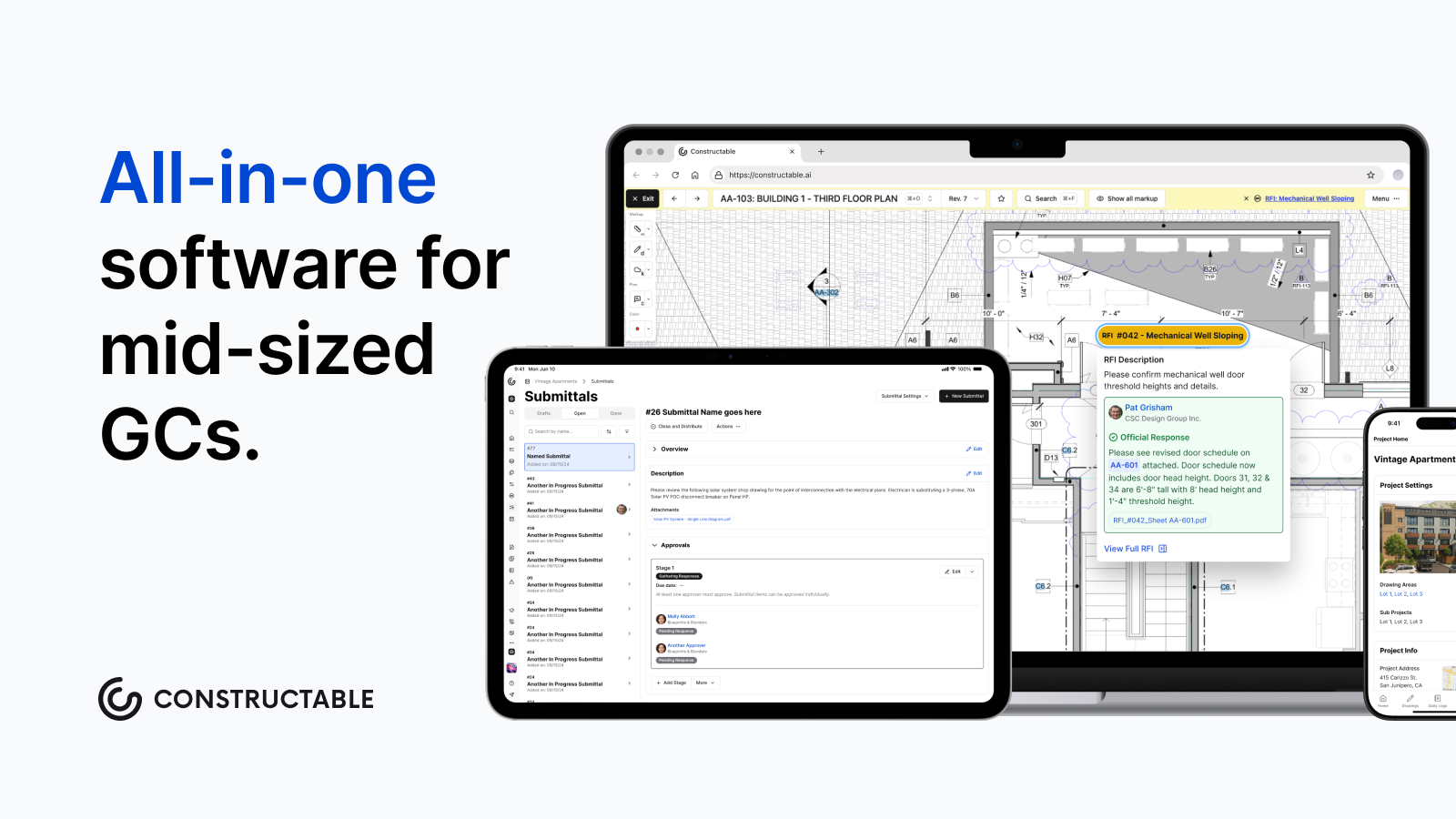\\n\\n## Final thoughts on managing construction project closeout\\n\\nThe paperwork at the end of a job is only painful when it gets treated as an afterthought. Tie submissions to milestones, collect waivers with every pay app, and closeout stops being a separate phase. [Talk to the Constructable team](https://constructable.ai/sales) to see how it fits into the work your crew already does.\\n\\n## FAQs\\n\\n### What documents are typically required for a construction project closeout package?\\n\\nA complete construction project closeout package includes the certificate of substantial completion (AIA G704), as-built drawings, operation and maintenance manuals, equipment warranties, lien waivers and releases from every tier of the contracting chain, a certificate of occupancy, commissioning and testing reports, training records, and a project closeout report. Missing even one item (a single unsigned lien waiver or a warranty a sub never turned in) holds the entire package and keeps retainage locked. Building this closeout documents checklist early and assigning ownership by trade is the fastest way to avoid that bottleneck at the end.\\n\\n### What's the difference between substantial completion and final completion in construction?\\n\\nSubstantial completion is when the owner can occupy and use the space. It starts the warranty clock and typically triggers a partial retainage reduction, even though punch list items remain open. Final completion comes after all deficiencies are resolved, all closeout documents are accepted, and the final payment application is submitted. Conflating the two is a common source of disputes, especially over when warranty periods began and how much retainage should still be held.\\n\\n### How do I avoid a 500-day closeout on my next commercial project?\\n\\nStart the construction project closeout process before substantial completion, not after. Tie document submission to trade milestones: when a sub finishes their scope, their warranties and O\u0026M manuals are due while the crew is still on site and reachable. Collect lien waivers with every pay application so conditional and unconditional releases arrive alongside the money, not months after the sub demobilized. Keeping a live closeout checklist as a standing meeting agenda item means the final weeks handle verification, not collection.\\n\\n### Constructable vs. a manual closeout process for mid-size GCs: what actually changes?\\n\\nWith a manual process, document collection stalls because lien waivers, warranties, and as-builts live in email threads, shared drives, and text messages that no one can easily find at closeout. **Constructable** keeps lien waiver collection built into the pay app workflow, punch list items pinned to drawing locations and tracked through a status workflow, and a Closeout feature that exports a structured .zip package without manual file assembly. The AI Answer Engine can pull any warranty, RFI response, or daily log entry from a plain-language question, with a direct link back to the source, so nothing gets lost in a folder hunt when the owner asks for documentation.\\n\\n### What should a construction project closeout report include?\\n\\nA construction project closeout report should cover a project summary and scope overview, final budget reconciliation with cost variance analysis, schedule performance against the original timeline, RFI and submittal log outcomes, the change order log with total contract value adjustments, lessons learned for future estimates and schedules, and any unresolved
165items carried forward as warranty obligations. It serves two purposes: the owner gets an auditable record of what was built and what it cost, and your own team gets real project data to inform the next bid and schedule instead of starting from assumptions.\\n\",[],[1083,1084,1085,1086,1087,1088],\"{\\n \\\"@context\\\": \\\"https://schema.org\\\",\\n \\\"@type\\\": \\\"FAQPage\\\",\\n \\\"name\\\": \\\"Construction Project Closeout: Step-by-Step Process (September 2026)\\\",\\n \\\"mainEntity\\\": [\\n {\\n \\\"@type\\\": \\\"Question\\\",\\n \\\"name\\\": \\\"What documents are typically required for a construction project closeout package?\\\",\\n \\\"acceptedAnswer\\\": {\\n \\\"@type\\\": \\\"Answer\\\",\\n \\\"text\\\": \\\"A complete construction project closeout package includes the certificate of substantial completion (AIA G704), as-built drawings, operation and maintenance manuals, equipment warranties, lien waivers and releases from every tier of the contracting chain, a certificate of occupancy, commissioning and testing reports, training records, and a project closeout report. Missing even one item (a single unsigned lien waiver or a warranty a sub never turned in) holds the entire package and keeps retainage locked. Building this closeout documents checklist early and assigning ownership by trade is the fastest way to avoid that bottleneck at the end.\\\"\\n }\\n },\\n {\\n \\\"@type\\\": \\\"Question\\\",\\n \\\"name\\\": \\\"What's the difference between substantial completion and final completion in construction?\\\",\\n \\\"acceptedA
165nswer\\\": {\\n \\\"@type\\\": \\\"Answer\\\",\\n \\\"text\\\": \\\"Substantial completion is when the owner can occupy and use the space. It starts the warranty clock and typically triggers a partial retainage reduction, even though punch list items remain open. Final completion comes after every deficiency is resolved, all closeout documents are accepted, and the final payment application goes in. Conflating the two is a common source of disputes, especially over when warranty periods began and how much retainage should still be held.\\\"\\n }\\n },\\n {\\n \\\"@type\\\": \\\"Question\\\",\\n \\\"name\\\": \\\"How do I avoid a 500-day closeout on my next commercial project?\\\",\\n \\\"acceptedAnswer\\\": {\\n \\\"@type\\\": \\\"Answer\\\",\\n \\\"text\\\": \\\"Start the construction project closeout process before substantial completion, not after. Tie document submission to trade milestones: when a sub finishes their scope, their warranties and O\u0026M manuals are due while the crew is still on site and reachable. Collect lien waivers with every pay application so conditional and unconditional releases arrive alongside the money, not months after the sub demobilized. Keeping a live closeout checklist as a standing meeting agenda item means the final weeks handle verification, not collection.\\\"\\n }\\n },\\n {\\n \\\"@type\\\": \\\"Question\\\",\\n \\\"name\\\": \\\"Constructable vs. a manual closeout process for mid-size GCs: what actually changes?\\\",\\n \\\"acceptedA
165nswer\\\": {\\n \\\"@type\\\": \\\"Answer\\\",\\n \\\"text\\\": \\\"With a manual process, document collection stalls because lien waivers, warranties, and as-builts live in email threads, shared drives, and text messages that no one can easily find at closeout. Constructable keeps lien waiver collection built into the pay app workflow, punch list items pinned to drawing locations and tracked through a status workflow, and a Closeout feature that exports a structured .zip package without manual file assembly. The AI Answer Engine can pull any warranty, RFI response, or daily log entry from a plain-language question, with a direct link back to the source, so nothing gets lost in a folder hunt when the owner asks for documentation.\\\"\\n }\\n },\\n {\\n \\\"@type\\\": \\\"Question\\\",\\n \\\"name\\\": \\\"What should a construction project closeout report include?\\\",\\n \\\"acceptedAnswer\\\": {\\n \\\"@type\\\": \\\"Answer\\\",\\n \\\"text\\\": \\\"A construction project closeout report should cover a project summary and scope overview, final budget reconciliation with cost variance analysis, schedule performance against the original timeline, RFI and submittal log outcomes, the change order log with total contract value adjustments, lessons learned for future estimates and schedules, and any unresolved items carried forward as warranty obligations. It serves two purposes: the owner gets an auditable record of what was built and what it cost, and your own team gets real project data to inform the next bid and schedule instead of starting from assumptions.\\\"\\n }\\n },\\n {\\n \\\"@type\\\": \\\"Question\\\",\\n \\\"name\\\": \\\"What is project closeout in construction, and why does it affect your final payment?\\\",\\n \\\"acceptedA
165nswer\\\": {\\n \\\"@type\\\": \\\"Answer\\\",\\n \\\"text\\\": \\\"Construction project closeout is the contractual phase running from substantial completion through final payment and retainage release, covering the handoff of every document that proves the work was done right. It affects final payment directly because retainage, typically 5â10% of every progress payment, stays locked until the owner accepts the complete closeout package. One missing item, whether a single warranty or an unsigned lien waiver, holds the full retained amount for the entire project.\\\"\\n }\\n },\\n {\\n \\\"@type\\\": \\\"Question\\\",\\n \\\"name\\\": \\\"How do you use a construction project closeout checklist without it becoming a last-minute scramble?\\\",\\n \\\"acceptedAnswer\\\": {\\n \\\"@type\\\": \\\"Answer\\\",\\n \\\"text\\\": \\\"Open the closeout checklist at the kickoff meeting, assign document ownership by trade, and keep it as a standing agenda item throughout the job. Tie submissions to trade milestones so warranties and O\u0026M manuals are due when a crew finishes their scope, while they are still on site and reachable. Teams that run the checklist as a live tracker from framing close out faster because the final weeks handle verification rather than collection.\\\"\\n }\\n },\\n {\\n \\\"@type\\\": \\\"Question\\\",\\n \\\"name\\\": \\\"What is a project closeout letter to a client, and when should you send it?\\\",\\n \\\"acceptedA
165nswer\\\": {\\n \\\"@type\\\": \\\"Answer\\\",\\n \\\"text\\\": \\\"A project closeout letter formally notifies the owner that the work is substantially complete and initiates the handoff process, typically referencing the certificate of substantial completion and outlining remaining obligations on both sides. It should go out when the space is ready for occupancy and the punch list has been issued, not after every item is resolved. Sending it promptly fixes the substantial completion date on paper, which matters for warranty clock start dates and retainage reduction triggers.\\\"\\n }\\n },\\n {\\n \\\"@type\\\": \\\"Question\\\",\\n \\\"name\\\": \\\"What should a construction closeout documents checklist template include beyond the punch list?\\\",\\n \\\"acceptedAnswer\\\": {\\n \\\"@type\\\": \\\"Answer\\\",\\n \\\"text\\\": \\\"A solid closeout documents checklist template should include the certificate of substantial completion (AIA G704), as-built drawings, operation and maintenance manuals, equipment warranties, conditional and unconditional lien waivers from every contracting tier, the certificate of occupancy, commissioning and testing reports for MEP and life-safety systems, owner training records, and a final project closeout report. The punch list is one piece of the package, but retainage release depends on all of these items being accepted together.\\\"\\n }\\n },\\n {\\n \\\"@type\\\": \\\"Question\\\",\\n \\\"name\\\": \\\"Should you collect lien waivers during the project or wait until closeout?\\\",\\n \\\"acceptedA
165nswer\\\": {\\n \\\"@type\\\": \\\"Answer\\\",\\n \\\"text\\\": \\\"Collect lien waivers with every pay application cycle rather than waiting until closeout. Conditional releases should accompany each payment event, and unconditional releases follow once payment clears, so the waiver chain builds naturally alongside the financial record. Chasing waivers from subs who demobilized six months ago is one of the most common causes of closeout delays and held retainage.\\\"\\n }\\n },\\n {\\n \\\"@type\\\": \\\"Question\\\",\\n \\\"name\\\": \\\"How does construction closeout software handle lien waiver tracking and document collection differently than a shared folder?\\\",\\n \\\"acceptedAnswer\\\": {\\n \\\"@type\\\": \\\"Answer\\\",\\n \\\"text\\\": \\\"Construction closeout software integrates lien waiver collection into the invoicing and pay app workflow so waiver status is visible alongside financial records rather than buried in a folder someone has to remember to check. A shared folder holds files but tracks nothing, so you only discover a missing waiver when you are assembling the final package. Software that ties waivers to payment events and shows completion status across all subcontractors turns collection into a running process rather than a final sprint.\\\"\\n }\\n },\\n {\\n \\\"@type\\\": \\\"Question\\\",\\n \\\"name\\\": \\\"What causes construction project closeout to drag past a year from substantial completion?\\\",\\n \\\"acceptedA
165nswer\\\": {\\n \\\"@type\\\": \\\"Answer\\\",\\n \\\"text\\\": \\\"Closeout drags when document collection is treated as a post-construction task rather than a parallel workflow. By the time the owner occupies the building, subs have moved to other jobs, change orders are still open, and no one owns the administrative momentum. The reverse bell curve, where project activity drops off as crews shift to the next job, leaves closeout paperwork without a clear owner. Starting the process early and tying submissions to milestones is the structural fix.\\\"\\n }\\n },\\n {\\n \\\"@type\\\": \\\"Question\\\",\\n \\\"name\\\": \\\"What's the difference between a punch list and a closeout package in construction?\\\",\\n \\\"acceptedAnswer\\\": {\\n \\\"@type\\\": \\\"Answer\\\",\\n \\\"text\\\": \\\"A punch list is a list of deficiencies that need to be corrected before final completion, covering incomplete or nonconforming work found during the final walkthrough. A closeout package is the full collection of documents, warranties, as-builts, lien waivers, permits, and reports that the owner needs to formally accept the project. Finishing the punch list is a prerequisite for final completion, but it is only one component of the broader package that triggers retainage release.\\\"\\n }\\n },\\n {\\n \\\"@type\\\": \\\"Question\\\",\\n \\\"name\\\": \\\"How do as-built drawings fit into the construction project closeout process?\\\",\\n \\\"acceptedA
165nswer\\\": {\\n \\\"@type\\\": \\\"Answer\\\",\\n \\\"text\\\": \\\"As-built drawings, also called record drawings, document what was actually installed versus what the original design specified, covering field changes to routing, dimensions, and materials made during construction. They are a required closeout document because the owner and their facilities team need accurate records to operate, maintain, and eventually renovate the building. Each trade is responsible for marking up their scope, and the GC assembles and delivers the full set as part of the handover package.\\\"\\n }\\n },\\n {\\n \\\"@type\\\": \\\"Question\\\",\\n \\\"name\\\": \\\"What is the AIA G704 and why does it matter for construction project closeout?\\\",\\n \\\"acceptedAnswer\\\": {\\n \\\"@type\\\": \\\"Answer\\\",\\n \\\"text\\\": \\\"The AIA G704 is the Certificate of Substantial Completion, a standard form that formally establishes the date the owner can occupy and use the space for its intended purpose. It matters for closeout because it fixes the date the warranty clock starts, triggers the partial retainage reduction written into most contracts, and marks the point where the owner assumes responsibility for insurance and utilities. Without a signed G704, the substantial completion date is open to dispute, which creates downstream problems for warranty claims and final payment timing.\\\"\\n }\\n }\\n ],\\n \\\"url\\\": \\\"https://constructable.ai/blog/construction-project-closeout-guide\\\",\\n \\\"dateModified\\\": \\\"2026-09-03T21:47:04.209Z\\\",\\n \\\"author\\\": {\\n \\\"@type\\\": \\\"Person\\\",\\n \\\"name\\\": \\\"Molly Abbott\\\"\\n }\\n}\\n\",\"{\\\"@context\\\":\\\"https://schema.org\\\",\\\"@type\\\":\\\"BlogPosting\\\",\\\"headline\\\":\\\"Construction Project Closeout: Step-by-Step Process (August 2026)\\\",\\\"description\\\":\\\"Construction project closeout stalls retainage release. This August 2026 guide covers every step, document, and checklist item needed to reach final payment\\\",\\\"datePublished\\\":\\\"2026-08-02T12:08:45.680Z\\\",\\\"dateModified\\\":\\\"2026-08-02T12:08:45.680Z\\\",\\\"author\\\":{\\\"@type\\\":\\\"Person\\\",\\\"name\\\":\\\"Molly Abbott\\\",\\\"description\\\":\\\"Molly Abbott is a co-founder of Constructable, and comes from a construction family. Sheâs a little bit quirky, a little bit competitive, and a little bit fun. She drives a minivan and has two small boys to give you a better picture of her in real life. \\\"},\\\"url\\\":\\\"https://constructable.ai/blog/construction-project-closeout-guide\\\",\\\"wordCount\\\":2500,\\\"keywords\\\":[\\\"construction project closeout\\\",\\\"construction project closeout checklist\\\",\\\"construction project closeout template\\\",\\\"construction project closeout pdf\\\",\\\"construction project closeout sample\\\",\\\"construction project closeout report pdf\\\",\\\"construction project closeout example\\\",\\\"closeout documents checklist\\\",\\\"project closeout checklist pdf\\\",\\\"construction project closeout checklist template\\\",\\\"construction project closeout checklist pdf\\\",\\\"free construction project closeout checklist\\\",\\\"closeout documents template\\\",\\\"construction closeout software\\\",\\\"closeout documents checklist template\\\",\\\"closeout documents checklist pdf\\\",\\\"closeout documents checklist template free\\\",\\\"construction closeout documents checklist\\\",\\\"closeout documents meaning\\\",\\\"contract closeout checklist\\\",\\\"aia closeout documents\\\",\\\"project closeout template excel\\\",\\\"project closeout template free\\\",\\\"construction project close out report\\\",\\\"simple project closure report template\\\",\\\"project closeout report template\\\",\\\"project closeout checklist template\\\",\\\"project closeout letter to client\\\",\\\"construction project closeout report pdf free download\\\",\\\"construction project closeout report example\\\",\\\"construction project closeout report pdf free\\\",\\\"project closure report sample pdf\\\",\\\"construction project closeout report pdf california\\\",\\\"project closure report for building construction\\\",\\\"project close out report template word\\\",\\\"project closeout checklist pdf 2022\\\",\\\"california project closeout checklist pdf\\\",\\\"construction audit checklist pdf free download\\\",\\\"safety audit checklist pdf\\\",\\\"pssr checklist excel\\\",\\\"pre startup safety review checklist pdf\\\",\\\"new construction punch list pdf\\\",\\\"construction project closeout documents\\\",\\\"construction project closeout process\\\",\\\"construction project closeout procedures\\\",\\\"project closeout construction\\\",\\\"construction project closeout report template\\\",\\\"what is project closeout in construction\\\",\\\"construction project closeout letter\\\",\\\"project closeout in construction\\\",\\\"construction project closeout report\\\"]}
165\\n\",\"construction project closeout\",\"substantial completion final completion\",\"involved construction project closeout\",\"key construction closeout documents\",\"construction project closeout process step step\",\"speed\",\"submittal-schedule-tracking\",\"Building a submittal schedule backward from your installation dates sounds simple, but most teams skip it and pay for it when long-lead items hit the critical path without enough runway. If yours tends to slip by the time steel or mechanical gear is due, the fix is usually in how the schedule gets built, not how it gets tracked.\\n\\n**TLDR:**\\n\\n- A submittal schedule tracks when paperwork must clear, separate from the master project schedule governing when work happens.\\n\\n- Set your required approval date first by working backward from installation, subtracting procurement lead time, review period, and resubmittal buffer.\\n\\n- Build the schedule in preconstruction; per industry estimates, structural steel runs 10-12 weeks, mechanical 8-10, electrical 6-8, and late starts can't be recovered.\\n\\n- Lock review windows into subcontracts before mobilization so the design team is contractually bound to a turnaround, not merely asked nicely.\\n\\n- **Constructable** scans uploaded spec documents and auto-generates a spec-referenced submittal log, keeping routing, ball-in-court tracking, and revision control in one place.\\n\\n## What is a submittal schedule?\\n\\nA submittal schedule is the timeline that governs when every required submittal gets produced, submitted, reviewed, and returned. It sits apart from the master project schedule: the project schedule tracks when work happens, while the submittal schedule tracks when the paperwork authorizing that work has to clear. Miss a submission window and the crew waiting on approved material stalls.\\n\\nThe document does three things at once:\\n\\n- Identifies every submittal the contract requires, pulled from the specs\\n\\n- Sets the date each one must be delivered for review\\n\\n- Assigns review windows so architects, engineers, subs, and the GC all know their turnaround obligations\\n\\nThat last point is what gives the schedule teeth. It puts each party on a clock and makes a late review visible instead of buried in an email chain.\\n\\n## What goes on a submittal schedule\\n\\nEvery submittal schedule is built from the same set of columns. Whether you keep it in Excel or a purpose-built log, these are the fields that make it usable.\\n\\n| Field | What it captures |\\n| ------------------------- | ------------------------------------------------------------------------------------------- |\\n| CSI specification section | The spec division and section number the submittal answers to (e.g., 09 91 00 for painting) |\\n| Submittal type | Shop drawing, product data, sample, or test report |\\n| Responsible subcontractor | The party on the hook for preparing and sending it |\\n| Submission due date | When the sub must hand the submittal to the GC for review |\\n| Required approval date | When the returned, approved submittal has to be in hand |\\n| Review period | The turnaround window allotted to the architect or engineer |\\n| Resubmittal allowance | Buffer days reserved for a revise-and-resubmit cycle |\\n| Procurement lead time | Days from approval to material delivery on site |\\n| Current status | Draft, submitted, under review, approved, or rejected |\\n\\nThe two dates people conflate are the submission due date and the required approval date. The submission due date is when the paperwork leaves the sub's desk. The required approval date is the deadline for returning the signed-off version so procurement and fabrication can start without delaying installation.\\n\\nSet the required approval date first by working backward from the installation milestone: subtract procurement lead time, then the review period, then a resubmittal allowance. What lands is your submission due date. Treat those two as interchangeable, and you lose every day of review and lead time hiding between them.\\n\\n## How to build a submittal schedule step by step\\n\\nBuilding the schedule is a job for the preconstruction window, before anyone mobilizes. Long-lead items are the reason: structural steel runs 10 to 12 weeks, mechanical equipment 8 to 10, electrical gear 6 to 8. Start those submittals late, and no review speed will recover the delivery date. Work through the sequence in order.\\n\\n1. Pull every submittal requirement from the specs. Read each CSI division and log every shop drawing, product data sheet, sample, and test report the contract calls for. This becomes your master list.\\n\\n2. Sequence submissions against the CPM schedule. Find the installation date for each item, then work backward so the paperwork clears before the crew shows up.\\n\\n3. Add review periods and procurement lead times to each line. The review window plus the lead time, subtracted from the installation date, sets the submission due date.\\n\\n4. Assign responsibility. Every line names the subcontractor or vendor who prepares and sends it, part of what [a GC actually does](https://constructable.ai/blog/general-contracting-101-what-gc-does), so nothing sits unowned.\\n\\n5. Flag critical path items. Mark the submittals feeding milestone activities so they get processed first when the log gets crowded, a core part of [what project managers do](https://constructable.ai/blog/what-do-construction-project-managers-do).\\n\\n6. Lock review windows into the subcontracts before mobilization. When the agreed turnaround is written into the agreement, architects and engineers are contractually bound to respond within it instead of treating a review as optional.\\n\\n## Ranking submittals: critical path items vs. long-lead items\\n\\nTwo questions decide where a submittal lands in your queue, and they answer different problems. First: is the item on the critical path, feeding a milestone with no float to absorb a slip? Second: does it carry a long procurement lead time, the kind ordered weeks ahead regardless of when it installs?\\n\\nThose dimensions overlap, but they differ. A long-lead item off the critical path still needs early submission. A critical-path item with a short lead time needs fast routing, not early ordering.\\n\\nA three-tier ranking holds up better than \\\"critical\\\" or \\\"non-critical\\\":\\n\\n- **High*
165*: critical path and long lead time. Route first, order first.\\n\\n- **Medium**: one dimension but not both.\\n\\n- **Low**: short lead time, ample float.\\n\\nTag every line and your log stops reading as a flat list.\\n\\n## The submittal review process and how it connects to the schedule\\n\\nThe chain has three handoffs, and each one needs a date. The subcontractor prepares and submits to the GC. The GC checks completeness and forwards to the architect or engineer. The design team stamps and returns. Leave any handoff un-timeboxed and the schedule stops holding anyone accountable.\\n\\nSeven to fourteen days is the standard review window for most submittals. Long-lead or complex items may need longer lead times, but agree to that in writing before the schedule is final.\\n\\nEvery returned submittal carries one of four stamps:\\n\\n- _Approved:_ proceed to fabrication and procurement.\\n\\n- _Approved as noted:_ proceed with the marked corrections, no resubmission.\\n\\n- _Revise and resubmit:_ fix and route again, restarting the review clock.\\n\\n- _Rejected:_ the item fails outright and returns to square one.\\n\\nThe last two are where float disappears. First-submission rejection rates run high across commercial construction, and each rejection adds weeks to the cycle, cascading directly into fabrication and delivery on critical-path items, according to [submittal rejection rate data](https://www.customiser.ai/news/construction-submittal-rejection-rate-fix).\\n\\n## Managing resubmittals without losing schedule float\\n\\nA \\\"revise and resubmit\\\" is a scheduled event, not a surprise, so build the resubmittal allowance into every high-complexity line from the start. A rejected rooftop mechanical unit costs more than a review cycle; miss the production slot and the reorder can slip months.\\n\\nSort rejections before you react. Some clear on a single call between the engineer and the sub, with a marked-up correction. Others need a full resubmission that restarts the review clock. Treat the two the same, and you burn float on problems a conversation could have closed.\\n\\nYour submittal log is where the pattern shows up. Track revision history and you can see which spec sections keep bouncing, which subs generate repeat rejections, and where float is quietly draining.\\n\\n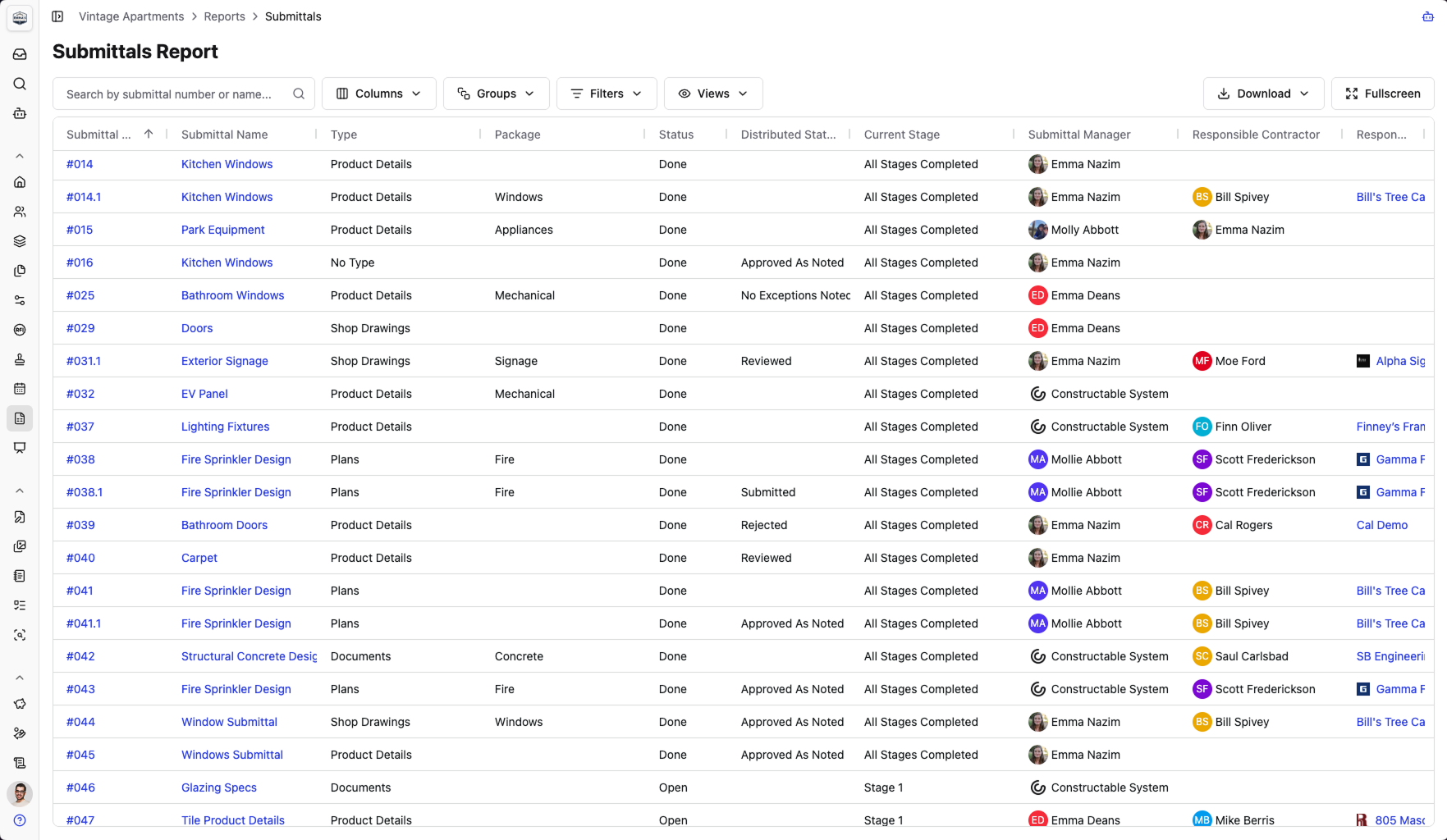\\n\\n\u003e Constructable has a robust Submittals log report that makes it easy to stay on top of all Submittal progress.\\n\\n## What a submittal schedule template should include\\n\\nA workable template is both a log and a schedule. It tracks what must be submitted and when, while also displaying the current status and date history. Beyond the column structure already covered, a template earns its keep with three things:\\n\\n1. Status codes that read at a glance: draft, submitted, under review, approved, rejected.\\n\\n2. Date tracking that captures both the planned and actual dates for each handoff.\\n\\n3. A ball-in-court field that names whose desk the item sits on right now.\\n\\nExcel and Word versions are fine starting points. For a small project or a team formalizing its process, a [free submittal schedule template](https://www.autodesk.com/blogs/construction/submittals-template/) beats a whiteboard and gets you moving in an afternoon.\\n\\nThey break down as the log grows. Manual updates spawn version control problems: three people editing three copies, and no reliable way to tell whether a submittal is waiting on the sub, the GC, or the design team. That is the core problem that [submittal management software](https://constructable.ai/blog/best-submittal-management-platforms) is built to solve.\\n\\n## Common mistakes that derail submittal schedules\\n\\nMost schedules that slip fail in one of a few predictable ways. If yours is drifting, check for these:\\n\\n_Building it after mobilization._ By the time crews are on site, the long-lead procurement windows are already closing, and a late schedule cannot reopen them.\\n\\n_Assigning arbitrary submission dates instead of working backward from installation._ A date pulled from thin air ignores the review and lead time that gate delivery.\\n\\n_Never locking review windows into the design team's contract._ Without an agreed-upon turnaround in writing, an architect can take as long as they want, and you have no basis to claim schedule impact due to a slow review. That documentation discipline is the same standard that matters when issuing a [change directive](https://constructable.ai/blog/construction-change-directive-guide).\\n\\n_Ignoring resubmittal cycles on complex items, so the first rejection eats float you never reserved._\\n\\n_Treating the schedule as a one-time document._ It needs weekly updates, or the dates go stale and stop telling you who is late.\\n\\nThe contractual point matters most. Skip the schedule entirely and the design team owes you no response deadline, and you lose the documentation to prove a delay was theirs.\\n\\n## How Constructable handles the submittal schedule\\n\\nEverything above assumes a spreadsheet you build by hand. The step that eats a project engineer's first week is reading every CSI division and transcribing each required submittal into a log. **Constructable** scans your uploaded spec documents and auto-generates a structured, spec-referenced submittal log for you. Review it for accuracy first, but you start from a populated draft instead of a blank sheet.\\n\\nFrom there, the submittal workflow keeps routing, ball-in-court tracking, revision control, and status in one place, as part of Constructable's broader [project management tools](https://constructable.ai/features/project-management), so the schedule stays current without a parallel spreadsheet. Submittals pin directly to drawing sheets, anchoring approval history to the plans where the work happens. When a PM rotates off mid-job, the experimental AI agent can reassign a reviewer across many submittals at once.\\n\\nConstructable also helps you track Submittals during your next OAC meeting as well. A feature called Smart Sections pulls in open Submittals automatically, so the team can discuss any blockers and keep approvals moving.\\n\\n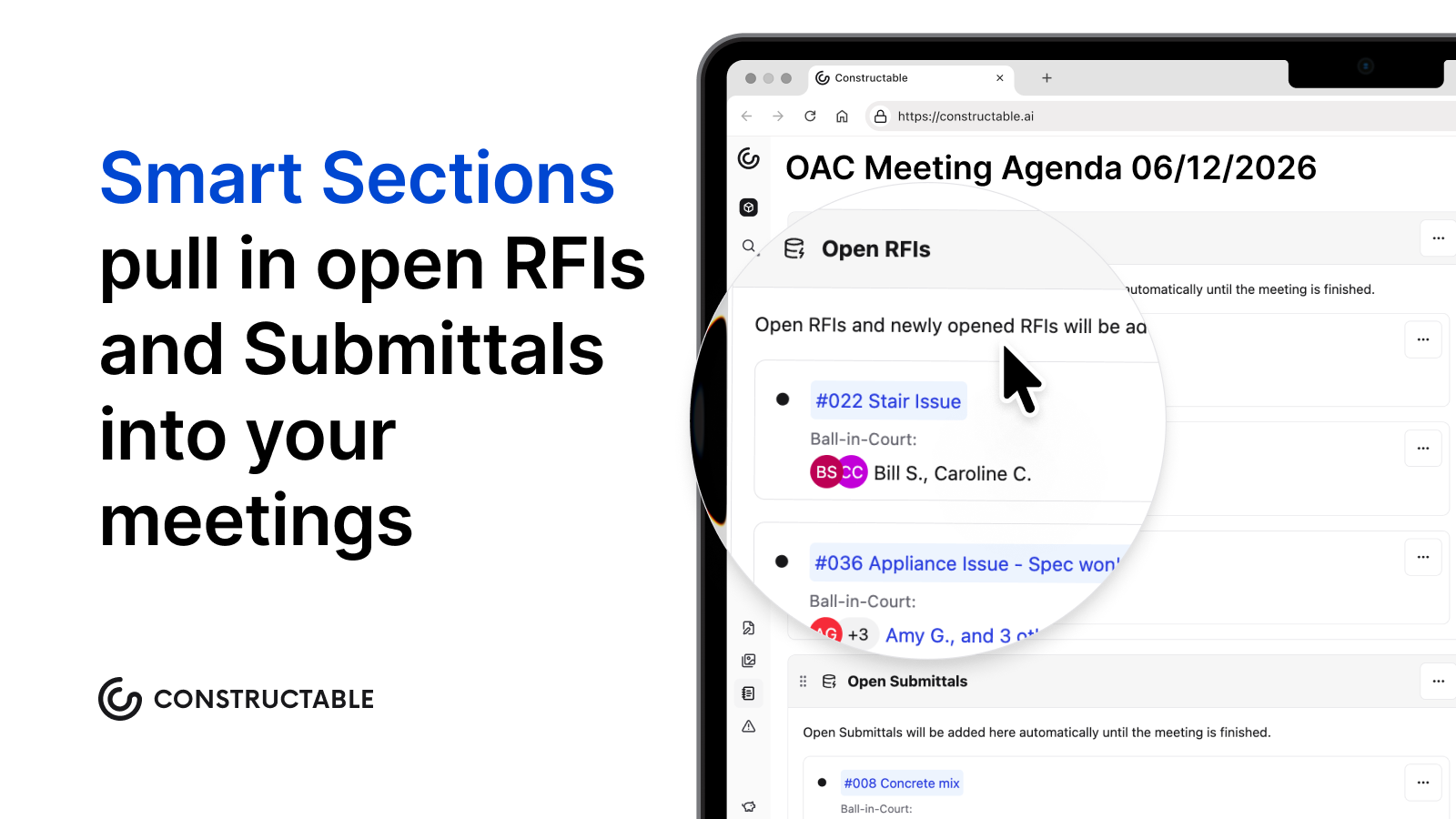\\n\\nBuilt for mid-size commercial GCs running $20M to $150M, the flat-fee pricing includes unlimited subcontractor and consultant access.\\n\\n## Final thoughts on keeping your submittal schedule from falling apart\\n\\nThe submittal schedule is only as good as the dates behind it and the people accountable to them. Build it early, sequence it against your CPM, and get review windows in writing before anyone mobilizes. From there, keeping it current is the job. [**Constructable**](https://constructable.ai/sales) keeps routing, ball-in-court tracking, and revision history in one place so the schedule stays accurate without a parallel spreadsheet running alongside it.\\n\\n## FAQs\\n\\n### What's the difference between a submittal schedule and a submittal log in construction?\\n\\nA submittal schedule sets the timeline: when each submittal must be submitted, reviewed, and returned relative to installation milestones. A submittal log tracks the live status of each submittal as it moves through the timeline, recording actual submission dates, review outcomes, revision history, and who currently holds the ball-in-court. You need both: the schedule tells you what was planned, the log tells you where things actually stand.\\n\\n### How do I build a construction submittal schedule without starting from a blank spreadsheet?\\n\\nWork backward from each installation milestone: subtract procurement lead time, then the review window, then a resubmittal buffer to land on your submission due date. Pull every requirement from the CSI spec divisions first to build the master list, then sequence against your CPM schedule. If you want a faster starting point, **Constructable** scans uploaded spec documents and auto-generates a structured submittal log; you review it for accuracy and start from a populated draft instead of a blank sheet.\\n\\n### Procore submittal schedule vs. Constructable: what's the main workflow difference for a mid-size GC?\\n\\nProcore's submittal workflow is capable and works well for teams already invested in the broader Procore ecosystem. The trade-off is configuration overhead: setup takes time, and per-user pricing means
165subcontractors and consultants often get left out, undercutting the tracking you built the schedule to enforce. **Constructable** auto-generates the submittal log from your spec documents, keeps routing and ball-in-court tracking in one place, and includes unlimited subcontractor and consultant access on a flat fee, so the schedule stays current without a parallel spreadsheet.\\n\\n### Can I manage submittal review windows and resubmittal cycles without losing track of schedule float?\\n\\nYes, but only if you build the resubmittal allowance in from the start and treat rejections as expected events, not surprises. Set your required approval date first by working backward from the installation date, reserve buffer days for at least one revise-and-resubmit cycle on complex items, and lock agreed review turnaround windows into the design team's contract before mobilization. A submittal log that tracks planned versus actual dates for every handoff makes the pattern visible before the float is gone.\\n\\n### What does a shop drawing submittal schedule example need to include beyond basic due dates?\\n\\nBeyond submission and required approval dates, a workable shop drawing submittal schedule needs the responsible subcontractor named on every line, the CSI specification section each drawing answers to, the review period allotted to the architect or engineer, a resubmittal allowance for complex items, procurement lead time, and a current status field (draft, submitted, under review, approved, or rejected). A ball-in-court field that names whose desk the item sits on right now is what separates a schedule that holds people accountable from one that just documents slippage after the fact.\\n\",[],[1095,1096,1097,1098,1099],\"{\\n \\\"@context\\\": \\\"https://schema.org\\\",\\n \\\"@type\\\": \\\"FAQPage\\\",\\n \\\"name\\\": \\\"Submittal Schedule Guide: Stay on Track in September 2026\\\",\\n \\\"mainEntity\\\": [\\n {\\n \\\"@type\\\": \\\"Question\\\",\\n \\\"name\\\": \\\"What's the difference between a submittal schedule and a submittal log in construction?\\\",\\n \\\"acceptedA
165nswer\\\": {\\n \\\"@type\\\": \\\"Answer\\\",\\n \\\"text\\\": \\\"A submittal schedule sets the timeline: when each submittal must be submitted, reviewed, and returned relative to installation milestones. A submittal log tracks the live status of each submittal as it moves through that timeline, recording actual submission dates, review outcomes, revision history, and who currently holds the ball-in-court. You need both: the schedule tells you what was planned, the log tells you where things actually stand.\\\"\\n }\\n },\\n {\\n \\\"@type\\\": \\\"Question\\\",\\n \\\"name\\\": \\\"How do I build a construction submittal schedule without starting from a blank spreadsheet?\\\",\\n \\\"acceptedAnswer\\\": {\\n \\\"@type\\\": \\\"Answer\\\",\\n \\\"text\\\": \\\"Work backward from each installation milestone: subtract procurement lead time, then the review window, then a resubmittal buffer to land on your submission due date. Pull every requirement from the CSI spec divisions first to build the master list, then sequence against your CPM schedule. If you want a faster starting point, Constructable scans uploaded spec documents and auto-generates a structured submittal log; you review it for accuracy and start from a populated draft instead of a blank sheet.\\\"\\n }\\n },\\n {\\n \\\"@type\\\": \\\"Question\\\",\\n \\\"name\\\": \\\"Procore submittal schedule vs. Constructable: what's the main workflow difference for a mid-size GC?\\\",\\n \\\"acceptedA
165nswer\\\": {\\n \\\"@type\\\": \\\"Answer\\\",\\n \\\"text\\\": \\\"Procore's submittal workflow is capable and works well for teams already invested in the broader Procore ecosystem. The trade-off is configuration overhead: setup takes time, and per-user pricing means subcontractors and consultants often get left out, which undercuts the tracking you built the schedule to enforce. Constructable auto-generates the submittal log from your spec documents, keeps routing and ball-in-court tracking in one place, and includes unlimited subcontractor and consultant access on a flat fee, so the schedule stays current without a parallel spreadsheet.\\\"\\n }\\n },\\n {\\n \\\"@type\\\": \\\"Question\\\",\\n \\\"name\\\": \\\"Can I manage submittal review windows and resubmittal cycles without losing track of schedule float?\\\",\\n \\\"acceptedAnswer\\\": {\\n \\\"@type\\\": \\\"Answer\\\",\\n \\\"text\\\": \\\"Yes, but only if you build the resubmittal allowance in from the start and treat rejections as expected events, not surprises. Set your required approval date first by working backward from the installation date, reserve buffer days for at least one revise-and-resubmit cycle on complex items, and lock agreed review turnaround windows into the design team's contract before mobilization. A submittal log that tracks planned versus actual dates on every handoff is what makes the pattern visible before the float is gone.\\\"\\n }\\n },\\n {\\n \\\"@type\\\": \\\"Question\\\",\\n \\\"name\\\": \\\"What does a shop drawing submittal schedule example need to include beyond basic due dates?\\\",\\n \\\"acceptedA
165nswer\\\": {\\n \\\"@type\\\": \\\"Answer\\\",\\n \\\"text\\\": \\\"Beyond submission and required approval dates, a workable shop drawing submittal schedule needs the responsible subcontractor named on every line, the CSI specification section each drawing answers to, the review period allotted to the architect or engineer, a resubmittal allowance for complex items, procurement lead time, and a current status field (draft, submitted, under review, approved, or rejected). A ball-in-court field that names whose desk the item sits on right now is what separates a schedule that holds people accountable from one that just documents slippage after the fact.\\\"\\n }\\n },\\n {\\n \\\"@type\\\": \\\"Question\\\",\\n \\\"name\\\": \\\"What is a material submittal schedule and how does it differ from a shop drawing submittal schedule?\\\",\\n \\\"acceptedAnswer\\\": {\\n \\\"@type\\\": \\\"Answer\\\",\\n \\\"text\\\": \\\"A material submittal schedule tracks product data sheets, samples, and test reports for materials that need design-team approval before purchase and delivery. A shop drawing submittal schedule tracks fabrication drawings that show how a specific product will be built and installed. Both feed the same approval chain, but material submittals typically move faster; shop drawings for fabricated components like structural steel or custom millwork carry longer review windows and procurement lead times that require earlier submission.\\\"\\n }\\n },\\n {\\n \\\"@type\\\": \\\"Question\\\",\\n \\\"name\\\": \\\"How do I create a submittal log in Excel without building it from scratch every project?\\\",\\n \\\"acceptedA
165nswer\\\": {\\n \\\"@type\\\": \\\"Answer\\\",\\n \\\"text\\\": \\\"Start with a fixed column structure: CSI section number, submittal type, responsible subcontractor, submission due date, required approval date, review period, resubmittal allowance, procurement lead time, and current status. Save that structure as a locked template with conditional formatting for status codes, then duplicate it at the start of each project and populate the rows from your spec review. The bigger time sink is the spec review itself, which is why tools like **Constructable** auto-generate the populated log from uploaded spec documents so you start from a draft instead of a blank file.\\\"\\n }\\n },\\n {\\n \\\"@type\\\": \\\"Question\\\",\\n \\\"name\\\": \\\"How do submittal approval workflows work, and what is the difference between a submitter and an approver?\\\",\\n \\\"acceptedAnswer\\\": {\\n \\\"@type\\\": \\\"Answer\\\",\\n \\\"text\\\": \\\"The submitter â typically the subcontractor or vendor â prepares the document and routes it to the GC for completeness review before it goes to the design team. The approver â usually the architect or engineer of record â reviews for conformance with the contract documents and stamps the submittal with one of four responses: approved, approved as noted, revise and resubmit, or rejected. The GC sits between both parties, acting as the routing and tracking hub rather than the technical reviewer for most submittals.\\\"\\n }\\n },\\n {\\n \\\"@type\\\": \\\"Question\\\",\\n \\\"name\\\": \\\"Can you bulk edit submittal approval stages or reassign ball-in-court ownership across multiple submittals at once?\\\",\\n \\\"acceptedA
165nswer\\\": {\\n \\\"@type\\\": \\\"Answer\\\",\\n \\\"text\\\": \\\"In most construction software, each submittal must be updated individually, which creates significant overhead when a project manager rotates off a job mid-project and dozens of submittals need reassignment. **Constructable** includes an experimental AI agent that can reassign a reviewer across multiple submittals at once via natural language commands; users should verify results after use since the feature is still in experimental mode rather than full production.\\\"\\n }\\n },\\n {\\n \\\"@type\\\": \\\"Question\\\",\\n \\\"name\\\": \\\"What should a free submittal schedule template include to actually be useful on a real job?\\\",\\n \\\"acceptedAnswer\\\": {\\n \\\"@type\\\": \\\"Answer\\\",\\n \\\"text\\\": \\\"A free submittal schedule template needs at minimum: CSI specification section, submittal type, responsible sub, submission due date, required approval date, review period, resubmittal buffer days, procurement lead time, and a status column with defined codes. A ball-in-court field that names exactly whose desk the item sits on right now is what separates a template that holds people accountable from one that just records what already slipped. Excel and Word versions work for small projects, but manual version control breaks down quickly once the log grows past 50 or 60 line items.\\\"\\n }\\n },\\n {\\n \\\"@type\\\": \\\"Question\\\",\\n \\\"name\\\": \\\"How do construction teams keep a submittal schedule current without running a parallel spreadsheet alongside their project management software?\\\",\\n \\\"acceptedA
165nswer\\\": {\\n \\\"@type\\\": \\\"Answer\\\",\\n \\\"text\\\": \\\"The core problem is that routing, review status, and revision history live in one system while the schedule dates live in another, so someone manually reconciles them. The fix is a submittal workflow where routing, ball-in-court tracking, status codes, and revision history all update in the same place where the schedule lives. **Constructable** keeps those fields in one connected workflow, so the schedule reflects actual submission and approval dates without a parallel spreadsheet maintaining a separate version of the truth.\\\"\\n }\\n },\\n {\\n \\\"@type\\\": \\\"Question\\\",\\n \\\"name\\\": \\\"When should a submittal schedule be built relative to the project schedule and mobilization?\\\",\\n \\\"acceptedAnswer\\\": {\\n \\\"@type\\\": \\\"Answer\\\",\\n \\\"text\\\": \\\"The submittal schedule should be built during preconstruction, before mobilization, and sequenced directly against the CPM schedule. Structural steel runs 10 to 12 weeks from approval to delivery, mechanical equipment 8 to 10 weeks, and electrical gear 6 to 8 weeks â starting those submittals late after crews are already on site cannot be recovered by faster review. The schedule also needs to be in place before subcontracts are executed so review windows can be written into the agreements rather than informally requested after the fact.\\\"\\n }\\n },\\n {\\n \\\"@type\\\": \\\"Question\\\",\\n \\\"name\\\": \\\"How should review windows for the design team be documented in a construction submittal schedule?\\\",\\n \\\"acceptedA
165nswer\\\": {\\n \\\"@type\\\": \\\"Answer\\\",\\n \\\"text\\\": \\\"Review windows should be written into subcontracts and design team agreements before mobilization, not informally communicated after the schedule is distributed. An agreed turnaround â typically 7 to 14 days for most submittals, longer for complex items â becomes a contractual obligation rather than a courtesy deadline. Without that documentation, a slow review creates no basis for a schedule impact claim; with it, a delayed return is a documented event with a responsible party.\\\"\\n }\\n },\\n {\\n \\\"@type\\\": \\\"Question\\\",\\n \\\"name\\\": \\\"What is a technical submittal example and how does it differ from a product data submittal?\\\",\\n \\\"acceptedAnswer\\\": {\\n \\\"@type\\\": \\\"Answer\\\",\\n \\\"text\\\": \\\"A technical submittal is typically a shop drawing or engineering calculation that shows how a fabricated component â structural connections, custom ductwork, precast elements â will be built to meet design requirements. A product data submittal covers manufacturer-issued documentation like cut sheets, performance specs, and installation instructions for off-the-shelf products such as light fixtures or valve assemblies. Technical submittals require more review time because the design team is checking engineering and dimensional conformance, not just product compliance.\\\"\\n }\\n },\\n {\\n \\\"@type\\\": \\\"Question\\\",\\n \\\"name\\\": \\\"How do construction teams handle the submittal process when a subcontractor submits revisions that keep triggering a revise-and-resubmit response?\\\",\\n \\\"acceptedA
165nswer\\\": {\\n \\\"@type\\\": \\\"Answer\\\",\\n \\\"text\\\": \\\"Track every revision cycle in the submittal log with the date, reviewer stamp received, and reason for rejection so the pattern becomes visible rather than buried in email. When the same spec section keeps bouncing, bring the sub, the GC, and the engineer into a direct conversation before the next resubmission â often a single call resolves what multiple paper rounds could not. Reserve resubmittal buffer days in the schedule for high-complexity items from the start, and treat a second rejection as a signal that the scope of the issue needs to be renegotiated, not just corrected and resubmitted again.\\\"\\n }\\n }\\n ],\\n \\\"url\\\": \\\"https://constructable.ai/blog/submittal-schedule-tracking\\\",\\n \\\"dateModified\\\": \\\"2026-09-03T21:30:19.825Z\\\",\\n \\\"author\\\": {\\n \\\"@type\\\": \\\"Person\\\",\\n \\\"name\\\": \\\"Molly Abbott\\\"\\n }\\n}\\n\",\"{\\n \\\"@context\\\": \\\"https://schema.org\\\",\\n \\\"@type\\\": \\\"BlogPosting\\\",\\n \\\"headline\\\": \\\"Submittal Schedule Guide: Stay on Track in September 2026\\\",\\n \\\"description\\\": \\\"Build your submittal schedule right in September 2026. Set review windows in writing, rank long-lead items, and avoid the mistakes that cause projects to slip.\\\",\\n \\\"datePublished\\\": \\\"2026-07-10T00:16:25.935Z\\\",\\n \\\"dateModified\\\": \\\"2026-09-04T19:14:11.987Z\\\",\\n \\\"author\\\": {\\n \\\"@type\\\": \\\"Person\\\",\\n \\\"name\\\": \\\"Molly Abbott\\\"\\n },\\n \\\"url\\\": \\\"https://constructable.ai/blog/submittal-schedule-tracking\\\",\\n \\\"wordCount\\\": 2334,\\n \\\"keywords\\\": [\\n \\\"submittal schedule\\\",\\n \\\"submittal schedule template\\\",\\n \\\"submittal schedule example\\\",\\n \\\"submittal schedule pdf\\\",\\n \\\"submittal schedule template pdf\\\",\\n \\\"submittal schedule template excel\\\",\\n \\\"construction submittal schedule template\\\",\\n \\\"procore submittal schedule\\\",\\n \\\"submittal process\\\",\\n \\\"construction submittal process\\\",\\n \\\"submittal process pdf\\\",\\n \\\"construction submittal process flowchart\\\",\\n \\\"construction submittals examples\\\",\\n \\\"submittal in construction\\\",\\n \\\"submittal example\\\",\\n \\\"construction submittal template\\\",\\n \\\"what is a submittal\\\",\\n \\\"submittal schedule template word\\\",\\n \\\"submittal schedule template free download\\\",\\n \\\"submittal schedule template free\\\",\\n \\\"free submittal log template\\\",\\n \\\"submittal template pdf\\\",\\n \\\"construction submittal schedule template pdf\\\",\\n \\\"construction submittal schedule template word\\\",\\n \\\"construction submittal schedule template free download\\\",\\n \\\"construction submittal schedule template free\\\",\\n \\\"submittal log template excel free\\\",\\n \\\"construction submittal form pdf\\\",\\n \\\"submittal schedule example pdf\\\",\\n \\\"submittal schedule example in construction\\\",\\n \\\"construction submittal schedule\\\",\\n \\\"product data submittal example\\\",\\n \\\"construction submittals examples pdf\\\",\\n \\\"technical submittal example\\\",\\n \\\"free excel submittal log template\\\",\\n \\\"how to create a submittal log in excel\\\",\\n \\\"material submittal schedule\\\",\\n \\\"wheatland schedule 40 pipe submittal\\\",\\n \\\"what is a submittal schedule\\\",\\n \\\"schedule 40 black steel pipe fittings submittal\\\",\\n \\\"submittal schedule construction\\\",\\n \\\"sample submittal schedule\\\",\\n \\\"submittal schedule sample\\\",\\n \\\"shop drawing submittal schedule\\\",\\n \\\"schedule 80 cpvc pipe submittal\\\",\\n \\\"schedule 40 black steel pipe submittal\\\",\\n \\\"schedule 40 pvc pipe submittal\\\",\\n \\\"city of waxahachie submittal schedule\\\",\\n \\\"ipex schedule 80 cpvc submittal\\\",\\n \\\"town of addison submittal schedule\\\",\\n \\\"corzan schedule 80 cpvc submittal\\\"\\n ]\\n}\\n\",\"submittal schedule\",\"goes submittal schedule\",\"build submittal schedule step step\",\"ranking submittals critical path items long-lead items\",\"submittal review process connects schedule\",\"look-ahead-schedule-how-to-build\",\"Construction delays rarely come out of nowhere. They stack up quietly in the weeks before work starts, when constraints go unowned and nobody checks whether a task is actually ready to run. A 3-week look-ahead schedule is the tool that catches all of that early, before it becomes the foreman's problem on a Monday morning.\\n\\n**TLDR:**\\n\\n- A look-ahead schedule pulls 2-6 weeks of work from the master schedule into crew-ready tasks with constraint checks.\\n\\n- 98% of North American construction projects face delays; the look-ahead is where you catch slippage before it compounds.\\n\\n- Most commercial GCs settle on a 3-week window, balancing task-level accuracy against procurement lead time.\\n\\n- Build your look-ahead in 7 steps: pull the window, break down tasks, log constraints, assign owners, confirm sequencing, assign crew-level responsibility, and review before publishing.\\n\\n- **Constructable** keeps MPP schedules visible alongside execution so open RFIs, submittals, and daily logs live in the same system as the schedule.\\n\\n## What is a look-ahead schedule in construction?\\n\\nA look-ahead schedule is the short
165-horizon plan a team actually works from. It pulls a slice of upcoming work out of the master schedule, usually the next two to six weeks, and turns it into crew-ready tasks with trade assignments, durations, and constraint checks. Superintendents and foremen build it, review it weekly, and roll it forward as the job moves.\\n\\nThe distinction from the master schedule is where its value lives. Your master schedule maps what should happen across the full project timeline. The look-ahead focuses on what can happen right now, given the material that has landed, the crews on site, the permits in hand, and the RFIs still open. Understanding how [project managers](https://constructable.ai/blog/what-do-construction-project-managers-do) use both tools helps clarify where each one fits.\\n\\nIt is not a replacement for the master schedule, and it is not a wish list. Think of it as the bridge between the milestone dates on paper and the work a crew can realistically finish this week.\\n\\n## Why look-ahead schedules matter\\n\\nSchedule slippage rarely announces itselfâit accumulates. In North America, [98% of construction projects face delays](https://buildern.com/resources/blog/project-delays-in-construction/), with the average project running 37% longer than originally projected. Some of that traces to forces outside the trailer: [65% cite supply chain and labor delays](\u003chttps://www.agc.org/sites/default/files/users/user21902/2023%20Workforce%20Survey%20Analysis%20(3).pdf\u003e) as a direct cause.\\n\\nPoor short-range planning compounds those pressures. When work starts before its constraints are cleared, crews collide, a trade waits on the trade ahead of it, and the master schedule gives up a week at a time. The look-ahead is where you catch that early. It is a systems check, not a report card on any one crew.\\n\\n## Look-ahead schedules and the Last Planner System\\n\\nThe look-ahead, as most teams run it, was formalized inside the Last Planner System, a lean planning method built around making work ready before crews touch it. If you have seen LPS language on a jobsite or run across \\\"3-week look-ahead schedule in P6,\\\" this is where the two ideas meet.\\n\\nWithin LPS, the relevant stage is Make Ready Planning. Last planners, the supers, and the foremen closest to the work build a look-ahead that pulls tasks forward from phase scheduling and checks each one for constraints. Anything blocking a task goes on a constraint log that names who owns clearing it, so obstacles get worked out before the task starts.\\n\\nTiming follows a simple guideline. Look-ahead planning should run [3 to 6 weeks](https://elecosoft.com/news/last-planner-system-7-tips-for-running-look-ahead-planning-sessions/) before an activity begins, which is why most windows land there.\\n\\nYou do not need a formal LPS rollout to use one. The practice predates the terminology on most jobs.\\n\\n## 2-week, 3-week, and 6-week look-aheads: choosing the right window\\n\\nThe window length sets a trade-off between detail and lead time. A shorter horizon gives you reliable task-level accuracy, since crews and trades stay predictable a week or two out. A longer horizon buys runway to clear procurement and schedule inspections, but the task detail at the far edge gets soft.\\n\\n| Window | Strength | Weakness |\\n| ------ | ------------------------------------------ | ------------------------------------- |\\n| 2-week | Tight task accuracy, crew-level detail | Little lead time to clear constraints |\\n| 3-week | Balances horizon against predictability | Some drift in week three |\\n| 6-week | Surfaces long lead items, inspection dates | High uncertainty at the task level |\\n\\nMost [commercial GCs](https://constructable.ai/blog/general-contracting-101-what-gc-does) settle on three weeks. It reaches far enough to catch material lead times and inspection scheduling, without stretching past the point where crew and trade sequencing holds up.\\n\\nThe right window also depen
165ds on phase. Early concrete work, sequenced tight and weather-dependent, often runs better on a two-week view. MEP rough-in, with long lead equipment and coordinated trade stacking, usually needs a six-week runway to keep procurement ahead of the crews.\\n\\n## What to include in a look-ahead schedule\\n\\nA look-ahead earns its keep only if every line answers who does what, when, and what stands in the way. The format is your choice. The fields are not.\\n\\nAt minimum, each row should carry:\\n\\n- A task ID or reference number so items can be tracked across weekly updates\\n\\n- A task description written at crew level, not milestone level\\n\\n- The responsible party or trade that owns the work\\n\\n- Planned start and finish dates, laid out across work-week columns\\n\\n- Duration in days\\n\\n- Predecessor constraints, meaning the task or condition that must clear first\\n\\n- A status note for progress, slippage, or a hold\\n\\nThe NAVFAC Excel format most teams borrow from adds a couple of government-specific columns: task ID, responsible party, an NAS activity ID tying back to the network schedule, work-week date columns, and the task description itself.\\n\\nFour fields are worth adding even when no one requires them:\\n\\n- Constraint type, so you can sort by what is actually blocking work (material, design, labor, access)\\n\\n- Constraint owner, the named person accountable for clearing it\\n\\n- Material delivery status, since a task cannot go ready while its material sits on a truck\\n\\n- Inspection hold points, which stop the next trade cold if they are missed\\n\\nSkip these and the schedule still lists work. It just stops telling you what will keep that work from happening.\\n\\n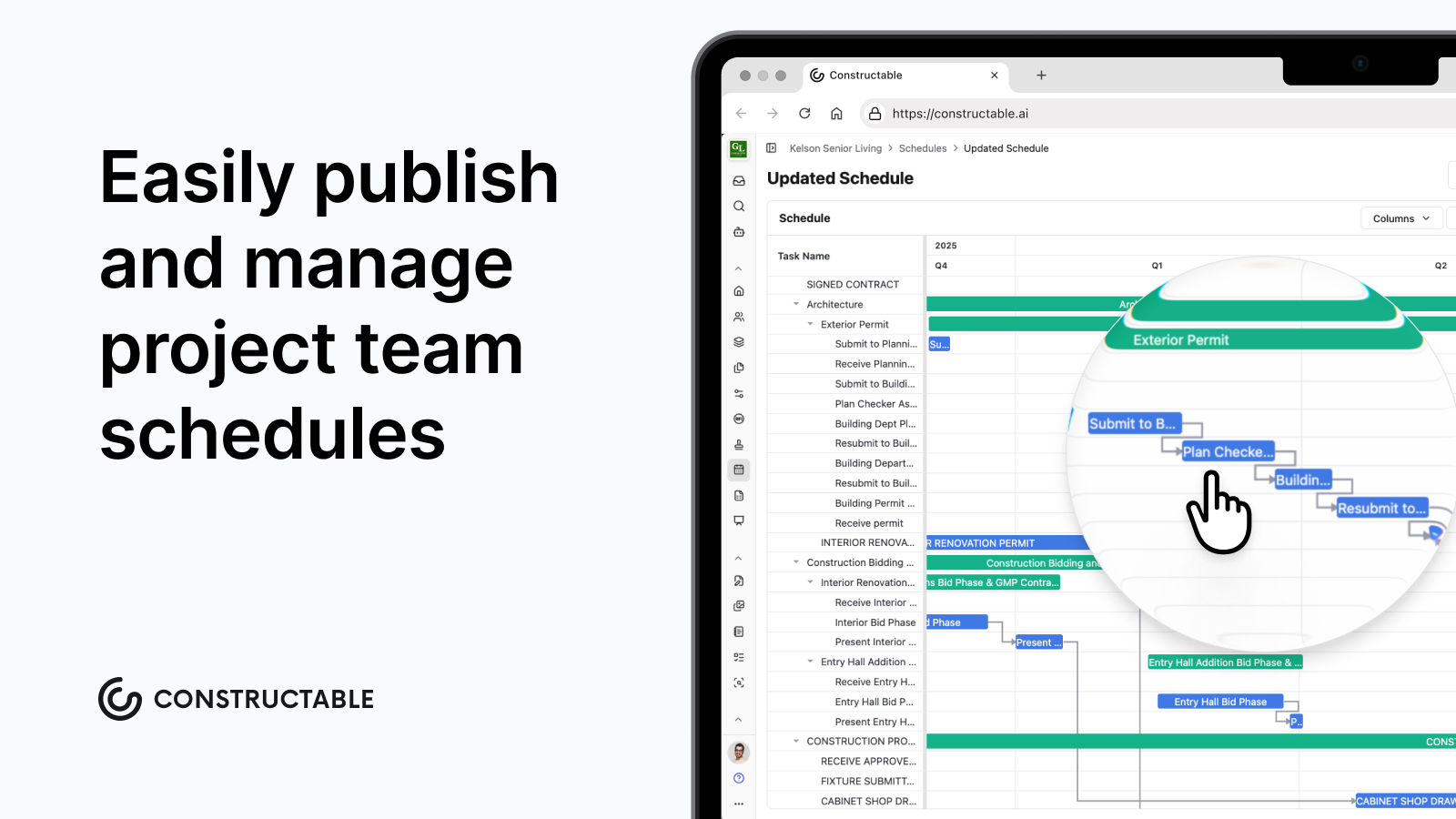\\n\\n## How to build a 3-week look-ahead schedule\\n\\nBuild the three-week look-ahead in a fixed order. Skip a step and the schedule looks finished while quietly missing the thing that will stall a crew.\\n\\n### Work through these seven steps:\\n\\n1. Pull the three-week window from the master schedule. Filter to activities scheduled to start or finish inside the next 21 days. This is your raw material, not your finished plan.\\n\\n2. Break phase-level activities into crew-executable tasks. \\\"Level 3 MEP rough-in\\\" becomes duct hangers on grid A, then branch ductwork, then in-wall plumbing. Write each task at the level a foreman can hand to a crew Monday morning.\\n\\n3. Log a constraint for every task. Walk each line against material availability, submittal approvals, inspection sign-offs, physical access, and weather. If nothing blocks it, mark it ready.\\n\\n4. Assign a constraint owner and a target clearance date. \\\"Steel delivery\\\" owned by nobody never clears itself.\\n\\n5. Confirm sequencing and predecessor logic with trade partners. The trade doing the work knows where your logic breaks before you do.\\n\\n6. Assign short-horizon responsibility by person or crew, beyond a company name: [foreman responsibilities](https://constructable.ai/blog/foreman-responsibilities-communication-breakdown) and communication gaps are often where accountability breaks down.\\n\\n7. Review with field supervisors before publishing. Catch the tasks that look ready on paper but aren't, then release it.\\n\\nThe output is a plan where every line is either ready to run or has someone working to make it ready.\\n\\n## Managing constraints before work begins\\n\\nA constraint log only works if it drives action. Treat it as a live accountability record, not a checklist you fill out once and file. Every open item carries a named owner and a must-clear-by date, and both get read aloud in the weekly trade meeting until the item closes.\\n\\nThe categories that stall commercial work show up predictably:\\n\\n- Design information: open [RFI management](https://constructable.ai/blog/construction-rfi-management-breakdown) and pending submittals that gate layout or fabrication\\n\\n- Material procurement: long lead items and confirmed delivery dates\\n\\n- Crew and trade availability: manpower committed against the window\\n\\n- Equipment access: cranes, lifts, and hoisting time booked\\n\\n- [Inspection](https://constructable.ai/blog/construction-ins
165pection-process-pass-without-delays) hold points: sign-offs the next trade cannot start without\\n\\n- Permit milestones: approvals tied to a phase gate\\n\\nThe must-clear-by date is the mechanism. It backs off the task start by lead time, so when a trade says a submittal is \\\"in review,\\\" you already know whether review finishes before the crew shows up. A task with an open constraint and no owner stays a guess. Assign the owner, set the date, and the weekly conversation stops being a status recap and starts being a clearing session.\\n\\n## How to update and roll your look-ahead forward\\n\\nA look-ahead stays useful only if it moves every week. Set a fixed cadence, usually the day before the coordination meeting, and run the same loop each cycle:\\n\\n- Review completed against planned. Track Percent Plan Complete (PPC), the share of committed tasks actually finished, and note which ones slipped and why.\\n\\n- Diagnose the misses. A slipped task usually traces back to a constraint that never cleared, so adjust that owner's clearance target before it repeats.\\n\\n- Roll the window forward one week, drop finished work, and pull the newly visible week into detail.\\n\\n- Re-issue the updated schedule ahead of the meeting so trades review current dates; applying [OAC meeting best practices](https://constructable.ai/blog/oac-meeting-best-practices) here keeps the review focused and the action items clear.\\n\\nThe superintendent owns the cycle, with trade input filling the gaps. Most look-ahead adjustments stay inside the look-ahead and should not trigger a master schedule revision. Recurring slippage in the same area signals that your baseline needs a harder look.\\n\\n## Look-ahead schedule templates and formats\\n\\nTemplates come in three common formats, and each carries its own limitation.\\n\\n- Excel bar chart. The most common format in the field. A task list down the left, work-week columns across the top, cells shaded to show duration. Easy to build and share, but it depends on manual updates and version-control discipline, which is where most teams lose the thread.\\n\\n- Gantt export from Primavera P6 or MS Project. Accurate and tied to the master schedule, though the exports run dense and are hard to read on a phone in the trailer.\\n\\n- Collaborative digital board. Updates in real time and keeps everyone on one version, but only if the trades actually adopt it.\\n\\nThe format matters less than the discipline behind it. A shaded Excel grid that gets rolled every week beats a polished P6 export nobody opens. The same discipline applies to [RFI tracking](https://constructable.ai/blog/rfi-tracking-ball-in-court-accountability): requests lost in email create the same blind spots as a schedule nobody reads.\\n\\nIf you are building your first template, the NAVFAC three-week Excel format is a reliable public-domain starting point. It carries the core columns most teams need, and you can strip or add fields from there.\\n\\n## How **Constructable** keeps the look-ahead connected to the field\\n\\nA look-ahead only helps when the field can act on it, so the schedule has to live next to the work it governs. When it sits in a separate file, the crew reads one version while constraints move in another. **Constructable** keeps them together. You upload and display Microsoft Project (MPP) files right in the scheduling workflow, with sticky column headers and dependency arrows, so the current schedule stays visible to the whole team.\\n\\nYou can build and revise your schedule in Microsoft Project or a comparable tool, then add it to Constructable for consumption by your project team. What it does is keep the schedule visible alongside execution: an open RFI on a drawing pin, a submittal past its response date, a [field photo and video documentation](https://constructable.ai/blog/field-to-office-photo-and-video-documentation), all in the same system.\\n\\n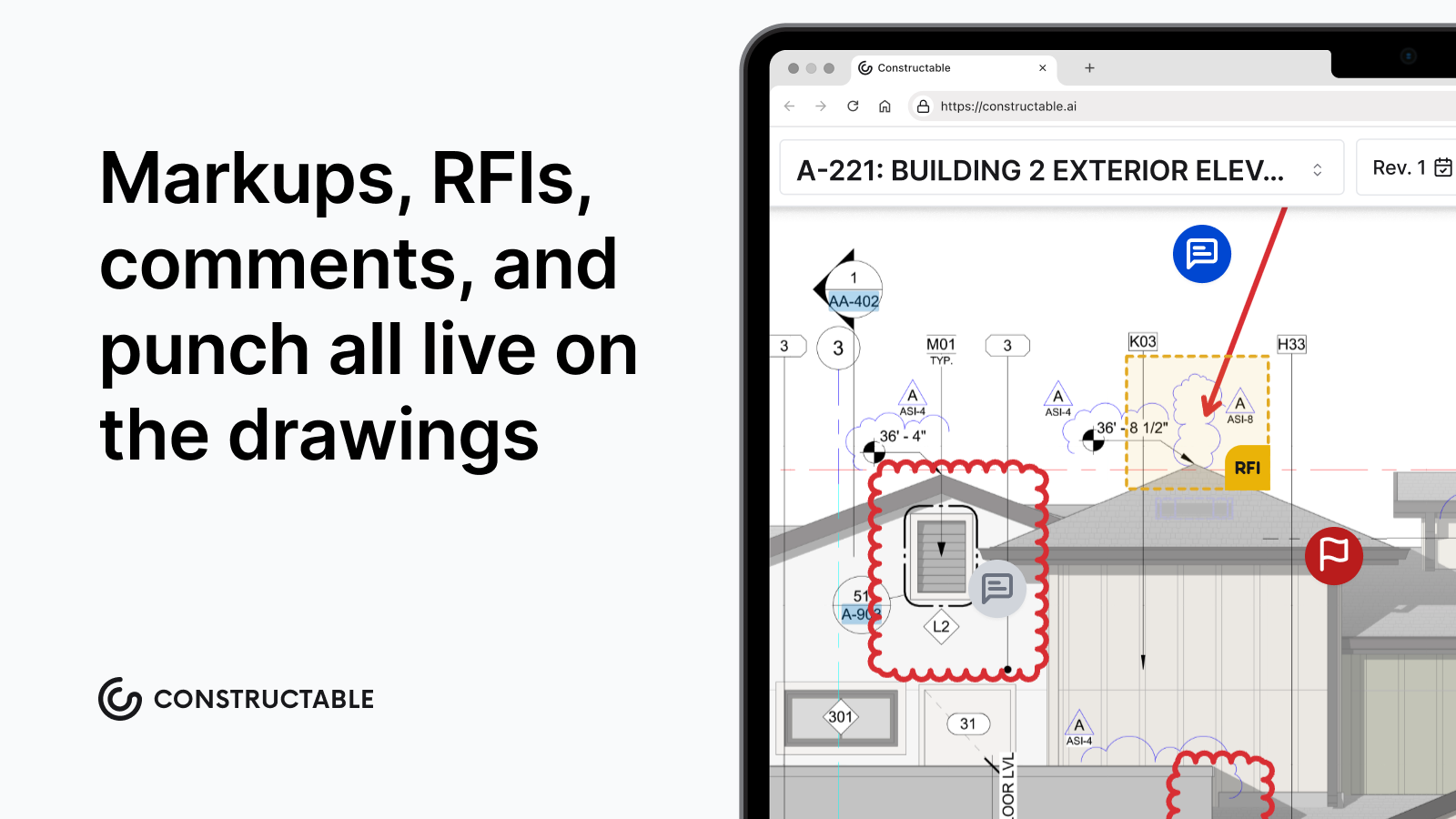\\n\\n## Final thoughts on construction look-ahead scheduling\\n\\nThe format you use matters a lot less than the discipline behind it. A three-week look-ahead that gets rolled every Friday and reviewed with trades before Monday beats a polished export nobody opens. Get the constraint log working, put names on the open items, and the weekly meeting stops being a status recap and starts moving work. If you want to see how **Constructable** keeps your schedule, RFIs, and submittals in one place, [reach out and we'll show you](https://constructable.ai/sales).\\n\\n## FAQs\\n\\n### What is the difference between a look-ahead schedule and a master schedule in construction?\\n\\nA look-ahead schedule pulls a short window of upcoming work, typically two to
165six weeks, out of the master schedule and breaks it down into crew-executable tasks with trade assignments, constraint checks, and named owners. The master schedule maps the full project timeline; the look-ahead focuses on what can realistically happen right now, given materials on site, permits in hand, and open RFIs. It bridges milestone dates on paper and the work a crew can actually start Monday morning.\\n\\n### What should every row in a construction look-ahead schedule template include?\\n\\nEvery row needs a task ID, a crew-level task description, the responsible trade or party, planned start and finish dates across work-week columns, duration in days, predecessor constraints, and a current status note. Beyond that minimum, a well-built two-week or three-week look-ahead schedule template should add constraint type, a named constraint owner, material delivery status, and inspection hold points; without those four fields, the schedule lists work but stops telling you what will keep that work from happening.\\n\\n### How often should you update a 3-week look-ahead schedule, and who owns the process?\\n\\nRoll the look-ahead forward once a week, ideally the day before the coordination meeting. The superintendent owns the cycle: review completed against planned, track Percent Plan Complete, diagnose any slipped tasks back to the constraint that never cleared, drop finished work, pull the next visible week into detail, and reissue before the meeting. Most adjustments stay inside the look-ahead window and don't require touching the master schedule; recurring slippage in the same area signals your baseline needs a harder look.\\n\\n### 2-week vs 3-week look-ahead schedule: which window is right for a commercial GC?\\n\\nMost commercial GCs settle on three weeks because it reaches far enough to catch material lead times and inspection scheduling without stretching past the point where crew and trade sequencing holds up. A two-week look-ahead gives tighter task accuracy and works well for sequenced, weather-dependent work like early concrete; a six-week window is better suited to MEP rough-in phases where long-lead equipment and coordinated trade stacking require more procurement runway. The right window depends on phase, not one-size-fits-all preference.\\n\\n### Can I build a look-ahead schedule in Excel, or do I need scheduling software like P6?\\n\\nExcel is the most common format in the field (a task list down the left, work-week columns across the top, shaded cells for duration), and a free two-week or three-week look-ahead schedule template built in Excel will cover the core columns most teams need. P6 Gantt exports are accurate and tied to the master schedule, but they're dense and hard to read on a phone in the trailer. The format matters less than the discipline behind it: a simple look-ahead schedule template in Excel that gets rolled every week beats a polished P6 export nobody opens.\\n\",[],[1106,1107,1108,1109,1110,206,1111],\"{\\n \\\"@context\\\": \\\"https://schema.org\\\",\\n \\\"@type\\\": \\\"FAQPage\\\",\\n \\\"name\\\": \\\"Look-Ahead Schedule in Construction: Build One (September 2026)\\\",\\n \\\"mainEntity\\\": [\\n {\\n \\\"@type\\\": \\\"Question\\\",\\n \\\"name\\\": \\\"What is the difference between a look-ahead schedule and a master schedule in construction?\\\",\\n \\\"acceptedA
165nswer\\\": {\\n \\\"@type\\\": \\\"Answer\\\",\\n \\\"text\\\": \\\"A look-ahead schedule pulls a short window of upcoming work, typically two to six weeks, out of the master schedule and breaks it down into crew-executable tasks with trade assignments, constraint checks, and named owners. The master schedule maps the full project timeline; the look-ahead focuses on what can realistically happen right now, given materials on site, permits in hand, and open RFIs. It is the bridge between milestone dates on paper and the work a crew can actually start Monday morning.\\\"\\n }\\n },\\n {\\n \\\"@type\\\": \\\"Question\\\",\\n \\\"name\\\": \\\"What should every row in a construction look-ahead schedule template include?\\\",\\n \\\"acceptedAnswer\\\": {\\n \\\"@type\\\": \\\"Answer\\\",\\n \\\"text\\\": \\\"Every row needs a task ID, a crew-level task description, the responsible trade or party, planned start and finish dates across work-week columns, duration in days, predecessor constraints, and a current status note. Beyond that minimum, a well-built two-week or three-week look-ahead schedule template should add constraint type, a named constraint owner, material delivery status, and inspection hold points; without those four fields, the schedule lists work but stops telling you what will keep that work from happening.\\\"\\n }\\n },\\n {\\n \\\"@type\\\": \\\"Question\\\",\\n \\\"name\\\": \\\"How often should you update a 3-week look-ahead schedule, and who owns the process?\\\",\\n \\\"acceptedA
165nswer\\\": {\\n \\\"@type\\\": \\\"Answer\\\",\\n \\\"text\\\": \\\"Roll the look-ahead forward once a week, ideally the day before the coordination meeting. The superintendent owns the cycle: review completed against planned, track Percent Plan Complete, diagnose any slipped tasks back to the constraint that never cleared, drop finished work, pull the next visible week into detail, and reissue before the meeting. Most adjustments stay inside the look-ahead window and do not require touching the master schedule; recurring slippage in the same area is the signal your baseline needs a harder look.\\\"\\n }\\n },\\n {\\n \\\"@type\\\": \\\"Question\\\",\\n \\\"name\\\": \\\"2-week vs 3-week look-ahead schedule: which window is right for a commercial GC?\\\",\\n \\\"acceptedAnswer\\\": {\\n \\\"@type\\\": \\\"Answer\\\",\\n \\\"text\\\": \\\"Most commercial GCs settle on three weeks because it reaches far enough to catch material lead times and inspection scheduling without stretching past the point where crew and trade sequencing holds up. A two-week look-ahead gives tighter task accuracy and works well for sequenced, weather-dependent work like early concrete; a six-week window is better suited to MEP rough-in phases where long-lead equipment and coordinated trade stacking require more procurement runway. The right window depends on phase, not one-size-fits-all preference.\\\"\\n }\\n },\\n {\\n \\\"@type\\\": \\\"Question\\\",\\n \\\"name\\\": \\\"Can I build a look-ahead schedule in Excel, or do I need scheduling software like P6?\\\",\\n \\\"acceptedA
165nswer\\\": {\\n \\\"@type\\\": \\\"Answer\\\",\\n \\\"text\\\": \\\"Excel is the most common format in the field (a task list down the left, work-week columns across the top, shaded cells for duration), and a free two-week or three-week look-ahead schedule template built in Excel will cover the core columns most teams need. P6 Gantt exports are accurate and tied to the master schedule, but they run dense and are hard to read on a phone in the trailer. The format matters less than the discipline behind it: a simple look-ahead schedule template in Excel that gets rolled every week beats a polished P6 export nobody opens.\\\"\\n }\\n },\\n {\\n \\\"@type\\\": \\\"Question\\\",\\n \\\"name\\\": \\\"How do construction teams manage a look-ahead schedule without juggling multiple disconnected tools?\\\",\\n \\\"acceptedAnswer\\\": {\\n \\\"@type\\\": \\\"Answer\\\",\\n \\\"text\\\": \\\"The core problem is that the schedule lives in one file while constraints, RFIs, and daily logs live somewhere else entirely â so clearing a constraint means cross-referencing tools that never talk to each other. The most functional setups keep the schedule visible alongside the execution layer: submittals, RFIs, and daily logs in the same system so the team sees blockers and work in one view, not two.\\\"\\n }\\n },\\n {\\n \\\"@type\\\": \\\"Question\\\",\\n \\\"name\\\": \\\"Can Constructable import and display a Microsoft Project MPP file for look-ahead scheduling?\\\",\\n \\\"acceptedA
165nswer\\\": {\\n \\\"@type\\\": \\\"Answer\\\",\\n \\\"text\\\": \\\"Yes â Constructable supports uploading and displaying MPP files directly in the scheduling workflow, with sticky column headers, horizontal scrolling, and dependency arrows, so the current schedule stays visible to the whole team. What it does not do is author or edit the schedule in-app; you still build and revise in Microsoft Project and re-upload the updated file when changes are made.\\\"\\n }\\n },\\n {\\n \\\"@type\\\": \\\"Question\\\",\\n \\\"name\\\": \\\"What is Percent Plan Complete (PPC) and why does it matter for a weekly look-ahead review?\\\",\\n \\\"acceptedAnswer\\\": {\\n \\\"@type\\\": \\\"Answer\\\",\\n \\\"text\\\": \\\"Percent Plan Complete is the share of committed tasks in a look-ahead window that were actually finished as planned â it is the primary metric for judging whether your short-range planning is working, not just whether crews were busy. A low PPC typically traces back to constraints that never cleared, which means the weekly review should focus on diagnosing those misses and reassigning clearance ownership before the same tasks slip again.\\\"\\n }\\n },\\n {\\n \\\"@type\\\": \\\"Question\\\",\\n \\\"name\\\": \\\"What is a constraint log in look-ahead scheduling, and how should it be run?\\\",\\n \\\"acceptedA
165nswer\\\": {\\n \\\"@type\\\": \\\"Answer\\\",\\n \\\"text\\\": \\\"A constraint log is the accountability record attached to your look-ahead that names every open blocker, who owns clearing it, and the date by which it must clear before the task starts. It only works if both fields â owner and must-clear-by date â are filled and read aloud in the weekly trade meeting until each item closes; a constraint with no owner assigned stays a guess.\\\"\\n }\\n },\\n {\\n \\\"@type\\\": \\\"Question\\\",\\n \\\"name\\\": \\\"What types of constraints most commonly block tasks on a 3-week construction look-ahead?\\\",\\n \\\"acceptedAnswer\\\": {\\n \\\"@type\\\": \\\"Answer\\\",\\n \\\"text\\\": \\\"The categories that stall commercial work show up predictably: open RFIs and pending submittal approvals that gate layout or fabrication, long-lead material delivery dates, committed crew and trade availability, equipment access like crane and hoist time, inspection hold points the next trade cannot start without, and permit milestones tied to a phase gate. Sorting your constraint log by type lets you see at a glance whether you have a design-information problem, a procurement problem, or an access problem.\\\"\\n }\\n },\\n {\\n \\\"@type\\\": \\\"Question\\\",\\n \\\"name\\\": \\\"Should I use a 3-week look ahead schedule template in Excel or export directly from Primavera P6?\\\",\\n \\\"acceptedA
165nswer\\\": {\\n \\\"@type\\\": \\\"Answer\\\",\\n \\\"text\\\": \\\"Excel bar-chart templates are the most common format in the field for good reason: a task list down the left, work-week columns across the top, and shaded cells for duration are readable on a phone in the trailer in a way that a dense P6 Gantt export often is not. A simple look-ahead schedule template in Excel that gets rolled every week beats a polished P6 export nobody opens â format matters less than the discipline behind it.\\\"\\n }\\n },\\n {\\n \\\"@type\\\": \\\"Question\\\",\\n \\\"name\\\": \\\"How does a 6-week look ahead schedule template differ from a 3-week in terms of what it is actually used for?\\\",\\n \\\"acceptedAnswer\\\": {\\n \\\"@type\\\": \\\"Answer\\\",\\n \\\"text\\\": \\\"A 6-week look-ahead is less about crew-level task execution and more about procurement runway â surfacing long-lead equipment orders, inspection scheduling, and subcontractor mobilization dates that need action now to land on time. Task-level detail at the far edge of a 6-week window gets soft, so most teams use the outer weeks for constraint identification and the inner two or three weeks for the crew-executable task detail a foreman can actually act on.\\\"\\n }\\n },\\n {\\n \\\"@type\\\": \\\"Question\\\",\\n \\\"name\\\": \\\"When does a look-ahead schedule slippage signal that the master schedule baseline needs to be revisited?\\\",\\n \\\"acceptedA
165nswer\\\": {\\n \\\"@type\\\": \\\"Answer\\\",\\n \\\"text\\\": \\\"Most look-ahead adjustments stay inside the look-ahead window and should not trigger a master schedule revision â a single slipped task in a given week is a constraint-clearance problem, not a baseline problem. Recurring slippage in the same area across multiple weekly cycles is the signal that the baseline logic is wrong: either the durations are unrealistic, the predecessor sequencing is off, or a systemic resource or procurement constraint was never built into the original plan.\\\"\\n }\\n },\\n {\\n \\\"@type\\\": \\\"Question\\\",\\n \\\"name\\\": \\\"How do you write look-ahead schedule tasks so a foreman can actually hand them to a crew?\\\",\\n \\\"acceptedAnswer\\\": {\\n \\\"@type\\\": \\\"Answer\\\",\\n \\\"text\\\": \\\"Break phase-level activities from the master schedule down to crew-executable steps â 'Level 3 MEP rough-in' becomes duct hangers on grid A, then branch ductwork, then in-wall plumbing, each as a separate row with its own trade assignment and duration. If a foreman cannot read the task description and know exactly what crew does what work in what location that week, the task is still written at the wrong level of detail.\\\"\\n }\\n },\\n {\\n \\\"@type\\\": \\\"Question\\\",\\n \\\"name\\\": \\\"Is it worth using a look-ahead schedule on short-duration commercial projects in the 16 to 20 week range?\\\",\\n \\\"acceptedA
165nswer\\\": {\\n \\\"@type\\\": \\\"Answer\\\",\\n \\\"text\\\": \\\"Short-duration projects often benefit most from a look-ahead because there is no schedule buffer to absorb a stalled week â a two-week slip on a 16-week project is proportionally far more damaging than on a two-year build. A two-week look-ahead schedule template works well here: the shorter horizon keeps task accuracy tight, and the constraint log catches material and inspection blockers while there is still time to clear them before the crew shows up.\\\"\\n }\\n }\\n ],\\n \\\"url\\\": \\\"https://constructable.ai/blog/look-ahead-schedule-how-to-build\\\",\\n \\\"dateModified\\\": \\\"2026-09-09T18:07:43.389Z\\\",\\n \\\"author\\\": {\\n \\\"@type\\\": \\\"Person\\\",\\n \\\"name\\\": \\\"Molly Abbott\\\"\\n }\\n}\\n\",\"{\\n \\\"@context\\\": \\\"https://schema.org\\\",\\n \\\"@type\\\": \\\"BlogPosting\\\",\\n \\\"headline\\\": \\\"Look-Ahead Schedule in Construction: Build One (September 2026)\\\",\\n \\\"description\\\": \\\"Learn the 7 steps to build a 3-week construction look-ahead schedule. Keep constraints cleared and crews on track every week. September 2026.\\\",\\n \\\"datePublished\\\": \\\"2026-07-10T00:21:40.745Z\\\",\\n \\\"dateModified\\\": \\\"2026-09-09T18:56:55.217Z\\\",\\n \\\"author\\\": {\\n \\\"@type\\\": \\\"Person\\\",\\n \\\"name\\\": \\\"Molly Abbott\\\"\\n },\\n \\\"url\\\": \\\"https://constructable.ai/blog/look-ahead-schedule-how-to-build\\\",\\n \\\"wordCount\\\": 2487,\\n \\\"keywords\\\": [\\n \\\"look ahead schedule\\\",\\n \\\"look ahead schedule template\\\",\\n \\\"look ahead schedule template excel\\\",\\n \\\"look ahead schedule meaning\\\",\\n \\\"look ahead schedule pdf\\\",\\n \\\"look ahead schedule template free\\\",\\n \\\"3 week look ahead schedule template\\\",\\n \\\"2 week look ahead schedule\\\",\\n \\\"6 week look ahead schedule template excel\\\",\\n \\\"2 week look ahead schedule template\\\",\\n \\\"2 week look ahead schedule template excel\\\",\\n \\\"2 week look ahead schedule printable\\\",\\n \\\"2 week look ahead schedule pdf\\\",\\n \\\"3 week look ahead template excel\\\",\\n \\\"2 week look ahead schedule template word\\\",\\n \\\"2 week look ahead schedule free\\\",\\n \\\"free 2 week look ahead schedule template\\\",\\n \\\"simple look ahead schedule template excel\\\",\\n \\\"look ahead schedule template excel free download\\\",\\n \\\"2 week look ahead template excel free download\\\",\\n \\\"look ahead schedule template excel pdf\\\",\\n \\\"look ahead schedule template excel download\\\",\\n \\\"construction look ahead schedule template excel\\\",\\n \\\"free look ahead schedule template excel\\\",\\n \\\"free 3 week look ahead schedule template excel\\\",\\n \\\"1 week look ahead schedule template\\\",\\n \\\"2 week look ahead schedule template xls\\\",\\n \\\"3 weeks look ahead schedule in p6\\\",\\n \\\"4 week look ahead schedule template excel\\\",\\n \\\"3 day look ahead template\\\",\\n \\\"2 weeks look ahead\\\",\\n \\\"3 week schedule template\\\",\\n \\\"look ahead schedule template pdf\\\",\\n \\\"2 week look ahead template excel\\\",\\n \\\"look ahead schedule template free download\\\",\\n \\\"4 week look ahead template excel\\\",\\n \\\"look-ahead schedule\\\",\\n \\\"three week look ahead schedule\\\",\\n \\\"3 weeks look ahead schedule\\\",\\n \\\"3 week look ahead schedule\\\",\\n \\\"two week look ahead schedule\\\",\\n \\\"2 weeks look ahead schedule\\\",\\n \\\"two weeks look ahead schedule\\\",\\n \\\"look ahead schedule construction\\\",\\n \\\"construction look ahead schedule\\\",\\n \\\"construction look-ahead schedule\\\",\\n \\\"3 week look ahead schedule template excel\\\",\\n \\\"3 week look-ahead schedule template\\\",\\n \\\"3 week look ahead construction schedule\\\",\\n \\\"construction look ahead schedule template\\\",\\n \\\"6 week look ahead schedule template\\\"\\n ]\\n}\\n\",\"look-ahead schedule construction\",\"look-ahead schedules matter\",\"look-ahead schedules last planner system\",\"2-week 3-week 6-week look-aheads choosing right window\",\"include look-ahead schedule\",\"steps\",\"construction-delay-types\",\"When a project runs behind, the first question rarely gets answered fast enough: did that delay hit the critical path, and whose fault was it? Those answers sort every delay into a few categories that determine whether the contractor gets more time, more money, both, or neither.\\n\\n**TLDR:**\\n\\n- Only delays hitting the critical path earn a time extension or damages claim; non-critical slips rarely support either.\\n\\n- Excusable delays buy time, compensable delays buy time plus money, and non-excusable delays buy nothing except daily liquidated damages.\\n\\n- Concurrent delays are the hardest to untangle; courts split on entitlement, so define them in the contract before a dispute does it for you.\\n\\n- Defensible delay claims rest on contemporaneous records: daily logs, site weather data, RFI timestamps, and a written correspondence trail captured the day the delay hits.\\n\\n- **Constructable** logs daily delay causes by category and pulls automatic weather data from the project zip code, building the documentation trail inside a connected system with RFIs, submittals, and change events.\\n\\n## What are construction delays?\\n\\nA construction delay is any event that pushes a project past a date the contract treats as binding, whether a milestone, substantial completion, or final turnover. A delay only carries weight once it touches a date someone can be held to.\\n\\nLate finishes are the norm. Research consistently shows most projects run over on cost or schedule, and large projects routinely finish up to 20% longer than scheduled, according to McKinsey.\\n\\nOn a 24-month job, 20% late means five extra months of general conditions, overhead, and crews still on site. Who caused it, whether it hit the critical path, and what the contract says decide who absorbs the cost.\\n\\n## Critical vs. non-critical delays\\n\\nBefore any delay gets labeled excusable or compensable, one question comes first: did it move the finish date? That answer lives in the schedule.\\n\\nA critical delay
165sits on the critical path, the chain of tasks with no slack. Push any one of them and the completion date moves with it. A non-critical delay hits a task with float, so it can slip within its window without touching final completion.\\n\\nThe distinction matters because claims turn on it. A delay that never reaches the critical path rarely supports a time extension or delay damages, no matter how disruptive it felt on site.\\n\\n## Excusable vs. non-excusable delays\\n\\nOnce a delay hits the critical path, the question is who bears responsibility. An excusable delay comes from events outside both parties' control, and it earns the contractor more time.\\n\\nExcusable delays trace to unanticipated outside events, with neither party at fault, [as Long International explains](https://www.long-intl.com/blog/excusable-non-compensable/). Think severe weather, strikes, or government actions. Most contracts grant a time extension, which matters when liquidated damages are at stake. [FAR 52.249-14](https://www.acquisition.gov/far/52.249-14) builds this into federal work.\\n\\nA non-excusable delay is the opposite. It traces back to the contractor's failures: understaffing, poor sequencing, or late procurement. No extension follows, and liquidated damages accrue each day past the deadline.\\n\\n## Compensable vs. non-compensable delays\\n\\nAn excusable delay splits again on money. Compensability determines whether the contractor recovers costs on top of the time extension.\\n\\nA compensable delay traces to the owner or someone the owner controls: late design deliverables, owner-directed changes, restricted site access, or slow responses. Since the owner caused the slip, the contractor can pursue both a time extension and delay damages, extended general conditions, idle equipment, and prolonged overhead.\\n\\nA non-compensable delay grants time but no money. Weather and strikes fall here, since no breach is involved and neither party owes the other.\\n\\nTo support a compensable claim, you need dated records tying the owner's action to the critical-path impact and the resulting costs.\\n\\n## Concurrent delays\\n\\nConcurrent delay is the messiest category. It happens when two independent delay events overlap on the critical path at the same time, each tracing to a different party, one to the owner, one to the contractor.\\n\\nThe challenge is untangling entitlement: whether the contractor earns a time extension for the owner's delay while the owner pursues liquidated damages for the contractor's. Courts split. Some apportion responsibility between parties; others grant time but deny money.\\n\\nBecause treatment varies by jurisdiction and contract wording, define concurrent delay in the contract before a dispute forces someone else to define it for you.\\n\\n## Common causes of each delay type\\n\\nEach cause on a jobsite lands in one of the categories above. A quick map:\\n\\n| Cause | Usual classification |\\n| ---------------------------------------------------------------------------------------- | ------------------------------------------------------ |\\n| Severe weather, strikes, government actions | Excusable, non-compensable |\\n| Owner-directed changes via construction change directive, late design, restricted access | Excusable, compensable |\\n| Understaffing, poor sequencing, late procurement | Non-excusable |\\n| RFI management breakdowns | Compensable when the owner or design team owns the lag |\\n| Design errors and omissions | Compensable or concurrent, depending on responsibility |\\n\\nDesign errors deserve attention; they drive 31% of total change orders and compound delays on dependent tasks.\\n\\nMaterial shortages and permitting slowdowns often read as excusable, though contract wording decides whether either buys time or money.\\n\\n## Effects of construction delays on projects\\n\\nOnce a delay takes hold, the costs compound in every direction. Direct spend climbs first: extended general conditions, idle subcontractor crews billing standby time, materials escalating while work waits, and carrying costs on financing that keeps accruing.\\n\\nThen the contract bites. A non-excusable slip past the deadline exposes the contractor to liquidated damages that accrue daily, separate from any [change order](https://constructable.ai/blog/what-is-change-order) costs, eroding margin the job never planned to spend.\\n\\nThe quieter damage is relational. Missed dates strain owner confidence, sour relationships with design and trade partners, and follow a firm into its next bid, where reputation shapes whether the phone rings at all.\\n\\n## No-damages-for-delay clauses and other contract defenses\\n\\nBefore a delay happens, the contract has usually already decided who can recover. A few provisions carry most of that weight:\\n\\n- No-damages-for-delay clauses bar the contractor from recovering delay costs, limiting the remedy to a time extension even when the owner caused the slip. Courts often enforce them, with narrow exceptions for bad faith or active interference.\\n\\n- Notice requirements set a window to submit written notice. Miss it, and an otherwise valid claim can be waived outright.\\n\\n- Force majeure provisions define which outside events count as excusable, and how much time they buy.\\n\\n- \\\"Time is of the essence\\\" language makes deadlines strictly binding, strengthening the owner's path to liquidated damages.\\n\\nRead these before signing, since they decide what a delay is worth long before one occurs.\\n\\n## How to document a delay properly\\n\\nA delay classification holds up only if you captured the facts as the delay unfolded. Records re
165constructed from memory once a claim is filed rarely survive scrutiny.\\n\\nDefensible documentation is contemporaneous. The pieces that carry weight:\\n\\n- [Daily log](https://constructable.ai/blog/foremen-construction-daily-log-best-practices) entries recording crew counts, work performed, and the delay cause, entered the day it happened.\\n\\n- Weather records tied to the site, showing conditions severe enough to stop work.\\n\\n- Timestamped photos, plus inspection entries marking what was and wasn't ready.\\n\\n- Change event tracking that dates the triggering action before details fade.\\n\\n- A correspondence trail: written notice, [RFI tracking timestamps](https://constructable.ai/blog/rfi-tracking-ball-in-court-accountability), and emails linking an owner action to critical-path impact.\\n\\nCapture it as it happens; the right daily reporting software makes that automatic, and the classification defends itself.\\n\\n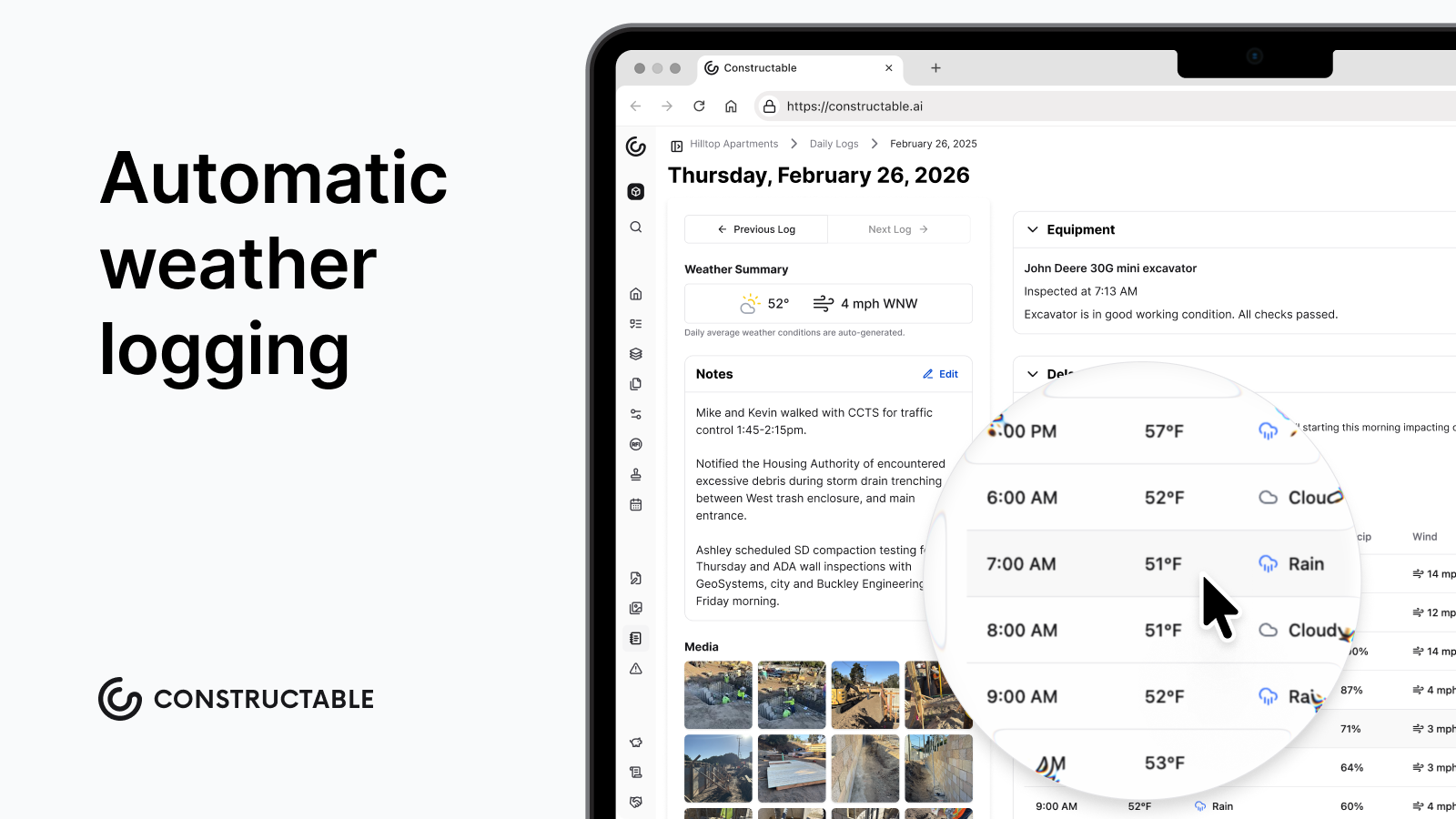\\n\\n## How to mitigate and recover from construction delays\\n\\nRecovery starts the moment a slip shows on the critical path, supported by [field management](https://constructable.ai/features/field-management) tools that surface it in real time, not at the next owner meeting. A few moves that actually pull time back:\\n\\n- Build a recovery schedule that resequences remaining work, adds extra crews, or runs trades in parallel where the logic allows.\\n\\n- Weigh acceleration carefully, since crashing tasks and stacking crews buys days but drives up cost and rework risk.\\n\\n- Flag risk early: long-lead procurement, permit sequencing, and design gaps almost always surface before they hit the schedule.\\n\\n- Keep owners, designers, and subs talking, so a shared plan replaces the finger-pointing that stalls decisions.\\n\\nContingency float, protected from day one, absorbs the hits you cannot see coming.\\n\\n## How **Constructable** captures delay documentation in the field\\n\\nMost teams already know delays need contemporaneous records. **Constructable** builds that capture into the Daily Log, categorizing each delay by cause: Weather, Permitting, Owner Directive, Material Acquisition, Waiting on RFI, Waiting on [Submittal](https://constructable.ai/blog/construction-submittals-definition-types-best-practices), or Other. Weather pulls automatically from the project zip code, logging hourly temperature, conditions, precipitation, and wind the same day the delay hits; the evidence that separates an excusable claim that holds from one that folds.\\n\\nBecause daily logs share one connected system with [RFIs](https://constructable.ai/blog/rfi-management-construction-what-works), submittals, change events, and drawings, the trail behind a classification builds continuously instead of getting reassembled during a dispute.\\n\\n**Constructable**'s AI Answer Engine can query across it all to surface delay patterns without manual report compilation.\\n\\n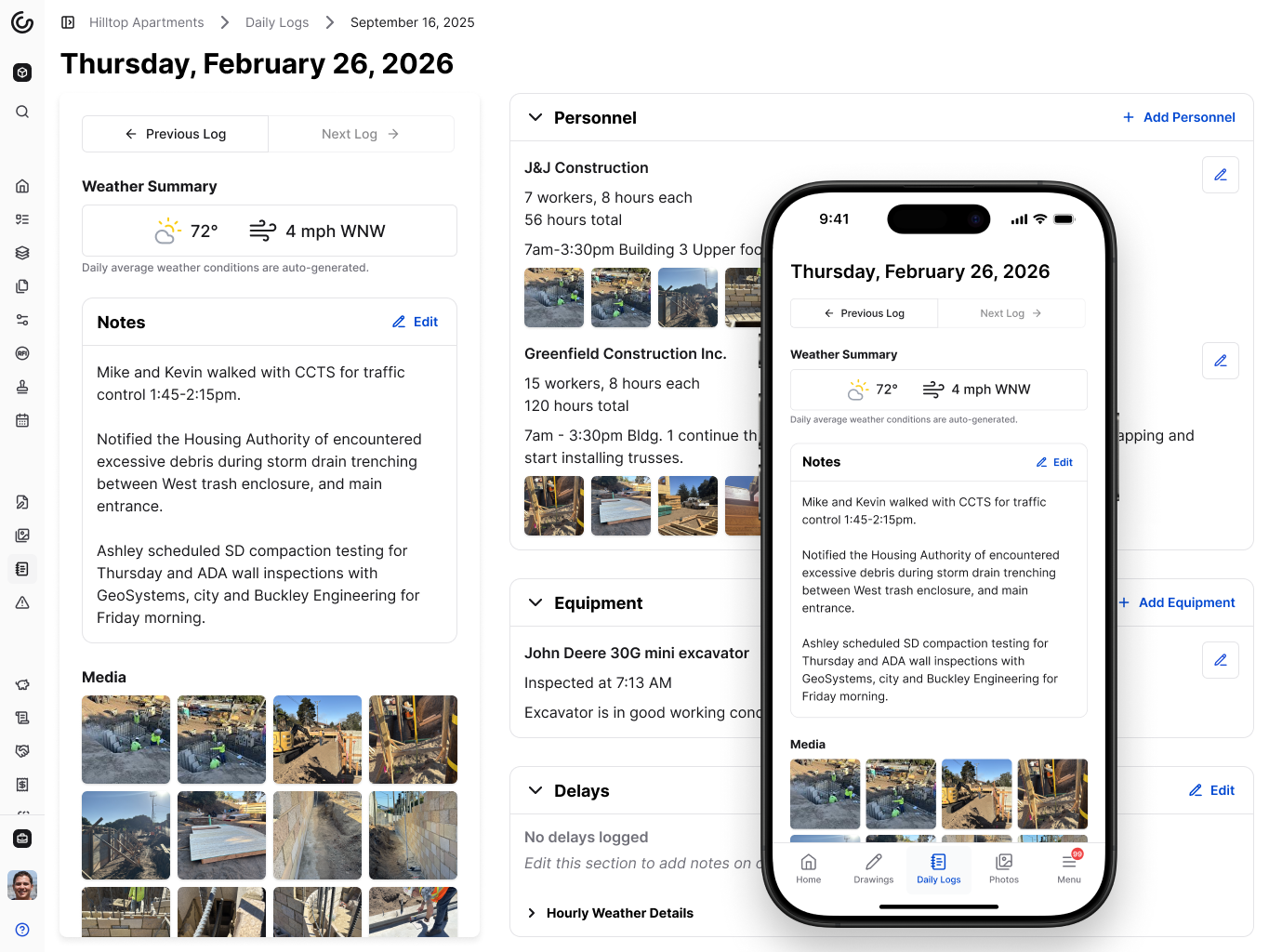\\n\\n## Final thoughts on delay types and documentation in construction\\n\\nMost contractors know a delay happened long before they know who's paying for it, and by then the records that decide the answer are already fading. The frameworks here give you the language, but your daily logs, RFI timestamps, and correspondence trail give you the proof. Start capturing that evidence the day a delay shows up, not the day you file a claim.\\n\\n[Talk to the Constructable team](https://constructable.ai/sales) to see how daily logs and connected project records make documentation part of your normal workflow.\\n\\n## FAQs\\n\\n### What's the difference between excusable and non-excusable delays in construction contracts?\\n\\nAn excusable delay traces to events outside both parties' control, such as severe weather, strikes, or government actions, and typically earns the contractor a time extension. A non-excusable delay traces to the contractor's own failures, such as understaffing or late procurement, and carries no extension; liquidated damages accrue each day past the deadline.\\n\\n### Excusable vs. compensable delays in construction: what's the actual difference?\\n\\nExcusable means the contractor gets more time; compensable means the contractor gets money too. A compensable delay traces to the owner (late design deliverables, restricted site access, slow RFI responses), so the contractor can pursue both a time extension and delay damages covering extended general conditions, idle equipment, and prolonged overhead. An excusable but non-compensable delay, like a hurricane, buys time but no additional cost recovery because no breach occurred.\\n\\n### How do I document a construction delay so it holds up in a claim or dispute?\\n\\nSee the documentation section above for the full list. The short answer: daily logs, weather data, RFI timestamps, and change events captured the same day the delay hits. Courts and arbitrators consistently discount records re
165constructed from memory weeks later.\\n\\n### Can concurrent delays let a contractor avoid liquidated damages while still recovering delay costs?\\n\\nNot reliably, and the answer depends heavily on jurisdiction and contract language. When overlapping critical-path delays trace to different parties simultaneously, some courts apportion responsibility while others grant time but deny money to both sides. Because treatment varies by contract wording and venue, defining how concurrent delay is handled, and by whom, before a dispute forces someone else to define it is the only reliable protection.\\n\\n### What should a construction team do the moment a delay shows up on the critical path?\\n\\nAct before the next owner meeting, not at it. The recovery steps, which include resequencing work, weighing acceleration, flagging long-lead risks, and keeping all parties aligned on a shared plan, are covered in the mitigation section above, along with the role of protected contingency float.\\n\",[],[1118,1119,1120,1121,1122,1123,323],\"{\\n \\\"@context\\\": \\\"https://schema.org\\\",\\n \\\"@type\\\": \\\"FAQPage\\\",\\n \\\"name\\\": \\\"Delay Types in Construction: A Field Guide | September 2026\\\",\\n \\\"mainEntity\\\": [\\n {\\n \\\"@type\\\": \\\"Question\\\",\\n \\\"name\\\": \\\"What's the difference between excusable and non-excusable delays in construction contracts?\\\",\\n \\\"acceptedA
165nswer\\\": {\\n \\\"@type\\\": \\\"Answer\\\",\\n \\\"text\\\": \\\"An excusable delay traces to events outside both parties' control â severe weather, strikes, acts of God, or government actions â and typically earns the contractor a time extension. A non-excusable delay traces to the contractor's own failures, such as understaffing or late procurement, and carries no extension; liquidated damages accrue each day past the deadline.\\\"\\n }\\n },\\n {\\n \\\"@type\\\": \\\"Question\\\",\\n \\\"name\\\": \\\"Excusable vs. compensable delays in construction: what's the actual difference?\\\",\\n \\\"acceptedAnswer\\\": {\\n \\\"@type\\\": \\\"Answer\\\",\\n \\\"text\\\": \\\"Excusable means the contractor gets more time; compensable means the contractor gets money too. A compensable delay traces to the owner â late design deliverables, restricted site access, slow RFI responses â so the contractor can pursue both a time extension and delay damages covering extended general conditions, idle equipment, and prolonged overhead. An excusable but non-compensable delay, like a hurricane, buys time but no additional cost recovery because no breach occurred.\\\"\\n }\\n },\\n {\\n \\\"@type\\\": \\\"Question\\\",\\n \\\"name\\\": \\\"How do I document a construction delay so it holds up in a claim or dispute?\\\",\\n \\\"acceptedA
165nswer\\\": {\\n \\\"@type\\\": \\\"Answer\\\",\\n \\\"text\\\": \\\"Start capturing records the day the delay occurs, not when a claim is being assembled. Defensible documentation includes daily logs with crew counts and delay cause entered that day, weather records tied to the project zip code, timestamped photos, RFI correspondence with response timestamps, and change event entries that date the triggering action before details fade â courts and arbitrators consistently discount records reconstructed from memory weeks later.\\\"\\n }\\n },\\n {\\n \\\"@type\\\": \\\"Question\\\",\\n \\\"name\\\": \\\"Can concurrent delays let a contractor avoid liquidated damages while still recovering delay costs?\\\",\\n \\\"acceptedAnswer\\\": {\\n \\\"@type\\\": \\\"Answer\\\",\\n \\\"text\\\": \\\"Not reliably, and the answer depends heavily on jurisdiction and contract language. When overlapping critical-path delays trace to different parties simultaneously, some courts apportion responsibility while others grant time but deny money to both sides. Because treatment shifts by contract wording and venue, defining how concurrent delay is handled â and by whom â before a dispute forces someone else to define it is the only reliable protection.\\\"\\n }\\n },\\n {\\n \\\"@type\\\": \\\"Question\\\",\\n \\\"name\\\": \\\"What should a construction team do the moment a delay shows up on the critical path?\\\",\\n \\\"acceptedA
165nswer\\\": {\\n \\\"@type\\\": \\\"Answer\\\",\\n \\\"text\\\": \\\"Act before the next owner meeting, not at it. Build a recovery schedule that resequences remaining work, adds shifts, or runs trades in parallel where the logic allows; flag long-lead procurement gaps and permit sequencing risks before they compound; and keep owners, designers, and subs aligned on a shared plan. Protected contingency float, reserved from day one, absorbs the hits that no schedule can anticipate.\\\"\\n }\\n },\\n {\\n \\\"@type\\\": \\\"Question\\\",\\n \\\"name\\\": \\\"What is a critical path delay and why does it matter for time extension claims?\\\",\\n \\\"acceptedAnswer\\\": {\\n \\\"@type\\\": \\\"Answer\\\",\\n \\\"text\\\": \\\"A critical path delay sits on the chain of tasks with zero float, so any slip in that sequence moves the project completion date with it. Only delays that reach the critical path typically support a time extension or delay damages claim â a task that slips within its float window rarely justifies either, no matter how disruptive it felt on site.\\\"\\n }\\n },\\n {\\n \\\"@type\\\": \\\"Question\\\",\\n \\\"name\\\": \\\"What counts as an excusable delay under FAR 52.249-14 for federal construction contracts?\\\",\\n \\\"acceptedA
165nswer\\\": {\\n \\\"@type\\\": \\\"Answer\\\",\\n \\\"text\\\": \\\"FAR 52.249-14 covers excusable delays caused by acts of God, acts of the government, fires, floods, epidemics, quarantine restrictions, strikes, freight embargoes, and unusually severe weather â events outside the contractor's control and without contractor fault or negligence. The clause grants a time extension but does not authorize additional compensation, making it excusable but non-compensable under federal work.\\\"\\n }\\n },\\n {\\n \\\"@type\\\": \\\"Question\\\",\\n \\\"name\\\": \\\"What are non-excusable delay examples a contractor should watch for on commercial jobs?\\\",\\n \\\"acceptedAnswer\\\": {\\n \\\"@type\\\": \\\"Answer\\\",\\n \\\"text\\\": \\\"Non-excusable delays trace directly to the contractor's own operations: understaffing key trades, poor work sequencing, late procurement of long-lead materials, or subcontractor management failures. Because the contractor controls these risks, no time extension follows and liquidated damages accrue each day past the deadline â making early procurement tracking and staffing plans the practical defense.\\\"\\n }\\n },\\n {\\n \\\"@type\\\": \\\"Question\\\",\\n \\\"name\\\": \\\"How does a no-damages-for-delay clause affect a contractor's ability to recover costs when the owner causes a slip?\\\",\\n \\\"acceptedA
165nswer\\\": {\\n \\\"@type\\\": \\\"Answer\\\",\\n \\\"text\\\": \\\"A no-damages-for-delay clause bars cost recovery even when the owner caused the delay, limiting the contractor's remedy to a time extension only. Courts often enforce these clauses strictly, though narrow exceptions exist for owner bad faith, active interference, or delays so unreasonable they fall outside what the parties could have anticipated â making the clause language worth reading closely before signing.\\\"\\n }\\n },\\n {\\n \\\"@type\\\": \\\"Question\\\",\\n \\\"name\\\": \\\"What is the typical financial impact of construction delays on a project's budget?\\\",\\n \\\"acceptedAnswer\\\": {\\n \\\"@type\\\": \\\"Answer\\\",\\n \\\"text\\\": \\\"The costs compound on multiple fronts: extended general conditions and field overhead keep billing while work is paused, idle subcontractor crews may bill standby rates, material prices escalate during a wait, and financing carries costs the original budget never planned for. On top of those direct expenses, a non-excusable delay exposes the contractor to daily liquidated damages that accrue separately, eroding margin the job was never designed to absorb.\\\"\\n }\\n },\\n {\\n \\\"@type\\\": \\\"Question\\\",\\n \\\"name\\\": \\\"What are concurrent delay examples that commonly appear in construction disputes?\\\",\\n \\\"acceptedA
165nswer\\\": {\\n \\\"@type\\\": \\\"Answer\\\",\\n \\\"text\\\": \\\"A common concurrent delay scenario: the owner's design team is slow responding to RFIs holding up framing on the critical path â while simultaneously the contractor's concrete subcontractor is underperforming and behind on the same critical sequence. Both causes are hitting the finish date at the same time, making it hard to isolate who owes what. Design errors overlapping with late procurement, or owner-directed scope changes landing during a period of contractor-caused rework, follow the same pattern.\\\"\\n }\\n },\\n {\\n \\\"@type\\\": \\\"Question\\\",\\n \\\"name\\\": \\\"How do COVID construction delays get classified â excusable, compensable, or non-excusable?\\\",\\n \\\"acceptedAnswer\\\": {\\n \\\"@type\\\": \\\"Answer\\\",\\n \\\"text\\\": \\\"Construction delays due to COVID generally fall into the excusable, non-compensable bucket when they trace to government shutdown orders, quarantine mandates, or supply chain disruptions beyond anyone's control â events similar in treatment to acts of God or government actions. Whether a contractor can also recover costs depends on contract language: force majeure clauses that explicitly name epidemics or government actions may support a compensable claim, but most standard contracts limit the remedy to time only.\\\"\\n }\\n },\\n {\\n \\\"@type\\\": \\\"Question\\\",\\n \\\"name\\\": \\\"How should project teams communicate a construction delay to the owner once it's identified?\\\",\\n \\\"acceptedA
165nswer\\\": {\\n \\\"@type\\\": \\\"Answer\\\",\\n \\\"text\\\": \\\"Send written notice as soon as the delay is identified â most contracts set a specific window (often 7â14 days) and missing it can waive an otherwise valid claim entirely. The notice should name the delay cause, identify the affected critical path activity, state the anticipated impact in days, and reference the contract clause being invoked. Follow that letter with dated daily log entries, weather records, and correspondence that build the contemporaneous record behind the claim.\\\"\\n }\\n },\\n {\\n \\\"@type\\\": \\\"Question\\\",\\n \\\"name\\\": \\\"How do change events in construction project management software connect to delay documentation?\\\",\\n \\\"acceptedAnswer\\\": {\\n \\\"@type\\\": \\\"Answer\\\",\\n \\\"text\\\": \\\"Change events should be created the moment a scope or condition change appears â before costs are confirmed or a formal change order is written â because that timestamp is what ties an owner action to a critical path impact when a delay claim is assembled later. When change events, RFIs, submittals, and daily logs all live in one connected system, the documentation trail builds continuously instead of being reconstructed from memory during a dispute.\\\"\\n }\\n },\\n {\\n \\\"@type\\\": \\\"Question\\\",\\n \\\"name\\\": \\\"What penalties can a contractor face for non-excusable delays on a fixed-price contract?\\\",\\n \\\"acceptedA
165nswer\\\": {\\n \\\"@type\\\": \\\"Answer\\\",\\n \\\"text\\\": \\\"On a fixed-price contract, a non-excusable delay past the substantial completion date typically triggers liquidated damages that accrue daily at the rate written into the contract â often hundreds or thousands of dollars per day depending on project size. Beyond liquidated damages, the contractor may also face actual damages if the owner can prove losses exceeding the stipulated amount, and repeated late delivery can affect bonding capacity and future bid eligibility.\\\"\\n }\\n }\\n ],\\n \\\"url\\\": \\\"https://constructable.ai/blog/construction-delay-types\\\",\\n \\\"dateModified\\\": \\\"2026-09-02T10:28:06.868Z\\\",\\n \\\"author\\\": {\\n \\\"@type\\\": \\\"Person\\\",\\n \\\"name\\\": \\\"Molly Abbott\\\"\\n }\\n}\\n\",\"{\\n \\\"@context\\\": \\\"https://schema.org\\\",\\n \\\"@type\\\": \\\"BlogPosting\\\",\\n \\\"headline\\\": \\\"Delay Types in Construction: A Field Guide | September 2026\\\",\\n \\\"description\\\": \\\"This September 2026 guide covers construction delay types, from excusable to concurrent, and how each affects time extensions, damages, and claims.\\\",\\n \\\"datePublished\\\": \\\"2026-07-10T00:21:49.501Z\\\",\\n \\\"dateModified\\\": \\\"2026-09-09T18:53:45.012Z\\\",\\n \\\"author\\\": {\\n \\\"@type\\\": \\\"Person\\\",\\n \\\"name\\\": \\\"Molly Abbott\\\"\\n },\\n \\\"url\\\": \\\"https://constructable.ai/blog/construction-delay-types\\\",\\n \\\"wordCount\\\": 1875,\\n \\\"keywords\\\": [\\n \\\"types of construction delays\\\",\\n \\\"types of delays in construction projects pdf\\\",\\n \\\"construction delays due to covid\\\",\\n \\\"types of project delays\\\",\\n \\\"how to avoid delays in construction projects\\\",\\n \\\"excusable delays in construction\\\",\\n \\\"contractor caused delays\\\",\\n \\\"what is project delay\\\",\\n \\\"excusable and non-excusable delays in construction\\\",\\n \\\"causes of project delays pdf\\\",\\n \\\"project delay pdf\\\",\\n \\\"effect of delay in construction project pdf\\\",\\n \\\"causes of delay in construction projects pdf\\\",\\n \\\"causes and effects of delays in construction projects\\\",\\n \\\"the factors and effect of delay in government construction project\\\",\\n \\\"construction project delays percentage\\\",\\n \\\"literature review on delays in construction projects\\\",\\n \\\"excusable delay examples\\\",\\n \\\"examples of delayed construction projects\\\",\\n \\\"amount of compensation payable to owner or department by contractor due to delay in construction is\\\",\\n \\\"non excusable delays in construction\\\",\\n \\\"excusable delays clause\\\",\\n \\\"excusable delays firm fixed-price\\\",\\n \\\"excusable delays far\\\",\\n \\\"types of delays in construction projects\\\",\\n \\\"non excusable delay examples\\\",\\n \\\"penalties for contractor delays\\\",\\n \\\"builder delay penalty\\\",\\n \\\"what to do when builder delays\\\",\\n \\\"contract delay\\\",\\n \\\"can i sue my contractor for delays\\\",\\n \\\"how long can a builder delay closing\\\",\\n \\\"construction delay lawsuit\\\",\\n \\\"effects of project delays\\\",\\n \\\"project delay reasons\\\",\\n \\\"how to recover project delay\\\",\\n \\\"how to communicate project delays\\\",\\n \\\"types of project delays in project management\\\",\\n \\\"internal and external causes of delay in project management\\\",\\n \\\"types of delays in construction\\\",\\n \\\"types of delays construction\\\",\\n \\\"types of construction delays pdf\\\"\\n ]\\n}\\n\",\"construction delays\",\"critical non-critical delays\",\"excusable non-excusable delays\",\"compensable non-compensable delays\",\"concurrent delays\",\"september\",\"delay-claims-construction\",\"Getting hit with a project delay is one thing. Turning it into a recoverable claim is something else entirely. Whether you're the one filing or the one defending, the outcome usually comes down to your records, your notice timing, and whether the schedule impact traces back to a defined cause. Here's how to make sure your documentation holds up.\\n\\n**TLDR:**\\n\\n- A valid delay claim requires a defined cause tied to a responsible party and a quantified impact; being behind schedule alone is not enough.\\n\\n- Only critical-path delays support entitlement; compensable delays earn time and money, while excusable non-compensable ones earn time only.\\n\\n- Miss your contract's notice window (often 7 to 14 days) and a valid claim can fail on procedure alone.\\n\\n- Contemporaneous daily logs, timestamped RFIs, geotagged photos, and schedule updates are what separate recoverable claims from ones that collapse under scrutiny.\\n\\n- **Constructable** logs delays by cause at the moment they occur, tracks RFI ball-in-court with drawing-level timestamps, and keeps all notice communications in one auditable record.\\n\\n## What a construction delay claim actually covers\\n\\nA construction delay claim is a formal assertion that one party's actions or inactions pushed the schedule out and caused measurable harm. It asks for something concrete: added time, added money, or both. Being behind schedule alone doesn't make a claim. What matters is proving who caused the slip, how the timeline moved, and what that movement cost.\\n\\nTwo things separate a claim from a gripe:\\n\\
165n1. A defined cause tied to a responsible party\\n\\n2. Quantified impact, whether extra days, prolongation costs, or lost productivity\\n\\nEverything that follows builds on that structure.\\n\\n## Types of construction delays\\n\\nEvery delay analysis starts with one question: did it hit the critical path? A non-critical delay eats float without moving the completion date, so it rarely supports relief. A critical delay pushes the finish, and that's where entitlement lives.\\n\\nOnce a delay is critical, two distinctions decide what you can recover.\\n\\nAn excusable delay comes from something outside the contractor's control, like unusual weather or an [owner-directed change directive](https://constructable.ai/blog/construction-change-directive-guide). A non-excusable delay traces back to the contractor or its subs, and earns no relief. Excusable delays split again: a compensable delay entitles you to time and money, usually owner-caused, while a non-compensable one like force majeure typically earns added time but no added cost.\\n\\n| Delay type | Time extension | Added cost |\\n| -------------------------- | -------------- | ---------- |\\n| Non-excusable | No | No |\\n| Excusable, non-compensable | Yes | No |\\n| Excusable, compensable | Yes | Yes |\\n\\nConcurrent delays complicate this. When an owner-caused delay and a contractor-caused delay overlap on the critical path during the same period, courts often grant a time extension but deny prolongation costs.\\n\\n## Common causes of construction delay claims\\n\\nThe same triggers show up on job after job:\\n\\n- Owner-directed changes that reshape scope mid-build\\n\\n- Design errors and omissions buried in the drawings\\n\\n- [Change order](https://constructable.ai/blog/what-is-change-order) disputes that add cost without clear authorization\\n\\n- Unanticipated subsurface conditions once the ground opens up\\n\\n- Permitting delays outside anyone's schedule\\n\\n- Weather events that shut down the site\\n\\n- [RFI management](https://constructable.ai/blog/rfi-management-construction-what-works) and submittal response lag that leaves crews waiting\\n\\n- Subcontractor failures that stall the trades downstream\\n\\nNone of this is rare. [77% of project managers](https://www.truelook.com/blog/cost-of-construction-delays) experience delays, and those projects run an average of 70 days behind. On a mid-size job, 70 days of extended general conditions can run well into five or six figures before counting acceleration or liquidated damages. That's the exposure a well-built claim protects.\\n\\n## Contract clauses that shape your claim\\n\\nYour entitlement is written into the contract long before anyone falls behind. Read these clauses before a delay event, not after.\\n\\n- Notice provisions set how and when you must flag an event; miss the window and a valid claim can die on procedure. [Most construction contracts include provisions](https://www.stoel.com/insights/publications/on-notice-why-notice-and-claim-procedures-in-const) detailing how and when you must give notice.\\n\\n- No-damages-for-delay clauses bar money recovery even for owner-caused delay, though many states limit their reach.\\n\\n- Force majeure clauses define which uncontrollable events earn time.\\n\\n- Time-is-of-the-essence language makes every date enforceable.\\n\\n- Liquidated damages set a daily rate the owner charges when you finish late.\\n\\nHow courts read these varies by state, so Texas, California, and Florida enforce the same wording differently. Your contract is the first place to look.\\n\\n## How to give proper notice of a delay\\n\\nNotice is the first thing an owner's attorney checks, and a late or informal one can sink a claim that was otherwise sound. Send written notice the moment you recognize a delay event, not once the impact is clear.\\n\\nGood notice does a few things at once: it identifies the event and the date you first recognized it, ties it to the responsible party and the affected work, states that time or cost impact is likely even if you can't yet quantify it, and goe
165s to the exact person and location the contract names.\\n\\nMost contracts give a tight window, often 7 to 14 days from first recognition. Miss it, and the argument moves from what happened to whether you followed procedure. Put it in writing, date it, and keep proof of delivery.\\n\\n## Building the documentation record\\n\\nA defensible delay claim gets built day by day, not reconstructed after the dispute starts. The file an owner's expert respects usually includes daily logs with categorized delay notations; timestamped RFIs and submittals with full response tracking; photos with date, time, and location metadata; weather records tied to the specific site; baseline schedules alongside every subsequent update; and [OAC meeting](https://constructable.ai/blog/oac-meeting-best-practices) minutes with dated correspondence.\\n\\n[Quantifying damages is a comparative exercise](https://ankura.com/insights/breaking-down-the-walls-a-series-on-construction-delay-claims-part-2-of-6), and documentation is critical to a contractor's claim. Records on bid pricing, price changes, supply chain disruptions, and the communications behind them can make or break recovery. Treat the record as a daily discipline.\\n\\n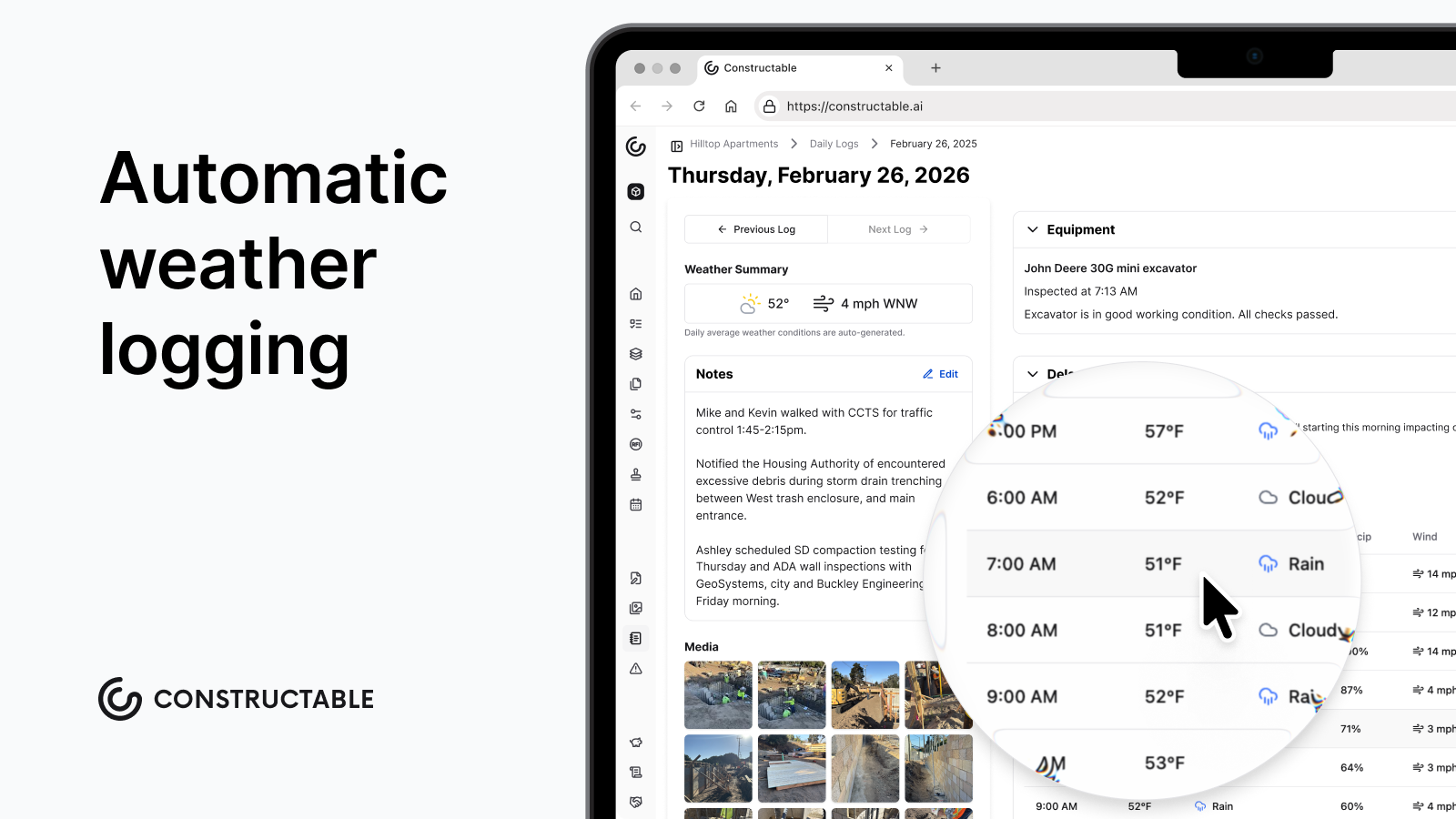\\n\\n## Delay analysis methods\\n\\nNo single method fits every dispute. The method you choose can affect entitlement, causation, concurrency arguments, and whether the claim holds up once records come under scrutiny.\\n\\n- As-planned vs. as-built: a simple observational comparison of the baseline against what actually happened. Best for completed, straightforward projects.\\n\\n- Impacted as-planned: inserts a fragnet into the baseline to model an event's theoretical effect.\\n\\n- Time impact analysis (TIA): tests a single event against the current schedule update, run prospectively or retrospectively.\\n\\n- Windows analysis: divides the as-built into periods, well suited to complex, concurrent delay disputes.\\n\\n- Collapsed as-built: removes delay events from the as-built to show what the finish date would have been without them.\\n\\nThe right pick depends on record quality, project complexity, and how the schedule was maintained.\\n\\n## Quantifying delay damages and prolongation costs\\n\\nOnce a delay qualifies as excusable and compensable, recovery falls into recognized categories. Extended general conditions cover site supervision, trailers, and temporary utilities held longer than planned. Equipment standing time accrues while crews wait, and labor costs escalate across the extended period. Material storage and price escalation add further exposure, and finance costs build on capital tied up longer than the original schedule allowed.\\n\\nOwners pursue their own damages: lost revenue, increased financing costs, and liquidated damages offsets against your account.\\n\\nAn extension of time (EOT) claim is a separate remedy. It moves the completion date and shields you from liquidated damages, but time alone carries no money unless the delay is compensable.\\n\\nThe governing regime depends on the contract. A liquidated damages clause sets a daily rate agreed in advance; without it, you must prove actual damages line by lineâthe wording tells you which applies.\\n\\n## Defenses to construction delay claims\\n\\nWhether you're pursuing a claim or fielding one, the same defenses come up. Know them cold either way.\\n\\n- **Concurrent delay:** the contractor caused critical-path delay in the same window, so the owner argues neither party owes the other, capping recovery at time only.\\n\\n- **Failure to mitigate:** the claimant let float burn or ignored reasonable steps to limit the impact.\\n\\n- **No-damages-for-delay enforcement:** the clause bars money recovery outright, subject to state-law exceptions for bad faith or active interference.\\n\\n- **Inadequate or late notice:** the event was flagged outside the contractual window, so the claim fails on procedure.\\n\\n- **No critical-path impact:** the delay hit float, not the completion date, so no entitlement follows.\\n\\nThe strongest rebuttal is the contemporaneous record. A defense built on missing notice or unproven causation collapses when the daily logs, schedule updates, and dated correspondence tell a clean story. Understanding why RFI management breaks down is part of building that defense.\\n\\n## Resolving delay claims without litigation\\n\\nMost delay claims settle long before a courtroom, and the path there follows a predictable escalation. Direct negotiation comes first, then mediation with a neutral third party, then a dispute review board where projects use one, then arbitration, and litigation last. Each step up costs more time, more money, and more goodwill with a party you may work with again.\\n\\nEarly informal resolution protects margins and relationships that formal proceedings tend to burn. Documentation drives your position at every rung; a clean, contemporaneous record settles a claim in negotiation that a thin one drags into arbitration.\\n\\n## How **Constructable** supports delay claim documentation\\n\\nDelay claims fail at the documentation layer. When records live in email threads, spreadsheets, and disconnected tools, no one can reconstruct a coherent timeline once the claim comes under scrutiny.\\n\\n**Constructable** keeps the record
165in one place as work happens:\\n\\n- [Daily log and field reporting software](https://constructable.ai/blog/daily-log-field-reporting-software) categorizes delays by cause (weather, permitting, owner directive, waiting on RFI or submittal) at the moment they occur, with hourly weather pulled automatically by project zip code.\\n\\n- [RFI ball-in-court tracking](https://constructable.ai/blog/rfi-tracking-ball-in-court-accountability) pins timestamps to exact drawing locations, so every unanswered coordination question has a spatial and chronological trail.\\n\\n- [Jobsite photo documentation](https://constructable.ai/blog/field-to-office-photo-and-video-documentation) captures geotag coordinates and timestamps through the watermark overlay, producing defensible visual evidence without external tools.\\n\\nAnd because **Constructable** is [flat-fee with unlimited users](https://constructable.ai/pricing), subcontractors and owners sit in the same project record. Notice communications and response tracking live in one auditable location, not scattered email chains.\\n\\n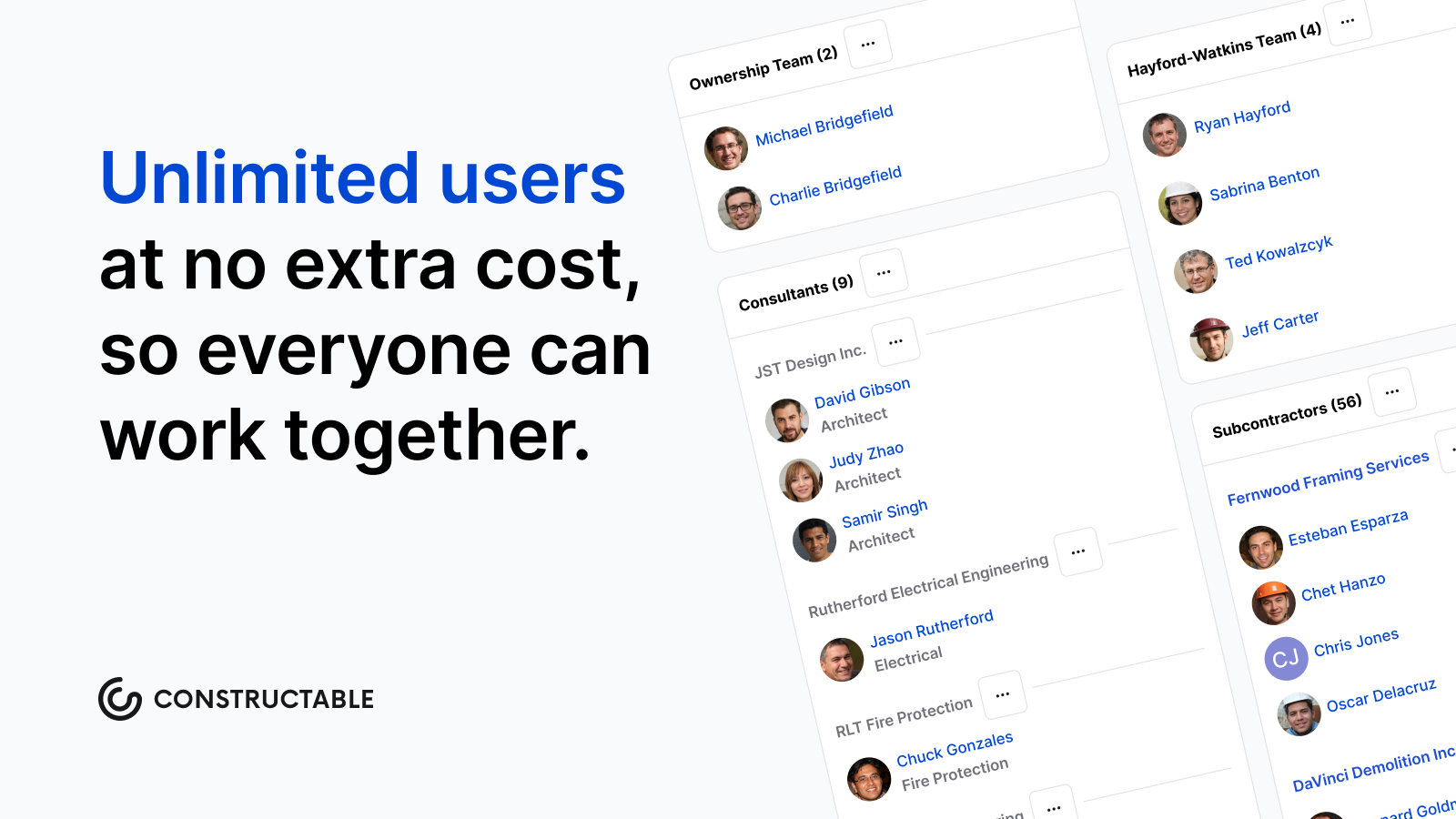\\n\\n## Final thoughts on construction delay claims and how to protect your recovery\\n\\nDelay claims reward preparation and punish reconstruction. The contractors who recover time and money are the ones who treat notice and documentation as daily habits, not crisis responses. Your record is your argument, so the best time to build it is before anyone disputes anything. [Talk to the Constructable team](https://constructable.ai/sales) to see how it fits into the way your crews already work.\\n\\n## FAQs\\n\\n### What's the difference between a compensable delay and a non-compensable delay in construction?\\n\\nA compensable delay entitles the contractor to both a time extension and added cost recovery. The owner typically causes it, such as a directed scope change or a failure to respond to RFIs. A non-compensable excusable delay, like a force majeure event, earns added time but no additional money. The distinction lies in who caused the delay, not just whether it was within anyone's control.\\n\\n### What documentation do I actually need to support a construction delay claim?\\n\\nBuild the file as work happens, not after the dispute starts: contemporaneous daily logs with delay causes categorized by type, timestamped RFIs and submittals with full response tracking, photos with date and location metadata, weather records tied to the project site, and baseline schedules alongside every subsequent update. Quantifying prolongation costs (extended general conditions, equipment standby, labor escalation) is a comparative exercise, and that comparison only holds up when records show what was planned versus what actually happened, day by day.\\n\\n### What are the main defenses to construction delay claims, and how does the contractor's own record affect them?\\n\\nSee the defenses section above for the full breakdown of concurrent delay, notice failures, no-damages-for-delay clause enforcement, failure to mitigate, and no-critical-path-impact arguments. In each case, a clean contemporaneous record is the contractor's strongest rebuttal.\\n\\n### What delay analysis methods are used in construction delay claims?\\n\\nThe five methods in regular use are as-planned vs. as-built, impacted as-planned, time impact analysis (TIA), windows analysis, and collapsed as-built. The body section above covers all five methods and when to use each.\\n\\n### Can Constructable help build the documentation record needed for a construction delay claim?\\n\\nYes. **Constructable** captures the record in real time, so you don't have to reconstruct anything after a dispute starts. Daily logs categorize delays by cause as they occur, with weather pulled automatically by project zip code. RFIs carry timestamps and ball-in-court tracking pinned to exact drawing locations. Photos carry geotag coordinates and timestamps through the watermark overlay. The AI Answer Engine queries across all of those records at once and links back to the source document, so assembling a claim package means retrieving an existing record, not rebuilding one from email threads and disconnected files.\\n\",[],[1130,1131,1132,1133,1134,1135,1136],\"{\\n \\\"@context\\\": \\\"https://schema.org\\\",\\n \\\"@type\\\": \\\"FAQPage\\\",\\n \\\"name\\\": \\\"Filing and Defending Construction Delay Claims September 2026\\\",\\n \\\"mainEntity\\\": [\\n {\\n \\\"@type\\\": \\\"Question\\\",\\n \\\"name\\\": \\\"What's the difference between a compensable delay and a non-compensable delay in construction?\\\",\\n \\\"acceptedA
165nswer\\\": {\\n \\\"@type\\\": \\\"Answer\\\",\\n \\\"text\\\": \\\"A compensable delay entitles the contractor to both a time extension and added cost recovery â it's typically caused by the owner, such as a directed scope change or a failure to respond to RFIs. A non-compensable excusable delay, like a force majeure event, earns added time but no additional money. The distinction lives in who caused the delay, not just whether the delay was within anyone's control.\\\"\\n }\\n },\\n {\\n \\\"@type\\\": \\\"Question\\\",\\n \\\"name\\\": \\\"What documentation do I actually need to support a construction delay claim?\\\",\\n \\\"acceptedAnswer\\\": {\\n \\\"@type\\\": \\\"Answer\\\",\\n \\\"text\\\": \\\"Build the file as work happens, not after the dispute starts: contemporaneous daily logs with delay causes categorized by type, timestamped RFIs and submittals with full response tracking, photos with date and location metadata, weather records tied to the project site, and baseline schedules alongside every subsequent update. Quantifying prolongation costs â extended general conditions, equipment standby, labor escalation â is a comparative exercise, and that comparison only holds up when records show what was planned versus what actually happened, day by day.\\\"\\n }\\n },\\n {\\n \\\"@type\\\": \\\"Question\\\",\\n \\\"name\\\": \\\"What are the main defenses to construction delay claims, and how does the contractor's own record affect them?\\\",\\n \\\"acceptedA
165nswer\\\": {\\n \\\"@type\\\": \\\"Answer\\\",\\n \\\"text\\\": \\\"The five defenses that come up most often are concurrent delay (the contractor also caused critical-path delay in the same window), failure to mitigate, no-damages-for-delay clause enforcement, inadequate or late notice, and no critical-path impact. All of them are harder to sustain against a contractor with a clean contemporaneous record â dated correspondence, categorized delay logs, and schedule updates that show the critical path clearly. A defense built on a documentation gap in the contractor's file is much stronger than one that has to argue against a well-maintained project record.\\\"\\n }\\n },\\n {\\n \\\"@type\\\": \\\"Question\\\",\\n \\\"name\\\": \\\"What delay analysis methods are used in construction delay claims?\\\",\\n \\\"acceptedAnswer\\\": {\\n \\\"@type\\\": \\\"Answer\\\",\\n \\\"text\\\": \\\"The five methods in regular use are as-planned vs. as-built, impacted as-planned, time impact analysis (TIA), windows analysis, and collapsed as-built. As-planned vs. as-built works well for straightforward completed projects; windows analysis is better suited to complex disputes with concurrent delays; TIA tests a single event against the current schedule update and can run prospectively or retrospectively. The right choice depends on record quality, project complexity, and how consistently the schedule was maintained throughout the job.\\\"\\n }\\n },\\n {\\n \\\"@type\\\": \\\"Question\\\",\\n \\\"name\\\": \\\"Can Constructable help build the documentation record needed for a construction delay claim?\\\",\\n \\\"acceptedA
165nswer\\\": {\\n \\\"@type\\\": \\\"Answer\\\",\\n \\\"text\\\": \\\"Yes. Constructable captures the record in real time rather than requiring reconstruction after a dispute starts. Daily logs categorize delays by cause at the moment they occur, with weather pulled automatically by project zip code. RFIs carry timestamps and ball-in-court tracking pinned to exact drawing locations. Photos carry geotag coordinates and timestamps through the watermark overlay. The AI Answer Engine queries across all of those records at once and links back to the source document, so assembling a claim package means retrieving an existing record â not rebuilding one from email threads and disconnected files.\\\"\\n }\\n },\\n {\\n \\\"@type\\\": \\\"Question\\\",\\n \\\"name\\\": \\\"What is the difference between excusable and non-excusable delays in construction, and why does the distinction matter for recovery?\\\",\\n \\\"acceptedAnswer\\\": {\\n \\\"@type\\\": \\\"Answer\\\",\\n \\\"text\\\": \\\"An excusable delay comes from something outside the contractor's control â owner-directed changes, permitting delays, or unusual weather â and can support a claim for time or money. A non-excusable delay traces back to the contractor or its subcontractors and earns no relief. The distinction controls what you can recover, so misclassifying a delay type early in a claim often leads to entitlement arguments that fall apart before they reach quantification.\\\"\\n }\\n },\\n {\\n \\\"@type\\\": \\\"Question\\\",\\n \\\"name\\\": \\\"What is concurrent delay in construction and how does it affect what a contractor can recover?\\\",\\n \\\"acceptedA
165nswer\\\": {\\n \\\"@type\\\": \\\"Answer\\\",\\n \\\"text\\\": \\\"Concurrent delay occurs when an owner-caused delay and a contractor-caused delay both run on the critical path during the same period. Courts frequently grant a time extension in that scenario but deny prolongation costs, because neither party can cleanly attribute the finish-date impact to the other. Documenting each delay's cause and timing separately â day by day â is the best way to isolate the compensable portion from the concurrent window.\\\"\\n }\\n },\\n {\\n \\\"@type\\\": \\\"Question\\\",\\n \\\"name\\\": \\\"How do I calculate prolongation costs for a construction delay claim?\\\",\\n \\\"acceptedAnswer\\\": {\\n \\\"@type\\\": \\\"Answer\\\",\\n \\\"text\\\": \\\"Prolongation cost calculation ties extended general conditions to the delay period: site supervision wages, trailer and temporary utility rental, equipment standby, and any labor or material escalation that accrued while the project ran long. The calculation is a comparison exercise â what was planned versus what actually occurred â so it only holds up when the baseline schedule, cost-loaded line items, and daily records of what was on site are all intact. Finance costs on capital held longer than planned are also recoverable in many jurisdictions.\\\"\\n }\\n },\\n {\\n \\\"@type\\\": \\\"Question\\\",\\n \\\"name\\\": \\\"What happens if I miss the notice deadline in my construction contract for a delay event?\\\",\\n \\\"acceptedA
165nswer\\\": {\\n \\\"@type\\\": \\\"Answer\\\",\\n \\\"text\\\": \\\"Missing the contractual notice window â often 7 to 14 days from first recognition â can kill a claim on procedure even when the underlying delay was real and owner-caused. The owner's position becomes that you waived entitlement by failing to flag the event in time, shifting the argument from what happened to whether you followed the contract. Written notice, dated and sent to the exact person named in the contract, is the procedural foundation the rest of a claim rests on.\\\"\\n }\\n },\\n {\\n \\\"@type\\\": \\\"Question\\\",\\n \\\"name\\\": \\\"How do no-damages-for-delay clauses work, and can they actually bar full money recovery in Florida, Texas, and California?\\\",\\n \\\"acceptedAnswer\\\": {\\n \\\"@type\\\": \\\"Answer\\\",\\n \\\"text\\\": \\\"A no-damages-for-delay clause contractually bars money recovery for owner-caused delay, leaving the contractor with time extensions only. Enforcement varies by state: Florida, Texas, and California each recognize exceptions that can override the clause, including active interference, bad faith, or delays so far outside what the parties contemplated that enforcing the clause would be unconscionable. Reading the clause and the applicable state law together before a project starts tells you what exposure actually exists.\\\"\\n }\\n },\\n {\\n \\\"@type\\\": \\\"Question\\\",\\n \\\"name\\\": \\\"What is a time impact analysis and when should you use it for construction delay claims?\\\",\\n \\\"acceptedA
165nswer\\\": {\\n \\\"@type\\\": \\\"Answer\\\",\\n \\\"text\\\": \\\"A time impact analysis, or TIA, tests a single delay event against the current schedule update to show its forward impact on the critical path, and it can run prospectively while the project is ongoing or retrospectively after the fact. It works best when the schedule was maintained with regular updates throughout the job, because the method depends on a reliable as-of-date snapshot to isolate the event's effect. For projects with concurrent delays or poor schedule discipline, a windows analysis often produces a more defensible result.\\\"\\n }\\n },\\n {\\n \\\"@type\\\": \\\"Question\\\",\\n \\\"name\\\": \\\"Should I use an as-planned vs. as-built analysis or a windows analysis for a complex construction delay dispute?\\\",\\n \\\"acceptedAnswer\\\": {\\n \\\"@type\\\": \\\"Answer\\\",\\n \\\"text\\\": \\\"As-planned vs. as-built is straightforward and works well for completed projects with a single dominant delay cause, but it struggles when multiple delays overlap across different periods. Windows analysis divides the as-built schedule into discrete time periods and evaluates responsibility within each one, making it better suited to disputes with concurrent delays, extended projects, and multiple responsible parties. The right choice depends on how consistently the schedule was maintained and how many competing causes are in play.\\\"\\n }\\n },\\n {\\n \\\"@type\\\": \\\"Question\\\",\\n \\\"name\\\": \\\"What is an extension of time (EOT) claim in construction, and is it different from a delay damages claim?\\\",\\n \\\"acceptedA
165nswer\\\": {\\n \\\"@type\\\": \\\"Answer\\\",\\n \\\"text\\\": \\\"An extension of time claim moves the contractual completion date forward to reflect a qualifying delay event, which shields the contractor from liquidated damages charges that would otherwise accrue. It is a separate remedy from a money claim: an EOT alone carries no cost recovery unless the underlying delay is also compensable. On many jobs both are filed together, but the entitlement tests and the supporting documentation requirements for each are distinct.\\\"\\n }\\n },\\n {\\n \\\"@type\\\": \\\"Question\\\",\\n \\\"name\\\": \\\"What records should a superintendent keep every day to protect the company if a delay claim comes up later?\\\",\\n \\\"acceptedAnswer\\\": {\\n \\\"@type\\\": \\\"Answer\\\",\\n \\\"text\\\": \\\"The most defensible daily record combines a delay log entry categorized by cause â weather, owner directive, waiting on RFI or submittal, permitting â with crew counts, equipment on site, deliveries received, and any verbal instructions that changed the work. Timestamped photos with location data and weather records tied to the specific project zip code fill the gaps that written entries alone can leave. Records written the day the event happens carry far more weight in arbitration or litigation than anything reconstructed from memory weeks later.\\\"\\n }\\n },\\n {\\n \\\"@type\\\": \\\"Question\\\",\\n \\\"name\\\": \\\"How do RFI response delays become the basis for a construction delay claim?\\\",\\n \\\"acceptedA
165nswer\\\": {\\n \\\"@type\\\": \\\"Answer\\\",\\n \\\"text\\\": \\\"When an unanswered RFI leaves a crew waiting on a critical-path activity, the response lag becomes a compensable delay if the owner or design team controls the answer and the contractor gave timely notice. The claim depends on showing the ball-in-court timestamp â when the RFI was submitted, when the response was due, and when it actually arrived â alongside schedule data showing which activities were affected and for how long. Without that documented trail, the delay is real but the claim is hard to prove.\\\"\\n }\\n }\\n ],\\n \\\"url\\\": \\\"https://constructable.ai/blog/delay-claims-construction\\\",\\n \\\"dateModified\\\": \\\"2026-09-10T23:23:26.413Z\\\",\\n \\\"author\\\": {\\n \\\"@type\\\": \\\"Person\\\",\\n \\\"name\\\": \\\"Molly Abbott\\\"\\n }\\n}\\n\",\"{\\\"@context\\\":\\\"https://schema.org\\\",\\\"@type\\\":\\\"BlogPosting\\\",\\\"headline\\\":\\\"Filing and Defending Construction Delay Claims September 2026\\\",\\\"description\\\":\\\"From notice windows to prolongation costs, this September 2026 guide covers what GCs need to file and defend construction delay claims successfully.\\\",\\\"datePublished\\\":\\\"2026-08-16T12:09:32.842Z\\\",\\\"dateModified\\\":\\\"2026-09-10T23:23:26.413Z\\\",\\\"author\\\":{\\\"@type\\\":\\\"Person\\\",\\\"name\\\":\\\"Molly Abbott\\\",\\\"description\\\":\\\"Molly Abbott is a co-founder of Constructable, and comes from a construction family. Sheâs a little bit quirky, a little bit competitive, and a little bit fun. She drives a minivan and has two small boys to give you a better picture of her in real life. \\\"},\\\"url\\\":\\\"https://constructable.ai/blog/delay-claims-construction\\\",\\\"wordCount\\\":2500,\\\"keywords\\\":[\\\"construction delay claims\\\",\\\"construction delay claims examples\\\",\\\"construction delay claims pdf\\\",\\\"construction delay claims florida\\\",\\\"construction delay claims california\\\",\\\"construction delay claims texas\\\",\\\"compensable delays in construction\\\",\\\"non excusable delays in construction\\\",\\\"delay and disruption claims in construction pdf\\\",\\\"free construction delay claims examples\\\",\\\"construction delay claims examples pdf\\\",\\\"construction delay claims examples usa\\\",\\\"construction delay claims examples california\\\",\\\"construction delay claims examples florida\\\",\\\"compensable delay example\\\",\\\"types of delays in construction projects\\\",\\\"performing disruption analysis for c
165onstruction projects\\\",\\\"delay and disruption protocol\\\",\\\"types of eot claims\\\",\\\"prolongation cost calculation\\\",\\\"delay claims construction\\\",\\\"delay claims in construction\\\",\\\"construction delay claims bramble\\\",\\\"delay claims in construction projects\\\",\\\"construction claims delay analysis\\\",\\\"construction delay claims canada\\\",\\\"construction weather delay claims\\\",\\\"construction claims and delay analysis\\\",\\\"construction delay claims case study\\\",\\\"delay and disruption claims in construction\\\",\\\"delay and disruption claims in construction a practical approach pdf\\\",\\\"delay and disruption claims in construction a practical approach\\\",\\\"construction delay claims ontario\\\",\\\"construction delay claims types claims and defenses\\\",\\\"delay and disruption claims in construction by ice\\\",\\\"defending construction delay claims\\\",\\\"construction law delay claims\\\",\\\"texas construction delay claims\\\",\\\"defenses to construction delay claims\\\"]}\\n\",\"construction delay claim actually covers\",\"types construction delays\",\"common causes construction delay claims\",\"contract clauses shape claim\",\"give proper notice delay\",\"build\",\"defensible\",\"autodesk-build-review\",\"You're trying to figure out if Autodesk Forma Build is the right call for your projects, and the pricing model keeps coming up as a sticking point. Every user you add is another line on the invoice, which gets expensive when you need to give access to owners, consultants, and subs. What you really need to know is whether the tool will actually reduce the back-and-forth or just add another login to manage.\\n\\n**TLDR:**\\n\\n- Forma Build handles RFIs, submittals, docs, issues, and cost from the trailer and field.\\n\\n- Pricing runs $1,404 per user per year ($117/month billed annually), so a 10-person team costs $14,040 before add-ons.\\n\\n- The mobile app works offline, so you can log issues and reference drawings without signal.\\n\\n- Don't confuse it with Forma Build Essentials, which lacks cost, schedule, and full submittals.\\n\\n- **Constructable** offers flat pricing with unlimited users and onboards in under 21 days.\\n\\n## What is Autodesk Forma Build\\n\\nAutodesk Forma is the umbrella product family. Forma Build sits inside it as the project execution layer. Think of Autodesk Forma as the whole toolbox, and Forma Build as the wrench you reach for most often on an active job. For general contractors, it covers the workflows that keep a project moving: RFIs, submittals, document management, issues, meetings, photos, and schedule.\\n\\nIt sits between design coordination and closeout, functioning as [construction management software](https://constructable.ai/blog/construction-management-software) for active projects. Other tools inside Autodesk Forma handle preconstruction or model-based coordination; Build handles the day-to-day work of running a project from the trailer and the field.\\n\\nHere is how those pieces fit together in practice:\\n\\n- RFIs tie directly to drawing sheets, so when a question gets answered, everyone can see exactly where on the plans it appliesâfollowing proven [RFI workflow practices](https://ineight.com/blog/construction-rfis/) that keep project teams aligned.\\n\\n- Issues connect to exact locations on the plan, which means your super in the field and your PM back at the office are looking at the same problem in the same context.\\n\\n- Documents carry full version history so nobody has to guess whether they are working off the right set of drawings.\\n\\nThe goal is simple: keep your superintendent and project manager in sync without chasing email threads or digging through shared drives.\\n\\n## Forma Build vs. Forma Build Essentials\\n\\nAutodesk rolled out Forma Build Essentials in March 2026 as a lighter entry point within the Autodesk Forma ecosystem. It comes bundled with Forma subscriptions and targets teams whose coordination needs don't require the full Forma Build workflow stack.\\n\\nThe distinction matters because both products carry the \\\"Build\\\" name, and buyers can easily end up on the wrong one.\\n\\n| Capability | Forma Build Essentials | Forma Build (Full) |\\n| ------------------- | ----------------------------------- | --------------------------------------- |\\n| Document management | Basic | Full version history + permissions |\\n| RFIs | Included | Included with drawing-level pinning |\\n| Submittals | Limited | Full workflow |\\n| Cost management | Not included | Included |\\n| Schedule | Not included | Included |\\n| Meetings | Not included | Included |\\n| Best fit | Smaller teams, lighter coordination | GCs running complex commercial projects |\\n\\nIf you're a general contractor juggling multiple subs, an owner, and a full RFI and submittal log, Forma Build Essentials will hit its ceiling fast. Forma Build is the product built for that level of project complexity.\\n\\n## Forma Build pricing\\n\\nForma Build (per user) runs $1,404 per user per year ($117 per user per month billed annually), or $175 per user per month for shorter commitments, [per Autodesk's official pricing page](https://www.autodesk.com/products/forma-build/buy). For larger organizations, pricing moves to a custom quote negotiated through Autodesk's sales team. Independent reviews confirm this per-seat model as a key consideration for teams weighing total cost.\\n\\nThe per-user model means your bill scales directly with headcount. A team of 10 users lands at $14,040 annually on the standard tier before any add-ons. Give consultants, owners, or subcontractors active access, and those seats add up fast.\\n\\n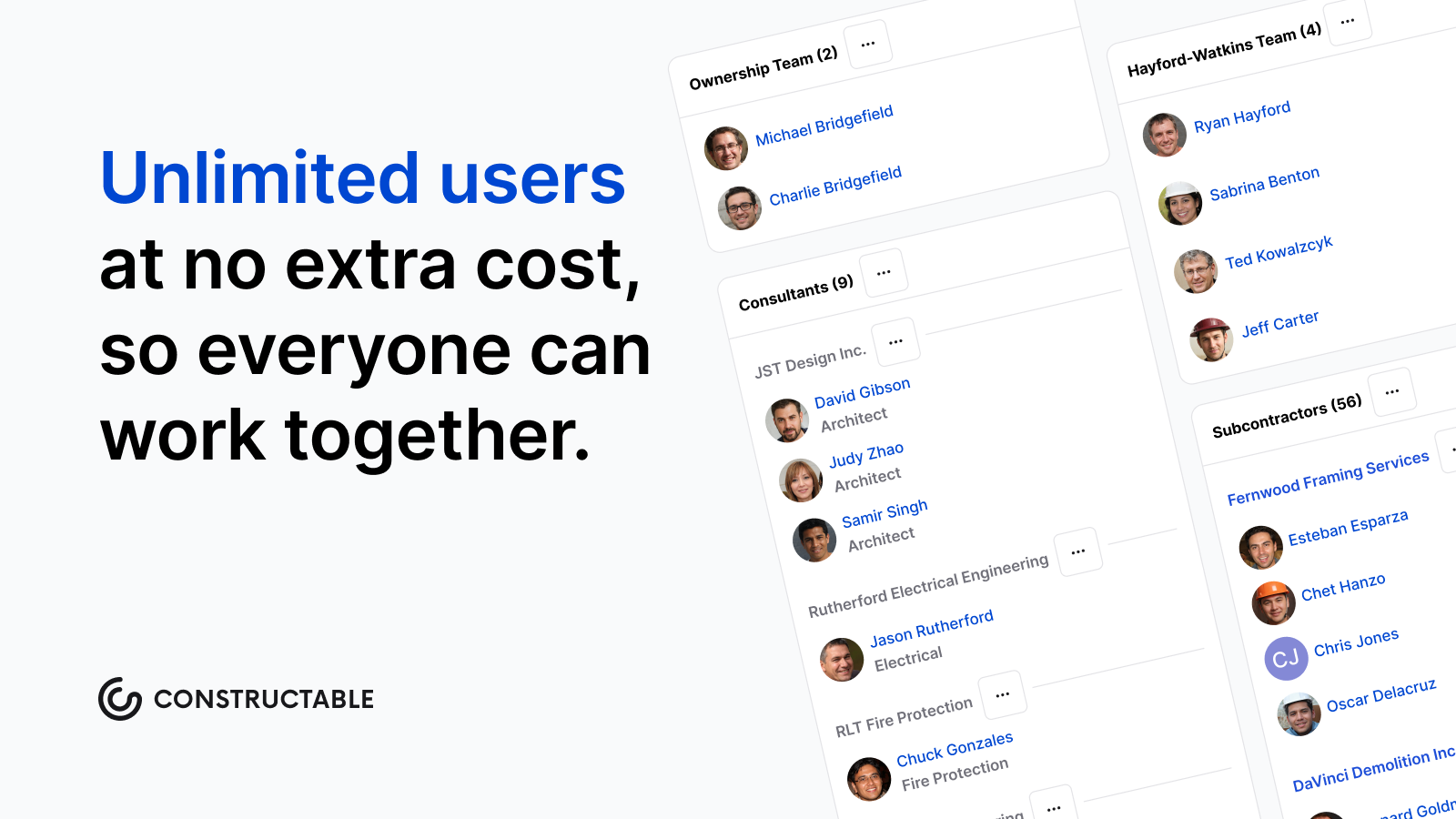\\n\\nBefore committing to any [all-in-one platform](https://constructable.ai/blog/best-all-in-one-construction-platforms), a few things that affect your total cost:\\n\\n- Number of licensed users, since pricing is per seat and every active user counts toward your invoice\\n\\n- Contract length, as annual commitments differ from multi-year agreements on rate\\n\\n- Additional ACC modules bundled alongside Build\\n\\n- Onboarding or implementation services you bring in to get the team up and running\\n\\nCustom enterprise pricing can offer rate flexibility, but it typically requires annual committed contracts. If you're pursuing a custom deal, come prepared with clear user counts and a defined scope; vendors reward specificity at the negotiating table.\\n\\n## Core Features and Capabilities\\n\\
165nForma Build covers the core workflows most GC teams run on every project:\\n\\n- Document management with permission-based access controls so subcontractors only see what's relevant to them, a key feature in [software for mid-size contractors](https://constructable.ai/blog/best-software-mid-size-contractors), keeping your sensitive project files where they belong\\n\\n- RFIs with ball-in-court tracking, a proven approach to RFI management, so the right person always knows what's sitting on their plate and nothing falls through the cracks between trades\\n\\n- Submittals with a structured review and approval workflow that keeps the paper trail clean without hunting down who signed off last\\n\\n- Issues to flag, assign, and resolve field problems, with photo documentation attached so the office sees exactly what the field sees\\n\\n- Daily logs capturing crew counts, equipment, weather, and delays all in one place\\n\\n- Cost management for budgets, change orders, and contract tracking against actuals\\n\\n- Quality and punch lists organized by trade or location\\n\\nYour PM and super work from the same system. Field data feeds back to the office without anyone manually transferring it between toolsâfewer \\\"did you get my email?\\\" conversations, more time spent on the actual work.\\n\\n## Forma Build mobile app and offline access\\n\\nSignal drops. It happens in basements, inside steel-framed buildings, and on remote sites where service is a coin flip.\\n\\nThe Build app runs on iOS and Android. Before heading somewhere without coverage, download drawings, forms, and project data directly to your device. The app keeps working offlineâlog issues, reference plans, complete forms, document field conditions. When you're back in range, it syncs automatically. To learn how [Constructable](https://constructable.ai/blog/constructable-vs-procore-which-is-better) handles this differently, see our comparison. No manual transfers, no second-guessing whether your notes made it back to the office.\\n\\n### What You Can Do Offline\\n\\n- Log RFIs, issues, and punch list items with photos attached, so nothing gets forgotten between the field and the trailer\\n\\n- Reference the latest drawing set without needing to carry paper or rely on a data connection\\n\\n- Fill out daily reports and inspection forms as you walk the site, not after the fact when details go fuzzy\\n\\n## Integrations and data connectivity\\n\\nForma Build connects directly to QuickBooks Online and Sage Intacct through two-way accounting integrations. Cost data, change orders, and budget updates flow between systems without manual re-entry, so your accounting records stay in sync with your project records.\\n\\nThe API layer connects to a wide range of other applications, including scheduling tools, ERP systems, and reporting dashboards. What gets configured depends on your tech stack and how much capacity your team has to set it up and maintain it. Integration depth varies by company.\\n\\nBuilt-in eSigning handles contracts and approvals without routing documents through a separate service. Signatures are collected and stored where the documents already live, which keeps the paper trail in one place rather than scattered across email inboxes and third-party tools.\\n\\n## How Constructable Compares for Mid-Size General Contractors\\n\\nForma Build is a capable system, but for a GC running $20M to $150M in volume without a dedicated IT team, the per-user pricing and configuration overhead can be hard to justify.\\n\\n**Constructable** was built for that gap. Drawings, RFIs, submittals, daily logs, quality lists, and financials all sit in one connected system, designed to work together from day one. Compare this to other [top RFI software for general contractors](https://constructable.ai/blog/top-rfi-management-software-general-contractors). Our [pricing is flat](https://constructable.ai/pricing) with unlimited users on every plan, so adding an owner, sub, or consultant doesn't mean another seat on your invoice.\\n\\n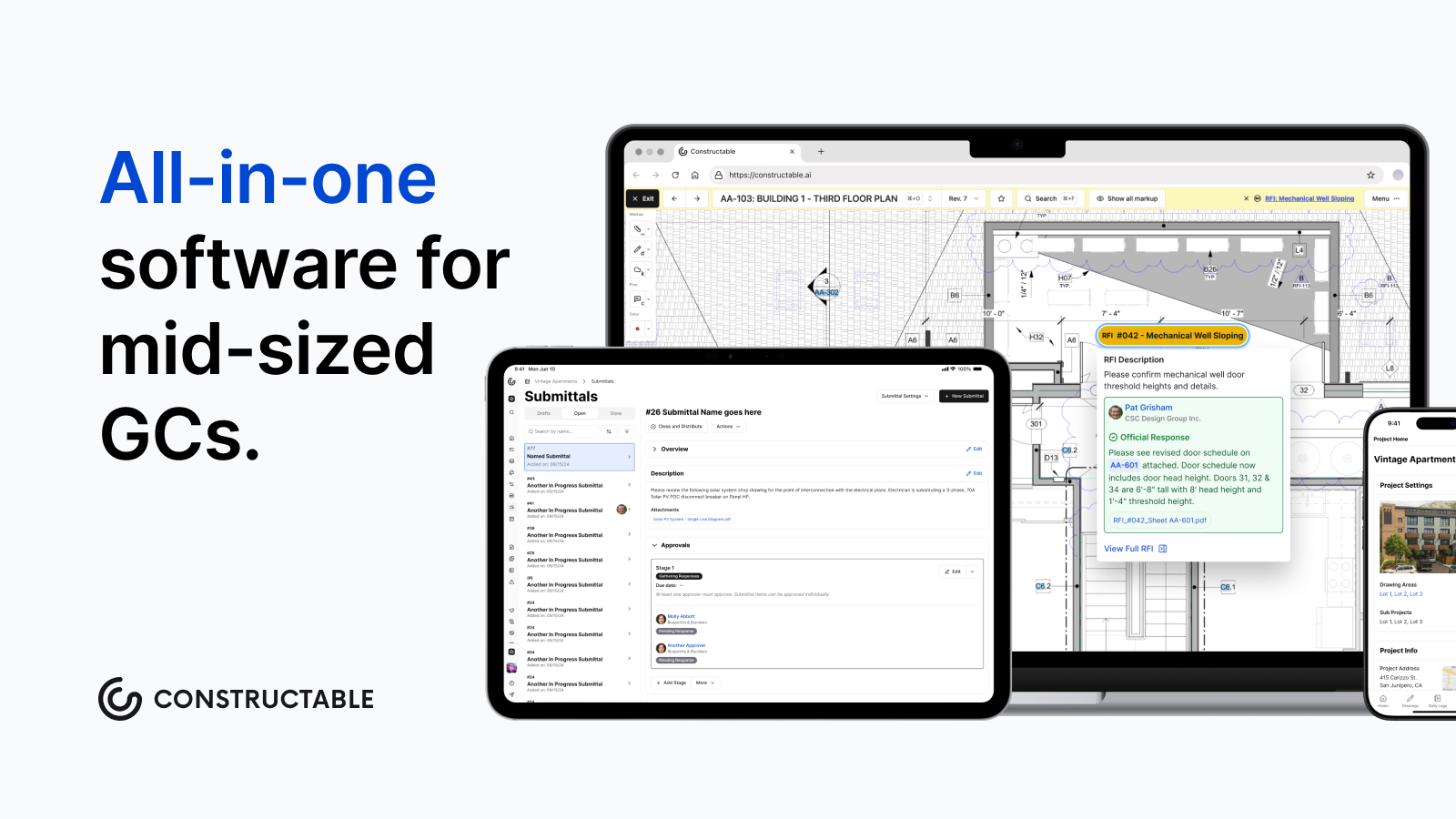\\n\\nConstructable onboarding averages under 21 days, including data migration. Anyone on your team can ask a plain-language question about any project and get an answer instantly, with sources linked directly back to the original document. No more digging through folders for something you already know is in there somewhere.\\n\\n## Final thoughts on Forma Build and what fits your team\\n\\nFor larger commercial GCs with dedicated project coordinators and IT support, [Forma Build](https://constructable.ai/) delivers the workflow depth those teams need. But if you're running $20M to $150M without that infrastru
165cture, per-user pricing and lengthy onboarding can outweigh the benefits. Your team needs software that works without constant babysitting or surprise seat charges when you add a consultant or sub. Drop a line at [https://constructable.ai/sales](https://constructable.ai/sales) to walk through what fits your setup.\\n\\n## FAQ\\n\\n### Forma Build vs Procore for mid-size GCs?\\n\\nBuild offers deeper integration with ACC's design coordination tools and stronger BIM workflows, while Procore provides a broader feature set for construction financials and owner management. For mid-size GCs without dedicated IT staff, both require significant configuration overhead and per-user pricing that scales quickly; Constructable offers comparable project execution capabilities with flat pricing and unlimited users.\\n\\n### How much does Forma Build actually cost per year?\\n\\nForma Build costs $1,404 per user annually ($117 per user per month billed annually) on the standard plan. A 10-person team pays $14,040 per year before add-ons, and every additional user (consultants, owners, subs) adds to that total. Enterprise pricing requires custom quotes negotiated through Autodesk's sales team.\\n\\n### Can I access Forma Build offline in the field?\\n\\nYes, the Forma Build mobile app works offline on iOS and Android. Download drawings, forms, and project data before heading to areas without signal, then log RFIs, issues, and punch list items directly on your device. Everything syncs automatically when you're back in range.\\n\\n### What's the difference between Forma Build and Forma Build Essentials?\\n\\nForma Build Essentials is a lighter coordination tool bundled with Forma subscriptions, offering basic document management and limited RFIs and submittals. Forma Build (full) includes complete workflows for cost management, schedule, meetings, and drawing-level pinning, built for GCs running complex commercial projects with multiple subs and heavy documentation requirements.\\n\",[],[1143,1144,1145,1146,1147],\"{\\n \\\"@context\\\": \\\"https://schema.org\\\",\\n \\\"@type\\\": \\\"FAQPage\\\",\\n \\\"name\\\": \\\"Autodesk Forma Build Review: What Construction Managers Need to Know (September 2026)\\\",\\n \\\"mainEntity\\\": [\\n {\\n \\\"@type\\\": \\\"Question\\\",\\n \\\"name\\\": \\\"Autodesk Build vs Procore for mid-size GCs?\\\",\\n \\\"acceptedA
165nswer\\\": {\\n \\\"@type\\\": \\\"Answer\\\",\\n \\\"text\\\": \\\"Autodesk Build offers deeper integration with ACC's design coordination tools and stronger BIM workflows, while Procore provides a broader feature set for construction financials and owner management. For mid-size GCs without dedicated IT staff, both require significant configuration overhead and per-user pricing that scales quicklyâConstructable offers comparable project execution capabilities with flat pricing and unlimited users.\\\"\\n }\\n },\\n {\\n \\\"@type\\\": \\\"Question\\\",\\n \\\"name\\\": \\\"How much does Autodesk Build actually cost per year?\\\",\\n \\\"acceptedAnswer\\\": {\\n \\\"@type\\\": \\\"Answer\\\",\\n \\\"text\\\": \\\"Autodesk Build costs $1,625 per user annually on the standard plan, or $145 per month for shorter commitments. A 10-person team pays $16,250 per year before add-ons, and every additional userâconsultants, owners, subsâadds to that total. Enterprise pricing requires custom quotes negotiated through Autodesk's sales team.\\\"\\n }\\n },\\n {\\n \\\"@type\\\": \\\"Question\\\",\\n \\\"name\\\": \\\"Can I access Autodesk Build offline in the field?\\\",\\n \\\"acceptedA
165nswer\\\": {\\n \\\"@type\\\": \\\"Answer\\\",\\n \\\"text\\\": \\\"Yes, the Autodesk Build mobile app works offline on iOS and Android. Download drawings, forms, and project data before heading to areas without signal, then log RFIs, issues, and punch list items directly on your deviceâeverything syncs automatically when you're back in range.\\\"\\n }\\n },\\n {\\n \\\"@type\\\": \\\"Question\\\",\\n \\\"name\\\": \\\"What's the difference between Autodesk Build and Forma Build Essentials?\\\",\\n \\\"acceptedAnswer\\\": {\\n \\\"@type\\\": \\\"Answer\\\",\\n \\\"text\\\": \\\"Forma Build Essentials is a lighter coordination tool bundled with Forma subscriptions, offering basic document management and limited RFIs and submittals. Autodesk Build (full) includes complete workflows for cost management, schedule, meetings, and drawing-level pinningâbuilt for GCs running complex commercial projects with multiple subs and heavy documentation requirements.\\\"\\n }\\n },\\n {\\n \\\"@type\\\": \\\"Question\\\",\\n \\\"name\\\": \\\"How do I log into Autodesk Construction Cloud?\\\",\\n \\\"acceptedA
165nswer\\\": {\\n \\\"@type\\\": \\\"Answer\\\",\\n \\\"text\\\": \\\"Go to acc.autodesk.com and sign in with your Autodesk account credentials. One login covers all ACC tools including Build, Docs, Takeoff, and BIM Collaborateâif you previously used BIM 360, those products were retired and folded into ACC under the same sign-on.\\\"\\n }\\n },\\n {\\n \\\"@type\\\": \\\"Question\\\",\\n \\\"name\\\": \\\"Can I use Autodesk Build without a full-time IT person?\\\",\\n \\\"acceptedAnswer\\\": {\\n \\\"@type\\\": \\\"Answer\\\",\\n \\\"text\\\": \\\"Yes, but expect a steeper learning curve and longer setup time. The system requires configuration for permissions, workflows, and integrationsâmid-size GCs without dedicated IT staff often find the initial setup and ongoing maintenance more work than expected. Constructable onboards teams in under 21 days with minimal technical overhead.\\\"\\n }\\n },\\n {\\n \\\"@type\\\": \\\"Question\\\",\\n \\\"name\\\": \\\"What is Autodesk Construction Cloud and how is it different from Autodesk Build?\\\",\\n \\\"acceptedA
165nswer\\\": {\\n \\\"@type\\\": \\\"Answer\\\",\\n \\\"text\\\": \\\"Autodesk Construction Cloud (ACC) is the full suite of tools including Docs, Takeoff, and BIM Collaborate. Autodesk Build sits inside ACC as the project execution layer handling RFIs, submittals, issues, and cost management for active jobs. One login at acc.autodesk.com covers the entire suite.\\\"\\n }\\n },\\n {\\n \\\"@type\\\": \\\"Question\\\",\\n \\\"name\\\": \\\"Does Autodesk Build work with QuickBooks?\\\",\\n \\\"acceptedAnswer\\\": {\\n \\\"@type\\\": \\\"Answer\\\",\\n \\\"text\\\": \\\"Yes, Autodesk Build connects directly to QuickBooks Online through two-way integration. Cost data, change orders, and budget updates sync automatically between systems without manual re-entry, keeping your accounting records aligned with project records.\\\"\\n }\\n },\\n {\\n \\\"@type\\\": \\\"Question\\\",\\n \\\"name\\\": \\\"Best construction software for a GC running $50M in volume without per-user fees?\\\",\\n \\\"acceptedA
165nswer\\\": {\\n \\\"@type\\\": \\\"Answer\\\",\\n \\\"text\\\": \\\"Constructable offers flat pricing with unlimited users across all plans, covering drawings, RFIs, submittals, daily logs, quality lists, and financials in one connected system. No seat charges when you add owners, consultants, or subsâjust straightforward pricing that doesn't scale with headcount.\\\"\\n }\\n },\\n {\\n \\\"@type\\\": \\\"Question\\\",\\n \\\"name\\\": \\\"How long does it take to set up Autodesk Build for a new project?\\\",\\n \\\"acceptedAnswer\\\": {\\n \\\"@type\\\": \\\"Answer\\\",\\n \\\"text\\\": \\\"Setup time varies based on team size and configuration complexity. Larger GCs with dedicated coordinators can onboard faster, but mid-size teams without IT staff often face longer timelines for permissions, workflows, and integration setup. Constructable averages under 21 days including data migration.\\\"\\n }\\n },\\n {\\n \\\"@type\\\": \\\"Question\\\",\\n \\\"name\\\": \\\"Can subcontractors access Autodesk Build for free?\\\",\\n \\\"acceptedA
165nswer\\\": {\\n \\\"@type\\\": \\\"Answer\\\",\\n \\\"text\\\": \\\"No, subcontractors need licensed user seats to access Autodesk Build. At $1,625 per user annually, giving access to multiple subs adds up quickly. Some GCs limit sub access or use view-only permissions to control costs, which can create coordination friction on active projects.\\\"\\n }\\n },\\n {\\n \\\"@type\\\": \\\"Question\\\",\\n \\\"name\\\": \\\"Autodesk Build vs PlanGrid for smaller commercial projects?\\\",\\n \\\"acceptedAnswer\\\": {\\n \\\"@type\\\": \\\"Answer\\\",\\n \\\"text\\\": \\\"PlanGrid (now part of Autodesk Build) focused on simpler field coordination, while full Autodesk Build handles deeper workflows including cost, schedule, and meetings. For smaller GCs running a handful of projects without admin staff, full Build may be more depth than neededâthe configuration overhead often outweighs the benefits.\\\"\\n }\\n },\\n {\\n \\\"@type\\\": \\\"Question\\\",\\n \\\"name\\\": \\\"How do I download the Autodesk Build app for field use?\\\",\\n \\\"acceptedA
165nswer\\\": {\\n \\\"@type\\\": \\\"Answer\\\",\\n \\\"text\\\": \\\"Download the Autodesk Build mobile app from the iOS App Store or Google Play Store. After installing, sign in with your ACC credentials at acc.autodesk.com, then download drawings and project data before heading to the field so everything works offline without cell signal.\\\"\\n }\\n },\\n {\\n \\\"@type\\\": \\\"Question\\\",\\n \\\"name\\\": \\\"What happens to my BIM 360 login after switching to ACC?\\\",\\n \\\"acceptedAnswer\\\": {\\n \\\"@type\\\": \\\"Answer\\\",\\n \\\"text\\\": \\\"BIM 360 was retired and folded into Autodesk Construction Cloud. Your login now lives at acc.autodesk.com using the same Autodesk account credentialsâone sign-on covers Build, Docs, Takeoff, and BIM Collaborate. No separate logins needed across the suite.\\\"\\n }\\n },\\n {\\n \\\"@type\\\": \\\"Question\\\",\\n \\\"name\\\": \\\"Can I try Autodesk Build before committing to annual pricing?\\\",\\n \\\"acceptedA
165nswer\\\": {\\n \\\"@type\\\": \\\"Answer\\\",\\n \\\"text\\\": \\\"Autodesk offers demos and trials through their sales team, but full product access typically requires a contract commitment. Monthly pricing at $145 per user provides shorter-term flexibility but costs more annually than the $1,625 per-user annual plan. Contact Autodesk directly for trial options specific to your team size.\\\"\\n }\\n }\\n ],\\n \\\"url\\\": \\\"https://constructable.ai/blog/autodesk-build-review\\\",\\n \\\"dateModified\\\": \\\"2026-09-10T23:54:09.659Z\\\",\\n \\\"author\\\": {\\n \\\"@type\\\": \\\"Person\\\",\\n \\\"name\\\": \\\"Molly Abbott\\\"\\n }\\n}\\n\",\"{\\n \\\"@context\\\": \\\"https://schema.org\\\",\\n \\\"@type\\\": \\\"BlogPosting\\\",\\n \\\"headline\\\": \\\"Autodesk Forma Build Review: What Construction Managers Need to Know (September 2026)\\\",\\n \\\"description\\\": \\\"Autodesk Forma Build review for construction managers covering pricing, features, mobile access, and what GCs need to know before buying in September 2026.\\\",\\n \\\"datePublished\\\": \\\"2026-05-03T21:38:10.574Z\\\",\\n \\\"dateModified\\\": \\\"2026-09-15T00:11:35.018Z\\\",\\n \\\"author\\\": {\\n \\\"@type\\\": \\\"Person\\\",\\n \\\"name\\\": \\\"Molly Abbott\\\"\\n },\\n \\\"url\\\": \\\"https://constructable.ai/blog/autodesk-build-review\\\",\\n \\\"wordCount\\\": 1653,\\n \\\"keywords\\\": [\\n \\\"autodesk build\\\",\\n \\\"autodesk build pricing\\\",\\n \\\"autodesk build login\\\",\\n \\\"autodesk build download\\\",\\n \\\"autodesk build app\\\",\\n \\\"autodesk build certification\\\",\\n \\\"autodesk build tutorial\\\",\\n \\\"autodesk build acc\\\",\\n \\\"autodesk build demo\\\",\\n \\\"autodesk construction cloud\\\",\\n \\\"autodesk construction cloud login\\\",\\n \\\"acc autodesk login\\\",\\n \\\"autodesk docs login\\\",\\n \\\"autodesk build login app\\\",\\n \\\"acc autodesk build\\\",\\n \\\"acc autodesk build login\\\",\\n \\\"autodesk 360 login\\\",\\n \\\"autodesk construction cloud pricing\\\",\\n \\\"autodesk build 550 pricing\\\",\\n \\\"autodesk build unlimited price\\\",\\n \\\"autodesk build 5000 pricing\\\",\\n \\\"autodesk construction cloud pricing reddit\\\",\\n \\\"autodesk docs pricing\\\",\\n \\\"autodesk cloud pricing\\\",\\n \\\"autodesk build app free download\\\",\\n \\\"autodesk build app download\\\",\\n \\\"autodesk build app for windows\\\",\\n \\\"autodesk construction cloud app\\\",\\n \\\"autodesk construction cloud download\\\",\\n \\\"autodesk build app free\\\",\\n \\\"autodesk build app for android\\\",\\n \\\"autodesk build software\\\",\\n \\\"autodesk build vs plangrid\\\",\\n \\\"autodesk construction cloud connect\\\",\\n \\\"autodesk build log in\\\",\\n \\\"autodesk build price\\\",\\n \\\"build autodesk\\\",\\n \\\"what is autodesk build\\\",\\n \\\"autodesk construction cloud build\\\",\\n \\\"autodesk build cost\\\",\\n \\\"autodesk build trial\\\",\\n \\\"autodesk build logo\\\",\\n \\\"autodesk build help\\\",\\n \\\"autodesk build vs procore\\\",\\n \\\"autodesk build space boston\\\",\\n \\\"autodesk build unlimited\\\",\\n \\\"autodesk acc build\\\",\\n \\\"build autodesk login\\\",\\n \\\"autodesk build space\\\",\\n \\\"autodesk boston build space\\\",\\n \\\"autodesk build sign in\\\"\\n ]\\n}\\n\",\"autodesk forma build\",\"forma build forma build essentials\",\"forma build pricing\",\"core features capabilities\",\"forma build mobile app offline access\",\"construction-gantt-chart-scheduling\",\"Construction projects run late at staggering rates, with the average job running 37% longer than planned. A Gantt chart won't fix that on its own, but a sloppy one makes it worse by hiding slippage until it's too late to do anything about it. The difference usually comes down to a few setup steps that most teams skip, and this covers all of them.\\n\\n**TLDR:**\\n\\n- A construction Gantt chart maps every task, dependency, and milestone on one timeline so the full sequence is visible at once.\\n\\n- 98% of construction projects face delays (Buildern, 2026); a baseline-versus-actual comparison lets you catch slippage while there's still float to recover.\\n\\n- Build your WBS fully before touching dates, map all dependency types, and update the schedule weekly at minimum during active construction.\\n\\n- Excel can produce a Gantt chart using a stacked bar workaround, but holds no depen
165dency logic, so every date change requires manual downstream updates.\\n\\n- **Constructable** houses your MPP schedule as a full Gantt view next to your drawings, RFIs, and daily logs, without requiring a Microsoft Project license for the whole team.\\n\\n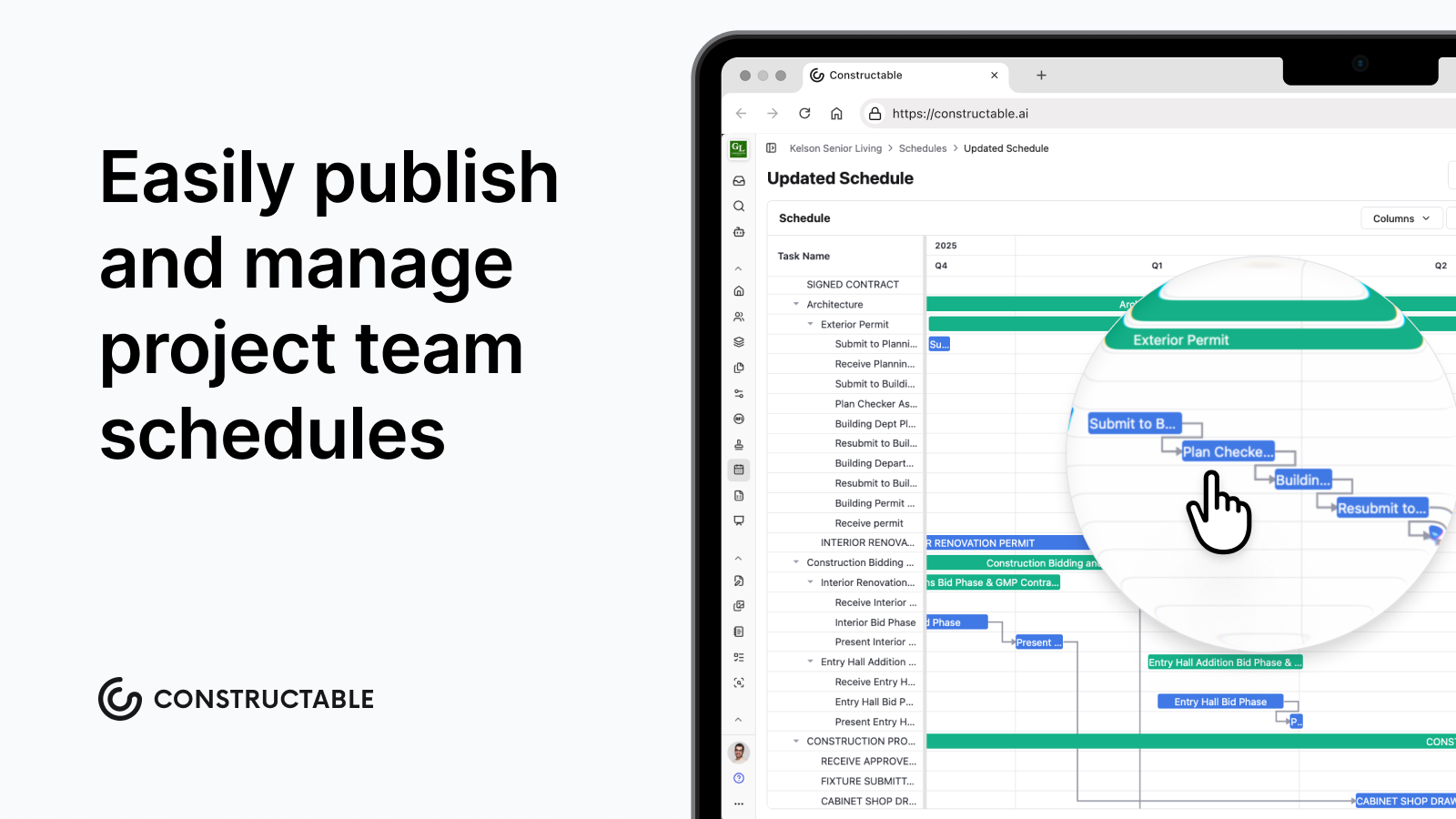\\n\\n## What is a construction Gantt chart?\\n\\nA construction Gantt chart is a horizontal bar chart that lays project tasks against a calendar. Each bar marks when a task starts, when it ends, and how long it runs. Stack those bars across the full job and you see the whole sequence at once, including which activities overlap and which ones depend on another finishing first.\\n\\nThe tool traces back to Henry Gantt, an American engineer who popularized it in the early 20th century. Construction turned out to be a natural fit. Jobs here run on ordered work, hard handoffs between trades, and dates that carry contractual weight, the same pressures that define [what a general contractor does](https://constructable.ai/blog/general-contracting-101-what-gc-does), so a visual timeline answers the question every schedule has to answer: what happens, in what order, and by when.\\n\\n## Key components of a construction Gantt chart\\n\\nEvery construction Gantt chart is built from a handful of parts. Get all of them on the page and the schedule holds up.\\n\\n- Task list or WBS: the vertical stack of activities, broken down from broad phases into workable pieces like site prep, footings, framing, and MEP rough-in.\\n\\n- Timeline axis: the horizontal calendar running across the top, scaled by day, week, or month.\\n\\n- Task bars: each bar's length shows duration, so a two-week framing run reads longer than a two-day inspection.\\n\\n- Dependency arrows: links that connect sequenced work, such as rough-in finishing before drywall can start.\\n\\n- Milestones: fixed markers for key deliverables like permit approval, dry-in, or final inspection.\\n\\n- Resource assignments: the crew, sub, or equipment tied to each bar.\\n\\n## How to build a construction Gantt chart step by step\\n\\nBuilding a schedule follows the same order whether you work in Microsoft Project, Excel, or a dedicated scheduling tool. Work through these steps in sequence.\\n\\n1. Start with a work breakdown structure. Split the project into phases, then break each phase into discrete tasks you can assign and track.\\n\\n2. Define and group every task. List all activities under their phase so nothing slips between the WBS and the calendar.\\n\\n3. Set durations. Estimate how long each task runs in days or weeks, grounded in crew size and production rates.\\n\\n4. Map dependencies. Most construction work is finish-to-start, but flag start-to-start, finish-to-finish, and lag relationships where they apply.\\n\\n5. Find the critical path. Identify the longest chain of dependent tasks, since any slip there pushes your completion date.\\n\\n6. Insert milestones. Mark permits, dry-in, inspections, and handover as fixed checkpoints.\\n\\n7. Assign resources. Tie each bar to the crew, sub, or equipment responsible.\\n\\n8. Set a baseline. Lock the approved plan so you can compare planned dates against actual progress as the job runs.\\n\\n## How to make a construction Gantt chart in Excel\\n\\nExcel has no native Gantt chart type, so you build one from a stacked bar chart. Set up your data first: one column each for Task Name, Start Date, End Date, and Duration.\\n\\n1. Calculate duration with `=EndDate-StartDate+1` so a same-day task still reads as one day.\\n\\n2. Select task names and start dates, then insert a 2-D stacked bar chart.\\n\\n3. Add the duration column as a second series so each bar's length matches its run.\\n\\n4. Select the start-date series, set its fill to no fill, and the task bars appear against the calendar.\\n\\n5. Right-click the vertical axis, check Categories in reverse order, and the chart reads top to bottom.\\n\\nTo skip weekends, swap the formula for `NETWORKDAYS(StartDate, EndDate)`.\\n\\nThe cat
165ch is maintenance. Excel holds no dependency logic, so when one task slips, you retype every downstream date by hand.\\n\\n## Free construction Gantt chart templates\\n\\nFree Gantt chart templates come in two flavors. A blank simple template gives you empty rows and a calendar axis for any project. A construction-specific version arrives pre-loaded with phase groups like preconstruction, site work, framing, MEP rough-in, finishes, and closeout, so the structure already mirrors how commercial jobs sequence work. You fill in dates instead of rebuilding the skeleton every job.\\n\\n| Format | Best for |\\n| ------------------------------- | --------------------------------------- |\\n| Excel (including monthly views) | Formula-driven bars and offline editing |\\n| Google Sheets | Shared, real-time schedule access |\\n| Word | Static timelines for reports |\\n| PowerPoint | Presenting a schedule to owners |\\n| Canva | Visual timelines for proposals |\\n\\nVendors like Smartsheet, Vertex42, and TeamGantt offer free downloads. Pick the format your team already lives in, then swap the generic tasks for your real WBS.\\n\\n## How construction teams use Gantt charts\\n\\nA single Gantt does different work depending on who's reading it.\\n\\n- [Construction project managers](https://constructable.ai/blog/what-do-construction-project-managers-do) sequence phases and track execution against the baseline, spotting slips before they compound.\\n\\n- Superintendents pull call times from it, so the framing sub shows up the day rough-in wraps and not a week early.\\n\\n- Owners and design teams read it for status, milestone dates, and where a decision is holding things up.\\n\\n- When a delay hits, the baseline-versus-actual gap becomes the record that supports a [change order in construction](https://constructable.ai/blog/change-orders-construction-guide) or a claim.\\n\\n## Benefits of Gantt charts in construction\\n\\nA Gantt chart won't stop a delay, but it gives you the visual structure to catch one early and respond before it cascades, a foundation the [best construction management software](https://constructable.ai/blog/best-construction-management-software) builds on. [98% of construction projects face delays](https://buildern.com/resources/blog/project-delays-in-construction/), with the average project running 37% longer than projected.\\n\\n- Visibility into sequence: seeing phase overlap on one timeline tells you when a slip in framing squeezes MEP rough-in, so you plan around it instead of finding out on site.\\n\\n- Early slippage detection: the baseline-versus-actual gap surfaces a lagging task while there's still float to recover, not after the completion date has moved.\\n\\n- Accountability: named resources on each bar mean firms hit by [supply chain and labor delays](https://www.openspace.ai/blog/construction-project-delay-statistics/) can trace which task and party absorbed the hit.\\n\\n- Transparent communication: owners and lenders read milestone dates straight off the chart, keeping status conversations grounded in the same picture everyone works from.\\n\\n## Limitations of construction Gantt charts\\n\\nA Gantt chart is only as good as its upkeep, and that is where most of the drawbacks start.\\n\\n- Scale gets unwieldy. A commercial job with hundreds of activities turns a Gantt into a wall of bars no one can read at a glance.\\n\\n- Static tools demand constant manual maintenance. Every date change ripples downstream, and in a spreadsheet you update those rows by hand.\\n\\n- The bars imply precision the durations don't have. An estimate displayed as a crisp two-week block can read like a promise.\\n\\n- It shows time, not resource loading or cost. Crew leveling and cash flow live outside the chart.\\n\\nThe deeper risk is staleness. A Gantt that stops getting updated becomes a historical artifact, a record of what you planned instead of a guide to what happens next.\\n\\n## Gantt charts vs. other construction scheduling methods\\n\\nA Gantt chart is one scheduling method among several, and each answers a different question.\\n\\n- CPM (Critical Path Method): builds a logical network of dependencies to calculate the critical path and float. CPM and Gantt usually work together, with CPM doing the math and the Gantt chart serving as the visual output that c
165ommunicates it.\\n\\n- PERT (Program Evaluation and Review Technique): weights optimistic, likely, and pessimistic durations to model uncertainty on jobs where estimates are shaky.\\n\\n- Last Planner System: a lean, pull-based method that plans short-interval work through crew commitments instead of a top-down bar chart.\\n\\n- Resource-loaded schedules: layer crew, equipment, and cost onto the timeline for leveling and cash flow.\\n\\nReach for a Gantt when phases run in clear sequence, when you need one picture diverse stakeholders can read, or on shorter jobs. Let an analytical method lead when the network is dense, durations are uncertain, or resource conflicts drive the schedule.\\n\\n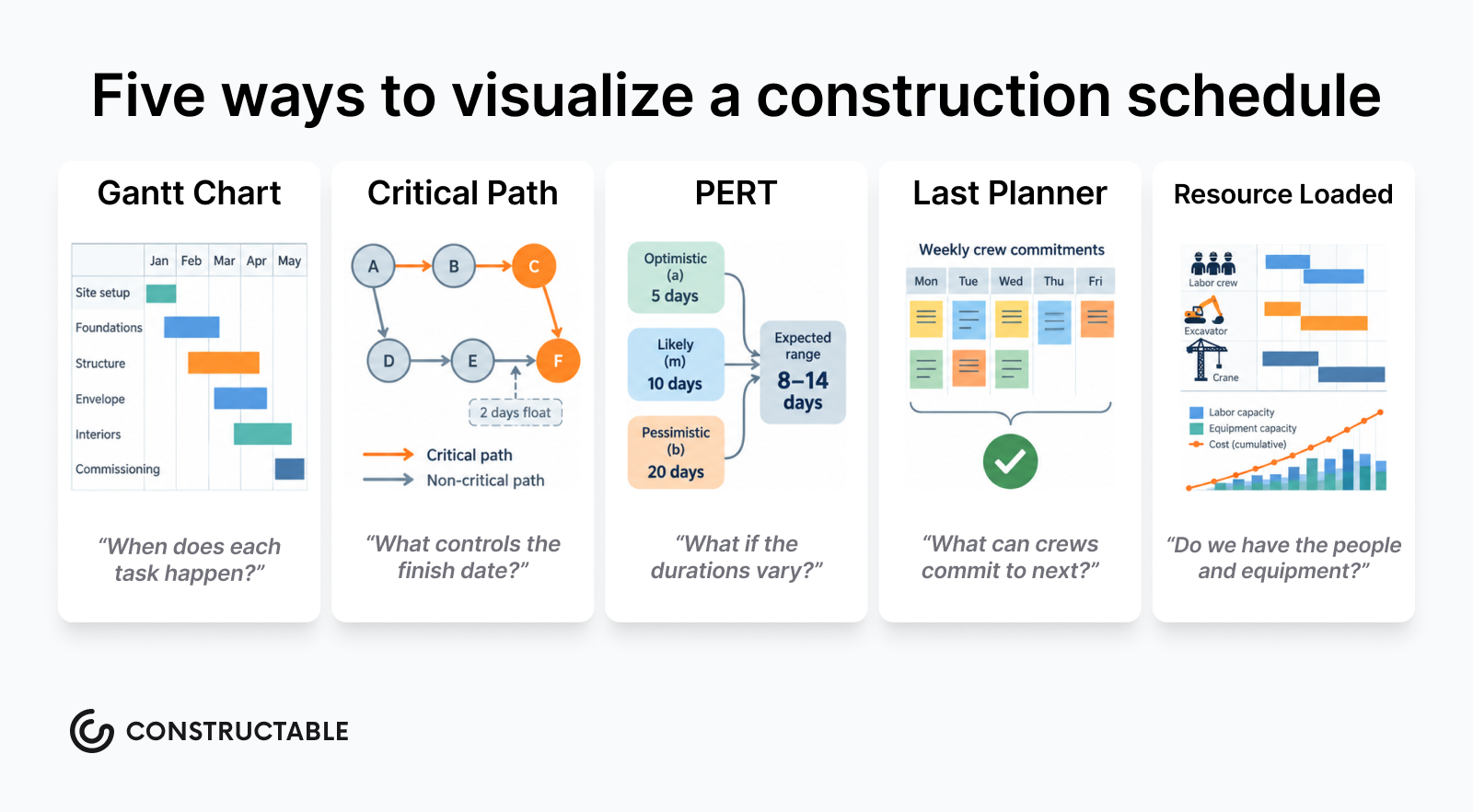\\n\\n## Construction Gantt chart best practices\\n\\nA schedule earns trust when it stays readable and current. These habits keep a Gantt guiding the job instead of getting filed after week one.\\n\\n- Build the WBS fully before you touch the timeline. The task list is the foundation; dates come after.\\n\\n- Keep granularity consistent. Don't mix two-hour tasks with two-month phases on the same chart.\\n\\n- Map every dependency type, including finish-to-start, start-to-start, and lag relationships, since all of them shape your sequence.\\n\\n- Build float in explicitly. Hidden buffer disappears the moment someone questions a date.\\n\\n- Update on a fixed cadence, weekly at minimum during active construction.\\n\\n- Use color coding and phase grouping so anyone reads the chart at a glance.\\n\\n- Share a view-only version with subs so field teams pull from one source of truth, a practice at the core of [drawing-centric collaboration workflows](https://constructable.ai/blog/drawing-centric-collaboration-workflows).\\n\\n## How **Constructable** fits into your construction schedule\\n\\nA quick clarification before you swap tools: Constructable is not a Gantt authoring tool (yet), and it does not replace Microsoft Project or your other scheduling software. What it does is **give the schedule a home** inside the same system as your drawings, RFIs, submittals, daily logs, and financial data, as part of a broader set of [project management tools](https://constructable.ai/features/project-management) built into Constructable.\\n\\nThe master schedule still lives in Microsoft Project or Primavera. Constructable is where that file is issued, read, and planned against, in the same project as your drawings, RFIs, submittals, daily logs, and financials.\\n\\nUpload a Microsoft Project (.mpp) or Primavera (.xer) file in Schedules. When the import finishes, it opens as a Gantt chart: sticky column headers, horizontal scrolling on the activity columns and the timeline, and dependency arrows between activities. The imported activities are read-only. Change dates and logic in your scheduling application, then replace the file.\\n\\nA new schedule starts Unpublished, so schedule managers can review it before it goes out. Publish Schedule makes it visible to anyone who can view published schedules. They read the Gantt in Constructable, no separate Microsoft Project license required.\\n\\nLookahead is the part you write in Constructable. On the same imported plan, open Lookahead and add the next one to eight weeks of work: tasks under an activity or on their own, with a company, an assignee, a crew size, and dates. Drag a bar to move a task. Export that window as a PDF for the field. Dependency arrows stay on the Schedule view.\\n\\nSchedules is its own item in the project menu, alongside drawings, RFIs, and daily logs, so the issued plan and the field record are in one system.\\n\\nCheck out this quick overview video of the Schedule Lookahead feature in Constructable:\\n\\n[https://www.youtube.com/watch?v=sggi5Tc5FpQ](https://www.youtube.com/watch?v=sggi5Tc5FpQ)\\n\\n## Final thoughts on Gantt charts for construction projects\\n\\nA Gantt chart is only as good as the last time someone updated it. Build it carefully, map your dependencies, and share it with your team so everyone pulls from the same source. When a delay hits, a current schedule with a locked baseline is what turns a problem into a documented event instead of an argument. [See how **Constructable** connects your schedule](https://constructable.ai/sales).\\n\\n## FAQs\\n\\n### What's the difference between a Gantt chart and CPM scheduling for a construction project?\\n\\nA Gantt chart and CPM work together as complements: CPM calculates the critical path and float through a dependency network, while the Gantt chart is the visual output that c
165ommunicates that sequence to your team, subs, and owner. For most commercial jobs, CPM does the analytical work and the Gantt chart is what you put in front of people.\\n\\n### Can I build a usable construction Gantt chart in Excel without buying scheduling software?\\n\\nYes. Excel's stacked bar chart can be converted into a functional Gantt chart using start date, end date, and a duration formula (`=EndDate-StartDate+1`). The tradeoff is maintenance: Excel holds no dependency logic, so when one task slips, every downstream date has to be updated by hand. That's workable on a short job but becomes a real burden on a multi-phase commercial project.\\n\\n### How do construction teams use a Gantt chart to support a delay claim or change order?\\n\\nThe baseline is the key. Once you lock the approved schedule, any gap between planned dates and actual progress becomes a documented record: who was responsible, which task absorbed the slip, and when it happened. That baseline-versus-actual comparison is what turns a Gantt chart from a planning tool into evidence that supports a claim or a schedule-impact change order.\\n\\n### Does Constructable replace Microsoft Project for Gantt chart authoring and schedule management?\\n\\nNo. Constructable is not a full-on schedule-building tool and it isn't designed to fully replace Microsoft Project or other scheduling software for authoring or editing Gantt charts. What it does is give your schedule a home inside the same system as your drawings, RFIs, submittals, and daily logs: upload an MPP file and it opens as a Gantt chart with sticky column headers, horizontal scrolling, and visual dependency arrows, visible to the full team without requiring a Project license.\\n\\n### What free Gantt chart template format works best for a construction project?\\n\\nExcel is the most practical starting point for most commercial construction teams because it supports formula-driven duration bars and works offline. If your team shares schedules in real time across the office and field, a Google Sheets gantt chart template removes the version-control problem. Word, PowerPoint, and Canva templates are better suited for presenting a timeline to an owner or including it in a proposal, not for actively managing a live schedule.\\n\",[],[1154,1155,1156,1157,1158],\"{\\n \\\"@context\\\": \\\"https://schema.org\\\",\\n \\\"@type\\\": \\\"FAQPage\\\",\\n \\\"name\\\": \\\"How to Build a Construction Gantt Chart (September 2026)\\\",\\n \\\"mainEntity\\\": [\\n {\\n \\\"@type\\\": \\\"Question\\\",\\n \\\"name\\\": \\\"What's the difference between a Gantt chart and CPM scheduling for a construction project?\\\",\\n \\\"acceptedA
165nswer\\\": {\\n \\\"@type\\\": \\\"Answer\\\",\\n \\\"text\\\": \\\"A Gantt chart and CPM work together rather than competing â CPM calculates the critical path and float through a dependency network, while the Gantt chart is the visual output that communicates that sequence to your team, subs, and owner. For most commercial jobs, CPM does the analytical work and the Gantt chart is what you put in front of people.\\\"\\n }\\n },\\n {\\n \\\"@type\\\": \\\"Question\\\",\\n \\\"name\\\": \\\"Can I build a usable construction Gantt chart in Excel without buying scheduling software?\\\",\\n \\\"acceptedAnswer\\\": {\\n \\\"@type\\\": \\\"Answer\\\",\\n \\\"text\\\": \\\"Yes. Excel's stacked bar chart can be converted into a functional Gantt chart using start date, end date, and a duration formula (`=EndDate-StartDate+1`). The tradeoff is maintenance: Excel holds no dependency logic, so when one task slips, every downstream date has to be updated by hand â which is workable on a short job but becomes a real burden on a multi-phase commercial project.\\\"\\n }\\n },\\n {\\n \\\"@type\\\": \\\"Question\\\",\\n \\\"name\\\": \\\"How do construction teams use a Gantt chart to support a delay claim or change order?\\\",\\n \\\"acceptedA
165nswer\\\": {\\n \\\"@type\\\": \\\"Answer\\\",\\n \\\"text\\\": \\\"The baseline is the key. Once you lock the approved schedule, any gap between planned dates and actual progress becomes a documented record â who was responsible, which task absorbed the slip, and when it happened. That baseline-versus-actual comparison is what turns a Gantt chart from a planning tool into evidence that supports a claim or a schedule-impact change order.\\\"\\n }\\n },\\n {\\n \\\"@type\\\": \\\"Question\\\",\\n \\\"name\\\": \\\"Does Constructable replace Microsoft Project for Gantt chart authoring and schedule management?\\\",\\n \\\"acceptedAnswer\\\": {\\n \\\"@type\\\": \\\"Answer\\\",\\n \\\"text\\\": \\\"No. Constructable is not a schedule-building tool and does not replace Microsoft Project or other scheduling software for authoring or editing Gantt charts. What it does is give your schedule a home inside the same system as your drawings, RFIs, submittals, and daily logs â you upload an MPP file and it renders as a Gantt chart with sticky column headers, horizontal scrolling, and visual dependency arrows, visible to the full team without requiring a Project license.\\\"\\n }\\n },\\n {\\n \\\"@type\\\": \\\"Question\\\",\\n \\\"name\\\": \\\"What free Gantt chart template format works best for a construction project?\\\",\\n \\\"acceptedA
165nswer\\\": {\\n \\\"@type\\\": \\\"Answer\\\",\\n \\\"text\\\": \\\"Excel is the most practical starting point for most commercial construction teams because it supports formula-driven duration bars and works offline. If your team shares schedules in real time across the office and field, a Google Sheets gantt chart template removes the version-control problem. Word, PowerPoint, and Canva templates are better suited for presenting a timeline to an owner or including it in a proposal, not for actively managing a live schedule.\\\"\\n }\\n },\\n {\\n \\\"@type\\\": \\\"Question\\\",\\n \\\"name\\\": \\\"What's the best way to share a construction Gantt chart with subcontractors who don't have scheduling software?\\\",\\n \\\"acceptedAnswer\\\": {\\n \\\"@type\\\": \\\"Answer\\\",\\n \\\"text\\\": \\\"Upload your MPP or Smartsheet file to a construction management system like Constructable, which renders it as a viewable Gantt chart with sticky column headers and dependency arrows â no Microsoft Project license required for the team. Subcontractors and field staff can read the published schedule alongside drawings, RFIs, and daily logs from a single login, pulling from one source of truth instead of emailed PDFs that go stale.\\\"\\n }\\n },\\n {\\n \\\"@type\\\": \\\"Question\\\",\\n \\\"name\\\": \\\"How often should a construction Gantt chart be updated during active construction?\\\",\\n \\\"acceptedA
165nswer\\\": {\\n \\\"@type\\\": \\\"Answer\\\",\\n \\\"text\\\": \\\"Weekly at minimum during active construction â any longer and the gap between planned dates and field reality grows wide enough that slippage hides until it's too late to recover float. Teams with dense activity sequences or tight float should update after any major change event, permit decision, or weather delay to keep the baseline-versus-actual comparison honest.\\\"\\n }\\n },\\n {\\n \\\"@type\\\": \\\"Question\\\",\\n \\\"name\\\": \\\"What's the difference between a milestone and a task bar on a construction Gantt chart?\\\",\\n \\\"acceptedAnswer\\\": {\\n \\\"@type\\\": \\\"Answer\\\",\\n \\\"text\\\": \\\"A task bar has duration â it spans days or weeks and represents work in progress, like framing or MEP rough-in. A milestone is a single fixed point in time with no duration, marking a key deliverable or decision: permit approval, dry-in, final inspection, or owner handover. Both belong on a construction Gantt chart, but confusing them inflates your apparent schedule and obscures the real handoff dates that govern sequencing.\\\"\\n }\\n },\\n {\\n \\\"@type\\\": \\\"Question\\\",\\n \\\"name\\\": \\\"Should I use Google Sheets or Excel for a free construction Gantt chart template?\\\",\\n \\\"acceptedA
165nswer\\\": {\\n \\\"@type\\\": \\\"Answer\\\",\\n \\\"text\\\": \\\"Excel is the stronger choice for most commercial construction teams because it works offline and supports formula-driven duration bars using `=EndDate-StartDate+1`, making it practical for field use with unreliable connectivity. A Google Sheets gantt chart template is the better pick when your office and field teams need simultaneous, real-time access to the same file and version control across email chains is a recurring problem.\\\"\\n }\\n },\\n {\\n \\\"@type\\\": \\\"Question\\\",\\n \\\"name\\\": \\\"How do I handle schedule slippage on a construction Gantt chart without rebuilding the whole thing?\\\",\\n \\\"acceptedAnswer\\\": {\\n \\\"@type\\\": \\\"Answer\\\",\\n \\\"text\\\": \\\"Lock a baseline before work starts, then update only the actual start and finish dates as tasks complete â the gap between the baseline bar and the current bar shows your slippage without touching the original plan. When a critical-path task slips, adjust the dependent tasks downstream and flag the change as a change event so the schedule impact is documented alongside its cost implications from day one.\\\"\\n }\\n },\\n {\\n \\\"@type\\\": \\\"Question\\\",\\n \\\"name\\\": \\\"What dependency types should a construction Gantt chart include beyond finish-to-start?\\\",\\n \\\"acceptedA
165nswer\\\": {\\n \\\"@type\\\": \\\"Answer\\\",\\n \\\"text\\\": \\\"Most construction Gantt charts only map finish-to-start dependencies, but start-to-start and lag relationships change your sequence in ways that matter: concrete curing overlaps with formwork setup, steel delivery lags after foundation completion, and MEP rough-in can begin in one zone while framing continues in another. Missing these relationships makes your schedule look sequential when the work is actually parallel, which understates your float and overstates your timeline.\\\"\\n }\\n },\\n {\\n \\\"@type\\\": \\\"Question\\\",\\n \\\"name\\\": \\\"Can a construction Gantt chart be used as evidence in a schedule-impact dispute or claim?\\\",\\n \\\"acceptedAnswer\\\": {\\n \\\"@type\\\": \\\"Answer\\\",\\n \\\"text\\\": \\\"Yes, and the baseline is what makes it defensible. A locked baseline combined with weekly actual-date updates creates a documented record of what was planned, what slipped, which party held the ball, and when the impact occurred â exactly the kind of evidence that supports a schedule-impact change order or a delay claim. Without a baseline, a Gantt chart shows only the current state, not the deviation from the approved plan.\\\"\\n }\\n },\\n {\\n \\\"@type\\\": \\\"Question\\\",\\n \\\"name\\\": \\\"What's the right level of detail for a construction Gantt chart â how granular should tasks be?\\\",\\n \\\"acceptedA
165nswer\\\": {\\n \\\"@type\\\": \\\"Answer\\\",\\n \\\"text\\\": \\\"Keep tasks at a level where each one can be assigned to a single crew or subcontractor and tracked in one to two week intervals during active construction â granular enough to catch slippage early, but not so fine-grained that the chart becomes a wall of bars no one reads. Mixing two-hour tasks with two-month phases on the same chart breaks the visual logic and makes the critical path impossible to read at a glance.\\\"\\n }\\n },\\n {\\n \\\"@type\\\": \\\"Question\\\",\\n \\\"name\\\": \\\"How does a construction Gantt chart connect to daily log entries on an active job?\\\",\\n \\\"acceptedAnswer\\\": {\\n \\\"@type\\\": \\\"Answer\\\",\\n \\\"text\\\": \\\"A Gantt chart sets what should happen and when; a daily log records what actually happened and why it deviated. When both live in the same system, a delay logged on Tuesday â weather, waiting on an RFI, a material hold â connects directly to the scheduled task it affected, turning a field note into documented schedule evidence rather than a buried PDF. That connection is what lets you reconstruct a defensible project timeline quickly when a dispute comes up.\\\"\\n }\\n },\\n {\\n \\\"@type\\\": \\\"Question\\\",\\n \\\"name\\\": \\\"What should a construction Gantt chart template include that a generic project management template leaves out?\\\",\\n \\\"acceptedA
165nswer\\\": {\\n \\\"@type\\\": \\\"Answer\\\",\\n \\\"text\\\": \\\"A construction-specific Gantt chart template should arrive pre-loaded with phase groups that mirror how commercial jobs actually sequence: preconstruction, site work, foundations, framing, MEP rough-in, inspections, finishes, and closeout. Generic project management templates force you to rebuild that structure from scratch every job, while a construction gantt chart template free download or paid version saves that setup time and reduces the risk of leaving a standard phase out of the WBS entirely.\\\"\\n }\\n }\\n ],\\n \\\"url\\\": \\\"https://constructable.ai/blog/construction-gantt-chart-scheduling\\\",\\n \\\"dateModified\\\": \\\"2026-09-24T23:48:00.220Z\\\",\\n \\\"author\\\": {\\n \\\"@type\\\": \\\"Person\\\",\\n \\\"name\\\": \\\"Molly Abbott\\\"\\n }\\n}\\n\",\"{\\n \\\"@context\\\": \\\"https://schema.org\\\",\\n \\\"@type\\\": \\\"BlogPosting\\\",\\n \\\"headline\\\": \\\"How to Build a Construction Gantt Chart (August 2026)\\\",\\n \\\"description\\\": \\\"Learn how to build a construction Gantt chart step by step in August 2026 â covering WBS, dependencies, baselines, Excel templates, and delay documentation.\\\",\\n \\\"datePublished\\\": \\\"2026-08-09T12:22:39.239Z\\\",\\n \\\"dateModified\\\": \\\"2026-08-09T12:22:39.239Z\\\",\\n \\\"author\\\": {\\n \\\"@type\\\": \\\"Person\\\",\\n \\\"name\\\": \\\"Molly Abbott\\\",\\n \\\"description\\\": \\\"Molly Abbott is a co-founder of Constructable, and comes from a construction family. Sheâs a little bit quirky, a little bit competitive, and a little bit fun. She drives a minivan and has two small boys to give you a better picture of her in real life. \\\"\\n },\\n \\\"url\\\": \\\"https://constructable.ai/blog/construction-gantt-chart-scheduling\\\",\\n \\\"wordCount\\\": 2500,\\n \\\"keywords\\\": [\\n \\\"gantt chart construction\\\",\\n \\\"gantt chart template\\\",\\n \\\"gantt chart template in excel\\\",\\n \\\"simple gantt chart template excel\\\",\\n \\\"gantt chart template free\\\",\\n \\\"gantt chart template excel free\\\",\\n \\\"gantt chart template google sheets\\\",\\n \\\"gantt chart template word\\\",\\n \\\"gantt chart template powerpoint\\\",\\n \\\"gantt chart template canva\\\",\\n \\\"gantt chart excel\\\",\\n \\\"gantt chart excel template\\\",\\n \\\"gantt chart excel free\\\",\\n \\\"simple gantt chart excel\\\",\\n \\\"gantt chart excel formula\\\",\\n \\\"how to make a gantt chart in excel with start and end date\\\",\\n \\\"monthly gantt chart excel template\\\",\\n \\\"gantt chart excel - youtube\\\",\\n \\\"gantt chart maker\\\",\\n \\\"gantt chart example\\\",\\n \\\"gantt chart example excel\\\",\\n \\\"gantt chart example for students\\\",\\n \\\"gantt chart examples with milestones\\\",\\n \\\"gantt chart example for project proposal\\\",\\n \\\"simple gantt chart example\\\",\\n \\\"gantt chart example construction\\\",\\n \\\"gantt chart example pdf\\\",\\n \\\"gantt chart maker free\\\",\\n \\\"gantt chart maker excel\\\",\\n \\\"gantt chart maker ai\\\",\\n \\\"gantt chart online\\\",\\n \\\"gantt chart maker using code\\\",\\n \\\"simple gantt chart maker\\\",\\n \\\"gantt chart construction template\\\",\\n \\\"gantt chart construction excel\\\",\\n \\\"gantt chart for construction project pdf\\\",\\n \\\"gantt chart construction template free\\\",\\n \\\"gantt chart construction template excel\\\",\\n \\\"gantt chart template excel\\\",\\n \\\"gantt chart construction template pdf\\\",\\n \\\"gantt chart construction template word\\\",\\n \\\"gantt chart construction template free download\\\",\\n \\\"gantt chart template free download\\\",\\n \\\"gantt chart for building construction\\\",\\n \\\"gantt chart construction project\\\",\\n \\\"building construction gantt chart\\\",\\n \\\"gantt chart for construction\\\",\\n \\\"construction project gantt chart\\\",\\n \\\"construction gantt chart\\\",\\n \\\"gantt chart for a construction project\\\",\\n \\\"gantt chart in construction\\\"\\n ]\\n}\\n\",\"construction gantt chart\",\"key components construction gantt chart\",\"build construction gantt chart step step\",\"make construction gantt chart excel\",\"free construction gantt chart templates\",\"best-construction-project-management-software-gcs\",\"Pick the wrong project management software for construction and your field team stops using it by week three, your PMs are back in spreadsheets, and you've lost months of setup time. For mid-size GCs, the fit matters more than the feature list. These are the seven systems worth a serious look in 2026.\\n\\n**TLDR:**\\n\\n- Flat-fee pricing with unlimited users is the clearest dividing line between systems built for mid-size GCs and those that are not\\n\\n- Most systems here were built for a different buyer: enterprise firms, developer portfolios, or field-only trade crews\\n\\n- PlanGrid is in maintenance mode and closed to
165new customers, so teams still running it are already on a migration timeline\\n\\n- Procore's pricing scales with construction volume, so the bill climbs as your firm grows\\n\\n- **Constructable** is purpose-built for $20M-$150M GCs, with drawings-first workflows, built-in AI, and onboarding under 21 days\\n\\n## What is project management software for construction?\\n\\nProject management software for construction pulls the moving parts of a commercial job into one place: drawings, RFIs, submittals, daily logs, and financials sitting where the field and office can both reach them.\\n\\nThe category exists to close the gaps between those workflows. A super marks up a plan, a PM tracks a change order, an owner needs a status update, and the software keeps all of it connected instead of scattered across email, spreadsheets, and a handful of logins.\\n\\nFor mid-size GCs, coordination is the whole game. The right [construction software for mid-size contractors](https://constructable.ai/blog/best-software-mid-size-contractors) should carry that weight without adding steps to your team's plate.\\n\\n## How we ranked construction project management systems\\n\\nWe weighed each system the way a mid-size GC feels it once a job is running, not how a feature sheet reads. Seven things carried the most weight:\\n\\n- Pricing model. Flat-fee access adds subs, owners, and consultants without a climbing bill, while per-user pricing discourages broad collaboration.\\n\\n- Field-to-office alignment. It has to hold up for a super in the field and a PM at a desk, including offline drawing access inside a concrete structure.\\n\\n- Drawings as the center of gravity. RFIs, quality items, and markups pin to exact sheet locations, not a disconnected log.\\n\\n- Onboarding and migration. Time to productive use matters, plus whether migration help is included.\\n\\n- Built-in AI. The useful kind removes a step inside a workflow you already run.\\n\\n- Integration depth. Native two-way accounting sync beats middleware and manual re-entry.\\n\\n- System cohesion. One product built by one team behaves differently than acquired tools stitched together.\\n\\n## Best overall: **Constructable**\\n\\n**Constructable** is built for one buyer: the mid-size commercial GC running $20M to $150M in volume who wants software to disappear into the work. The whole system is designed around removing steps, not stacking capabilities. Think Ford F-150 instead of a Ferrari. Reliable, practical, built for real work, and it shows up every day.\\n\\n- **Flat-fee pricing, unlimited users**: no per-user fees whether you add internal staff, subs, owners, or consultants, and a [field-only plan](https://constructable.ai/pricing) covers teams that want field tools without the full financial suite.\\n\\n- **Drawings-first system**: RFIs, quality items, and markups pin to exact locations on the sheet, automatic sheet and detail callouts that link your drawings together, and a mobile app mirrors the desktop experience exactly (it also works offline!)\\n\\n- **AI Answer Engine across projects**: questions run across multiple projects at once, pulling answers from drawings, photos, logs, and documents, each linked back to the source so you can verify it.\\n\\n- **Full read \u0026 write integrations with ChatGPT and Claude:** Constructable leads the industry here, letting you connect it to other AI tools via MCP (Model Context Protocol) allowing you to further extend Constructable's capabilities by connecting it to your personal context.\\n\\n- **Under-21-day onboarding**: hands-on migration is included at no extra cost, handled directly instead of pushed to third-party consultants. See how [Constructable's project management tools](https://constructable.ai/features/project-management) remove steps from daily workflows.\\n\\n- **Native two-way accounting**: QuickBooks Online and Sage Intacct sync (we are an Official Sage Partner), with e-signing built in, plus lien waivers, contracts, change orders, and commitments.\\n\\nHere's a quick overview video of Constructable:\\n[https://youtu.be/3NkIkbLyzV8](https://youtu.be/3NkIkbLyzV8)\\n\\nBottom line: if you run a mid-size GC and want a system that removes steps instead of adding complexity, **Constructable** is purpose-built for the job.\\n\\n---\\n\\n## Procore\\n\\nProcore covers the full lifecycle, from RFIs and submittals to drawings, budgets, and change orders, with broad accounting integrations including Sage 100 and a large subcontractor network for bid discovery. For a large enterprise firm with staff to configure and maintain the system, that depth earns its keep on complex, multi-stakeholder work.\\n\\nThe trade-offs land hardest on mid-size firms. Pricing scales with annual construction volume instead of a flat fee, so **the bill climbs as you grow**. Per-event notifications pile up too, and RFIs can slip when the inbox gets that loud.\\n\\nIf you run a $20M to $150M GC and need fast time-to-value, predictable pricing, and a system field teams will actually open, see the full [Constructable vs Procore](https://constructable.ai/blog/constructable-vs-procore-which-is-better) breakdown to understand where the configuration and staffing overhead lands.\\n\\n## Autodesk Forma Build (f.k.a. Construction Cloud)\\n\\nAutodesk Forma pulls a wide suite together, much of it assembled through acquisitions like PlanGrid and BIM 360, and it dropped the Construction Cloud name in [March 2026](https://adsknews.autodesk.com/en/news/autodesk-construction-cloud-is-now-autodesk-forma/). The coverage is broad, with Forma Build for field and project management, native Revit and AutoCAD ties, and BuildingConnected bid management now in beta.\\n\\nFor large contractors already living in the Autodesk ecosystem, that breadth and BIM coordination can make the configuration and migration investment worthwhile. But because modules came from different teams, the [experience varies across tools](https://www.softwareadvice.com/construction/autodesk-construction-cloud-profile/), tablet
165compatibility has documented gaps, and migration usually runs through third-party consultants billed separately.\\n\\n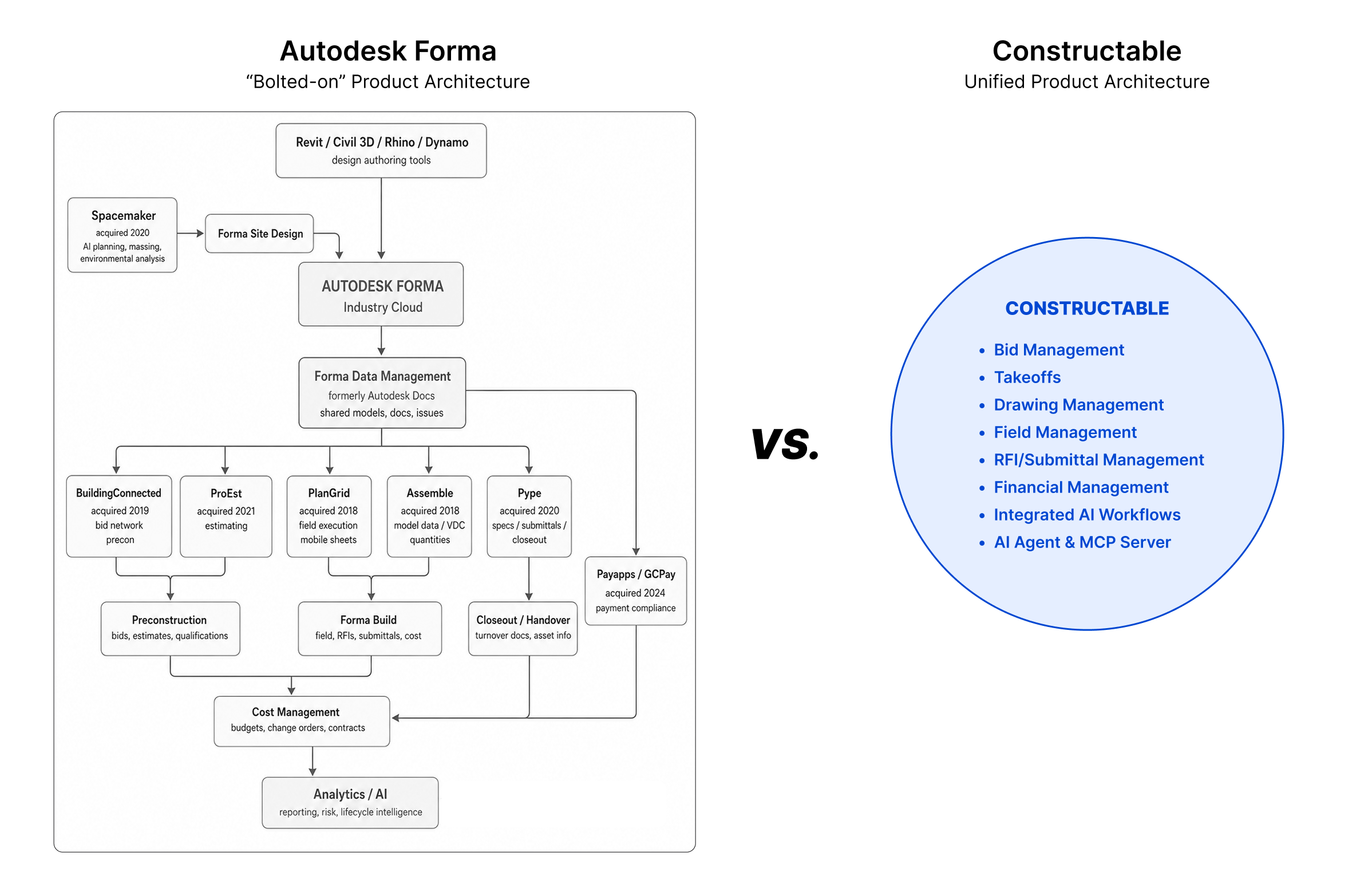\\n\\nFor a mid-size GC where field usability is what gets your team to open the software, the [Constructable vs Autodesk Forma](https://constructable.ai/blog/constructable-vs-autodesk-forma) comparison shows how a cohesive system built from the start differs from one assembled through bolted-on acquisitions.\\n\\n---\\n\\n## Fieldwire\\n\\nFieldwire, now part of Hilti, is a field-execution system built around drawing distribution, task management, and punch lists. It started with trade contractors and keeps a field-first reputation, with solid plan markup and offline access on iOS and Android. For a specialty contractor coordinating drawings and tasks on the jobsite, it does that job well.\\n\\nThe gaps show up on the office side. There are no native financial tools, so budgets, SOVs, commitments, and change orders live elsewhere. Pricing runs per user, starting at [$39 monthly](https://fieldservicesoftware.io/software/fieldwire/) billed annually, and a [Business Plus costs over $21,000 annually](https://projul.com/blog/fieldwire-pricing-breakdown/) before any financials.\\n\\nIf you need field and office workflows, financial visibility, and RFI depth in one place, **Constructable** covers the full scope Fieldwire was not built for.\\n\\n---\\n\\n## RedTeam\\n\\nRedTeam has been in market since 2006 and sits below enterprise tools on price, with financial reporting as its strongest suit. WIP reports pull up in a few clicks, estimating and proposal generation cover pre-award work, and a S
165age 100 integration is available, though users report the sync runs inconsistently. For a cost-conscious GC that runs most of its project management from the office, that reporting depth is a real fit.\\n\\nThe gaps show up in the field. RedTeam's mobile experience is a common reason teams switch mid-contract, cited consistently in [G2](https://www.g2.com/products/redteam/reviews) and Capterra reviews, RFIs cannot be pinned to specific drawing locations, and the native scheduling tool has reported data-loss issues. There is also no audit log for budget and spend changes.\\n\\nIf you need field crews using the system every day, the [Constructable vs RedTeam](https://constructable.ai/blog/constructable-vs-redteam) comparison shows how field workflows and financial tools come together without the mobile trade-offs or gaps in drawing-based collaboration.\\n\\n---\\n\\n## PlanGrid\\n\\nPlanGrid was an early leader in mobile-first drawing management, acquired by Autodesk in 2018 and folded into what is now Autodesk Forma Build. The standalone product still runs, but it sits in maintenance mode and is closed to new customers.\\n\\nWhat remains is the field toolset it built its name on:\\n\\n- Blueprint distribution and markup across iOS, Android, and web\\n\\n- Drawing version control and sheet-based organization\\n\\n- Photo and punch list documentation\\n\\nThere are no native financial tools, no change order management, and no RFI-to-drawing pins, so the gaps widen the longer a team stays on it.\\n\\nIf you are still running PlanGrid, you are on a migration timeline. The [Constructable vs PlanGrid](https://constructable.ai/blog/constructable-vs-plangrid) comparison is a common landing spot for teams pairing the drawings-first field experience PlanGrid was known for with the RFI, financial, and office workflows it never covered.\\n\\n---\\n\\n## INGENIOUS.BUILD\\n\\nINGENIOUS.BUILD manages construction and real estate development from the owner's seat, built for developers watching a portfolio of projects, not the crew running a single job. Its strengths sit at that level: portfolio oversight across developments, financial and program management tuned to ownership, and per-user, per-month pricing with volume discounts.\\n\\nThe distinction is audience, not caliber. Aimed at owner-developer oversight, the day-to-day GC workflows behind RFIs, submittals, daily logs, and change order execution sit outside its center.\\n\\nIf you run active construction from bidding to field closeout, the [Constructable vs INGENIOUS.BUILD](https://constructable.ai/blog/constructable-vs-ingenious-build) comparison details how each system aligns to its intended audience.\\n\\n---\\n\\n## Feature comparison table of construction project management systems\\n\\nThe table below maps how each system handles the workflows mid-size GCs run daily, from drawings and RFIs to pricing structure. For a broader look at the category, see our guide to [all-in-one construction software](https://constructable.ai/blog/best-all-in-one-construction-platforms).\\n\\n| System | Best fit | Pricing model | Built-in AI | Named integrations |\\n| --------------- | ------------------------------------------------ | ------------------------- | ------------------- | ------------------------------- |\\n| Constructable | Mid-size GCs ($20M to $150M) | Flat-fee, unlimited users | Assistive, built-in | QuickBooks Online, Sage Intacct |\\n| Procore | Enterprise GCs | Per-user, custom quote | Add-on | Broad marketplace |\\n| Autodesk Forma | Large firms, design-build | Per-user | Add-on | Autodesk ecosystem |\\n| INGENIOUS.BUILD | Developer portfolio oversight | Per-user, per-month | Limited | Financial tools |\\n| Fieldwire | Field-first crews | Per-user tiers | Limited | Third-party sync |\\n| RedTeam | Small-to-mid GCs | Per-project | Limited | Accounting tools |\\n| PlanGrid | Field crews (maintenance mode, no new customers) | Per-user | None | Autodesk ecosystem |\\n\\n## Why **Constructable** is the best construction project management system\\n\\nMost systems on this list were built for someone else. Enterprise GCs, developers watching a portfolio, trade crews running the field alone. If Procore is on your shortlist, our guide to [Procore alternatives for mid-market contractors](https://constructable.ai/blog/procore-alternatives-mi
165d-market-contractors) maps out the options before you decide. The question for a mid-size GC is which system was built for a firm your size.\\n\\n**Constructable** is the only one here purpose-built for the $20M to $150M GC, with flat-fee pricing, a drawings-first architecture, assistive AI baked into the work you already do (like pre-checking your Submittal documents), and white-glove onboarding under 21 days. If that sounds like your firm, the best way to know is to see it against your own projects. Book a demo and check the fit.\\n\\n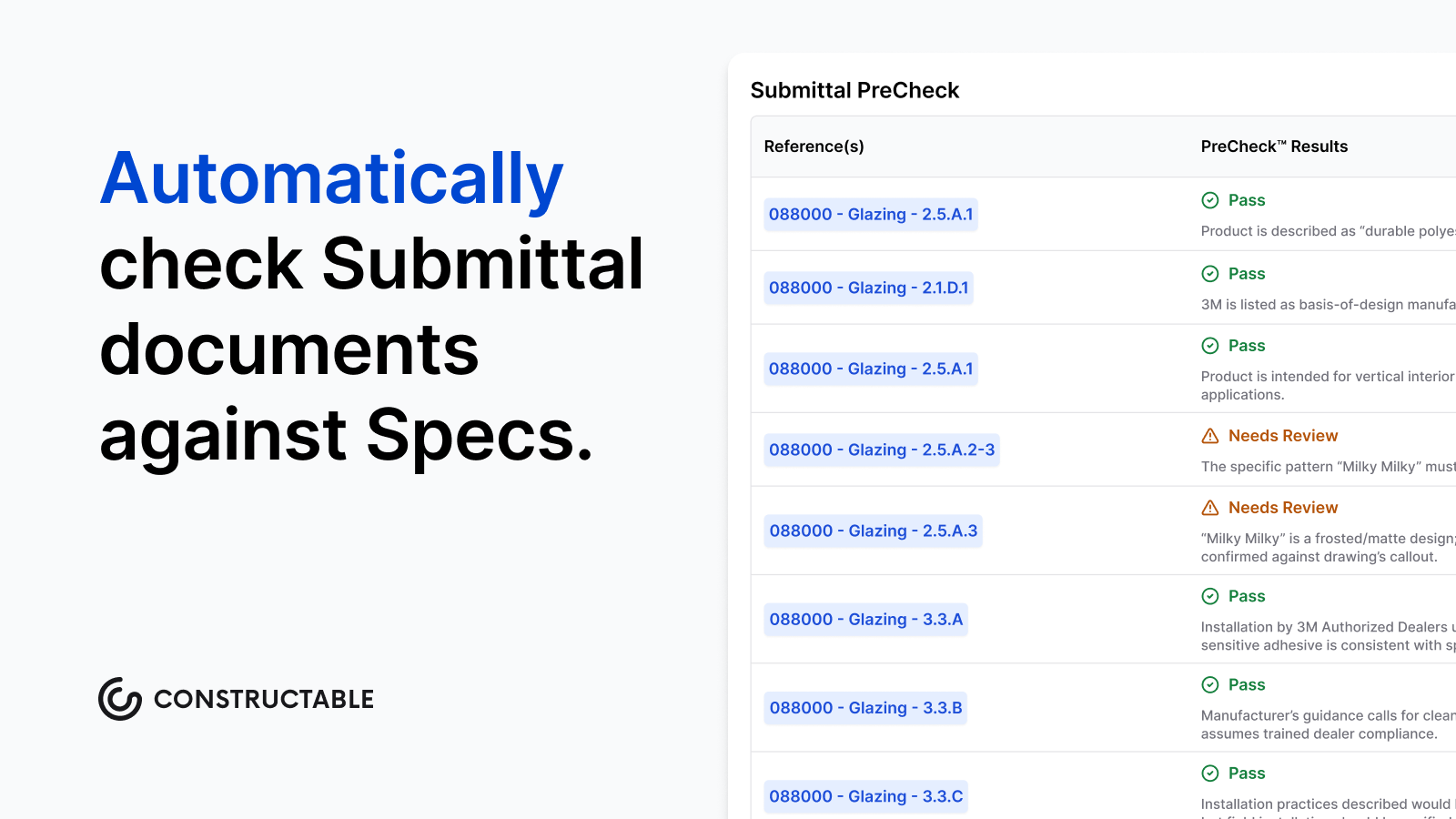\\n\\n## Final thoughts on picking project management software for construction\\n\\nSoftware that was built for someone else will feel like it the moment a job picks up speed. Mid-size GCs have specific needs, and the right system should match them without extra configuration or extra cost. Take a look at [**Constructable**](https://constructable.ai/sales) and see whether it fits the way your team actually works.\\n\\n## FAQ\\n\\n### How do I choose between Constructable, Procore, and Autodesk Forma for a mid-size GC?\\n\\nStart with company size and pricing tolerance. Procore and Autodesk Forma are built around enterprise scale, with per-user pricing and configuration overhead that works best for firms with dedicated software staff. **Constructable** is purpose-built for the $20M to $150M GC that wants flat-fee access, fast onboarding, and a system field crews will actually open on day one.\\n\\n### Is Constructable better than Fieldwire for general contractors who need both field and financial workflows?\\n\\nYes, if you need both. Fieldwire is a strong field-execution tool for drawing distribution and task management, but it has no native financial tools, meaning budgets, change orders, and schedules of values live in a separate system entirely. **Constructable** covers field and financial workflows in one connected system without the per-user cost that pushes a 20-person Fieldwire team past $21,000 a year.\\n\\n### When should a team still on PlanGrid switch to a different construction project management system?\\n\\nPlanGrid is in maintenance mode and closed to new customers, so the migration timeline is not optional. The key decision is which system to land on. Teams that valued PlanGrid's drawings-first field experience should look for a system that pairs that same approach with the RFI tracking, change order management, and financial workflows PlanGrid never covered.\\n\\n### Which systems on this list include pre-construction estimating tools?\\n\\nRedTeam includes estimating and proposal generation as part of its pre-construction coverage. **Constructable**, Procore, Autodesk Forma, Fieldwire, and INGENIOUS.BUILD do not offer native estimating or bid takeoff functionality, so firms that need integrated estimating should factor that gap into their evaluation and plan for a separate tool alongside whichever system they choose.\\n\\n### Is Constructable or RedTeam a better fit for a GC that runs most project management from the office?\\n\\nRedTeam's strength is financial reporting and WIP visibility, which suits cost-conscious firms that manage projects primarily from the office. If field crew adoption matters, RedTeam's documented mobile gaps and the inability to pin RFIs to specific drawing locations become real friction points mid-project. **Constructable** pairs the same financial depth with a mobile experience that mirrors the desktop, so field and office teams work from the same system without workarounds.\\n\",[],[1165,1166,1167,347,1168,1169],\"{\\n \\\"@context\\\": \\\"https://schema.org\\\",\\n \\\"@type\\\": \\\"FAQPage\\\",\\n \\\"name\\\": \\\"Best Construction Project Management Software: Mid-Size GCs (2026)\\\",\\n \\\"mainEntity\\\": [\\n {\\n \\\"@type\\\": \\\"Question\\\",\\n \\\"name\\\": \\\"How do I choose between Constructable, Procore, and Autodesk Forma for a mid-size GC?\\\",\\n \\\"acceptedA
165nswer\\\": {\\n \\\"@type\\\": \\\"Answer\\\",\\n \\\"text\\\": \\\"Start with company size and pricing tolerance. Procore and Autodesk Forma are built around enterprise scale, with per-user pricing and configuration overhead that works best for firms with dedicated software staff. Constructable is purpose-built for the $20Mâ$150M GC that wants flat-fee access, fast onboarding, and a system field crews will actually open on day one.\\\"\\n }\\n },\\n {\\n \\\"@type\\\": \\\"Question\\\",\\n \\\"name\\\": \\\"Is Constructable better than Fieldwire for general contractors who need both field and financial workflows?\\\",\\n \\\"acceptedAnswer\\\": {\\n \\\"@type\\\": \\\"Answer\\\",\\n \\\"text\\\": \\\"Yes, if you need both. Fieldwire is a strong field-execution tool for drawing distribution and task management, but it has no native financial tools, meaning budgets, change orders, and schedules of values live in a separate system entirely. Constructable covers field and financial workflows in one connected system without the per-user cost that pushes a 20-person Fieldwire team past $21,000 a year.\\\"\\n }\\n },\\n {\\n \\\"@type\\\": \\\"Question\\\",\\n \\\"name\\\": \\\"When should a team still on PlanGrid switch to a different construction project management system?\\\",\\n \\\"acceptedA
165nswer\\\": {\\n \\\"@type\\\": \\\"Answer\\\",\\n \\\"text\\\": \\\"PlanGrid is in maintenance mode and closed to new customers, so the migration timeline is not optional. The key decision is which system to land on. Teams that valued PlanGrid's drawings-first field experience should look for a system that pairs that same approach with the RFI tracking, change order management, and financial workflows PlanGrid never covered.\\\"\\n }\\n },\\n {\\n \\\"@type\\\": \\\"Question\\\",\\n \\\"name\\\": \\\"Which systems on this list include pre-construction estimating tools?\\\",\\n \\\"acceptedAnswer\\\": {\\n \\\"@type\\\": \\\"Answer\\\",\\n \\\"text\\\": \\\"RedTeam includes estimating and proposal generation as part of its pre-construction coverage. Constructable, Procore, Autodesk Forma, Fieldwire, and INGENIOUS.BUILD do not offer native estimating or bid takeoff functionality, so firms that need integrated estimating should factor that gap into their evaluation and plan for a separate tool alongside whichever system they choose.\\\"\\n }\\n },\\n {\\n \\\"@type\\\": \\\"Question\\\",\\n \\\"name\\\": \\\"Is Constructable or RedTeam a better fit for a GC that runs most project management from the office?\\\",\\n \\\"acceptedA
165nswer\\\": {\\n \\\"@type\\\": \\\"Answer\\\",\\n \\\"text\\\": \\\"RedTeam's strength is financial reporting and WIP visibility, which suits cost-conscious firms that manage projects primarily from the office. If field crew adoption matters, RedTeam's documented mobile gaps and the inability to pin RFIs to specific drawing locations become real friction points mid-project. Constructable pairs the same financial depth with a mobile experience that mirrors the desktop, so field and office teams work from the same system without workarounds.\\\"\\n }\\n },\\n {\\n \\\"@type\\\": \\\"Question\\\",\\n \\\"name\\\": \\\"What's the best construction project management software for a GC who wants to replace both Procore and QuickBooks with one system?\\\",\\n \\\"acceptedAnswer\\\": {\\n \\\"@type\\\": \\\"Answer\\\",\\n \\\"text\\\": \\\"No single system fully replaces a dedicated accounting package, but **Constructable** comes closest for mid-size GCs â its native tw
165o-way sync with QuickBooks Online and Sage Intacct means financial data flows between systems without manual re-entry, while budgets, change orders, commitments, and invoicing all live inside the same connected system as your field workflows. Teams that previously ran Procore for project management and QuickBooks for accounting can consolidate most of that work into **Constructable** without adding middleware. If your accounting team needs to stay in QuickBooks, the sync handles the financial bridge while the rest of your stack disappears.\\\"\\n }\\n },\\n {\\n \\\"@type\\\": \\\"Question\\\",\\n \\\"name\\\": \\\"How does construction project management software handle scheduling â can I use my existing Microsoft Project files?\\\",\\n \\\"acceptedAnswer\\\": {\\n \\\"@type\\\": \\\"Answer\\\",\\n \\\"text\\\": \\\"**Constructable** supports native upload and display of Microsoft Project (MPP) files directly within the system, so your team can view the current schedule without exporting to PDF or converting formats. In-app schedule editing and dedicated look-ahead scheduling workflows are not yet available, so Microsoft Project or an equivalent tool remains necessary for authoring and modifying schedules â the updated file is then re-uploaded to **Constructable** each time it changes. Teams evaluating whether they can eliminate their MS Project licenses should factor that gap into the decision.\\\"\\n }\\n },\\n {\\n \\\"@type\\\": \\\"Question\\\",\\n \\\"name\\\": \\\"What is the typical timeline for migrating from Procore to Constructable, and what happens to historical project data?\\\",\\n \\\"acceptedA
165nswer\\\": {\\n \\\"@type\\\": \\\"Answer\\\",\\n \\\"text\\\": \\\"Most teams are live on **Constructable** in under 21 days, with hands-on migration support included at no extra cost â no third-party consultants required. One important scope note: daily log entries from Procore are not imported into **Constructable**'s native daily log module; they are stored as static PDFs in a backup folder, which affects how searchable that historical data is post-migration. Teams with large volumes of completed projects should discuss archival strategy during migration scoping so there are no surprises on day one.\\\"\\n }\\n },\\n {\\n \\\"@type\\\": \\\"Question\\\",\\n \\\"name\\\": \\\"Should I use Constructable or Procore if my firm is standardized on Sage 100 Contractor?\\\",\\n \\\"acceptedAnswer\\\": {\\n \\\"@type\\\": \\\"Answer\\\",\\n \\\"text\\\": \\\"Procore is the stronger fit here if Sage 100 Contractor integration is a hard requirement â Procore offers native Sage 100 integration, while **Constructable** currently supports only QuickBooks Online and Sage Intacct. Firms on Sage 100 that choose **Constructable** would need to manually transfer financial data between systems or explore a custom integration path. If your team is open to migrating to Sage Intacct â or already runs QuickBooks Online â the ERP gap closes entirely and **Constructable**'s flat-fee pricing and faster onboarding become much stronger arguments.\\\"\\n }\\n },\\n {\\n \\\"@type\\\": \\\"Question\\\",\\n \\\"name\\\": \\\"How do I document a verbal change order approval before I have final costs or a signed document?\\\",\\n \\\"acceptedA
165nswer\\\": {\\n \\\"@type\\\": \\\"Answer\\\",\\n \\\"text\\\": \\\"Create a change event in **Constructable** the moment the scope change is identified â before pricing is finalized and before the owner signs anything. The change event captures the description, context, and any attachments right away, and formal change orders with line items and e-signatures are built underneath it once costs are confirmed. This two-stage model closes the gap between when work starts and when documentation catches up, which is where most change order disputes originate.\\\"\\n }\\n },\\n {\\n \\\"@type\\\": \\\"Question\\\",\\n \\\"name\\\": \\\"Can field superintendents access project budgets from their phones, or is that desktop-only?\\\",\\n \\\"acceptedAnswer\\\": {\\n \\\"@type\\\": \\\"Answer\\\",\\n \\\"text\\\": \\\"**Constructable**'s mobile app gives field superintendents real-time budget and cost visibility from their phones â the mobile experience mirrors the desktop exactly, so there is no separate field-only view with stripped-down data. This matters on active jobs where a super needs to check committed costs or budget variances before approving a delivery or a scope conversation, without waiting to get back to the office.\\\"\\n }\\n },\\n {\\n \\\"@type\\\": \\\"Question\\\",\\n \\\"name\\\": \\\"What is the best way to share drawings and bid documents with external parties like print vendors or subcontractors who don't have a login?\\\",\\n \\\"acceptedA
165nswer\\\": {\\n \\\"@type\\\": \\\"Answer\\\",\\n \\\"text\\\": \\\"**Constructable** does not currently include a dedicated transmittal workflow, so sharing large document sets with external parties who need a documented record of receipt requires a workaround â typically uploading files and sharing access links rather than a formal transmittal with delivery confirmation. Subcontractors and bidders can be added to projects with external role permissions, giving them access to the files they need without paying per-user fees. Teams that need documented physical handoffs â O\u0026M manuals, material samples â should plan to handle that outside the system until the transmittal feature on the roadmap ships.\\\"\\n }\\n },\\n {\\n \\\"@type\\\": \\\"Question\\\",\\n \\\"name\\\": \\\"How does Constructable's AI Answer Engine actually work in practice on a live construction project?\\\",\\n \\\"acceptedAnswer\\\": {\\n \\\"@type\\\": \\\"Answer\\\",\\n \\\"text\\\": \\\"The AI Answer Engine lets anyone on the project ask a plain-language question â about a paint spec buried in a submittal, a RFI response from three months ago, a note in an old daily log â and get an answer pulled from across drawings, documents, photos, and logs, with a direct link back to the source so you can verify it yourself. As of May 2026, queries run across multiple projects simultaneously, so a PM managing several active jobs can ask who has open RFIs assigned to them across the entire portfolio without opening each project individually. The AI works inside the workflows you already run; there is no separate chat window or mode to switch into.\\\"\\n }\\n },\\n {\\n \\\"@type\\\": \\\"Question\\\",\\n \\\"name\\\": \\\"How do external parties like subcontractors and owners get access to a project in Constructable, and what can they see?\\\",\\n \\\"acceptedA
165nswer\\\": {\\n \\\"@type\\\": \\\"Answer\\\",\\n \\\"text\\\": \\\"External users are invited by project role â Owner, Owner (Limited), Consultant, Subcontractor (Office), Subcontractor (Field), or Bidder â and their access is scoped to what that role needs, not the full system. There are no per-user fees regardless of how many subs, owners, or consultants you add, which means teams can invite the full project stakeholder group without watching the bill climb. Permissions can be adjusted at the project level if a specific collaborator needs more or less visibility than their default role provides.\\\"\\n }\\n },\\n {\\n \\\"@type\\\": \\\"Question\\\",\\n \\\"name\\\": \\\"What are the real risks of staying on disconnected spreadsheets and email for construction project management instead of moving to a unified system?\\\",\\n \\\"acceptedAnswer\\\": {\\n \\\"@type\\\": \\\"Answer\\\",\\n \\\"text\\\": \\\"The core risk is that critical project information â RFI responses, change event context, daily log entries, photo documentation â lives in places that are hard to search, easy to lose, and impossible to compile quickly when a dispute surfaces. Teams running on email and spreadsheets spend hours reconstructing timelines that a connected system would surface in seconds, and verbal approvals or scattered threads create exactly the documentation gaps that weaken claims and cost margin. The question for most mid-size GCs is not whether to consolidate, but which system to land on before the next job picks up speed.\\\"\\n }\\n }\\n ],\\n \\\"url\\\": \\\"https://constructable.ai/blog/best-construction-project-management-software-gcs\\\",\\n \\\"dateModified\\\": \\\"2026-09-25T00:31:38.072Z\\\",\\n \\\"author\\\": {\\n \\\"@type\\\": \\\"Person\\\",\\n \\\"name\\\": \\\"Molly Abbott\\\"\\n }\\n}\\n\",\"{\\n \\\"@context\\\": \\\"https://schema.org\\\",\\n \\\"@type\\\": \\\"BlogPosting\\\",\\n \\\"headline\\\": \\\"Best Construction Project Management Software: Mid-Size GCs (2026)\\\",\\n \\\"description\\\": \\\"July 2026 guide to the best construction project management software for mid-size GCs. Compare 7 systems on pricing, drawings, AI, onboarding, and field usability.\\\",\\n \\\"datePublished\\\": \\\"2026-07-10T18:03:23.658Z\\\",\\n \\\"dateModified\\\": \\\"2026-07-10T18:03:23.658Z\\\",\\n \\\"author\\\": {\\n \\\"@type\\\": \\\"Person\\\",\\n \\\"name\\\": \\\"Molly Abbott\\\",\\n \\\"description\\\": \\\"Molly Abbott is a co-founder of Constructable, and comes from a construction family. Sheâs a little bit quirky, a little bit competitive, and a little bit fun. She drives a minivan and has two small boys to give you a better picture of her in real life. \\\"\\n },\\n \\\"url\\\": \\\"https://constructable.ai/blog/best-construction-project-management-software-gcs\\\",\\n \\\"wordCount\\\": 2500,\\n \\\"keywords\\\": [\\n \\\"project management software for construction\\\"\\n ]\\n}\\n\",\"project management software construction\",\"ranked construction project management systems\",\"best overall constructable\",\"autodesk forma build fka construction cloud\",\"review\"]\n");</script>
165<!--$-->
165<script>window.__reactRouterContext.streamController.close();</script>
165<!--/$--><!--/$-->
165<script type="module" src="https://static.cloudflareinsights.com/beacon.min.js/v31edd6df95cf4e85bb4c19e7a9bdbcba1788362987495" integrity="sha512-iIg7k2xntmwu6/uSb5tpc/hySgZc4eoL31yB29W6tJFo2akwjPWcEqnCEdJvGexCL0KEQwVYv5BlowfhVz26hg==" data-cf-beacon='{"version":"2024.11.0","token":"b3b928a5343e484d971c9f045fdb3a94","r":1,"spa":2}' crossorigin="anonymous"></script>
165
166</body></html>
Line numbers count LF bytes from the start of the resource, as the search results do. Vendor segments are library code the classifier recognised; they are stored but not indexed. Bytes are shown as Latin1 characters, one per byte.